
The Internet Used To Fight Back
Growing up online used to come with a whole invisible curriculum nobody actually taught, just years of trial and error and yelling at a modem. Every step, from getting connected to finding a song to fixing a broken program, took a small pile of knowledge that's completely useless now. Most of it disappeared quietly, replaced by things that just work without anyone having to understand why. Gen Z grew up on the other side of that transition, skipping straight to smooth. Here's 20 internet skills an entire generation never had to pick up.

1. Surviving Dial-Up
Connecting to the internet involved sitting through a screeching, beeping handshake sound that could take a full minute before anything loaded. Picking up the house phone while someone was online killed the connection instantly, so families negotiated internet time like a shared resource. One wrong click could knock you offline and send you back to square one.
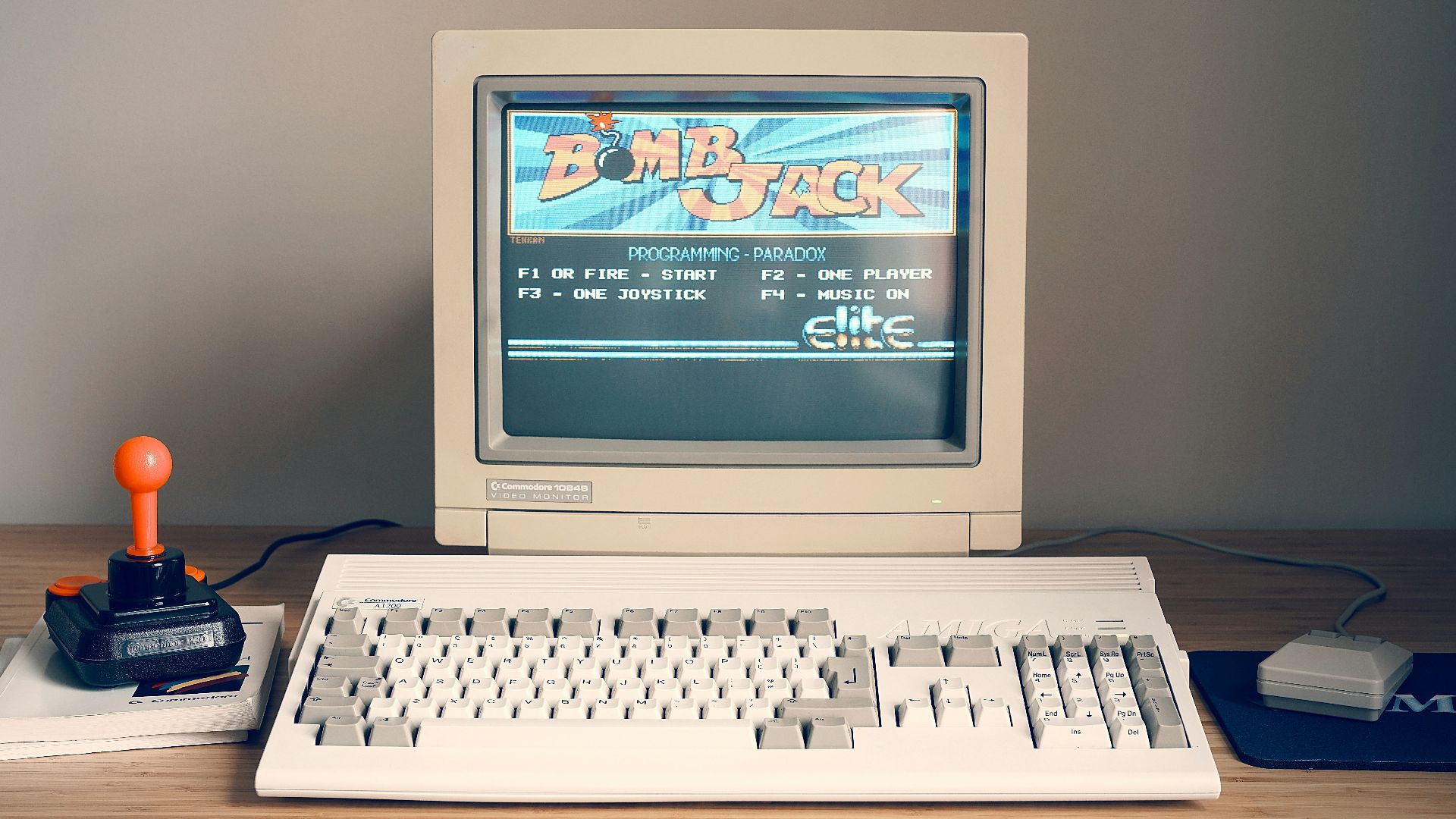
2. Coding A Myspace Profile
Making a Myspace page look decent required at least a little HTML and CSS, copying and tweaking code from other people's pages until something worked. Getting the background, the music player, and the Top 8 just right took real trial and error, not a template.
 Christian Wiediger on Unsplash
3. AIM Away Messages
Away messages were a whole art form, updated constantly with song lyrics, inside jokes, or vague statements meant to be decoded by whoever cared enough to notice. Managing a buddy list, telling "idle" apart from actually away, and reading into someone's status was practically a second language.

4. Printing MapQuest Directions
Before a road trip, someone printed out a full page of turn-by-turn directions from MapQuest, folded it up, and hoped none of the steps were wrong. Missing a single turn meant backtracking or improvising with a paper map, since nothing was around to recalculate.

5. Defragmenting A Hard Drive
Computers slowed to a crawl over time, and fixing it involved running a defragmentation tool that could churn away for hours, sometimes overnight. Nobody fully understood what it was doing, just that skipping it long enough made everything worse.

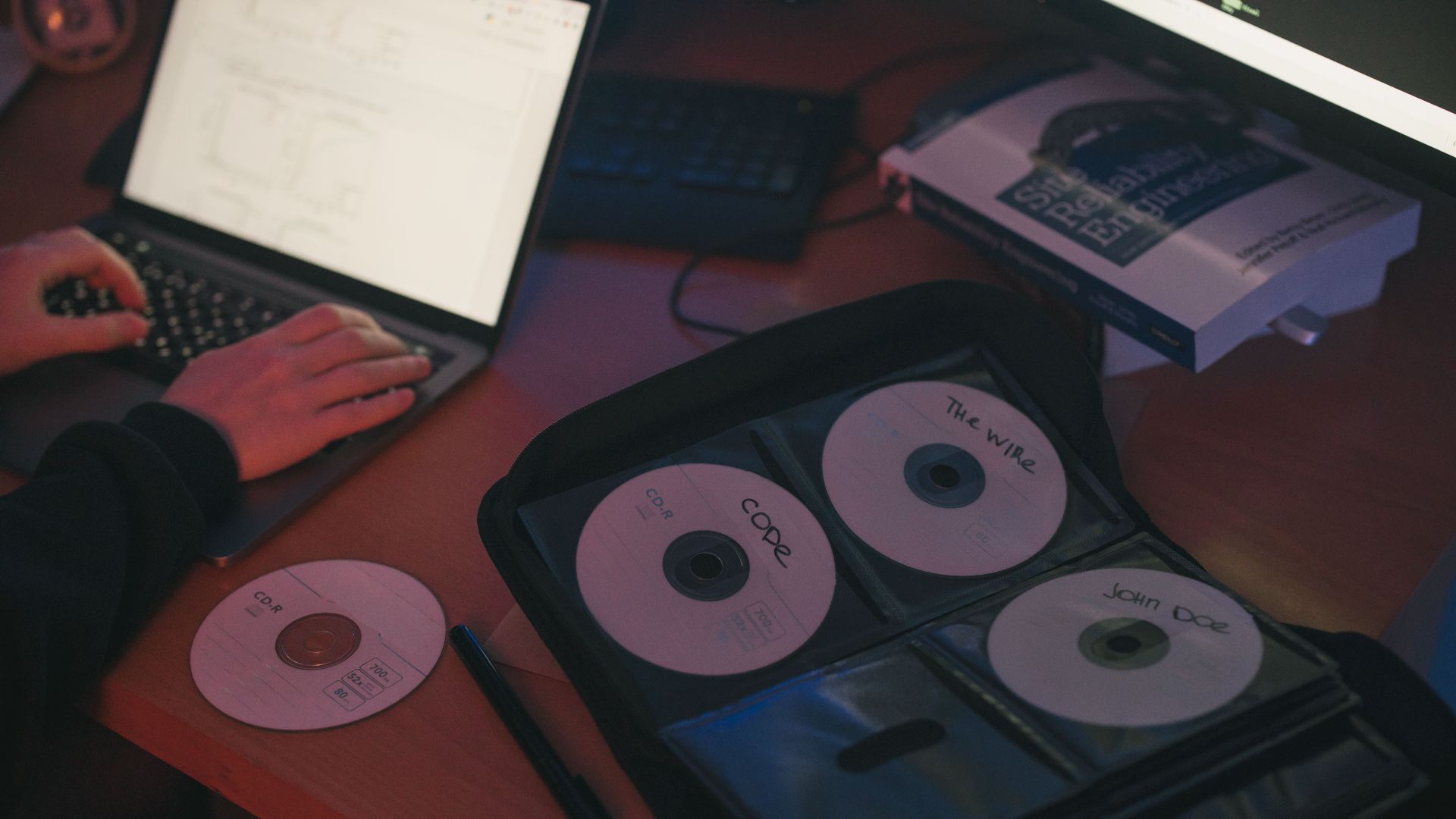
6. Burning A CD
Getting music onto a blank disc took knowing the difference between CD-R and CD-RW, nailing the track order, and sitting through a slow burn process that could still fail at the last second. A scratched or mislabeled disc sent you back to square one.
7. Digging Through Folders
Finding a file came down to actually remembering which folder you'd saved it in, since no search bar was smart enough to guess what you meant. Organizing a desktop, or losing something forever in a folder buried inside another folder, was just part of owning a computer.
 commons.wikimedia.org on Google
8. Memorizing Phone Numbers
Before numbers lived permanently in a phone's contacts, people genuinely memorized the numbers of close friends and family, sometimes for years. Losing a phone or forgetting to write a number down could mean losing touch with someone entirely.

9. Downloading Music On Napster Or LimeWire
Getting a song usually involved digging through file-sharing programs, hoping a file was labeled correctly, and praying it wasn't secretly nineteen minutes of static or a virus. A full album could eat an entire evening, downloaded one track at a time.

10. Actually Using Search Operators
Early search engines weren't smart enough to guess what you meant, so decent results took learning tricks like quotation marks for exact phrases or a minus sign to exclude words. Finding the right combination of keywords was its own skill, since a vague search just returned pages of nothing useful.

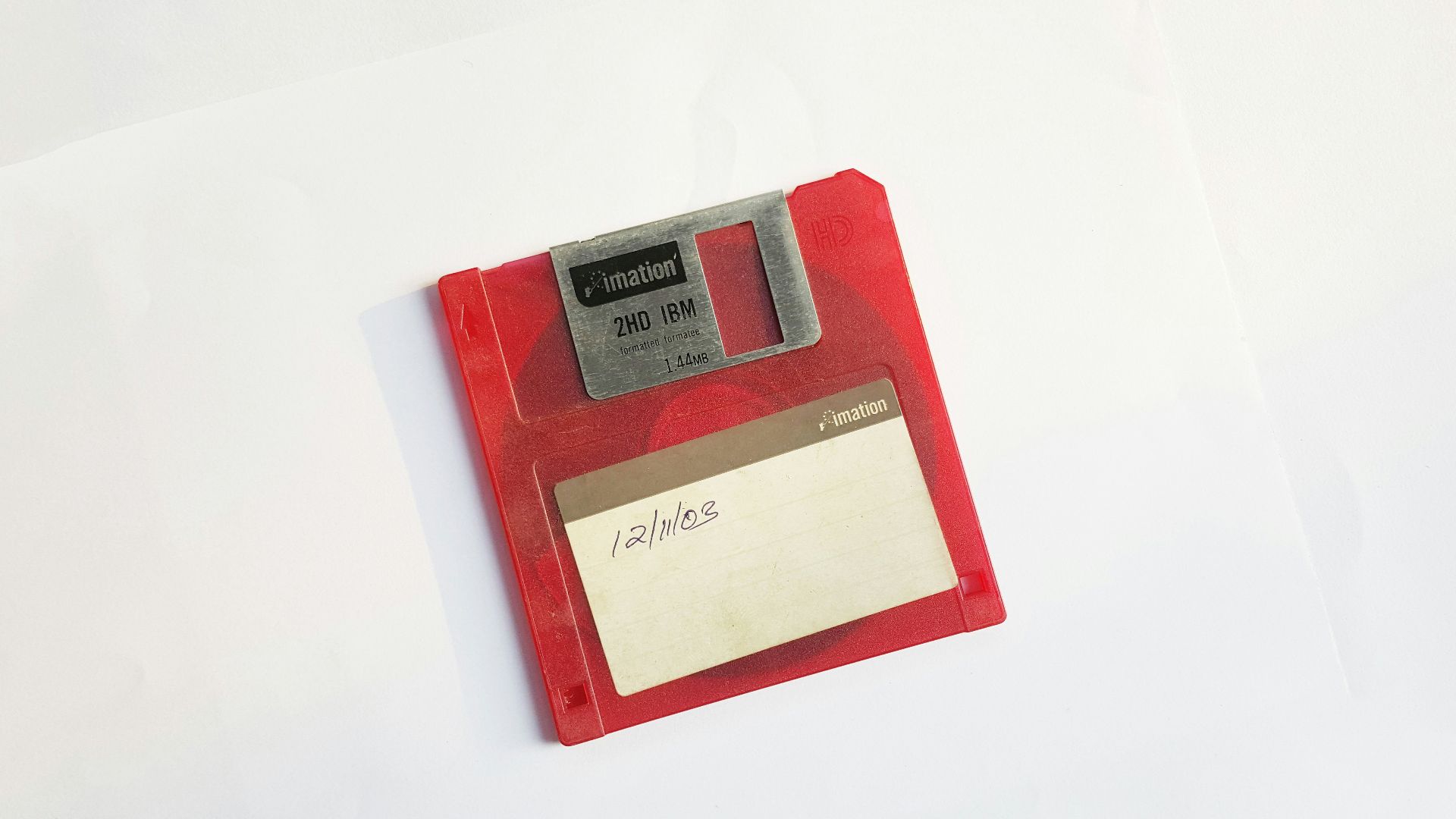
11. Ejecting Disks Properly
Pulling a floppy disk or CD out at the wrong moment could corrupt whatever was on it, so there was an actual ritual to safely ejecting anything before removing it. Skipping that step and losing a half-finished school project was practically a rite of passage.
12. Setting Up A Home Router
Getting Wi-Fi working required typing a router's IP address directly into a browser, digging through settings menus, and occasionally resetting the whole thing with a paperclip. There was no app walking anyone through it, just a manual and a lot of guessing.

13. Decoding Error Messages
Computers used to fail with vague, unhelpful messages like an "illegal operation" or a plain 404 page, no explanation and no obvious next step included. Figuring out what actually broke usually came down to restarting everything and hoping it fixed itself.

14. Fixing Screen Resolution
Installing new hardware or software could throw a monitor's resolution completely out of proportion, stretching everything into blurry, off-color chaos. Fixing it required digging through display settings by hand, since nothing auto-detected the right configuration.

15. Juggling A Dozen Passwords
Every website had its own login, and nothing remembered them automatically, so people kept a running list on paper or just reused the same three passwords everywhere. Forgetting one usually meant guessing through every password you'd ever used.
 Vova Kondriianenko on Unsplash
16. Typing Out Full Web Addresses
Getting to a website required typing the entire address correctly, including the "www" and the right extension, since browsers didn't autocomplete or guess based on a few letters. One typo sent you to an unrelated site, or nowhere at all.

17. Closing Endless Pop-Up Ads
Browsers had no built-in pop-up blockers, so landing on the wrong site could spawn a dozen new windows at once, each one needing to be closed by hand. Clicking the wrong X sometimes opened three more instead of one, so people learned to spot the real close button on sight.

18. Converting File Formats By Hand
Turning a music file from one format into another, or getting a video to actually play, often required tracking down a specific piece of software just for that conversion. Half the challenge was finding a program that worked without also installing three toolbars nobody asked for.
19. Reading The Manual
Setting up a new gadget meant actually reading the paper instruction booklet in the box, since no how-to video was ever a quick search away. Losing that manual usually meant permanently guessing at half the features.

20. Learning Forum Etiquette
Every chatroom and forum had its own unwritten rules, like lurking before posting or never typing in all caps, and breaking them got you publicly corrected fast. Reputation on any given site was something built slowly, and nobody explained the rules until after you'd already broken one.