Apple or Windows?
Let us guess: you probably have a MacBook. If not, then you likely own an iPhone, use an iPad, or listen to music with a pair of AirPods. Or maybe you work out with an Apple Watch. Either way, the clear winner seems to be Apple and its entire ecosystem that just works. But not so fast. While Apple has spent years tightening the relationship between macOS, its hardware, and the rest of its device ecosystem, Windows continues to benefit from an enormous selection of computers, software, components, and peripherals. Depending on what you expect from your computer, either platform can have a decisive advantage. Here are 10 areas where Apple comes out on top, followed by 10 things Windows still handles better.
1. Apple Devices Work Together Exceptionally Well
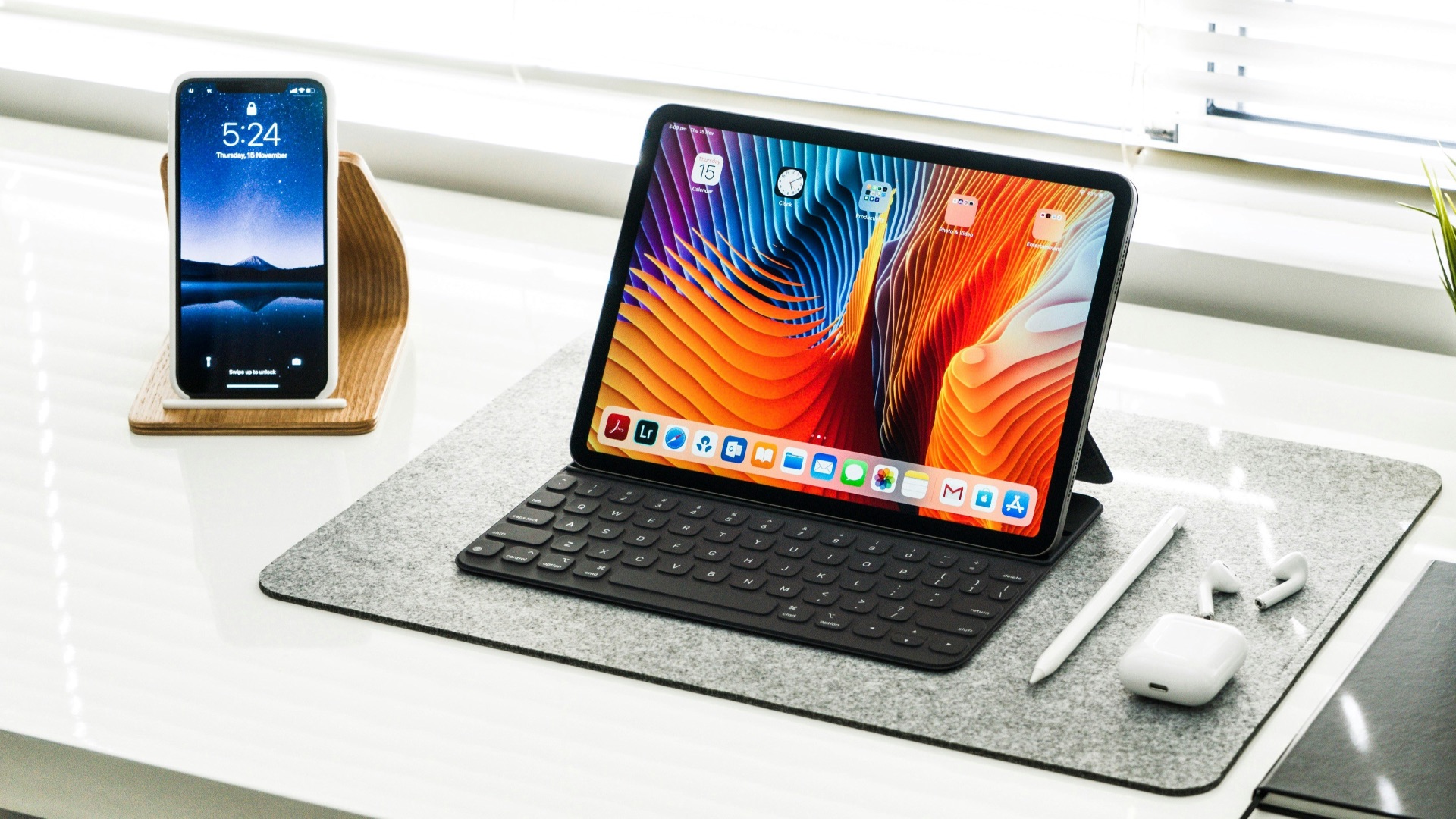
If you already own an iPhone, iPad, or Apple Watch, a Mac can fit into your existing setup with remarkably little effort. Continuity features let you move tasks between devices, copy and paste content across them, answer calls, send messages, and transfer files through AirDrop without relying on third-party software. Apple has made these interactions part of the operating system rather than a collection of loosely connected services, which makes the overall experience particularly cohesive.
2. Apple Controls Both the Hardware and Software
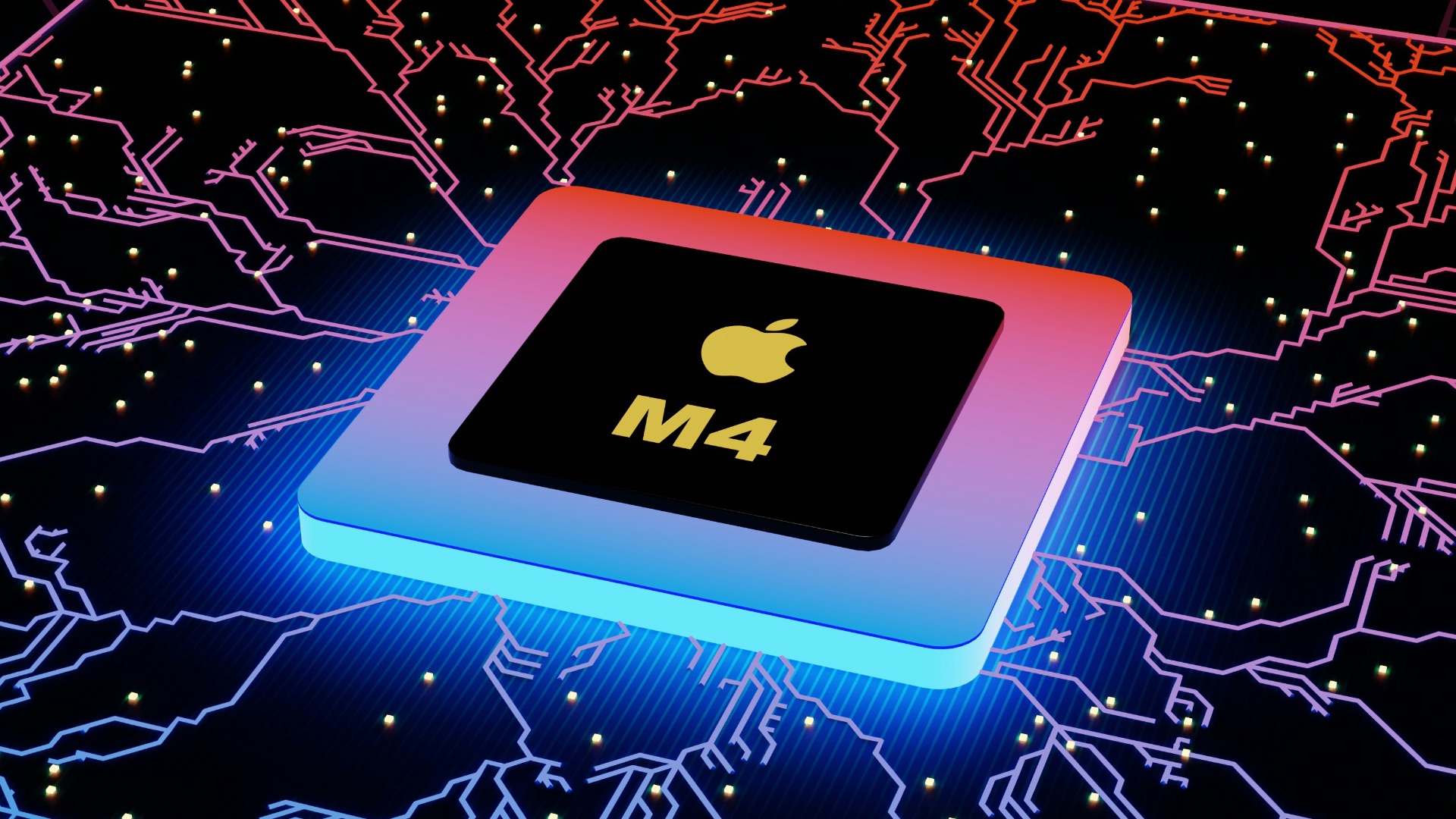
Apple designs macOS alongside the computers and processors that run it, giving the company unusually tight control over the complete product. Its Apple silicon chips, operating system, power management, and hardware can therefore be developed with one another in mind rather than adapted to thousands of possible component combinations. That doesn't guarantee every Mac will outperform every Windows PC, but it does help Apple deliver a level of hardware-software consistency that's difficult for the broader Windows ecosystem to match.
 BoliviaInteligente on Unsplash
3. MacBooks Deliver Impressive Battery Efficiency
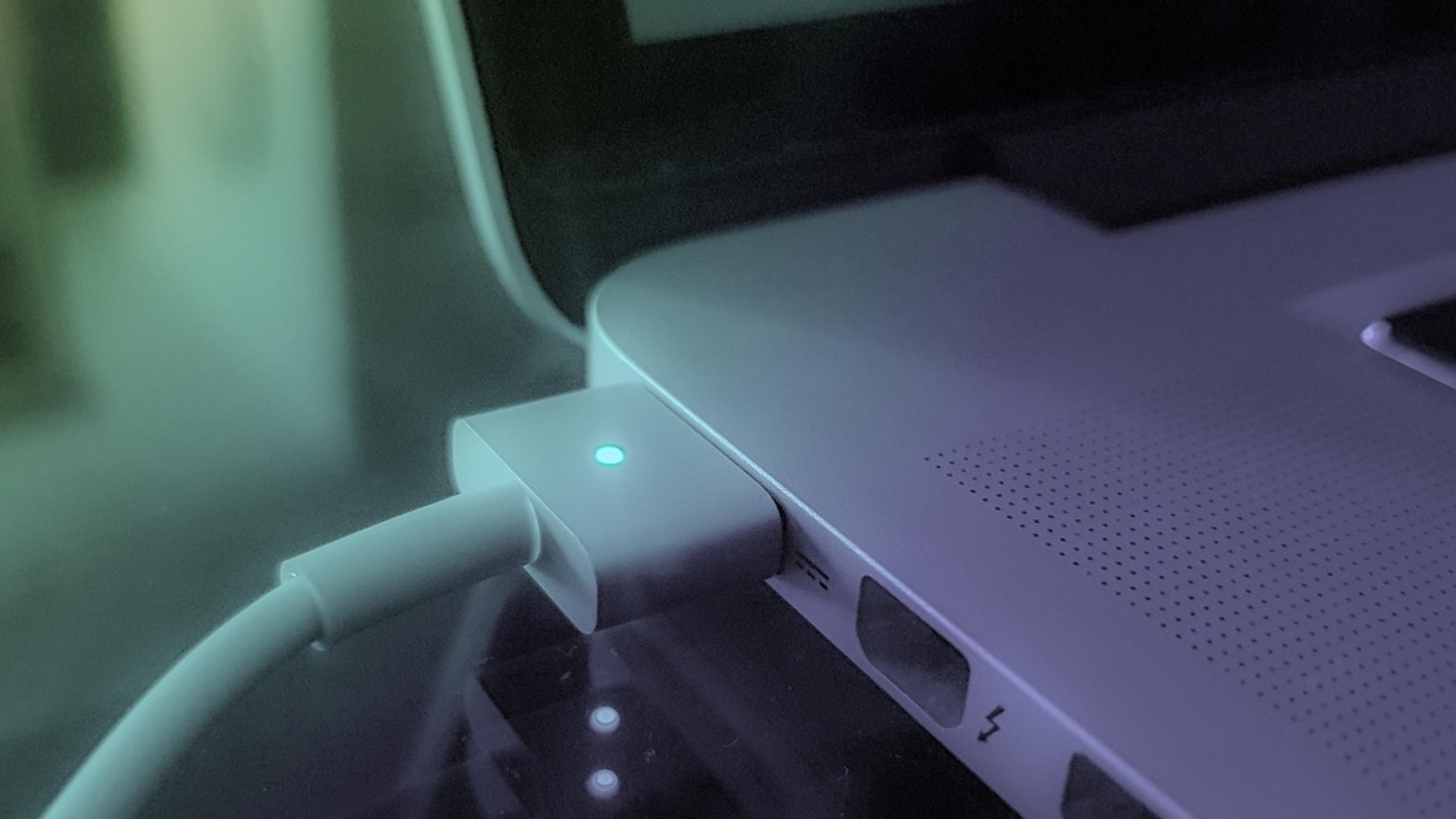
Modern Apple silicon MacBooks can combine substantial performance with long battery life, especially during common productivity work such as browsing, writing, video calls, and media playback. Apple doesn't have to depend as heavily on high power consumption to provide responsive everyday performance, which can make a MacBook particularly convenient when you're working away from an outlet. Windows laptops have improved considerably in this area, but results can differ much more depending on the processor, manufacturer, display, and configuration you choose.
4. AirDrop Makes File Sharing Extremely Convenient
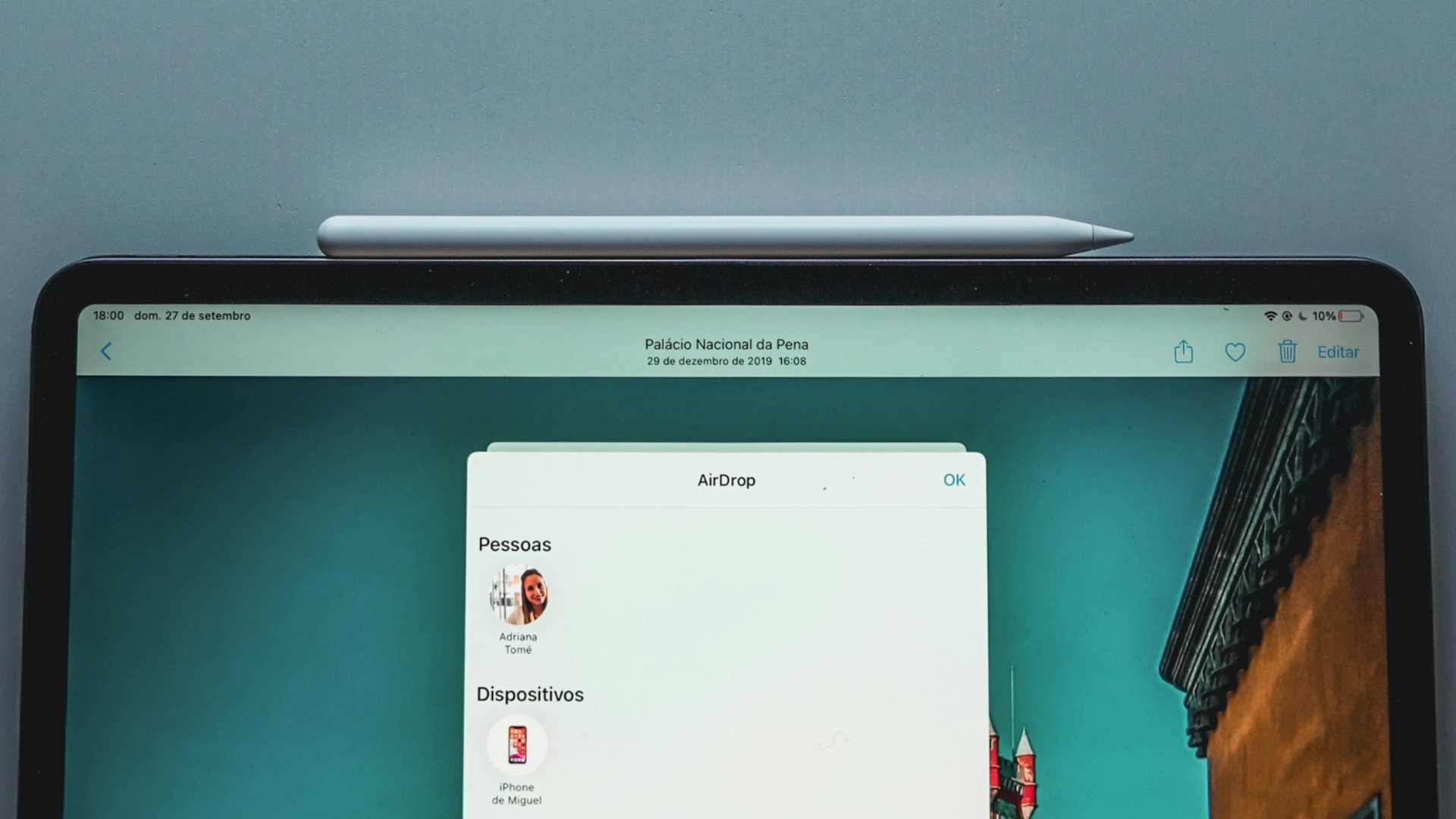
Sending a photo, document, link, or other file between nearby Apple devices generally requires very little setup when AirDrop is available. There's no need to email yourself an attachment, connect a cable, or upload something to cloud storage simply to move it from an iPhone to a Mac. Windows has its own sharing tools, but AirDrop's integration across Apple's widely used phones, tablets, and computers gives it an especially practical advantage for people already inside the ecosystem.
5. The Mac Trackpad Experience Remains Excellent
Apple has put considerable attention into making trackpad gestures an integral part of navigating macOS rather than an optional alternative to using a mouse. Multi-finger gestures can move between desktops, reveal open applications, access interface features, and zoom or scroll with precise control. Plenty of premium Windows laptops now have very good touchpads, but their quality still depends on the particular manufacturer and model you purchase.

6. iPhone Integration Goes Beyond Basic Synchronization
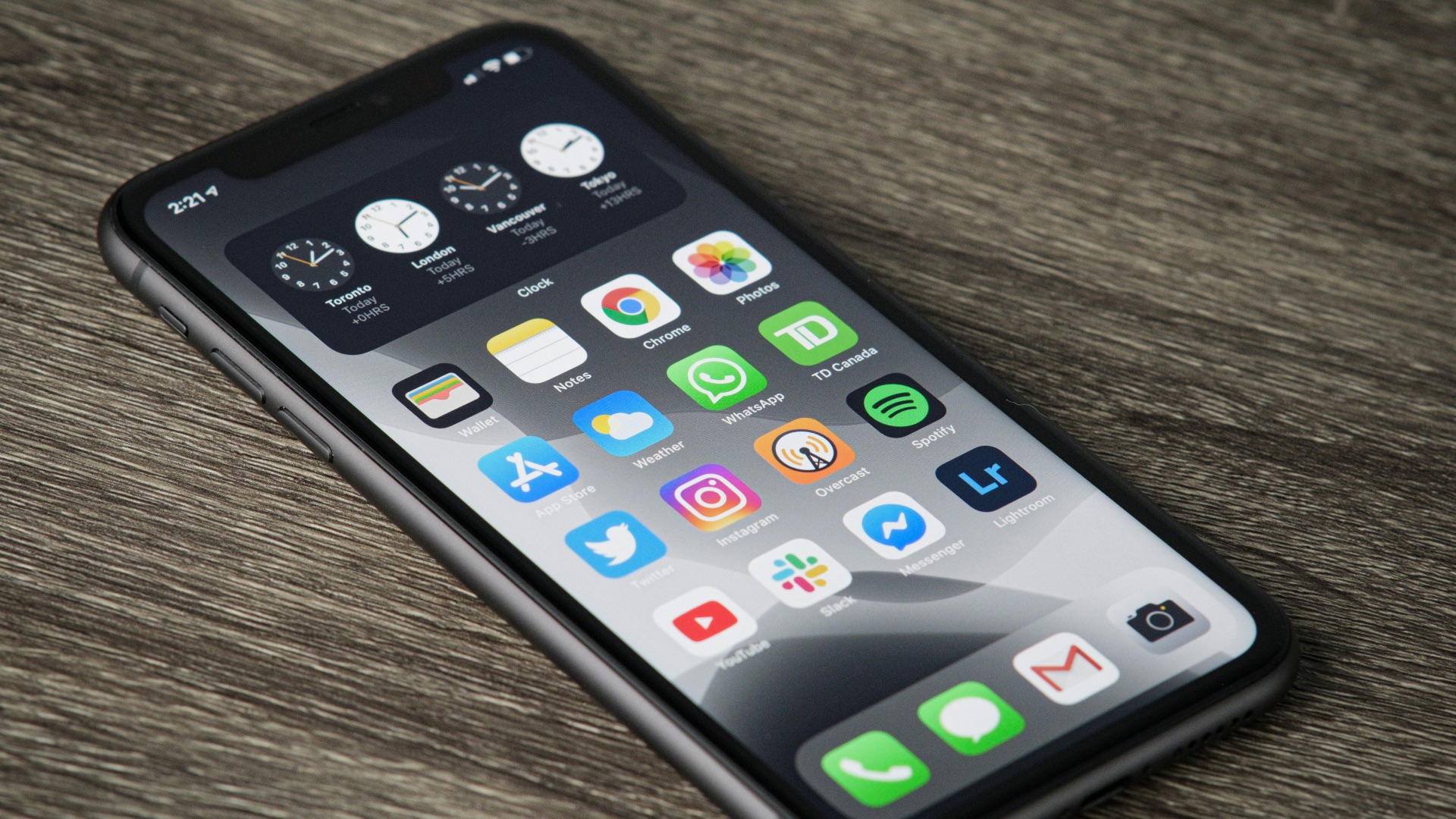
A Mac can interact with an iPhone in ways that extend considerably further than syncing photos or accessing cloud files. Depending on your hardware, software version, and region, Apple's Continuity features can support capabilities such as using an iPhone as a webcam, receiving phone calls on a Mac, accessing messages, and controlling an iPhone through iPhone Mirroring. If your phone is already an iPhone, those connections can eliminate several small interruptions throughout the day.
7. Time Machine Keeps Backups Straightforward
Time Machine gives macOS a built-in backup system that can automatically preserve files and earlier versions once you've configured a compatible backup destination. You don't have to search for separate backup software simply to establish a practical local backup routine, and restoring individual files is designed to be approachable for ordinary users. Windows offers its own backup and recovery options, but Apple's consolidated Time Machine experience remains one of macOS's more user-friendly utilities.

8. Macs Offer More Consistent Hardware Expectations
Shopping for a Mac usually involves choosing between a relatively limited selection of machines with clearly defined positions in Apple's lineup. That smaller range means there's less variation in areas such as trackpad quality, display behavior, enclosure construction, and the general relationship between the operating system and the hardware. The reduced choice won't suit everyone, but it can make buying a dependable computer easier for someone who doesn't want to compare dozens of manufacturers and configurations.
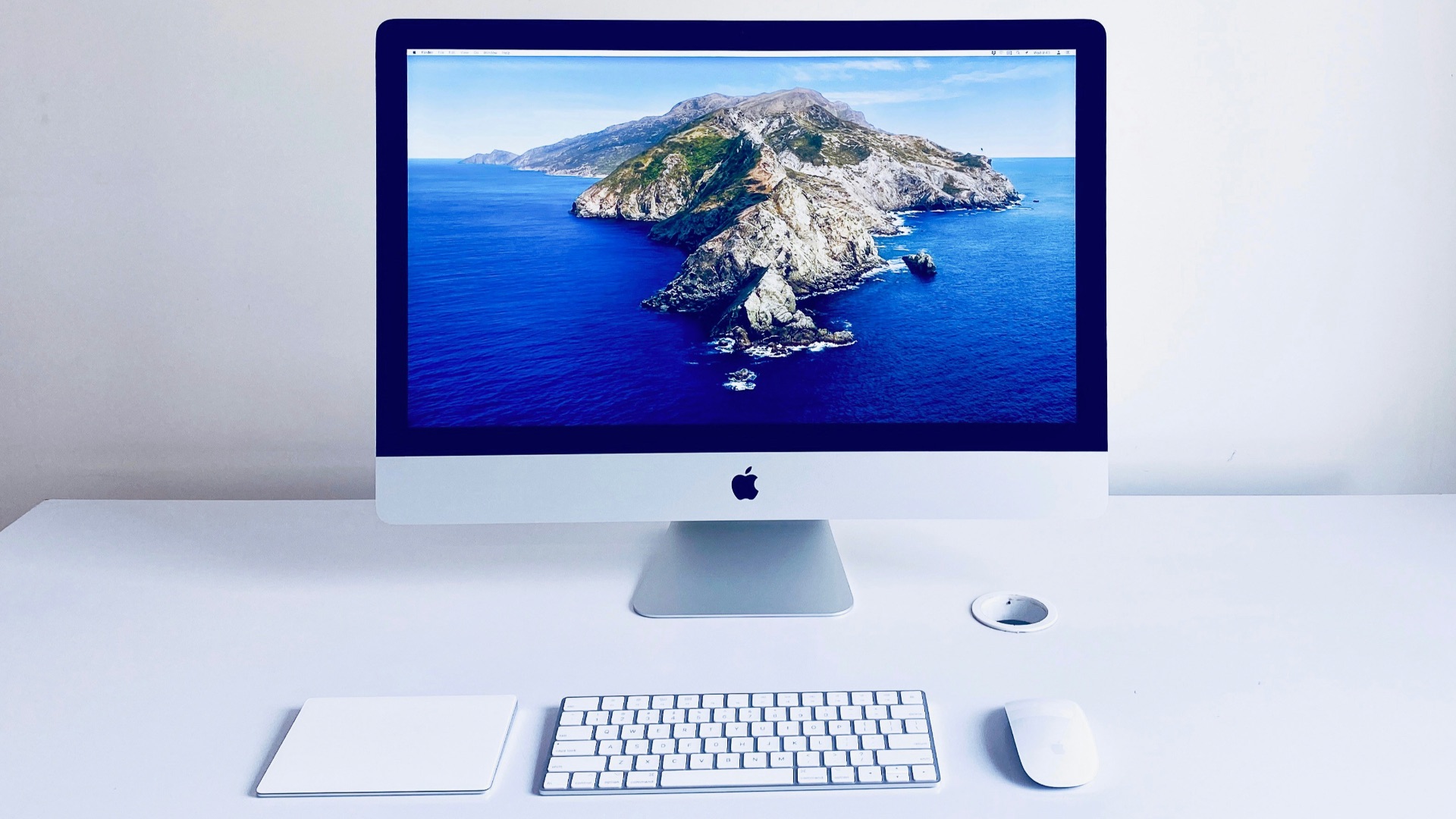
9. Universal Clipboard Is Incredibly Practical
Universal Clipboard allows supported Apple devices signed into the same Apple Account to share copied content when the required connectivity features are enabled. You might copy a paragraph on your Mac and paste it on your iPhone, or grab an image from one Apple device and continue working with it on another. It's a relatively small feature, but because it behaves much like normal copying and pasting, you don't need to change the way you already work.

10. Apple Silicon Has Transformed Performance
Apple's switch from Intel processors to its own M-series chips completely changed what you can expect from a Mac, particularly when it comes to performance per watt. Apple silicon combines the CPU, GPU, unified memory architecture, media engines, Neural Engine, and other components into a tightly integrated system-on-a-chip, allowing Macs to deliver substantial performance without the power demands associated with many high-performance Intel-based PCs. That efficiency also contributes to longer battery life and less dependence on aggressive cooling in MacBooks, while Apple's higher-end chips can handle demanding creative and professional workloads. Intel has made major efficiency improvements with recent Core Ultra generations, so Apple doesn't win every processor comparison, but Apple silicon remains one of the strongest reasons to choose a modern Mac.
As you can see, Apple's integration and consistency give the Mac some clear strengths, particularly for people who already use other Apple products. Once you move beyond that tightly controlled environment, however, Windows gains several advantages from being available across a far larger and more flexible PC ecosystem.

1. Windows Is Still the Stronger Choice for PC Gaming
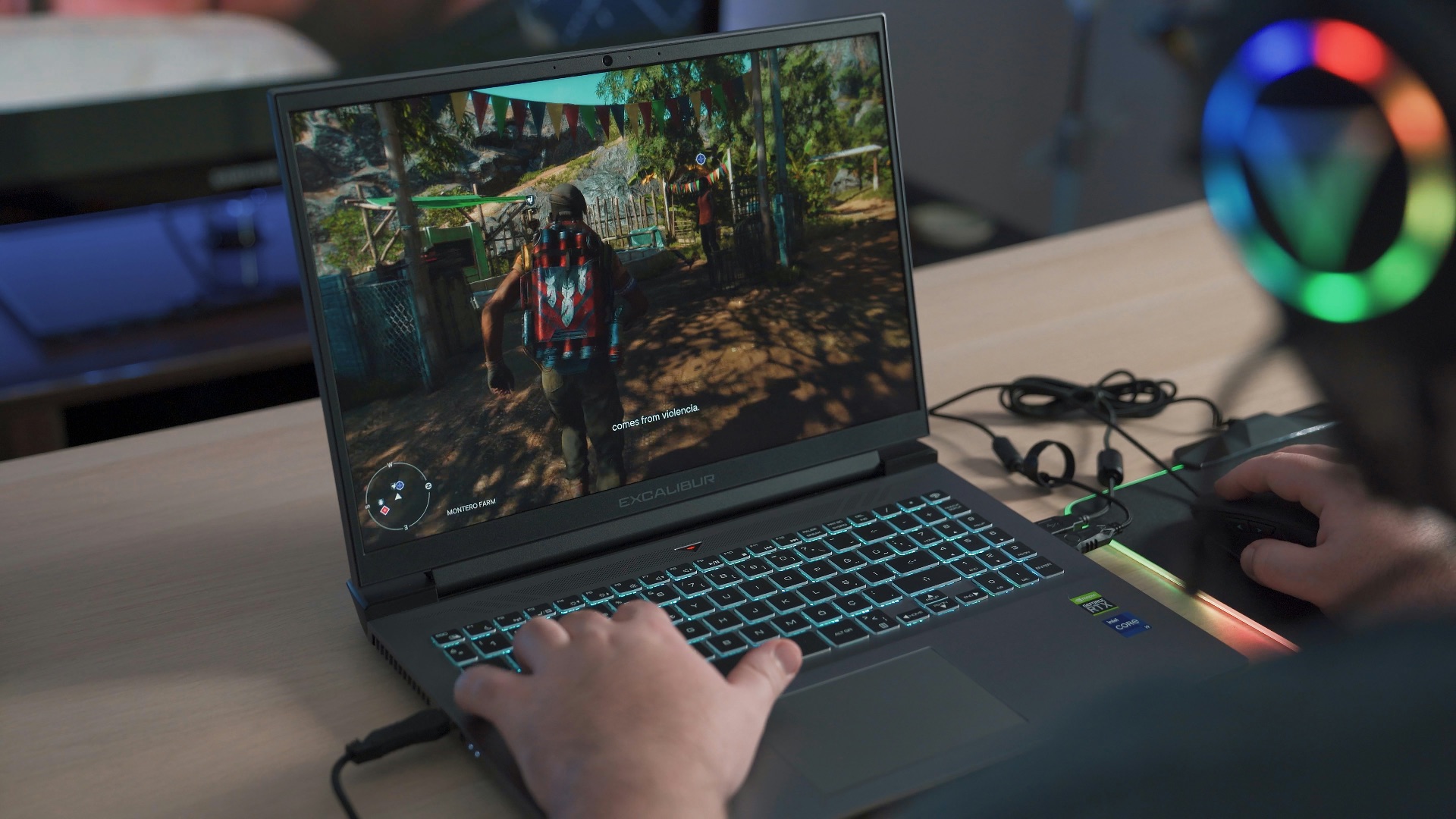
Gaming remains one of the clearest reasons to choose Windows over macOS. Windows supports an enormous PC game catalog alongside technologies and services built around PC gaming, including DirectX, Game Bar, and the wider Xbox ecosystem. Mac gaming has improved, but if you want the widest selection of major releases, gaming hardware, accessories, and graphics options, Windows remains the safer choice.
2. Windows Gives You Far More Hardware to Choose From
Buying a Windows PC doesn't limit you to the product decisions of a single computer manufacturer. You can find compact laptops, huge desktop replacements, gaming towers, miniature PCs, workstations, budget notebooks, dual-screen machines, and just about everything in between from numerous brands. That variety makes it much easier to prioritize exactly what matters to you, whether that's price, ports, repairability, display size, graphics performance, or something unusually specific.
3. You Can Build Your Own Windows Desktop
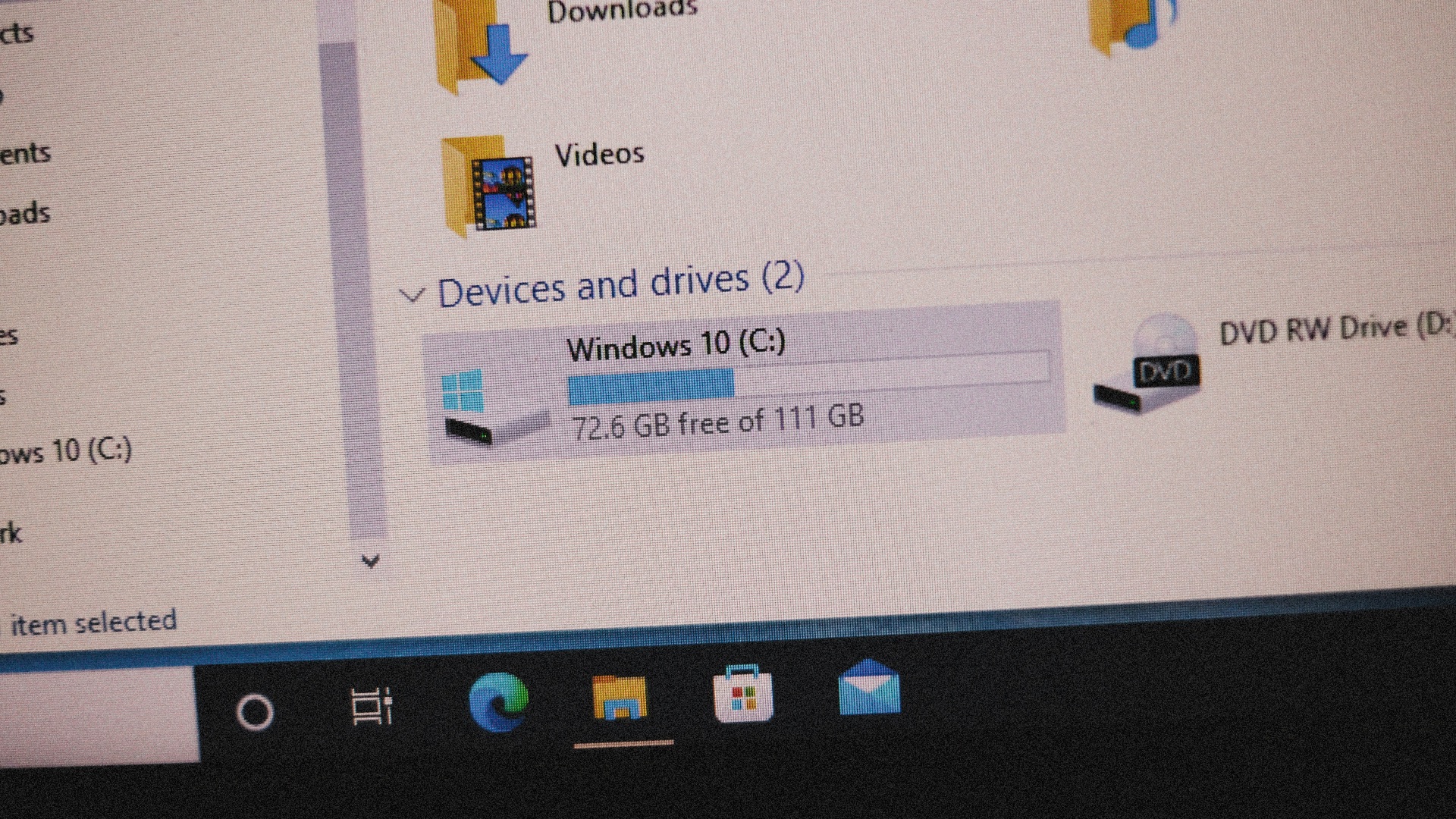
Anyone who enjoys choosing individual computer components has far more freedom with Windows. A custom PC can be assembled around the processor, graphics card, memory, cooling, storage, case, motherboard, and other components that suit your workload and budget. Apple doesn't offer an equivalent mainstream build-your-own Mac platform, so Windows wins decisively if you want control over the computer at the component level.
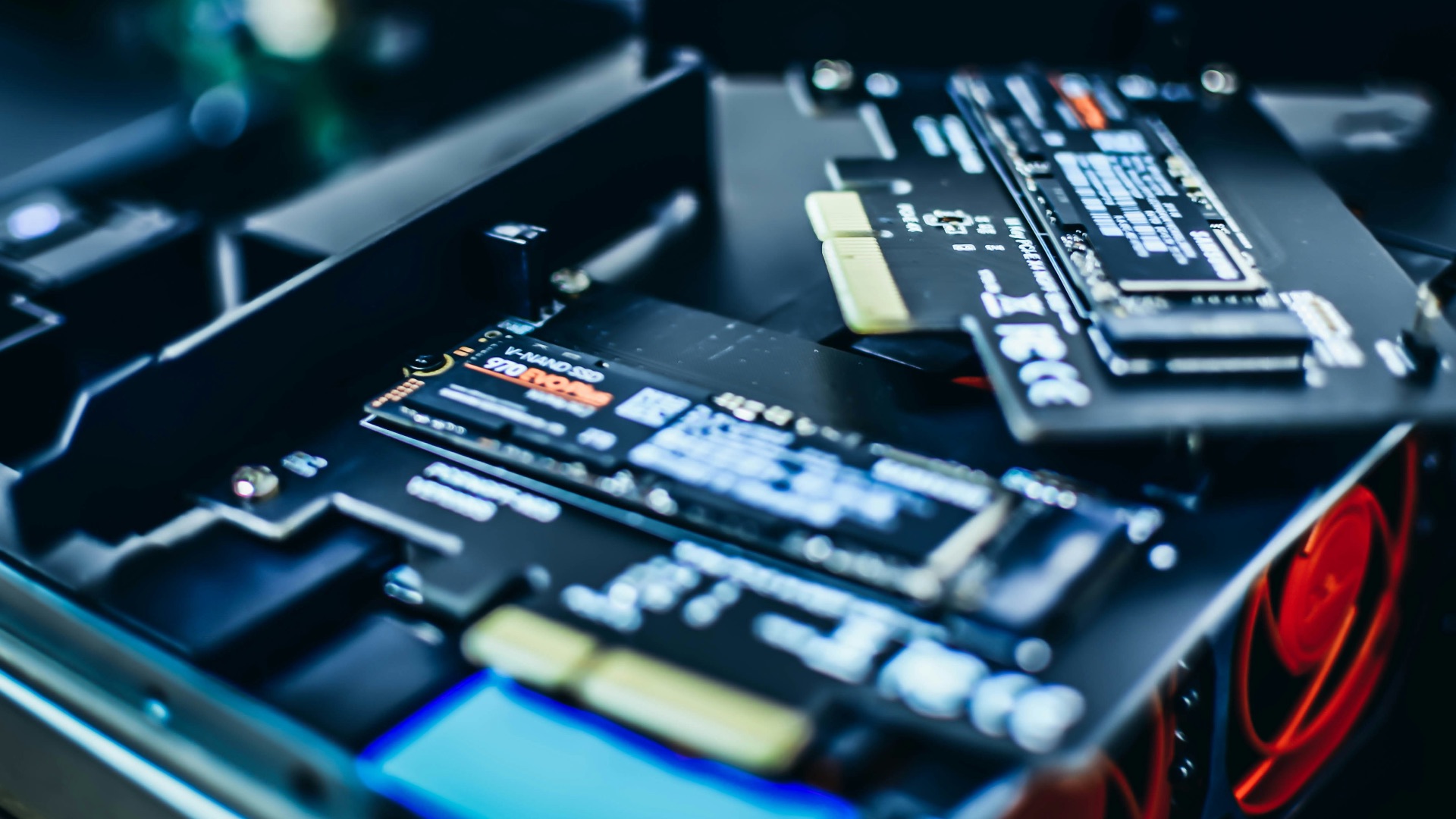
4. Upgrading Hardware Is Often Easier
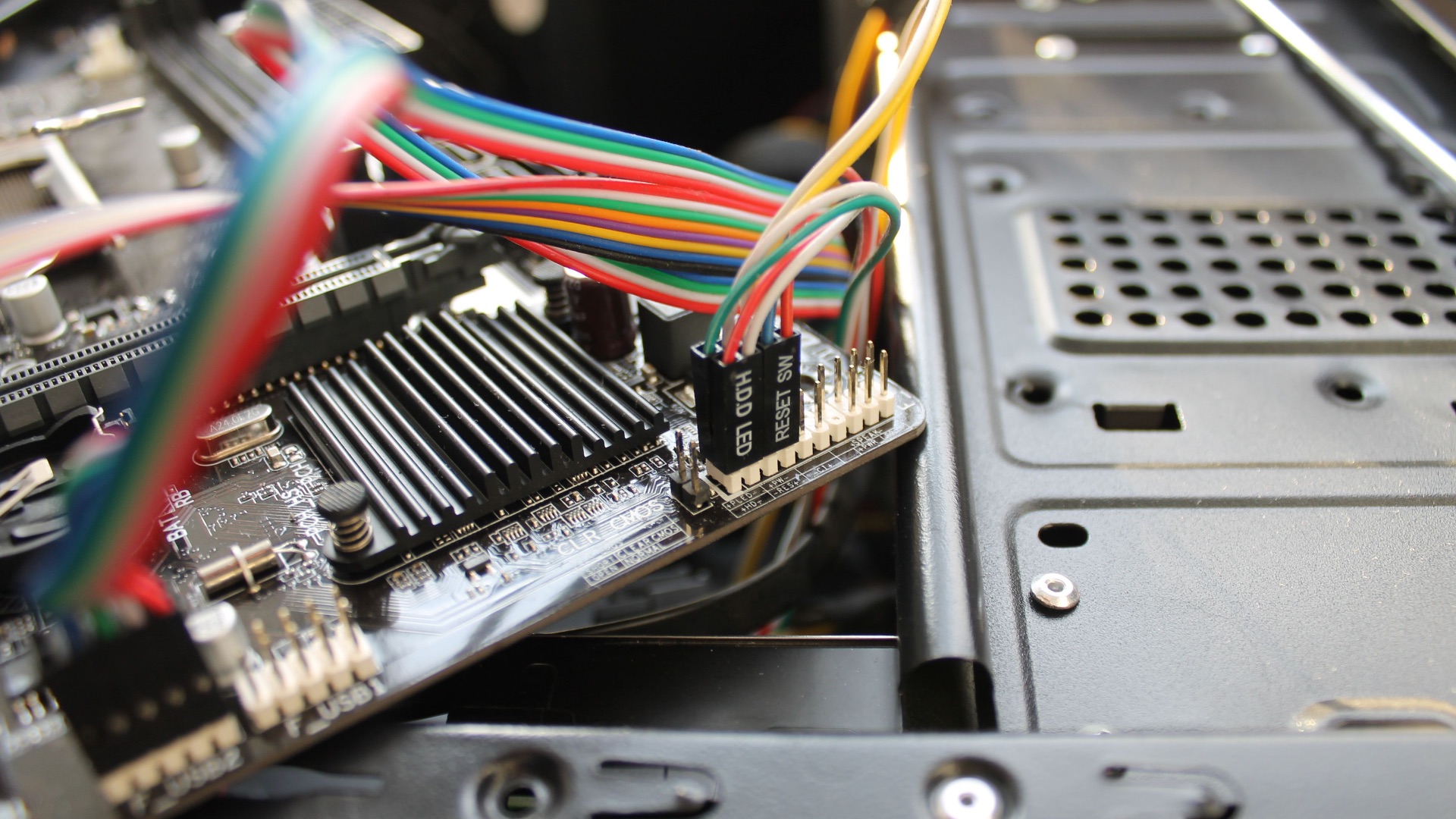
Many Windows desktops allow owners to replace or expand components such as memory, storage, graphics cards, cooling hardware, or networking equipment. Some Windows laptops also provide replaceable storage or other serviceable components, although the amount of upgradeability varies considerably by model. Apple's current Macs are much more tightly integrated, so important specifications often need to be chosen correctly when you initially buy the machine.
5. Windows Supports a Much Wider Range of Prices
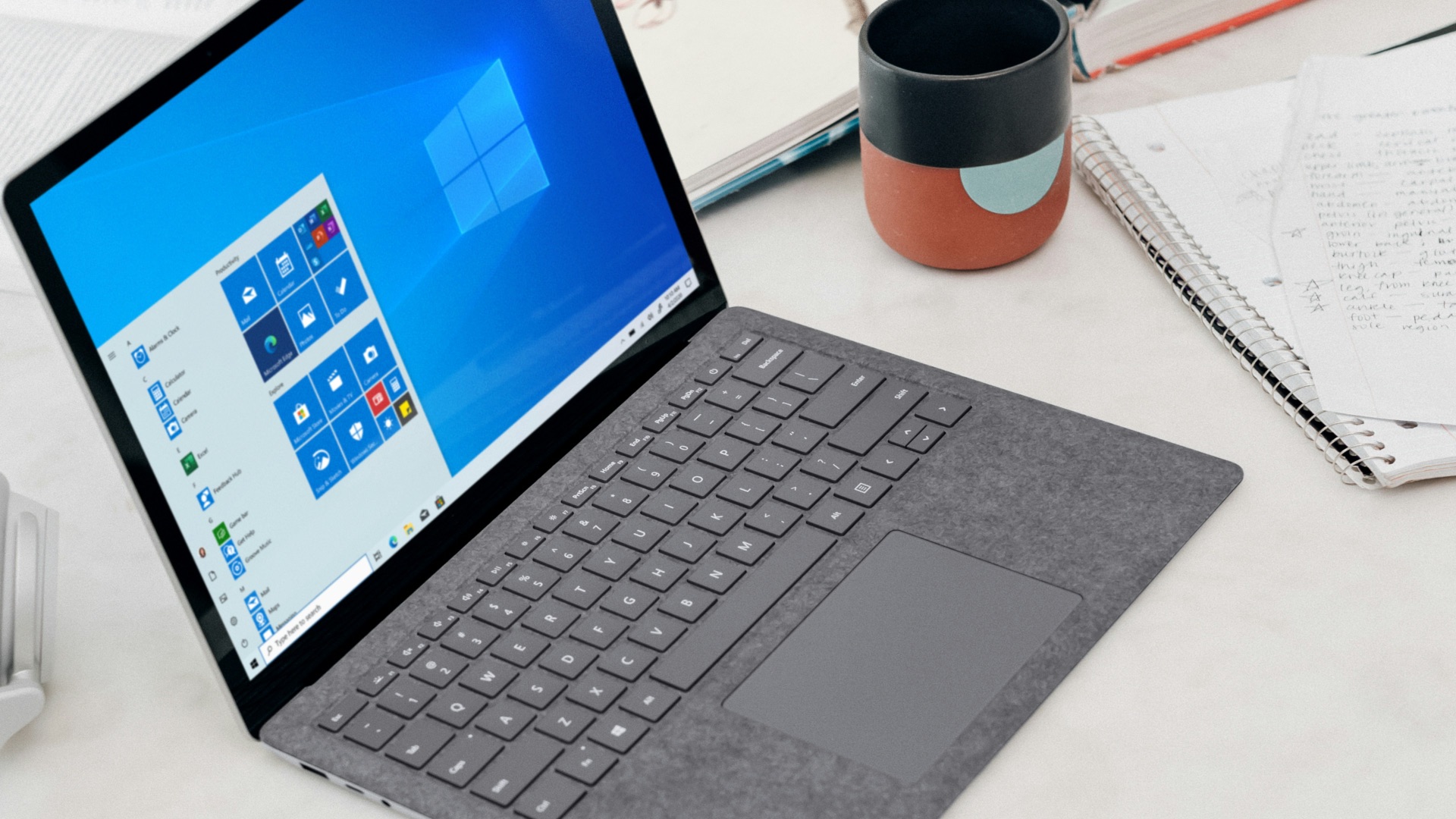
There's a Windows computer for almost every mainstream budget, from inexpensive everyday laptops to premium workstations costing thousands of dollars. That range lets buyers make compromises based on their own priorities rather than entering at the price point established by Apple's current Mac lineup. The cheapest Windows machines won't necessarily provide a Mac-like level of refinement, but Windows gives cost-conscious buyers far more options.
6. Windows Handles Touchscreen PCs Better
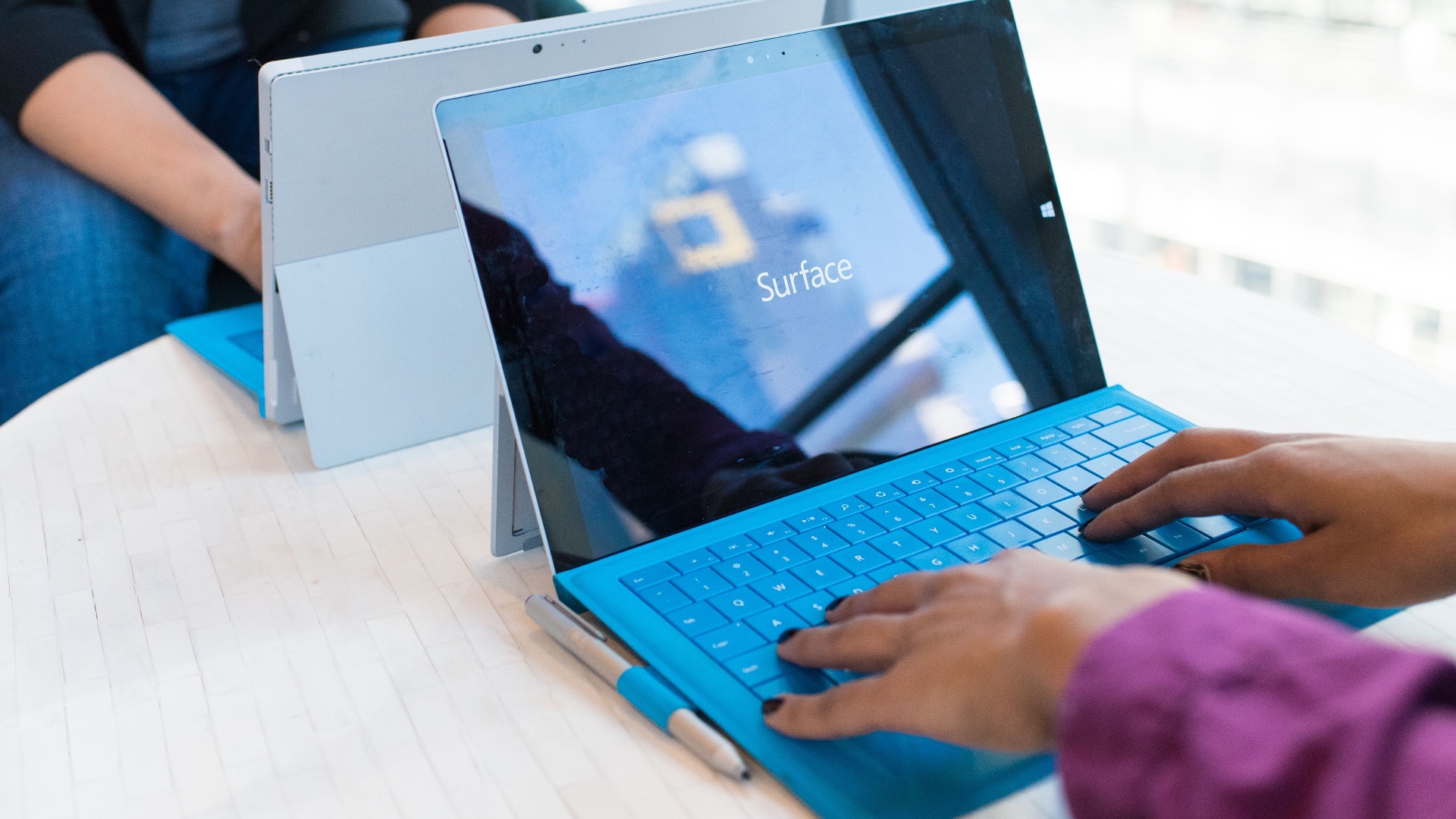
Touch support is built directly into Windows, and manufacturers can sell PCs designed around it. You can buy conventional touchscreen laptops, convertible 2-in-1 machines, tablets with detachable keyboards, and other form factors that let you interact directly with the display. Apple has touchscreen devices in the iPad family, but the Mac itself still doesn't yet provide the same touchscreen-computer option.

7. Window Management Is More Flexible Out of the Box
Windows has developed a particularly capable set of tools for arranging multiple applications across a desktop. Snap Layouts, Snap Assist, keyboard shortcuts, and multiple desktops make it easy to organize several windows into predictable arrangements without manually resizing everything. macOS has improved its own window management substantially, but Windows still provides one of the most comprehensive built-in systems for people who regularly work with several applications at once.

8. Windows Has an Enormous Legacy Software Library
One of Windows' less glamorous strengths is the huge amount of existing software developed for the platform over decades. Businesses, specialized industries, enthusiasts, and longtime PC users may depend on applications or utilities that either don't exist for macOS or would require an alternative workflow. Compatibility isn't universal, especially with very old programs, but Windows remains an important platform when you need access to a broad catalog of established PC software.
9. Peripheral Choice Is Hard to Beat
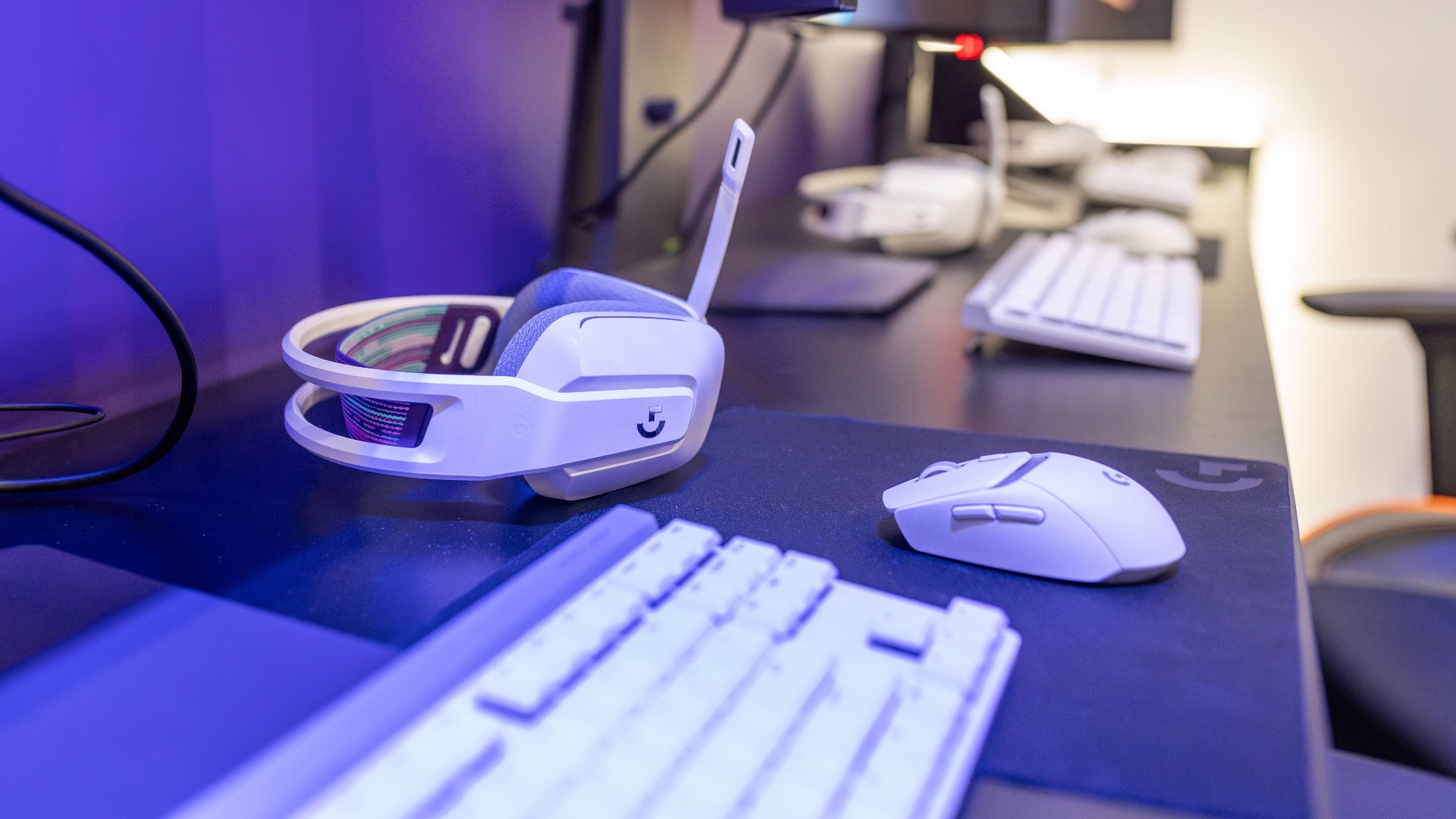
The sheer size of the Windows hardware market encourages manufacturers to support an extraordinary variety of accessories and specialized equipment. Gaming peripherals, niche input devices, expansion cards, industrial hardware, custom controllers, and unusual displays are frequently designed with Windows compatibility as a priority. Macs support plenty of mainstream peripherals, but Windows gives you more room to venture beyond the standard consumer setup.
10. Windows Is Better Suited to Complex Multi-Monitor Setups
Windows is especially capable when you're working across several displays, particularly if they have different resolutions, refresh rates, or scaling settings. It gives you extensive control over how screens are arranged and how individual windows behave across them, while remembering many display configurations when monitors are disconnected and reconnected. While macOS supports multiple monitors well on compatible Macs, the exact number of displays you can use can depend heavily on which Apple silicon chip and Mac model you own. For people building elaborate desk setups with several screens, Windows generally offers fewer hardware restrictions and more configuration flexibility.