10 Useless Computer Accessories You Don't Need & 10 Life-Changing Ones to Get Instead
Computer Accessories: Yay or Nay?
If you have a laptop or desktop computer, chances are you've added some accessories to your setup. You can't, of course, go wrong with having an external keyboard (like those ASMR click-clack ones) or a wireless, ergonomic mouse, after all. But not every accessory is worth your money, and if you're still buying screen protectors and keyboard and webcam covers, you're doing it wrong. In fact, these unnecessary gadgets might permanently damage your screen, or worse, your internals. So, before filling your desk, laptop bag, or USB ports with extras, it helps to separate the things that sound useful from the ones you'll actually appreciate owning.
 Karolina Grabowska www.kaboompics.com on Pexels
1. Webcam Covers
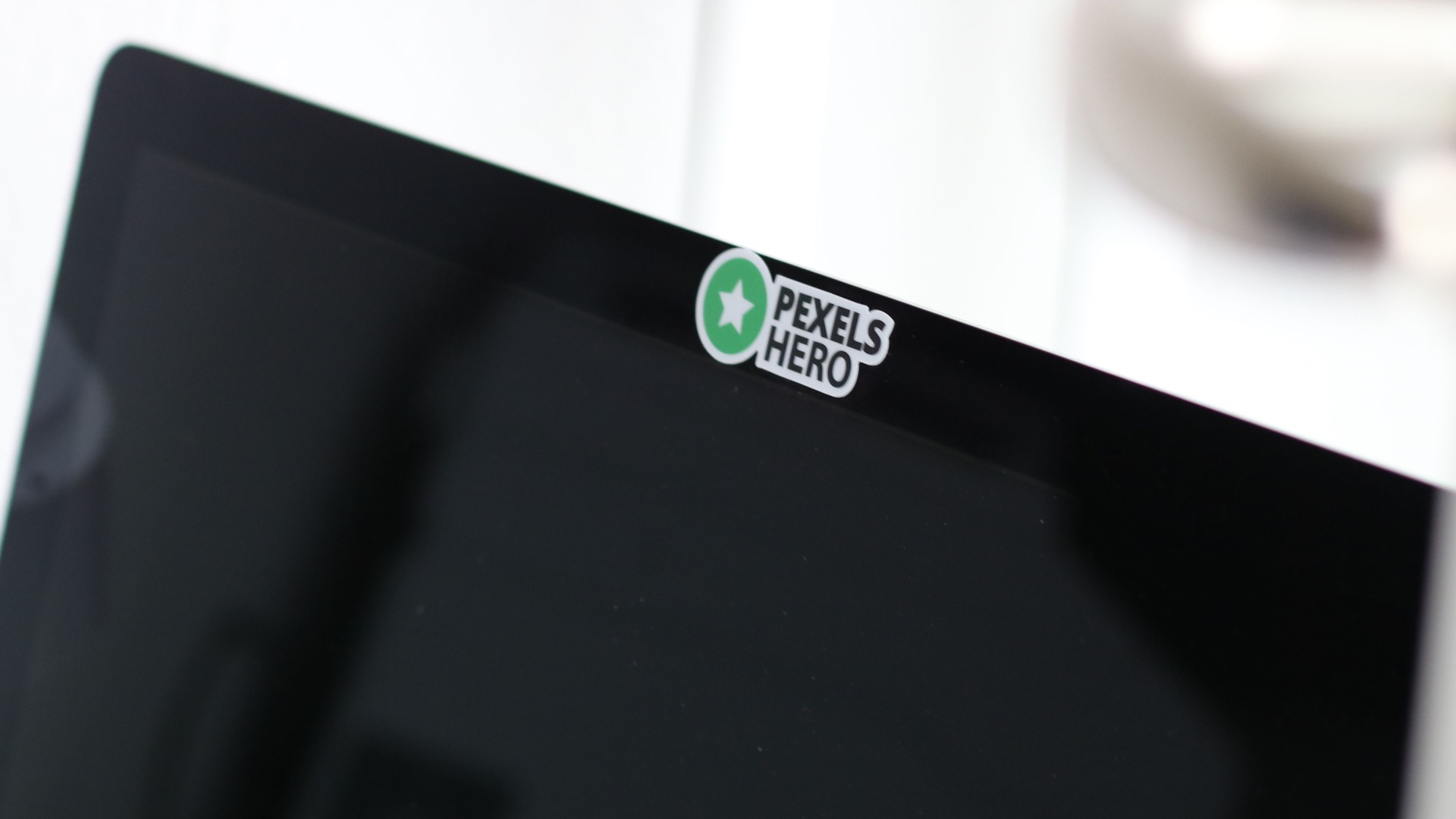
A sliding webcam cover can seem like a sensible privacy upgrade, but it's unnecessary for many modern laptops and may cause problems on particularly thin models. Apple even specifically warns that closing certain MacBooks with a camera cover attached can damage the display because the space between the screen and keyboard is extremely small. If you still prefer physically covering the camera, a removable option that isn't left in place when the laptop closes is a safer approach.
2. Screen Protectors
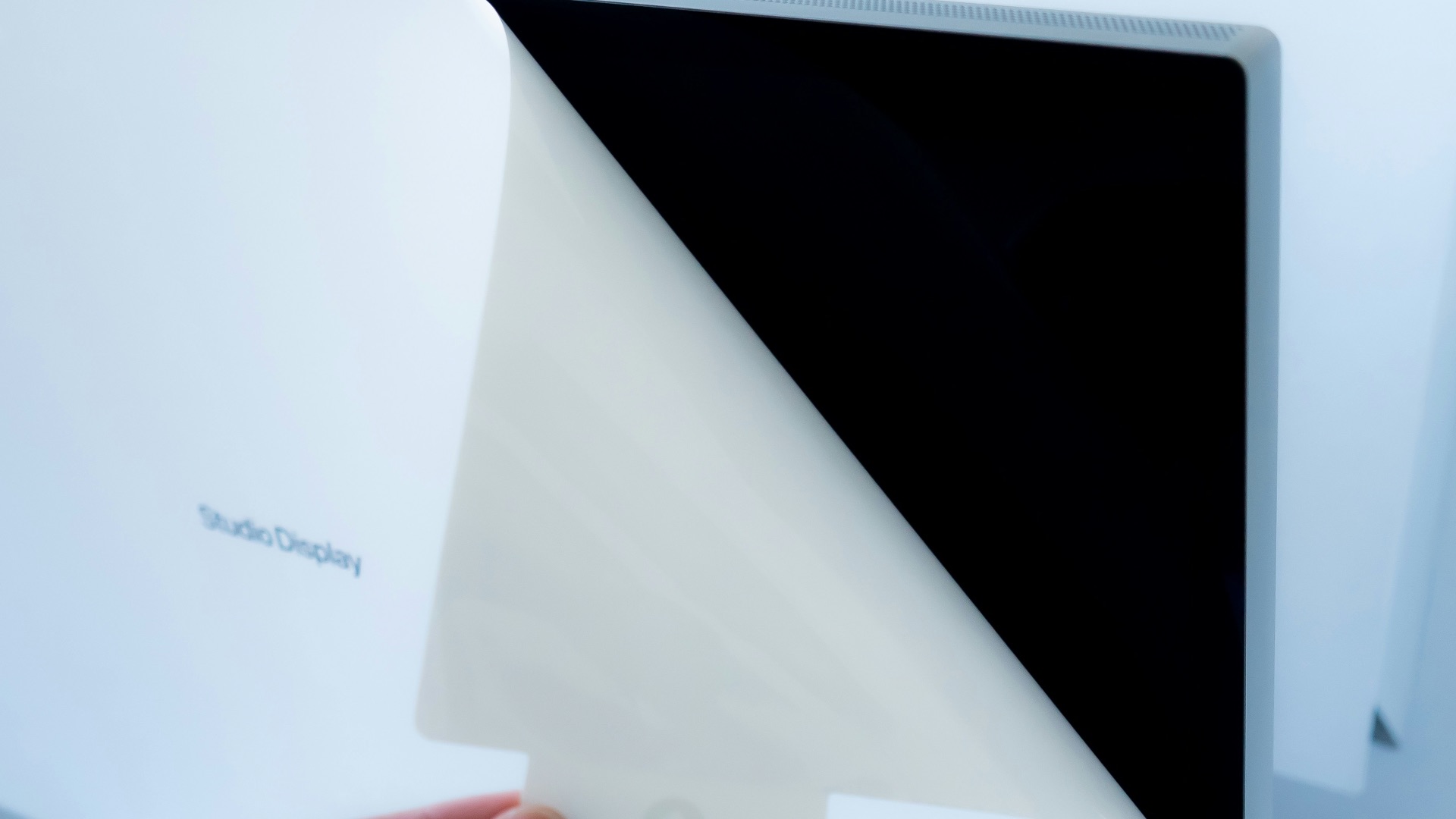
Screen protectors make plenty of sense on smartphones that spend their days sharing pockets with keys, hitting countertops, and being handled constantly. A laptop display normally faces nothing more threatening than its own keyboard when the computer is closed, so adding another permanent layer isn't especially useful for most people. Protecting the laptop during transportation and cleaning the display correctly will usually do more for its long-term condition than covering the screen with plastic.
3. Hard-Shell Laptop Covers
Snapping a plastic shell around an expensive laptop might feel reassuring, but these covers often add bulk (which can damage the hinge over time) without eliminating the need for a proper carrying sleeve or bag. Dirt and debris can also become trapped between the shell and computer if you rarely remove it for cleaning. Unless your particular laptop has a compatible case that serves a specific purpose, a padded sleeve provides protection when it's actually needed while leaving the computer unobstructed during use.

4. Silicone Keyboard Covers
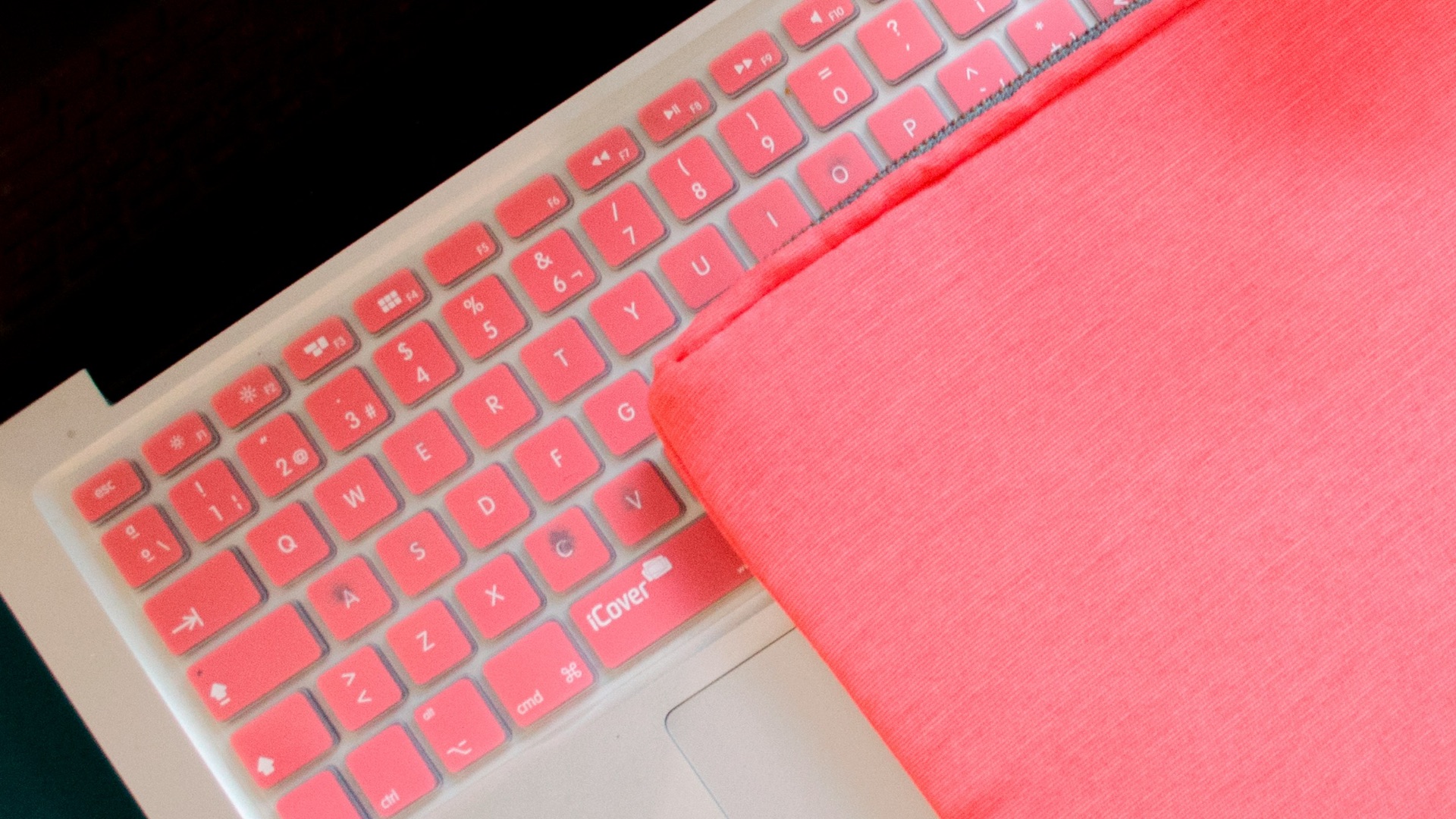
Silicone keyboard covers are commonly sold as protection against dust, crumbs, and minor spills, yet they can make an otherwise pleasant keyboard feel soft and imprecise. They're also another layer to clean, and owners of thin laptops need to pay attention to manufacturer guidance before leaving anything between the keyboard and display when closing the computer. Apple, for example, tells MacBook users to remove keyboard covers before closing the display to prevent possible damage. They may also trap heat, which can damage your internals over time. Unless you work somewhere unusually messy, regular cleaning is usually the simpler solution.
5. Trackpad Protectors
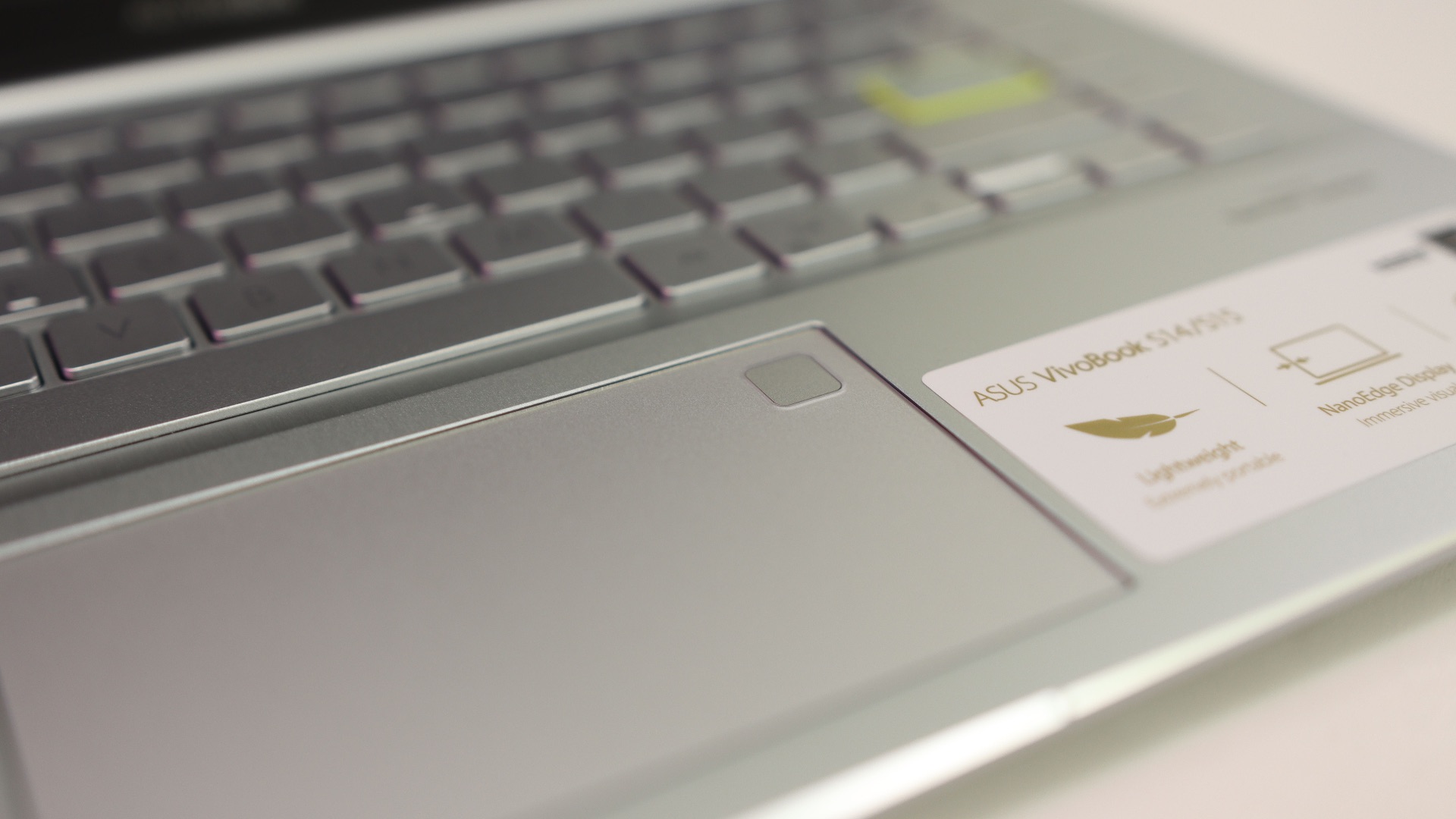
A film designed specifically for your trackpad solves a problem most computer owners will never encounter. Trackpads are built for years of finger contact, and adding another surface can alter the texture or responsiveness you bought the computer with in the first place. If keeping the area clean is your concern, occasional maintenance with the cleaning method recommended by your computer's manufacturer is generally enough.
6. USB Mini Vacuums
Tiny USB-powered keyboard vacuums look convenient because they're designed specifically for computer desks, but their small motors rarely make them better than basic cleaning tools you may already own. A soft brush, microfiber cloth, or appropriate compressed-air product can handle routine dust without dedicating another USB-powered gadget to the job. These mini vacuums often become one more object that requires storage and cleaning after you've used it a handful of times.

7. Decorative USB Accessories
USB cup warmers, miniature desk lights, tiny fans, and other novelty gadgets can be amusing, but they're poor reasons to occupy your computer's limited ports. Many computers already require connections for storage drives, charging cables, input devices, webcams, and other equipment that actually contributes to your workflow. If you want a desk fan or lamp, buying a proper standalone version usually gives you a better product without making your computer responsible for powering it.

8. Port Dust Plugs
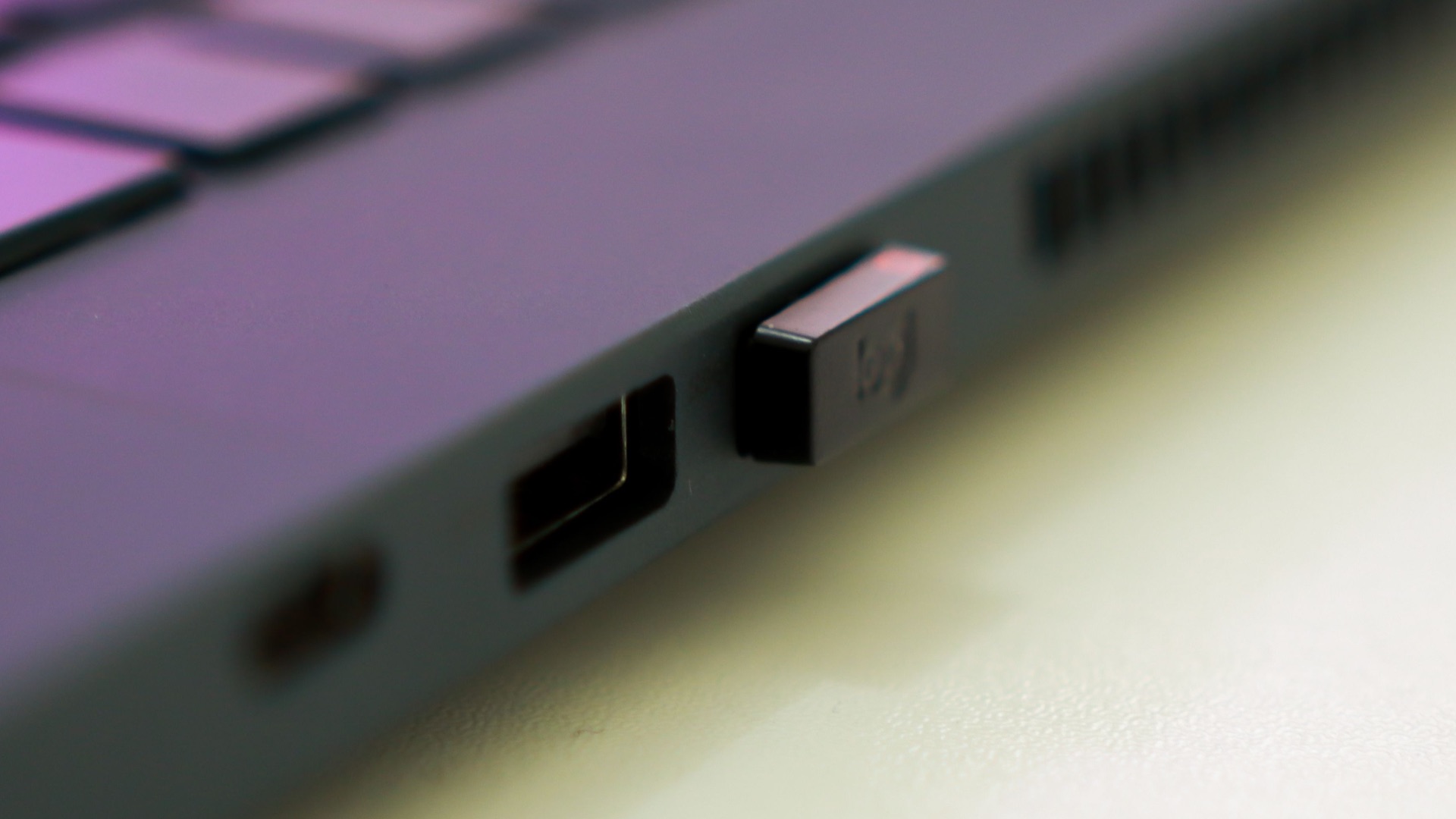
Sets of miniature silicone plugs promise to keep every unused USB, HDMI, and audio port perfectly clean, although most home and office computers function perfectly well without them. Modern devices routinely spend years with uncovered ports, and ordinary periodic cleaning is generally sufficient in normal environments. The plugs also introduce several tiny pieces that have to be removed, stored, and kept track of whenever you need to connect something.
9. Oversized RGB Mouse Pads
A large desk mat can be very useful, but wrapping lights around its edge doesn't automatically make it better at supporting a keyboard and mouse. Illuminated versions require an additional cable and frequently cost more than an otherwise comparable mat because you're paying for decorative electronics rather than improved function. Unless customizable lighting is an intentional part of the setup you want, a good nonpowered desk mat gives you the useful surface without adding another connection.

10. Laptop Privacy Hoods for Everyday Use
A privacy hood that surrounds your laptop display has a legitimate place in specialized situations, but keeping one around for routine computer use is unnecessary for most people. They're bulky, take time to set up, and can make a normal workstation feel more enclosed than it needs to be. People who regularly handle sensitive information in public may have a reason to use one, but the average home user can skip it without losing anything important.
Of course, just because you don't need these accessories doesn't mean you can't still customize your setup. The best computer add-ons, as you'll see, actually help solve problems, and aren't just there for show. These are the 10 upgrades that should earn a permanent place in your setup:

1. A Good Wireless Mouse
Even if your laptop's trackpad is excellent, a wireless mouse gives you more precise control when you're working with spreadsheets, editing images, navigating large documents, or spending hours at a desk. You can choose the size and shape that suits your hand instead of adapting to whatever pointing device came built into the computer. Mouse selection and placement are also important parts of an ergonomically arranged workstation, particularly when you use the computer for extended periods.

2. An External Keyboard
An external keyboard is essential for most desktop setups and can be just as useful when your primary computer is a laptop. It lets you position the screen independently from your hands, choose a layout and key feel you prefer, and replace the keyboard later without replacing the computer itself. OSHA's workstation guidance specifically recommends external keyboards and input devices for laptops used for prolonged work because built-in laptop keyboards can limit comfortable positioning.

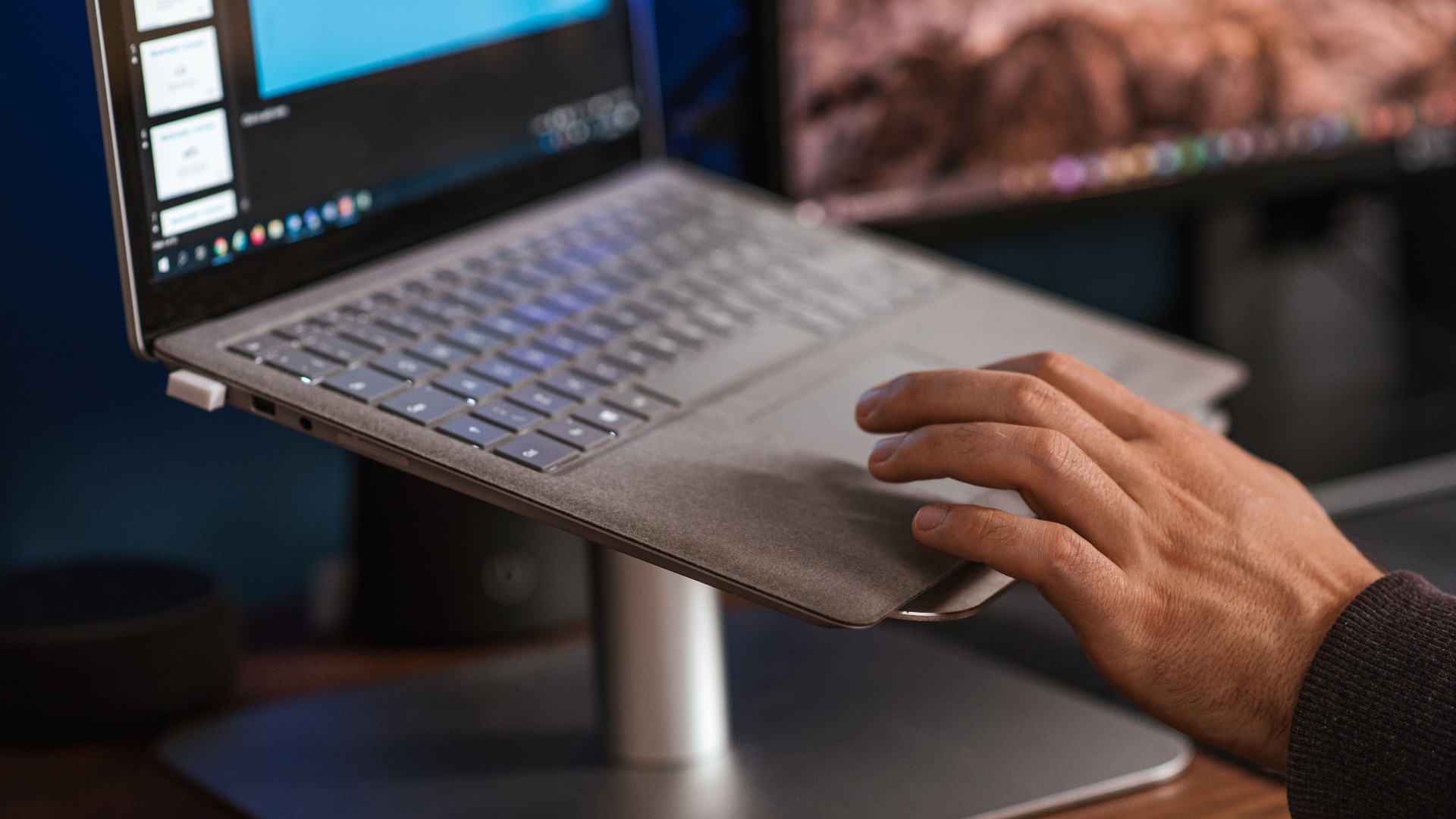
3. An Adjustable Laptop Stand
Putting your laptop flat on a desk forces the screen and keyboard to remain attached at the same height, which isn't ideal when you're using it as a full-time workstation. An adjustable stand lets you raise and angle the display while pairing the computer with an external keyboard and mouse placed where your hands can comfortably reach them. This arrangement gives you far more control over your workstation and makes extended laptop sessions noticeably easier to configure around your body.
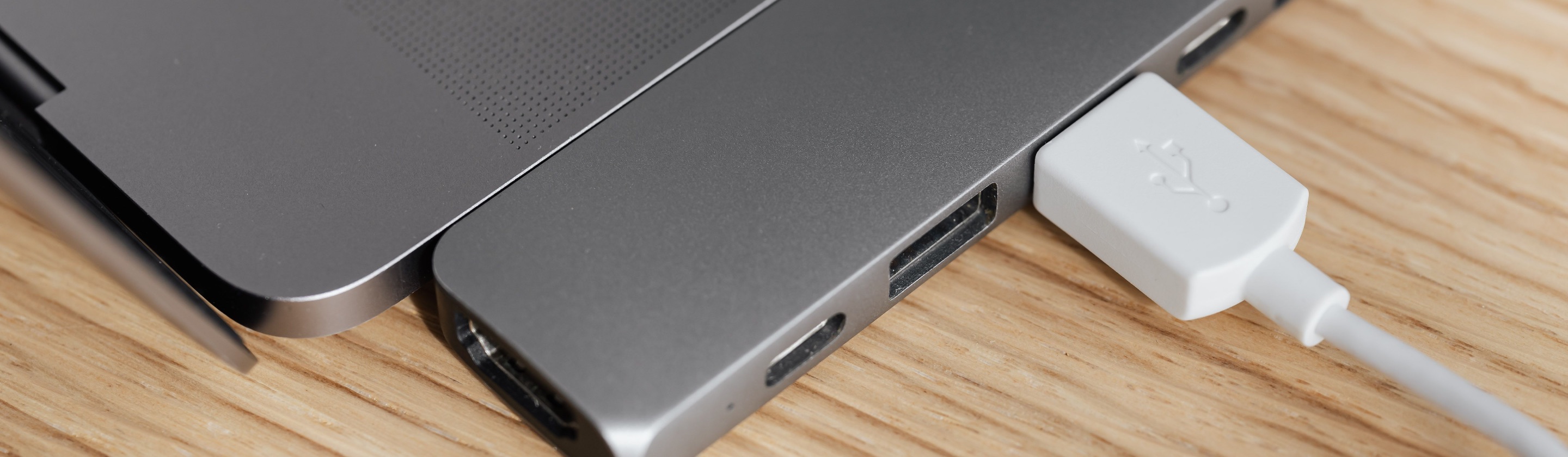
4. A USB-C Hub or Docking Station
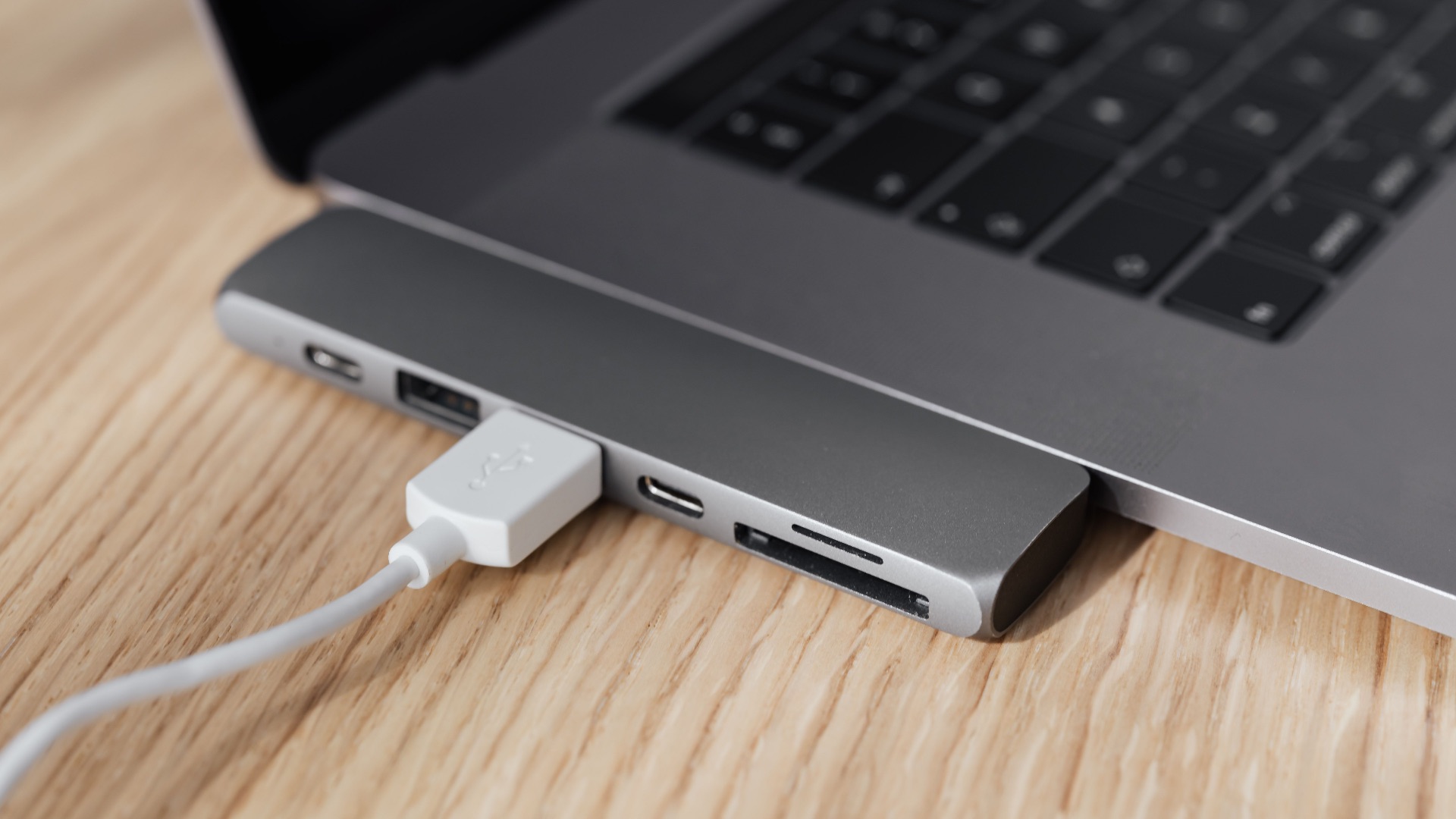
Modern laptops have become slimmer while their port selections have often become smaller, making a capable USB-C hub one of the most practical accessories you can buy. One connection can give you access to extra USB ports, monitors, wired networking, memory cards, power delivery, and other equipment, depending on the hub or dock you choose. For anyone who repeatedly disconnects a laptop from a desk setup, having those devices consolidated into a single connection can remove a surprising amount of daily cable swapping.
 https://kaboompics.com/ on Pexels
5. An External SSD
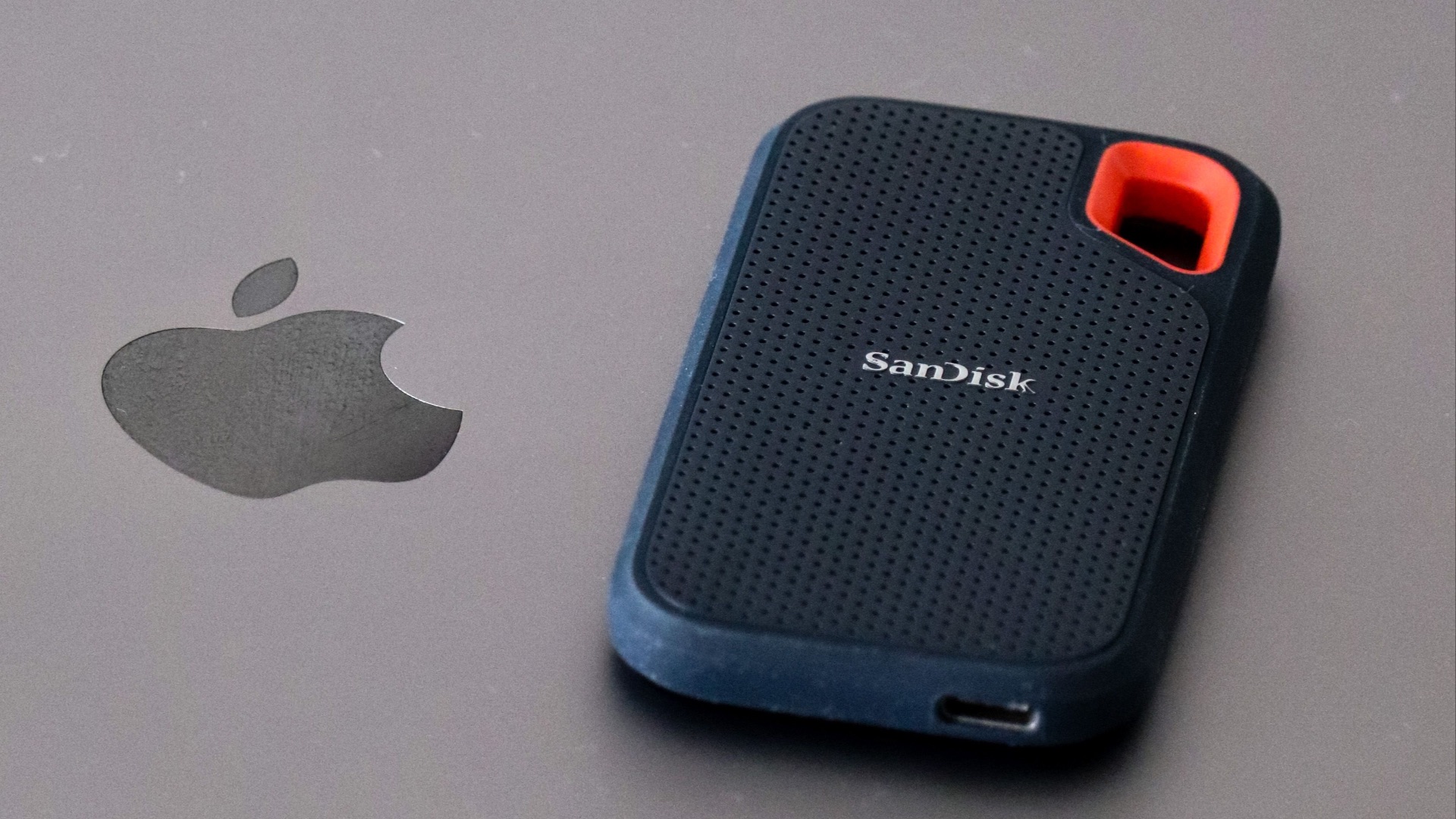
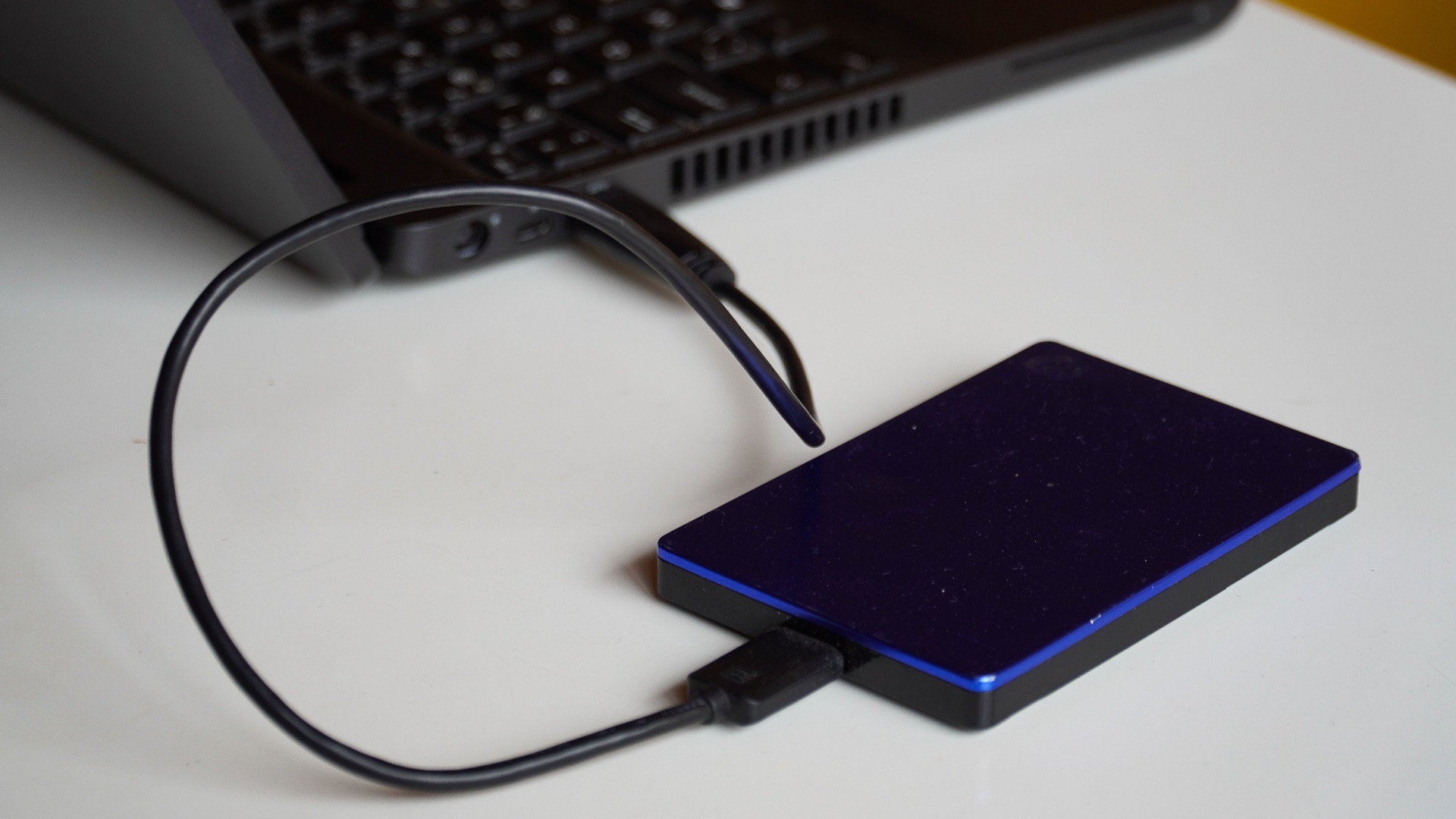
Internal storage eventually fills up, and replacing or upgrading it isn't even possible on many modern laptops. A compact external SSD gives you fast additional space for large photos, video projects, game libraries, archives, or files you don't need occupying your computer's main drive. It's also small enough to travel with you, making it considerably more versatile than relying entirely on whatever storage capacity you selected when purchasing the computer.
6. A Reliable Backup Drive
Extra storage and a proper backup aren't the same thing, which is why a dedicated backup drive deserves its own place in a computer setup. Automatically keeping another copy of important documents, photos, projects, and other irreplaceable files means a failed internal drive or damaged computer doesn't have to take everything with it. The important part is actually configuring a regular backup routine rather than buying a drive and leaving it disconnected in a drawer.
7. A Surge Protector or UPS
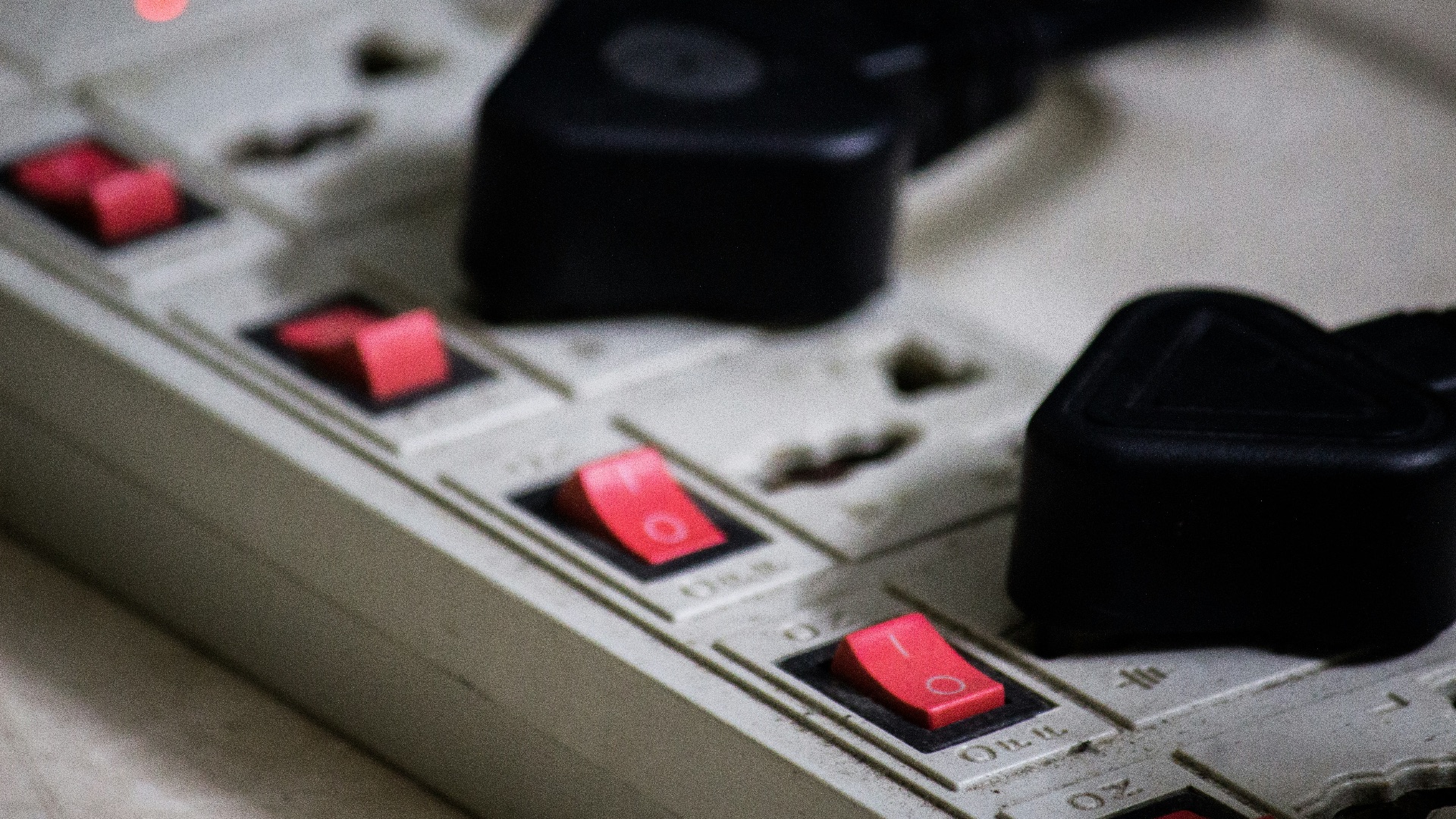
Computers, monitors, storage devices, and networking equipment can represent a substantial investment, so plugging an entire setup into the cheapest power strip available isn't always the best choice. A reputable surge protector adds electrical protection, while an uninterruptible power supply can keep equipment running temporarily during an outage and give a desktop user time to save work and shut down properly. Choose the type based on your equipment and electrical environment instead of assuming every product with several outlets provides the same protection.
8. A Monitor Arm
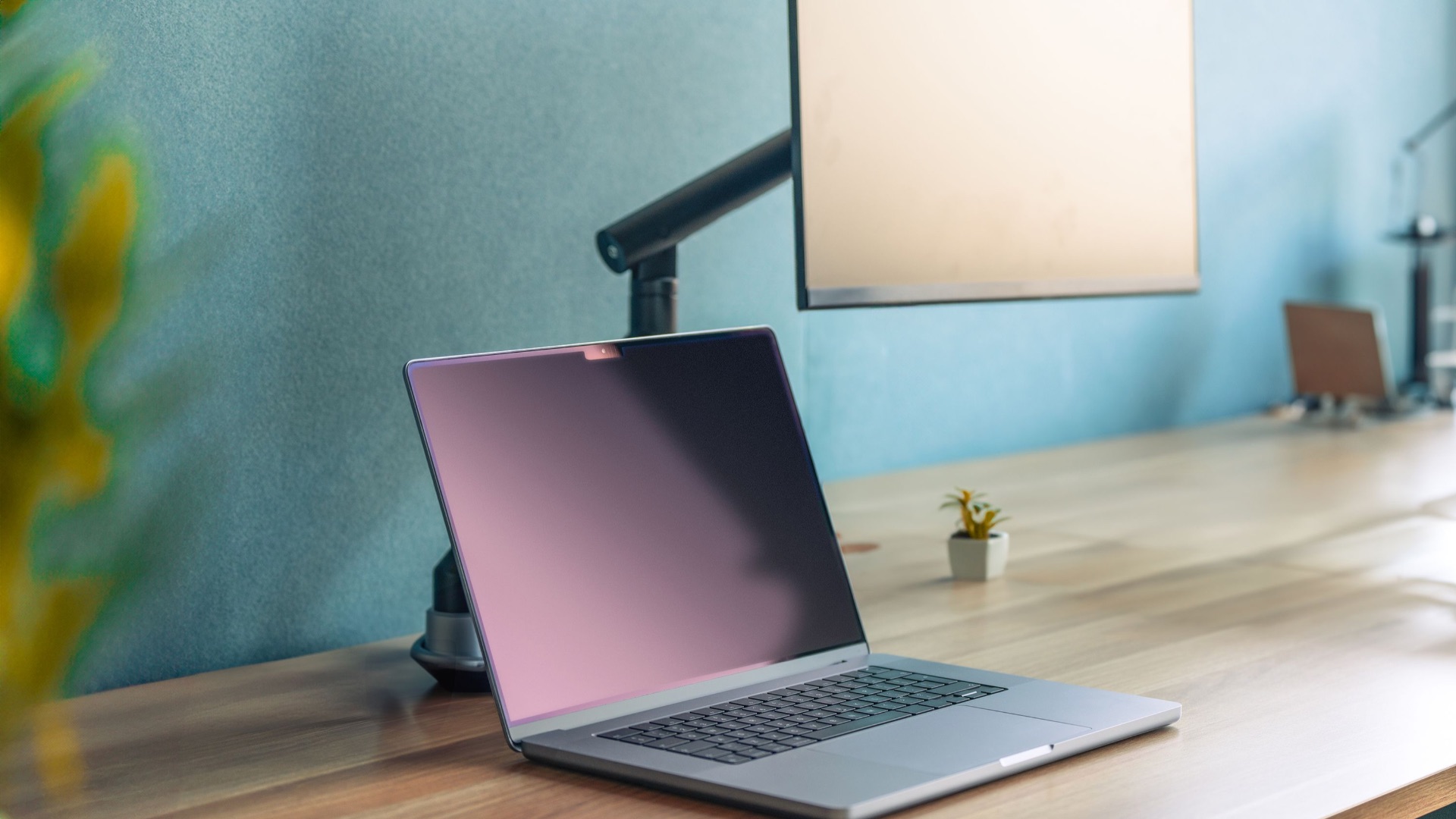
The stand included with a monitor may be perfectly adequate, but a good monitor arm gives you much greater control over height, distance, rotation, and desk placement. That's especially useful for multi-monitor configurations or displays with basic factory stands that offer little adjustment. Proper workstation arrangement depends partly on placing computer components where they can be viewed and reached comfortably, so increased adjustability can have practical value well beyond making a desk look neater.
9. A Good Headset or Headphones
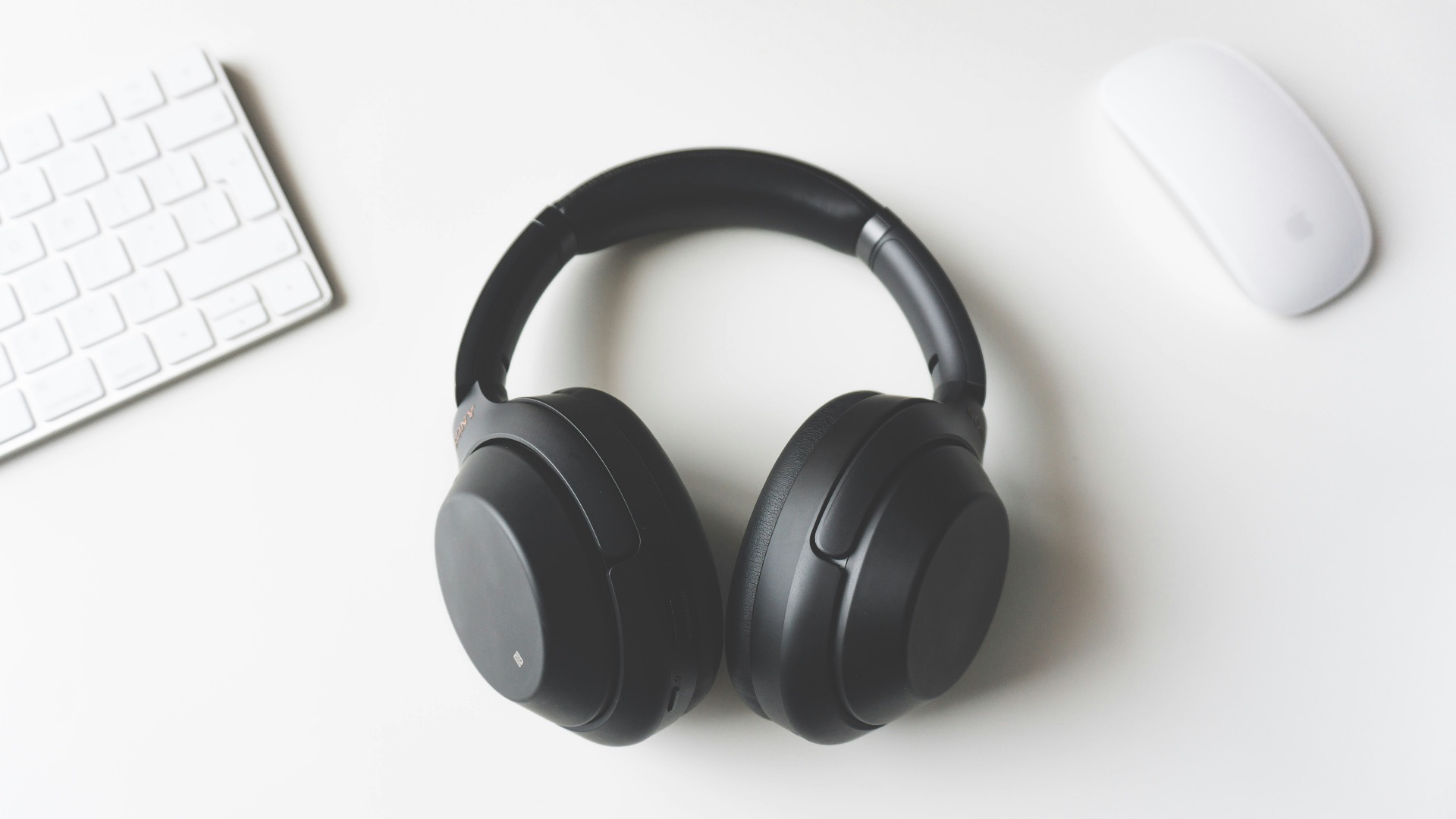
Computer speakers and laptop microphones are sufficient for occasional use, but they become frustrating when video meetings, voice calls, gaming, or audio-focused work are part of your routine. A comfortable headset or pair of headphones can provide clearer personal audio while a decent microphone makes your voice easier for everyone else to hear. If you spend several hours wearing them, prioritize comfort and microphone performance rather than purchasing based solely on appearance or brand recognition.
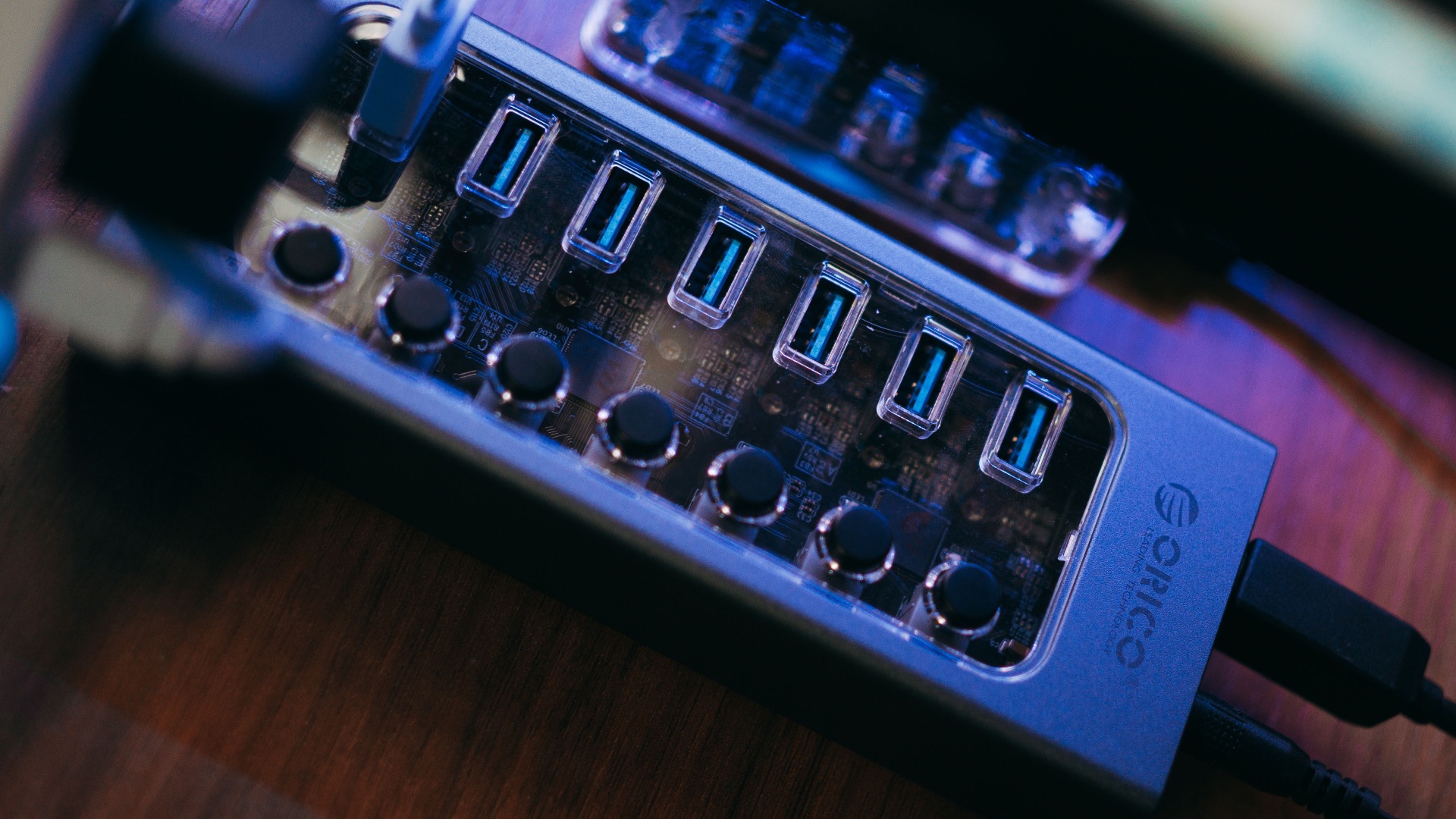
10. A Powered USB Hub
Once keyboards, mice, drives, webcams, controllers, phones, and other devices start competing for connections, even a desktop computer can run short on convenient USB ports. A powered hub expands those connections while using its own power supply, which can be useful when you're attaching several USB devices rather than expecting the computer to provide all of the power through a single port. Keep one in an accessible spot on your desk, and you'll also avoid repeatedly reaching behind a desktop tower or monitor whenever you need to connect something.