It seems like two things are increasing with every year: laptop prices, and tablet functionality. With these two things in mind, it should be no surprise that many people, particularly students, are choosing iPad over conventional laptops. MacBook prices—for both Pro and Air models—are almost identical with iPad prices.
IPad Or Laptop?
Both devices have their skillsets, but there are a few areas where tablets excel. For starters, while laptops are getting slimmer every year (at the expense of all those precious USB and HDMI ports, mind you), the skinniest laptop will always be heavier than the thickest tablet. That's just the way it is when you need more hardware.
Tablets also tend to be more portable than laptops. This is especially handy for students who have limited storage space and need to work on the go. A tablet may not have all the functionality of a laptop, but if you're using it predominantly for reading, writing, and research, you may not have the same needs.
All this is to say that a tablet can be an almost-perfect replacement for a laptop—at least for students. However, this article isn't about tablets vs laptops, it's about Bluetooth keyboards. So, now that we have the preamble out of the way, onto the main event!
Keyboard Pitfalls
One area where iPads fall behind is with the keyboard. Somewhat obviously, typing on a touchscreen keyboard for extended periods of time can be annoying; we can't imagine typing a term paper on this thing! Luckily, Apple has found a fix to this problem, but it won't come cheap.
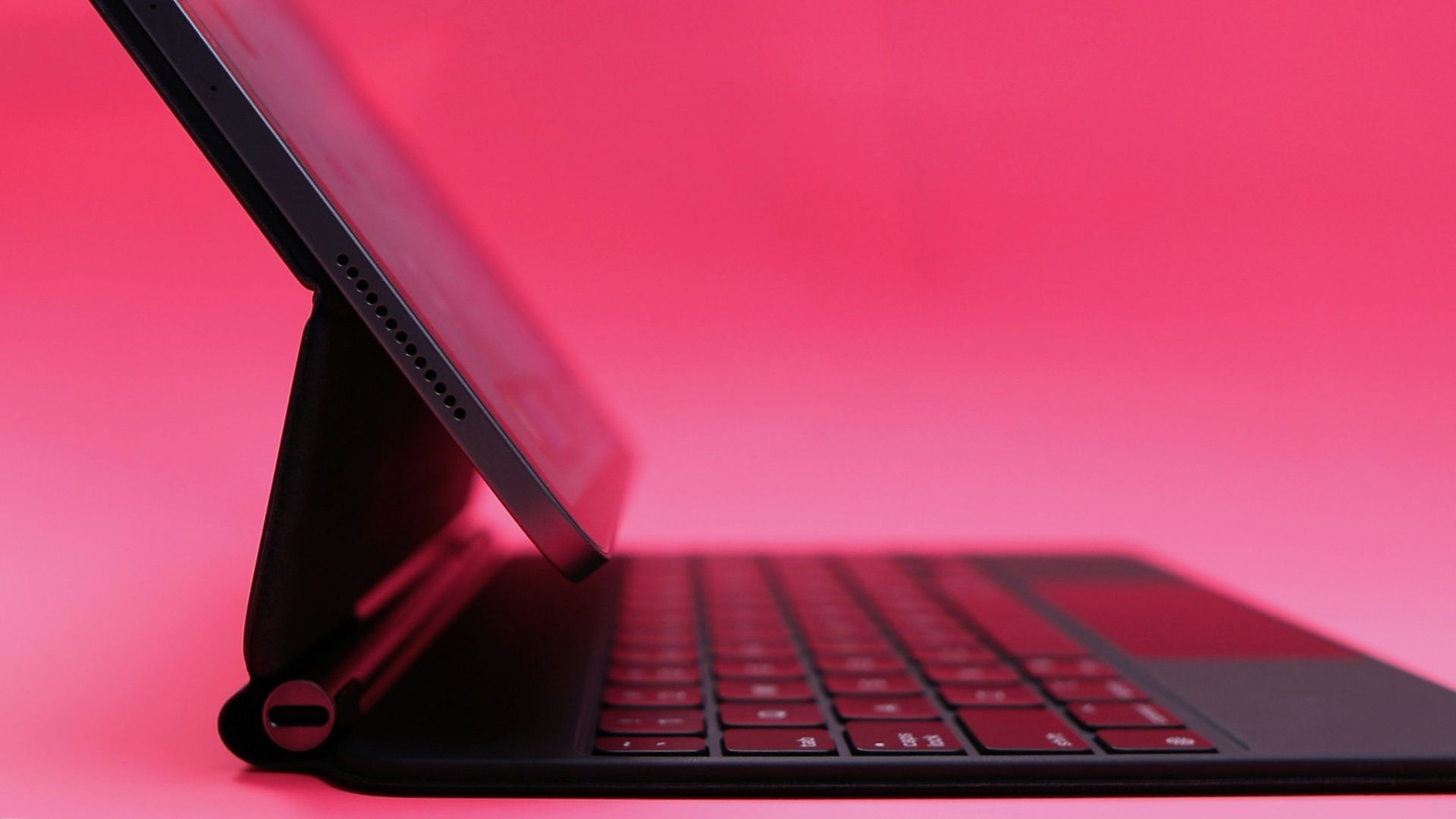
The optional Magic Keyboard uses magnets to turn your iPad into, essentially, a laptop. However, at the time of writing, it is an additional $400! This is far more expensive than your average mechanical keyboard.
There are two other problems with the Magic Keyboard. First, it's rather clunky—admittedly, our solution is even clunkier, but at least it's stylishly clunky! Secondly, the trackpad is small, which means you'll either have to suffer through it, or add an external mouse for an additional cost.
All this is to say that the Magic Keyboard isn't worth your money if you're going to use your iPad as a laptop. What is worth your money is an external keyboard that doubles as a laptop stand. While there are a ton of options on the market, there are a few that stand out.
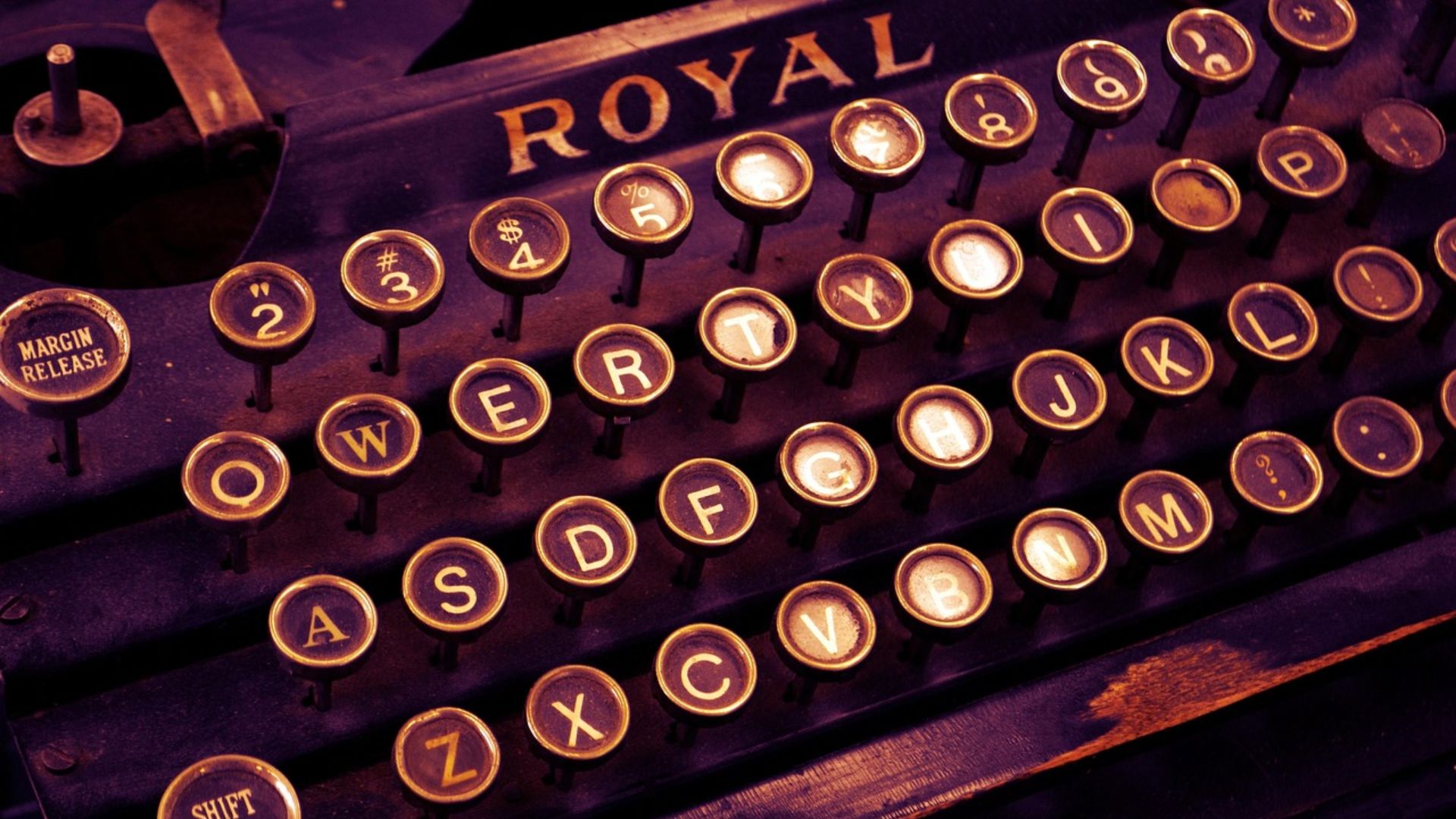
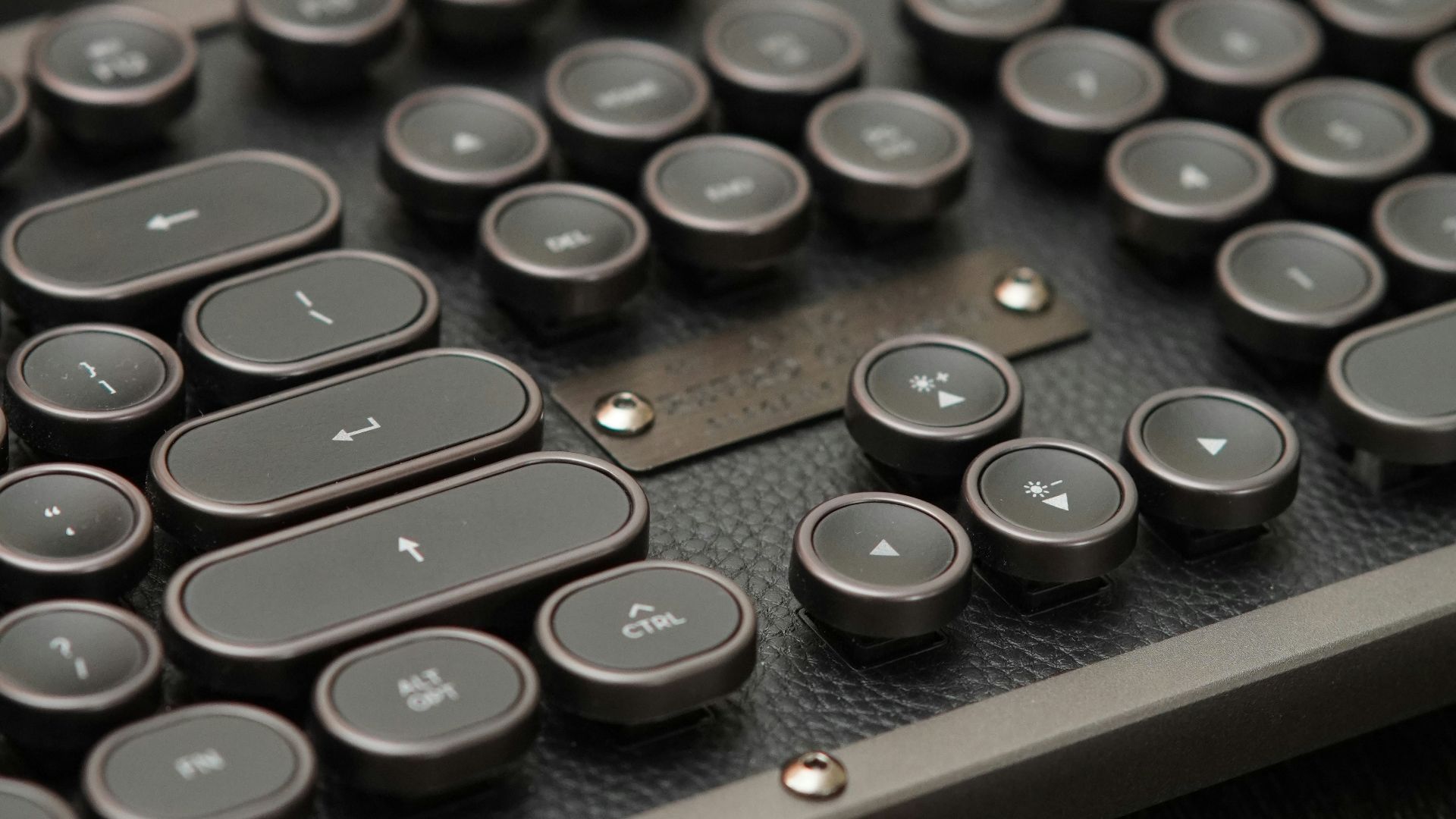
For example, if you're doing a lot of writing, whether it be research papers or the next Great American Novel, a retro-inspired typewriter keyboard may make that typing more enticing. Let's take a look at three brands that specialize in typewriter keyboards with iPad compatibility. As a bonus all of these keyboards are less than an Apple Magic Keyboard!
Typewriter Keyboard Brands
The first brand we'd like to high is YUNZII. Founded in 2018 by keyboard enthusiasts, YUNZII offers a variety of keyboard types, with their retro keyboards being among the most eye-catching. Starting at $54, these low-profile keyboards with clicky, rounded keycaps, adjustable volume knobs, and an enter lever for extra fun.
Our next brand 7KEYS, specializes in typewriter keyboards. Like the other brands on this list, 7KEYS makes low-profile keyboards featuring rounded, metal keys with perfect click-clacks to bring an air of intellectualism to whatever project you're working on. In addition to the typical metal keyboards (starting at $90), 7KEYS also offers 60% portable keyboards and wood-grain keyboards.
One thing that you'll notice about typewriter keyboards is that color selection tends to be limited. This isn't the case with The PNK Stuff, whose keyboards come in fun pastels like pink, lavender, and matcha in addition to the standard white and black. Starting at $150, these keyboards are on the pricier side; however, even if you add a mouse and wrist rest, they're still less expensive than a Magic Keyboard!