Junk or Gems?
Old tech is quirky: some gadgets age gracefully and keep doing their job with no problems, while others constantly remind you of how much things have changed. If you’ve ever wondered whether something is worth keeping, donating, or finally recycling, it usually comes down to a mix of durability, compatibility, and whether modern alternatives truly do the job better. Here are 10 classics that still feel surprisingly usable today, and 10 retro pieces that will serve up nostalgia but are basically useless.
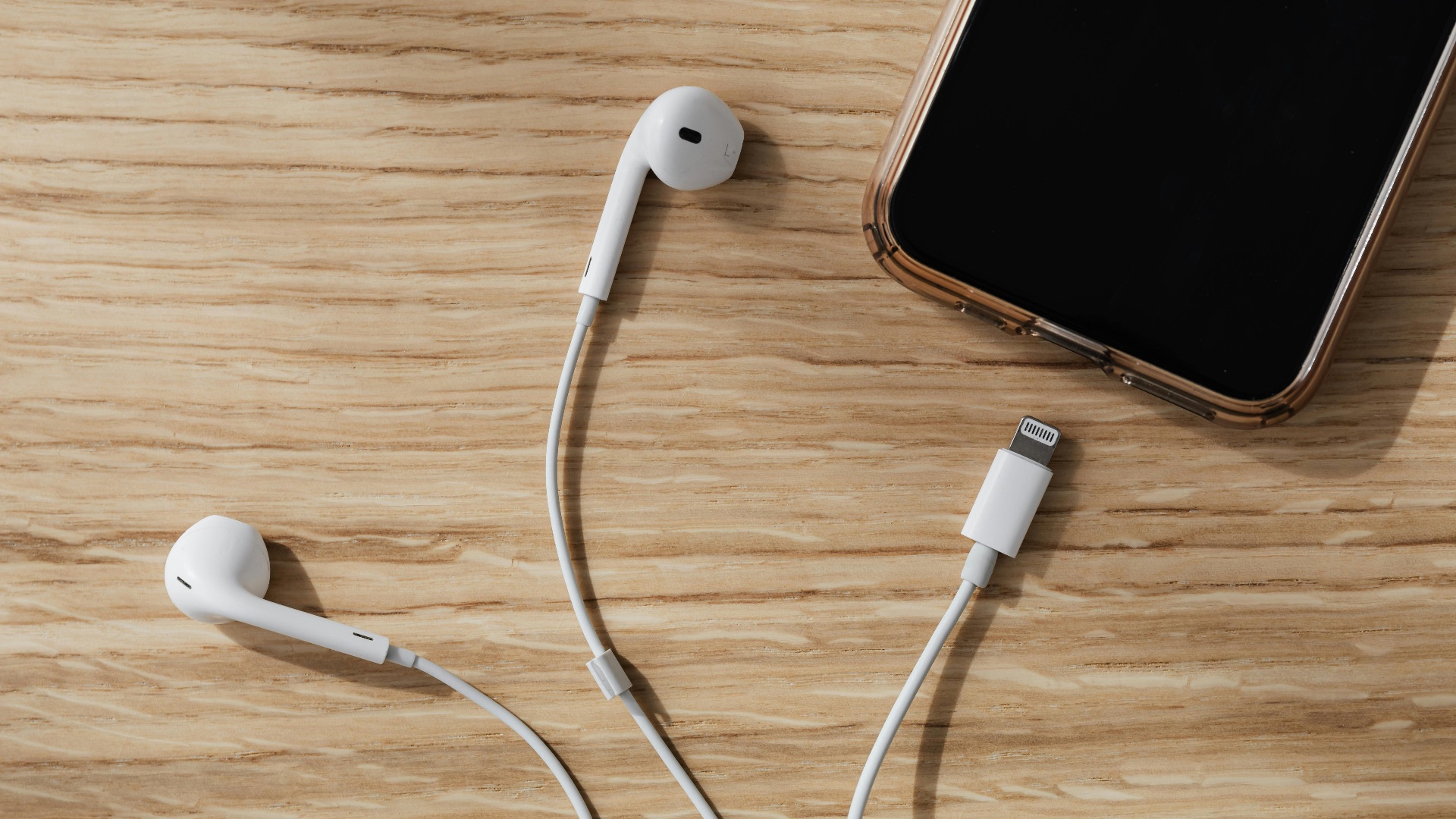
1. Wired Earphones or Over-Ear Headphones
A solid pair of wired headphones or earphones still sounds good, works with a ton of devices, and doesn’t care about battery life. You can also avoid pairing issues and audio lag, which is nice when you just want to press play. At most, you'll just need an adapter to plug it into your phone.
 Karolina Grabowska www.kaboompics.com on Pexels
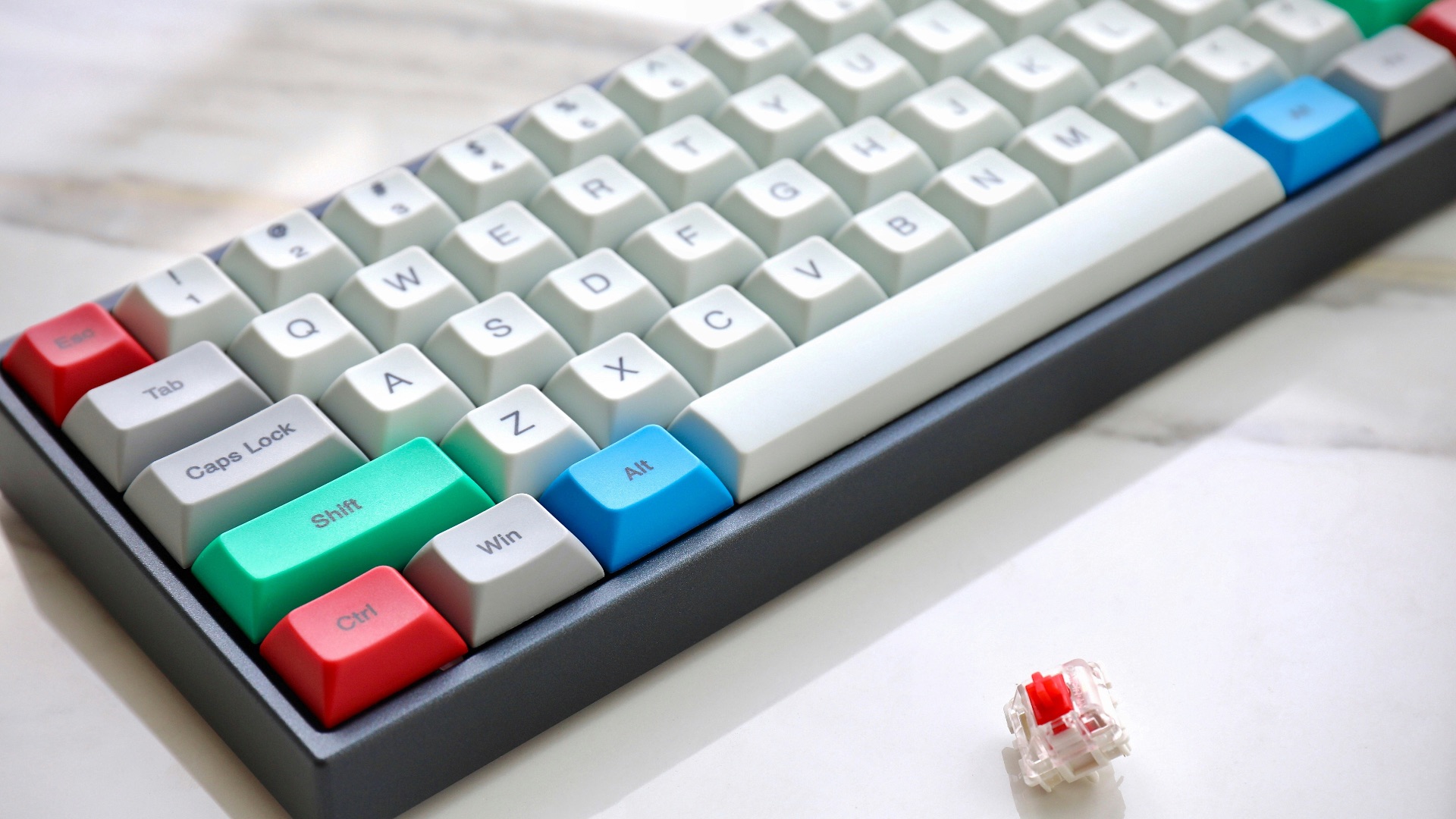
2. Mechanical Keyboards
Mechanical keyboards from earlier eras often feel better than many modern budget boards, and they’re built to survive serious use. Typing comfort and reliability don’t go out of style, even if the connector needs an adapter. With a little cleaning and a simple USB conversion in some cases, you’ve got a daily driver again.
3. Digital Alarm Clocks
A basic digital alarm clock remains one of the simplest ways to wake up without relying on your phone. It’s consistent, easy to set, and it doesn’t tempt you to scroll before bed. If you want a no-nonsense routine, this old standby still earns its spot.
 Solving Healthcare on Unsplash
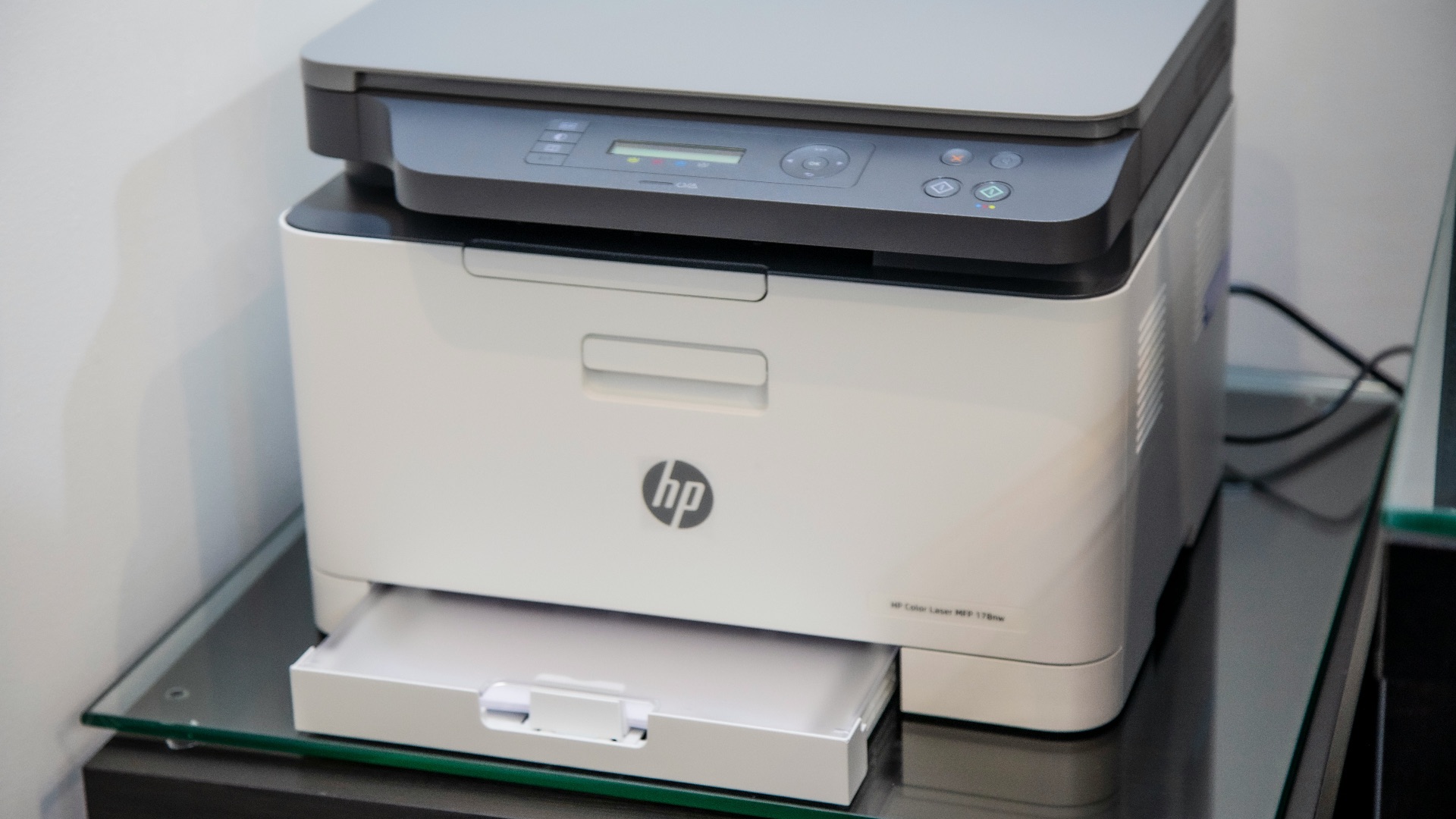
4. Laser Printers
Older laser printers can be surprisingly dependable, particularly if you mostly print black-and-white documents. Toner lasts a long time, and many models can run for years with minimal maintenance. As long as you can connect it to your network or computer, it’s still a practical workhorse.
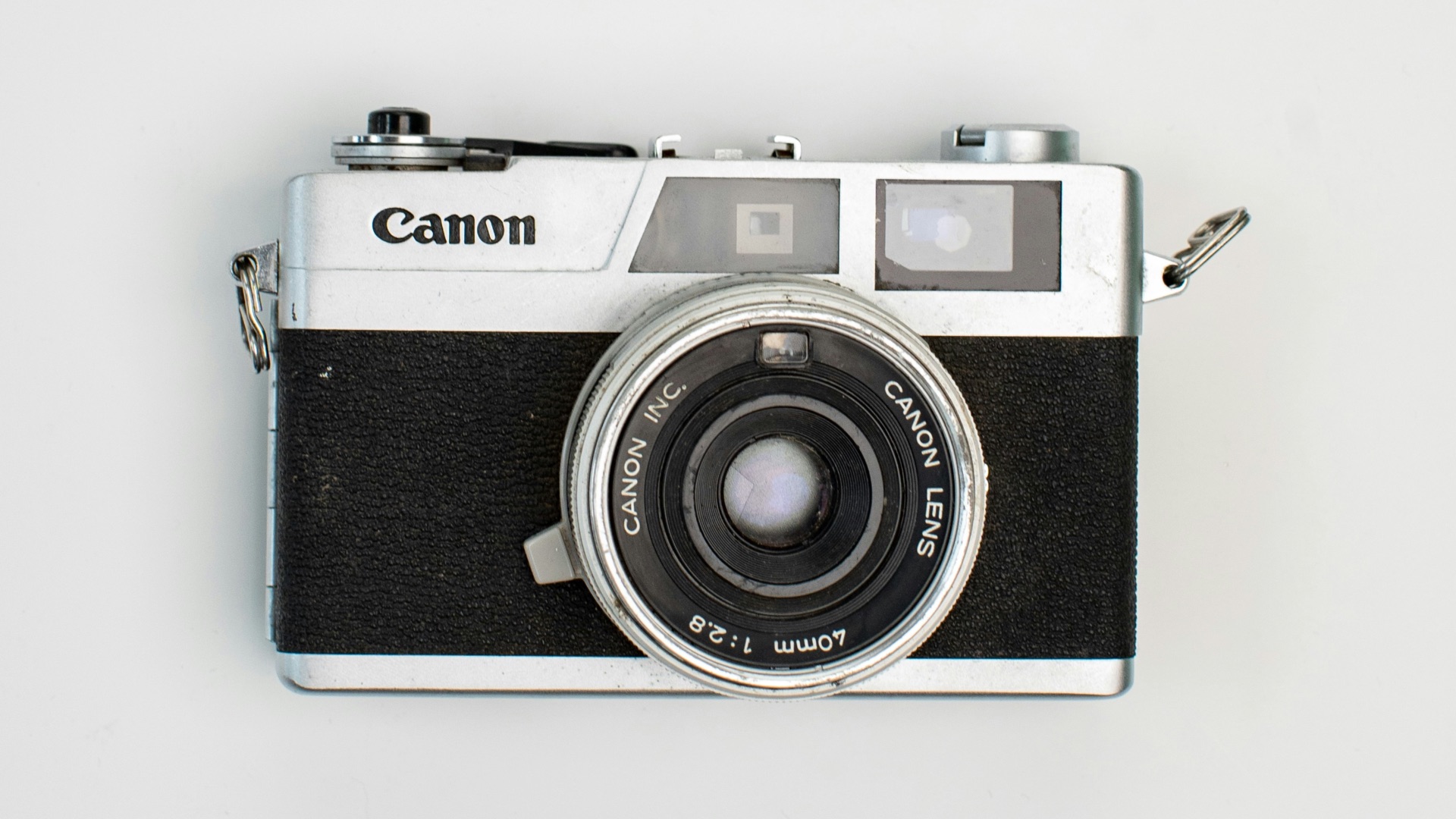
5. Compact Digital Cameras
Sure, you can just use your smartphone, but some older compact cameras still produce sharp images and offer physical controls that feel straightforward. You’ll appreciate them if you want photos without app processing or constant notifications. If you can still find batteries and memory cards, they remain genuinely usable.
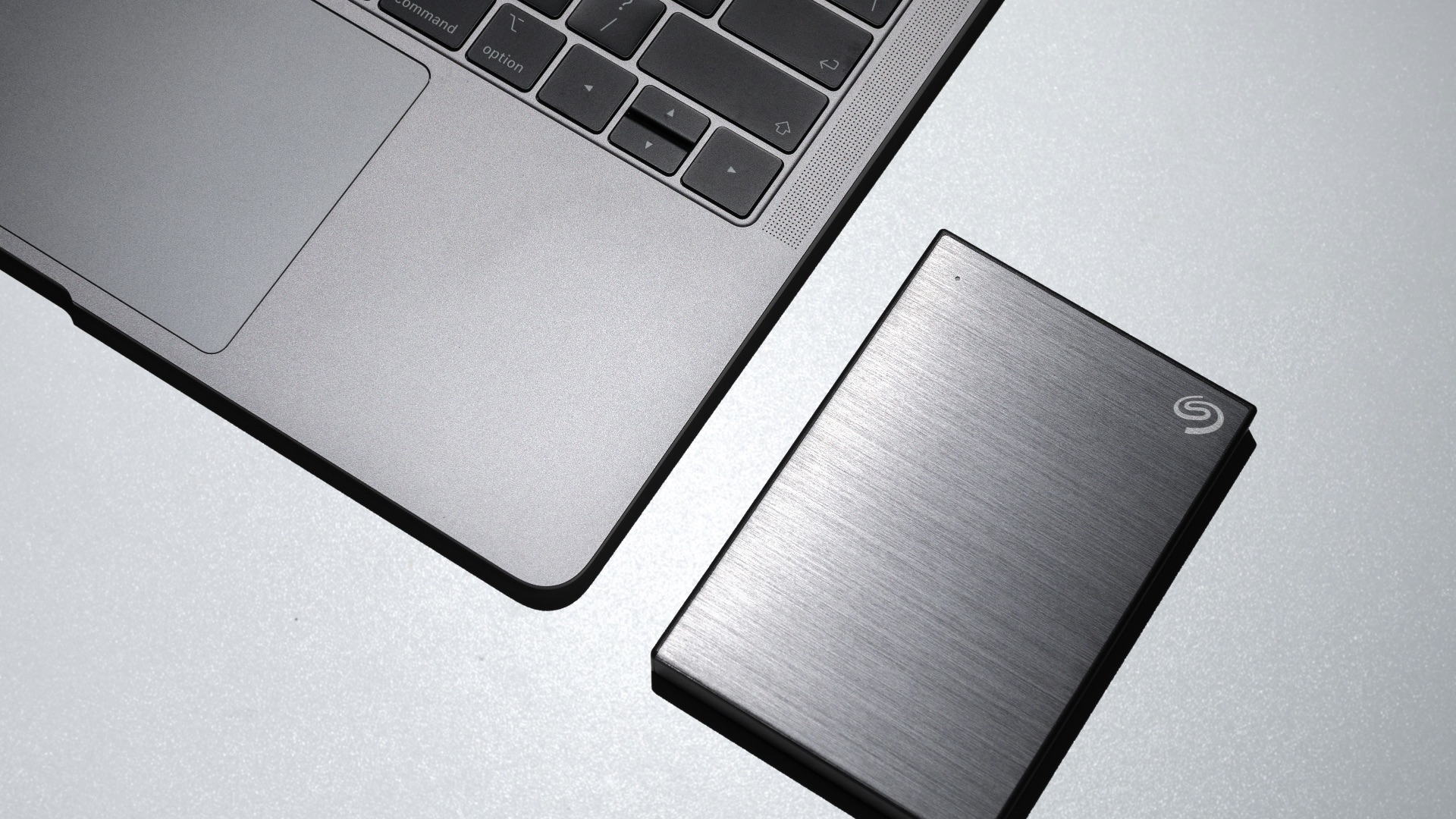
6. External USB Hard Drives
A well-kept external hard drive is still a simple, affordable way to back up files locally. You don’t need a subscription, and you can move large folders without waiting on uploads. If you’re careful about drops and keep an extra copy, it’s still a smart tool.
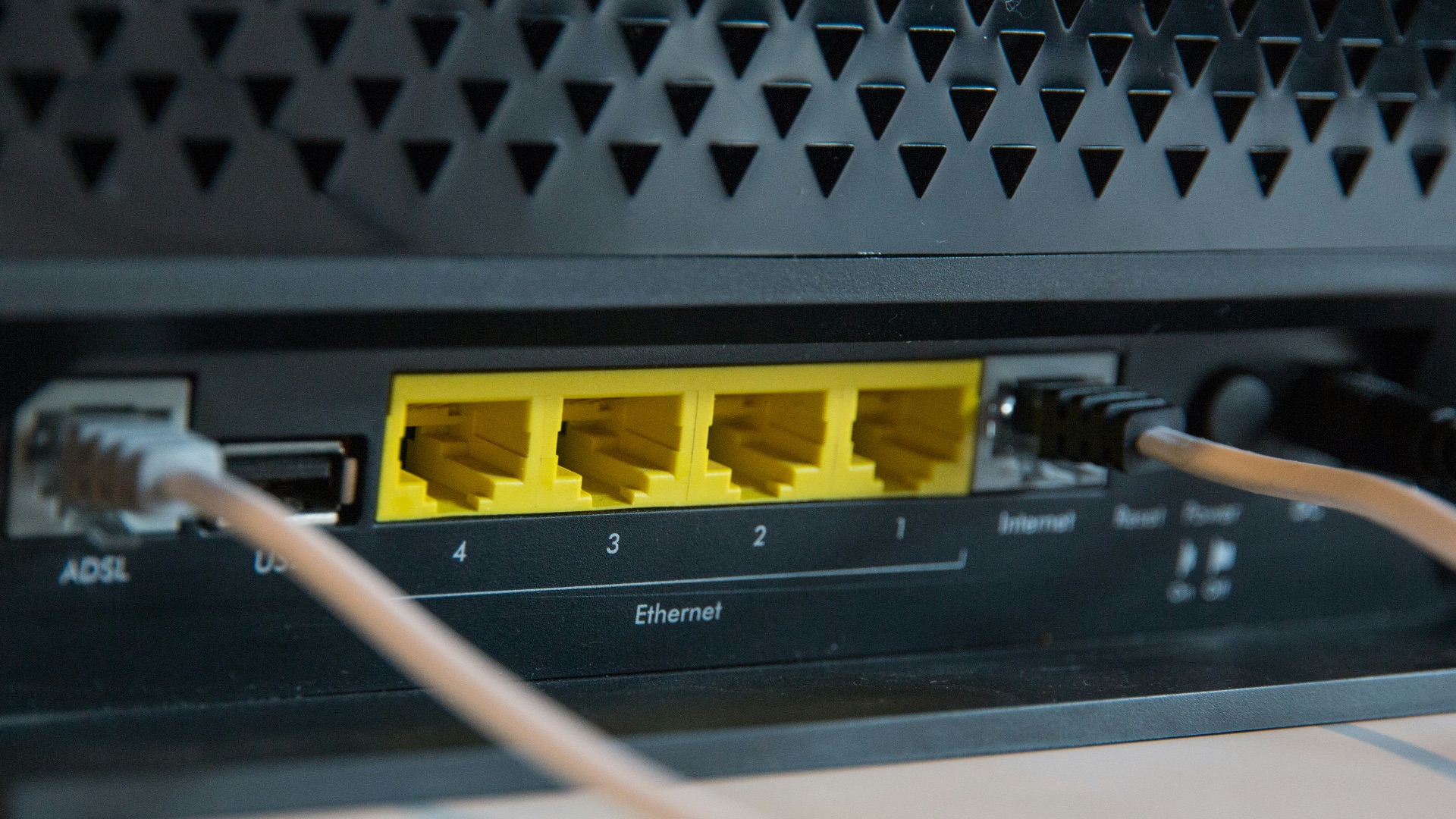
7. Wired Ethernet Routers and Switches
Basic networking gear that supports standard Ethernet can keep working for a long time, even if it’s not flashy. A small switch or older router used as a wired access point can still stabilize a home setup. If your internet plan isn’t extreme, you might not notice any downside.
 Stephen Phillips - Hostreviews.co.uk on Unsplash
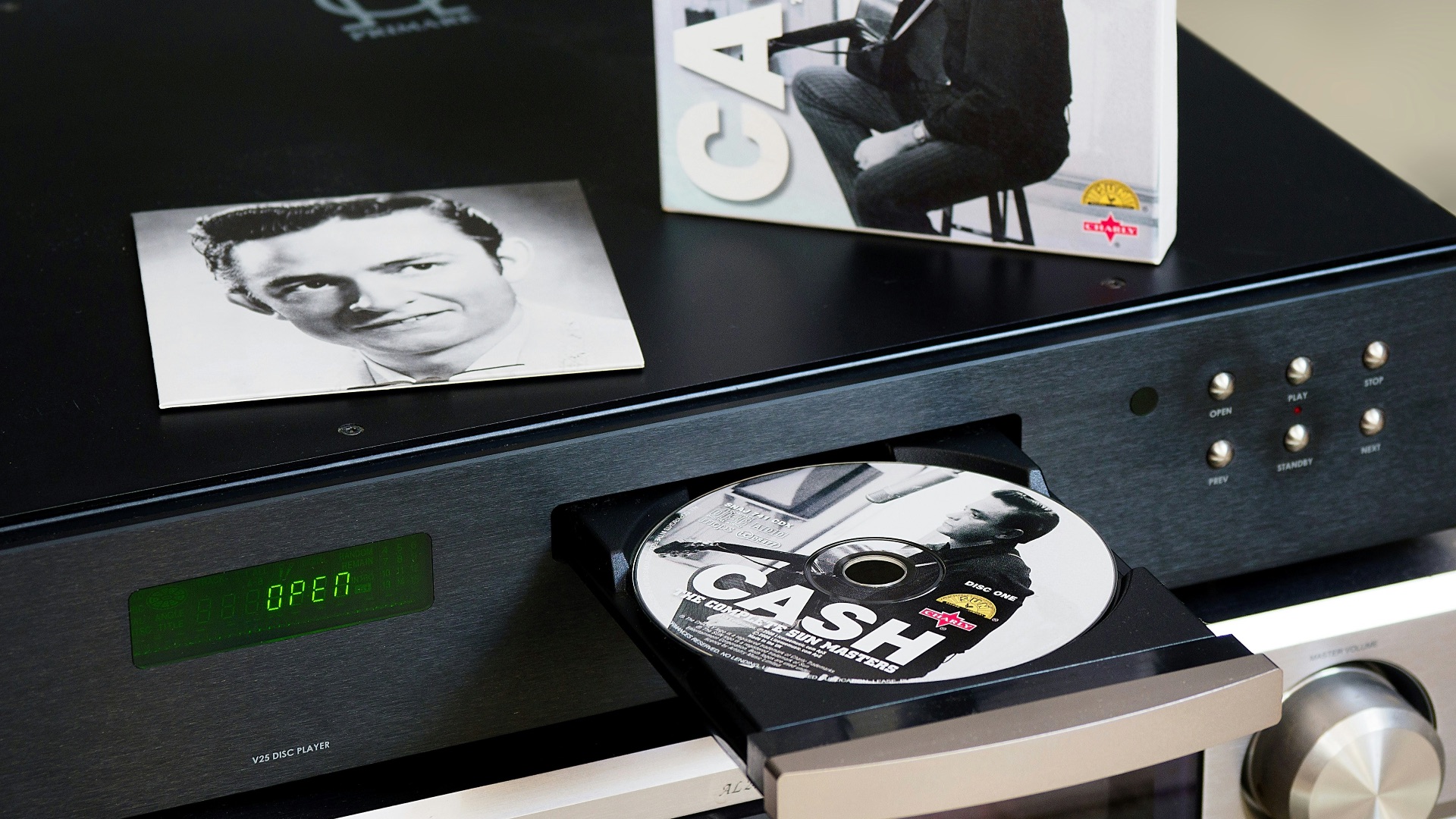
8. DVD and Blu-ray Players
Dedicated disc players remain useful for anyone with a physical media collection or spotty streaming access. They tend to be easy to operate, and you don’t have to worry about a movie disappearing from a service. If you already own discs, the player is still doing real work.
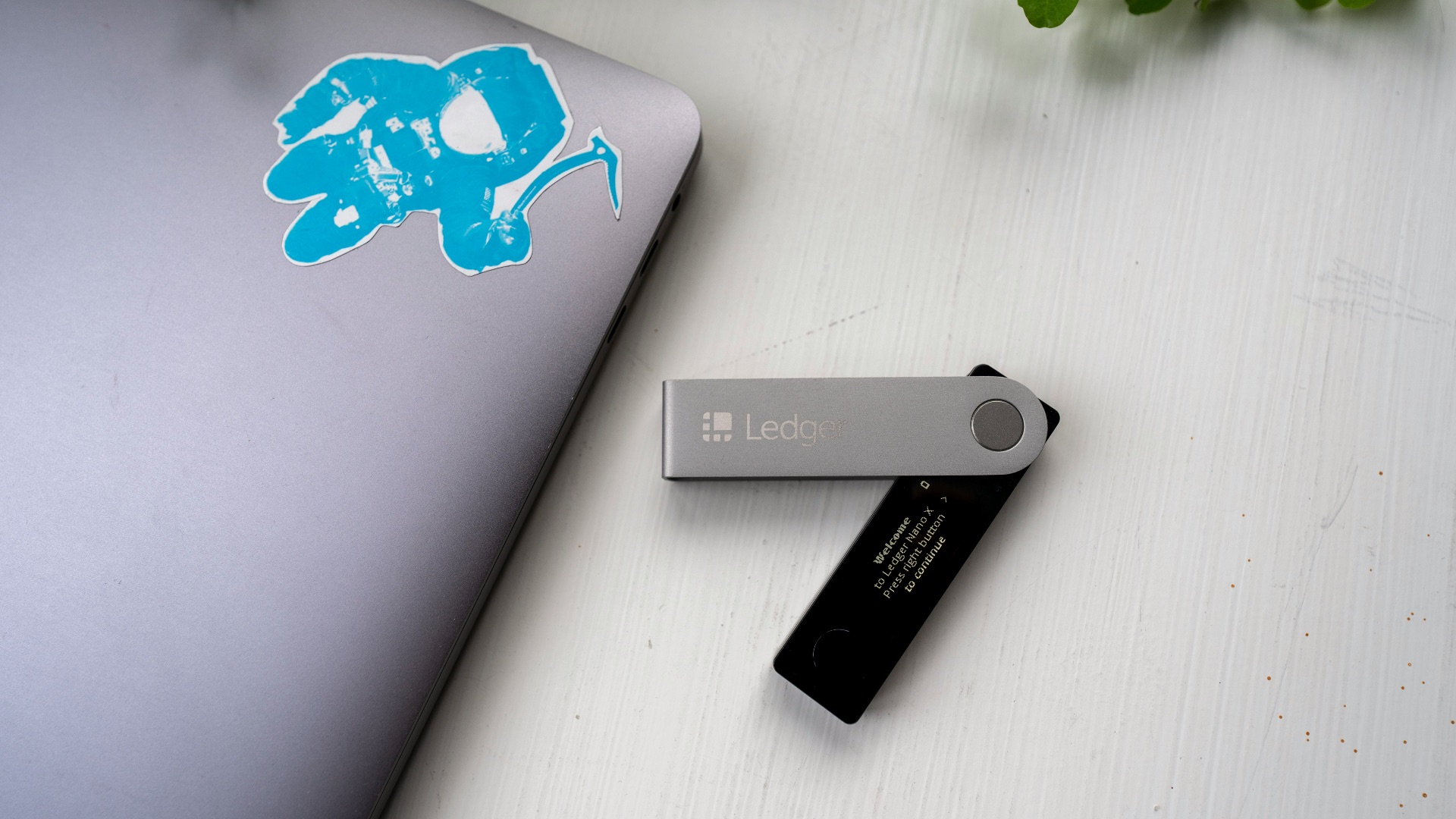
9. USB Flash Drives
A good flash drive is still an easy way to transfer documents or keep an emergency installer handy. They’re small, cheap, and compatible with a lot of devices, especially for basic tasks. If you label them and don’t treat them like permanent storage, they remain very convenient.
10. Graphing Calculators
Older graphing calculators still handle math reliably, and schools and exams often accept specific models for years. The interface can feel dated, but the core functions remain solid and consistent. If you’re in a class that expects one, you’ll be glad it still just works.
These gadgets surprisingly still hold up, but there are plenty that don't. Here are some nostalgic pieces that you might want to toss out soon.
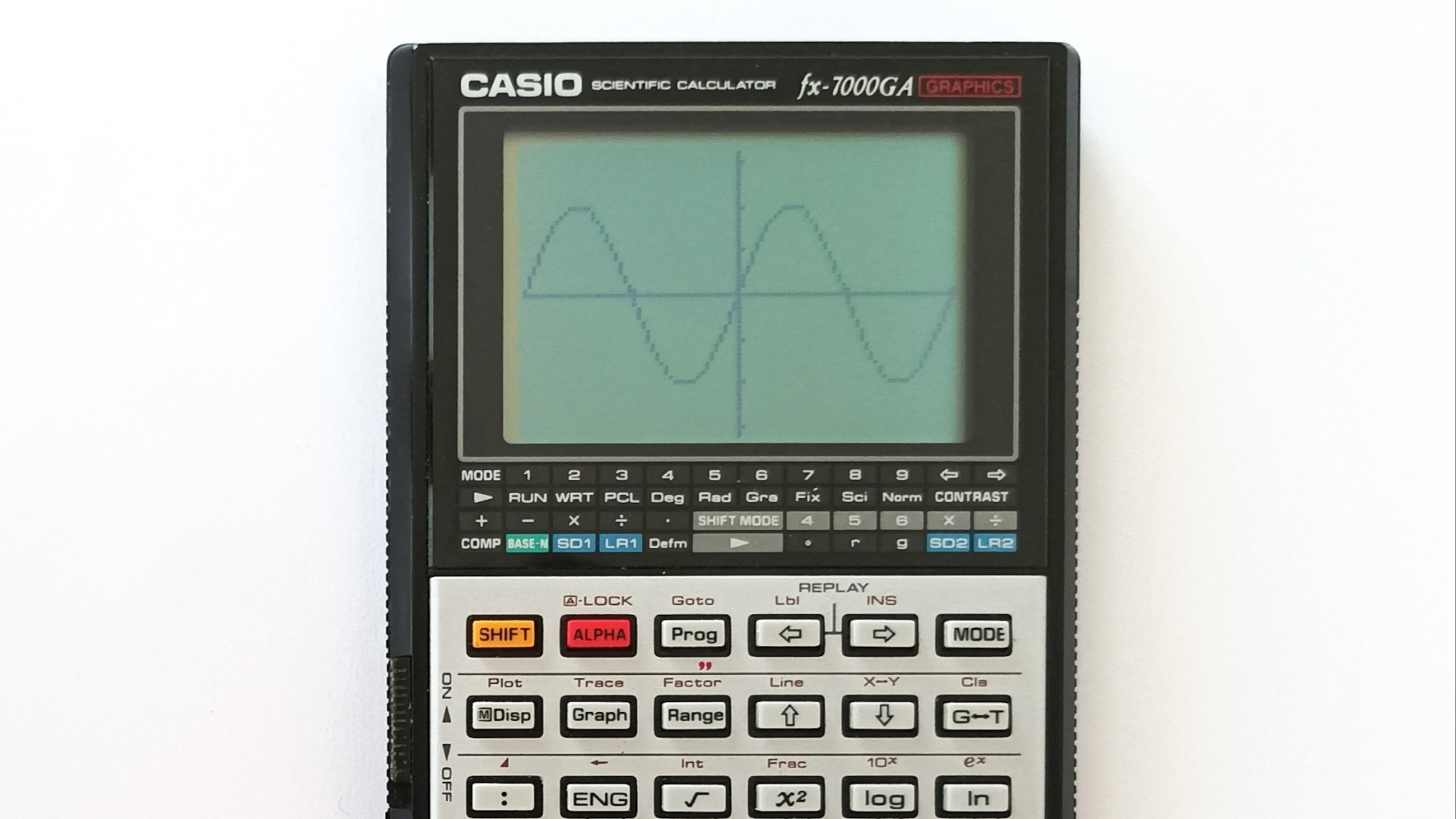
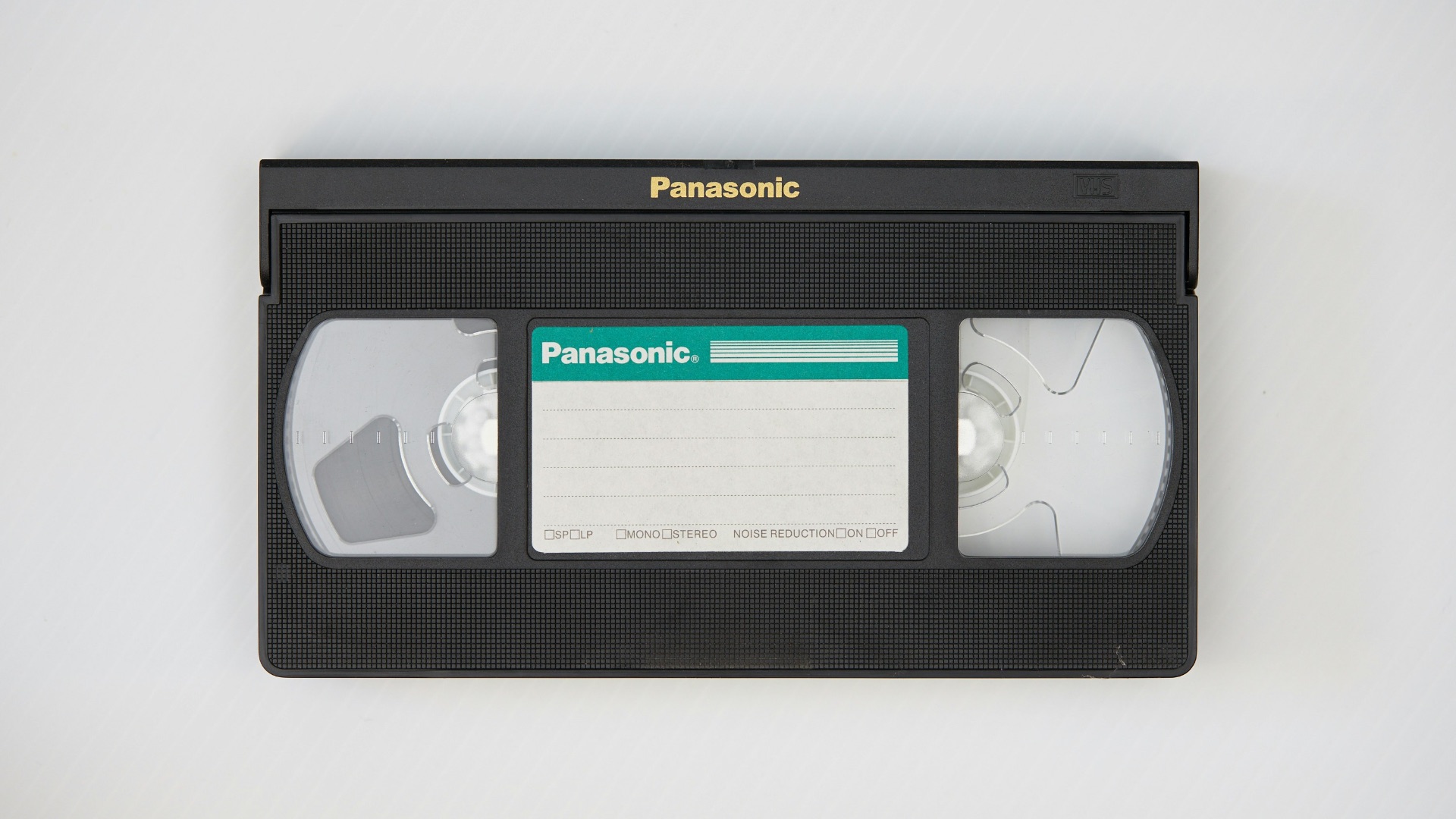
1. VHS Players
VCRs are increasingly hard to maintain, and the tapes themselves degrade in ways you can’t easily fix. Even when everything powers on, tracking issues and poor image quality can make the experience frustrating. Unless you’re digitizing home videos, it’s usually not worth keeping one around.
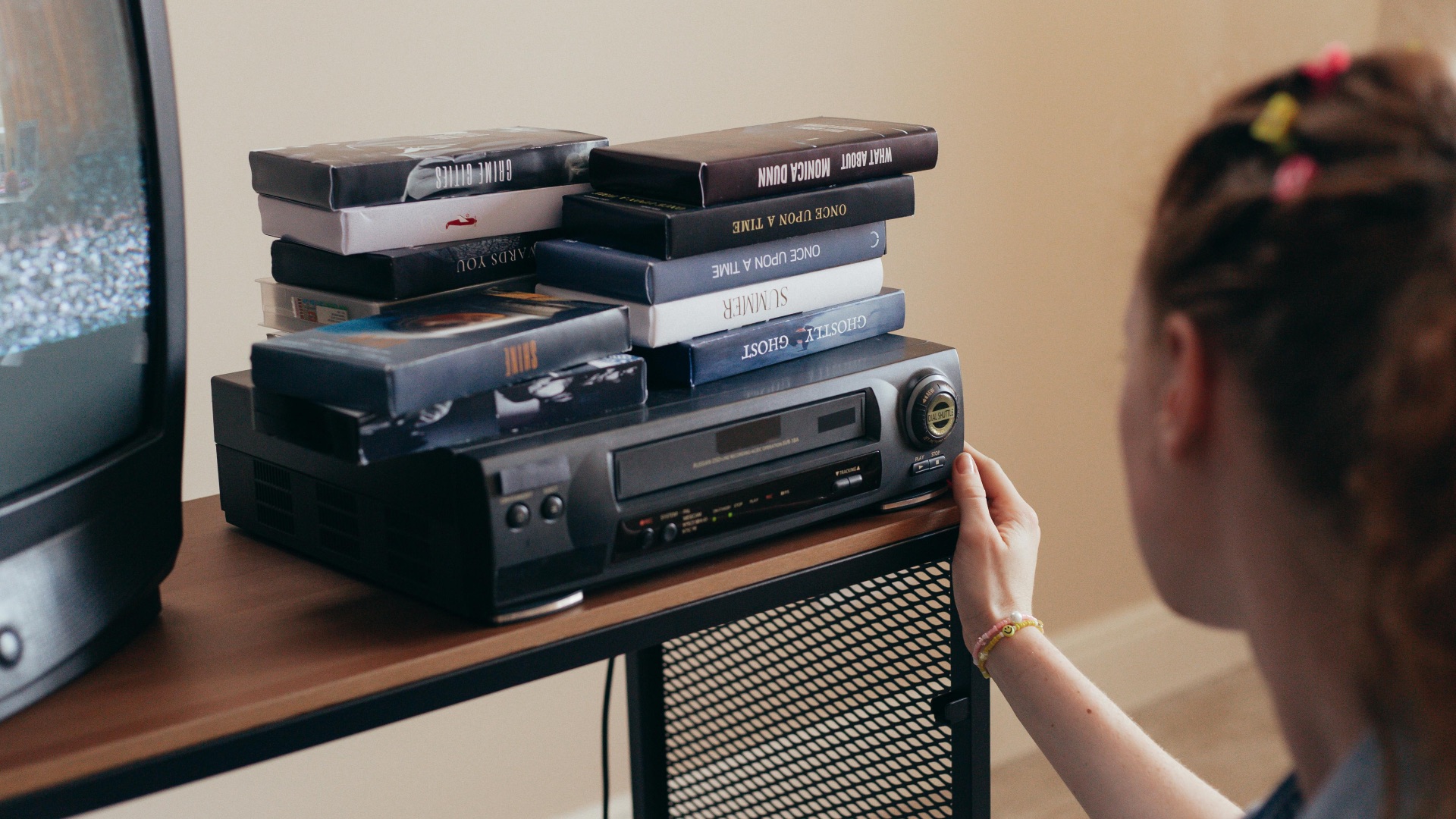
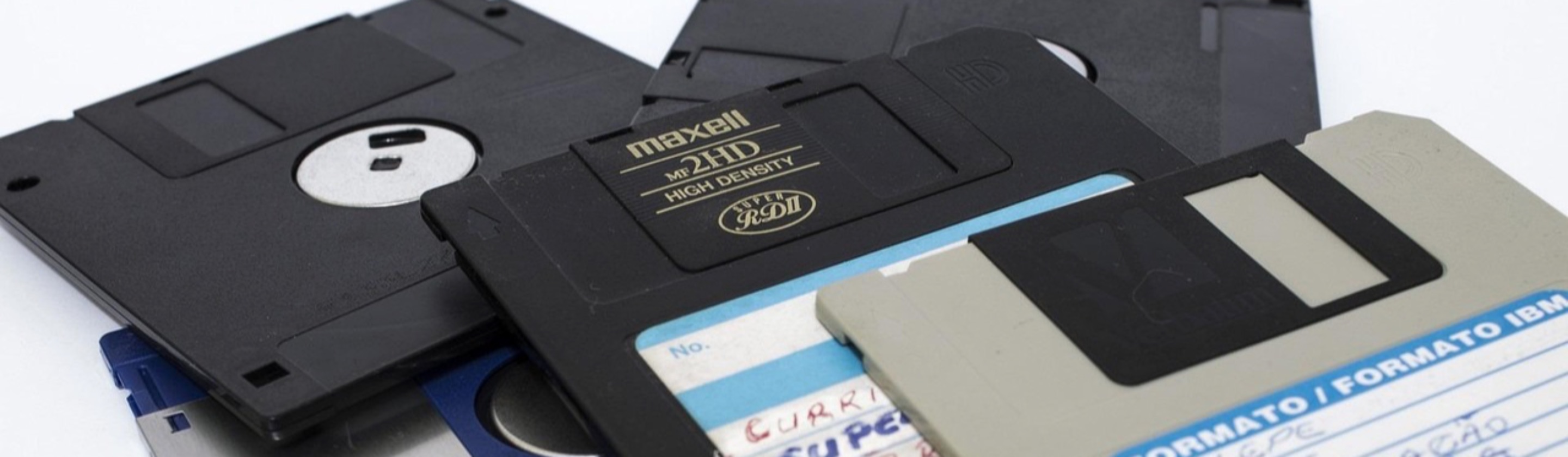
2. Floppy Disk Drives
Floppy drives aren’t just slow; the disks are unreliable and the ecosystem is basically gone for everyday use. Finding a working drive, compatible connections, and readable media can turn into a whole project. If you’re not dealing with legacy industrial gear, you’re better off moving on.
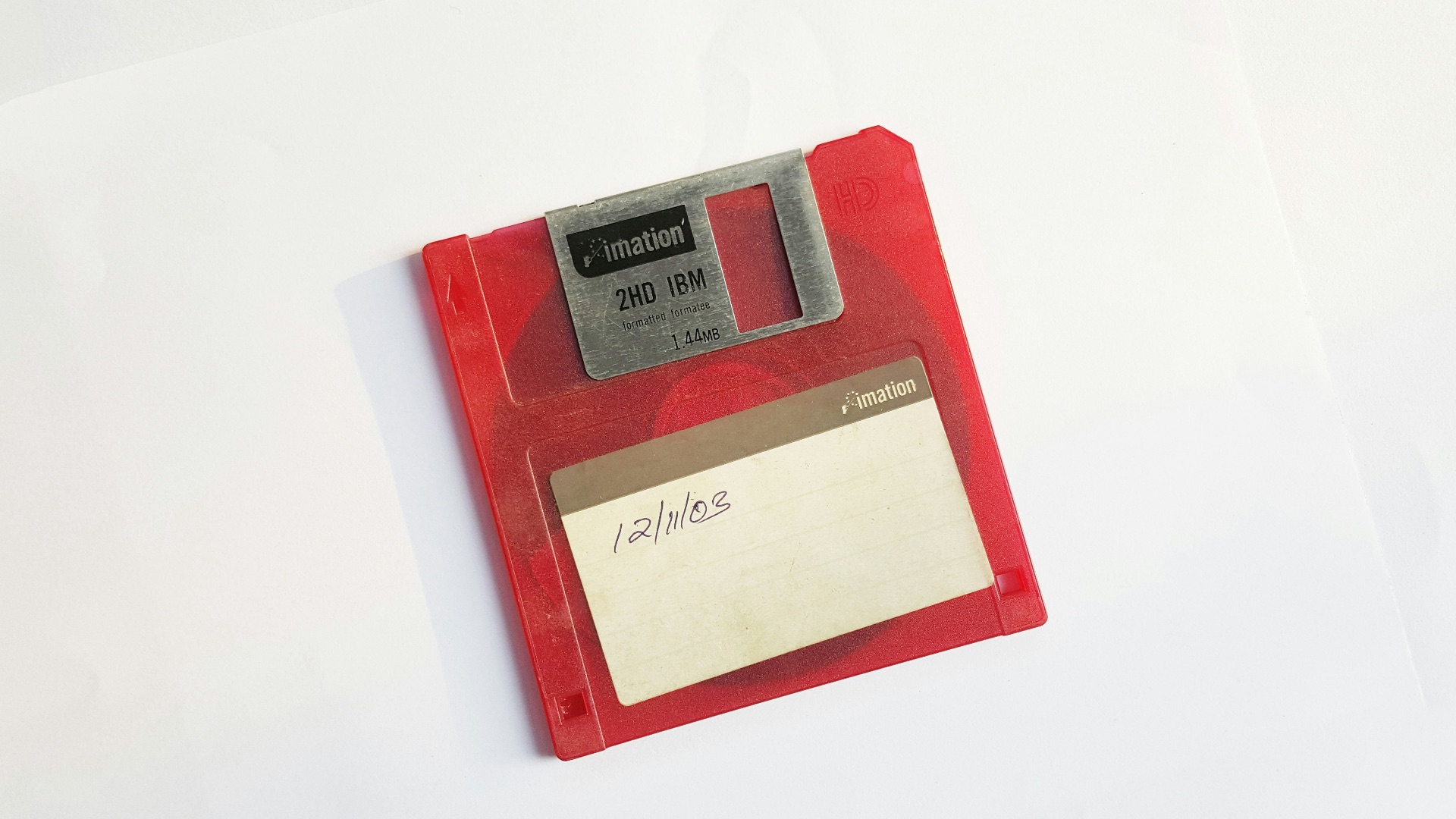
3. Old GPS Units for Cars
Standalone GPS devices can still turn on, but outdated maps and discontinued updates make them less dependable. Modern phone navigation is usually more accurate, faster to refresh, and better at handling traffic changes. If you try using the old unit, you’ll notice the gaps pretty quickly.
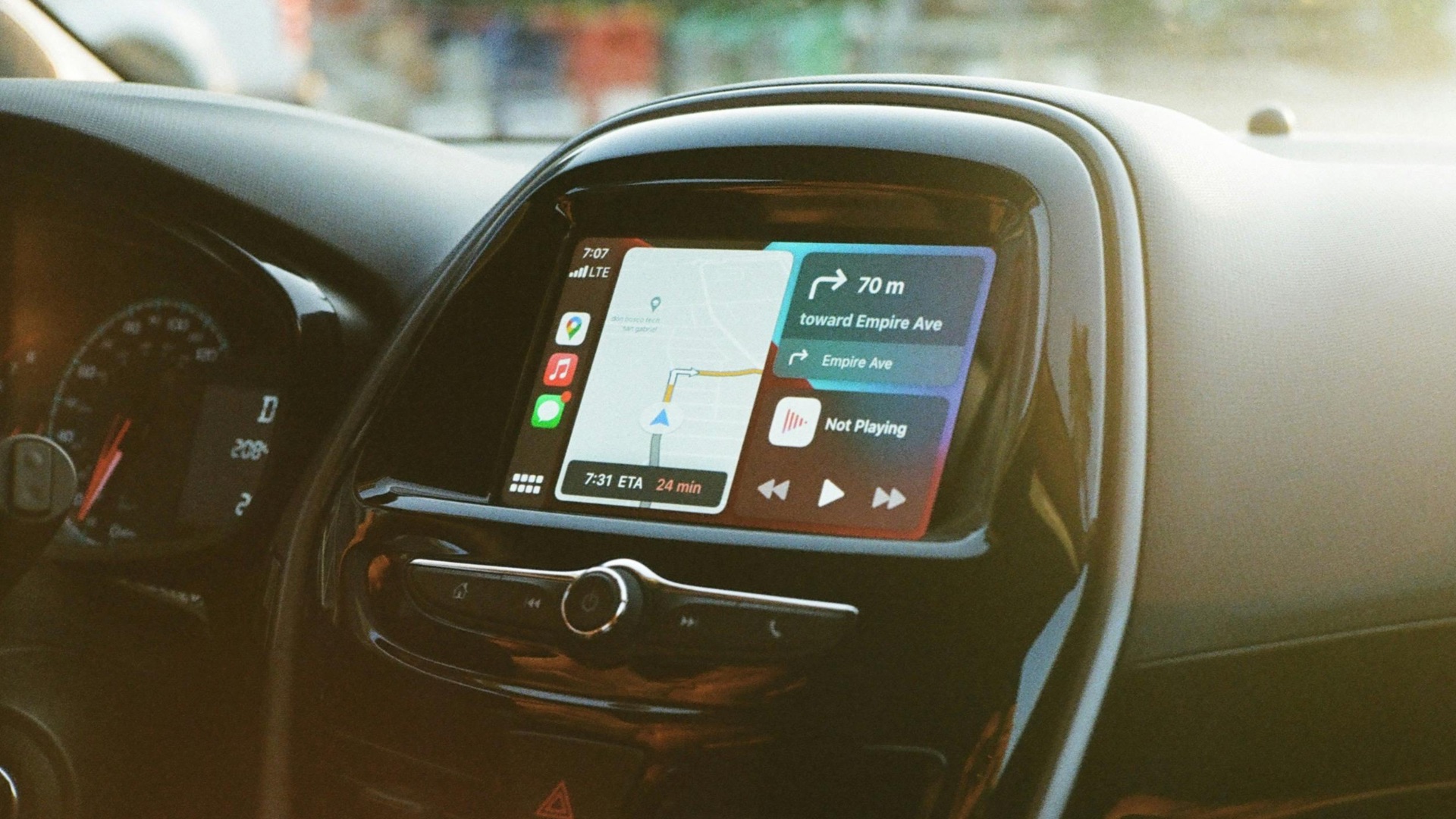
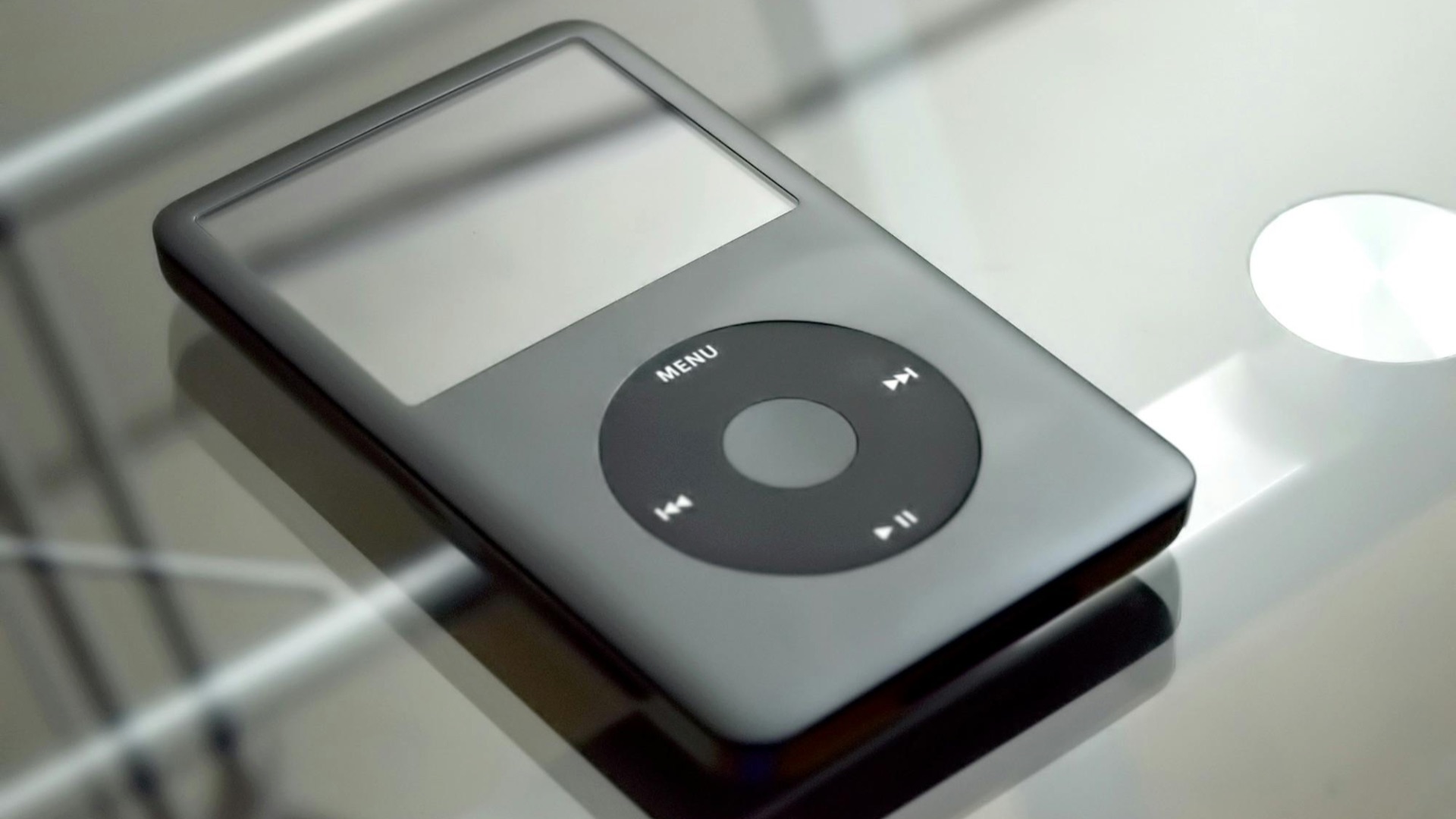
4. Early MP3 Players
Some older MP3 players sound fine, but the required software and drivers can be a headache on current computers. File syncing often feels unnecessarily complicated compared to simple drag-and-drop options. If you’re not committed to managing a separate music library, it’s tough to justify.
5. First-Generation Smart TVs
Early smart TV platforms tend to be slow, unsupported, and missing the apps you actually want. Even if the screen looks okay, the built-in software can feel stuck in the past. A cheap streaming stick usually delivers a better experience with less frustration.
 Glenn Carstens-Peters on Unsplash
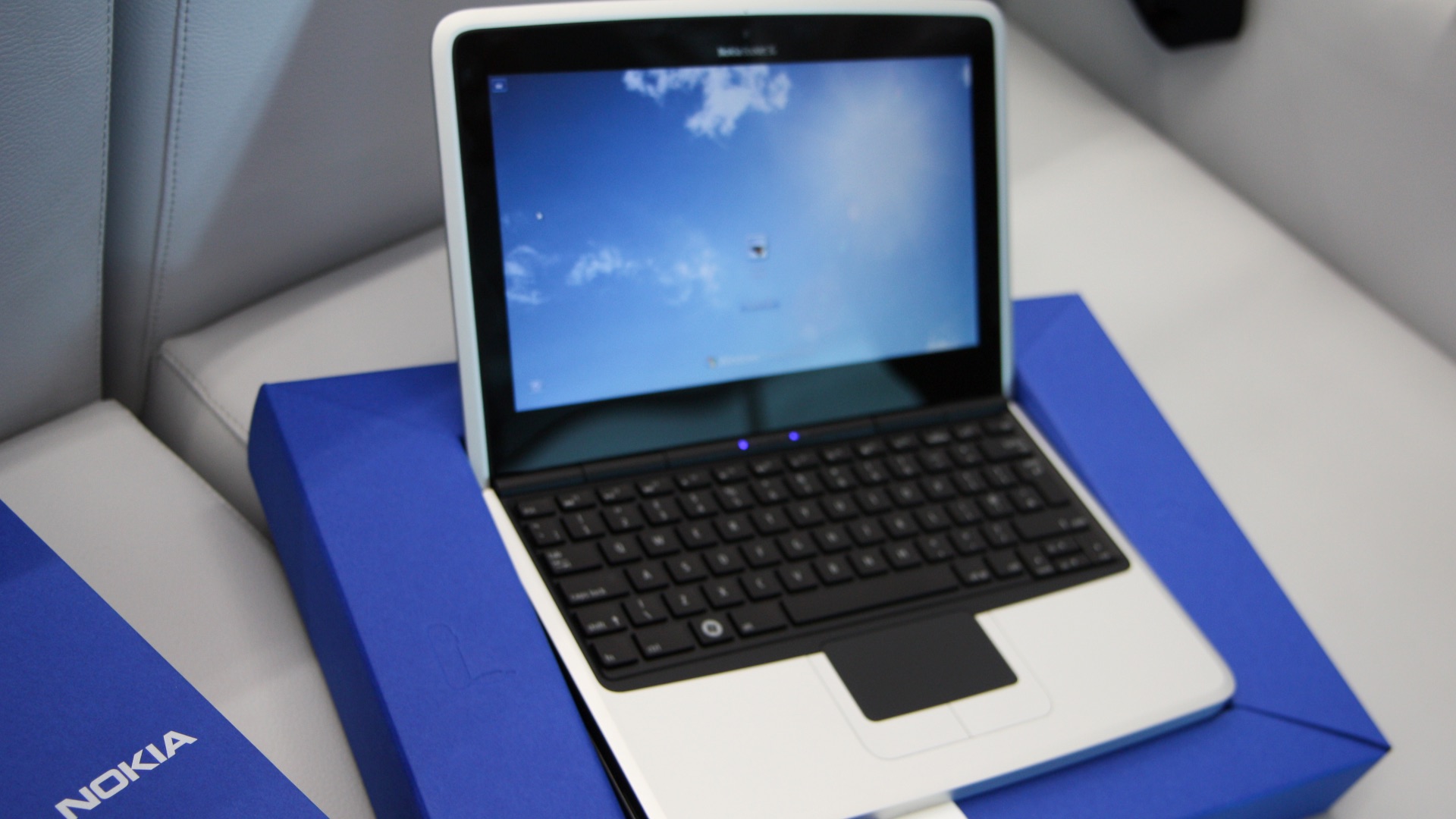
6. Netbooks
Netbooks were designed for light tasks, and today they often struggle with basic browsing and modern websites. Limited RAM, slow storage, and outdated processors make them feel cramped fast. You can repurpose one for a niche role, but it definitely won’t be pleasant as your main computer.
 http://thenokiablog.com/Reposted by Mark Guim from United States on Wikimedia
7. Early Tablets
Older tablets often stop receiving software updates, and that quickly turns into app compatibility problems. Battery life also tends to fade, so you’re stuck charging more than you’d like. Even for reading and video, the sluggish response can wear on you.
8. Original Bluetooth Earpieces and Early Wireless Headsets
Early wireless headsets commonly sound thin, have short battery life, and use older Bluetooth profiles that can be annoying with newer phones. Controls are often awkward, and microphones can struggle in anything but quiet rooms. If you’re hoping for a clean hands-free experience, newer models are simply better.

9. Portable CD Players
A portable CD player can technically still play music, but skipping and mechanical wear make it unreliable on the move. Getting replacement parts is difficult, and the experience is less convenient than nearly any modern option. If you’re keeping CDs, a home player makes more sense than the portable kind.
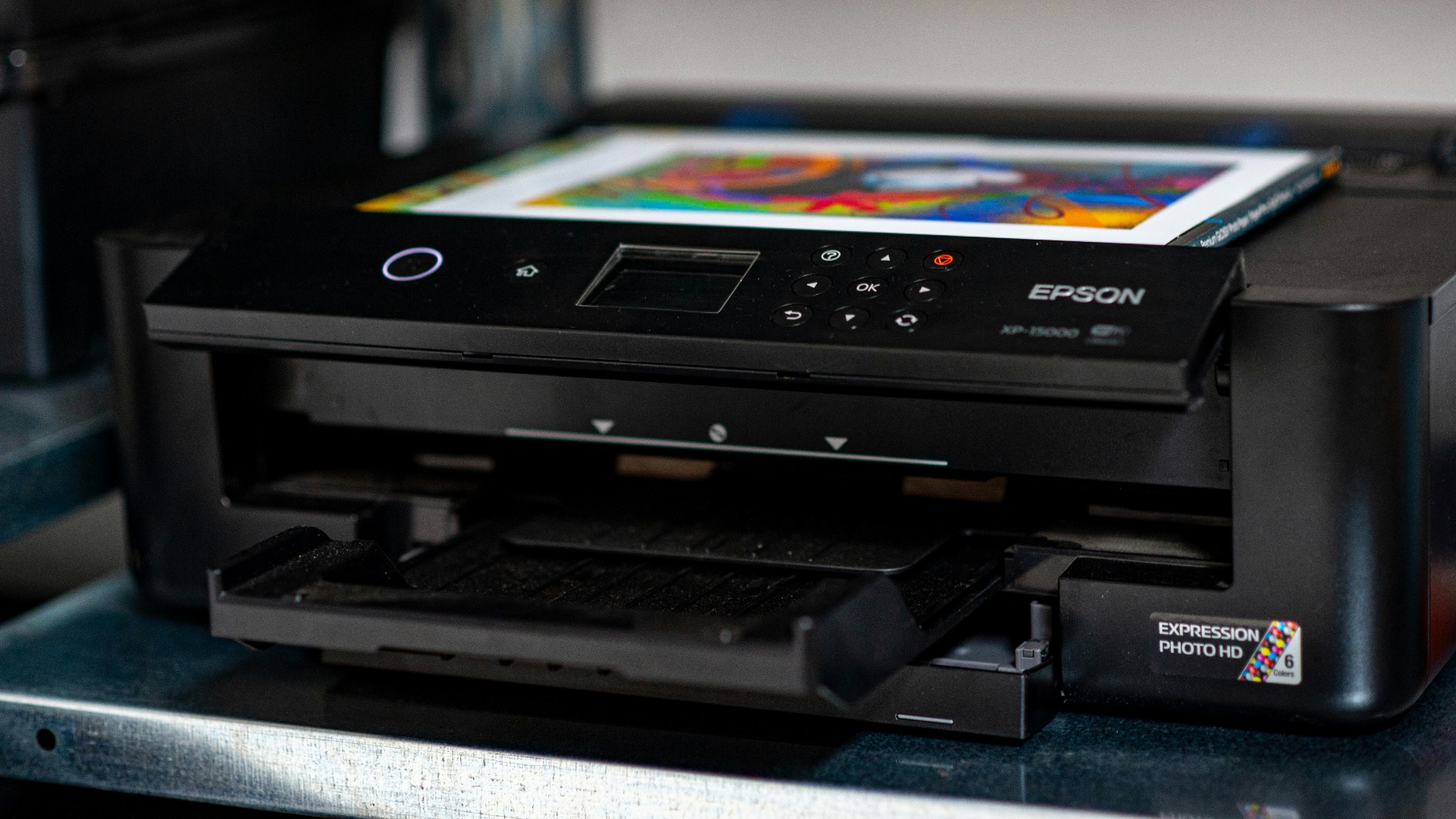
10. Old Inkjet Printers
Many older inkjet printers are expensive to feed, prone to clogged nozzles, and frustrating when you need a page right now. Driver support can be inconsistent, and setup often feels like a chore on modern systems. Unless you print photos regularly and know it’s in great condition, it’s usually a pass.