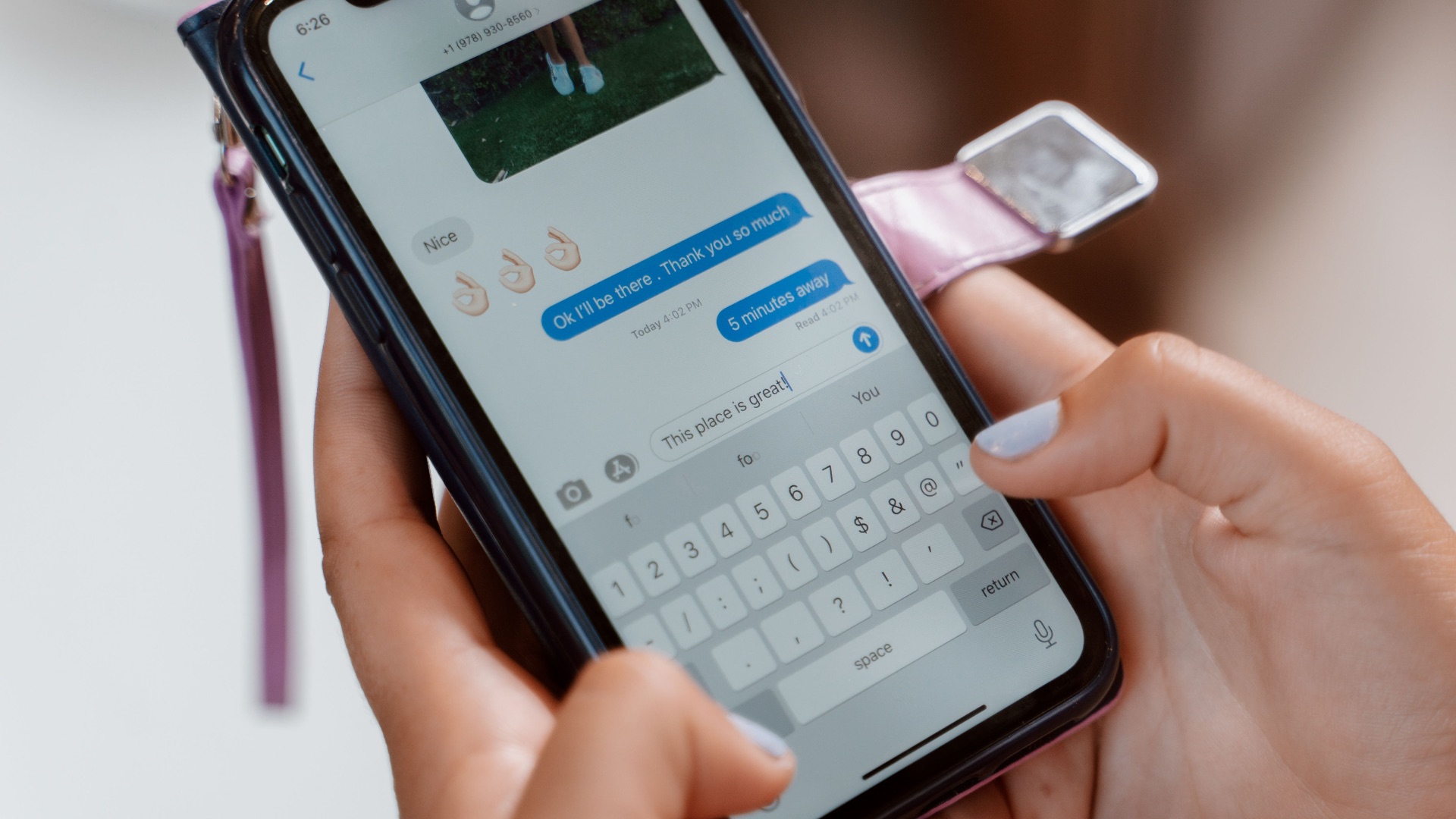
If your texts have been coming out garbled lately, you're not imagining it. Plenty of iPhone users have noticed that words they typed correctly show up on screen as something else entirely, and it's been happening often enough that people have started wondering if it's all in their heads or if their thumbs have really gotten bigger. It doesn't help that every new attempt seems to generate a new spelling error.
Sound familiar? Thankfully, you're not going crazy. In fact, there's a documented software issue behind this issue, and there are ways to make typing feel smoother again (or, at the very least, less annoying). Here's a breakdown of why your iPhone keyboard has been acting up and what you can do about it.
What's Actually Causing the Typos
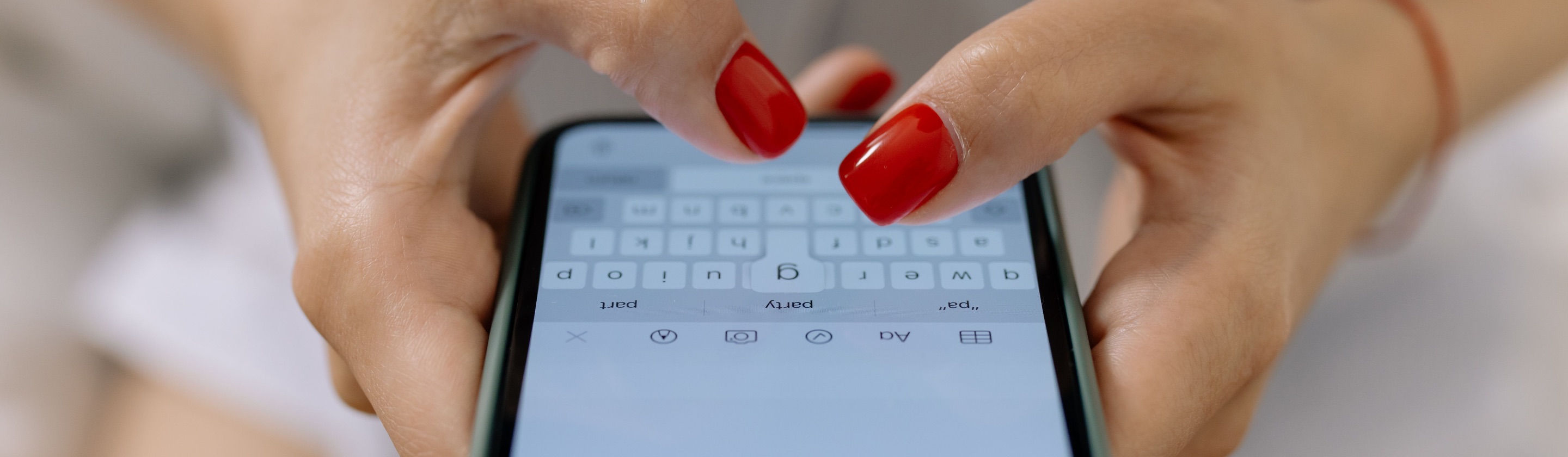
If you've updated your device to iOS 26, a glitch tied to the software has been responsible for a wave of complaints about iPhones and iPads inserting the wrong letters or skipping keystrokes entirely. The bug causes devices to randomly insert incorrect letters and miss key presses, turning routine texting into a frustrating exercise in autocorrect warfare. It's not the kind of mistake you'd expect from autocorrect simply guessing wrong; the keyboard registers something different from what you actually pressed.
One YouTuber decided to test this firsthand using slow-motion video to catch the keyboard in the act. The footage showed that pressing one key sometimes produced an entirely different letter on screen, with no consistent pattern; the same word could produce different errors on separate attempts. Disabling autocorrect didn't solve the problem either, which suggests the error happens after the system has already registered your tap rather than during the correction process itself.
The issue tends to show up more during fast typing or longer messages, though some users say it happens even when they're tapping slowly and deliberately. Apple later confirmed that quick typing could cause a key to visually expand without registering a character at all, creating gaps that made autocorrect guess incorrectly at what the user meant to type. Those missing letters threw off the predictive system, which only made the resulting typos look stranger and harder to explain.
Why It's Been Hard to Pin Down
Part of the confusion comes from how differently this bug presents itself from one device to another. Some people assumed it was a hardware problem related to screen sensitivity, especially on newer iPhones with slimmer bezels, while others blamed the swipe-to-type feature for picking up accidental gestures. Because the symptoms varied so much, plenty of users spent months thinking the problem was unique to their own phone or their own typing habits.
Online forums and social platforms ended up doing a lot of the early detective work before Apple addressed it directly. Reports surfaced across Reddit, X, and Apple's own support community, with users describing nearly identical experiences despite owning different iPhone models. That consistency across devices pointed toward a software-level issue rather than anything specific to one phone's hardware.
There's also a secondary layer to this problem that has nothing to do with the original bug. Your keyboard's dictionary learns from what you type over time, and if it spent months recording typos as though they were intentional words, it can start suggesting those same errors later. All learned words, typing patterns, and autocorrect suggestions get erased once you reset the dictionary, which means the keyboard effectively starts fresh. That buildup of corrupted data helps explain why some people still see odd suggestions even after their iPhone's software has been updated.
Apple's machine-learning-driven keyboard adds another wrinkle, since it's designed to adapt to each person's typing style. When that learning process absorbs months of glitchy input, the predictions it offers become less reliable rather than more helpful. It's a reminder that a system built to personalize your experience can just as easily personalize its own mistakes if left uncorrected.
What You Can Do to Fix It
The most direct fix is making sure your iPhone is running the latest version of iOS, since Apple has already addressed the core issue in a software update: iOS 26.4 (and above) should stop the keyboard from registering incorrect inputs when you type quickly, fixing the underlying bug that caused many of these typing problems. If you haven't updated in a while, it's worth checking for new software in Settings first and foremost before trying anything more involved.
But updating alone might not be enough if your keyboard has spent weeks or months absorbing bad data. Resetting the keyboard dictionary clears out everything it has learned, including the typos it picked up while the bug was active. You can do this by going to Settings, then General, then Transfer or Reset iPhone, then Reset, and finally Reset Keyboard Dictionary; the process won't affect anything else on your device. Expect a short adjustment period after resetting, since your keyboard will need to relearn your typing habits, nicknames, and any shorthand you use regularly.
If problems persist even after updating and resetting, it's worth checking whether you have multiple dictionaries active for the same language or an extra keyboard installed that you don't actually use. Removing duplicate or unused keyboards under Settings, then General, then Keyboard has resolved the issue for some users when nothing else worked. Slowing down slightly while typing can also help in the short term, especially if you're still on an older version of iOS while waiting to update.
At the very least, all of this confirms that you aren't going crazy and your typing skills aren't getting worse, so go and breathe a sigh of relief. Whew.