 Nubelson Fernandes on Unsplash
Selling your old phone, laptop, or tablet can be a great way to make some extra cash while giving the device a second life instead of letting it collect dust in a drawer. Whether you're upgrading to a new model or simply clearing out gadgets you no longer use, taking the right steps beforehand can make a real difference in both your safety and your wallet.
Before you list your device or hand it over to a buyer, there are a few essential things you'll want to take care of first. From protecting your personal information to making sure you get a fair price, these steps will help the entire process go smoothly and leave you with peace of mind once the sale is complete.
Back Up and Wipe Your Personal Data
Before anything else, you'll want to back up everything you don't want to lose. Photos, contacts, messages, and app data can all be saved to the cloud or transferred to a new device, so take a few minutes to make sure nothing important gets left behind. On an iPhone, you can back up through iCloud, while Android users can rely on Google Drive and Google Photos to keep their call logs, contacts, calendars, and photos secure.
Once your data is safely backed up, it's time to remove it from the device for good. A simple factory reset might seem like enough, but it doesn't always erase everything, and remnant data can sometimes be recovered by the next owner. That's why it's worth taking a few extra precautions, like removing your SIM card and any external storage before you start the wiping process.
You should also sign out of every account linked to the device, since a factory reset alone won't remove your accounts, and skipping this step can leave Activation Lock or Factory Reset Protection active, which can prevent the new owner from setting up the phone at all. On Android, this typically means heading into your account settings and manually removing your Google account, while iPhone and Apple users should turn off their Find My and sign out of their Apple ID, iCloud, and iMessage before resetting. It's a small step that can save the buyer a serious headache down the line.
Finally, run the actual reset. For most modern devices with encryption enabled, a proper factory reset will make the stored data unrecoverable, though Windows laptop users should look for the option that fully overwrites the drive rather than a quick reset. Mac users on older operating systems may need to erase the drive through Recovery Mode separately, so it's worth double-checking the process for your specific device before you consider it done.
Assess the Device's Condition and Value
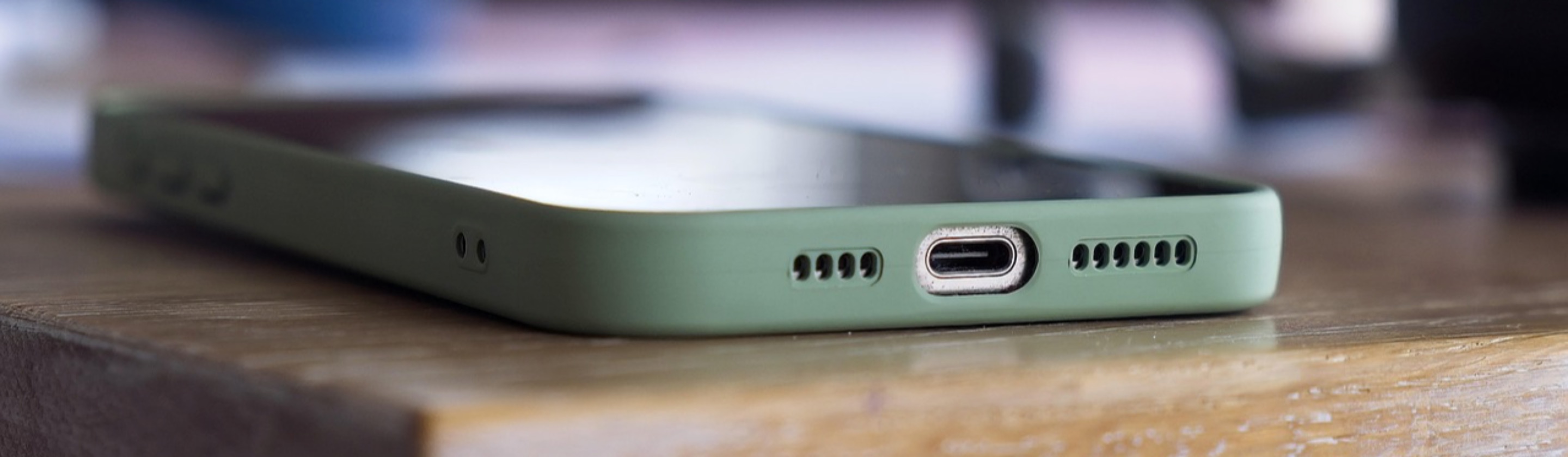
Once your data is squared away, take a good look at the physical condition of your device. Cosmetic details matter more than people expect, and even small issues like scratches, cracks, or a worn-out charging port can affect how much a buyer is willing to pay. Cleaning your device thoroughly and photographing it clearly from multiple angles will help you present it in the best possible light.
Battery health is another factor that shouldn't be overlooked, especially for phones. Buyers today are more informed than ever, and batteries holding at least 85% of their original capacity tend to command better offers, sometimes to the point where replacing an aging battery increases resale value by more than the cost of the replacement itself. It's worth checking your battery health settings before you decide whether a repair makes financial sense.
Timing can also play a bigger role than you might think. Phones tend to lose the most value right after a newer model launches, so if you're on the fence about when to sell, doing so a few months before a manufacturer's next big announcement can help you avoid a steep drop in price. Gathering any original accessories, like the box, charger, or cables, is worth the effort too, since having everything complete can add 10-20% to your device's resale value.
Choose the Right Selling Platform
With your device wiped, cleaned, and assessed, the next decision is where to actually sell it. Trade-in kiosks and instant-quote services are the fastest options, but that convenience comes at a cost. Instant-quote services typically pay twenty-five to forty percent less than what you'd get on a peer-to-peer marketplace, so they're best suited for sellers who value speed and simplicity over squeezing out every last dollar.
If maximizing your payout is the priority, marketplaces like eBay, Swappa, or Facebook Marketplace are usually the better route. Creating a strong listing with high-quality photos and an accurate, detailed description of the device's condition can make a noticeable difference in how quickly it sells and how much you ultimately get for it. Just keep in mind that these platforms require more effort, and you may need to field questions or negotiate with potential buyers before closing a sale.
It's also smart to shop around before committing to any one buyer. Quotes can vary dramatically between companies depending on the device's brand, age, and current demand, so getting a few different offers before you sell can prevent you from leaving money on the table. Comparing shipping costs and fees matters too, since a slightly lower quote with free shipping might actually net you more than a higher one that eats into your profit.
All in all, selling your old tech doesn't have to be complicated, but skipping the right preparation can cost you both money and peace of mind. Taking the time to back up and thoroughly wipe your personal data protects your privacy and makes life easier for whoever buys the device next. Pairing that with an honest assessment of its condition and a bit of research into the best place to sell it will help ensure you walk away with a fair price and a smooth transaction from start to finish.