How Good Are You at Protecting Your Phone?
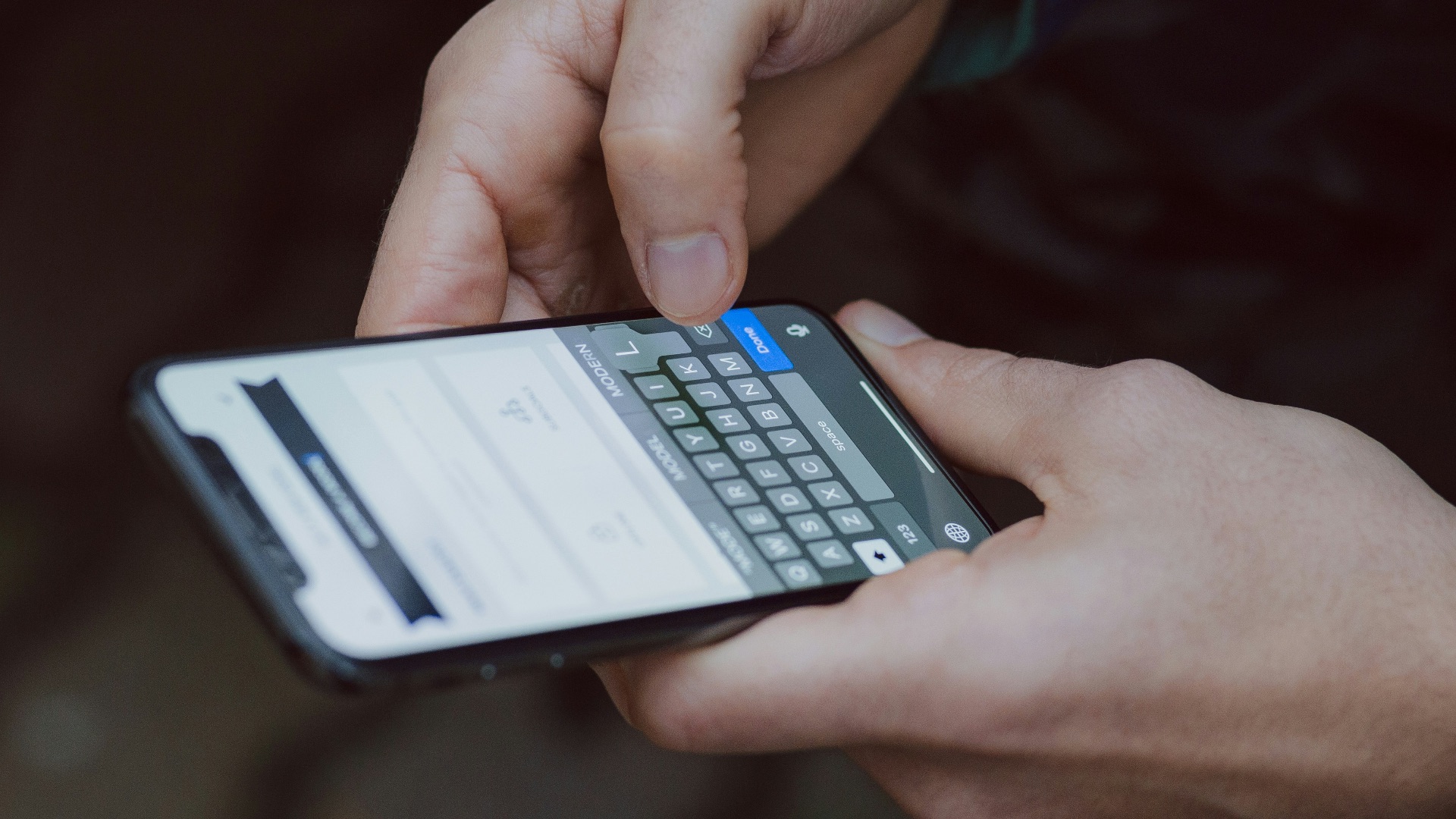
Your phone goes everywhere with you, from your back pocket to the beach to the edge of the bathtub, so it's probably not hard to see how that constant companionship comes with a cost. Even your charging habits could be shortening your device's lifespan, especially if you use it while it's plugged in or charge it to full every time. If you want to get the best use out of your phone, make sure you don't make any of these 10 common mistakes and which habits to pick up instead. For starters, you might want to use two hands...
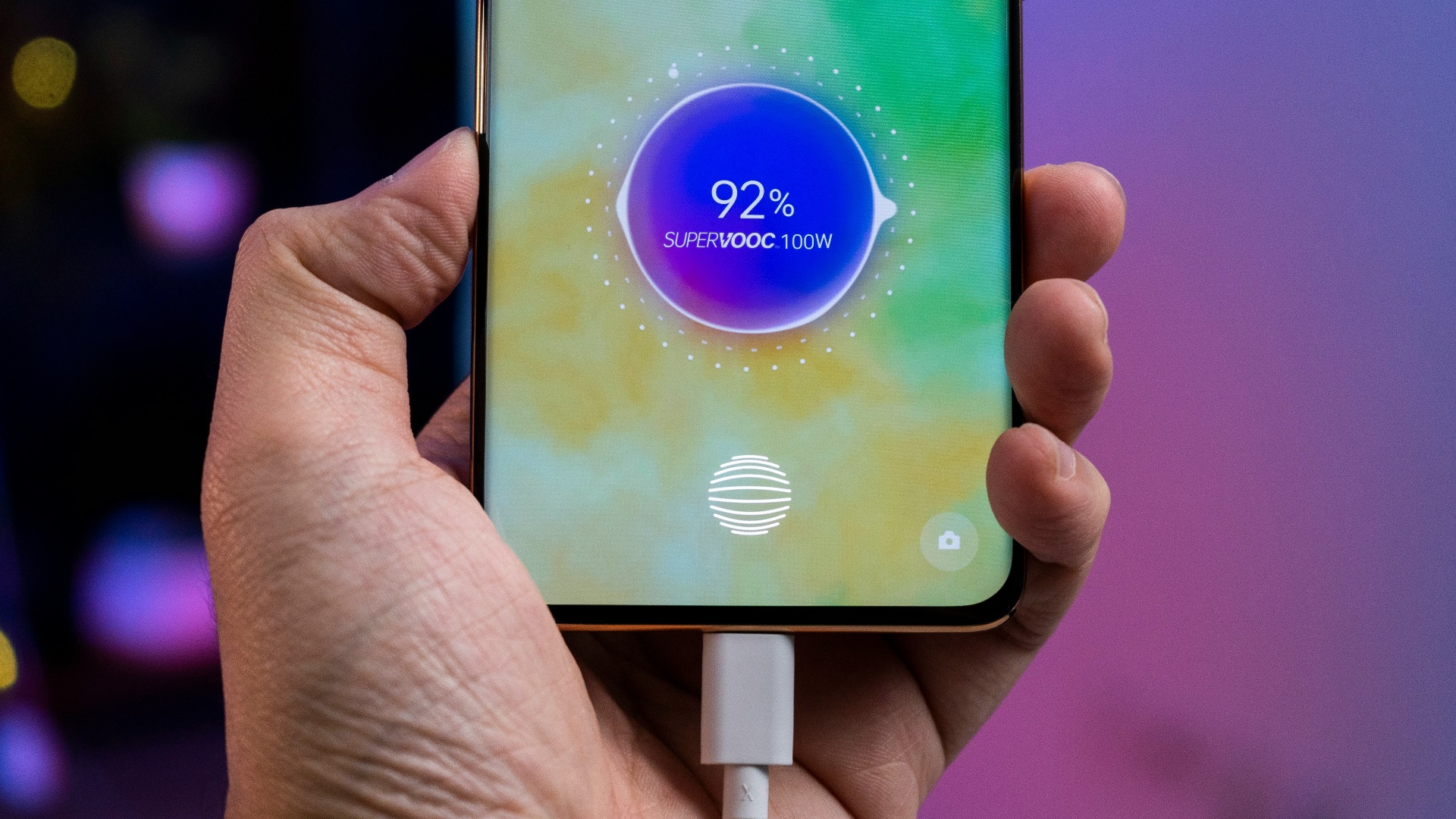
1. Charging It to 100% Every Single Time
Lithium-ion batteries don't actually love being charged to full capacity on a regular basis, even though it feels like the responsible thing to do. Keeping your phone plugged in until it hits 100% puts extra strain on the battery's chemistry and speeds up its natural degradation. Over months and years, this habit can noticeably shorten how long your phone holds a charge each day.
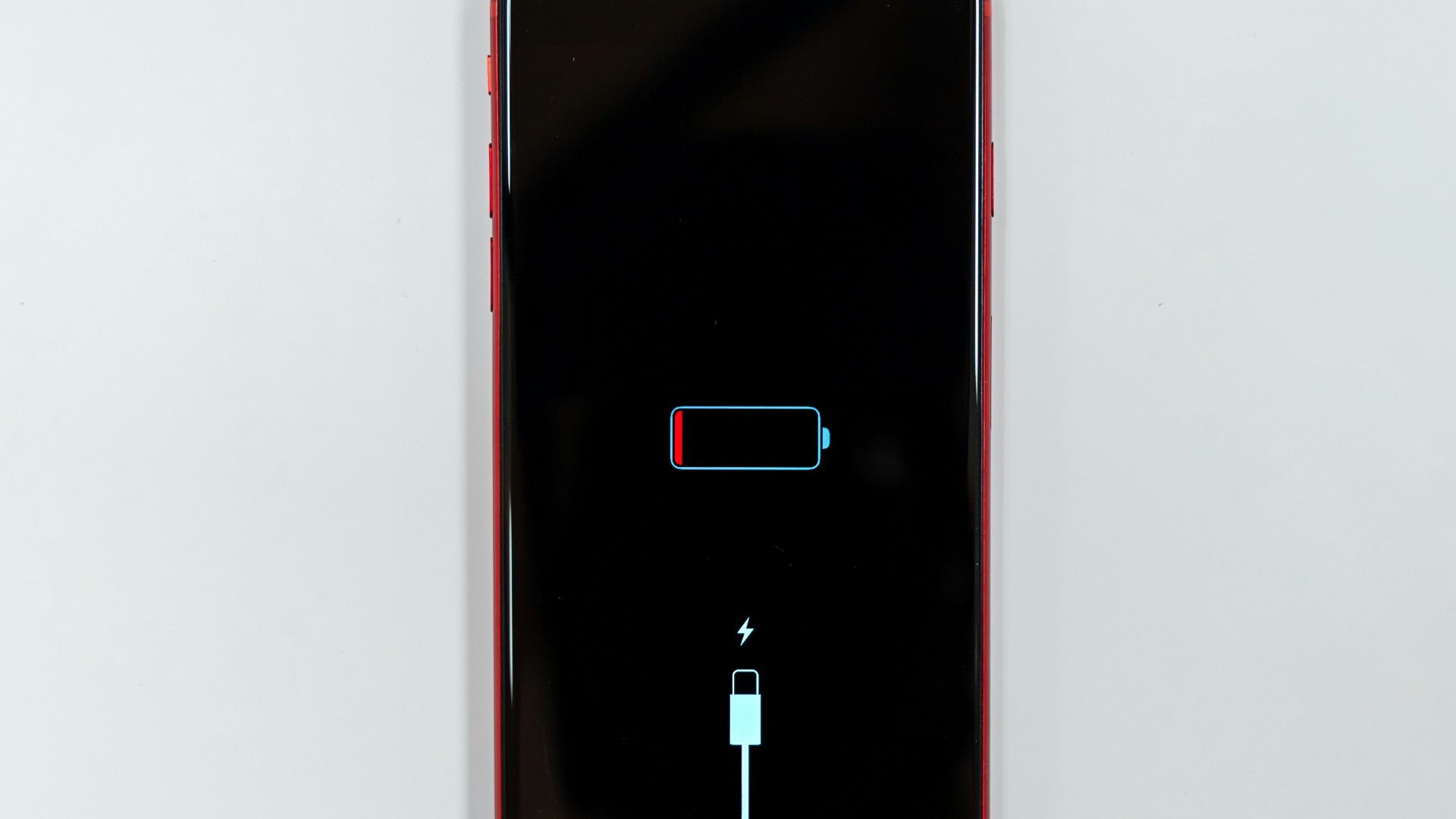
2. Letting the Battery Drain Below 10%
On the flip side, routinely letting your battery dip into the single digits before charging is just as hard on it. This kind of deep discharge forces the battery to work harder and can cause irreversible capacity loss over time. Many people don't realize that the sweet spot for battery health is actually somewhere in the middle, not at either extreme.
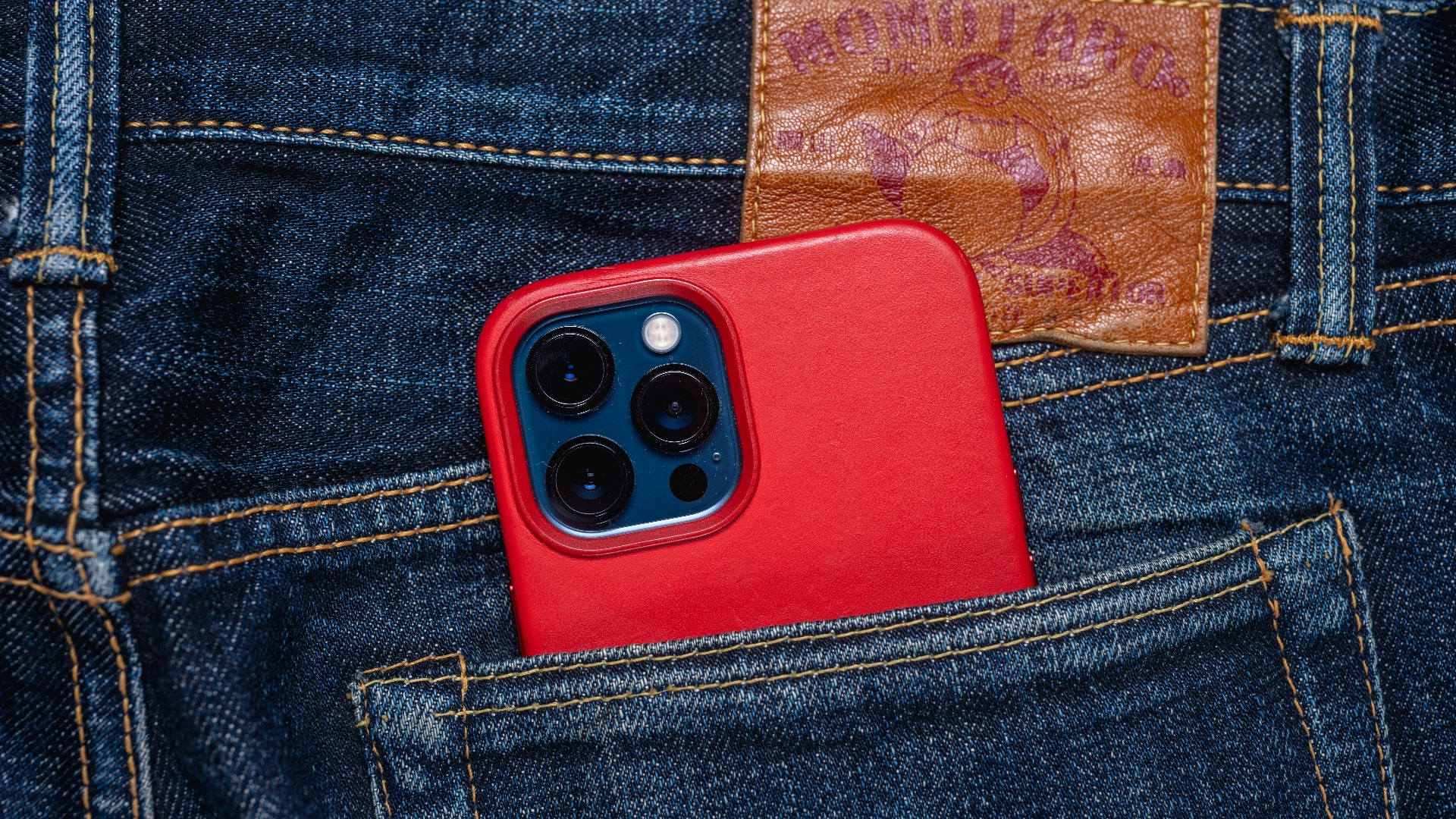
3. Sitting on It
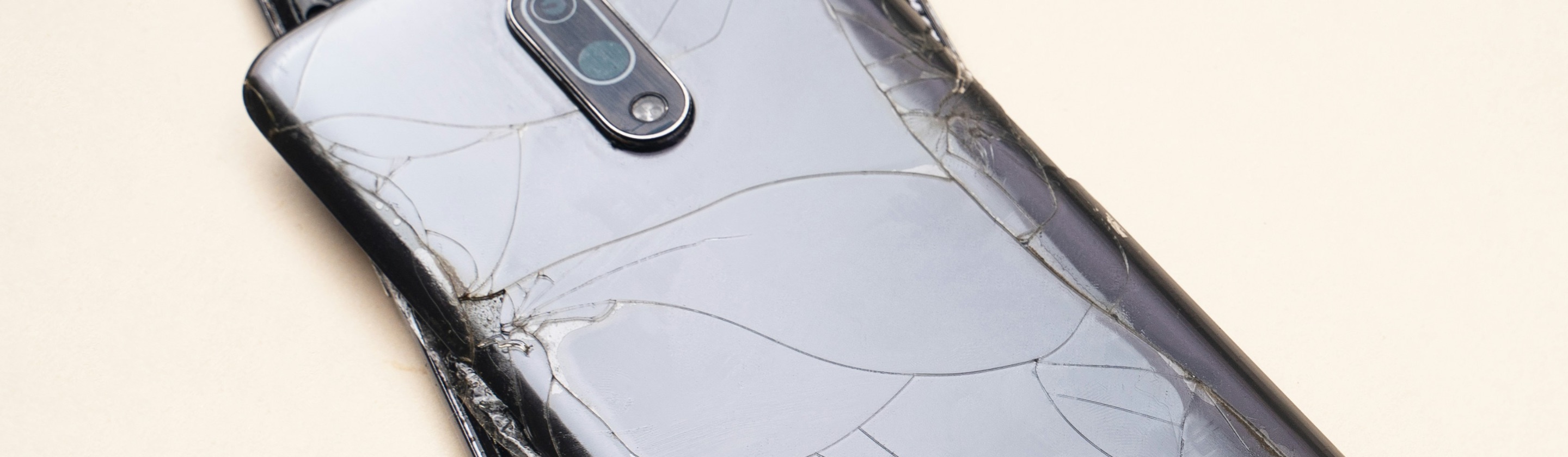
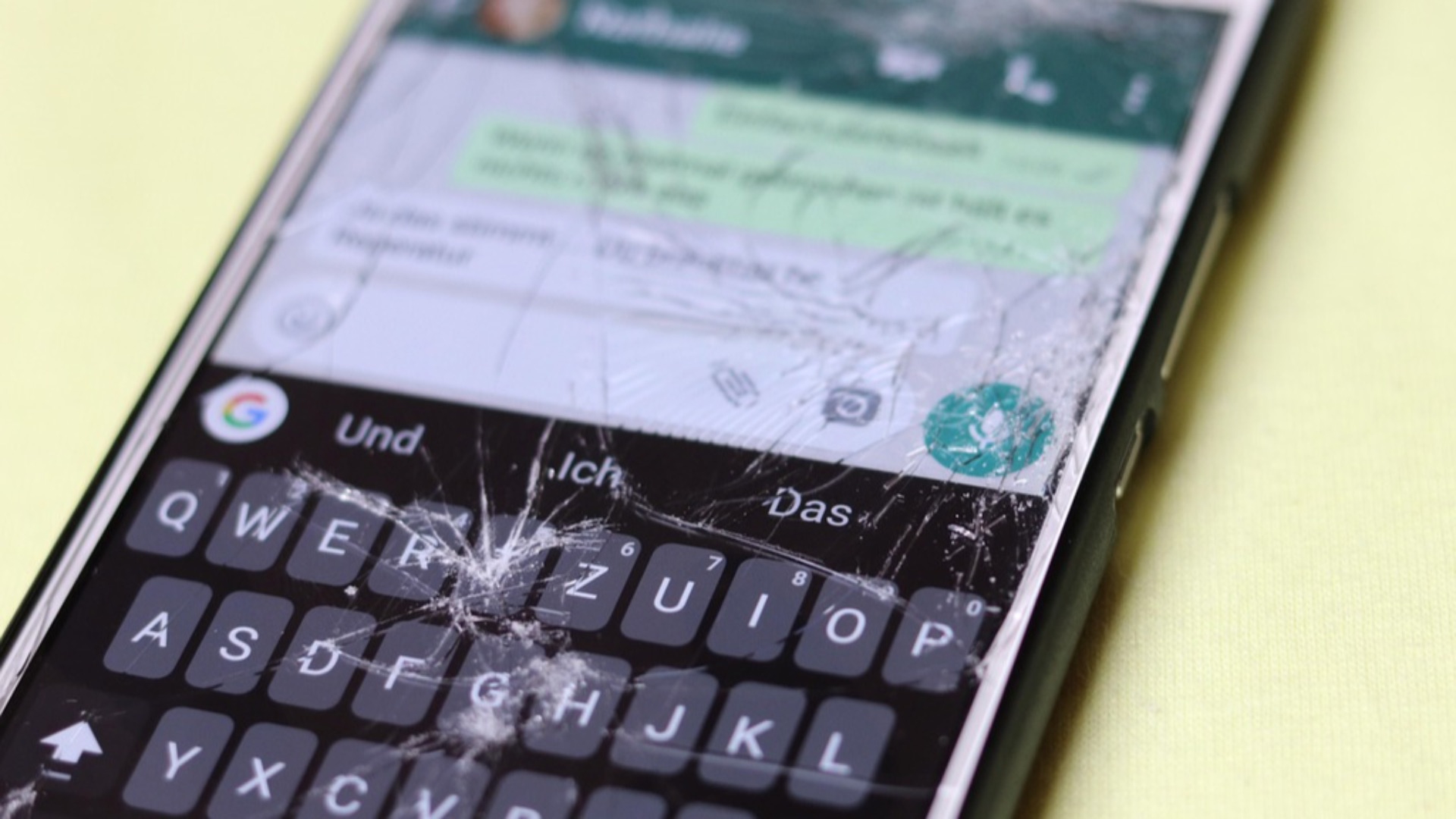
Slipping your phone into your back pocket feels convenient until you forget it's there and sit down on a hard chair or car seat. The pressure from your body weight can crack the screen, bend the frame, or damage internal components without leaving an obvious mark right away. This is one of those habits that seems harmless a hundred times until the hundred-and-first time ends in a shattered display.
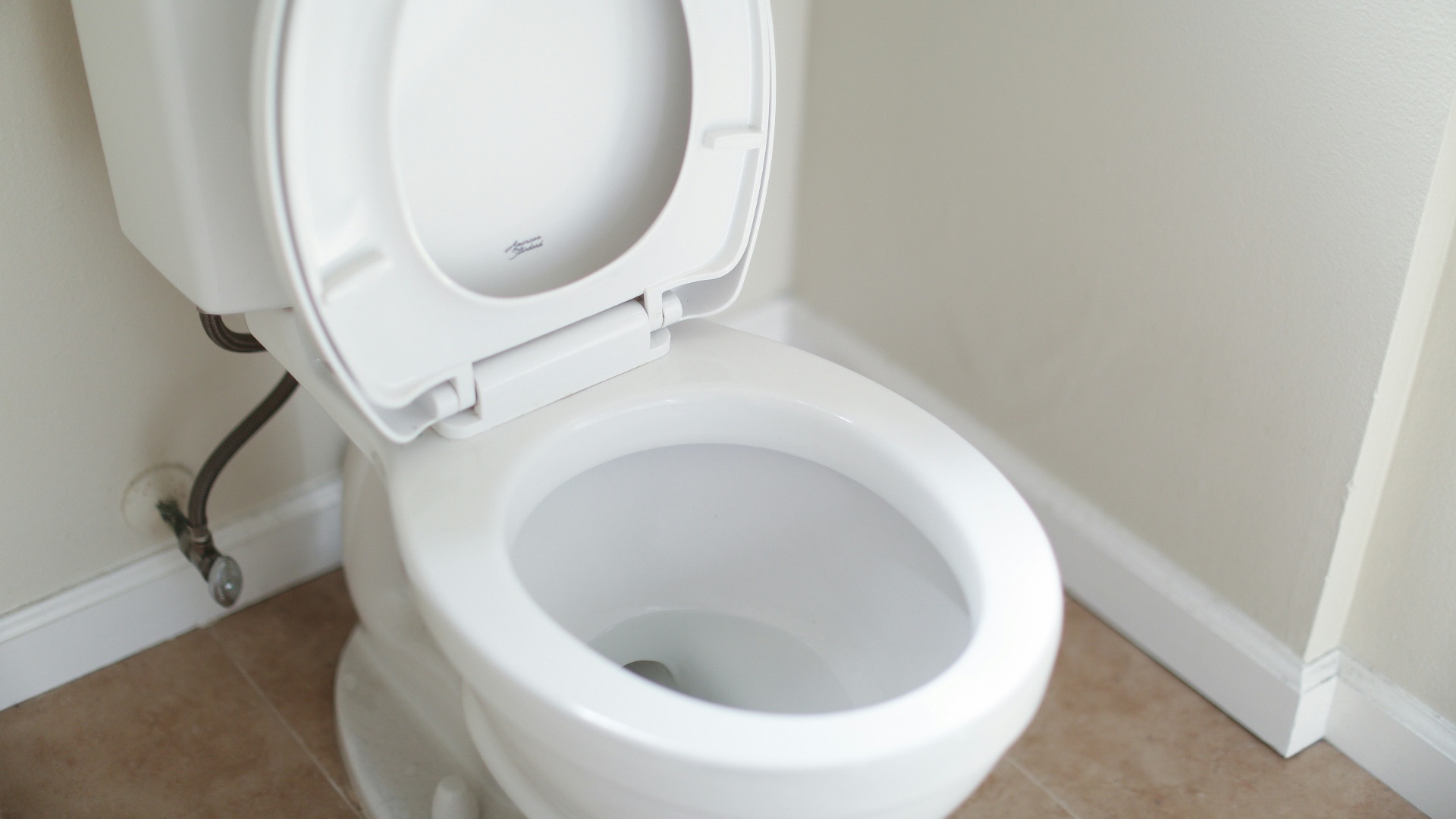
4. Dropping It in the Toilet
It happens more often than people like to admit: you pull your pants down and your phone tumbles straight out of the pocket and into the toilet bowl. Water damage from this kind of accident can fry the internal circuitry within seconds, especially if the phone isn't rated for water resistance. Even phones that survive a dunking often develop corrosion issues weeks or months later that weren't apparent at first.
5. Leaving It Baking in Direct Sunlight
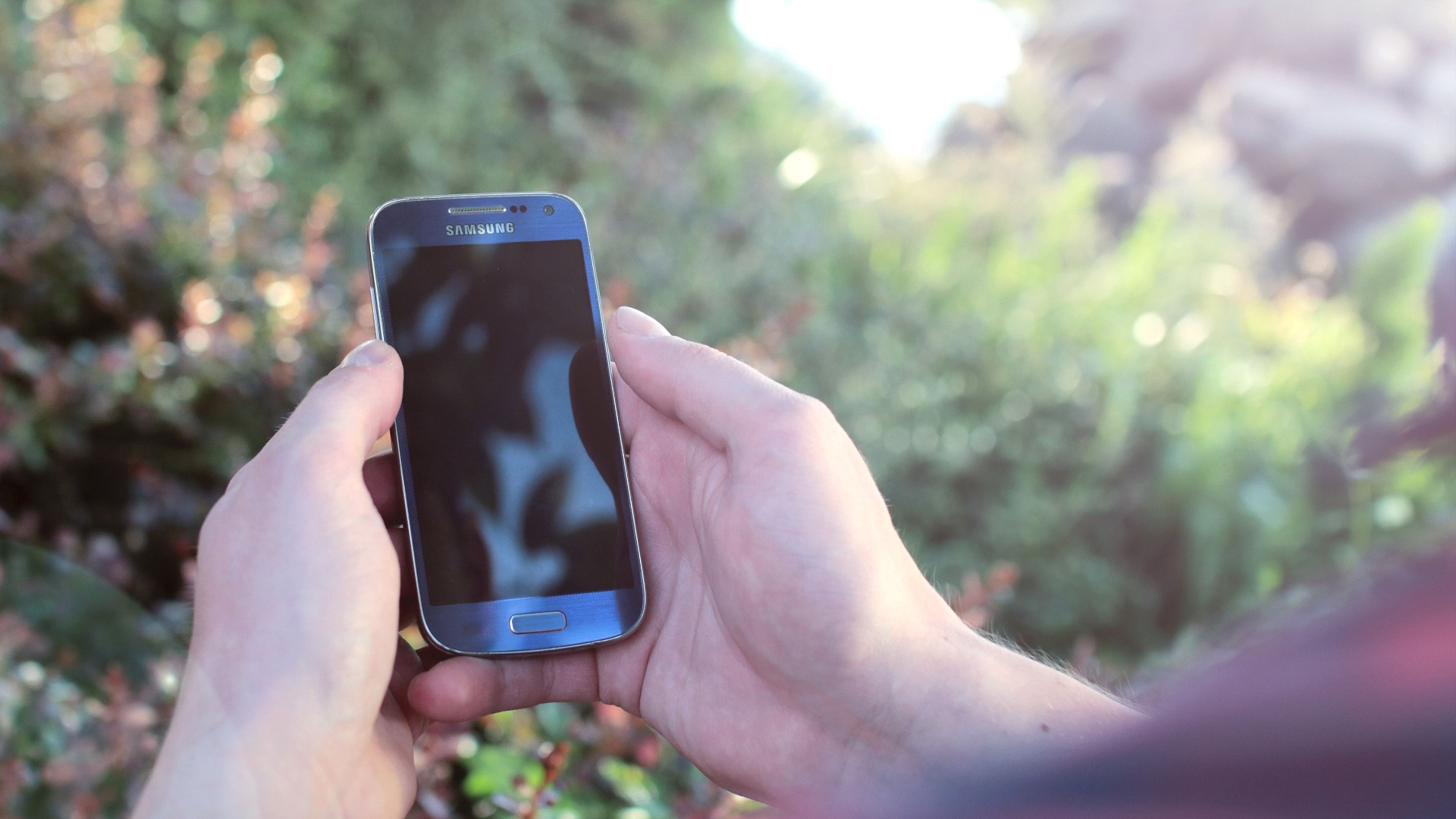
Tossing your phone on a car dashboard or a beach towel and leaving it under direct sun exposes it to heat levels that can seriously stress the battery and internal components. Phones are generally designed to operate within a fairly narrow temperature range, and prolonged heat exposure can cause permanent battery damage or even trigger automatic shutdowns to protect the hardware. This kind of overheating also warps plastic components and can affect the adhesive holding the screen in place.
6. Storing It in Freezing Temperatures
Extreme cold is just as rough on a phone as extreme heat, though people tend to think about it less. Leaving your device in a freezing car overnight or carrying it in a coat pocket during a winter hike can cause the battery to lose charge rapidly and may lead to temporary or permanent malfunctions. Condensation forming inside the phone as it warms back up can also cause moisture damage that's hard to detect until it's too late.

7. Skipping the Case and Screen Protector
Some people prefer the sleek feel of a naked phone, but going without a case or screen protector leaves your device vulnerable to every bump, scratch, and drop it encounters. Even a short fall from waist height onto a hard surface can crack a screen or damage internal components without any protective barrier in place. The cost of a good case is minor compared to the expense of a cracked screen or a full replacement.

8. Using It While It's Charging
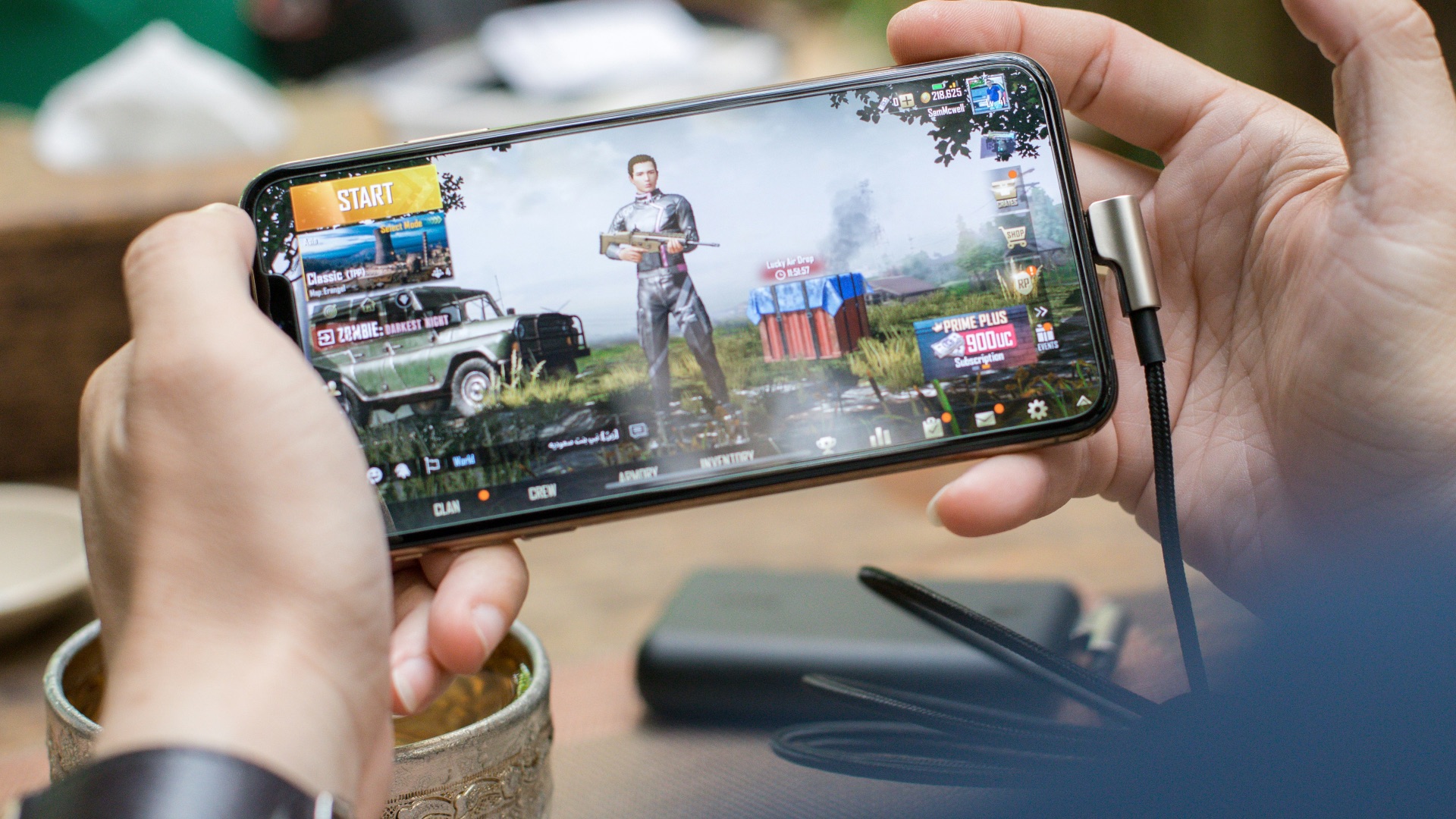
Plenty of people scroll through their phones or play games while the device is plugged in, not realizing this generates extra heat that can accelerate battery wear. The combination of active use and charging puts additional stress on the battery cells, especially during graphics-intensive tasks like gaming or video streaming. Doing this regularly, especially with a case still on, can cause the phone to run hotter than it should for extended periods.
9. Ignoring Software Updates
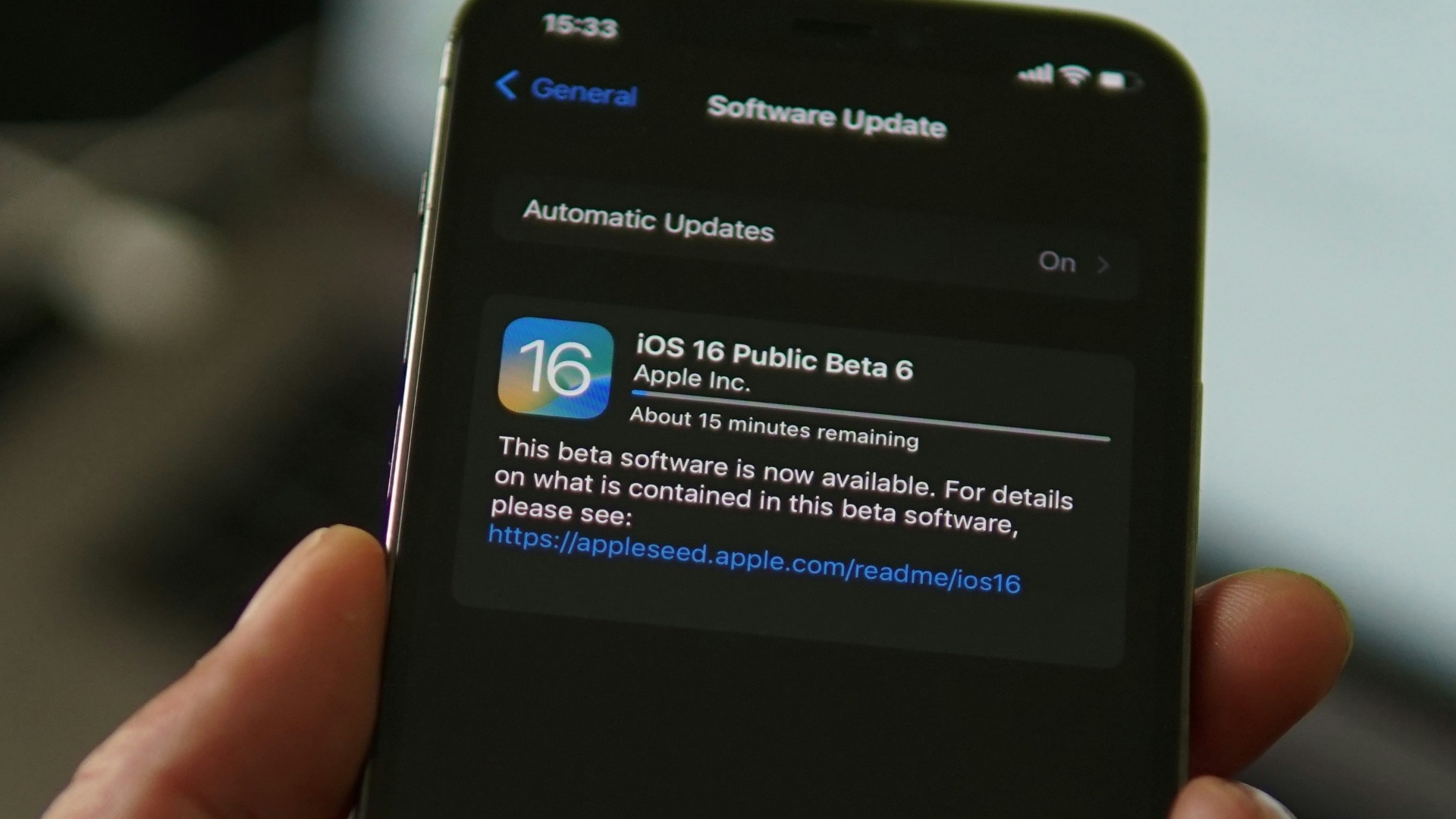
It's easy to hit "remind me later" every time a software update notification pops up, but skipping these updates for too long can leave your phone running inefficiently and vulnerable to bugs that drain the battery faster. Manufacturers often release updates specifically to fix performance issues and improve battery management. Falling months behind on updates can also make your phone more susceptible to security vulnerabilities that affect its overall functionality.
10. Using Cheap, Uncertified Chargers
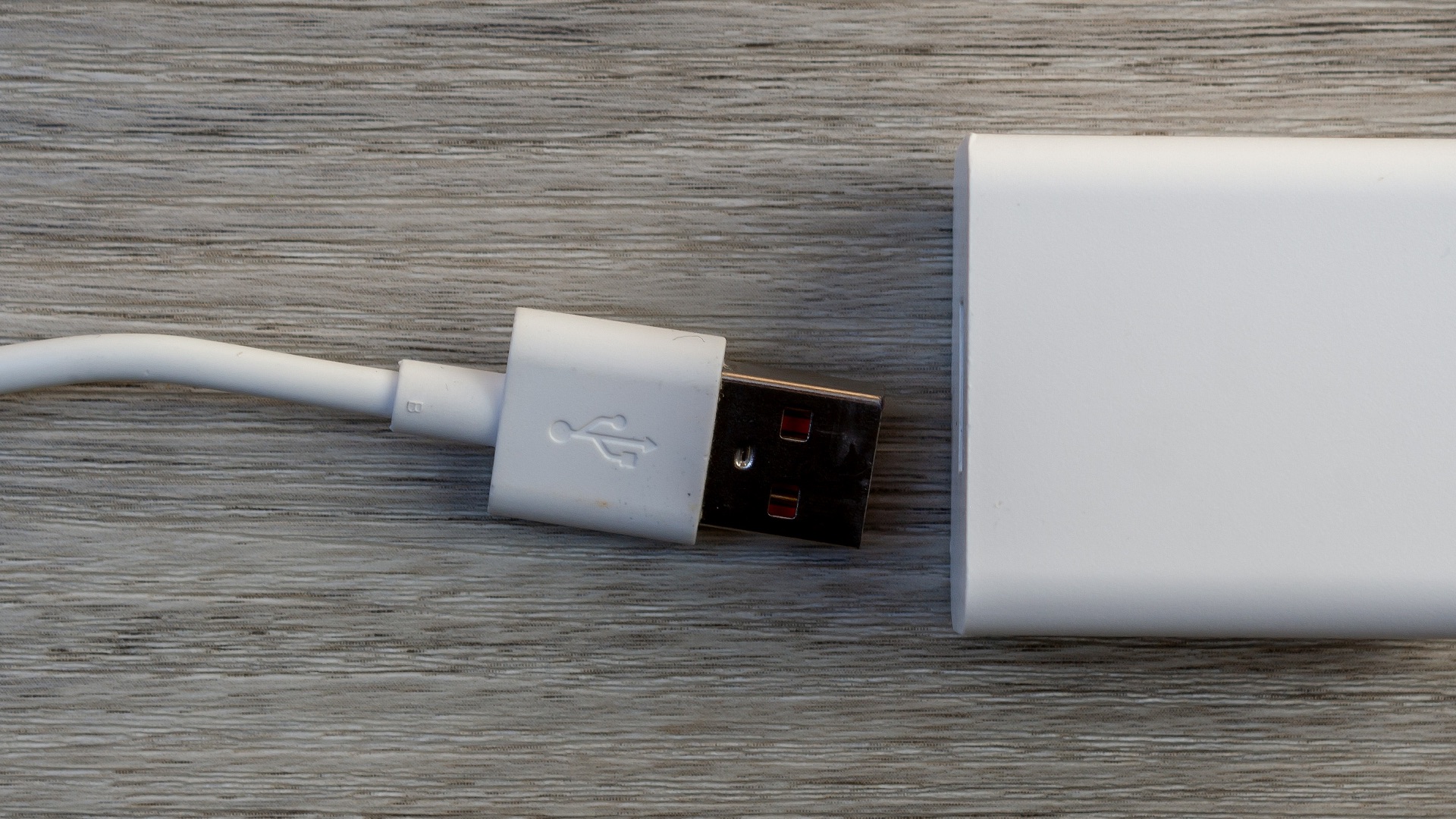
Grabbing whatever charging cable is lying around, especially an off-brand one, might seem harmless, but uncertified chargers often don't regulate voltage properly. This inconsistency can cause your battery to charge unevenly or degrade faster than it would with a certified charger. In more extreme cases, cheap chargers have even been known to cause overheating or damage to the phone's charging port.
Now that you know what's likely doing the damage, let's look at what actually helps. These next 10 habits are simple to adopt and can make a real difference in how long your phone stays in good shape.
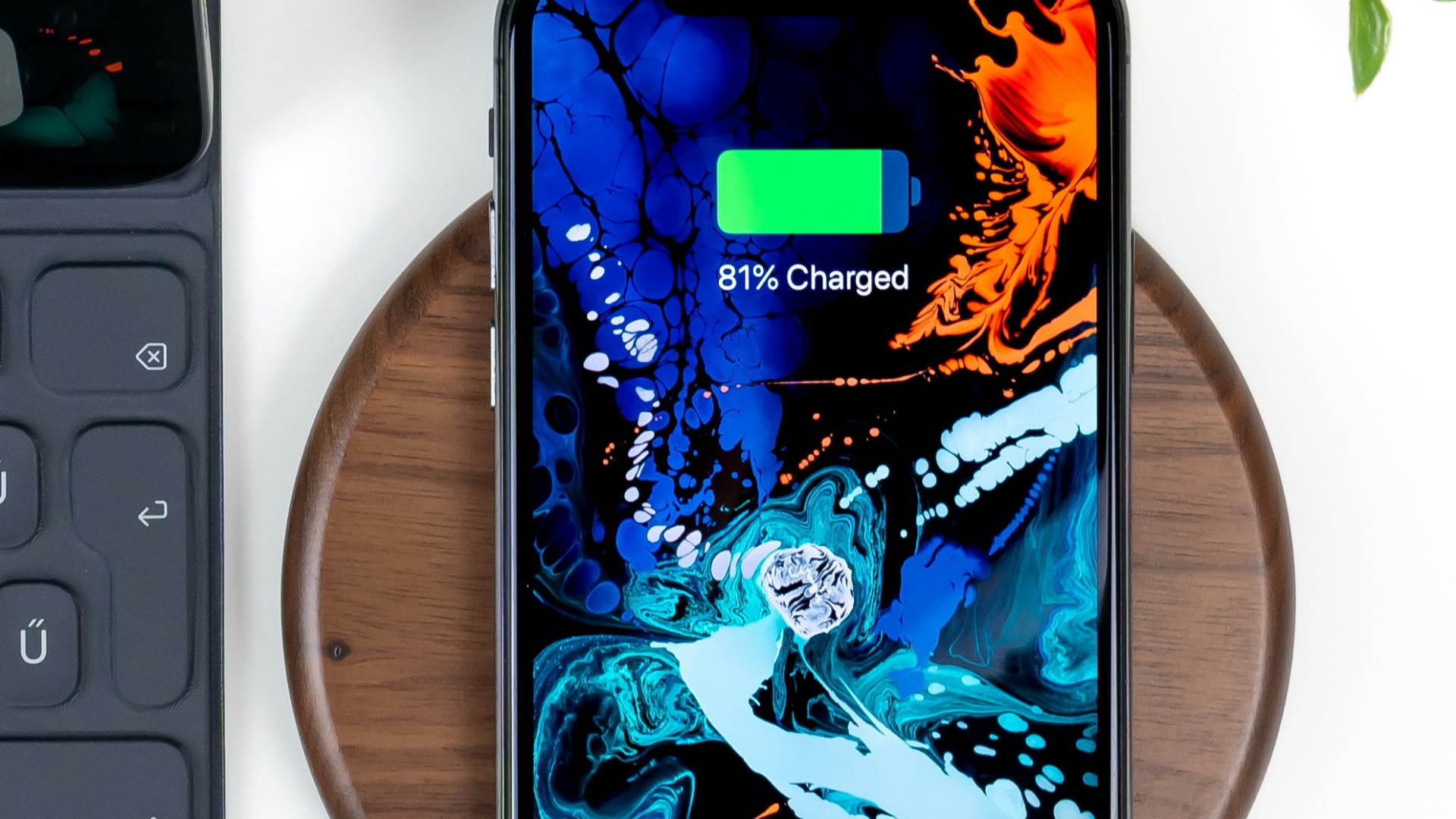
1. Charge It in the 20% to 80% Range
Instead of aiming for a full charge or waiting until the battery nearly dies, try keeping your phone's charge level between 20% and 80% whenever possible. This range puts far less strain on the battery's chemistry and can meaningfully extend its overall lifespan. Many newer phones even have a built-in feature that lets you set charging limits automatically, so you don't have to think about it constantly.
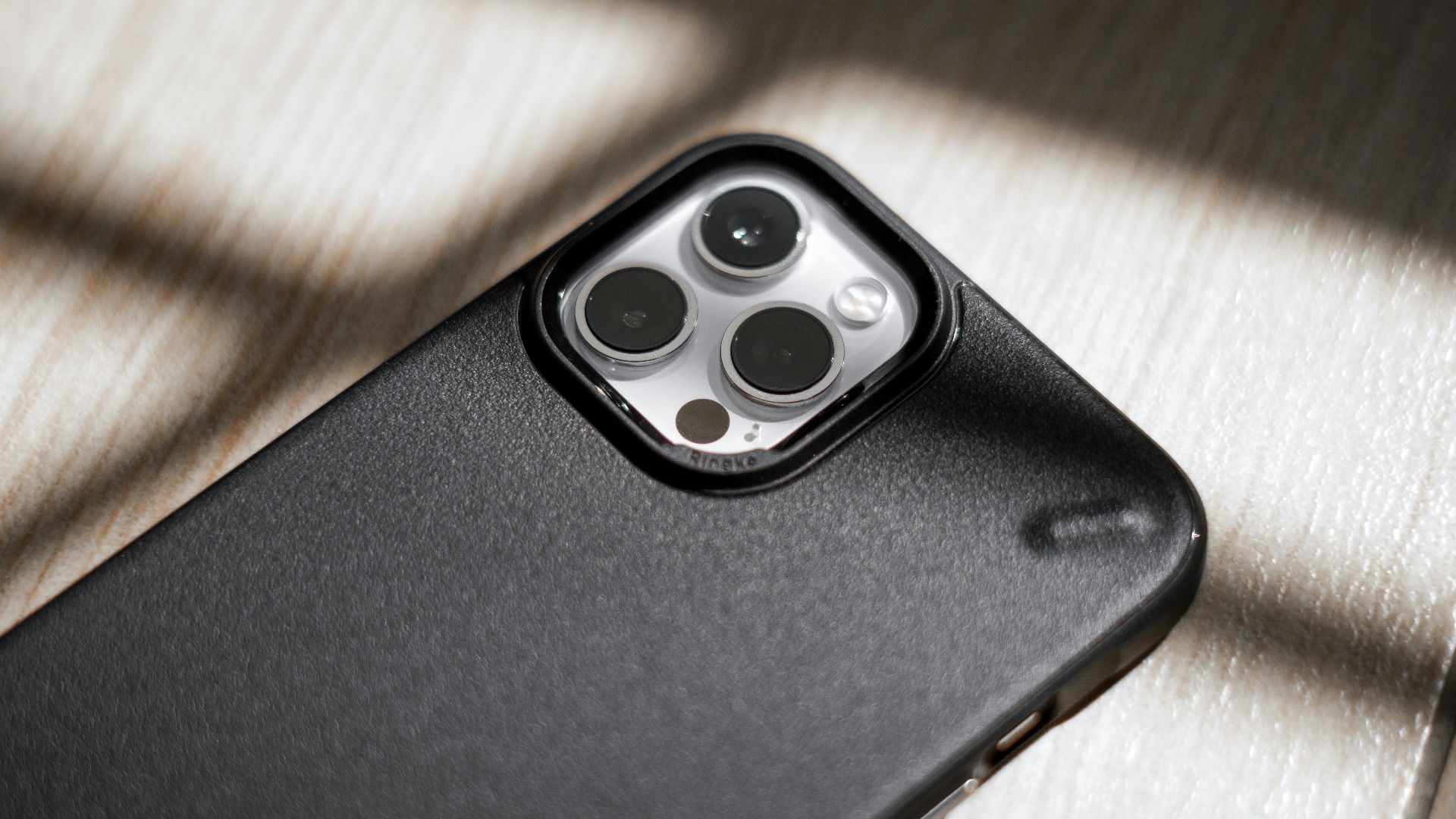
2. Invest in a Sturdy Case
A good case absorbs shock from drops and bumps that would otherwise transfer straight into your phone's internal components. Look for one with raised edges around the screen and camera to add an extra layer of protection against scratches on flat surfaces. Spending a little extra on a quality case now can save you a costly repair or replacement down the road.
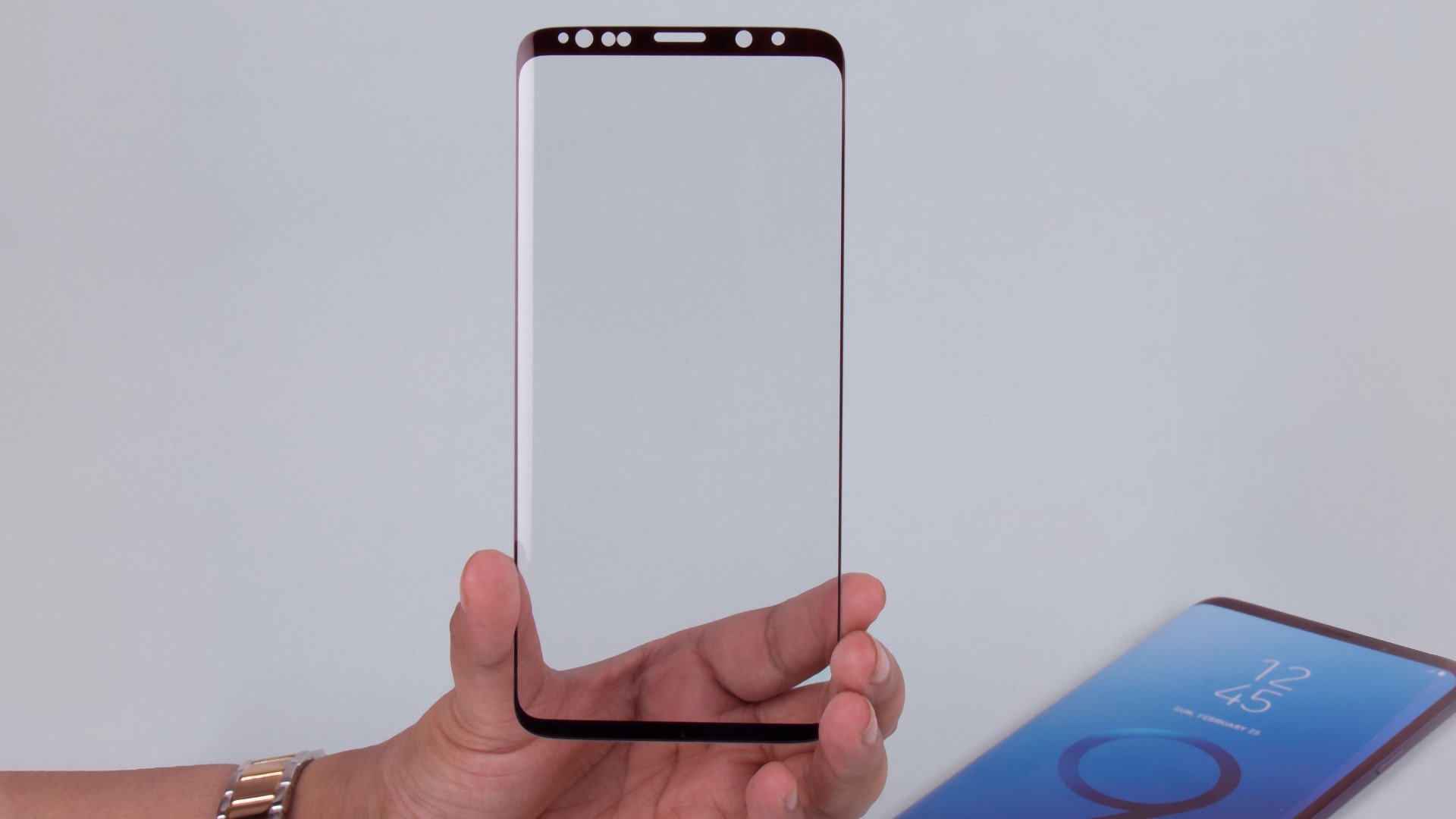
3. Add a Tempered Glass Screen Protector
Screen protectors made from tempered glass are designed to absorb impact and take the brunt of scratches so your actual screen doesn't have to. They're relatively inexpensive and easy to replace if they crack, which is a lot cheaper than replacing an entire display. Applying one properly, without air bubbles or dust trapped underneath, also helps maintain the phone's touch sensitivity.
4. Keep It Away from Extreme Temperatures
Try to avoid leaving your phone in places where it will be exposed to intense heat or cold for long stretches, such as a car dashboard in summer or an unheated garage in winter. Storing your phone at room temperature as much as possible helps preserve battery health and prevents warping or other heat-related damage. If you're heading somewhere with extreme weather, it's worth keeping your phone in an insulated bag or a pocket close to your body instead.

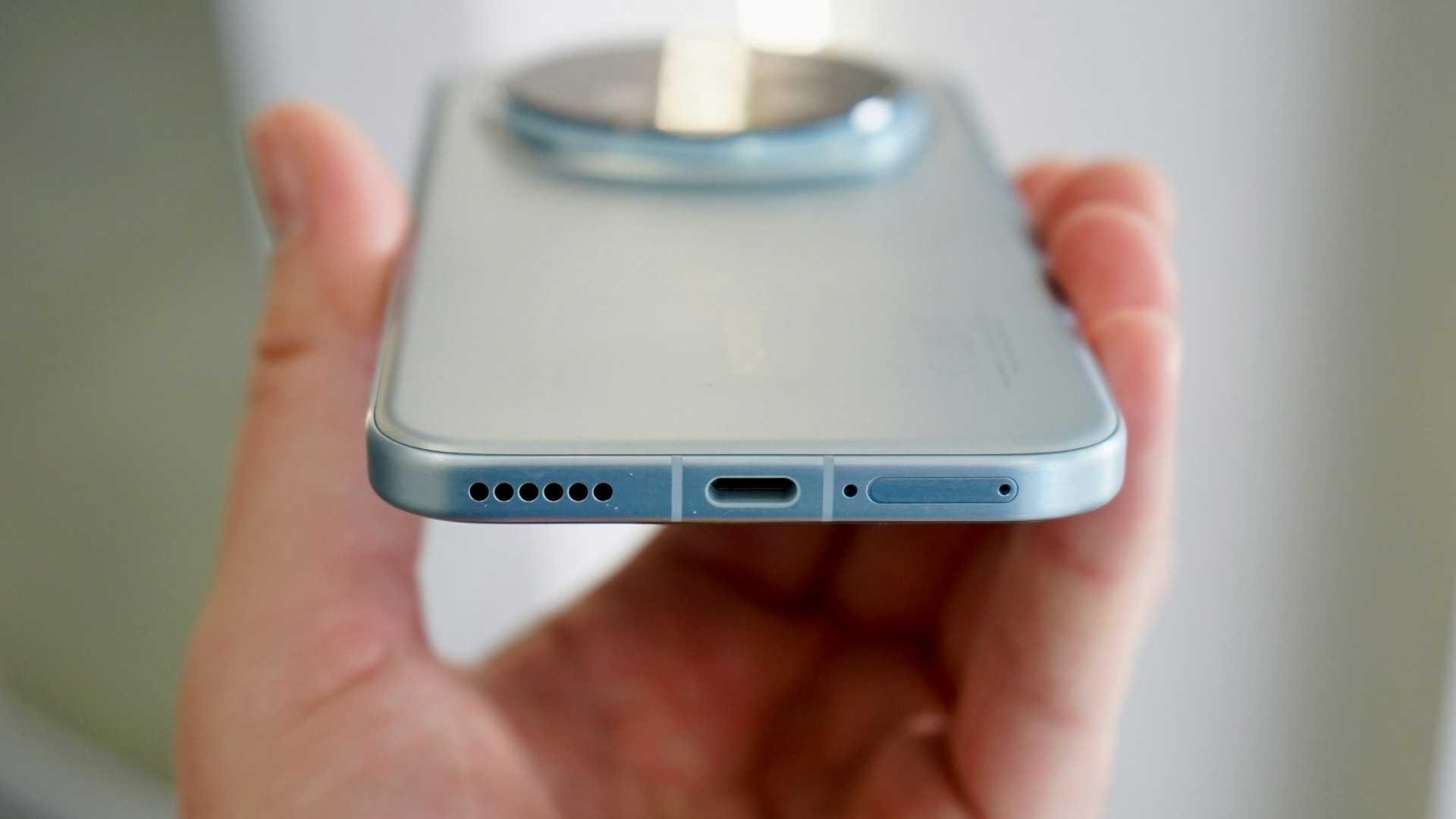
5. Clean the Charging Port Regularly
Lint and dust tend to build up in charging ports over time, especially if you carry your phone in a pocket, and this buildup can interfere with charging efficiency. Using a soft brush or a can of compressed air every so often can clear out debris without risking damage to the port's internal pins. A clean charging port not only charges your phone faster but also reduces wear on both the cable and the port itself.
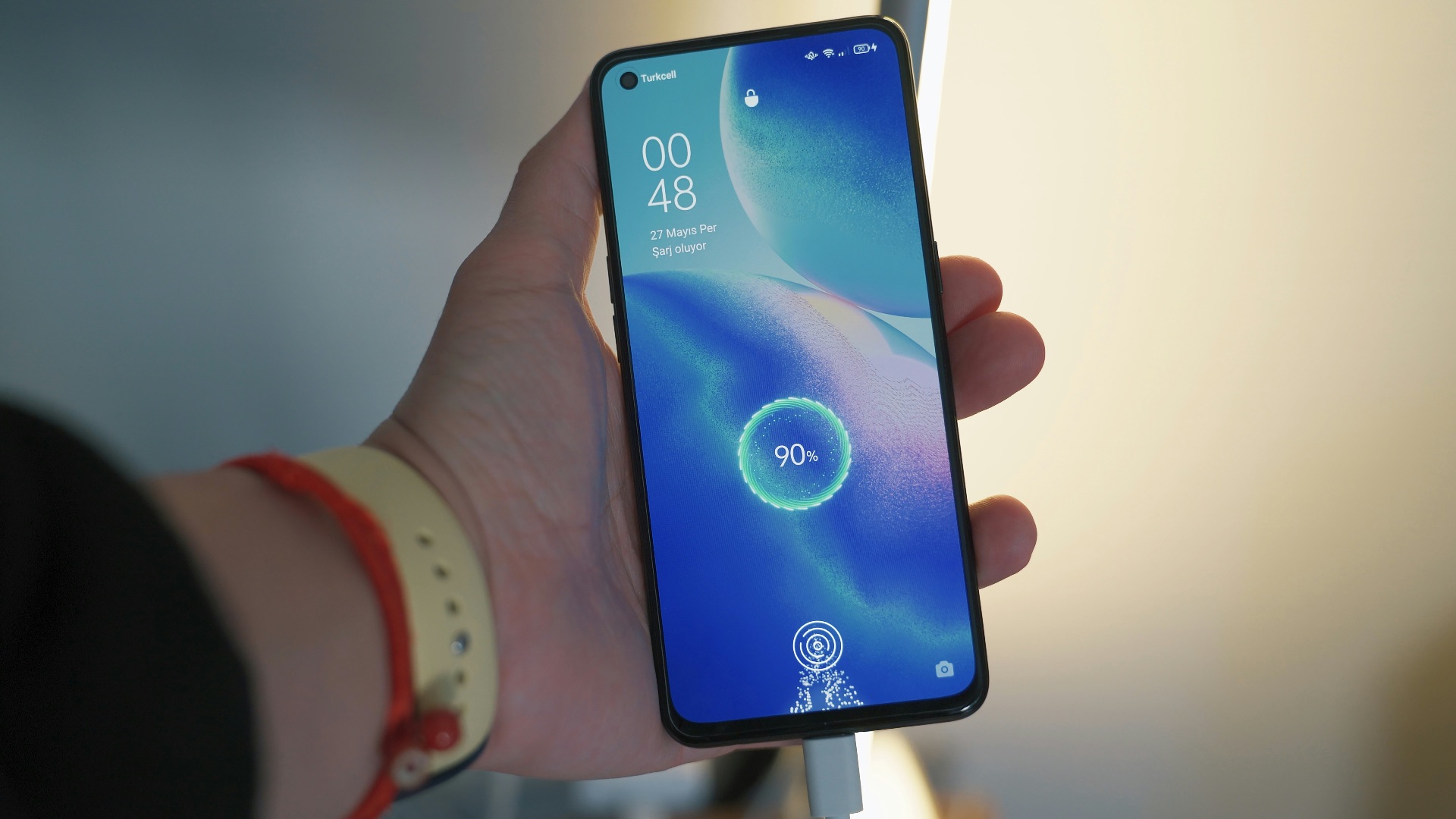
6. Use the Original or Certified Charging Accessories
Sticking with the charger and cable that came with your phone, or a certified replacement, ensures the voltage and current are properly regulated for your specific device. This reduces the risk of battery damage and helps your phone charge at the speed it was designed for. If you need a backup charger, look for one that's certified by the manufacturer rather than grabbing the cheapest option available.
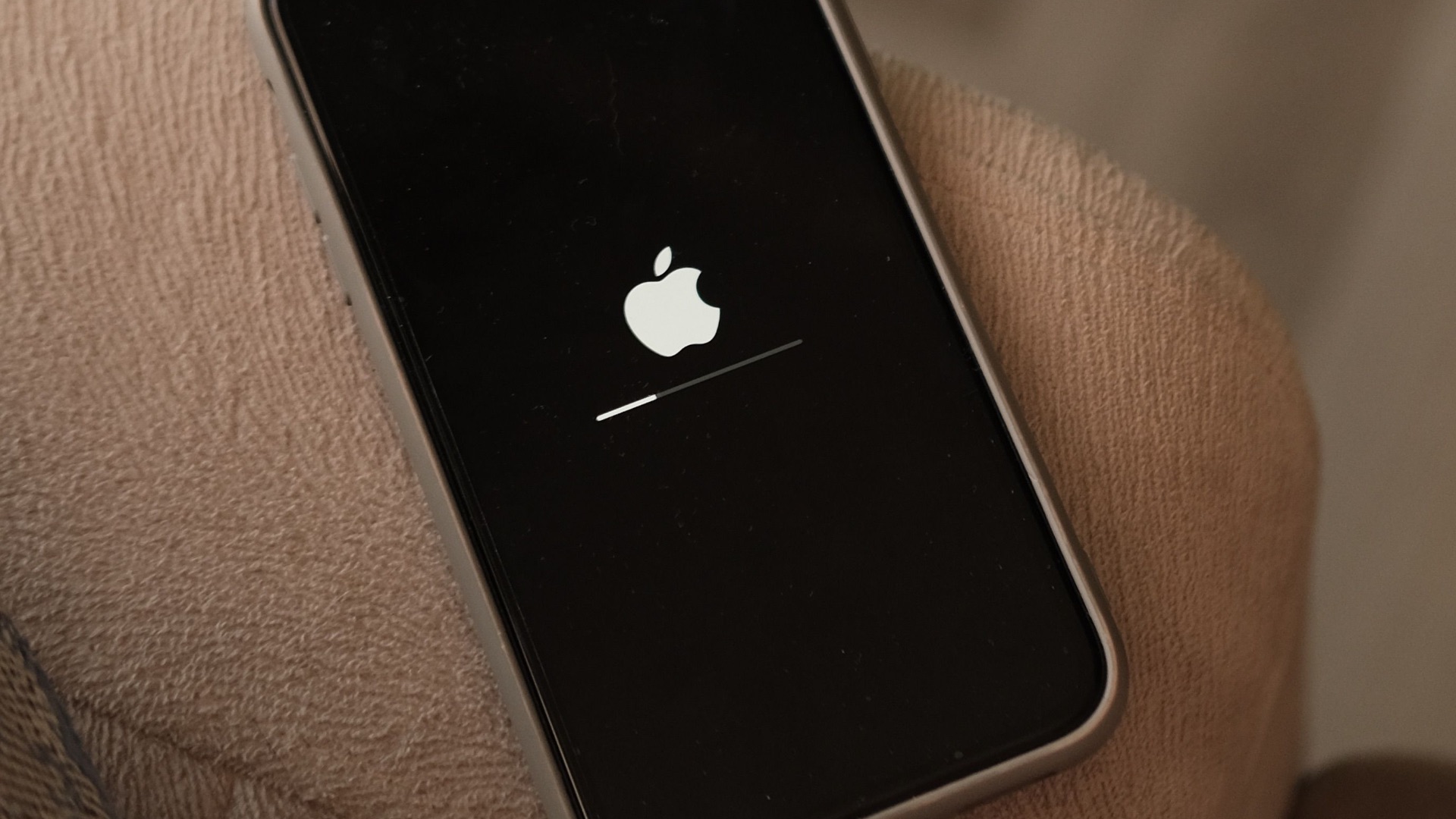
7. Update Your Software Promptly
Staying on top of software updates ensures your phone benefits from the latest performance improvements, security patches, and battery optimization features. Manufacturers spend a lot of time fine-tuning how the operating system manages power and resources, so ignoring updates means missing out on those improvements. Setting your phone to update automatically overnight can help you stay current without any extra effort.
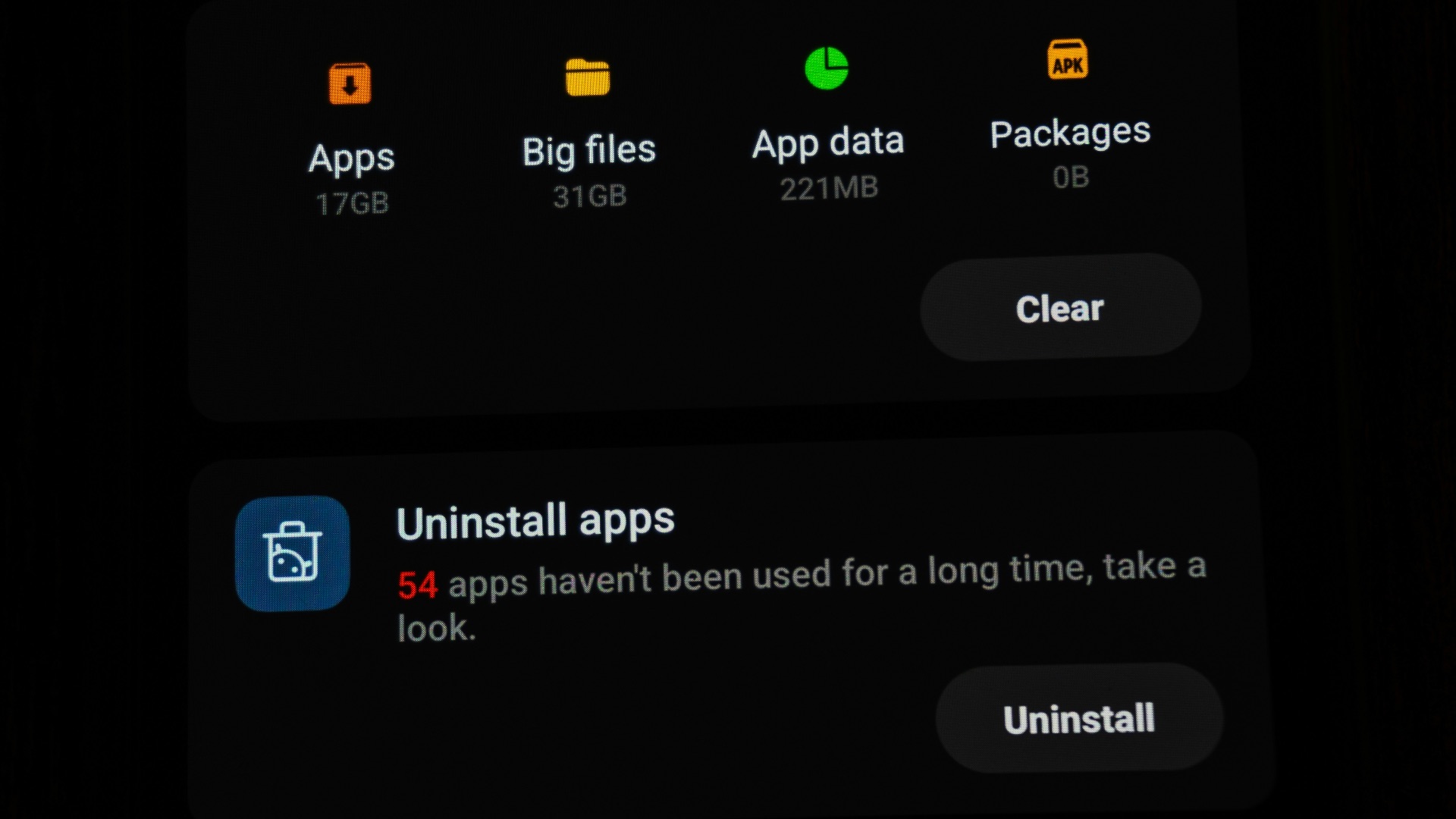
8. Avoid Overloading Your Storage
Letting your phone's storage fill up completely can slow down its performance and put unnecessary strain on the processor as it struggles to manage files efficiently. Regularly clearing out old photos, videos, and unused apps helps keep things running smoothly and can even improve battery efficiency. Backing up files to the cloud or an external drive before deleting them locally gives you peace of mind while freeing up space.
9. Give It a Break from Charging Overnight
Leaving your phone plugged in all night, every night, keeps it at a full charge for hours longer than necessary, which contributes to battery wear over time. Charging it during the day in shorter bursts, or using a smart plug that cuts power once it reaches a certain level, can help avoid this issue. Some people find it helpful to charge their phone during a lunch break or while getting ready in the morning instead of overnight.

10. Handle It with Two Hands
Simple as it sounds, making a conscious effort to hold your phone with both hands while walking, standing near water, or navigating a crowded space can prevent a lot of accidental drops. Setting your phone down on a stable surface rather than balancing it on your lap or a cushioned couch also reduces the chances of it sliding off and hitting the floor. These small adjustments in how you physically handle your phone add up to fewer accidents and a longer-lasting device overall.