Why People Keep Buying Mechanical Keyboards, Even When Their Current Keyboard Works Fine
Why People Keep Buying Mechanical Keyboards, Even When Their Current Keyboard Works Fine
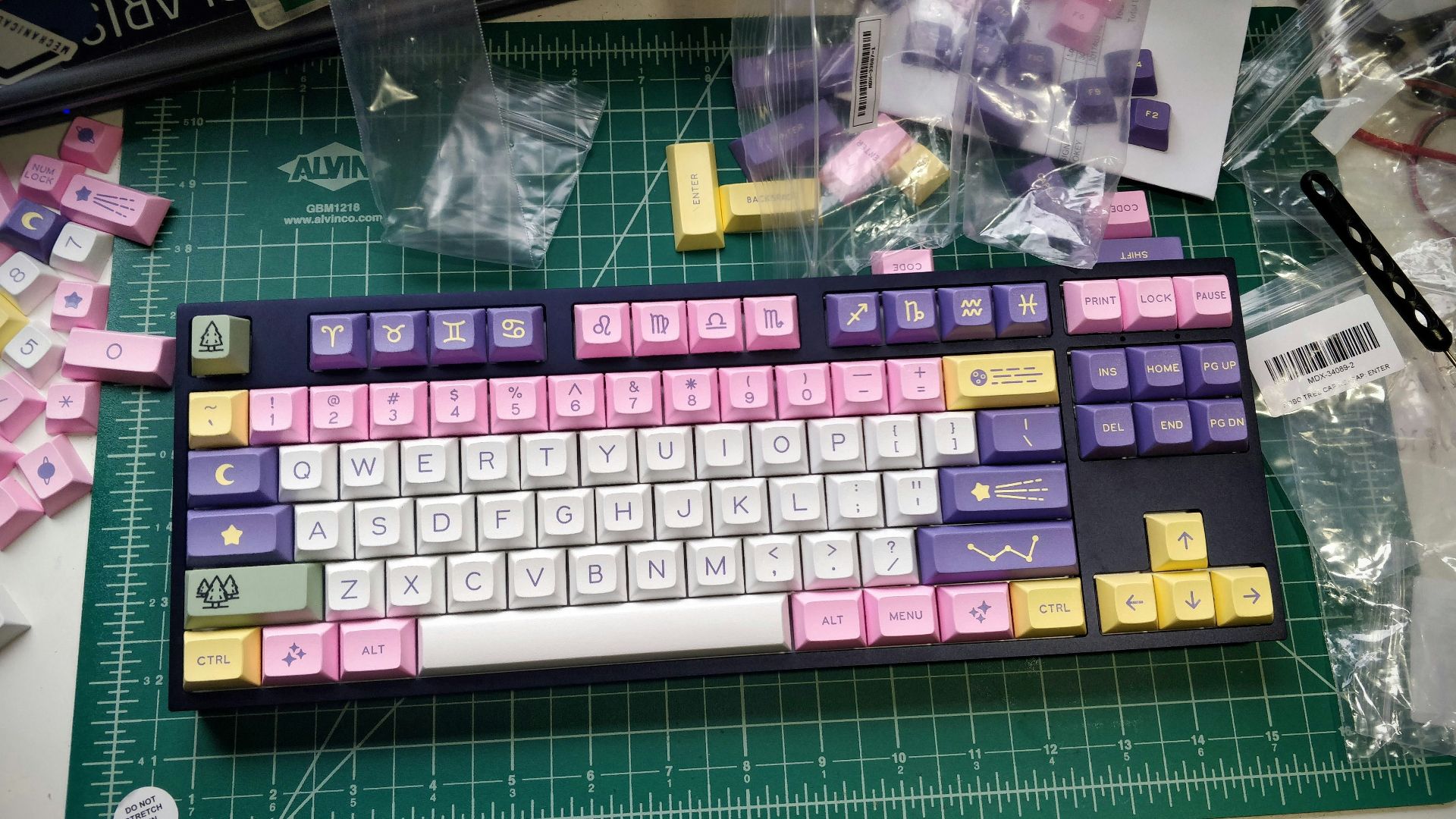
A mechanical keyboard can work perfectly for years and still end up sharing the desk with a newer model. From the outside, that can seem wasteful, especially when the older board still types, lights up, and launches every game without a problem. Mechanical keyboards, though, give people plenty of small details to notice, including switch weight, key travel, layout, sound, and software. Once those differences become familiar, buying another one can feel less like replacing broken gear and more like choosing a keyboard that better suits a certain task. The older board hasn’t failed; it simply offers a different mix of features and feel.
The habit makes more sense when you consider how many hours people spend with their hands on a keyboard. A gamer may want movement keys that reset more quickly, while a writer may care more about clear feedback during a long afternoon. Someone working from home might need a quieter board for calls, then prefer something livelier after the workday ends. One keyboard can handle all of those jobs, but a second or third model can make each desk, task, or gaming setup feel like a better fit.
Small Differences in Feel Become Hard to Ignore
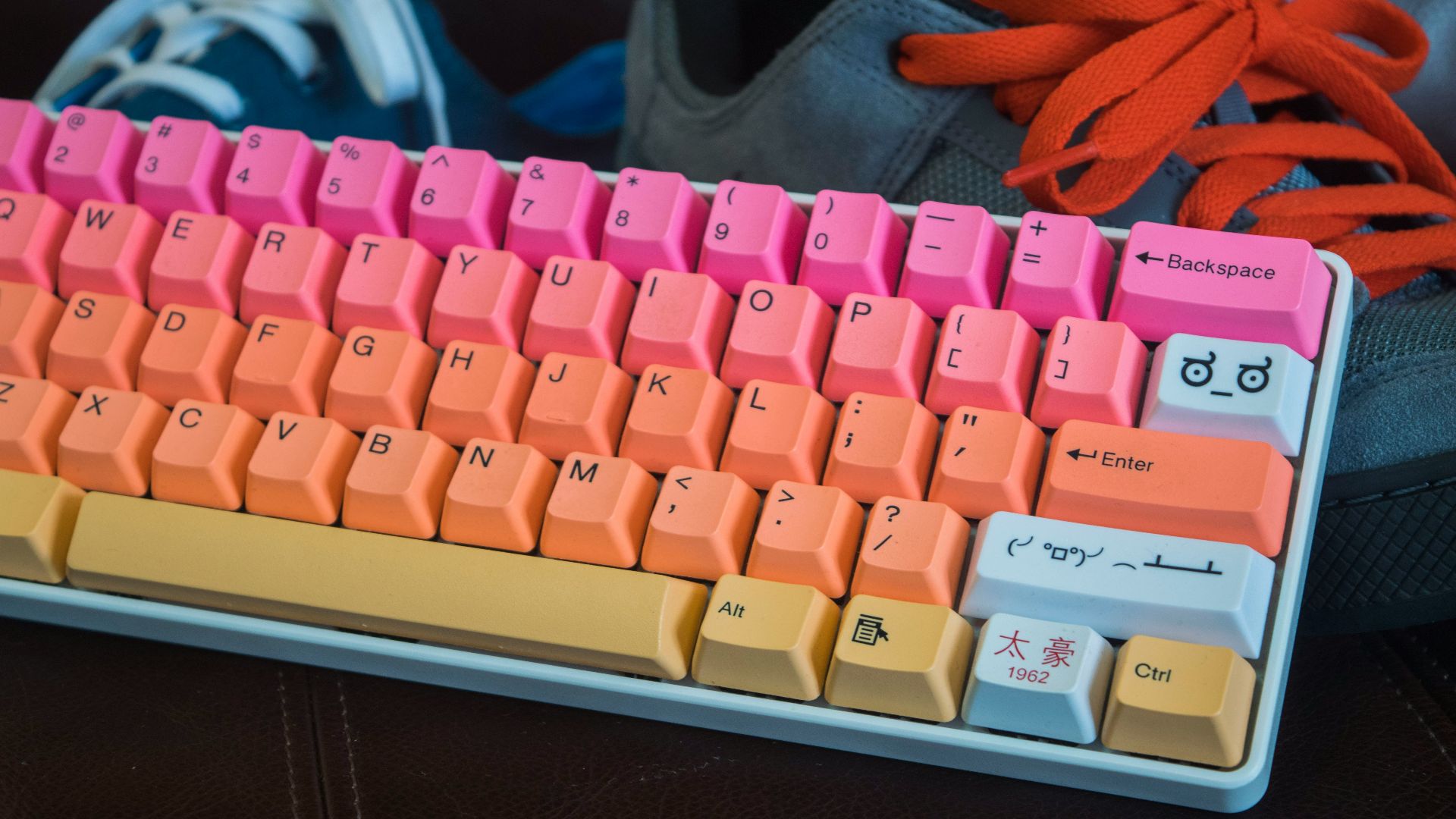
Mechanical switches don’t all respond the same way, even when they’re hidden beneath nearly identical keycaps. Cherry lists its MX Red as a linear switch with a 45 cN operating force, 2 mm of pre-travel, and 4 mm of total travel. Those measurements describe a smooth switch without a tactile bump or audible click, while other switches are made to feel heavier, bumpier, or louder. A difference that looks tiny on a specification sheet can become easy to notice after thousands of key presses during work, gaming, and everyday browsing. For someone who types or plays for hours, those small changes can be hard to ignore.
Physical feedback can also shape the typing experience. In a Microsoft Research study using a flat keyboard without moving keys, all three tested forms of haptic keyclick feedback increased typing speed and reduced errors compared with a no-feedback condition. The study didn’t compare standard mechanical and membrane keyboards, so it doesn’t show that one commercial design will always be faster. It does show that feedback beneath the fingers can affect how people type, which helps explain why switch feel matters so much to many keyboard owners.
Sound gives buyers another reason to keep looking because the switch is only one part of what reaches their ears. RTINGS explains that switch acoustics are heavily affected by the keyboard’s case material, plate, mounting style, foam layers, and other components, which makes sound difficult to judge from the switch alone. Two boards with similar switches can sound surprisingly different once those other parts come into play. One may work well in a shared office, while another produces the deeper or sharper sound someone enjoys at a private gaming desk.
Customization Turns Hardware Into a Hobby
Hot-swappable designs have made keyboard experimentation much easier for people who don’t want to solder. Keychron says the sockets in its V2 Max let users install or change switches without soldering, and they support both three-pin and five-pin MX-style mechanical switches. Someone can change the board’s feel without replacing its case, circuit board, or keycaps. That easy access can also lead to more curiosity because trying one switch often makes the other available options harder to ignore.
Layouts offer another practical reason to own more than one board. A full-size keyboard keeps the number pad and a broad set of navigation keys, while compact layouts trade some dedicated keys for a smaller footprint and more mouse room. Gamers who use broad mouse movements may appreciate that extra space, while people who work heavily with numbers may still prefer a larger keyboard. As RTINGS’ keyboard size guide shows, different layouts suit different desks and tasks, so one size doesn’t have to work best in every setting. A compact board and a full-size model can both stay useful because they solve different problems.
Firmware adds another level of flexibility, especially on boards built for remapping. QMK supports layers, which let the same key perform different jobs depending on which layer is active, as well as macros that can send multiple keystrokes with one press. VIA-compatible firmware can make dynamic remapping easier, and its standard setup uses four layers by default, although different totals are possible when the available memory allows them. A compact keyboard can still hold media controls, editing shortcuts, or game-specific commands beneath its smaller number of visible keys.
Gaming Features Keep Moving the Goalposts
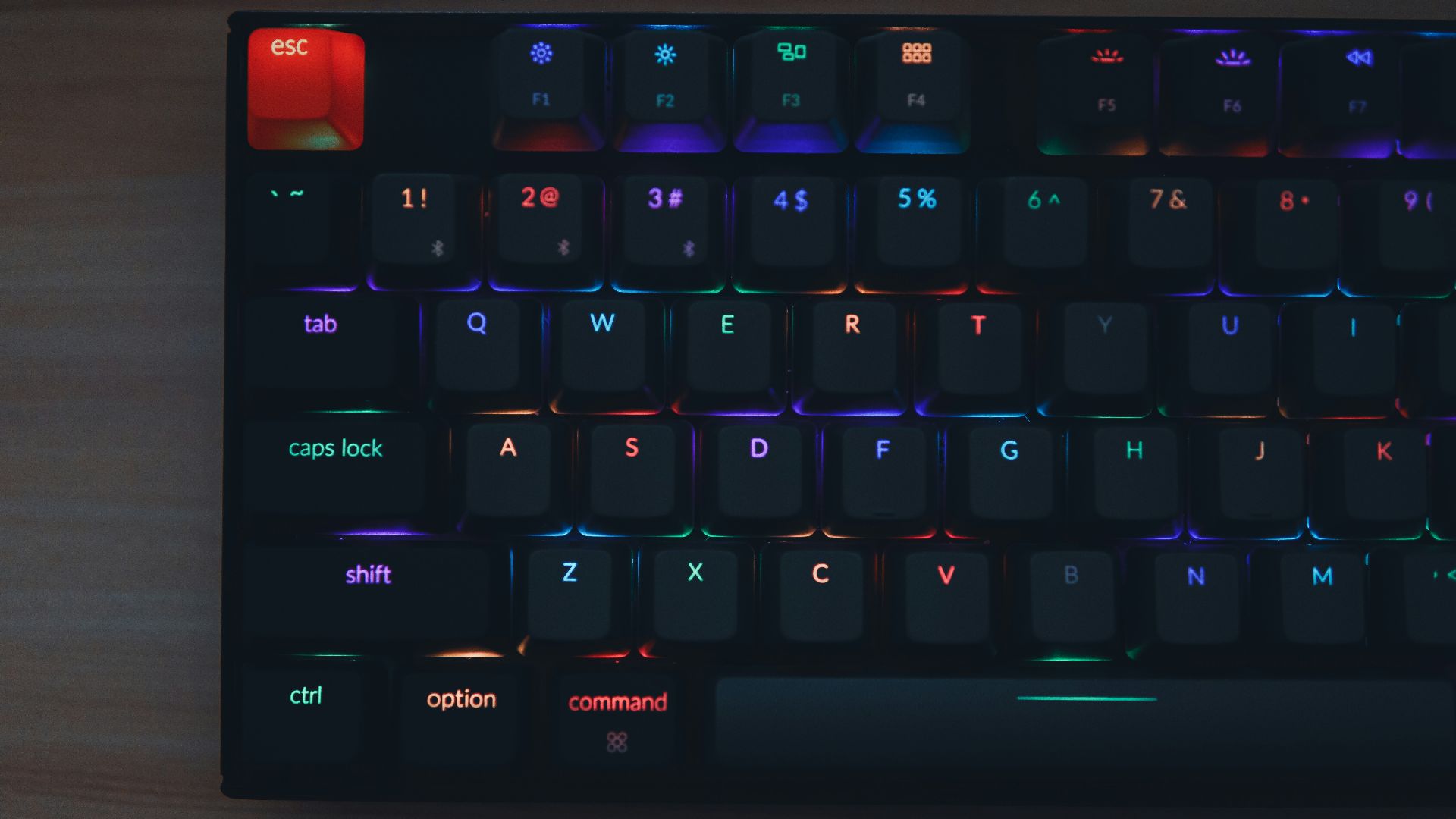
New gaming keyboards can do things that older mechanical models can’t, even when those older boards still work exactly as intended. Wooting’s Hall effect keyboards support adjustable actuation points, letting users choose how far a key travels before the input registers. Its Rapid Trigger feature uses key movement and the chosen sensitivity to decide when an input resets instead of relying only on a conventional fixed reset point. That changes how quickly repeated movement inputs can reset and reactivate during play. For interested gamers, a newer board can offer controls the older one wasn’t built to provide.
These features don’t make every older keyboard obsolete, and an advertised polling rate doesn’t describe the entire input path. RTINGS measures keyboard latency from the moment a solenoid touches the key until the input data reaches the computer, using a USB analyzer to intercept the signal and collecting 200 samples for its averages. The method accounts for switch actuation, keyboard processing, and transmission instead of treating one advertised specification as the full story. Useful performance comparisons require more than a quick glance at a large number printed on the front of the box.
The main reason people keep buying mechanical keyboards is fairly simple: each model can offer its own mix of feel, sound, size, appearance, and behavior. A quiet board can stay beside the work computer, a compact one can leave more room for gaming, and a programmable model can hold shortcuts for a favorite application. The previous keyboard often remains useful, so it becomes a backup, moves to another room, or waits for a new set of switches and keycaps. Mechanical keyboard collections grow because the boards keep working while their owners keep finding new ways they’d like a keyboard to work.