Some Inconveniences Still Haven't Been Fixed
Technology has evolved to become faster, smarter, and more deeply woven into daily life worldwide, but some annoyances have remained stubbornly familiar. Phones, laptops, apps, smart devices, and online services can perform everything from mundane to impressive tasks while still stumbling over basic conveniences that users have complained about for decades. Many of these problems aren't hard to solve, yet inconsistent standards, business priorities, and complicated ecosystems keep them lingering. Here are 20 everyday tech frustrations that still haven’t really been fixed.
 J Meza Photography on Unsplash
1. Password Requirements That Aren't Standard
One website wants a symbol, another forbids certain characters, and a third insists on a specific length. Password managers help, but inconsistent rules still make account creation more tedious than needed. Even with passkeys becoming more common, traditional passwords remain deeply embedded across the internet.

2. Uncooperative Printers
Printers have greatly improved in speed and wireless capability, yet basic reliability can still be inconsistent. Connection problems, driver issues, ink warnings, and mysterious offline messages remain surprisingly common. You can sometimes spend longer troubleshooting a printer frustratingly than actually printing the single page you needed.

3. Bluetooth Pairing Problems
Bluetooth is now built into countless devices, but pairing can still be less seamless than users expect. Headphones may connect to the wrong device, fail to reconnect, or require digging through menus to reset the connection every time.

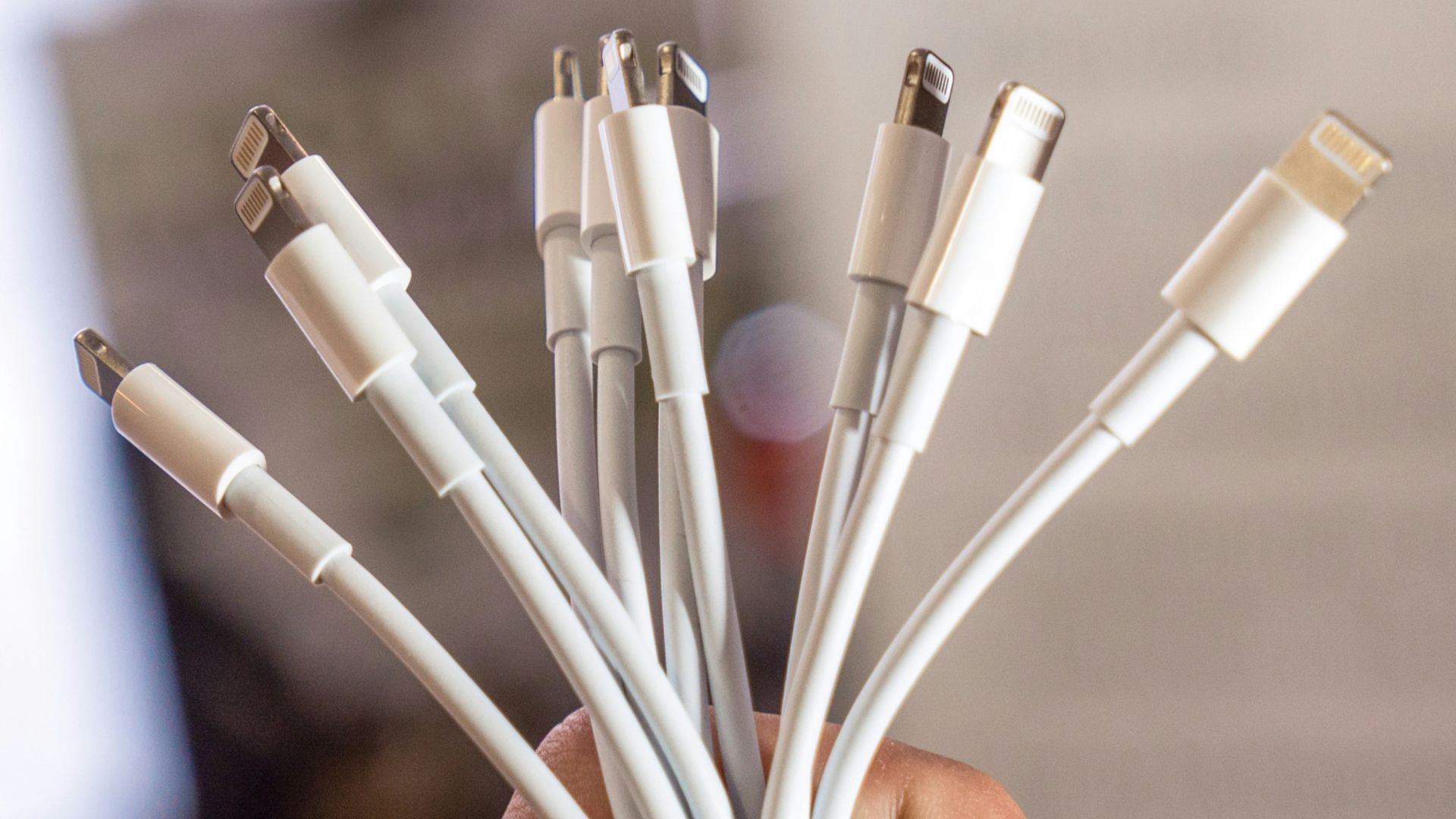
4. Charging Cable Confusion
USB-C has simplified charging across many newer devices, but identical-looking cables can support very different charging speeds and data capabilities. Some handle high-wattage power delivery, while others are designed mainly for slower charging or basic transfers. That means a cable can fit perfectly and still fail to deliver the performance you expected.
5. Software Updates at Inconvenient Times
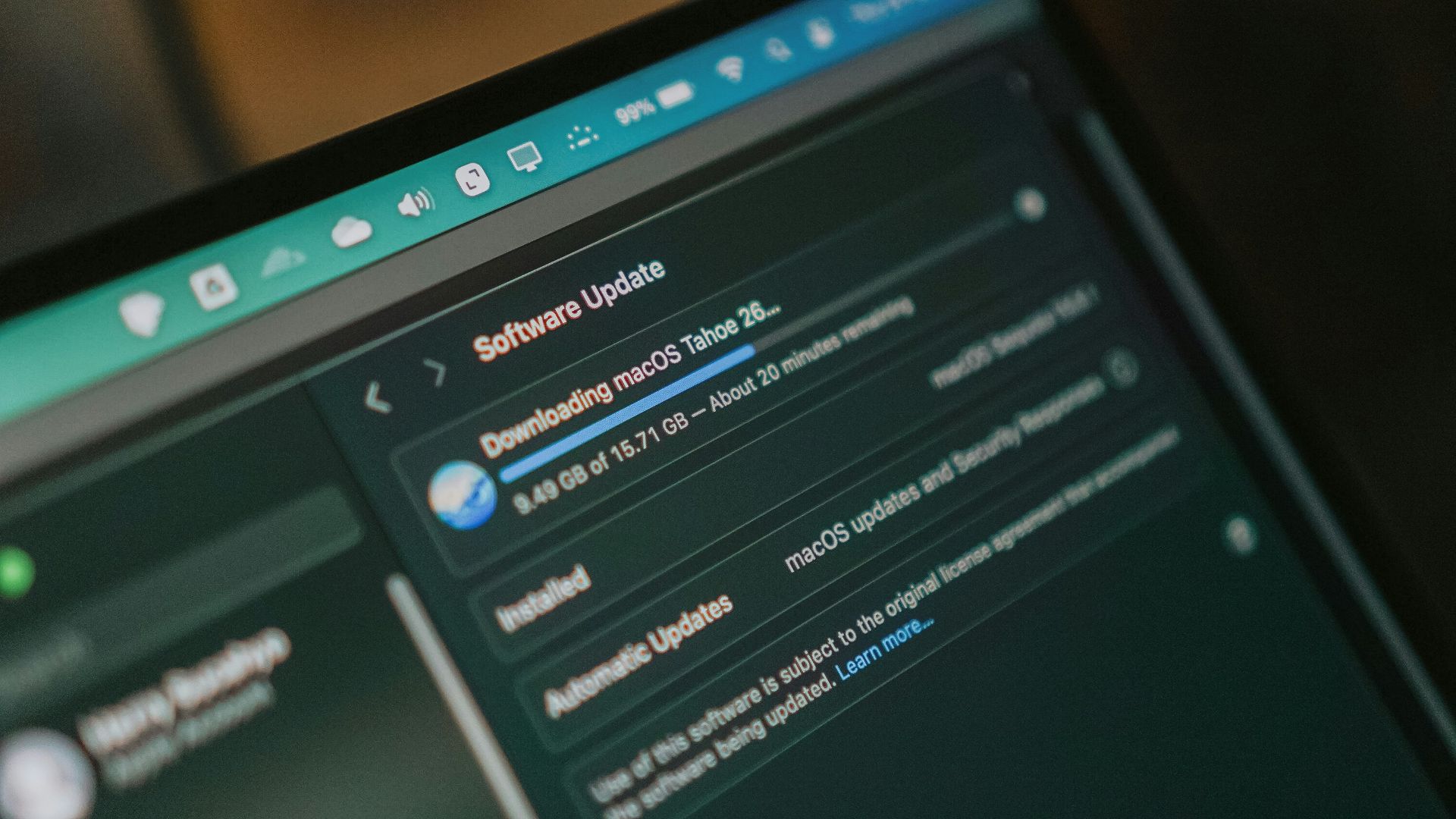
Automatic updates are required for security and stability, but their timing can still be frustrating. Computers and phones occasionally request restarts right before a meeting, trip, or other inconvenient moments are about to begin.
6. Captchas That Test Your Patience
CAPTCHAs are designed to distinguish humans from automated systems, but they can make ordinary browsing feel unnecessarily difficult. Identifying blurry traffic lights or repeatedly selecting crosswalks will never replace Wordle as anyone's favorite online activity.

7. Websites That Demand Cookie Decisions
Privacy regulations have encouraged greater transparency around tracking, but they've also produced endless consent banners. Visitors are frequently asked to accept, reject, or customize cookies before reaching the content they wanted.

8. Apps That Constantly Ask for Permissions
Modern operating systems give users more control over camera, microphone, location, and notification access, which is useful for privacy. The downside is that certain apps repeatedly request permissions that aren't essential to their main function and cause tons of frustration.
9. Notification Overload
Almost every app seems eager to send alerts about messages, sales, recommendations, reminders, and activity no one cares about. Smartphones provide detailed notification controls, but adjusting dozens of apps individually requires time and attention. Important alerts can still get buried beneath less useful ones if settings aren't meticulously managed.
10. Video Autoplay
Autoplay remains common across social media, news sites, and streaming platforms because it forces people to engage with content. Unfortunately, unexpected video or audio can be disruptive and embarrassing, especially in quiet spaces or while using limited mobile data. Some platforms provide controls, but behavior differs from service to service.
 Christian Wiediger on Unsplash
11. Subscription Cancellation Obstacles
Signing up for a digital subscription can take only a few seconds, while canceling one may involve several screens and retention offers. Regulations in some places are pushing companies toward simpler cancellation processes, but practices still vary considerably.

12. Inconsistent Dark Mode Support
Dark mode is widely available across modern operating systems and popular apps, yet implementation isn't universal. You can move from a comfortable dark interface to a bright webpage or menu without warning, and it can be quite jarring.
 Nikita Kachanovsky on Unsplash
13. Smart Home Devices That Can’t Work Together
Smart home standards have improved, particularly with newer interoperability efforts, but compatibility remains uneven. A bulb, speaker, thermostat, and camera may each work perfectly within their own ecosystems while communicating poorly with one another.
14. Search Results Full of Clutter
Search engines remain incredibly useful, but results pages increasingly mix traditional links with ads, summaries, shopping modules, videos, and other features. Finding a straightforward answer can sometimes require scrolling through multiple layers of unwanted content.

15. Wi-Fi Dead Zones
Home Wi-Fi technology has advanced substantially, yet walls, distance, interference, and building materials can still weaken coverage. Mesh systems and range extenders can help, but they add cost and setup complexity. A strong signal in one room doesn't guarantee dependable performance only a few feet away.

16. Account Recovery Headaches
Recovering a locked account is supposed to protect users from unauthorized access, but the process can become frustrating when legitimate owners lose access. Old phone numbers, forgotten backup codes, and unavailable email addresses can make verification difficult.
17. Storage That Fills Up Fast and Unexpectedly
Phones and computers provide more storage than they once did, yet apps, high-resolution photos, videos, and cached data consume space faster than expected. Operating systems often provide cleanup tools, but users may not understand exactly what's taking up space.
18. Pop-Ups with Small Close Buttons
Websites continue to use pop-ups for newsletters, discounts, surveys, and account prompts, even though many users find them intrusive. The close button may be small, delayed, or positioned differently on mobile screens.

19. Devices That Require Too Many Accounts
Buying a connected device increasingly means creating a new username, password, and cloud account. Manufacturers often require registration for features that could theoretically work locally, which adds both inconvenience and privacy considerations.
 Glenn Carstens-Peters on Unsplash
20. Settings That Keep Moving Around
Software redesigns regularly reorganize menus in the name of simplicity or modernization. Unfortunately, users who already knew where a setting lived may suddenly have to search for it again after an update.