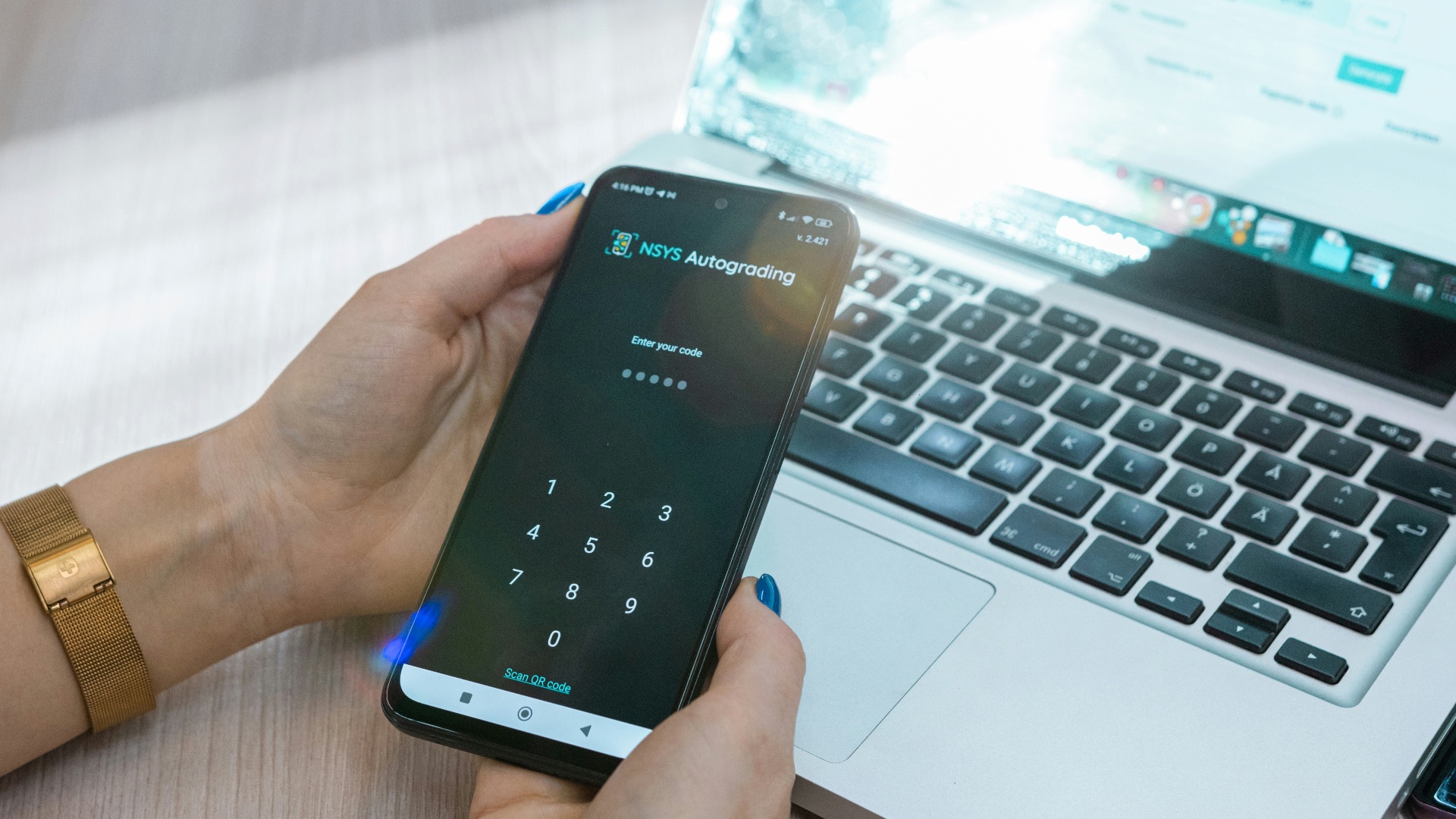
Passwords alone just don't cut it anymore. Cybercriminals have gotten remarkably good at stealing, guessing, and buying login credentials in bulk, which means a strong password isn't the safeguard it used to be. If you've been putting off enabling multi-factor authentication (MFA) on your accounts because it feels like an extra hassle, it's worth understanding exactly what you're risking by skipping it.
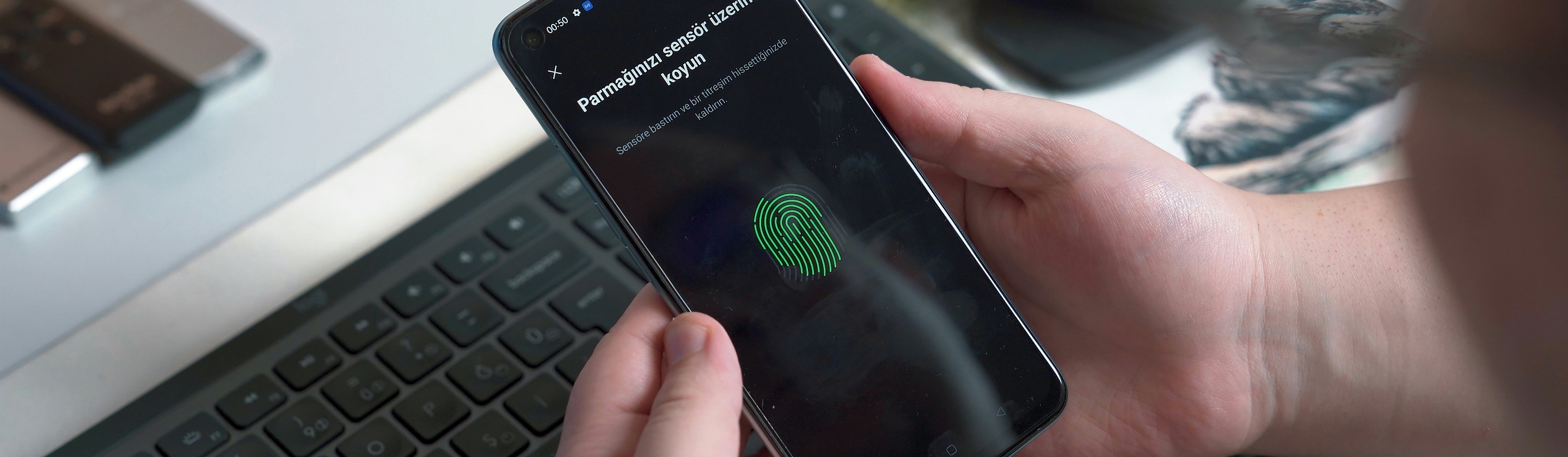
To clarify, MFA adds a second (or third) layer of verification beyond your password, whether that's a code sent to your phone, a fingerprint scan, or an authenticator app. This might sound like a minor inconvenience as you won't be able to access your account immediately after entering your password, but the data on how effective it is at stopping attacks is hard to ignore. Below, we'll break down why MFA matters so much, how it protects you in practice, and what you should keep in mind when choosing which type to use.
MFA Blocks the Vast Majority of Cyberattacks
The numbers behind MFA's effectiveness are pretty striking. According to Microsoft's own research, MFA blocks an astounding 99.9% of modern automated cyberattacks, which covers the bulk of the credential-stuffing and brute-force attempts that hackers run at scale. That single statistic alone should be enough to convince most people to turn it on across their accounts. Automated attacks rely on volume, and MFA effectively removes you from the pool of easy targets.
Phishing attempts are just as common, and MFA holds up well against those too. Research shows that MFA halts 96% of bulk phishing attempts, which matters given that phishing remains one of the most frequent ways attackers gain initial access to accounts. Even when someone falls for a convincing fake login page and hands over their password, MFA gives you a second chance to stop the breach before it happens. That backup layer is often the difference between a close call and a compromised account.
It's not just automated threats that MFA guards against, either. MFA prevents 76% of targeted attacks, meaning it still holds up reasonably well even when a hacker is specifically going after your account rather than casting a wide net. Targeted attacks tend to be more sophisticated, so a three-quarters success rate against them is a meaningful advantage. Combine that with its near-total effectiveness against automated and phishing attempts, and MFA becomes one of the highest-value security steps you can take with minimal effort.
Compromised Accounts Almost Always Lack MFA Protection
If you want a real sense of how much MFA matters, look at what happens after accounts actually get breached. Data compiled from multiple security researchers indicates that over 99.9% of compromised accounts lack Multi-Factor Authentication (MFA) protection. In other words, the accounts hackers successfully break into are overwhelmingly the ones that never had this extra layer turned on in the first place.
This pattern shows up across different reports and industries, not just in isolated cases. Microsoft has reported that its systems face over a thousand password attacks every second, and the accounts that survive those attempts consistently share one trait: they have MFA enabled. Attackers gravitate toward the path of least resistance, and unprotected accounts are exactly that. When you skip MFA, you're not just accepting a small risk but putting yourself squarely in the group most likely to get compromised.
There's also a broader organizational trend worth noting here. Companies that require MFA see roughly a 50% reduction in successful breaches compared to those that don't. That reduction reflects what happens when MFA becomes the default rather than an optional extra. The same logic applies on an individual level: enabling it on your personal accounts meaningfully lowers your odds of ending up in a breach statistic.
Not All MFA Methods Offer the Same Level of Protection
Once you've decided to enable MFA, it's worth understanding that not every method provides equal protection. Phishing-resistant options, like hardware security keys and passkeys, offer the strongest defense available. According to Microsoft's 2025 Digital Defense Report, phishing-resistant MFA blocks more than 99% of identity-based attacks even when the attacker already has a valid username and password. That's a critical distinction, since it means this type of MFA can stop an attack even after your credentials have already been stolen.
SMS-based codes, while far better than no MFA at all, come with more vulnerabilities than app-based or hardware-based alternatives. Attackers have developed techniques like SIM-jacking, where they take control of your phone number to intercept the very codes meant to protect you. Authenticator apps avoid this specific weakness since they generate codes locally on your device rather than relying on your carrier. If you have the option, choosing an app-based or hardware-key method over SMS will close off one of the more common ways attackers work around basic MFA.
Attackers have also adapted to the popularity of push-based approval requests through a tactic known as MFA fatigue or prompt bombing, where they bombard you with repeated login approval requests hoping you'll eventually tap "approve" out of frustration. This method has become common enough that it now shows up in a notable share of social engineering incidents tracked by security researchers. Being aware of this tactic matters just as much as having MFA enabled in the first place, since a moment of carelessness can undo an otherwise strong security setup. If you ever get an unexpected approval request, treat it as a red flag rather than a nuisance to dismiss.
Final Thoughts
Multi-factor authentication isn't a perfect solution, and no security measure ever fully eliminates risk. Sophisticated attackers continue to develop new ways to work around it, and some MFA methods hold up better than others. Still, the evidence makes it clear that turning MFA on, in whatever form is available to you, dramatically reduces your chances of becoming a victim.
Given how much protection it offers relative to the small amount of effort it takes to set up, there's little reason not to enable it across your email, banking, and social media accounts today. Choosing a stronger method like an authenticator app or hardware key over SMS will give you even better protection, but any form of MFA beats relying on a password alone. Taking a few extra minutes now could save you from a much bigger headache down the road.