More Than You Need
Quick—how many apps do you have on your phone? Ten? Thirty? More than 50? Well, chances are, you have a lot, and it's way more than you can count. Now ask yourself: how many of those apps do you actually actively use? Probably not very many. Between games you might play again (once in a blue moon) and shopping apps you used once, your phone can easily become cluttered with icons you rarely touch. Low on storage? It's likely because you're an app hoarder.
1. You Have Apps You Don't Remember Downloading
Remember that app you downloaded once to convert a photo to a different format? Yeah. That one. The one you forgot was sitting in your library. If you have to open certain apps just to figure out what they do, there's a good chance you're a hoarder.
2. You Keep Multiple Apps That Do the Same Thing
Do you really need three weather apps or four photo editors? Let us answer for you: no. They all do the same thing, and yet you have multiple versions, anyway. Over time, those duplicates only eat up more and more of your storage space.
3. You Can't Find the App You're Looking For
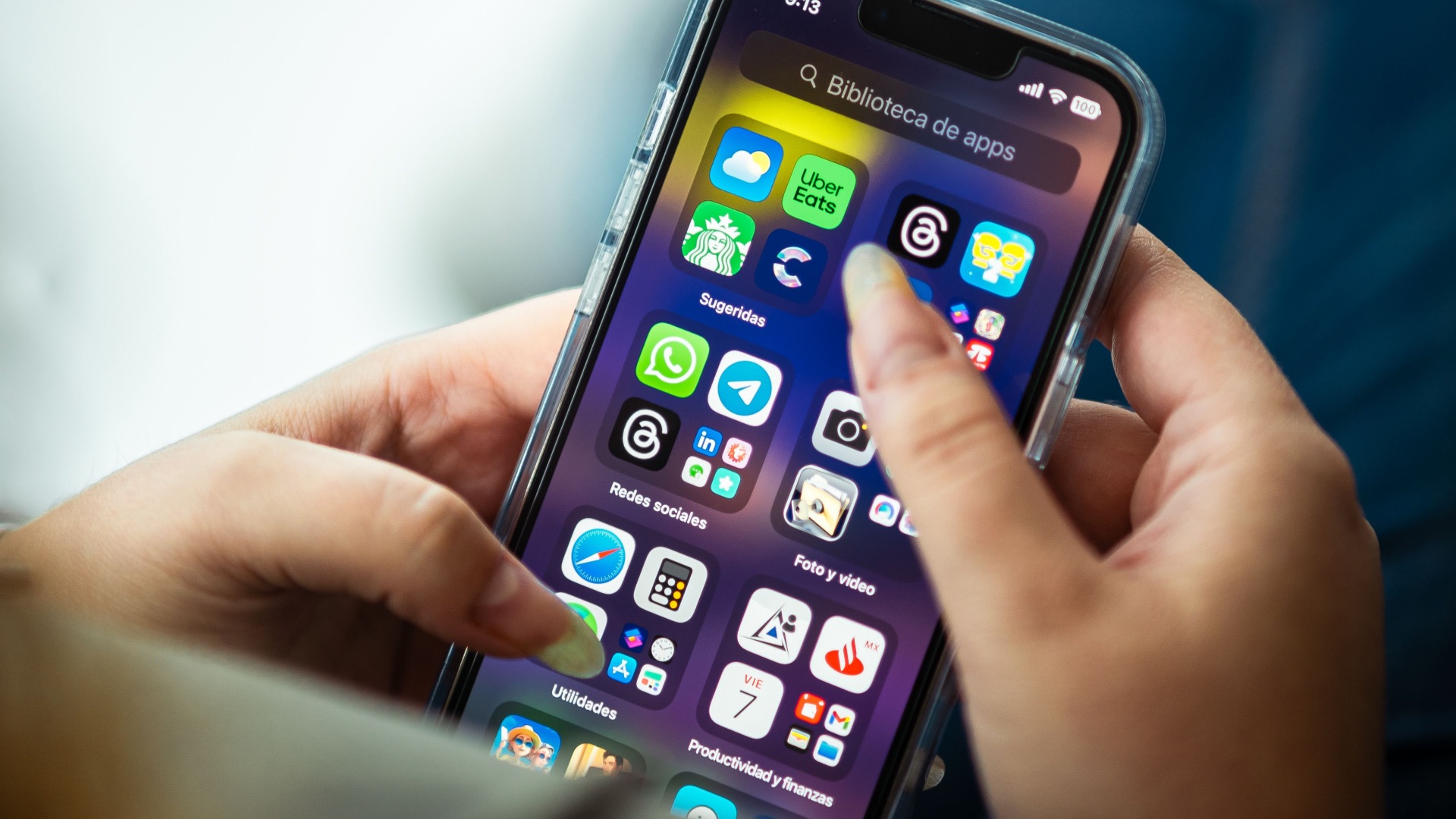
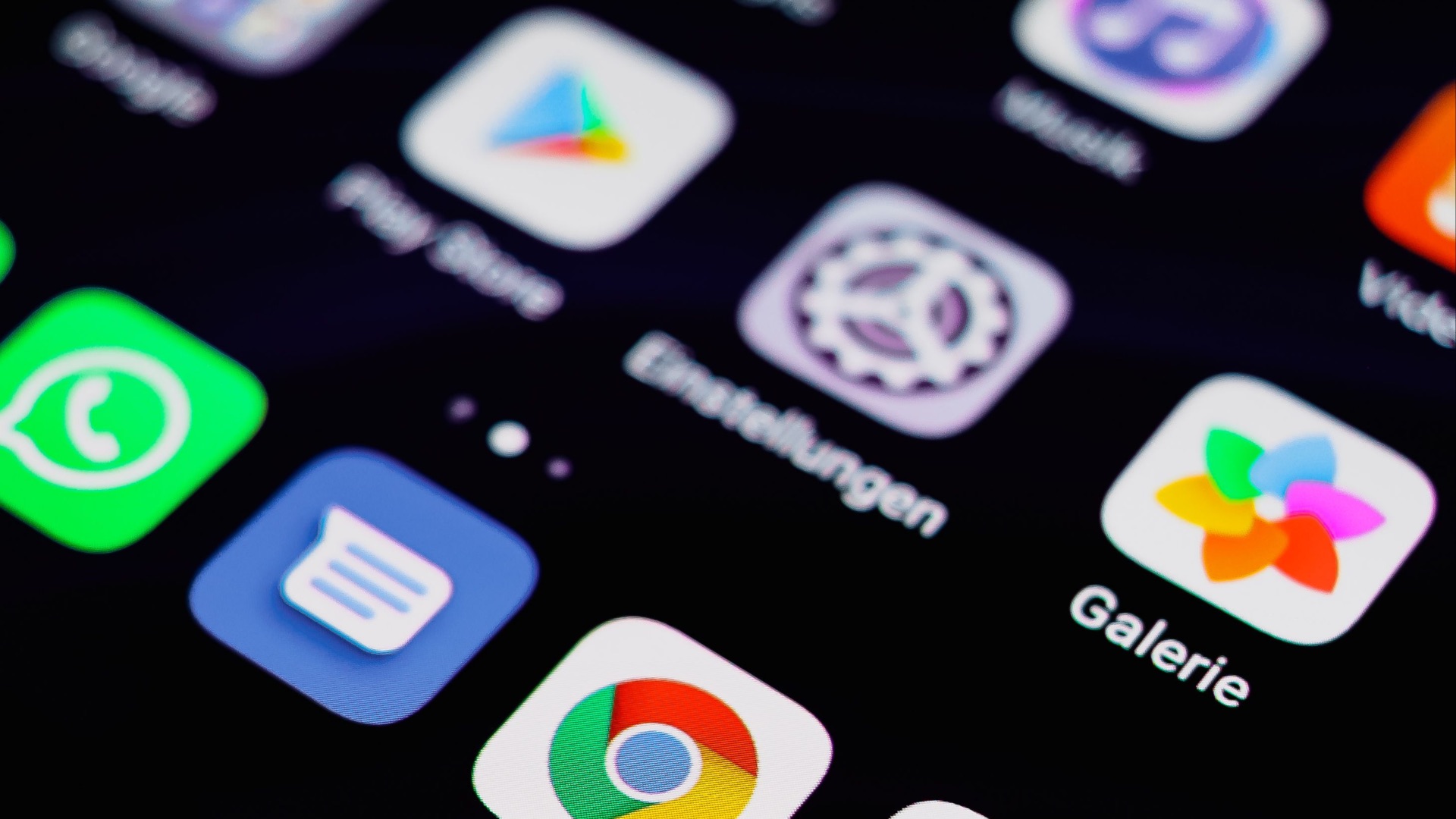
You know you're an app hoarder if you can never find stuff on your phone, even after swiping through several screens. In fact, you often have to search for the name just to locate it. That's a pretty telling sign that your collection has become harder to manage than it needs to be.
4. Your App Library Has Several Forgotten Games
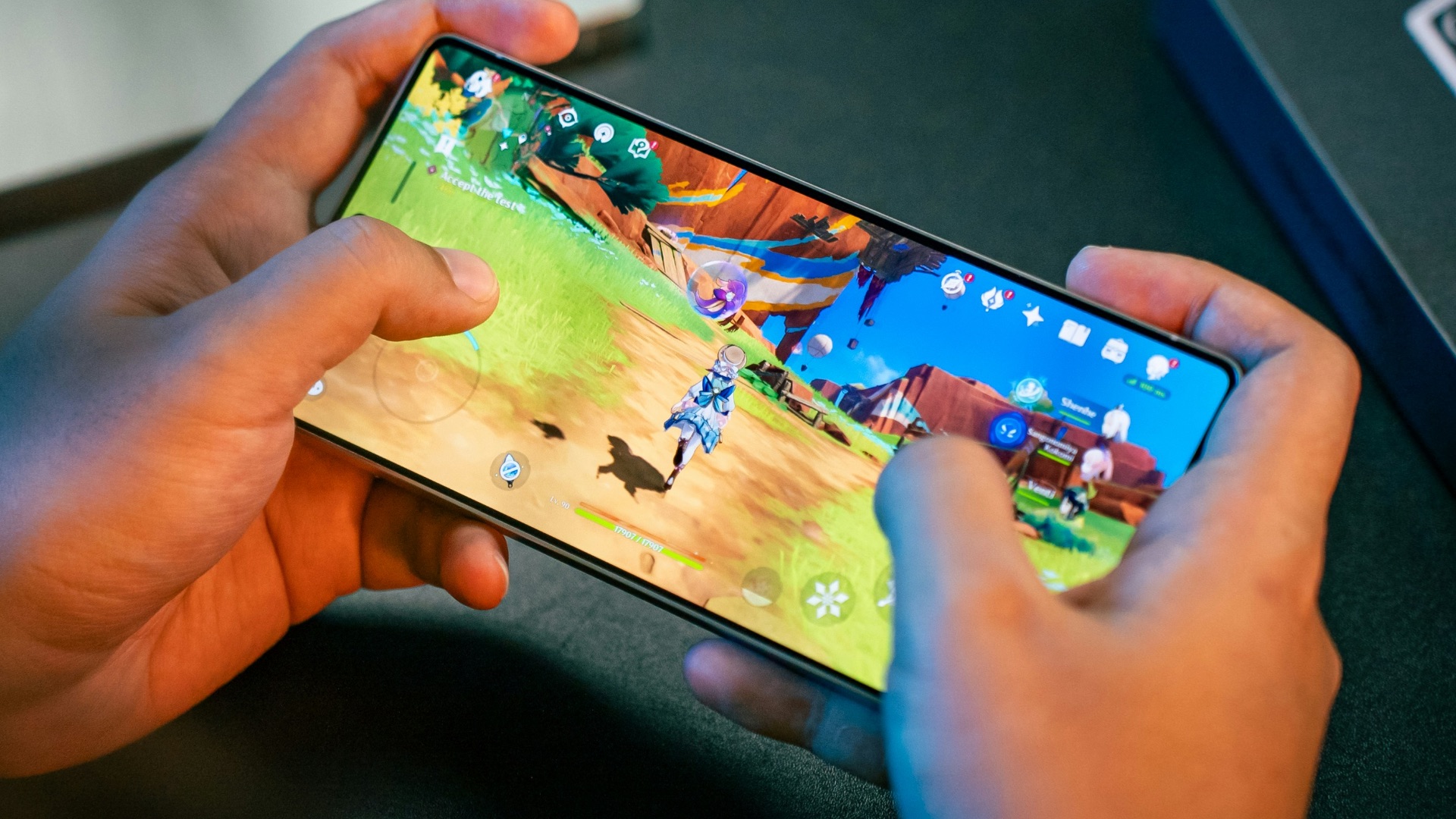
You might be a hardcore gamer, but if you usually play more on your computer than on your phone, there's little reason to keep games on your latter device. If months have passed without you opening a certain game, you're unlikely to go back to it, anyway, so why are you keeping it for?
5. You Keep Apps for Stores You Rarely Shop At
A retailer might encourage you to download their app for a coupon or loyalty reward, but unless you know you'll use it again, that doesn't mean it needs a permanent spot on your phone. Admit it—you probably have tons of these shopping apps you rarely ever use.

6. Your Phone Is Constantly Low on Storage
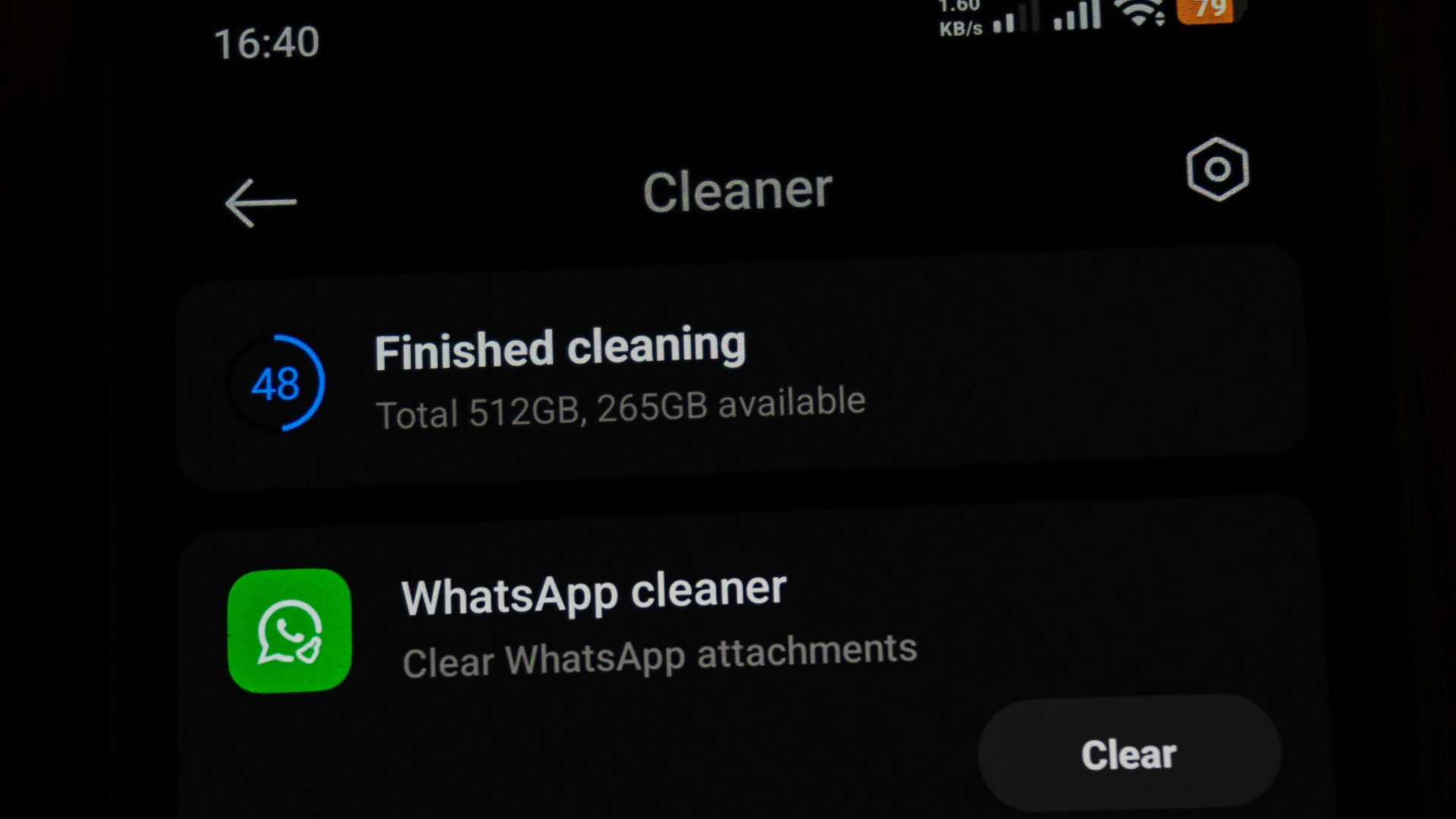
You might immediately blame photos and videos when your storage space disappears, but in reality, it's likely your apps. Take a look at your storage settings, and you'd be surprised just how much space social apps and large games may occupy.
7. You Have Apps You Haven't Opened in Years
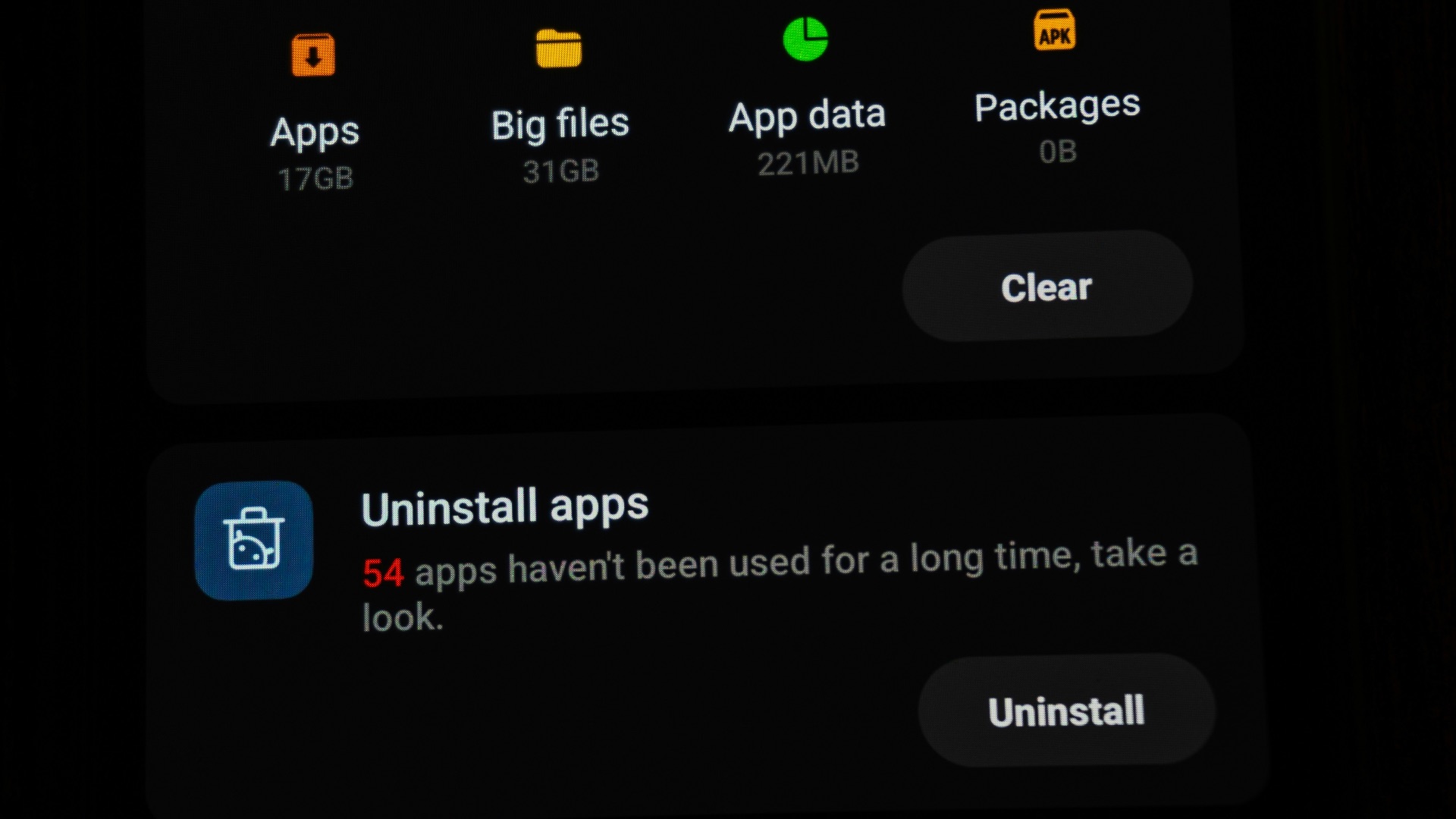
You know you're a hoarder when you can't even remember the category of apps you've downloaded. You might even recognize one you once downloaded during a... particular phase of your life. Keeping software you haven't touched in several years is one of the clearest signs that you're not the type to delete apps.
8. Your Home Screen Is Covered in Icons
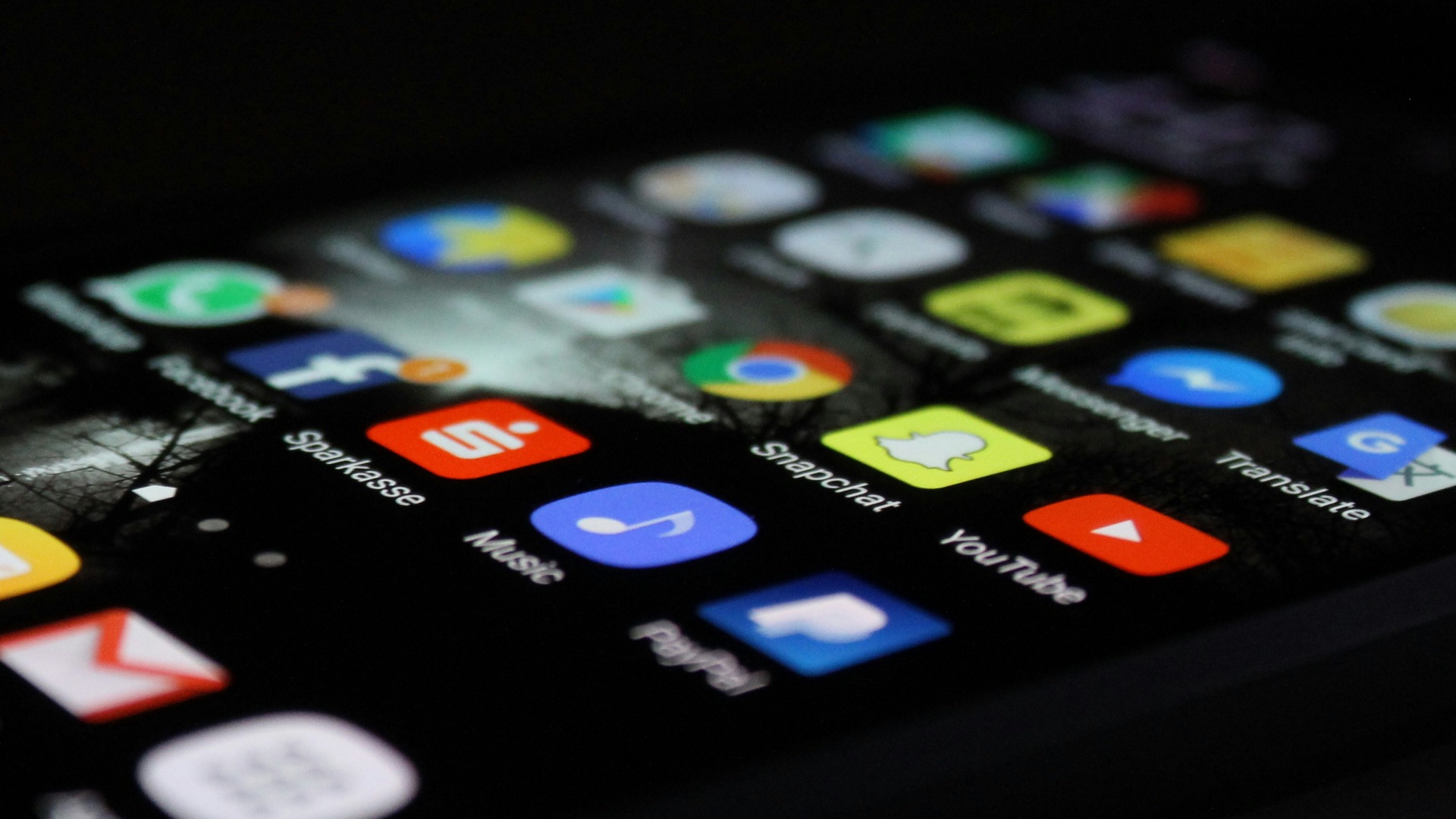
Are you always endlessly swiping past pages filled with icons you barely recognize? Yep, that's a glaring sign. The more apps you have, the harder it gets to navigate your phone. Heck, you might have even stopped arranging your apps long ago because there are simply too many of them.
9. You Refuse to Delete Apps
If someone tells you to delete an app and your immediate reply is "why?"—you're a hoarder. You've become so convinced of the possibility of needing an app again that you keep almost anything. You don't even care that you could always just download them again should you actually need them later.
10. Your Notification Settings Are All Over the Place
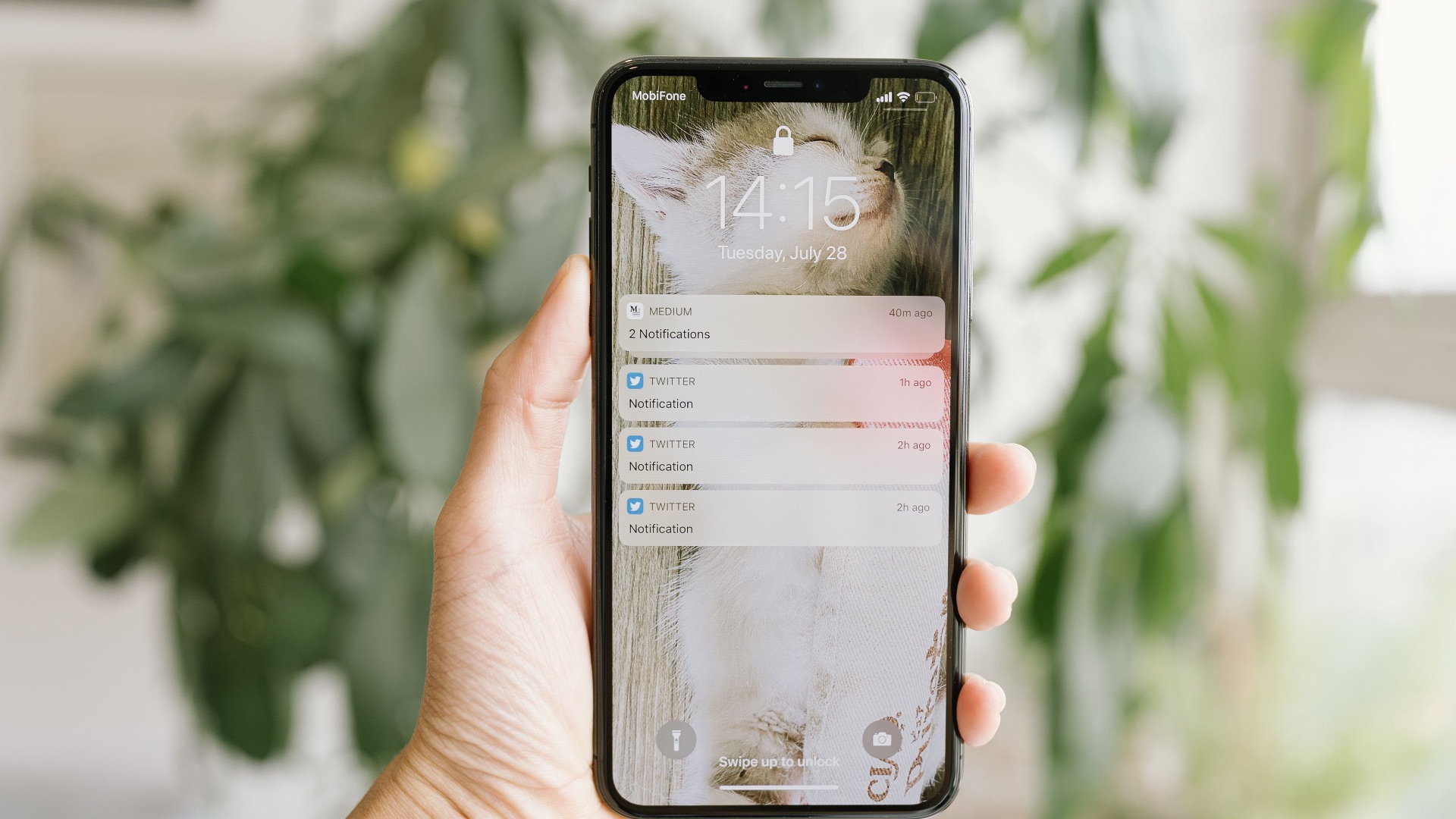
Another sign you've got way too many apps installed? Your notifications are always chaotic; you constantly have to sift through alert after alert. If clearing notifications has started to feel like a daily chore, you have too much clutter.
So, okay, you recognize the clutter. But now what? Actually deleting apps can be harder when you've become accustomed to keeping everything, but here are 10 tips that might help you clean up your device:
1. Check Which Apps You Actually Use
Rather than relying on memory, look at your phone's usage or storage settings to see which apps you've opened recently. Your phone might give you a list of apps you haven't touched in a while, and by sorting through it, you can get a good idea of what goes in which pile.
2. Delete Anything Connected to a One-Time Event
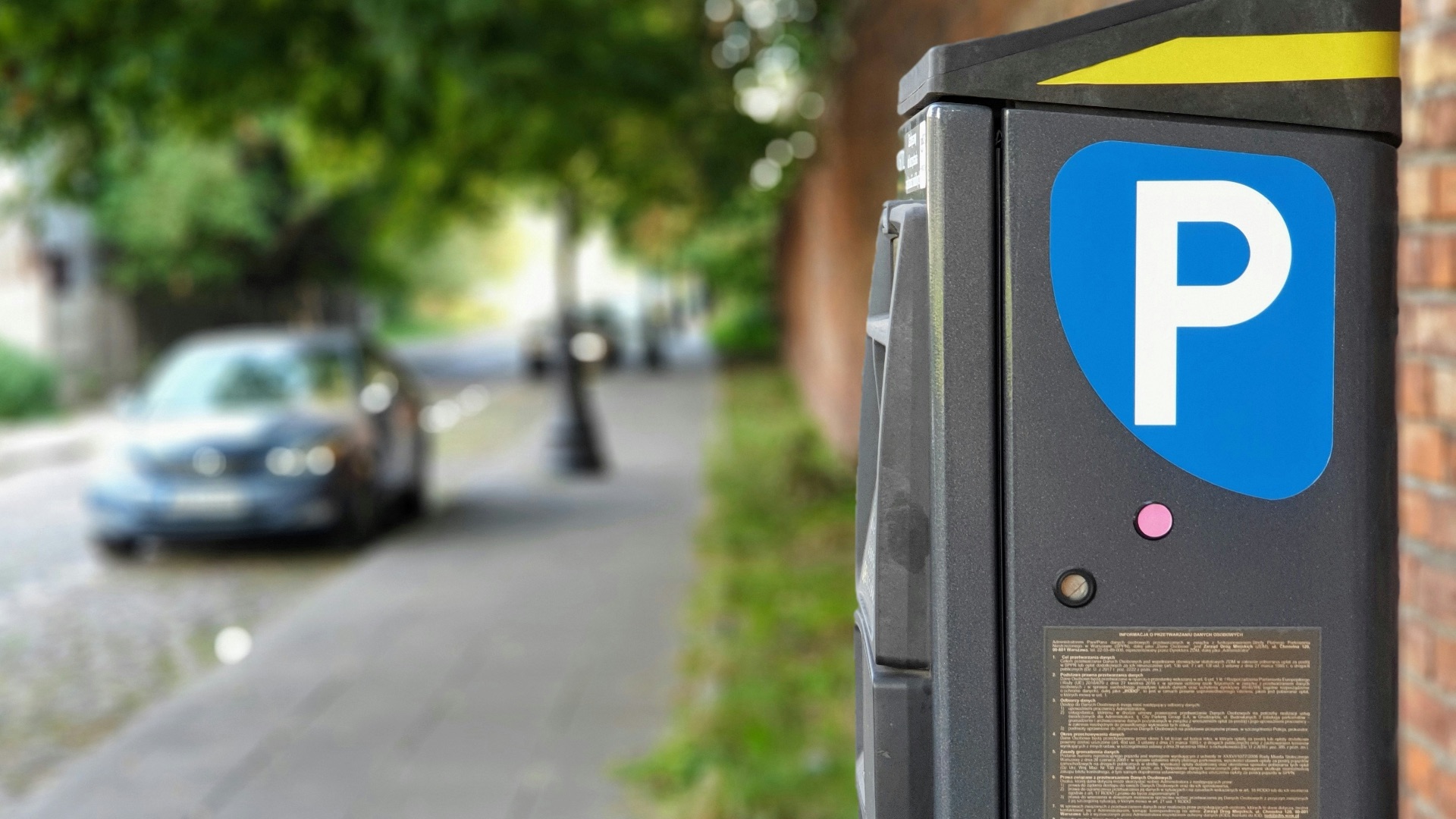
Whether it's a translation app that only works well for one language or a temporary parking tool, you should probably get rid of them after they've served their purpose. Unless they contain stuff you're absolutely sure you'll look back on, there's rarely a reason to keep them.
3. Choose One Favorite from Each App Category
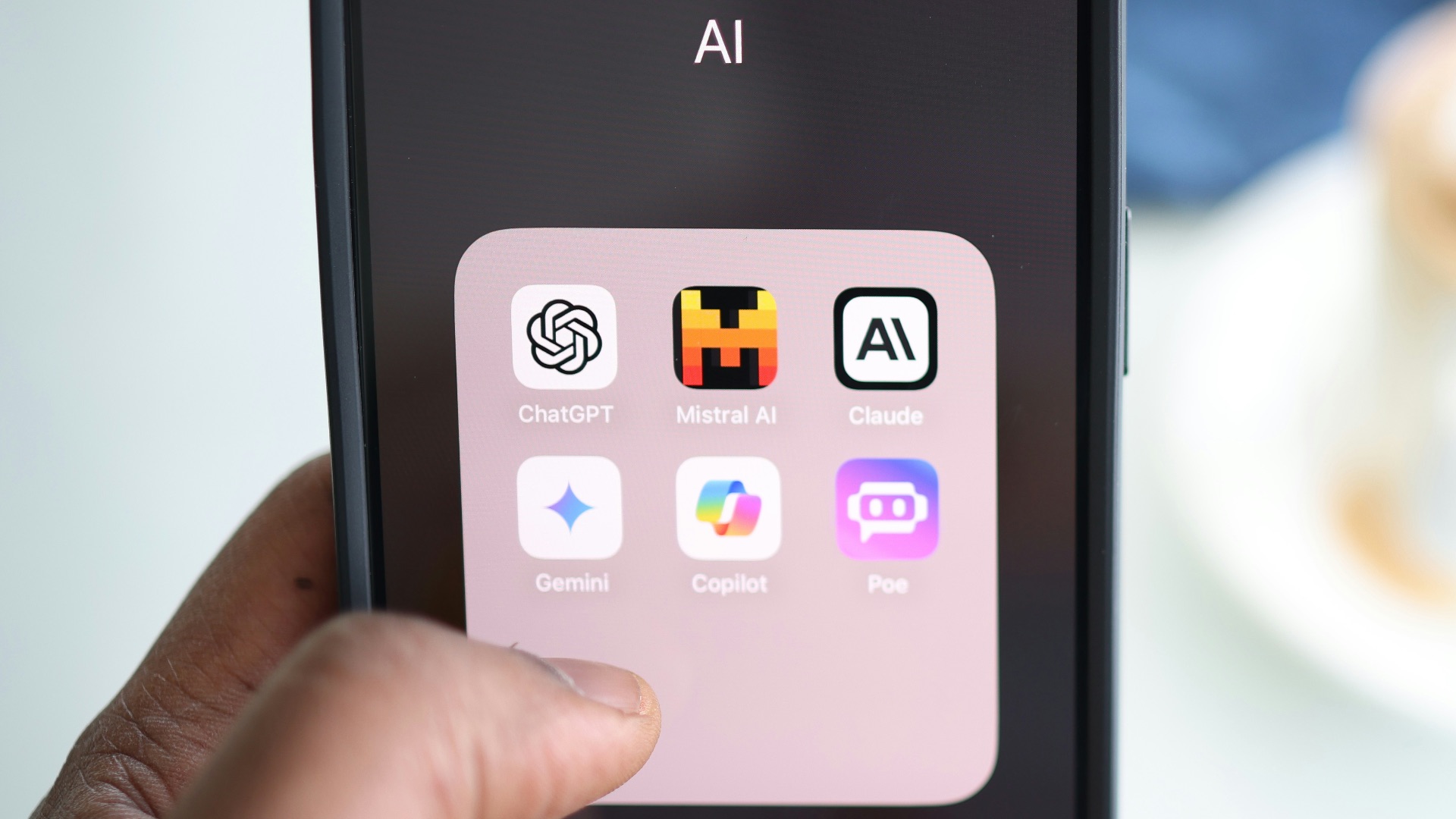
Are you the type to keep multiple apps? Here's a good way to remove the clutter: compare the features you actually use from each, then pick one (or if you really can't, two) to keep. You'll probably realize later that you really don't use more than one, anyway.
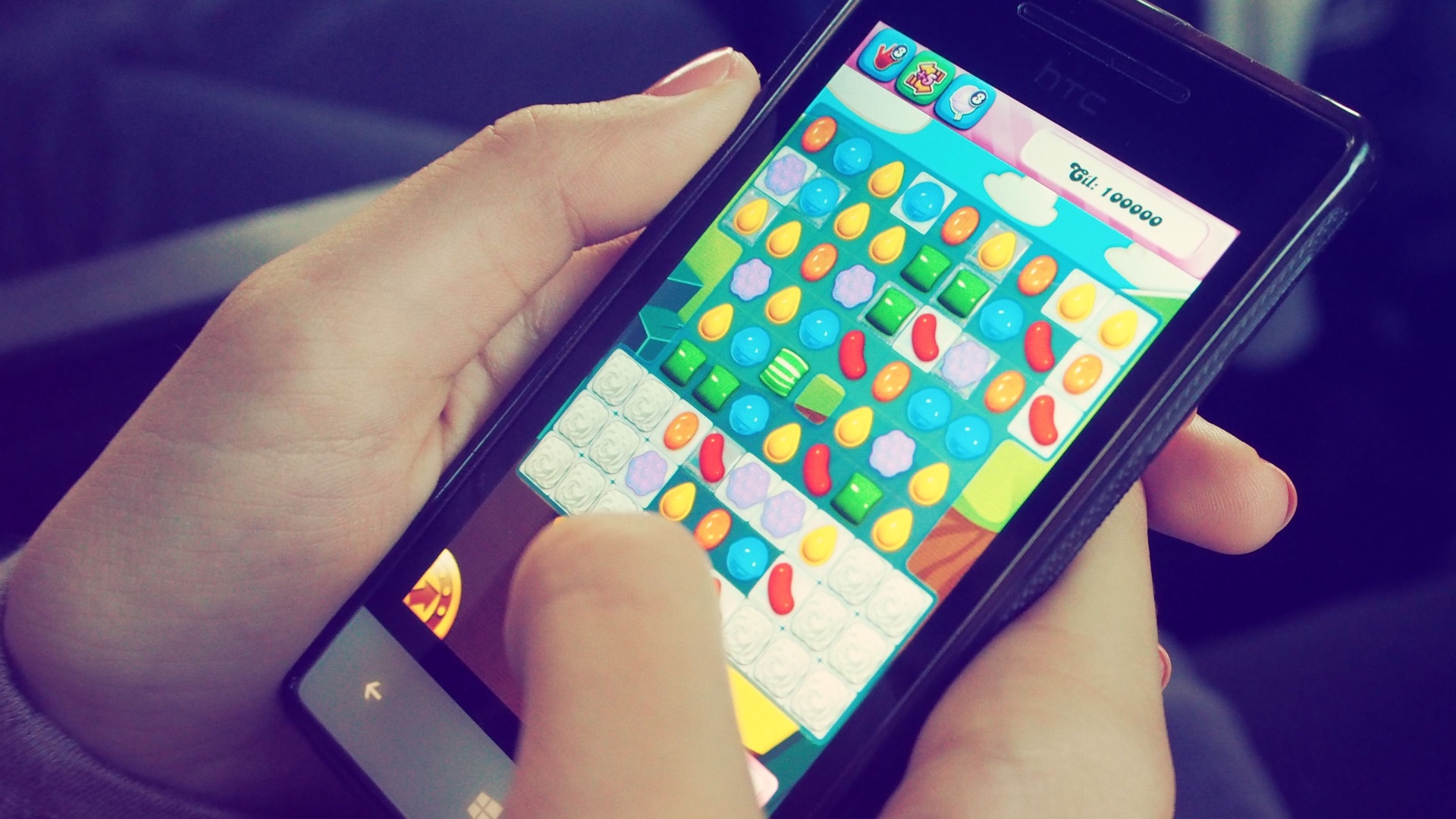
4. Remove Games You've Stopped Playing
Think realistically about whether you're really going to finish the game you abandoned months ago. If your excuse is you'll "eventually come back to it," you have your answer—it's a no. If it's the data you're scared of deleting, check whether your progress can be restored through an account before removing it.
5. Get Rid of Apps You Can Easily Use in a Browser
Sure, there's an app for almost everything. But not everything needs its own dedicated app. For anything you only use occasionally, it's better to just visit their websites instead to reduce the clutter on your phone screen.
6. Create a Trial Folder for Apps You're Unsure About
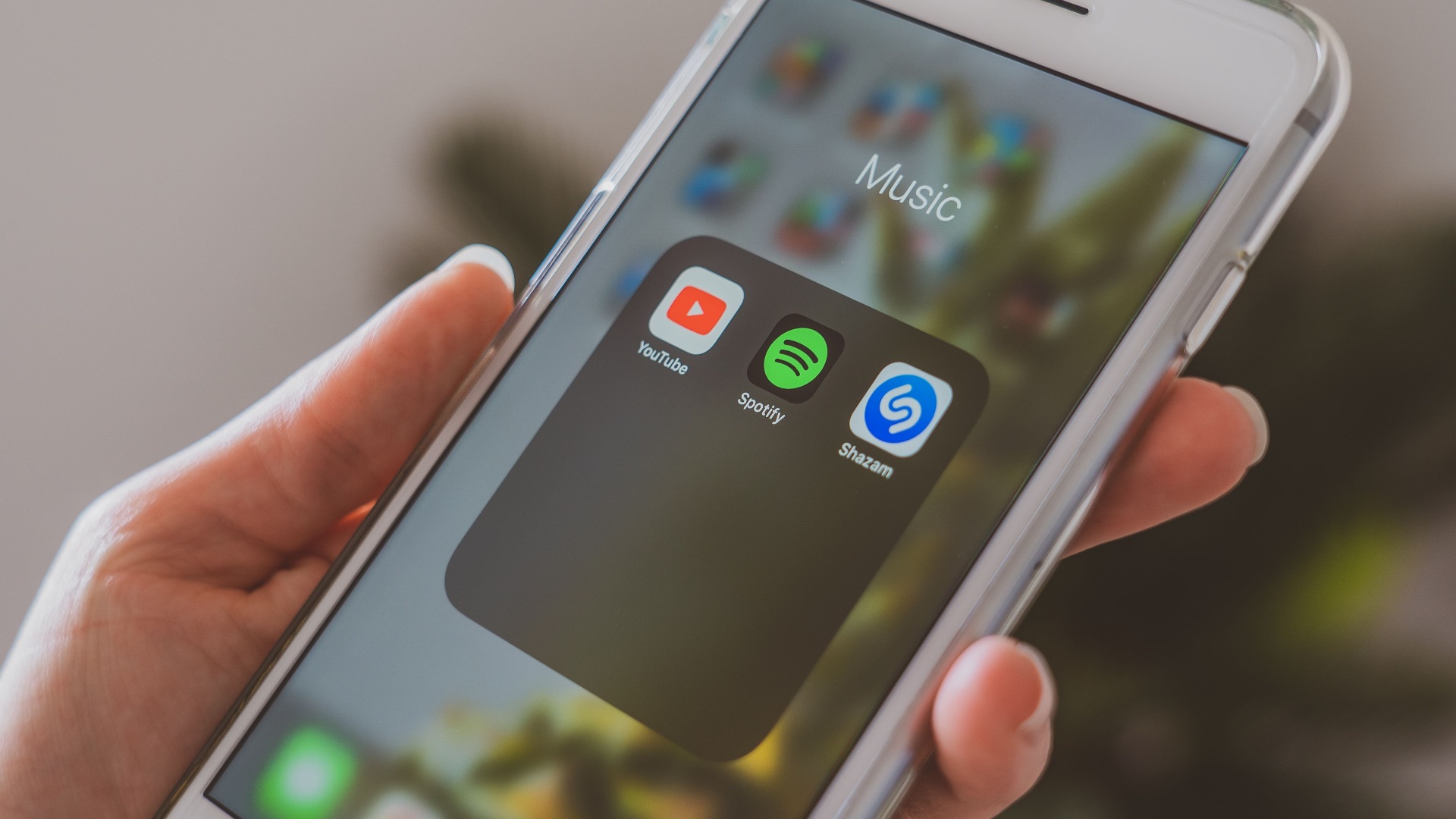
If deleting dozens of apps right away makes you squirm, give them a trial period! Organize them into a folder, then leave them there for a month or so. Promise us, though: anything you never open should go straight into the bin.
7. Review Your Apps Every Few Months
App clutter is much easier to control when you review them every few months. So do more declutter sessions! Set aside a few minutes every now and then to look through recent downloads and remove anything that you don't reach for. This will prevent you from forgetting you downloaded certain apps in the first place.
8. Turn Off Unnecessary Notifications
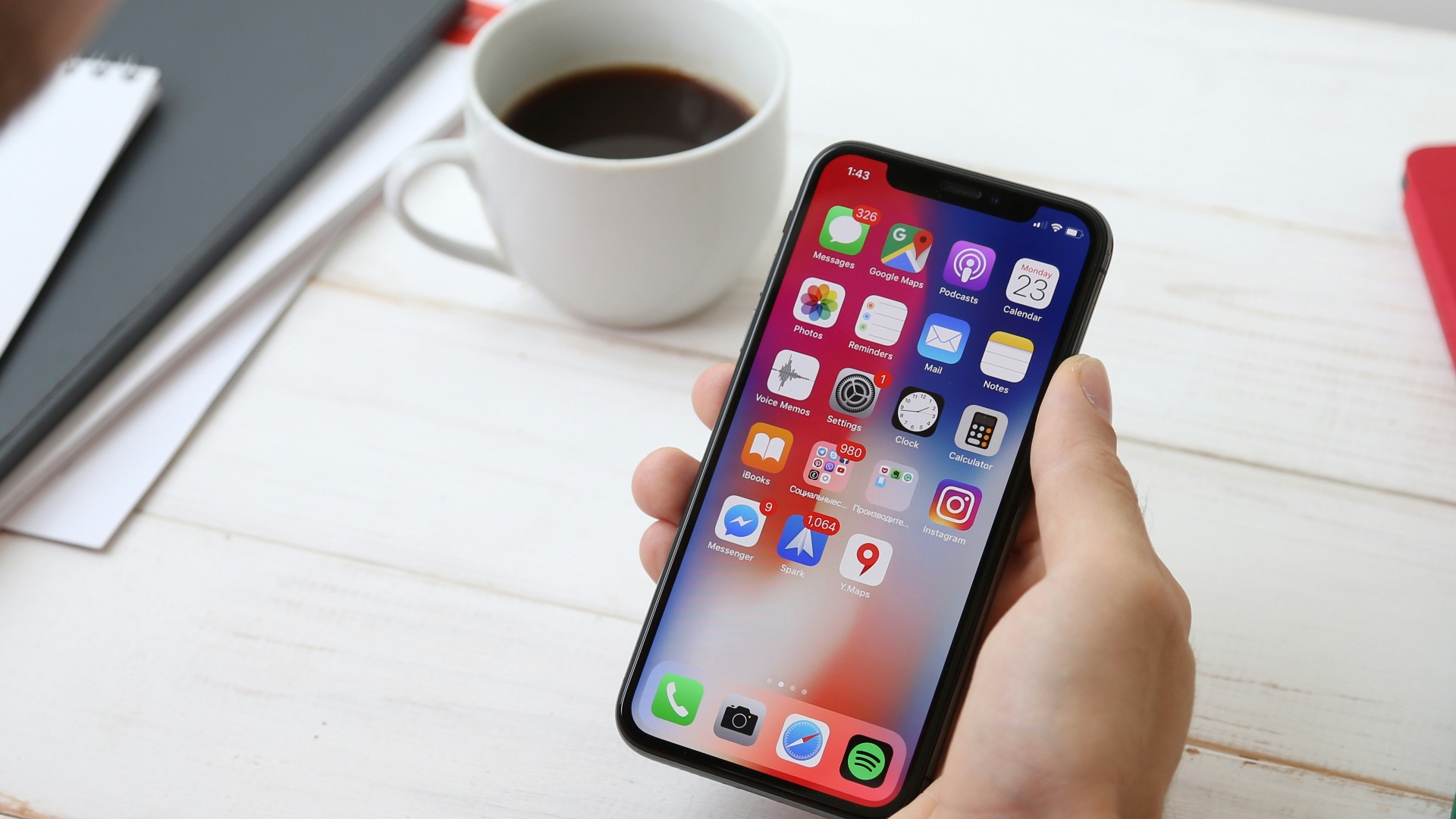
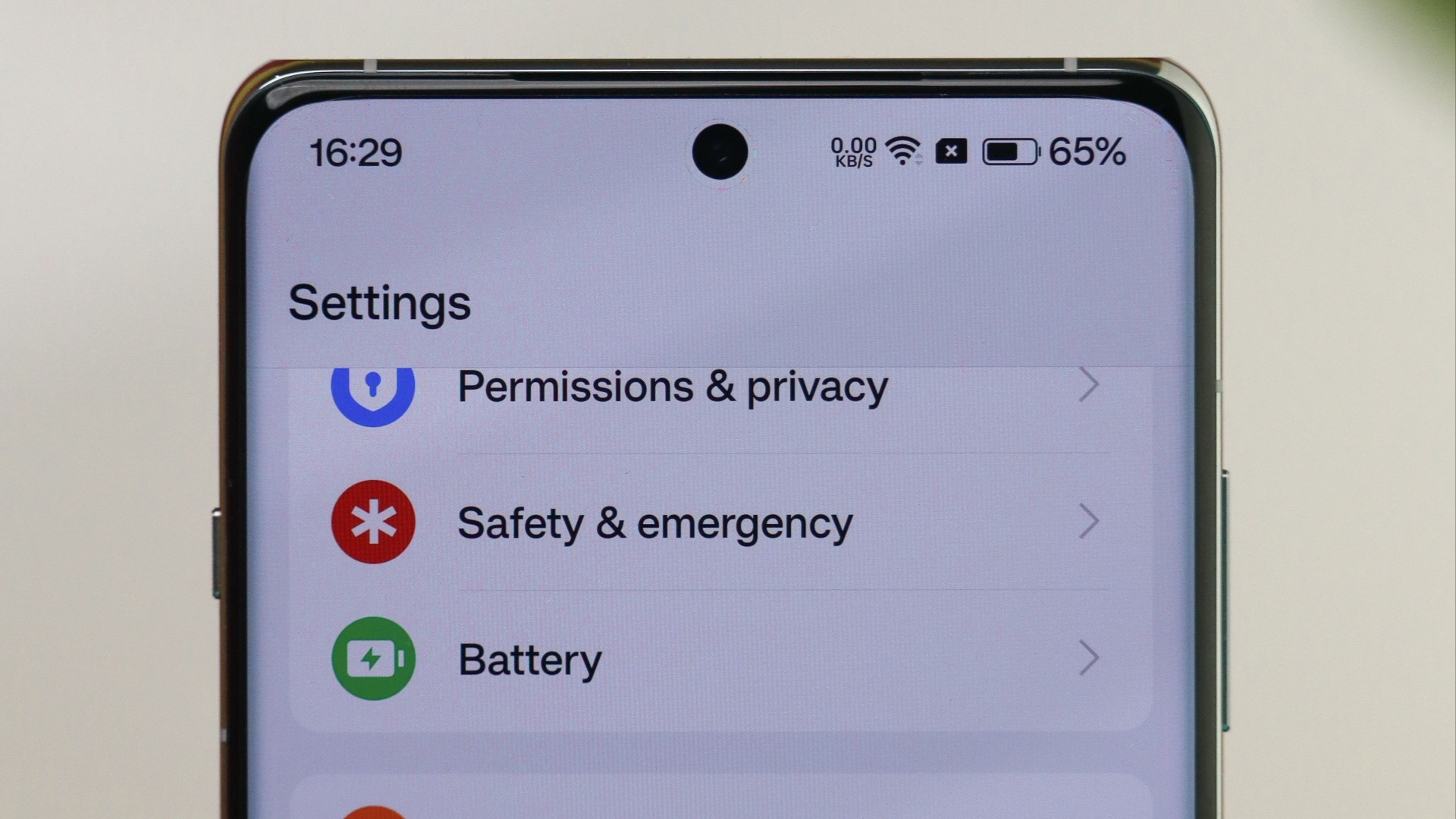
Decluttering isn't only about reducing the number of icons on your screen. As you review the apps you're keeping, check which ones send you constant alerts, then disable anything you don't need. That way, you won't always need to turn on Do Not Disturb mode.
9. Organize What's Left Into Useful Groups
After you've sifted through all the unnecessary apps, arrange the remaining ones into folders or patterns that match how you use your phone. This will help make your frequently used tools easier to locate. Plus, with fewer apps competing for space, it'll be easier to organize, anyway.
10. Don't Treat Every Download as Permanent
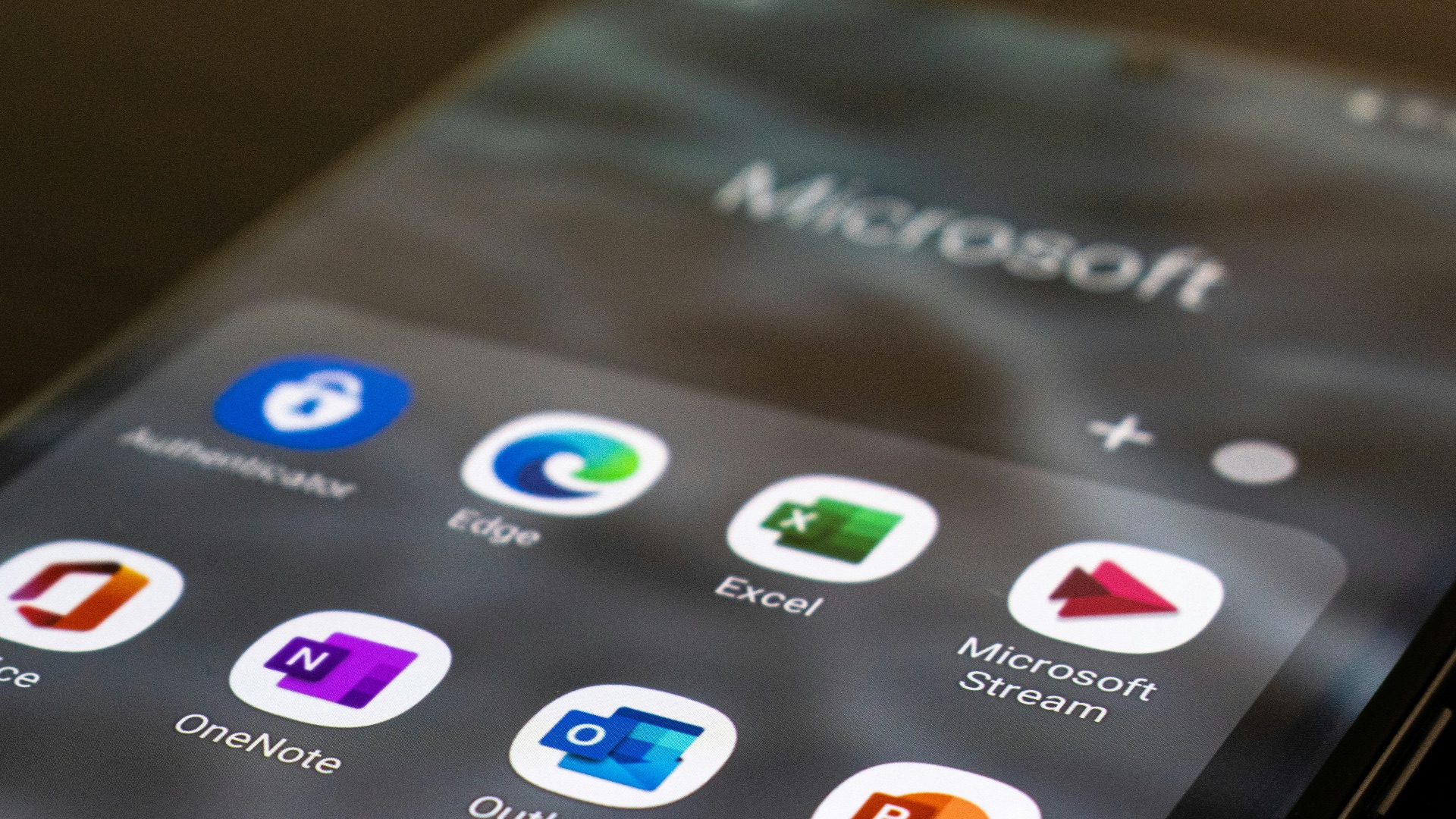
Deleting an app doesn't mean you're parting with it forever. You can always download it again if you need it in the future! But right now, your routine has revealed that you don't touch it, so there's little benefit in keeping it.