The Lessons Nobody Tells You Up Front
Every PC builder has a moment where a build goes sideways for a reason that seems obvious only after it happens. The internet makes it look simple: watch a video and follow along. Then the fans spin up and nothing shows on the screen, and the real learning starts. Here's 20 things almost every PC builder ends up learning the hard way.

1. Motherboard Standoffs Matter
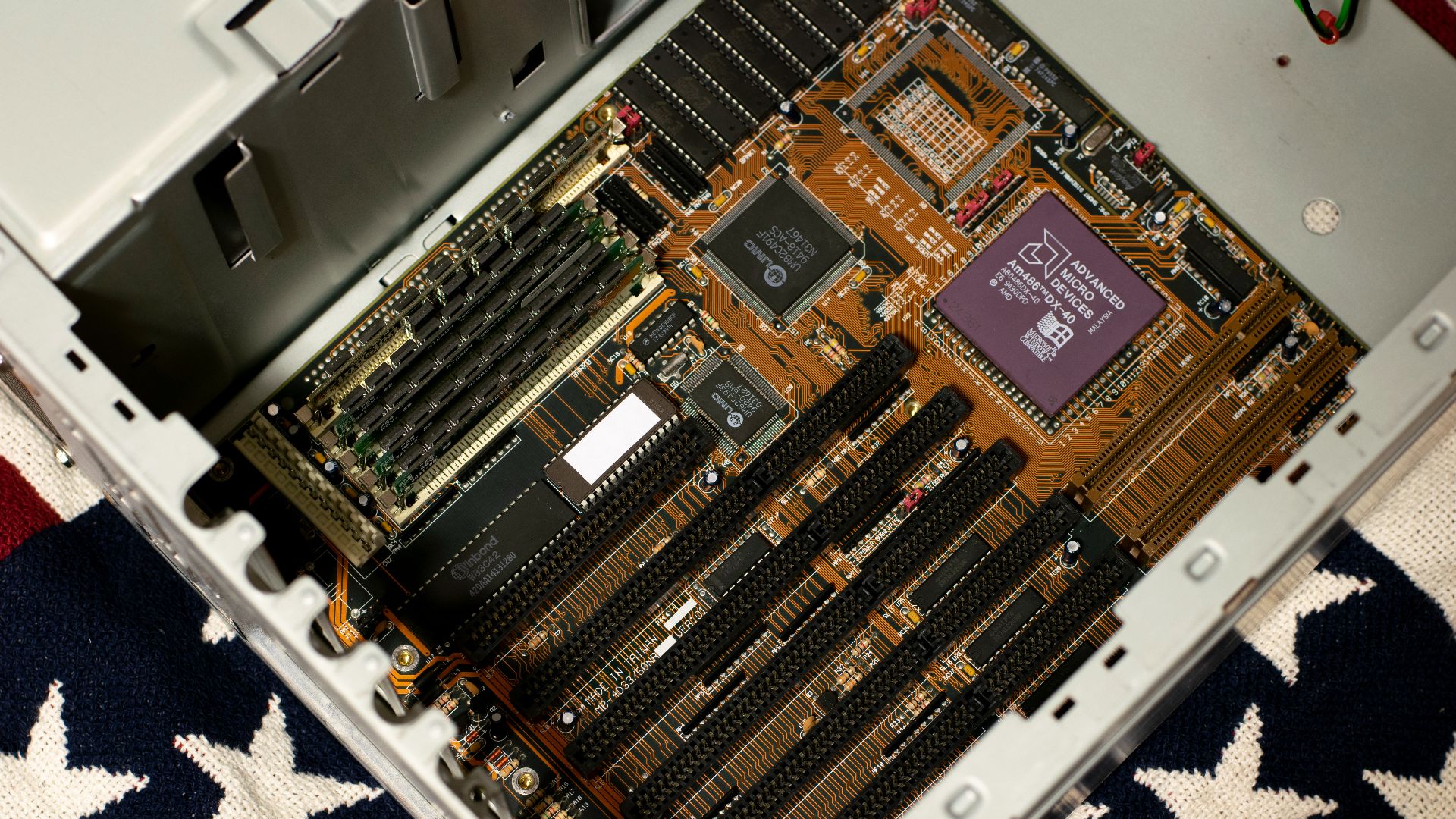
Every standoff needs to line up with a screw hole on the motherboard, and an extra one left in the wrong spot can short the board the moment it powers on. It's an easy step to rush past on a first build. Double-checking placement before mounting the board saves a lot of confused troubleshooting later.
2. Static Electricity Is a Real Risk
Modern components handle more static discharge than old PC-building lore suggests, but that doesn't make it worth testing. Touching a grounded metal surface before handling parts takes a few seconds. It's cheap insurance against a problem that's expensive to diagnose later.
3. Bent CPU Pins Ruin Your Day
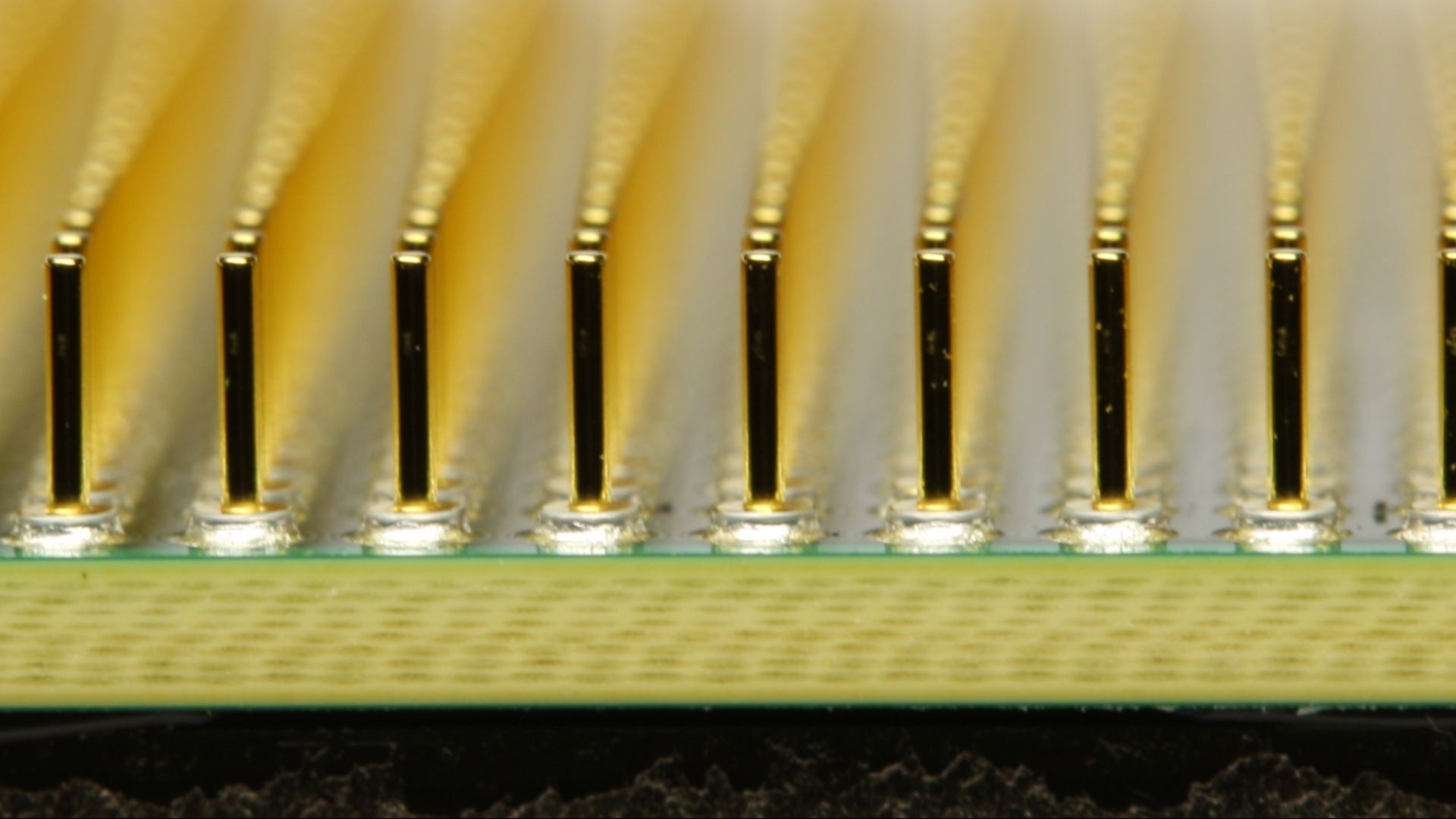
Whether it's the pins on the CPU or the delicate pins inside the socket, one careless drop can bend enough of them to cause real problems. Fixing bent pins is possible but nerve-wracking, and a bent socket usually means a new motherboard. Handling the CPU by its edges, and never forcing it into place, avoids the issue entirely.
4. Cable Management Isn't Just Cosmetic
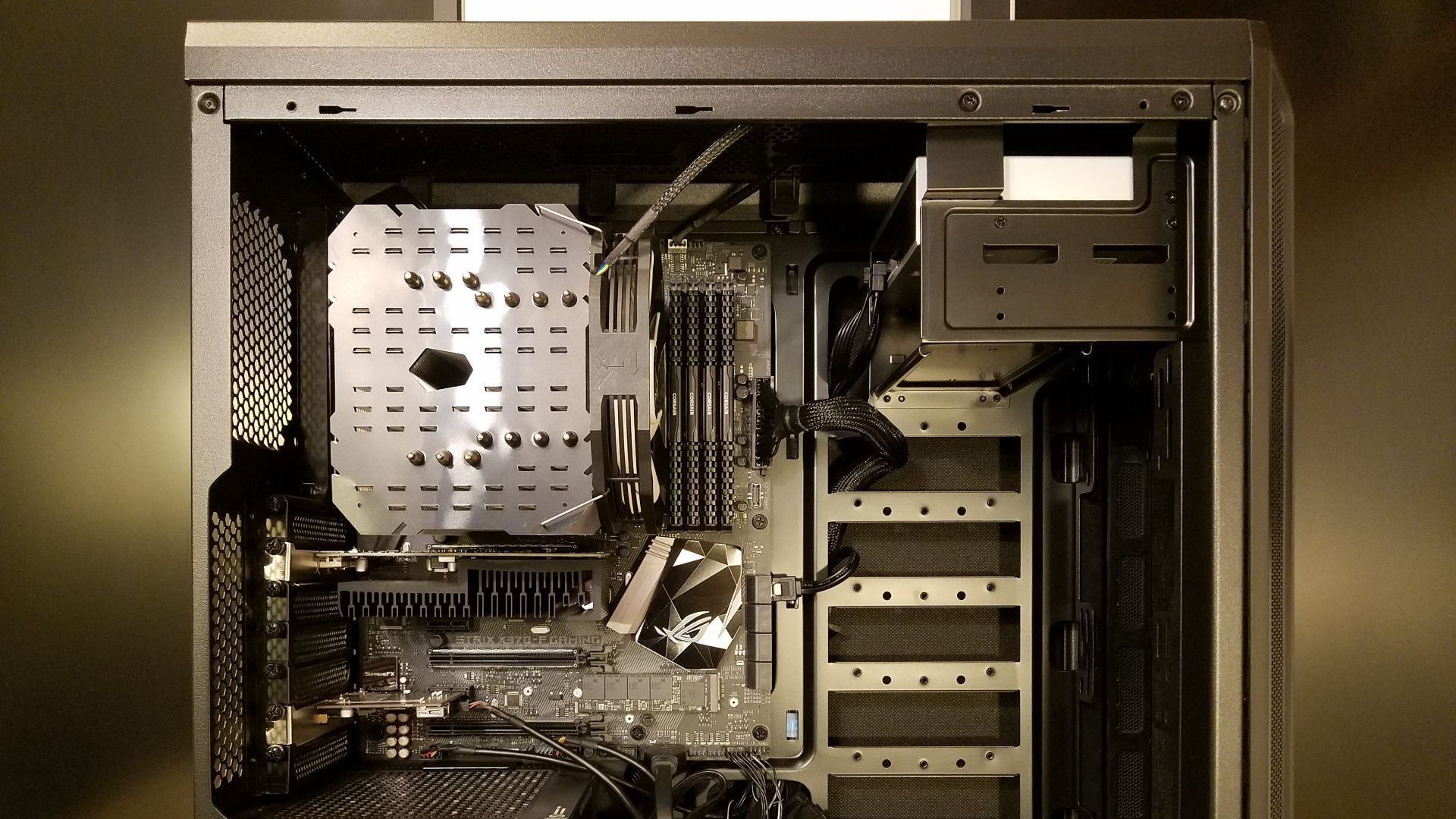
A rat's nest of cables blocks airflow and turns a five-minute part swap into an hour of untangling. It doesn't need to look like a magazine photo, but routing cables behind the tray and away from fans actually helps temperatures. Most builders only start caring after fighting through a mess mid-upgrade.
5. PSU Wattage Needs Headroom
Buying a power supply that just barely covers a build's peak draw leaves no room for a future GPU upgrade. A little extra wattage costs relatively little upfront. Skimping here is one of the most common regrets builders mention afterward.
6. RAM Slots Aren't Interchangeable
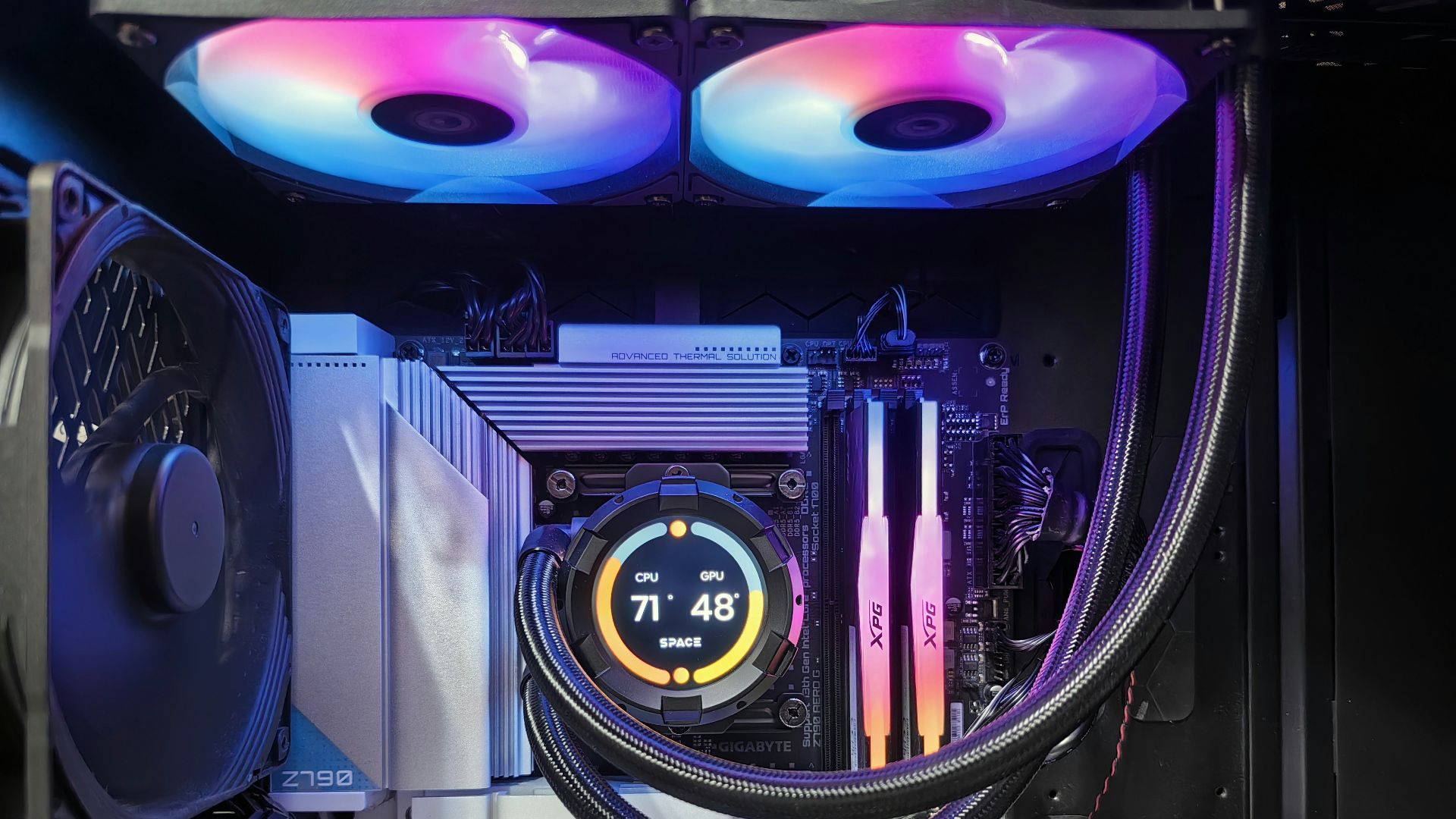
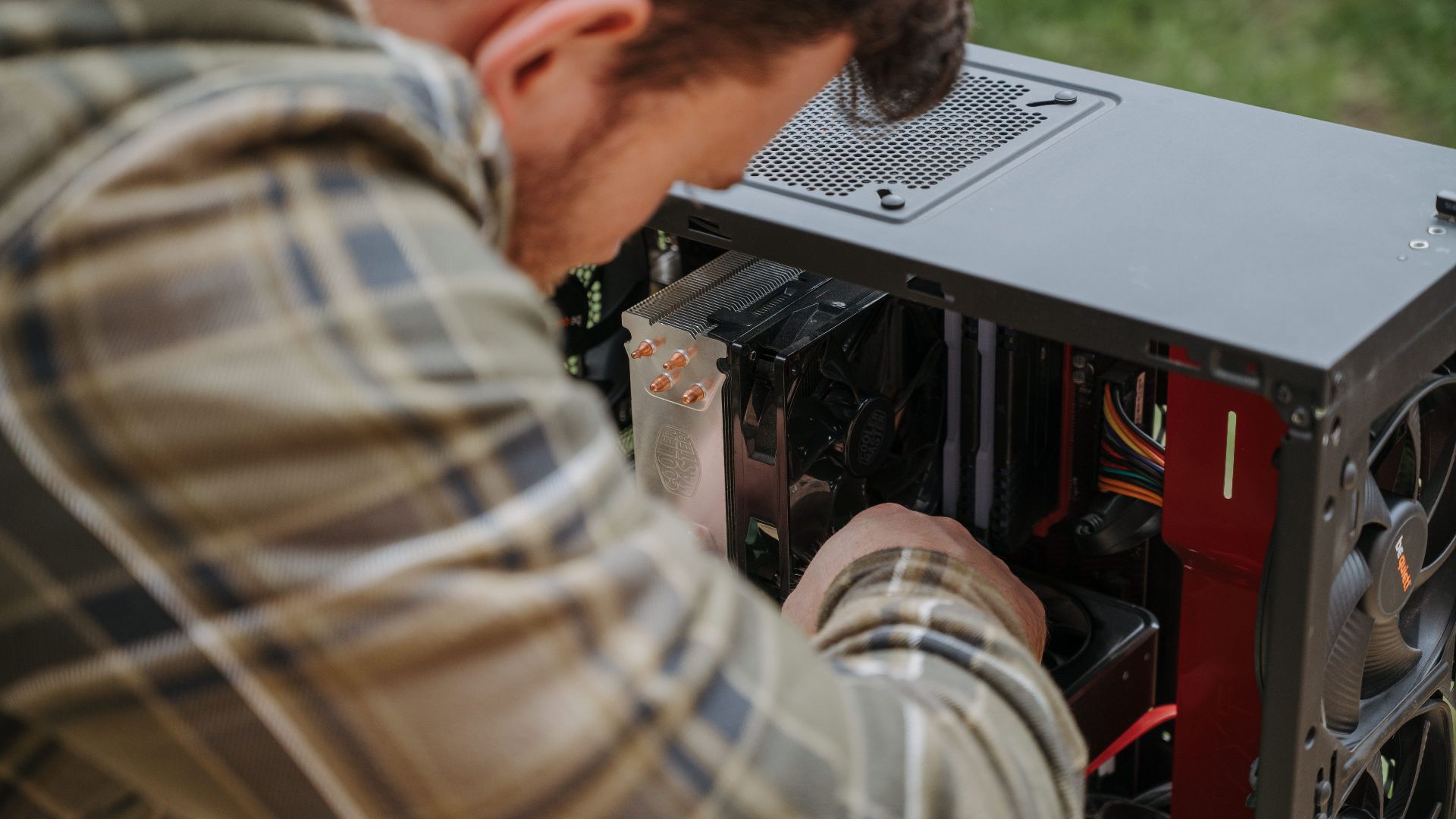
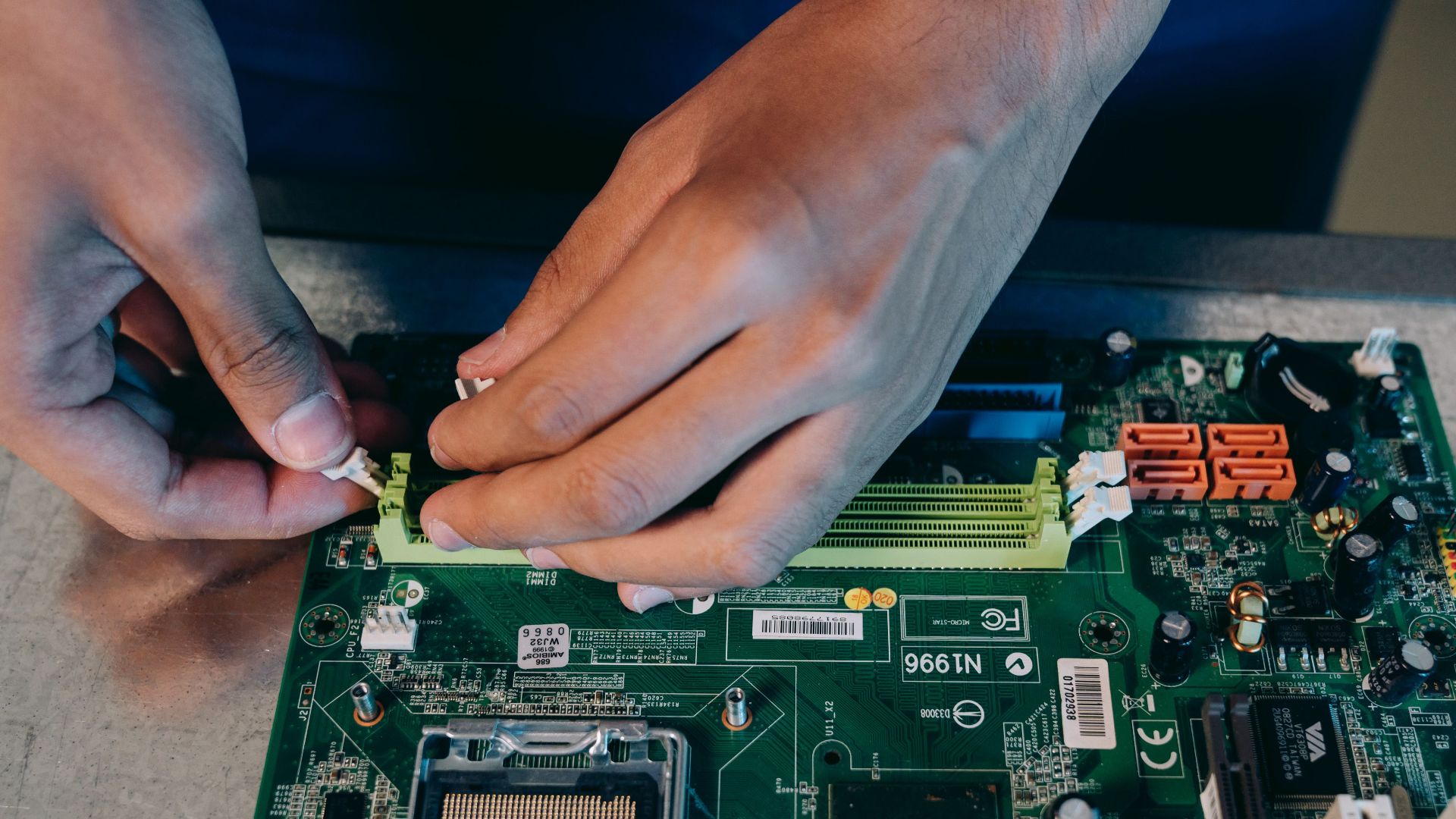
Most motherboards need RAM installed in specific slots to run in dual-channel mode, and the correct pattern isn't always the two closest slots together. Guessing instead of checking the manual can leave a system running at half the memory bandwidth it should have. It's an easy check and an annoying one to diagnose after the fact.
7. BIOS Updates Can Make or Break a Build
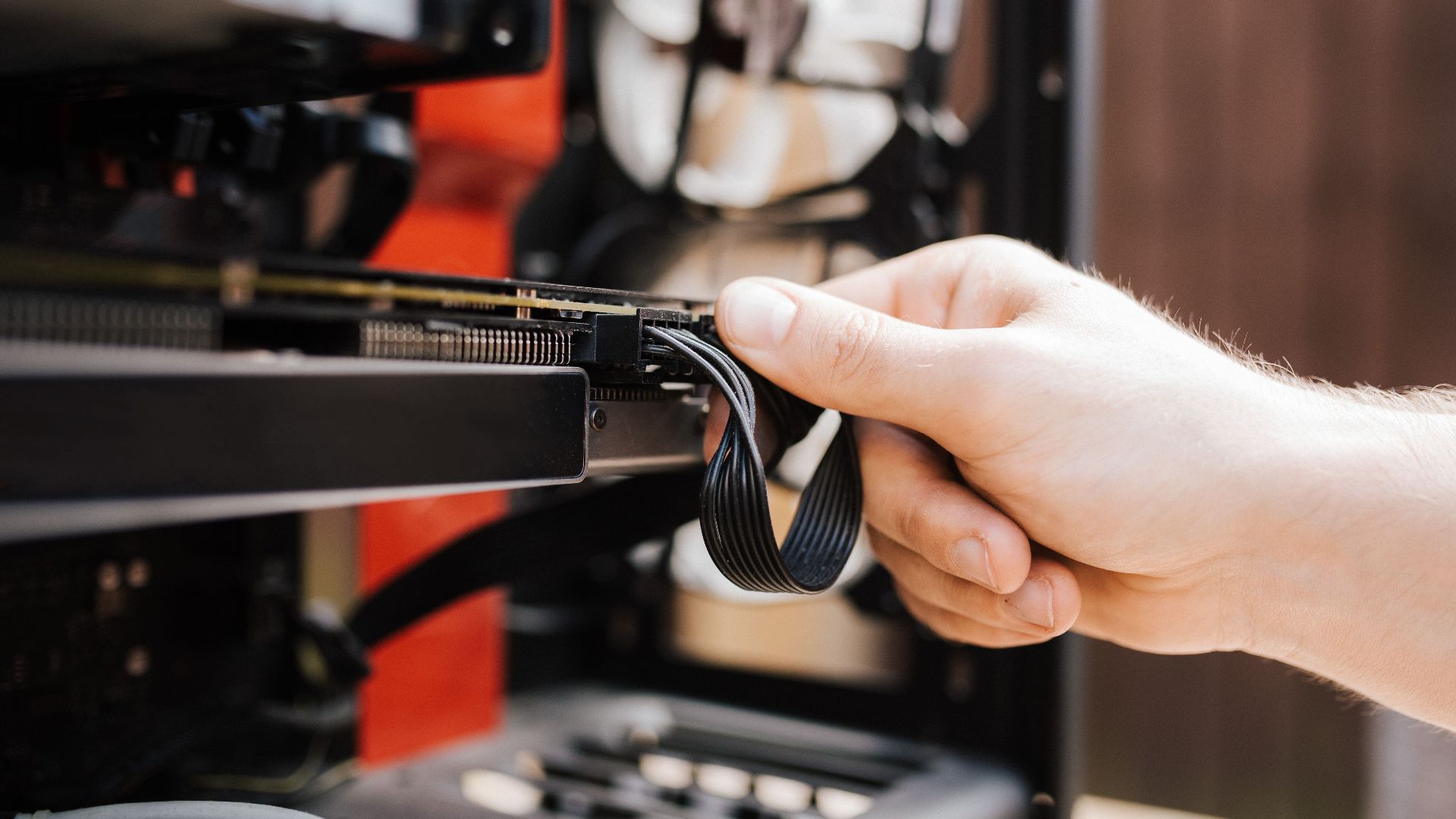
A brand-new CPU dropped into an older motherboard sometimes won't even POST until the BIOS gets updated to support it. Without a compatible CPU already installed, updating ahead of time isn't always possible, a chicken-and-egg problem that catches new builders off guard. Checking compatibility lists before buying saves a frustrating first boot.
8. Fan Direction Determines Airflow
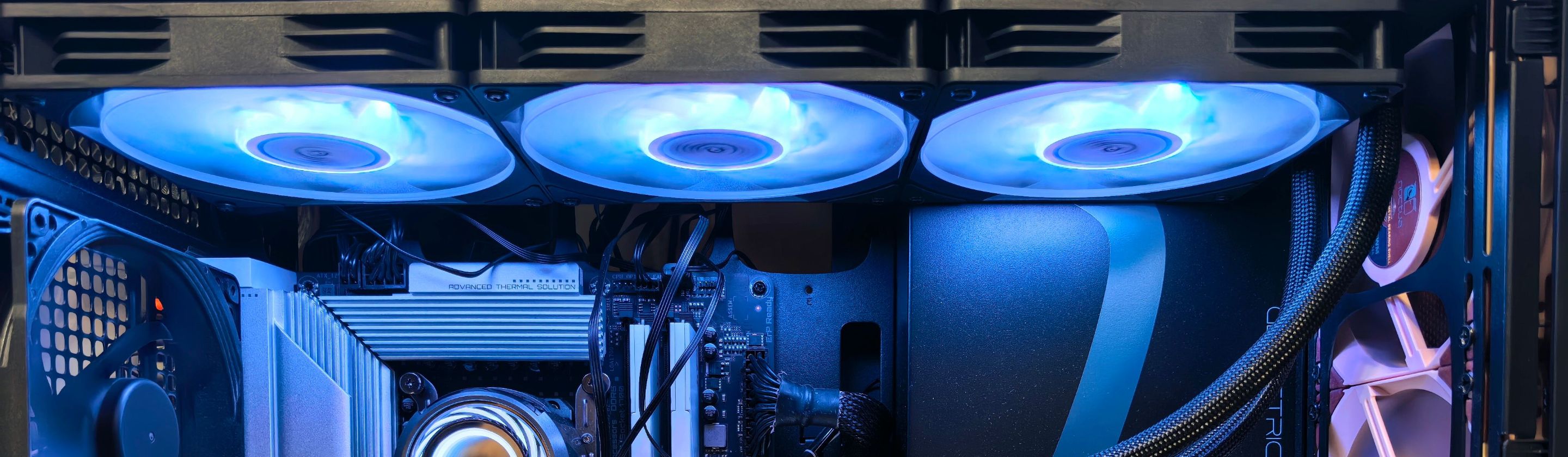
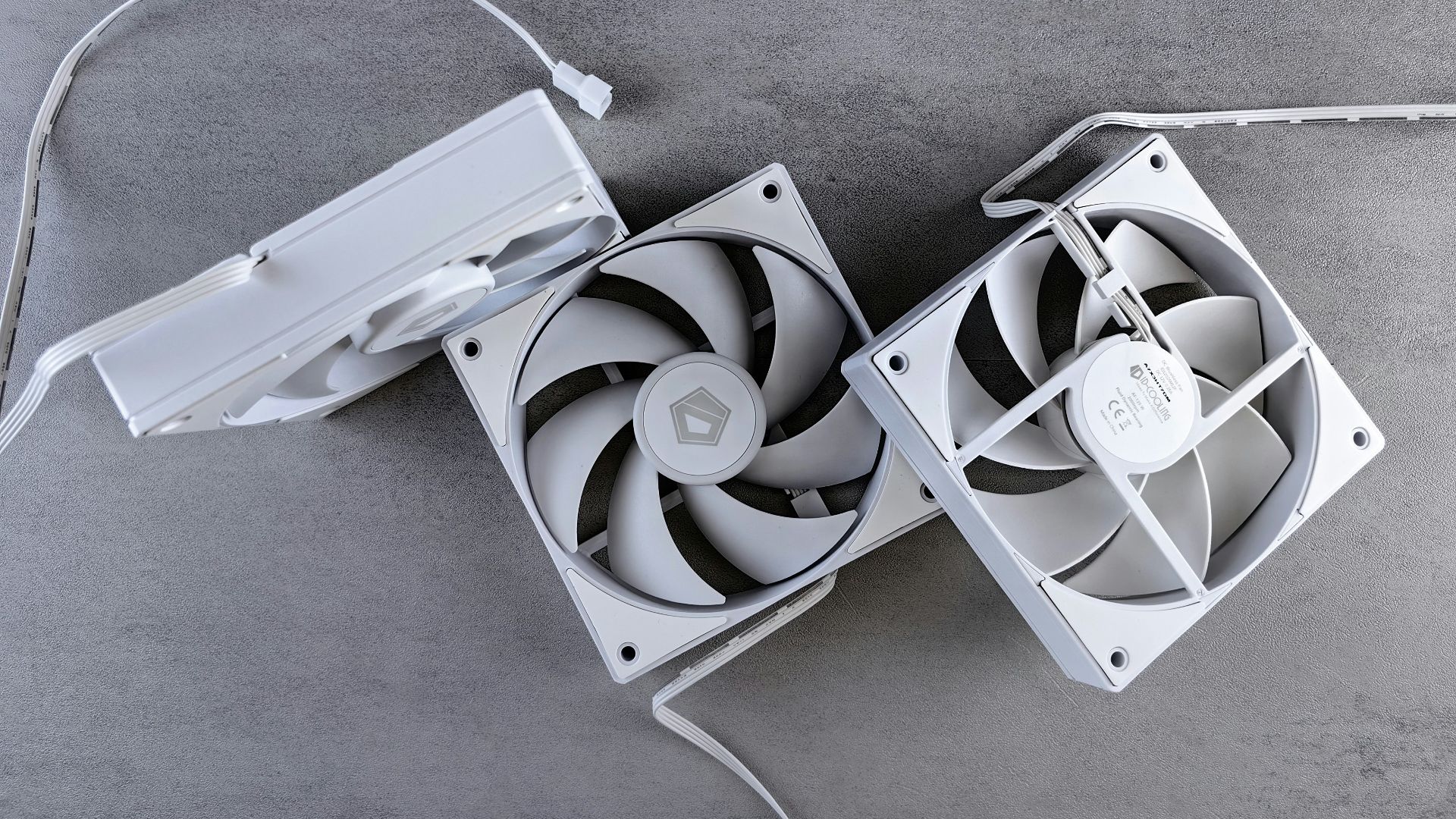
Fans installed backward still spin and still move air, they just move it the wrong way, working against the case's airflow instead of with it. The tiny arrows printed on most fan frames show the actual direction. It's easy to miss until temperatures come back higher than expected.
9. Thermal Paste Doesn't Need to Be Perfect
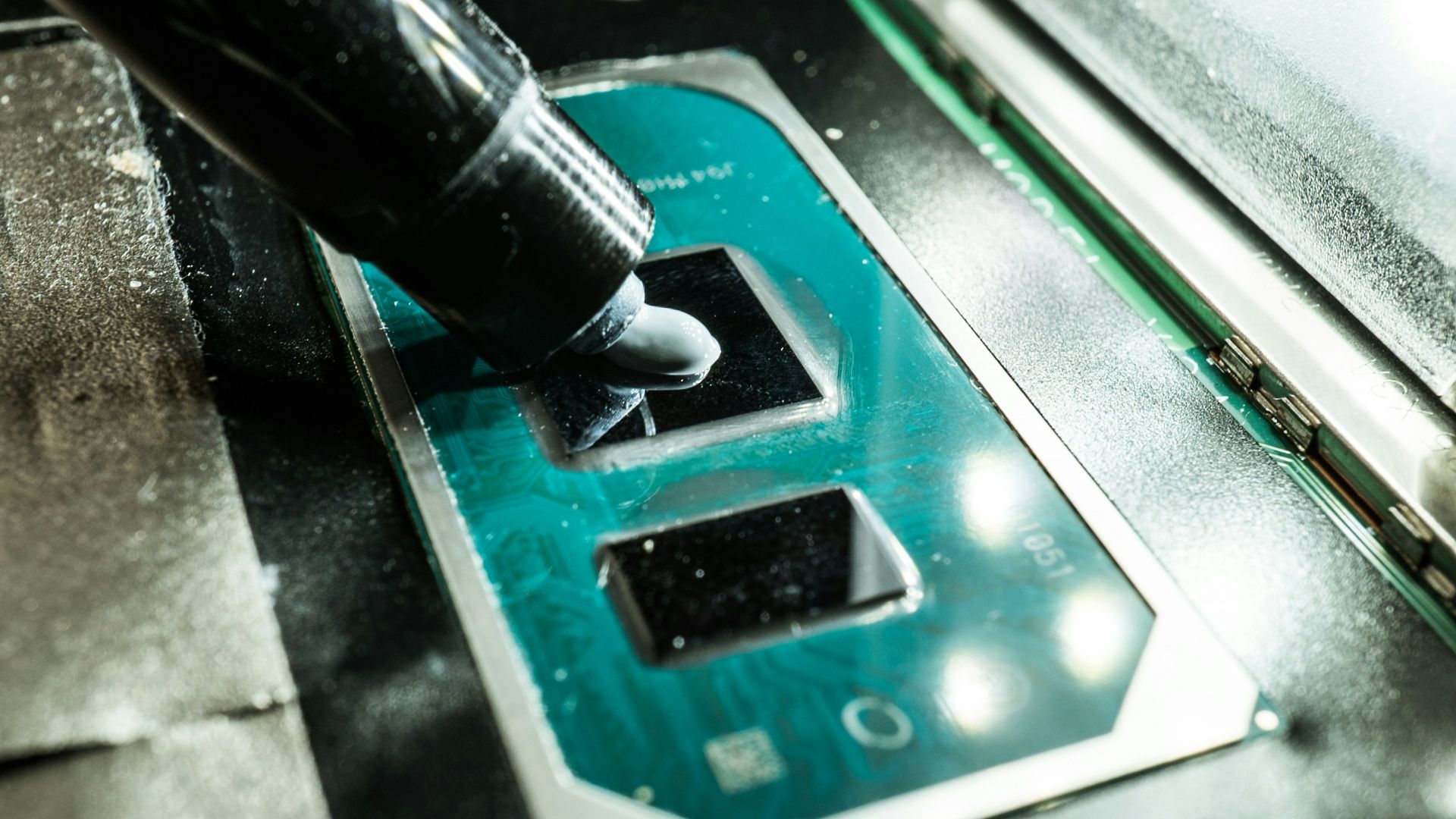
A lot of builders agonize over the exact pattern and amount of thermal paste, when most modern coolers spread it evenly regardless of the shape it went on as. What actually matters more is remembering to peel the protective film off the cold plate before installing it. That one gets forgotten more often than anyone likes to admit.
10. GPU Sag Is a Long-Term Problem
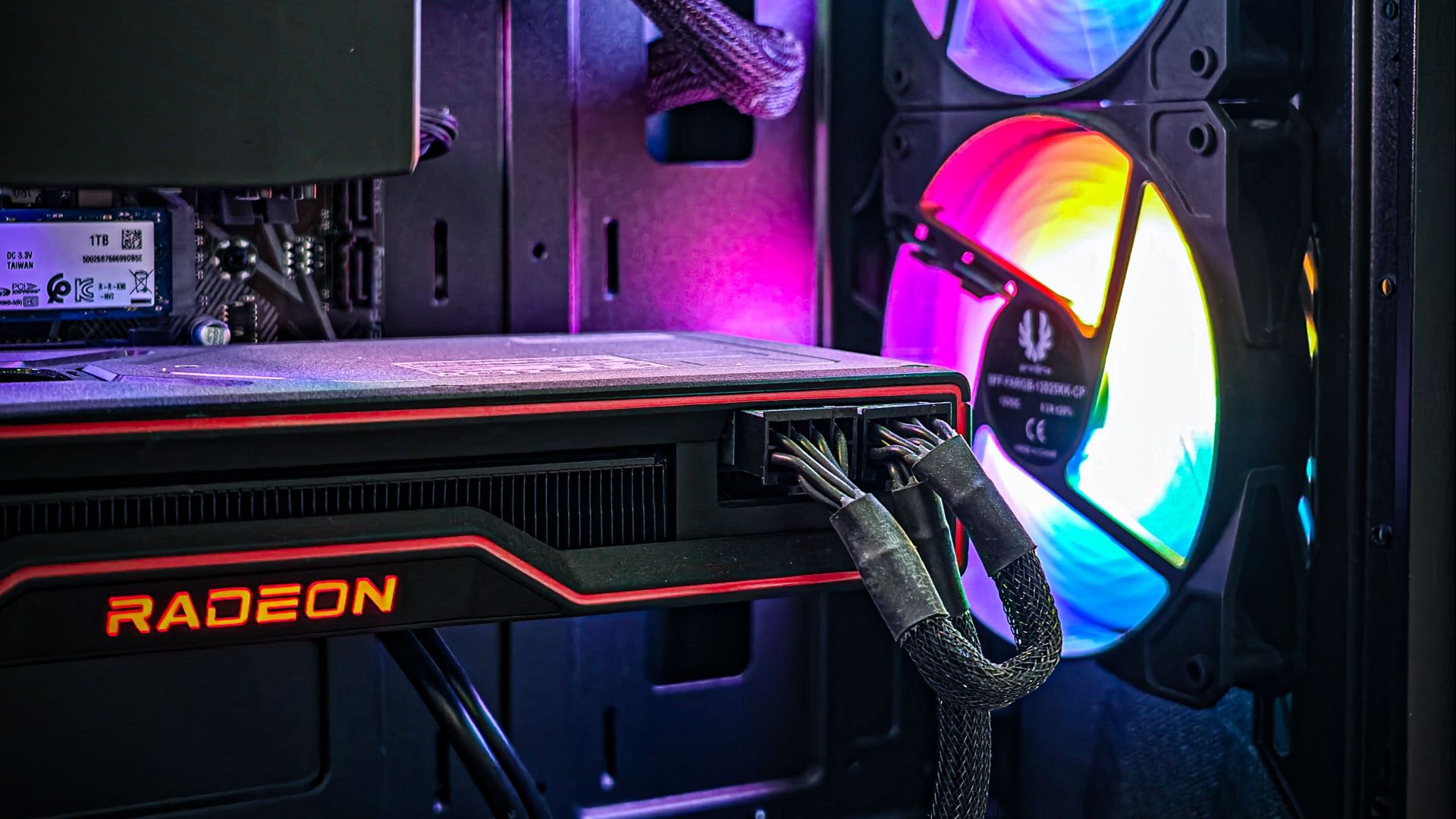
A heavy graphics card can visibly droop in its slot over time, and sustained sag can stress the PCIe slot and the card's connection to the board. A support bracket is a cheap fix most builders only think about after noticing the tilt. Catching it early beats dealing with a warped slot later.
11. Measure Before You Buy
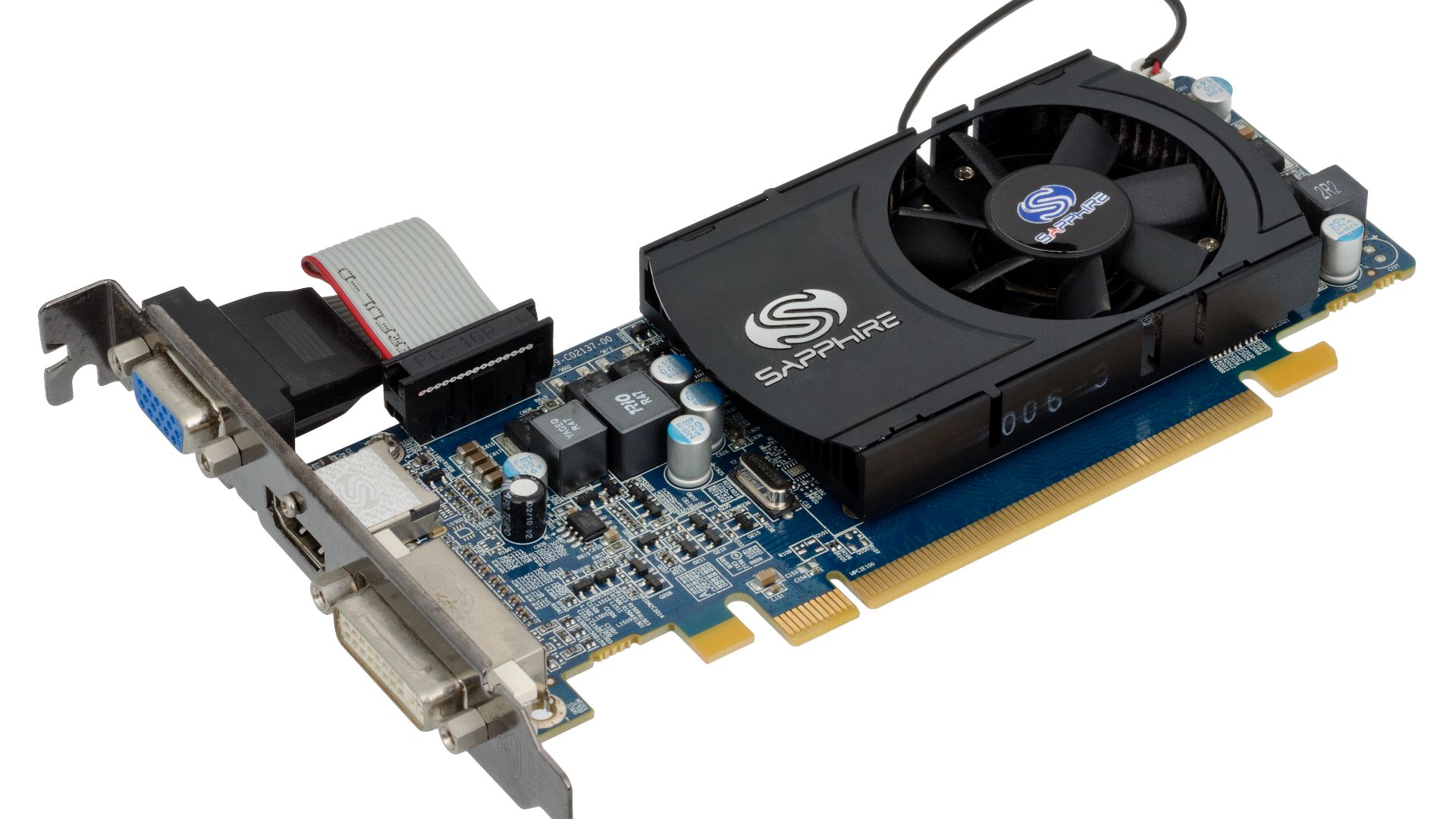
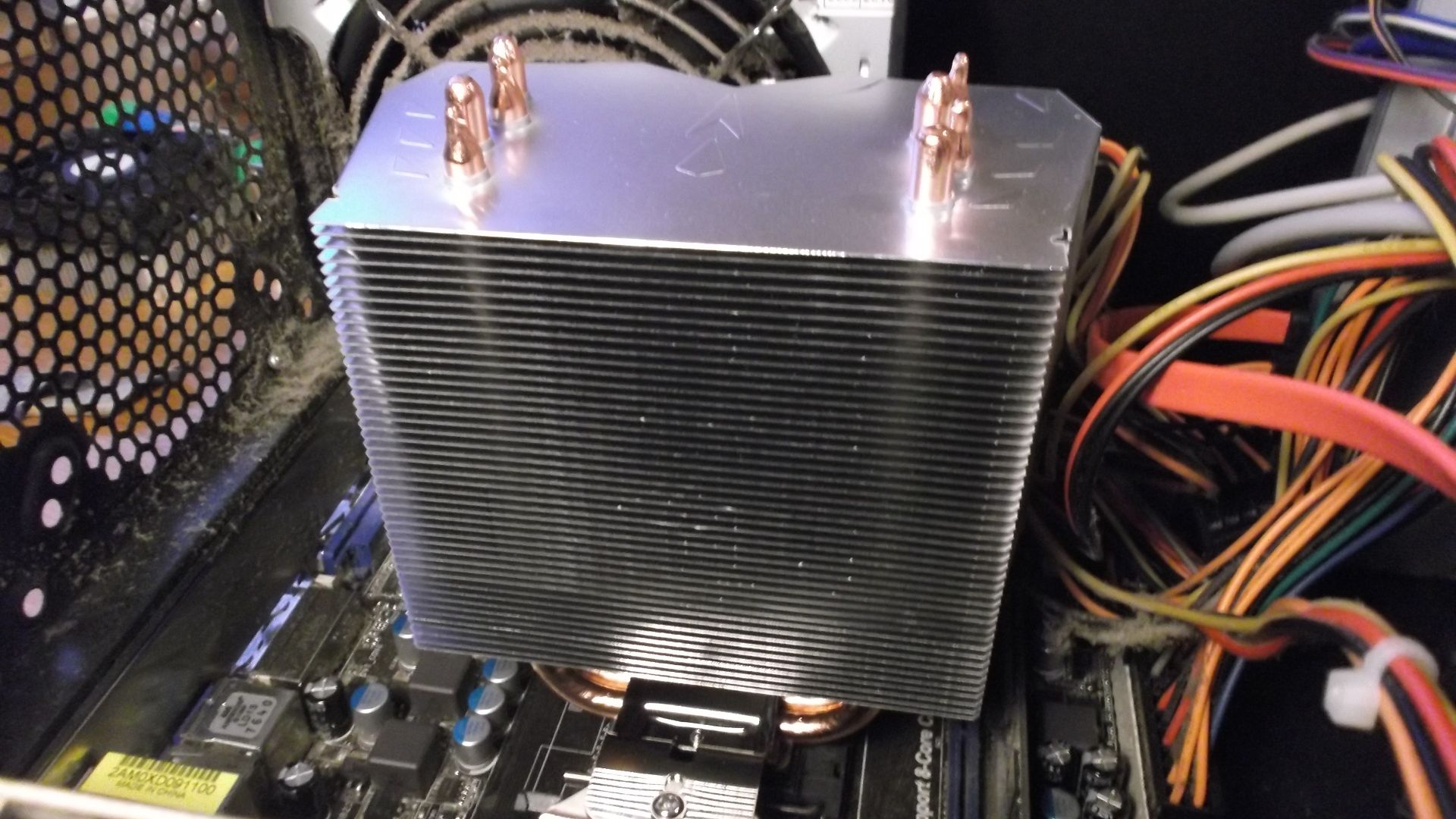
A graphics card that's an inch too long, or a cooler that's too tall for the case, turns up more often than people expect. Case manufacturers list clearance specs for this reason, and checking them takes a few minutes. Skipping that step usually means a return shipment and a delayed build.
12. Cooler Backplates Aren't Universal
Not every CPU cooler comes with mounting hardware for every socket, and buying one without checking compatibility can mean an unusable backplate in the box. Some manufacturers offer free mounting kit swaps on request, but that takes time a build timeline doesn't have. Confirming socket support before checkout avoids the whole situation.
13. Bench Test Before Final Assembly
Powering on a build outside the case, with just the essential components connected, catches dead-on-arrival parts before they're buried under cables and panels. Troubleshooting a fully assembled system is far more frustrating than troubleshooting parts sitting on a table. A few extra minutes here saves a lot of guesswork later.
14. Drivers Should Be Ready Before Windows Install
A fresh Windows install with no internet access, because the network drivers aren't installed yet, is a familiar frustration for first-time builders. Downloading network and chipset drivers onto a USB drive ahead of time solves the problem before it starts. It's a small prep step that gets skipped constantly.
15. RGB Software Doesn't Play Nice Together
Motherboard and case manufacturers each ship their own lighting software, and running more than one at the same time often causes conflicts or settings that override each other. Sticking with one control app avoids the constant fighting between programs. It's a smaller annoyance than most of these, but a common one.
16. M.2 Slots Can Disable SATA Ports
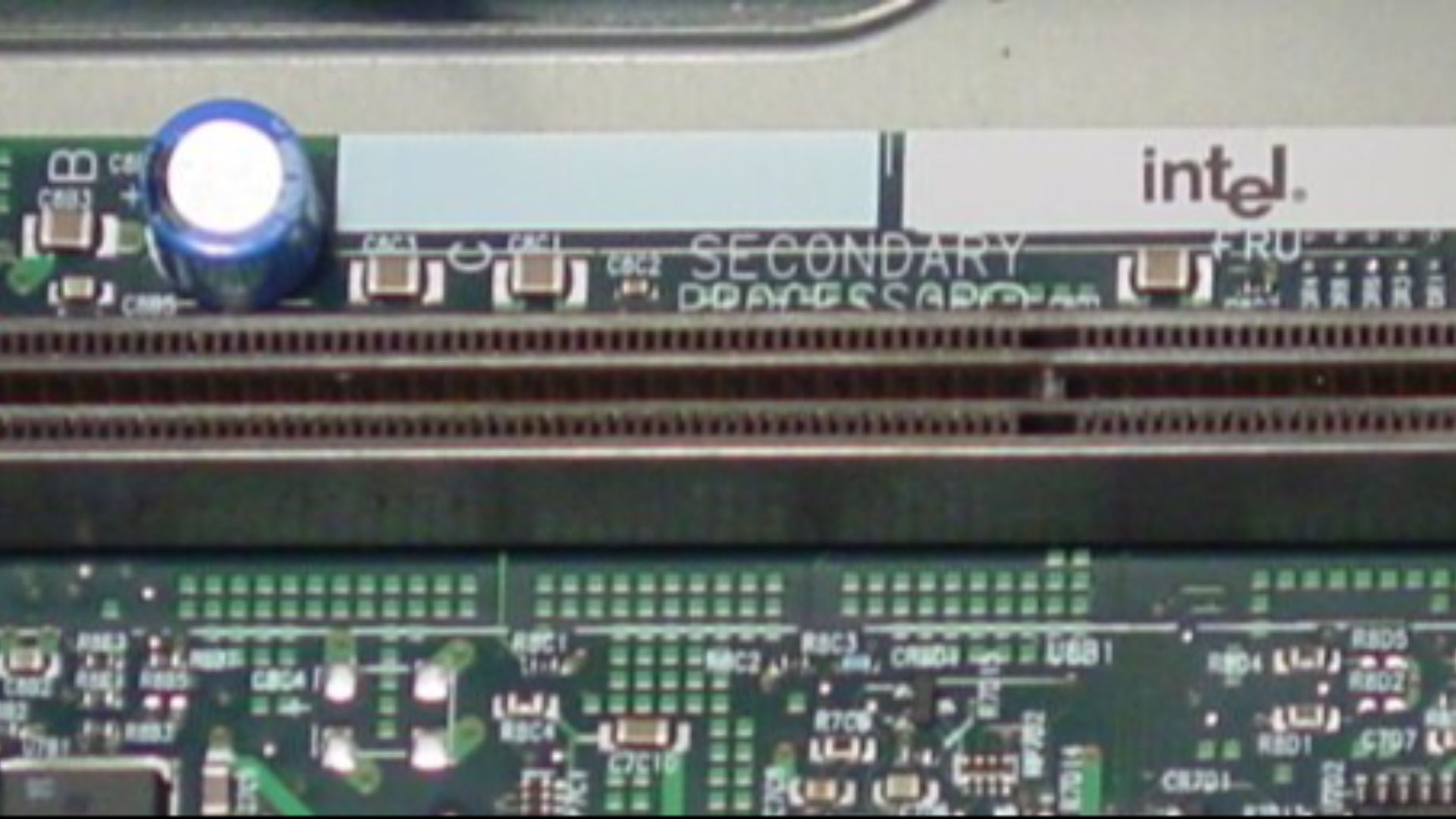
Populating certain M.2 slots on some motherboards disables one or more SATA ports entirely, a detail buried in the manual that plenty of builders miss until a drive stops showing up. It's a wiring limitation, not a defect, tied to how the board shares its lanes. Checking the storage diagram before finalizing a drive layout heads off a confusing troubleshooting session.
 user jonasclemens on Wikimedia
17. Cheap Cables Aren't Worth the Savings
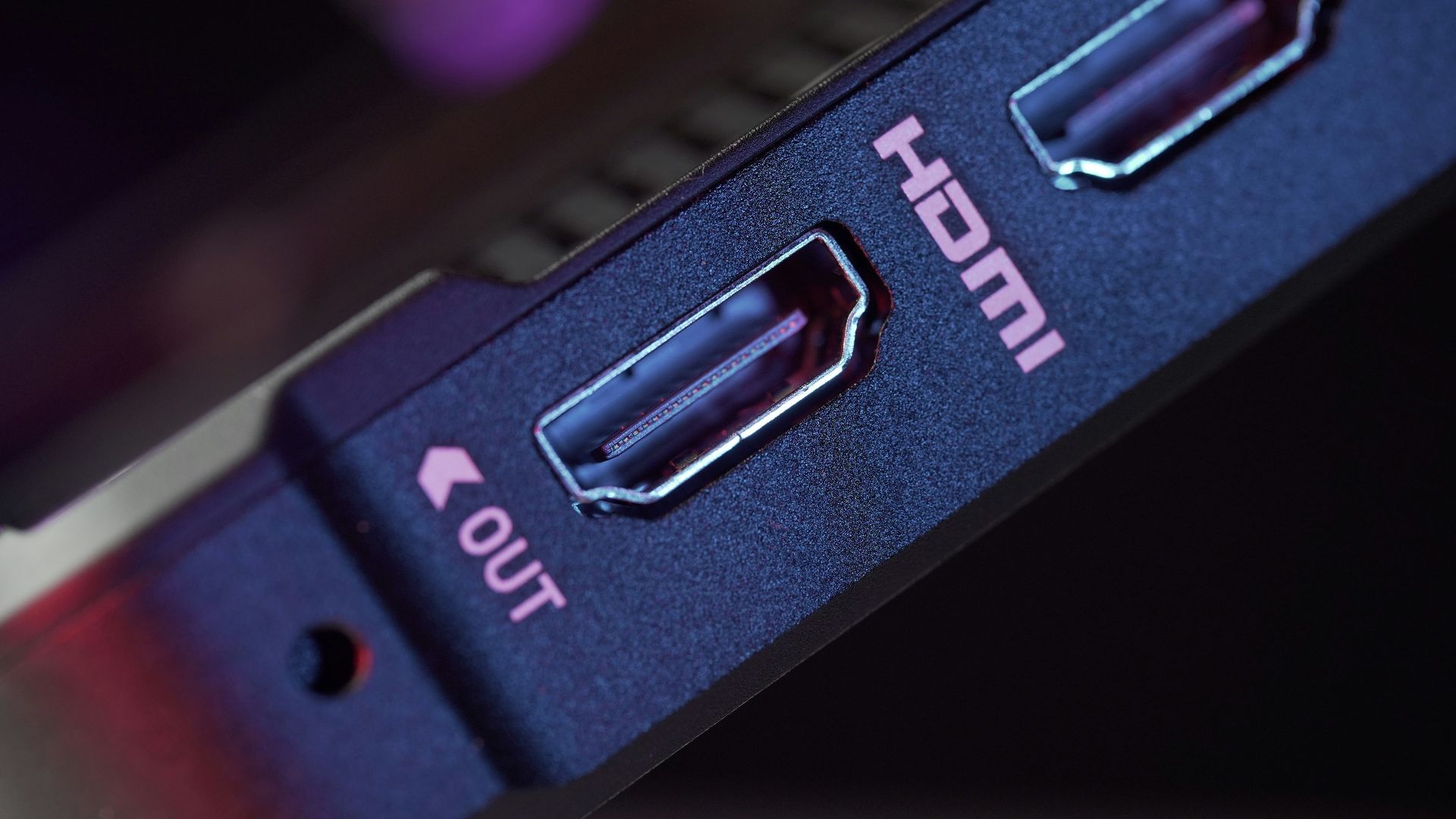
A bargain HDMI cable or a no-name SATA cable can cause intermittent display issues or drives that randomly disconnect, problems that are maddening to trace back to the cause. The cost difference between a decent cable and a questionable one is usually small. It's one of the last places worth cutting corners.
18. A Dropped Screw Is a Real Threat
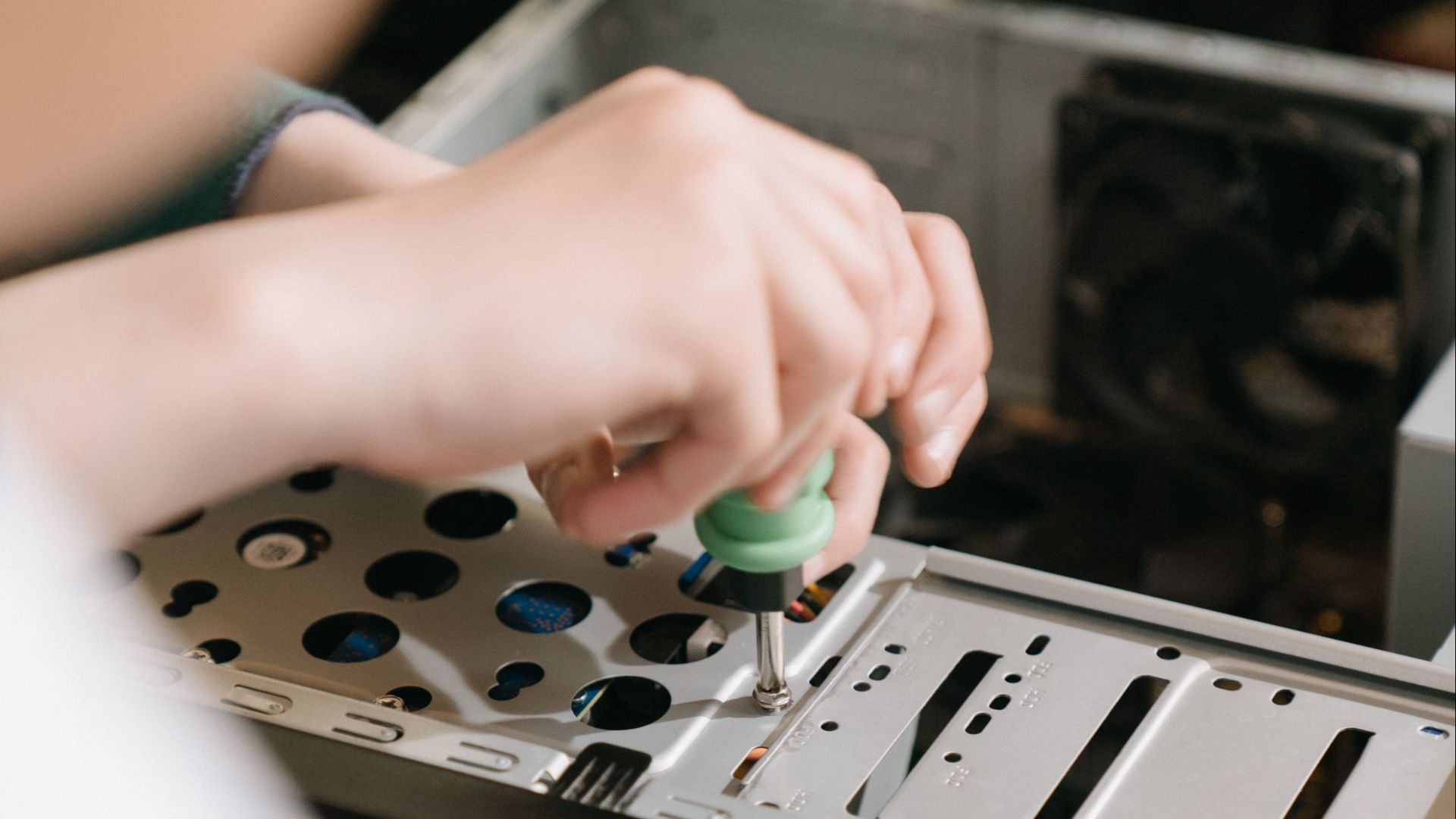
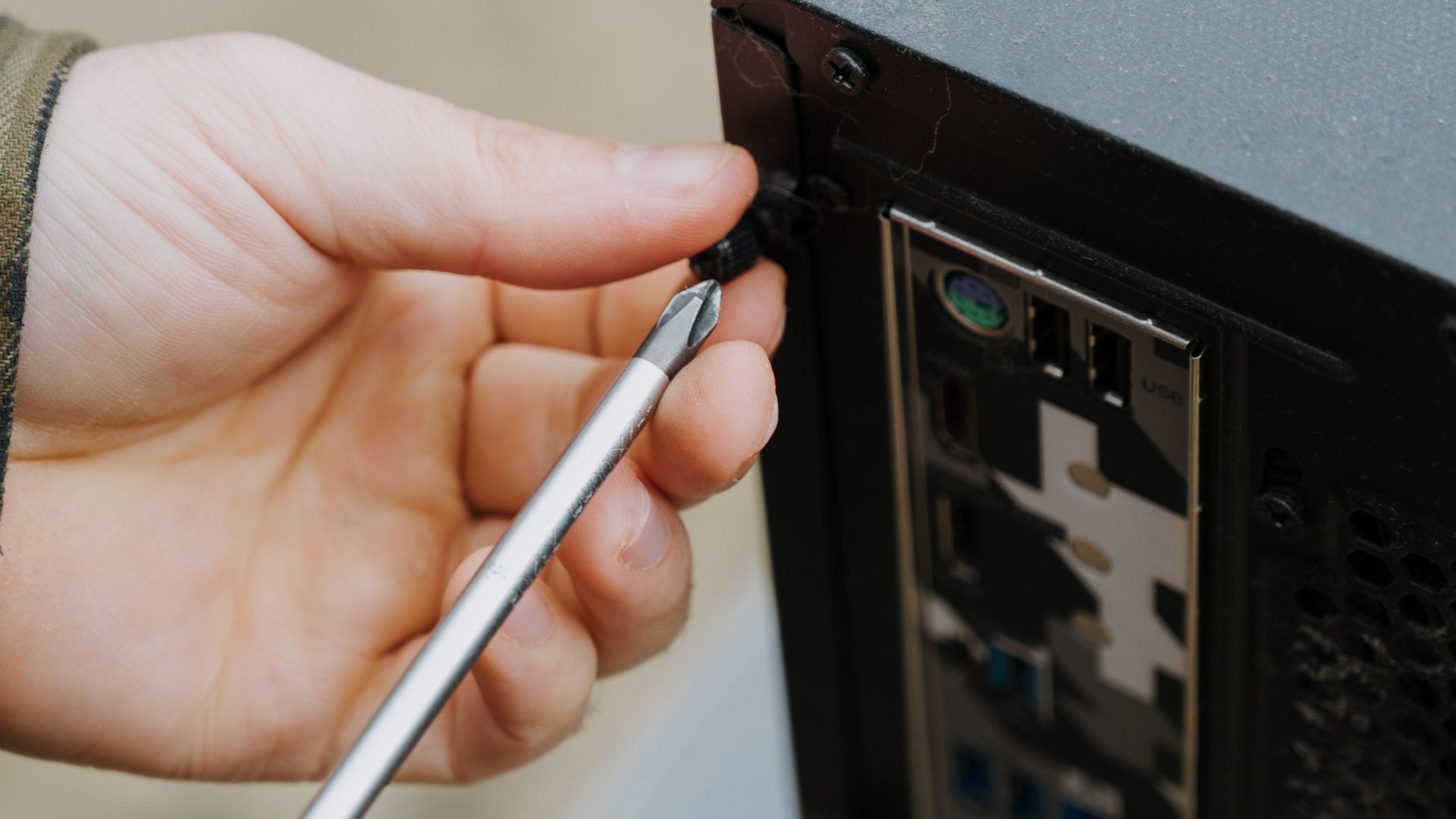
A screw that slips out of a screwdriver and lands inside the case can short a component if it's not found before powering on. Tilting the case and giving it a gentle shake, or using a magnetic screwdriver, helps track down strays. Skipping that check has fried more than one build on its first power-on.
19. Cooler Mounting Needs Even Pressure
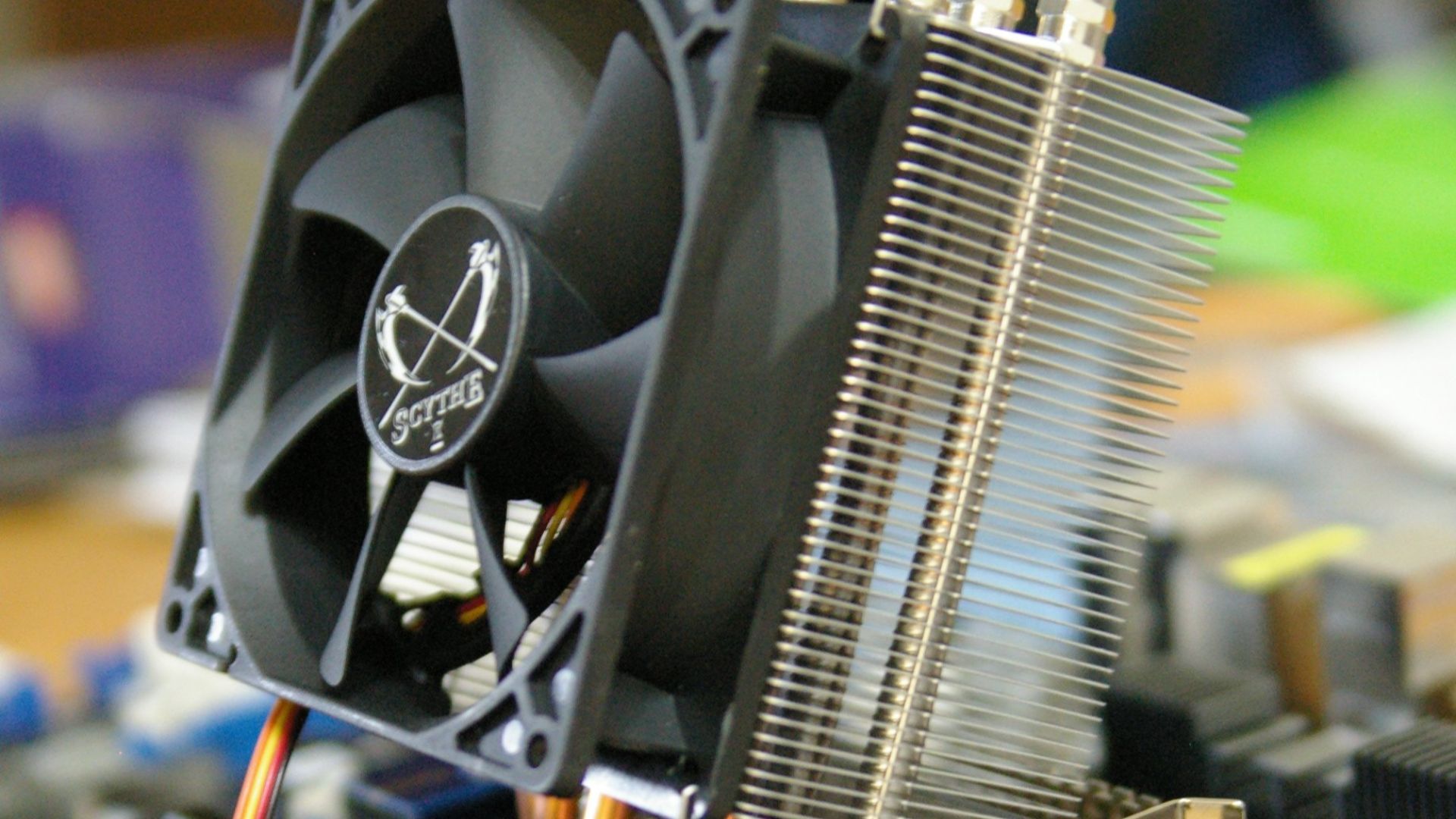
Tightening cooler mounting screws unevenly, instead of in a crisscross pattern, can seat the cooler at a slight angle and leave one side of the CPU running hotter than the other. It's the same logic as tightening lug nuts on a wheel. A few extra seconds spent alternating sides makes a real difference.
20. Front Panel Connectors Trip Up Everyone
The tiny pins for the power switch and status LEDs are labeled in barely legible print, and getting them wrong is often why a freshly built PC won't turn on despite everything else being correct. The manual usually includes a diagram, though it's easy to overlook late in a build. It's the last step and also the most common reason a first boot doesn't happen.