Small Fixes for Tired Eyes
Most screen-time warnings skip the reassuring part that while staring at a monitor all day is uncomfortable, it won't permanently damage your eyes. What it does cause is a pile of smaller problems, like burning eyes by four in the afternoon and a headache that arrives on the same schedule every day. Nearly all of that comes down to a few habits most people don't think of as problems. Here are 10 of them, and 10 better alternatives.
1. The Unblinking Stare
A normal blink rate runs somewhere around fifteen times a minute, and screen use cuts that to roughly a third of normal without anyone noticing. The tear film that keeps your eyes comfortable depends on those blinks to spread out evenly. Skip enough of them and the surface of your eye starts drying out by mid-morning.

2. Holding the Phone Six Inches Away
Reading a phone at close range asks the focusing muscles inside your eye to hold a hard contraction for as long as you're looking. Those muscles get tired the same way any muscle does. Most people drift closer as the day goes on and never notice the creep.

3. Working Straight Through Without Looking Up
A three-hour stretch at a monitor keeps your eyes locked at one fixed distance the entire time. Nothing about that is dangerous, but the focusing system works best when it gets to shift around. Blur at the end of a long session is the usual result.

4. Squinting at Text That's Too Small
Plenty of people leave everything at the default size and lean in to compensate. Squinting narrows your field and encourages exactly the hunched posture that produces neck and shoulder pain alongside the eye fatigue. It also cuts your blink rate further.
5. A Bright Screen in a Dark Room
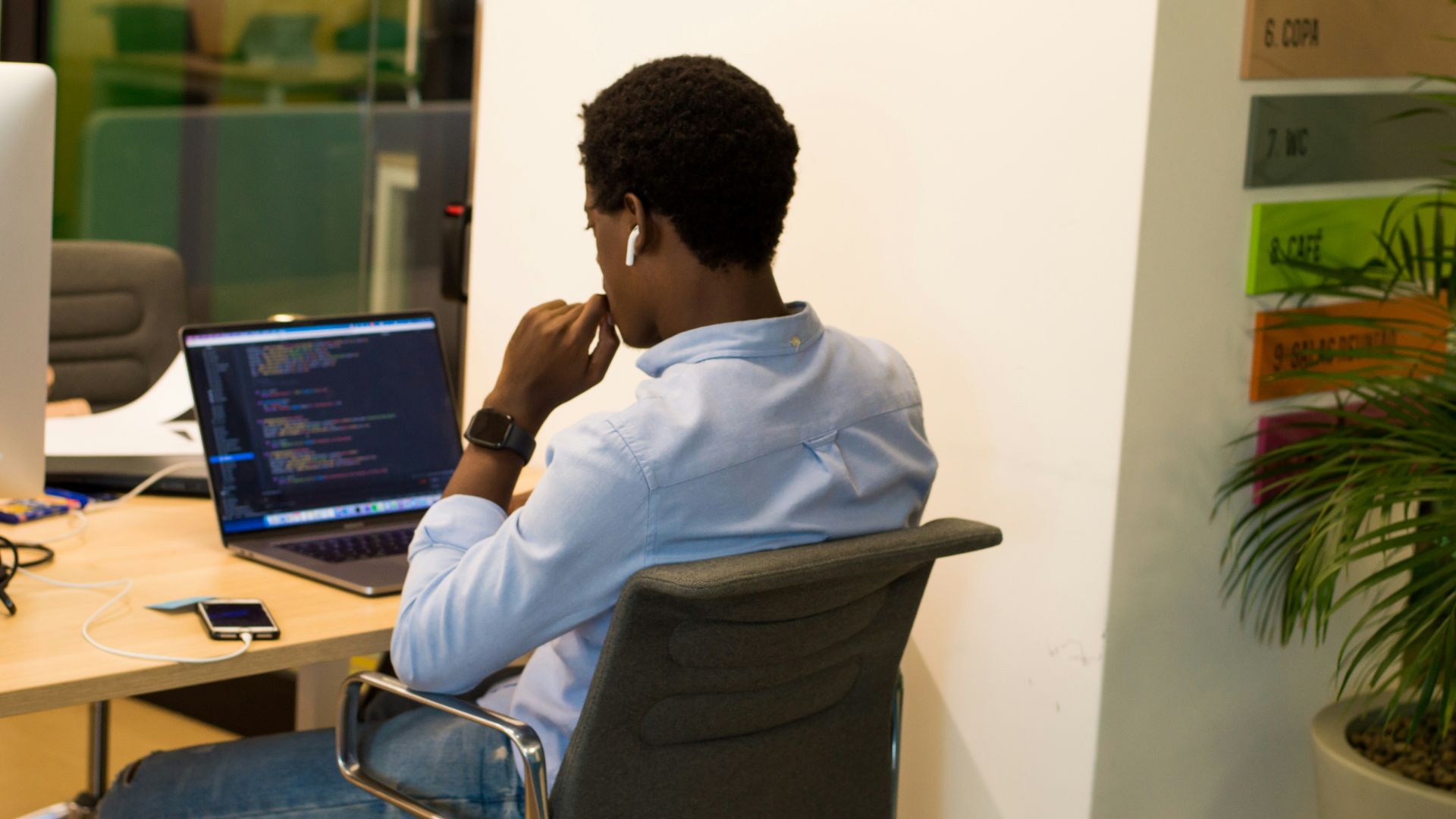
Scrolling in a dark room forces your eyes to handle a harsh contrast between a lit screen and everything around it. The constant adjustment is tiring in a way that's hard to notice while it's happening. Working under a bright overhead light that reflects off the screen causes the same trouble from the opposite direction.

6. A Monitor Mounted Too High
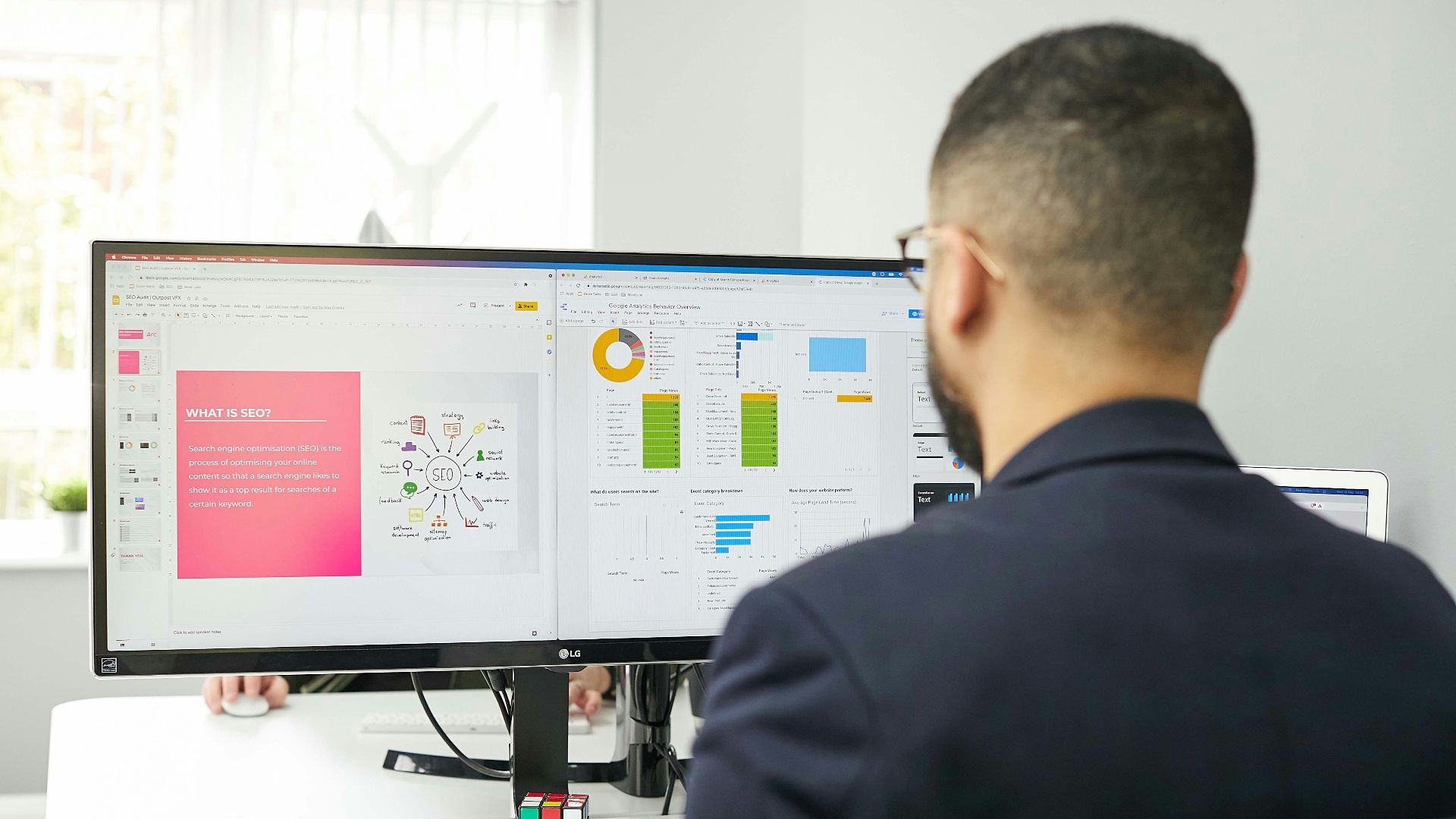
A screen positioned above eye level makes you open your eyelids wider than usual to see it. That exposes more of the eye's surface to the air, and more exposed surface means faster tear evaporation. Laptop users propping the machine on a stack of books often make this worse.
7. Living With an Outdated Prescription
An uncorrected or slightly wrong prescription forces your eyes to work harder for every hour of screen time. Many people blame the screen for symptoms that come from a refractive error nobody has checked in four years. Optometrists tend to start with a proper exam when someone turns up complaining of eye strain.

8. The Bedtime Scroll
Screens don't damage your eyes at night, but the light does suppress melatonin and push back the point at which you get sleepy. Tired eyes the next morning usually trace back to the short night before. The habit costs you sleep, which then costs you comfort all the following day.

9. Wearing Contacts All Day at a Desk
Contact lenses reduce the stability of your tear film even under normal conditions. Add a reduced blink rate and a full workday, and the dryness compounds well past what either factor causes alone. Late afternoon is usually when it becomes unbearable.

10. Counting on Blue Light Glasses
A 2023 Cochrane review of seventeen randomized trials found that blue-light filtering lenses probably make no difference to eye strain from computer use. The American Academy of Ophthalmology doesn't recommend them either, pointing to blink rate and screen distance as the actual culprits. The real cost is the false reassurance, since people buy the glasses and change nothing else.
Now, here's 10 things to do instead.

1. Blink on Purpose
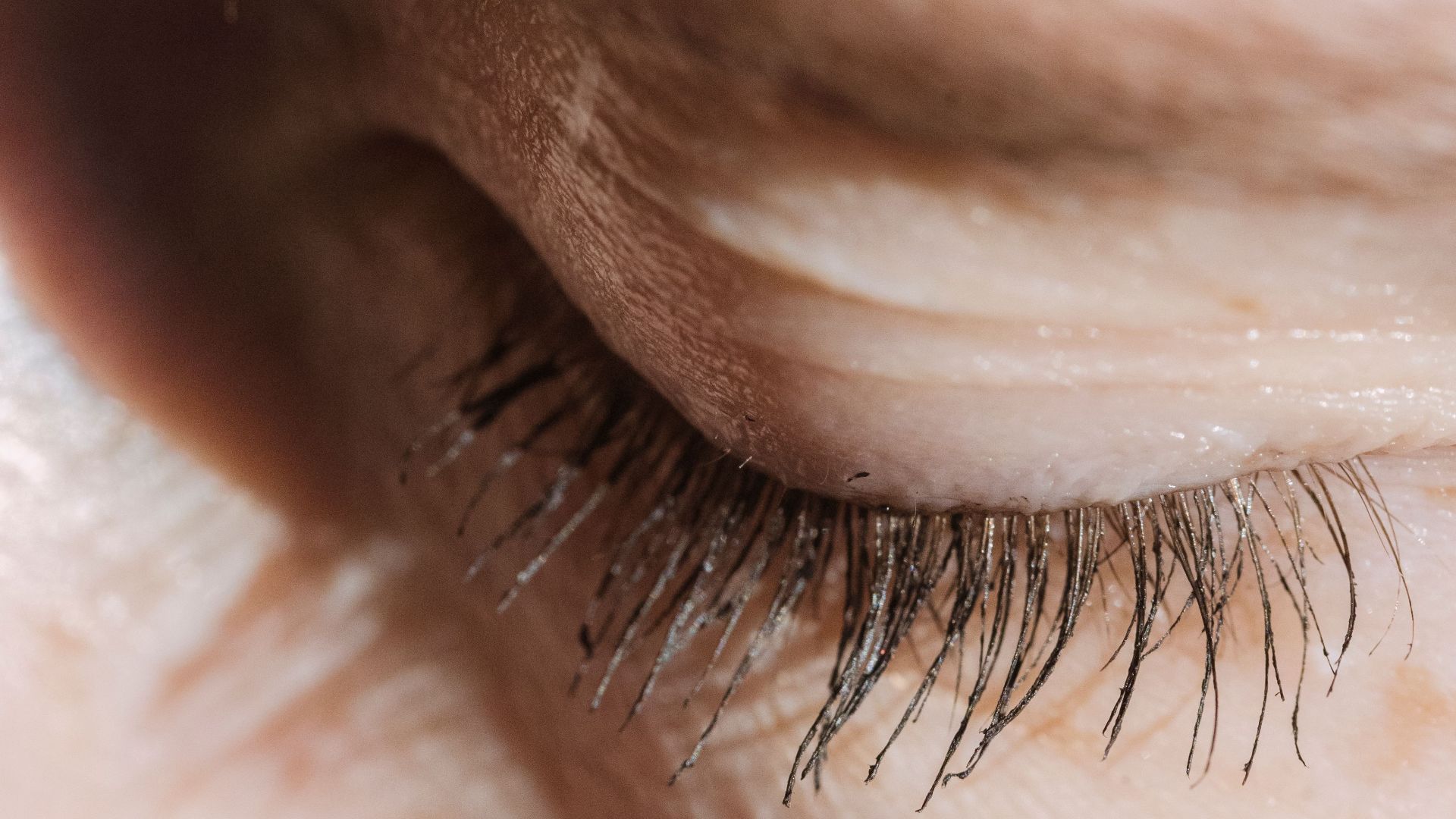
Full, deliberate blinks spread the tear film across the surface of the eye in a way that half-blinks don't. A few slow, complete blinks whenever you notice dryness works better than any product you can buy. It's free and takes about three seconds.
2. Put the Screen at Arm's Length
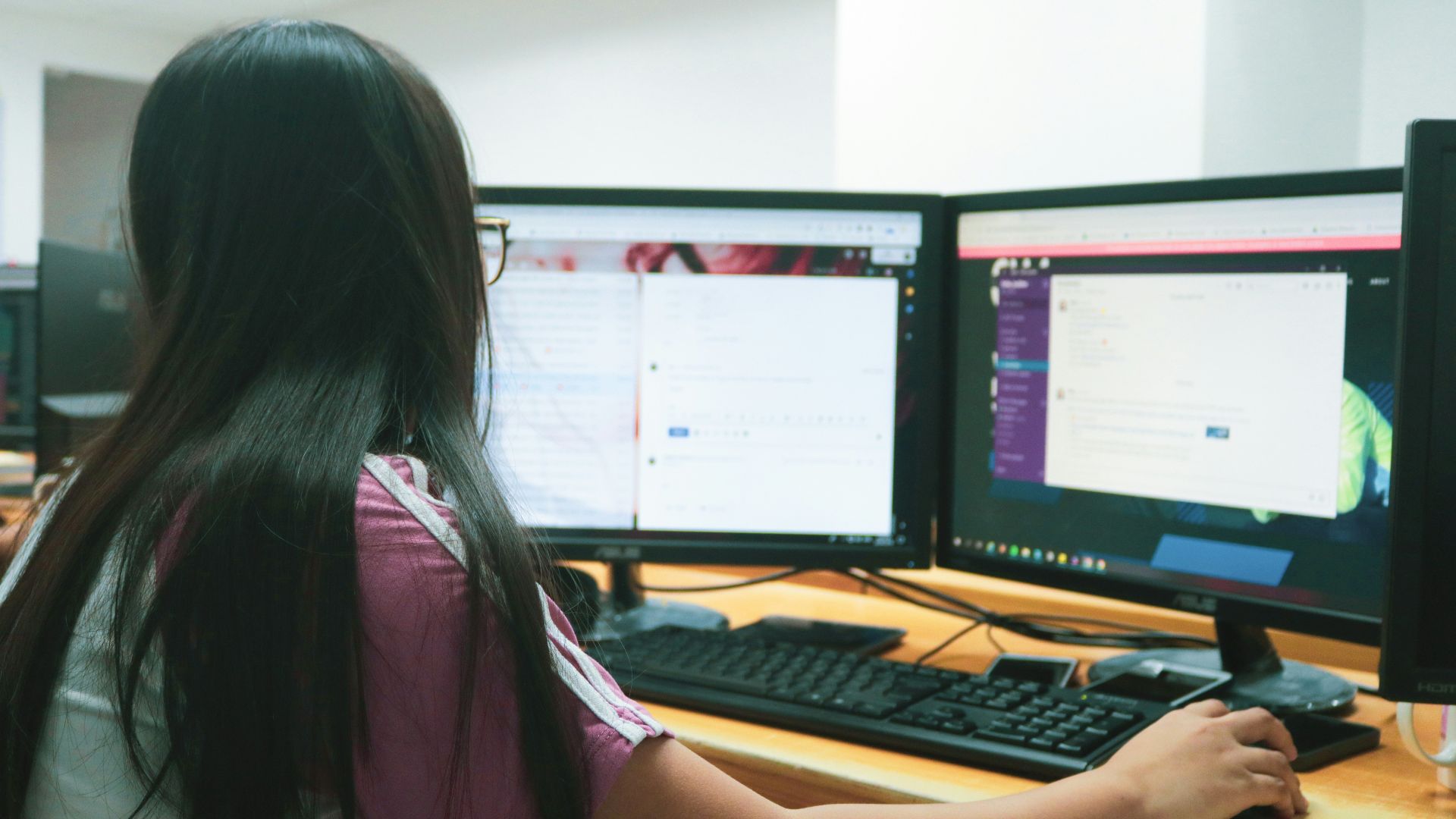
The American Optometric Association suggests keeping a monitor roughly twenty to twenty-eight inches from your eyes. Your phone deserves similar respect, even though nobody holds a phone that far away. Pushing it back a few inches noticeably reduces the focusing effort.
3. Take Distance Breaks
The 20-20-20 rule asks you to look at something twenty feet away for twenty seconds, every twenty minutes. The specific numbers have less evidence behind them than their popularity suggests, though breaks from near work do help. Any regular pause where you focus on something far away accomplishes the same thing.

4. Make the Text Bigger
Increasing font size costs nothing and eliminates the squint that drives half the problem. Most people resist it because larger text feels like an admission of something. Your neck will notice the difference within a week.
5. Match Your Brightness to the Room
Your screen should roughly match the light level around it rather than glowing like a lantern in a dark room. Adding a lamp behind or beside you evens out the contrast without creating glare on the display. Position matters more than the bulb.
6. Drop the Monitor Below Eye Level
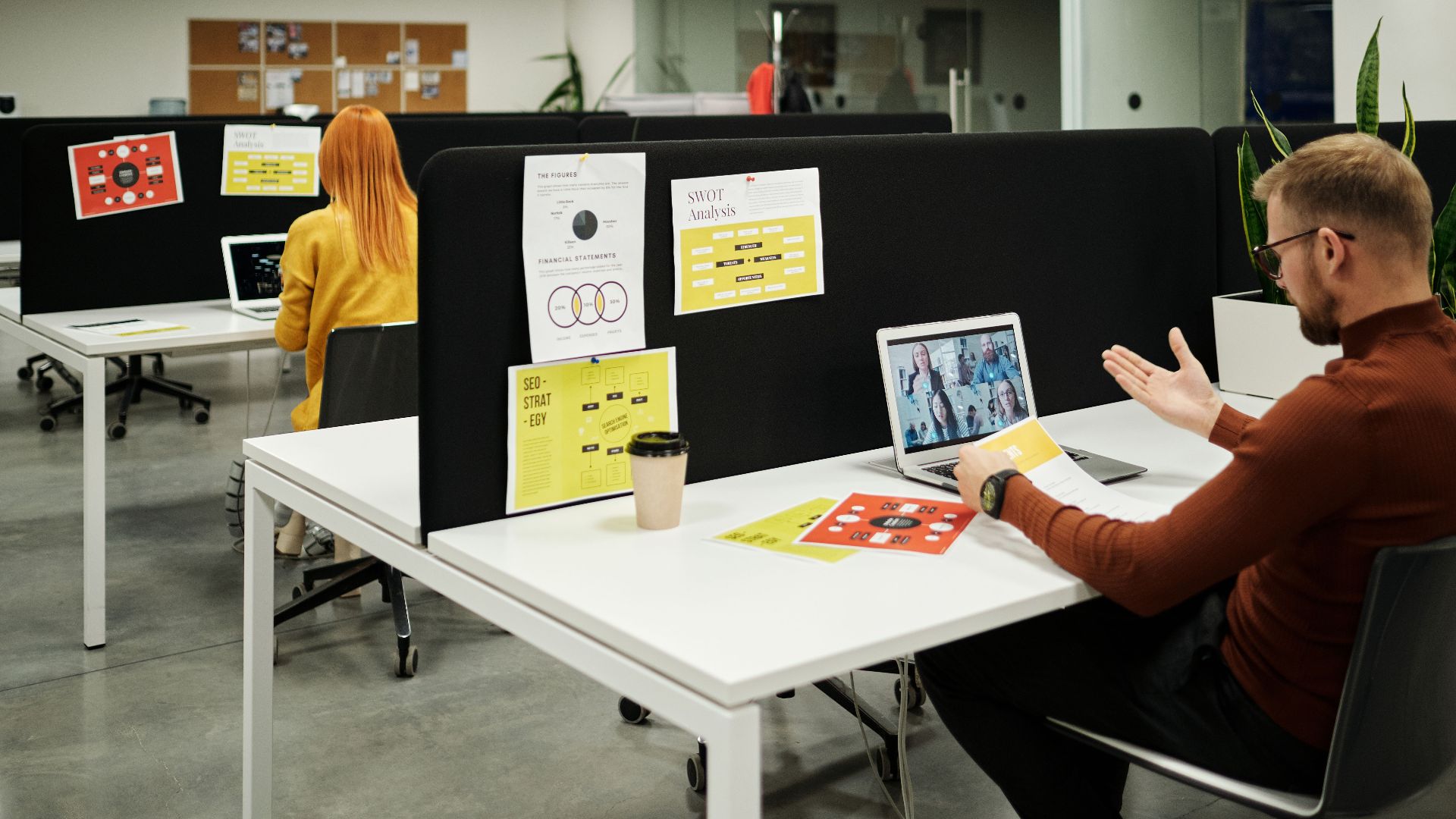
Positioning the center of the screen a few inches below eye level lets your eyelids sit closer to their natural position. Less exposed surface means slower tear evaporation across a long day. Laptop users benefit most from a proper stand and a separate keyboard.

7. Book the Eye Exam
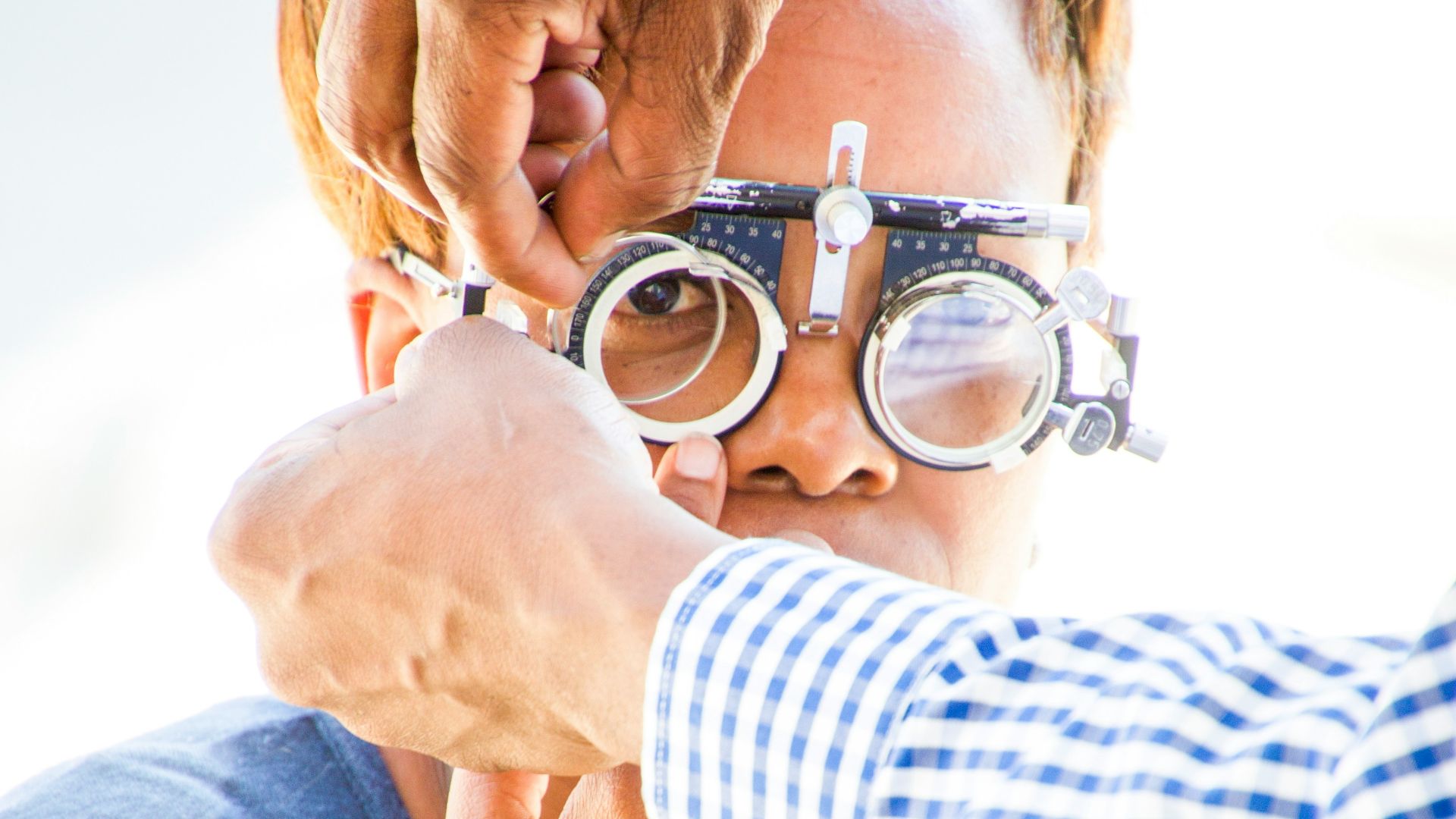
A comprehensive exam catches the refractive errors and focusing problems that make screen work harder than it needs to be. Computer-specific glasses exist for people who spend all day at intermediate distance, and these are prescription lenses tuned to that working range. Persistent symptoms after you've fixed your habits are a reason to go in.
 Hush Naidoo Jade Photography on Unsplash
8. Keep Artificial Tears Nearby
Over-the-counter artificial tears refresh the eye surface when blinking alone isn't keeping up. A humidifier helps in dry offices, and moving away from a vent blowing directly at your face helps even more. Preservative-free drops suit anyone using them several times a day.
 https://kaboompics.com/ on Pexels
9. Swap to Glasses for Long Sessions
Giving your eyes a few contact-free hours at the desk removes one of the two things drying them out. Plenty of people wear contacts socially and glasses for work without thinking twice about it. Your optometrist can tell you whether your lens type is part of the problem.

10. Send Kids Outside
Time spent outdoors is one of the few well-supported protections against myopia developing in children. The protective effect appears to come from daylight exposure itself, so indoor activities don't substitute. Roughly two hours a day outdoors is the amount usually recommended for kids.