Comfort Is The Real Upgrade
A great gaming setup isn’t just about frame rates and flashy gear; it’s about how you feel after hour two, three, or “why is it suddenly midnight” part of a session. When your chair fits, your screen sits right, and your space stays calm, you’ll play better and recover faster afterward. Think of comfort as the underrated stat that boosts everything else.
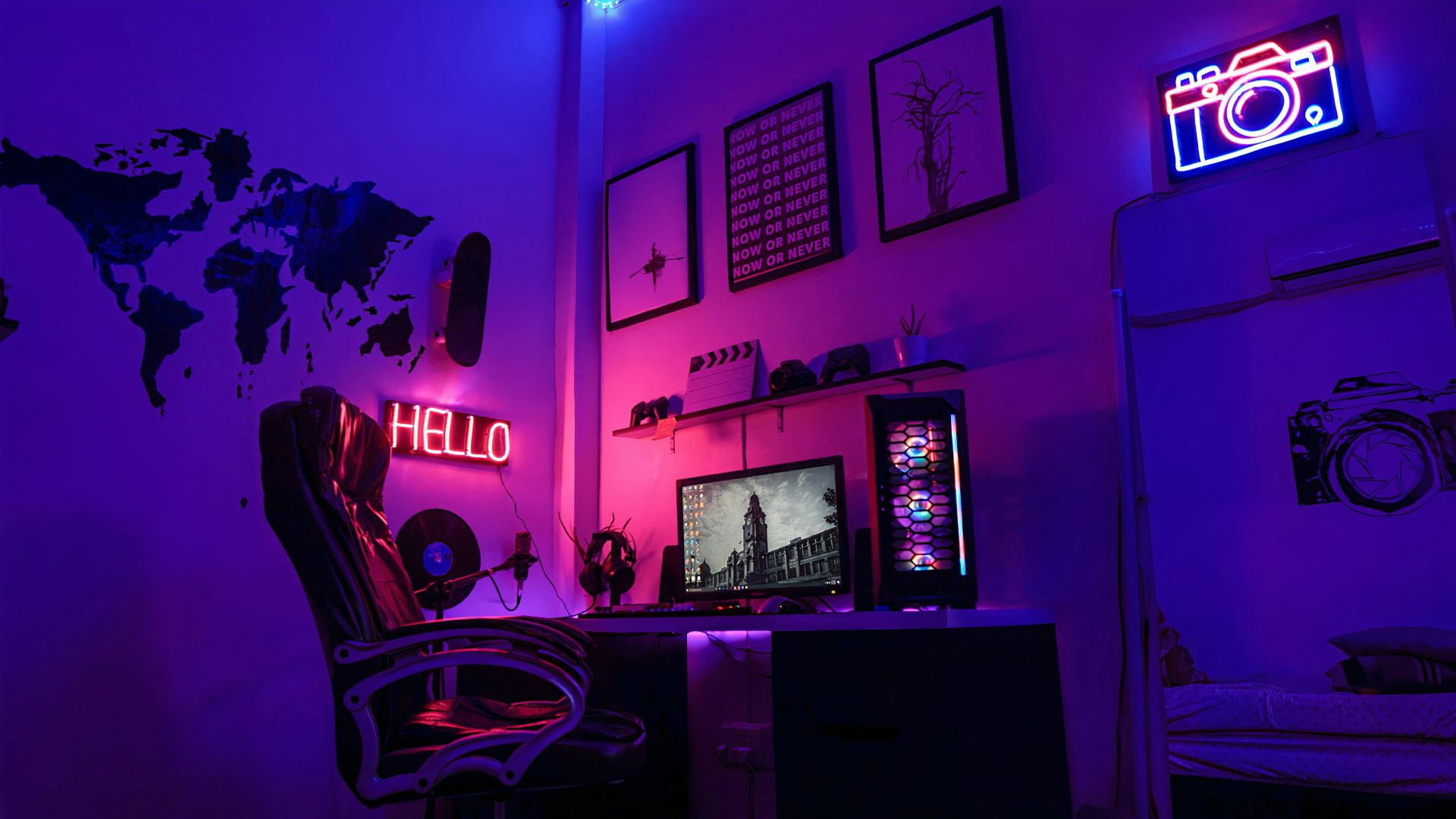
1. Dial In Chair Height
Investing in a chair that lets your feet rest flat on the floor, your knees angle comfortably, and your hips aren’t tucked or perched is by far the first and most important part of this upgrade. Your body must be supported and comfortable, without having to tense up or shift because things start to hurt.
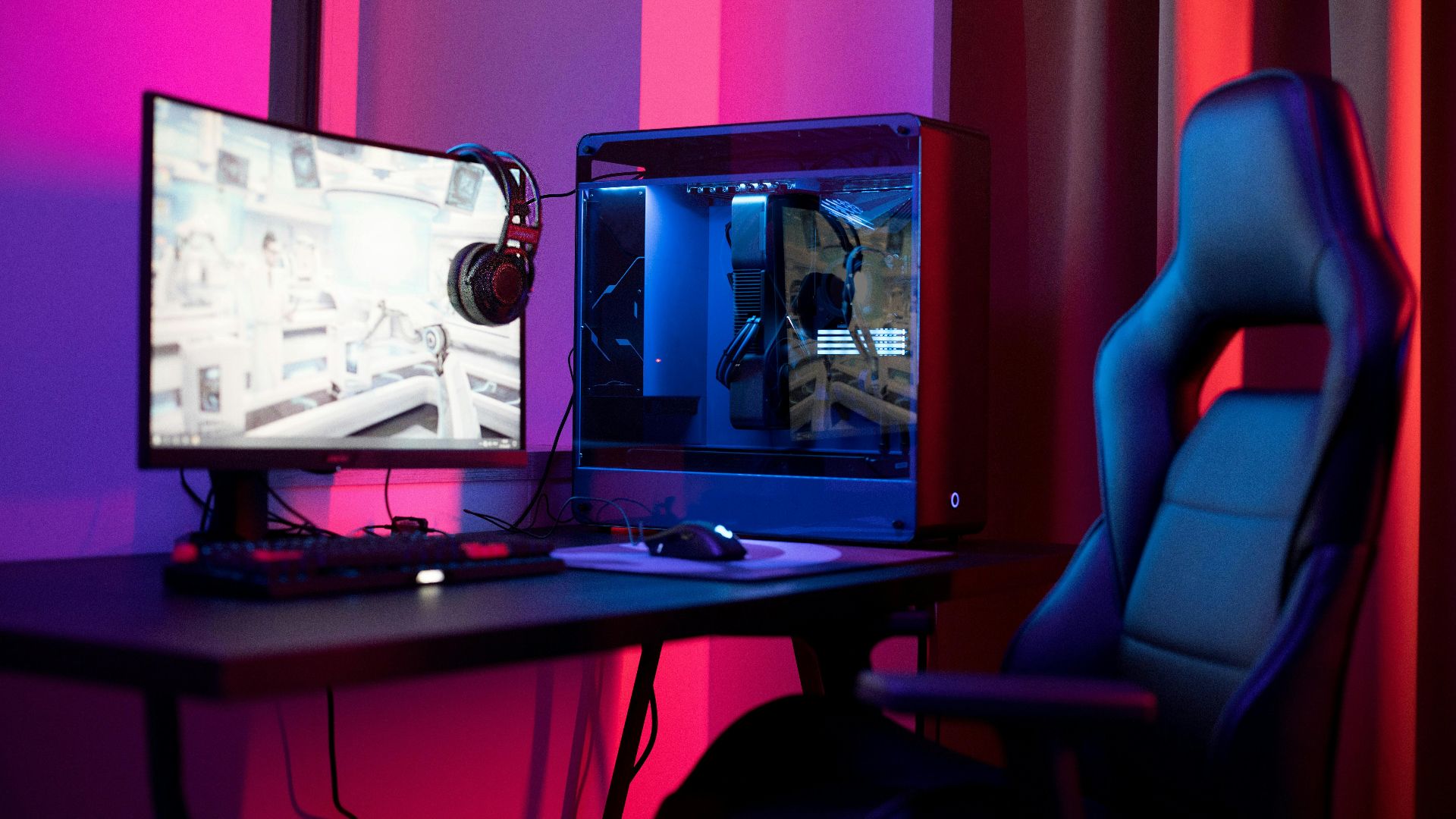
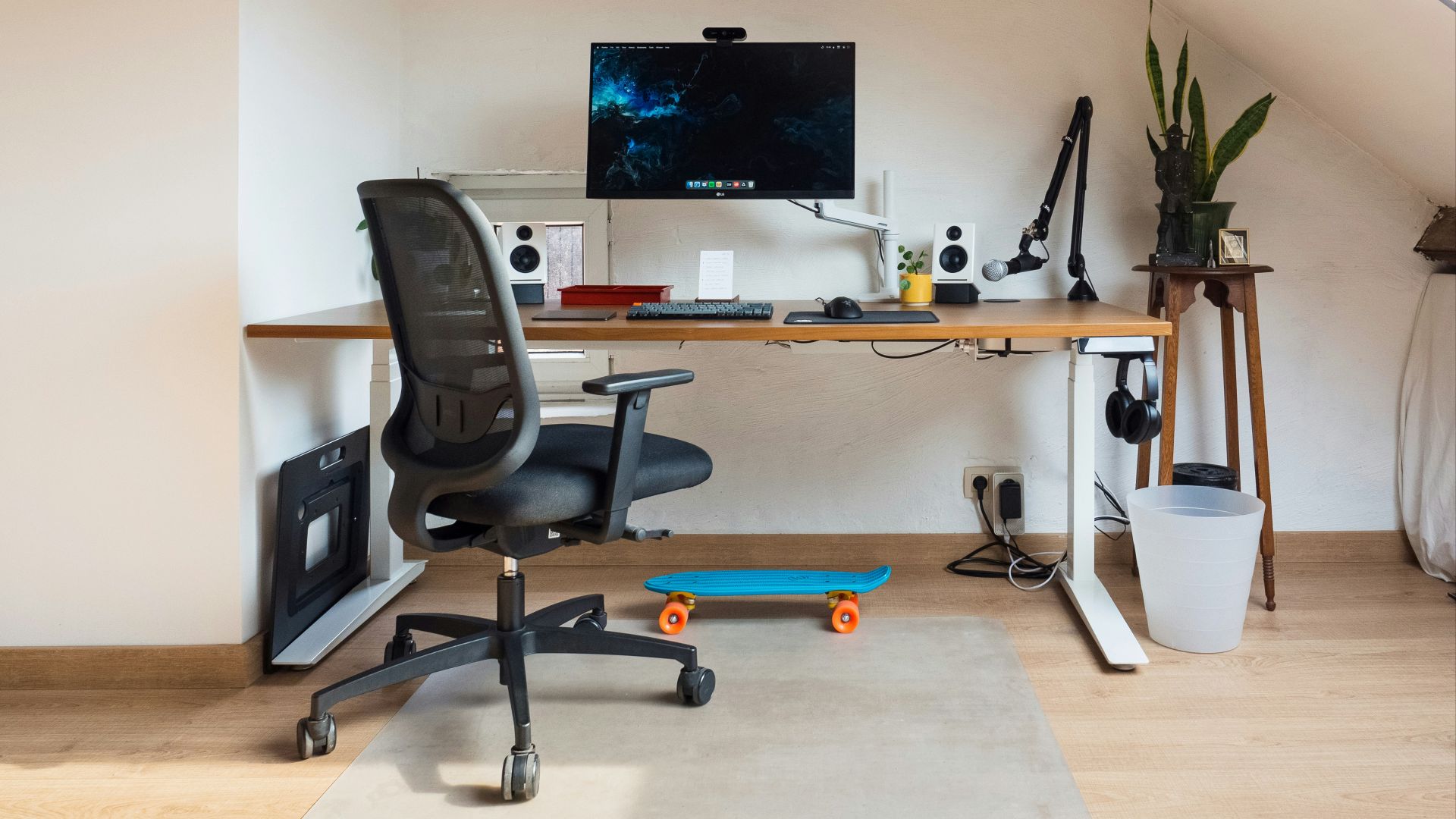 Arthur Lambillotte on Unsplash
2. Support Your Lower Back
Lower-back support keeps you from slowly turning into a question mark during long sessions. A chair with built-in lumbar support is great, but a small cushion or rolled towel can do the job too. Once your back feels supported, you’ll notice you fidget less without even trying.
3. Set Monitor at Eye Level
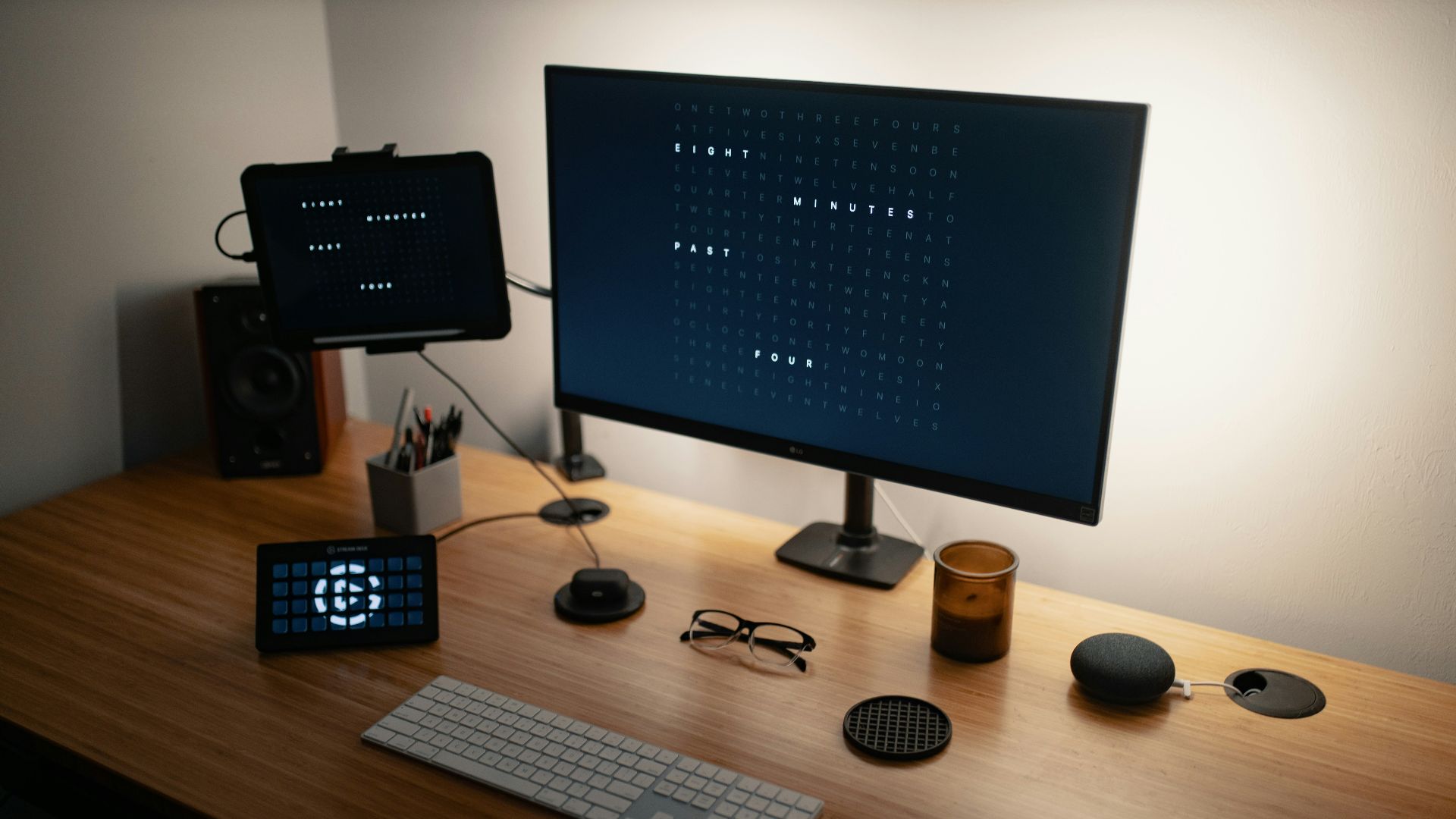
Your monitor should sit high enough that you’re not constantly tipping your head down. Aim for the top third of the screen to land near eye level when you’re sitting naturally. This small change will help your neck down the road, we promise.
4. Keep Screens An Arm's Length Away
If your screen is too close, your eyes will work overtime, and you’ll feel it later. A good rule is to place it roughly an arm’s length away, then adjust based on comfort and readability. We totally want to see everything as closely as possible, but you also need to keep your eyes healthy.
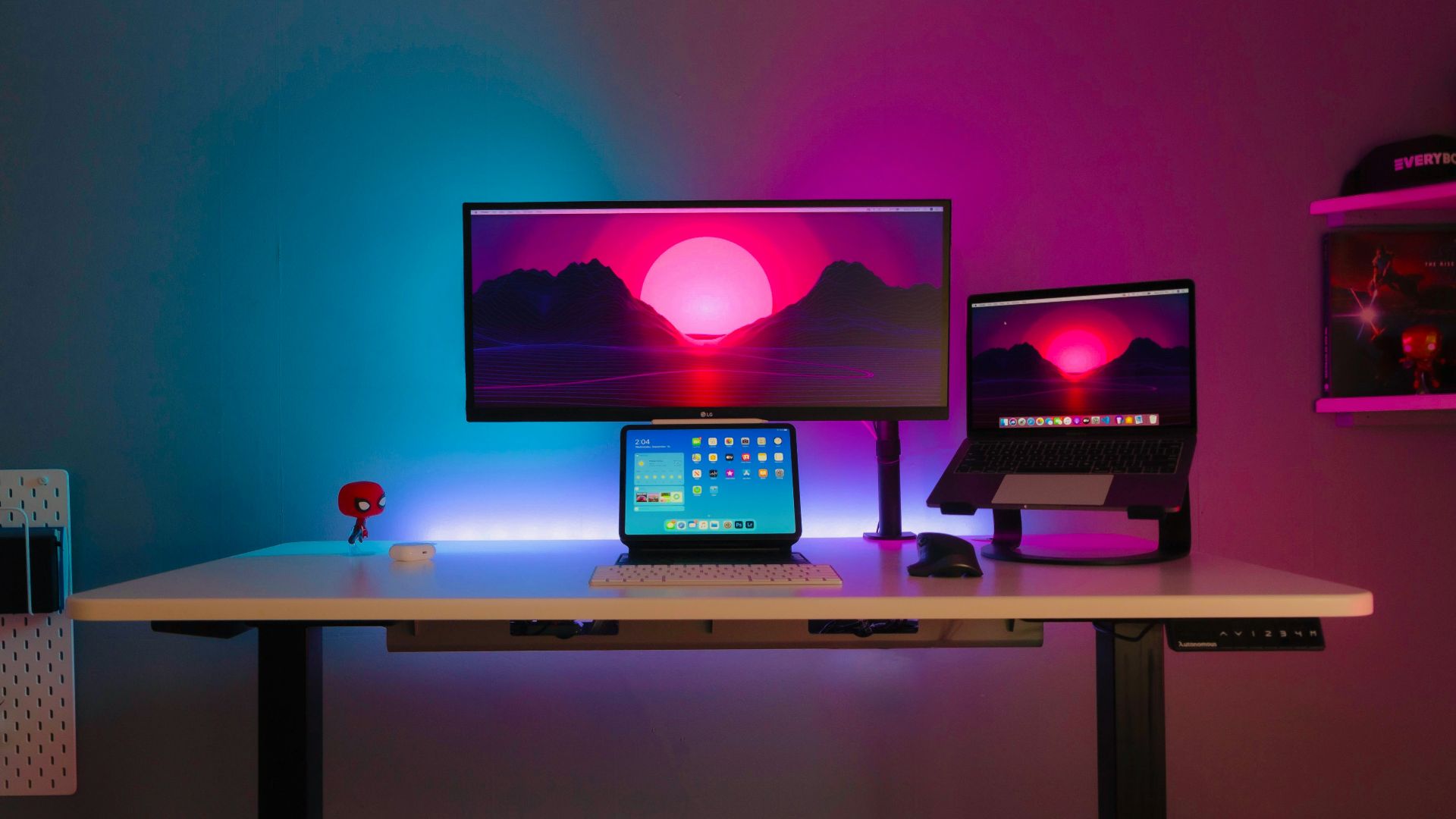
5. Use a Wrist Rest
A wrist rest can take pressure off your hands during long keyboard or mouse sessions. It’s especially helpful if you tend to anchor your wrists and grind through matches. The goal is steady support, not a squishy pillow that forces odd angles.
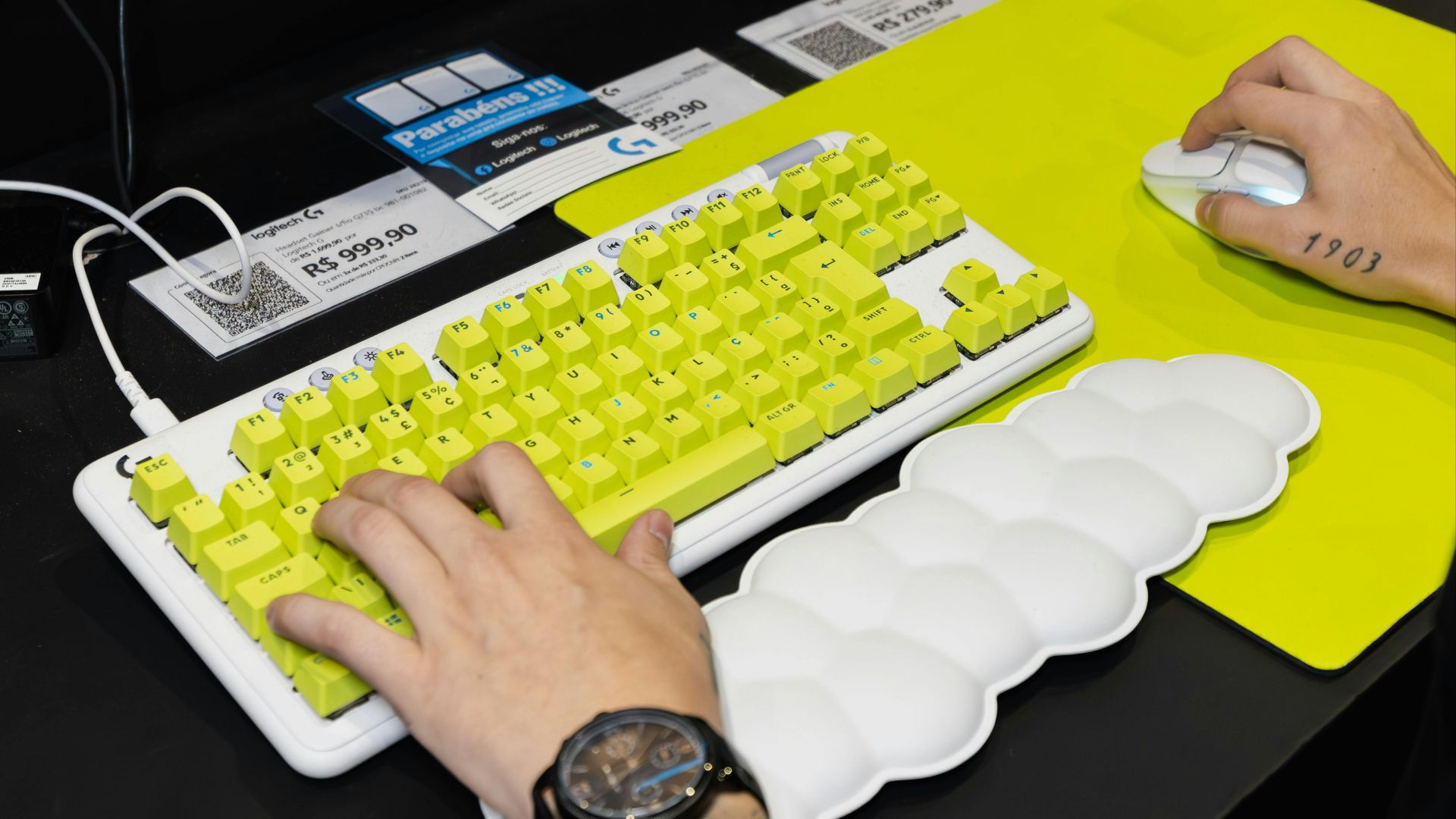
6. Tilt Your Keyboard Slightly
Flat keyboards aren’t always the most comfortable option for your wrists. Try a gentle tilt or a slight negative tilt if your board allows it, and see what feels natural. You’ll know it’s right when your hands stop complaining halfway through a session.
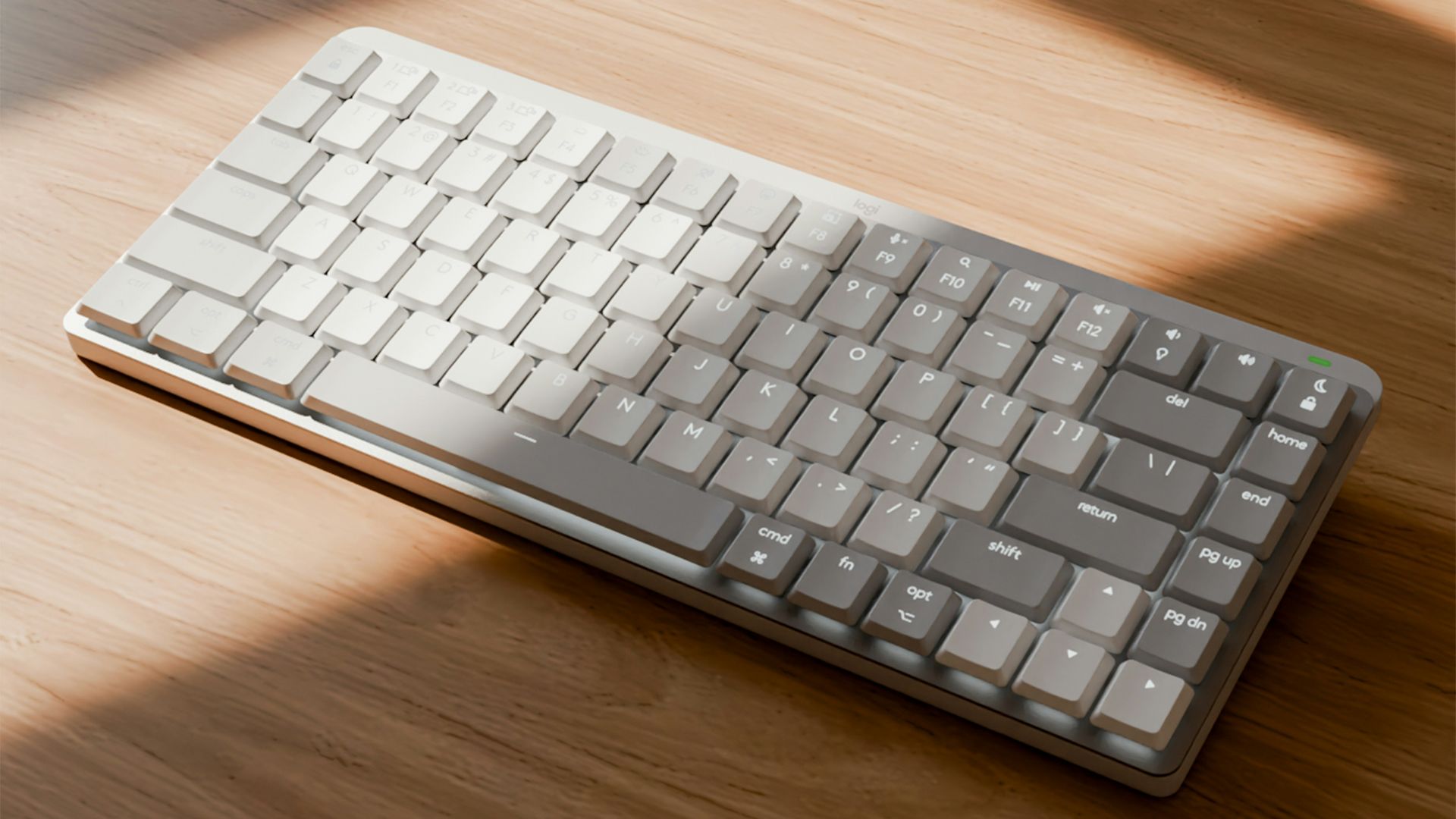
7. Choose a Comfy Mouse
The best mouse isn’t the most expensive one; it’s the one that fits your hand. Pick a shape that supports your grip style so your fingers aren’t clawing for stability. If your hand feels relaxed after an hour, that’s the real test.
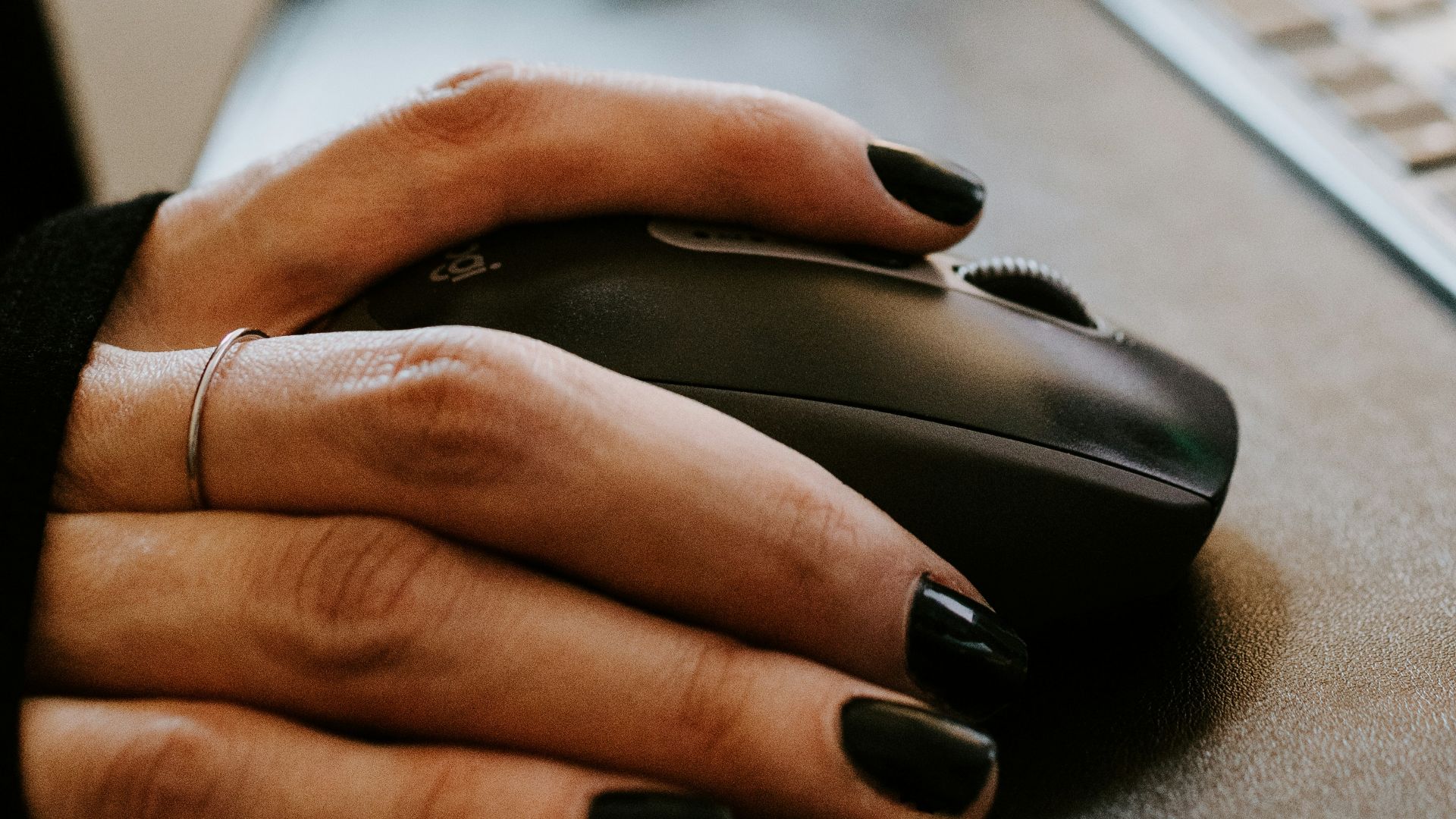
8. Add a Footrest
A footrest helps if your chair height is correct for your desk, but your feet don’t sit comfortably. It keeps your legs supported and reduces that slow creeping pressure behind your knees. A rolled-up yoga mat or small step stool will even do the trick.
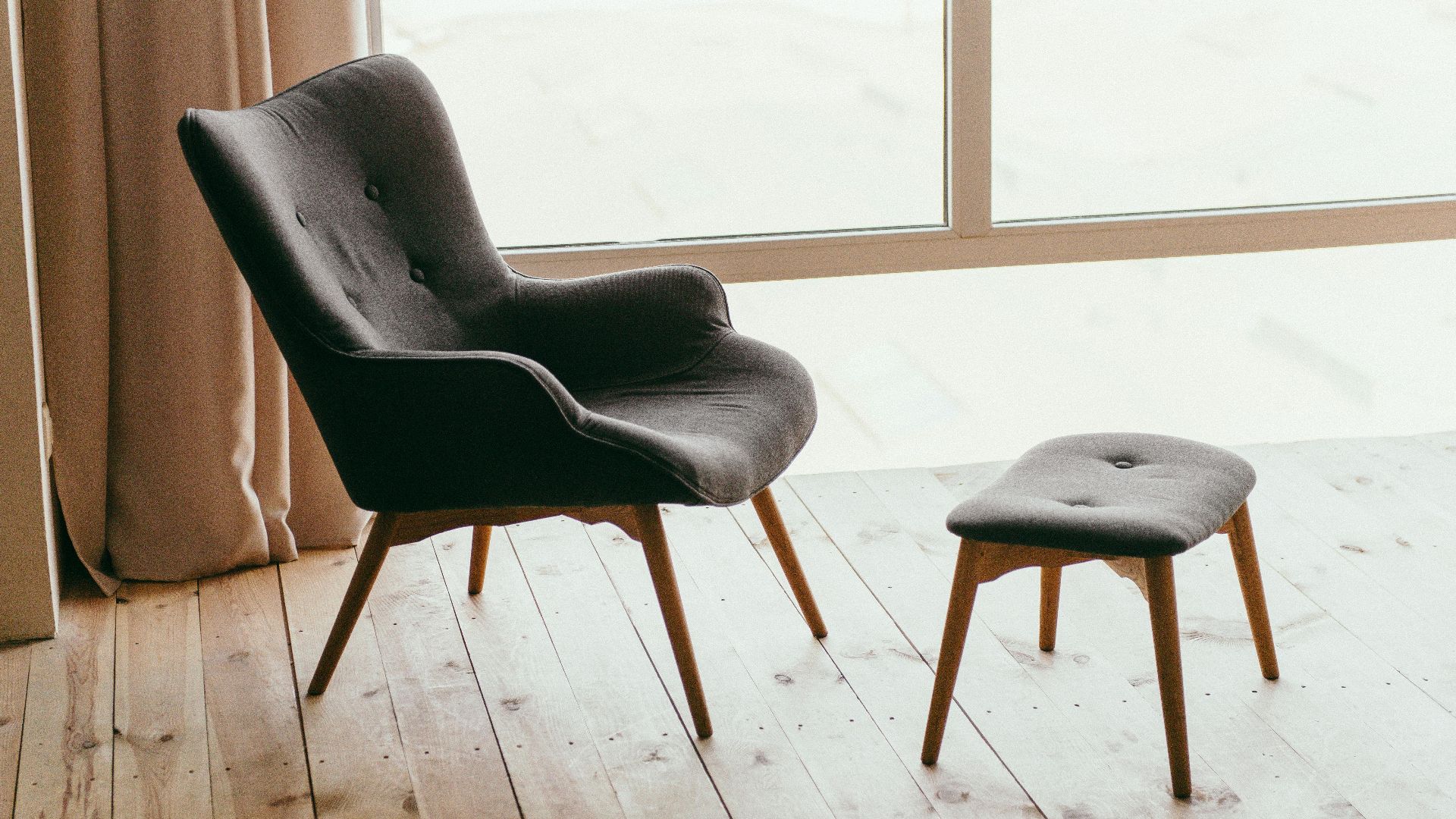
9. Improve Desk Height
If your desk is too high, your shoulders will tense up. Ideally, your elbows should rest at about 90 degrees while your forearms stay supported. A desk riser, adjustable desk, or chair-and-footrest combo can fix this faster than you’d think.
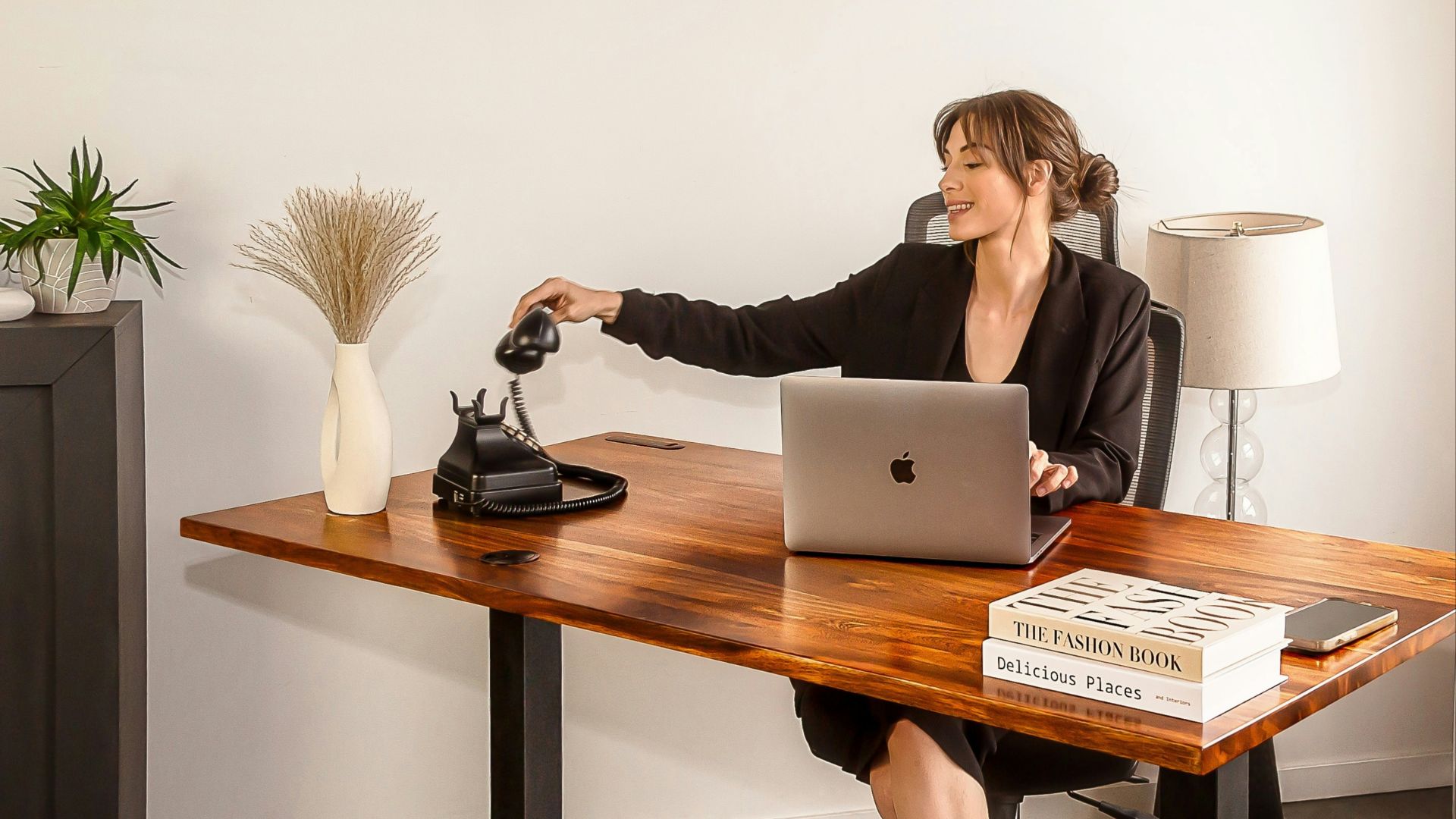
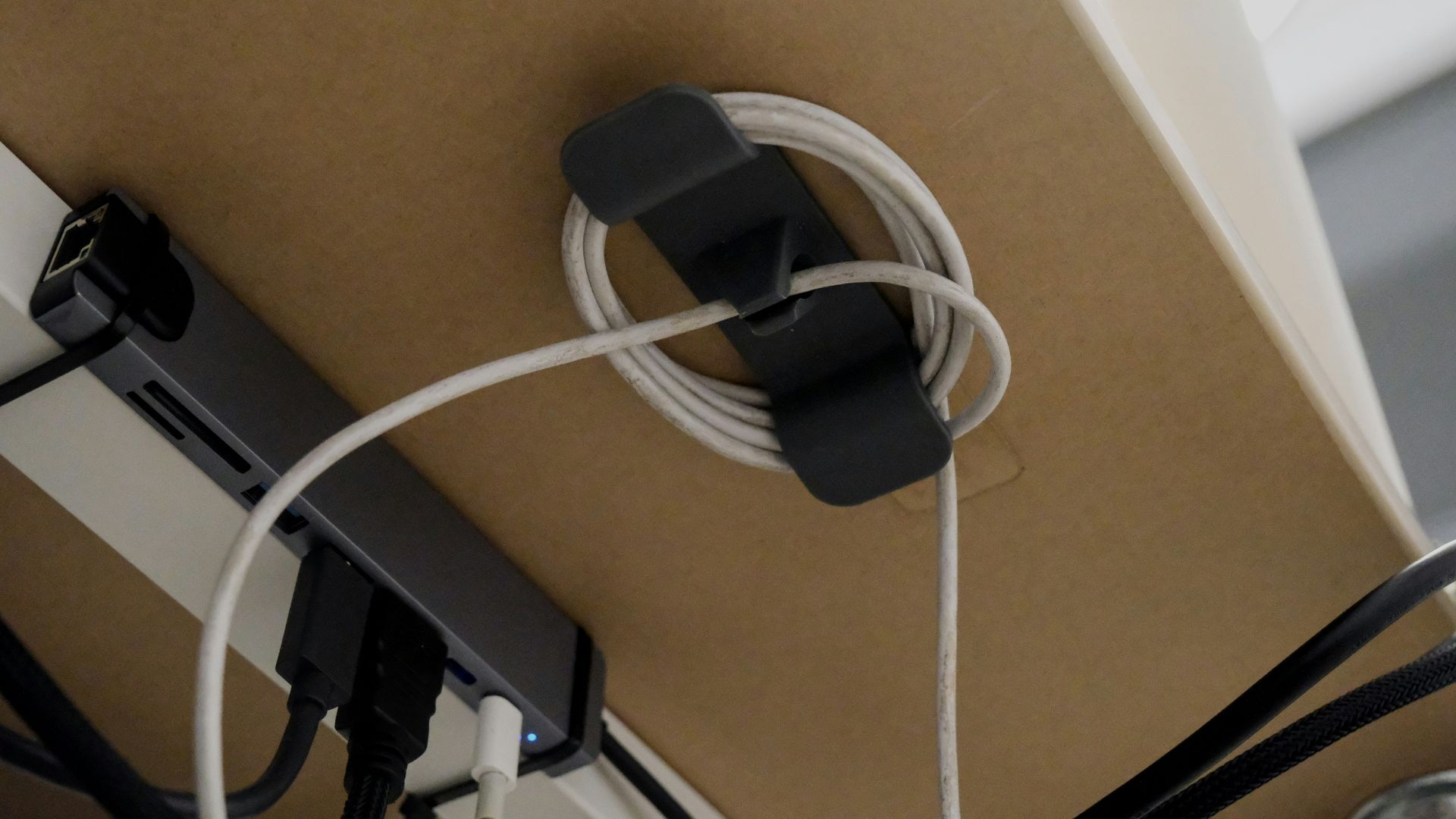
10. Tame Your Cable Mess
Cables don’t just look messy; they get in your way and add low-level stress. Use clips, ties, or a cable tray so cords stop snagging your feet and hands. A cleaner setup makes everything feel calmer, even when the match isn’t.
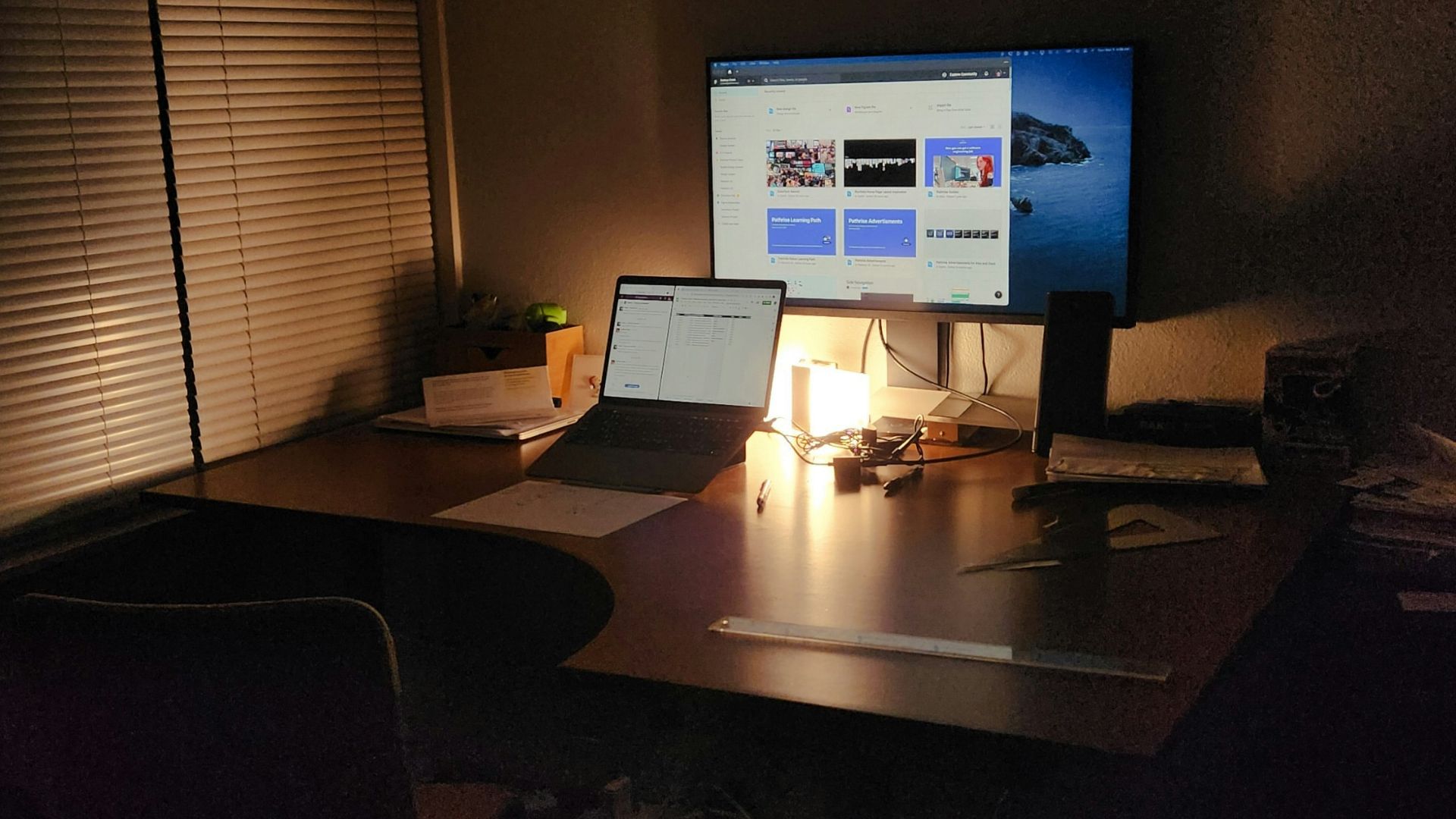
11. Soften the Lighting
Harsh overhead lights can make your eyes tired, and your screen feel overly bright. Try a warmer lamp or indirect lighting behind your monitor to reduce glare. Your eyes will thank you, plus your room will instantly feel more cozy.
12. Reduce Screen Glare
Glare is sneaky because you might not notice it until your head starts aching. Angle your monitor away from windows or bright lamps, and consider curtains if sunlight hits your screen. You want the game’s highlights, not reflections of your ceiling.
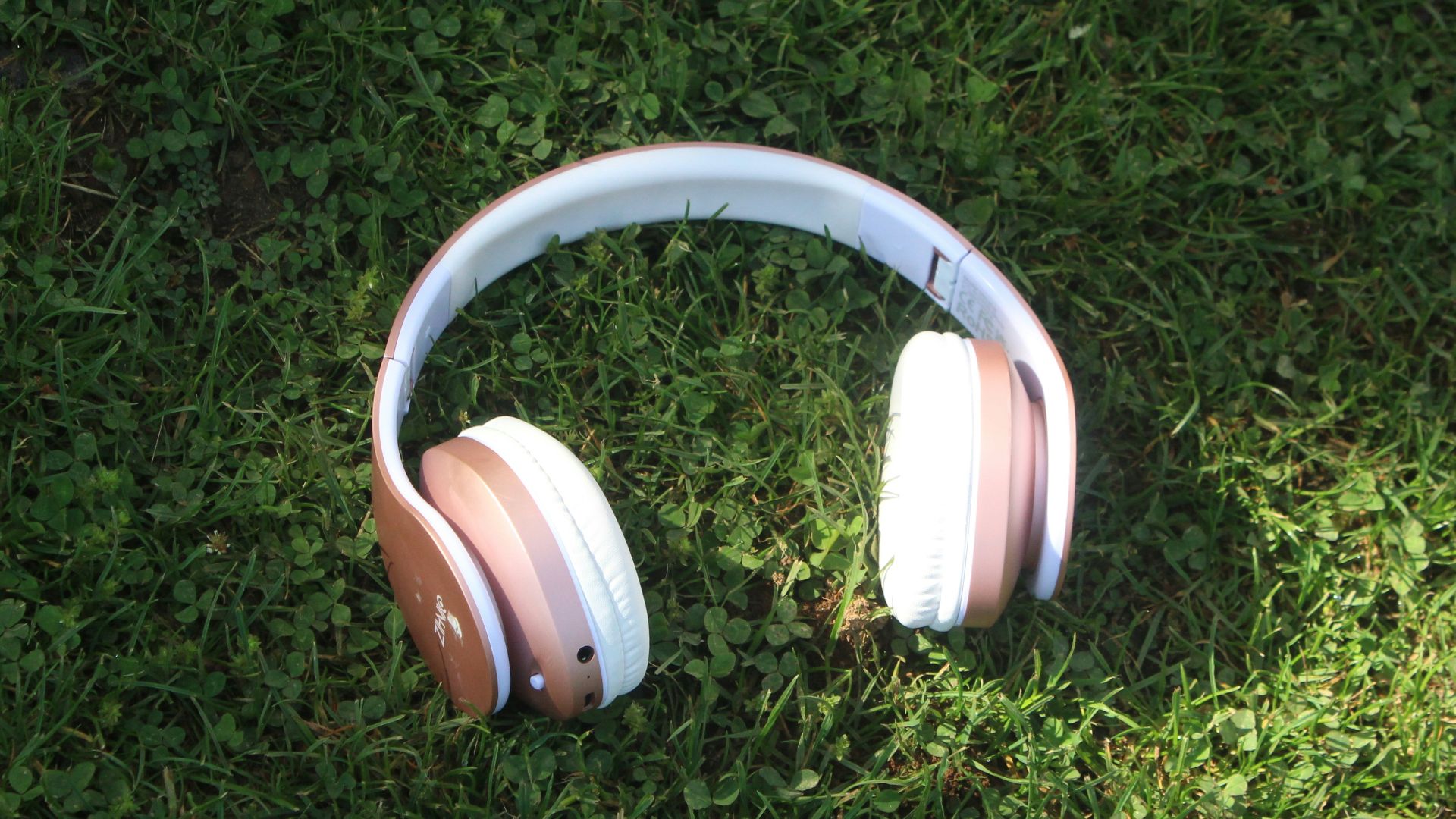
13. Audio Comfort
If your headset clamps too hard, it’ll turn fun into a slow headache. Look for lighter headsets, softer pads, or consider earbuds plus a mic if that works for you. Comfort matters more than max volume, so don’t let your ears suffer for “immersion.”
14. Upgrade Your Chair Cushion
Even a solid chair can feel rough after long sessions, especially if the seat padding is thin. A breathable cushion can reduce pressure points and keep you from constantly shifting around. Just make sure it doesn’t raise you so much that your desk height becomes awkward.
15. Keep Water Nearby
Dehydration sneaks up fast when you’re focused, and it makes you feel more tired than you should. Put a water bottle within reach so you don’t treat hydration like an optional side quest. Your energy and focus will stay steadier when you sip regularly.

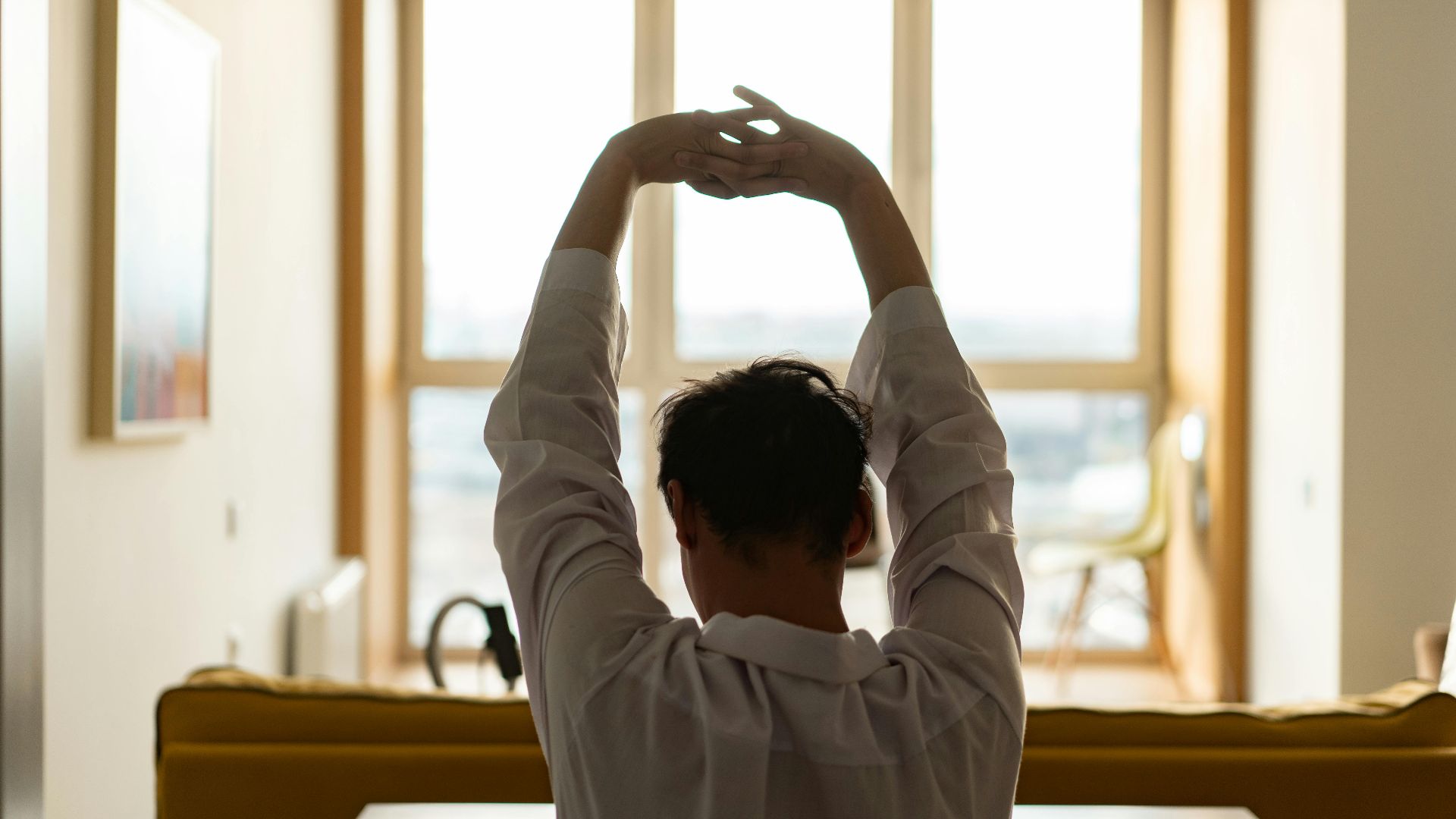
16. Plan Quick Stretch Breaks
You don’t need a full workout, but you do need to move sometimes. A quick stretch every hour helps your neck, wrists, and lower back reset before they start yelling. Set a reminder if you have to, because your body won’t send polite notifications.
17. Cool the Room Down
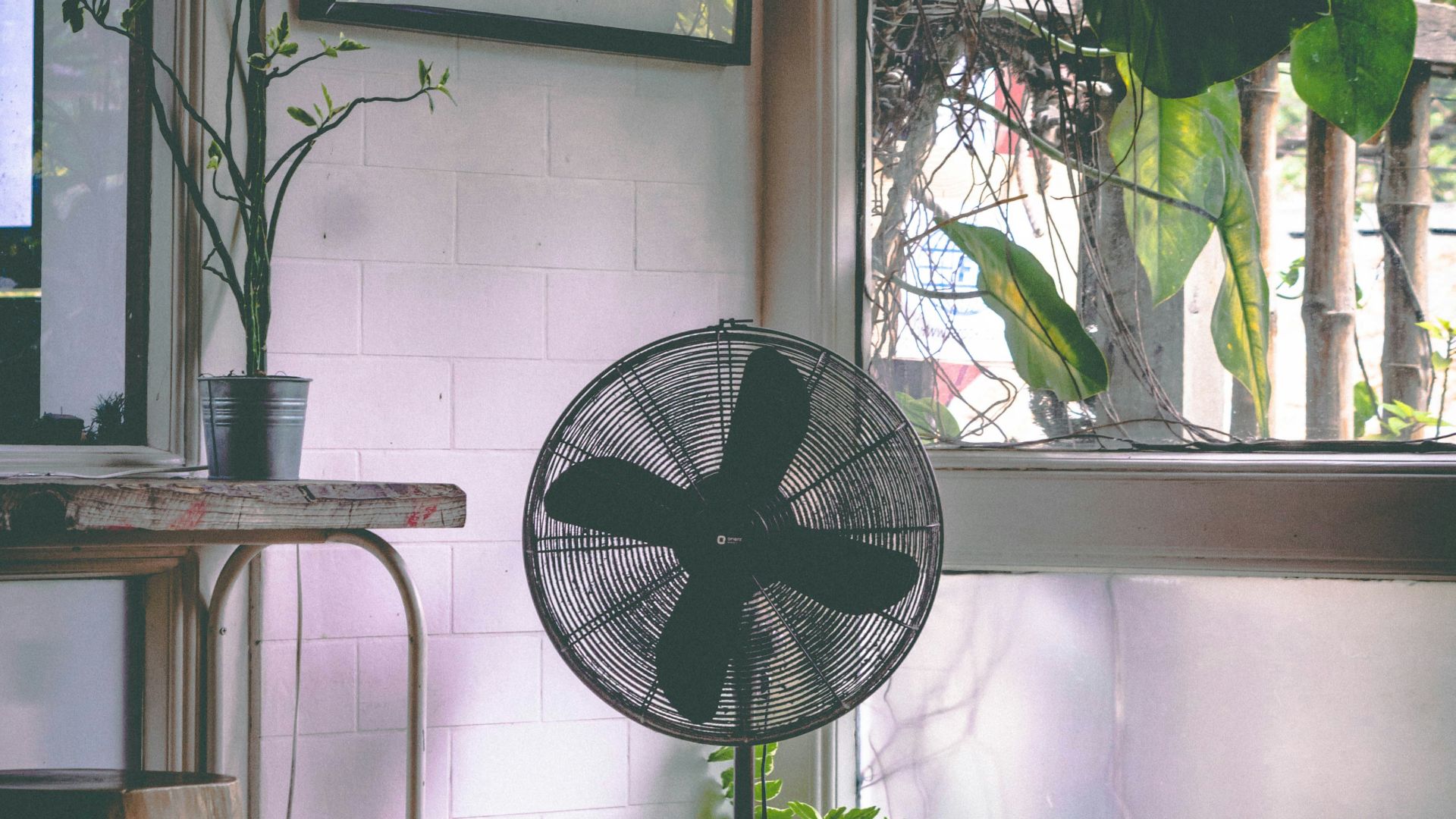
A stuffy room makes everything feel harder, including concentrating and staying comfortable. Use a fan, open a window, or adjust your thermostat so you’re not slowly overheating. If you’re sweating during a relaxed game, your setup is working against you.
18. Add a Small Rug
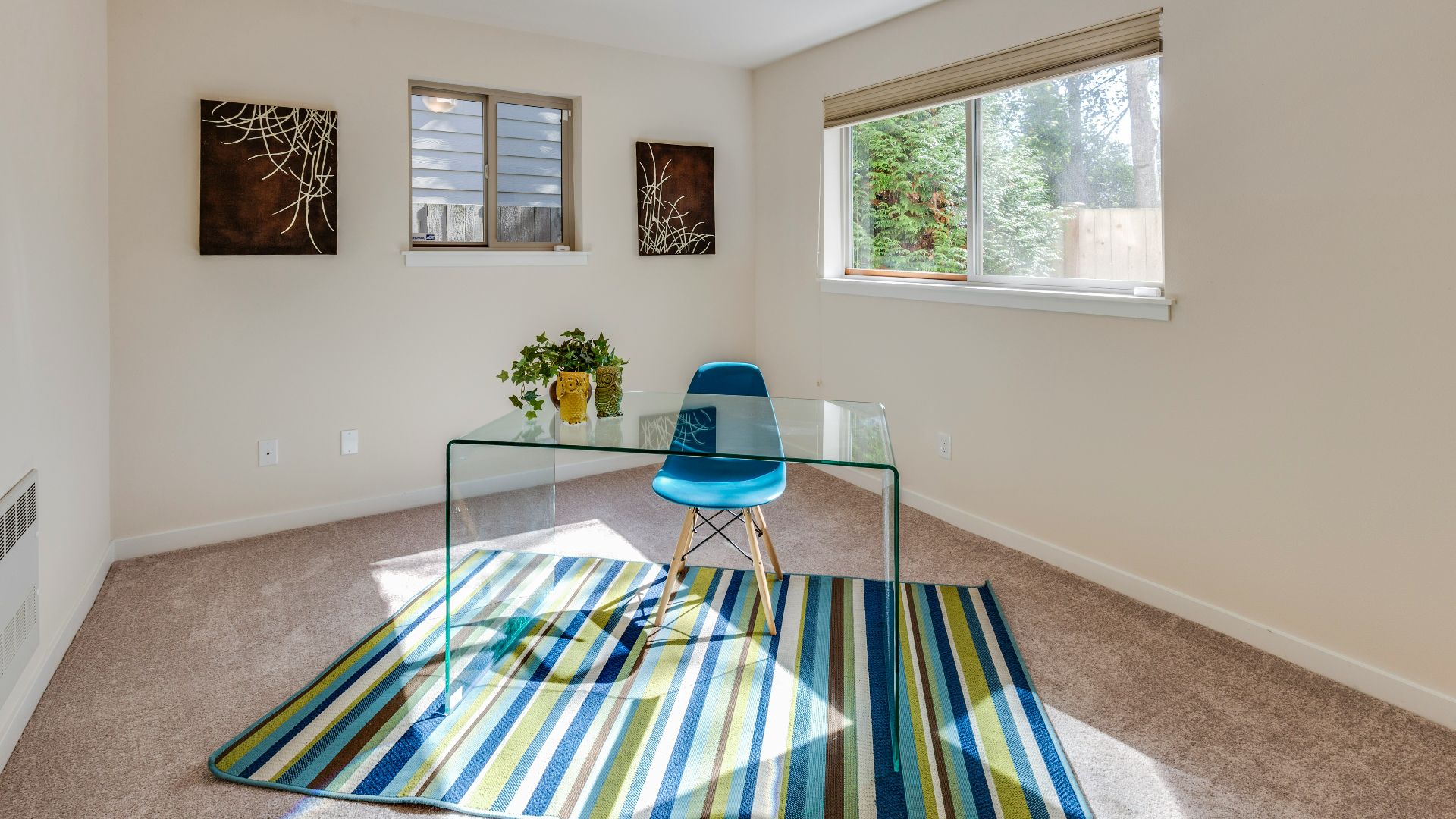
A rug makes your space feel warmer and more comfortable underfoot, especially on hard floors. It also helps reduce noise and keeps rolling chairs from feeling too slippery. Even a small one can make your setup feel more “finished.”
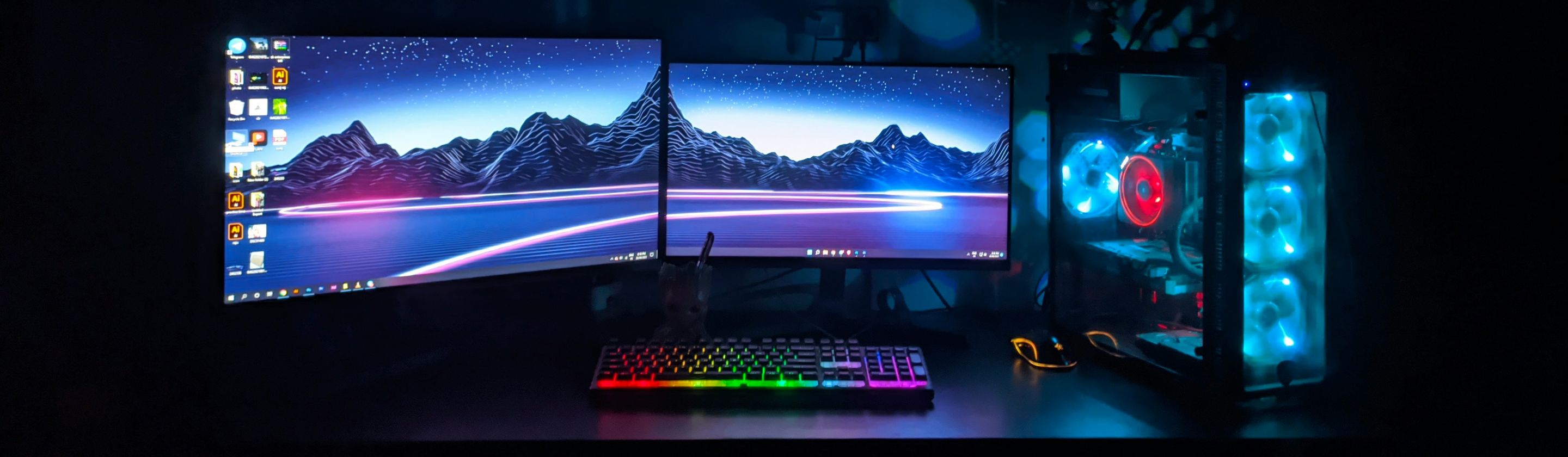
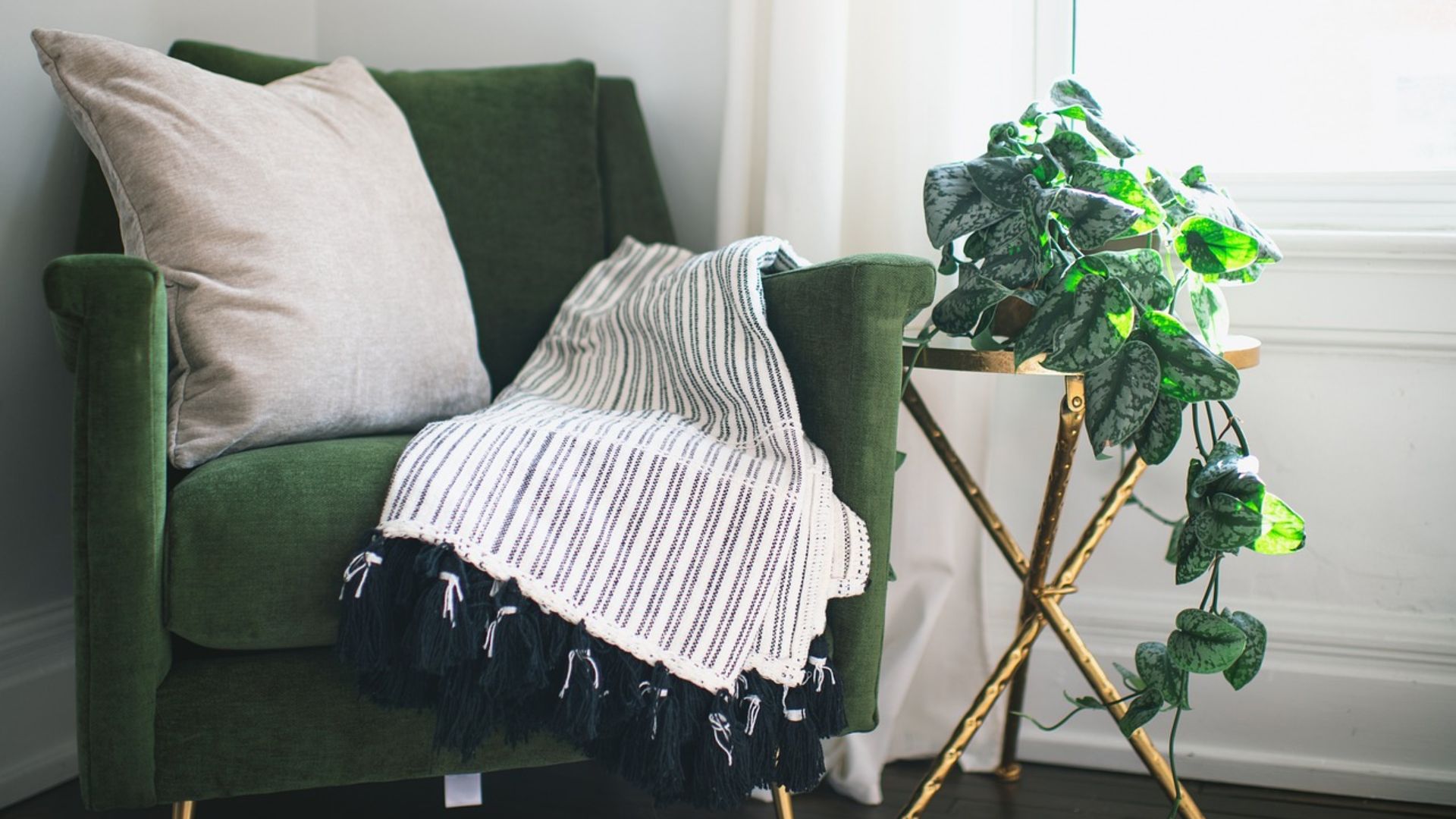
 Francesca Tosolini on Unsplash
19. Organize Nearby Storage
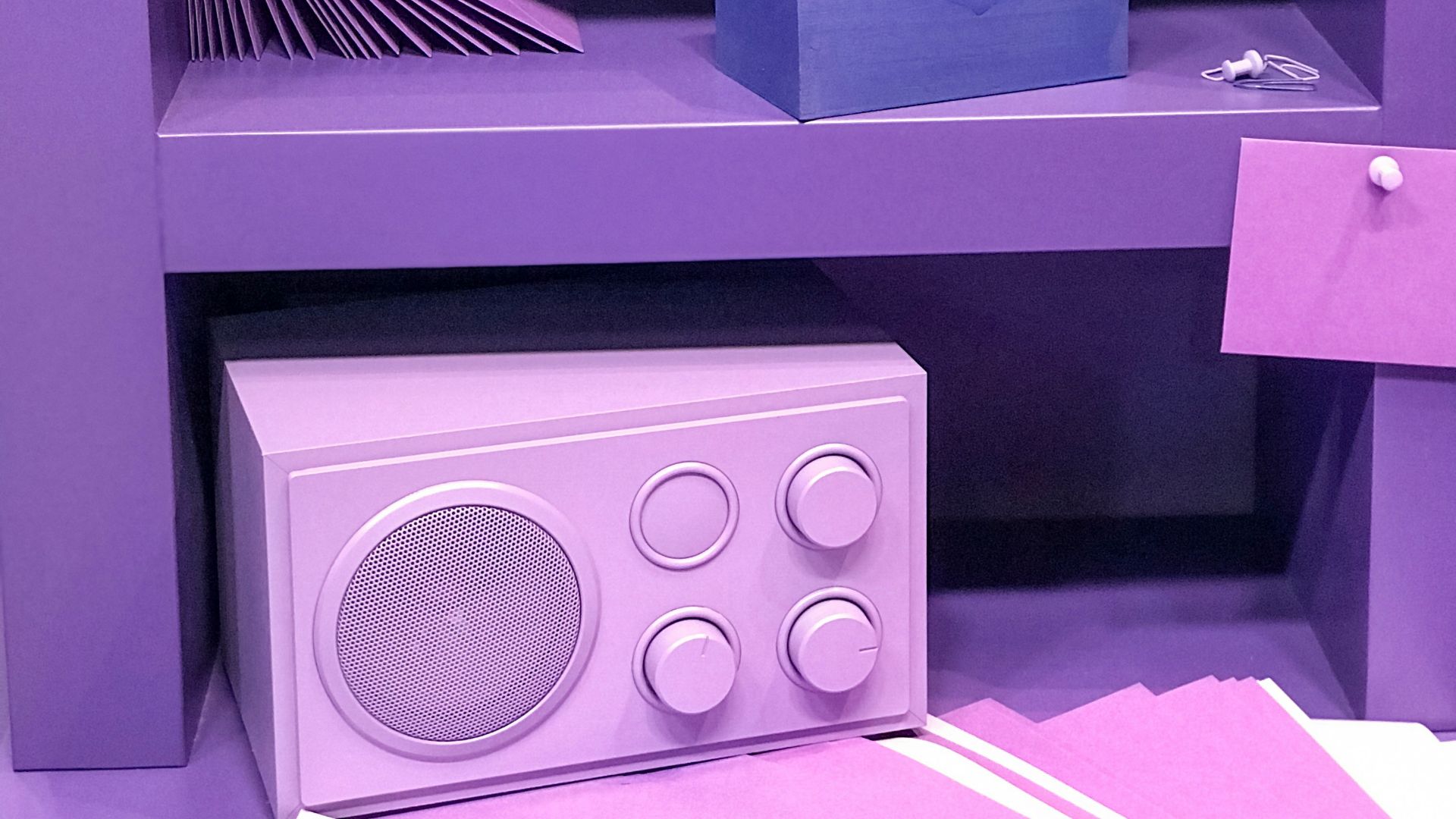
If your controllers, chargers, and games are scattered, you’ll waste time hunting things down. Use a small shelf, drawer unit, or desk organizer so everything has a home. Less clutter means fewer little annoyances piling up mid-session.
20. Make It Yours
Comfort isn’t just physical, it’s also about feeling relaxed in your space. Add a plant, a poster, a softer light, or anything that makes you smile when you sit down. When your setup feels like “your” spot, it’s easier to settle in and enjoy the game.