
Small Tweaks To Up Your Game Time
Gaming is supposed to be the fun part of your day, not the thing that has you hobbling to the kitchen after a couple of hours of playtime. A lot of so-called "gamer posture" problems come down to one boring truth: parking yourself in a sloppy position for hours overworks your muscles and spine. Luckily, you don’t need a fancy ergonomic throne or a complete desk overhaul to feel a difference. You just need better habits in the moments that usually make you hunch, crane, or perch. Here are 20 of them.

1. Sit With A Neutral Spine
A neutral spine keeps your neck and lower back in their natural inward curve, with a soft outward curve through the mid-back, rather than collapsing into a rounded slump. When you catch yourself turning into a "C" shape mid-match, slide your hips back and let your torso stack over your pelvis again.

2. Use Real Lumbar Support
Lumbar support only works when it actually meets the curve of your lower back. If your chair has adjustable lumbar support, dial it in so you feel firm, comfortable contact right around belt-line height. When that curve is supported, you stop flattening your lower back and sinking into a posture that increases pressure through the low spine.

3. Put Your Feet Flat
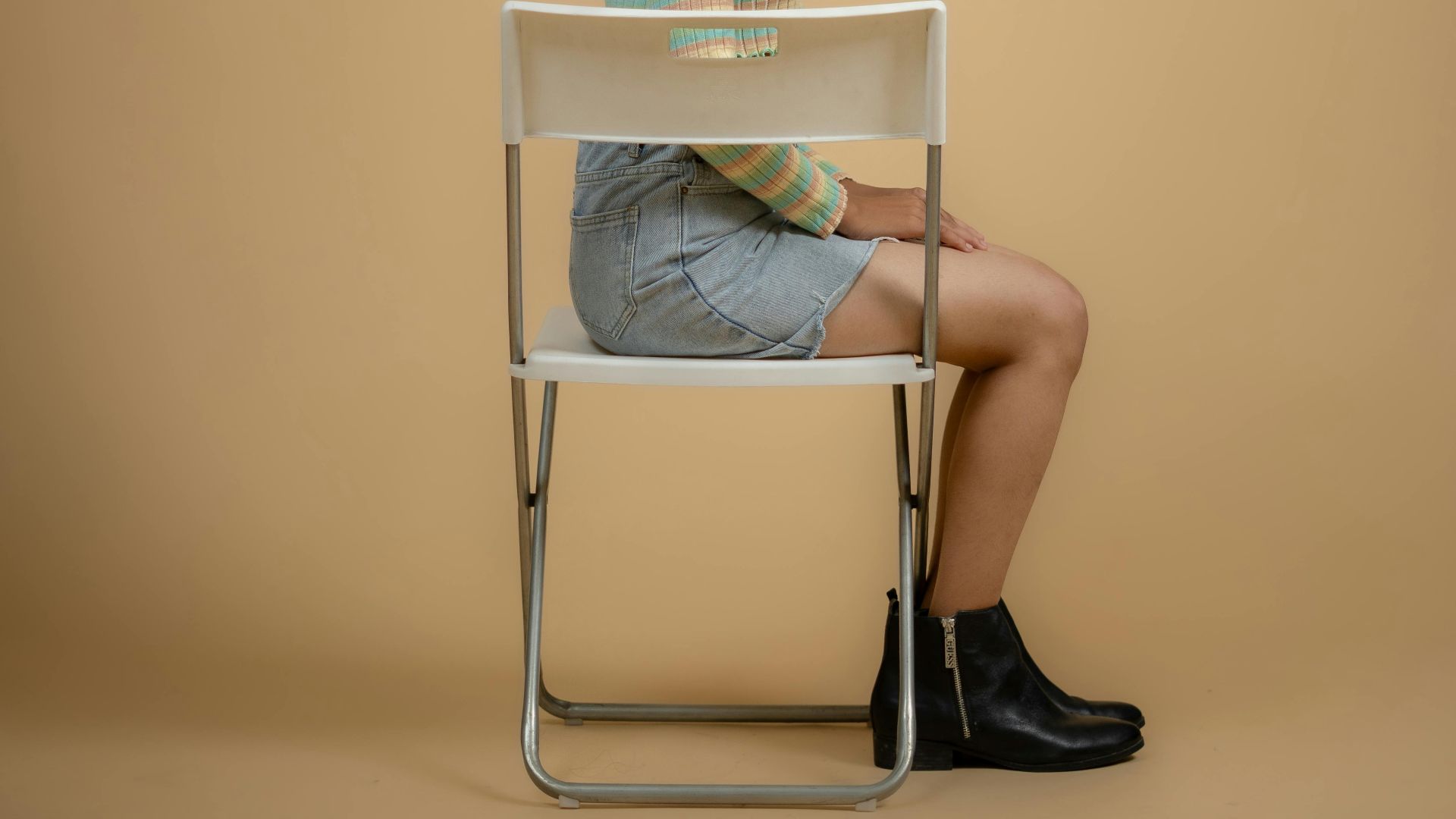
Dangling feet tug your pelvis into a position that increases slouching and lower back tension. Plant both feet on the floor, or use a footrest, so your thighs sit roughly parallel to the ground.
4. Recline Slightly
Sitting at a perfect 90-degree angle looks disciplined, but feels awful a half hour into your session. A small recline, roughly 100 to 110 degrees, reduces lumbar disc pressure compared with staying perfectly upright for long stretches.
5. Move Your Monitor
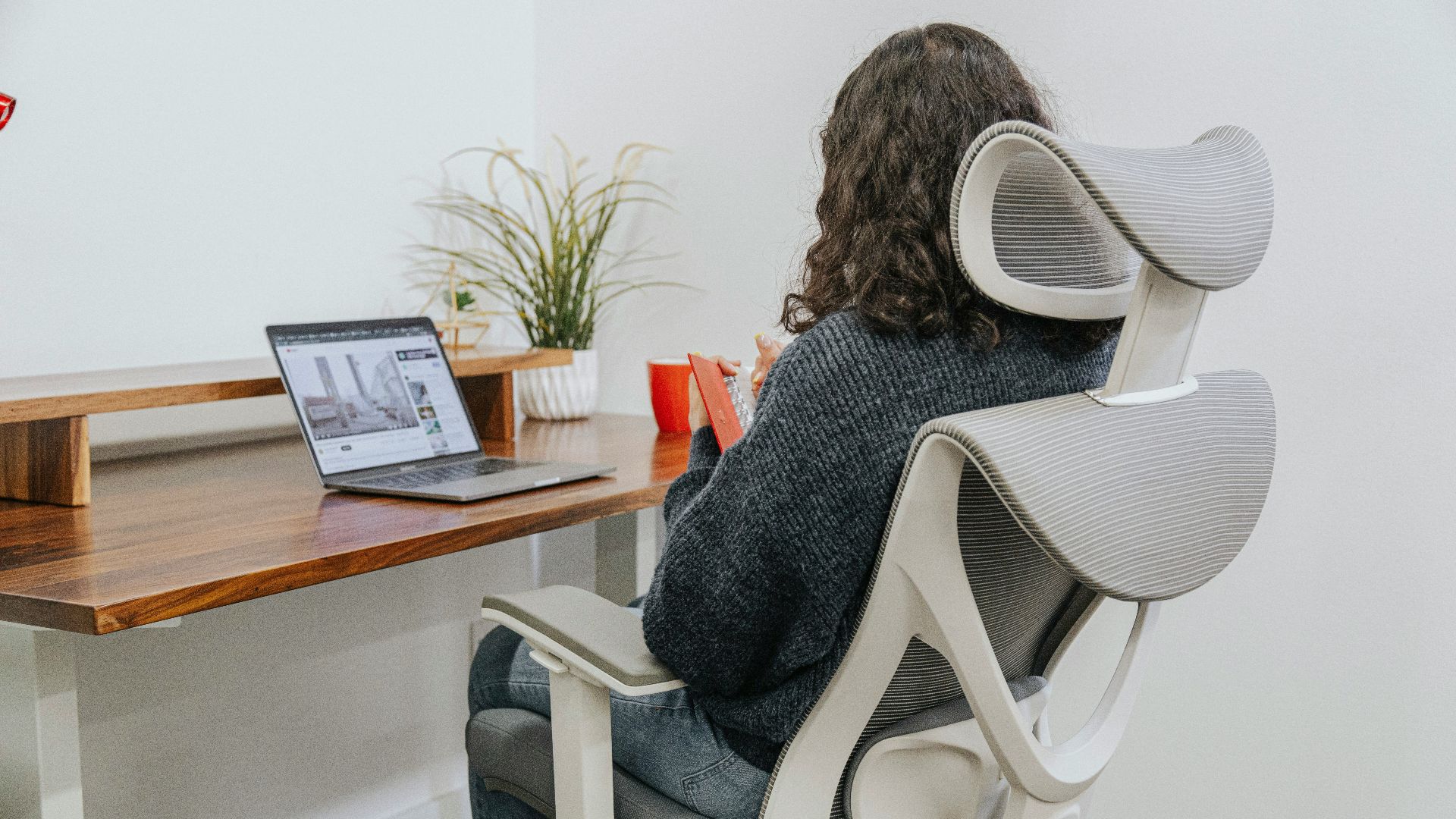
When the top of your screen sits at or just below eye level, your head is less likely to drift forward, and your upper back is less likely to round. Forward-head posture is strongly linked to neck pain and can contribute to a more rounded upper back over time.
6. Bring The Screen Closer
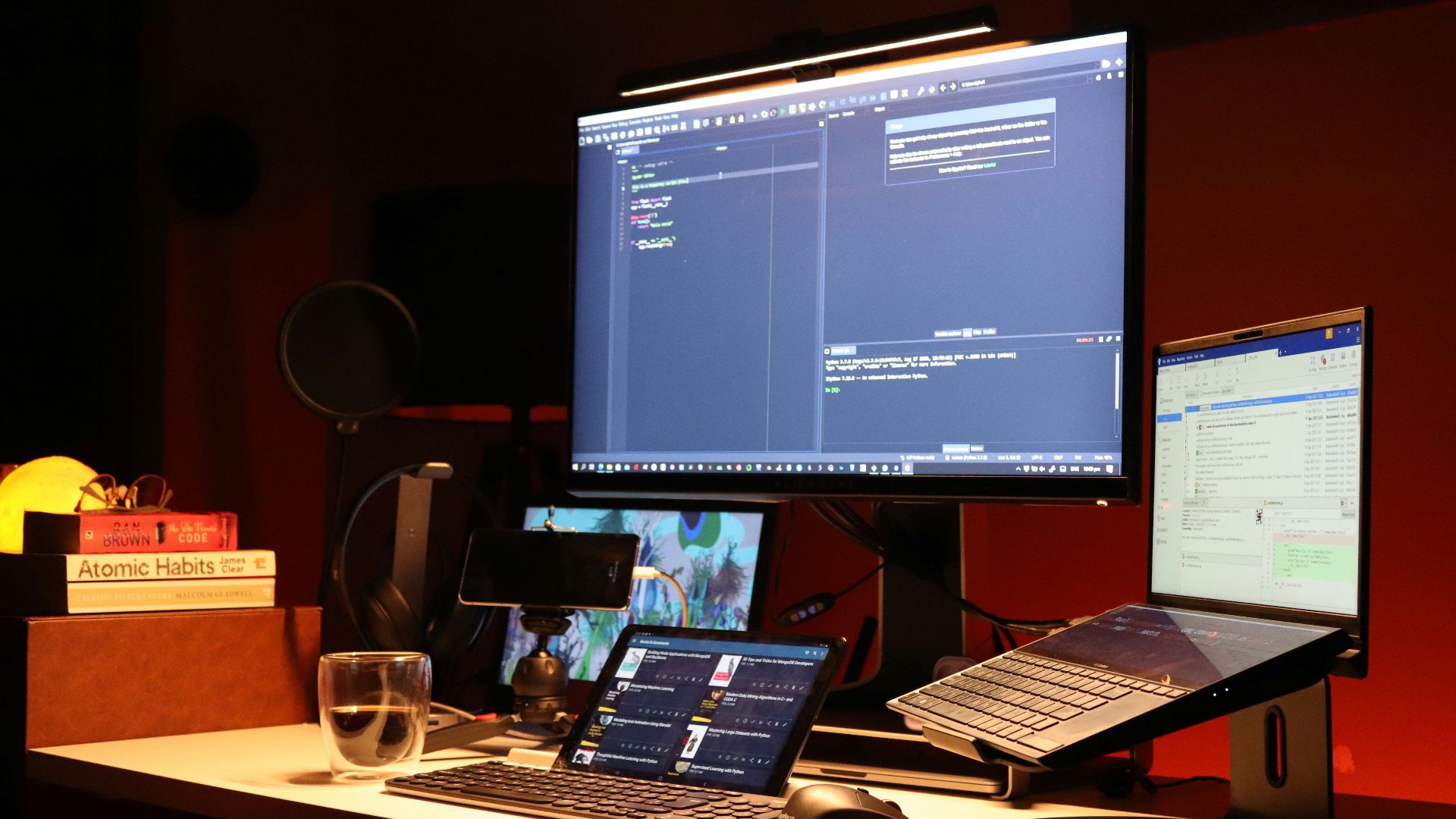
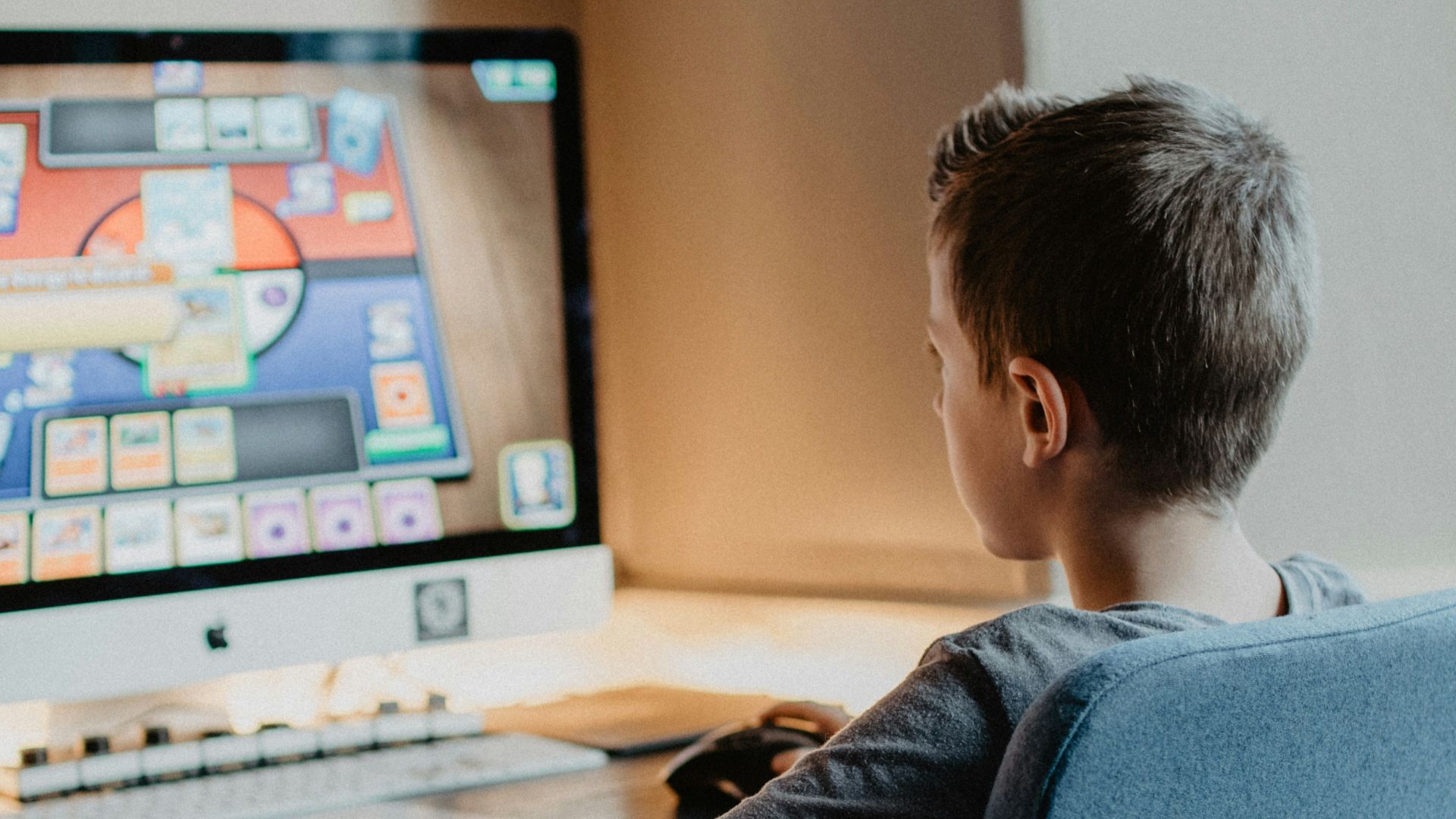
A monitor that sits too far away invites the classic lean-in during tense moments, which usually means rounded shoulders and a strained upper back. Aim for about an arm's length so you can stay against your backrest instead of hovering forward. If you play on a smaller display, increase your text size or resolution settings.
7. Keep Elbows Near 90 Degrees
When your keyboard and mouse sit at a height that keeps your elbows around a right angle, your shoulders don’t hike up. Adjust your chair height first, then your desk setup, so your hands land where your arms can stay loose.
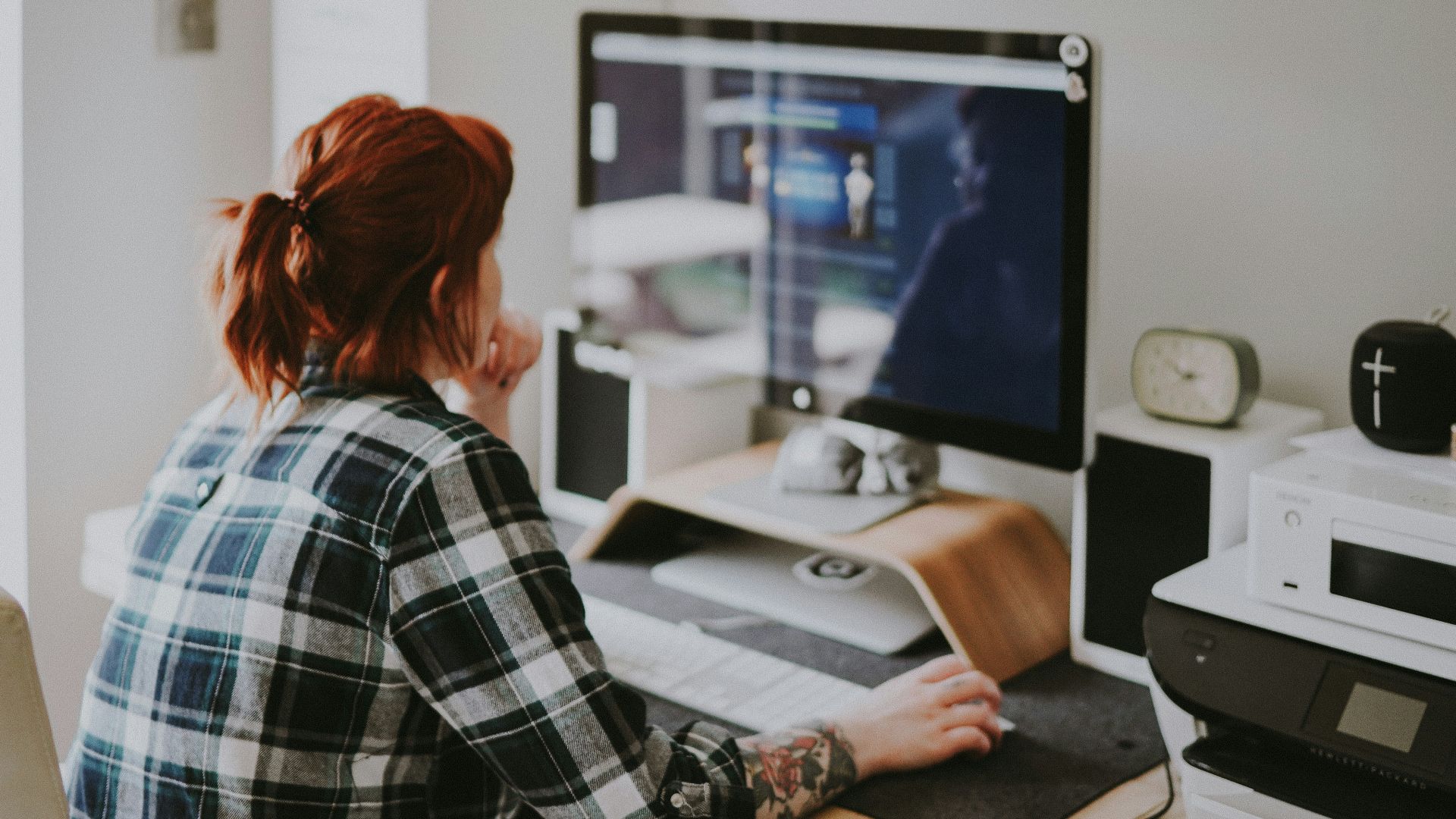
8. Support Your Forearms, Not Your Shoulders
Armrests help when they hold your forearms lightly without forcing your shoulders upward. If your traps are tightening while you play, lower the armrests or slide them inward so you’re not bracing yourself.
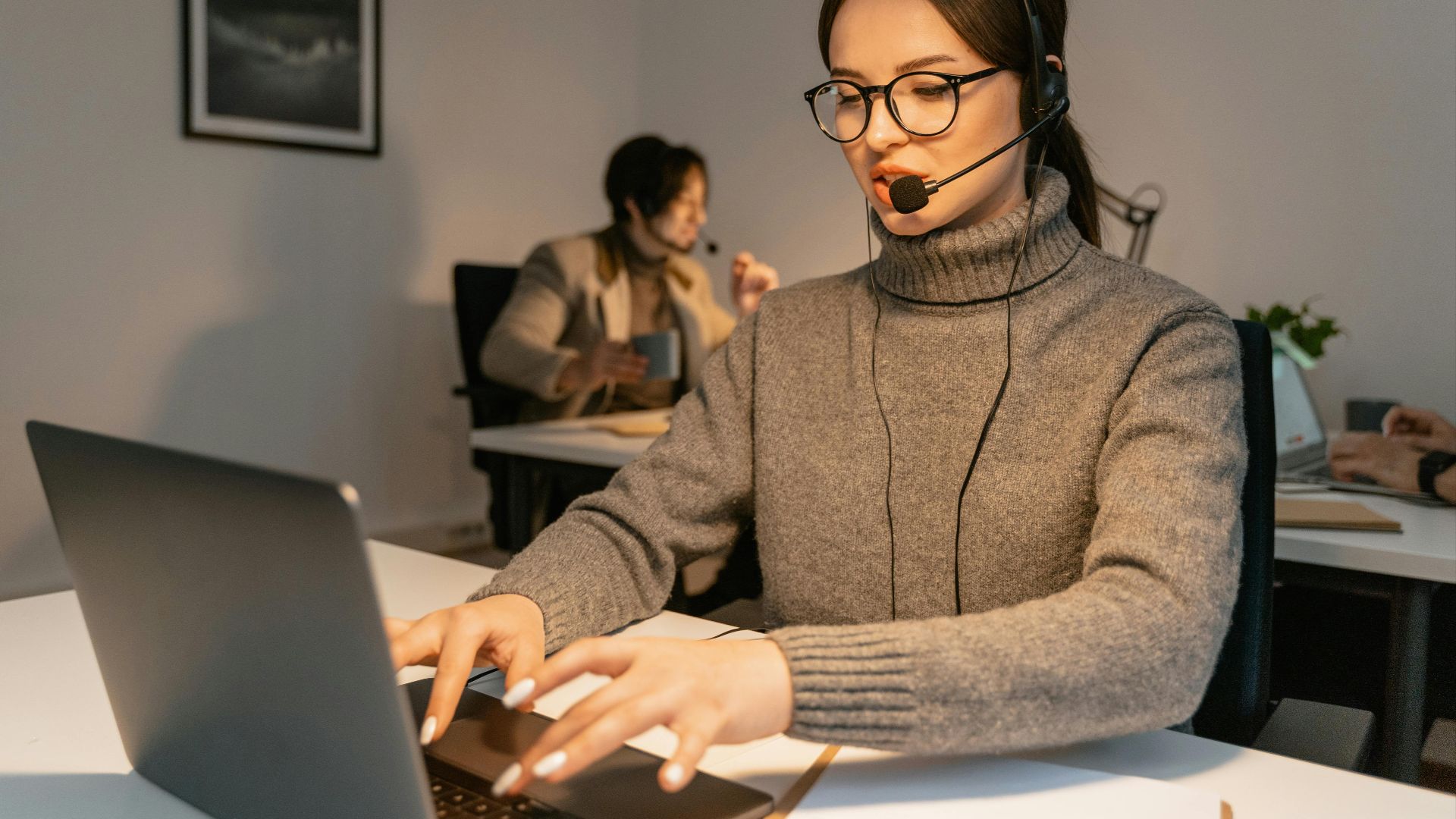
9. Sit All The Way Back In The Seat
Perching on the edge of your chair often pushes your spine straight into a slouch. Slide your hips all the way back so the backrest and lumbar support can actually carry you. If you keep scooting forward, check whether your seat depth is off or your desk is sitting too far away.

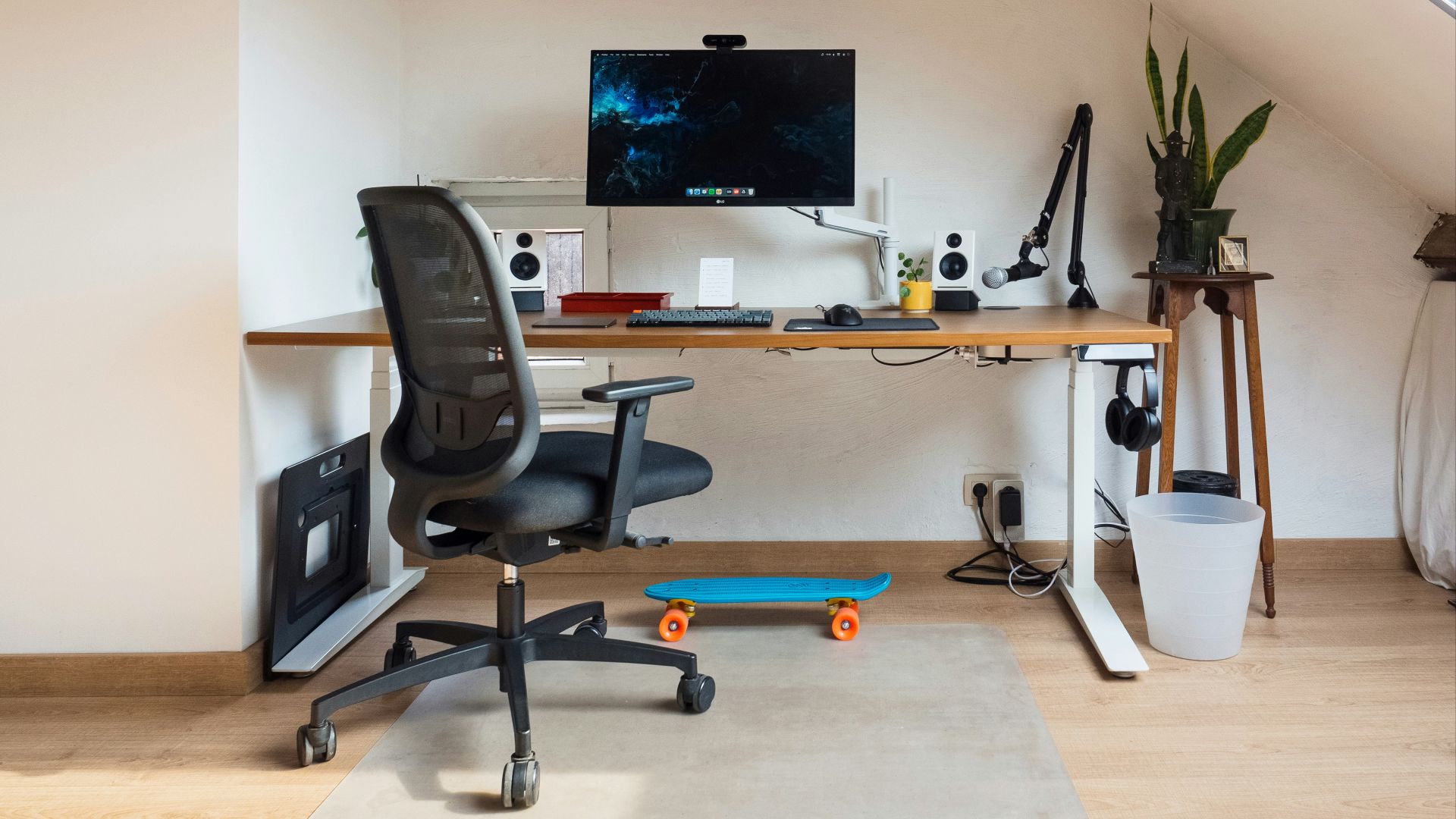
10. Fix Seat Height And Seat Depth
Set your seat height so your feet stay planted and your knees are roughly level with your hips. For seat depth, leave a small gap behind your knees so you maintain circulation, and you’re not forced to slouch to reach the backrest.
 Arthur Lambillotte on Unsplash
11. Take Micro-Breaks Every Hour
Static sitting leads to muscle fatigue and limits the movement that helps joints and tissues stay comfortable. Stand up at least once an hour, walk to another room, refill your water, and just kind of give your body the quick reset it needs.

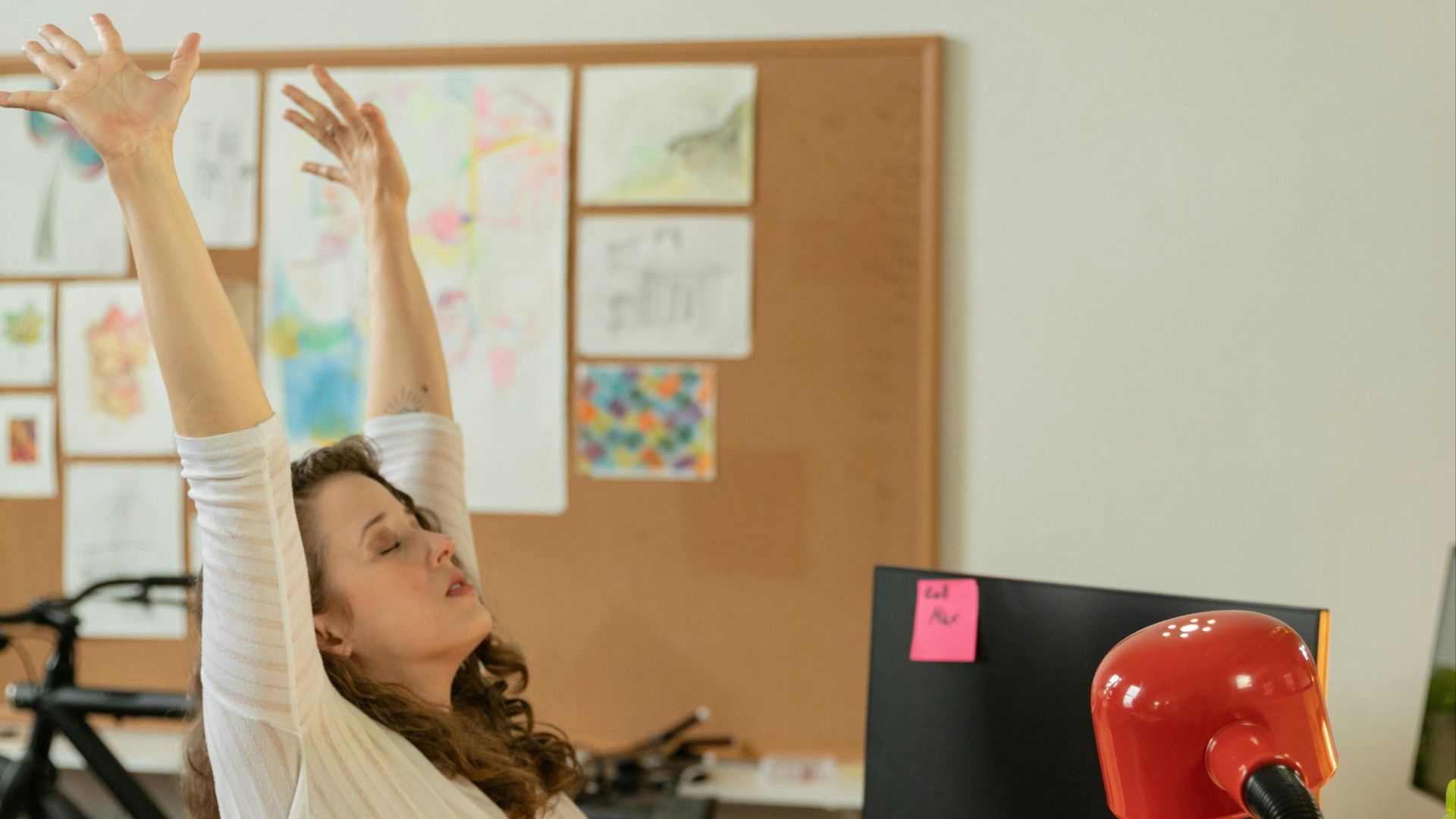
12. Stretch Between Matches
Tight hips and hamstrings can tug on your pelvis and increase strain through your lower back, especially after sitting for a long time. Use loading screens or the time between rounds for quick hip flexor, hamstring, and upper-back stretches.
13. Change Positions
No single posture, even a good one, feels great when you hold it for hours. Shift your weight, vary your recline a little, and let your body move so your joints do not get cranky from stillness. Building position changes into your routine reduces the odds of one irritated spot turning into a recurring problem.
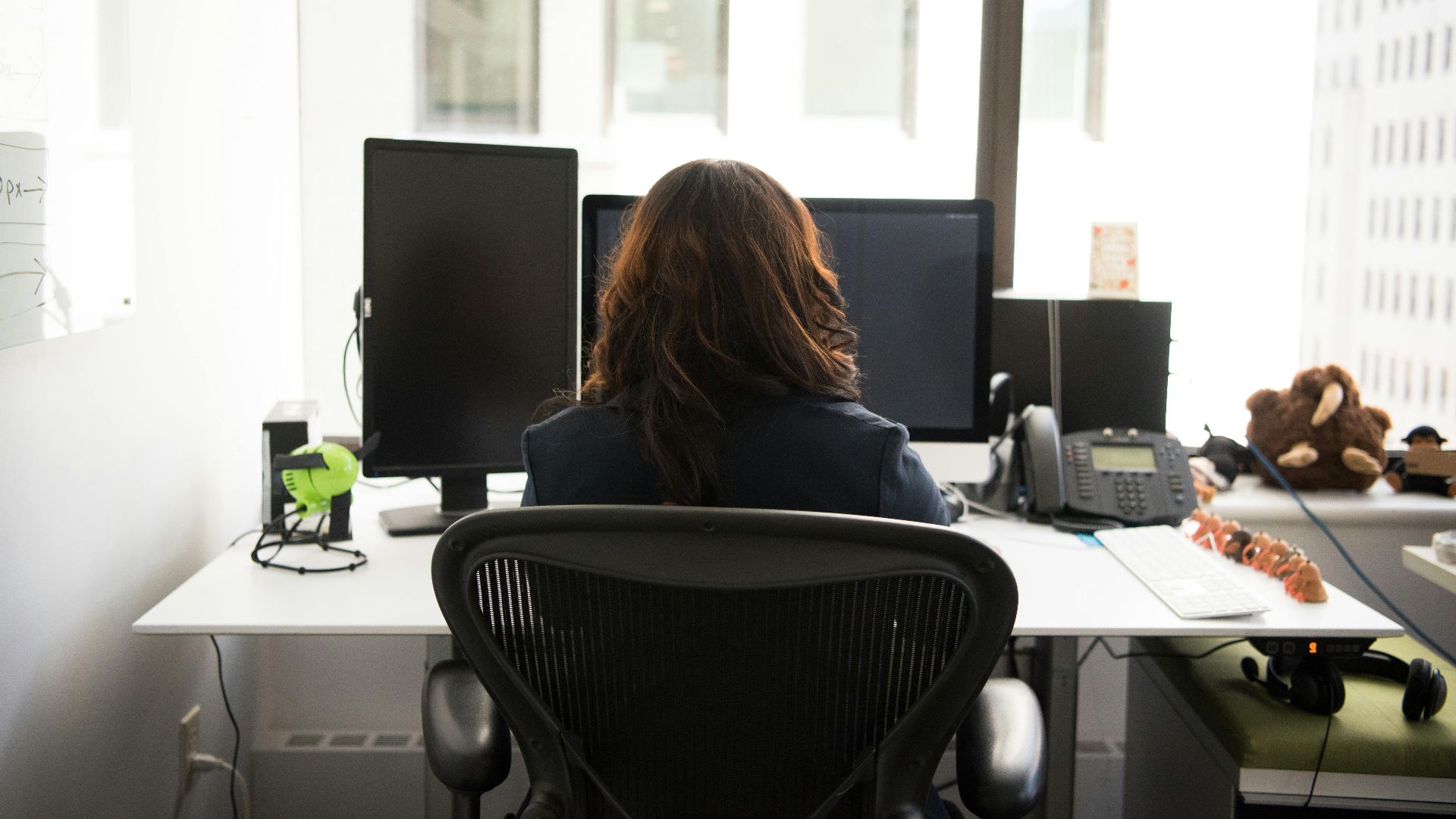
14. Use A Lumbar Pillow Or Rolled Towel
If your chair has no meaningful support, a small lumbar pillow or a rolled towel can fill the gap and help maintain the natural curve in your lower back. This is one of the easiest low-cost fixes for long sessions on basic office or dining chairs.
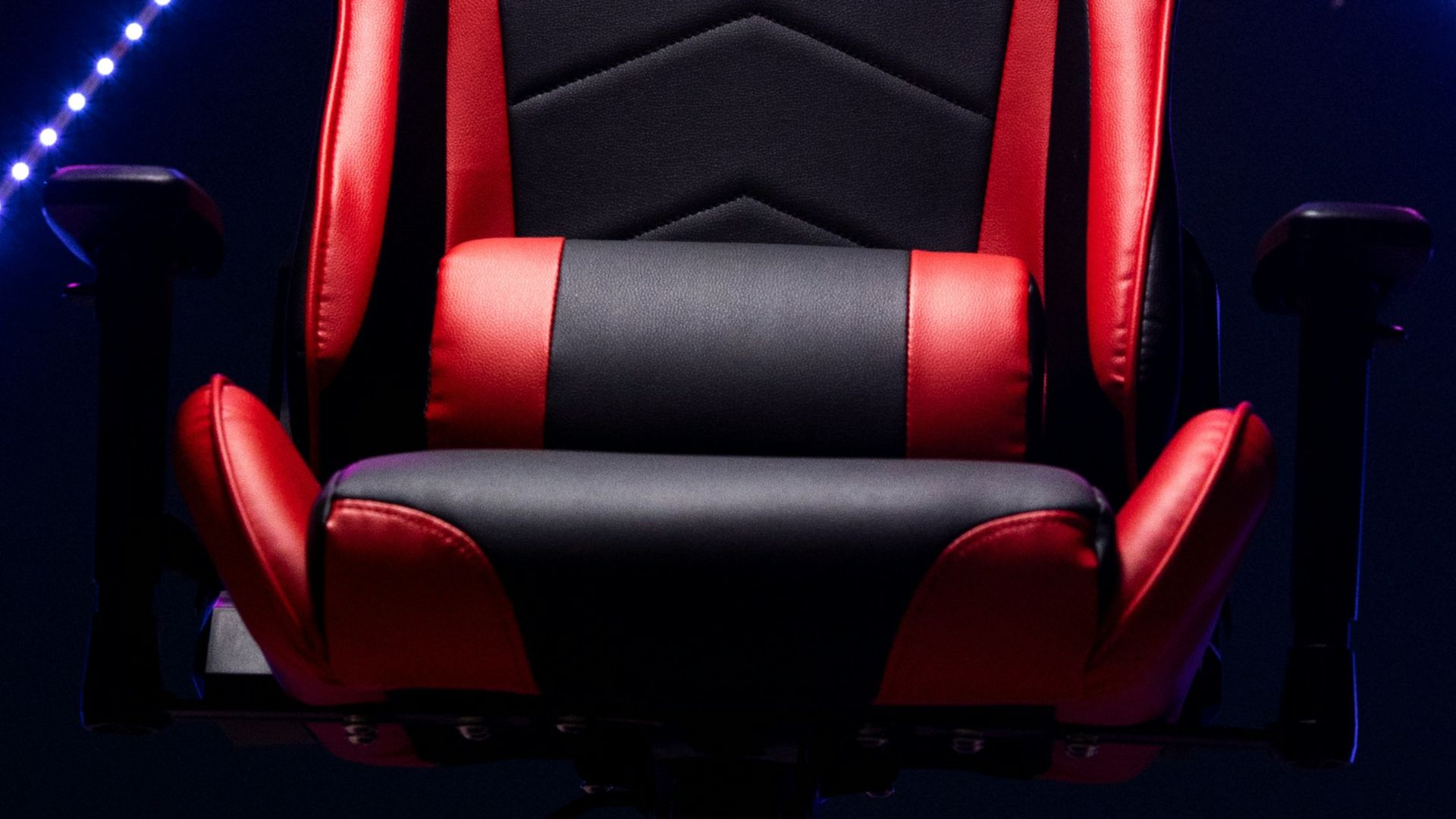
15. Keep Your Shoulders Slightly Back And Down
Rounded shoulders usually show up when your hands drift too far forward, or your screen pulls you in. Reset by letting your shoulder blades settle slightly back and down, with your chest open and your neck long. When your shoulders stop living up near your ears, your upper back and neck tend to feel relief pretty quickly.
 Alireza heidarpour on Unsplash
16. Make Your Space Work For Your Body
A desk that is too high forces shoulder elevation, and a desk that is too low invites slumping. Adjust your chair so your arms land comfortably, then use a keyboard tray, a riser, or other setup tweaks so the work surface meets you where you are. The right fit reduces the small compensations that add up over time.
17. Pace Your Gaming Time
Long, uninterrupted sessions are strongly linked with more musculoskeletal complaints, especially when posture slips as you get tired or absorbed in the game. Break your play into blocks and give yourself a real off-screen pause between them, even if you feel like you could keep going.
18. Set Posture Check-Ins
Good posture is a habit, and habits respond well to reminders that interrupt autopilot. Use a timer, an in-game break, or a routine moment like queue time to scan for the usual culprits: slouching, leaning forward, and shrugged shoulders. The more often you correct in real time, the less often you have to deal with the aftermath.
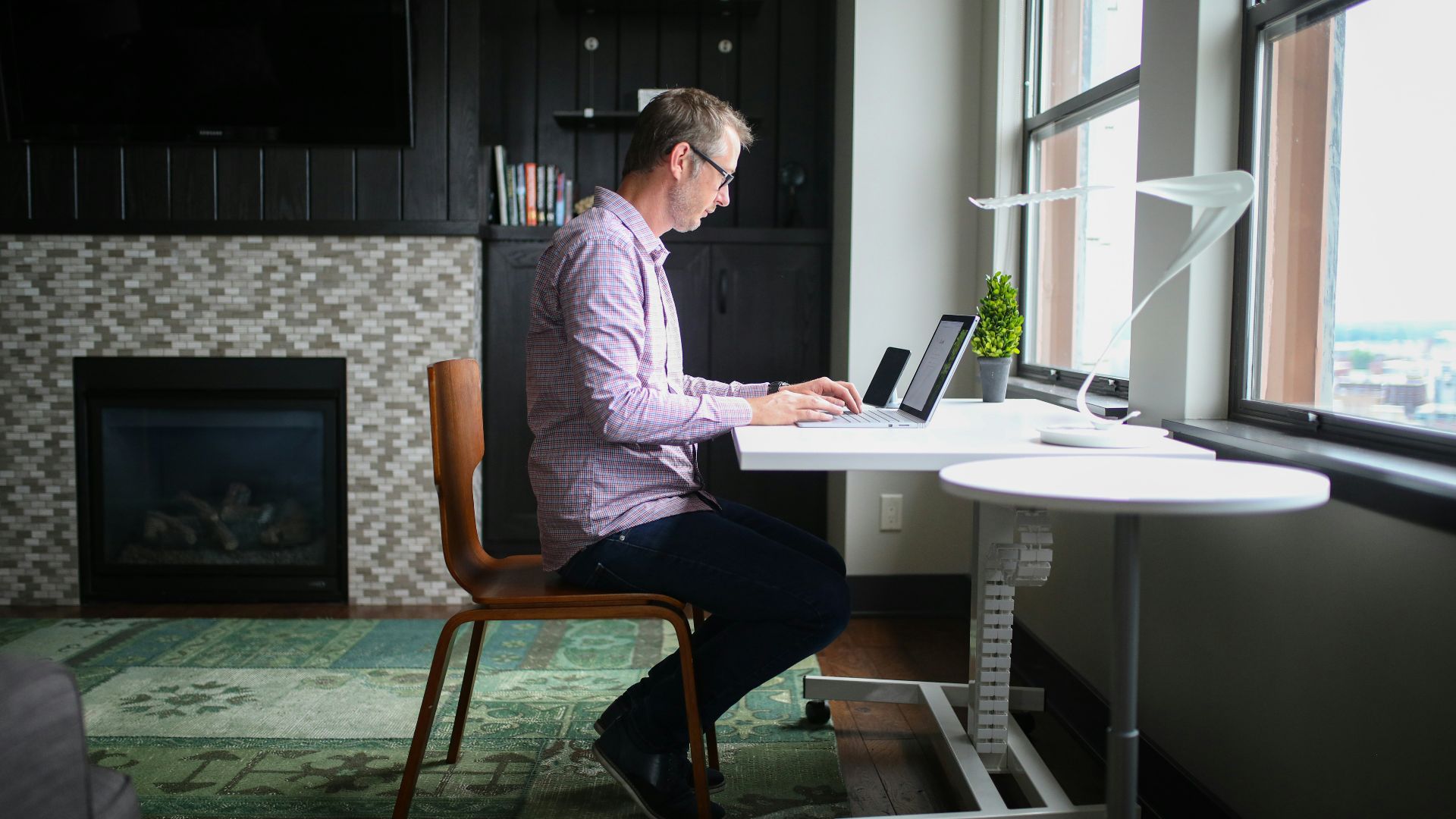
19. Strength-Train Your Core And Glutes
Your core and glutes help support your spine and make it easier to sit well without constantly bracing. Add a basic routine with squats, hinges, and simple core work, and keep it consistent enough that your body actually adapts. When those muscles are stronger, a good sitting posture starts to feel more natural during long play.

20. Support Your Spine On The Couch Or Handheld
Console and handheld gaming often encourages a slumped lower back and a bent neck, especially when the screen sits in your lap. Use pillows behind your lower back, bring the screen higher, and avoid curling forward. If you play in bed, prop yourself up so your spine stays supported.