

Well, Did You?
Is your laptop a piece of junk? Well, you sure hope not—you spent at least a grand on that thing. And yet, even though buying the latest tech should make our lives easier, things sometimes stop working. Whether you're dealing with a computer that won't boot up or a device that's painfully slow, you've likely heard these 20 pieces of (very unhelpful) tech advice.

1. Just Google It
If you're asking someone for help, you've probably already searched online. In fact, you've dug through almost everything you could find, even old Reddit threads from a decade ago! Alas, telling you to "Google it" only makes you more frustrated.

2. Is It Plugged In?
Sure, you're not that great with computers, but you're not so bad with them that you'd overlook something as simple as plugging it in. Loose cables and disconnected power supplies can certainly cause problems, but this suggestion can feel pretty insulting when you're clearly dealing with something more complicated.
3. Just Get a New One
Gee, wow, hadn't thought of that one! But not everyone is rich, so this advice is kinda moot. You can't replace your expensive electronics whenever they malfunction, or else what's the point of buying premium devices anyway?

4. Put It in Rice
If you spilled coffee all over your laptop or dropped your phone in the toilet (ew), this might be good advice, but rice isn't really going to do much otherwise. Plus, rice isn't a completely reliable way to remove moisture, either—those tiny grains could cause further problems.

5. Did You Update Your Software?
Heck, if you've dealt with computer problems in the past, you're already aware that the first thing you should do is update your software. So it definitely doesn't help when that's what gets suggested to you by professional tech experts! You never know—the new update could only be making everything worse.
6. Clear Your Cache or Cookies
Yes, you've cleared your cache. Yes, you rejected the site from storing cookies. Yes, the website still isn't loading properly. What gives? And even if this advice works, depending on which browser data you delete, you might end up be signed out of websites and wondering why everything has reset.

7. You Probably Have a Virus
Apparently, every unusual computer behavior must mean you've somehow downloaded malicious software. Look, you could practice the safest browsing habits, have an anti-virus already installed, regularly scan your device for suspicious stuff, and still, tech experts could blame you without investigating the real cause.

7. Reset It to Factory Settings
If you weren't so against resetting all of your settings and starting from scratch, you probably would've pressed what's essentially the nuclear bomb button. After all, factory resets can erase personal files, applications, and customized settings—a lot of important stuff you don't want to lose!

9. It Works Fine for Me
Ever explained that a program keeps crashing, only for your geeky computer friend to say, "It works for me"? That's great and all, but it doesn't change the fact that you're still having trouble. If only they'd offer to trade their laptop for yours...

10. Have You Tried Turning It Off and On Again?
Yep, you've probably heard this uber-famous piece of tech advice. In fact, it's often the first thing tech experts say when you present them with a problem. But if everything could work perfectly after a quick restart, you wouldn't be coming to them.

11. Just Get Faster Internet
Again, you're not rich, so even if you want faster Wi-Fi, sometimes you just don't have the means to. Upgrading to a more expensive package won't necessarily improve anything either if the connection speed wasn't the problem to begin with.
12. Delete Some Stuff
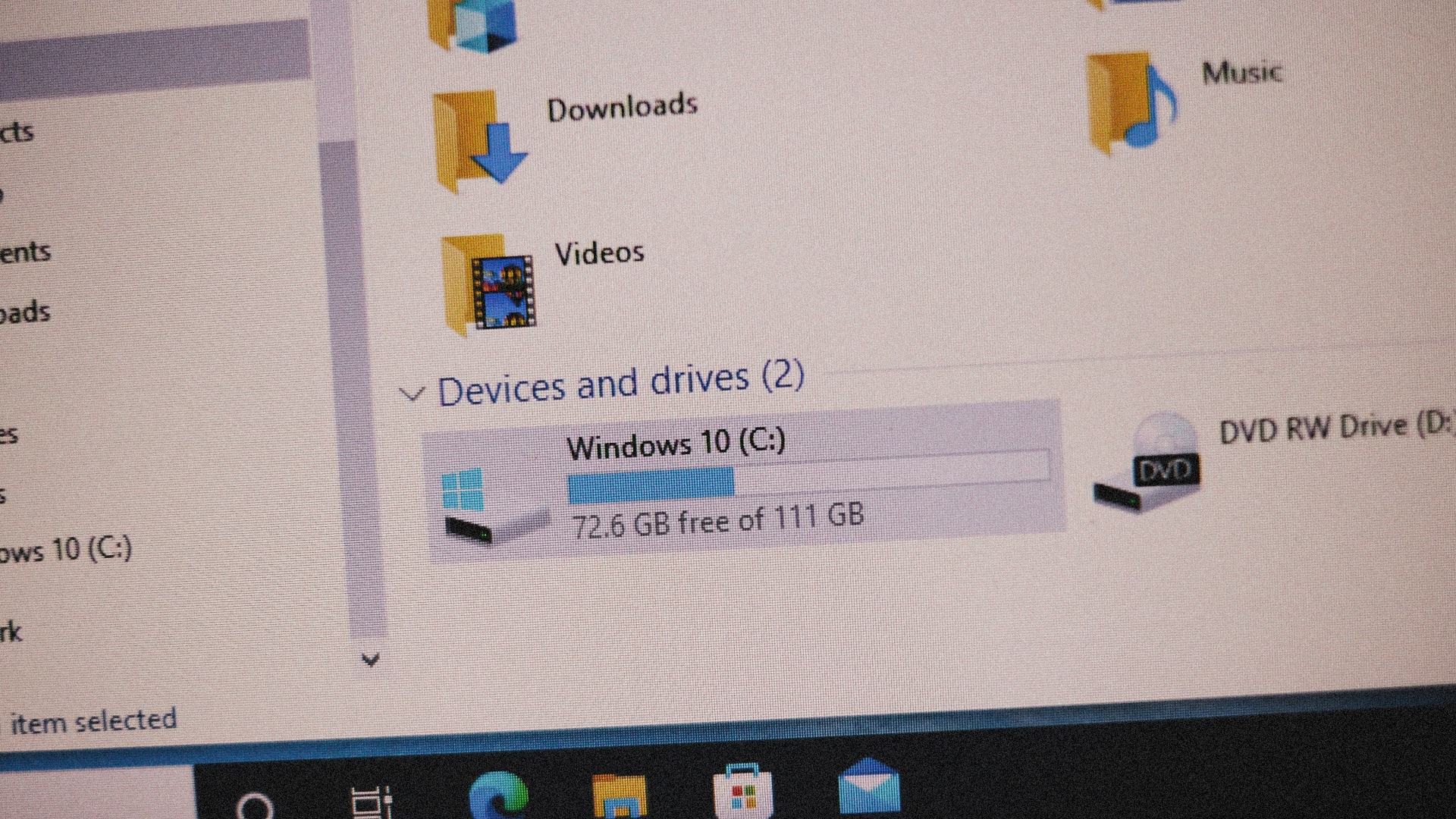
When you're told it could be a RAM issue, you're finally getting somewhere. That said, being told to just "delete some stuff" isn't exactly helpful, especially if you don't actually have that many things running or your machine is painfully slow no matter what you do on it.
13. Have You Tried a Different Browser?
While it's true that certain browsers (ahem, Chrome) can eat up a lot of memory, it's not always true that simply changing browsers will solve all your computer woes. It also doesn't explain why one works and the other one doesn't. Besides, certain workplace applications or saved configurations may make switching impractical.
14. Just Wait a Bit
Well, technically, you've been waiting for "just a bit" for about a week now, and the problem is still there. So. You also wouldn't be seeking a tech specialist for help if you haven't already tried just "waiting it out." Waiting does nothing!

15. You Have to Replace the Logic Board
Ever took your janky device in and were told you had no choice but to replace the entire thing? Sure, maybe the experts really did try everything, and this was the only advice they could give, but it's not the most helpful thing ever if you don't have a good chunk of cash to spend.
 Bartosz Kwitkowski on Unsplash
16. Just Use Incognito Mode
Even though incognito mode is great for preventing your browser from saving certain browsing information, it doesn't automatically fix faulty websites or account problems. Keep in mind, too, that depending on what you're trying to achieve, going incognito also doesn't make your activity invisible.
 The Incognito Guy on Wikimedia
17. Have You Tried Uninstalling and Reinstalling It?
Just like turning it off and back on again, tech experts may hit you with another variation: have you tried reinstalling it? Heck, that's probably the first thing you tried! If the problem originates from something else, such as a recent software bug, going through this exhaustive process might accomplish absolutely nothing.

18. You Should Have Bought __ Instead
Got a Windows laptop and were told you should've bought a MacBook instead? Gee, wonder how that helps solve anything. As if Apple products don't have their own set of grievances. Plus, at least Windows laptops are much more customizable hardware-wise...

19. I Don't Know
You're pretty much doomed if you ever receive this (still unhelpful, by the way) advice from a tech expert. Seriously. Most of the time, they'll give you something, so if they're completely stumped and aren't sure what's wrong with your device, your machine is as good as trash.
 Mbaïhornom Willifred on Pexels
20. Just Contact Customer Support
If you're redirected or told to contact another support team to fix your device, your laptop is also almost as good as dead. It doesn't help, either, when you're redirected several times to different departments or specialists, all because none of them can narrow the root cause of the issue and all they've asked you is, "Have you tried turning it off and on again?"
 https://kaboompics.com/ on Pexels