10 Instances Where You Can Safely Rely on Wi-Fi & 10 When It's Better to Use Cellular Data
10 Instances Where You Can Safely Rely on Wi-Fi & 10 When It's Better to Use Cellular Data
Choosing the Right Connection
If you're like most and constantly glued to your phone, you probably know that Wi-Fi is technically the better choice; after all, unless you have unlimited data you likely don't want to be using too much of it and risk paying overage rates. But of course, while Wi-Fi is great for certain tasks, such as streaming or downloading videos, you shouldn't be relying on it when checking sensitive info. To know when you should be taking advantage of Wi-Fi over data, and vice versa, read on.
1. When You're at Home on a Secure Network
Your home Wi-Fi is usually one of the safest and most dependable connections you’ll use, as long as it’s password-protected and your router settings are up to date. It gives you the freedom to stream, browse, download, and work without worrying about draining your mobile data plan. Since you control the network, you also have more confidence in who can access it and how it’s being used.
2. When You're Streaming Movies or TV Shows
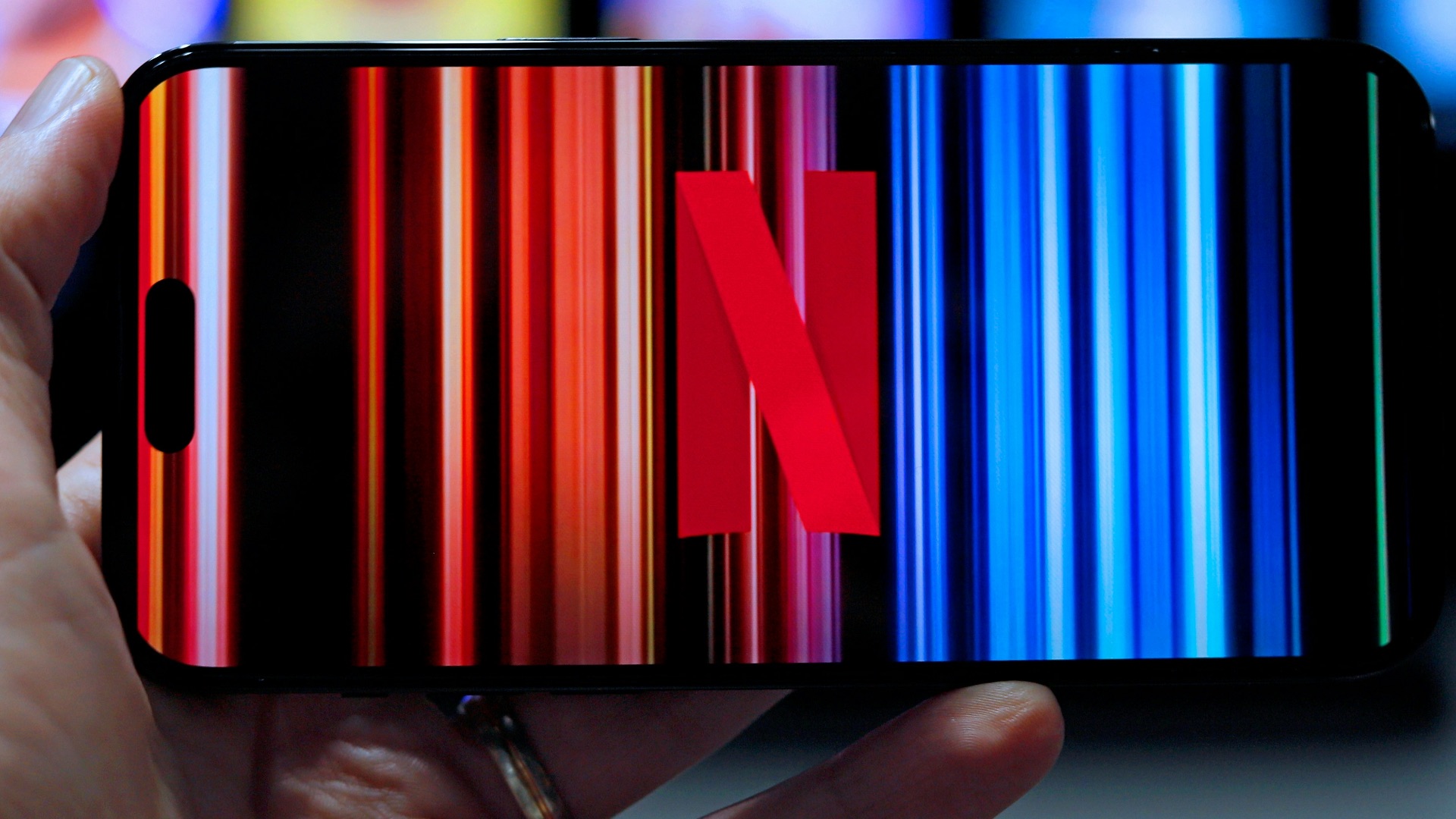
Wi-Fi is often the better choice when you’re watching long videos because streaming can use a significant amount of data in a short period of time. A strong Wi-Fi connection lets you enjoy higher video quality without constantly thinking about your cellular data limit. It’s especially useful if you’re watching in HD or 4K, where data usage can climb quickly.
 Mathieu Improvisato on Unsplash
3. When You're Downloading Large Files
Large downloads are much easier to handle over Wi-Fi, whether you’re saving work documents, installing apps, or downloading media for later. Cellular networks can handle many of these tasks, but they may use more of your monthly allowance than you expect. Wi-Fi gives you a more practical way to download what you need without turning one file into a data-plan problem.
4. When You're Updating Apps or Your Operating System
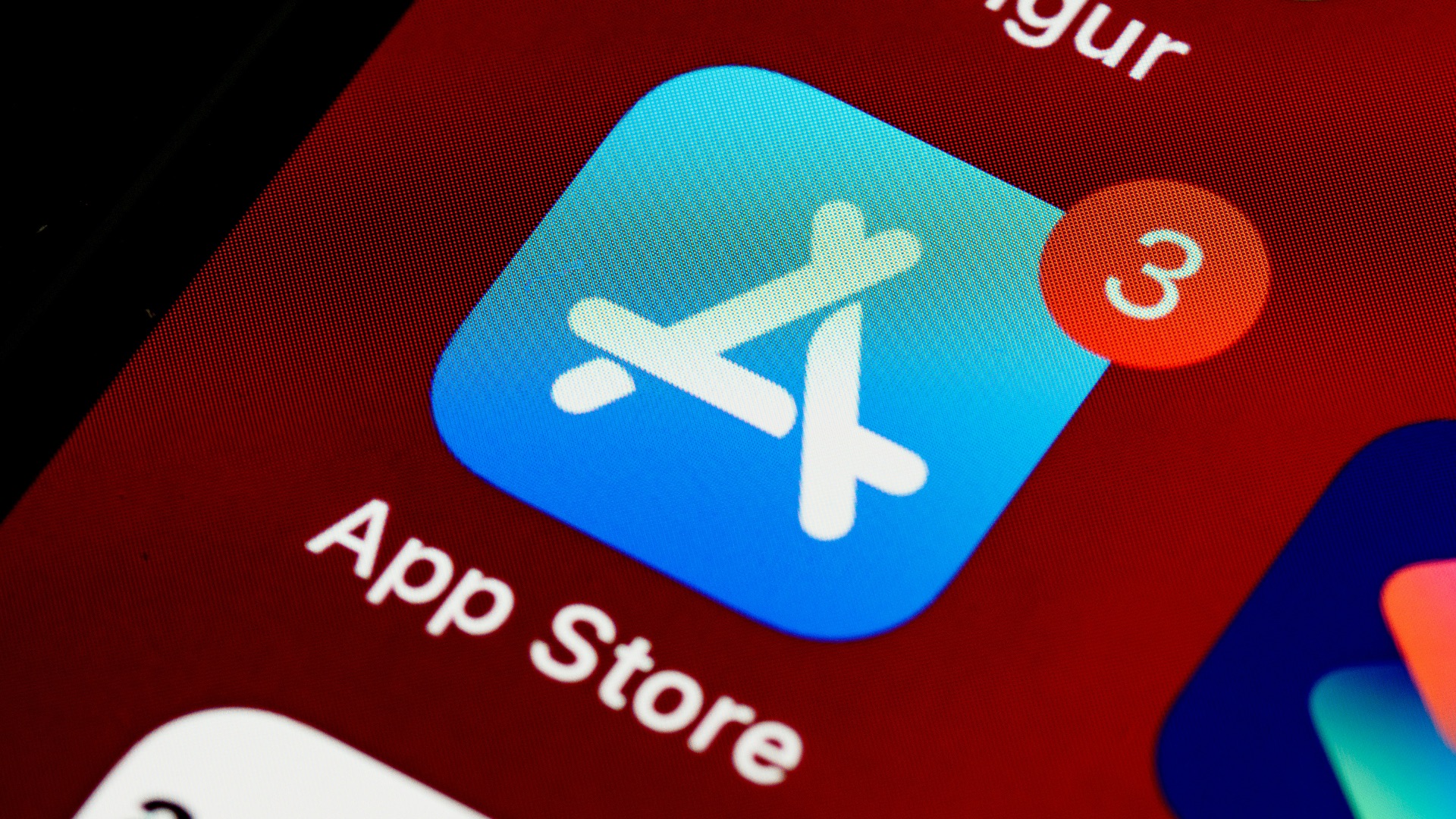
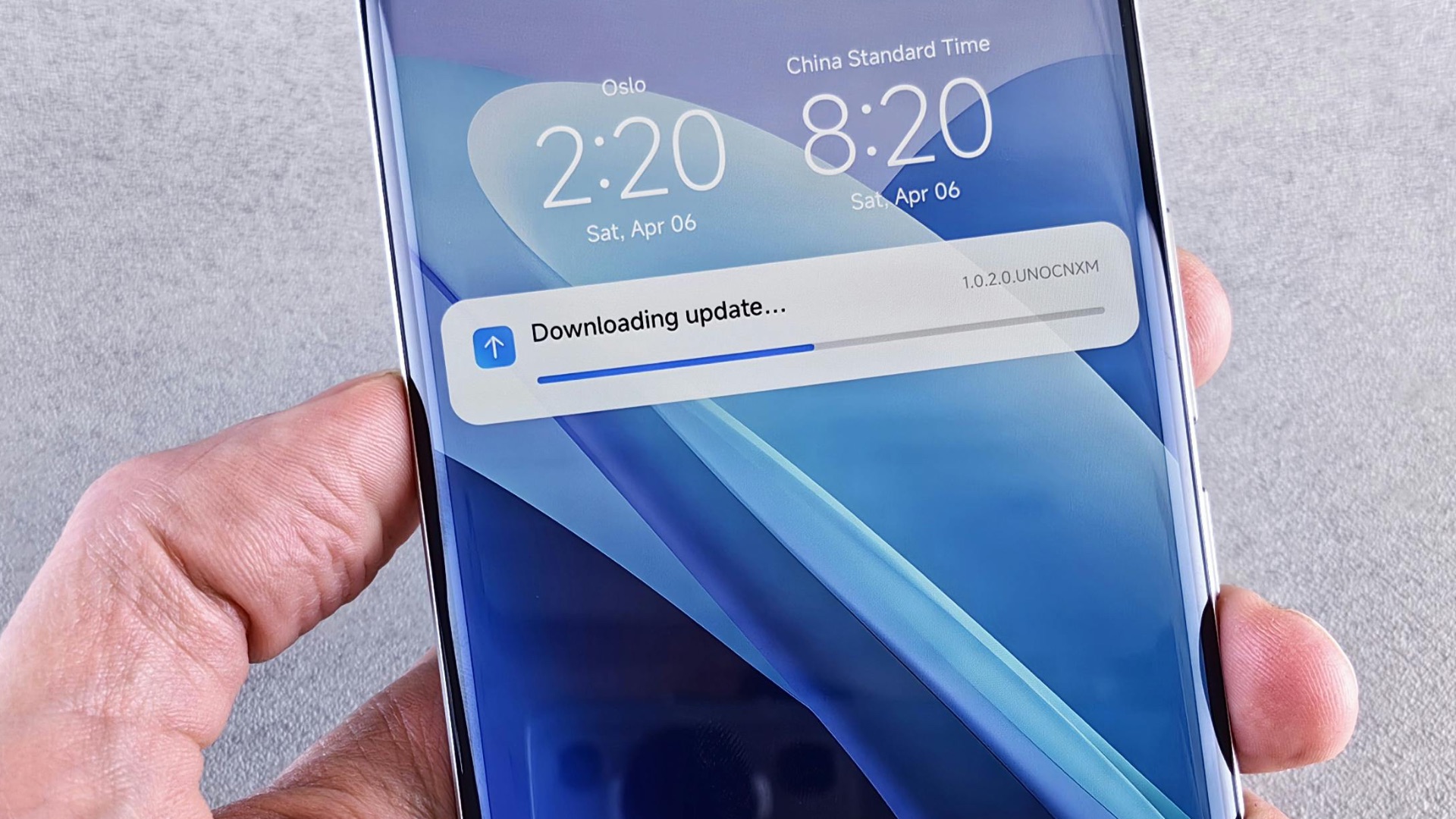
Software updates can be large, and many devices are already set to prioritize Wi-Fi for that reason. Using Wi-Fi for updates helps ensure the process is more stable and less likely to be interrupted by signal changes. It also keeps your cellular data available for moments when you actually need it away from a trusted network.
5. When You're Working from a Trusted Office Network
A reliable office Wi-Fi network can be ideal for work tasks such as video calls, shared documents, cloud storage, and internal tools. These networks are often designed to support many users at once, so they can provide steadier performance than cellular service inside a building. When the network is properly secured, it’s usually a practical choice for getting through a full workday online.

6. When You're Backing Up Photos and Videos
Photo and video backups can use a surprising amount of data, especially if you take high-resolution images or record a lot of clips. Wi-Fi is a better fit for cloud backups because it lets your phone sync everything without eating into your mobile plan. It also allows the process to run in the background while your device charges at home or in another trusted location.
7. When You're Sending Large Videos or Files
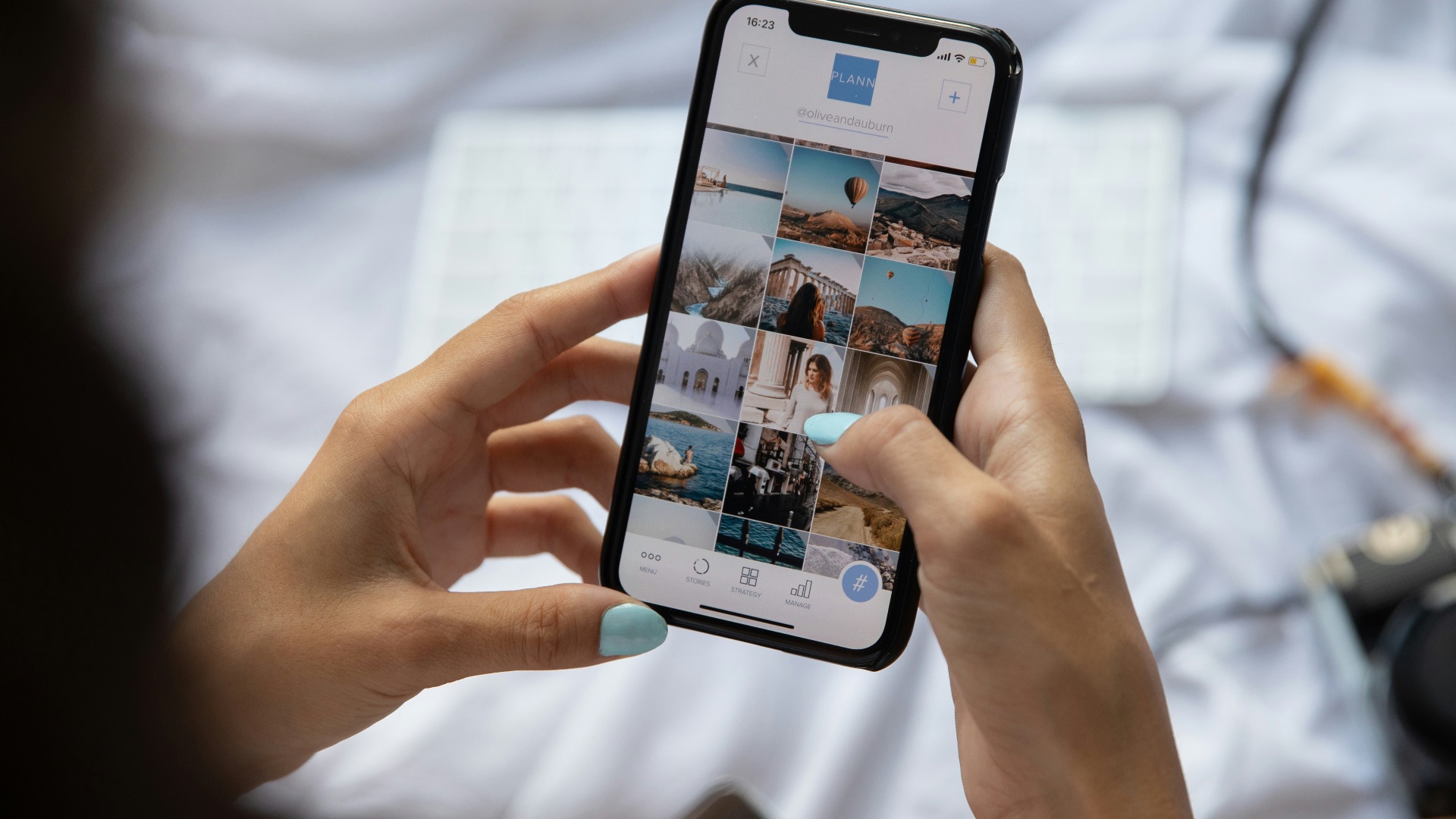
Wi-Fi is usually the better choice when you’re sending large videos, big files, or a large batch of photos. Uploading this kind of content can use a lot of data, especially if the files are high-resolution or you’re sending several at once. A reliable Wi-Fi connection helps the transfer move along without taking a big bite out of your cellular plan.
8. When You're Traveling Abroad
Wi-Fi can be especially useful when you’re traveling abroad and want to avoid unexpected roaming charges. Hotel networks, trusted airport lounges, vacation rentals, and secure cafe connections can help you message, browse, and plan your day without leaning too heavily on your international data plan. It’s still best to avoid sensitive tasks on unfamiliar public networks, but for routine travel needs, Wi-Fi can be a practical way to stay connected while keeping costs under control.

9. When You're Casually Browsing the Web
Wi-Fi is usually a good fit when you’re doing everyday browsing that doesn’t involve sensitive information. Reading articles, checking recipes, looking up general information, or browsing entertainment sites can all work well on a trusted Wi-Fi network. Since these activities can add up over time, using Wi-Fi helps preserve your cellular data for moments when you’re away from a reliable connection.
10. When You're Video Calling
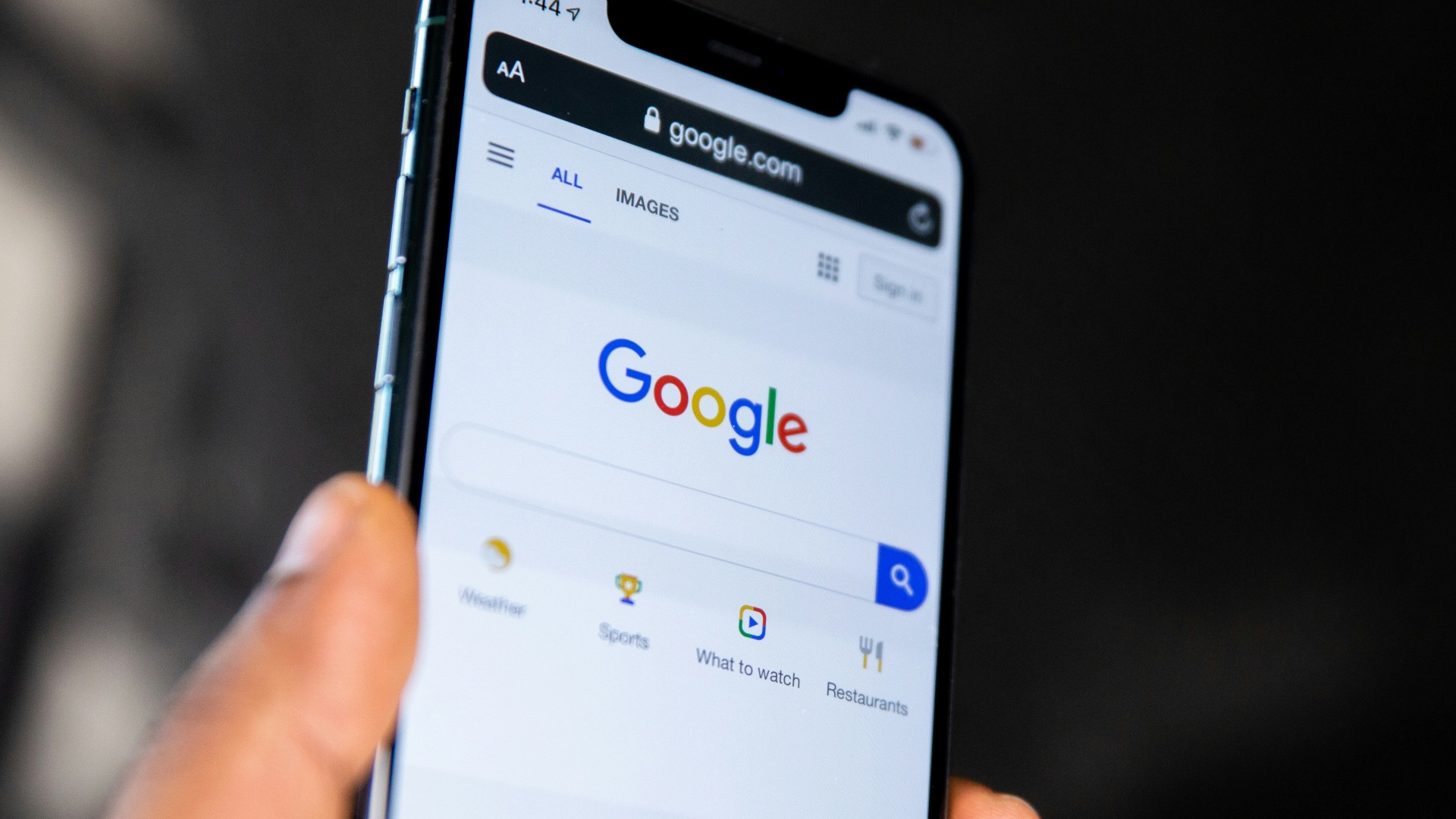
Video calls can use more data than you might expect, especially when they last longer than a few minutes. A strong Wi-Fi connection is often better for FaceTime, Zoom, WhatsApp video calls, or other video chat apps because it can support clearer audio and smoother video. It also lets you stay on the call without worrying as much about burning through your mobile data.
While Wi-Fi is often the most convenient option when the network is familiar, secure, and strong enough to support what you’re doing, there are plenty of instances when the safer or more reliable choice is to use your cellular data instead. Let's take a look at that next.

1. When You're Using Public Wi-Fi Without a VPN
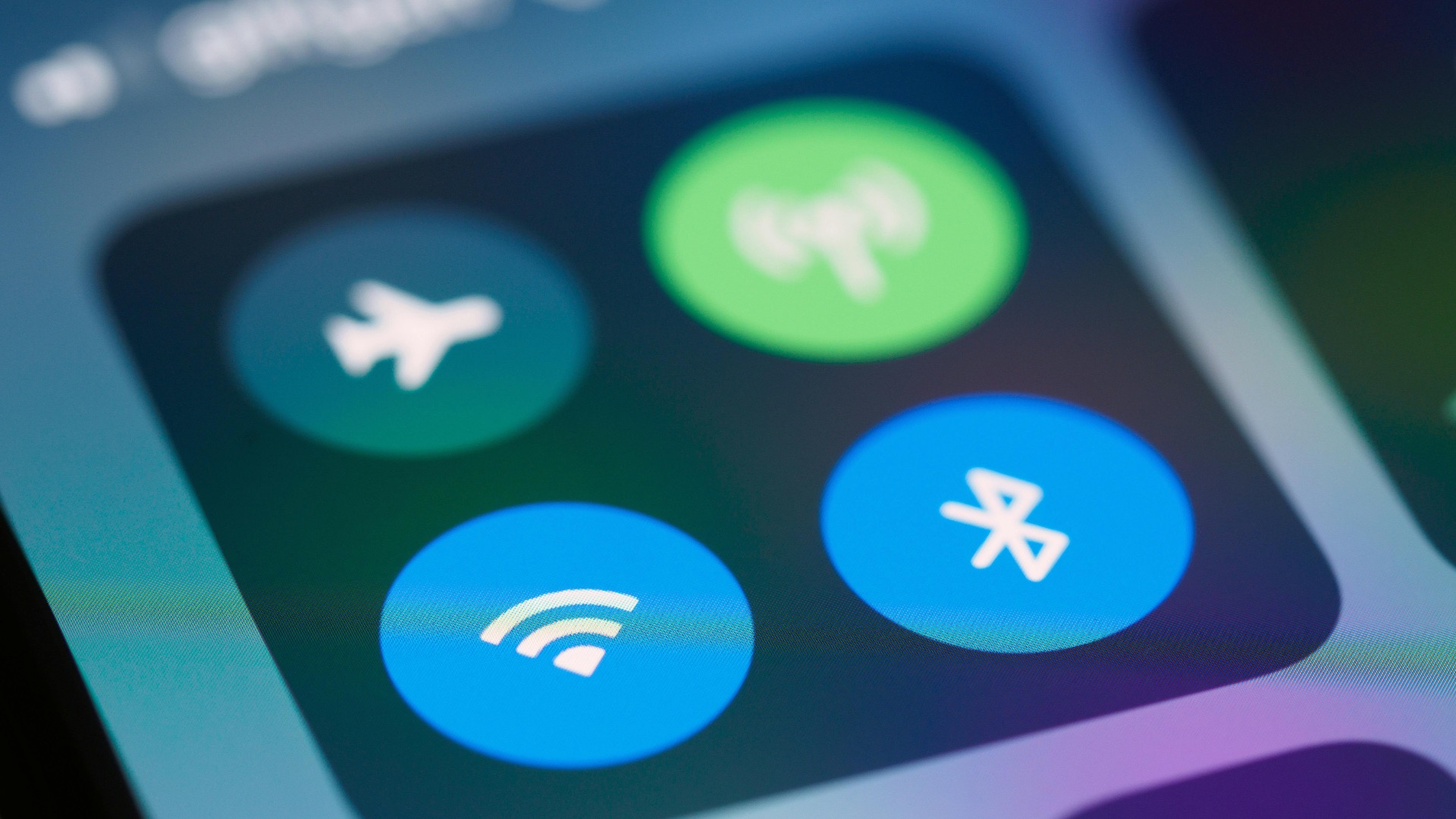
Public Wi-Fi can be convenient, but it’s not always the best choice when you’re handling anything personal or sensitive. If you don’t have a VPN and you’re on a network at a cafe, airport, hotel, or shopping center, cellular data is often safer. Your mobile carrier connection is typically harder for nearby strangers to interfere with than an open public network.
2. When You're Checking Your Bank Account
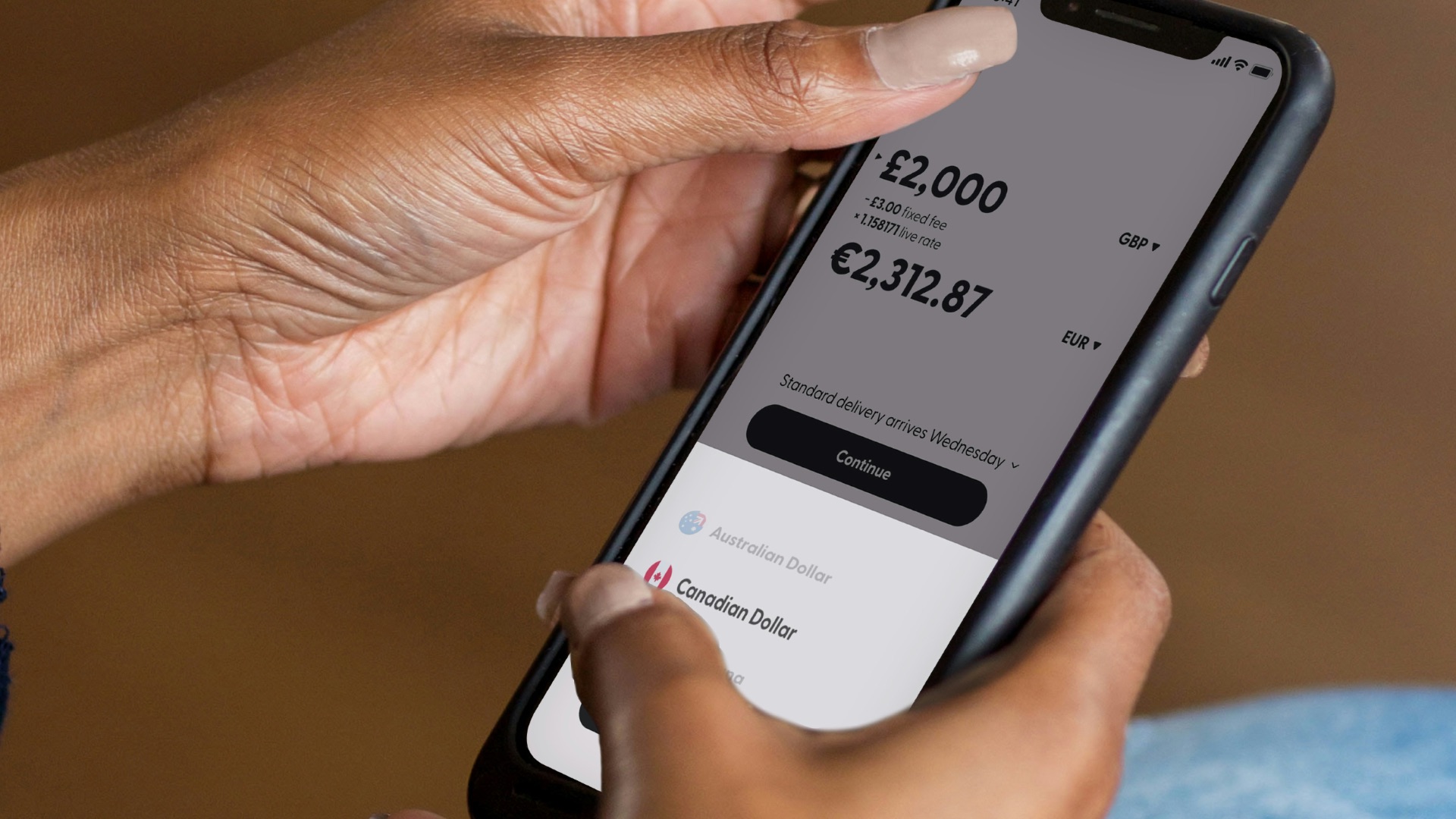
Banking apps and financial websites deserve a more secure connection, especially when you’re away from home. Cellular data can be the better option if the only Wi-Fi available is public, shared, or unfamiliar. Even though banks use encryption, you’re still better off avoiding networks where you don’t know who set them up or how they’re managed.
3. When You're Making Online Purchases in Public
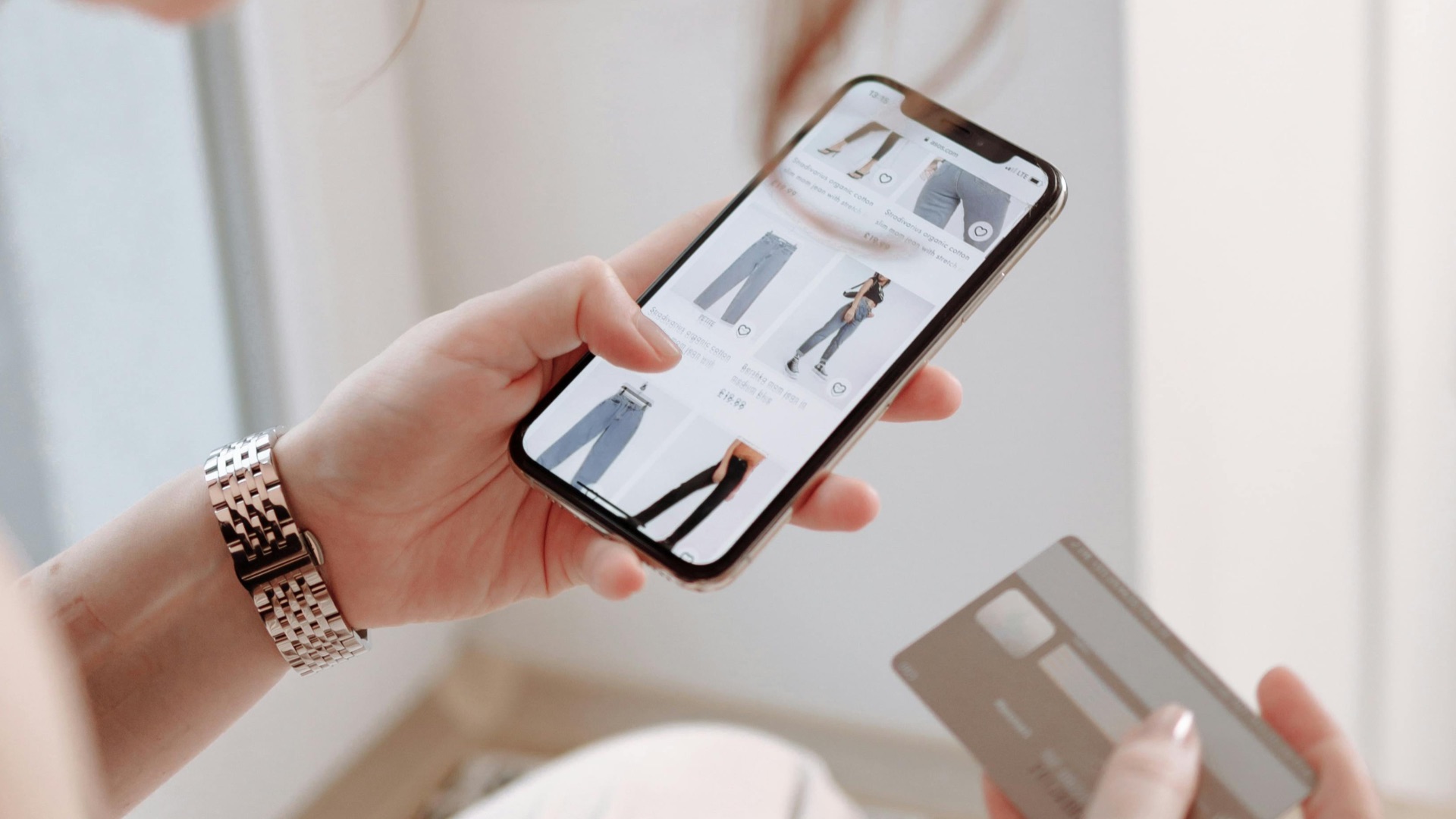
Entering payment information on an unknown Wi-Fi network adds unnecessary risk, particularly in crowded places where fake or poorly secured networks may be present. Cellular data gives you a more controlled path to complete the purchase without joining a shared public connection. This is especially worth doing when you’re saving a card, logging into a shopping account, or entering your billing details.
4. When You're On-the-Go
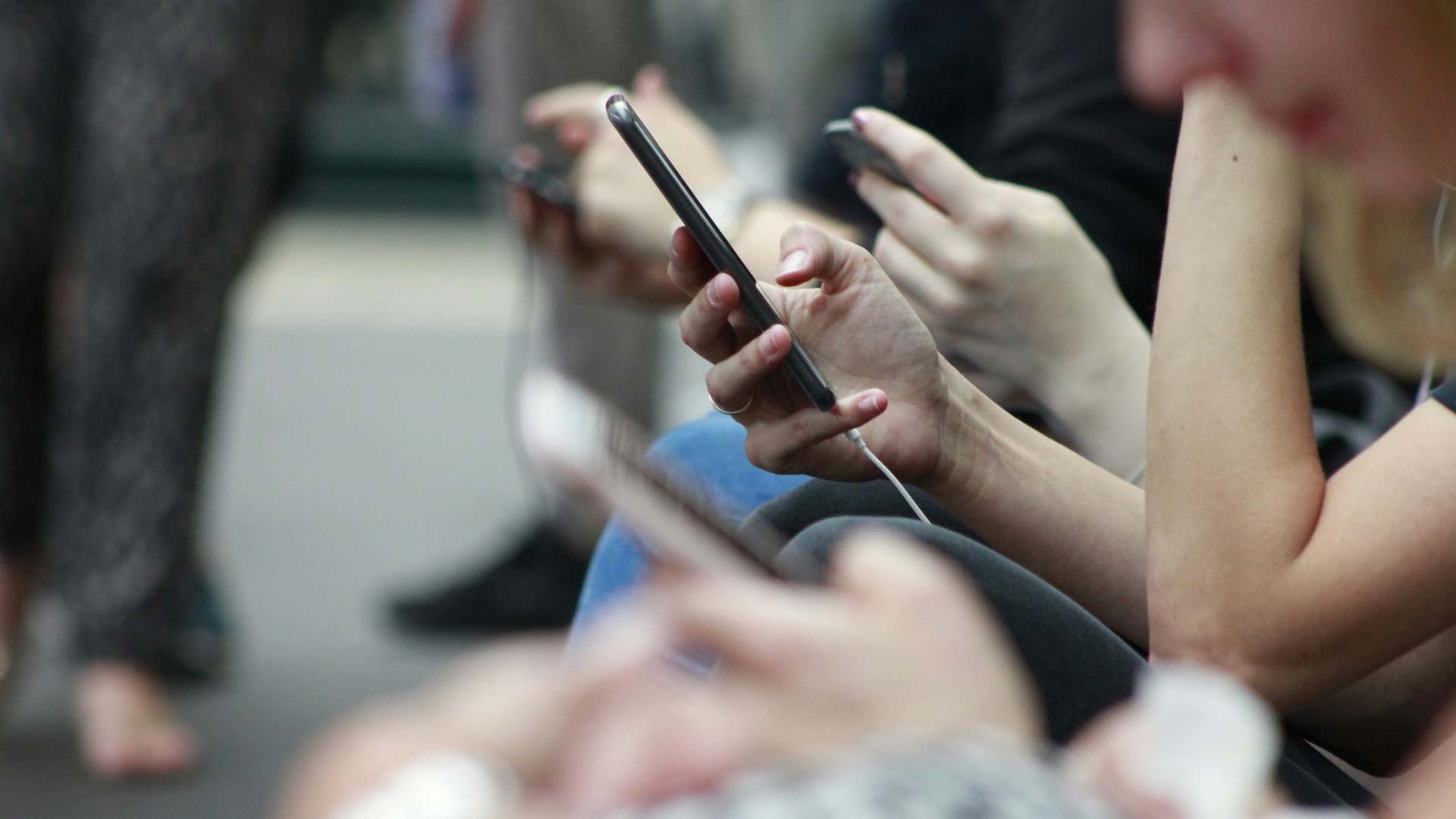
Cellular data is designed for movement, which makes it the better choice when you’re walking, driving as a passenger, or using public transportation. Wi-Fi connections can (of course) drop as soon as you leave a building or move out of range. Cellular service usually handles these transitions more smoothly, so your maps, rideshare apps, and messages are less likely to stall.
 Daria Nepriakhina 🇺🇦 on Unsplash
5. When the Available Wi-Fi Is Slow or Overcrowded
A Wi-Fi network isn’t automatically better just because it’s available. In busy places like convention centers, stadiums, airports, or hotels, too many users can make the connection sluggish and unreliable. If pages won’t load or apps keep timing out, switching to cellular data may give you a faster and cleaner connection.
6. When You're Logging Into Work Accounts
Work accounts often include sensitive messages, files, customer data, or internal systems, so it’s better to be careful about the network you use. If you’re not on your secure home or office Wi-Fi, cellular data may be the more responsible choice. It’s also a good idea to follow your company’s security rules, especially if they require a VPN or specific login protections.

7. When a Wi-Fi Network Looks Suspicious
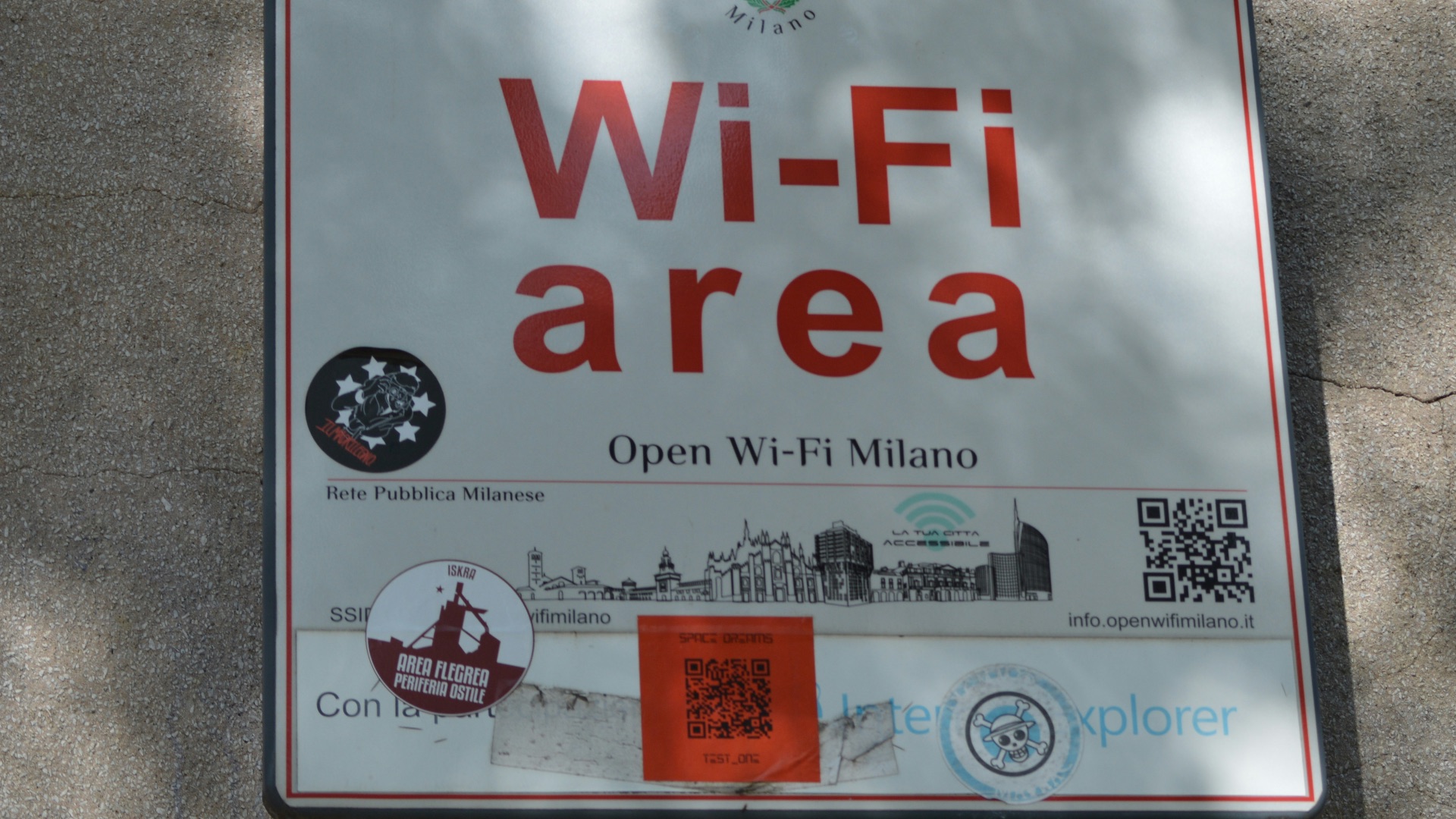
Some networks use names that look similar to nearby businesses or public spaces, which can trick people into connecting without thinking. If you’re not sure whether a network is official, don’t use it for anything important. Cellular data is the better choice until you can confirm the correct network name with staff or use a connection you already trust.
8. When You Need Navigation to Keep Working
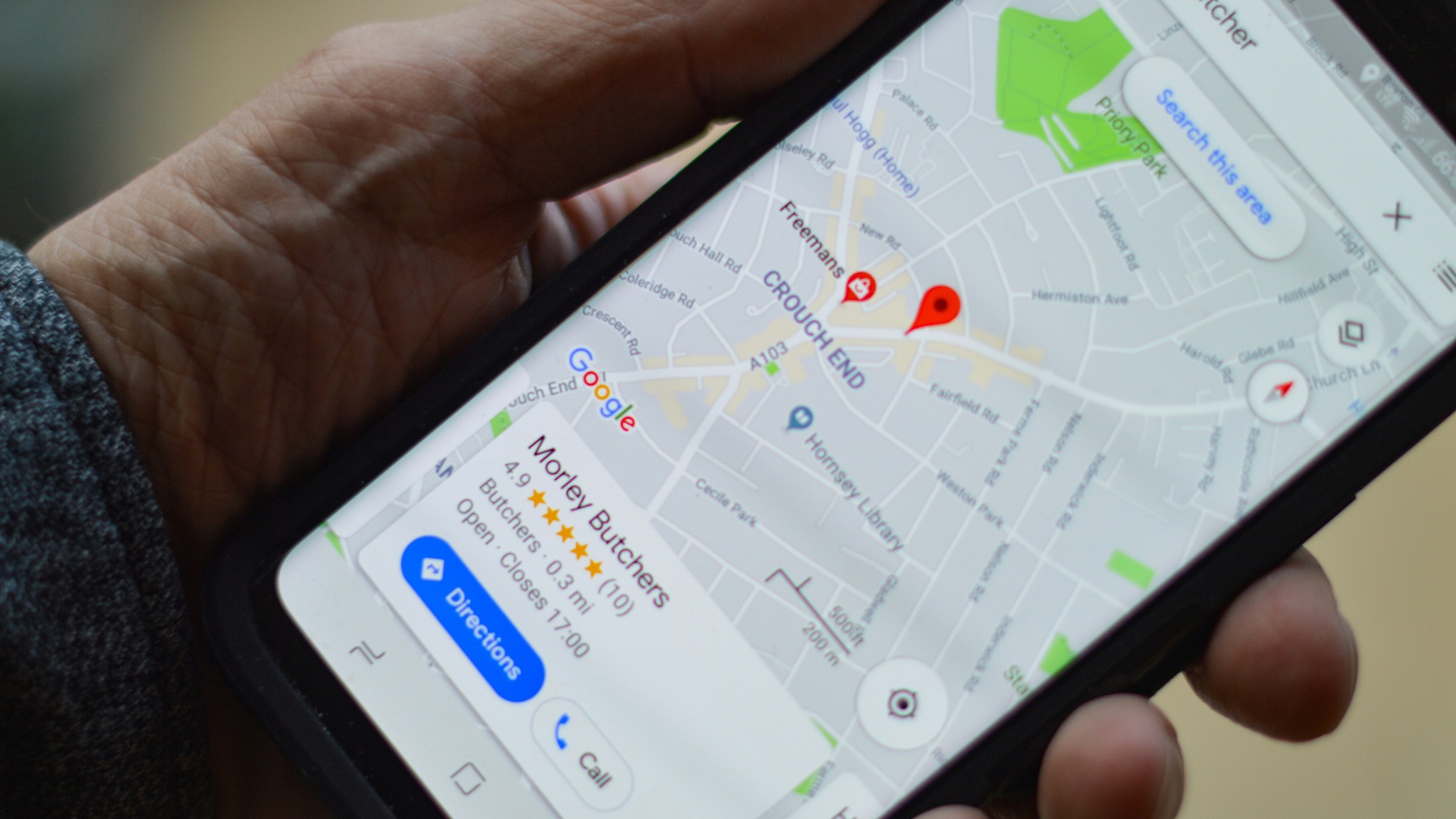
Navigation apps need a steady connection for traffic updates, route changes, and location-based information. If you’re moving through areas where Wi-Fi networks appear and disappear, your phone may waste time trying to connect to them. Using cellular data keeps the app focused on the connection that’s actually meant to follow you.
9. When You're Sending Private Messages or Files in Public
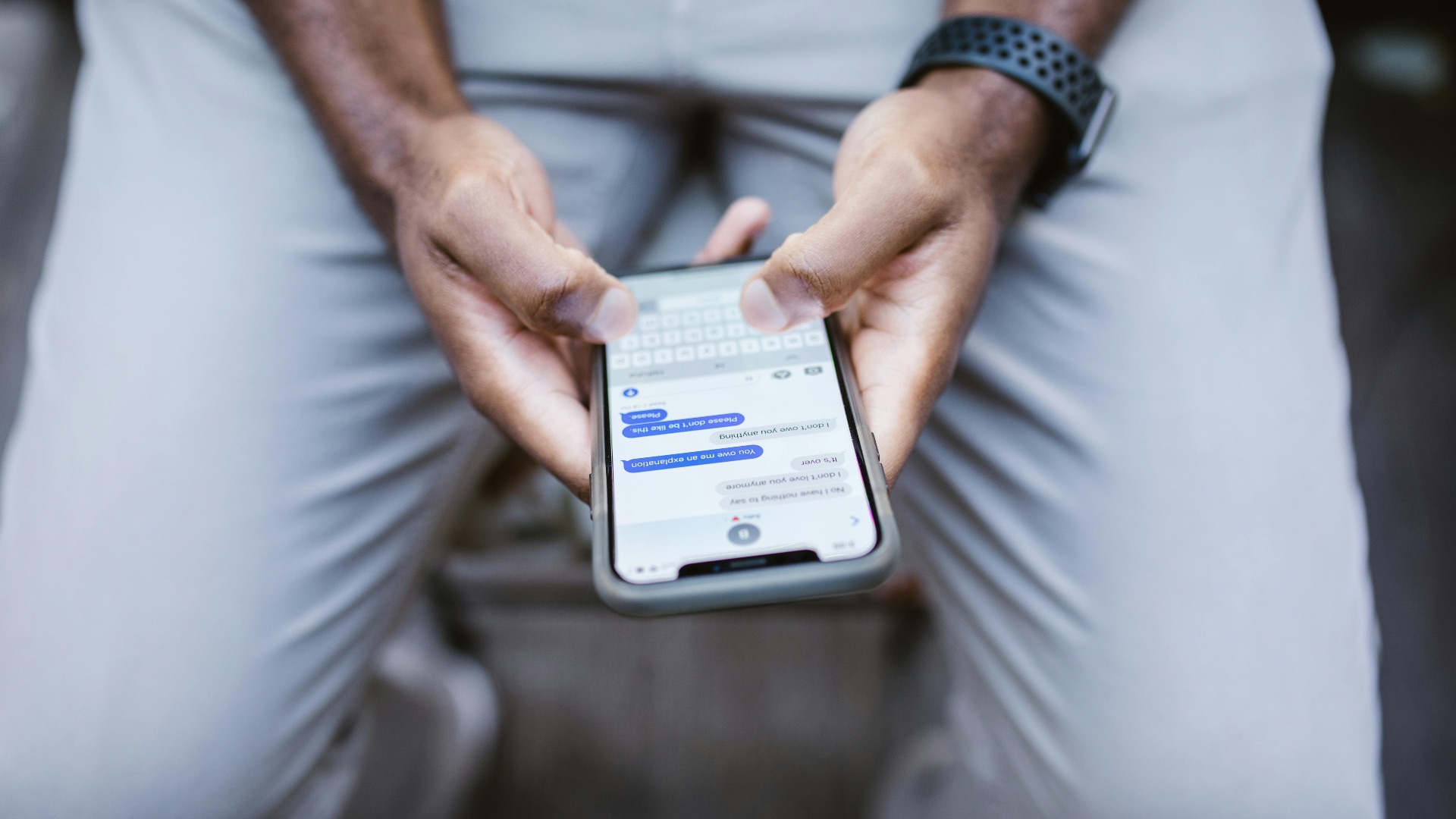
Messaging may feel routine, but it can still include personal details, documents, photos, or work information. If you’re on an unfamiliar Wi-Fi network, cellular data is often the better choice for sending anything you wouldn’t want exposed. This is especially true when you’re sharing attachments, identification documents, or confidential conversations.
10. When You Need a Connection Right Away
Sometimes the best connection is simply the one that works without extra steps. Cellular data can save time when you don’t want to search for a Wi-Fi password, accept a login page, or troubleshoot a weak network. When you need to send a message, load a ticket, confirm a reservation, or open a map quickly, using cellular data can be the most practical move.