Be Careful of Your Digital Footprint...
How careful are you when browsing online? From the passwords you set to the photos you post, you might not think much of it, but you could be making yourself an easy target for scammers. We all want to believe we set good habits online, but you'd be surprised how many people still reuse the same password or security question for multiple accounts. If you don't want to be caught in hot water, here are 20 mistakes you don't want to be making.
1. Reusing the Same Password Everywhere
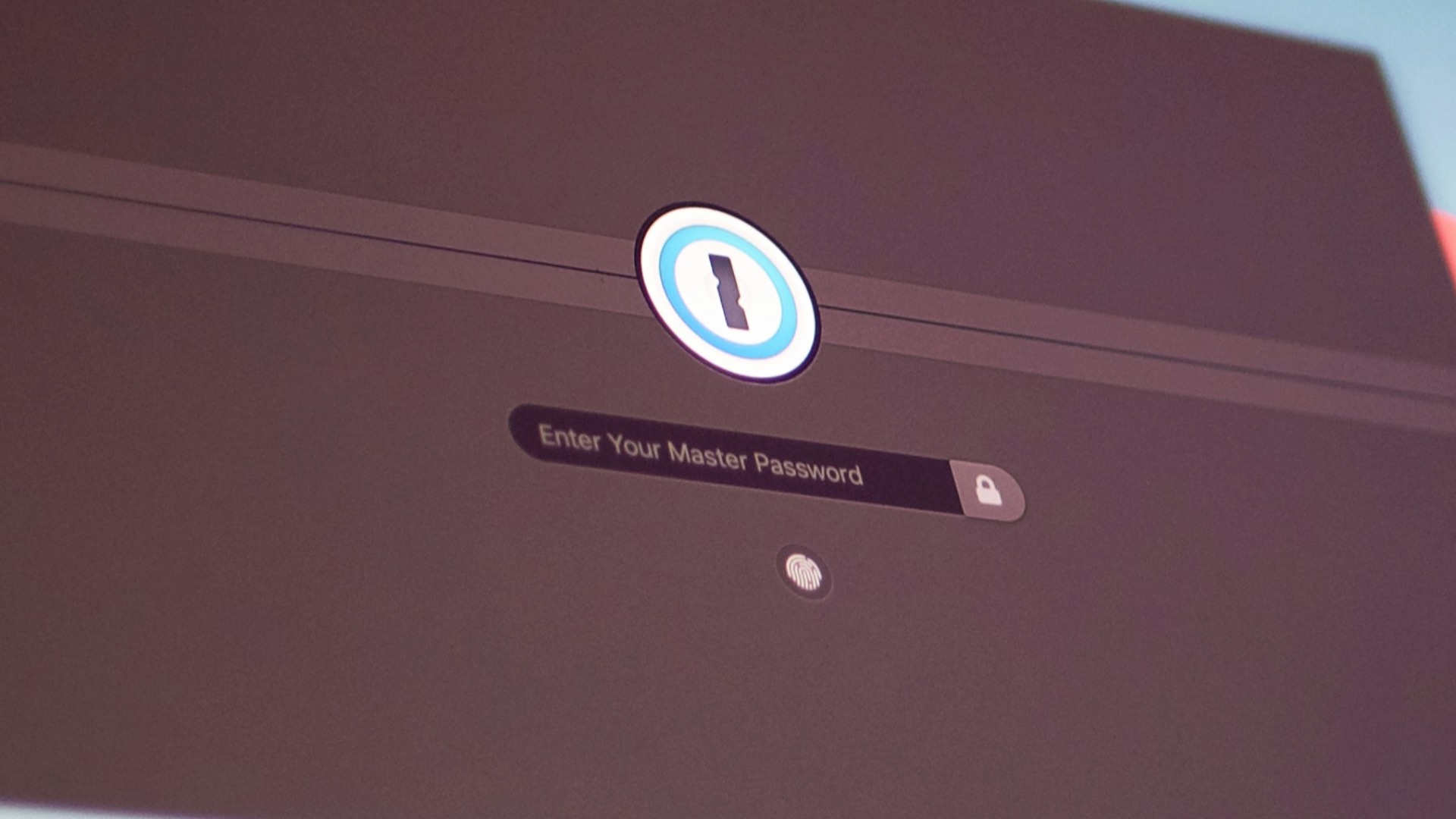
Using one password for multiple accounts may feel convenient, but it creates a serious weak spot. If one site gets breached, criminals can try that same password on your email, banking, shopping, and social media accounts. This is especially risky when your email password is reused because that account can often be used to reset everything else. A password manager can help you create strong, unique passwords without needing to memorize all of them.
 Vova Kondriianenko on Unsplash
2. Posting Personal Details That Reveal Security Answers
Those fun posts asking for your childhood street, first pet, or favorite teacher can seem harmless at first glance. The issue is that these details often overlap with common security questions used to recover accounts. Even older posts can give strangers enough information to build a profile of you over time. Before answering personal prompts online, it’s worth asking whether the information could help someone prove they’re you.

3. Ignoring Two-Factor Authentication
A strong password is useful, but it isn’t always enough on its own. Two-factor authentication adds another step, which makes it harder for someone to access your account even if they have your password. Many people skip it because they don’t want the extra hassle, but that small inconvenience can prevent a much bigger problem later. Authentication apps are often safer than text messages, though either option is usually better than having no second layer at all.
4. Blindly Clicking Links
Scammers rely on urgency, curiosity, and distraction to get people to click before thinking. A message that looks like it came from your bank, delivery service, or workplace may lead to a fake login page designed to steal your credentials. Instead of clicking directly, go to the official website or app yourself when something seems important. Taking a few seconds to inspect a link can save you from handing over sensitive information.

5. Sharing Your Location in Real Time
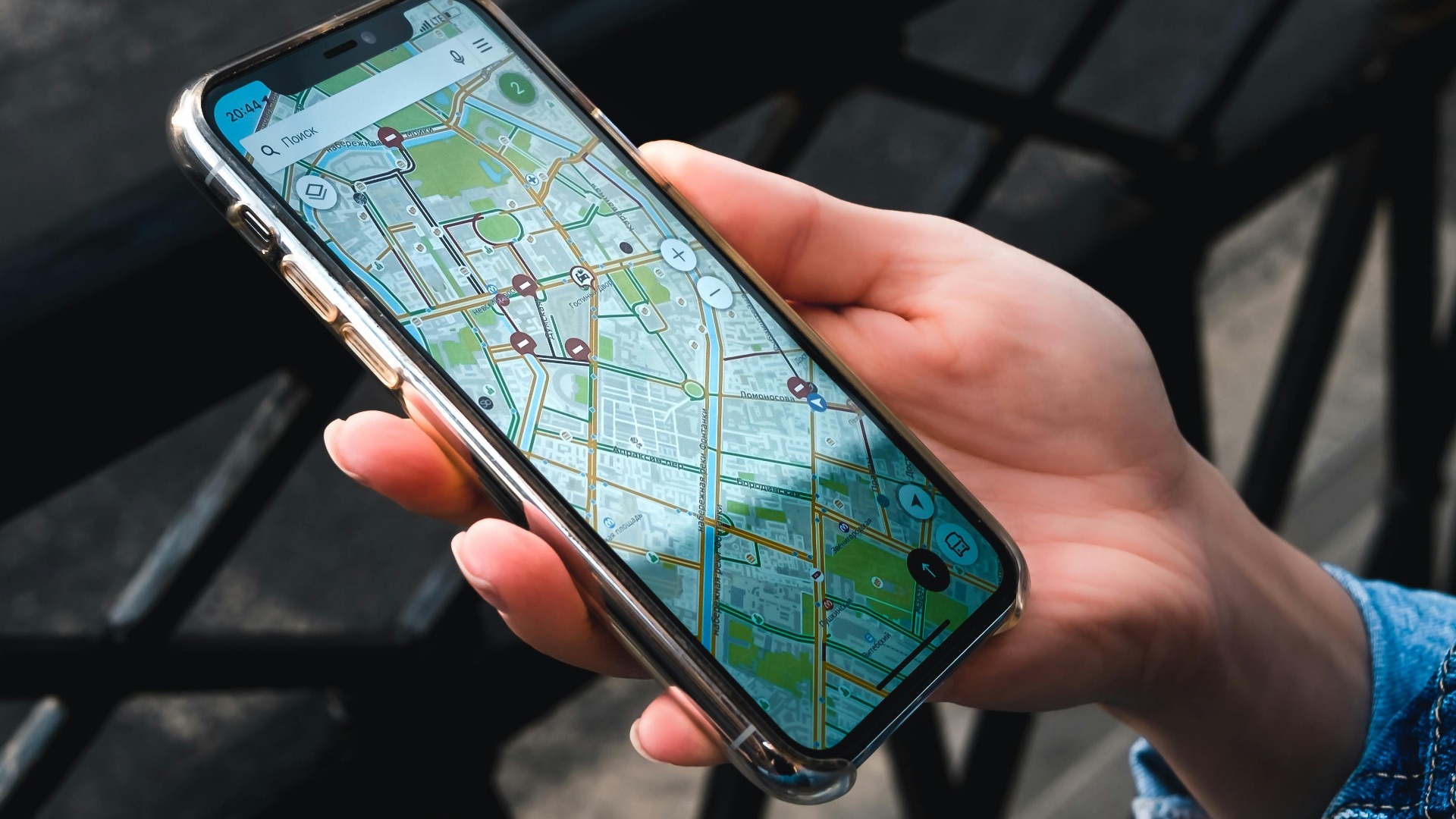
Posting your current location while you’re still there can reveal more than you intend. It can tell strangers where you are, when you’re away from home, and what your regular routines look like. This is especially risky when your posts are public or when your followers include people you don’t know well. Sharing photos after you leave is a safer way to enjoy posting without broadcasting your movements in real time.
 Stanislav Kondratiev on Pexels
6. Leaving Old Accounts Active
Old accounts are easy to forget, but they can still hold personal data, payment details, messages, or reused passwords. If a neglected account gets compromised, you may not notice for a long time because you’re no longer checking it. Unused accounts also increase the number of places where your information can be exposed in a breach. Periodically deleting accounts you no longer use helps reduce your overall risk.
7. Accepting Connection Requests from People You Don’t Recognize
It may not seem like a big deal to accept a stranger on social media, especially if they have a normal-looking profile. However, fake accounts often use connections to gather personal information, study your relationships, or make future scams look more believable. Once someone is inside your network, they may see details that aren’t available to the public. Being selective about who you add is a simple way to keep your personal life less accessible.
8. Using Public Wi-Fi to Access Sensitive Info
Public Wi-Fi can be useful, but it isn’t always safe for sensitive activity. Logging into financial accounts, shopping with saved payment details, or accessing work files on an unsecured network can expose you to unnecessary risk. A virtual private network can add protection, but you should still be mindful of what you access in public places. When possible, use your phone’s cellular connection for anything that involves private or financial information.
9. Oversharing Work Information Online
Posting about your job, clients, internal tools, or company routines can create security risks you may not expect. Scammers often use workplace details to craft more convincing phishing messages or impersonate colleagues. Even a casual post about being overwhelmed with invoices or traveling for a conference can give someone useful context. Keeping work-related details vague protects both you and your organization.
 Arlington Research on Unsplash
10. Skipping Software Updates
Software updates can feel annoying, especially when they interrupt what you’re doing. Still, many updates include security fixes for flaws that criminals are already trying to exploit. Delaying them leaves your phone, computer, browser, or apps exposed longer than necessary. Turning on automatic updates is one of the easiest ways to close known security gaps.
11. Using Weak Recovery Options
Your account security is only as strong as the recovery methods attached to it. If your backup email is outdated, your phone number is no longer yours, or your security questions are easy to guess, someone may have an easier path into your account. Recovery settings are often ignored until something goes wrong, which is exactly when they matter most. Review them regularly so you’re not relying on information that’s old, exposed, or too simple.
12. Posting Photos That Reveal Personal Details
Photos can include details you didn’t mean to share, such as addresses, school names, license plates, computer screens, badges, or travel documents. A quick picture at home or work can unintentionally reveal private information in the background. Even reflections in windows or mirrors can show things you didn’t focus on when taking the photo. Before posting, take a moment to zoom in and check what else is visible.

13. Trusting Messages Just Because They Use Your Name
Seeing your name in a message can make it feel legitimate, but that doesn’t prove anything. Personal details are often pulled from public profiles, data breaches, mailing lists, or previous interactions. Scammers use familiar information to lower your guard and make their requests seem more believable. Treat unexpected messages with caution, especially when they ask you to click, pay, download, or act quickly.
14. Keeping Your Social Media Profiles Fully Public
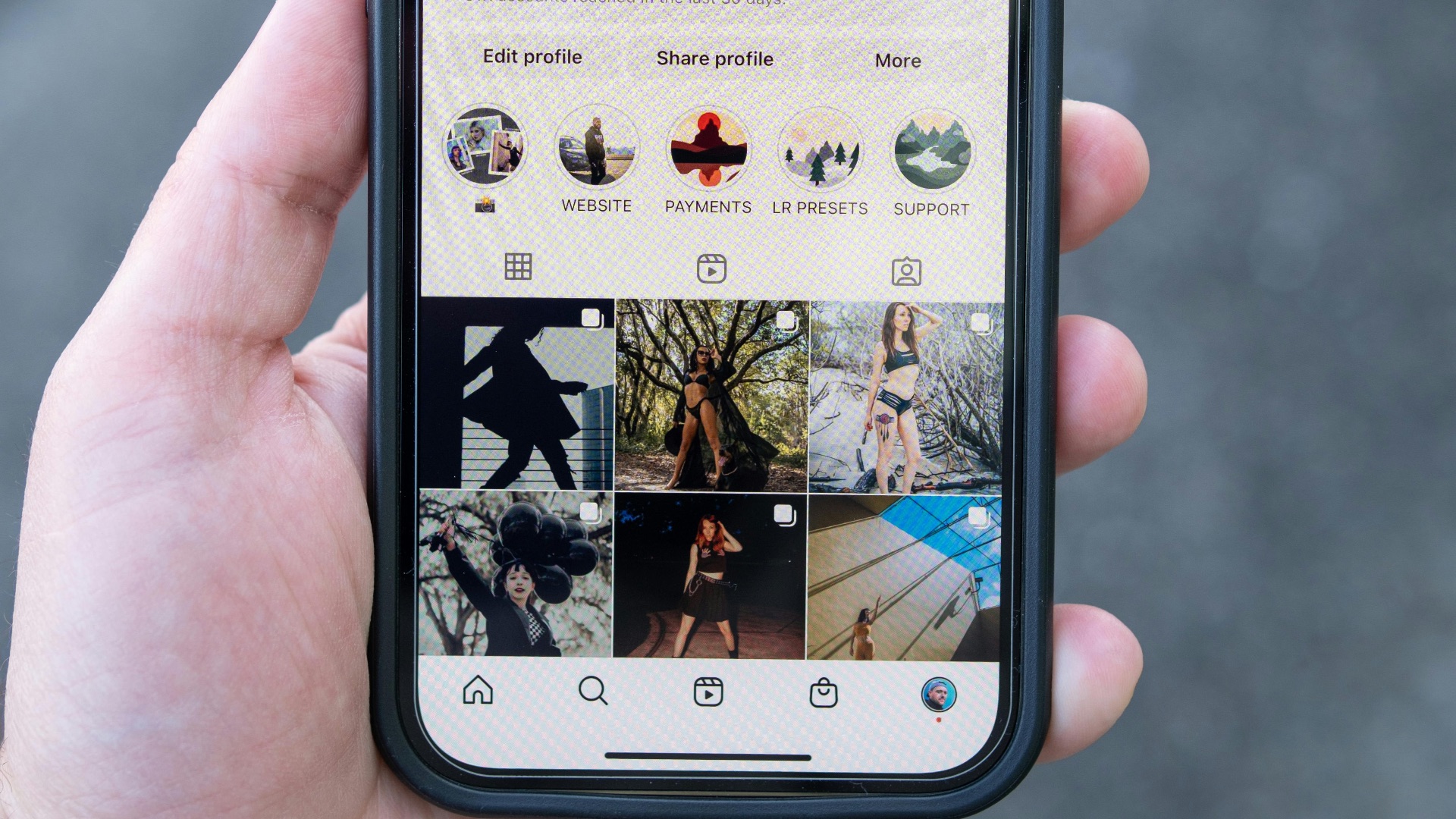
A public profile gives anyone access to your photos, friends, comments, habits, and personal milestones. That information can be used to impersonate you, target you with scams, or answer account recovery questions. You don’t have to make every account private, but it’s smart to limit who can see your most personal content. Privacy settings can change over time, so checking them occasionally is worth the effort.
 Connor Scott McManus on Pexels
15. Downloading Apps Without Reviewing Permissions
Some apps ask for more access than they need to function. A flashlight app, game, or editing tool shouldn’t always need your contacts, microphone, location, or full photo library. Granting unnecessary permissions can expose more of your data than you realize. Before installing an app, review its permissions and remove anything that doesn’t make sense for what the app actually does.

16. Saving Payment Details on Too Many Sites
Saved payment information makes checkout faster, but it also spreads your financial details across more accounts. If one shopping site is compromised or your account is taken over, stored cards can make fraudulent purchases easier. This risk increases when the site has a weak password or no two-factor authentication. Keeping payment details saved only on trusted, frequently used platforms can help limit exposure.
17. Responding to Suspicious Messages Instead of Ignoring Them
Replying to a suspicious email, text, or direct message can confirm that your account is active. Even if you’re only telling the sender to stop, you may be giving them a reason to keep targeting you. Some scammers also use responses to continue the conversation and build pressure. When a message seems off, it’s usually safer to block, report, and move on.
18. Assuming Small Accounts Don’t Matter
People often protect banking and email accounts but ignore gaming, shopping, loyalty, or forum accounts. But those smaller accounts can still contain personal details, saved cards, addresses, usernames, or clues about your habits. They may also be connected to your main email address, which makes them useful to someone trying to gather information about you. Treat every account as part of your overall online identity, not as something separate and harmless.
19. Sharing Too Much About Your Daily Routine
Regular posts about where you go, when you work, what gym you visit, or which route you take can reveal patterns to the wrong people. You may not notice the dangers, but someone watching over time could learn when you’re home, when you’re away, and where you can be found. Being less specific about timing and locations helps keep you from becoming easy to track.

20. Believing You’re Not Important Enough to Be Targeted
Many people assume online attackers only go after wealthy individuals, executives, or public figures. In reality, a lot of scams are automated and aimed at ordinary people in large numbers. Your accounts, identity, contacts, payment details, and personal data all have value to someone. Taking basic precautions isn’t about being paranoid; it’s about recognizing that everyday users are often exactly who scammers expect to catch.