Get Off Your Screens
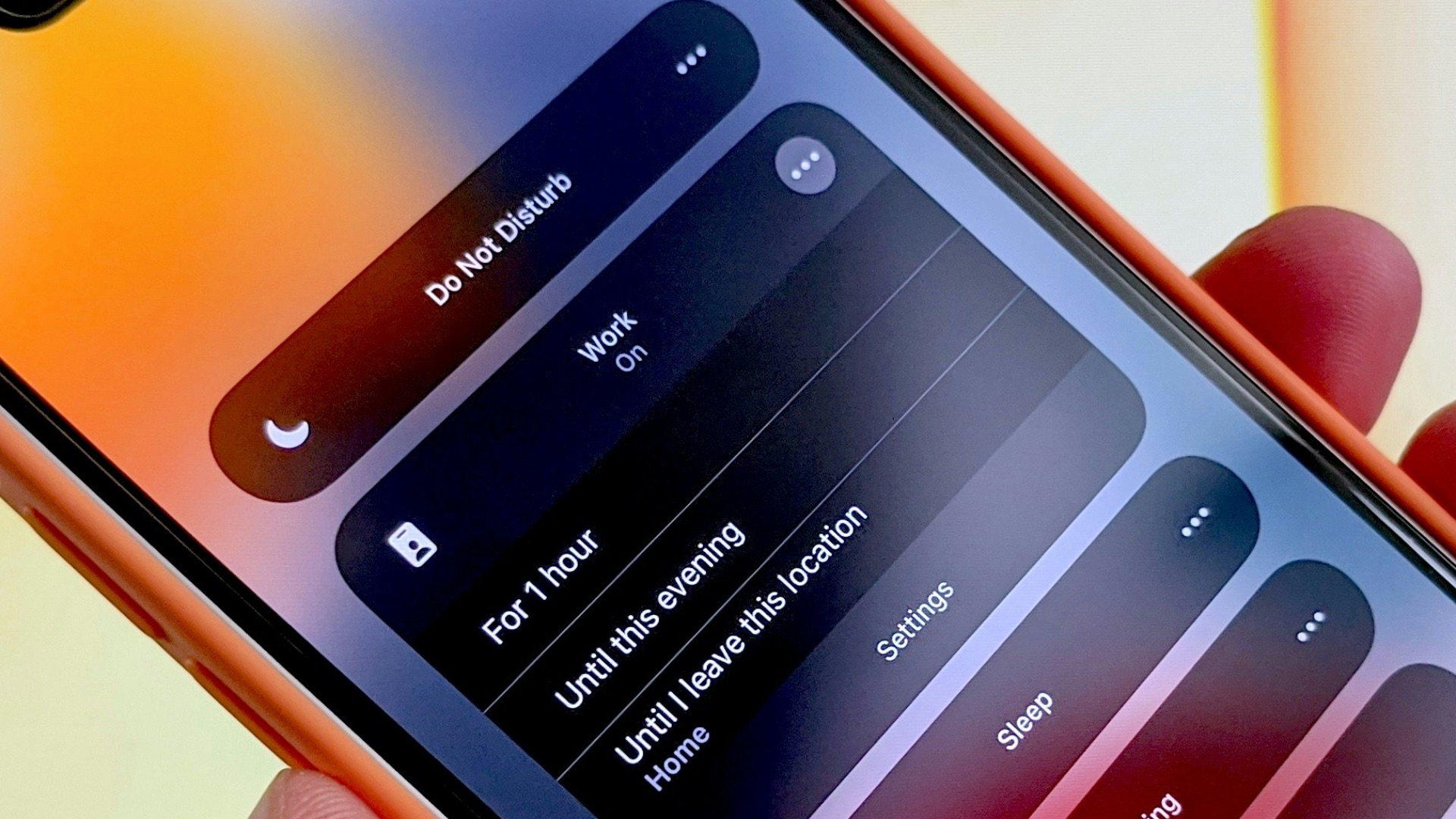
Be honest: how many hours, on average, did you spend looking at your phone in the past week? Eight hours a day? Nine? More? Don't be fooled; even if you're not racking up insane hours on your main device, that doesn't mean your attention hasn't been stolen by other screens, like your tablet, gaming console, or smart TV. Screens are everywhere, after all, from work and communication to shopping and entertainment. How, then, do you cut down on how often you look at one? Well, it's not impossible. From old-school tricks (like turning on Do Not Disturb) to slightly unorthodox ones (like making your lock screen a photo of a spider!), here are 20 smart tricks to reduce your screen time.

1. Turn Off Unnecessary Notifications
Every alert gives you another reason to pick up your phone, even when the message isn’t important. Disable notifications from shopping apps, games, social platforms, and anything else that doesn’t require an immediate response. You’ll still be able to check those apps when you choose, but they won’t interrupt you throughout the day. Fewer prompts often lead to fewer unplanned scrolling sessions.
2. Keep Your Phone Out of Reach
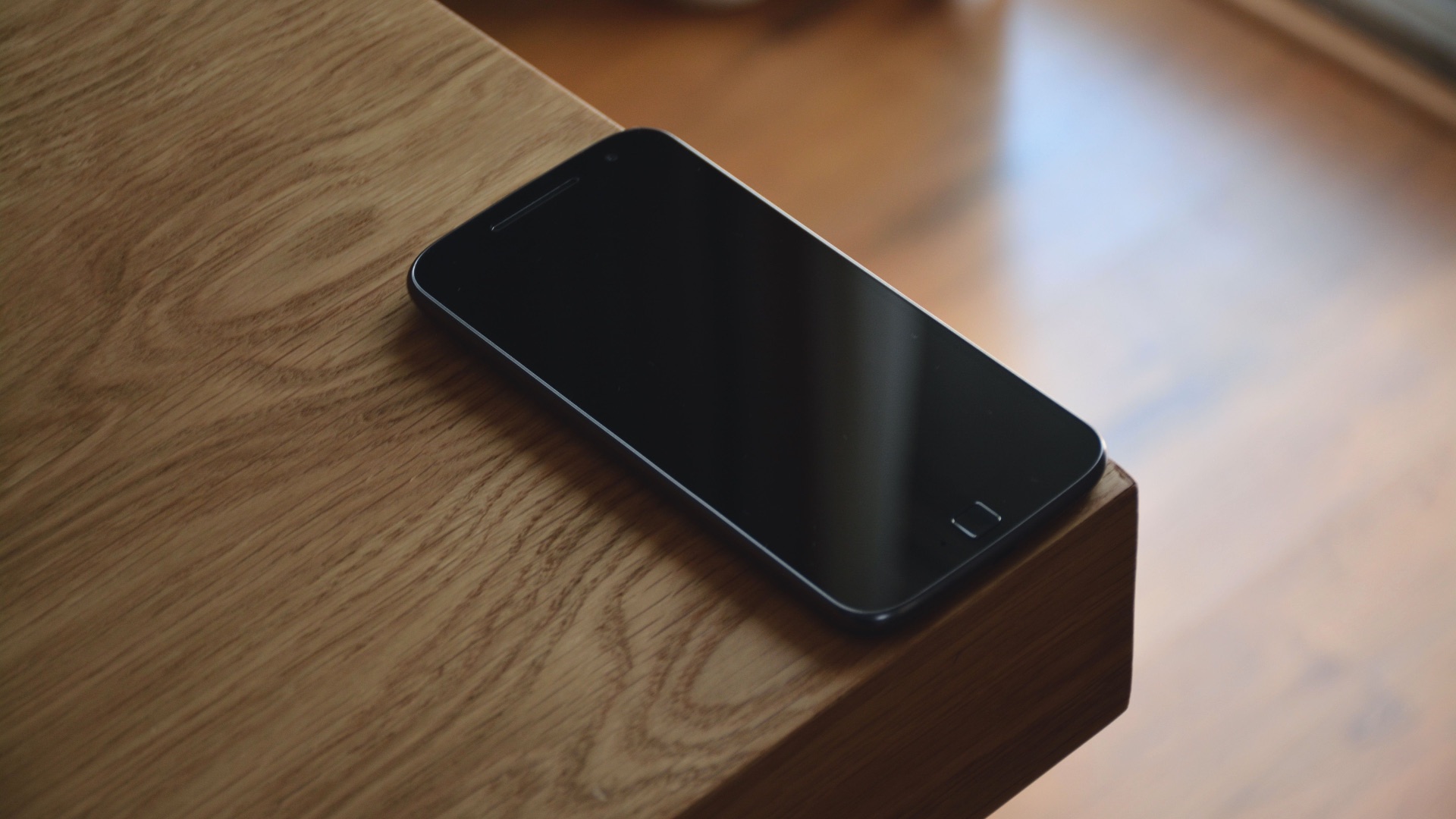
It’s much easier to check your phone repeatedly when it’s sitting beside your hand. Place it across the room, inside a drawer, or in your bag while you’re working, eating, or relaxing. The small effort required to retrieve it gives you time to reconsider whether you actually need it. This approach can be especially useful when you’re trying to concentrate.
 John (Giannis) Tekeridis on Pexels
3. Create Phone-Free Zones
Choose a few areas in your home where phones, tablets, and laptops aren’t allowed. The dining table, bedroom, and bathroom are practical places to start because screens often linger there longer than necessary. Clear boundaries remove the need to make a new decision every time you enter the space. Over time, those rooms become associated with eating, resting, or talking instead of scrolling.

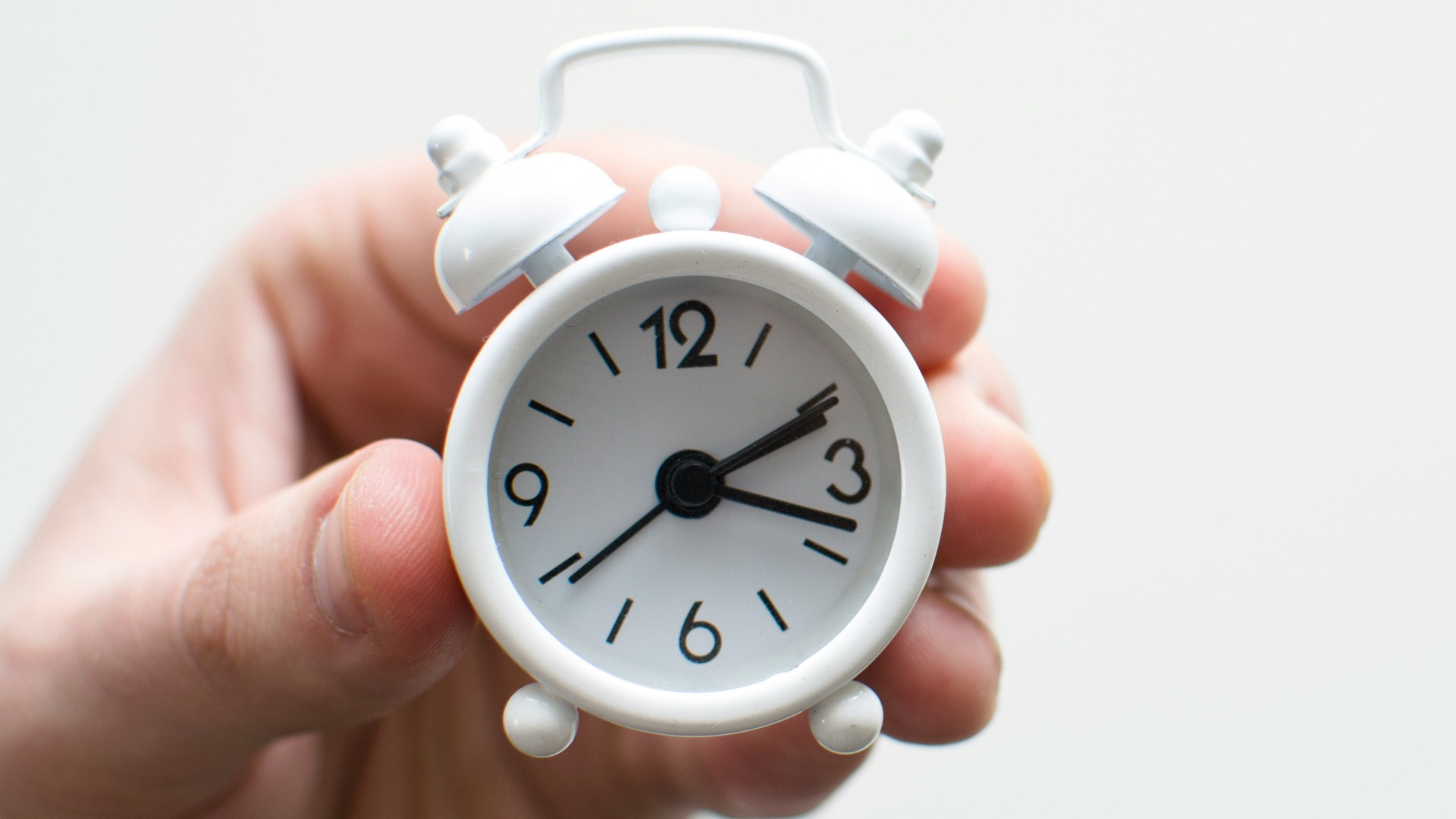
4. Use a Traditional Alarm Clock
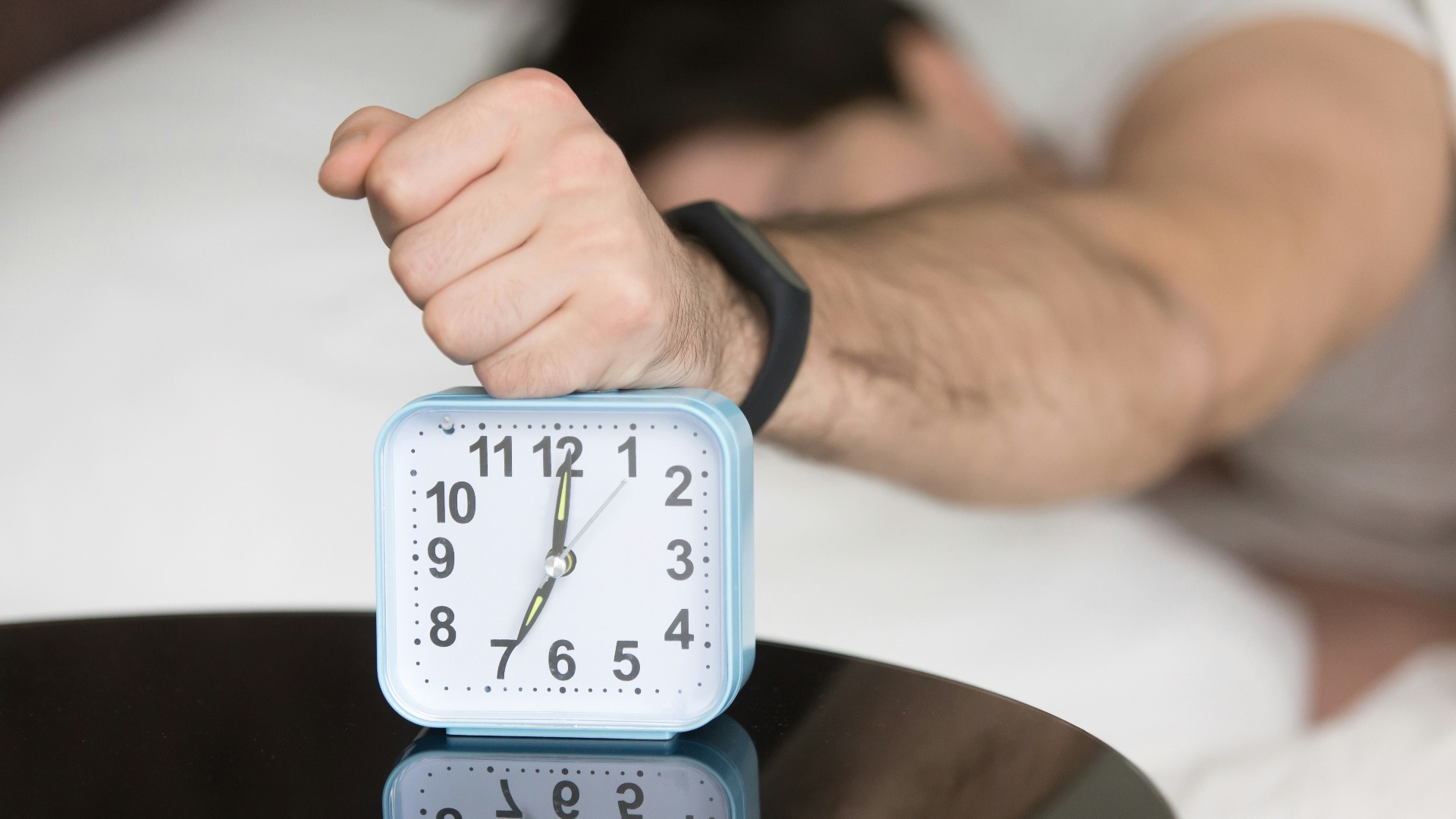
Relying on your phone as an alarm means it’s usually the first thing you touch in the morning and the last thing you see at night. A basic alarm clock lets you leave your device outside the bedroom or farther away from the bed. That can prevent late-night browsing and help you avoid checking emails before you’ve even gotten up. It also gives your morning a calmer, more deliberate start.
 Solving Healthcare on Unsplash
5. Set App-Specific Time Limits
Most smartphones allow you to limit how much time you spend on individual apps each day. Focus on the platforms that tend to absorb the most attention, such as social media, video apps, or mobile games. Start with a realistic limit rather than cutting your usage too aggressively. A manageable restriction is more likely to become part of your routine.
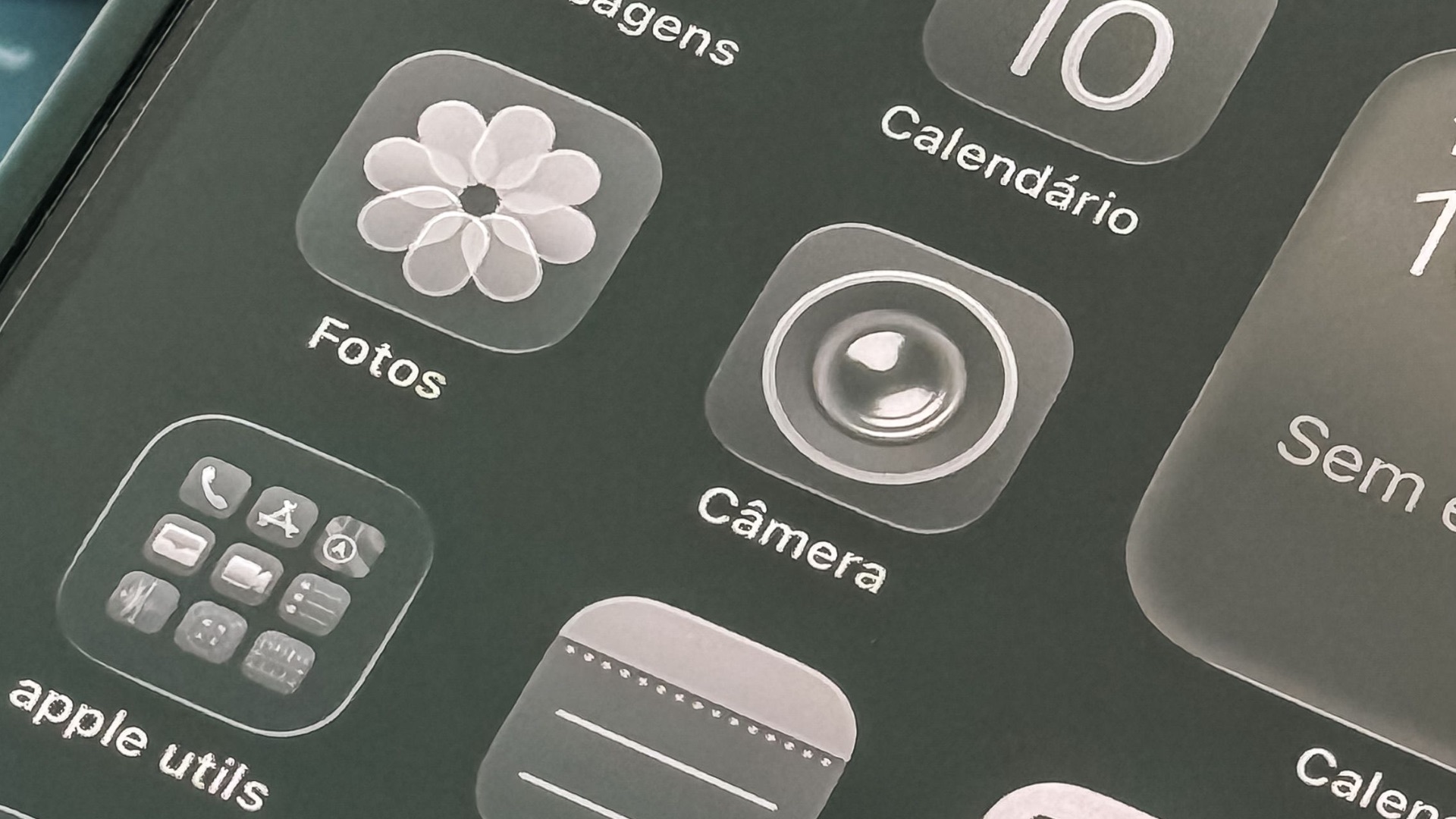
6. Remove Distracting Apps from Your Home Screen
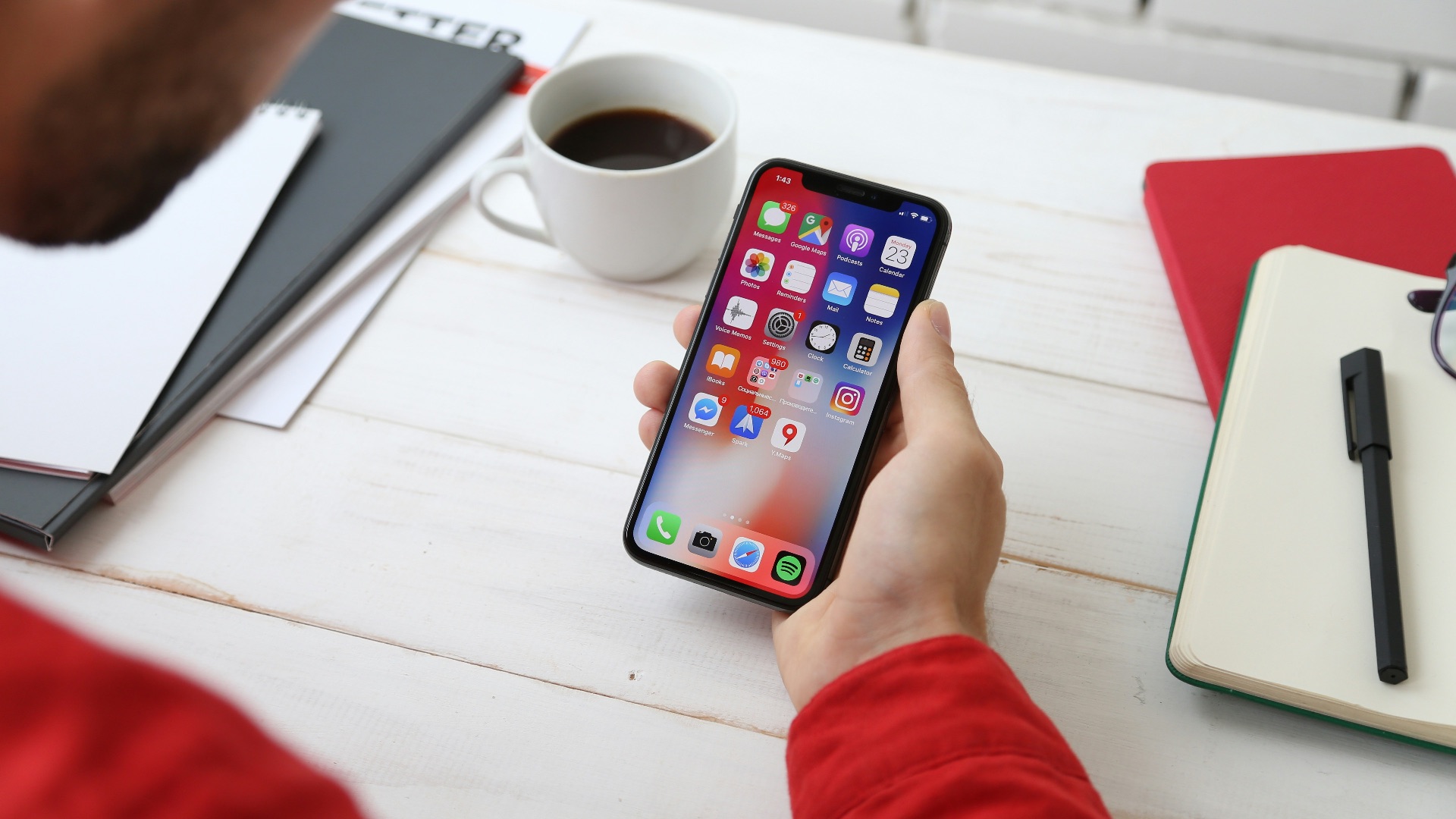
Apps are harder to open automatically when they aren’t visible every time you unlock your phone. Move distracting platforms into folders, place them on the final screen, or remove their icons altogether. You can still access them through the search function when you have a clear reason to use them. Adding even a minor inconvenience can reduce habitual tapping.

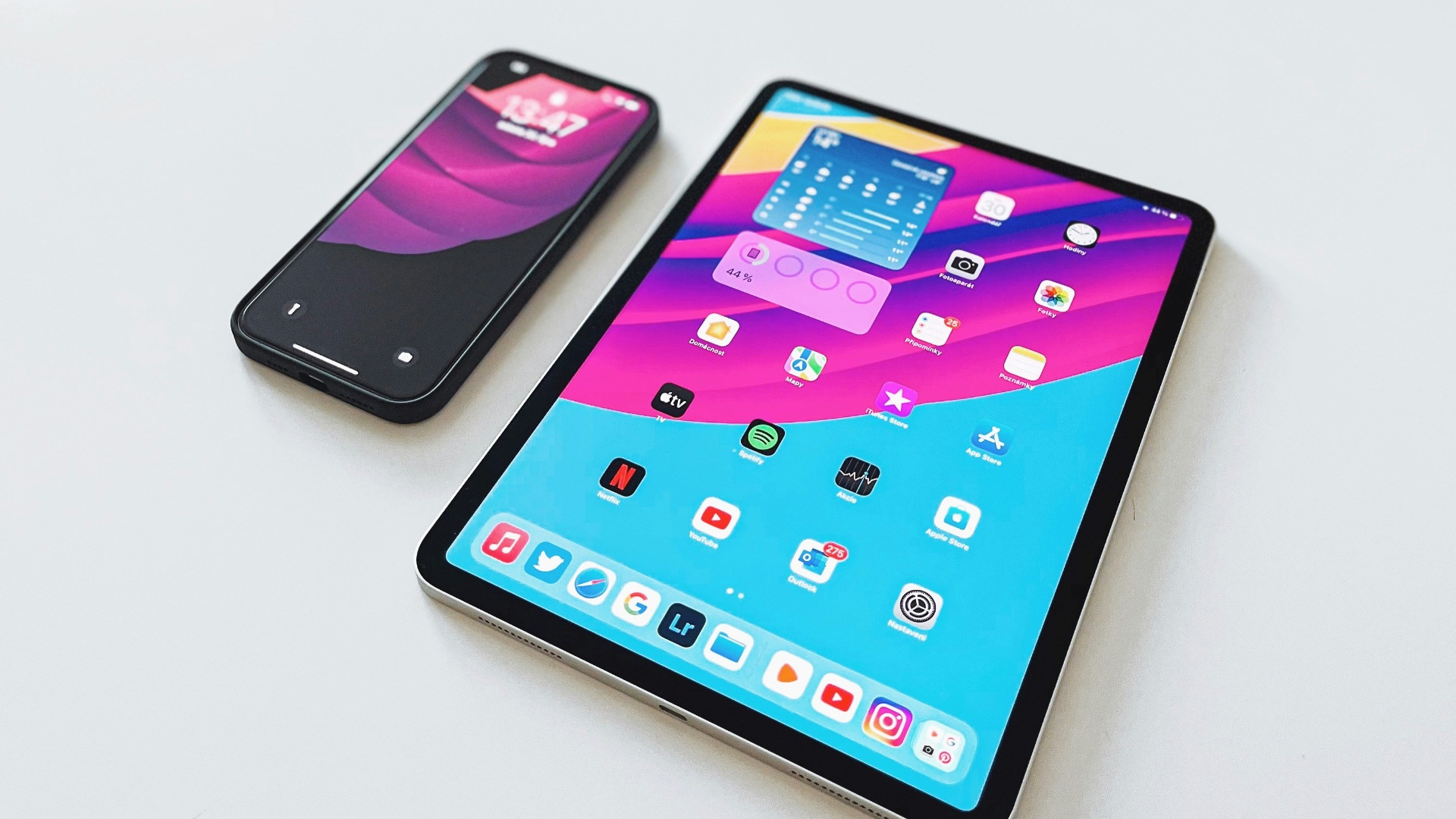
7. Make Your Screen Less Visually Appealing
Switching your phone to grayscale removes the bright colors that make many apps feel more engaging. Photos, icons, and notifications become less attention-grabbing, which may make extended browsing less satisfying. Most devices include this option in their accessibility settings. It’s a simple change that doesn’t stop you from using your phone when necessary.
8. Use an Off-Putting Lock Screen
To build off the previous point, here's another trick: Replace your usual wallpaper with an image you don’t particularly enjoy looking at, such as a close-up image of spiders (if spiders scare you) or something eerie-looking. Seeing it every time you reach for the device may interrupt the impulse to unlock it and make casual checking feel less inviting.

9. Stop Using Multiple Screens at Once
Watching television while scrolling through your phone keeps both devices competing for your attention. Choose one screen and put the other away until you’re finished. You’ll likely follow the program more easily and spend less total time consuming digital content. This habit also makes entertainment feel more intentional.
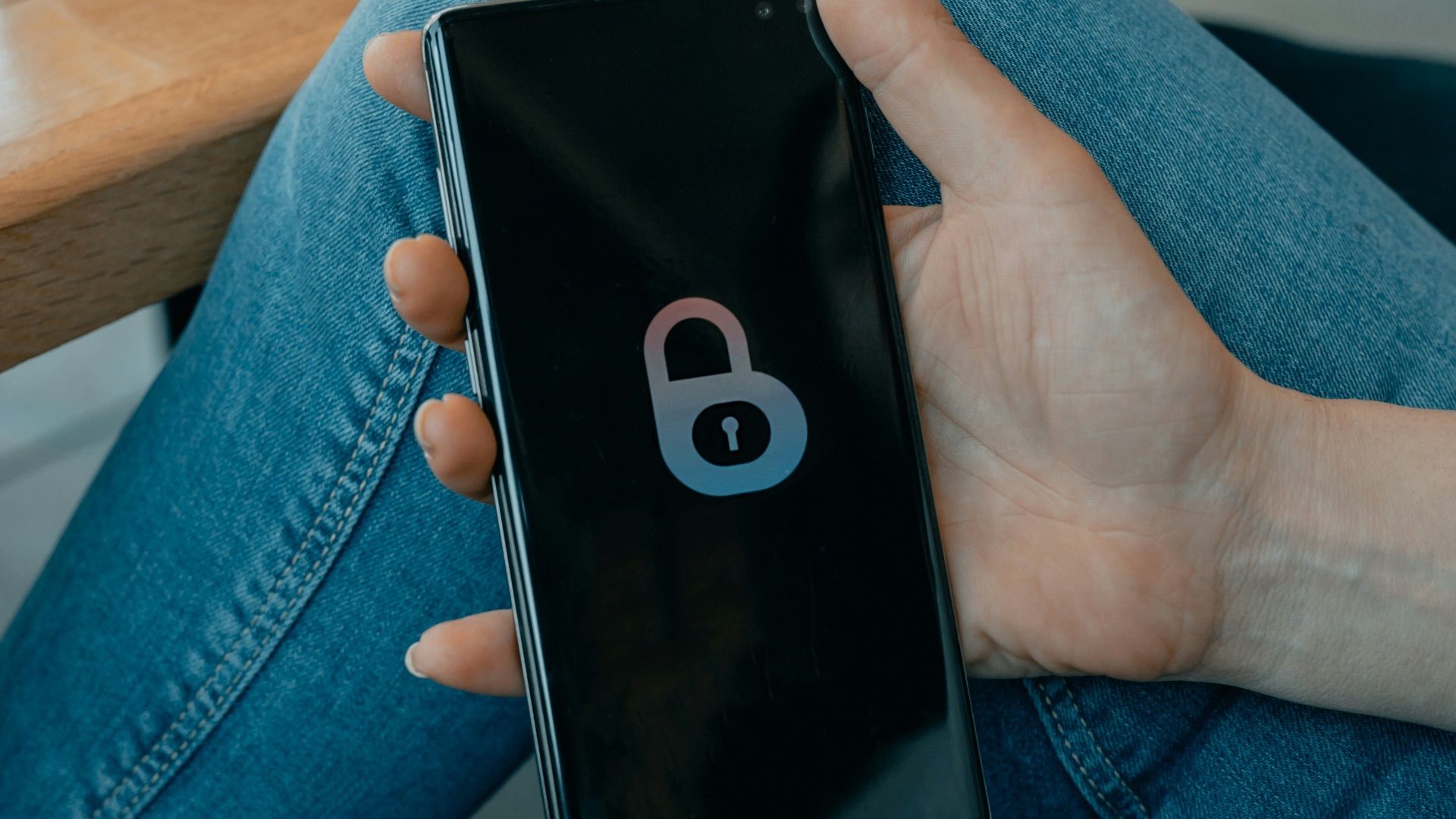
10. Shorten Your Screen’s Auto-Lock Time
Set your phone to lock after the shortest available period, which is often around 30 seconds. When the display shuts off soon after you stop using it, you’ll have to unlock the device before continuing, rather than being drawn back to a brightly lit screen. That extra step can interrupt mindless checking and give you a moment to decide whether you actually want to keep scrolling. A longer setting leaves the screen ready and waiting, making it easier to resume without thinking.
11. Unfollow Accounts You Don’t Enjoy
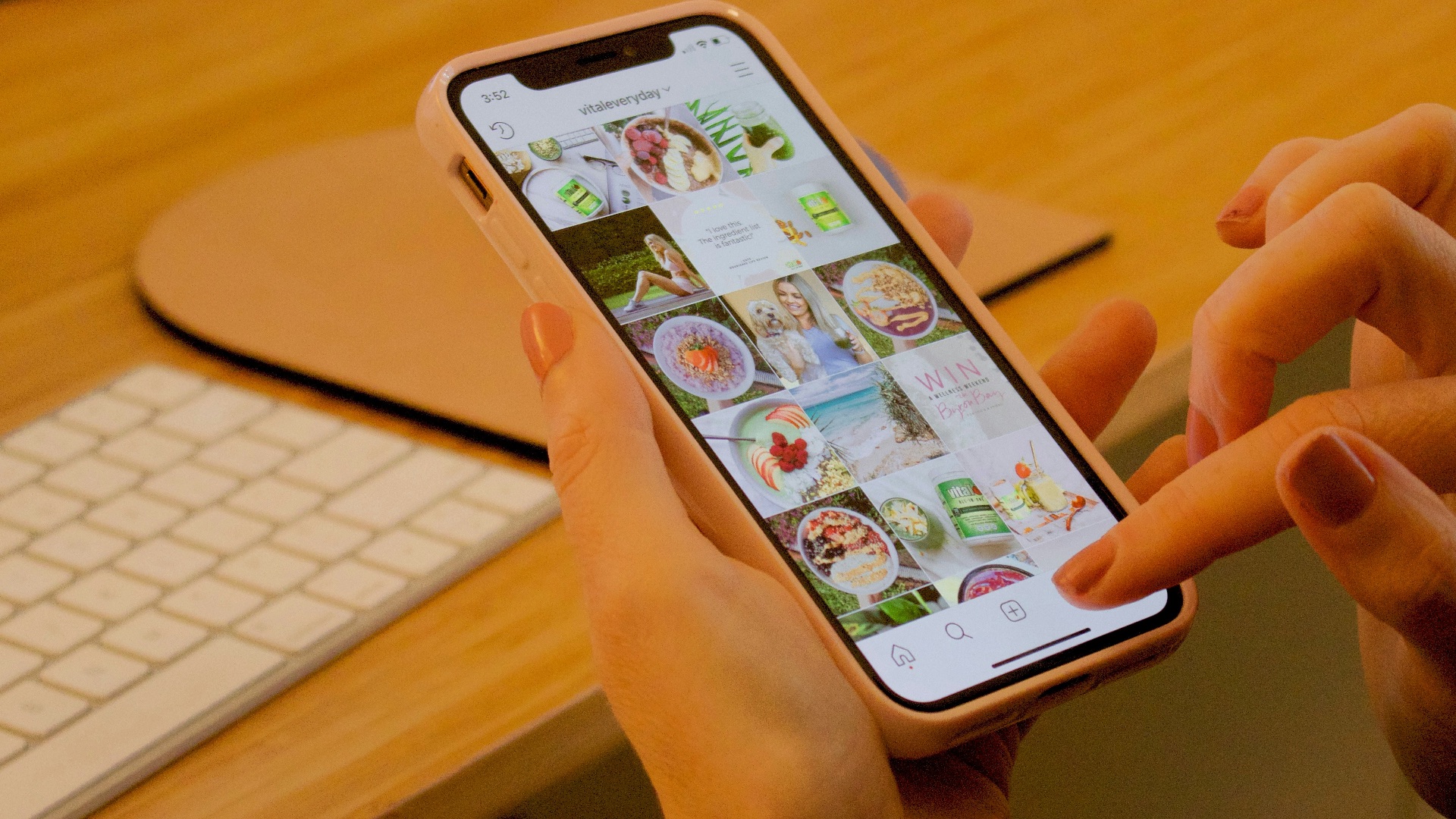
An overcrowded feed gives you more material to scroll through and can make social media feel endless. Unfollow or mute accounts that no longer interest you, post too frequently, or leave you feeling irritated. A smaller feed takes less time to review and contains more of what you actually value. You don’t need to keep consuming content simply because you followed an account years ago.
 Gabrielle Henderson on Unsplash
12. Log Out After Each Session
Staying signed in makes it easy to reopen an app whenever you have a spare moment, so try logging out after each session, especially on distracting accounts where you spend the most time. Having to reenter your username and password might make opening them feel less automatic, and since you'll need to manually log in again each time, you may get discouraged enough to give it up.
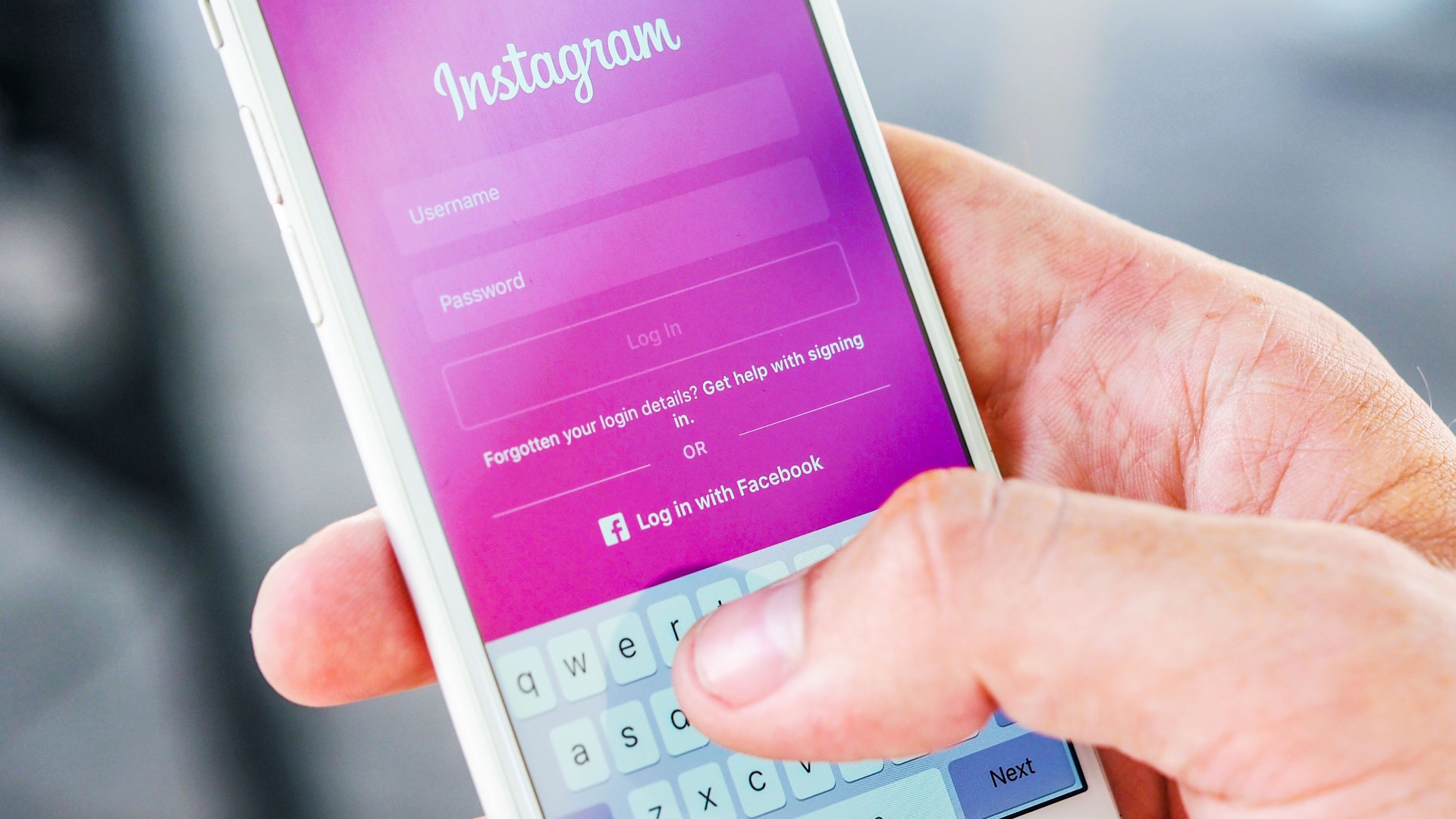
13. Stop Saving Your Login Details
Turn off password autofill, Face ID, Touch ID, and automatic sign-in for the accounts that consume most of your screen time. That way, every time you do want to log back on, it'll require you to manually enter your credentials. You can keep the information in a securely stored password manager that requires a master password, or write down a private reminder that only you understand.
14. Charge Your Phone Away from the Couch
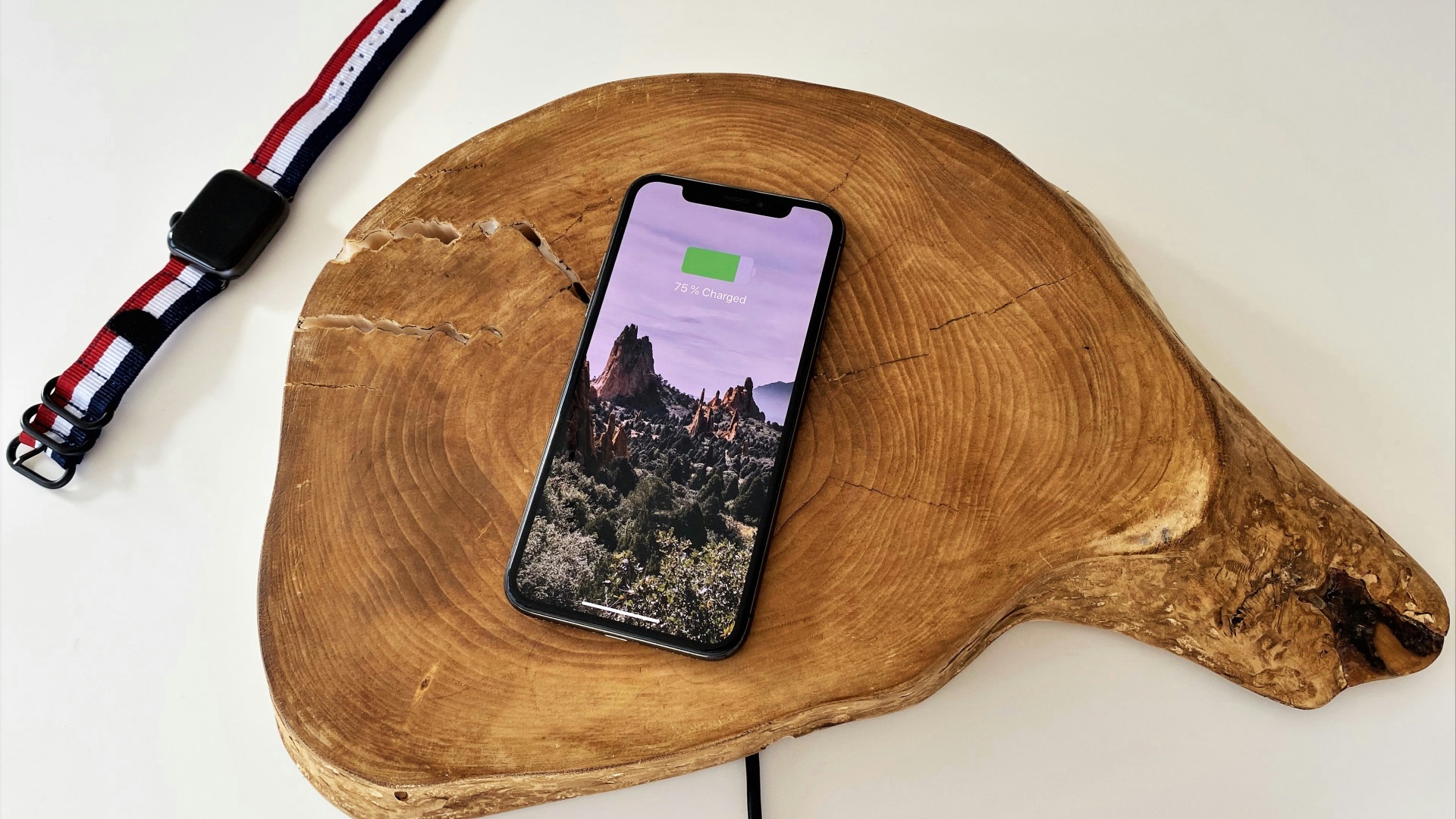
Where you charge your device can influence how often you reach for it during downtime. Plug it in somewhere that isn’t beside your usual chair, such as a hallway, kitchen counter, or home office. You’ll still hear important calls, but casual checking will require you to get up. This can make evenings feel less dominated by the phone in your hand.
 https://kaboompics.com/ on Pexels
15. Avoid Bringing Screens Into the Bathroom
Yep, we know you do it. While this might seem like a harmless habit (what if you get bored in there?), a short bathroom break can easily become a lengthy scrolling session when your phone comes with you. Leave it on a counter outside the room or, if you must, keep it in your pocket without opening it. This reduces unnecessary use and keeps one more part of your day screen-free.

16. Use Paper for Simple Tasks
Not every list, note, calendar entry, or reminder needs to live on a device. Try using a notebook for grocery lists, daily priorities, meal plans, or quick ideas. Writing things down prevents you from opening your phone and getting distracted by unrelated alerts. Paper also keeps the information visible without requiring another screen check.

17. Charge Your Phone Away from the Bed
Plug your phone in across the room or, ideally, outside the bedroom before you go to sleep. That way, when it isn’t within arm’s reach, you’re less likely to scroll late at night, check notifications after waking up, or reach for it when you can't sleep. Health experts say it's not a good idea to keep your device under your pillow, anyway.
18. Track Where Your Screen Time Goes
Your device’s weekly usage report can show which apps are taking up more time than you realized. Review the data without judging yourself and look for patterns, such as increased use before bed or during work breaks. Once you know where the hours are going, you can choose a more specific strategy. Vague plans are harder to follow than targeted changes.
19. Plan Regular Screen-Free Outings
Arrange activities where screens aren’t central to the experience, such as walking, gardening, visiting a market, or meeting someone for coffee. Keep your phone stored unless you need it for directions, payment, or an urgent call. Structured plans make it easier to disconnect because your time already has a purpose. Social activities can be especially helpful when everyone agrees to keep devices put away.

20. Delay Your First Daily Check
Rather than reaching for your phone immediately after waking, give yourself a set amount of screen-free time. You might wait until after breakfast, a shower, or a short walk before checking messages. Beginning the day without notifications allows you to focus on your own routine first. Even a 15-minute delay can interrupt the habit of checking instantly.