Planning A Party That Keeps Everyone Involved
A video game party can be exciting, affordable, and easy to personalize, but it works best when the adults plan for more than simply turning on a console. Children may have different skill levels, attention spans, and comfort with competition, so the setup should give everyone a fair chance to participate without creating unnecessary tension. These 20 tips for hosting a kid’s video game party can help you balance screen time, food, movement, and social interaction while keeping the celebration manageable.
1. Choose Games Before Guests Arrive
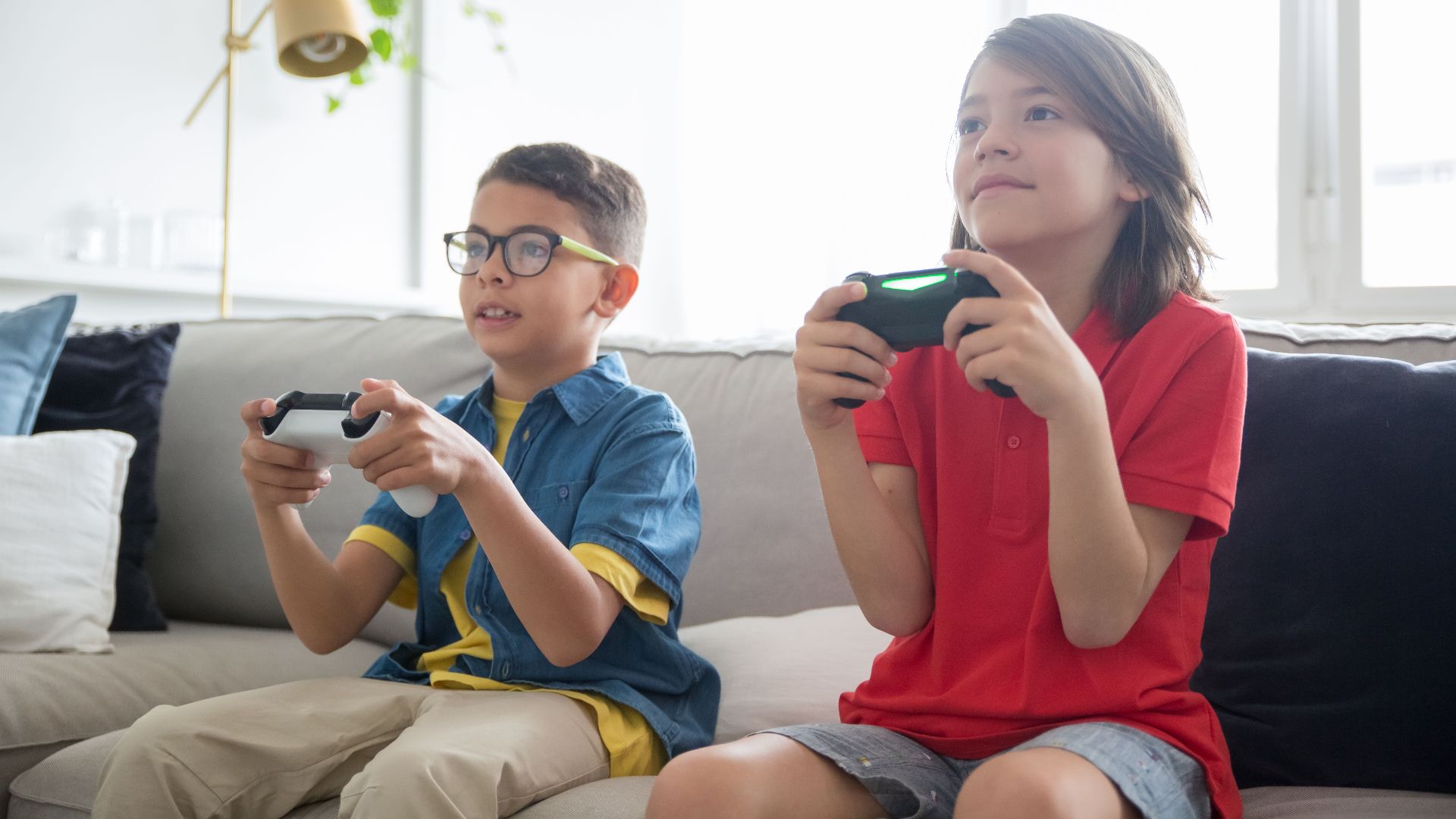
Decide which games will be available before the party begins rather than letting children search through an entire library. Look for options that are age-appropriate, easy to explain, and suitable for several players. Limiting the choices also prevents long debates that can consume valuable party time.
2. Check Every Game’s Age Rating
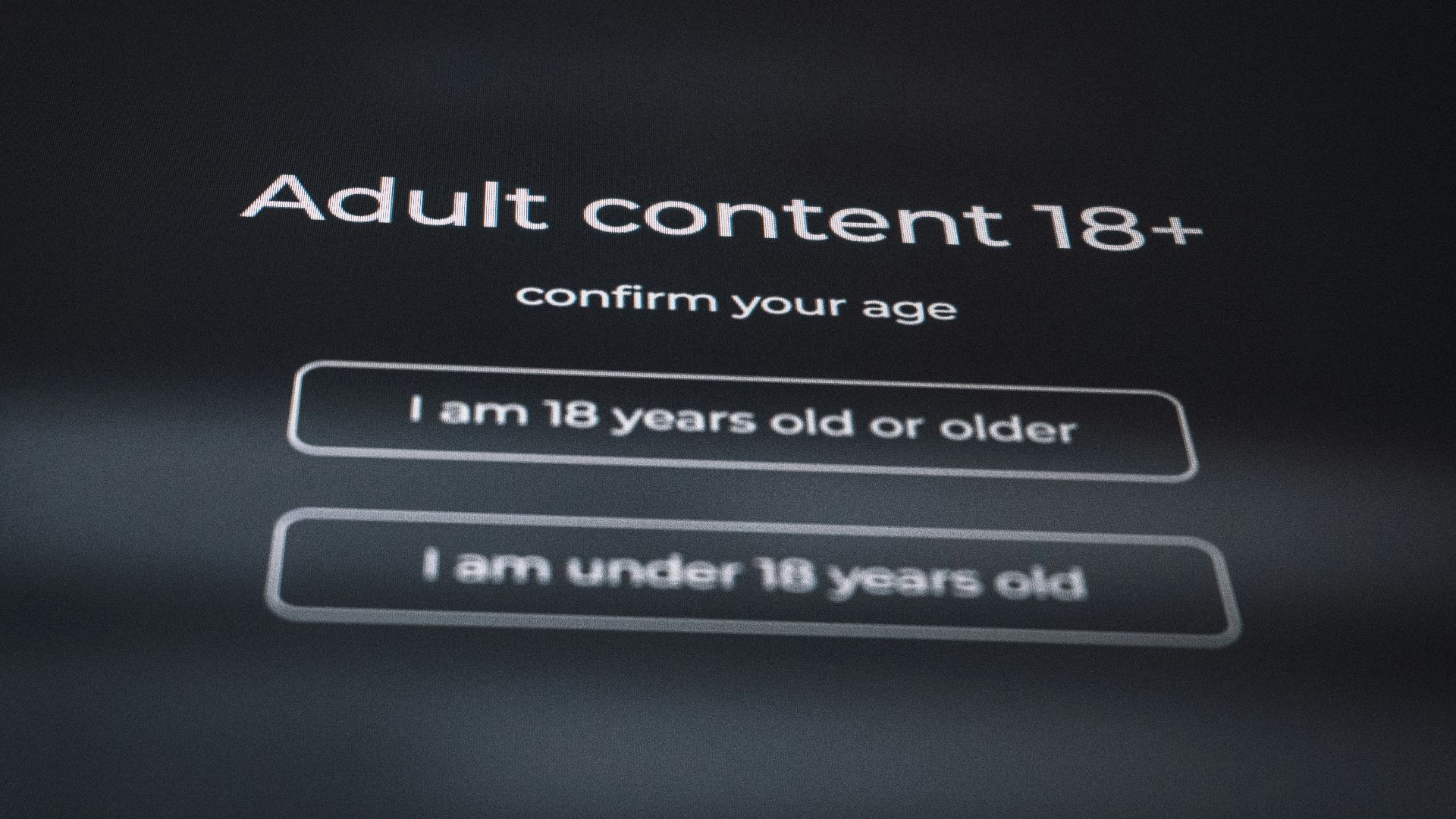
Review official age ratings and content descriptions instead of relying only on what your child says is popular. Some games may contain stronger language, violence, or online interactions that other parents wouldn’t expect. Choosing suitable content in advance helps avoid awkward changes once guests are already present.
3. Ask Parents About Screen Rules
Families often have different limits regarding gaming, online play, and age-rated content. Include a brief note with the invitation explaining what type of games will be played and roughly how much screen time is planned. Parents can then raise concerns before the party rather than during it.
4. Keep The Guest List Manageable
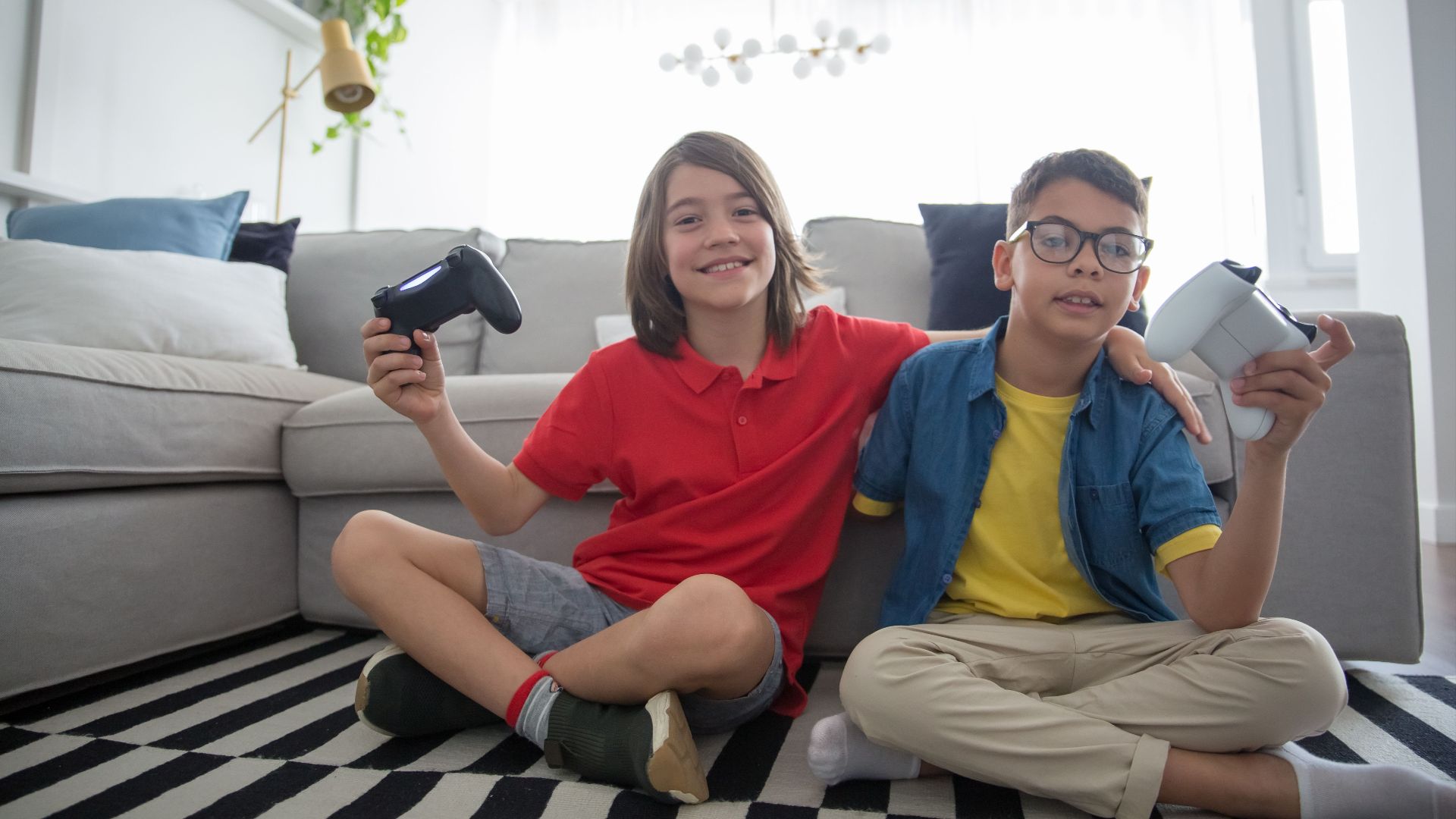
The number of guests should match the amount of equipment and space you have available. Inviting twelve children to share four controllers can lead to frustration unless you’ve planned additional activities. A smaller group often means more playing time, less waiting, and fewer arguments over turns.
5. Test Controllers And Cables
Charge wireless controllers, replace weak batteries, and confirm that every cable works before the first guest arrives. A faulty controller can quickly create complaints about fairness, especially during competitive rounds. It’s also smart to keep spare batteries and charging cords within easy reach.

6. Install Updates The Day Before
Consoles and games sometimes require large updates before they’ll start, and downloads can take longer than expected. Open each planned game in advance to confirm that it launches correctly and doesn’t require another installation. Completing this step early keeps children from spending the party staring at a progress bar.
7. Turn Off Unnecessary Online Features
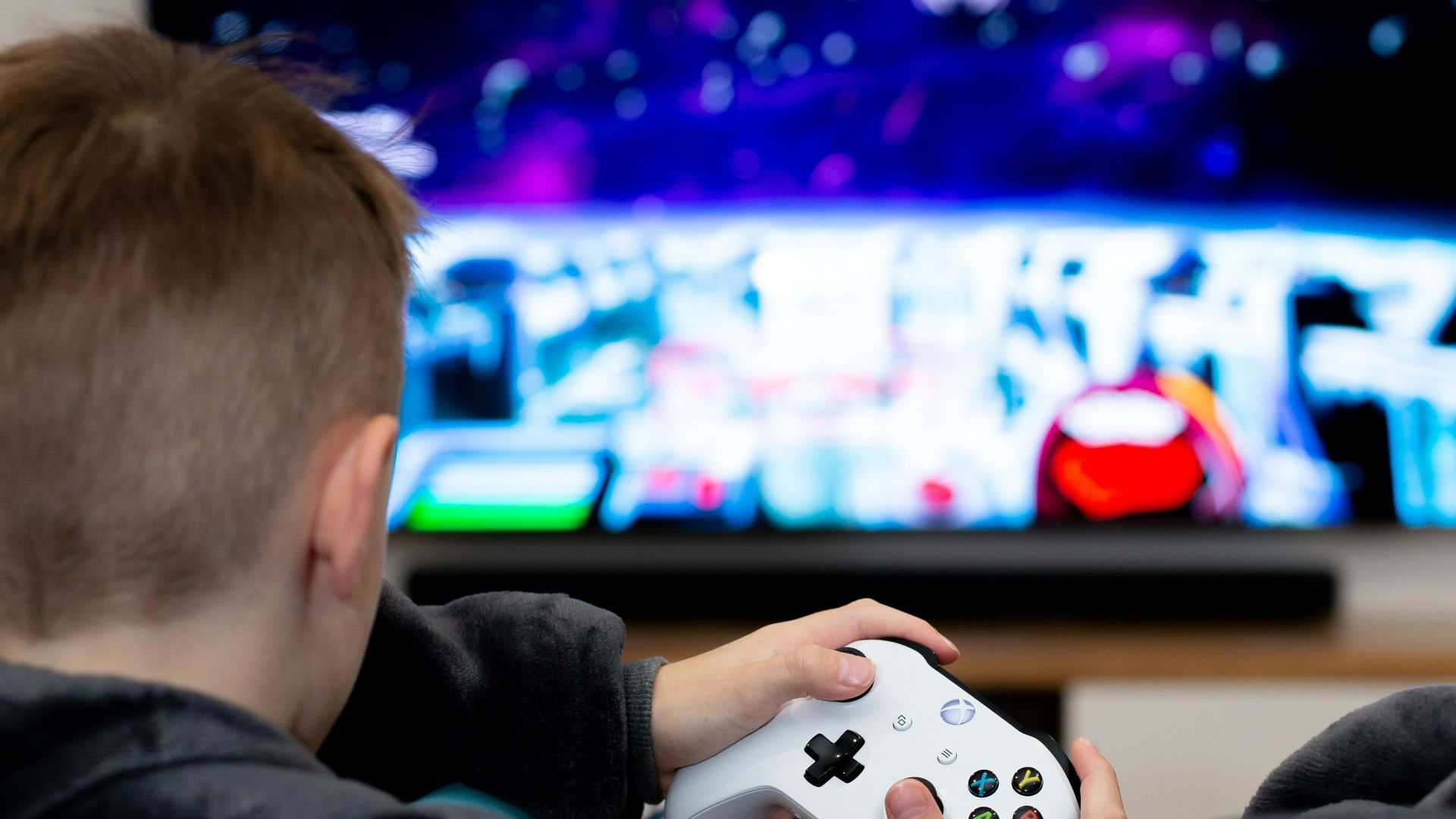
Disable voice chat, public messaging, purchases, and access to open online matches unless you’ve specifically planned to use them. Children can accidentally enter public conversations or make unwanted purchases when accounts aren’t properly restricted.

8. Create A Clear Turn System
Explain how long each turn lasts and what happens after someone wins or loses. You might rotate players after one match, use a timer, or have winners stay for only one additional round.
9. Pair Players By Experience Level
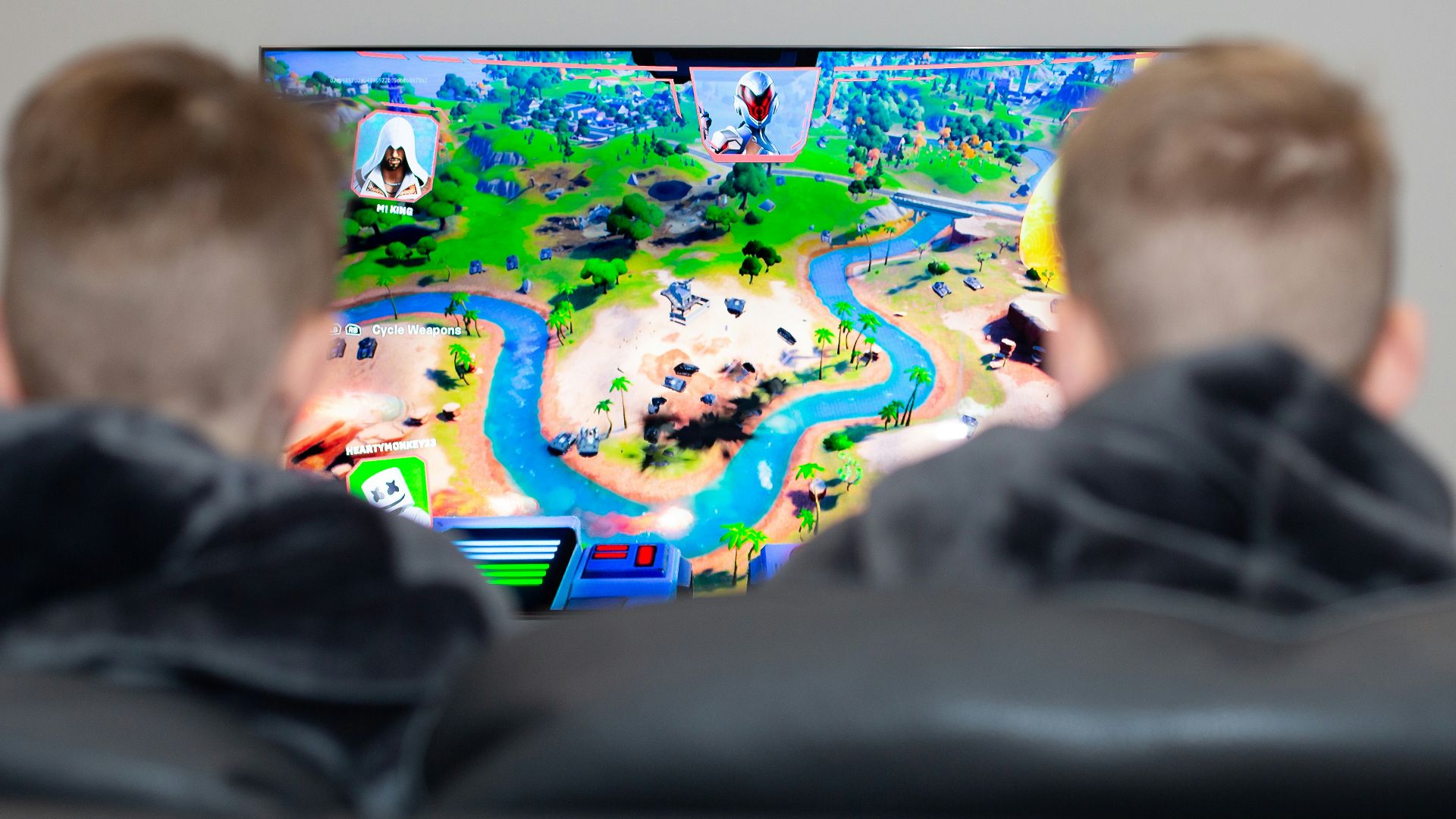
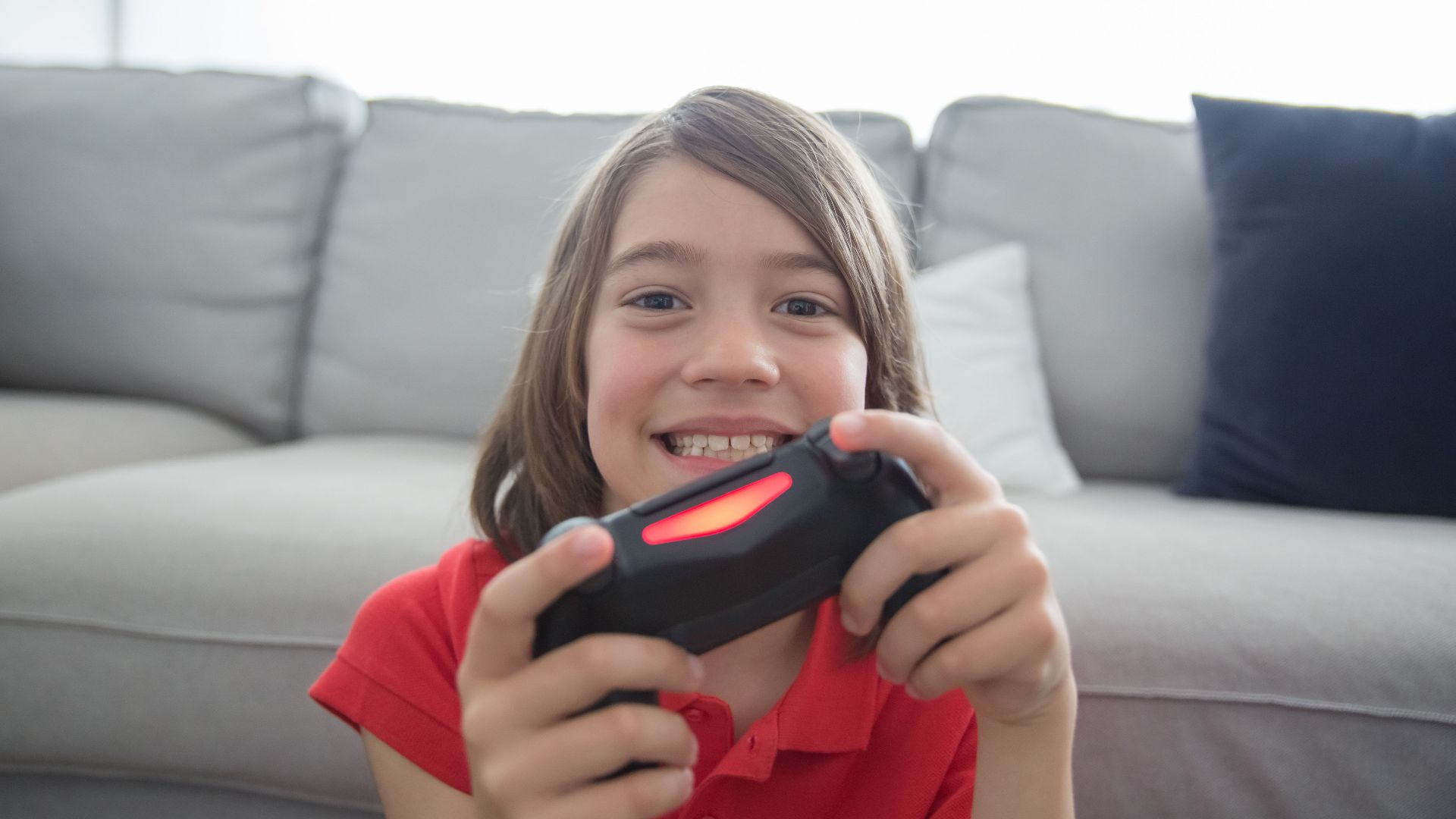
A child who plays every day may overwhelm a guest who rarely holds a controller. Grouping players with similar abilities can make matches feel more competitive without becoming discouraging.
10. Include Cooperative Games
Not every activity needs to produce a single winner. Cooperative games encourage children to communicate, solve problems, and celebrate progress together. They’re particularly useful when guests become tense during direct competition or when younger children need help from stronger players.

11. Avoid Eliminating Players For Long Periods
Tournament brackets can sound exciting, but early elimination may leave some children watching for most of the party. Choose short rounds, second-chance matches, or scoring systems that let everyone continue participating.
12. Plan Non-Screen Breaks
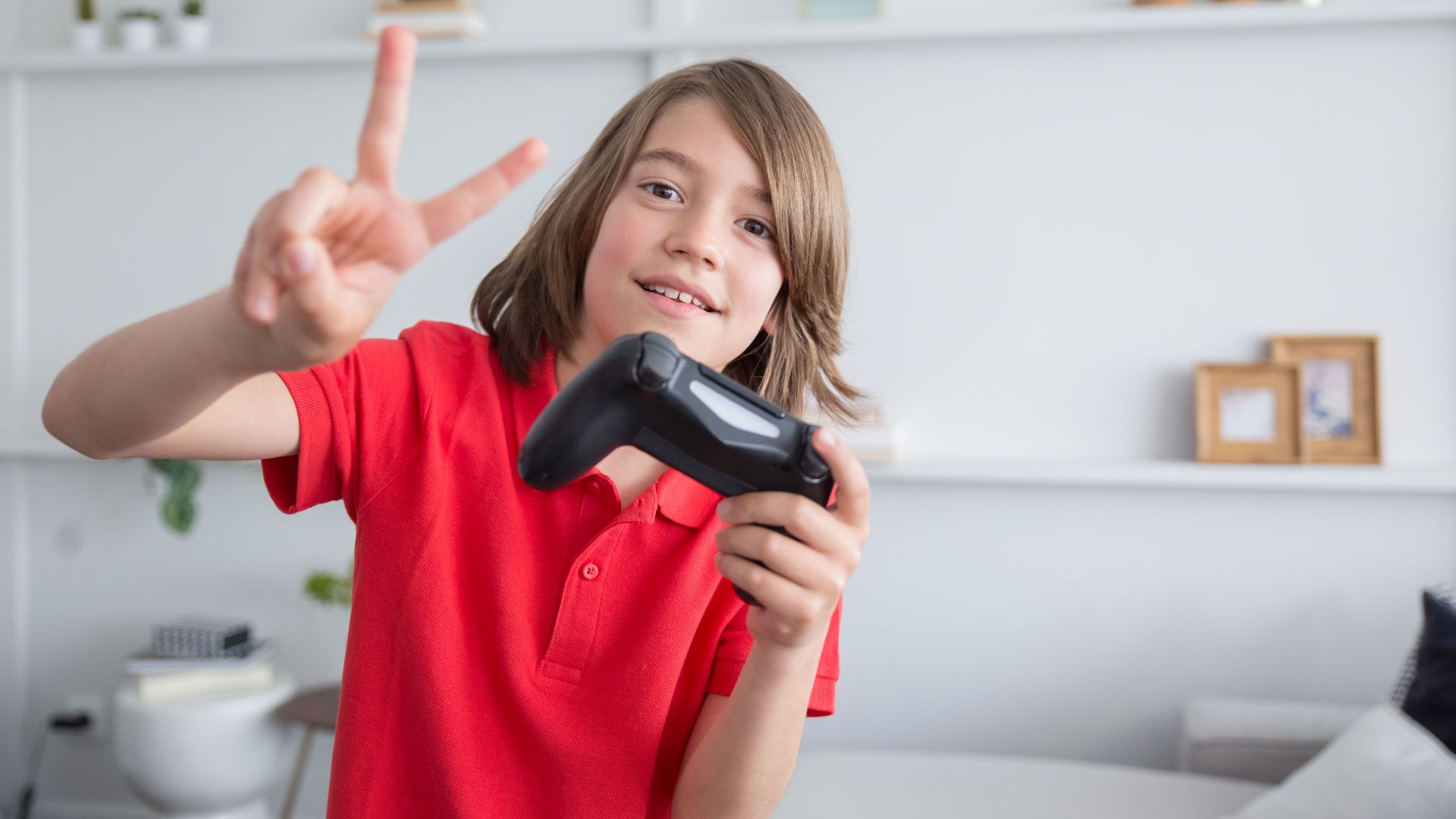
Schedule short breaks for snacks, cake, gifts, or movement instead of allowing nonstop gaming from arrival to pickup. Children may become restless, irritable, or tired after sitting in one place for too long.
 Victoria Rodriguez on Unsplash
13. Set Up A Movement Area
Create a nearby space where waiting guests can toss a soft ball, complete a simple obstacle course, or play a quick tabletop activity. This gives children something constructive to do between turns.
14. Keep Food Away From Controllers
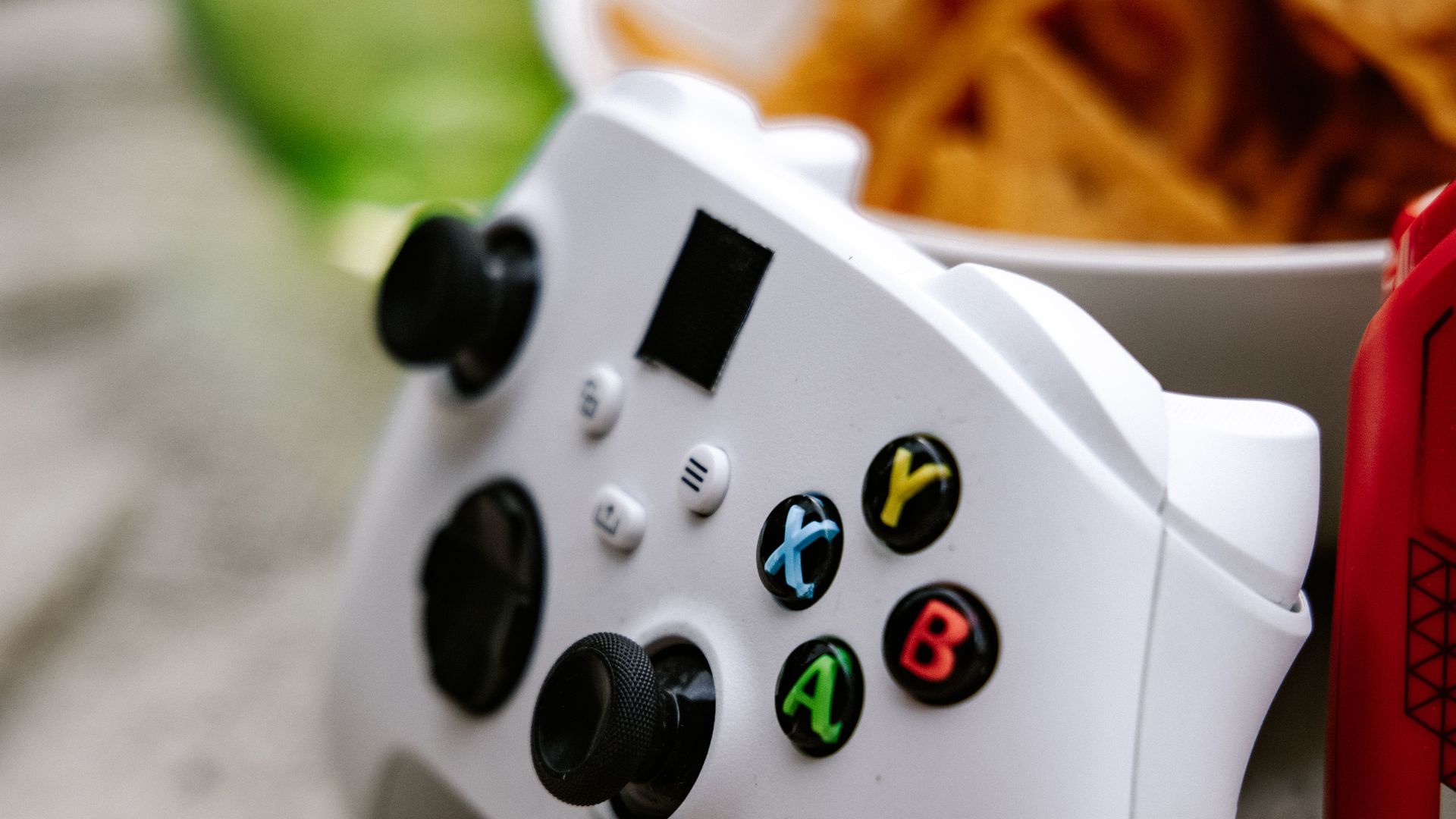
Greasy snacks, sticky candy, and open drinks can quickly create problems around electronics. Serve food at a separate table and ask children to wash or wipe their hands before returning to play. Water bottles with secure lids are safer than uncovered cups beside consoles.
15. Choose Easy-To-Eat Party Food
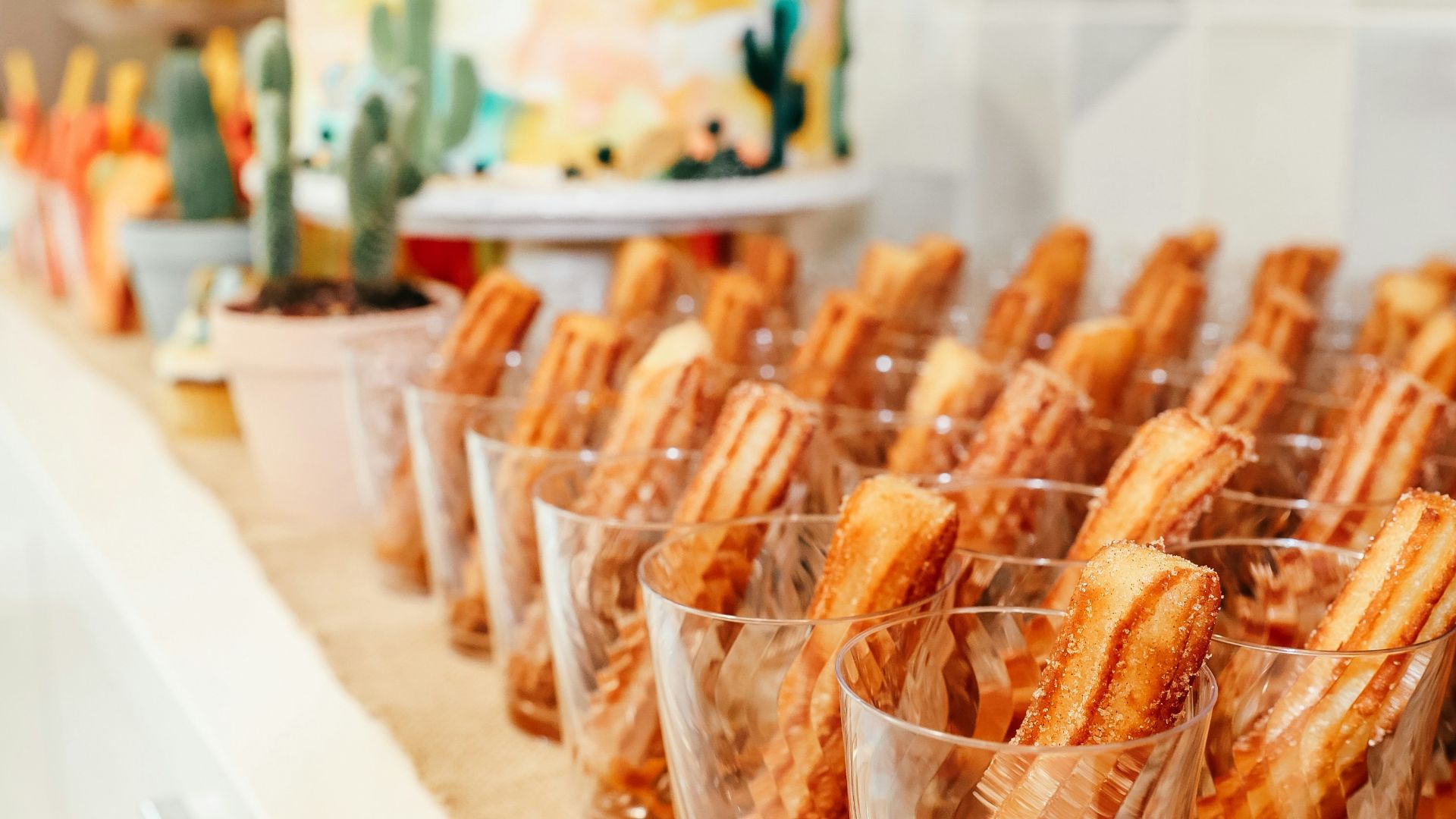
Offer foods that don’t require complicated utensils or create excessive crumbs and sauce. Small sandwiches, fruit, vegetables, cheese, and bite-sized snacks are easier to manage during a busy gathering.
16. Keep Decorations Away From Equipment
Balloons, streamers, and themed signs can create a festive setting without crowding the gaming station. Avoid placing decorations over ventilation openings, power bars, or tangled cables.

17. Offer Small Prizes For Several Achievements
Instead of rewarding only the highest score, recognize categories such as teamwork, improvement, creativity, or good sportsmanship. Keep rewards similar in value so one category doesn’t appear more important than the others.

18. Establish Sportsmanship Rules Early
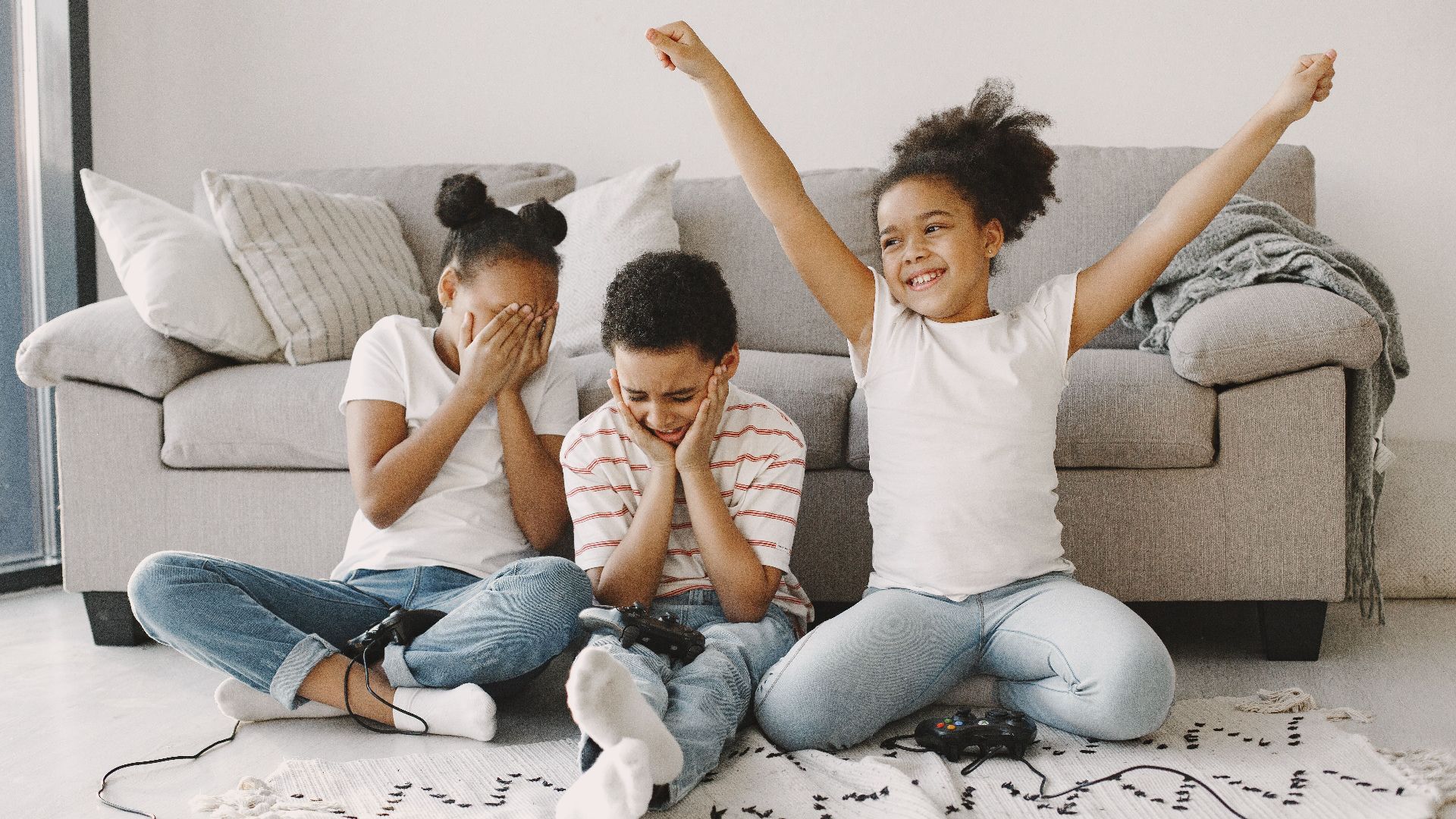
Before play begins, remind guests that insults, controller grabbing, deliberate cheating, and angry outbursts aren’t acceptable. Explain that losing is part of playing and that everyone deserves encouragement while learning.
19. Have A Backup Activity Ready
Technical problems can still happen even after careful preparation. Keep a board game, craft station, scavenger hunt, or outdoor activity available in case the internet fails or equipment stops working.
20. End With A Group Activity
Finish the party with something everyone can join, such as a cooperative challenge, a funny team round, or a photo near the decorations. Ending together prevents the celebration from fading out while a few guests continue playing alone.