The Habits We Should Pay Attention To
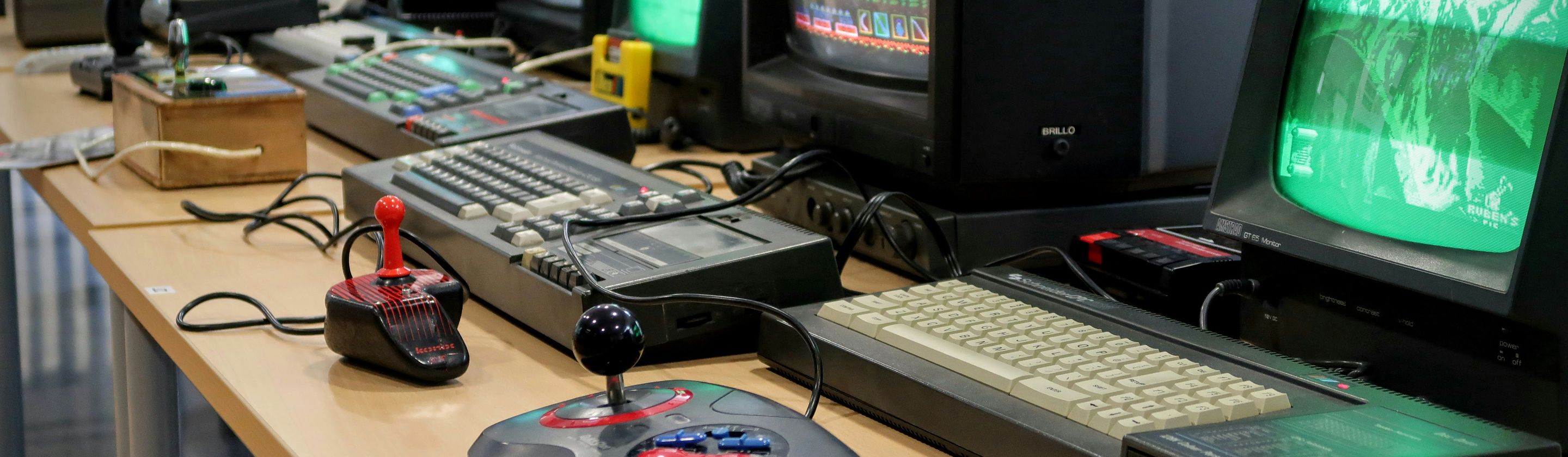
Older adults still get written off as if they’re permanently locked out of modern tech, which is lazy, outdated, and not especially supported by the evidence. Plenty of seniors use smartphones, tablets, email, video calls, streaming services, and all the usual digital basics. The real difference is often style, not access: they’re usually less interested in living online all day, and more interested in whether a device actually solves a problem. That approach can look old-fashioned from the outside, but if you think about it, it might be the smartest way to approach the digital age.

1. Kill the Alerts
A lot of seniors don’t let every app yell at them all day. Their phones might ring for their kid, or buzz with a calendar reminder, and stay quiet the rest of the time. That sounds simple enough, but it definitely helps us from getting sucked into a screen all day.
2. Calling
When plans change, somebody’s sick, or the family needs an answer before dinner, many older adults still pick up the phone and call. There’s a steadiness to that habit, and it’s hard not to miss it once you notice how much time texting can waste.

3. Print the Important Stuff
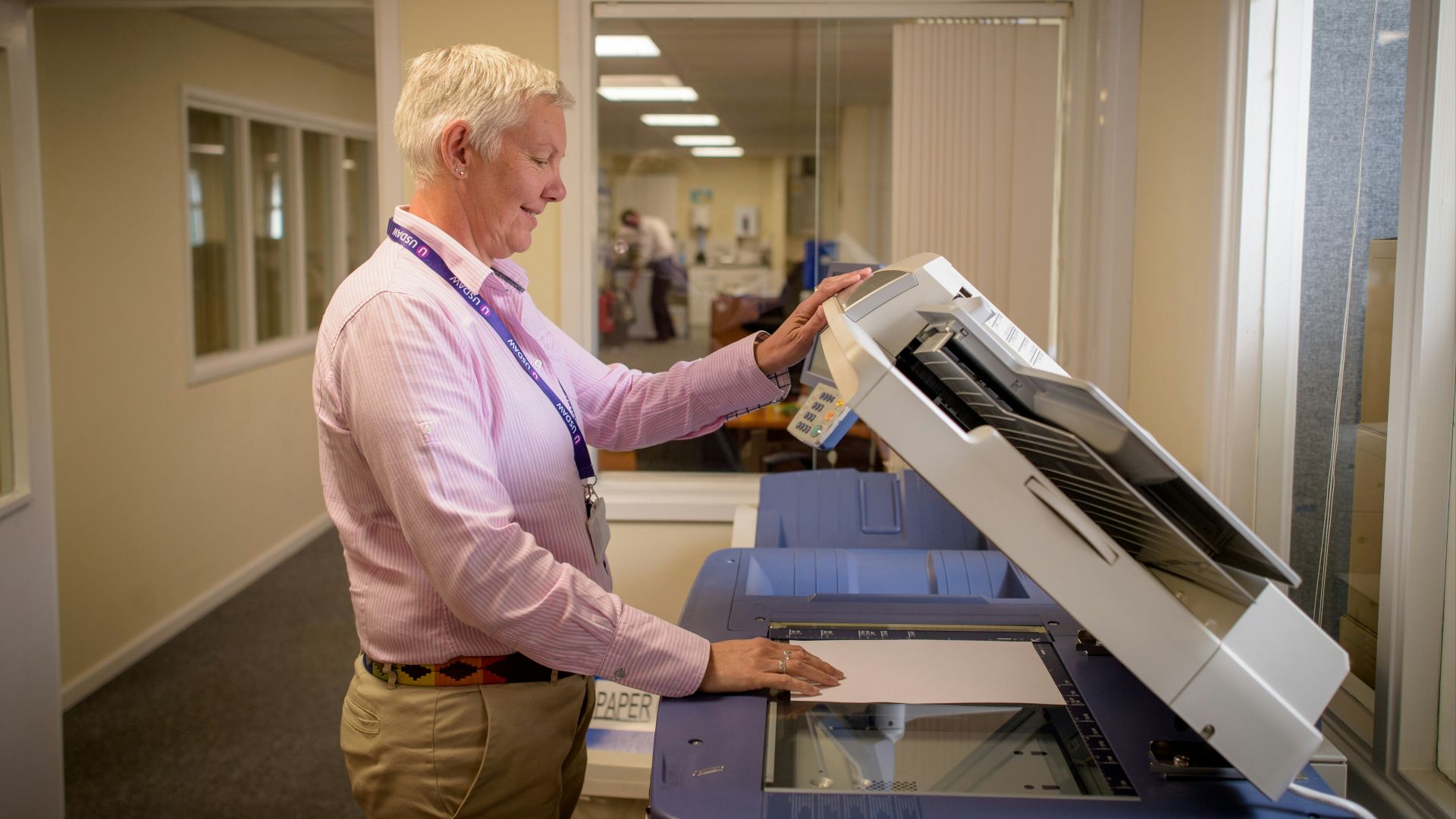
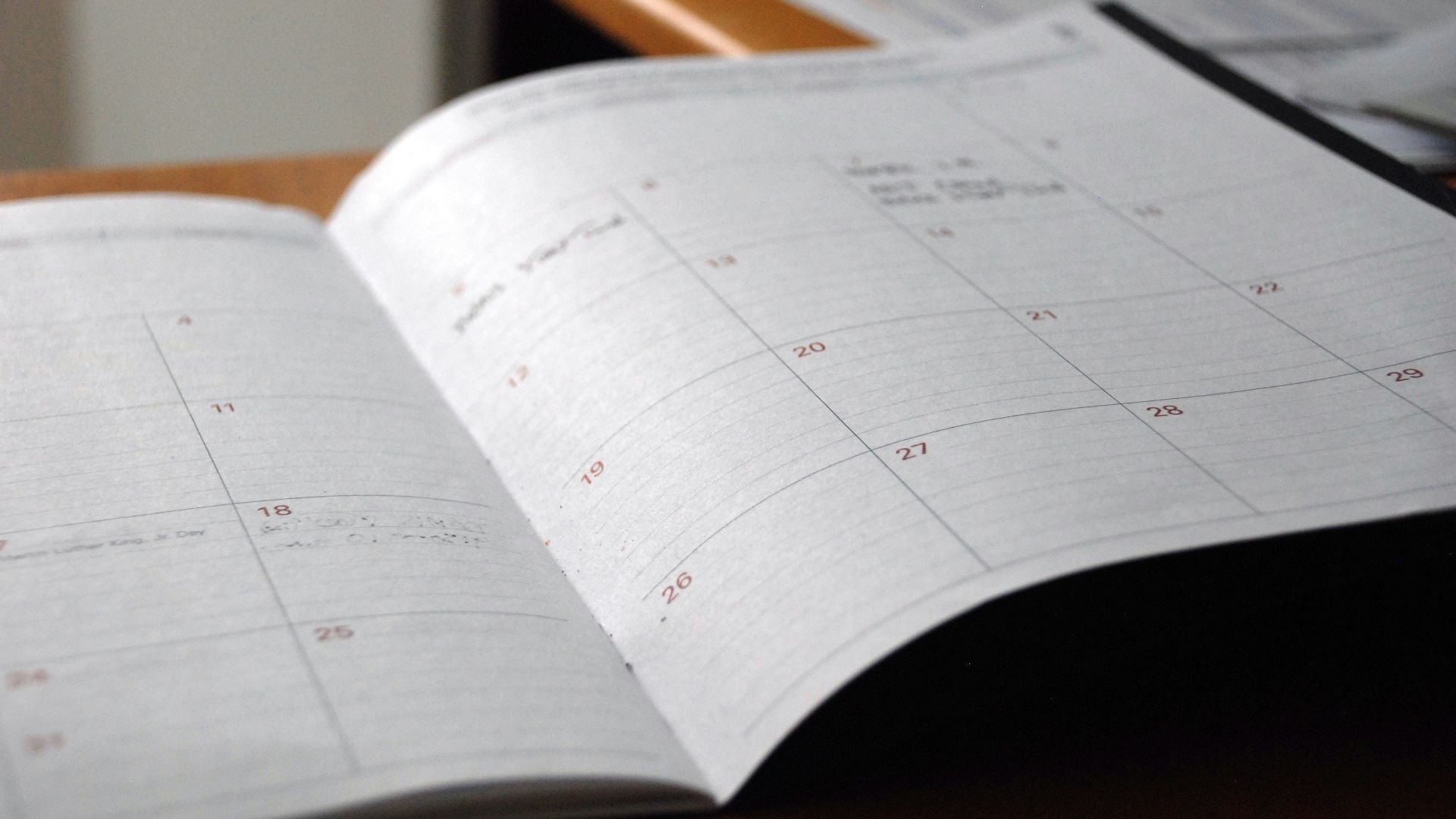
Travel details, insurance cards, medication lists, emergency contacts, and the appointment addresses. Seniors often print the things they can’t afford to lose. Sure, it might be nicer to have everything centralized, but we can't argue how useless a phone is if it's dead or out of service. Suddenly, that folded sheet of paper starts looking pretty sharp.
 Global Residence Index on Unsplash
4. Use the Right Device
A phone is fine for calling the pharmacy or checking the weather. A laptop is better for banking, tax forms, or less-than-intuitive website design. Seniors are more willing to switch devices instead of completing every task through a glowing rectangle.

5. Write It Down
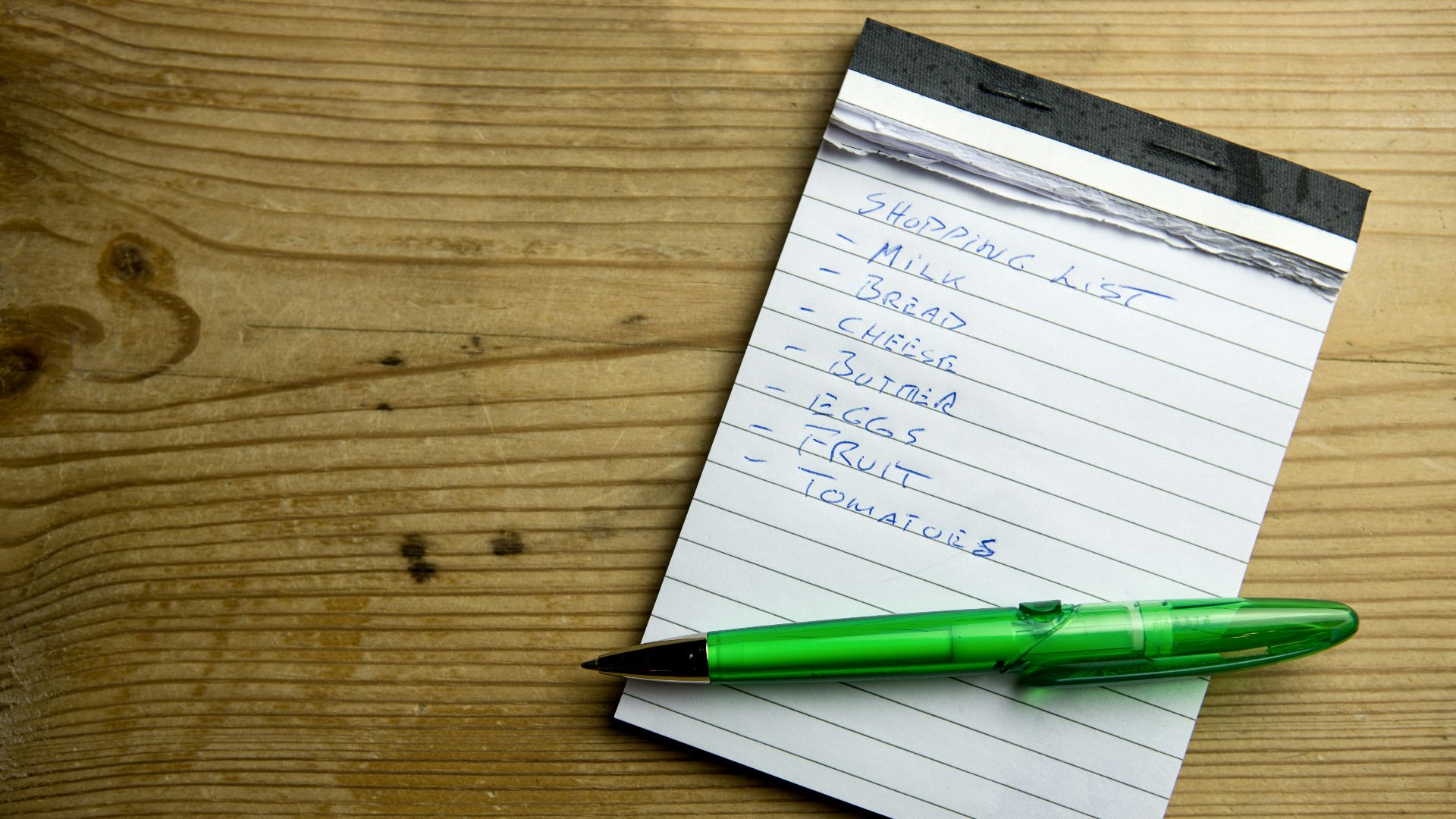
A grocery list on the counter still beats a notes app you forget to open. Plenty of older adults jot down their lists and reminders on a legal pad to take into the store with them. It’s plain, visible, and makes things hard to miss.
6. Go Bigger for Big Tasks
Medical portals, bill pay, travel bookings, and government forms are easier to handle on a desktop or laptop. They’d often rather sit down at a proper screen than pinch and zoom through three security steps on a phone. That choice saves mistakes, and it saves a lot of irritation, too.

7. Check Email Later
Older adults are often better at deciding when to get attention for email. They check a few times a day, and then go live their lives instead of hovering over the inbox. It's really all about boundaries.

8. Skip the App
A lot of seniors still buy a coffee, a roll of stamps, or a tube of toothpaste without joining a rewards program or downloading a store app. They pay, take the receipt, and move on. Why fill up your phone storage with another app you won't use?
 Mariia Shalabaieva on Unsplash
9. Learning in Person
Libraries or community centres run basic tech classes for seniors, and folks keep showing up. Aside from the knowledge aspect, it's nice to learn with a group of people. This setup has more humanity in it than sitting alone with a tutorial video.

10. Let It Ring
Many older adults won’t answer a number they don’t know, and that’s just common sense now. They let it go to voicemail, listen, and decide whether it deserves a return phone call.
 Dimitri Karastelev on Unsplash
11. Keep Phones Simple
Even seniors with smartphones use them in a narrower way than younger people do. Calls, texts, weather, photos of the grandkids, a little Facebook, maybe the church livestream on Sunday, and that’s enough. There is something refreshing about seeing a device as useful without expecting it to hold your entire life.
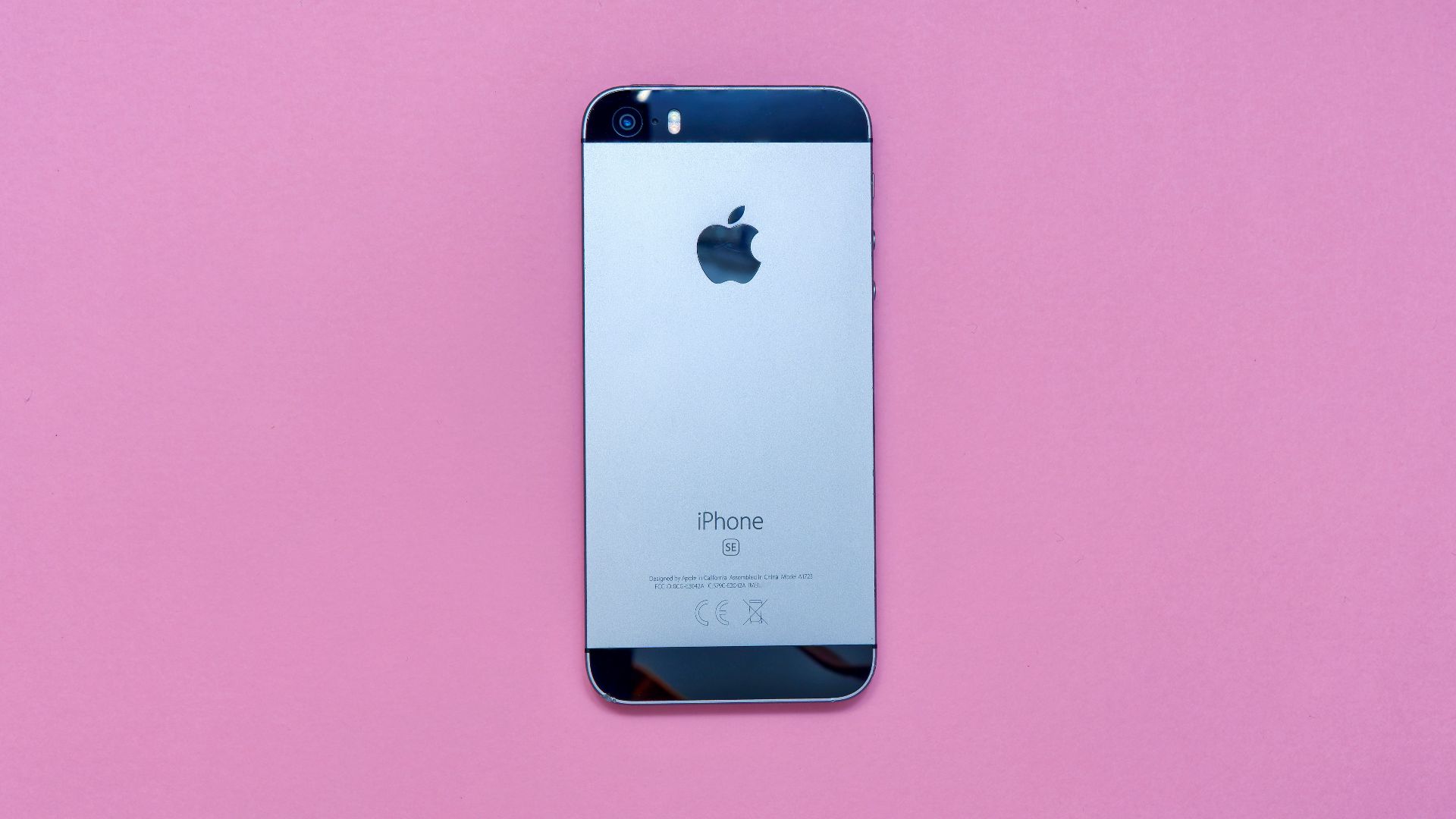
12. Cooking
A stained recipe card from a cookbook, a printed page tucked into a kitchen drawer. Older adults tend to keep cooking instructions in forms that don’t shut off, reload, or slide under a banner ad for protein powder. That means dinner can move along without a screen waking up every 30 seconds.

13. Protecting their Morning
Plenty of seniors ease into their day instead of grabbing the phone before they’ve even sat up. If you’ve ever started the day by reading bad headlines and work messages before your feet hit the floor, you know how rough the opposite can feel.

14. GPS Systems
Older adults can notice street names, landmarks, and the general shape of a route while using digital directions. Sure, they’ll still use Google Maps, but they also remember that the left turn comes after the Shell station, or that the hospital is just past the red brick church. That extra awareness comes in handy the second a signal drops or a detour pops up.
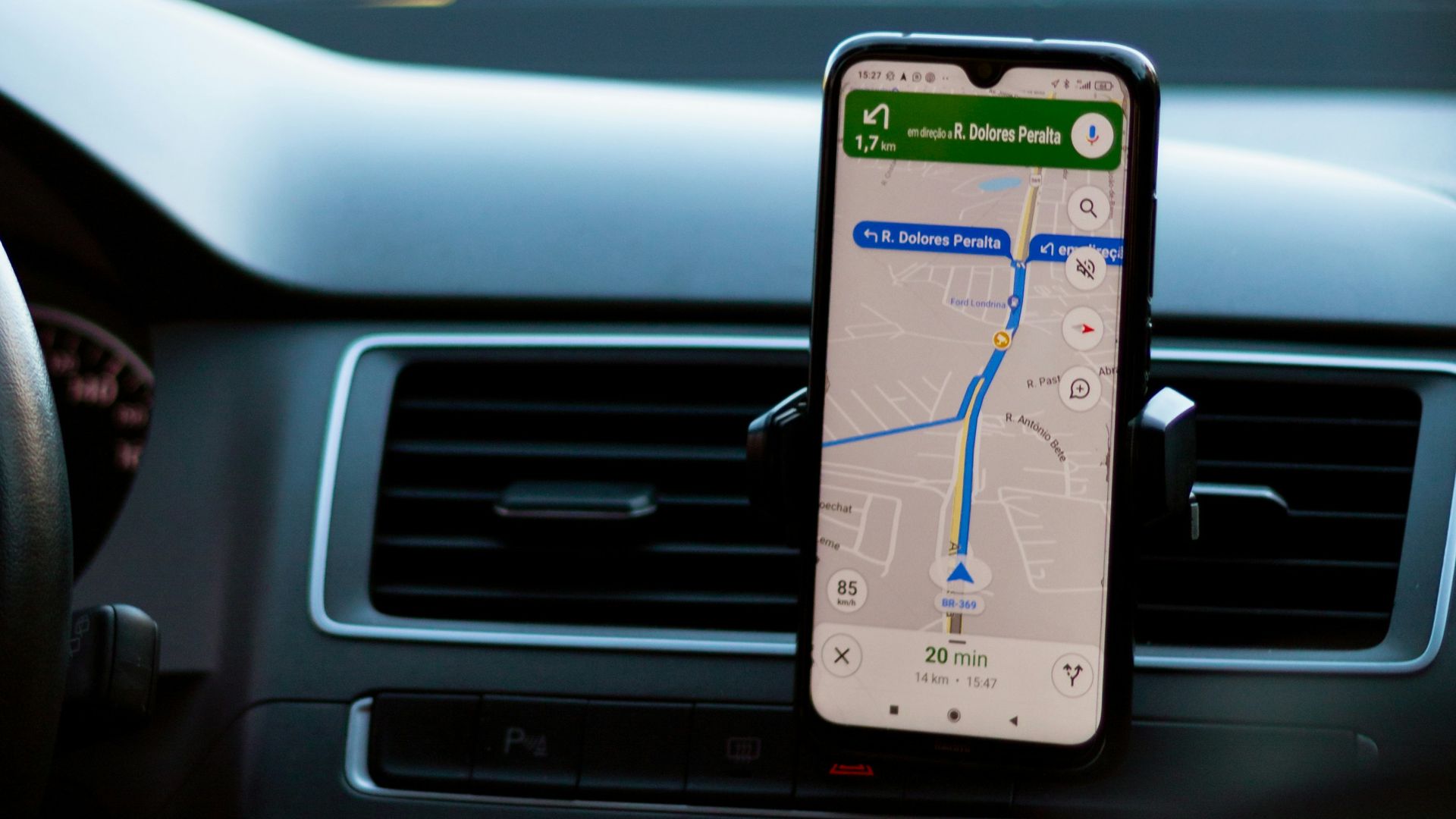
15. Limiting Their Socials
A lot of seniors use one platform, usually Facebook, for a pretty specific reason. They want to see family photos, check the neighborhood group, maybe follow the local animal shelter, and then log off. That lighter relationship with social media might look a little detached, but it also means they’re not burning half the evening comparing themselves to strangers.
 Timothy Hales Bennett on Unsplash
16. Use One-Job Devices
Kindles for reading, alarm clocks for waking up, landline handsets for long chats. Plenty of older adults still trust single-purpose tools. Those gadgets don’t ask much from you. They just do the thing they’re there to do.
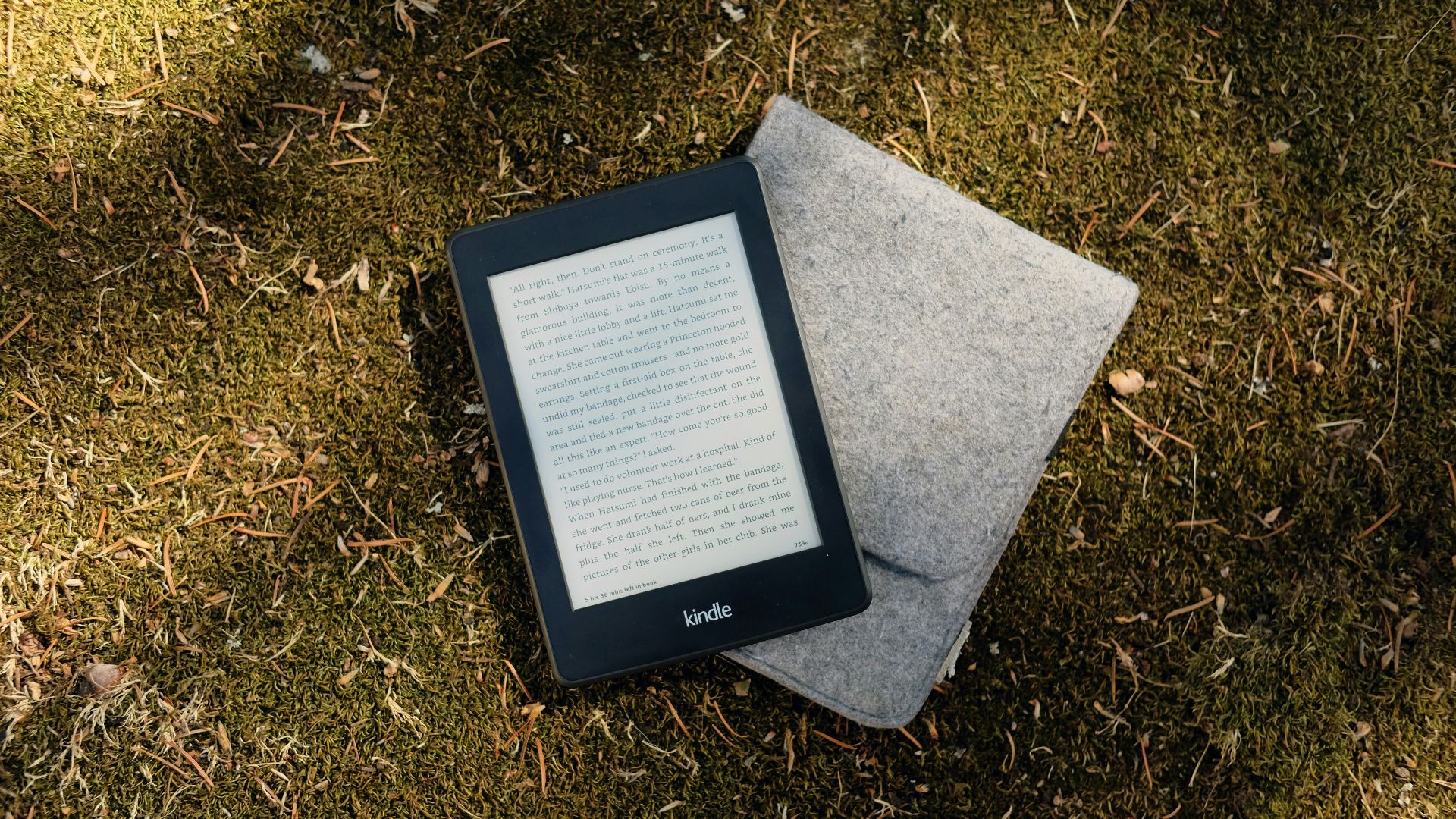
17. Save a Copy
Recorded programs, downloaded files, printed directions, saved voicemails. Seniors are often less willing to assume everything will still be there later. That instinct comes from experience, and it’s hard to argue with. Services change, passwords vanish, apps crash, and sometimes you just want your copy of something close by without having to hunt for it.
 Centre for Ageing Better on Unsplash
18. Keep It in One Place
One main email address, one paper calendar, one place for passwords, one folder for medical paperwork. Seniors often trim their systems until they’re manageable. Younger people tend to accumulate digital clutter the way junk drawers fill up. After a while, the simple setup starts looking smarter.
19. Stop Chasing Upgrades
A lot of older adults will keep using the iPad they bought in 2020 instead of replacing it the second a shinier version appears. That restraint can save money, sure, though it also saves energy. There’s a quiet confidence in not letting the market tell you your perfectly decent device suddenly isn't good enough.

20. Keep Tech in Its Place
This might be the sharpest habit of the bunch. For many seniors, technology is there to help with life, not swallow it whole. That means the FaceTime call matters more than the phone, the recipe matters more than the tablet, and the bus ride to visit a friend matters more than the app that tracks it. It's a pretty good way to remember what all this stuff was supposed to be for in the first place.