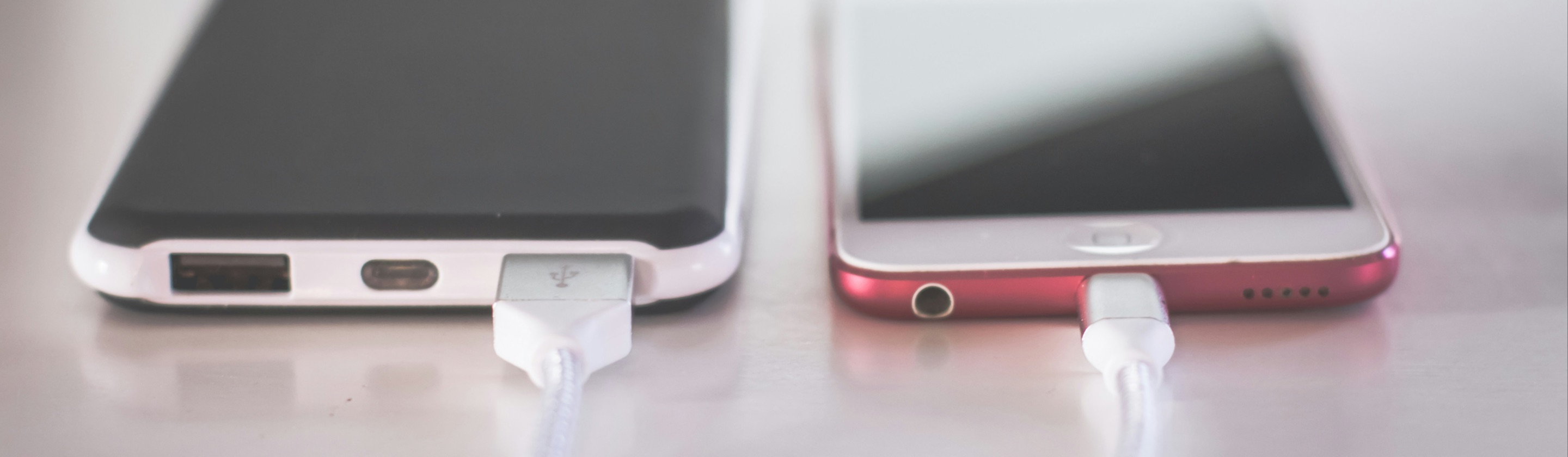
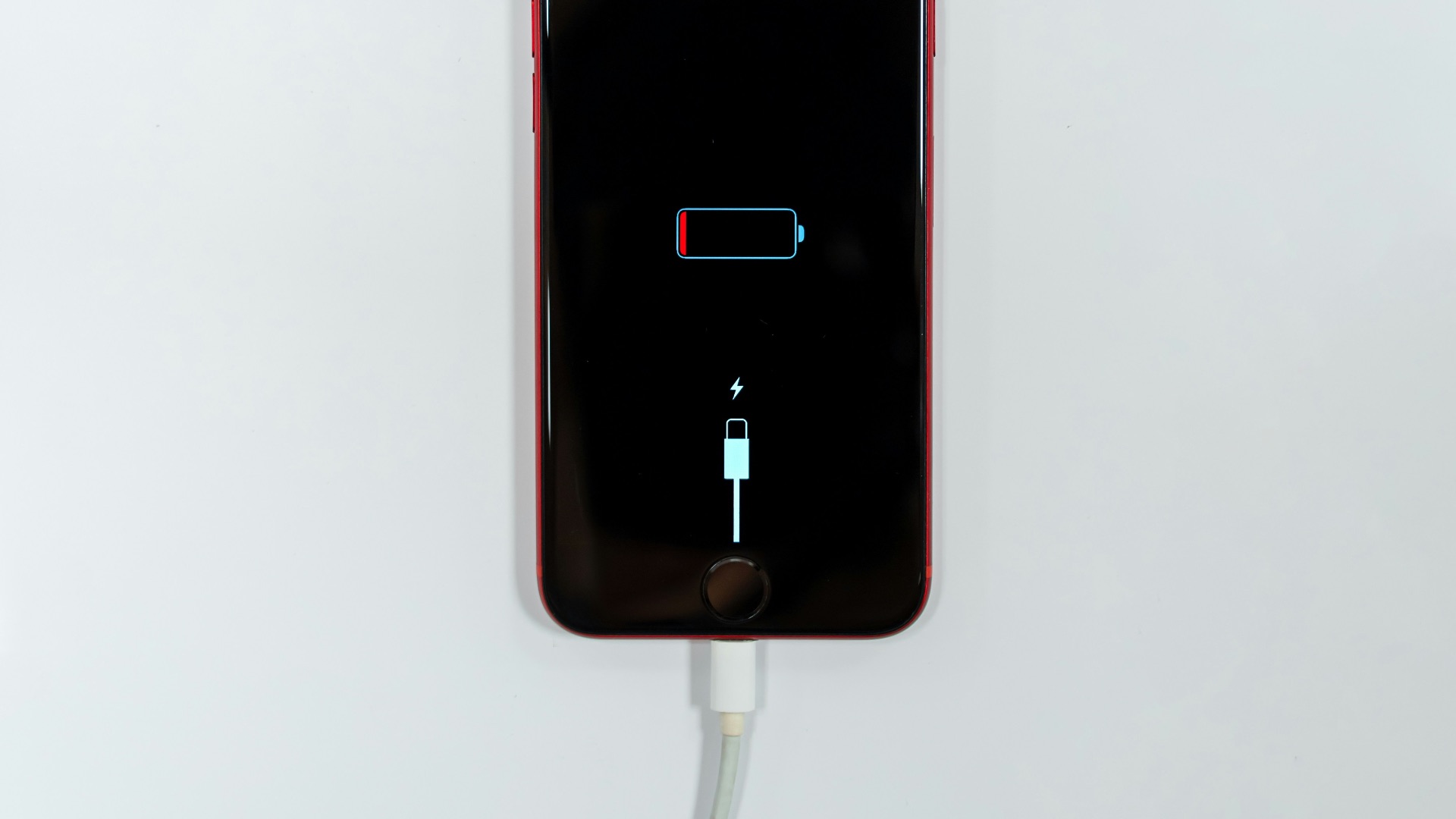
Do you regularly juice up your device to 100%, then drain it all the way to 5% (or even lower) before you finally plug it into a charger? Sure, your phone's battery isn't built to last forever, but believe it or not the speed at which it wears down is largely up to you. Every charge cycle causes a small amount of chemical aging inside the battery, and that aging adds up over months and years of daily use. Unfortunately, bad or careless habits can mean your battery health can quickly deteriorate.
While most people don't think twice about plugging in their phone whenever it's convenient, if you want your battery to last you a few good years, it's best to make some small, but smart, adjustments. How? Read on, and we'll touch on three practical tips that actually make a measurable impact, along with the reasoning behind each one so you understand why they work.
The Ideal Range
Lithium-ion batteries, which power virtually every modern smartphone, experience the least amount of stress when they sit in the middle range of their capacity. As mentioned, charging all the way to 100% or letting your phone drain down to 0% on a regular basis puts extra strain on the battery's internal chemistry. And while that strain might not show up immediately, it accumulates over time and rears its head later as reduced capacity and shorter battery life between charges.
So what's a better approach? Simple: charge your phone when it hits around 20%, then unplug once it reaches somewhere between 70% and 80%. Many phones, including recent iPhone models, let you set an actual charge limit in your battery settings so you don't have to watch the percentage manually. According to Apple's own support documentation, you can choose a charge limit anywhere between 80 and 100% in 5% increments, which takes the guesswork out of the process entirely.
If setting a hard limit feels like too much friction for your lifestyle, smaller and more frequent top-ups throughout the day are a solid alternative. Giving your phone a 20 to 30 minute boost a couple of times a day is gentler on the battery than one long session that pushes it from empty to full. Either method keeps your battery out of the high-stress zones at the very top and bottom of its range, which is really what matters most.
Let Optimized Charging Do the Heavy Lifting
If managing percentages manually sounds like more effort than you want to put in, your phone likely already has a built-in solution. Most modern smartphones include some version of an optimized or adaptive charging feature that uses on-device learning to figure out your daily routine. Once it understands your habits, it adjusts how and when your phone charges so the battery doesn't sit at a full charge for hours on end.
On iPhones, this feature is called Optimized Battery Charging, and it's turned on automatically when you first set up your device. Apple explains that the feature works by charging your phone to about 80% relatively quickly, then pausing before it finishes the last stretch closer to when you're actually likely to unplug the charger. The system needs roughly two weeks and several charging sessions in the same location to learn your pattern accurately, so don't worry if it doesn't seem to kick in right away.
Android manufacturers offer comparable tools under different names, though the underlying concept is the same across brands. These features work especially well if you tend to charge overnight or have a fairly predictable daily routine, since predictability is exactly what the learning algorithm relies on. If your schedule changes often or you travel frequently, the feature might not engage as reliably, and in those cases it's worth combining it with manual habits like unplugging once you're near 80% yourself.
It's worth noting that turning this feature off entirely tends to do more harm than good for most users. Letting your phone charge straight to 100% and then sit there for hours, which is exactly what happens overnight without optimization, places unnecessary stress on the battery night after night. Keeping the feature enabled by default and only disabling it temporarily when you genuinely need a full charge right away is generally the smarter long-term choice.
Keep Heat Away from Your Battery
Heat is one of the fastest ways to degrade a lithium-ion battery, and it matters just as much as how you charge. When a battery gets hot, whether from direct sunlight, a warm car interior, or even heavy phone use while plugged in, the chemical reactions inside it speed up and accelerate long-term wear. This is true even if you're following every other best practice perfectly, since heat alone can undo a lot of that careful work.
A few simple changes can keep your phone's temperature in check throughout the day. Taking your case off while charging allows heat to escape more easily instead of getting trapped against the device, and avoiding direct sunlight or hot car dashboards prevents your phone from absorbing outside heat on top of the warmth it already generates while charging. It's also a good idea to avoid gaming, streaming, or running other demanding apps while your phone is plugged in, since that combination of charging and heavy processing generates more heat than either activity does on its own.
Fast charging deserves a quick mention here too, since it's convenient but not without trade-offs. Higher wattage chargers do produce more heat than slower ones, particularly once your battery climbs past the 80% mark, so it's worth saving fast charging for moments when you genuinely need a quick boost. For everyday charging at your desk or overnight, a standard charger that runs cooler is the better choice for your battery's long-term health, even if it takes a bit longer to top off.
Ultimately, if you want to keep your phone's battery health at tip-top shape for as long as possible, make sure you follow the tips we've mentioned. Over the course of a year or two, these choices add up to a noticeably healthier battery and a phone that you won't need to replace or repair nearly as soon. A little consistency now goes a long way toward keeping your device reliable for years to come.