They Can’t All Be Winners
When you think about gaming from over 20 or 30 years ago, you probably get a strong sense of nostalgia. You can vividly picture the cartridges, the iconic startup screens, the chunky plastic consoles, and, perhaps most importantly, the controller snug in your hands. A fantastic controller can transform a decades-old game into a delightful experience, while a clunky one can turn even the simplest movements into a frustrating ordeal. Some controller designs have left a lasting mark on modern gaming, while others remind us of a time when innovation and experimentation ruled the day. Let’s dive into the world of retro gaming controllers, ranking 20 of them as our favorites to the ones we’d rather forget.
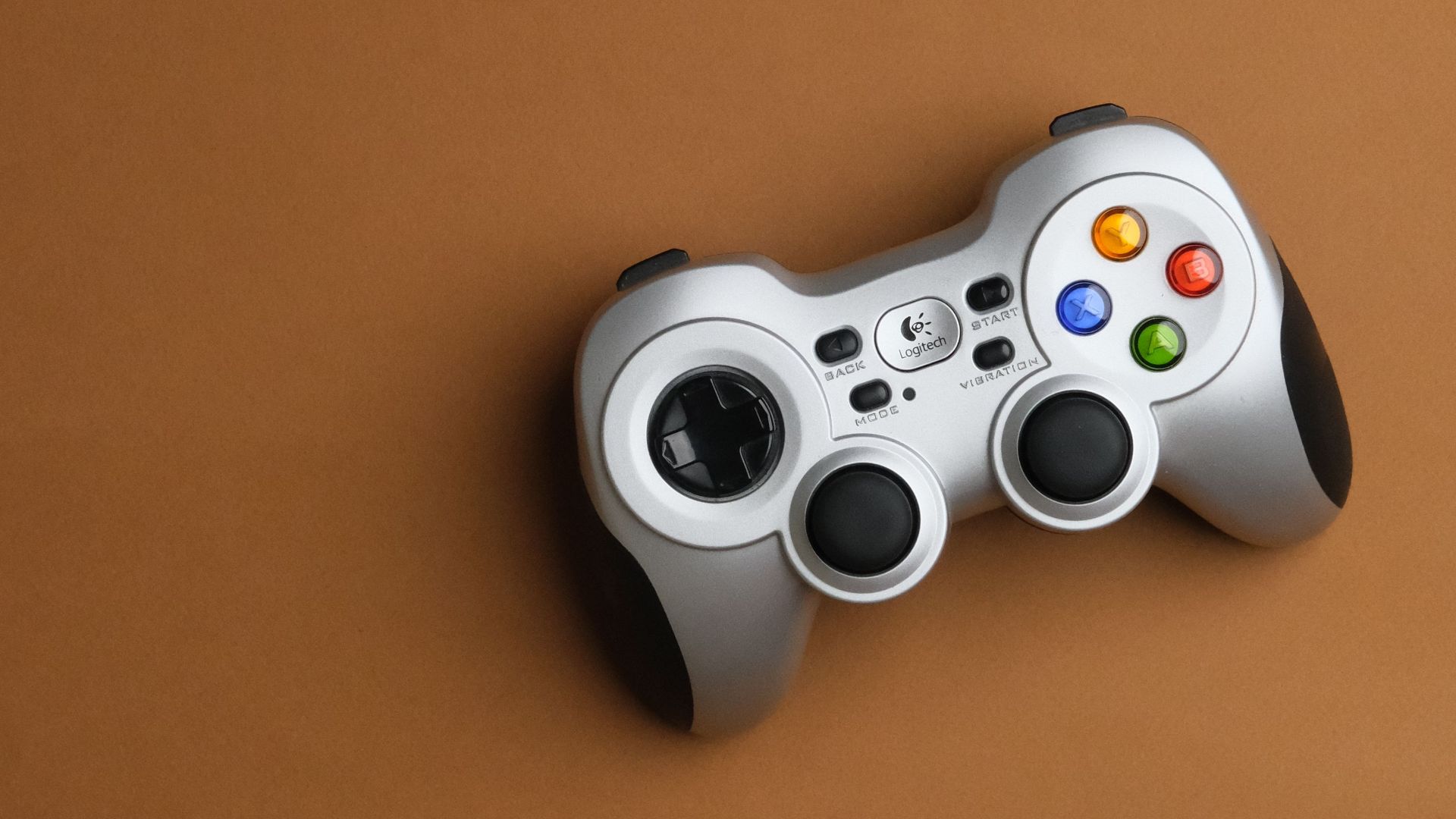
1. Super Nintendo Entertainment System Controller
The SNES controller remains one of the cleanest classic gamepads ever made. Its rounded shape, precise D-pad, four face buttons, and twin shoulder buttons gave players greater control without making the layout feel crowded. It worked well across a wide range of games, including platformers, RPGs, fighting games, racing games, and puzzles.
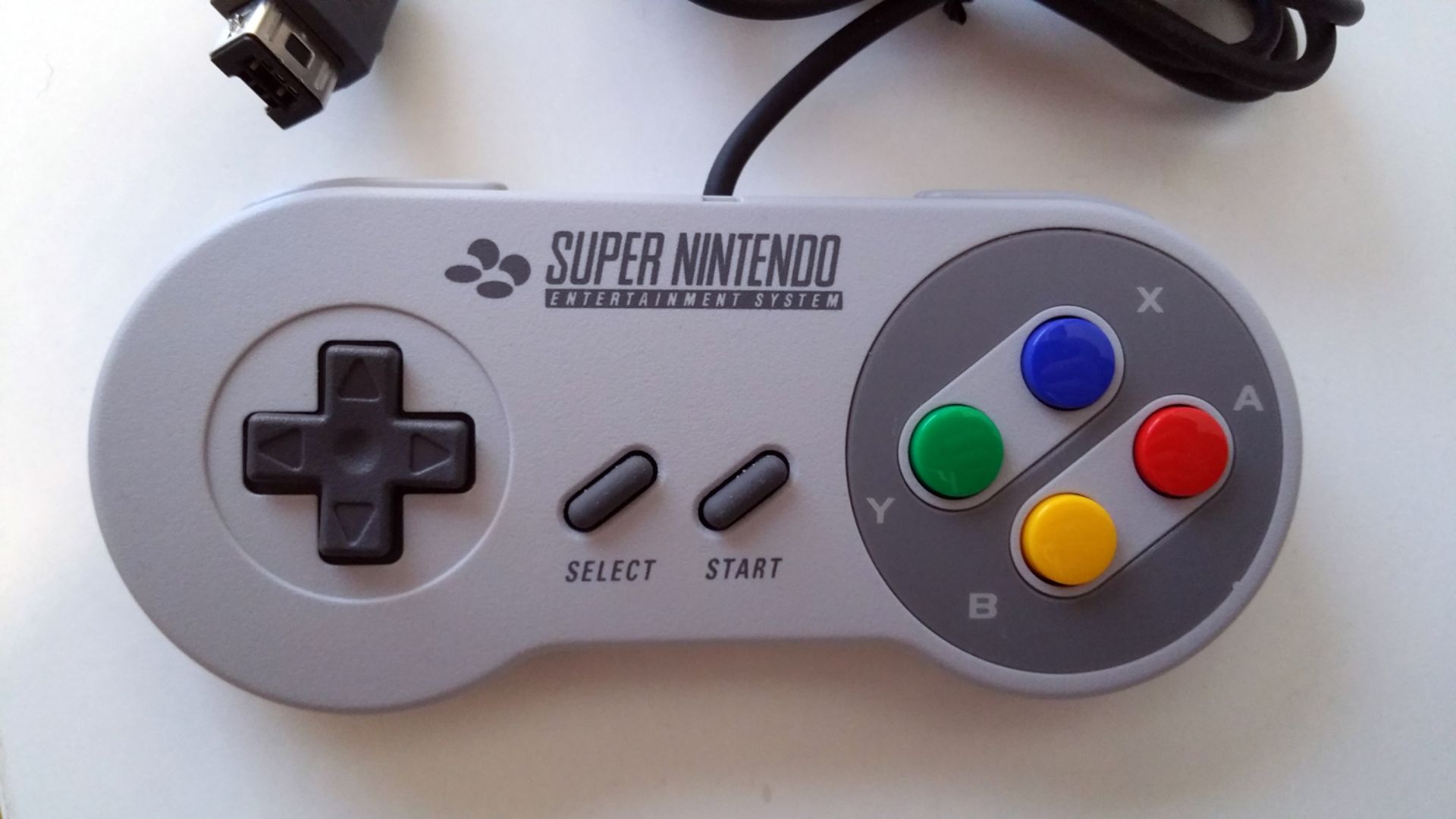
2. PlayStation DualShock
The original DualShock set the standard for modern 3D console control, complete with dual analog sticks, vibration feedback, four shoulder inputs, a D-pad, and four face buttons. The symmetrical stick layout still divides opinions among players, and later versions improved the overall feel. Despite this, the DualShock’s basic setup continues to influence modern controller design.
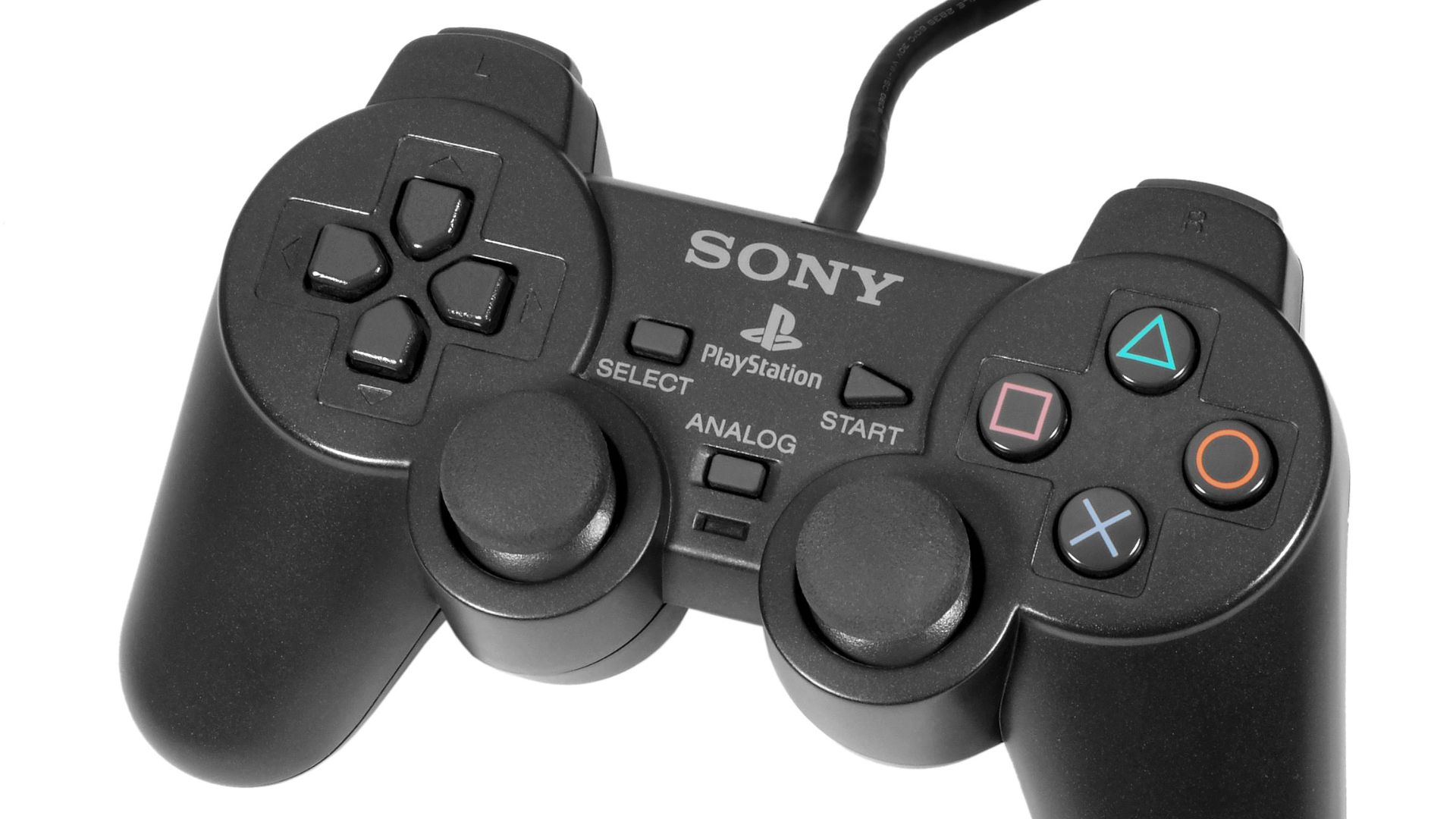
3. Sega Saturn Control Pad
The Sega Saturn pad is one of the best controllers for 2D games. It features a circular D-pad, six face buttons, and a comfortable shape, making fast arcade-style play feel clean and responsive. This layout was particularly effective for fighting games, with six buttons conveniently positioned under your thumb.
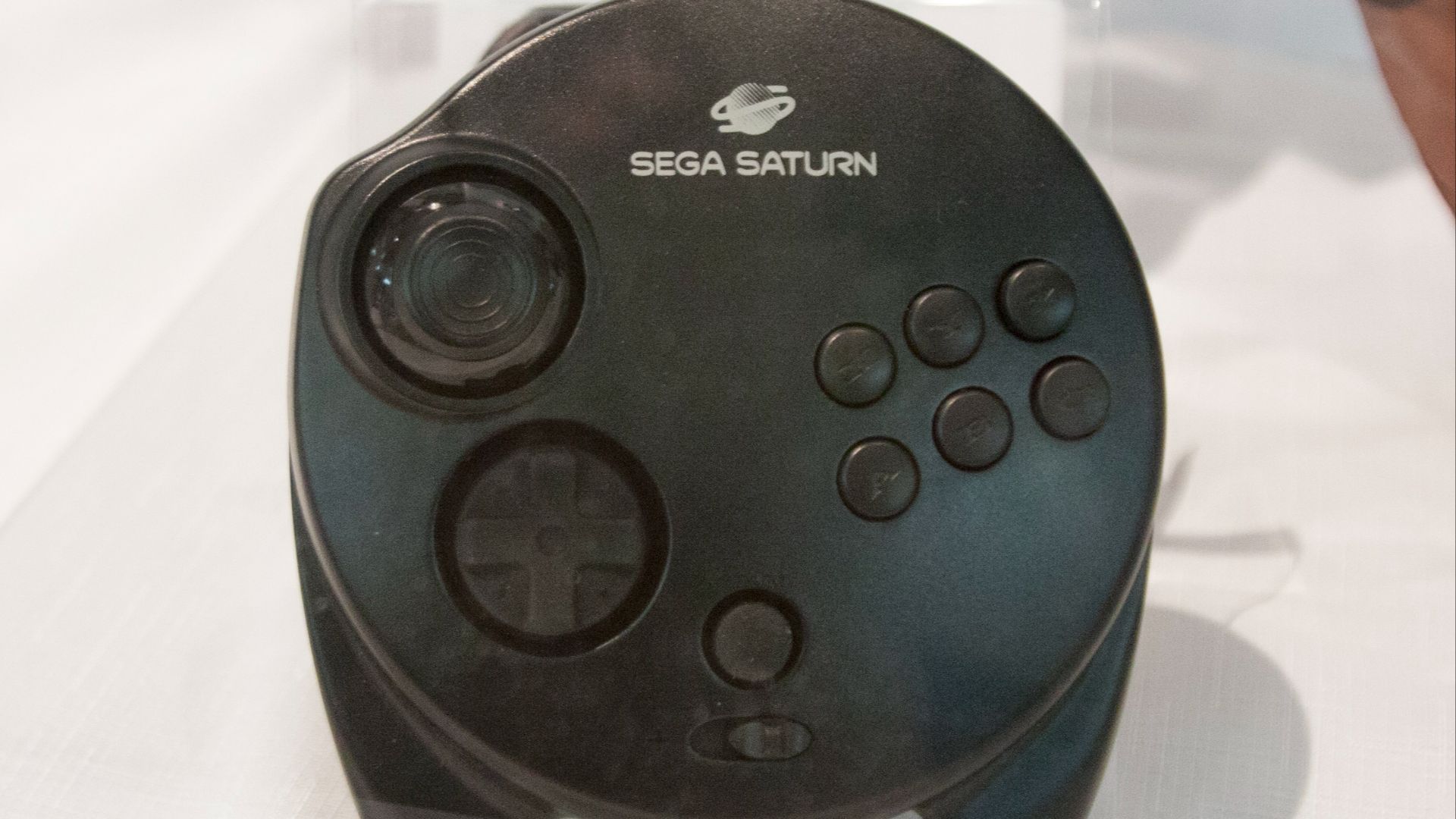 Digital Game Museum on Wikimedia
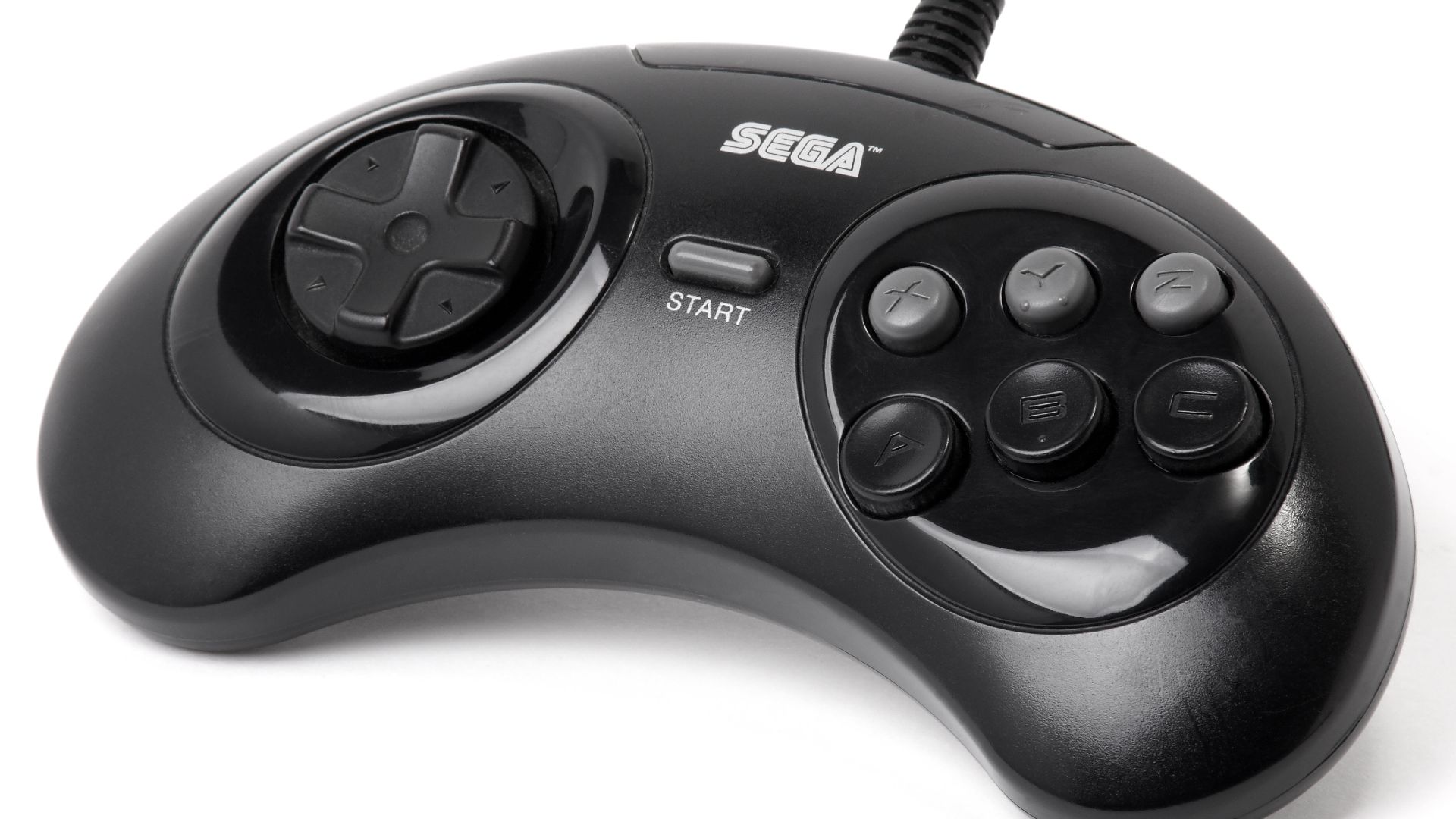
4. Sega Genesis Six-Button Control Pad
The six-button Genesis controller addressed the original Genesis pad’s biggest limitation. It retained Sega’s comfortable feel while adding the extra face buttons needed for fighting games and arcade ports. It also felt smaller and more refined than the larger three-button version.
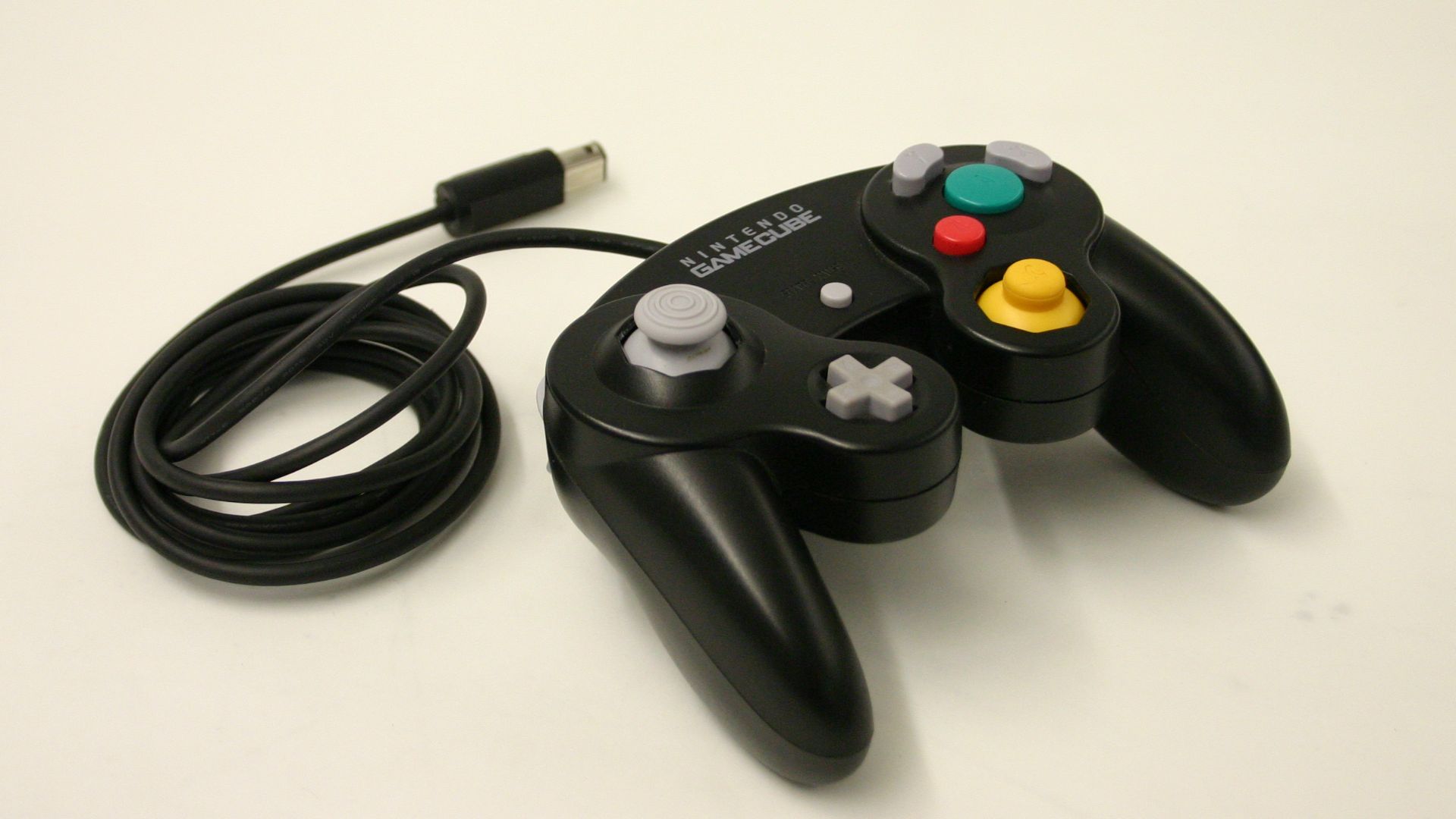
5. Nintendo GameCube Controller
At first glance, the GameCube controller looks a little strange, but it makes more sense once you start playing the games designed for it. The large A button, C-stick, analog triggers, and sturdy grips give it a distinctive personality that complements the console well. However, this personality is also its biggest drawback, as the small D-pad and unconventional face-button layout make it less versatile for games outside its main lineup.
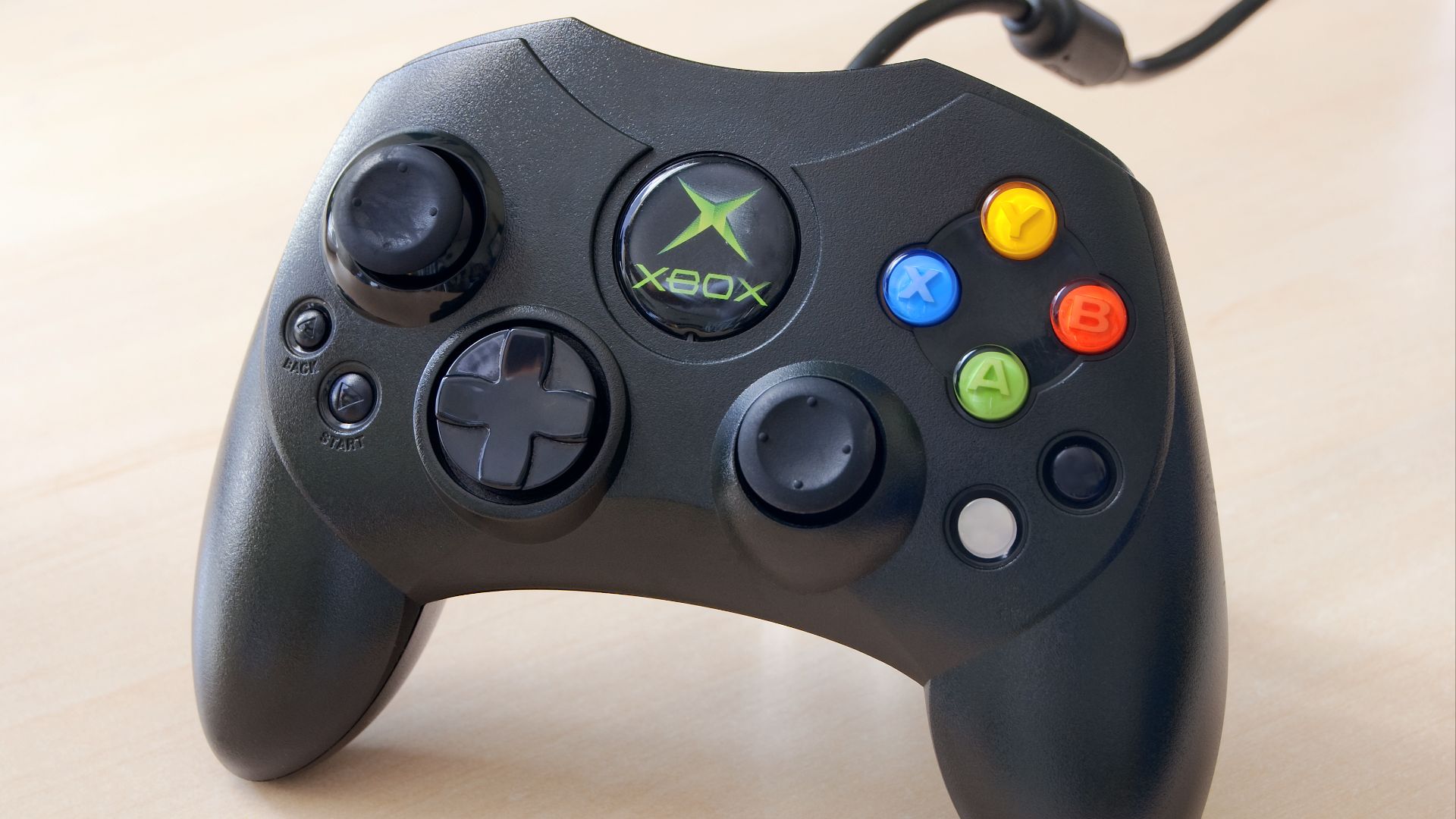
6. Xbox Controller S
The Controller S made Microsoft’s first console much more user-friendly. It maintained the dual analog sticks, analog triggers, and solid grip. Although the black-and-white buttons never felt as natural as proper shoulder buttons, this controller provided a clearer direction for Xbox hardware and paved the way for future improvements.
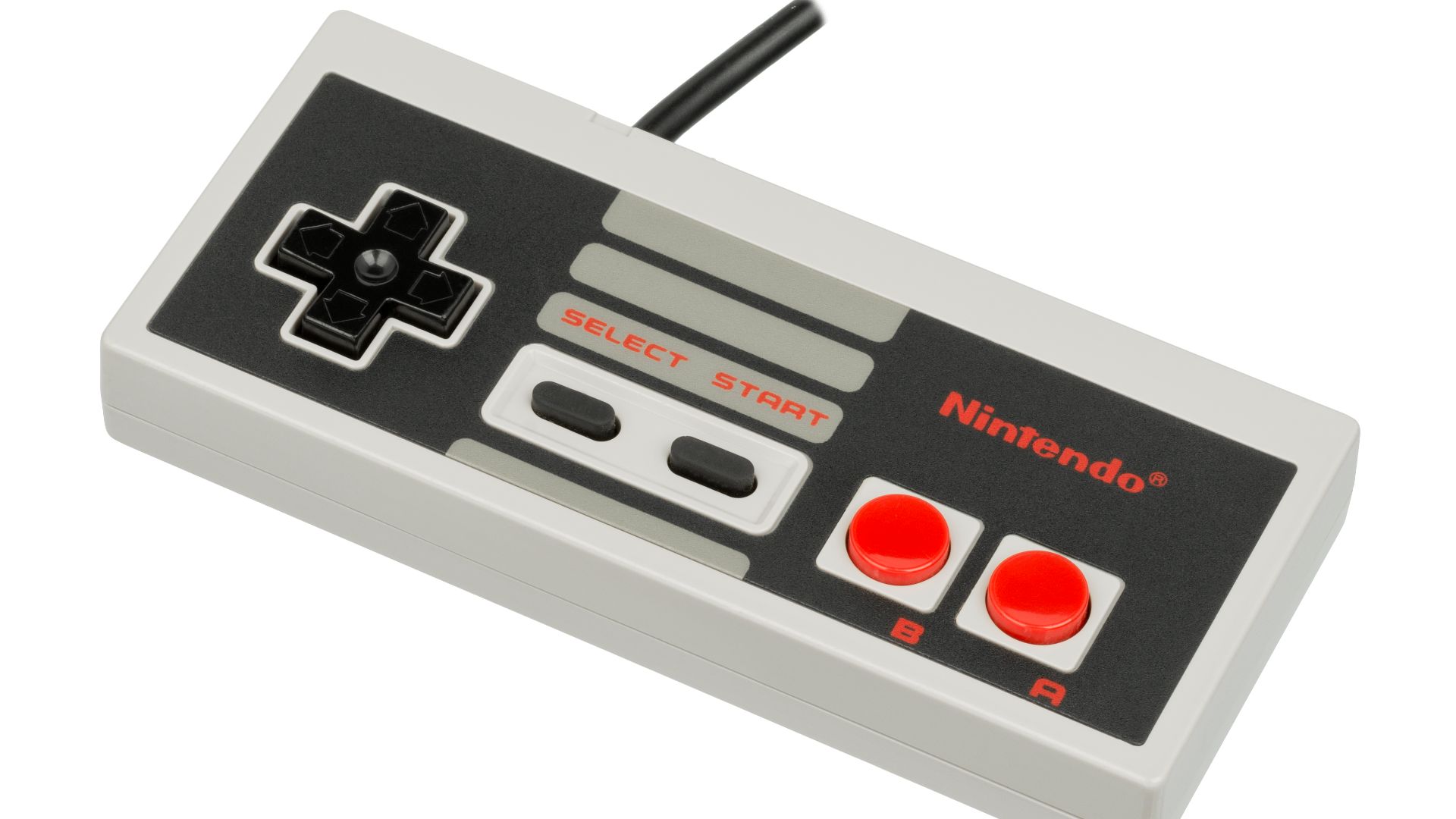
7. Nintendo Entertainment System Controller
While the NES controller can feel a bit sharp in the hands now, its significance in gaming history is undeniable. The layout featured a D-pad, two face buttons, Start, and Select, providing a simple and clear setup for home console players. Although the two action buttons became limiting as games became more complex, the NES pad made console control feel clean, dependable, and easy to understand for its time.
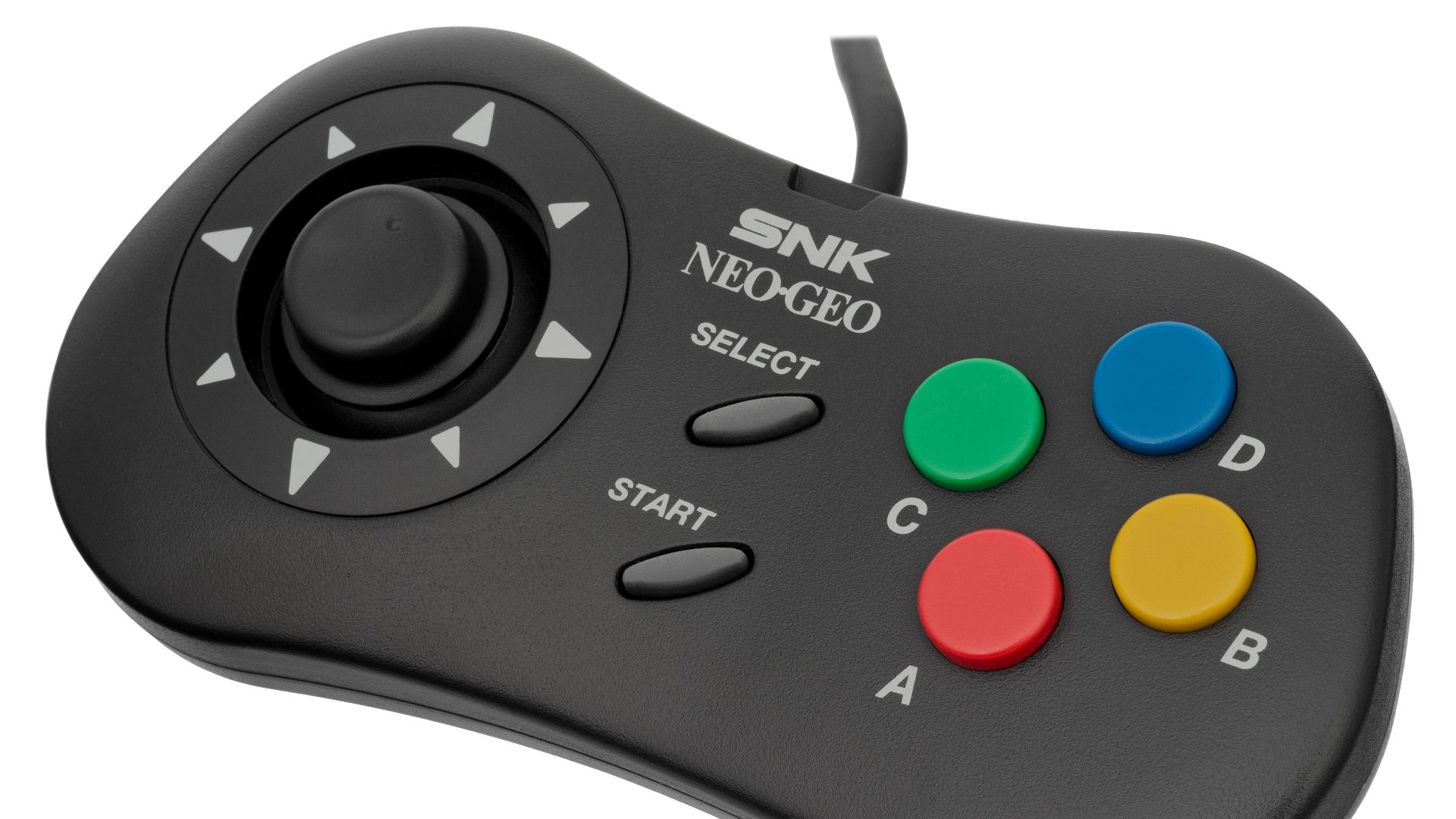
8. Neo Geo AES Arcade Stick
This arcade stick made perfect sense for its console. Since the system focused on arcade-style games for home use, a joystick and large buttons felt like the right match. However, it is bulkier than a regular gamepad, which can make casual couch play feel clunky.
9. Nintendo 64 Controller
The 64 controller is both clever and awkward. Its center analog stick, Z trigger, and C buttons helped console games manage 3D movement before dual-stick layouts became the norm. However, the three-pronged design can definitely be a drawback.
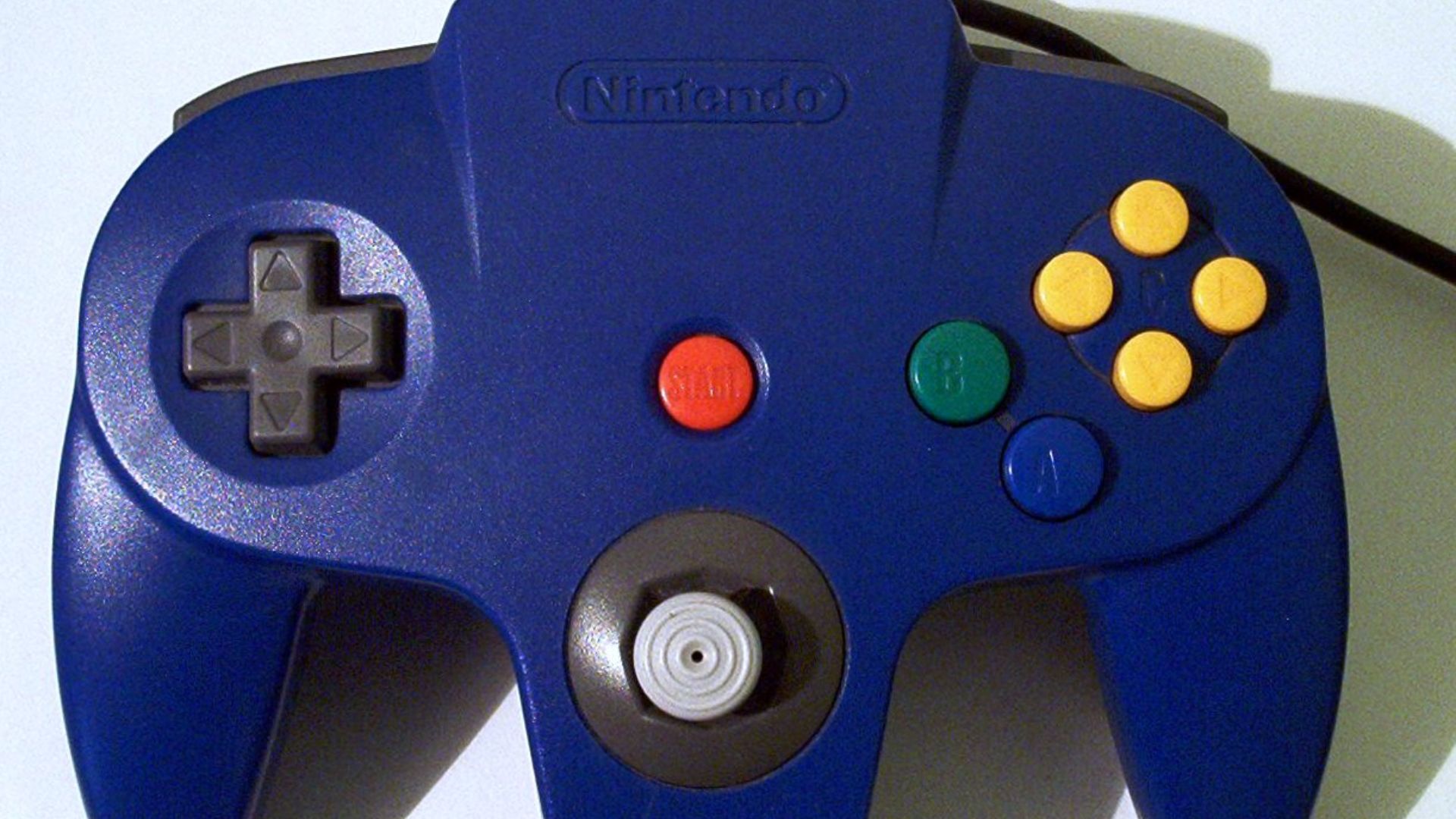 Mboverload~commonswiki on Wikimedia
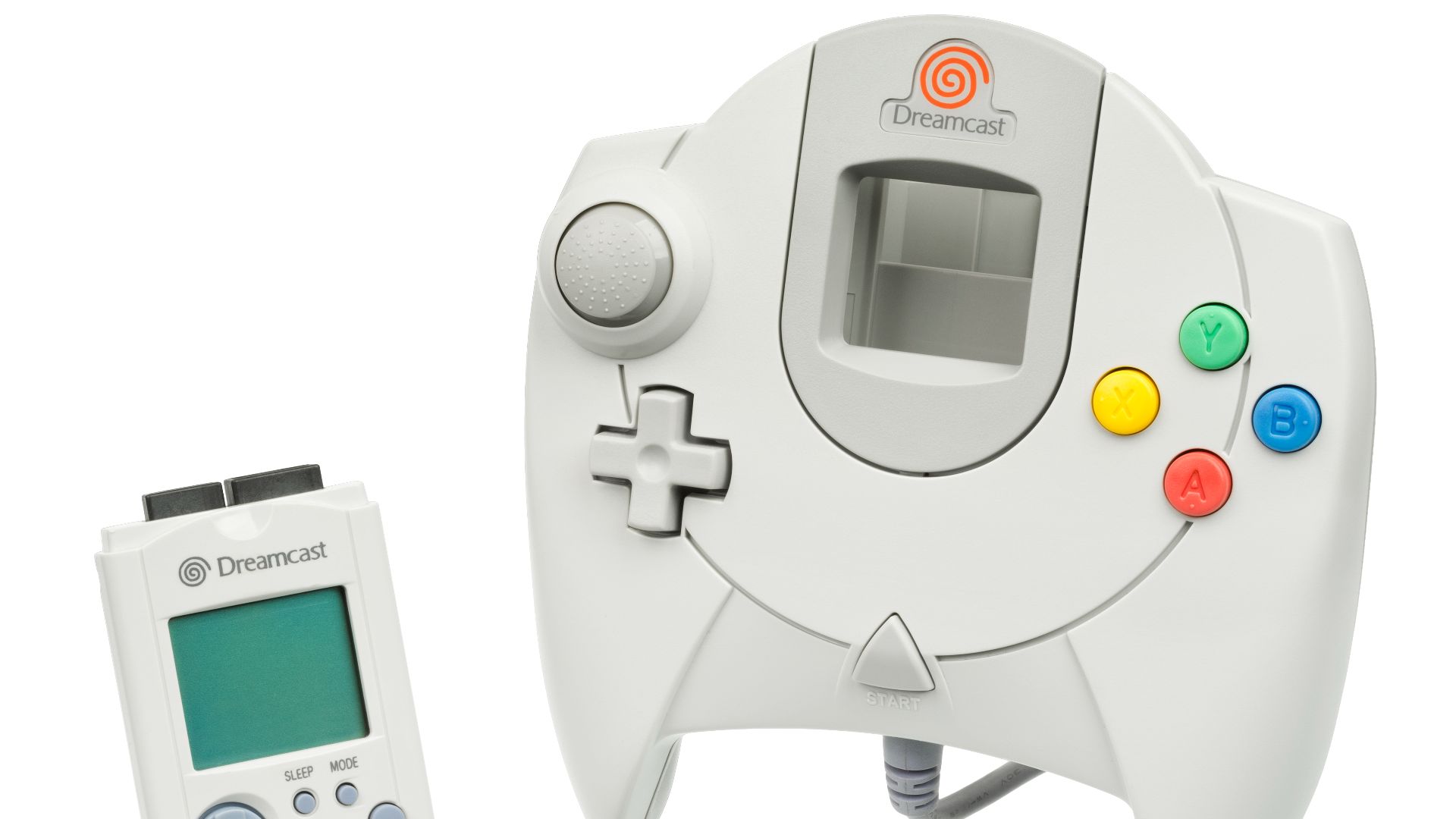
10. Sega Dreamcast Controller
The Dreamcast controller introduced ideas that felt futuristic in the late ’90s, such as its analog triggers and a memory card slot that added unique functionality. Unfortunately, the controller’s comfort didn’t quite match its innovative concept. With a single analog stick, a bulky design, and a cable exiting from the bottom, it became more awkward than necessary.
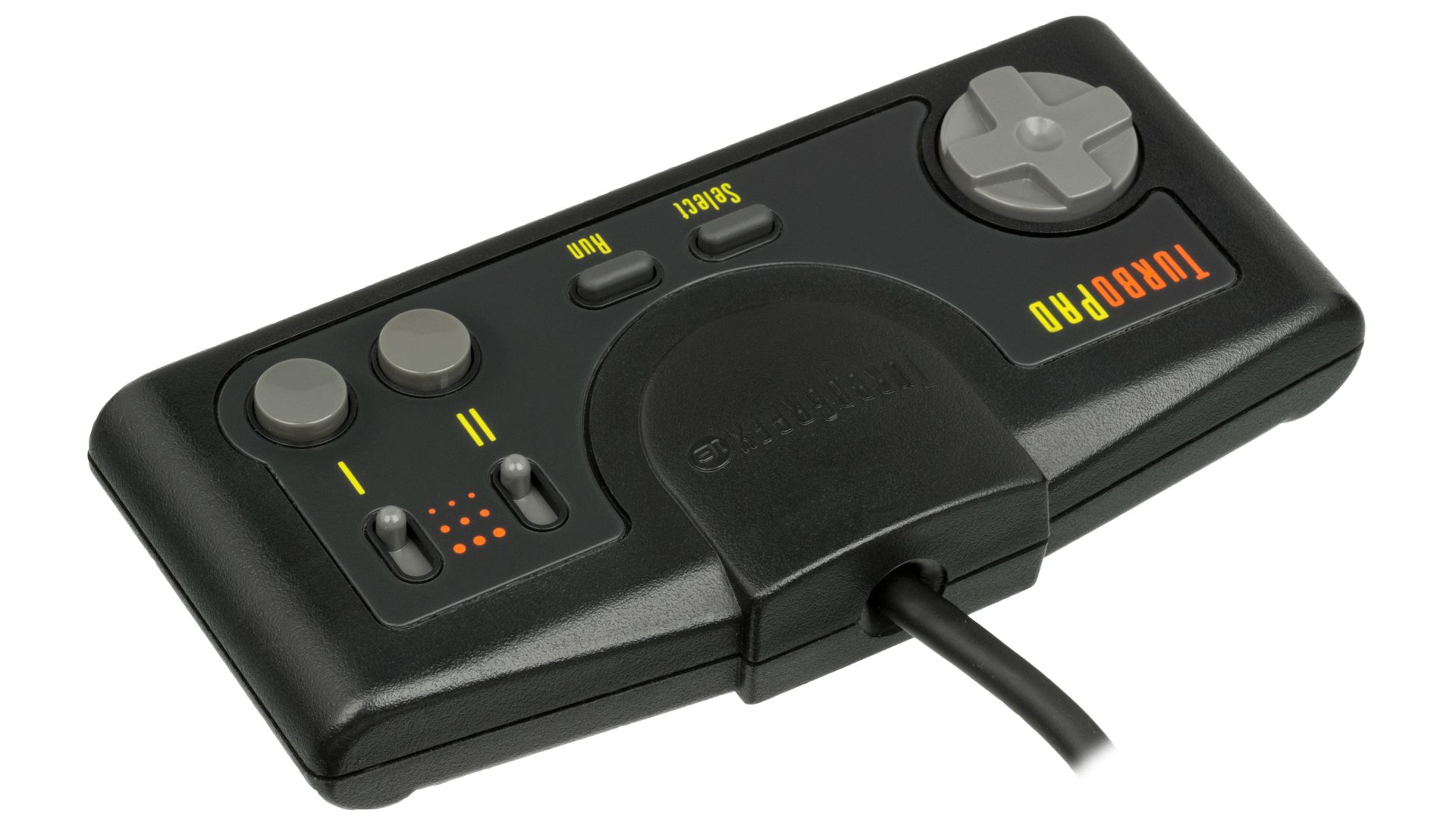
11. TurboGrafx-16 TurboPad
The TurboPad may look plain, but it fits the games it was designed for. Its two action buttons, along with Run, Select, and built-in turbo switches, were particularly useful for shooter games. That said, the shape is reminiscent of the NES controller, which makes it seem less fancy.
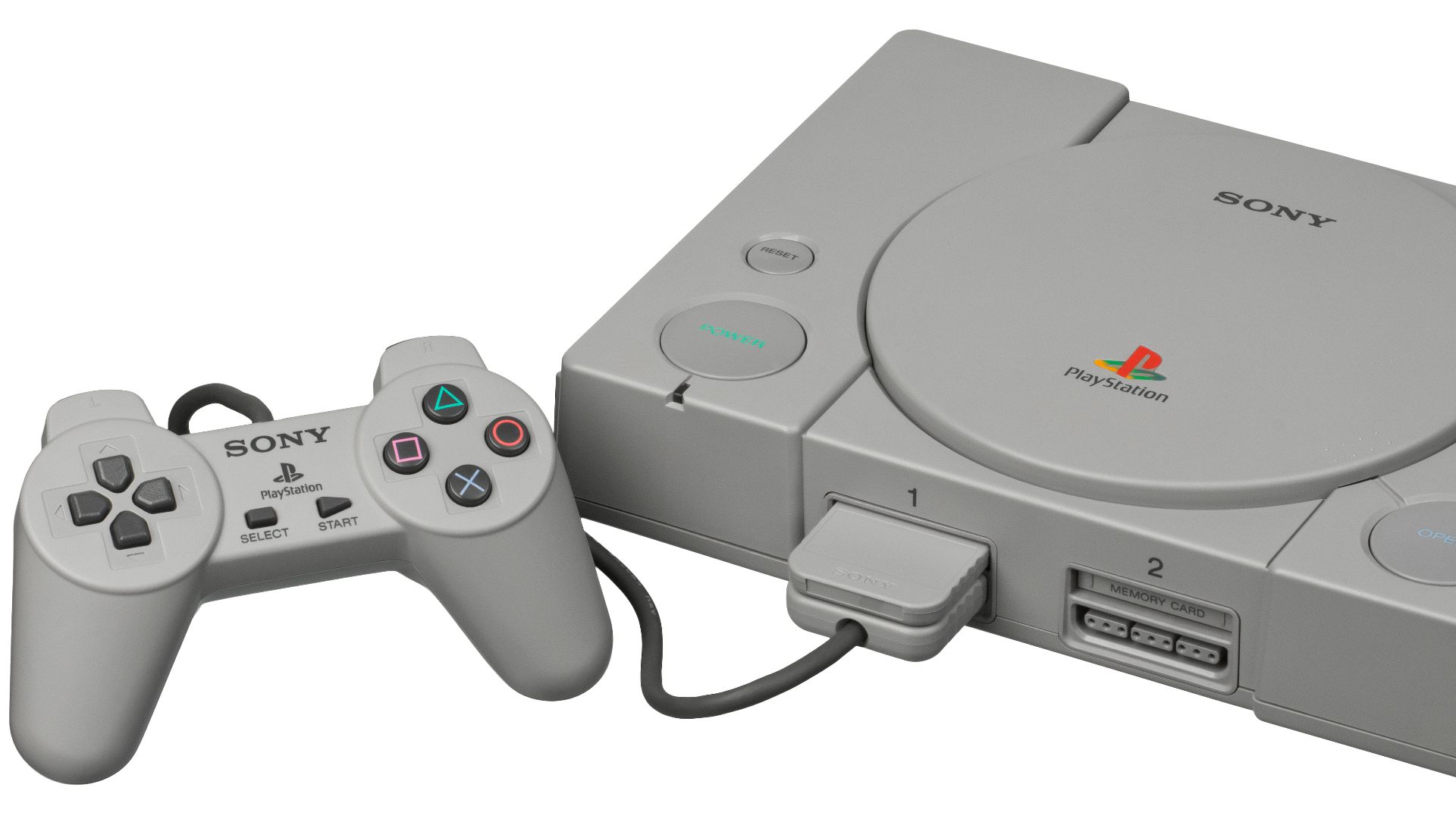
12. Original PlayStation Controller
Before analog sticks became essential, the original PlayStation controller had a strong identity. Its four face buttons, four shoulder buttons, and handles made it more comfortable than many older controllers. The downside is that 3D games quickly outgrew it. Without analog sticks or vibration feedback, it quickly became outdated.
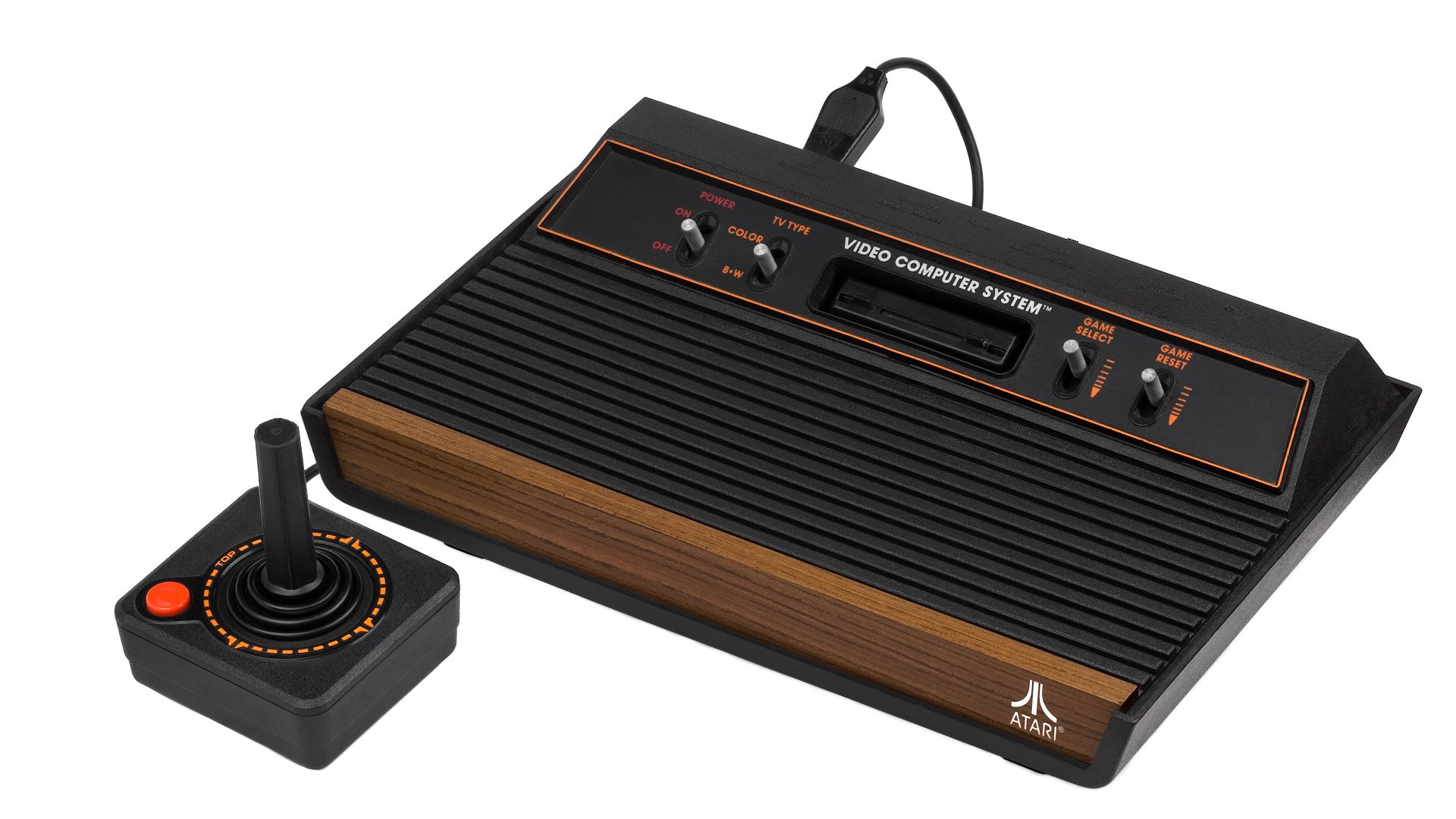
13. Atari 2600 Joystick
The Atari 2600 joystick is simple, iconic, and easy to recognize. With just a stick and one button, it was sufficient for many early home games. However, its simplicity also shows its age. The stick can feel stiff and tiring compared to later D-pads, which allowed for smoother movement and greater comfort.
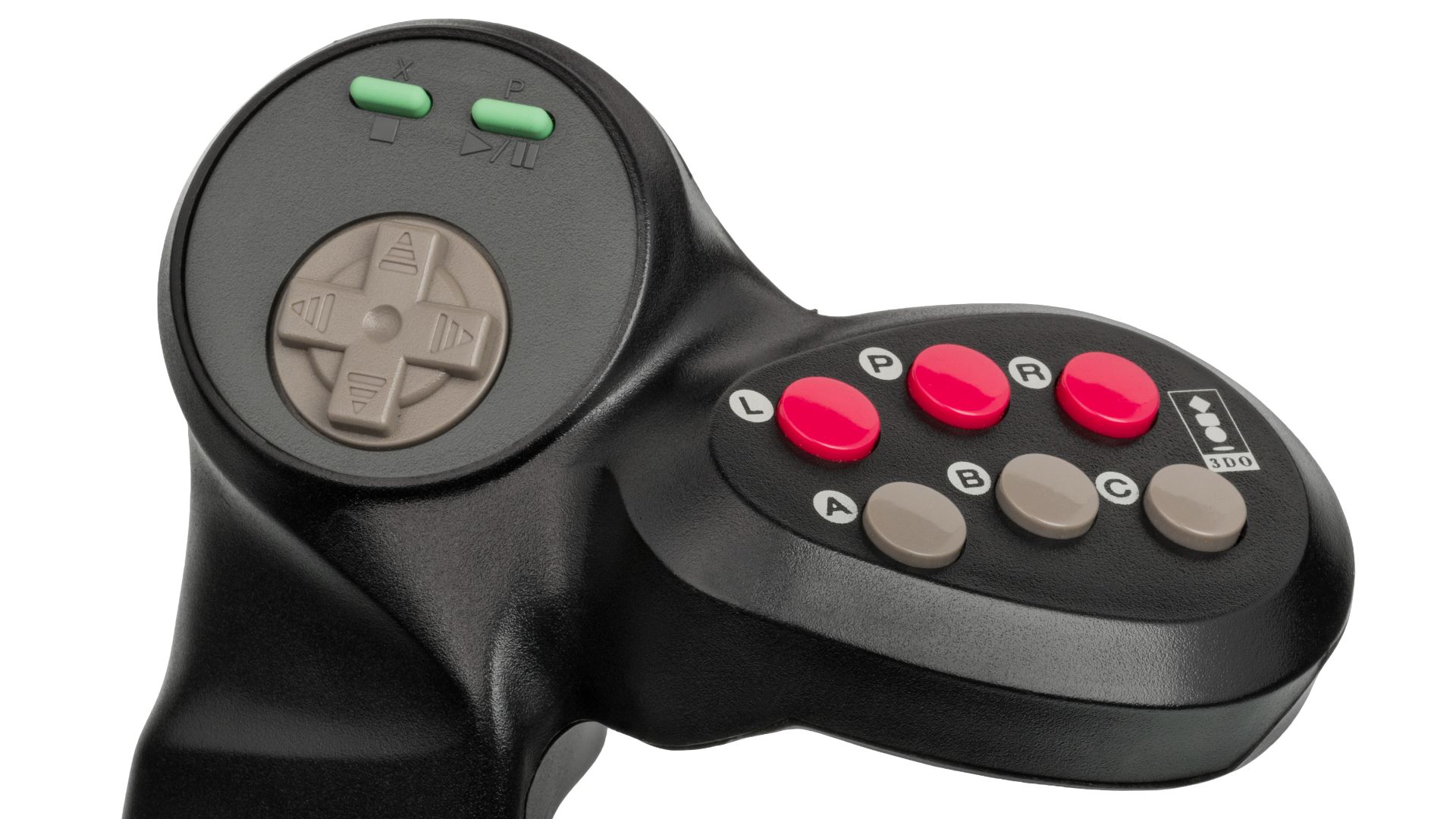
14. 3DO Control Pad
The 3DO pad included a few unique features, such as a headphone jack, volume control, and a controller-linking setup, which suited a console that emphasized both multimedia and gaming. While it has enough buttons for basic gameplay, it lacks the comfort and polish of the best 16-bit controllers.
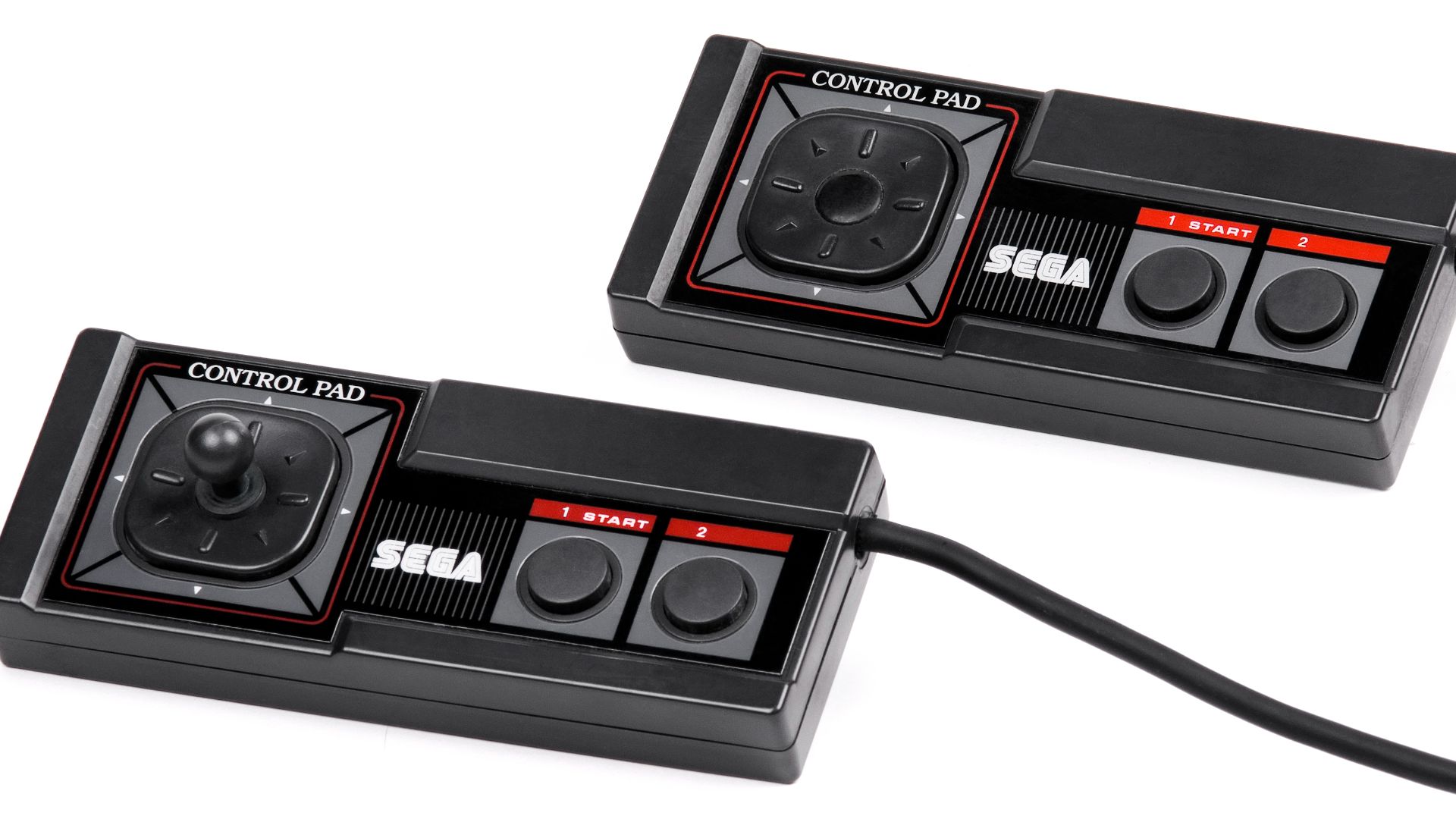
15. Sega Master System Control Pad
The Master System controller is functional but feels less refined than its strongest competitors. Its two-button layout is simple and works well for many games. However, the absence of a pause button on the controller is particularly frustrating.
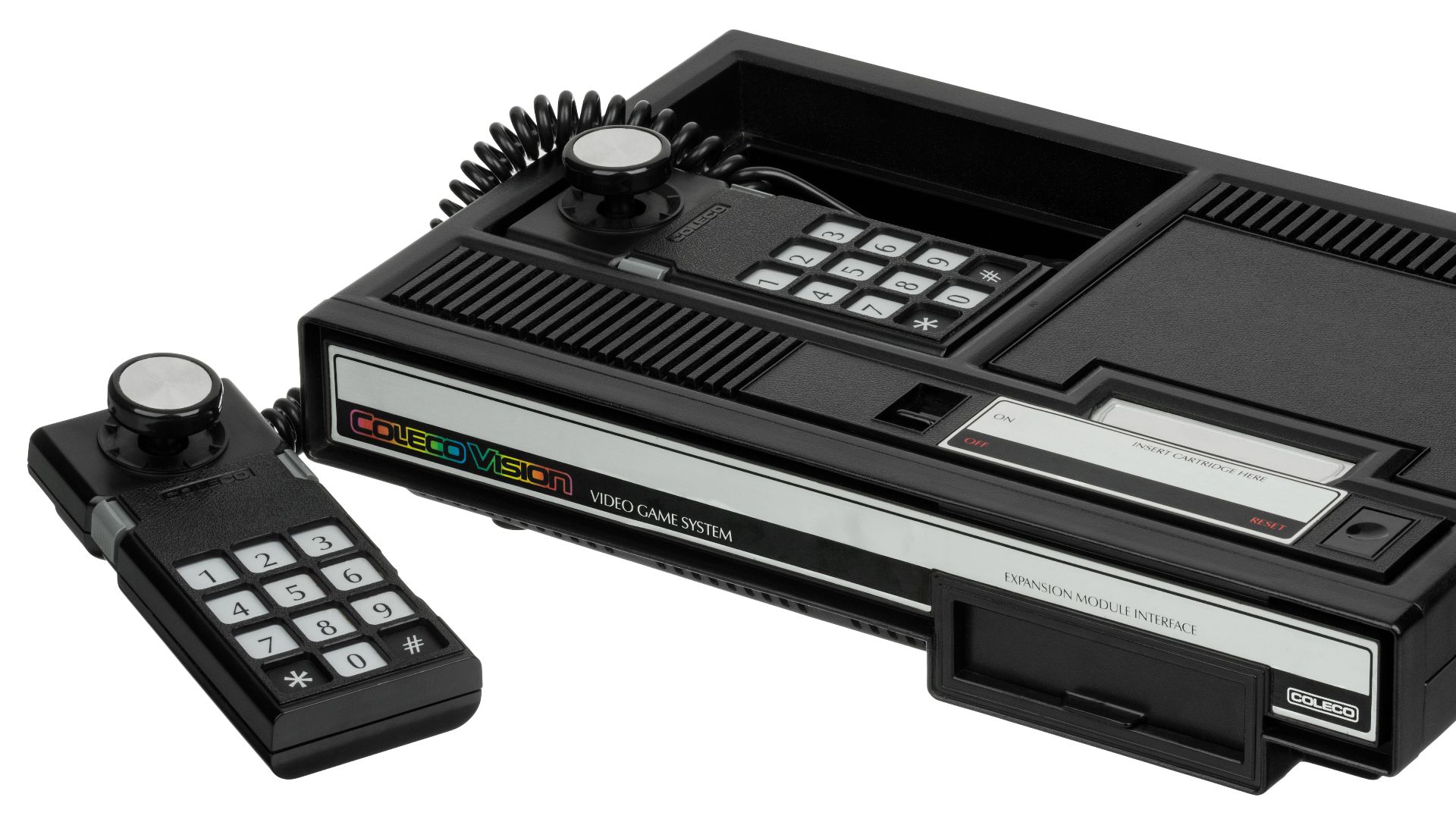
16. ColecoVision Controller
The ColecoVision controller attempted to handle complexity by offering more inputs. Its short directional stick, side buttons, numeric keypad, and overlays worked better for slower or more command-heavy games. However, in faster action games, the controller often felt difficult to manage.
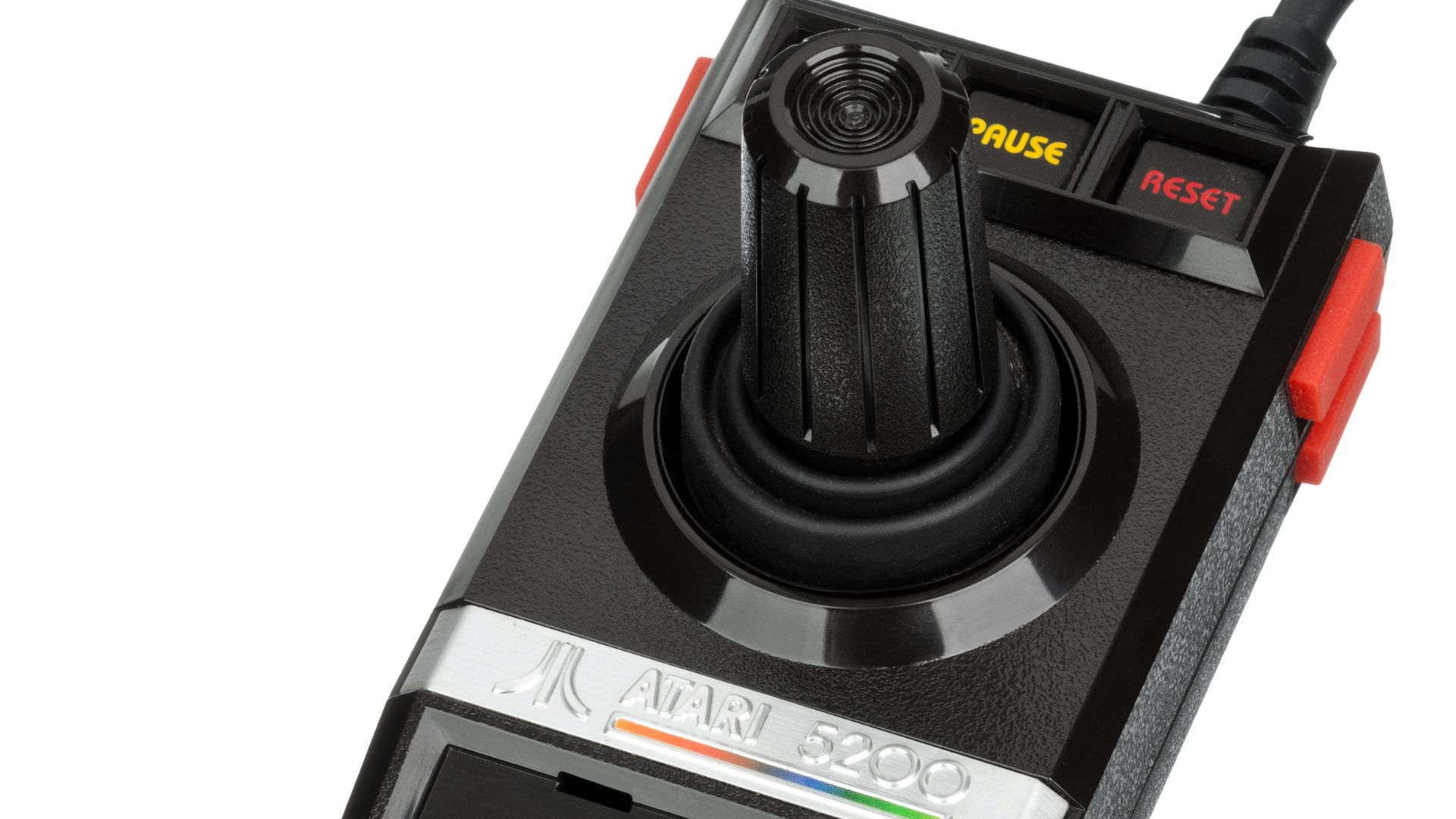
17. Atari 5200 Controller
The Atari 5200 controller was ambitious, but its innovative features didn’t always benefit the player. It included an analog joystick, a numeric keypad, and Start, Pause, and Reset buttons. In arcade-style games that required precise movement, control could feel frustratingly imprecise.
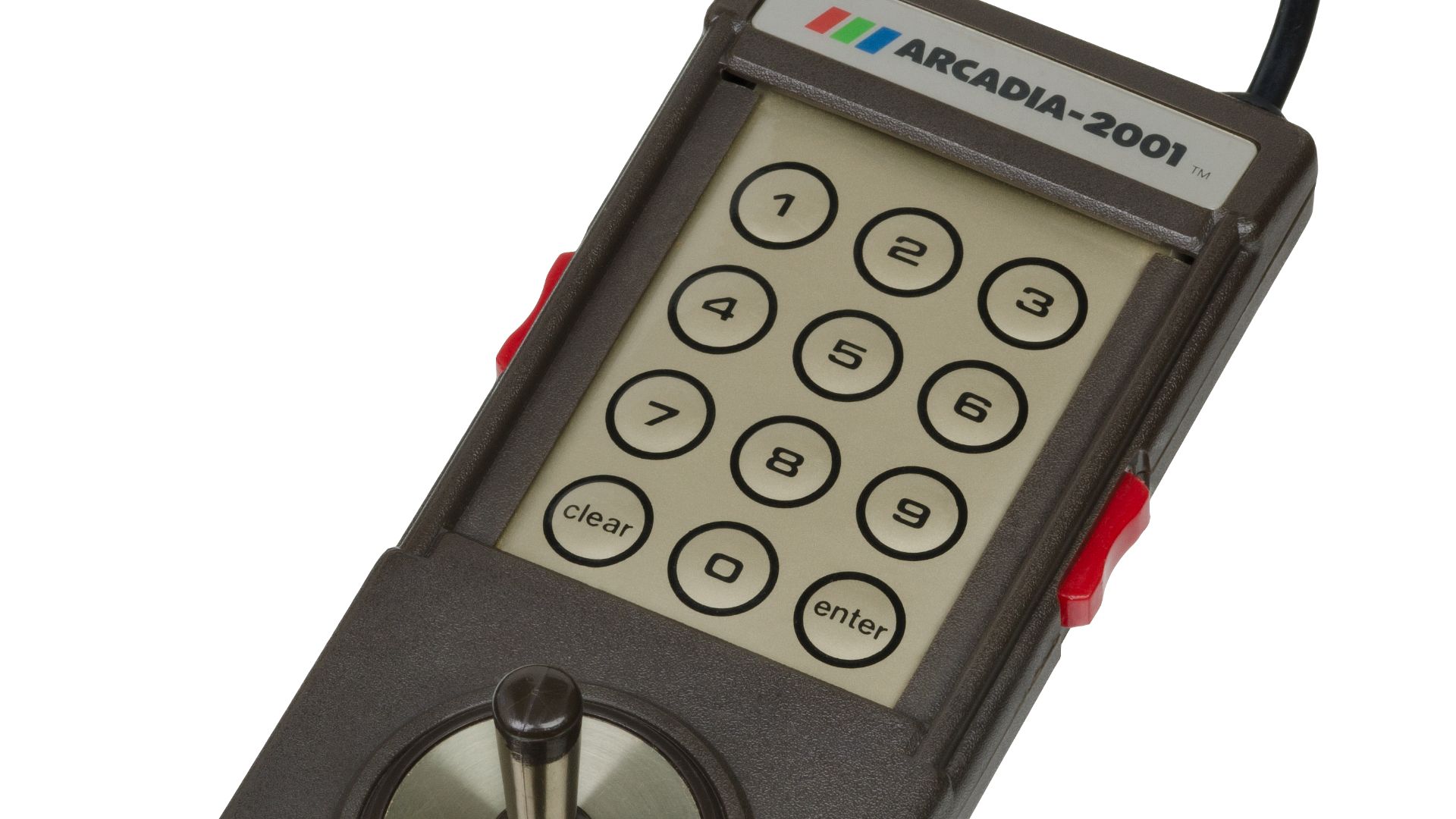
18. Intellivision Controller
The Intellivision controller seems like an early attempt to create an entirely new control language for consoles. Its directional disc, 12-button keypad, side action buttons, and overlays provided room for more complex commands. Unsurprisingly, it could also feel cramped and unintuitive in the hand.
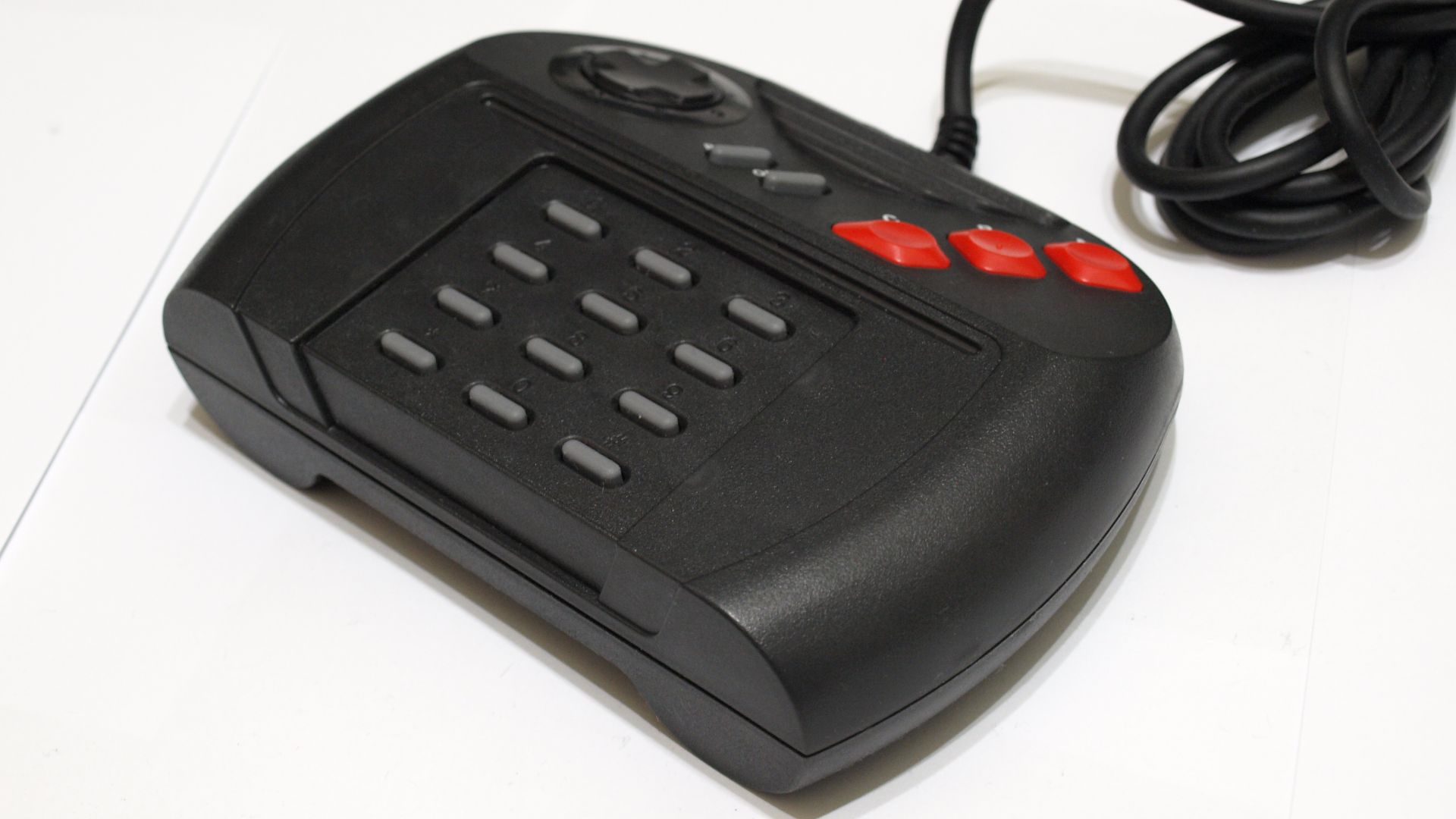
19. Atari Jaguar Controller
The Atari Jaguar controller is notable, partly because of its excessive design. It features a D-pad, three fire buttons, Pause and Option buttons, and a large numeric keypad. While the keypad was useful for weapon selection and additional commands in some games, the controller feels oversized, crowded, and outdated.
 Matthew Paul Argall on Wikimedia
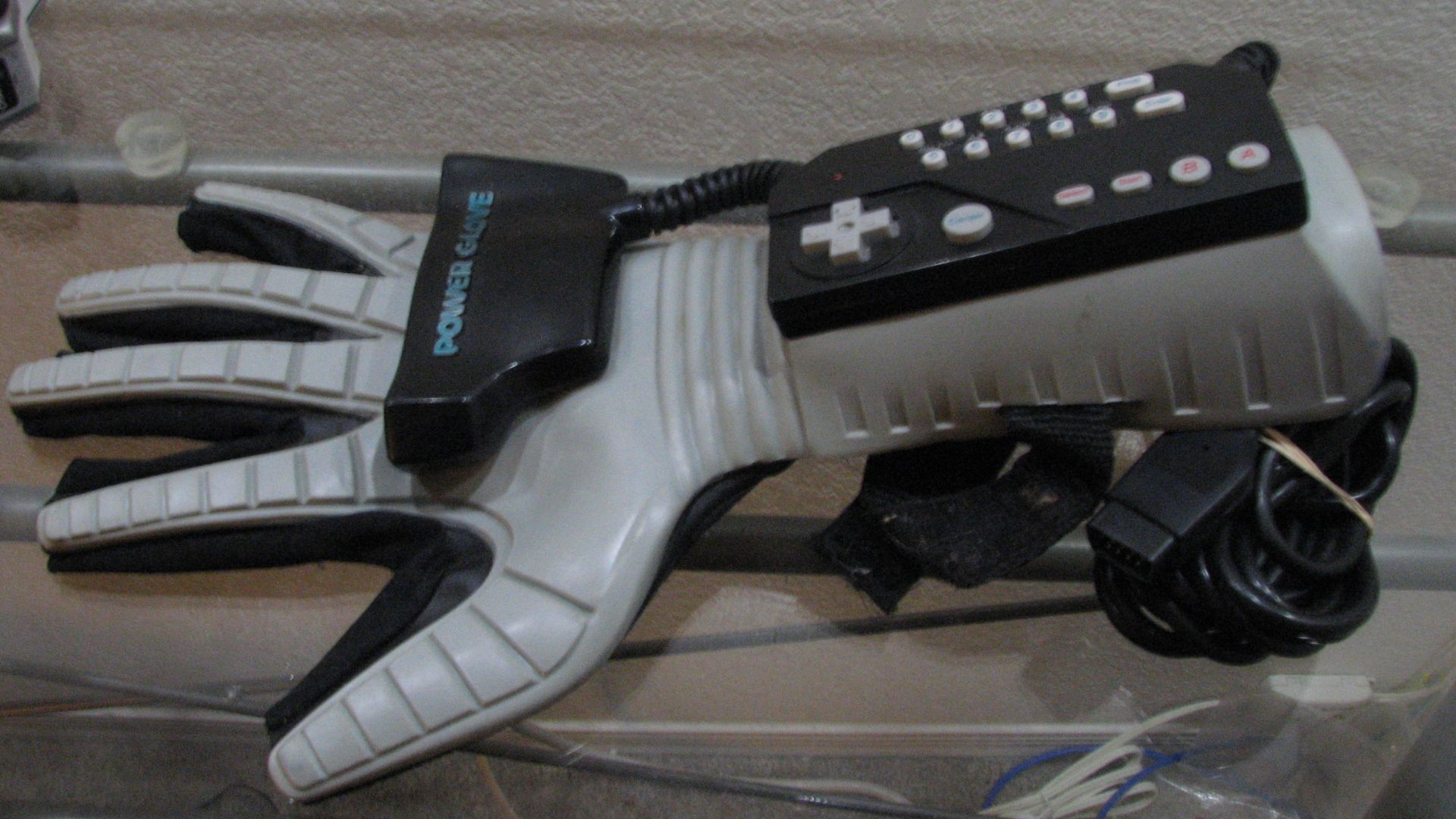
20. Nintendo Power Glove
The Power Glove is unforgettable, which isn't the same thing as being good. It looked like the future in 1989, with motion controls, programmable buttons, and a design that practically begged to be shown off. In actual play, though, it was awkward, imprecise, and tiring to use for anything that needed quick reactions. As a piece of retro gaming history, it is fascinating. As a controller, it belongs this last spot.
 Matt Mechtley from Tempe, Arizona, USA on Wikimedia