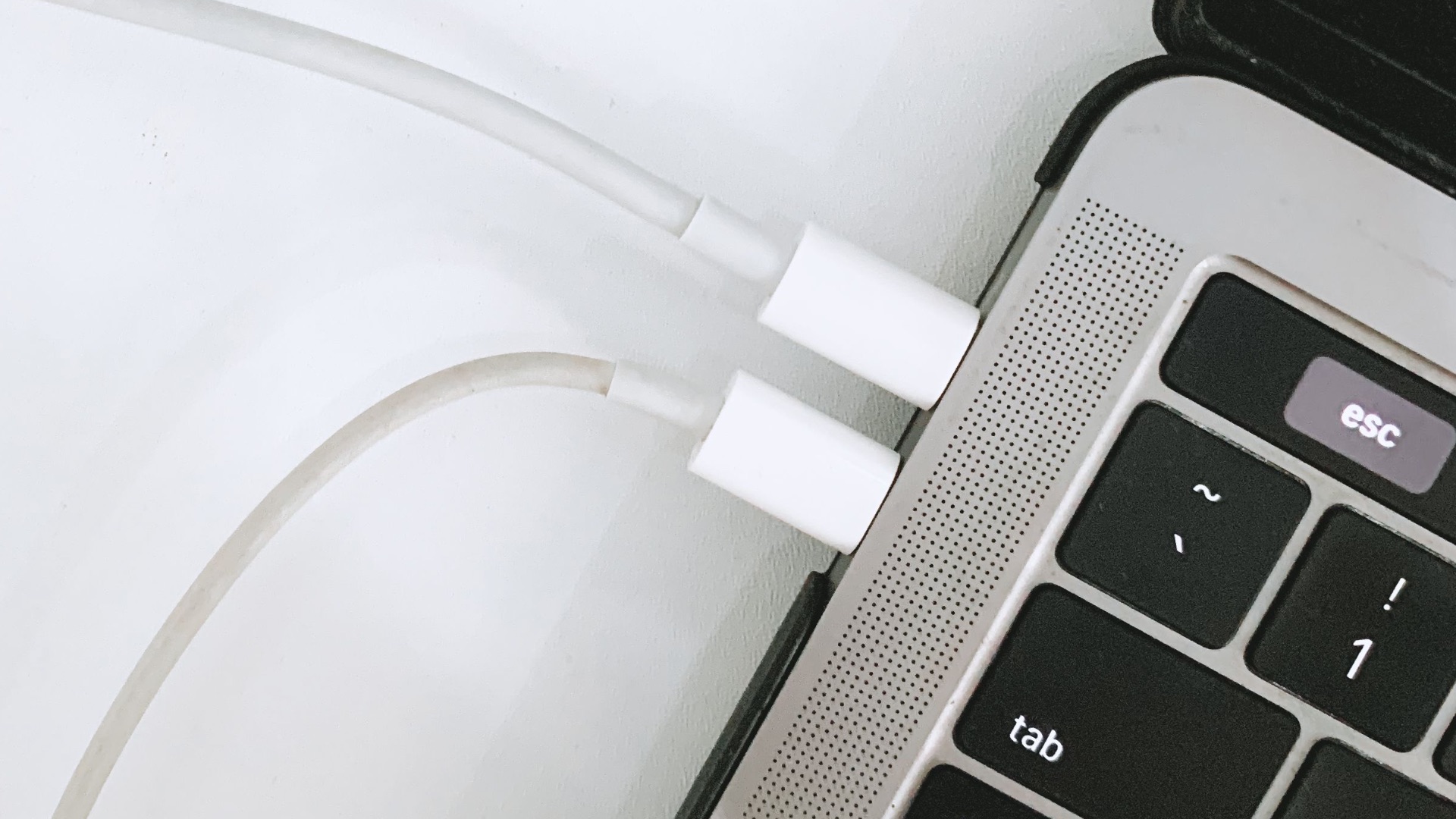
If you're like most people, your laptop probably spends more time tethered to an outlet than it does running on battery power. Whether you're working from a home office or using your laptop as a makeshift desktop setup, keeping the charger connected around the clock just feels more convenient than constantly plugging and unplugging throughout the day.
But that convenience raises a fair question: Is this habit slowly damaging your battery? While modern laptops are far more forgiving than the ones from a decade or two ago, that doesn't mean leaving your charger plugged in 24/7 is entirely without consequences (such is the case with never shutting down your laptop, but that's a topic for another day). Here's a deeper look into how today's batteries actually work to help you figure out whether your charging habits need any adjustment.
How Modern Laptop Batteries Handle Constant Charging
Today's laptops rely on lithium-ion batteries paired with a battery management system that prevents overcharging by cutting power to the battery once it hits 100%. In other words, this means you don't need to worry about your laptop drawing excessive current or frying its own battery just because it's been plugged in for hours. Once the battery reaches full charge, the incoming energy gets redirected straight to the laptop's power supply instead of continuing to flow into the battery. The fear of "overcharging" that many people grew up hearing about simply doesn't apply the way it used to.
That said, sitting at 100% for extended stretches isn't entirely harmless either. Lithium-ion battery chemistry is most stable at around 50% charge, and keeping ions pressed into the anode at full charge creates voltage stress that can reduce capacity slightly faster over time. This is a gradual process rather than a dramatic one, so you're not going to notice your battery failing overnight. Still, it's worth knowing that constant full charging contributes to slow, cumulative wear rather than being a completely neutral habit.
Manufacturers have responded to this reality by building in protective features. Many modern systems include battery care or conservation modes that stop charging at 80% even while the laptop stays plugged in, which keeps the battery in a healthier range without requiring you to do anything manually. Apple offers a similar tool through its Optimized Battery Charging setting, while Windows 11 device makers have incorporated smart charging capabilities that can likewise cap charging at around 80%. If your laptop has one of these features, turning it on is one of the simplest ways to offset the downsides of leaving it plugged in constantly.
The Real Culprit Behind Battery Wear Isn't What You Think
Plenty of people assume the plug itself is the enemy, but heat is actually the bigger threat to your battery's long-term health. While people worry about whether keeping a laptop plugged in damages the battery, they often overlook heat as the real battery killer. When a laptop stays plugged in and powered on for long periods, it tends to run warmer, and that sustained heat accelerates the chemical aging process inside the battery far more than a steady electrical connection does.
Temperature extremes matter more than most people realize. Environments above 95° Fahrenheit can cause a laptop's battery to degrade more quickly than normal, so where you use and store your laptop plays a bigger role than whether it's plugged in. If you tend to work with your laptop on a soft surface like a bed or couch cushion, or have a case on your laptop, you're likely blocking the vents and trapping heat that would otherwise dissipate, which compounds the problem regardless of your charging habits.
Ventilation, then, deserves just as much attention as your charging routine. Using your laptop on a hard, flat surface allows air to circulate properly underneath it, and periodically cleaning out dust from the vents can prevent overheating during demanding tasks. Pairing good airflow habits with a battery conservation setting gives you a much stronger defense against degradation than obsessing over whether the charger is connected.
Good Habits That Actually Protect Your Battery Long-Term
Rather than unplugging and replugging your laptop throughout the day, which is both tedious and unnecessary, it makes more sense to focus on habits that address the real sources of wear. Enabling a charge limit feature, if your laptop offers one, keeps the battery out of the high-stress zone near 100% without requiring constant supervision on your part. This single adjustment does more for battery longevity than any amount of manual unplugging ever could.
Letting the battery drain occasionally is still worthwhile, even if it's not strictly necessary the way it was with older nickel-based batteries. Experts often suggest that giving the battery periodic breaks from a full charge, similar to letting soil dry out a bit between waterings, helps it maintain better balance over time. You don't need to run it all the way down to zero regularly, but using battery power for a portion of your day every so often isn't a bad idea.
Your choice of charger matters more than you might expect as well. Sticking with the charger that came with your laptop, or a high-quality replacement if the original gets lost, helps avoid the kind of inconsistent power delivery that can stress the battery unnecessarily. Combine that with mindful placement, so your laptop isn't trapping heat against a mattress or couch cushion, and you'll be covering the habits that genuinely make a difference.
Ultimately, leaving your laptop plugged in isn't the battery death sentence it's sometimes made out to be, and you shouldn't feel obligated to unplug it every time it hits 100%. Modern battery management systems have largely solved the overcharging problem that plagued earlier generations of devices. But you should still make sure you're keeping your device from extreme temperatures (especially heat), taking advantage of built-in charge limiting features when they're available, and giving your battery an occasional break from sitting at full capacity. Focus on those habits, and you can keep your laptop plugged in as much as convenience demands without losing much sleep over its long-term battery health.