After a long, long feud and saying that they'd never include a touchscreen on a MacBook because it doesn't need one, the company has finally given in: the latest MacBook Pro is bringing some major, major changes, and yep, having a touchscreen is one of the main headlines. But that's not all—those who were only expecting an iPad equivalent (but with, you know, a full keyboard) will be treated to more surprises.
Since the price hike in the summer, you might or might not have held off on getting a new laptop. But, expensive as they are, the new MacBook Pro with PROLED XDR display may just make you change your mind. Before you run out and order one, though, here's what you can expect to get in the box with this redesigned shell.
The OLED Touch Display
It wouldn't be an article about the newest MacBook if we didn't talk about the OLED display! Again, as mentioned, Apple resisted adding touchscreens to its MacBook lineup for years, and yet look where we are now. With the brand's first touchscreen Mac display, you can now use your laptop like you would with an iPad: touching it.
Sure, you might argue: why would I want to touch my three-grande laptop (spoiler alert: yes, the price for the new OLED MacBook base model will start at $2,899 USD), anyway? Would you really want to leave greasy smudges all over that gorgeous new display? Probably not! However, if using the trackpad or a separate mouse gives you cramps, you'll be happy to know that the touch capabilities are actually pretty responsive. You can truly treat it like your iPad. Apple has even redesigned the laptop's hinge to provide greater stability when someone touches the screen!
Of course, beyond its interactive capabilities, there's that all-new PROLED XDR display. Unlike conventional LCD screens, OLED technology allows individual pixels to produce their own light, meaning you'll get deeper blacks and greater contrast. Apple's tandem OLED technology also delivers up to 2,000 nits of peak brightness and a claimed contrast ratio of 10,000,000:1, making the screen perfect for photographers, designers, and video editors alike.
The Dynamic Island Makes Its MacBook Debut
Yep, the Dynamic Island you're probably already familiar with since the introduction of the iPhone 14 Pro is now on the MacBook. No more notch! At least, no more notch that doesn't do anything: the redesigned cutout now occupies less visual space while introducing new ways to access Siri AI, Spotlight searches, Live Activities, and more. Instead of opening separate windows for every interaction, you can simply monitor ongoing activities, control music playback, and access helpful information directly from the top of your screen.
In particular, its integration with Live Activities could prove especially useful for people who frequently multitask. For example, you can view timely updates or manage an incoming AirDrop request without interrupting whatever you're working on. The Dynamic Island also supports phone calls and other notifications, so it's easier to keep track of important events while remaining focused on your primary task.
Plus, with the new touchscreen, you can interact with this new feature better than other MacBooks that could only merely convert the notch into something that mimicked the Dynamic Island. Instead of having to hover your mouse over it, you can simply reach up, swipe down, or tap it to interact with its controls. For users who disliked the previous notch (which is to say, everyone), they'll be happy with this redesign.
The Iconic Glowing Apple Logo Is Finally Back
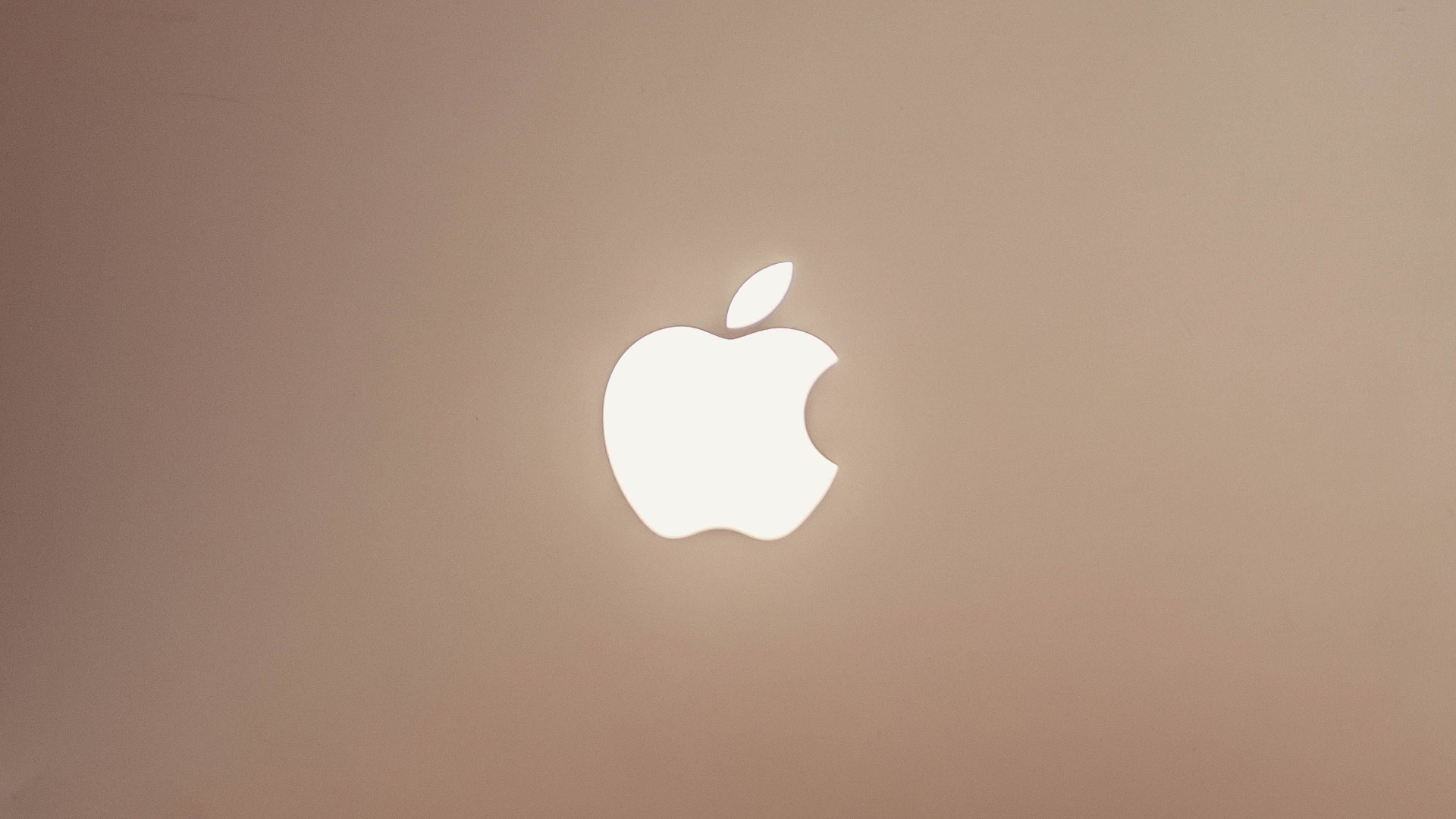
If the other two big features don't excite you, Apple has another trick up its sleeve, and it's one that'll probably convince a lot of people to get the OLED MacBook. What is it? Well, it's none other than the glowing Apple logo on the back of the laptop. Yep, after getting rid of it in 2016 following a redesign, it's finally coming back a decade later. Though a small thing, its return is a nostalgic surprise for anyone who's kept their older Macs for precisely this reason.
But this time, the glowing logo is more intentional: back then, it simply relied on light produced by the laptop's display backlight. However, since OLED screens don't require traditional backlighting, Apple actually had to develop a dedicated lighting solution, allowing the logo to glow once again without compromising the laptop's slimmer appearance. What's more—it dims and brightens following your screen! Just like the good old days.
So: are you convinced yet to get the new OLED MacBook Pro? It might be a pricey upgrade, but at least you'll be treated to an interesting array of modern technology and familiar design. Love it or hate it, who wouldn't want to own Apple's new touchscreen Mac, with a Dynamic Island cutout and a larger display to boot? Add the return of the glowing Apple logo, and the deal is pretty much sealed. Oh, and did we mention it's a lot lighter?