
Hidden Tools Sitting Right in Your Phone
Modern smartphones include a wide range of hardware and software designed to improve performance, responsiveness, and usability. Yet many mobile gamers focus only on graphics settings or game updates while overlooking built-in features that could improve their experience. Some tools help reduce lag, others protect battery life, and a few simply make gaming more comfortable during long sessions. If you regularly play games on your phone, these 20 often-ignored features can make a bigger difference than you expect.

1. Game Mode or Game Booster
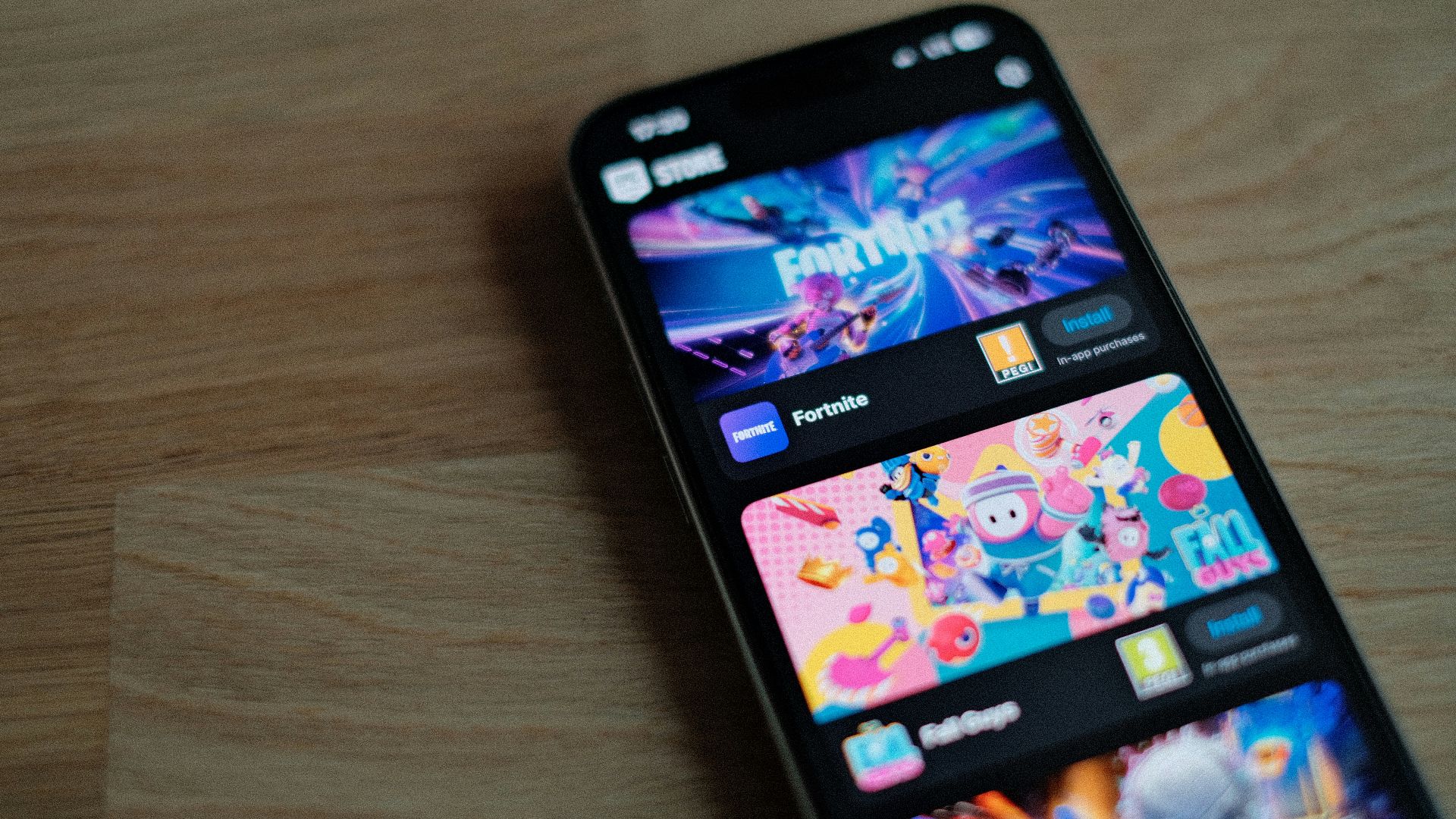
Many smartphones include a dedicated Game Mode designed to optimize performance during gameplay. It can block notifications, reduce background activity, and prioritize processing power for the game you’re running.
2. High Refresh Rate Displays
Modern phones often support display refresh rates of 90Hz or 120Hz. Higher refresh rates allow smoother animations and more responsive visuals in games that support them. However, some devices default to lower refresh rates to save battery life. Manually enabling the higher setting can significantly improve gameplay fluidity.

3. Adjustable Touch Sensitivity
Some smartphones allow users to adjust touch sensitivity or screen responsiveness. This can improve accuracy in games that require fast tapping or precise controls. Increased sensitivity can reduce missed inputs during competitive gameplay. Many players never check these settings, even though they can enhance control.

4. Built-In Screen Recording
Most smartphones now include built-in screen recording tools that allow you to capture gameplay easily. These tools often support recording internal audio along with the video. .
5. Do Not Disturb While Gaming
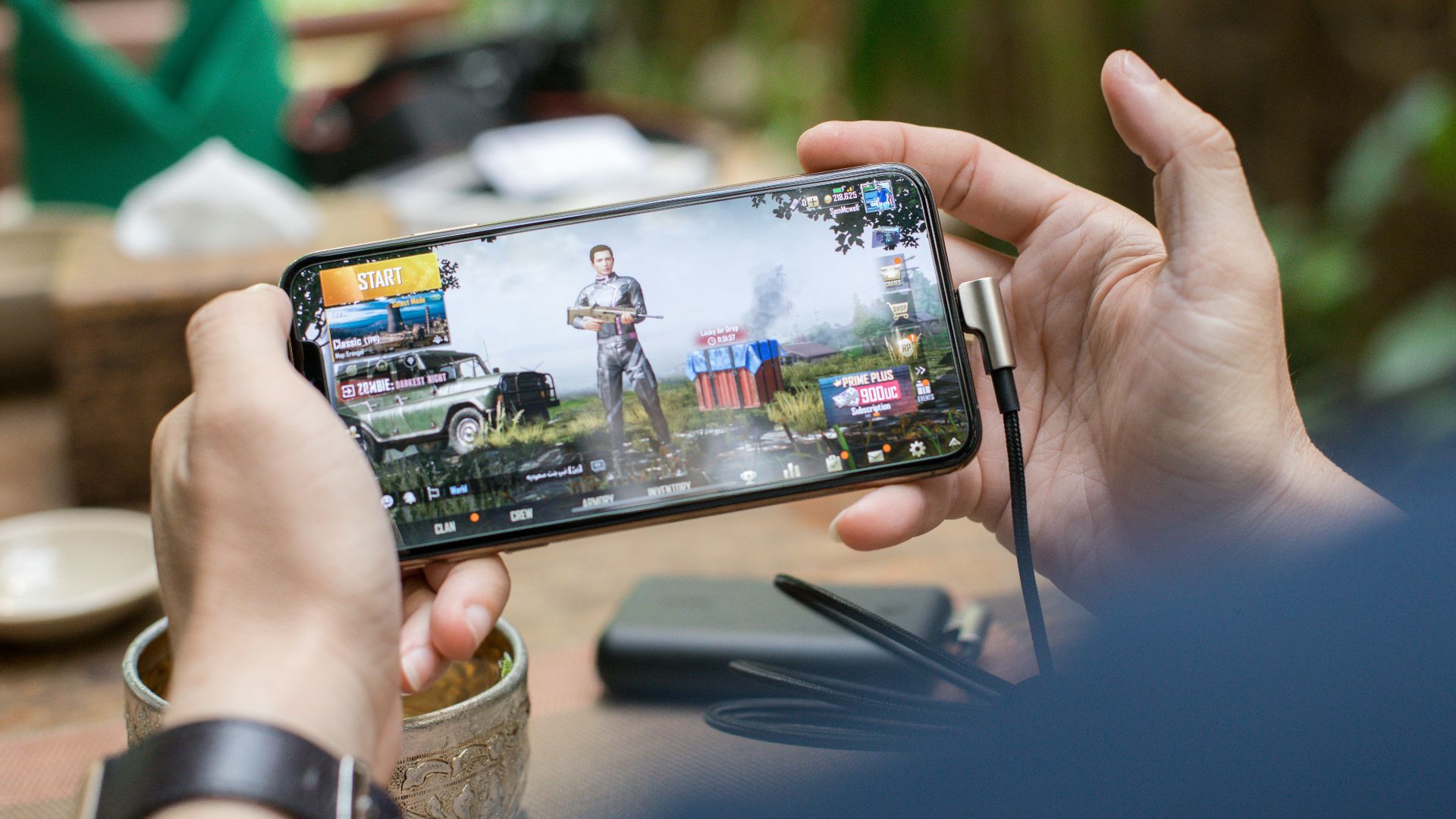
Incoming notifications or calls can interrupt gameplay at the worst possible moments. Many phones allow users to automatically enable Do Not Disturb during gaming sessions. This blocks alerts and prevents distractions while you play. Activating this feature can greatly improve focus during competitive matches.
6. Performance Monitoring Tools
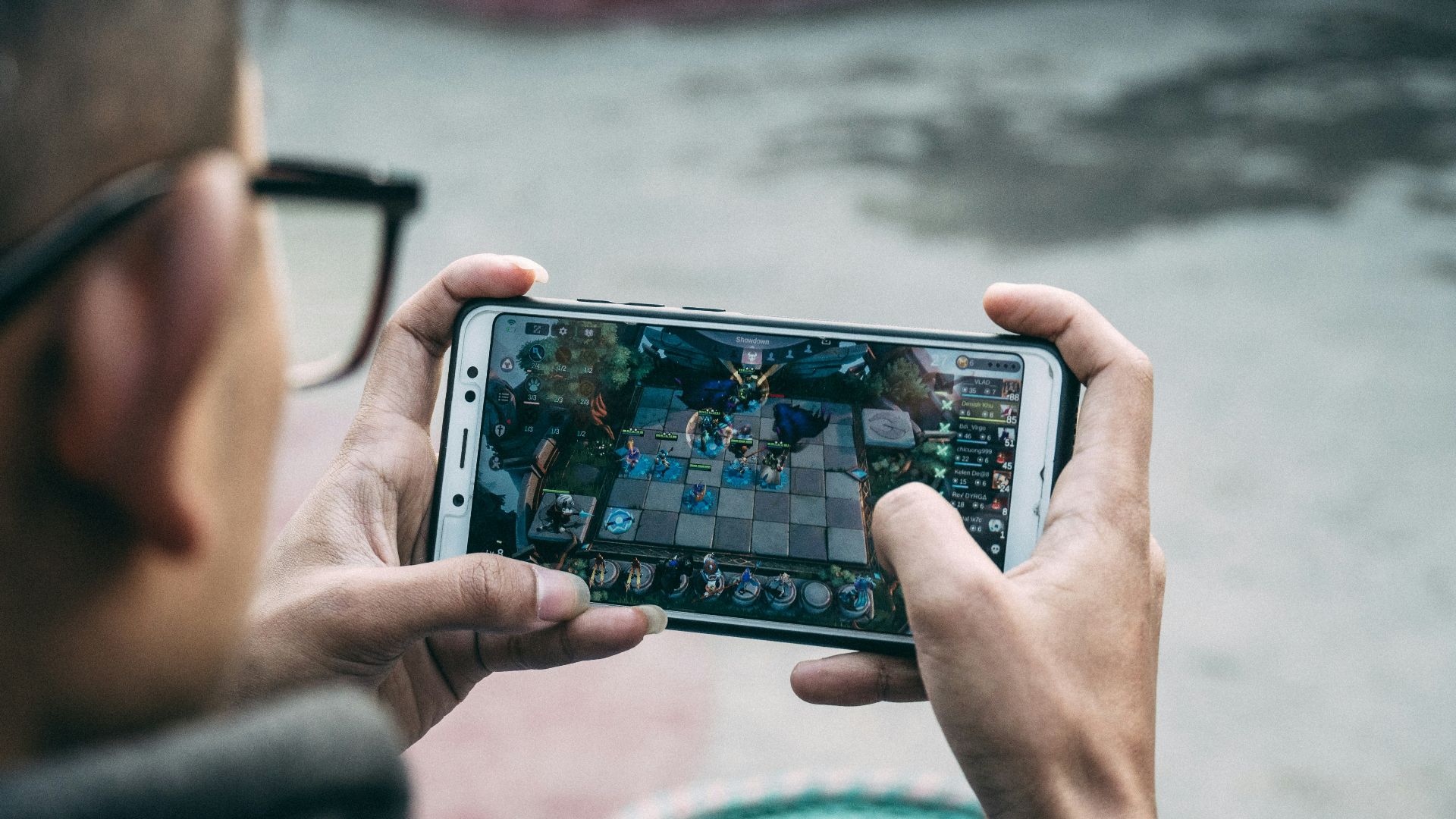
Certain smartphones include dashboards that display performance data such as frame rate, CPU usage, or temperature. Monitoring these metrics can help players identify performance issues during long gaming sessions.
7. Adjustable In-Game Graphics Settings
Many mobile games allow players to adjust graphics quality, resolution, and frame rate settings. Lowering certain visual effects can improve stability and prevent overheating during extended gameplay.
 Josue Ladoo Pelegrin on Unsplash
8. Storage Optimization
Smartphones perform better when they have enough available storage space. When storage becomes nearly full, system performance can slow down, and games may take longer to load.

9. Battery Performance Modes
Many phones include performance profiles that prioritize speed or battery life. Switching to a performance mode can allocate more system resources to gaming. This can help maintain stable frame rates during demanding games. However, most users leave their phones on default battery-saving settings.

10. Network Prioritization Settings
Some smartphones allow users to prioritize gaming traffic or switch automatically between network connections. A stable connection is essential for multiplayer games and cloud-based services. Understanding network settings can help reduce lag or connection drops. Many players overlook these options entirely.

11. Adaptive Battery Management
Adaptive battery systems learn which apps you use frequently and limit background activity for others. This helps conserve power while also freeing system resources. During gaming sessions, fewer background processes mean more resources for the game. Most users benefit from this feature without realizing how it works.
12. Thermal Management Systems
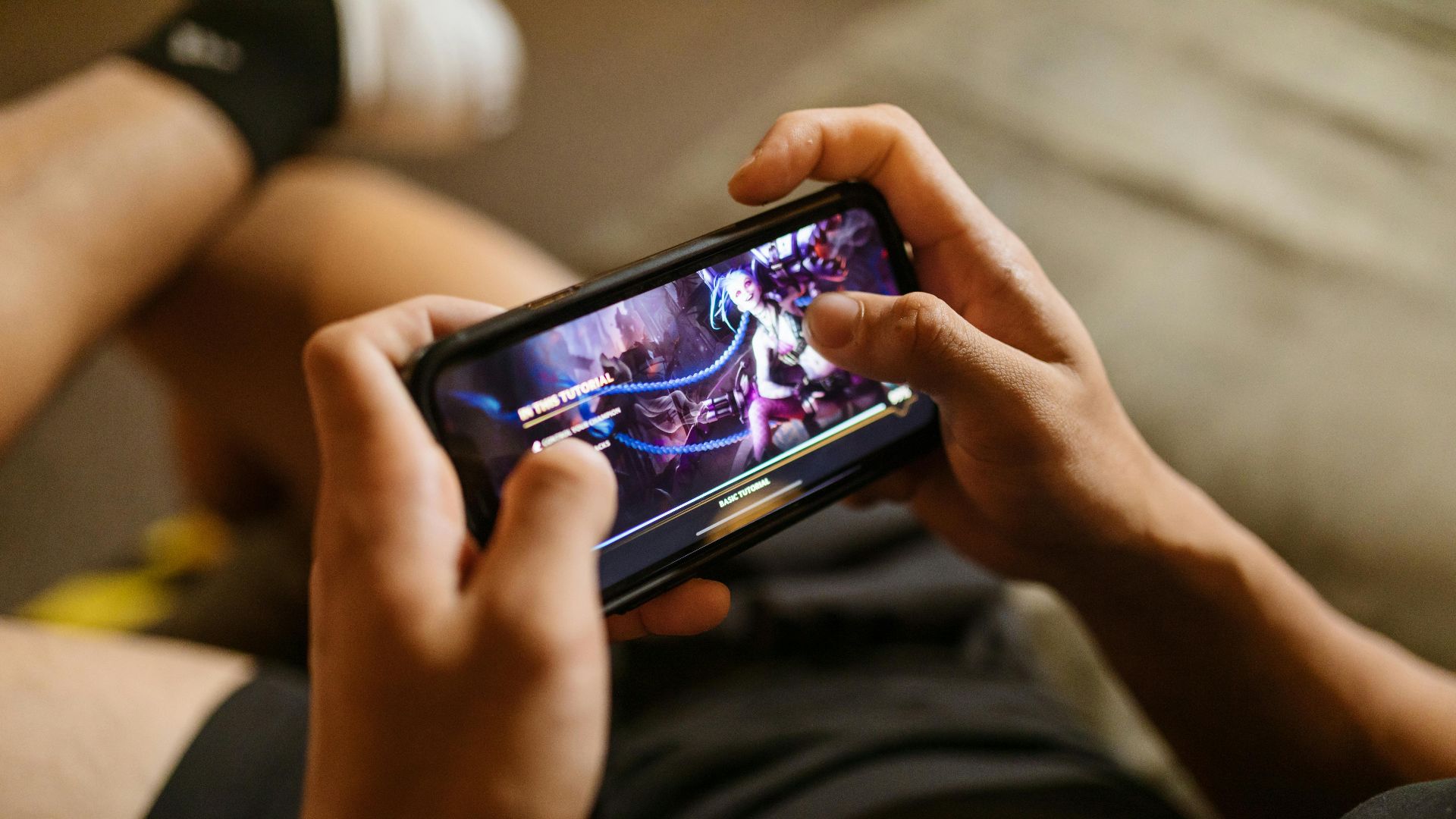
Smartphones contain built-in thermal controls that regulate temperature during heavy use. When devices overheat, performance may temporarily decrease to prevent hardware damage. Monitoring or managing heat can help maintain consistent gameplay performance.
13. Split-Screen Multitasking
Split-screen mode allows two apps to run simultaneously on the same display. While it’s not ideal for competitive gaming, it can be useful for certain situations. Players sometimes keep guides, chats, or streaming content visible while playing.

14. Cloud Save Support
Many games allow players to store progress using cloud-based save systems. Services like Google Play Games or Apple Game Center can automatically back up game data. This allows users to continue playing on a different device without losing progress.

15. Gesture Navigation
Gesture navigation replaces traditional navigation buttons with swipe gestures. This creates slightly more usable screen space, which can be helpful during gameplay. It also reduces the chance of accidentally pressing navigation buttons. Many users stick with traditional buttons without realizing the advantage.
16. Haptic Feedback Customization
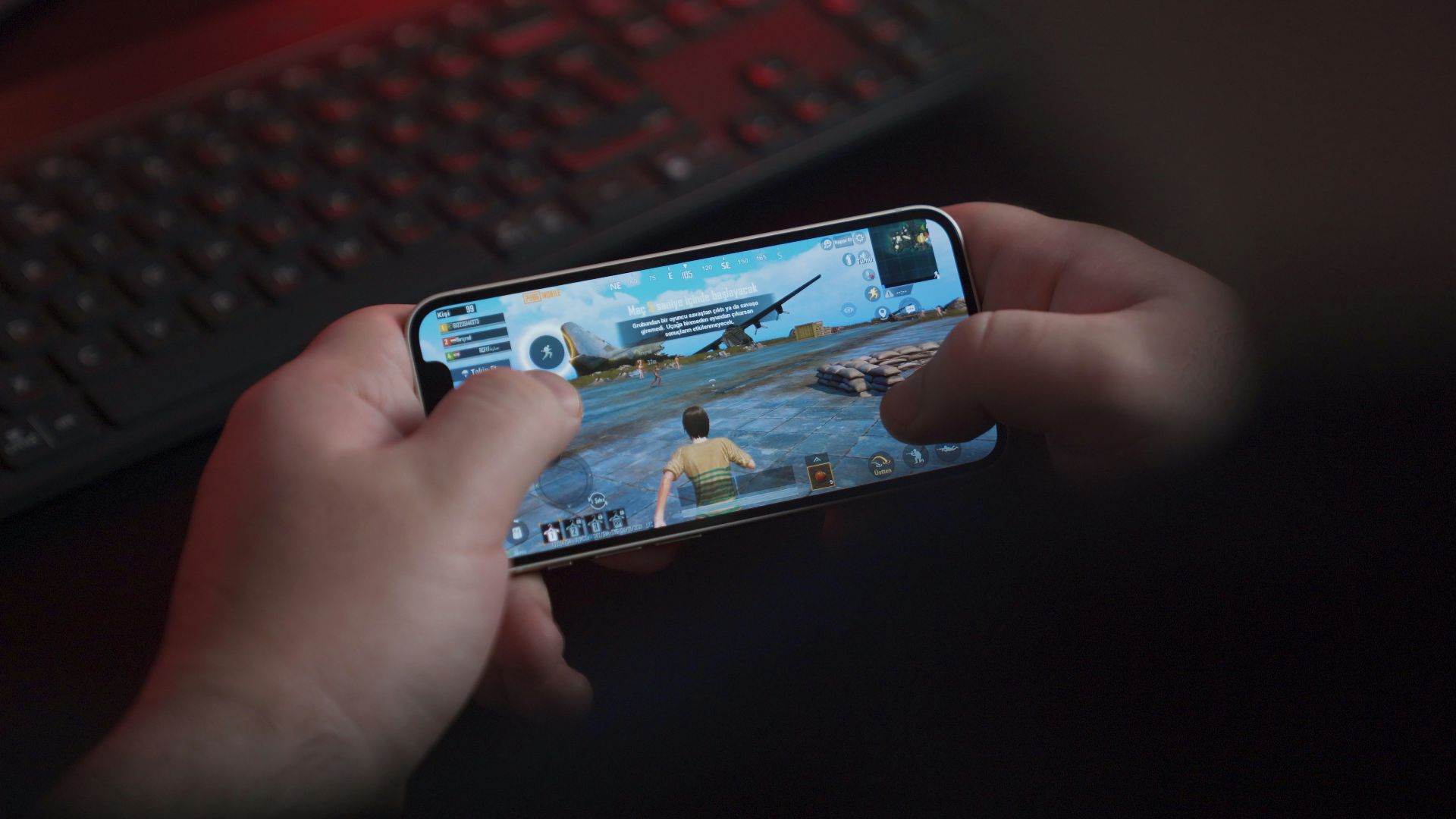
Haptic feedback can enhance immersion by providing subtle vibrations during gameplay events. Some games use vibration cues for actions like impacts or weapon use. Adjusting vibration intensity can make gameplay feel more responsive. Many players leave these settings unchanged or disabled.
 SAIYEDIRFANANWARHUSHEN on Pixabay
17. External Controller Support
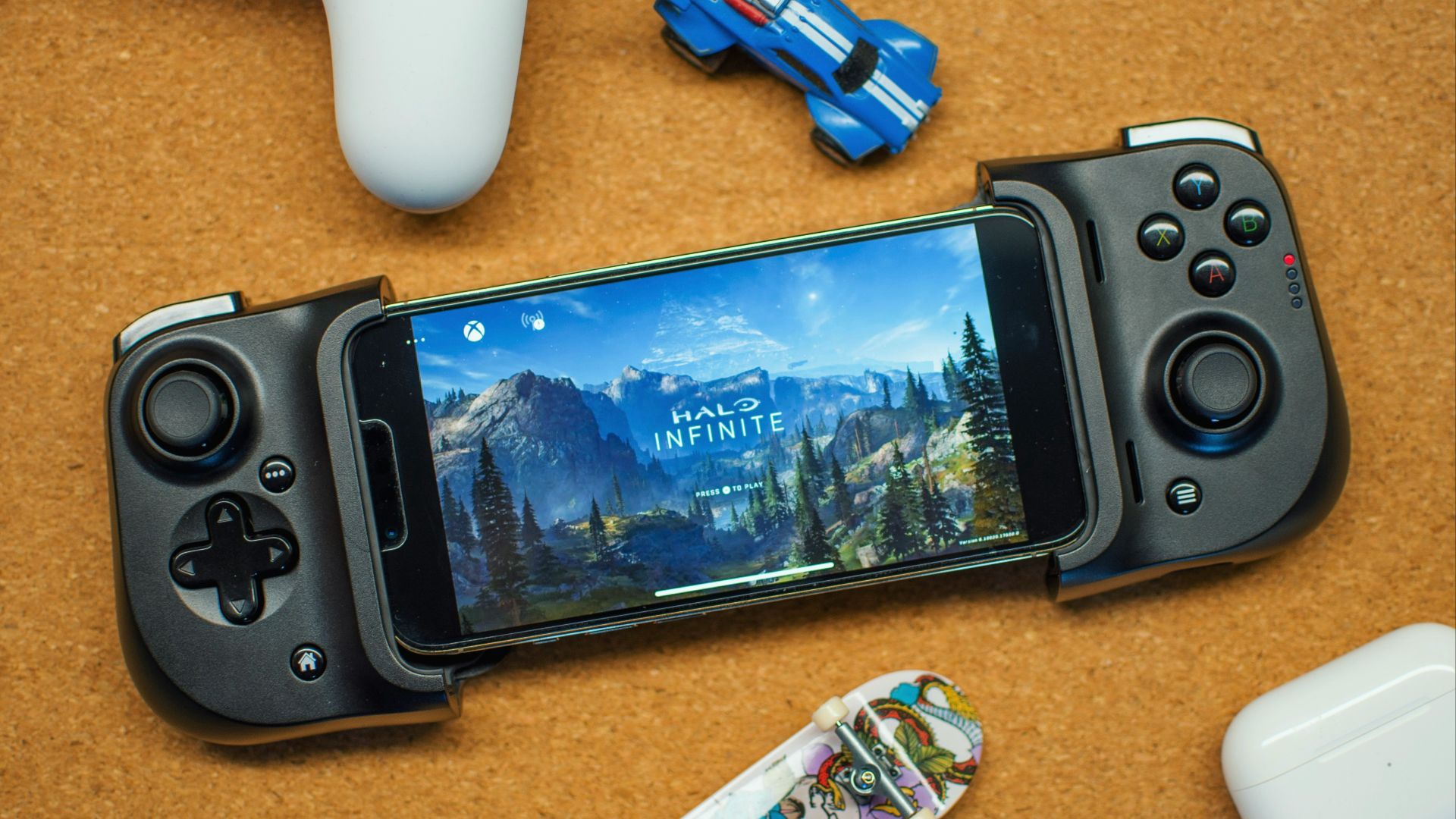
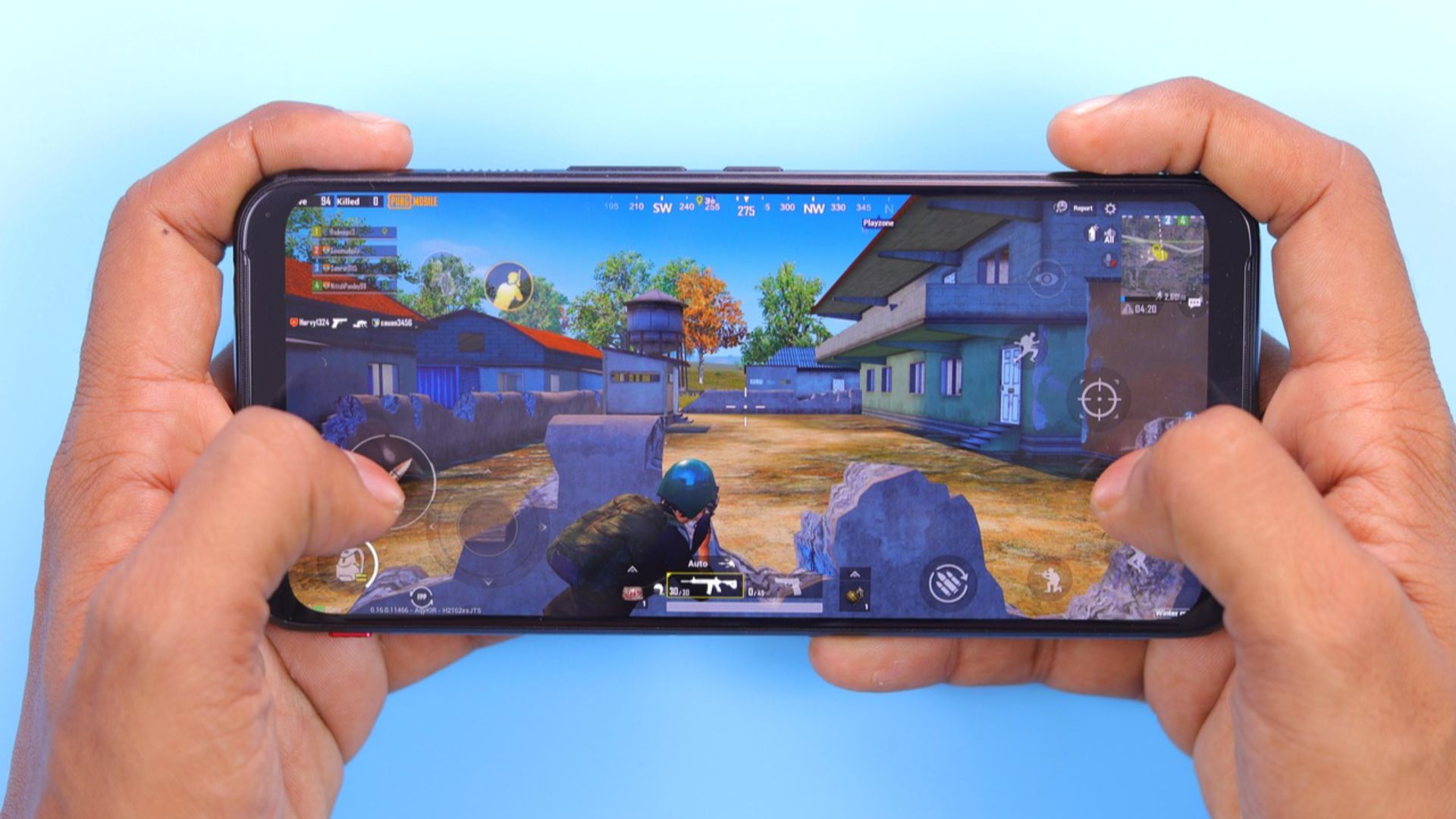
Many smartphones support Bluetooth game controllers. Controllers can provide more precise movement and button inputs compared to touchscreen controls. This can improve performance in genres like racing, shooters, or platform games. Despite the advantage, many mobile gamers never try using one.
18. Automatic System Updates
Operating system updates often include performance improvements and compatibility updates for newer games. Some updates also optimize graphics drivers or improve system stability. Keeping your phone updated can improve overall gaming performance, whereas ignoring updates can sometimes lead to avoidable issues.

19. Accessibility Display Adjustments
Accessibility settings often include features such as color filters, contrast adjustments, and text scaling. These tools can improve visibility in games with small text or dark environments.

20. Game Shortcut Panels
Some smartphones provide floating shortcut panels that appear during gaming. These panels allow quick access to features like screenshots, screen recording, brightness adjustments, or messaging. Having quick access to these tools can save time without leaving the game. Because they’re hidden within game tools, many users never discover them.