The Classics Still Know a Few Tricks
Technology changes fast, but some old-school computer habits refuse to become useless. They came from an era of slow machines, limited storage, fragile files, and people who knew the pain of losing an entire document because someone sneezed near the power cord. Even now, with cloud backups, autosave, touchscreens, and apps that claim to do everything for you, these habits still make digital life smoother. Sometimes the old ways are old because they worked. Here are 20 old computer habits that are weirdly still useful.
1. Saving Your Work Manually
Autosave is wonderful, but manually saving your work is still a habit worth keeping. It gives you one small moment of control, especially when you’re working in programs that don’t sync perfectly or files that live in strange places. A quick Ctrl+S or Command+S can prevent a lot of unnecessary panic.
2. Restarting the Computer
Restarting your computer sounds like the most basic advice in tech support, which is exactly why people roll their eyes at it. The annoying part is that it often works. A restart clears temporary glitches, frees up memory, and gives misbehaving programs a chance to stop being dramatic.
3. Keeping Files in Clearly Named Folders
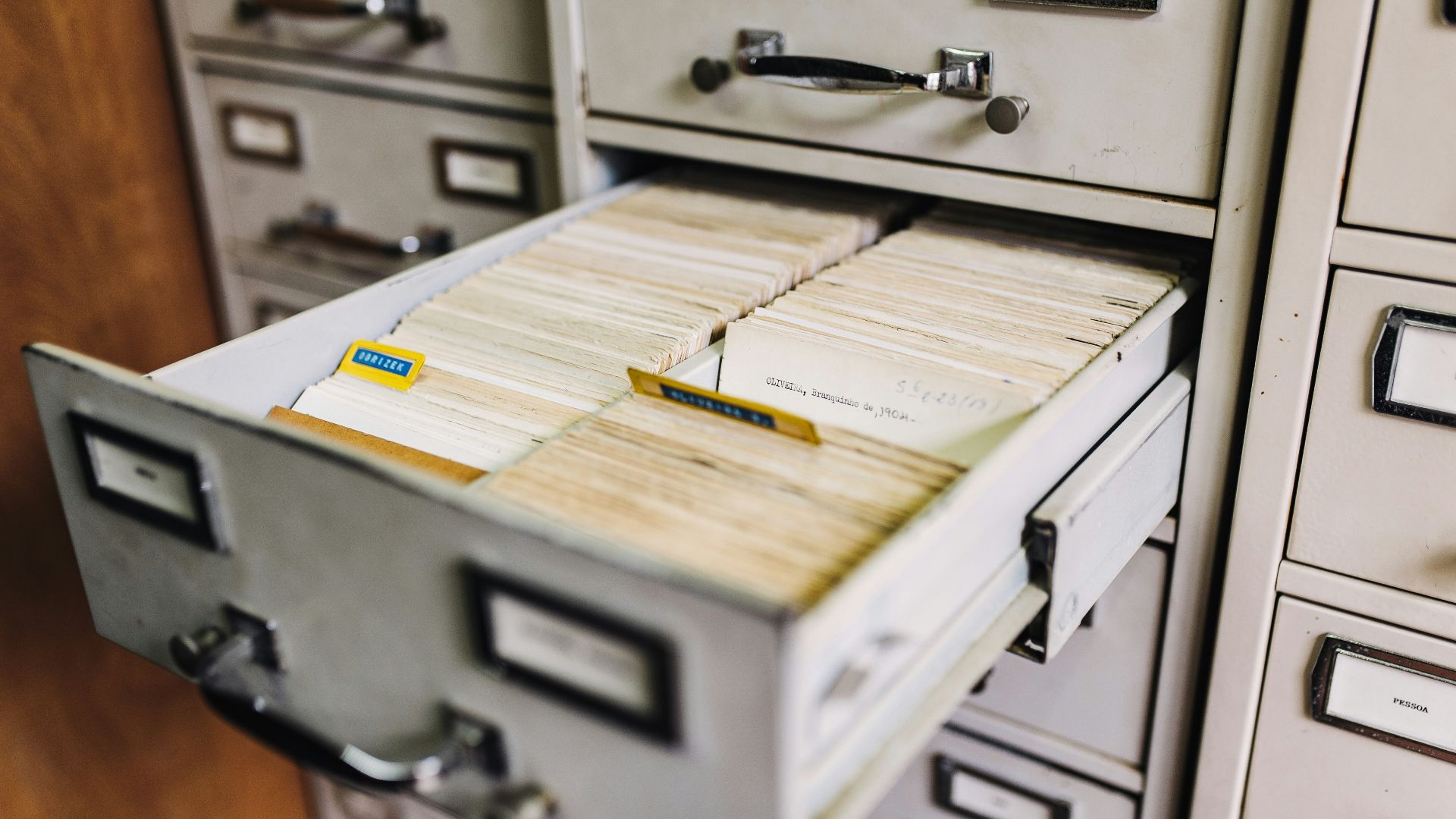
Before search bars became powerful, people had to know where their files actually lived. That habit is still useful because a good folder system makes life easier when search fails, files duplicate, or cloud storage gets messy. Names like “Taxes 2025” and “Client Logos Final” beat “New Folder 17” every time.
 Maksym Kaharlytskyi on Unsplash
4. Naming Files Like a Responsible Adult
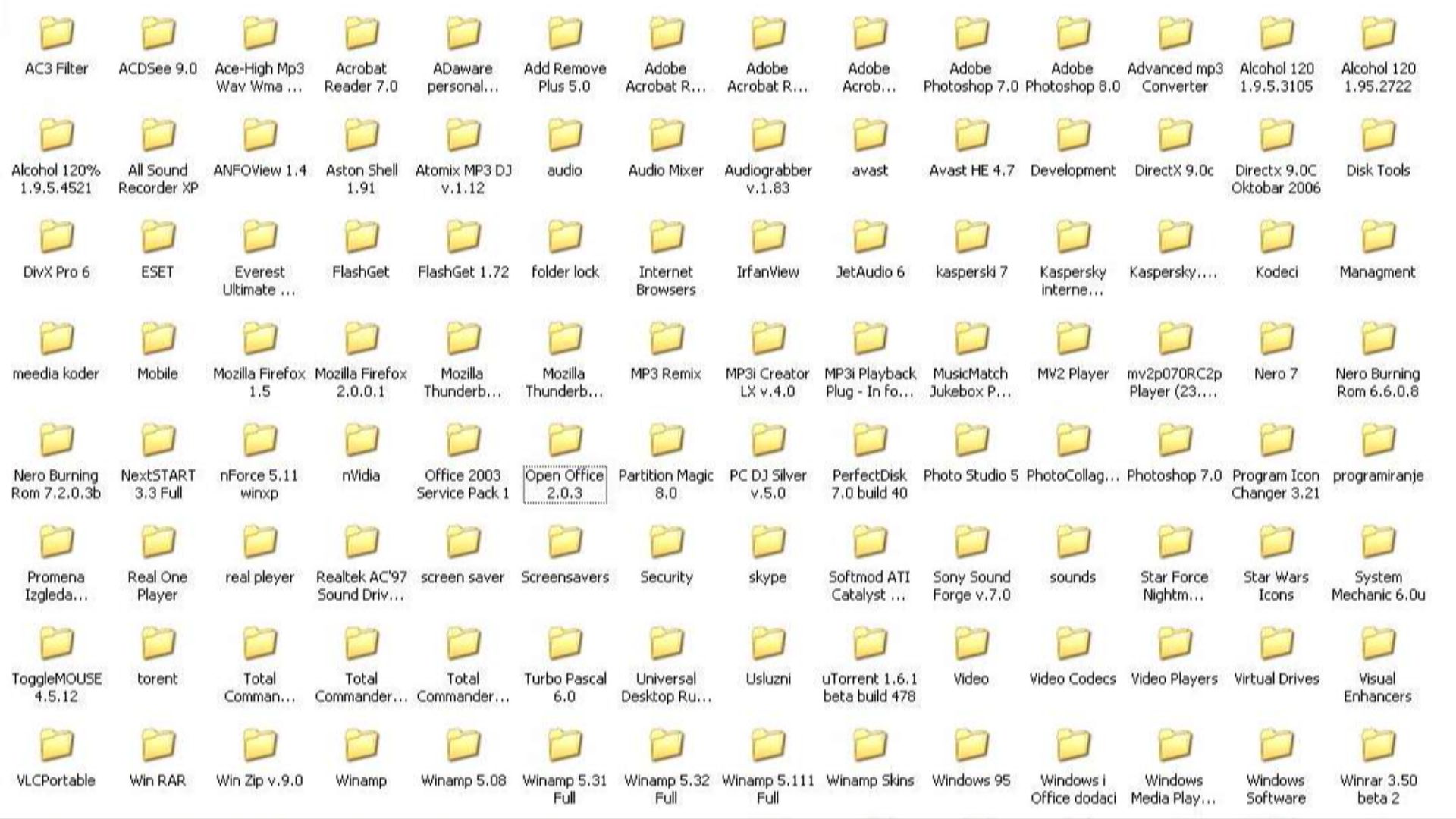
Old-school computer users learned that file names mattered because there was no friendly app interface to save them from chaos. A clear name with a date, version, or project title can save you from opening twelve files called “final_final_REAL.” It also makes sharing files less confusing for everyone involved.
5. Backing Up Important Files
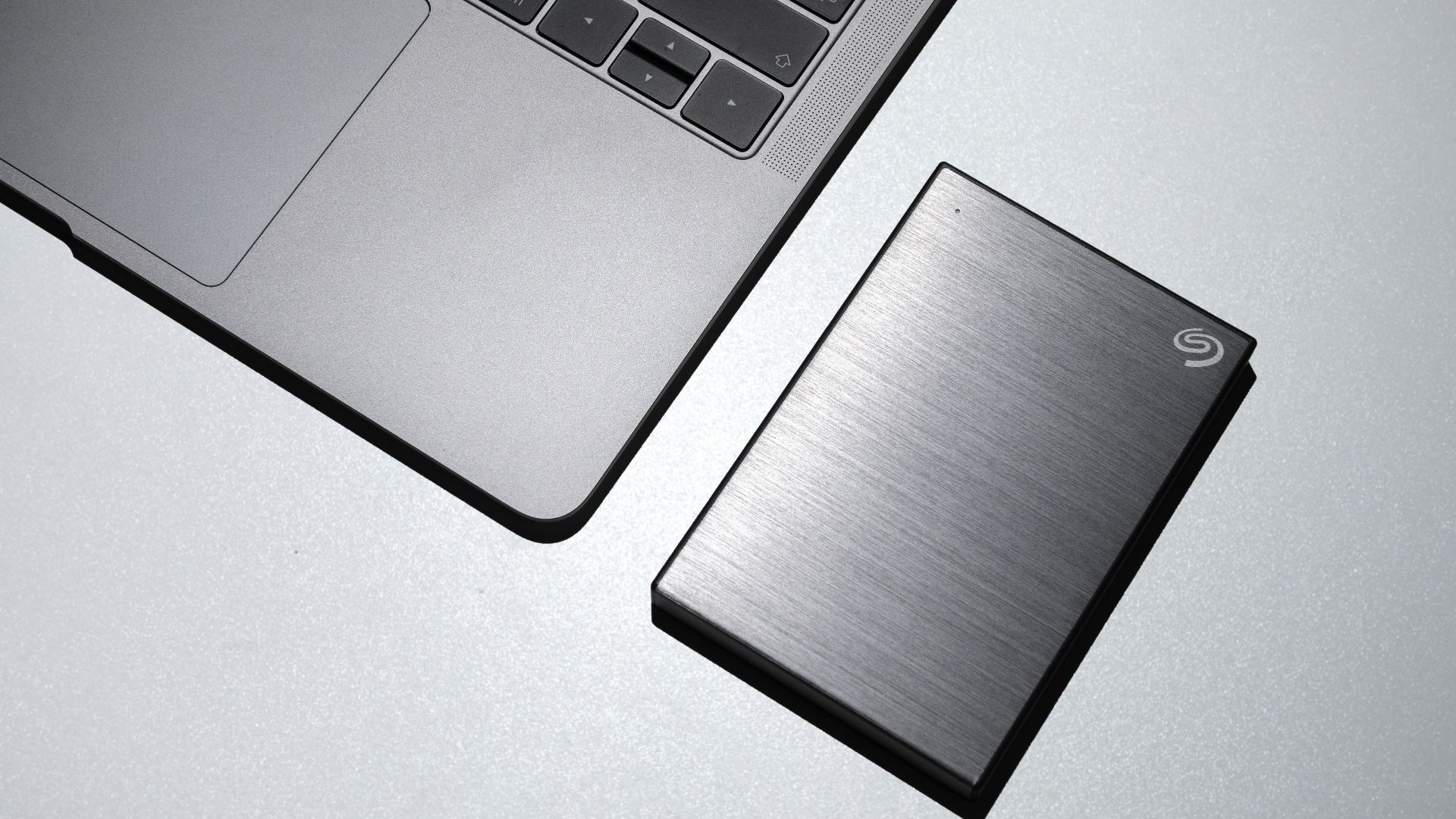
Backing up files used to mean floppy disks, CDs, external drives, or whatever storage device was available and not currently missing. Today, cloud services make backups easier, but the principle is still the same. Important files should exist in more than one place.
6. Printing Truly Important Documents
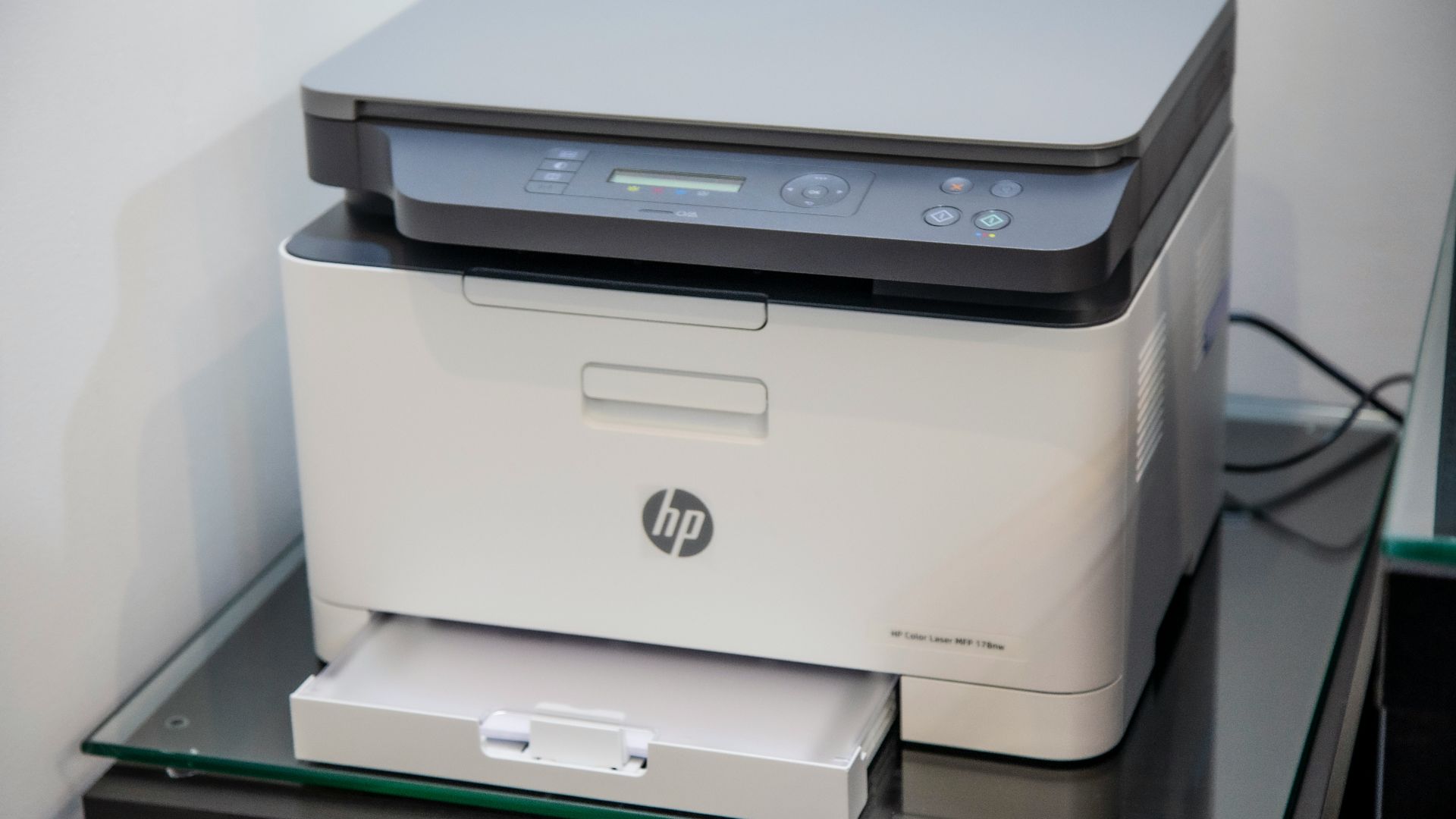
Printing everything is unnecessary, and trees would like a word. Still, printing truly important documents can be surprisingly practical when travel, legal paperwork, medical forms, or unreliable Wi-Fi are involved. A paper copy doesn’t need a password, battery, update, or signal.
7. Reading Error Messages
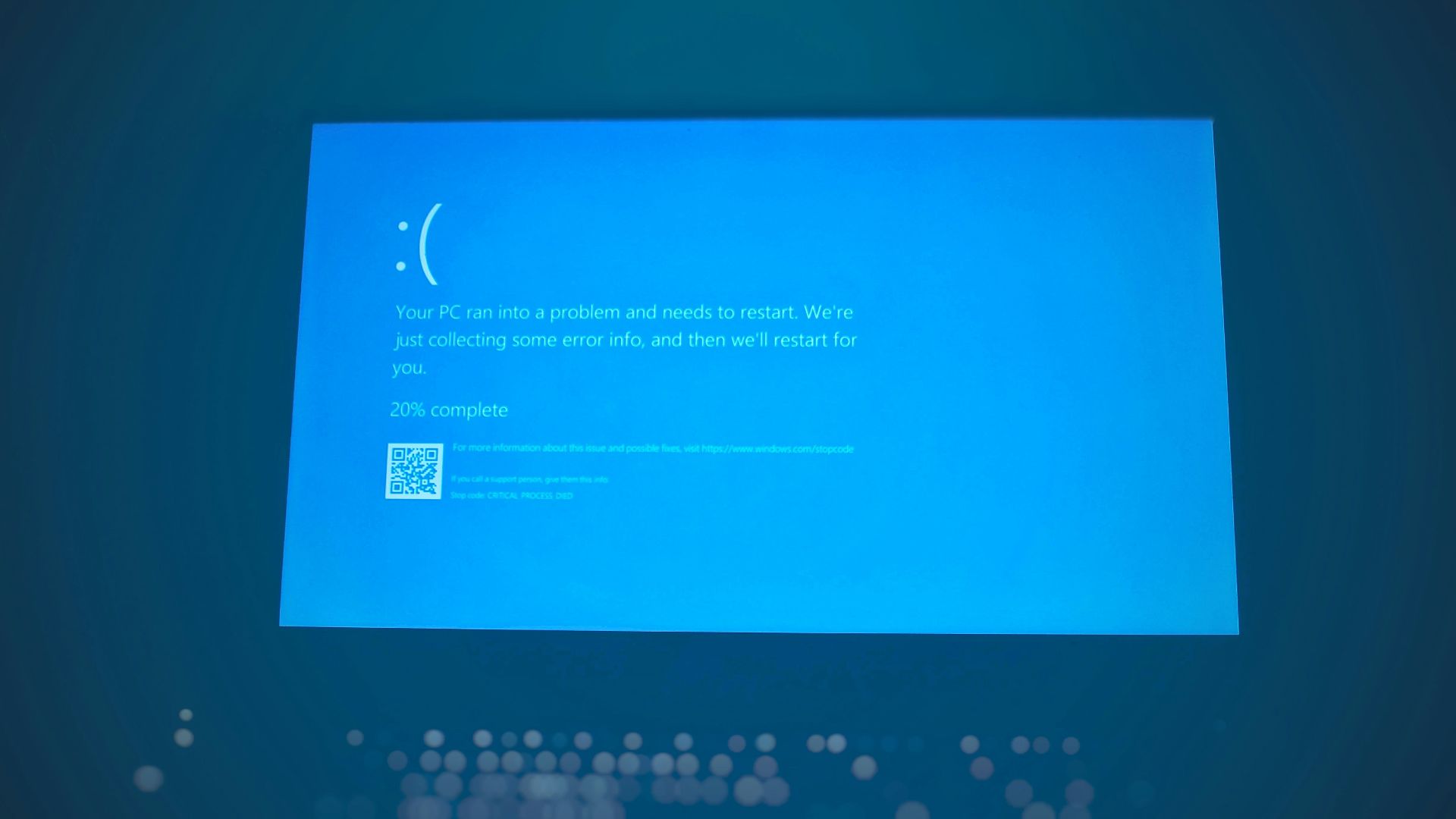
Many people see an error message and immediately click away like it insulted them personally. Old-school users often read the message because it might actually explain what went wrong. Even if the wording is clunky, it can give clues about missing files, permissions, storage, or connection problems.
8. Closing Programs You’re Not Using
Modern computers can juggle a lot, but they’re not magic. Leaving dozens of apps, tabs, and background tools open can slow things down, drain battery, or make your desktop feel like a crowded kitchen. Closing what you don’t need keeps things cleaner and calmer. It’s a tiny habit that makes your machine feel less overworked.

9. Keyboard Shortcuts
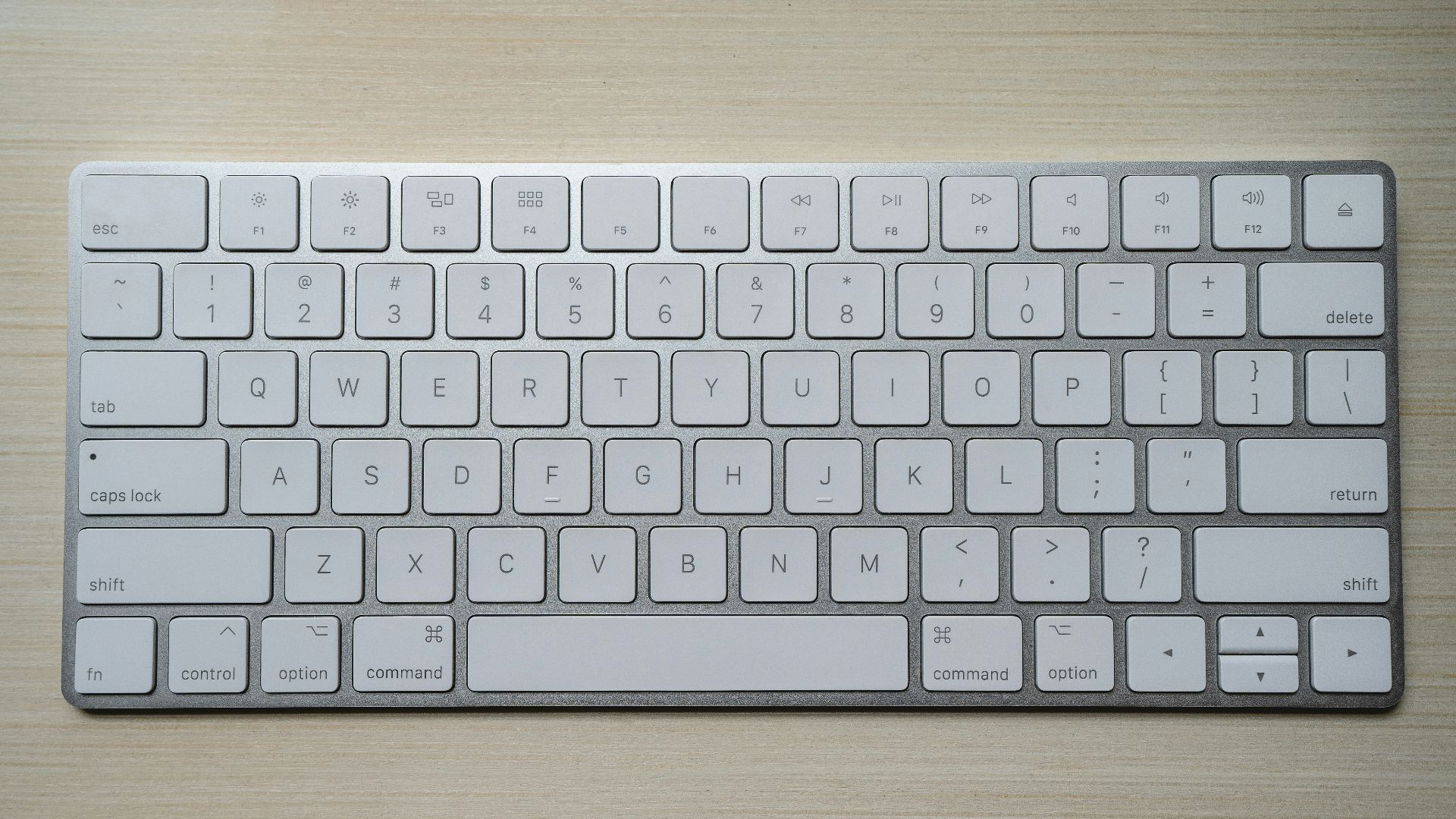
Keyboard shortcuts are one of the oldest productivity tricks, and they’re still wildly useful. Copy, paste, undo, find, save, switch windows, and take screenshots all become faster when your hands know the moves, and many of the fundamental ones remain unchanged since the 1980s.
10. Keeping a “Read Me” File
Old-school computer users often kept a simple “Read Me” file inside project folders to explain what everything was. That habit is still useful when you come back to a folder months later and can’t remember which file mattered, what step came next, or why something was named “version 3b final maybe.” A short note with dates, instructions, links, or reminders can save you from a lot of confusion.
11. Checking Cables First
Wireless technology has made people forget that cables are still involved in many problems. If a monitor, printer, charger, router, or external drive stops working, checking the cable is still step one.
12. Keeping Your Desktop Clean
A messy desktop used to slow people down because every file sat right there, judging them. It still creates mental clutter, even if the computer can technically handle it. Keeping only active files or shortcuts on the desktop makes it easier to find what matters.
13. Writing Down Important Password Clues
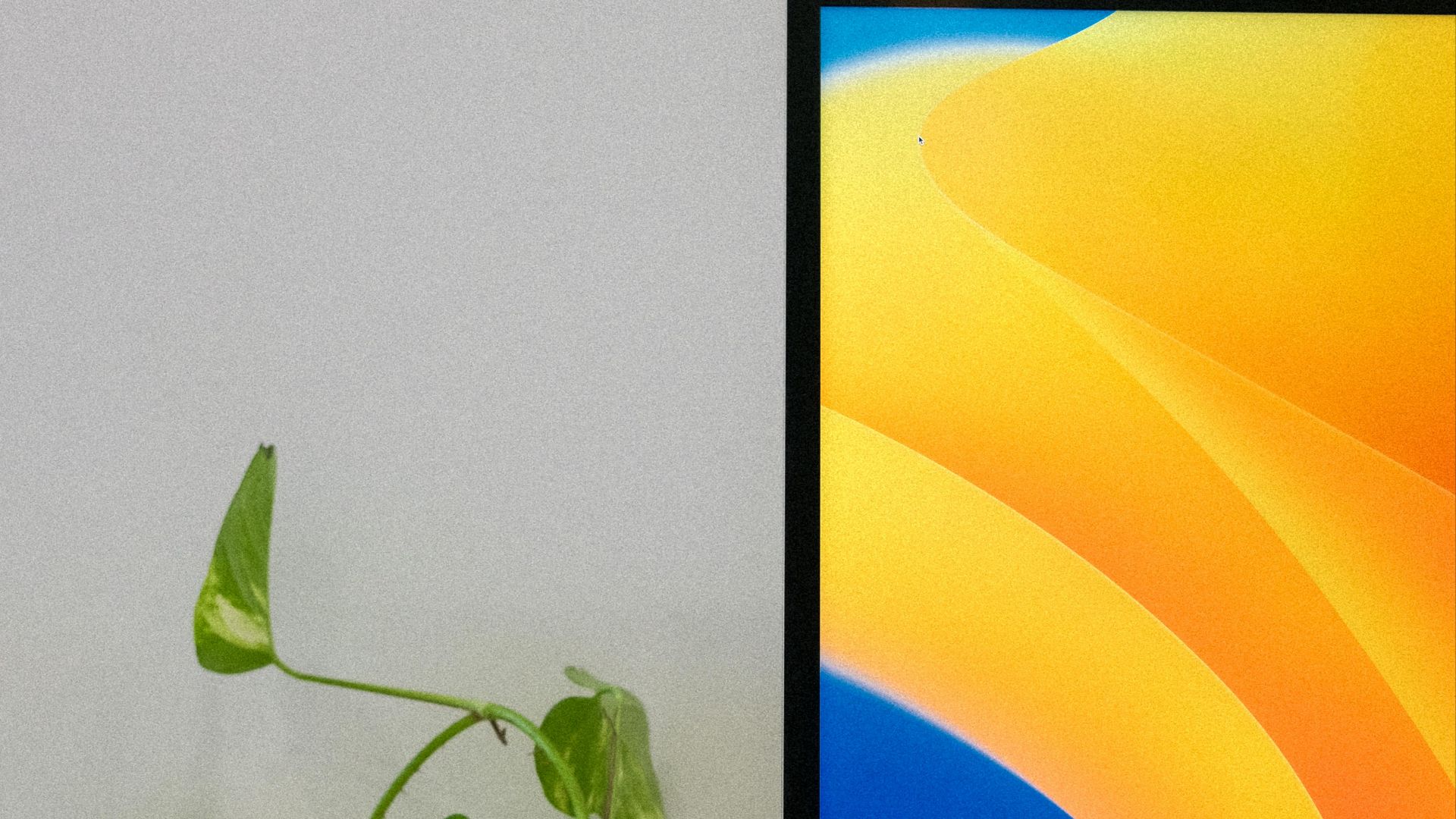
Writing passwords on sticky notes attached to the monitor is not ideal, and security professionals are correct to sigh about it. But the old habit of keeping organized password records has evolved into something useful: using a reputable password manager or securely stored backup codes. The lesson is that your login information needs a system.
14. Updating Software Regularly
Old-school users remember when updates came on disks or took forever, so they learned to treat them as events. Now updates are easier to ignore, but they still matter for security, stability, and compatibility. Waiting forever can leave you with bugs that everyone else has already escaped.
15. Keeping a Simple Text File for Notes
Before fancy note apps, people used plain text files because they opened quickly and worked almost everywhere. That habit still has value because simple notes are searchable, lightweight, and unlikely to break because a platform changed its mood. A basic text file can hold ideas, links, lists, commands, and reminders without demanding an account.
16. Emptying the Trash Carefully
Emptying the trash or recycle bin used to feel like a dramatic final step because storage was precious. It’s still smart to review what you’re deleting before making it permanent. Accidental deletion happens quickly, especially when cleaning up a messy drive. A two-second check can prevent a deeply irritating rescue mission.
17. Organizing Your Digital Clutter
Old computers with traditional hard drives sometimes needed “defragmenting,” a process that reorganized scattered pieces of data so the machine could run better. Most modern computers don’t need you to do that manually anymore. Still, the old habit of occasionally cleaning things up is very useful because it can make your digital life feel much less chaotic.
18. Logging Out of Shared Computers
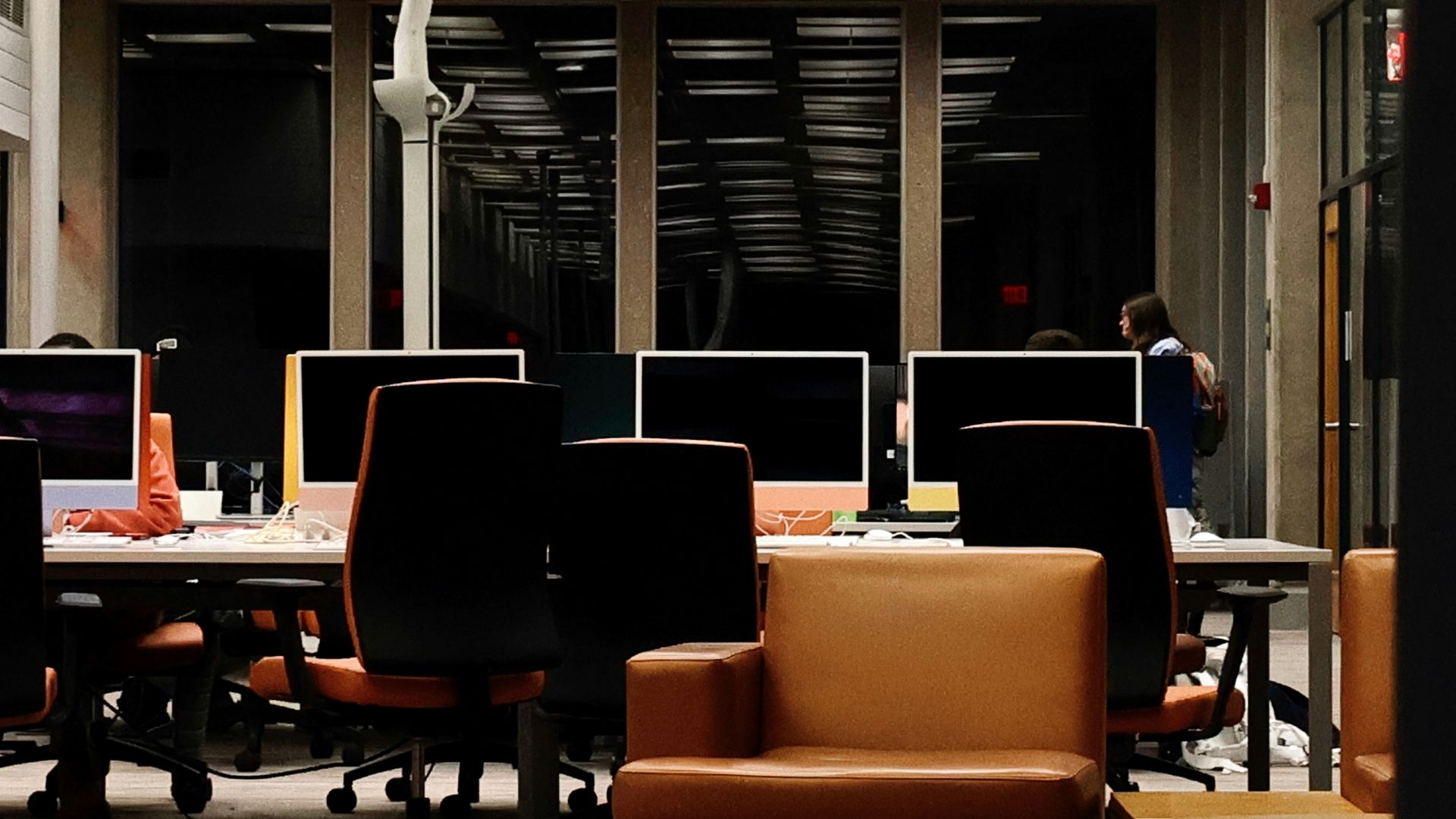
This habit mattered in computer labs, libraries, offices, and family desktops, and it still matters now. If you use a shared machine, always log out of email, banking, work accounts, and personal apps. Leaving yourself logged in is basically handing the next person your digital house keys with a cheerful little wave.
19. Keeping Installer Files or License Info
Old-school software often came with serial numbers, disks, manuals, and installation codes that people had to guard like treasure. Today, many apps are subscription-based, but license keys, purchase receipts, recovery codes, and installer links still matter. Keeping them organized can save you when you switch devices or reinstall software.
20. Turning It Off When You’re Done
Leaving devices on all the time is common now, but turning them off still has benefits. It can save power, reduce heat, clear small glitches, and give both the machine and your brain a break. You don’t have to shut everything down every hour like it’s 1998, but an occasional full shutdown is still healthy.