How Well Is Your Phone Holding Up?
Is it time to replace your phone? Sure, every year when a new version comes out, you might itch to get the latest and greatest. But chances are, your phone is still working fine. Well, unless it's not, and you're seeing trouble charging, you're always deleting apps and photos to save storage, and everything feels annoyingly laggy. Still, an older phone isn’t automatically a bad phone, especially when it can still do the basic tasks you need it to do. But to know for sure whether you're due for an upgrade, here's how to tell if your device is aging horribly or if it's still holding up great.
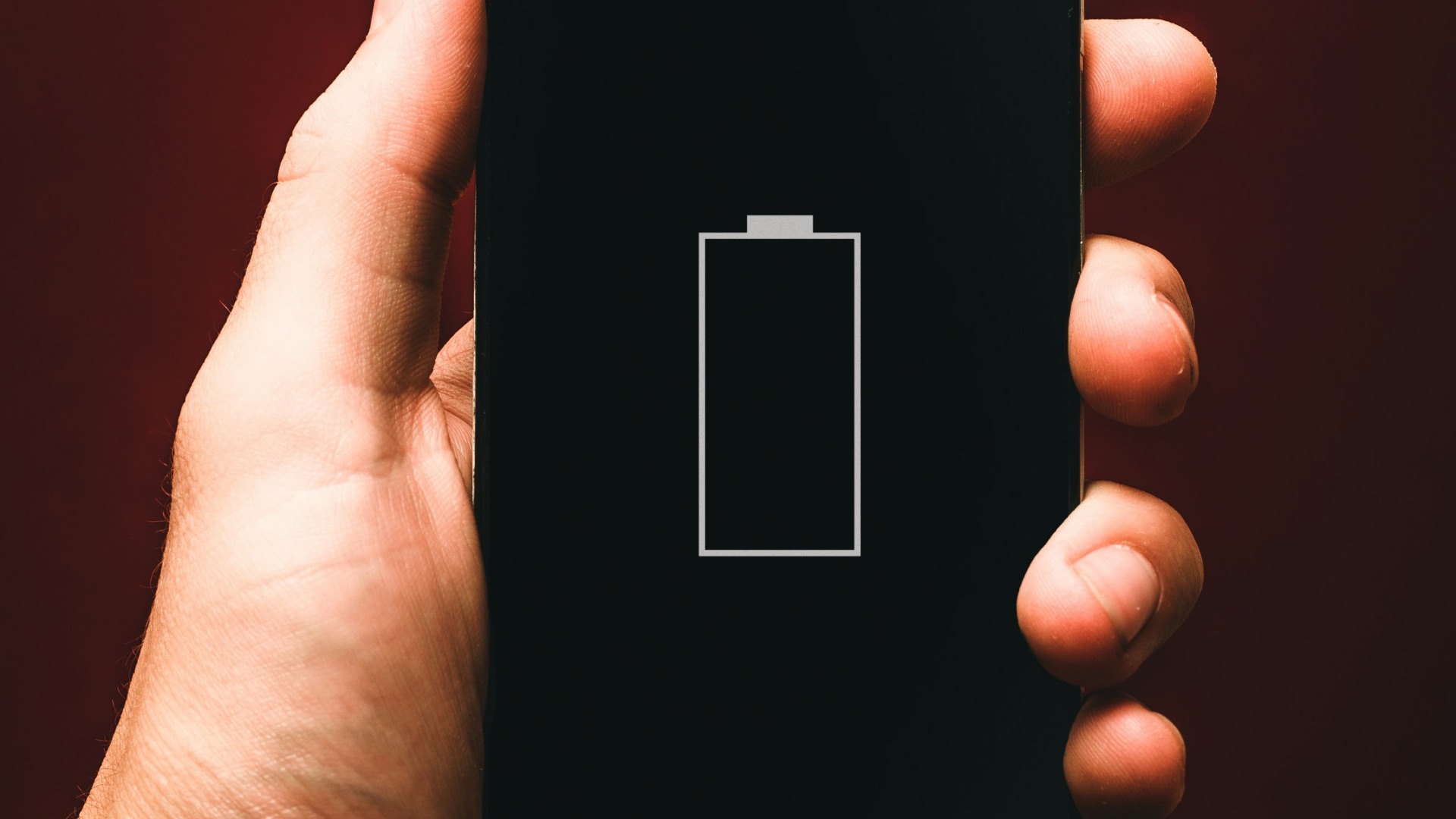
1. The Battery Barely Lasts Until Lunch
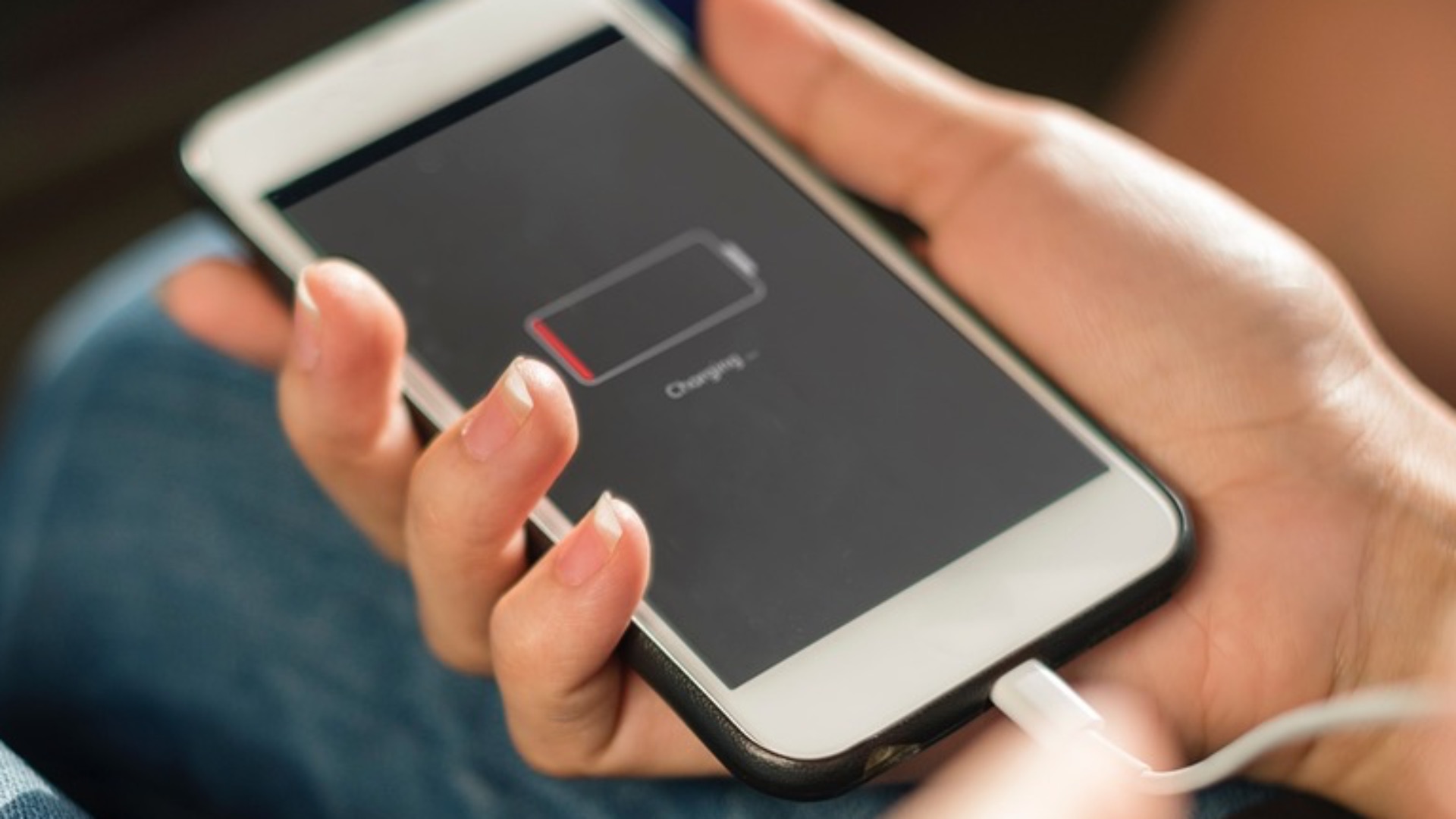
A phone that once survived an entire day may now need charging before you’ve even finished your afternoon errands. Battery degradation is normal over time, but dramatic drops can make the device unreliable when you’re away from an outlet. If you’re constantly carrying a charger or limiting basic use to preserve power, the battery has become more than a minor inconvenience.
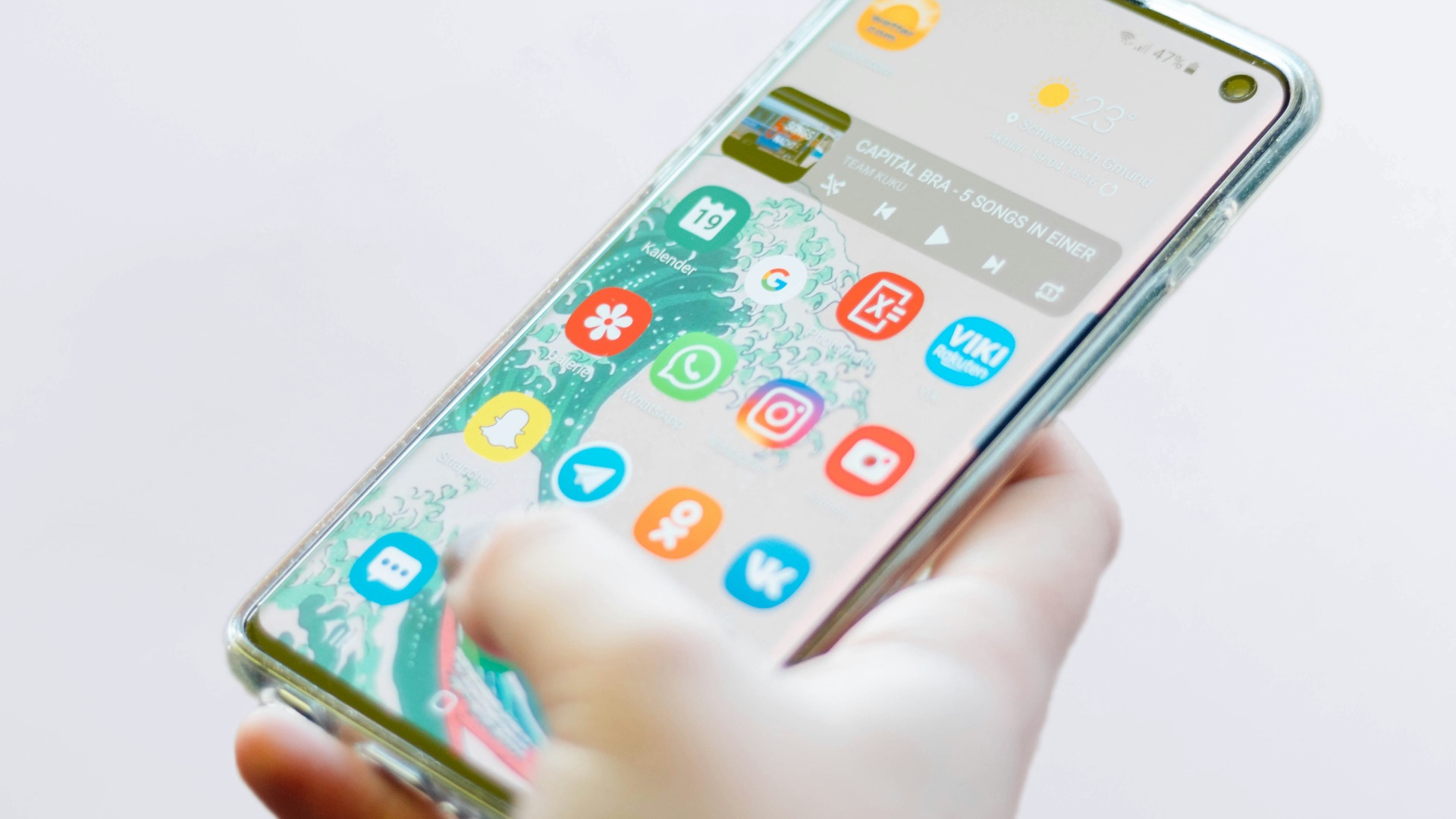
2. Simple Apps Take Forever to Open
Opening your messages, camera, or weather app shouldn’t require several seconds of waiting. Older processors can struggle as apps become larger and demand more memory, especially when multiple programs are running at once. Frequent delays during basic tasks suggest the phone’s hardware is having trouble meeting modern software requirements.
 Christian Wiediger on Unsplash
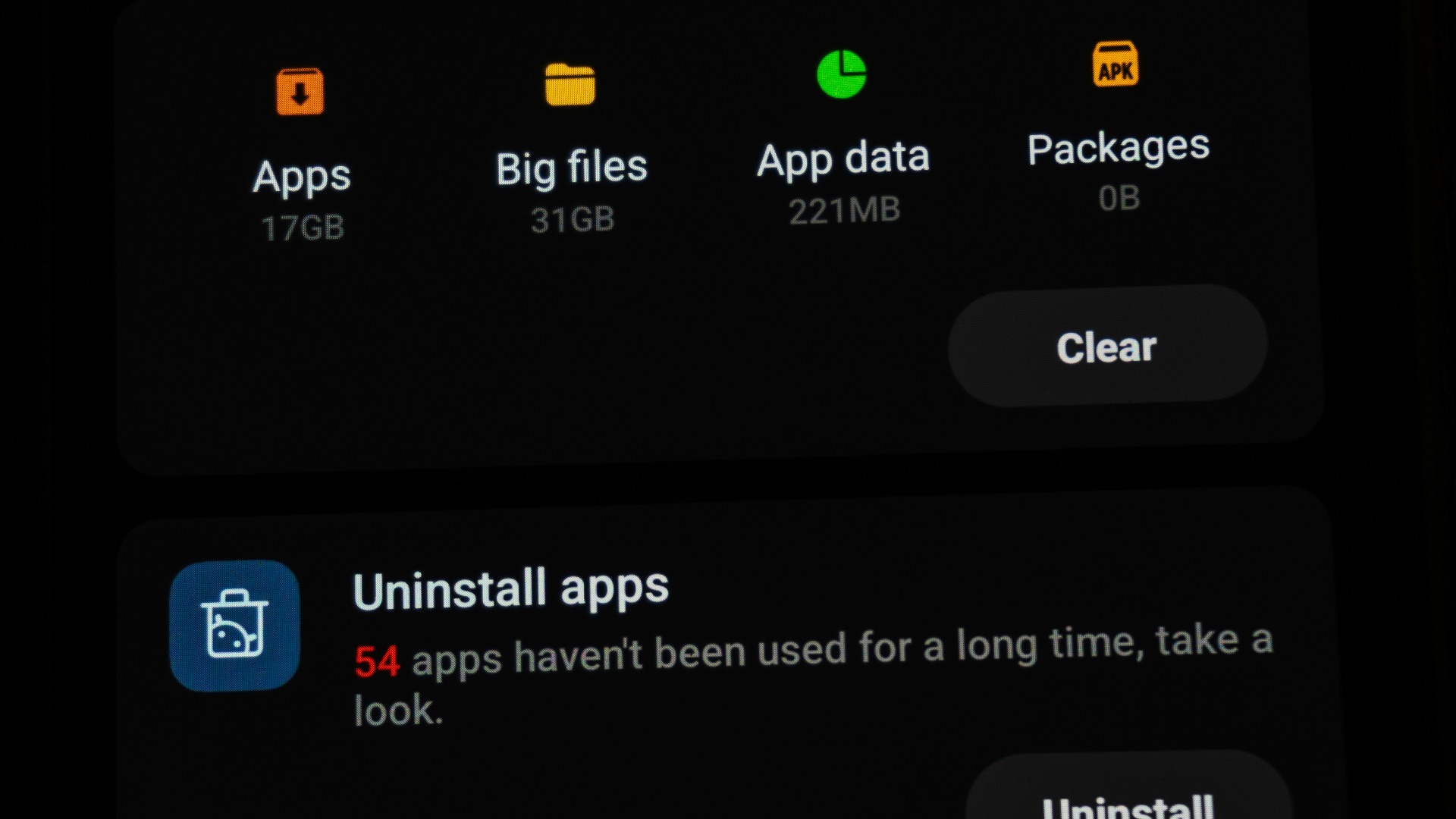
3. You’re Always Running Out of Storage
Photos, videos, apps, and system files take up more space than they did when many older phones were released. Even after deleting downloads and clearing old conversations, you may find that the storage warning returns almost immediately. When routine updates require you to remove things you still want, the phone’s limited capacity is becoming a serious restriction.
4. The Phone Gets Hot During Normal Use
Some warmth is expected while gaming, recording video, or charging, but basic browsing shouldn’t make the device uncomfortable to hold. Excess heat may point to an aging battery, an overworked processor, or inefficient software performance. Regular overheating can also cause apps to slow down or shut off until the device cools.
5. Apps Crash More Often Than They Work
An occasional app failure happens on nearly every phone, but repeated crashes are harder to dismiss. The device may lack enough memory to keep newer apps stable, or its operating system may no longer support their latest versions. Once essential programs become unpredictable, using the phone starts feeling unnecessarily difficult.
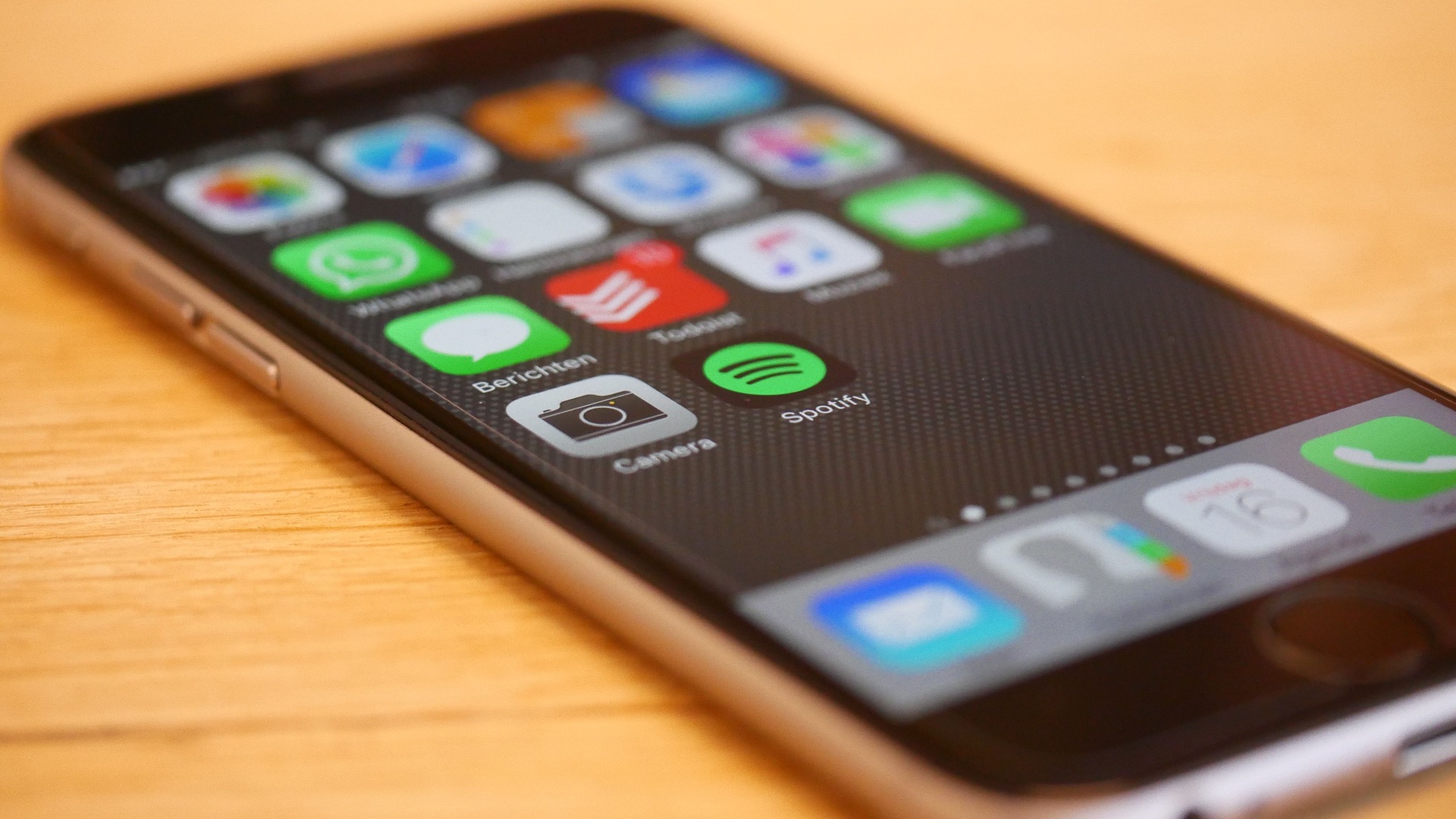
6. Software Updates Have Stopped
Manufacturers only provide operating system and security updates for a limited period. When support ends, your phone may miss important protections, compatibility improvements, and bug fixes. The device might still turn on and function, but using unsupported software can become riskier as time passes.
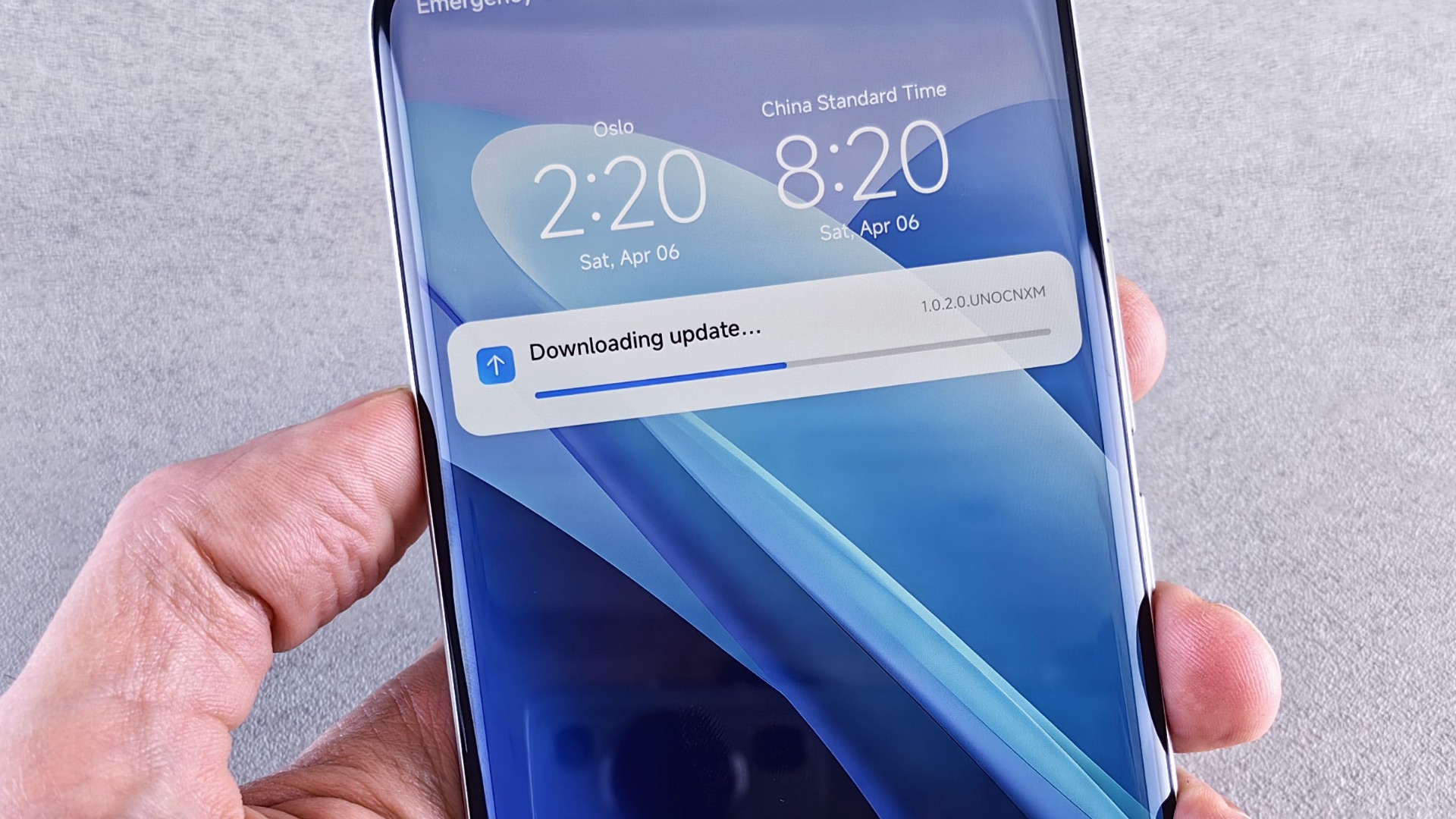
7. The Camera Struggles in Everyday Conditions
Older phone cameras may perform reasonably well in bright daylight yet produce blurry or grainy images indoors. Slow focusing, weak stabilization, and long processing times become more noticeable when compared with newer devices. You don’t need the most advanced camera available, but consistently disappointing photos can make the phone feel far older than it is.

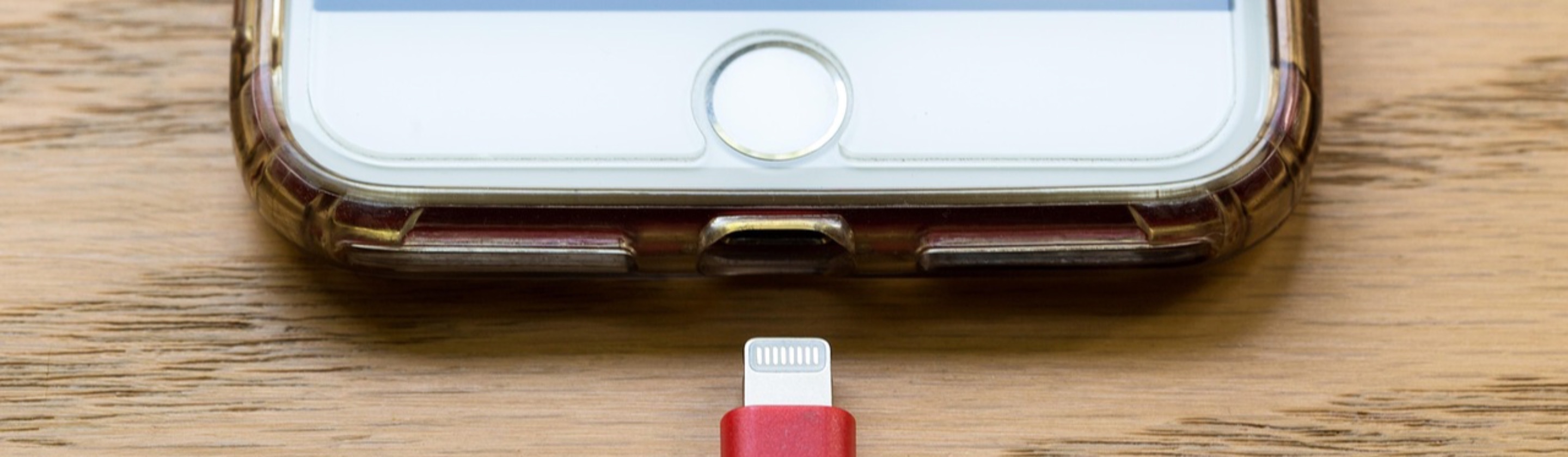
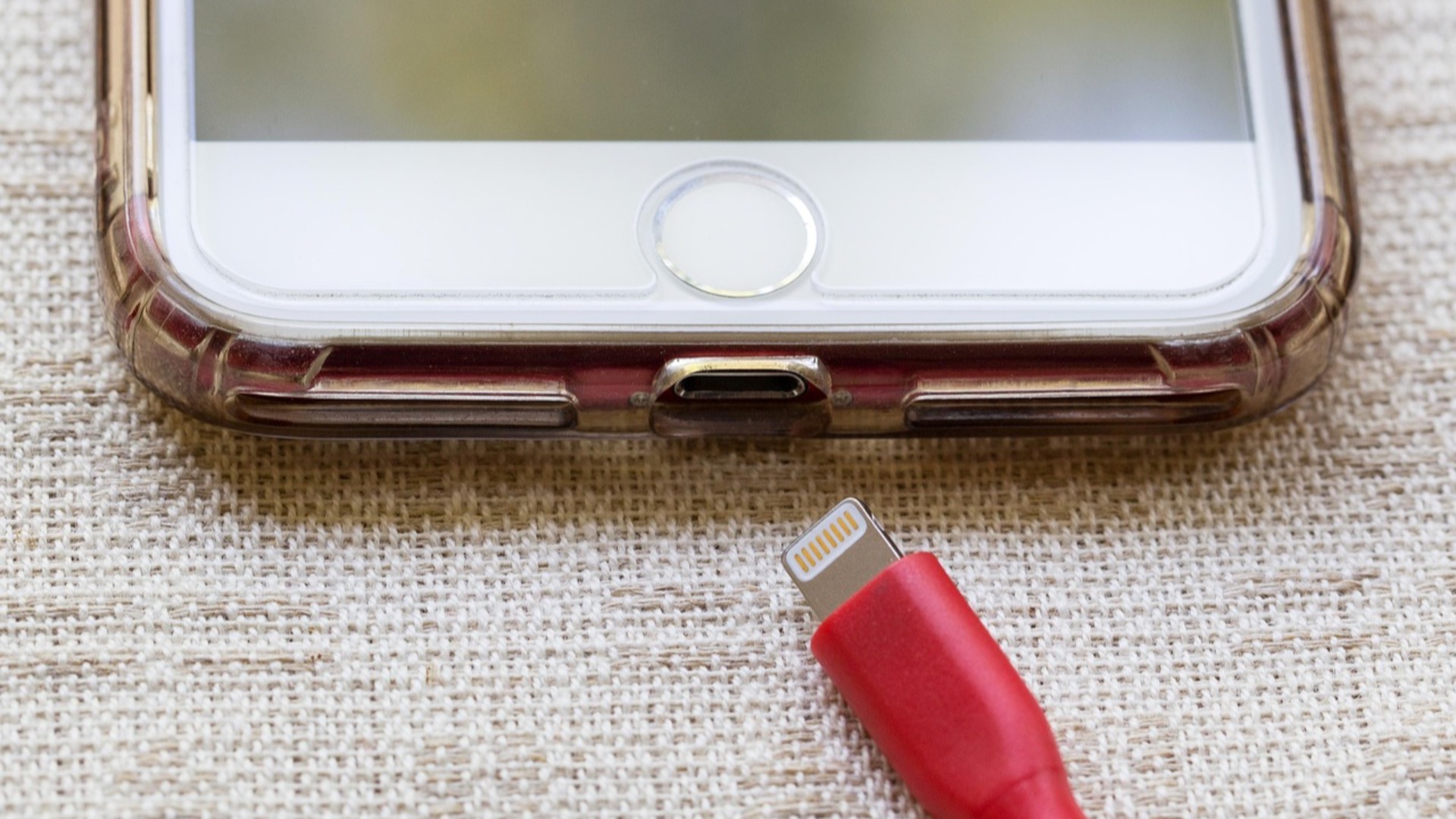
8. The Charging Port Barely Connects
Having to angle the cable, hold it in place, or reconnect it several times is a clear sign of trouble. Dust may be responsible, but worn internal components can also prevent the phone from charging reliably. A damaged port becomes especially frustrating when the battery is already losing capacity.
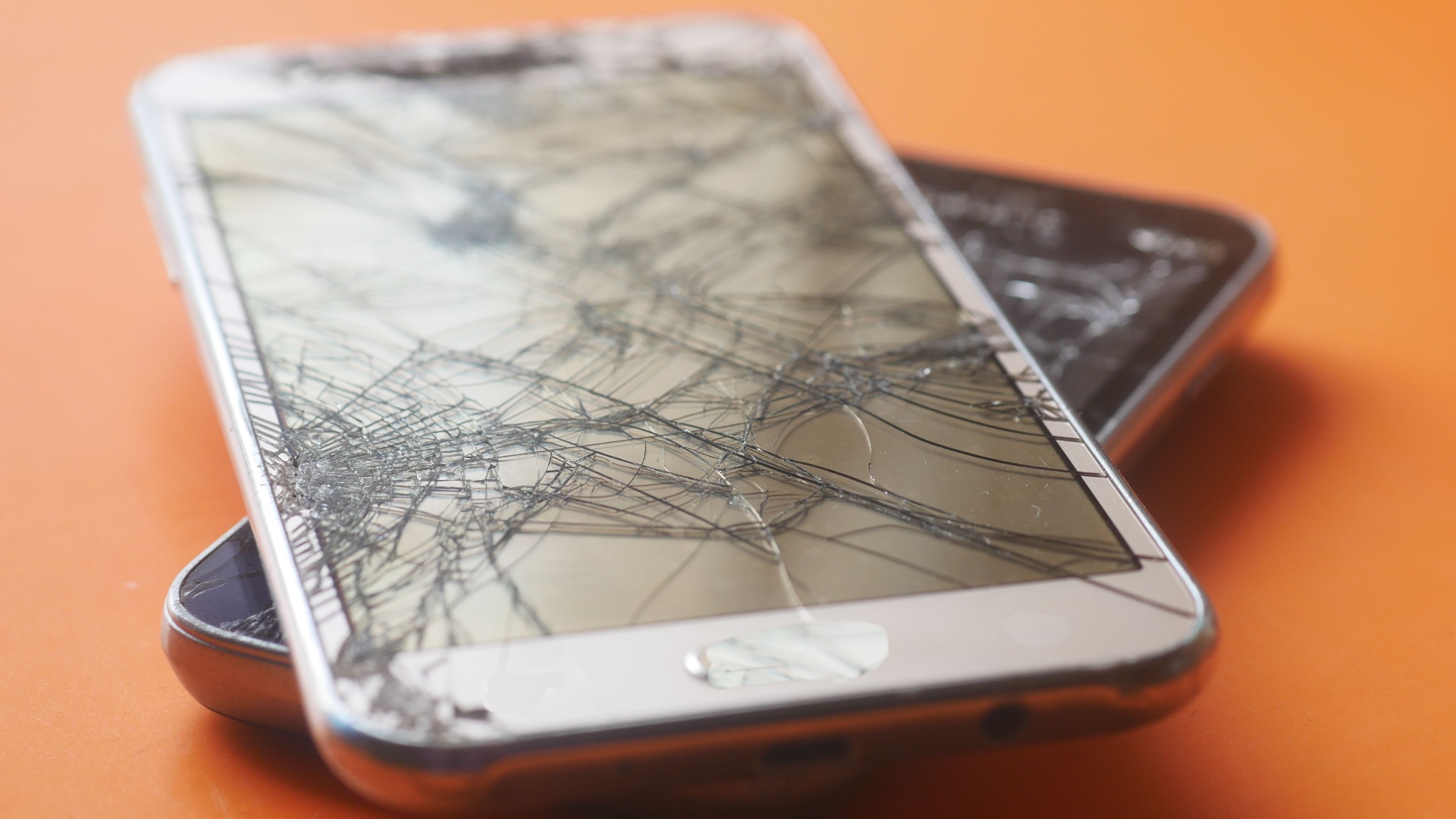
9. The Screen Has Multiple Permanent Problems
Small scratches usually don’t affect usability, but dead pixels, discoloration, flickering, and unresponsive areas are more serious. These issues can interfere with typing, reading, and selecting on-screen controls. When you’re adjusting how you hold or use the phone just to avoid damaged sections, its condition has declined considerably.
10. Basic Tasks Feel Like Too Much Work
Aging phones often develop several minor problems at once rather than one obvious failure. You may deal with delayed typing, dropped connections, frozen menus, and unreliable notifications throughout the day. When ordinary activities repeatedly require extra steps or restarts, replacing the device may save you a great deal of frustration.
These signs might suggest you need a new phone, but a phone doesn’t need to feel brand-new to remain useful. Here's how to tell your phone is still holding up just fine:
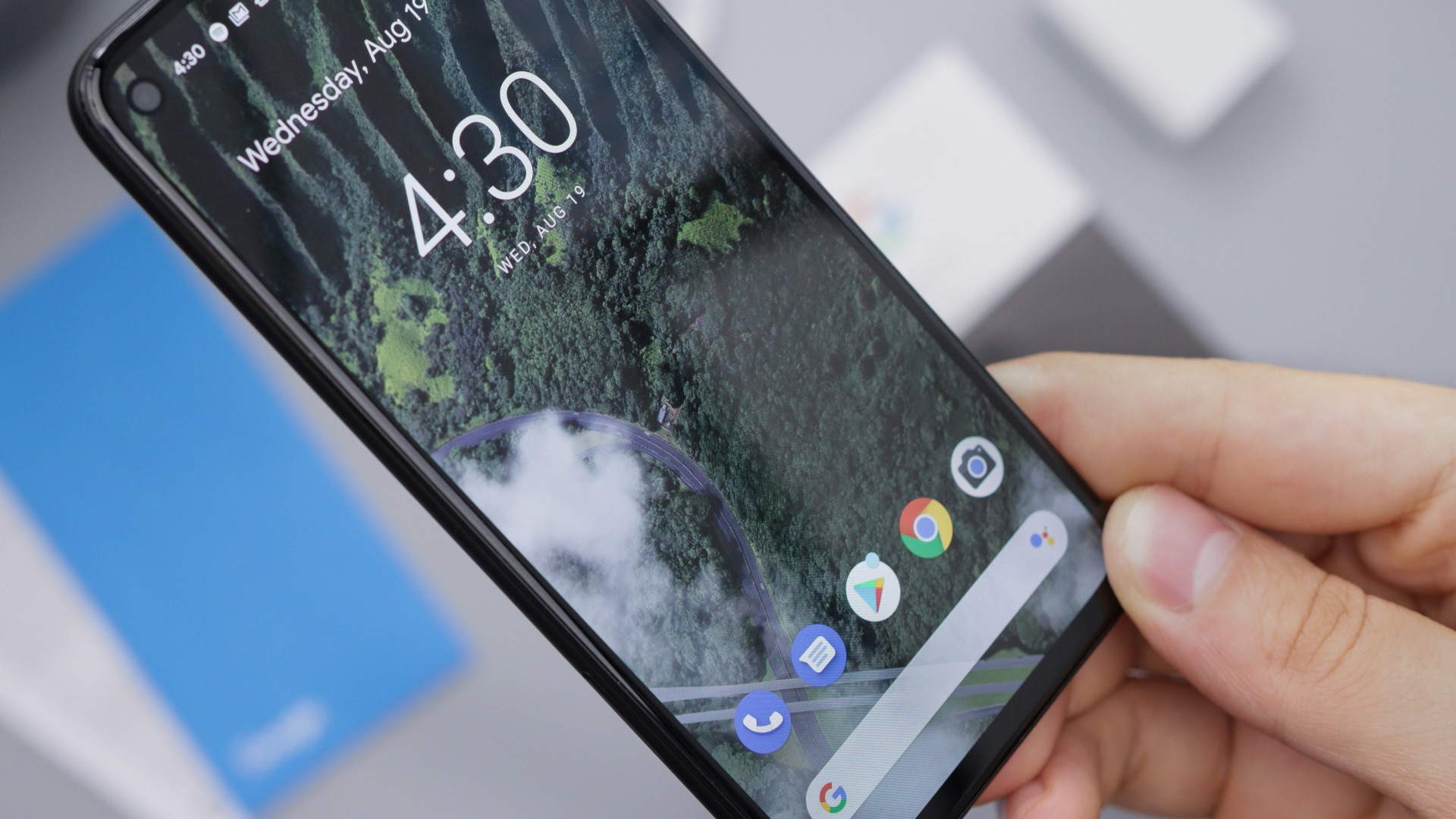
1. The Battery Still Lasts Most of Your Day
Battery capacity naturally declines, so an older phone doesn’t need to match its original performance. What matters is whether it still gets you through your regular schedule without constant charging. If moderate calling, messaging, browsing, and streaming leave enough power by evening, the battery remains dependable.
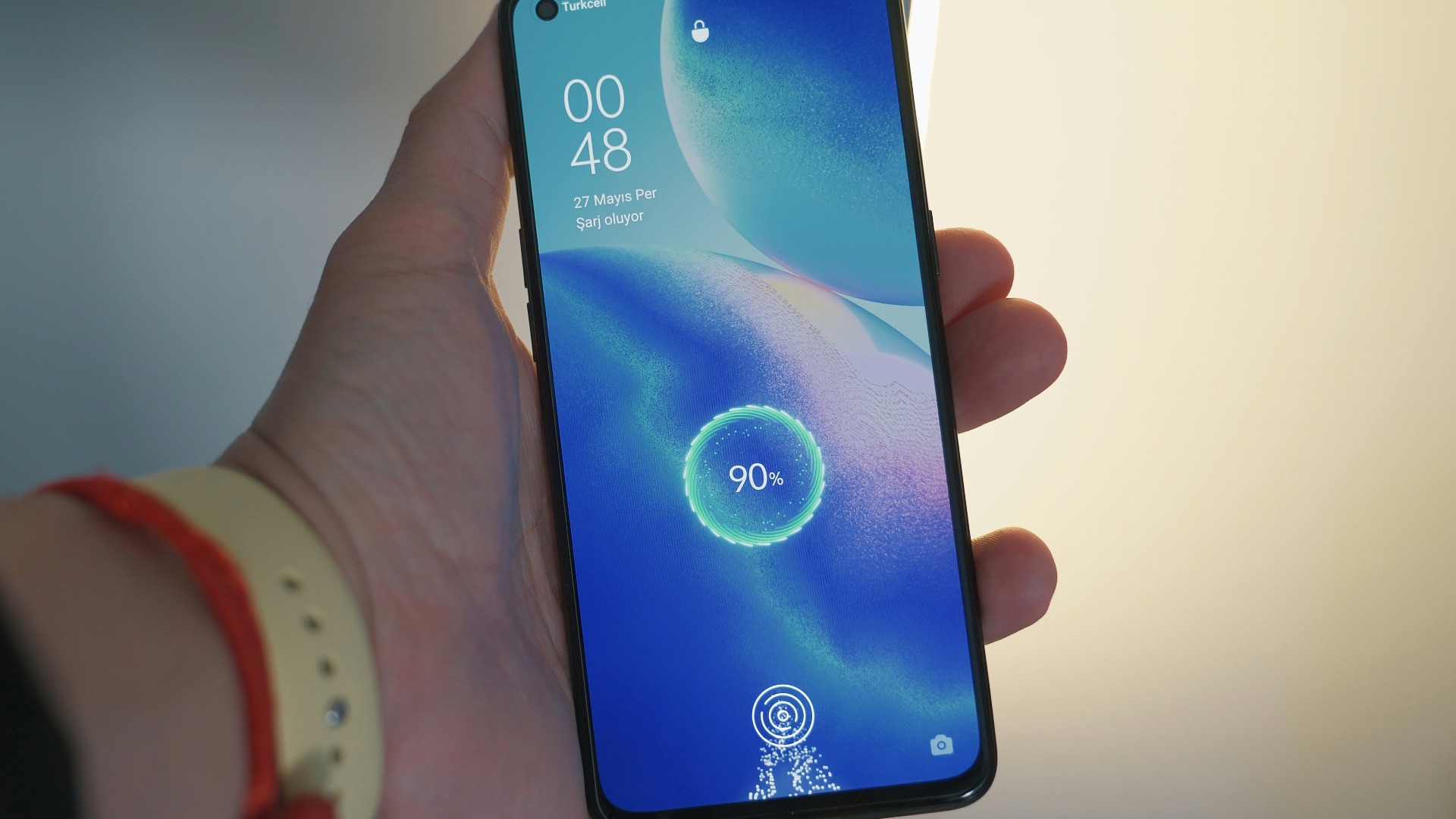
2. Everyday Performance Is Still Smooth
Your phone may take slightly longer to process demanding games or edit large videos, but normal tasks should remain comfortable. Apps that open without lengthy pauses and menus that respond promptly indicate the processor is still keeping up. Consistency matters more than benchmark scores when judging day-to-day usefulness.

3. You're Still Receiving Security Updates
Ongoing security patches show that the manufacturer continues supporting your model. These updates help address vulnerabilities and keep important services functioning correctly. As long as the phone remains protected and compatible with the apps you rely on, there may be little reason to replace it.
4. The Screen Remains Clear and Responsive
A well-preserved display can make an older device feel surprisingly current. Accurate touch response, strong brightness, and consistent color are all signs that the screen has aged well. Minor surface scratches are usually manageable if they don’t interfere with visibility or navigation.
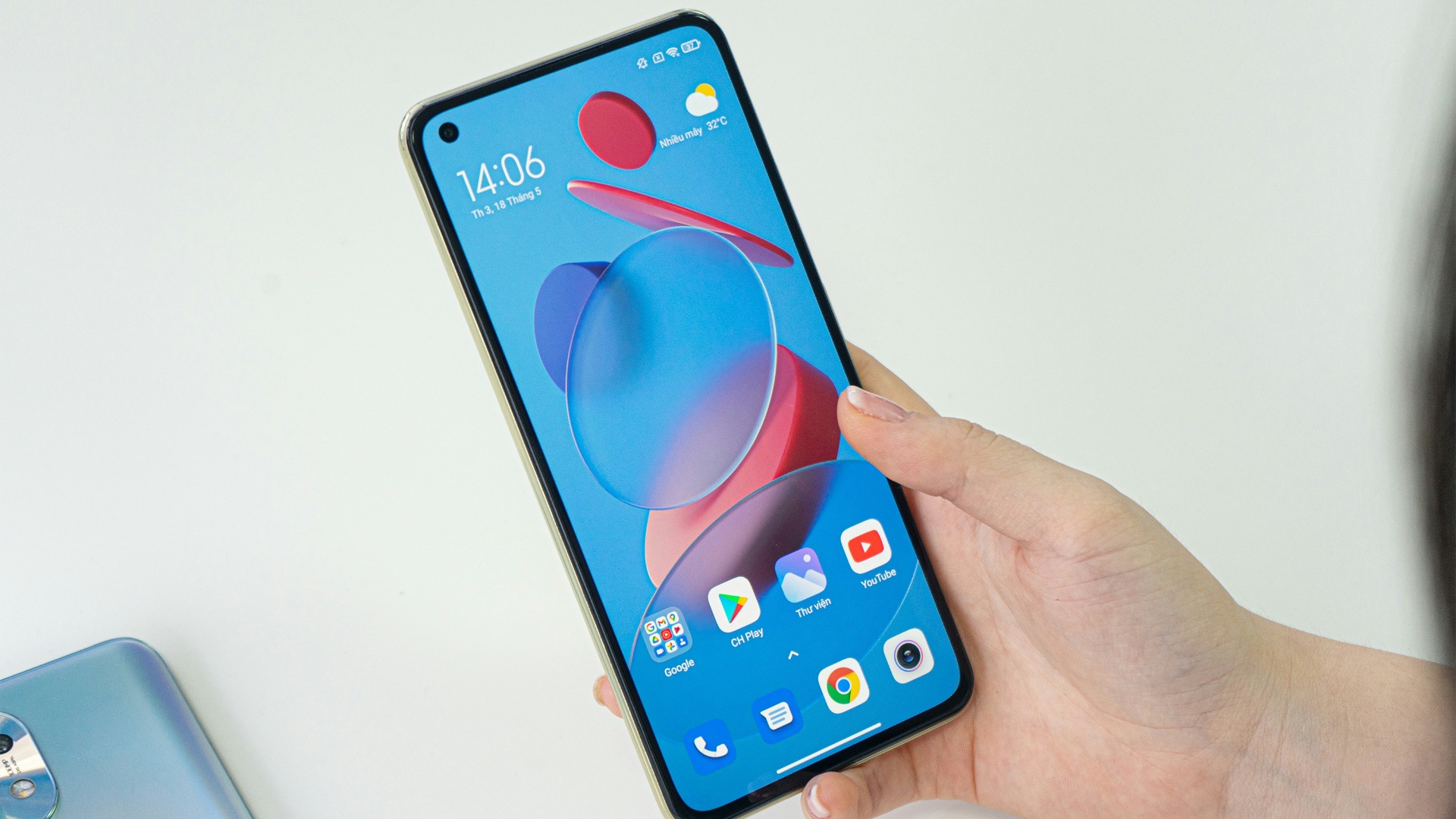
5. Your Essential Apps Still Run Properly
You probably don’t need every newly released feature, but banking, navigation, messaging, and work apps should function without frequent errors. Continued app compatibility means the operating system hasn’t fallen too far behind. When your most important tools remain reliable, the phone is still serving its main purpose.
6. The Camera Still Meets Your Needs
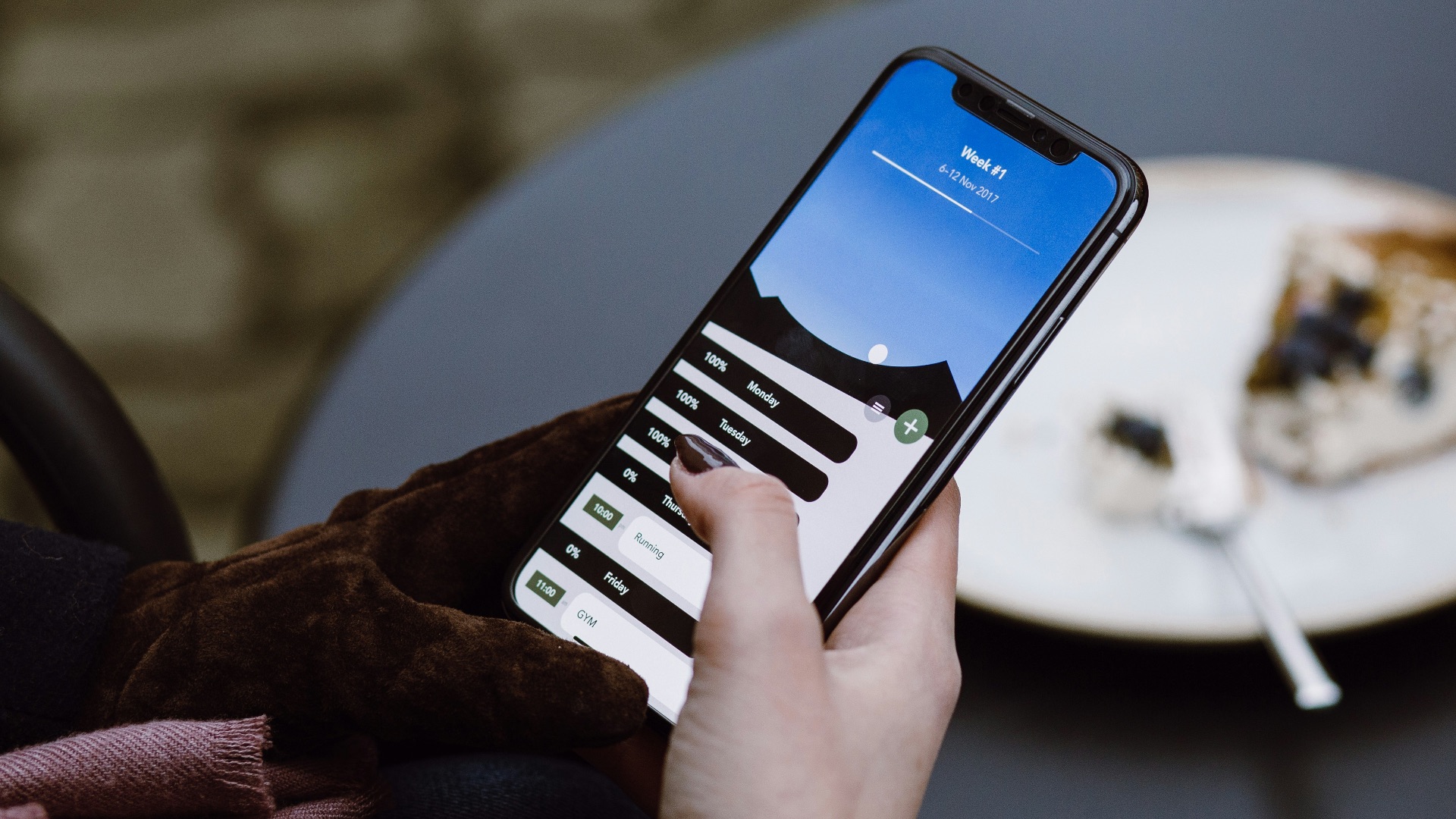
Newer phones may produce sharper nighttime photos or offer additional lenses, but that doesn’t make an older camera useless. If your pictures are clear enough for family memories, social media, receipts, and video calls, the camera is still doing its job. Practical results matter more than having the latest photography features.
7. The Physical Buttons Still Feel Solid
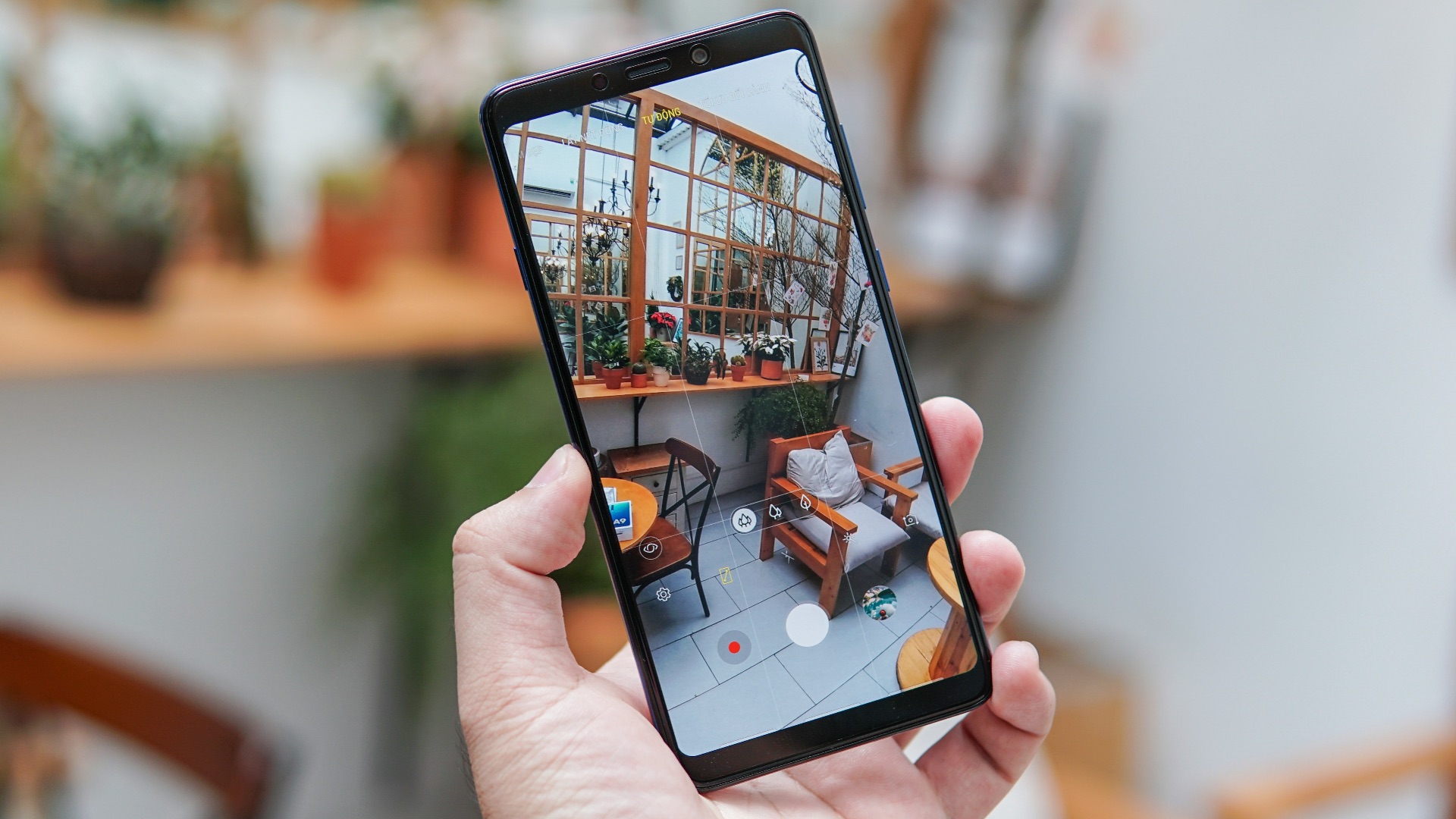
Power and volume buttons often reveal how much wear a phone has endured. Buttons that click properly and respond every time suggest the device’s exterior components remain in good condition. Reliable controls are easy to overlook until they begin sticking, loosening, or failing altogether.
8. Charging Is Still Fast and Dependable
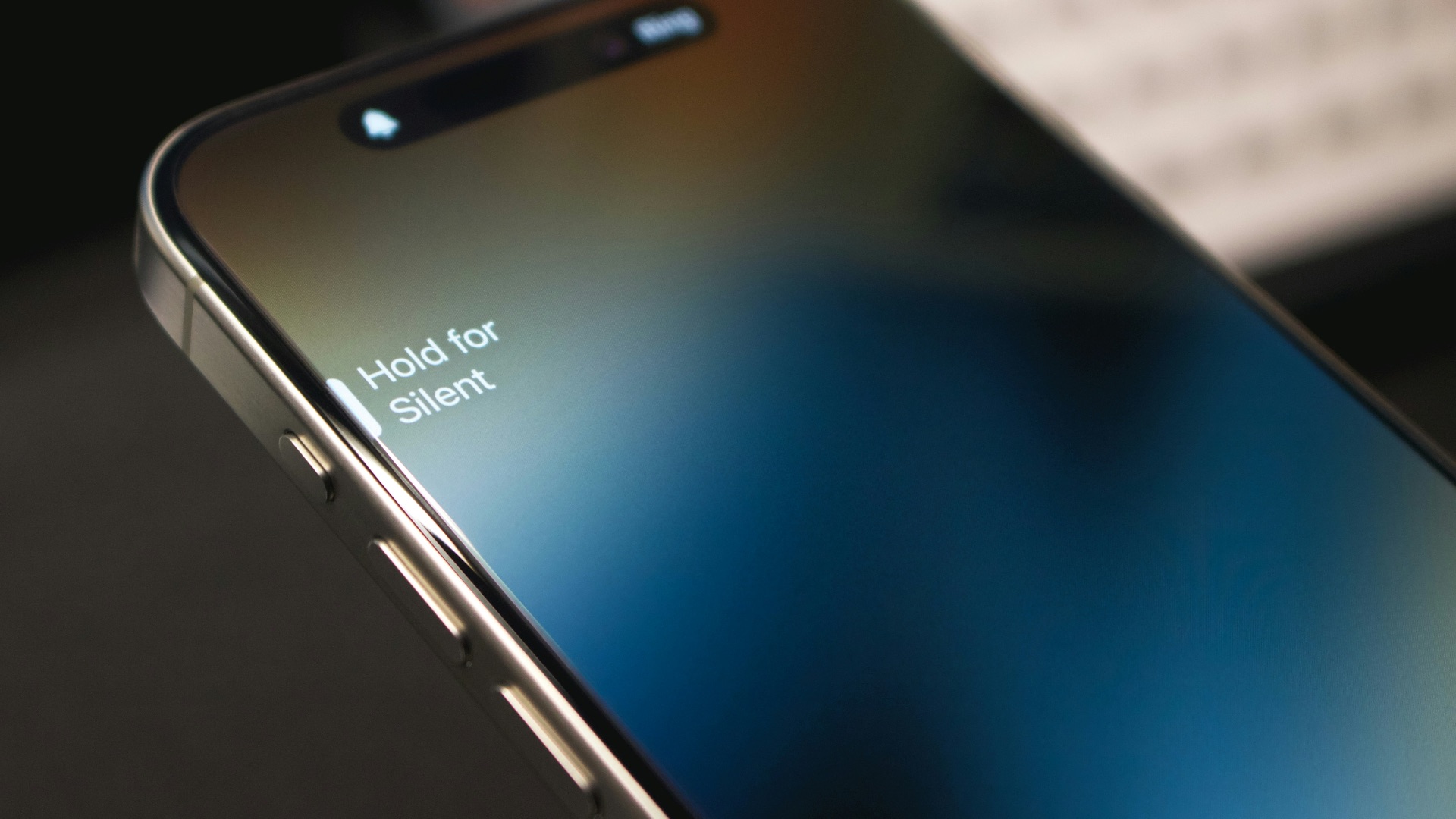
An aging phone can remain perfectly usable when it charges without connection problems and reaches a reasonable level within a practical amount of time. The cable shouldn’t fall out or require constant repositioning. Stable charging suggests that the battery, port, and power-management system are still functioning effectively.
9. You Have Enough Storage for Normal Use
A phone is aging well when you can install updates, take photos, and download apps without regularly deleting important files. You may still clean out unnecessary content occasionally, but storage management shouldn’t dominate your routine. Having a comfortable amount of free space helps the operating system run more efficiently as well.
10. You Rarely Think About Replacing It
The best sign of a well-aging phone is that it doesn’t regularly draw attention to its age. It continues handling your calls, messages, photos, navigation, and entertainment without becoming a daily problem. When the device still fits your needs and works reliably, upgrading may offer fewer benefits than advertisements suggest.