How Well Is Your Laptop Holding Up?
Sure, your laptop might be able to boot up, but that doesn’t mean it’s still serving you well. Here are a few questions for you: How often do the fans kick up? How often does your computer overheat, even when doing simple tasks? How often are you met with the Blue Screen of Death or the Spinning Beach Ball of Death? If your answers to any of those are all the time, your laptop is probably due for an upgrade. With that said, here are 10 signs your computer is aging terribly, and 10 signs it’s actually still holding up well.
1. Basic Tasks Take Forever
Opening a browser, launching a document, or accessing the settings menu shouldn’t require a long pause. When even lightweight tasks leave you staring at loading screens, the laptop may be struggling with aging hardware, limited memory, or an overloaded drive. Occasional delays are normal, but constant sluggishness can make every small job feel unnecessarily frustrating.

2. The Battery Barely Lasts
Older batteries naturally lose some capacity, but a laptop that dies shortly after being unplugged has become much less practical. You may find yourself carrying the charger everywhere or refusing to move away from the nearest outlet. If replacing the battery is expensive or difficult, the laptop’s portability has effectively disappeared.
3. The Fans Run Constantly
No, that's not an airplane about to take off; that's your fans running at full speed. Sure, cooling fans usually spool up during gaming, video editing, or other demanding activities. If they start running at full force while you’re checking email, something isn’t working as efficiently as it should. Dust buildup, dried thermal paste, background programs, or aging internal parts can all contribute to excessive heat and noise.

4. It Overheats During Normal Use
A warm laptop isn’t automatically a problem, especially when it’s completing a demanding task. However, the keyboard and underside shouldn’t become uncomfortable while you’re browsing the internet or watching a standard video to the point where you could probably fry an egg on it. Frequent overheating can reduce performance, cause sudden shutdowns, and place additional stress on internal components.

5. New Software Won’t Run Properly
Software requirements increase over time, and older laptops can eventually fall behind. Programs may refuse to install, crash repeatedly, or disable certain features because your processor, graphics hardware, or operating system is no longer supported. Once the software you need becomes incompatible, the laptop’s usefulness can decline quickly.
 Francisco De Legarreta C. on Unsplash
6. The Storage Drive Is Always Full
A laptop with limited storage can become difficult to manage as applications, system updates, and personal files accumulate. You might delete photos or uninstall programs, only to receive another low-storage warning a few days later. Although an external drive can help, constantly moving files around suggests the original setup no longer fits your needs.
7. It Always Shuts Down Randomly
Unexpected shutdowns are one of the most frustrating signs of a failing laptop. The system might power off without warning during simple tasks, interrupting your work and risking data loss. This issue can stem from overheating, battery failure, or deeper hardware problems, and it often becomes more frequent over time.
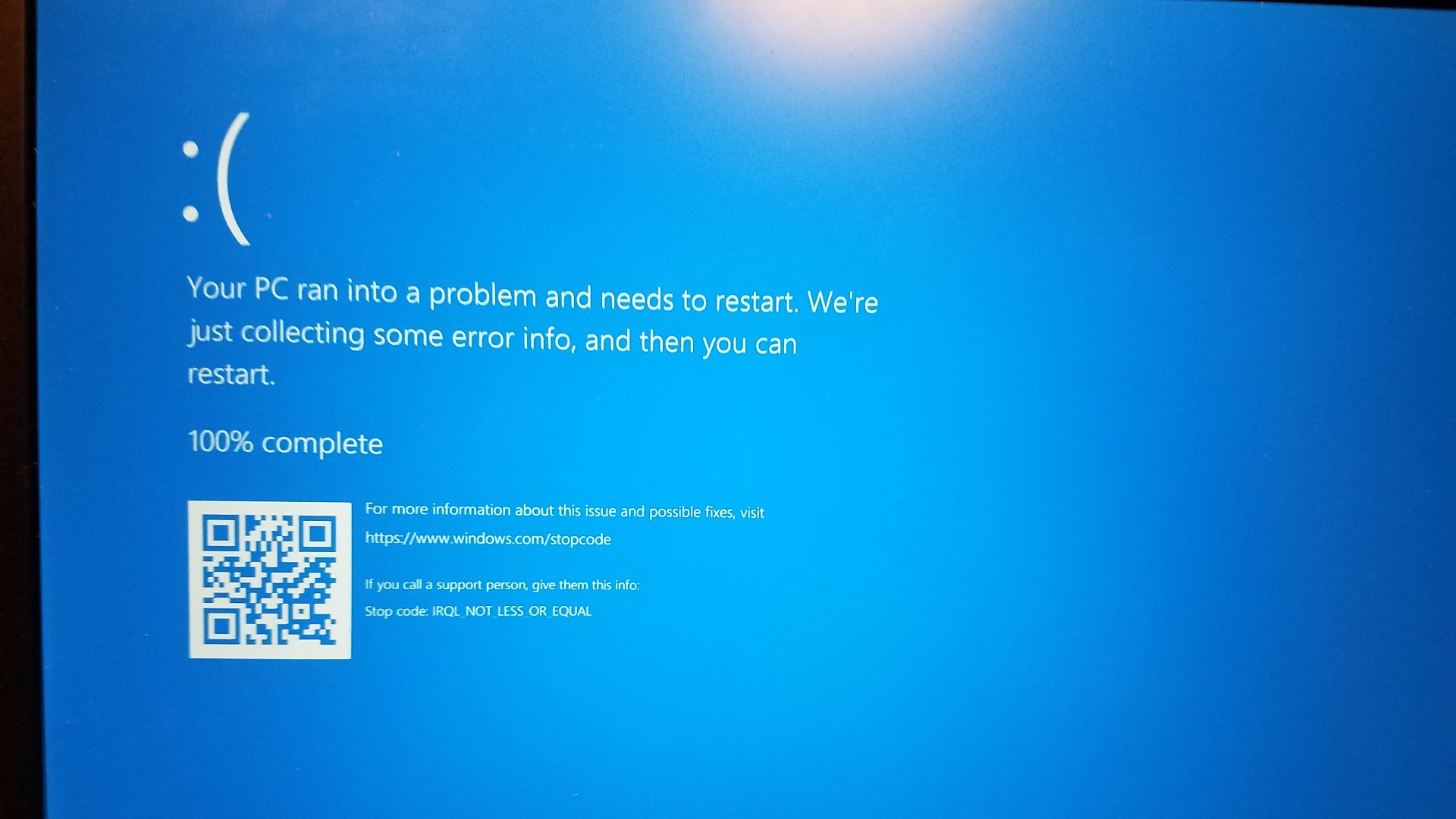
8. Ports Keep Disconnecting
USB devices, chargers, headphones, and external displays should remain connected without needing to be held at a certain angle. Loose or unreliable ports often develop after years of repeated use and can interfere with important accessories. When several ports stop working properly, it becomes harder to compensate with adapters or alternative connections.
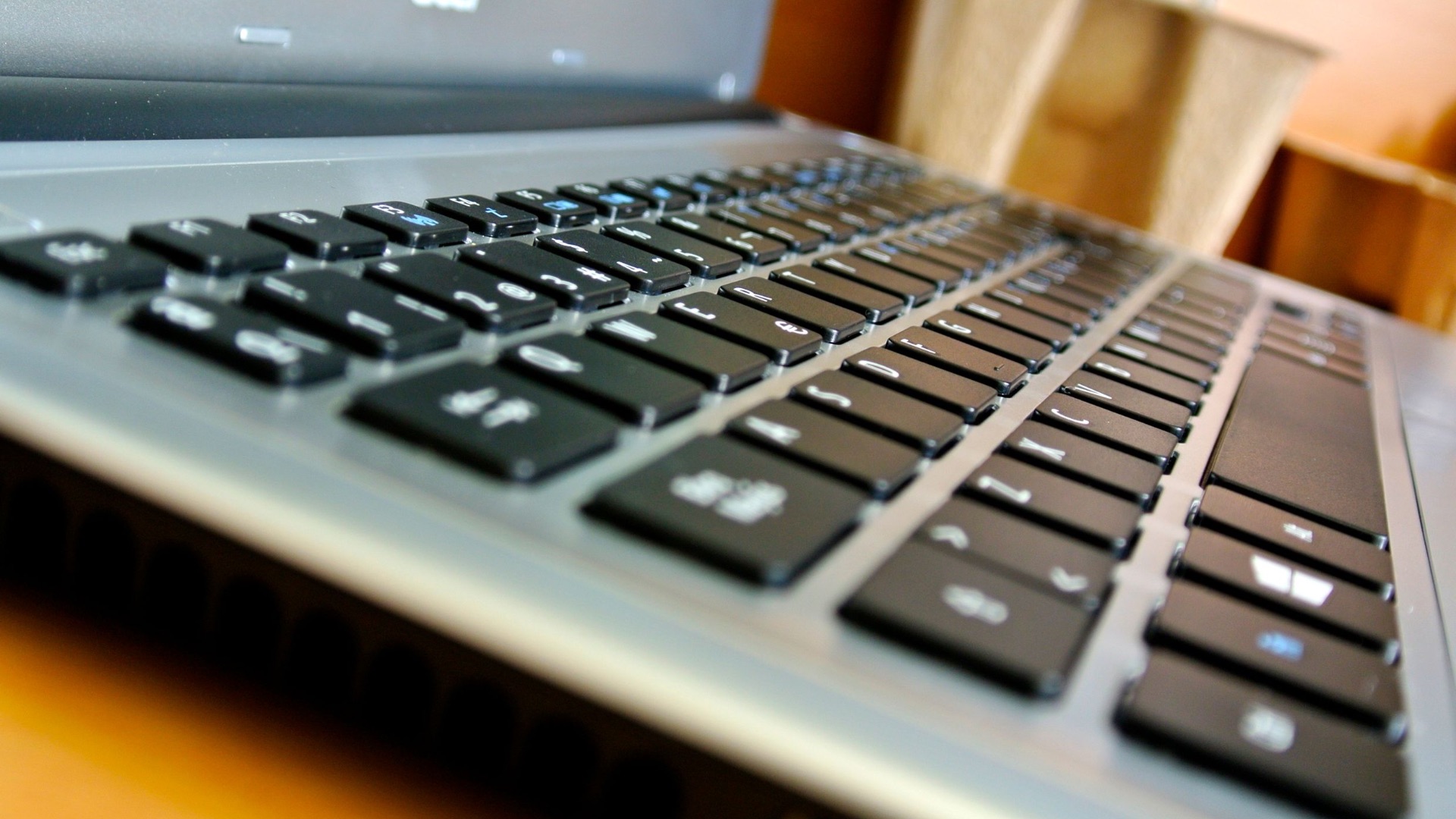
9. The Keyboard and Trackpad Are Failing
One worn key may be manageable, but widespread input problems can make typing and navigation exhausting. Letters might register twice, certain keys may stop responding, or the trackpad may behave unpredictably. You can attach external accessories, but doing so reduces the convenience of having an all-in-one portable computer.

10. It Can’t Install Security Updates
An outdated operating system can become a major concern when it stops receiving security support. The laptop may still function, but newly discovered vulnerabilities will no longer receive official fixes. Continuing to use unsupported software for banking, work, or sensitive accounts can expose you to risks that better performance alone can’t justify.
Of course, your laptop doesn’t need to perform like a brand-new model to remain worthwhile; things can still run just as smoothly on older devices. Here's how to tell if your laptop is aging wonderfully:

1. Everyday Performance Is Still Reliable
A well-aging laptop opens common programs without making you wait through repeated delays. It can handle web browsing, documents, streaming, and video calls without slowing down every time you switch between tasks. You may notice that newer devices are faster, but your current machine still completes its work without disrupting your routine.

2. The Battery Covers Your Normal Needs
The battery doesn’t have to last all day to be considered useful. If it still gets you through a commute, a class, or several hours of work, the laptop remains portable enough for most situations. Predictable battery life is often more valuable than an impressive estimate that changes dramatically from one day to the next.
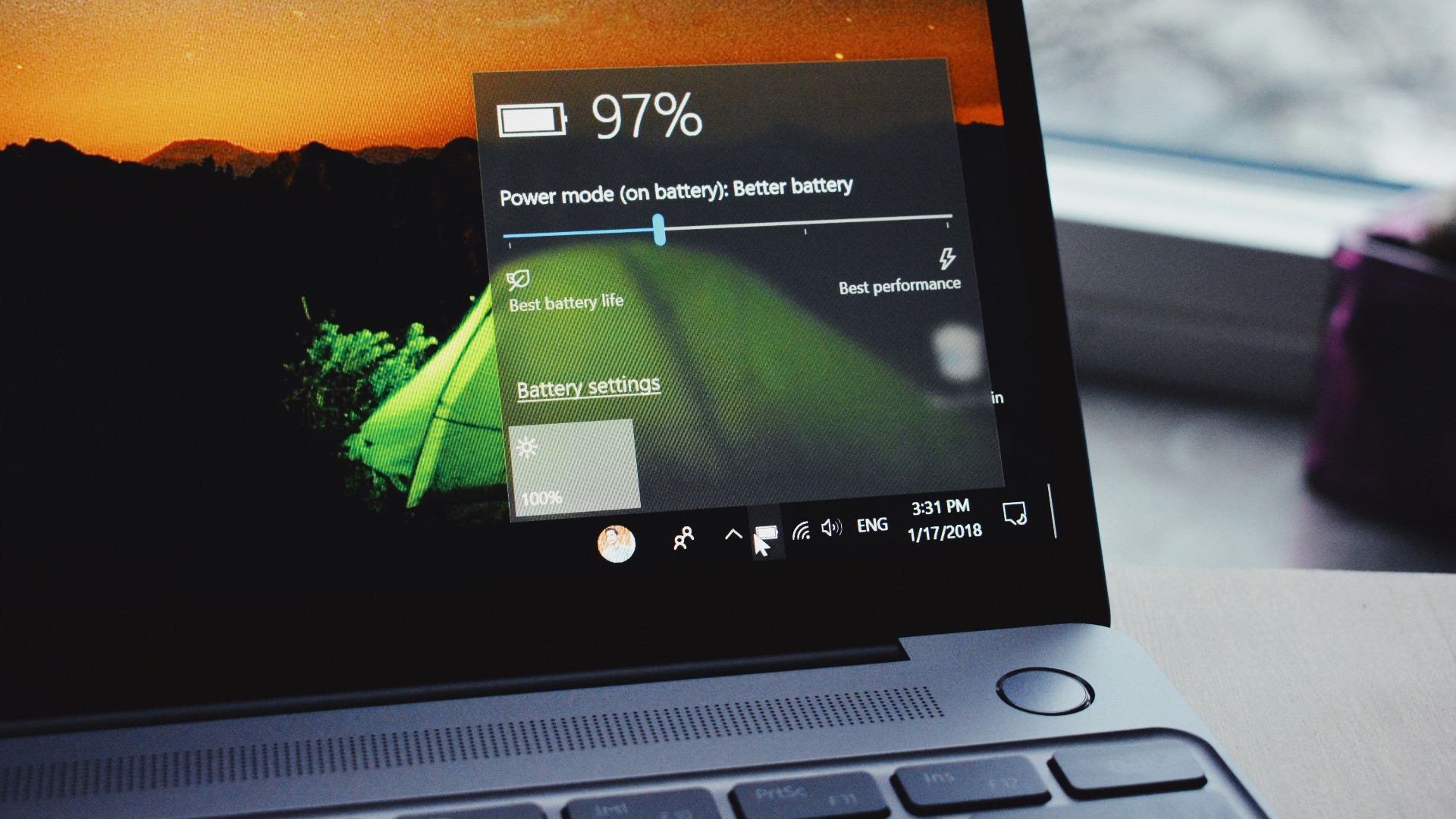
3. The Operating System Remains Supported
Continued access to system updates is a strong sign that the laptop still has time left. Security patches, bug fixes, and software compatibility updates help keep it practical and safer to use. As long as the machine can run a supported operating system comfortably, replacing it may not be urgent.
4. The Screen Still Looks Good
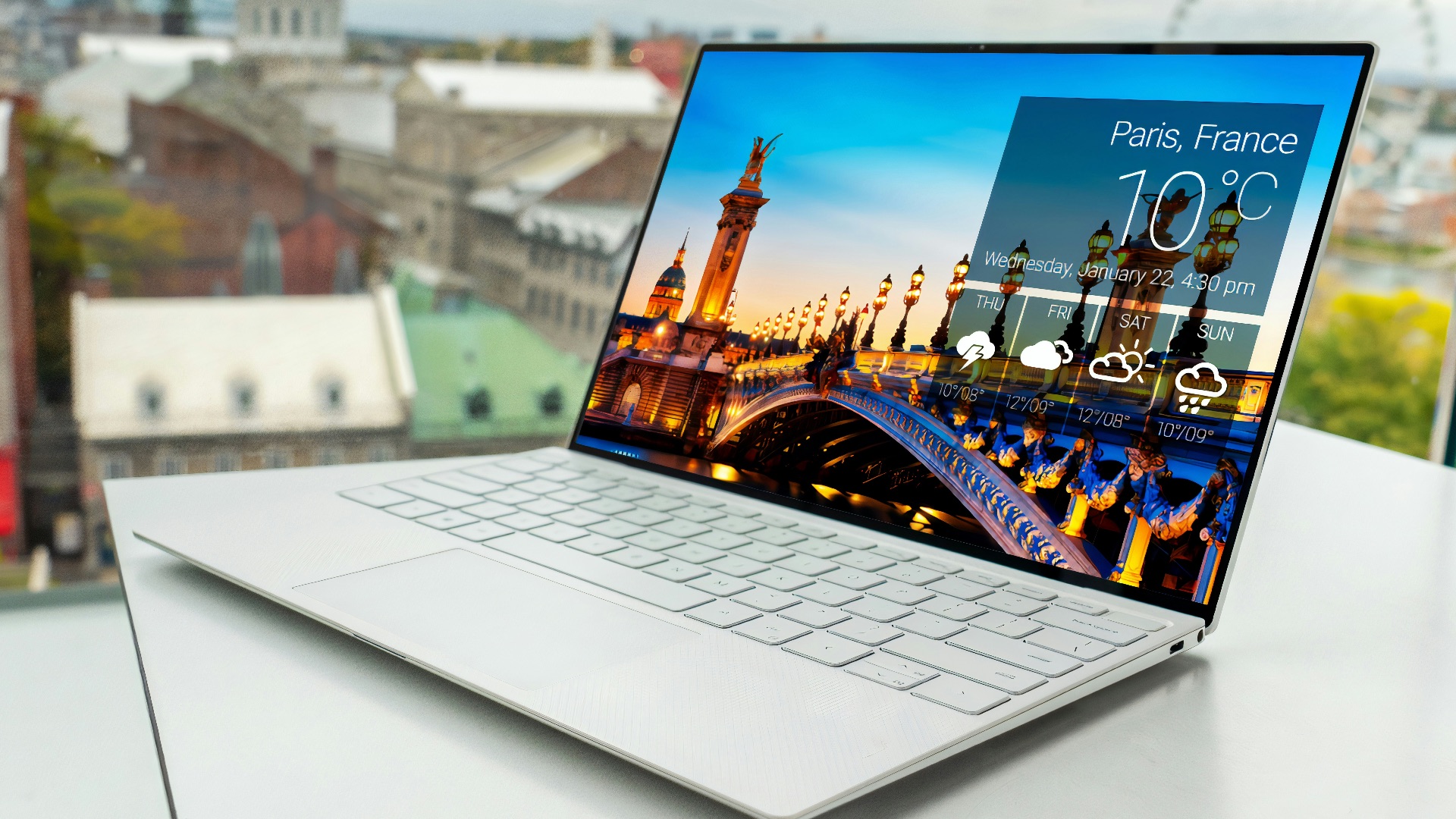
Displays can develop dead pixels, discoloration, flickering, and uneven brightness as they age. A screen that remains sharp, evenly lit, and comfortable to view makes an older laptop much easier to keep using. Cosmetic scratches around the lid matter far less when the panel itself still performs well.
5. It Handles Multitasking Without Freezing
Older hardware may not excel at demanding professional workloads, but it should still manage a reasonable group of applications. If you can keep several browser tabs open while using email, music, and a document without frequent freezes, the system is aging respectably. Smooth multitasking shows that its processor and memory still match your regular habits.

6. The Physical Build Remains Solid
A laptop that has survived years of travel without loose panels, broken hinges, or a warped frame was likely built well and treated carefully. The lid should open smoothly, the keyboard shouldn’t flex excessively, and the charging port should hold the plug securely. Minor wear is expected, but the machine should still feel structurally dependable.
7. Repairs and Upgrades Are Still Practical
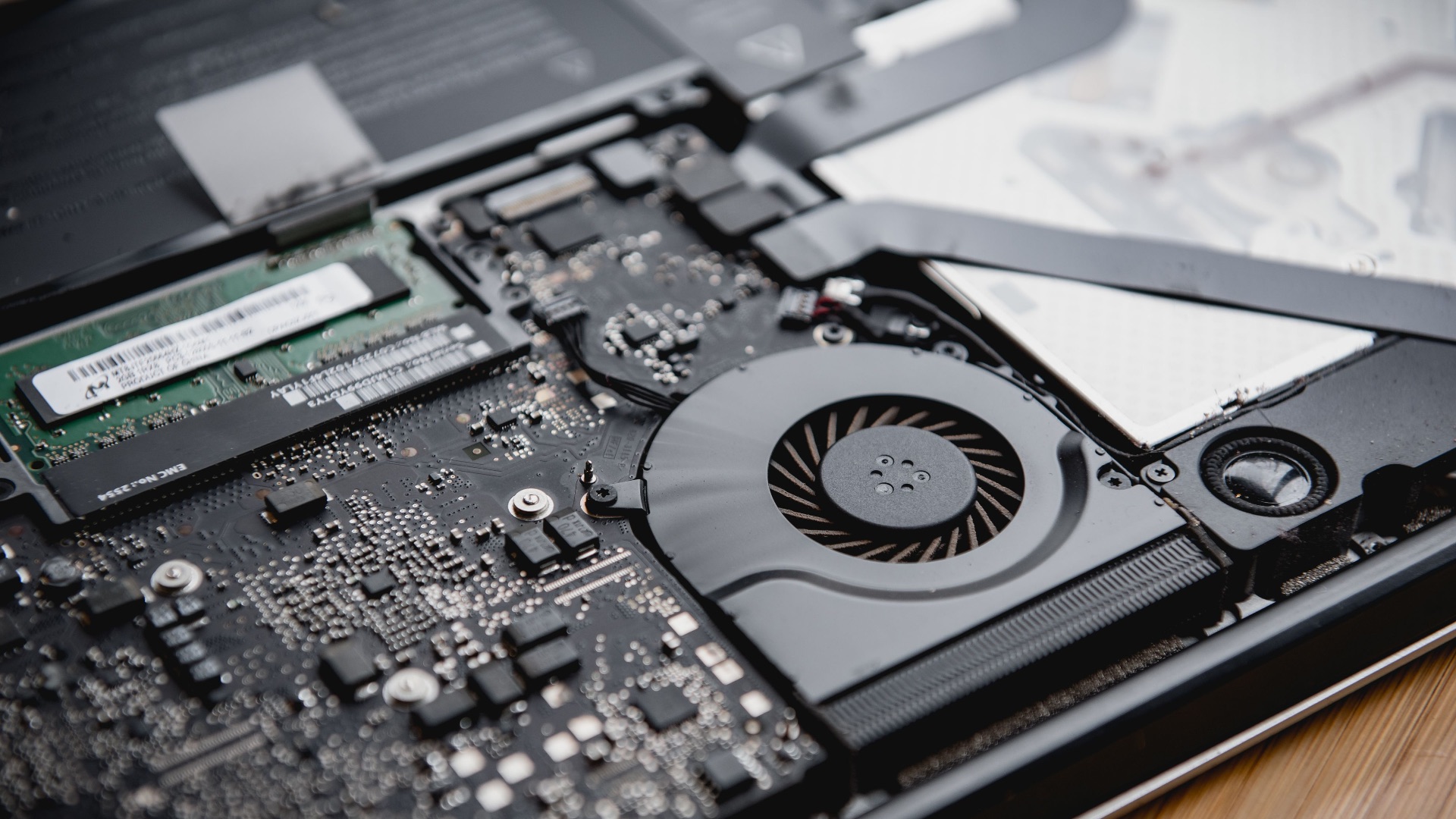
Some laptops allow you to replace the battery, increase the memory, or install a larger storage drive without a high cost. Those options can extend the machine’s life and address specific weaknesses without requiring a complete replacement. Even a simple solid-state drive upgrade can improve responsiveness when the rest of the hardware remains capable.
8. It Stays Cool During Light Tasks
Efficient temperature control is a positive sign in an older computer. The fans may activate occasionally, but they shouldn’t dominate every browsing session or video call. Reasonable heat levels suggest the cooling system is still functioning and the laptop isn’t constantly pushing its hardware to the limit.

9. Your Essential Programs Still Work Well
The most important measure of a laptop’s value is whether it supports what you actually do. If your work applications, communication tools, entertainment services, and accessories remain compatible, there may be little reason to replace it. A machine doesn’t become useless simply because newer models offer features you don’t need.

10. You Rarely Think About Replacing It
A laptop that’s aging gracefully usually doesn’t demand much attention. You turn it on, complete your tasks, and put it to sleep without dealing with crashes, repairs, or constant, painstaking troubleshooting. When replacement only crosses your mind after seeing an advertisement for a newer model, your current device is probably still doing its job well.