10 Myths About Incognito Mode You Should Stop Believing & 10 Better Ways to Browse Privately
10 Myths About Incognito Mode You Should Stop Believing & 10 Better Ways to Browse Privately
Incognito Mode Isn't What You Think It Is
Want to snoop around on the internet without anyone knowing? Well, believe it or not, incognito mode probably isn't going to do the job for you. It can help limit what your own device remembers, sure, but it doesn't erase your activity from the internet or make you invisible to the companies and networks you're using. And no, it won't prevent your computer from getting viruses, either. For all the trust you put in incognito mode, you should know that it isn't as great or as private as it seems.
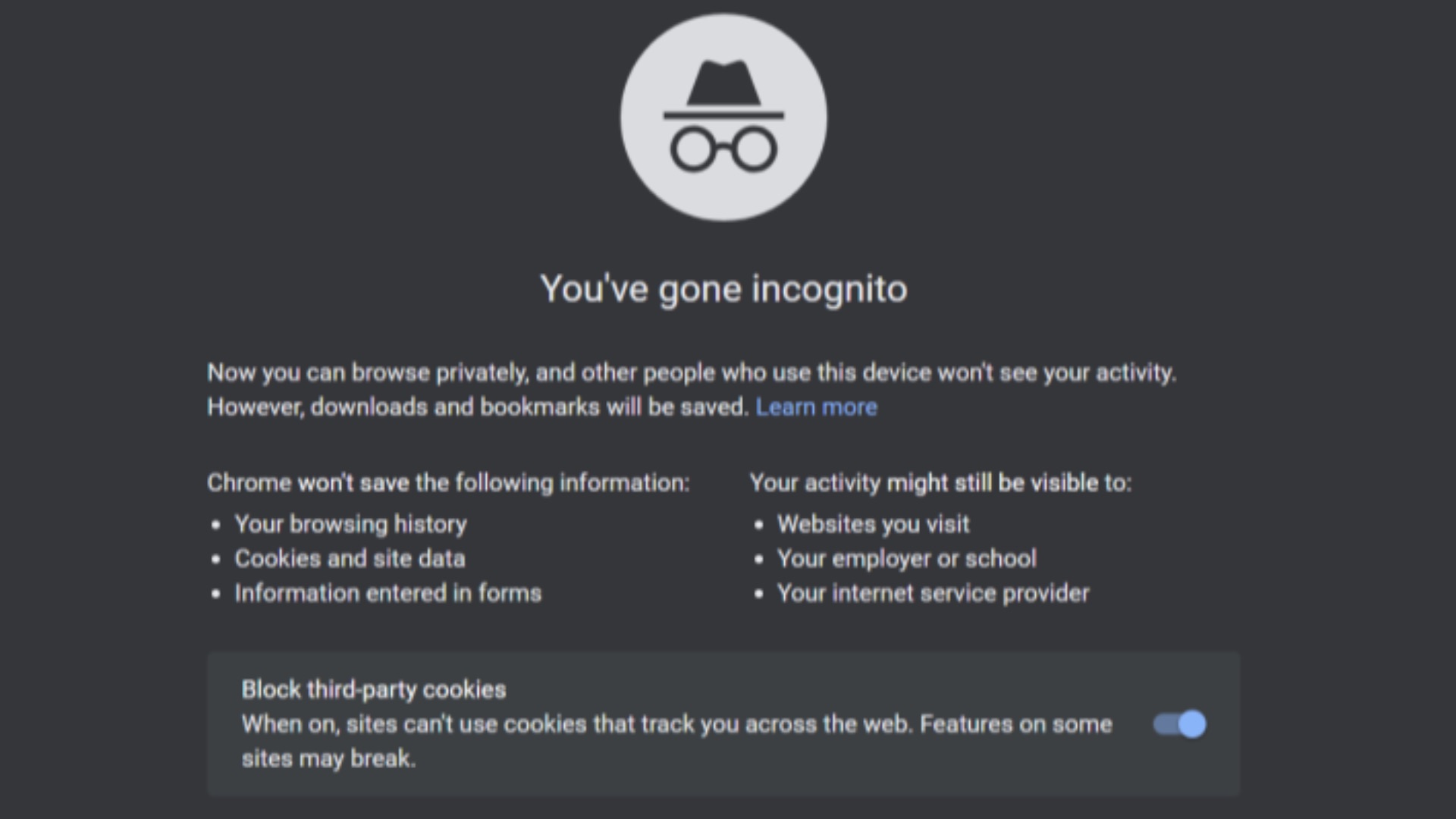 The Incognito Guy on Wikimedia
1. Hides You from Your Internet Provider
A lot of people still assume incognito mode keeps their internet service provider (ISP) from seeing what they're doing online, but that's not how it works. Your ISP can still see the domains you visit and the traffic moving across its network, even if your browser doesn't save that session to your local history. Incognito changes what is stored on your device, not what happens between your computer and the wider internet.
2. Makes You Anonymous Online
Contrary to what you might think, opening a private window doesn't automatically turn you into an anonymous user. Websites can still identify you through your IP address, browser fingerprint, account logins, and other tracking methods that have nothing to do with your saved history. If you sign into a service while using incognito, that platform still knows it's you.

3. Stops Websites from Tracking You
Many users think incognito mode blocks trackers by default, but websites and ad networks can still collect information during that session. Cookies created in the private window usually disappear after you close it, yet trackers can still operate while the session is active. That means your behavior can still be observed, associated, and measured in real time.
4. Protects You from Malware and Phishing
There's a common belief that browsing privately also means browsing more safely, but those are two different things. Incognito mode doesn't scan websites for malicious code, prevent dangerous downloads, or stop you from clicking a phishing link. If a page is harmful in a normal browser window, it's still harmful in a private one. Security threats don't disappear just because your browsing history won't be saved locally.

5. Hides What You Do from Your Employer or School
If you're on a work laptop, school-issued device, or managed network, incognito mode has very limited power. Employers and schools often use monitoring software, network logging, or device management tools that work independently of your browser history. In that environment, a private tab doesn't override institutional visibility. It may hide activity from the next person who opens your browser, but not from the organization that controls the device or connection.

6. Prevents Search Engines from Building a Profile on You
Some people think a private window resets their relationship with search engines, but that only goes so far. If you're logged into an account, your searches may still be associated with that profile, and even if you aren't, search providers can still see requests coming from your IP and browser setup. Incognito may stop those searches from appearing in your local search history, which can be useful, but it doesn't eliminate server-side data collection.
7. Erases Everything the Moment You Close the Tab
Incognito mode usually removes local browsing history, session cookies, and temporary site data after the session ends, but things like downloaded files remain on your device unless you delete them yourself. Bookmarks you save also stay there, and DNS records or system logs may still exist outside the browser. Just because you've exited the tab doesn't mean everything is immediately wiped clean.
8. Is Enough for Sensitive or Private Research
People may use incognito mode when they're looking up medical issues, financial concerns, or personal topics they'd rather keep private, but the protection is thinner than it appears. It may stop that activity from showing up in your browser history for someone sharing the same device, but websites, networks, and platforms can often collect plenty of information during the session.

9. Incognito Mode and a Regular Browser Window Work Completely Separately
The separation between normal and private browsing is real, but it isn't total. After all, your device, operating system, network connection, and IP address still remain the same unless you've taken additional steps to change them. Plus, if you log into the same accounts in both modes, the services you're using can connect those actions without much difficulty.
10. A Privacy Tool for Experts
The term "incognito mode" can sound sophisticated and technical, which makes some people assume it's an advanced privacy feature built for serious protection. In practice, though, it's merely a simple convenience tool that helps with local privacy in everyday situations like using a shared computer or signing into a second account temporarily. What it isn't is a high-level privacy strategy on its own, so don't treat it as such, or you'll be disappointed.
Now that we've debunked the myths, let's take a look at smarter ways to browse privately than just relying on going incognito.
1. Use a Privacy-Focused Browser
A browser built around privacy can do much more than a standard incognito window. Some browsers block trackers by default, reduce cross-site monitoring, and make it easier to control cookies, scripts, and site permissions without digging through endless menus. That gives you a better baseline: instead of trying to patch privacy after the fact, you're starting from a stronger default position.
2. Change Your Search Engine
Your browser matters, but so does the search engine you use every day. Choosing one that collects less personal information can reduce how much data gets tied to your searches over time. Google, for example, collects much more about you than you might think.

3. Block Third-Party Trackers and Ads
One of the simplest upgrades is using reputable privacy extensions or browser settings that block third-party trackers and intrusive ads. These tools can cut down on the number of outside companies following your activity from site to site. That won't solve every privacy issue, of course, but it does reduce a major source of commercial data collection.
4. Review Site Permissions Regularly
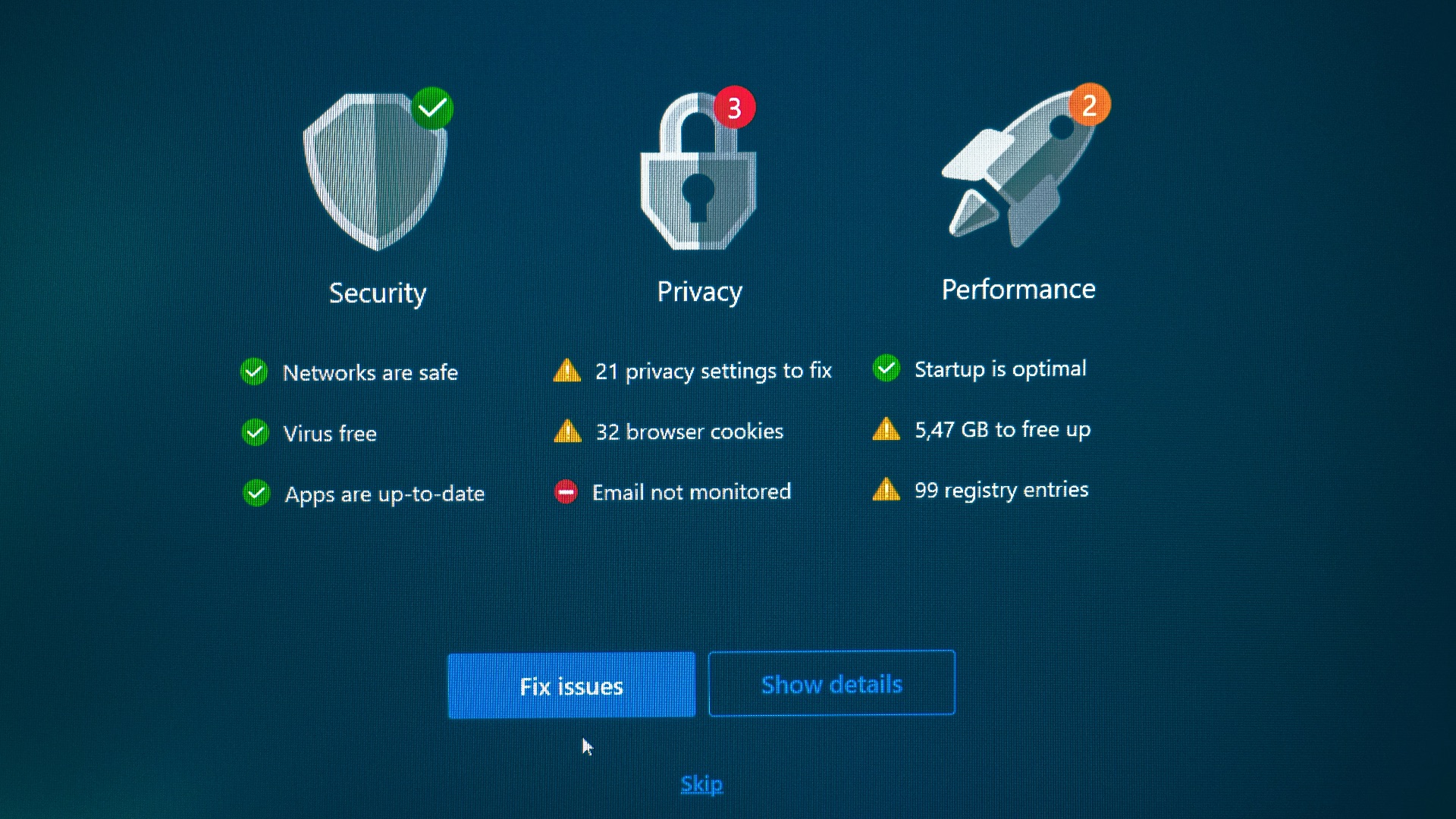
When was the last time you had an online work meeting or interview? Before you could join, you were likely asked by your browser or the website for access to your camera, microphone, and other relevant settings, and you probably granted those permissions without revisiting them. But think about it: a site doesn't need permanent access to everything just because you clicked yes once, so it's smart to double-check where you've agreed and disable those settings.

5. Log Out of Accounts You Don't Need
Being signed into multiple services at all times makes tracking much easier because your activity stays tied to a stable identity. So while it sounds inconvenient, logging out when you aren't actively using an account creates more separation between casual browsing and profile-based data collection. It also helps reduce those moments when one search, click, or visit instantly reshapes the ads and recommendations you see elsewhere.
6. Use Separate Browsers or Profiles for Different Activities
Instead of relying on a private tab for everything, you can separate parts of your digital life more deliberately. One browser or profile can be for work, another for shopping, and another for personal browsing or research. That setup limits how easily cookies, sessions, and logins overlap across different contexts.
7. Turn On Encrypted Connections Whenever Possible
Using secure HTTPS connections helps protect data in transit between your browser and the websites you visit. Most major sites already use it, but it's still worth making sure your browser is set to prefer secure connections and warn you about insecure pages. While this won't hide where you've gone from every possible observer, it does make interception harder on unsafe networks. After all, privacy isn't only about who stores data, but also about how safely that data moves.
8. Keep Your Browser and Extensions Updated
Privacy tools aren't very helpful if they're outdated. Browser updates often include security fixes, anti-tracking improvements, and protections against newly discovered vulnerabilities that could expose your data; extensions also need the same attention because an abandoned add-on probably won't benefit you much. Constant updates might be annoying, but they'll serve you well in the long run.
9. Be Selective About What You Share Online
A more private browsing experience also depends heavily on your own behavior. Filling out every pop-up form, using social logins everywhere, and handing over personal details without double-checking to see if the platform is safe and secure creates a long trail of information that no browser mode can undo. When you pause before sharing sensitive information, you reduce the amount of data available to collect in the first place, so be careful online.
10. Consider a VPN
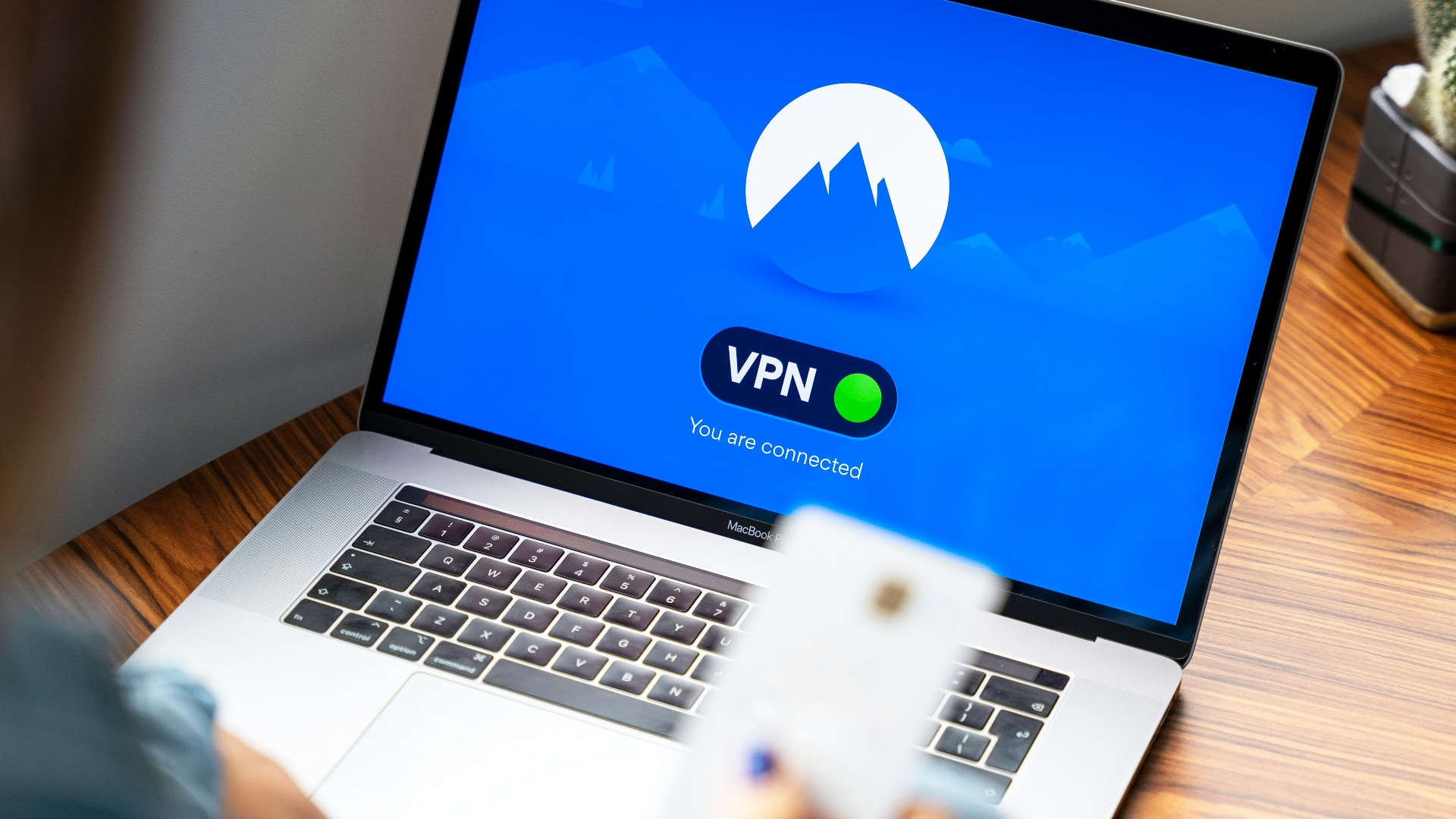
A VPN can add a useful layer of privacy by routing your internet traffic through another server and making it harder for your ISP or local network to see your browsing in the usual way. That said, it isn't a magic shield, and it shifts some trust from your provider to the VPN service you choose. The best approach is to treat it as one part of a larger privacy setup rather than a complete answer.