The Apple Upgrade Dilemma
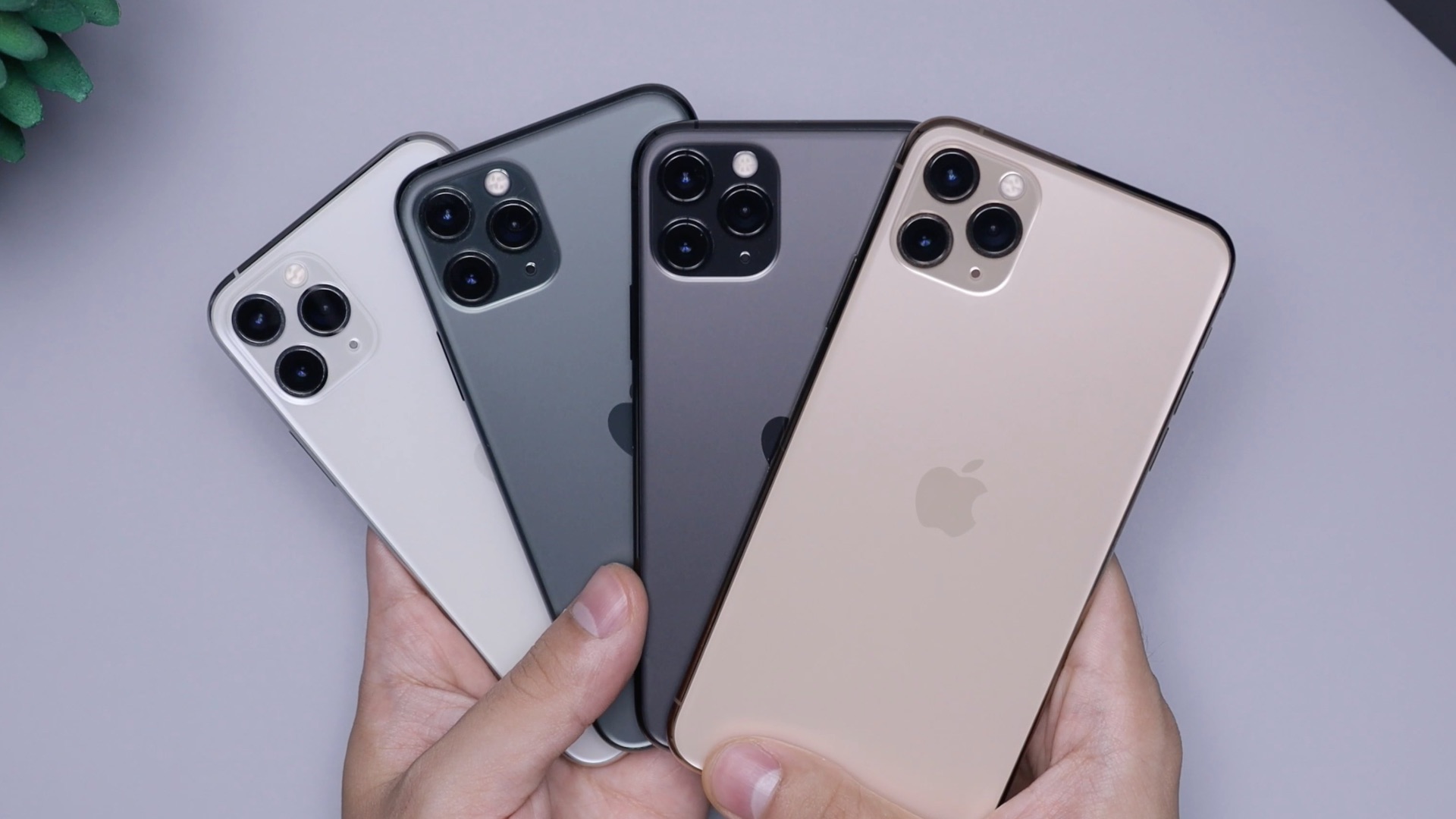
Every time Apple holds their annual iPhone event, the internet fills up with opinions on whether this year's lineup is actually worth the cost of upgrading. Some features really do change the way you use your devices on a daily basis, while others might sound compelling but you rarely get any use out of them. To help you settle your dilemma, let's break down 10 iPhone features that are worth the price of an upgrade and 10 that you can probably pass on without missing much.
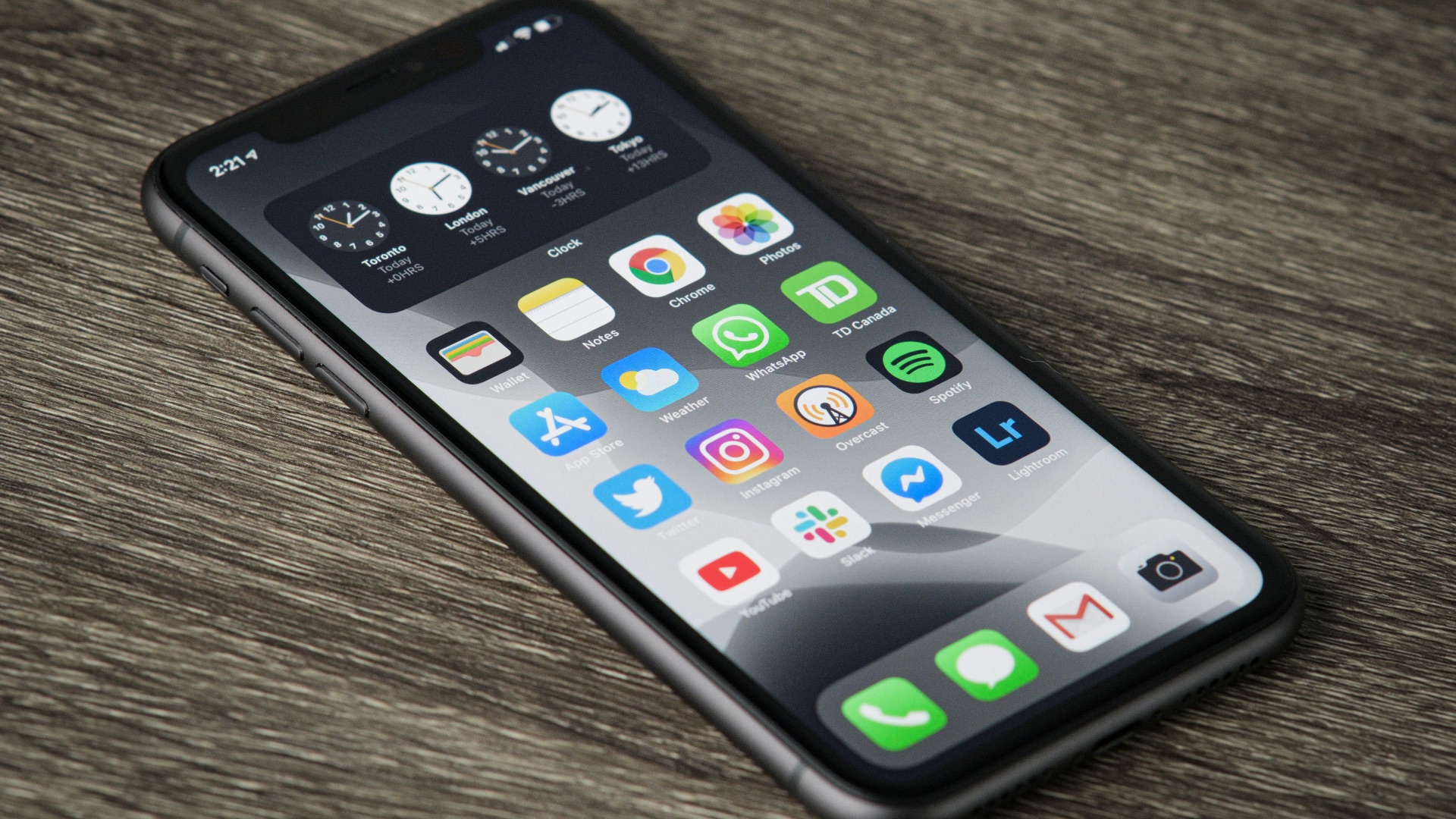
 Sebastian Bednarek on Unsplash
1. ProMotion 120Hz Display
Apple's ProMotion technology, available on Pro iPhone models, allows the screen to refresh at up to 120 times per second, which makes scrolling, animations, and everyday interactions look noticeably smoother. It's a feature you'll notice immediately and continue to appreciate each time you pick up your phone. The difference between 60Hz and 120Hz is something you can actually see, and once you've used it consistently, a standard display starts to feel like a real step down.
2. Center Stage
Center Stage is actually useful because it fixes a very common problem. During video calls, the camera adjusts to keep you in frame, which is especially handy if you move around, shift in your seat, or share the space with someone else. Plus, it makes taking selfies (whether of yourself or with a group) much easier.

3. iOS Updates
While you shouldn't upgrade your still-relatively-new phone just to get iOS updates (given that most major and incremental updates are rolled out to older devices), if you're sporting an old iPhone that will no longer be supported by Apple, however, it might be more worth your time to upgrade to a newer model so you have the latest iOS.
4. USB-C with High-Speed Data Transfer
Switching from Lightning to USB-C on Pro iPhone models wasn't just about adopting a more universal connector; it also brought Thunderbolt-level data transfer speeds to iPhone for the first time. If you regularly move large video files, RAW photos, or ProRes footage to your Mac, the speed difference compared to older Lightning transfers is substantial. For anyone working with large files across multiple devices, this is an upgrade with a clear and practical benefit that's easy to appreciate from day one.
5. Apple Intelligence Writing Tools
Built-in writing tools, introduced as part of Apple Intelligence with iOS 18, let you rewrite, proofread, and summarize text across your apps without switching to a separate application. Whether you're polishing a professional email, cleaning up a long note, or condensing a draft into something more concise, the tools are context-aware and woven directly into your existing workflow. For people who do a significant amount of written communication, this is one of the more useful AI features Apple has delivered in recent memory.
6. Battery Life Improvements Across Generations
Battery gains might not generate the same buzz as a new camera system, but they're consistently among the most meaningful changes Apple makes between generations. Newer iPhone models offer more screen-on time thanks to more efficient chips, and optimized charging helps your battery hold up better over the long term. If you're regularly reaching for a charger before the day is over, moving to a newer model can address that frustration in a way that accessories and charging habits generally can't.
7. Year-Over-Year Computational Photography Upgrades
Apple's cameras have improved significantly not just in hardware but in the software processing that happens the instant you press the shutter. Features like Photonic Engine processing, improved Smart HDR, and stronger low-light performance mean your photos look noticeably better without any post-editing on your part. If you're still on a device from several generations back, the jump in image quality will be obvious the first time you compare shots from both phones side by side.

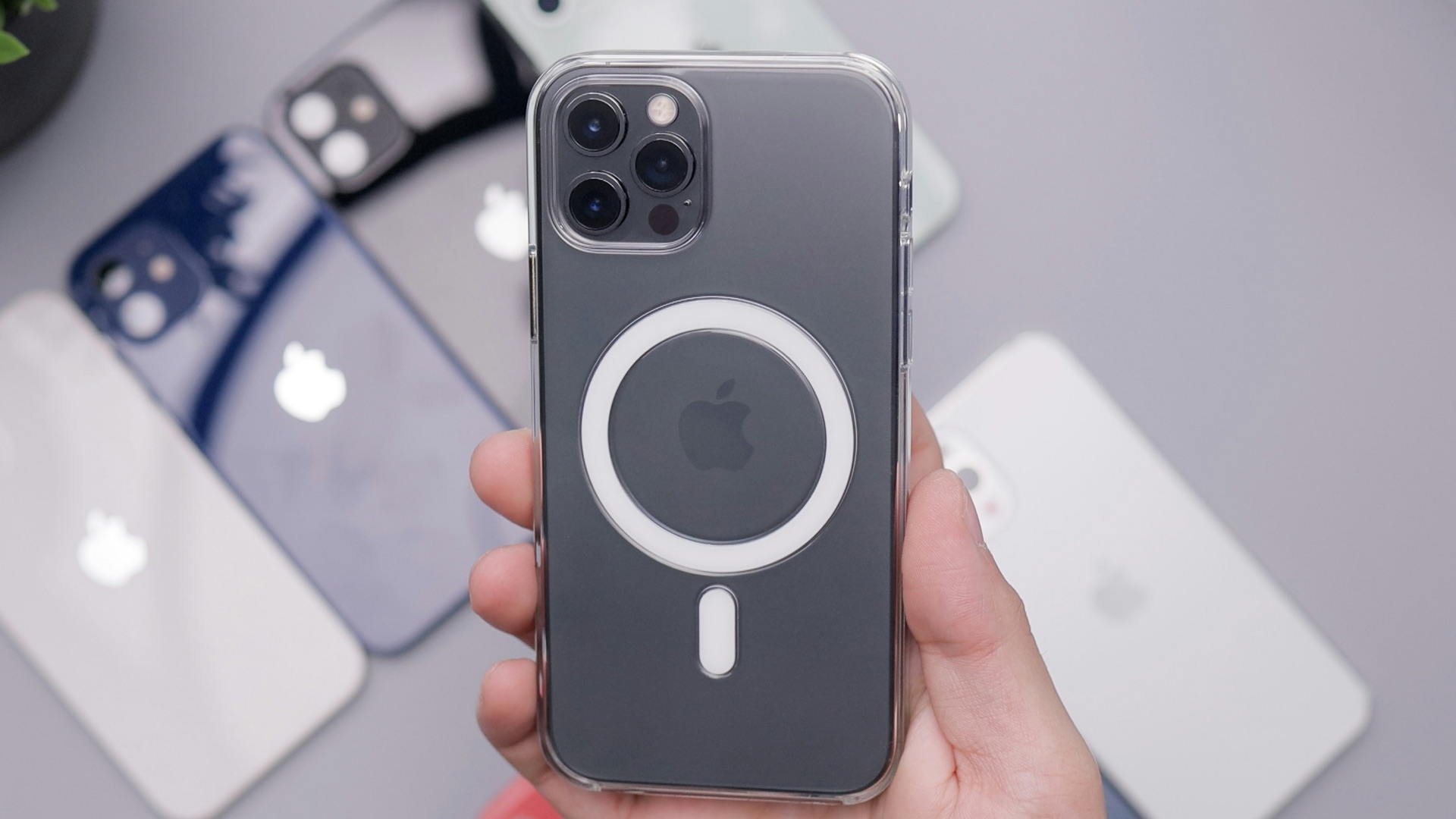
8. The MagSafe Ecosystem
MagSafe offers more than wireless charging; it's the foundation of a growing accessory ecosystem that includes wallets, car mounts, battery packs, and cases that attach with a reliable magnetic snap every single time. The consistency of that connection has changed how many people interact with their phones throughout the day, whether it's attaching a wallet before heading out or docking on a mount during a commute. Once you've built your setup around MagSafe accessories, stepping away from the system becomes surprisingly difficult.
9. On-Device Processing with the Neural Engine
Each new Apple chip includes a more powerful Neural Engine dedicated to machine learning tasks, and the effects show up in features you use every day. Face ID recognition, real-time photo processing, on-device translation, and Siri's responsiveness all benefit directly from that increased processing power. The improvement isn't something you'll find only in benchmark scores; it shows up in how quickly your device handles intelligent tasks without any noticeable lag.
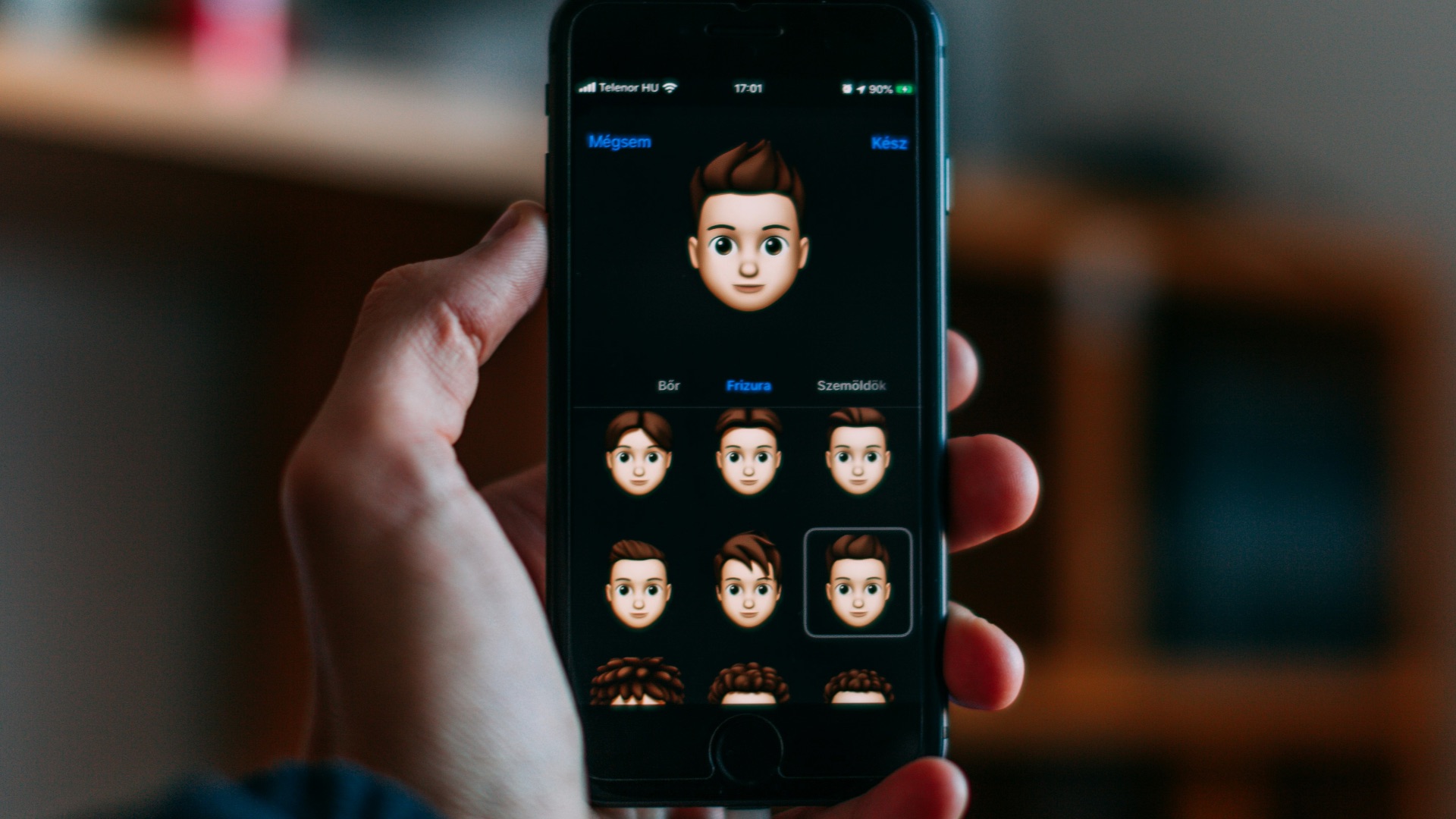
10. Always-On Display
Available on Pro iPhone models and the Apple Watch Ultra, Always-On Display keeps a dimmed version of your lock screen visible at all times so you can check the time and notifications without touching your device. The feature does come at a cost to battery life, but it's a welcome feature especially for those switching from an Android device.
While these features make a solid argument for upgrading, not everything Apple announces at its events lives up to the hype. Let's now jump into 10 features that you can definitely live without.
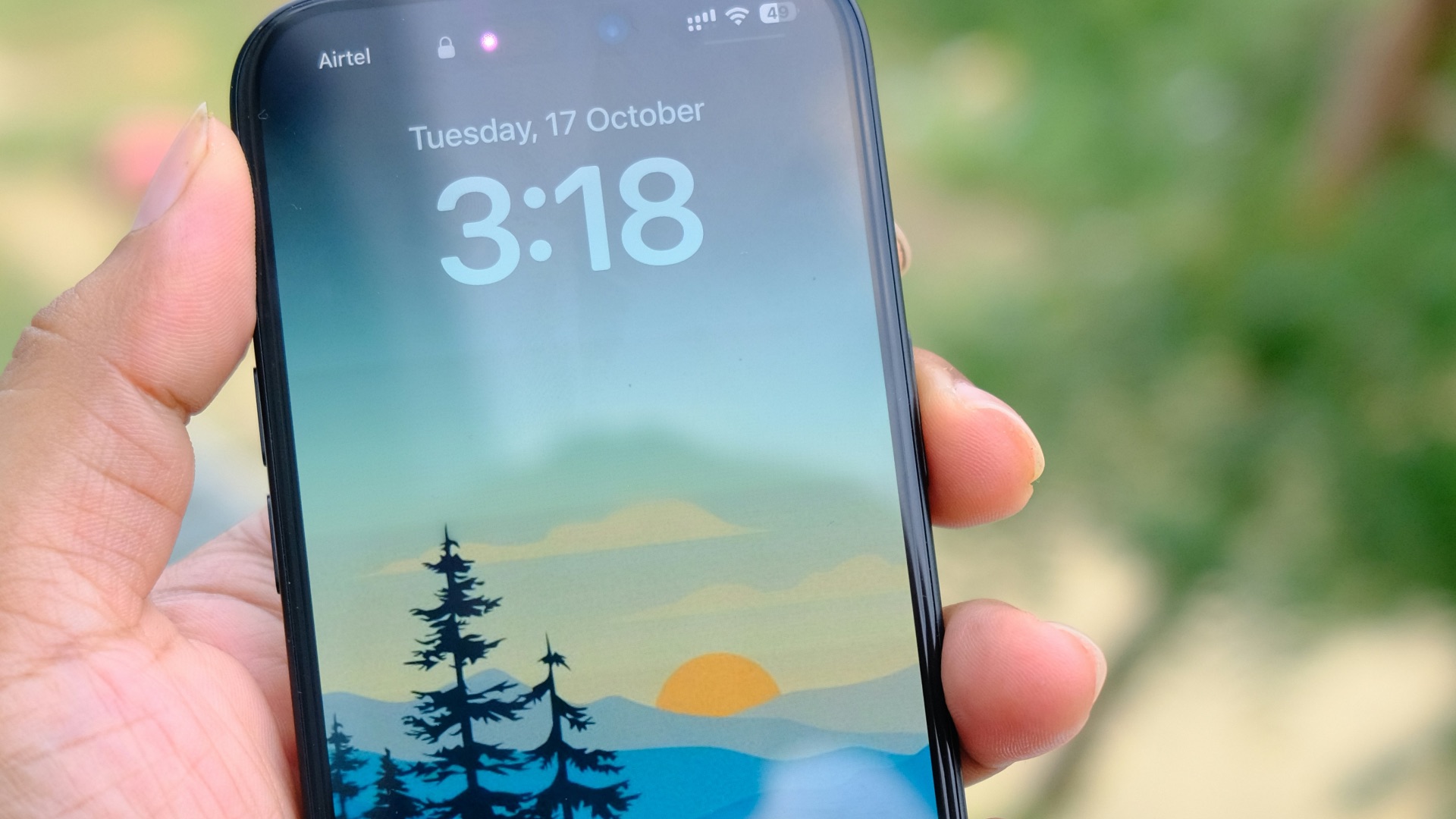
1. The Titanium Frame
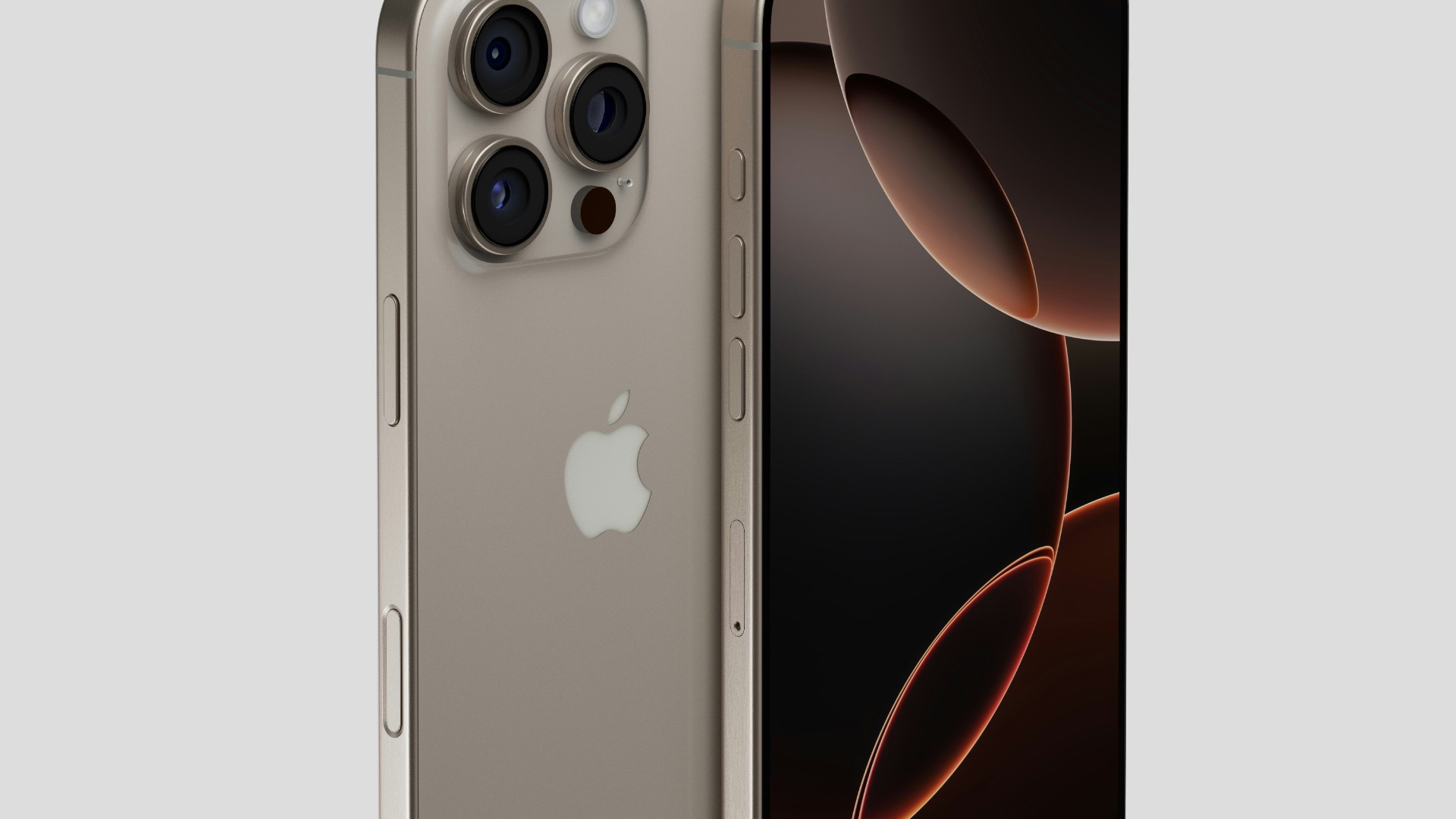
Apple spent considerable keynote time on the titanium frame that arrived with the iPhone 15 Pro, presenting it as a meaningful upgrade over the stainless steel used on previous Pro models. In practice, most people slide their phone into a case almost immediately, which means the titanium is completely hidden and has no real effect on the day-to-day experience. It's a premium material that reads well on a spec sheet, but it's not one that the average person will ever see or interact with once the phone is set up.
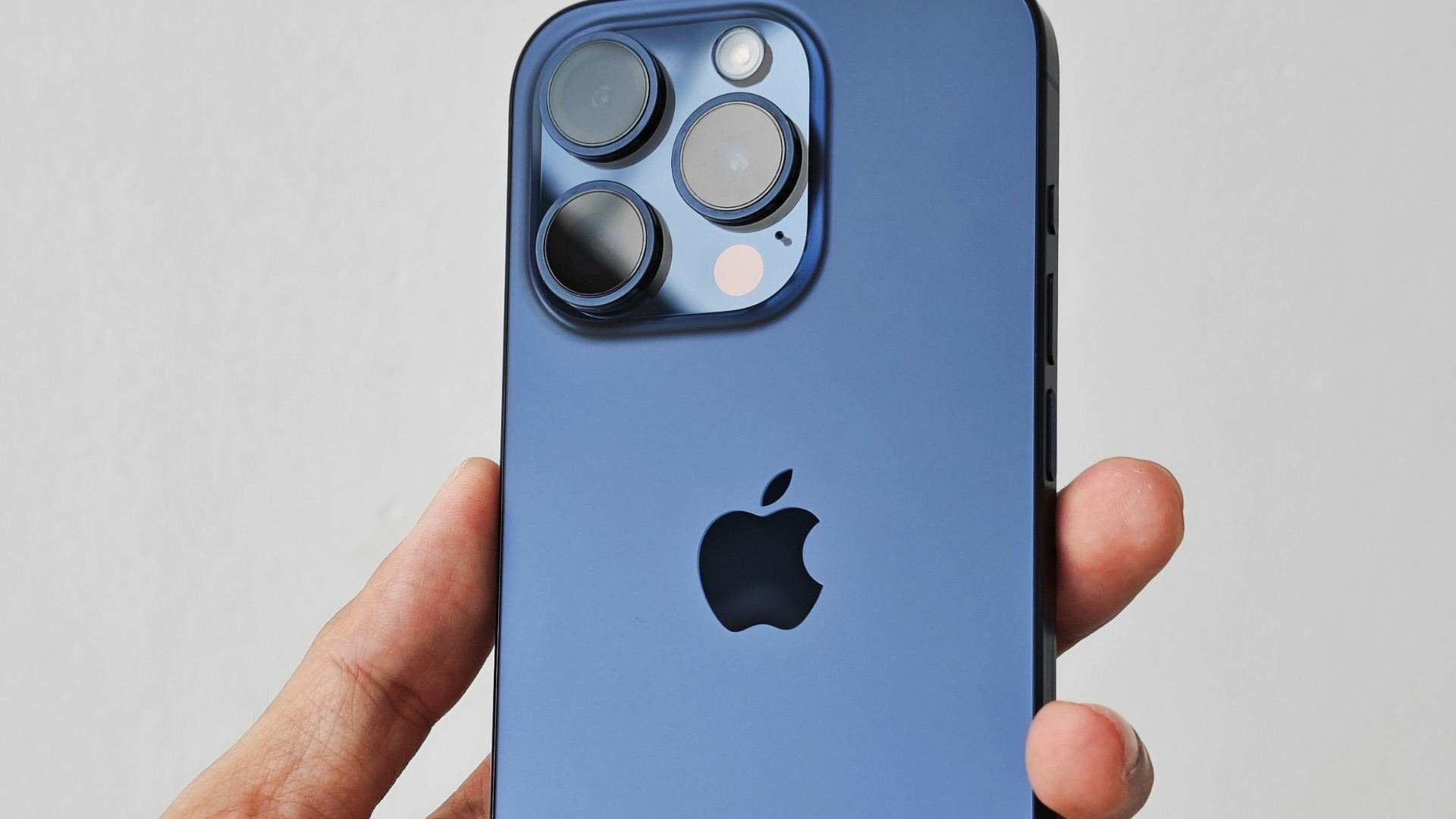
2. Camera Control Button
Debuting on the iPhone 16, Camera Control added a dedicated hardware button for capturing photos and adjusting settings like zoom and exposure without tapping the screen. A lot of users have found it awkward to reach during normal use and easy to press accidentally, which undermines the convenience it's supposed to deliver. It's a worthwhile experiment in rethinking how people engage with the camera, but it hasn't changed the fundamentals of how most people actually take photos.
3. ProRes Video Recording
ProRes recording on iPhone is a legitimate and valuable tool for professional videographers who need maximum-quality footage for serious post-production work. For the average person who wants to capture a family gathering, a vacation, or a quick clip for social media, it creates file sizes so large that they can fill your storage in a surprisingly short session. Unless you're working in a professional editing environment, ProRes is a feature you'll probably switch on once out of curiosity and then leave turned off for good.

4. Emergency SOS via Satellite
When you're out of cell range, Emergency SOS via Satellite touts that it can connect you to emergency services using Apple's satellite network, but unless you're the type of traveler who likes exploring highly remote areas that could potentially leave you stranded without any coverage, it's a feature that most people won't ever really use.

5. Crash Detection
Crash Detection uses the iPhone's accelerometer and gyroscope to identify serious vehicle collisions and automatically contact emergency services, which sounds like an unambiguously useful safety feature. The problem is that it has a well-documented history of false positives, most notably from roller coasters and ski slopes, which has led to a significant number of accidental emergency calls over the years. It's a feature that could absolutely matter when it counts, but the frequency of false triggers indicates it's not yet operating at the reliability level Apple's pitch suggests.

6. The "Thinnest and Lightest" Claim
Thinner and lighter phones sound appealing, but the actual weight difference between one iPhone generation and the next is typically just a few grams that you won't feel in your hand or your pocket. Apple leans on this talking point so heavily that it's become one of the most predictable lines in any product announcement, which is a pretty good sign that it's not a compelling differentiator. Upgrading primarily because this year's model is slightly slimmer isn't a strong enough reason to spend several hundred dollars.
7. The Action Button
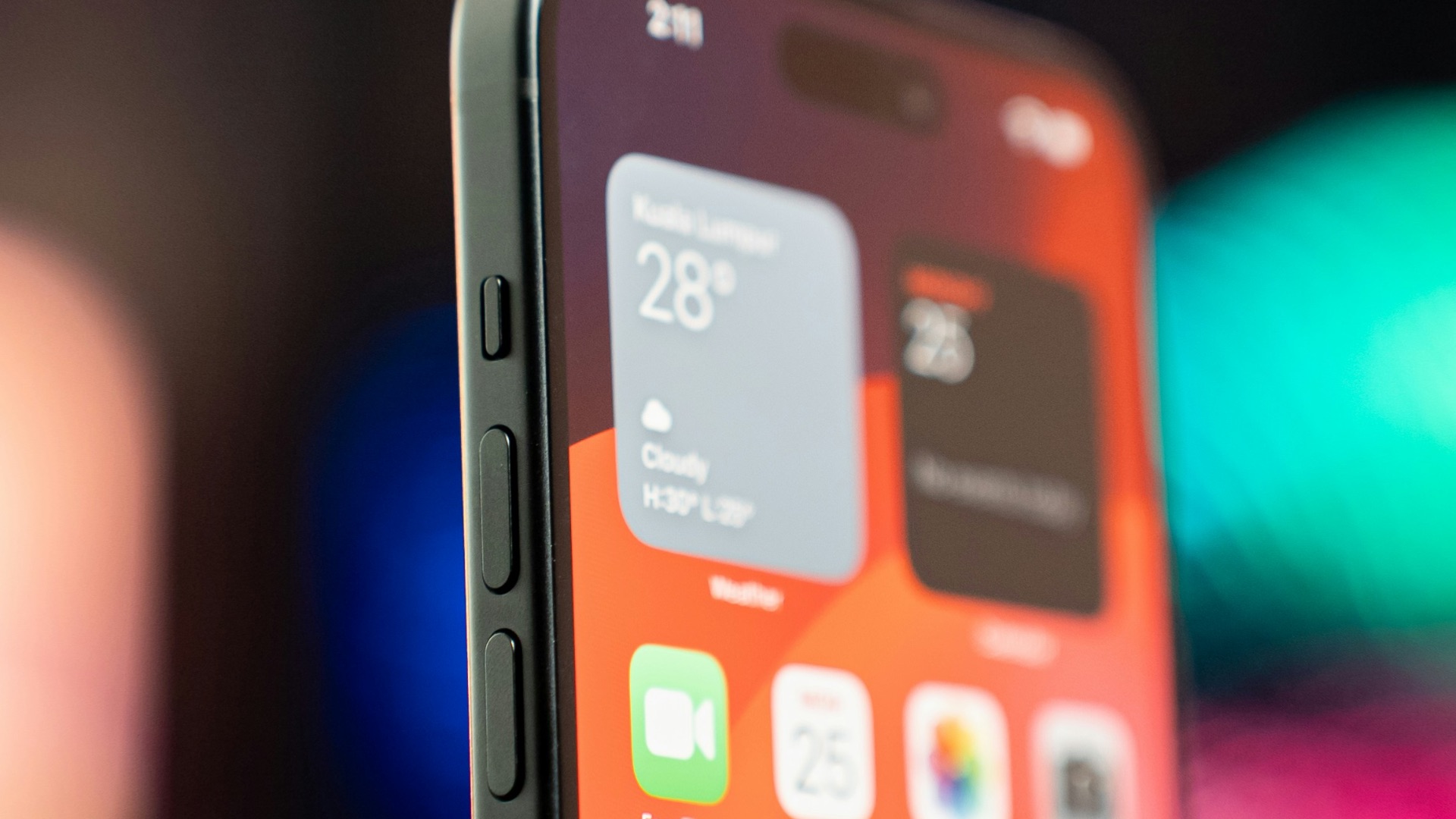
Replacing the traditional mute switch on iPhone 15 Pro models, the Action Button is more versatile than a simple toggle and can be customized to suit how you actually use your phone. But considering you can also add shortcuts to your homescreen that allow you to quickly access the camera or flashlight, many users find that there's not really a point in assigning the Action Button to do anything other than...be a mute switch.
8. Year-Over-Year Chip Speed Gains
Yearly chip improvements are legitimately impressive on a technical level, and the benchmarks that accompany each launch do back up the performance claims. If you're already on a device from the past two or three years, however, the real-world difference during everyday tasks like browsing, streaming, and messaging is unlikely to be something you'd ever notice. Upgrading specifically to get the fastest chip available is a costly pattern that rarely delivers an improvement proportional to the price of a new device.
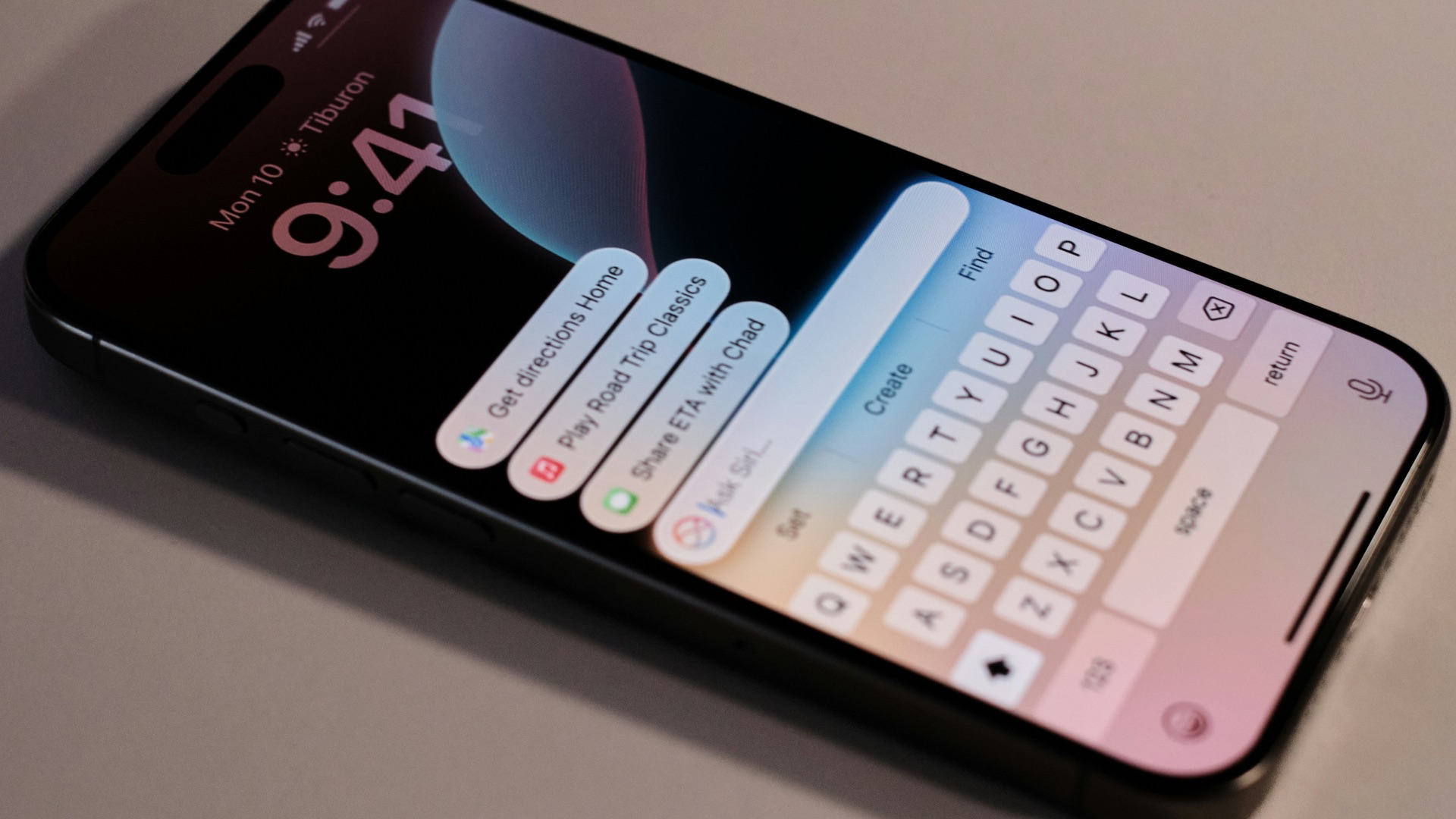
 Harrison Broadbent on Unsplash
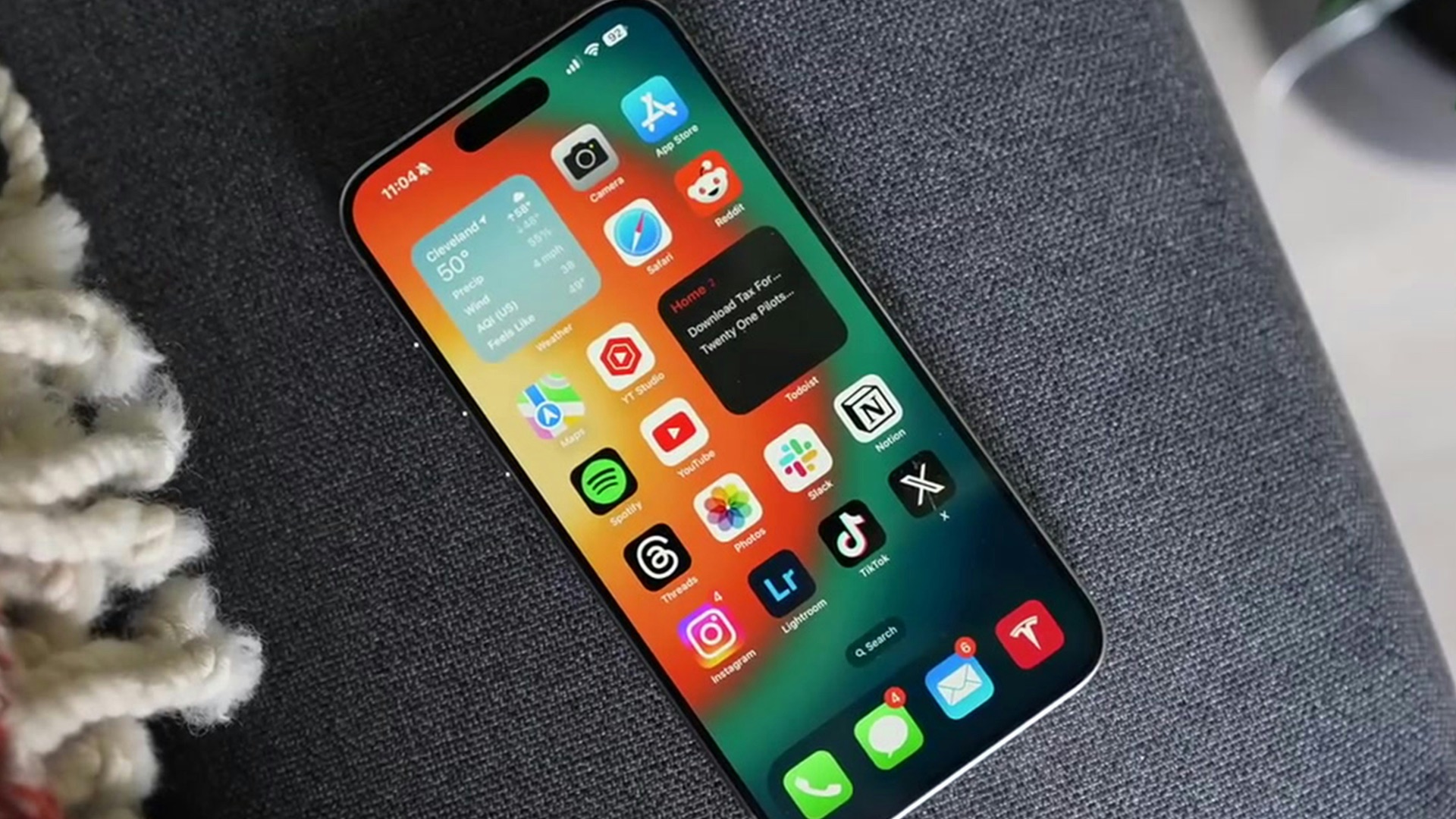
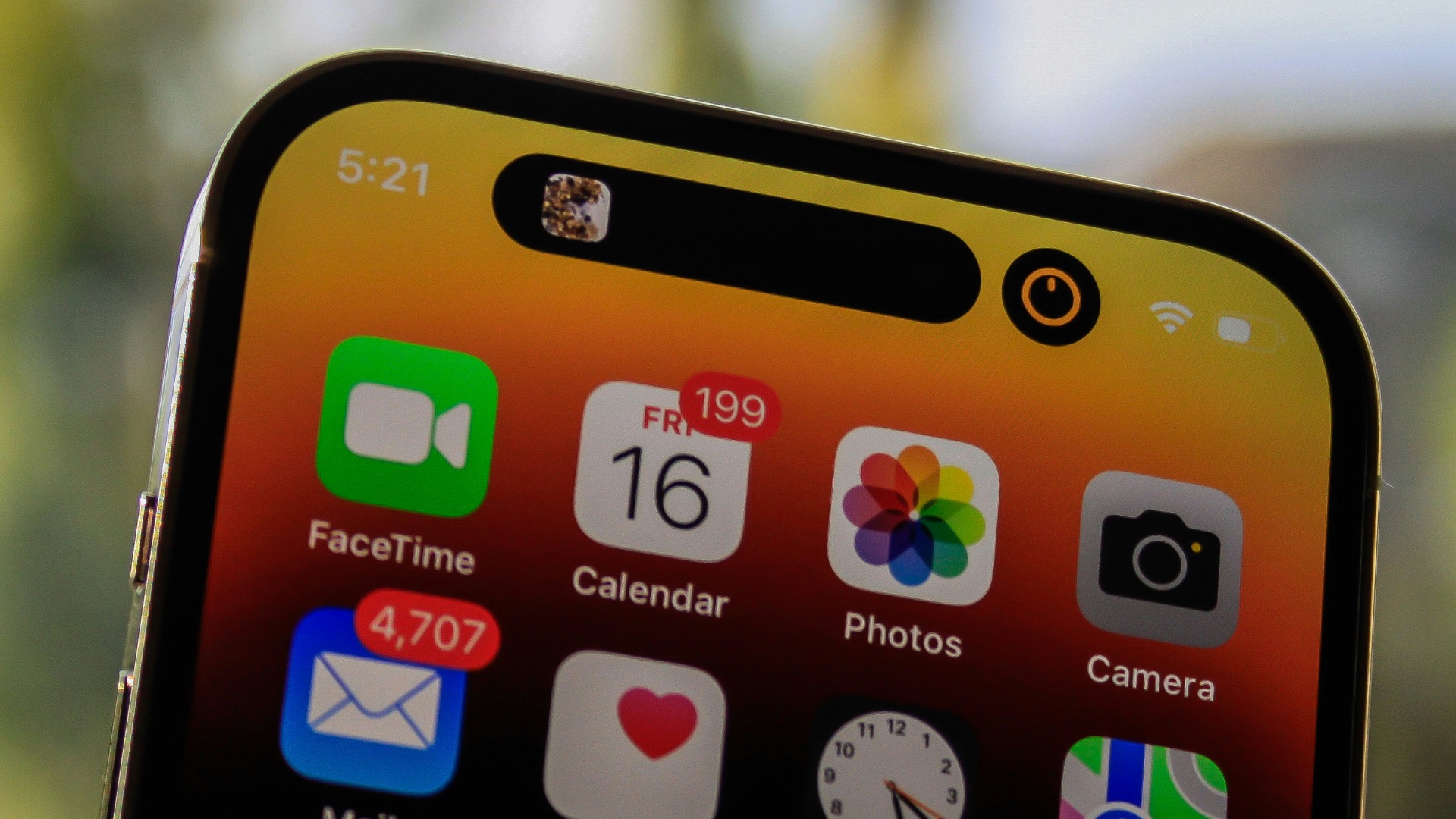
9. Dynamic Island
Introduced with the iPhone 14 Pro, the Dynamic Island turned the front-facing camera cutout into a live part of the interface that shows real-time activity updates from your apps. You can check music controls, navigation directions, live sports scores, and active timers at a glance without unlocking your phone or jumping between apps. However, other than displaying live activities, there's not much use for it, although it does make the notch nicer to look at.
10. Device Redesigns
With each annual update, Apple tends to introduce a new iPhone with upgraded looks. But these cosmetic updates are rarely major, and most of the time, the device looks the same as the previous year's model. If you're planning to upgrade, do so every few years.