What Should You Download on Your Phone?
Which apps should you never download on your phone? Tinder. (We're kidding.) (Actually not really.) Jokes aside, while it’s tempting to download something just because it promises "free" entertainment or some top-notch antivirus protection, trust us, you don't need it, and you'll probably only be putting your security at risk if you do. Whether you have limited storage on your device or just want to filter out the junk from the gold, here are the apps you shouldn't—and should—download on your phone.
1. Random Phone-Cleaning Apps
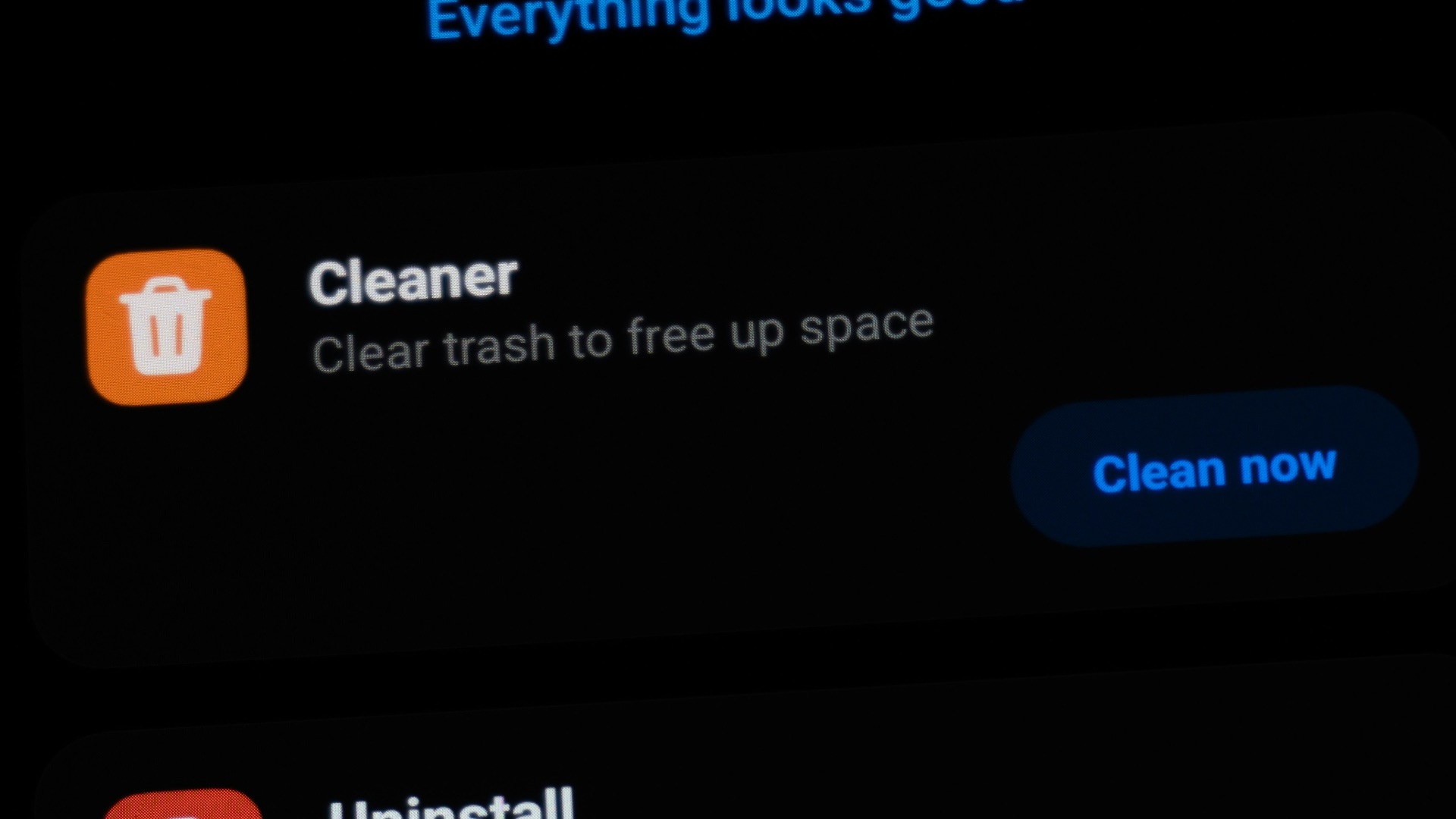
Your phone doesn’t need an unfamiliar third-party app to remove imaginary “junk” every few hours. Many cleaner apps exaggerate minor storage issues, display alarming warnings, and push paid subscriptions for features your phone already provides. Some also request access to files, photos, usage information, and other data that isn’t necessary for basic maintenance. Use the storage and battery tools built into your phone instead.
2. Unverified Free VPNs
A virtual private network can improve privacy in certain situations, but a questionable free VPN may simply move your data into someone else’s hands. Operating a VPN costs money, so you should question how an unknown provider supports the service without charging you. Some free services have been criticized for excessive tracking, weak security, intrusive advertising, or unclear data-sharing practices. Research the company, ownership, privacy policy, and independent security audits before installing one.
3. Apps from Unofficial Download Links
An app sent through a pop-up, text message, or unfamiliar website shouldn’t automatically earn your trust. Downloads from outside recognized app stores may bypass some of the screening systems designed to identify harmful software. They can also imitate popular games, banking services, and streaming platforms while stealing passwords or payment details. Android’s Play Protect checks for potentially harmful apps, while Apple advises deleting third-party apps that trigger malware warnings.
4. Flashlight Apps with Excessive Permissions
Modern phones already include a flashlight control, leaving little reason to install a separate app for the same function. Be especially suspicious when a flashlight requests your contacts, precise location, microphone, or photo library. Those permissions have nothing to do with switching on the camera flash and may allow unnecessary data collection. Security guidance recommends removing apps that demand access to information they don’t need.
5. Unknown Keyboard Apps
A custom keyboard can change your phone’s appearance, but it may also process nearly everything you type. Depending on its permissions and design, that could include private messages, search terms, addresses, and other sensitive information. Well-established keyboards generally explain how they handle typed data, while obscure versions may offer little meaningful privacy information. Don’t trade access to your conversations for a few decorative fonts or animated keys.
6. Fake Antivirus Apps
An antivirus app that constantly announces dozens of infections may be trying to frighten you into paying rather than protecting you. Mobile operating systems already include security features that scan apps, restrict their access, and warn you about known threats. A fake security tool may bombard you with ads, demand unnecessary permissions, or direct you toward additional suspicious downloads. Never provide payment information simply because an app presents a dramatic red warning screen.
7. Social Media Profile-Tracking Apps
Apps claiming to reveal who viewed your profile, blocked you, or secretly follows your activity rarely have access to the information they promise. To appear convincing, they may ask you to enter your social media password or connect your entire account. That can expose private messages, personal details, and control of your profile to an unknown operator. Check whether the social platform itself provides the feature before trusting an outside service.
8. Predatory Instant-Loan Apps
An app promising immediate cash with almost no requirements can become extremely expensive once fees and aggressive collection practices enter the picture. Some questionable lenders request access to contacts, photos, location data, and messages, which may then be used to pressure borrowers. Others conceal important repayment conditions until after someone has supplied sensitive financial information. Confirm that any lender is properly licensed in your area and clearly discloses the full cost of borrowing.
9. Copycat Banking and Shopping Apps
Scammers sometimes create apps with names, icons, and login screens that closely resemble legitimate companies. Once you enter your credentials, the imitation app can send them directly to the people operating it. Always reach an official download page through the company’s verified website or locate the developer listed by the real business. A slightly misspelled name or limited review history should be enough to make you pause.
10. “Free” Premium Entertainment Apps
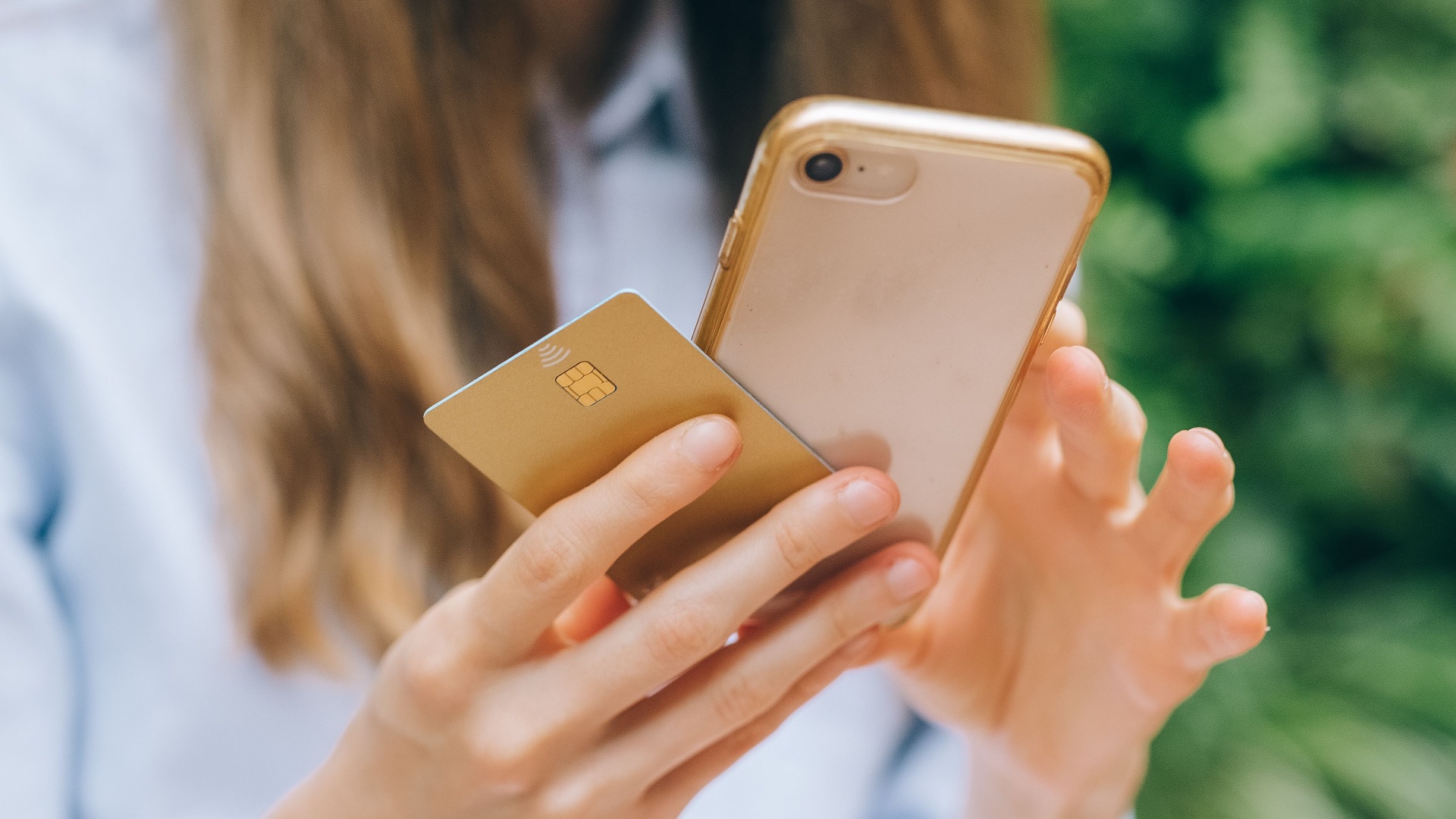
An app offering paid movies, television channels, music, or games at no cost usually comes with an explanation you won’t like. It might rely on stolen content, aggressive advertising, recurring subscription traps, or downloads containing malicious software. You could also be asked to install configuration profiles or disable security protections before it works. No free movie library is worth giving an unknown app deeper control over your phone.
But avoiding risky downloads is only part of managing your phone responsibly. Once the unnecessary and invasive apps are gone, you'll want to make room for tools that actually solve real problems without creating new ones. Here are 10 apps to always have handy on your device:
1. A Password Manager
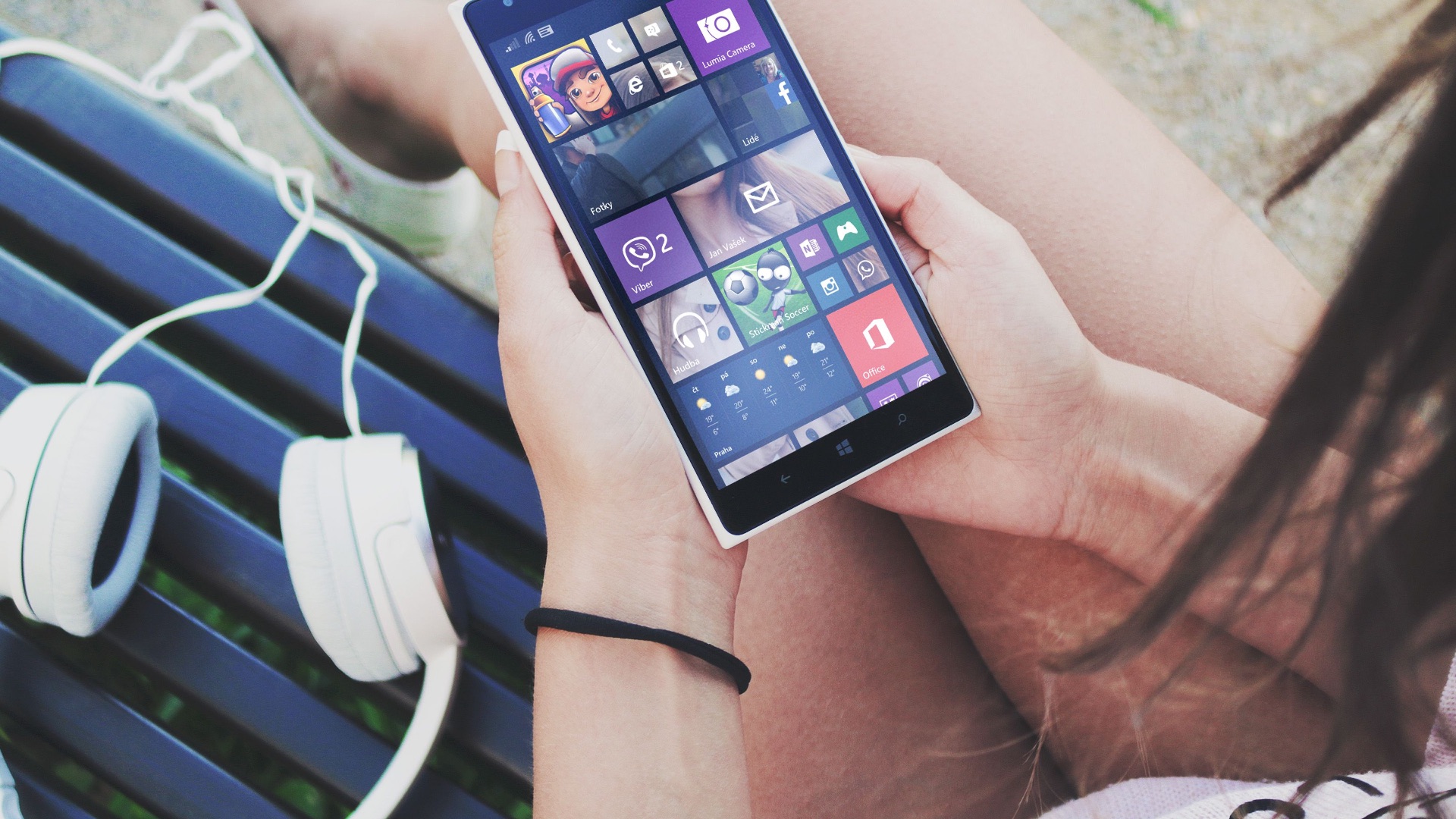
Using one memorable password across several accounts makes life easier for anyone who manages to steal it. A reputable password manager can generate and store unique passwords, reducing the damage caused by a single data breach. Most also help you identify weak, reused, or compromised credentials. Choose a trusted provider and secure the account with a strong master password or passkey.
2. An Authenticator App
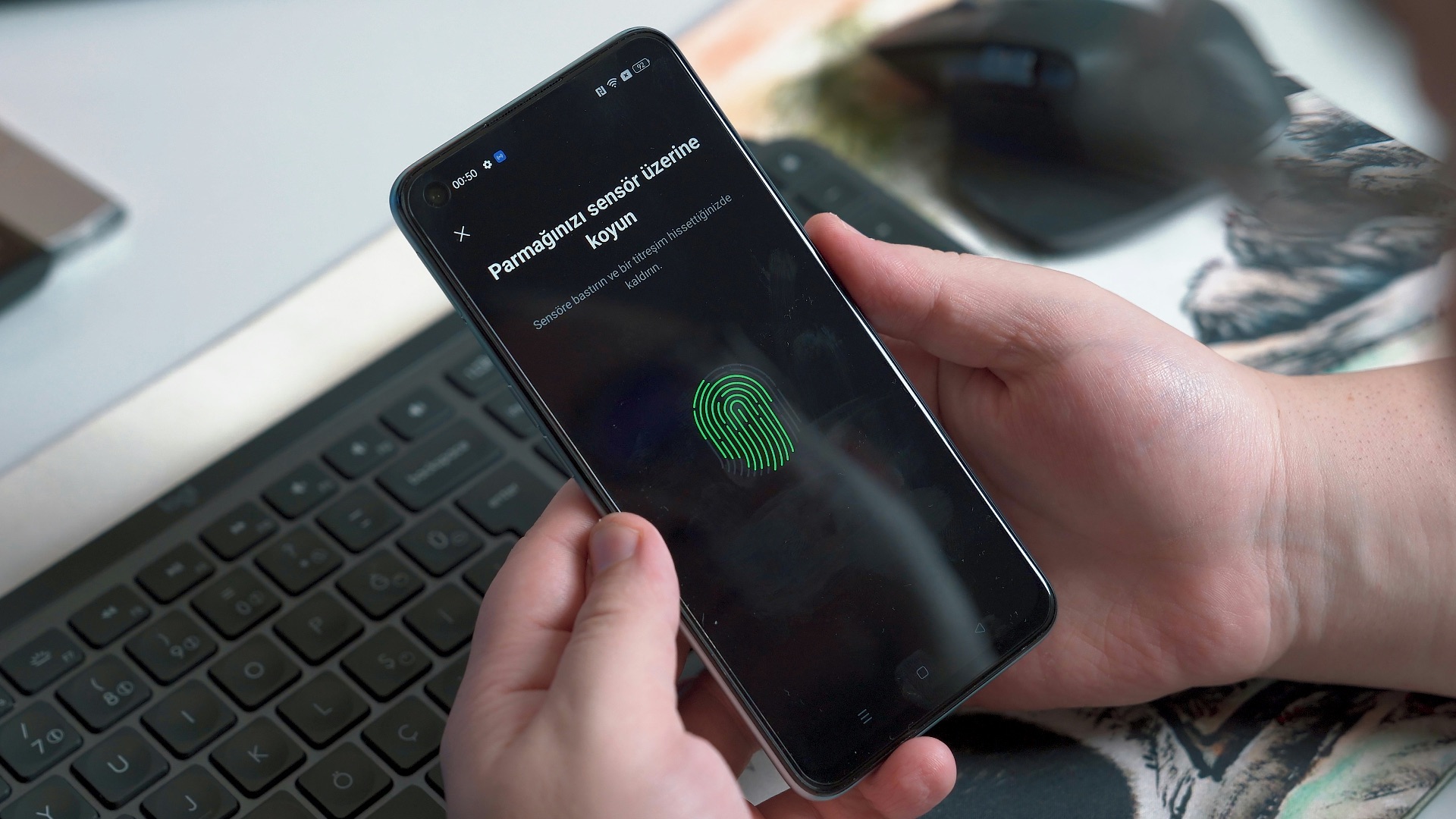
Two-factor authentication adds another barrier between your accounts and anyone who obtains your password. An authenticator app creates temporary login codes without depending entirely on text messages, which can be intercepted or redirected in some attacks. Set it up first for your primary email, banking, cloud storage, and social media accounts. Remember to save the recovery codes somewhere secure before replacing or resetting your phone.
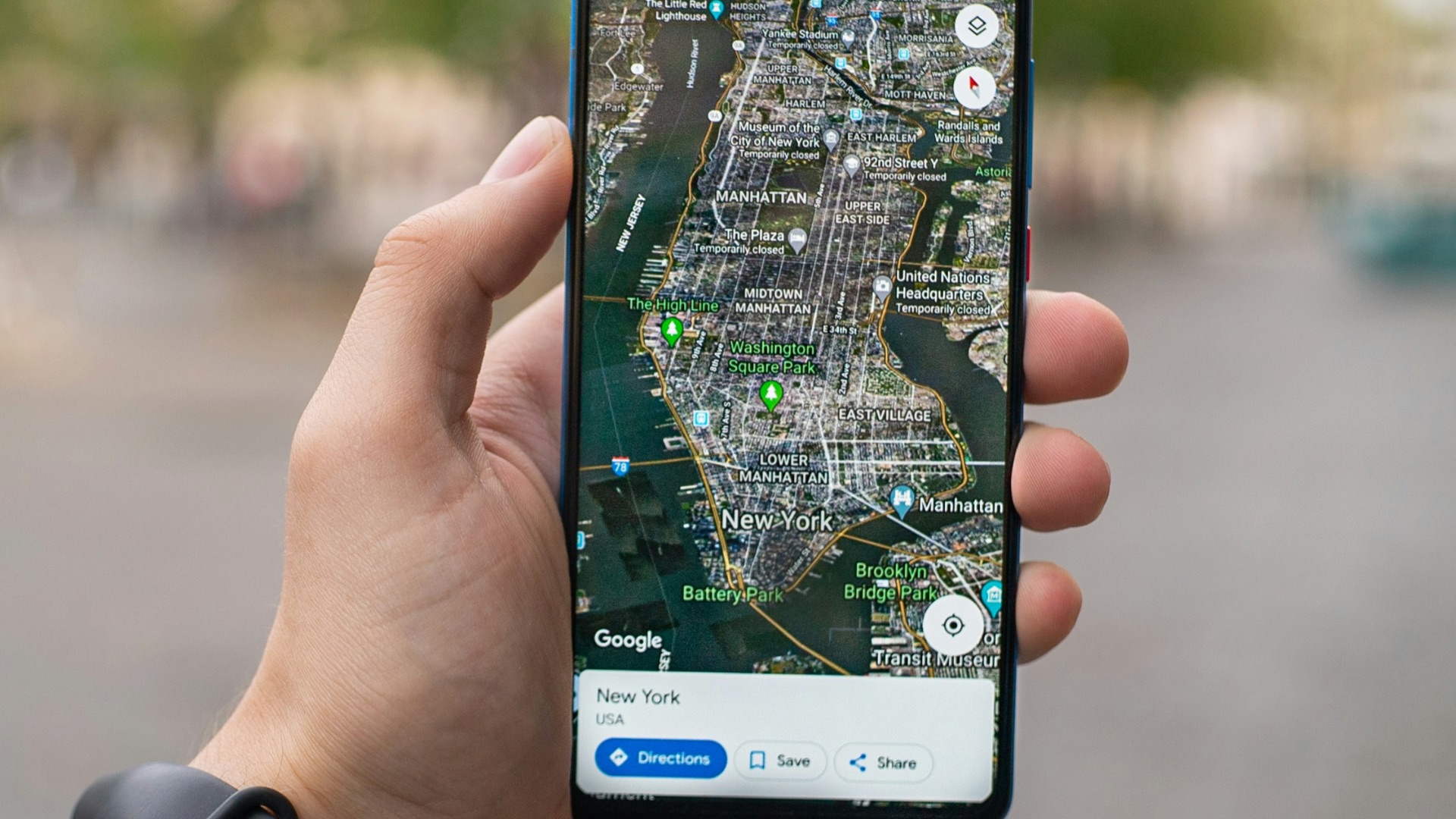
3. An Offline Maps App
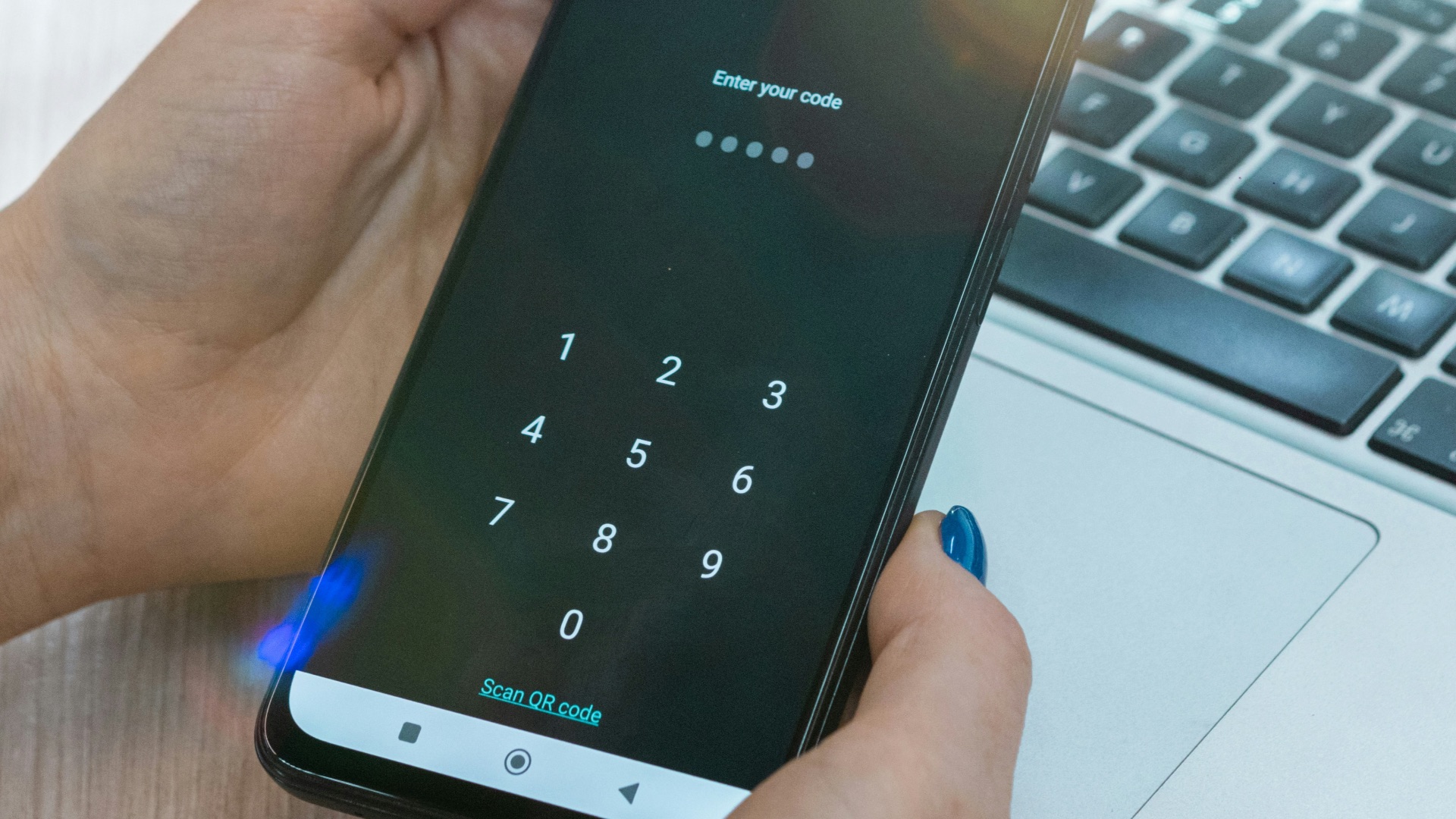
Navigation becomes much less reliable when you enter an area with weak reception or an expensive roaming connection. A maps app that supports offline downloads can still provide directions after your mobile data disappears. Save the relevant region before a road trip, hike, or international vacation rather than hoping the signal lasts. Offline maps are also useful during network outages and large emergencies.
4. An Emergency Alert App
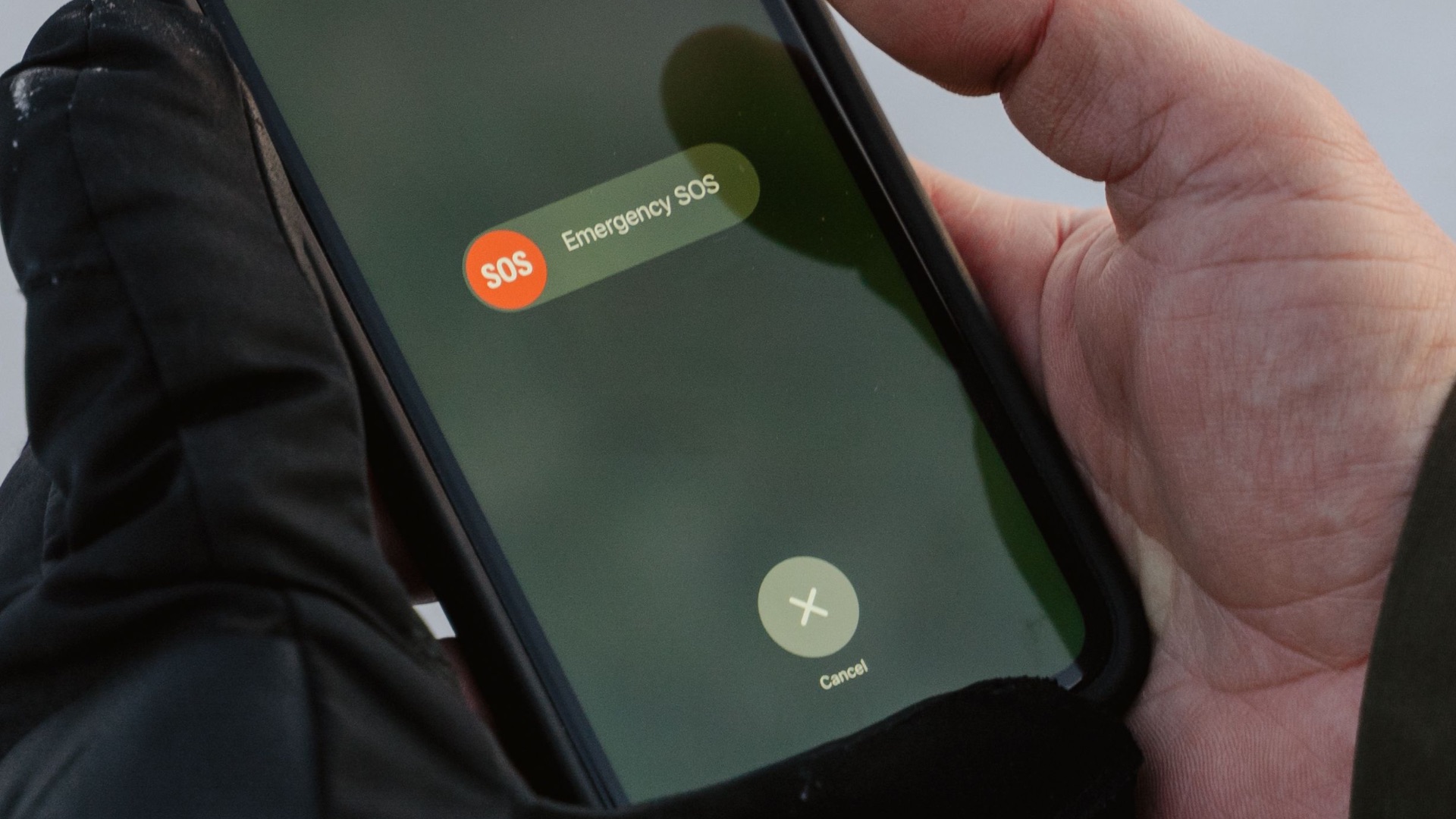
Weather emergencies, wildfires, floods, earthquakes, and public safety incidents can develop with little warning. An official alert app for your region can deliver information about evacuations, dangerous conditions, and instructions from local authorities. Confirm that notifications, location access, and emergency alerts are configured properly after installation. A muted app won’t offer much help when an important warning arrives.
5. A Find-My-Device App
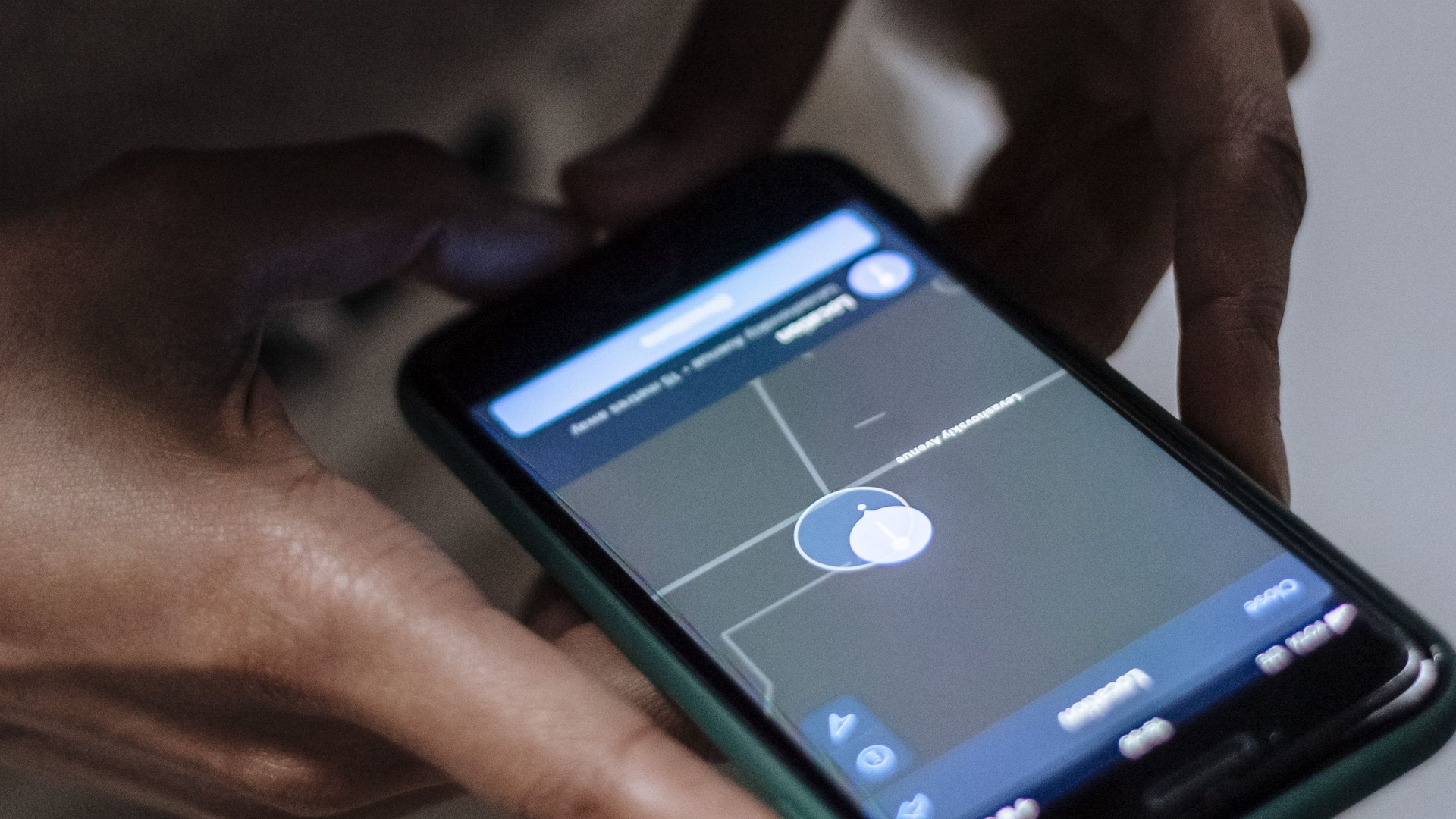
Losing your phone doesn’t have to mean losing every photo, account, and personal document stored on it. Apple and Google provide tools that can locate a missing device, play a sound, secure it remotely, or erase its contents when recovery seems unlikely. Make sure the feature is enabled before anything goes missing, since setting it up afterward may be impossible. It’s also smart to confirm that your account password and recovery information are current.
6. A Secure Cloud-Backup App
Phones can be dropped, stolen, damaged by water, or rendered unusable by a failed update. Automatic cloud backup protects copies of your photos, contacts, documents, and other important information. Review exactly what the service saves, how much storage is available, and whether your backups are encrypted. Periodically check that recent files are actually appearing in the account rather than assuming everything is covered.
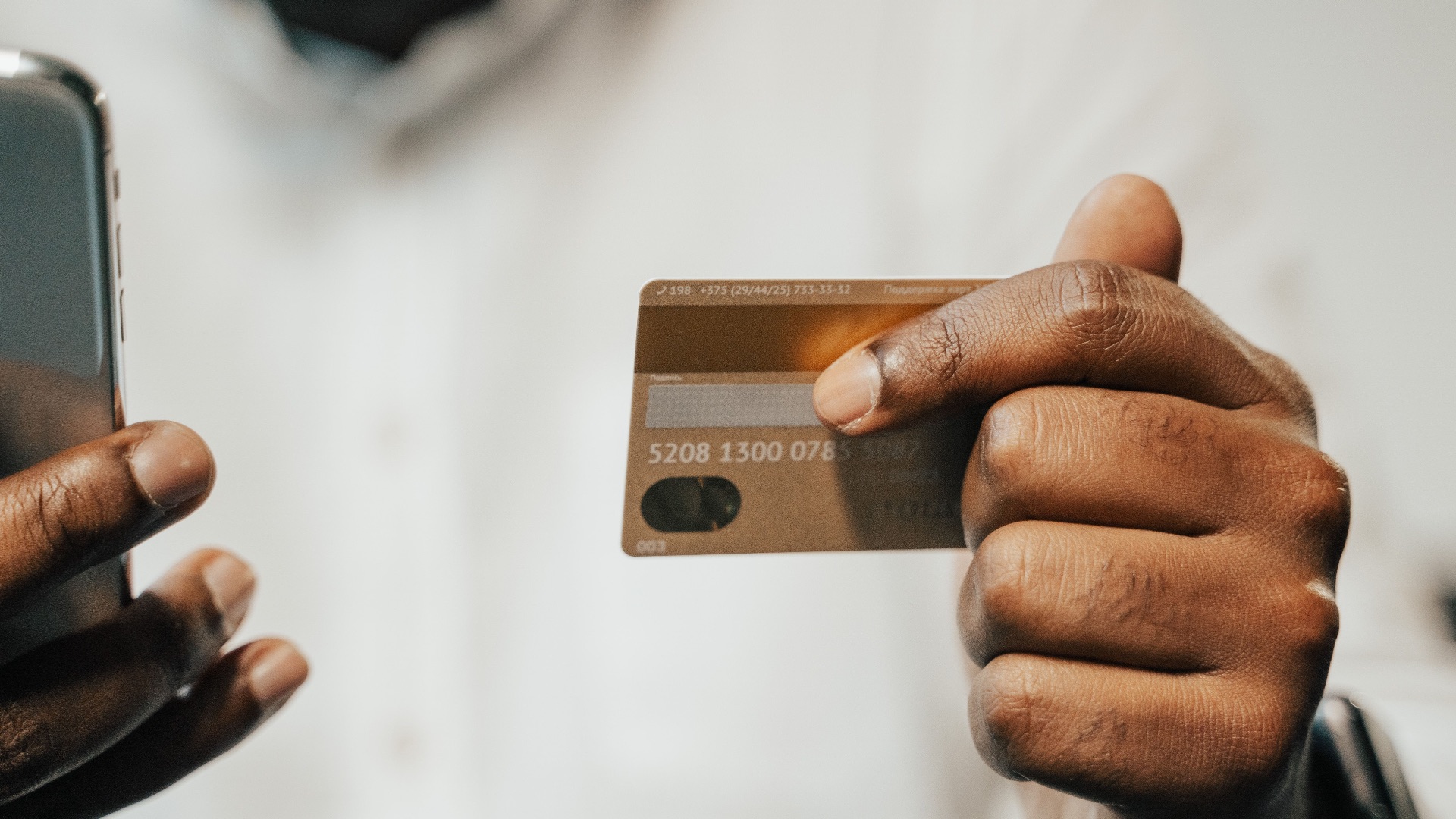
7. Your Bank’s Official App
A bank’s verified app lets you inspect your accounts before a suspicious transaction goes unnoticed for weeks. You can often freeze a misplaced card, receive purchase notifications, deposit checks, and contact support without searching for a phone number. Download it through the bank’s official website or confirm the exact developer name in the app store. Turn on biometric login and transaction alerts for additional control.
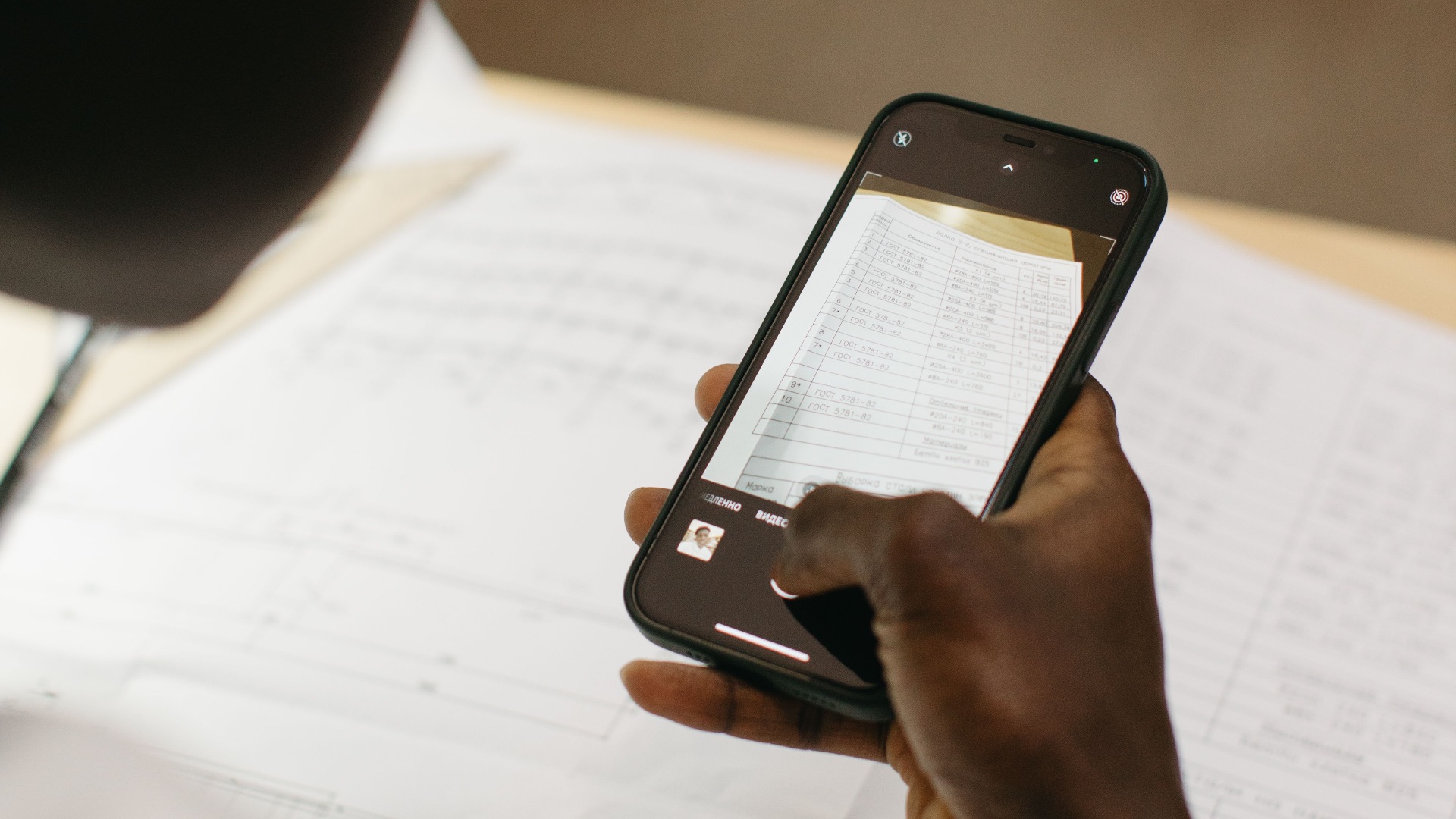
8. A Document-Scanning App
Receipts, signed forms, identification copies, and handwritten notes have a habit of becoming important after the originals disappear. A reliable scanning app can straighten the image, improve readability, combine pages, and export everything as a PDF. Your phone’s camera or notes app may already include this feature, so check before adding another download. Keep sensitive scans in protected storage rather than leaving them exposed in your general photo gallery.
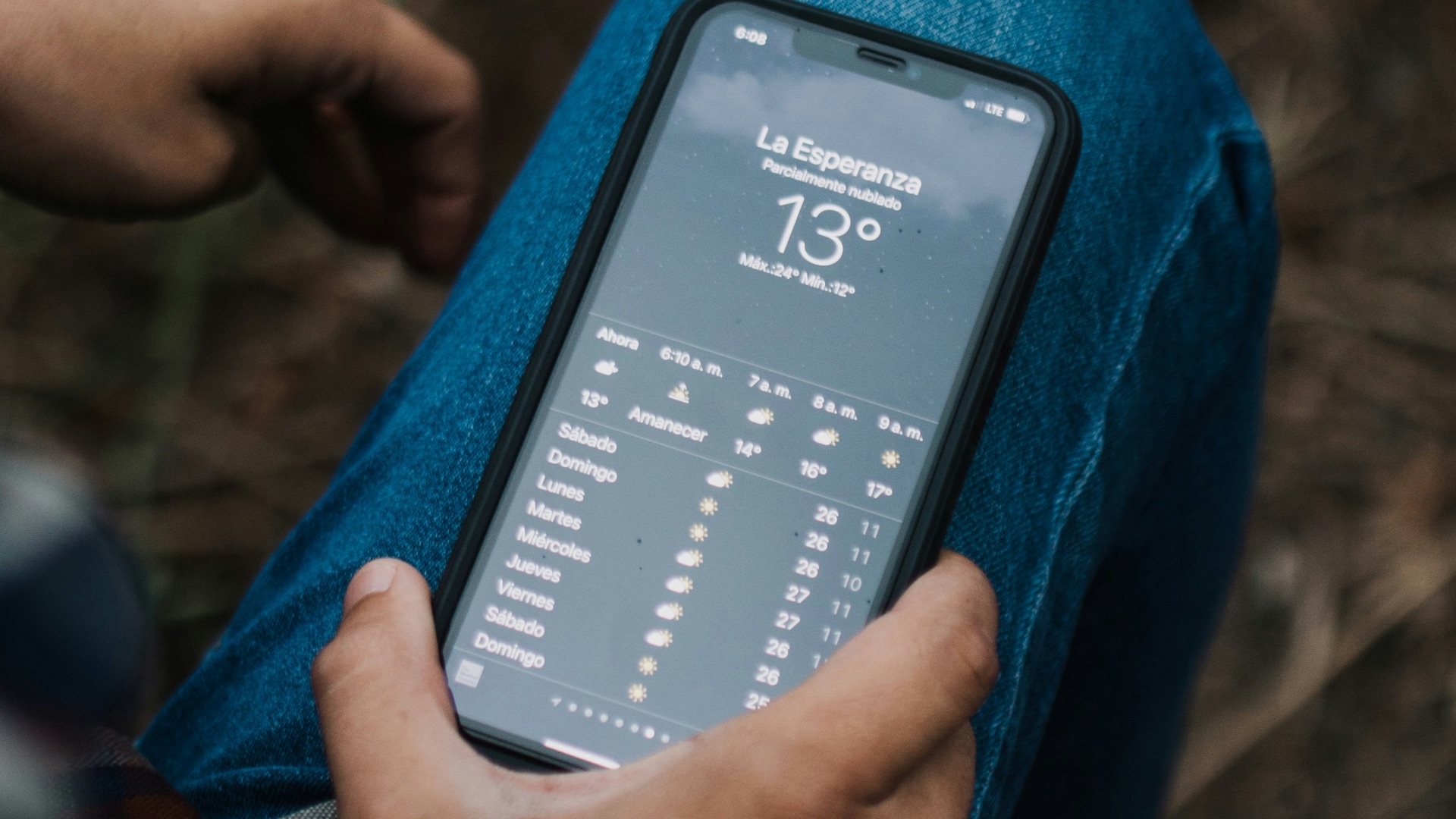
9. A Reliable Weather App
A useful weather app provides more than a decorative temperature reading on your home screen. Hourly forecasts, radar, air-quality information, and severe-weather notifications can help you plan travel and outdoor activities more safely. Choose one that clearly identifies its forecasting data and doesn’t demand constant access to unrelated parts of your phone. Location access can usually be limited to while the app is in use unless continuous alerts require otherwise.
10. A Notes App That Syncs
Ideas, confirmation numbers, shopping lists, addresses, and important reminders are easier to manage when they’re stored in one searchable place. A syncing notes app keeps that information available across your phone, computer, and tablet without forcing you to send messages to yourself. Features such as checklists, document attachments, and locked notes can make it useful for both personal and work tasks. Just avoid storing unprotected passwords, full payment details, or highly sensitive records inside an ordinary note.