Keeping The Peace, Virtually Speaking
Sharing a console is a great idea for couples, especially since they’re so dang expensive. That said, that doesn’t mean it doesn’t come with its quirks. Someone buys a game on the wrong profile, someone loses access by accident, or both of you want to use the console at the same time. Let’s go back to our preschool days, folks. Sharing is, in fact, caring. These 20 rules cover the habits that keep a shared console setup functional, fair, and a lot less irritating.

1. Pick A Primary Household
If you don’t live together yet, it’s important to pick who gets full custody of your electronic baby. Decide and agree, upfront, so nobody gets their feelings hurt later on. This also prevents any potential transportation accidents that come with a 50/50 custody agreement.
2. Keep Account Access Brief And Clean
If you need to sign into each other's accounts to set up sharing, do it together, finish the settings, and sign back out when you're done. It’s not that you and your partner don’t trust each other; it just makes access a whole lot simpler.

3. Respect The One-Primary Limit
If you’re sharing a gaming account, it’s important to know that not a lot of companies allow multiple downloads to multiple consoles. If your partner is a bigger gamer than you, they’re better off having the primary console.

4. Put A Password On Purchases
A shared console doesn't mean everyone should have easy access to your wallet. A password on purchases prevents any accidental purchases from happening. Usually, a family gaming account allows for multiple cards, so make sure to set that up to avoid any future issues.
 rc.xyz NFT gallery on Unsplash
5. Talk Before You Buy Anything
Before a new game, expansion, or season pass gets purchased, decide who is buying it and on which account it lives. That one short conversation can save you from duplicate purchases, ownership confusion, and how frequently your partner can play the game you bought.
 Matheus Câmara da Silva on Unsplash
6. Know Which Console Needs The Internet
Non-primary systems often need online license checks, meaning that they need wi-fi for anything to really work properly. If one of you expects to play during travel or service outages, this might be a time to negotiate a temporary hold over the primary console.

7. Keep Sharing Inside The Household
Console sharing works best when it stays within the people actually living under the same roof. Once logins start drifting out to cousins, exes, or old friends, your carefully curated agreement starts to look a lot more confusing.
8. Set A Schedule For Peak Hours
If both people want the same console on Friday night, goodwill alone is rarely enough. A loose schedule for big release weekends or long gaming sessions keeps resentment from building.

9. Use Separate Profiles For Daily Play
Separate profiles make save files, trophies, settings, and recommendations much, much easier to manage. It also means you can play the games you want to play your way, and not by somebody else’s rules.

10. Test The Setup
Don't wait until a long weekend or a fresh launch to discover that sharing isn't working the way you thought. Run through downloads, offline access, and profile switching ahead of time, while the stakes are low.
 Samuel Regan-Asante on Unsplash
11. Stop Switching Primary Status
Frequent changes tend to create confusion, especially in homes with more than one active player and more than one console. Once you settle on a setup, leave it alone unless there's a real reason to change it.

12. Split Shared Costs
We’re all adults here. If both people benefit from a game, subscription, or add-on, the cost should reflect that in some fair way. If you’re not interested in sending a couple of dollars back and forth every month, it might be easier for each person to carry the cost of one subscription.

13. Decide Who Gets Offline Priority
Offline access matters most when internet service drops or someone wants to take the console somewhere, where reliable Wi-Fi can't be guaranteed. If one person travels more or spends more time away from home, then that should be implemented into your sharing plan.
14. Don't Remote-Log In Without A Heads-Up
Jumping into your partner's account from another console while they're already playing can interrupt sessions and trigger sign-outs. A simple warning text avoids that potentially stressful moment where someone thinks the console is broken.
15. Back Up Save Data Regularly
Shared hardware means more profile switching, more system changes, and more chances for something to go sideways. Cloud backups aren't glamorous, though they matter a great deal when 70 hours of progress suddenly disappear.
16. Rotate Subscription Benefits
Online multiplayer, monthly game libraries, and premium perks can end up favoring one person if you never discuss who gets what. When a benefit is tied to a primary console or a specific account, rotate access in a way that feels reasonable to both of you.

17. Clarify DLC Ownership
Main games are easy compared with DLC, expansion passes, and those small add-ons that seem harmless until they're tied to the wrong account forever. A quick check before checkout can save you from buying content that the other person can't actually access.

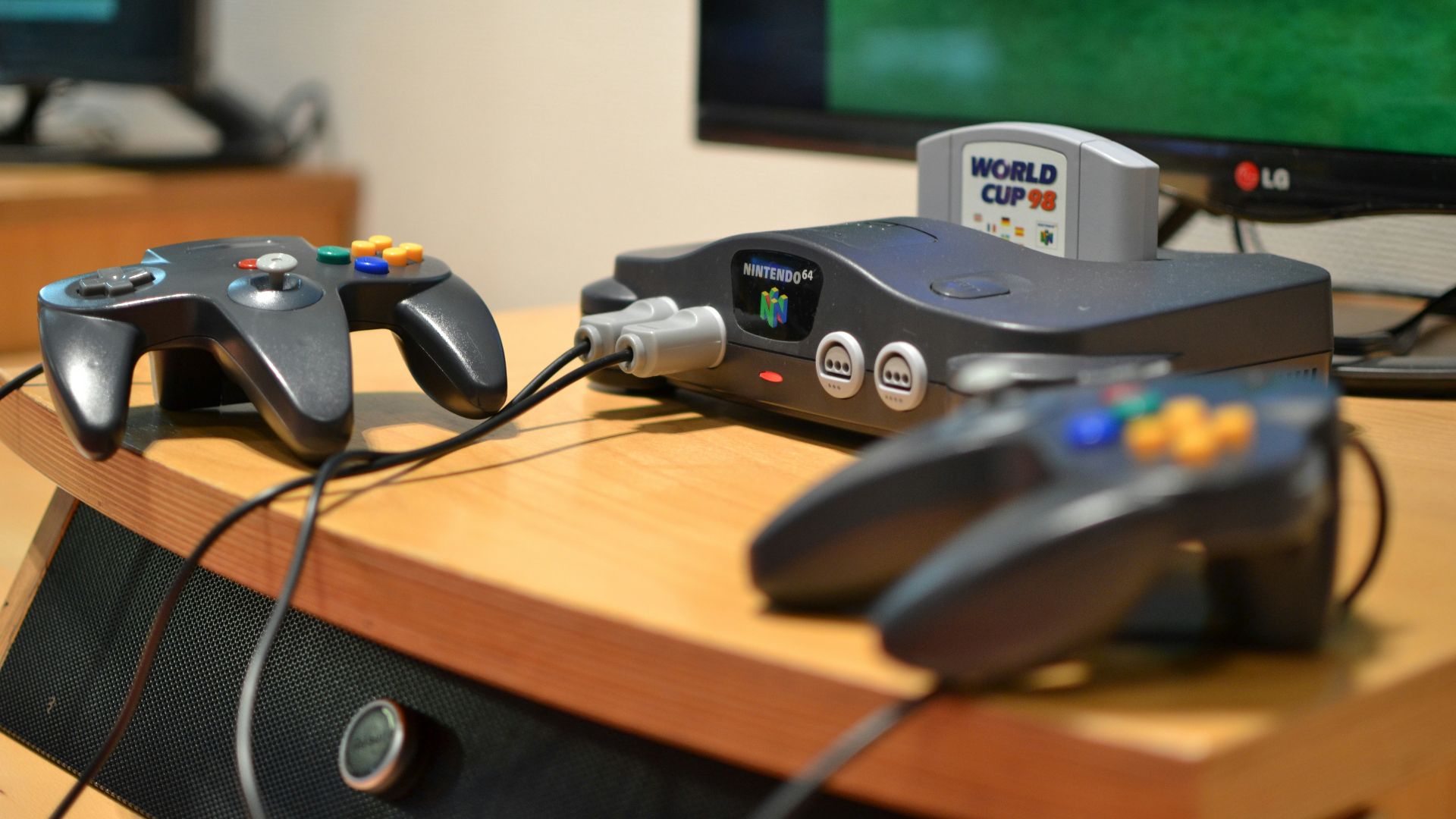
18. Label Controllers
It might sound small, but people can feel very protective of their gaming setup. Before a controller gets swapped, the profile changes, and the wrong account launches the game, take time to make sure what you’re using is actually yours.
19. Review The Setup
A shared console arrangement benefits from an occasional check-in, especially after system updates or new purchases. Once a month is enough to confirm the primary console still makes sense, the sharing settings still work, and nobody has been silently seething over a grudge that they’re holding.
20. Buy Extra Copies
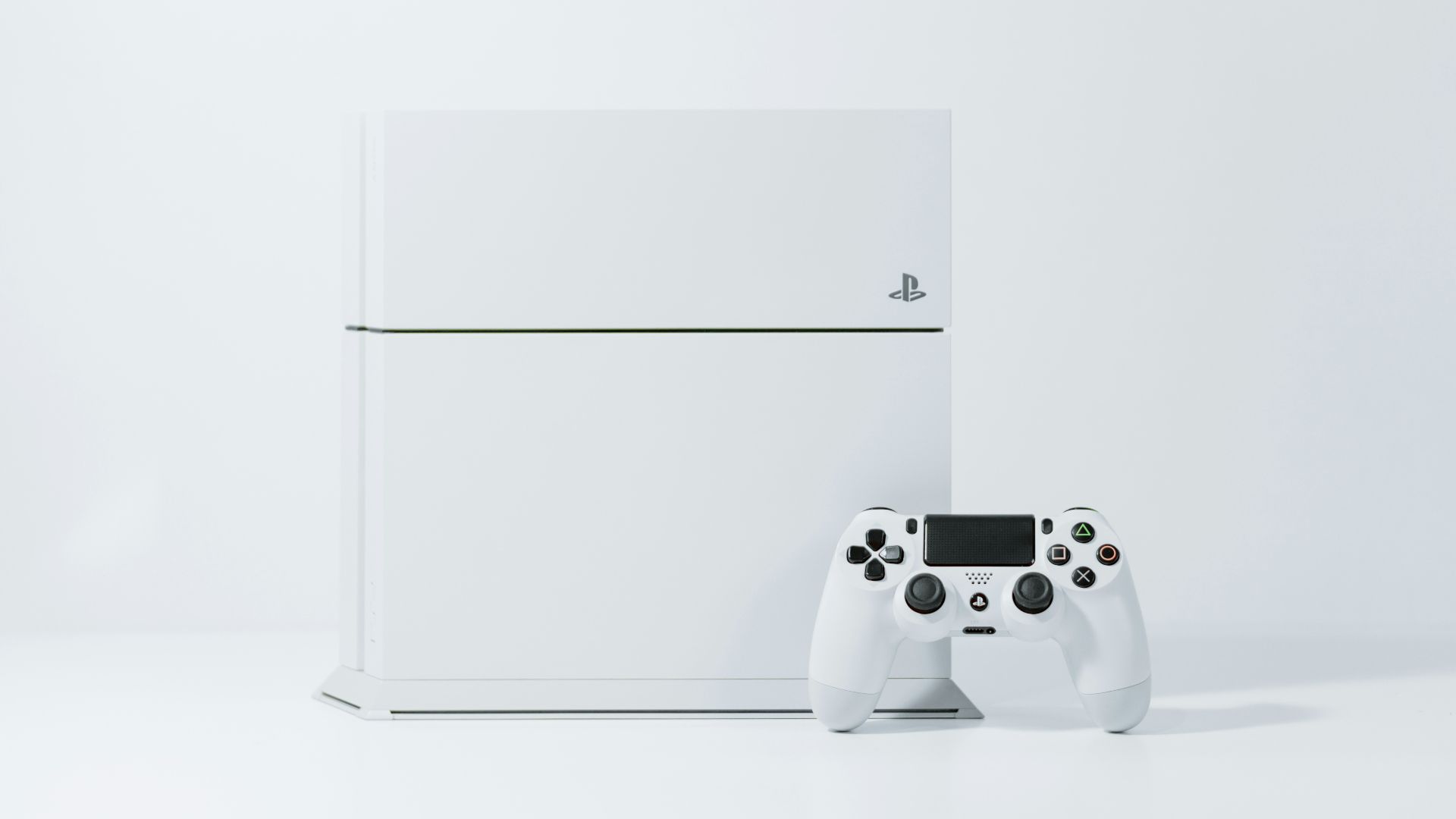
If your home has three active players, multiple consoles, and overlapping schedules, there comes a point where clever account arrangements stop being worth the trouble. Extra copies or separate subscriptions can cost more upfront, though they often buy back something most households value even more: peace and quiet.