Crisp Visuals vs. Costly Regret
A great 4K gaming monitor can completely change how your games look and feel, delivering sharp detail, smooth motion, and accurate color. At the same time, not every “4K” display lives up to expectations, and some cut corners that lead to blurry visuals or poor performance. Knowing what separates a true upgrade from a disappointing screen can save you money and frustration. These picks highlight monitors worth your attention and some you’re better off skipping.
1. LG UltraGear 27GR93U-B
This monitor delivers true 4K resolution with a fast 144Hz refresh rate, making it ideal for both visuals and responsiveness. Its IPS panel ensures accurate colors and wide viewing angles. It also supports both G-Sync and FreeSync for smoother gameplay. That balance makes it a reliable all-around choice.
2. Samsung Odyssey G7 (28-inch 4K)
Samsung’s Odyssey line is known for strong performance, and this model keeps that reputation. It combines a 144Hz refresh rate with low response times for fluid motion. HDMI 2.1 support also makes it great for console gaming. You’ll get sharp images without sacrificing speed.
3. ASUS TUF Gaming VG28UQL1A
This display focuses on performance with a fast IPS panel and 1ms response time. It supports modern features like variable refresh rates and HDMI 2.1. The result is smoother gameplay with minimal blur. It’s a solid option for competitive and casual players alike.

4. Corsair XENEON 32UHD144
With a larger 32-inch screen, this monitor offers immersive 4K visuals. It maintains a 144Hz refresh rate while delivering strong color accuracy. The build quality is also premium, which adds to its long-term appeal. It’s a great pick if you want size and clarity together.
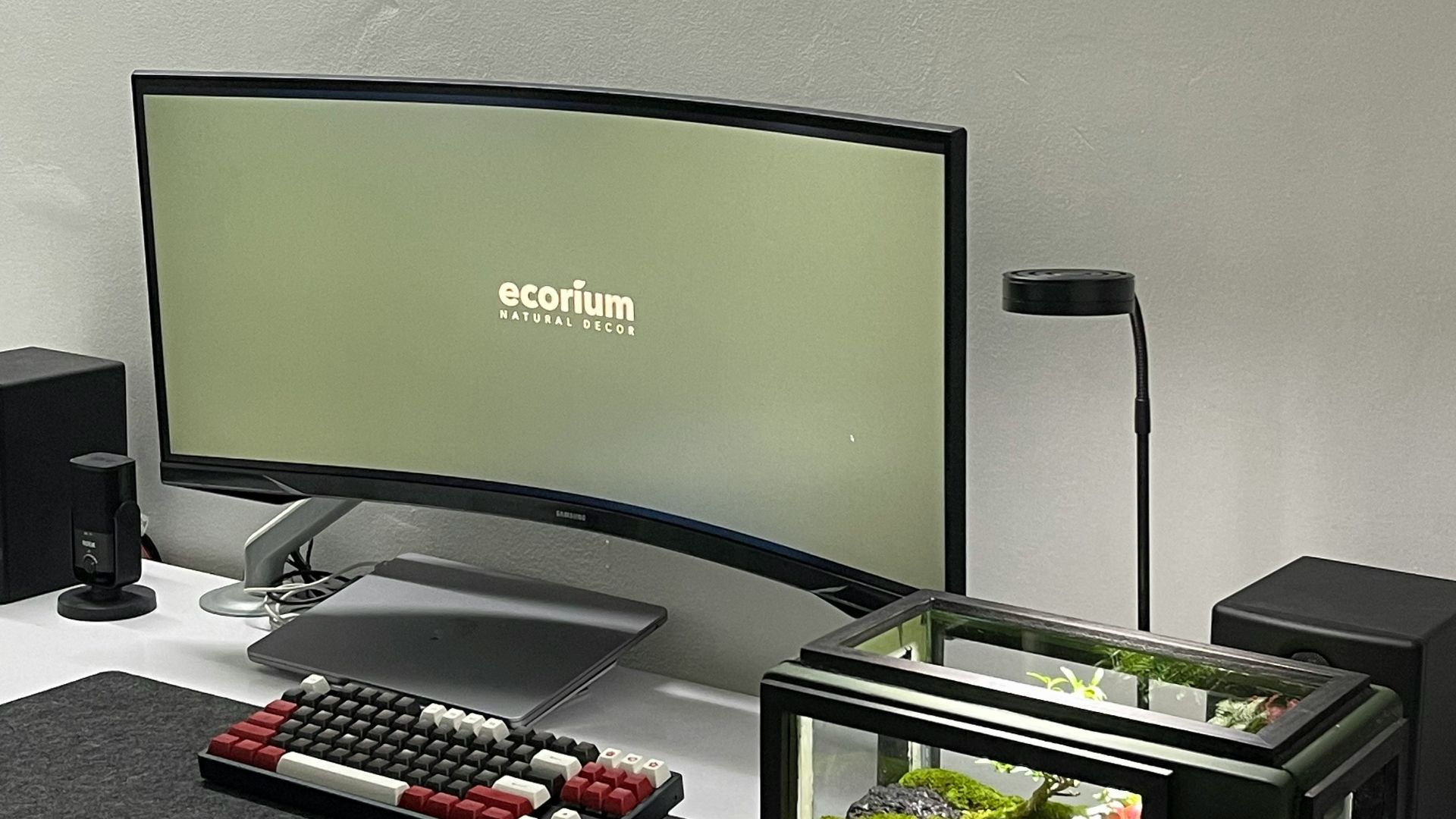
5. ASUS ROG Swift PG32UQX
This high-end monitor uses advanced backlighting for excellent contrast and brightness. It’s designed for gamers who want top-tier image quality. HDR performance is especially strong compared to standard displays. That makes it stand out for visually rich games.
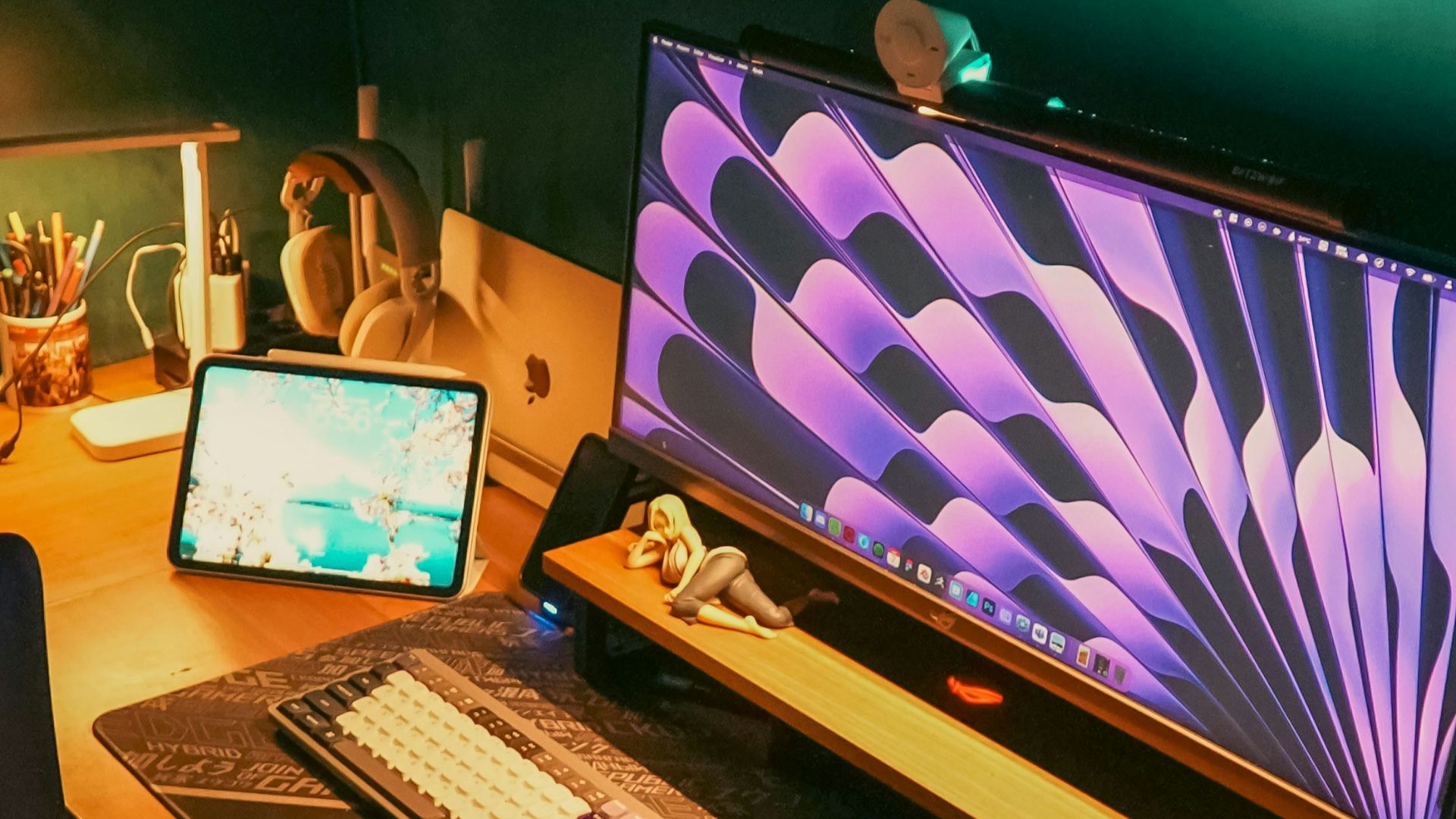
6. HP OMEN 27u 4K Gaming Monitor
HP’s OMEN series combines performance with a clean design. This model offers 4K resolution with a 144Hz refresh rate and good color coverage. It’s also well-suited for both PC and console setups. The versatility makes it a practical choice.
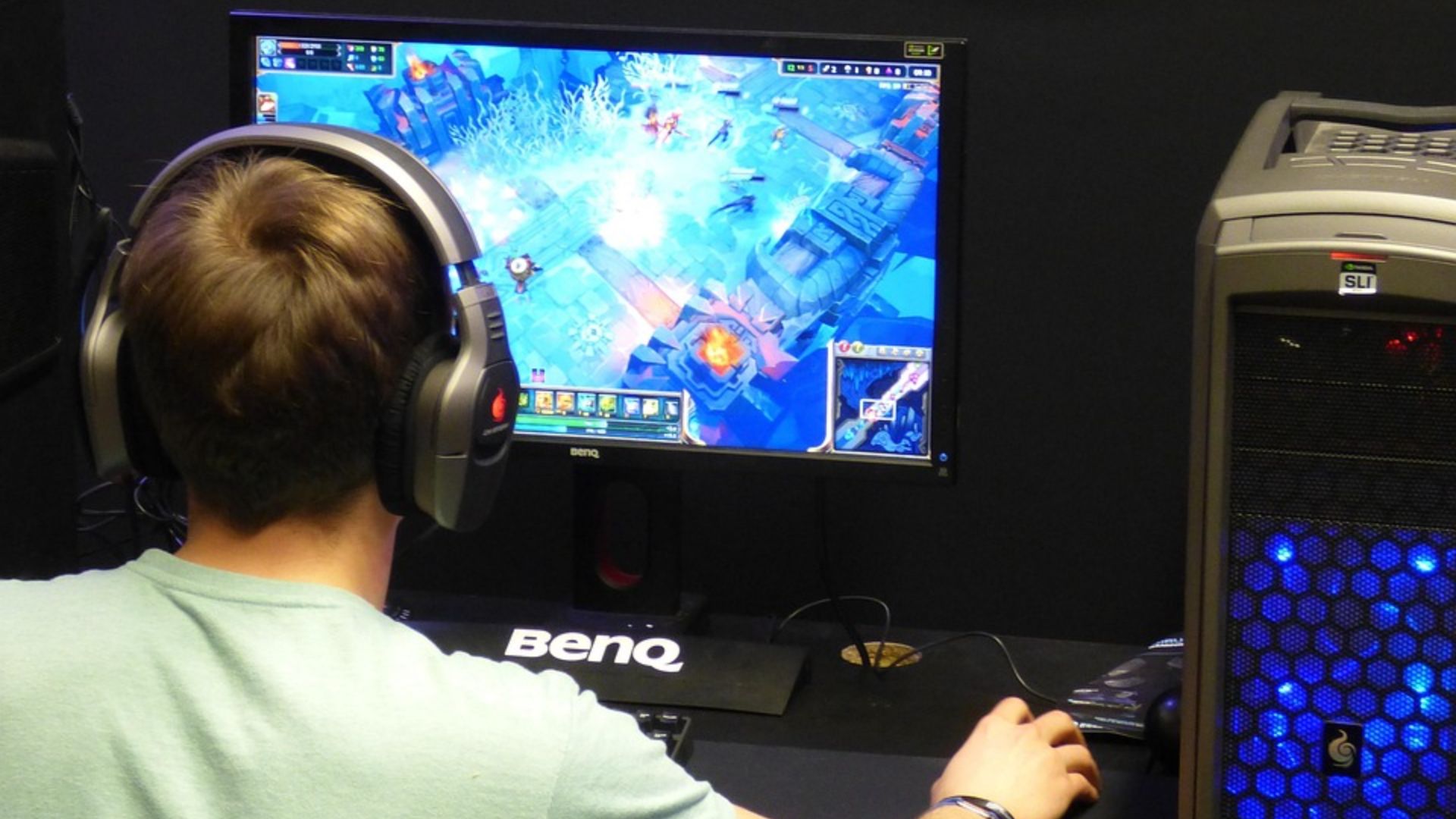
7. MSI MAG 275UPD E14
This monitor stands out for offering dual modes, including 4K at 144Hz and 1080p at higher refresh rates. That flexibility lets you switch between visual quality and competitive speed. It also includes adaptive sync for smoother gameplay. Budget-conscious gamers often find it appealing.
8. BenQ Mobiuz EX321UX
BenQ’s gaming monitors are known for strong HDR and brightness performance. This model enhances detail in darker scenes while maintaining clarity. It’s particularly effective for immersive single-player games. The visual depth adds to the experience.
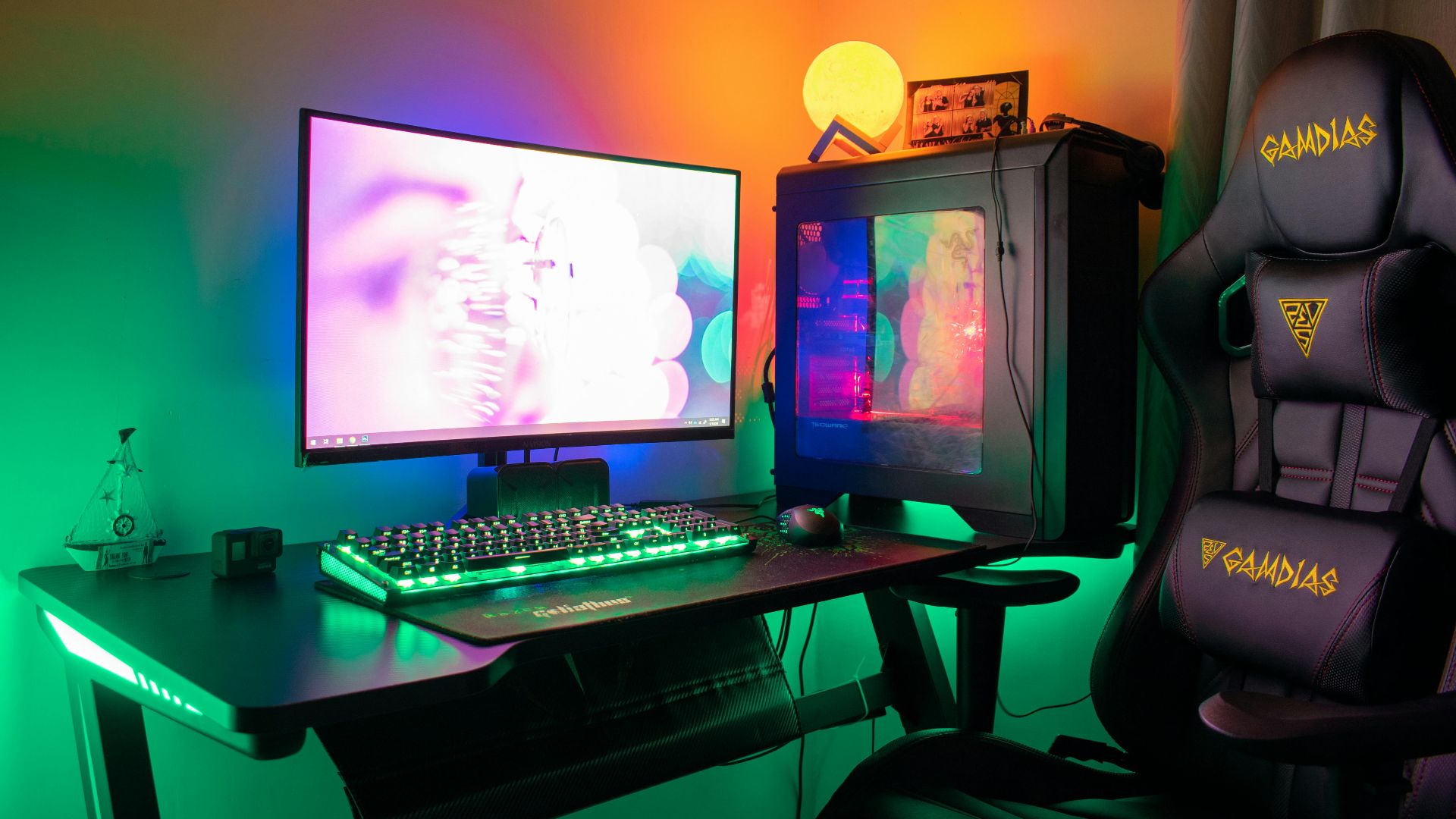
9. Acer Predator XV275K
Acer’s Predator line emphasizes both speed and image quality. This monitor offers high refresh rates alongside true 4K resolution. It also features good color accuracy for gaming and content use. That makes it a versatile display.
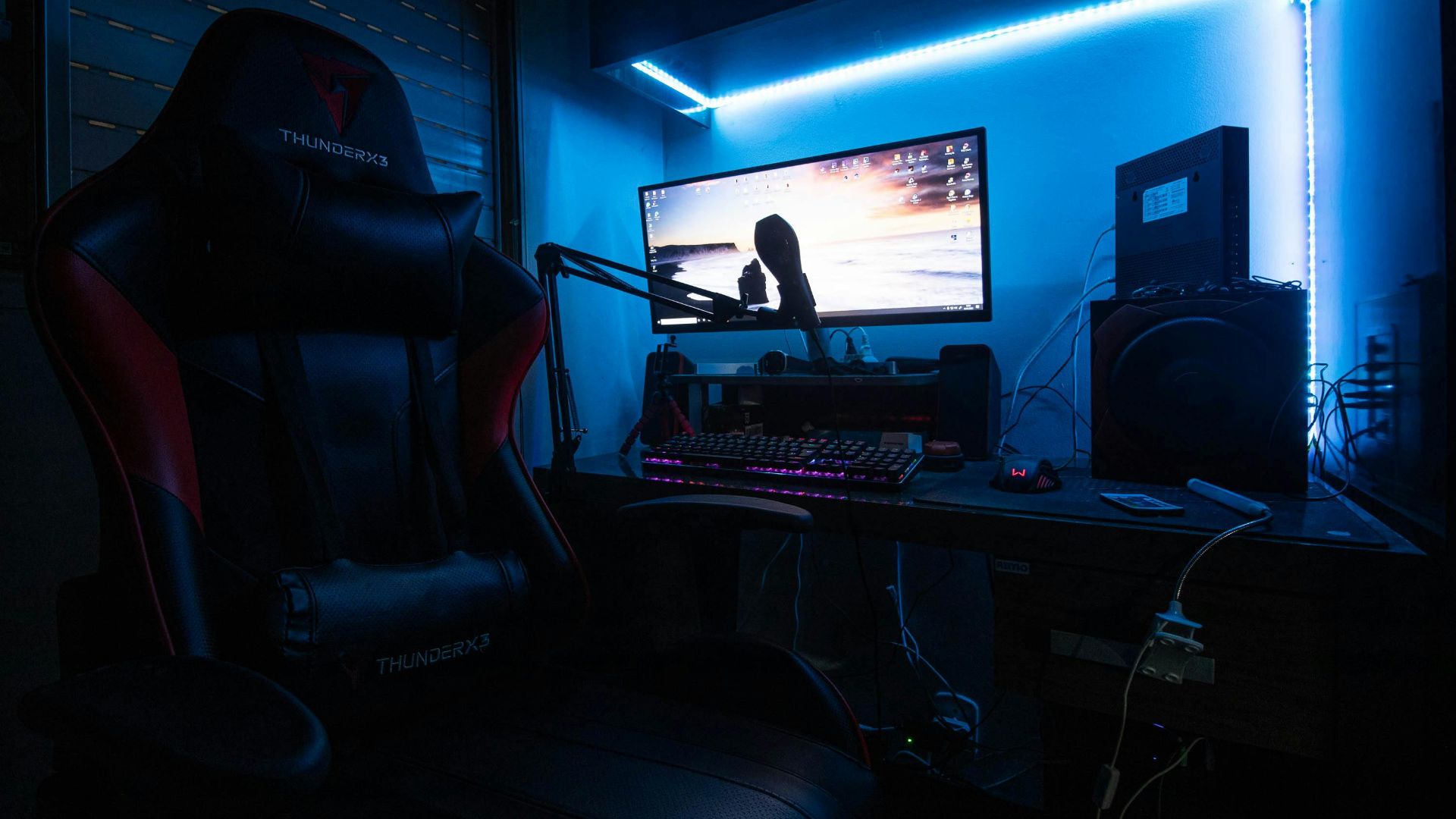
10. Philips Momentum 27M1F5800
This monitor delivers consistent performance with a 4K 144Hz panel and adaptive sync support. It’s designed to work well across different gaming setups. The image remains sharp even during fast motion. That reliability makes it a strong contender.
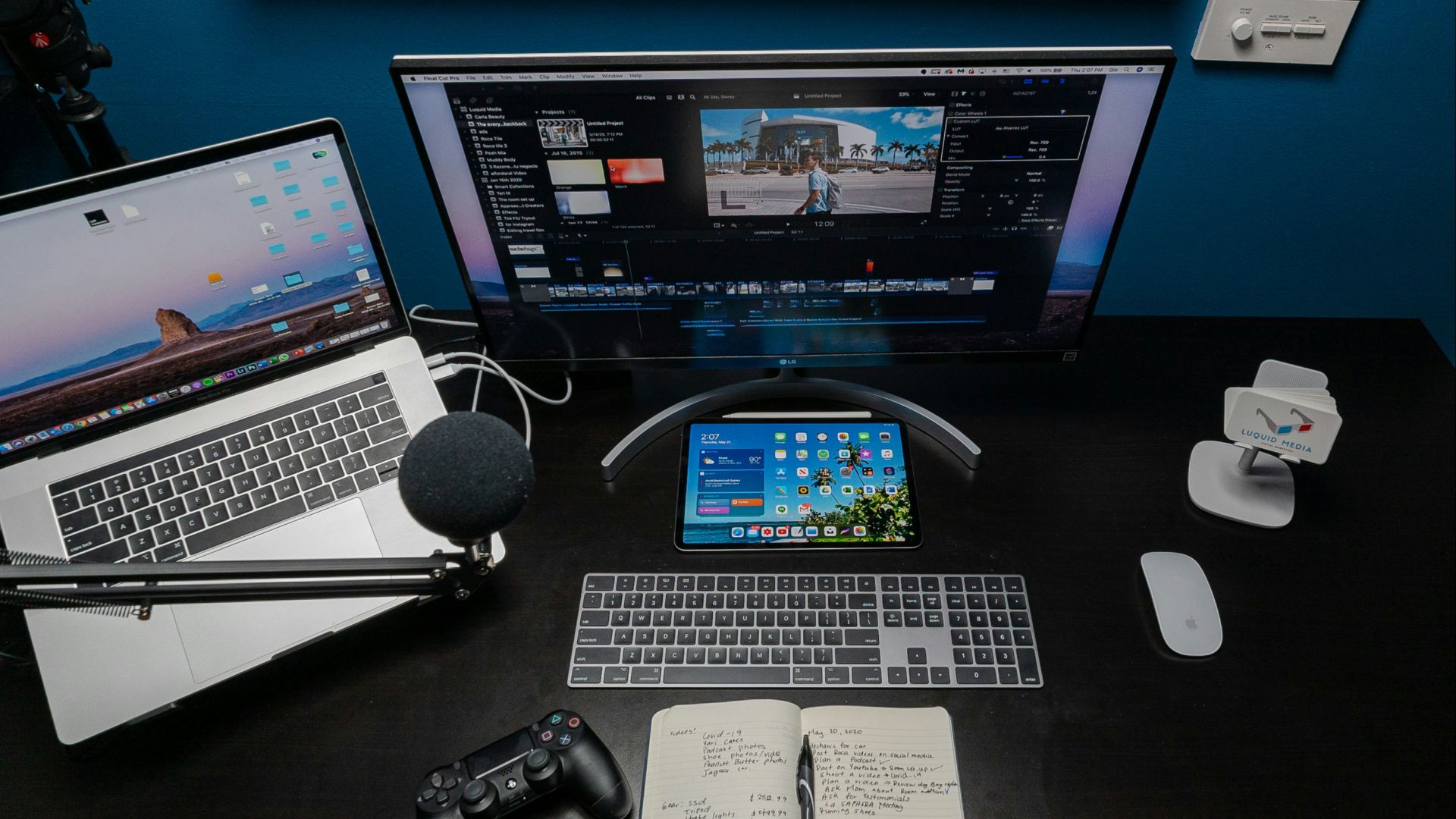
1. 4K Monitors Limited to 60Hz
While technically 4K, these displays often feel sluggish during gameplay. The lower refresh rate can introduce motion blur and reduce responsiveness. Fast-paced games don’t look nearly as smooth. For gaming, they fall short of modern expectations.

2. Cheap VA Panels With Slow Response Times
Some budget VA panels struggle with pixel response, leading to ghosting. Dark scenes can appear smeared during motion. This reduces clarity, especially in action-heavy games. The issue becomes more noticeable over time.

3. “4K-Compatible” But Not Native Displays
Certain monitors upscale lower resolutions to appear like 4K. This results in softer images and reduced sharpness. Text and fine details often look slightly off since true native resolution is essential for clarity.
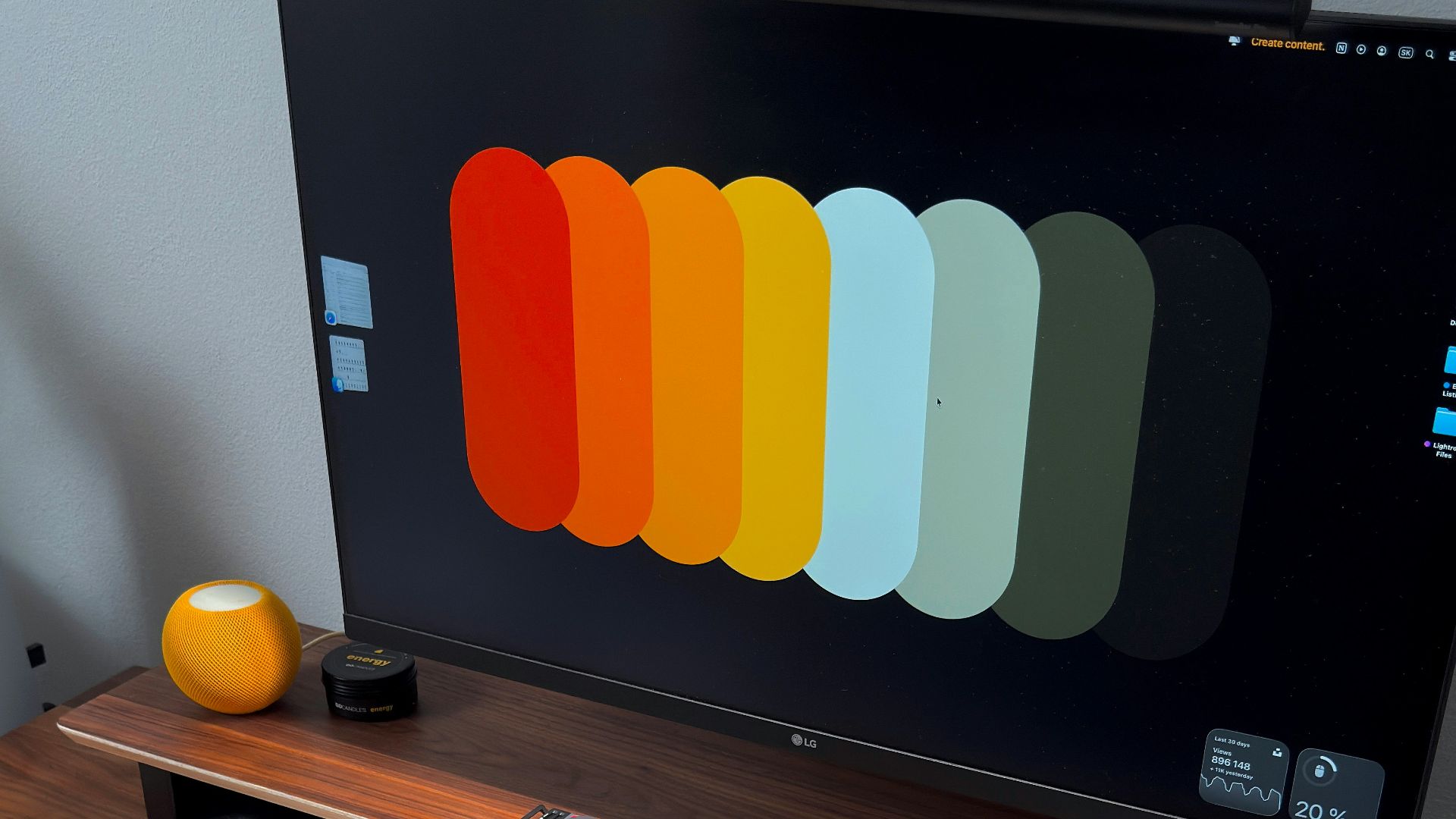
4. Displays Without Adaptive Sync
Without technologies like G-Sync or FreeSync, screen tearing becomes more noticeable. This disrupts the visual experience and can make gameplay feel uneven. Even a high-resolution panel won’t look smooth without sync support. It’s a key feature many overlook.
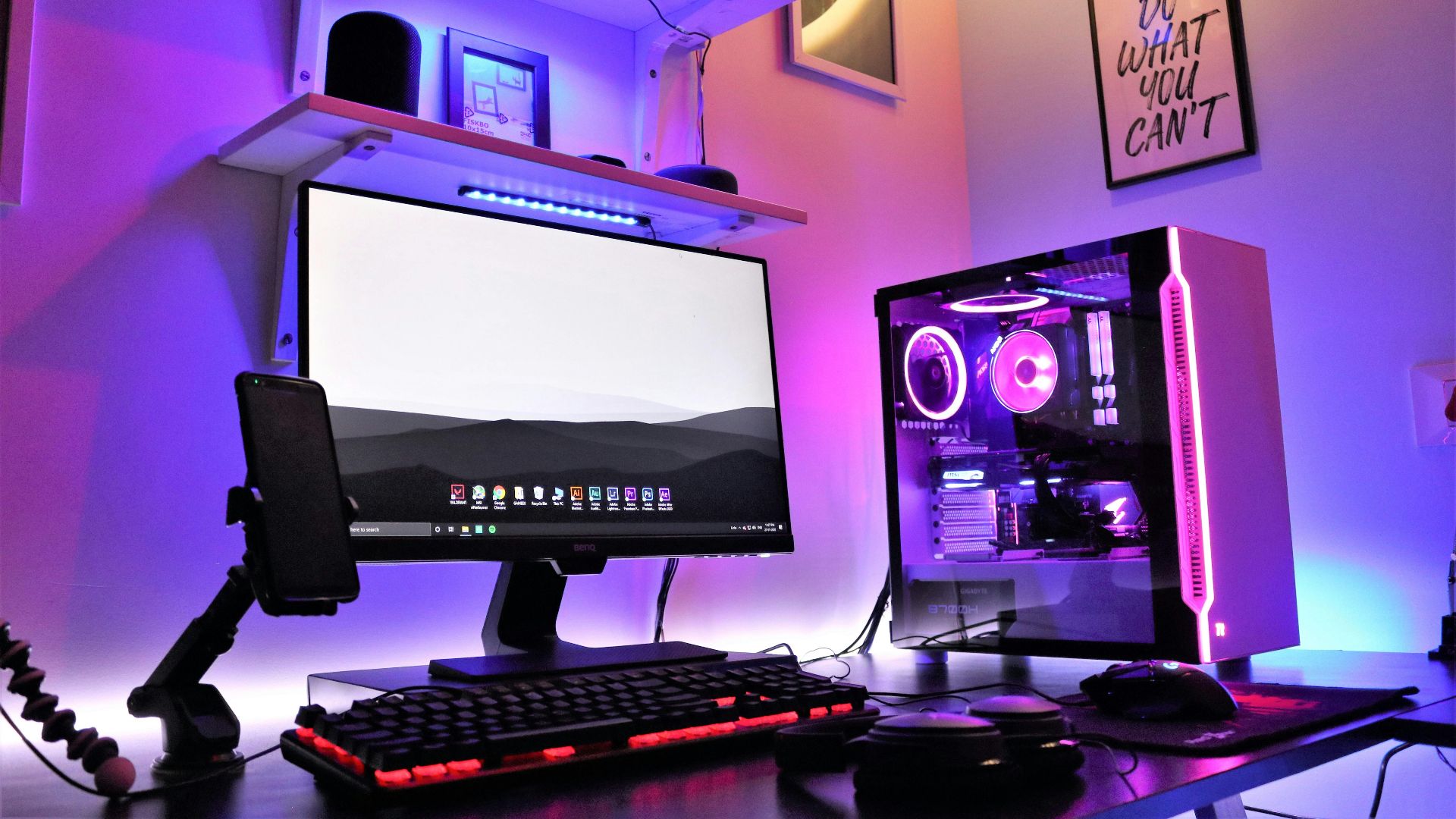
5. Low Brightness HDR Monitors
Some monitors advertise HDR but lack the brightness to support it properly. This leads to washed-out highlights instead of enhanced contrast. The image can actually look worse than standard mode. Not all HDR labels mean real improvement.
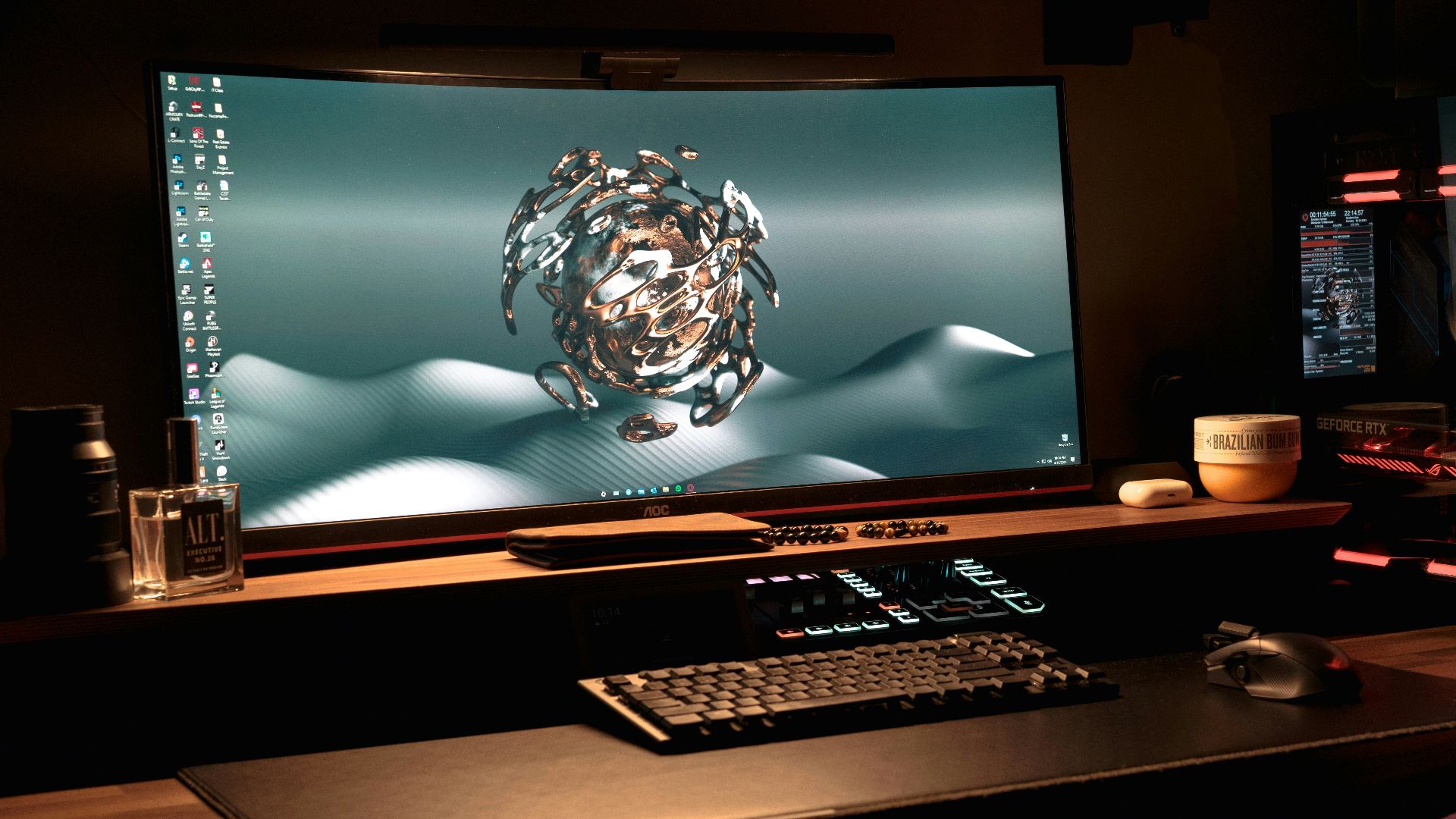
6. Oversized Low Pixel Density Screens
Large monitors with 4K resolution can still appear less sharp if pixel density is low for the viewing distance. Details may not look as crisp as expected. This becomes noticeable when sitting close to the screen. The size needs to match the resolution properly.
7. Poor Factory Calibration Displays
Monitors with inaccurate colors can make games look dull or unnatural. Without proper calibration, the image lacks depth and vibrancy. This affects both gameplay and media use. Color accuracy is more important than many realize.
8. Budget Models With Weak Backlighting
Uneven lighting can create visible patches or brightness inconsistencies. This distracts from the overall image quality. It’s especially noticeable in darker scenes, as consistent backlighting is essential for a clean display.
9. High-Input-Lag Monitors
Some 4K displays prioritize visuals over responsiveness. This leads to delayed input, which can hurt gameplay performance. Competitive players will notice the difference quickly. A good gaming monitor balances both speed and clarity.
10. No HDMI 2.1 Support for Consoles
Without HDMI 2.1, consoles can’t fully utilize 4K at higher refresh rates. This limits performance on newer systems.