What’s Worth It and What’s Just Hype in Gaming Gear
Gaming accessories are constantly marketed as must-have upgrades that promise better performance, comfort, or immersion. While some genuinely improve your experience, others are more about flashy features than practical value. It’s easy to get caught up in trends, especially when products are heavily promoted by influencers and brands. Knowing the difference can help you spend smarter and avoid cluttering your setup with items that don’t deliver. Here are 10 gaming accessories that are pure gimmicks and 10 that actually work.

1. RGB Mousepads With No Functional Features
RGB lighting on mousepads looks visually appealing, but it doesn’t improve gameplay or precision. Most versions don’t offer better surface tracking than standard high-quality pads. You’re essentially paying extra for aesthetics rather than performance.
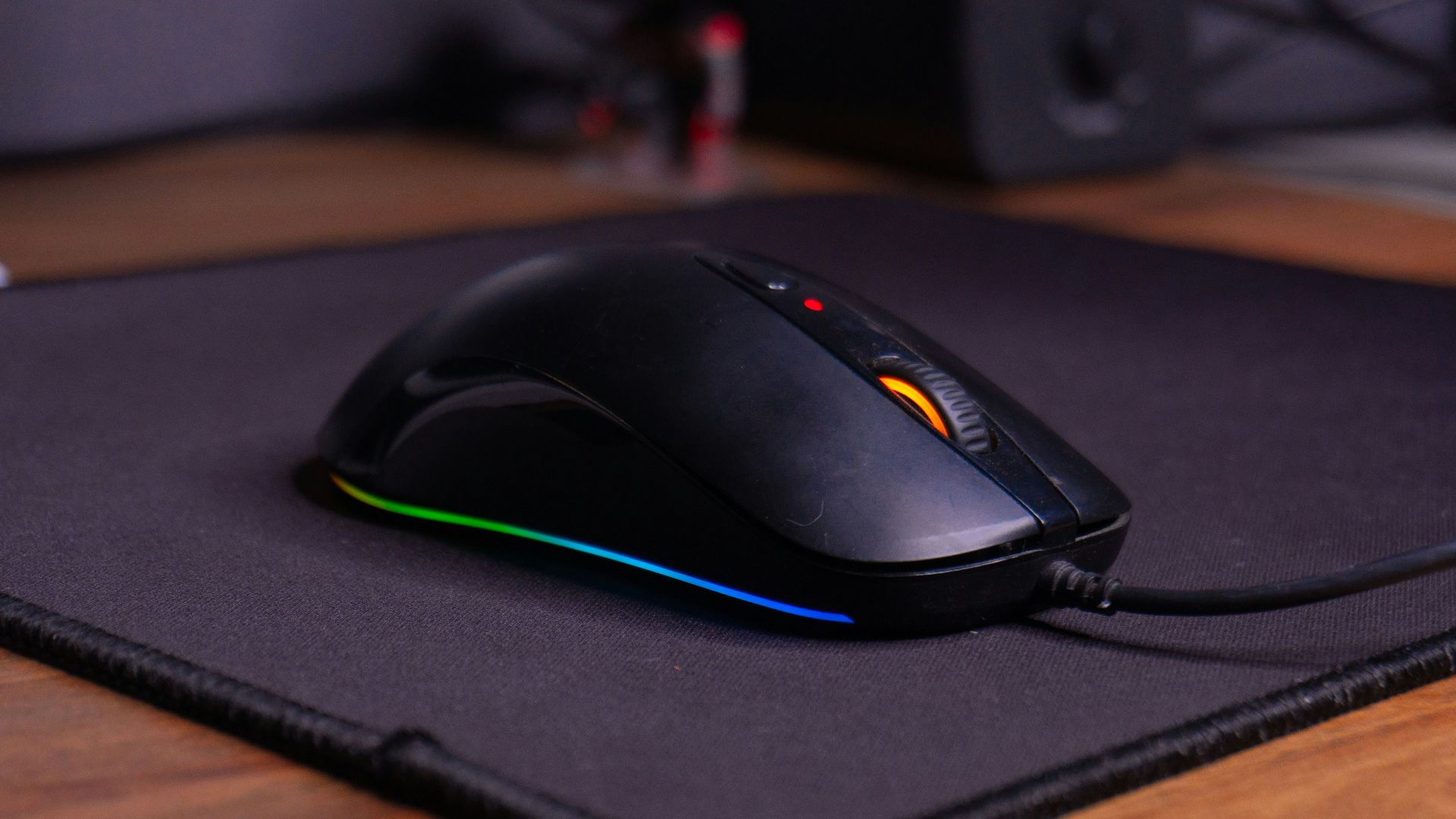
2. Gaming” Glasses Without Proven Benefit
Many gaming glasses claim to reduce eye strain by blocking blue light, but evidence on their effectiveness is mixed. Standard screen breaks and proper lighting are more reliable ways to protect your eyes. These products often rely more on marketing than measurable results.
3. Overbuilt Gaming Chairs With Racing Designs
Racing-style gaming chairs are often bulky and not ergonomically superior to well-designed office chairs. Some prioritize appearance over proper lumbar support and adjustability. Comfort depends more on build quality than branding.
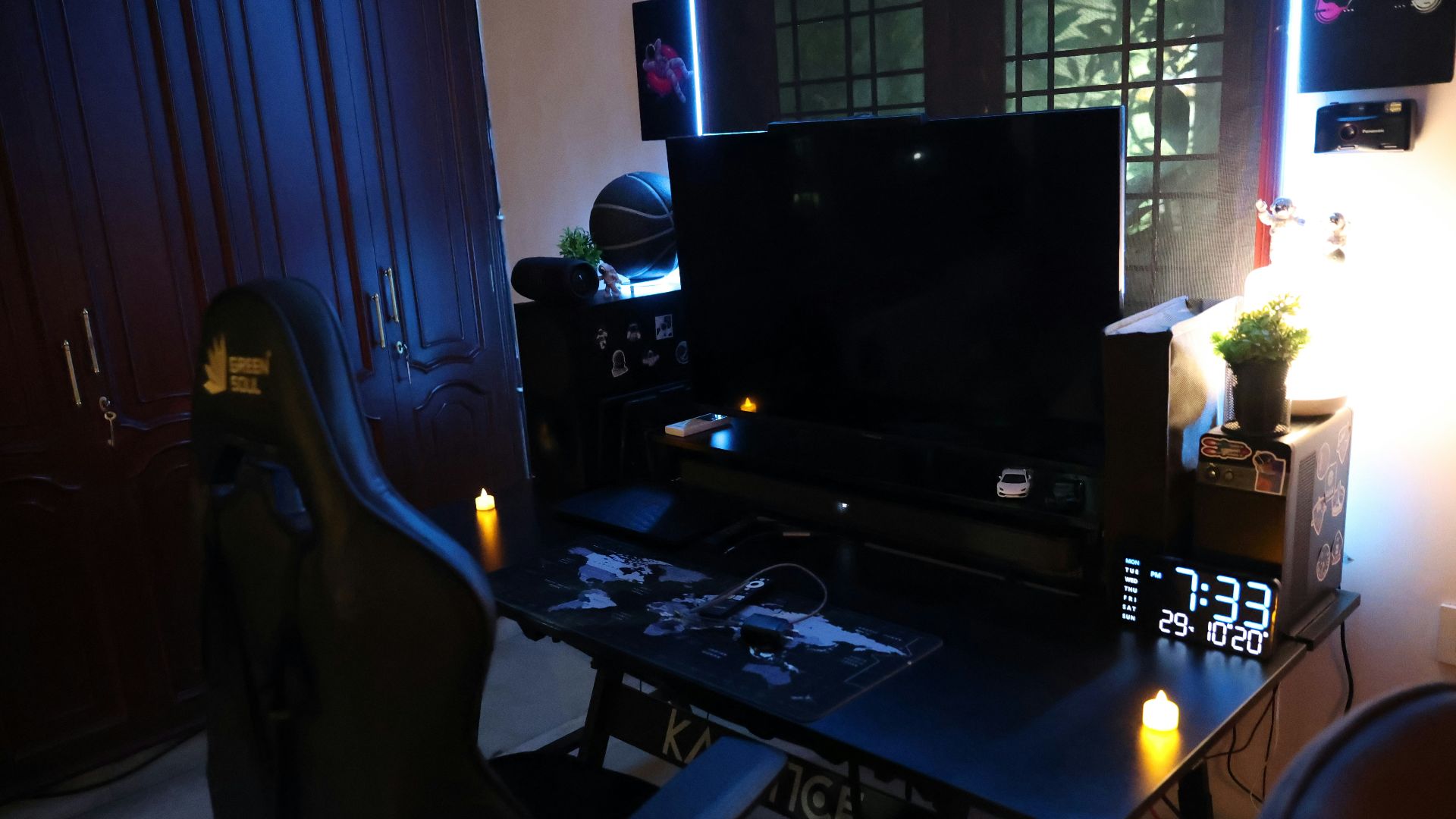
4. Ultra-High DPI Mice for Casual Use
Mice advertising extremely high DPI levels often exceed what most players actually use. Higher numbers don’t automatically translate to better control or accuracy. In practice, moderate DPI settings are more useful and easier to manage.
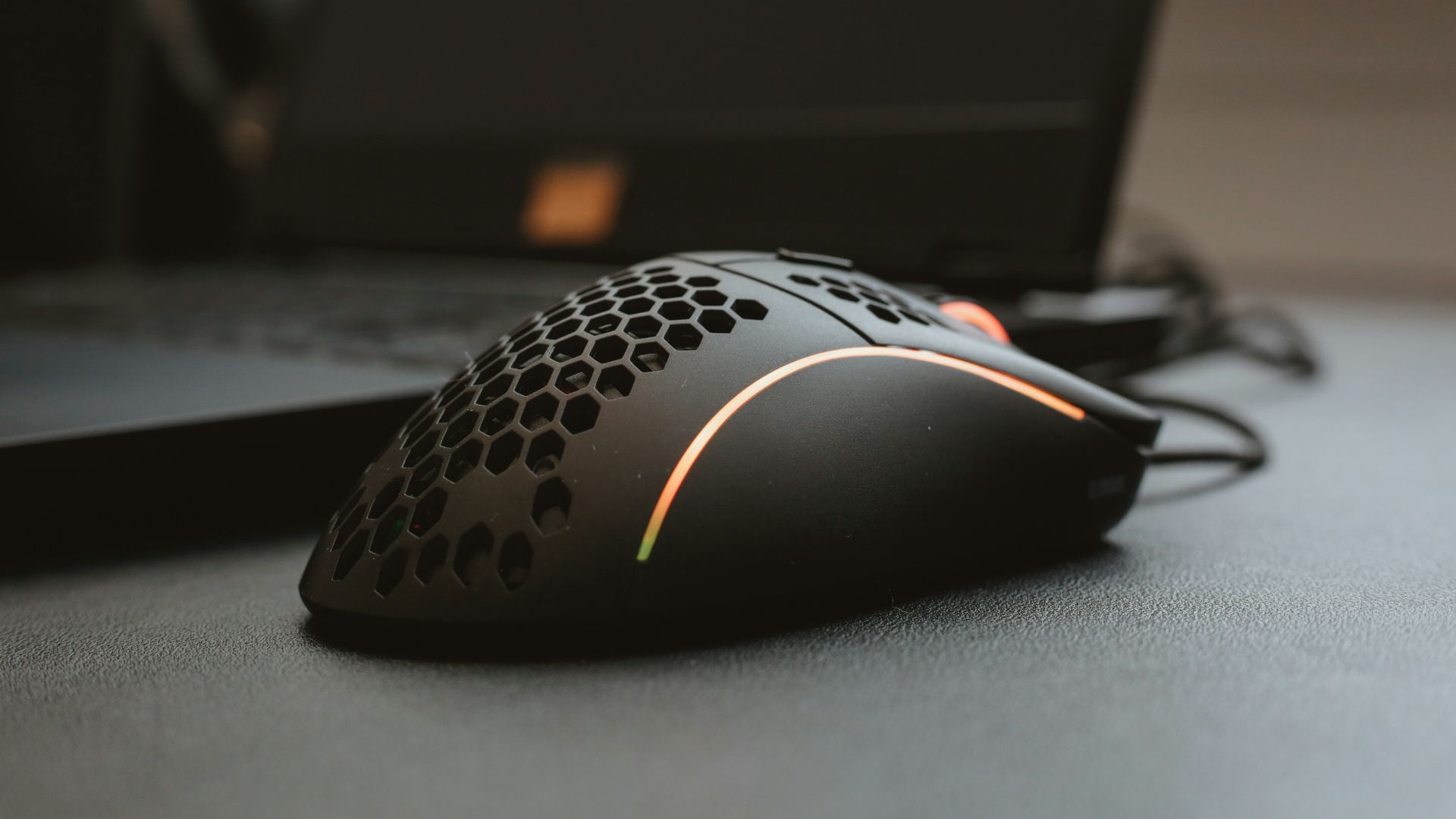
5. Headsets With Excessive Surround Sound Claims
Some gaming headsets promote exaggerated surround sound features that don’t meaningfully enhance audio positioning. Software-based surround can sometimes distort sound quality. A well-tuned stereo headset often performs just as well.
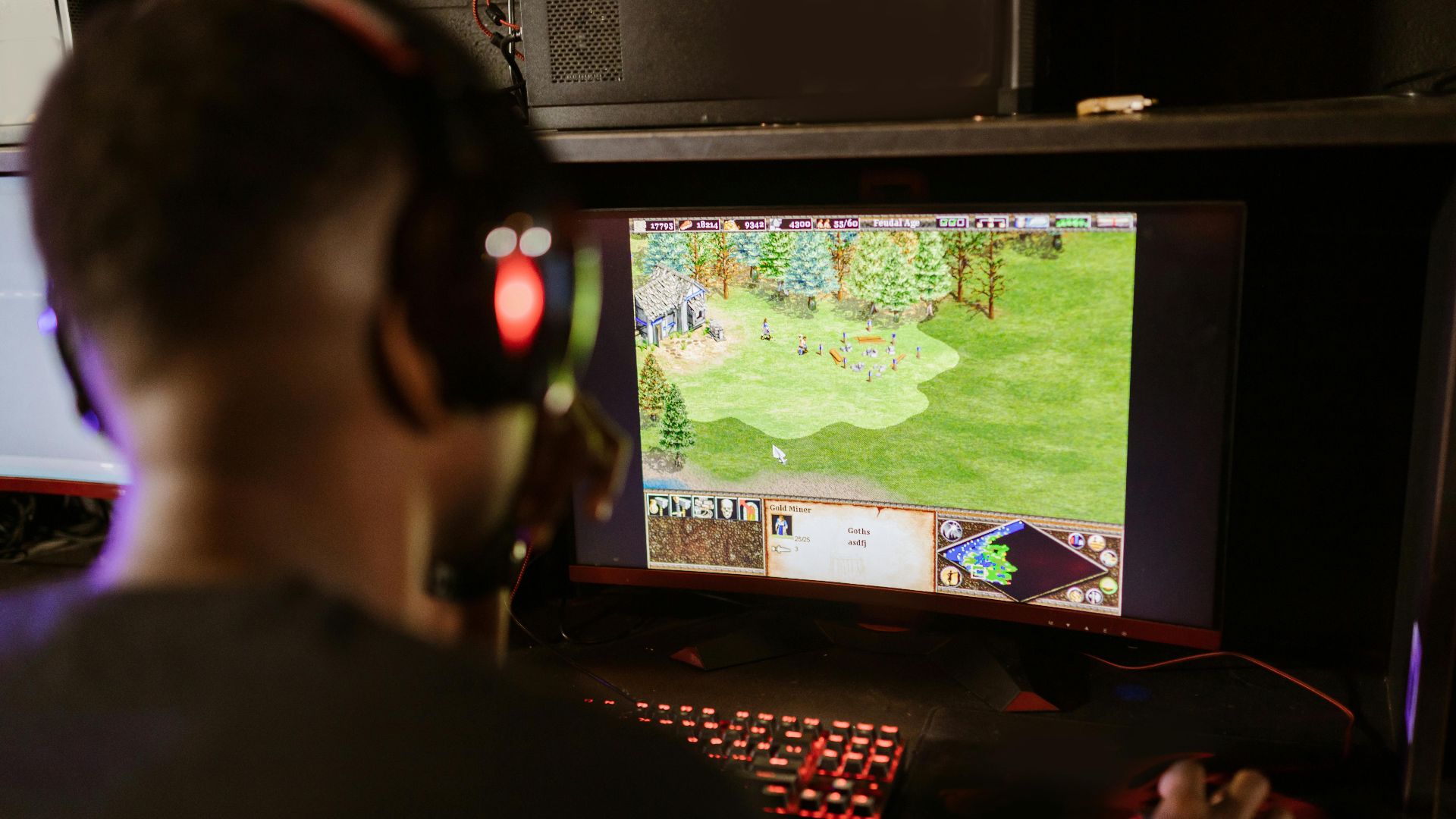
6. USB-Powered Mini “Gaming” Fridges
These small desktop fridges are marketed for convenience but typically have very limited cooling capability. They can’t store much and don’t cool items as effectively as standard appliances. They’re more novelty than necessity.

7. Clip-On Cooling Fans for Controllers
Controller fans claim to keep your hands cool during long sessions, but they often add bulk and noise. Most players don’t experience enough heat buildup to justify them. Proper room temperature and breaks are more effective solutions.
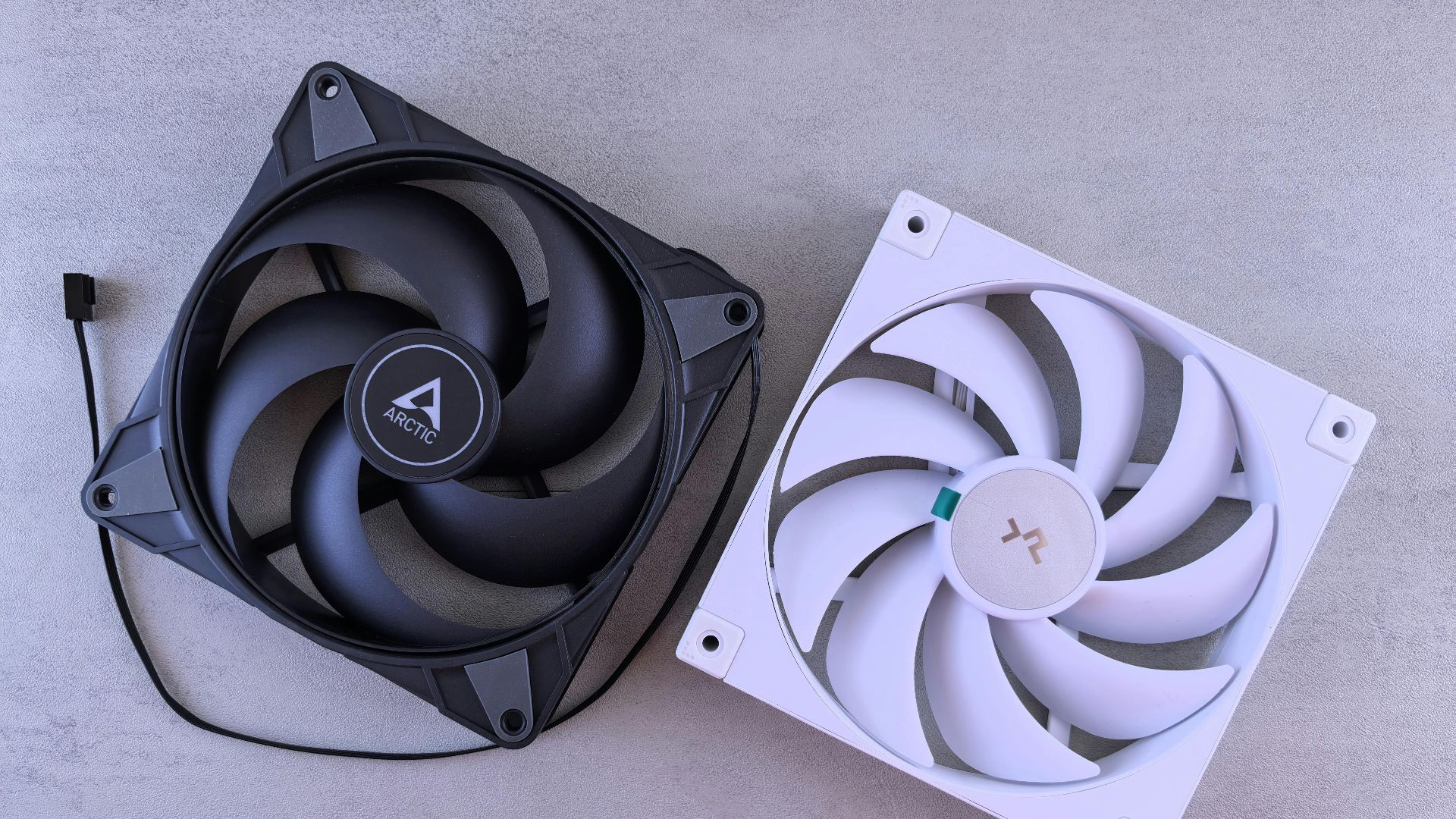
8. Decorative Cable Sleeves Sold as Performance Upgrades
Cable sleeves can help with organization, but some are marketed as improving signal quality or performance. In reality, they don’t affect how your hardware functions. Their value is purely visual and organizational.
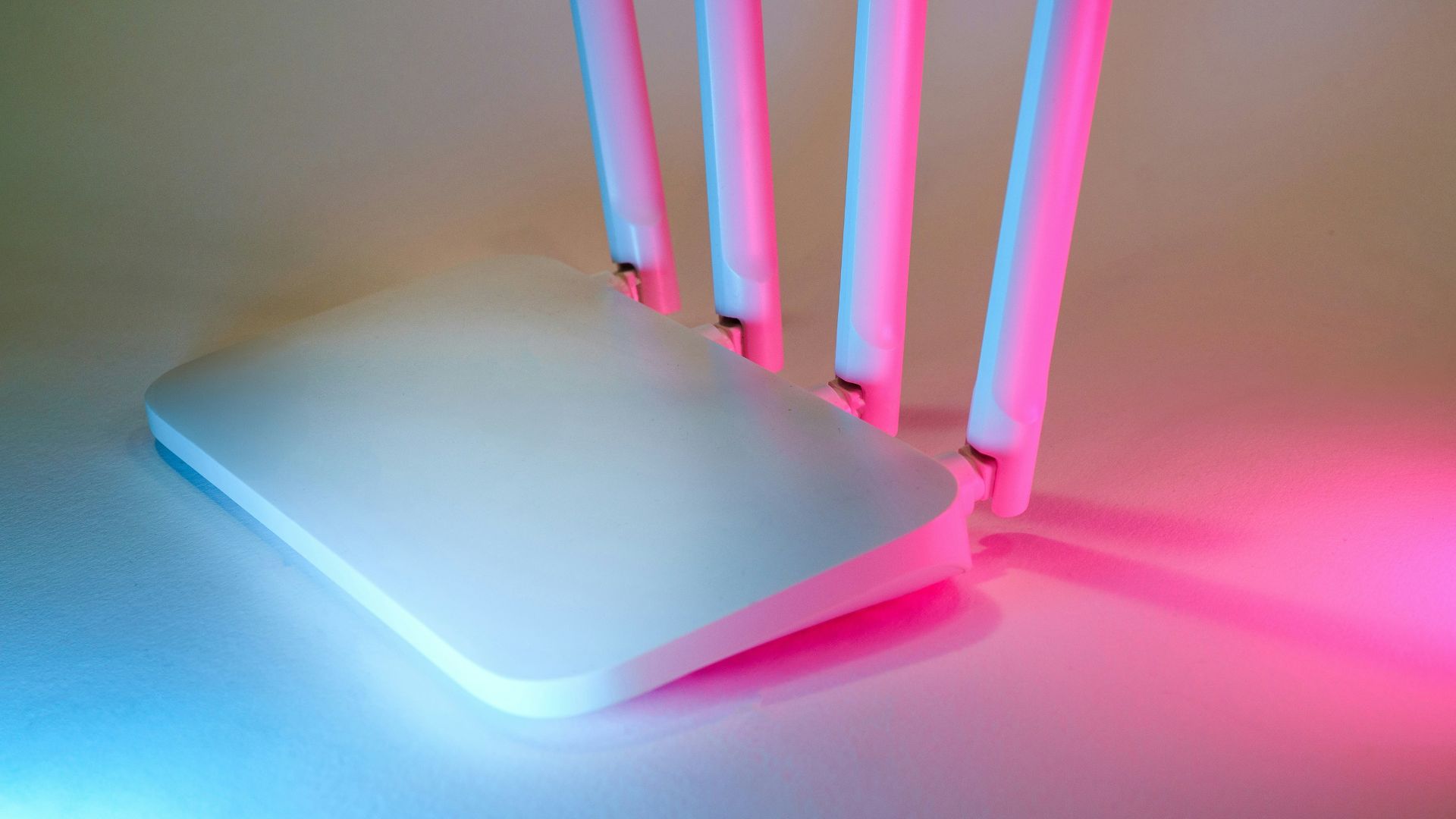
9. “Gaming” Routers With Minimal Real Advantage
Some routers are branded specifically for gaming with bold claims of reduced lag. While quality networking matters, many of these features are standard in good mid-range routers. The gaming label often inflates the price without adding significant benefit.
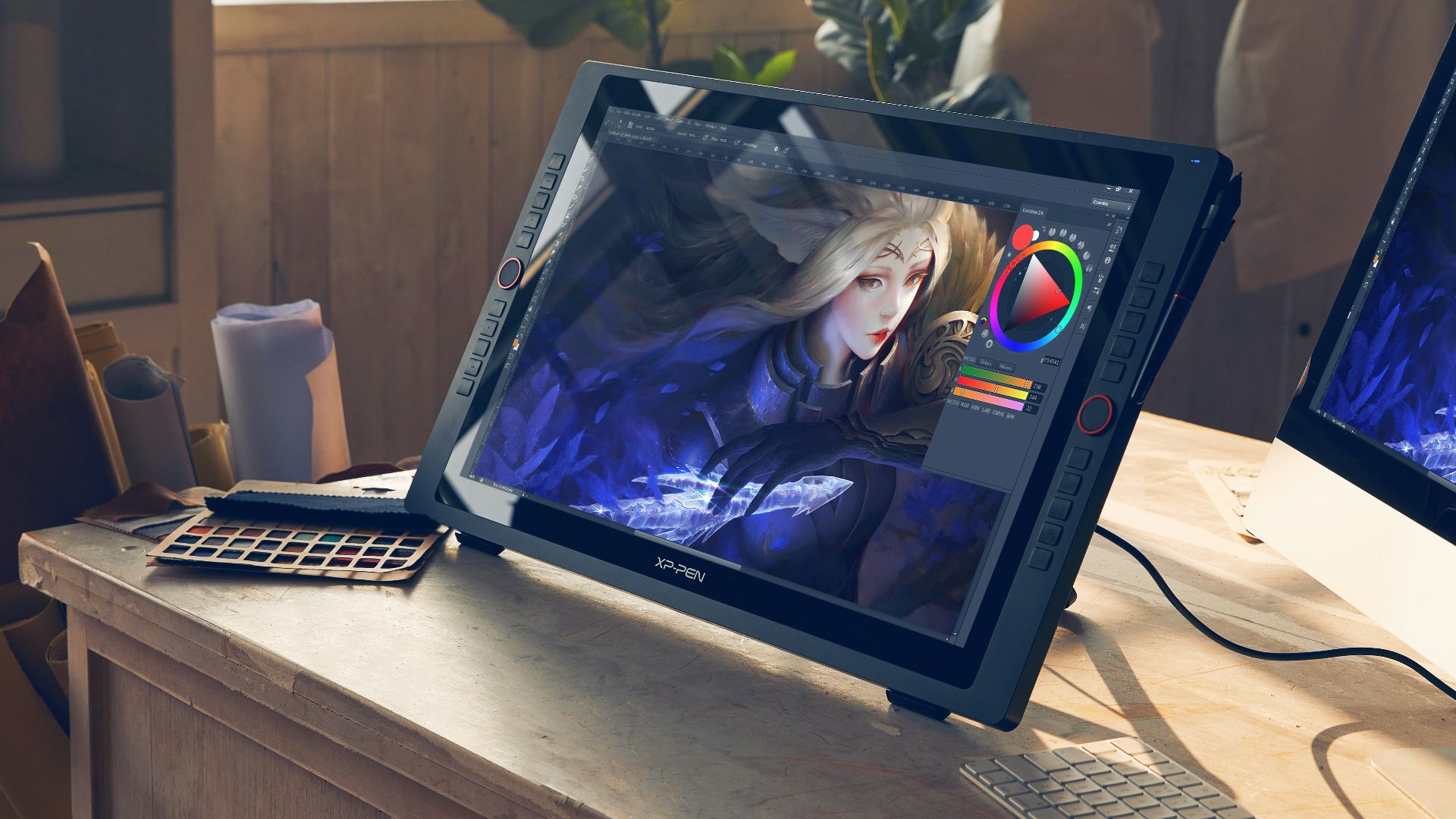
10. Screen Magnifiers for Standard Monitors
Clip-on magnifiers are sometimes marketed to enhance visibility, but they can distort the image and reduce clarity. Most modern monitors already provide sufficient resolution and size. These accessories rarely improve the experience.
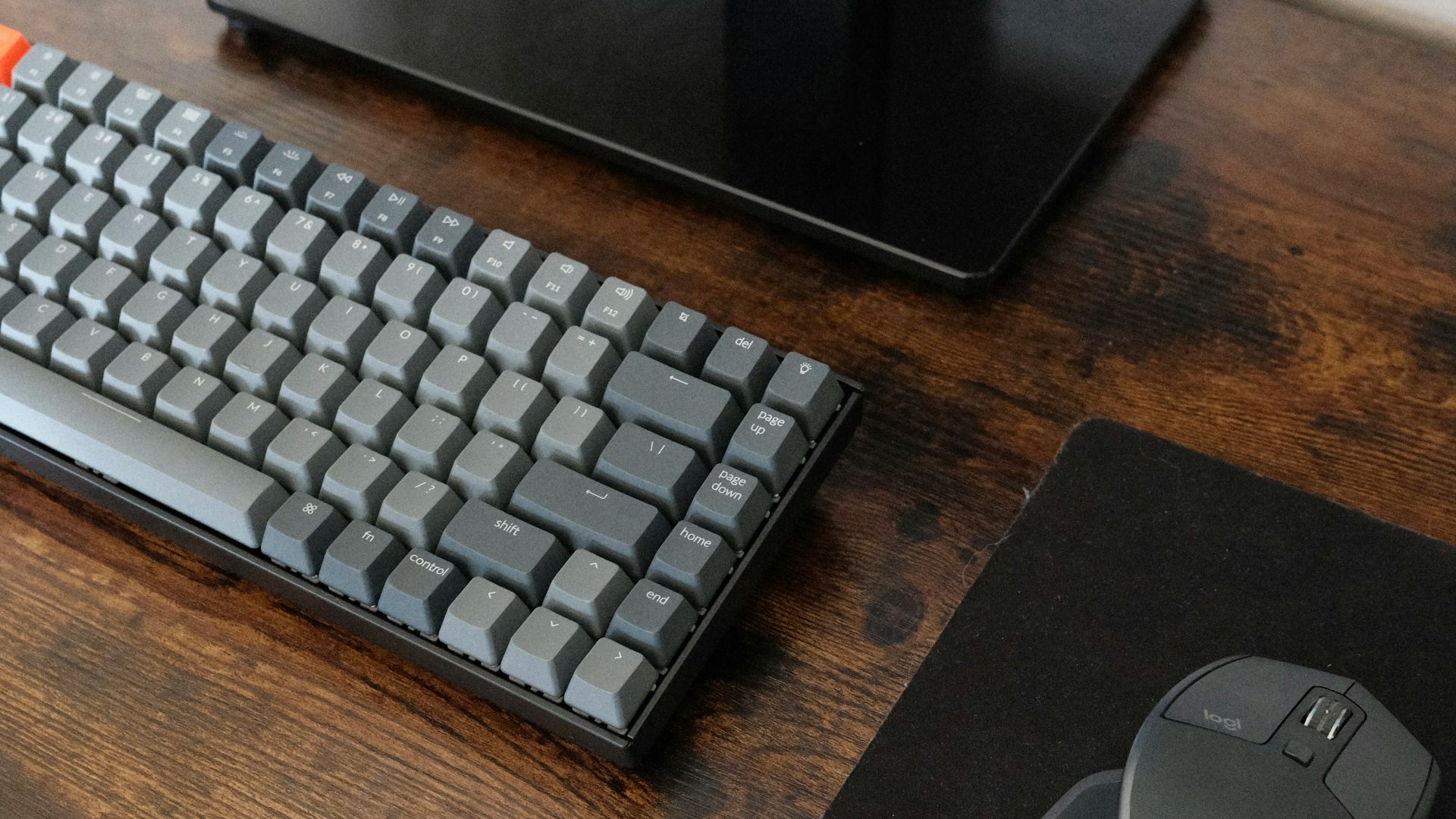
1. Mechanical Keyboards With Quality Switches
Mechanical keyboards offer better tactile feedback and durability compared to standard membrane options. They can improve typing accuracy and responsiveness during gameplay. Many also allow customization to suit personal preferences.

2. High-Quality Mousepads
A good mousepad provides consistent tracking and smoother movement. This can make a noticeable difference in precision, especially in competitive games. It’s a simple upgrade that supports better control.
3. Ergonomic Office Chairs
Unlike many gaming-branded chairs, ergonomic office chairs focus on posture and long-term comfort. Adjustable support can reduce strain during extended sessions. This makes them a practical investment for both gaming and work.
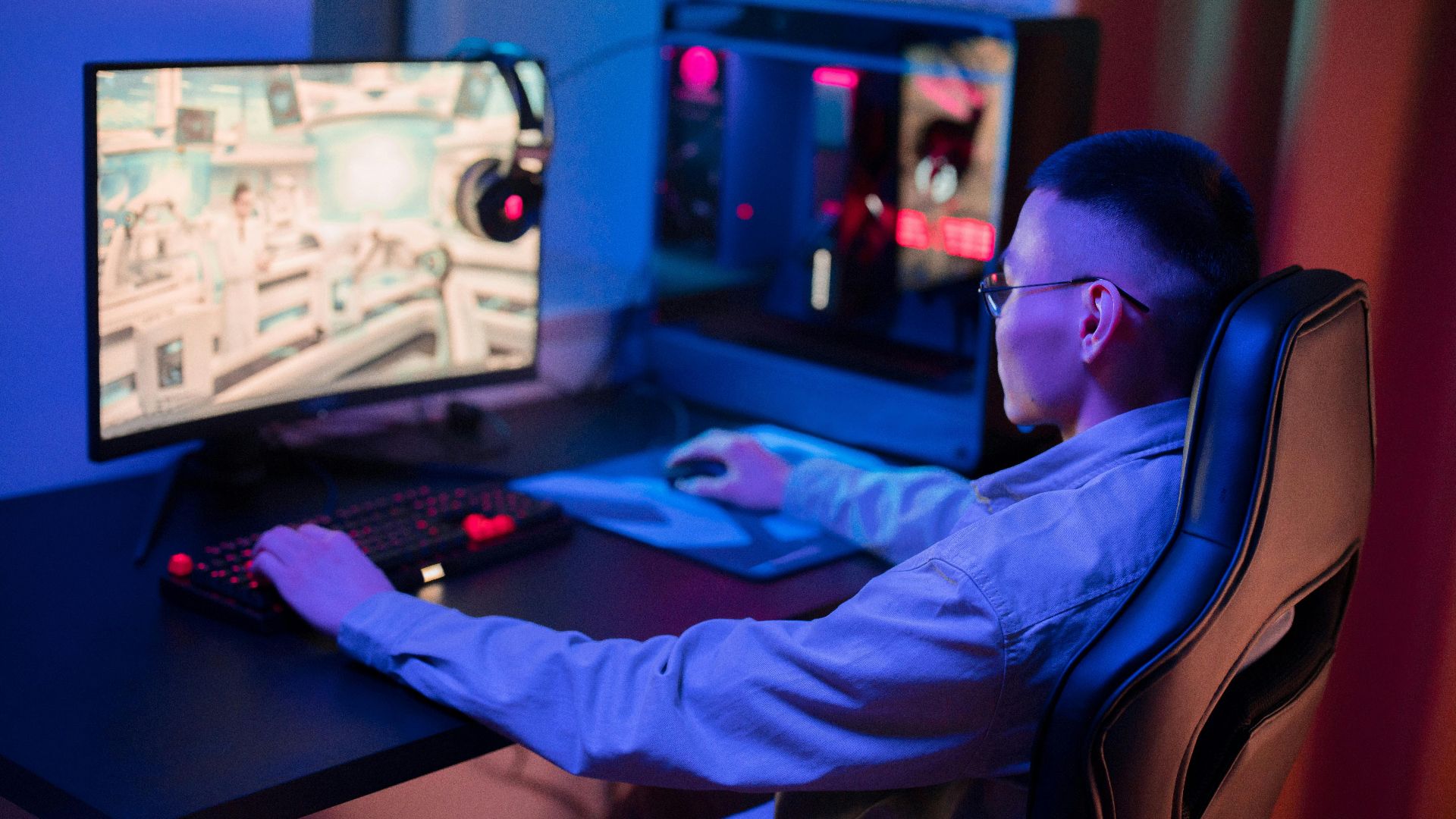
4. Wired Gaming Mice With Reliable Sensors
Wired mice eliminate concerns about battery life and input lag. High-quality sensors ensure accurate tracking and consistent performance. These features are particularly valuable in fast-paced games.
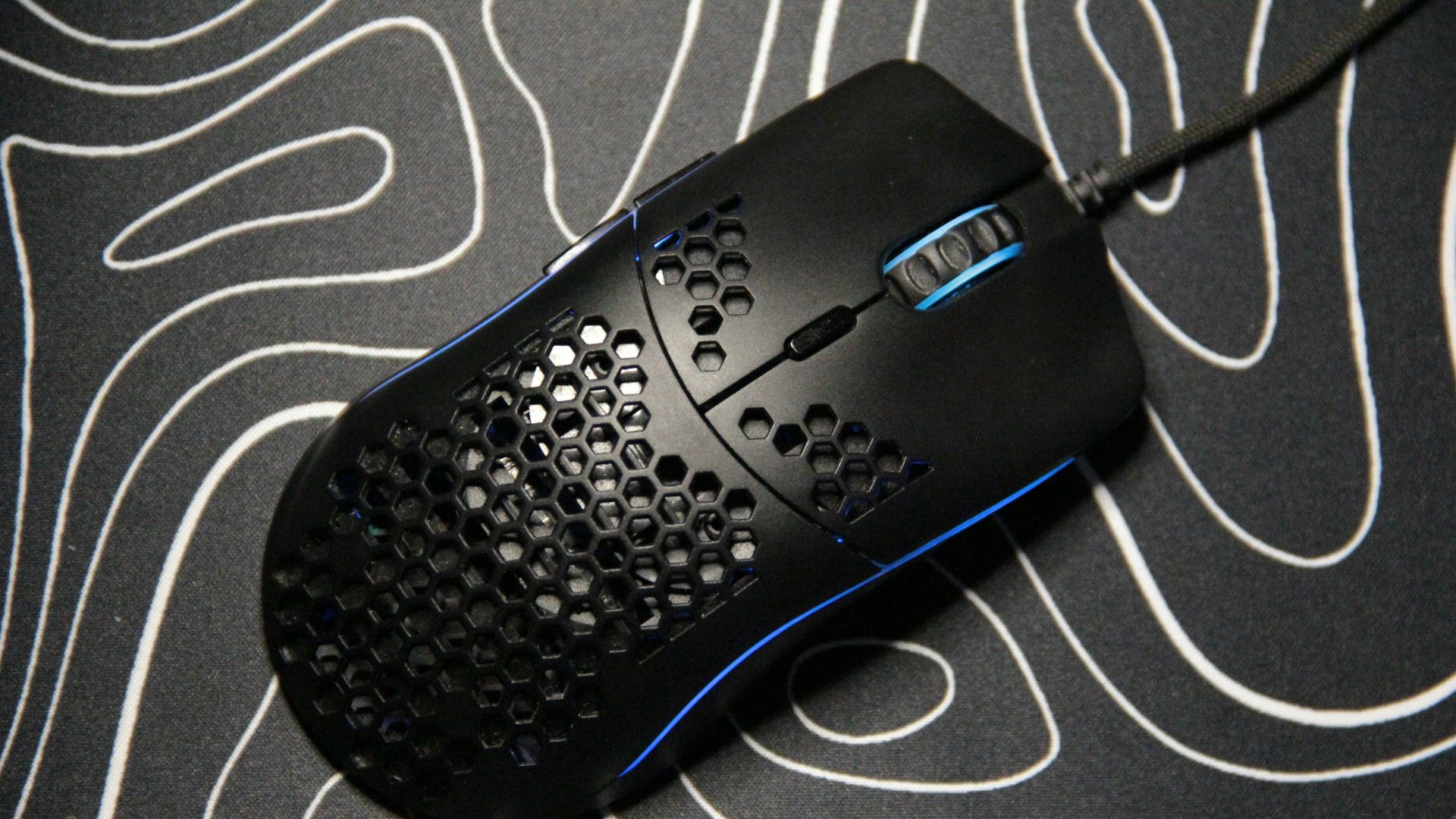
5. Dedicated USB Microphones
Standalone microphones typically provide clearer audio than built-in headset mics. This improves communication in multiplayer settings. Better sound quality also benefits streaming and recording.
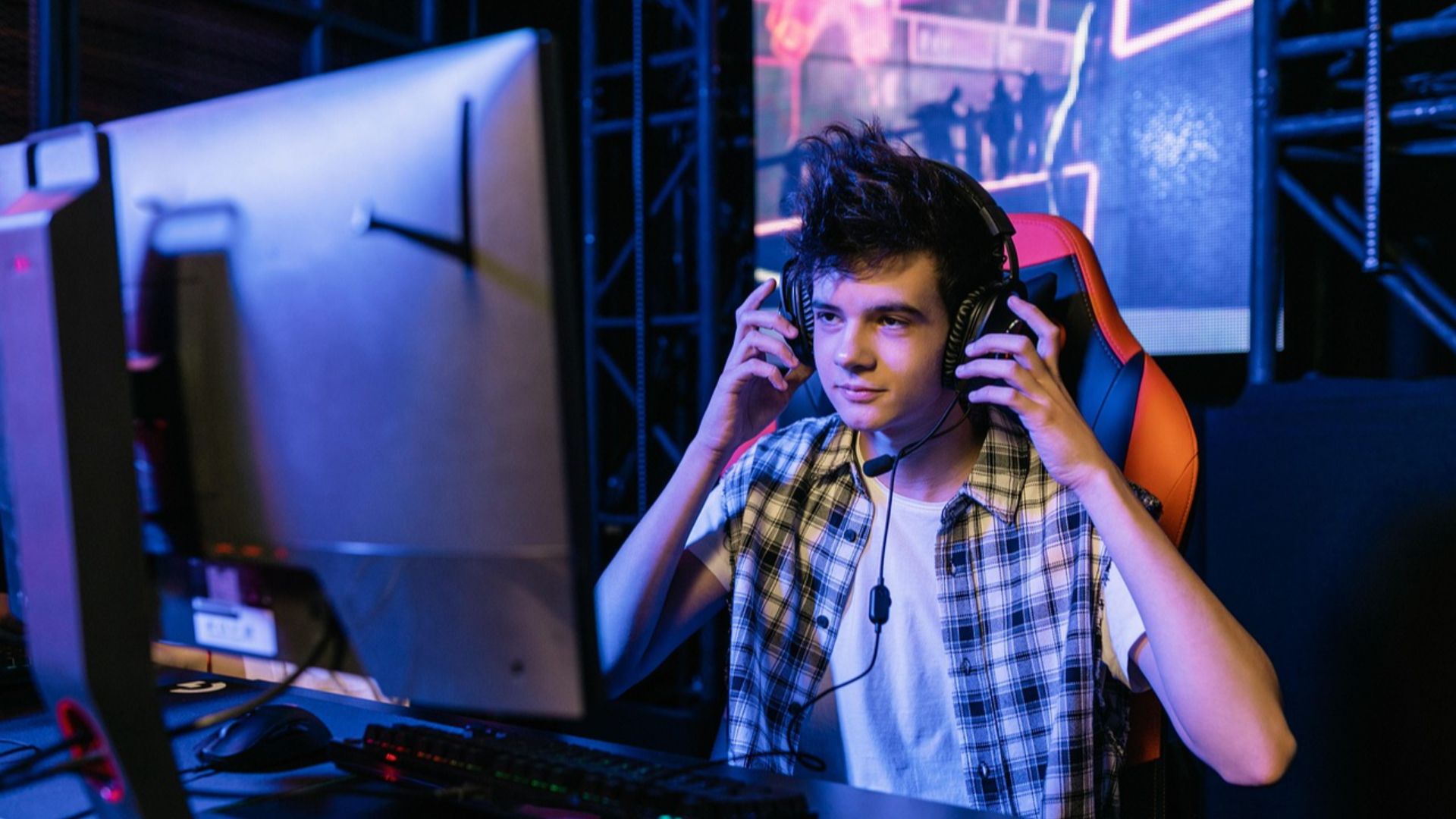
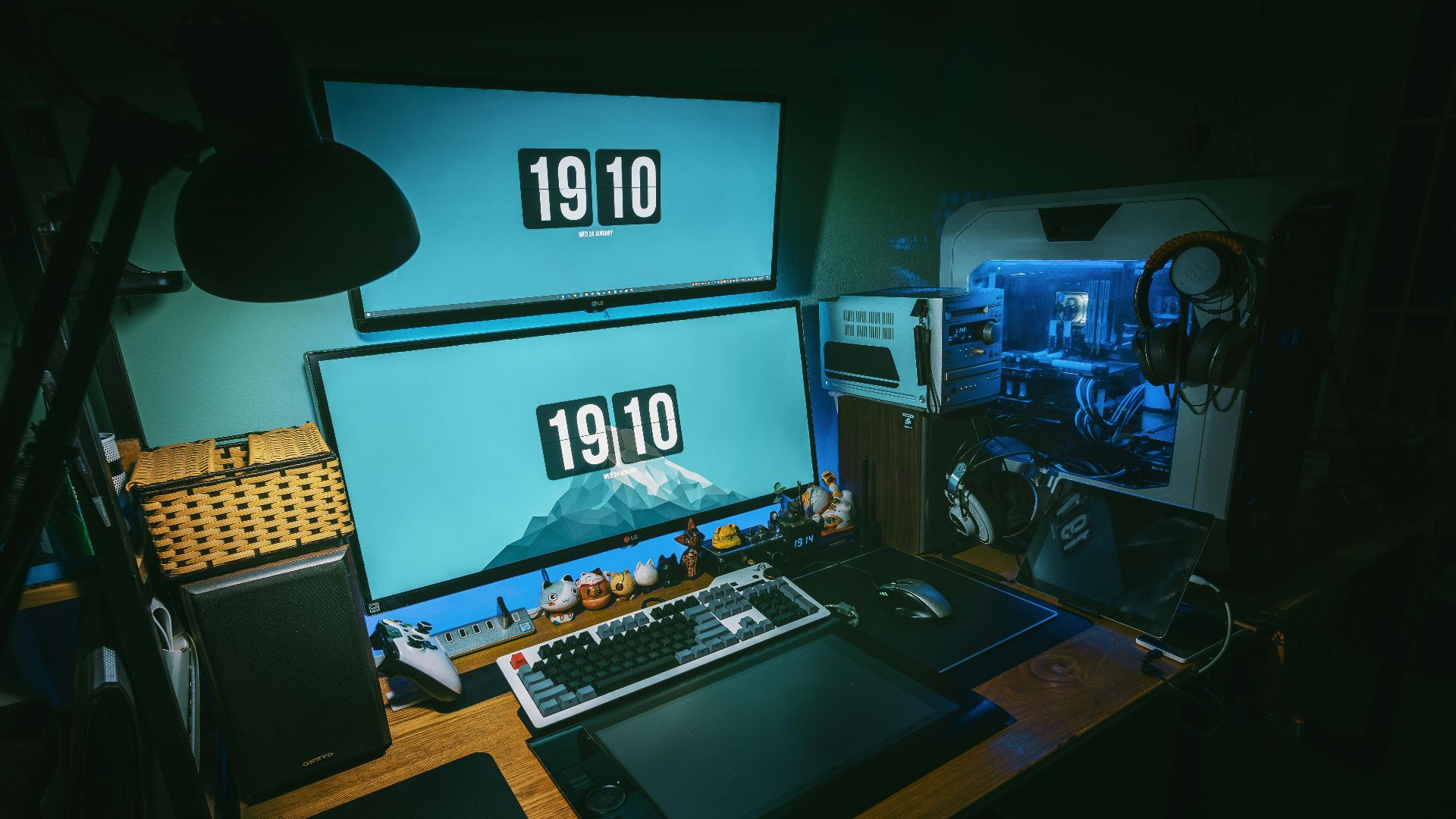
6. Dual Monitor Setups
Using two monitors allows for better multitasking and improved workflow. You can keep game-related tools, chats, or guides open without interrupting gameplay. This setup increases efficiency and convenience.
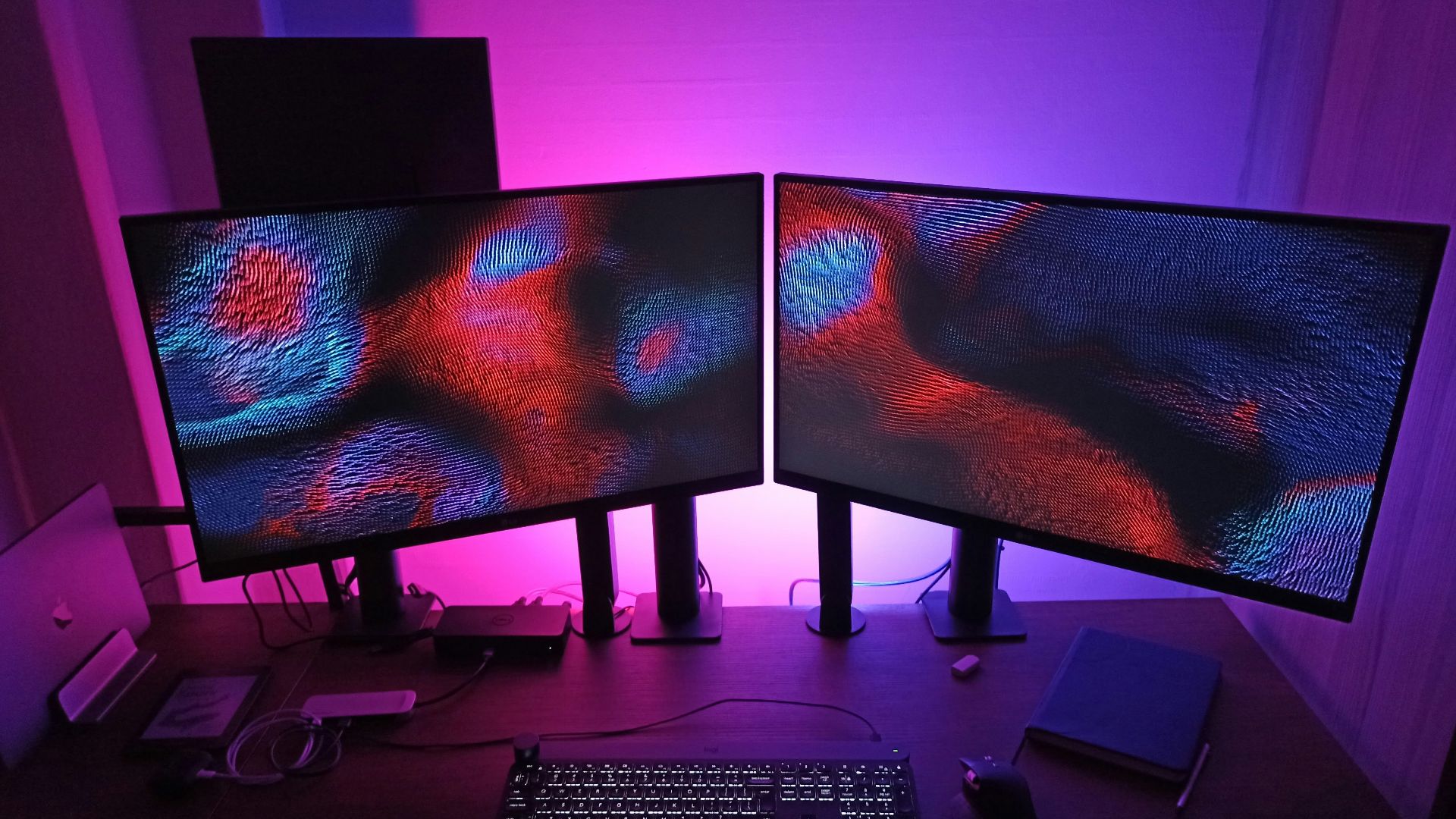
7. Quality Headphones With Accurate Audio
Well-balanced headphones provide clearer sound and better directional awareness. Accurate audio helps you identify in-game cues more effectively. This can enhance both immersion and performance.

8. Adjustable Monitor Arms
Monitor arms allow you to position screens at the correct height and angle. This reduces neck and eye strain over time. They also free up desk space and improve overall setup organization.
9. Surge Protectors and Power Management
Reliable surge protectors help safeguard your equipment from electrical damage. They’re an often overlooked but essential part of any setup. Protecting your hardware can prevent costly replacements.
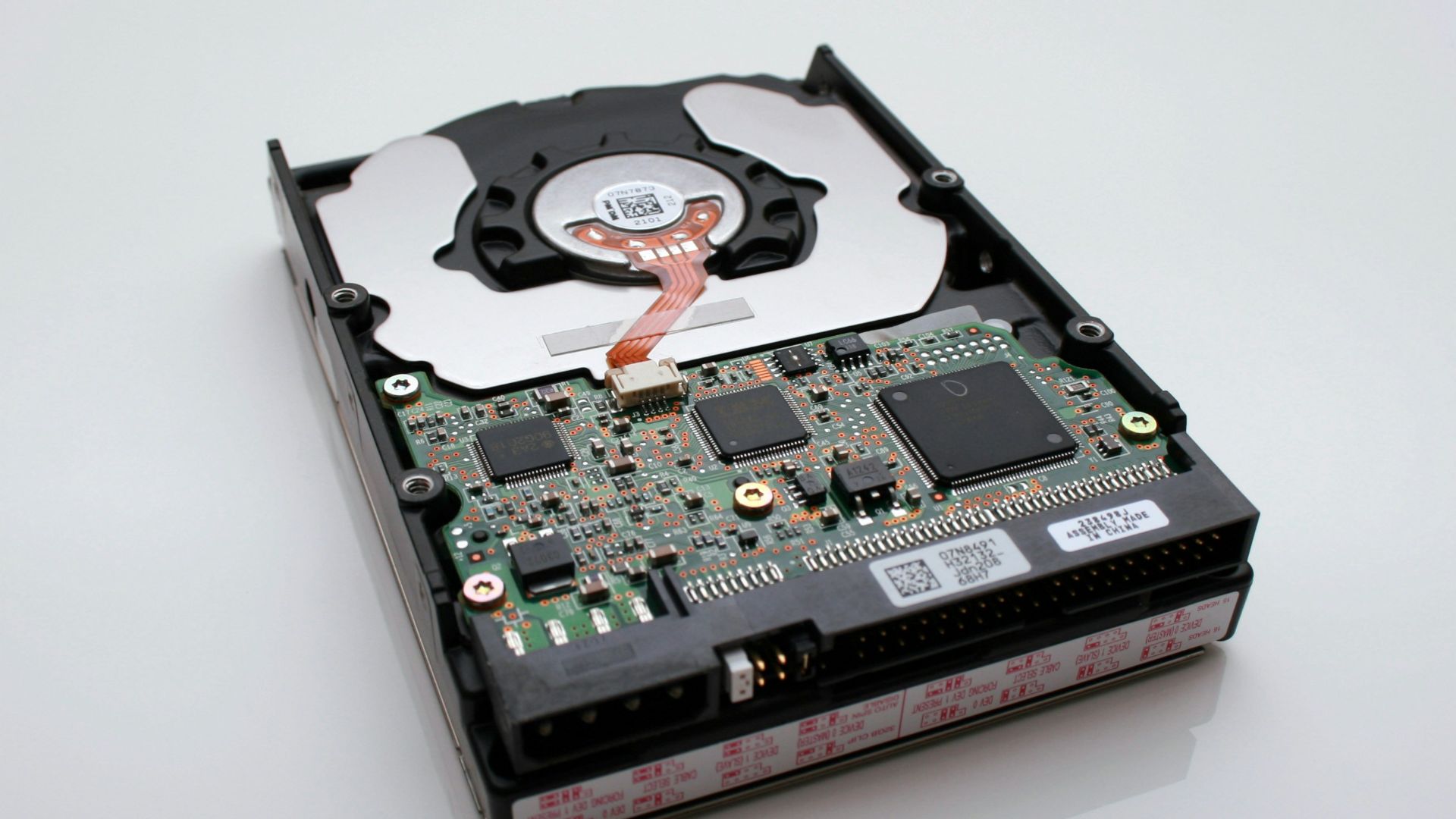
10. External Storage for Game Libraries
External drives provide additional space for large game libraries and backups. They’re especially useful as game file sizes continue to increase. This ensures you don’t have to constantly manage limited storage.