20 Free Apps That Help Seniors Spot Scams Before It's Too Late
Keeping You Safe
Scams don’t always look like scams anymore. They can look like a delivery update, a bank alert, a grandchild’s urgent message, or a fake warning that pops up while someone is browsing, gaming, or checking email. That’s what makes free security apps so useful for seniors: they add a second layer of common sense right when pressure, confusion, or urgency starts doing the scammer’s work. None of these tools replaces a careful pause, and no app can catch every trick, but the right setup can make a phone or computer much less inviting to scammers. These 20 free apps and built-in tools can help seniors spot trouble earlier, avoid taps, and feel more confident online.
1. Truecaller
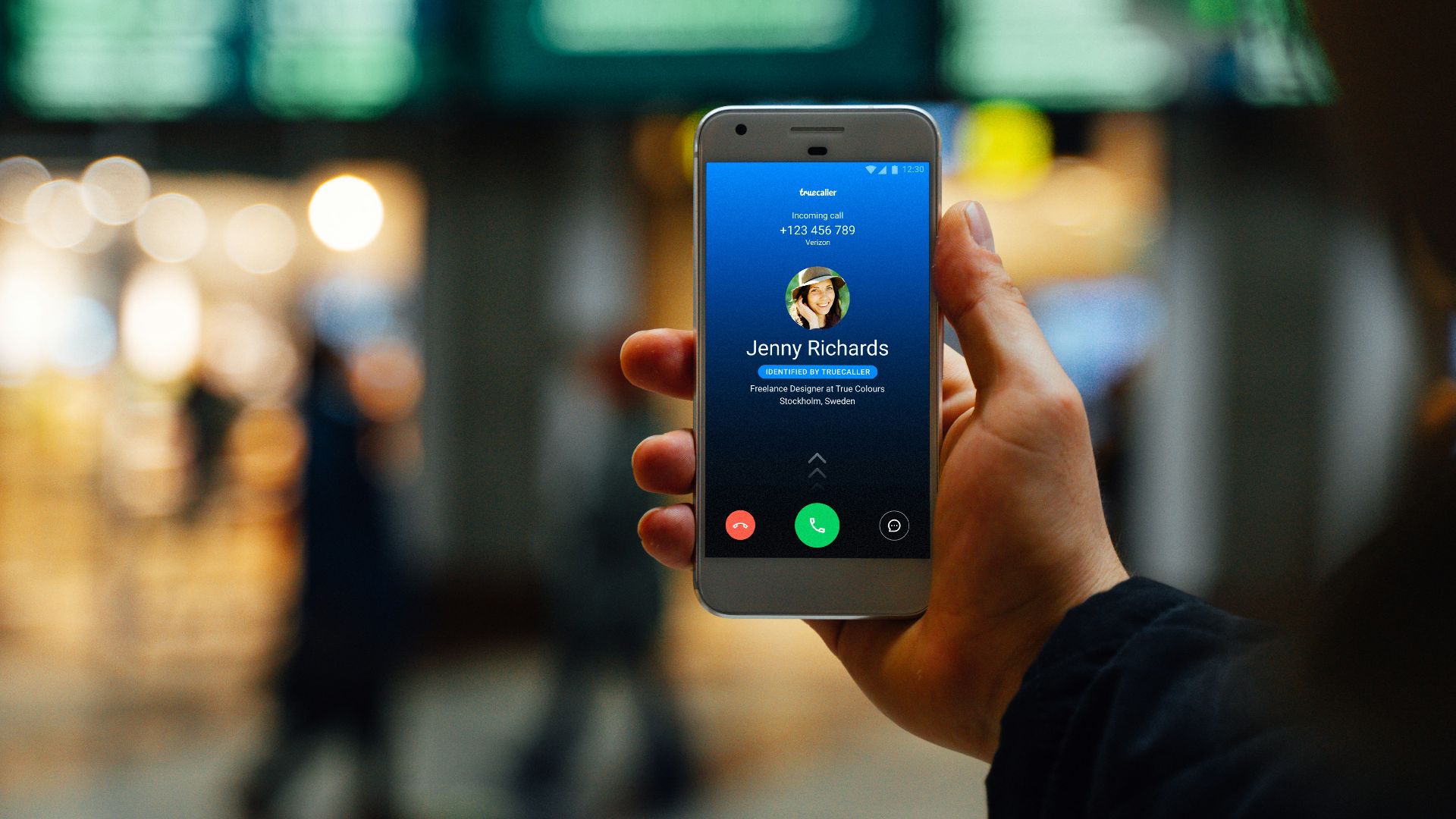
Truecaller helps identify unknown callers and flag numbers that may be spam, fraud, or unwanted sales calls. For seniors who get a steady stream of mystery calls, that warning on the screen can be enough to let the call go unanswered.
2. Hiya
Hiya is built to check caller ID, spam alerts, and call blocking, which makes it useful for suspicious calls that have a local number, but aren’t necessarily familiar. It keeps the experience fairly simple, so seniors don’t have to dig through a maze of settings just to understand who’s calling.

3. YouMail
YouMail combines spam call protection with visual voicemail, which can be especially helpful when a scammer leaves an urgent-sounding message. Reading a voicemail instead of hearing the pressure in someone’s voice can make fake bank alerts, fake prizes, and fake tech support claims easier to catch.
 Glenn Carstens-Peters on Unsplash
4. Phone by Google
Phone by Google includes caller ID and spam protection on compatible Android phones. It can show warnings for potential spam callers, helping seniors avoid answering calls that might lead to phishing, fake account alerts, or other scams.
5. Apple Phone App
The built-in Phone app on iPhone can silence or screen unknown callers, depending on the device and settings available. That’s helpful for seniors who mostly expect calls from saved contacts, though important numbers like doctors, pharmacies, and delivery services should be saved first.
6. Google Messages
Google Messages includes spam detection for harmful content, including scam and phishing attempts. That matters because text scams often try to move fast, whether they’re pretending to be toll notices, missed packages, account warnings, or someone needing money.
7. Apple Messages
Apple Messages can filter unknown senders and, on newer compatible systems, automatically place some junk messages into a spam folder. It’s a useful layer of protection for seniors who want family texts, appointment reminders, and real alerts separated from the digital junk drawer.
 Mariia Shalabaieva on Unsplash
8. Verizon Call Filter
Verizon Call Filter gives eligible customers free tools for spam detection, unwanted-number blocking, and reporting. Since it works through the phone service rather than only as a separate app, it can help reduce suspicious calls before seniors have to decide whether to answer.
9. T-Mobile Scam Shield
T-Mobile Scam Shield includes scam blocking, caller ID, and scam reporting features for eligible customers. It’s a strong first stop for seniors, as the app is designed to help show who’s calling before any potential conversation begins.
10. AT&T ActiveArmor
AT&T ActiveArmor gives eligible wireless customers free features such as fraud and spam call blocking, call controls, and security alerts. For seniors who don’t want to juggle several separate tools, having protection tied to the phone account can feel a little less fiddly.

11. Norton Genie
Norton Genie is an AI-powered scam detector that can check suspicious texts, emails, social posts, and web addresses. Seniors can paste in a message or upload a screenshot when something feels off, which is useful when a scam looks pretty professional.

12. Trend Micro ScamCheck
Trend Micro ScamCheck is designed to help with scam calls, suspicious texts, fake video calls, and risky websites. It works well as a “check this before I trust it” tool, especially when a message asks for money, personal information, or a quick click.

13. ScamSense
ScamSense checks messages, screenshots, and links for scam risk, with a free plan that includes a limited number of monthly checks. That makes it useful for seniors who don’t need constant scanning but do want a second opinion before responding to something suspicious.
14. SeniorShield.ai
SeniorShield.ai is built specifically around scam prevention for older adults and families. It includes scam alerts, learning tools, quizzes, and safe practice features, which can help seniors build confidence instead of simply being told, rather unhelpfully, to be careful.

15. Avast One
Avast One offers free mobile security features, including protection against malware and other online threats. For seniors who shop, bank, read news, and play mobile games on the same device, a general security app can help catch problems that don’t arrive through calls alone.
16. Bitdefender Antivirus Free
Bitdefender Antivirus Free is a free Windows security app for protecting a PC against viruses and other cyber threats. It’s a smart addition for seniors who use a laptop or desktop for email, online banking, recipes, puzzles, or casual games that sometimes come with sketchy ads.

17. Microsoft Edge
Microsoft Edge includes Defender SmartScreen, a built-in feature that helps identify malicious websites and suspicious downloads. It’s useful for when a fake alert, fake support page, or risky download tries to turn a normal browsing session into an emergency.
18. Bitwarden
Bitwarden helps create and store strong, unique passwords, which can limit the damage when old passwords are exposed or reused. It also makes seniors less likely to type passwords into fake login pages, because saved logins are tied to the right sites.
19. Apple Passwords
Apple Passwords stores passwords, passkeys, Wi-Fi passwords, and verification codes in one built-in app on newer Apple devices. It can also alert users to passwords that may be weak, reused, or otherwise unsafe.

20. Microsoft Authenticator
Microsoft Authenticator adds a second sign-in step for supported accounts, so a stolen password alone may not be enough for a scammer. It’s especially useful for email, cloud storage, shopping, and gaming accounts, where one bad login can turn into a much bigger mess.