Why You Should Think Twice Before Giving Apps Access to Your Photos
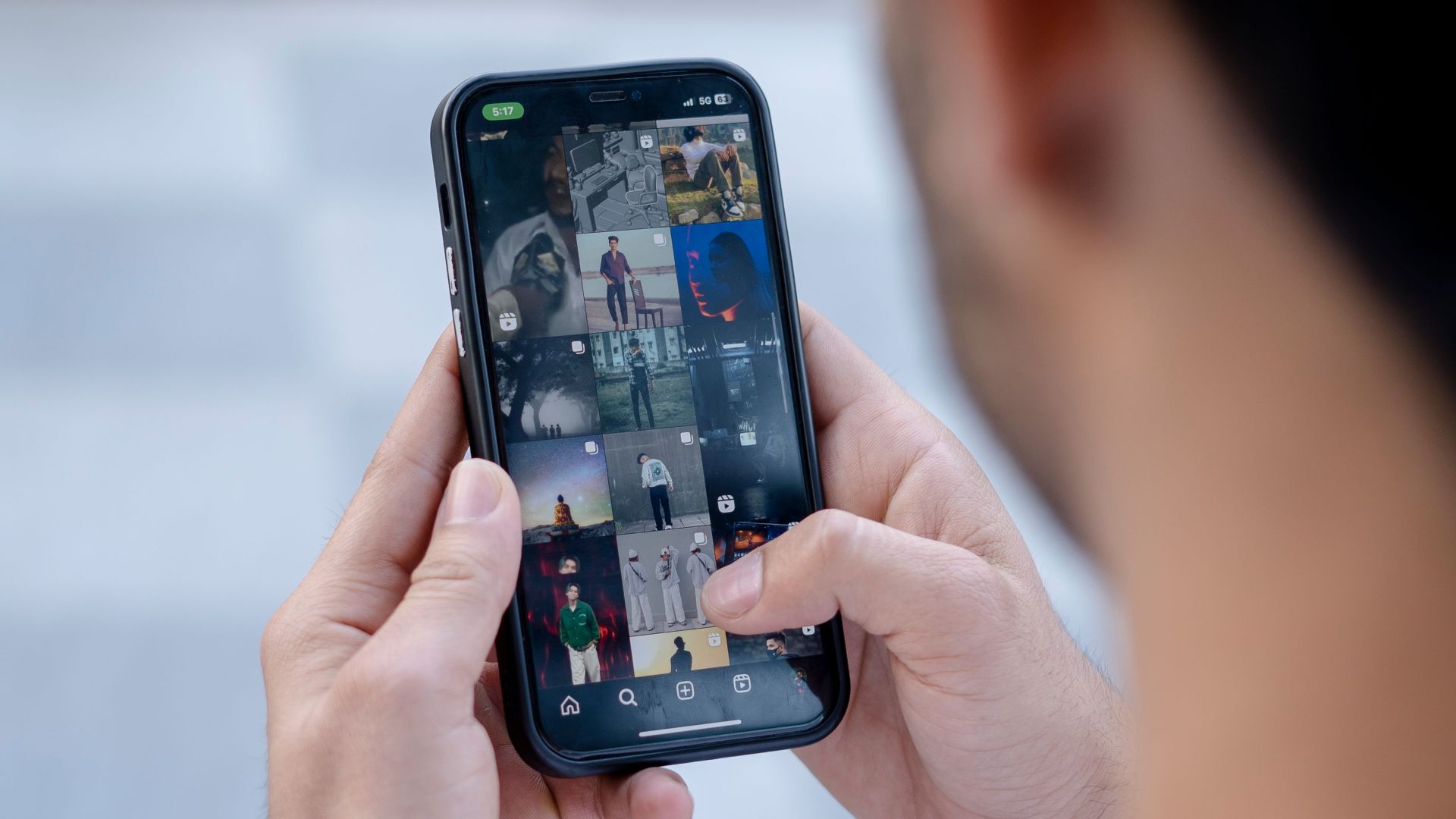
Most of us don't think twice when an app asks for permission to access our photos. Whether you're editing a selfie, uploading a profile picture, or trying out a new social media platform, tapping "Allow" often feels like a harmless part of the process.
Unfortunately, granting photo access can mean more than simply letting an app see the image you've selected. Depending on the permissions you approve, an app could potentially access hundreds or thousands of personal pictures, along with information attached to them. It's worth understanding exactly what you're agreeing to, especially when your camera roll contains details you'd never dream of sharing with strangers.
Your Photos Contain More Personal Information Than You Realize
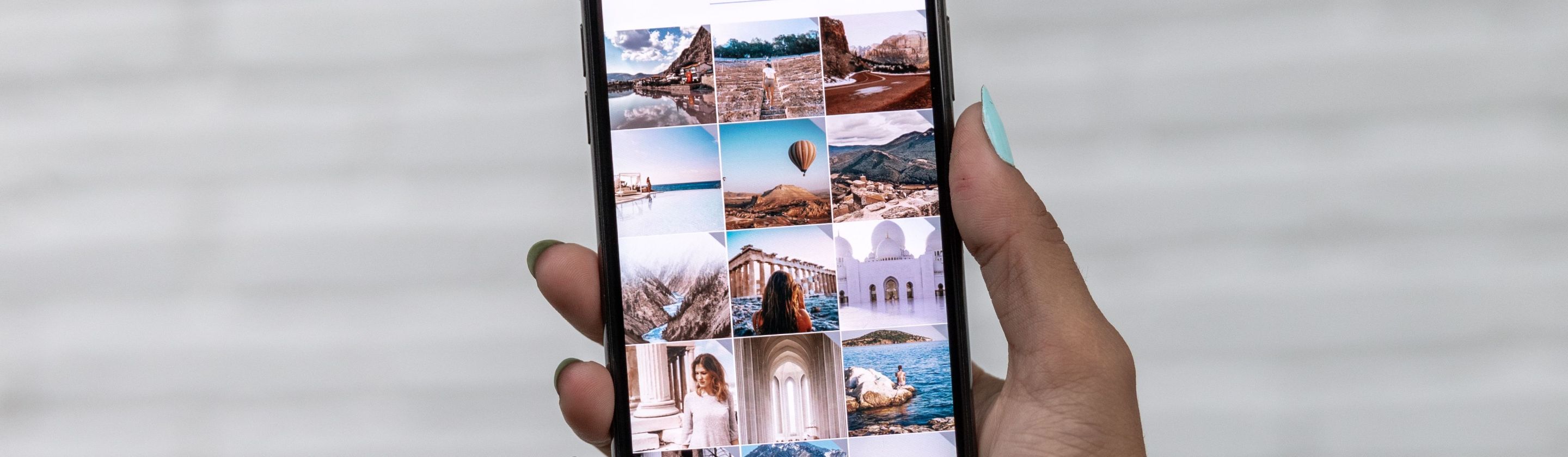
Your smartphone's photo library probably contains a surprisingly detailed record of your personal life. Beyond vacation pictures and family portraits, you might have screenshots of private conversations, medical documents, identification cards, or financial information mixed in with your everyday photos. Giving an app unrestricted access could expose sensitive material that has absolutely nothing to do with what you're using it for.
Even seemingly innocent photographs can reveal information you'd rather keep private. Pictures taken with smartphones may contain metadata, including the date, time, and GPS coordinates of where they were captured, depending on your camera settings. If an app can access those details, it could potentially figure out where you live, work, or spend your free time without ever asking for location permission.
There's also the matter of other people appearing in your pictures, which is particularly easy to overlook. Your camera roll probably contains photographs of friends, relatives, coworkers, and children who never agreed to have their images processed by another company. Uploading one group photo might not seem like a big deal, but granting broader access can raise privacy concerns for people who aren't even using the app.
More advanced technologies introduce additional ways to extract information from photographs. Image recognition software can identify objects, recognize text, and analyze visual details without anyone having to examine each picture manually. Depending on how an app processes images, something as ordinary as a photographed package label could expose your home address, while a screenshot might reveal sensitive account information.
Giving Permission Can Have Unexpected Consequences
One important question is what actually happens to your photographs after an app receives them. Some services upload selected images to remote servers for editing, analysis, storage, or other features, meaning those copies don't necessarily stay on your phone. Depending on the company's privacy practices, your pictures could be kept for longer than you'd expect or processed for purposes beyond what you originally intended.
Artificial intelligence has made these concerns even more relevant, especially with the growing popularity of AI-powered photo editing tools. Certain apps analyze facial features, generate altered portraits, or use uploaded images to improve their systems, depending on their terms and settings. Before trying out that trendy AI headshot generator, it's worth checking whether your photos might be stored or used to train future models.
Security is another factor worth considering, since even reputable companies can experience data breaches. If an app stores copies of your photographs on its servers, those images could potentially be exposed if its security measures fail. Sensitive pictures, identification documents, and private screenshots are especially concerning because once that information becomes public, there's often no reliable way to take it back.
Something else people tend to overlook is that deleting an app doesn't necessarily erase information you've already uploaded. Copies stored on company servers may remain subject to the service's retention policies, even after you've removed the software from your phone. Revoking photo permissions can stop future library access, but you may need to submit a separate deletion request to deal with previously collected material.
How to Protect Your Photos Without Giving Up Useful Apps
Fortunately, keeping your pictures private doesn't mean giving up every app that wants access to them. Modern iPhones and many Android devices let you share selected images instead of granting unrestricted access to your entire photo library. That way, a photo editing app can receive the vacation picture you're working on without getting permission to browse every other image you've saved.
It's also a good idea to review permissions you've already granted, especially for apps you haven't touched in months. On an iPhone, you can open Settings, select Privacy & Security, and navigate to Photos to review and adjust access. Android users can manage these permissions through their device's settings, although the exact steps depend on the phone and operating system.
Before downloading an unfamiliar app, take a minute to look through its privacy policy and the permissions it requests. A collage-making app obviously has a legitimate reason to access certain photographs, but unrestricted access probably isn't necessary if you're only uploading one image. Check whether the company stores pictures, shares information with third parties, or provides a straightforward way to request deletion.
The important takeaway here isn't to become suspicious of every app on your phone; it's recognizing just how much personal information your camera roll might contain, even if most of it seems perfectly ordinary. By limiting permissions and paying closer attention to what you're sharing, you can enjoy your favorite apps without giving them access to your entire photographic history.