You were just looking at a pair of yoga pants once, and suddenly, the same product—and other similar items from the brand—is everywhere: on your Instagram, on your Google searches, and anywhere you might see ads. It's an unsettling experience, even if you roughly understand how your data is collected online. Even then, it's probably creepy enough to make you wonder: Is my phone spying on me?
Depending on which settings you have enabled, you could be sharing much more data about yourself and your habits than you realize. From app permissions to location tracking, there's a lot that happens behind the scenes, and if you choose to stay blissfully ignorant, you might be giving away far more sensitive information than you're comfortable with.
App Permissions
Ever downloaded a new app and got a pop-up asking for your permission to access your camera, microphone, or photo gallery? If you always tap "allow" without thinking through why the app might need access to these areas, be wary—it might be secretly recording your voice, taking your photos, or recording you without your knowledge.
Before you give your consent away, consider the app's main function. A photo editor app might need access to your gallery, but a weather app shouldn't. It's worth going through each individual app on your list to see what permissions you've granted in a rush, so you can worry less about how much of your information is shared without your awareness.
Location Tracking
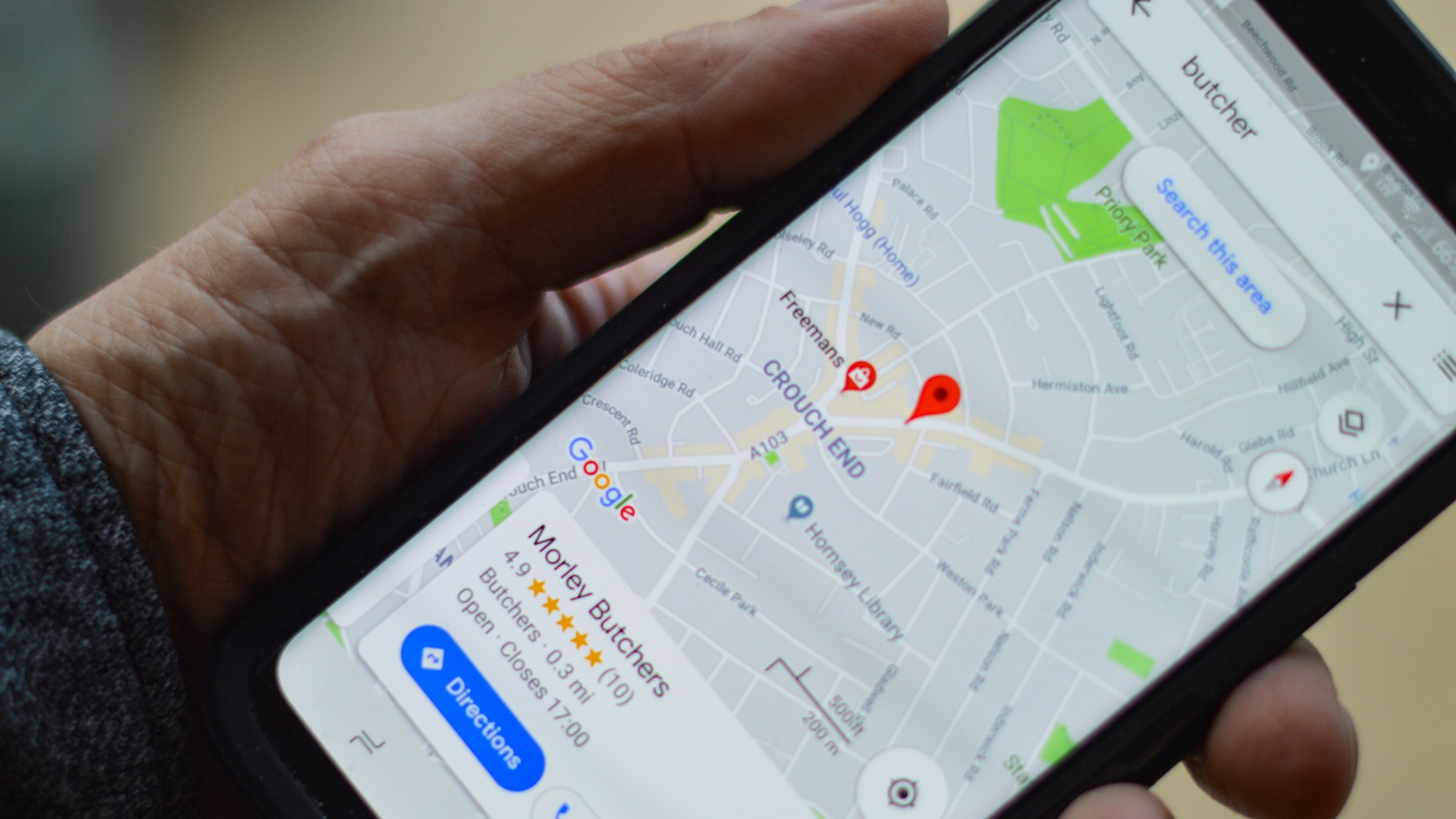
Apps that track your location don't just keep note of your current spot on the map—they also know all the previous places you've been. According to Google, for Android devices, location services allow personalized search results, commute predictions, and nearby restaurant suggestions. It works much the same way in Apple iOS devices.
While you might need to permit this service for navigation apps, you don't want to blindly give the O-K, either. Accidentally granting malicious apps to track your location means you've now leaked your home address, work address, your children's school address, and so much more. A better way to use location services is to change the permissions to "While Using the App," so that you're not being tracked constantly and all over the map.
Personalized Ads
This goes back to our first example: the yoga pants. Why is it that once you search for a certain item, it suddenly appears everywhere you go, on multiple apps on your phone? Well, one way it works is by compiling information about sites you've visited—and for how long—through your user account, such as a Google account. This information is then used to feed back personalized ads, based on what data has been collected about your online activity.
But you can disable this. It won't stop your phone and apps from showing you ads, but at the very least they'll be less eerie. The key is to understand as much as you can about what information you're allowing third parties to access, and how they're accessing it, so you can stay safe online. It's always worth taking an opposite approach instead of giving apps your full permission from the get-go. Be selective first, and as you continue using the app, decide what you're comfortable sharing.