Face ID or Touch ID?
Would you rather unlock your phone with your face or your fingers? Chances are, you prefer the former. After all, sometimes you just don't have free hands to authenticate yourself, or you might have dry fingers that continually alter your prints. Face ID, on the other hand, is completely hands-free. Of course, it isn't without its cons, either. Here are 10 situations where Face ID has the advantage, and 10 where Touch ID still comes out ahead.
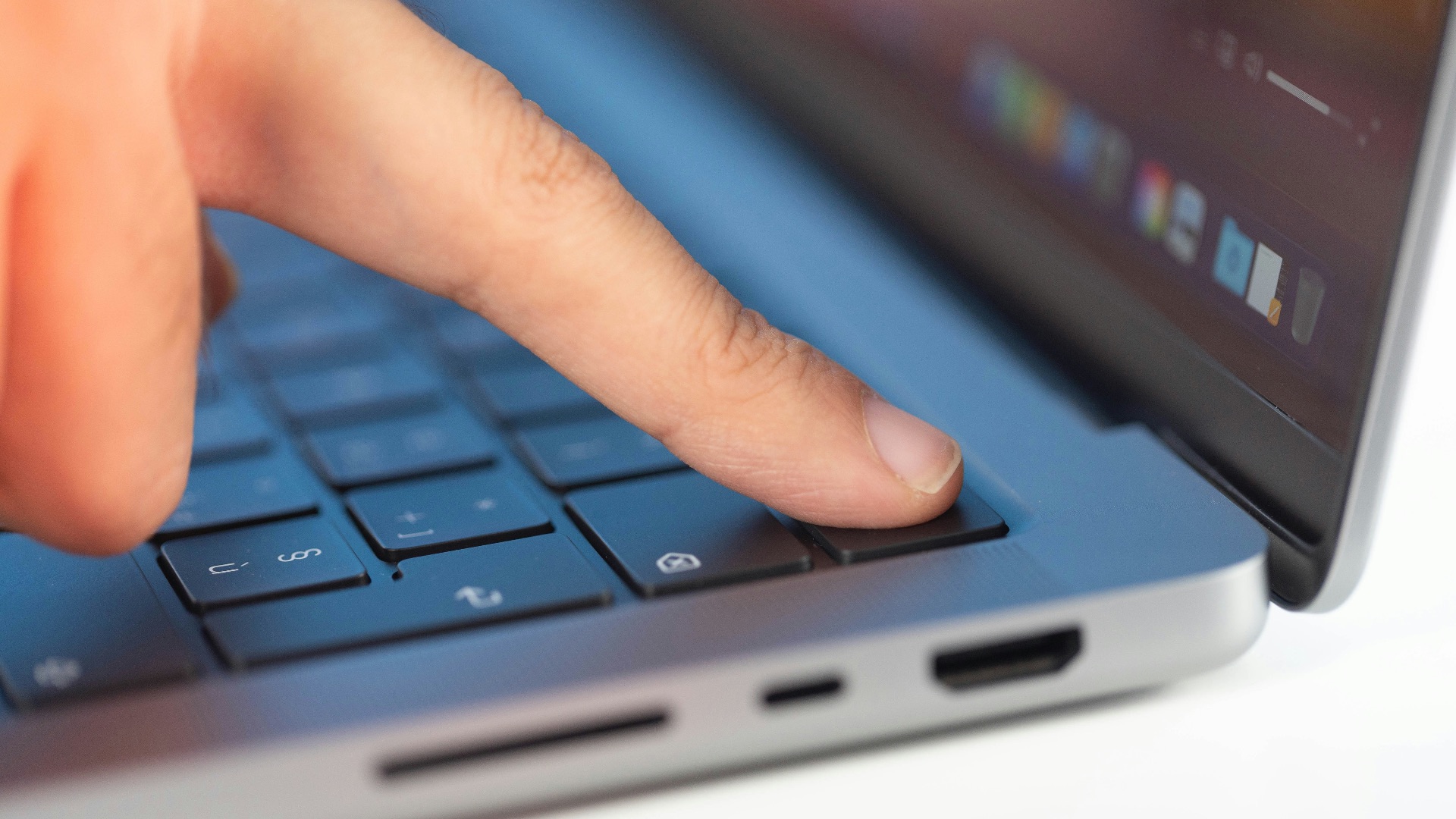
1. You Don't Have to Reach for a Sensor
One of the biggest upsides to Face ID? You don't need to feel for a sensor. All you need to do is wake your device and look toward it, which helps make authentication faster and feel more natural. This is particularly useful when you're already holding your phone and don't want to do any extra steps.
2. Wet Fingers Aren't a Problem
Ever tried unlocking your phone with Touch ID when your hands are wet? Yeah, you probably didn't have a good time. It's no surprise that moisture can interfere with a clean scan, and you likely don't want to get water anywhere near your phone, anyway. Face ID, thankfully, doesn't care about wet hands.

3. Gloves Don't Get in the Way
If you wear gloves regularly, good luck using Touch ID. Since the technology generally requires direct contact, having any barrier in between can lead to bad scans. Of course, you may run into similar problems with Face ID with a face mask, but it's still easier to flip that down than take off your gloves.

4. It's Designed to Recognize You in the Dark
Face ID's TrueDepth camera system uses infrared technology—in other words, it can recognize you even in the dark. Touch ID might not require light, but it will need you to know how to find the scanner in pitch blackness.

5. It Can Adapt to Changes in Your Appearance
Growing out your beard or applying a bolder makeup look? Face ID doesn't mind. The system is designed to adapt to your appearance changes, so go and wear those bold-framed glasses or a funny hat! Touch ID, on the other hand, will reject authentication if your fingerprint is even slightly different.
 RepentAnd SeekChristJesus on Unsplash
6. Attention Detection Adds Another Layer
You might have noticed that Face ID only unlocks when it detects that your eyes are looking up at your device. This is intentional: it helps reduce the chance of someone pointing your phone at your face without you knowing.
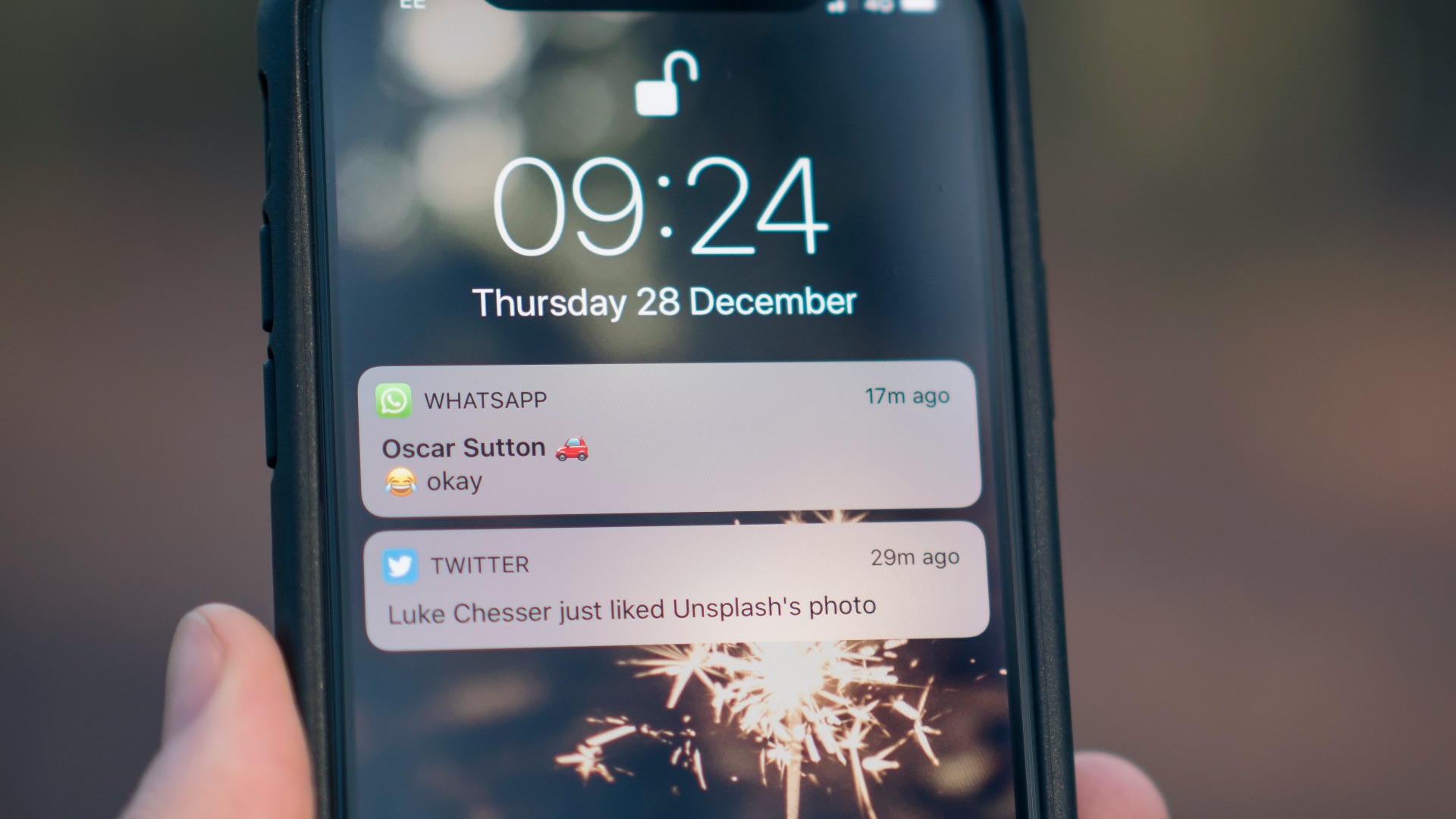
7. Notification Privacy Feels More Seamless
On Face ID-equipped iPhones, your notification previews can stay hidden until you've unlocked it. It's more natural this way, too: since you're already looking at your phone, you'll instantly see what you need to see. With Touch ID, you could accidentally unlock your device and reveal those notification details without realizing it.
8. Authentication Can Happen While You're Already Looking
If you need to open a protected app or approve another biometric request, you won't need to interrupt what you're doing by moving your finger over a sensor. You're already looking at your device, which makes authentication easier and more seamless.
 ANTONI SHKRABA production on Pexels
9. Masks Aren't the Obstacle They Once Were
As we've mentioned, face coverings might sometimes mess up Face ID, but it's actually not as much of an issue anymore: supported iPhones can now simply analyze the features around your eyes to ensure it's you. And even if it fails, you can also simply pull your mask down.

10. The False-Match Standard Is More Stringent
The probability of a random person successfully unlocking your phone with Face ID is significantly lower than with Touch ID. If you have sensitive info stored on your device or you're concerned about what would happen if you lost your phone, it's better to have Face ID than rely on a fingerprint sensor.
Of course, Face ID still isn't perfect. In fact, there are plenty of reasons people still prefer Touch ID, or at least like keeping it as an alternative. Let's take a look at why.
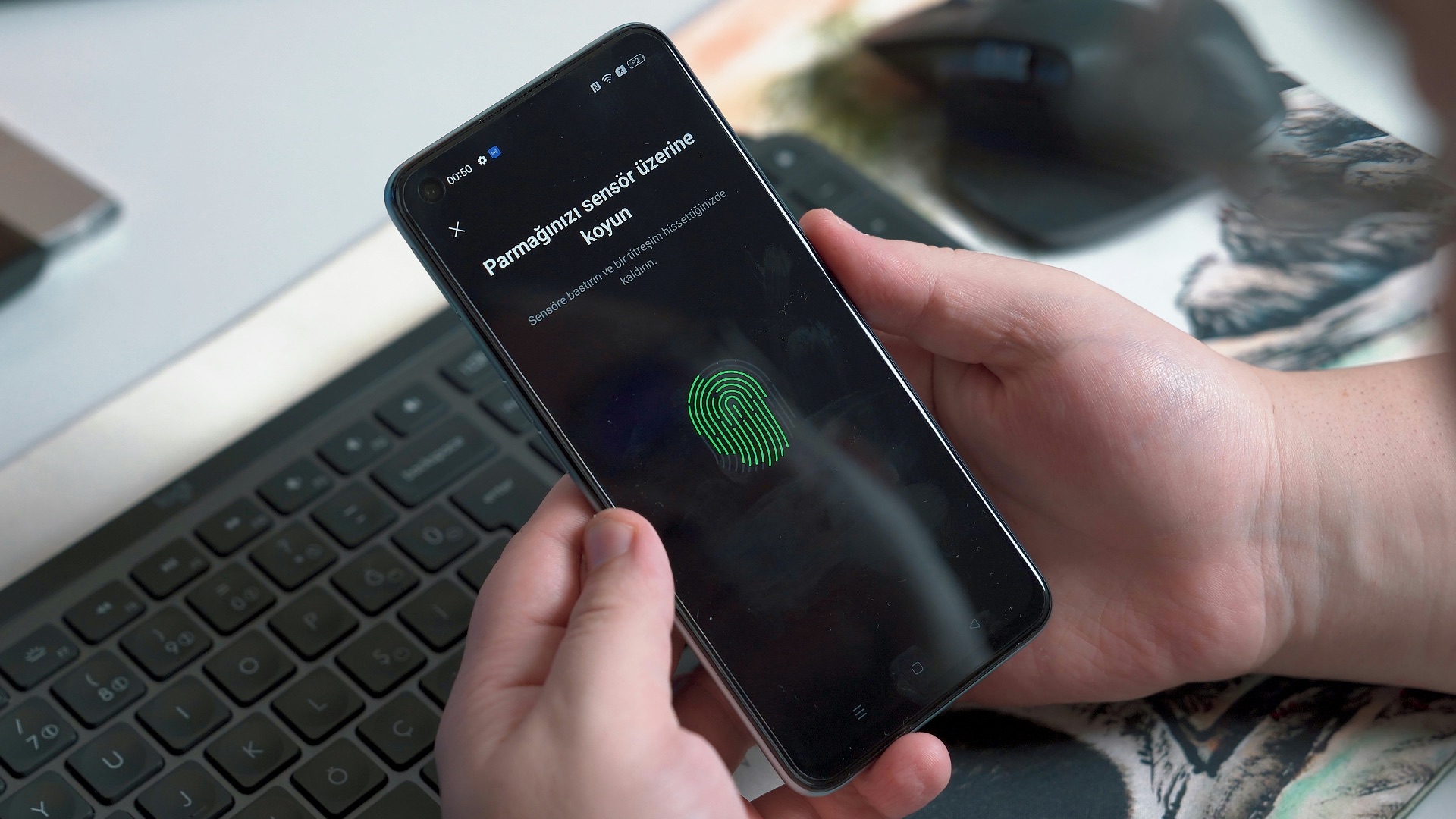
1. You Can Unlock Without Looking
Touch ID doesn't care where you're looking. As long as your finger is on the sensor, it'll happily authenticate you and give you access to your device. If you often have your phone or device propped up on the desk beside you, this method may be more convenient.
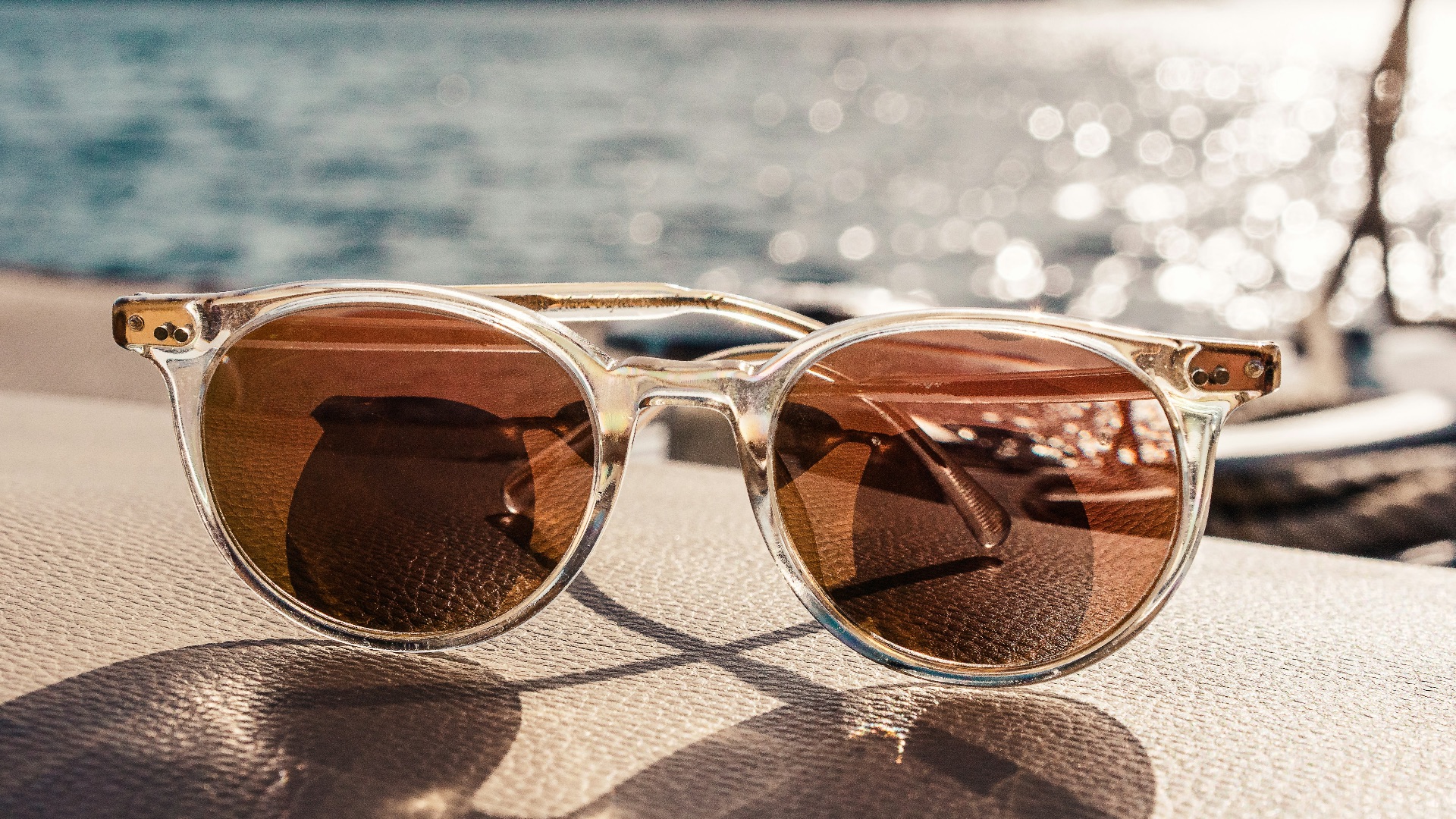
2. Sunglasses Can't Confuse It
Do you like wearing sunglasses often? Sure, sunnies can still work with Face ID, but you might still run into trouble at times, especially if you also have a mask on. Touch ID avoids that variable altogether. No matter what you're wearing, it'll authenticate you.
 Sebastian Coman Travel on Unsplash
3. Face Coverings Don't Matter at All
As we've mentioned, Touch ID isn't like Face ID: it doesn't care what you have on your face, whether it's sunglasses, face masks, or a hat that partially obscures your features. All you need to do is rest your finger on the sensor, and voilà.

4. It Works from Any Angles
Sometimes, you're simply not looking at your phone when you want to unlock it. You might, for example, be busy paying attention elsewhere. Thankfully, with Touch ID, you can authenticate while your device is flat, turned away, or positioned awkwardly.
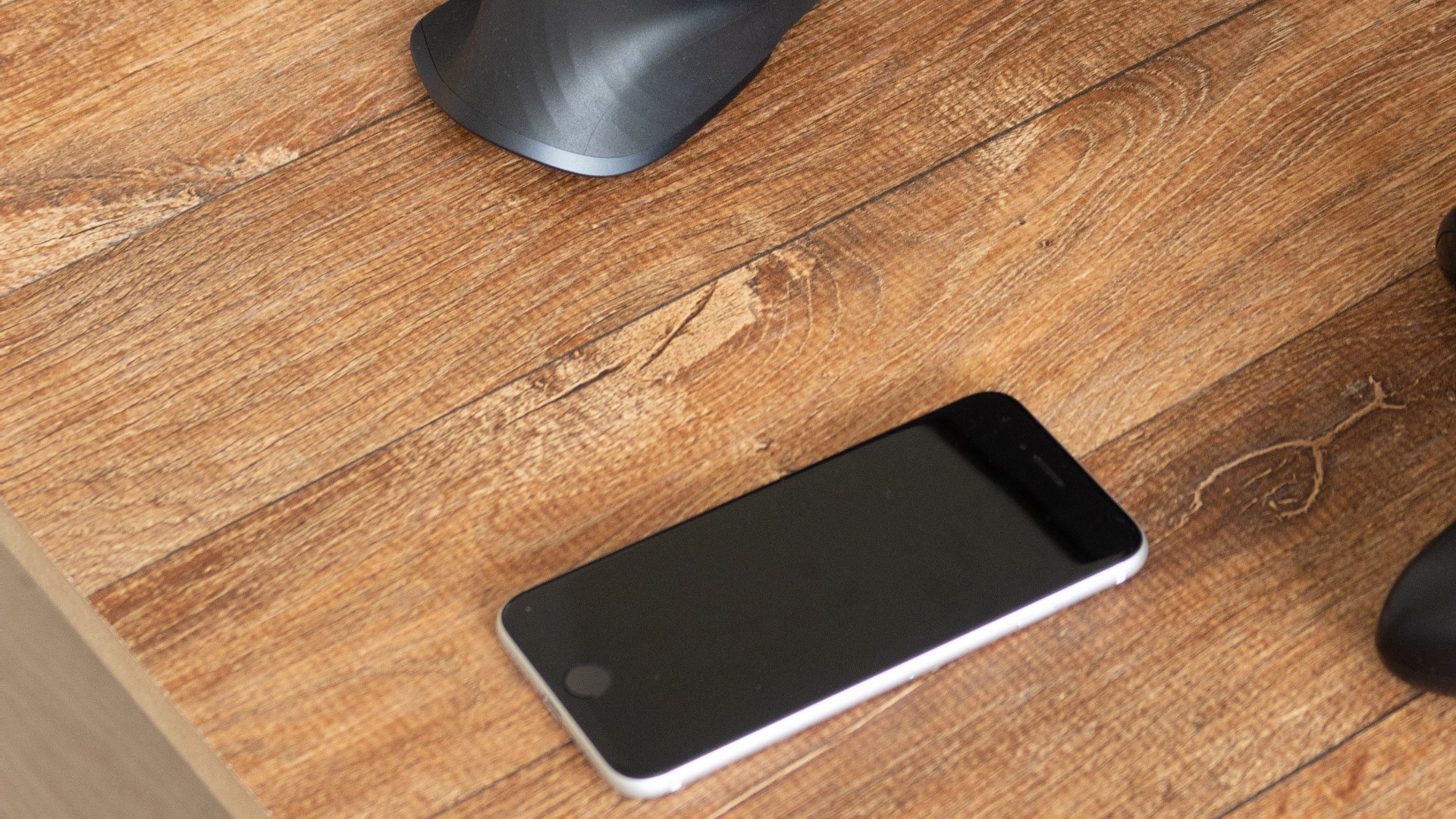
5. You Know Exactly When You're Authenticating
There's something very deliberate about placing your finger on a Touch ID sensor. Unlike Face ID, where you can accidentally unlock it just by glancing at the screen, fingerprint sensors need you to actually move and place your hand over it. That intentional physical interaction is precisely why some may prefer it more.
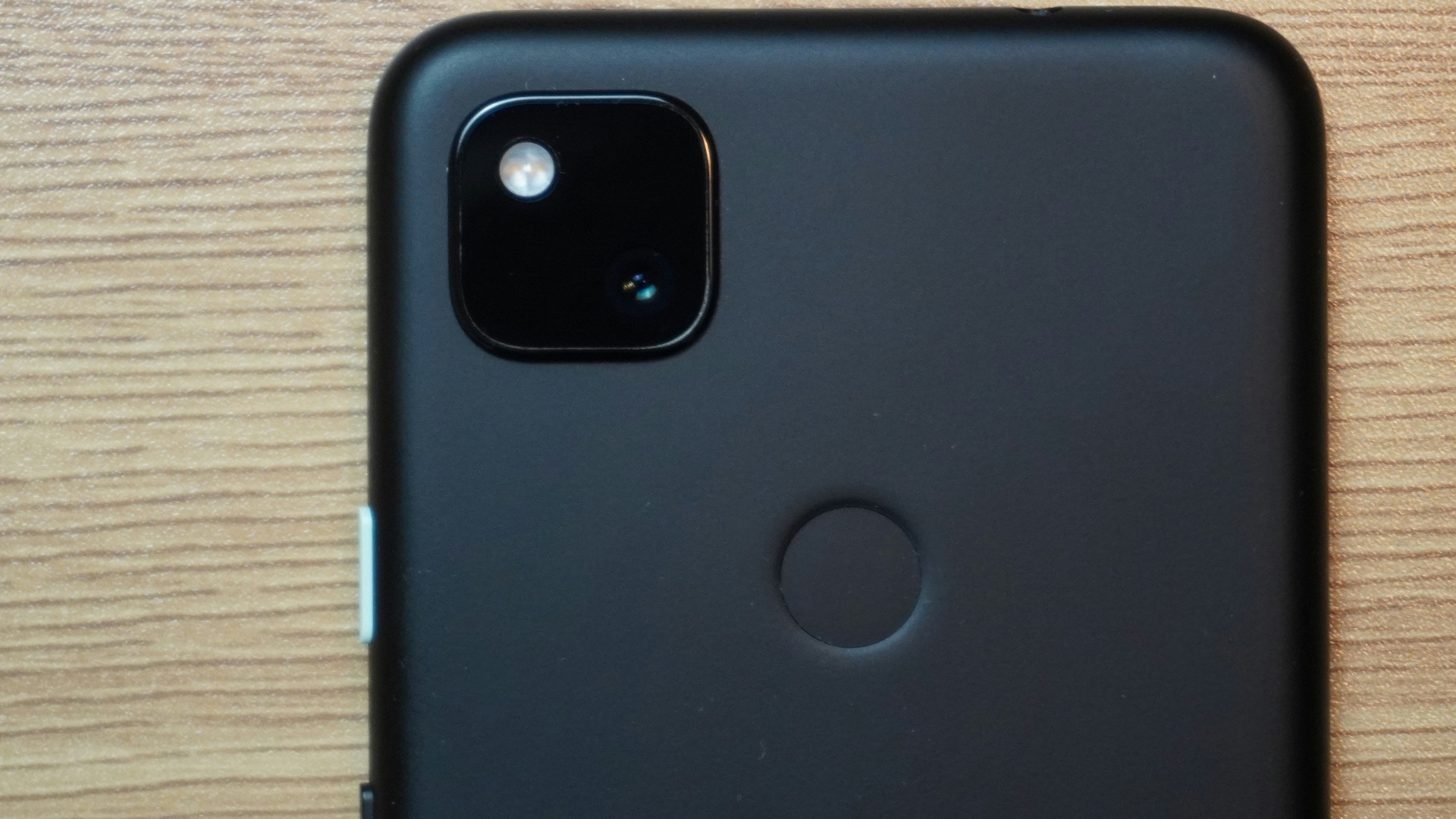
6. Multiple Fingers Can Be Enrolled
You obviously can't have multiple faces, but with Touch ID, you can register more than one finger depending on which ones on which hand are more convenient. Got a papercut on one of those fingers? No worries, you can use another one.
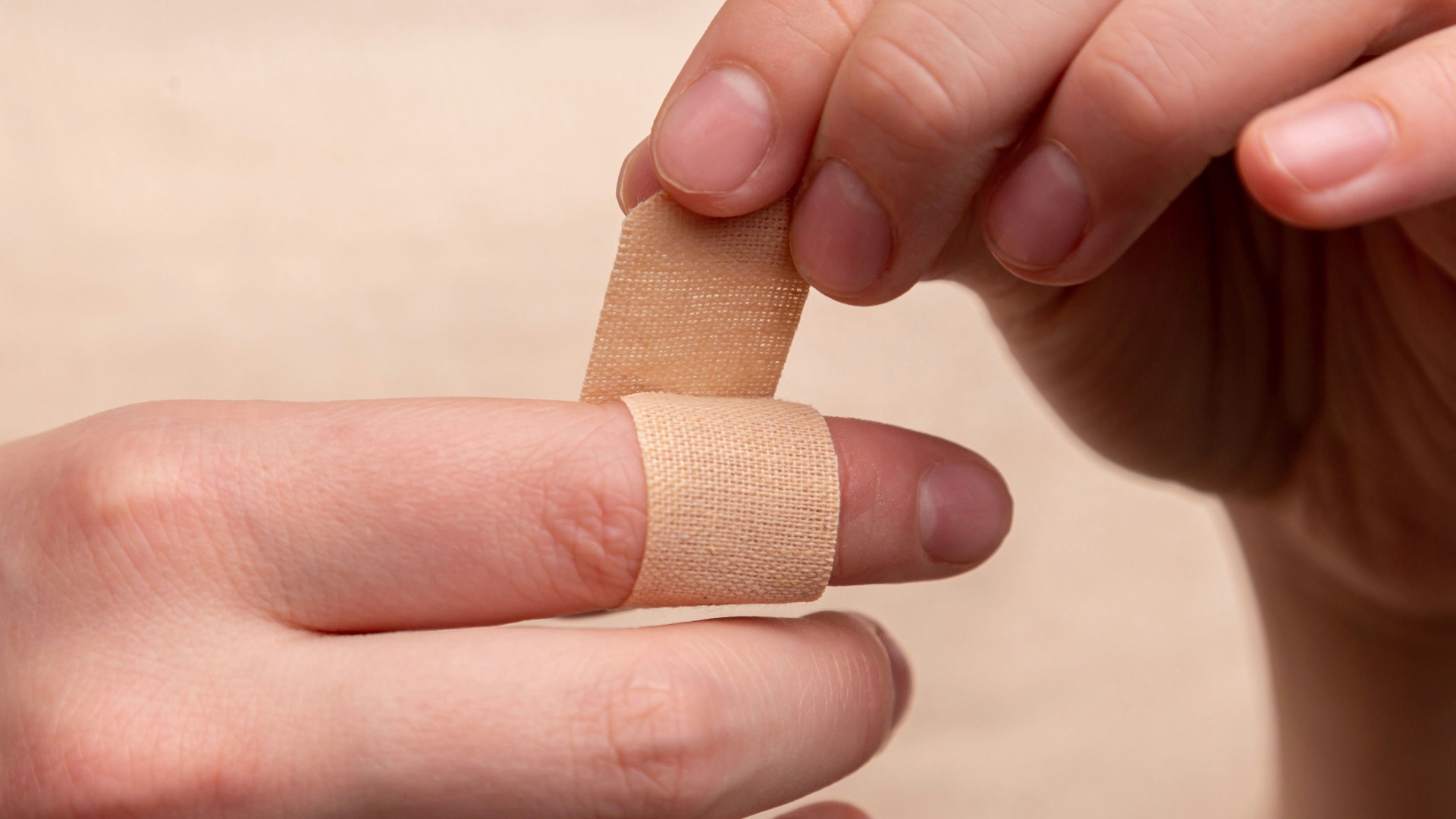
7. It Can Feel Faster from a Resting Position
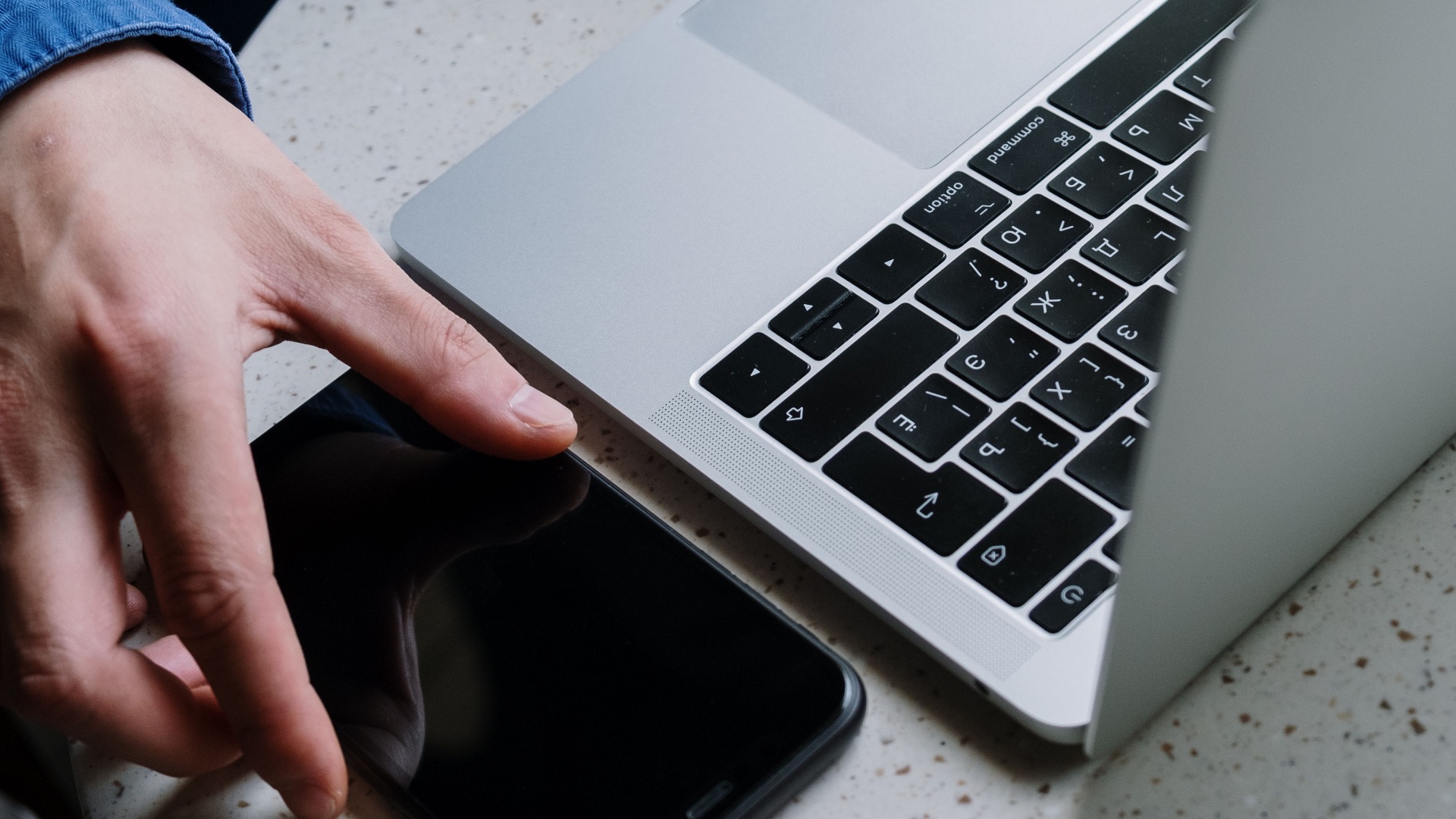
Face ID may be fast, but Touch ID can be just as quick. After all, if your finger is already sitting near the sensor, you can authenticate without moving much at all. That can be particularly useful on devices such as a MacBook with Touch ID, since your fingers are already on the keyboard.
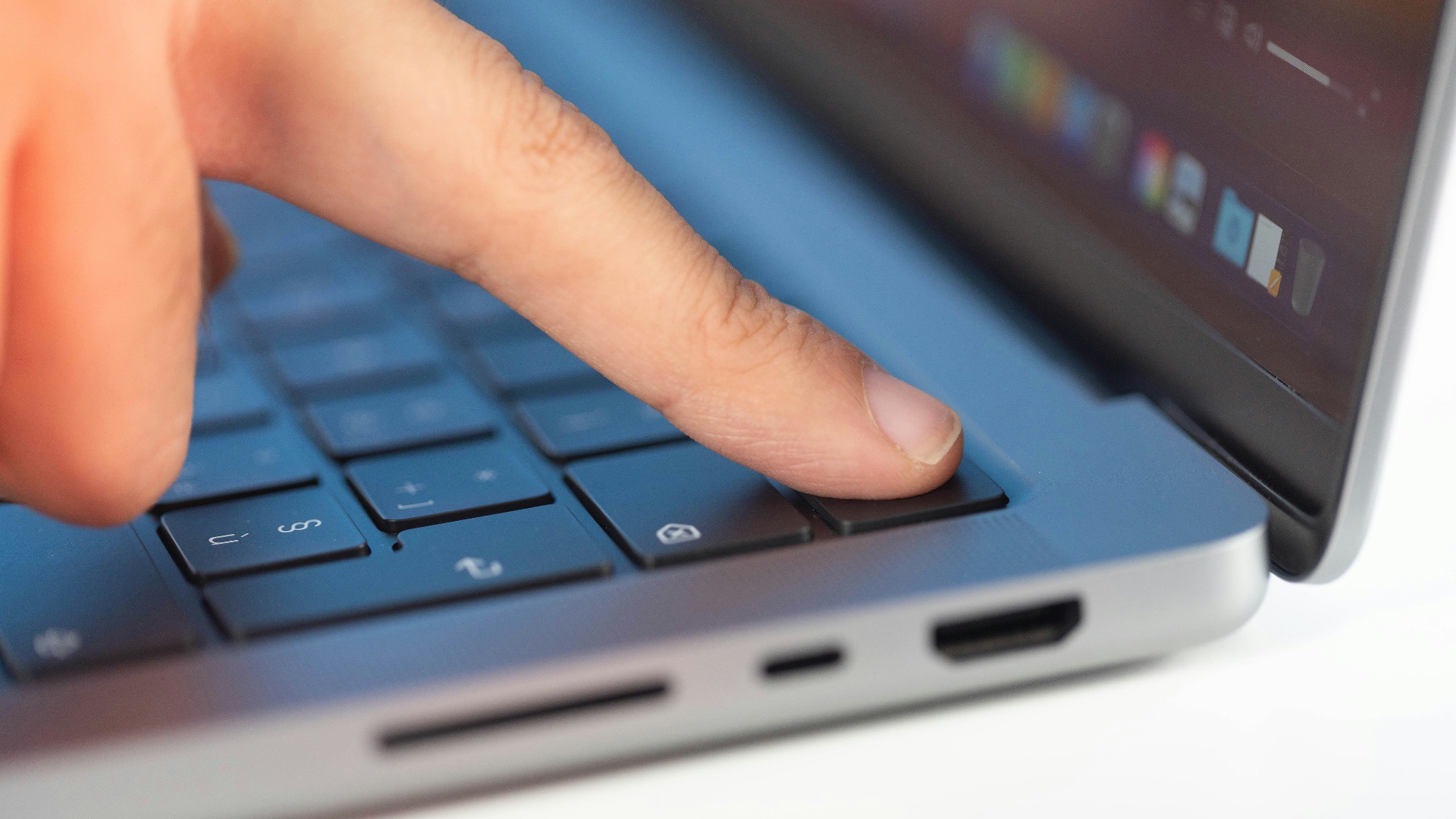
8. Camera Obstructions Don't Affect It
Ever had a case that just so happened to obscure the camera? Or maybe there's a smudge or some lint you forgot to wipe away. With Touch ID, all you need is a clean finger—what's happening around the front-facing camera doesn't matter.

9. Changing Your Face Has No Effect
Face ID can handle any changes in your appearance, but it can sometimes trip up, especially if you're wearing anything that hides part of your features or you look particularly puffy in the morning. Touch ID, again, removes facial appearance from the equation entirely. No major change in your looks will alter your fingerprint.

10. It's Excellent for Devices You Don't Hold Up
Facial recognition feels natural on a phone that's regularly pointed toward you or when you're already holding it up in your hand, but fingerprint authentication lets you authenticate without adjusting anything. You can even unlock it in your pocket—that way, when you pull it up, you're already good to go.