Cash or Trash?
Is your phone, tablet, or computer acting up? Sure, your instinct might be to replace them, especially if you're already due for an update or the price tag doesn't matter too much to you, but swapping them out isn't always the best solution. Age alone doesn't determine whether a gadget has reached the end of its useful life, after all, and plenty of older devices can continue kicking after simple repairs. So, should you send them in for a fix—or are they pure junk? Let's weigh both sides.
1. The Battery Is the Main Problem
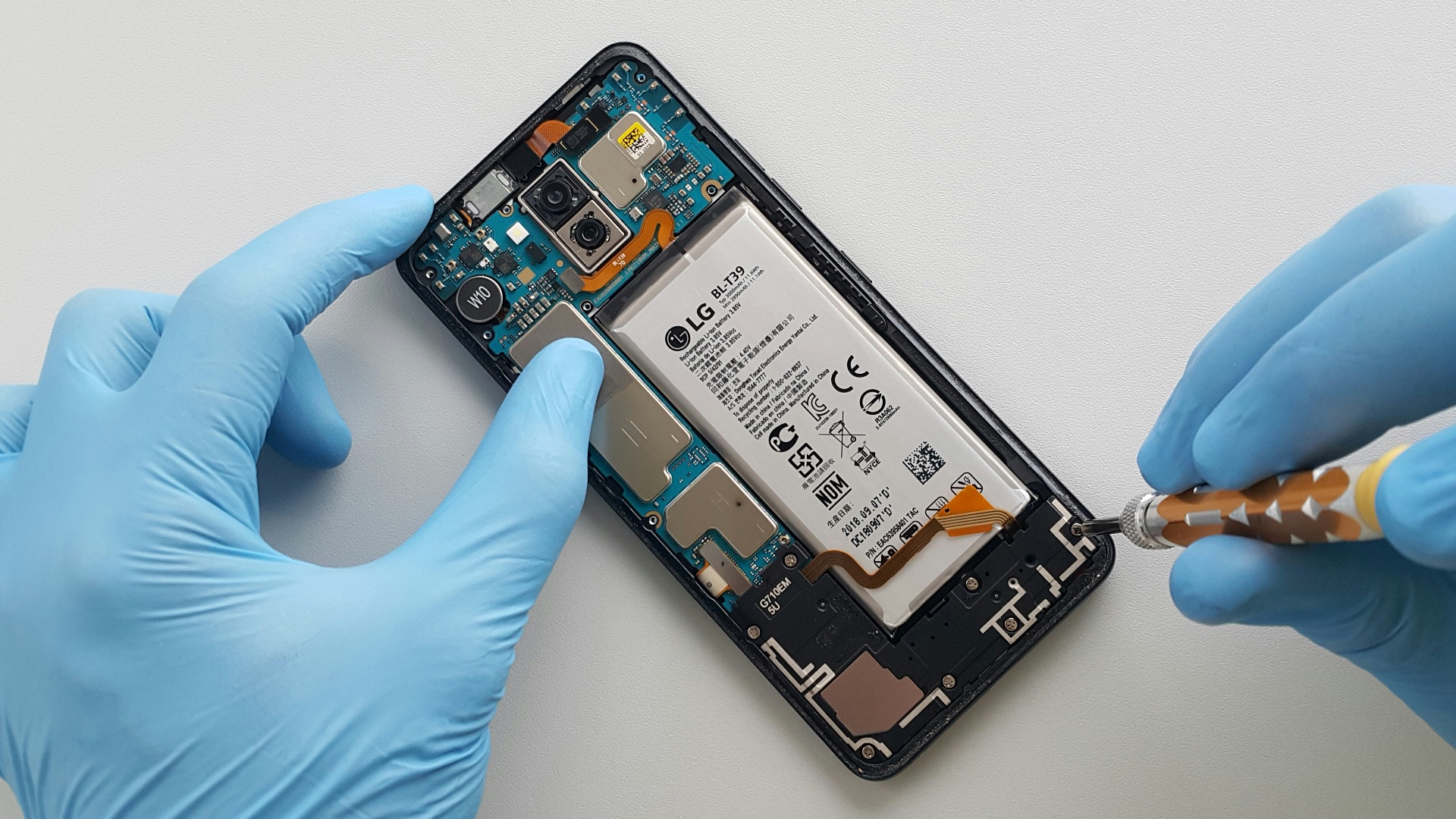
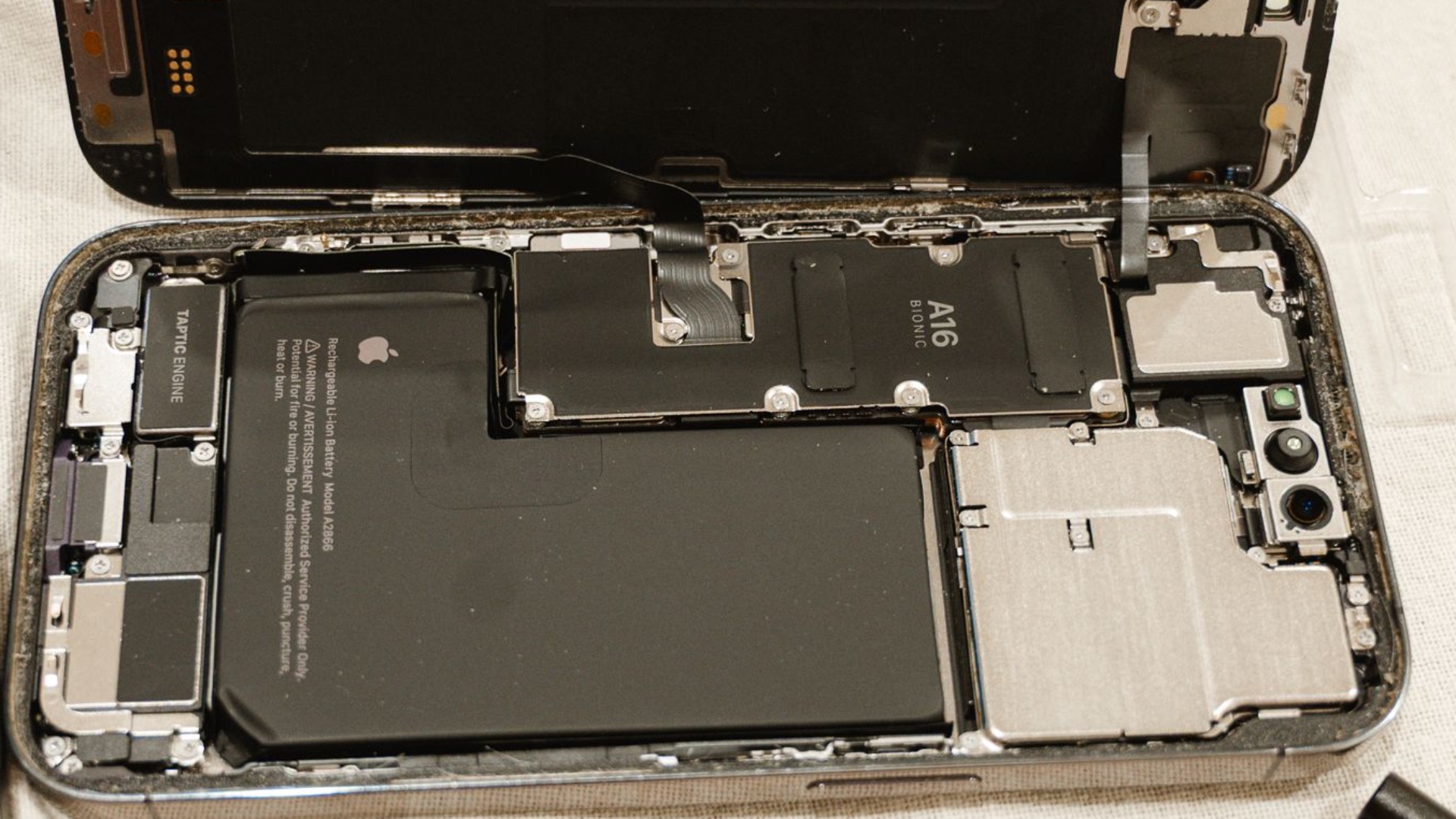
Does your device still perform well but won't last 10 minutes unplugged? If so, it may simply need a fresh battery. Lithium batteries naturally lose capacity over time, so if you can find a reputable spot that can provide replacements at a reasonable price, swapping one may be the better bet.
2. The Screen Is Cracked
A cracked screen can look pretty bad, but if you have a screen protector on, that may be all you need to change. If the damage goes deeper, a fix can still be a good call if the device still turns on and functions normally. However, the nicer the display, the more cash you'll have to fish out if you want a perfect repair.

3. It's Still Receiving Software Updates
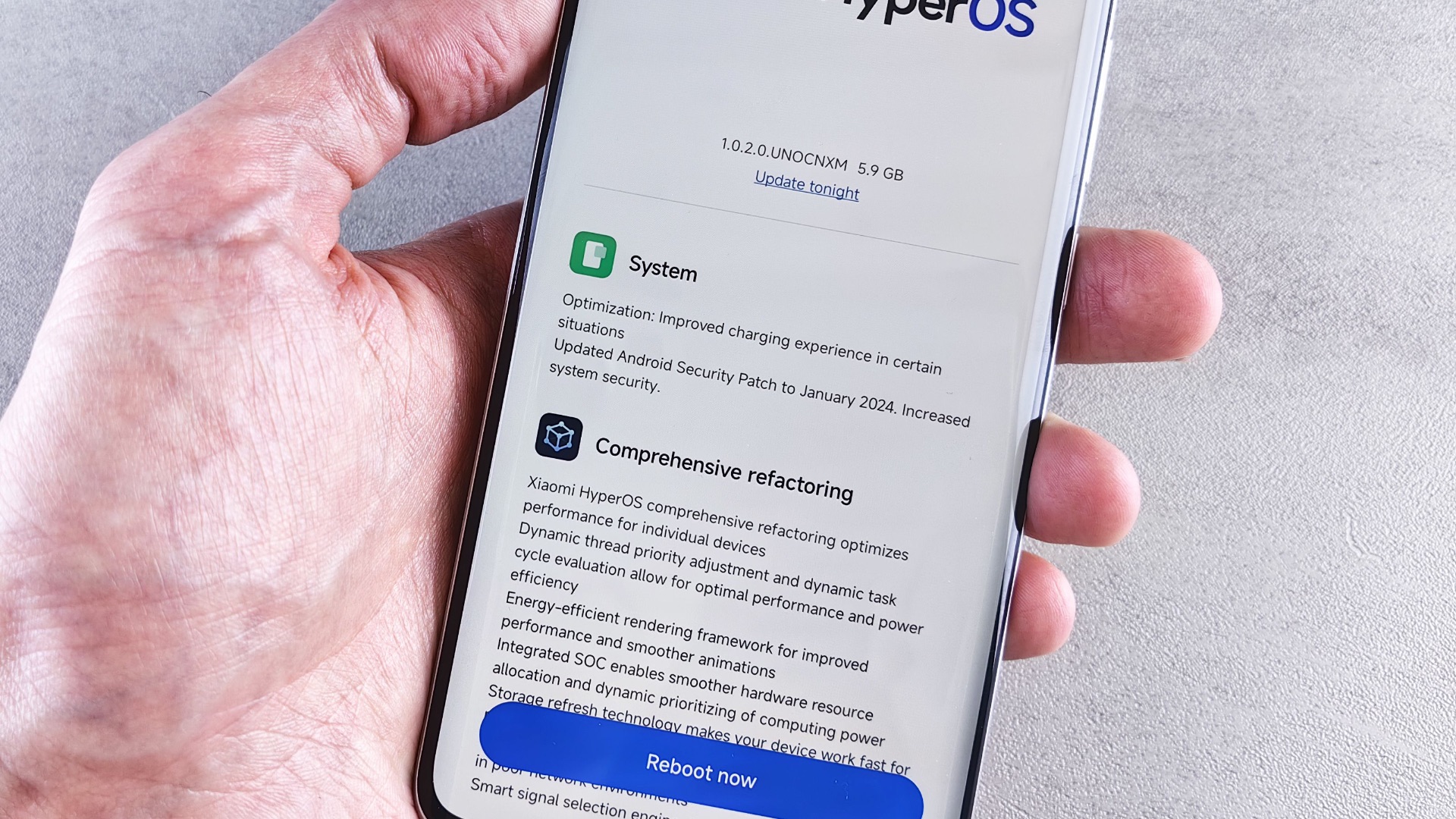
You might think your device is old, but if it's still being included in regular updates, it's probably not as old as you think. If the nuts and bolts in it remain capable, repairing a relatively minor fault can make more sense than replacing the whole thing.
4. Replacement Parts Are Easy to Find
Unless you have some obscure device that no one else has, you're bound to find reputable repair shops that can get the job done. That also means you don't need to worry about not having the correct parts or relying only on limited options. (Phew.)
5. The Repair Is Much Cheaper Than Replacement
Sure, repairs can be costly. But you know what's even more costly? That's right: replacing the entire device. If getting an entirely new machine will leave a significant hole in your pocket, you might want to make sure you're making the right (and smart) calculations first.
6. It Still Handles Everything You Need
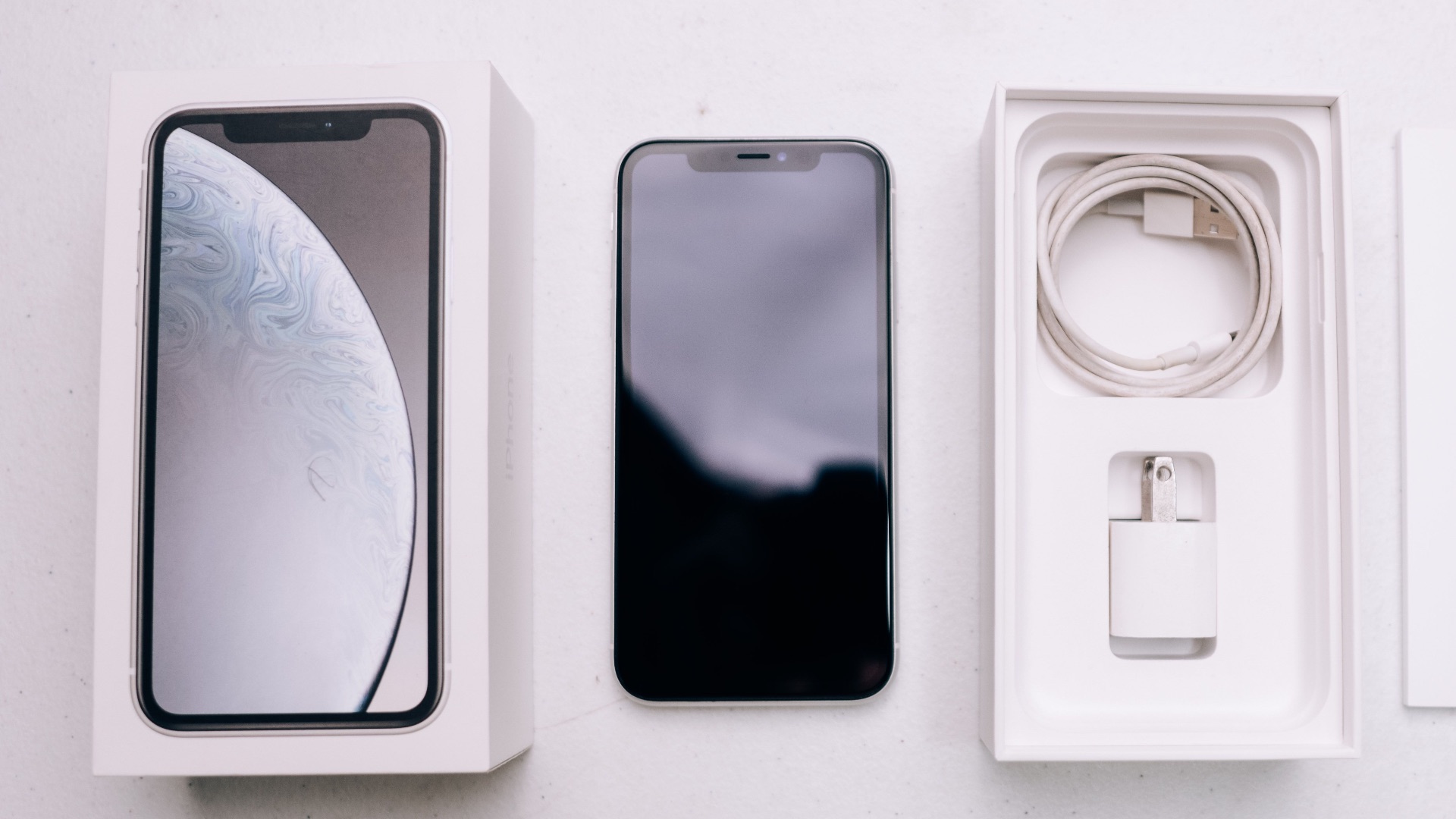
New devices have better specs, but that doesn't matter much if your current device already does everything you need it to do comfortably. In this case, repairing what you already have can be the smarter choice than spending serious cash on an upgrade you don't really need.

7. Only One Component Has Failed
Only need to fix one thing? Whether it's a faulty keyboard or charging port, one damaged component is an easily fixable issue. Of course, it'll still depend on how these parts are connected within the device—the best is if the worn-out part can be swapped out without disturbing the rest of the system.
8. It Was High-End When You Bought It
Got an Apple device? Considering every device in their lineup is premium, you can usually get much more use out of them with minor fixes. After all, you probably wouldn't want to spend a fortune only for it to last you a year or so. If you have the option and it's a relatively inexpensive fix (and certainly less costly than buying brand new), repairing an older model can be the better pick.
 https://kaboompics.com/ on Pexels
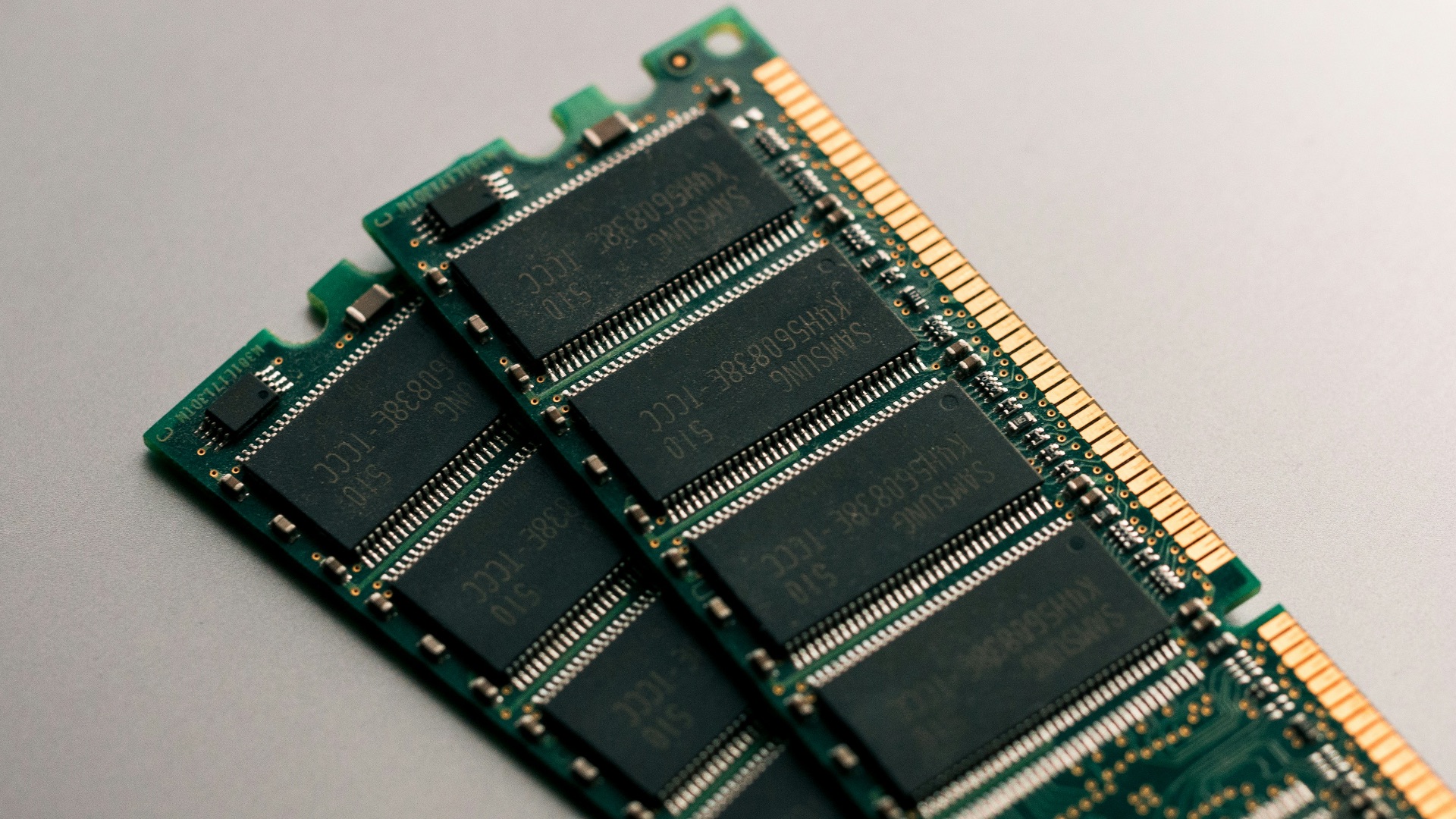
9. Its Storage or Memory Can Be Upgraded
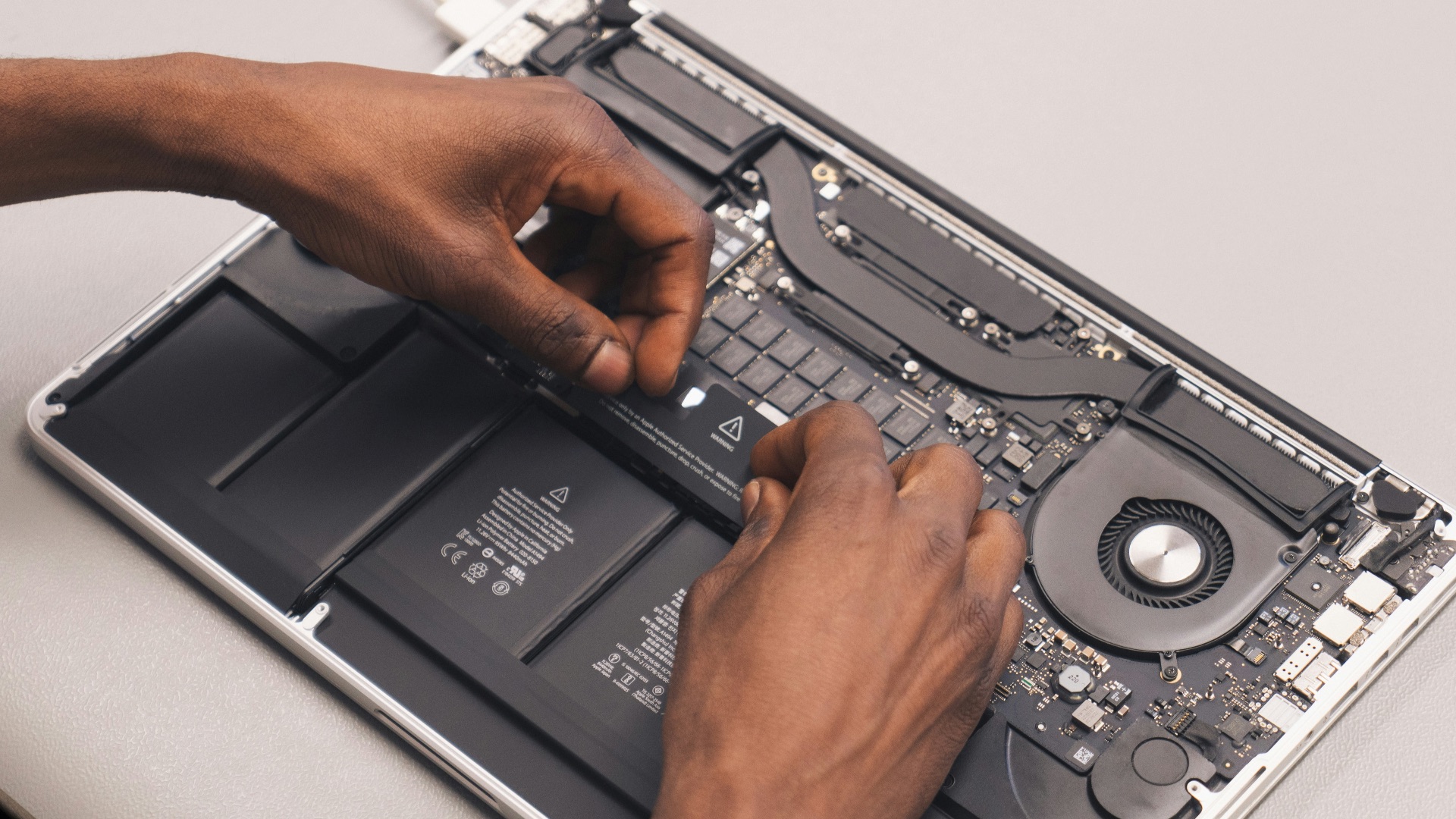
If all your troubles are centered on the storage or memory (i.e., you just need more space for all your stuff), then sometimes all you need is to swap out the SSD or RAM for another one. Keep in mind, though, not all devices are designed with replaceable components, so you'll need to see if yours is even eligible for this option.
 Harrison Broadbent on Unsplash
10. You Know Its History
You know the history of your device the best, which means you understand much more about its capabilities and limits. That can help you ultimately decide whether it's worth repairing or not, and in most cases, it'll probably still be better to fix a faulty component than replace it with another used device of uncertain condition.
Of course, sometimes repairing isn't the answer; some devices may reach a point where it's clear that it's nearing the end of its life. Here are 10 signs that say your machine is, unfortunately, pure junk.

1. Several Major Parts Are Failing
One damaged component might be fixable, but two or more? If your device needs more than one major repair and each costs a huge chunk of cash, it's a sign to give it up. Even if these failing parts are still manageable, an aging machine will only show its age more as time goes on.

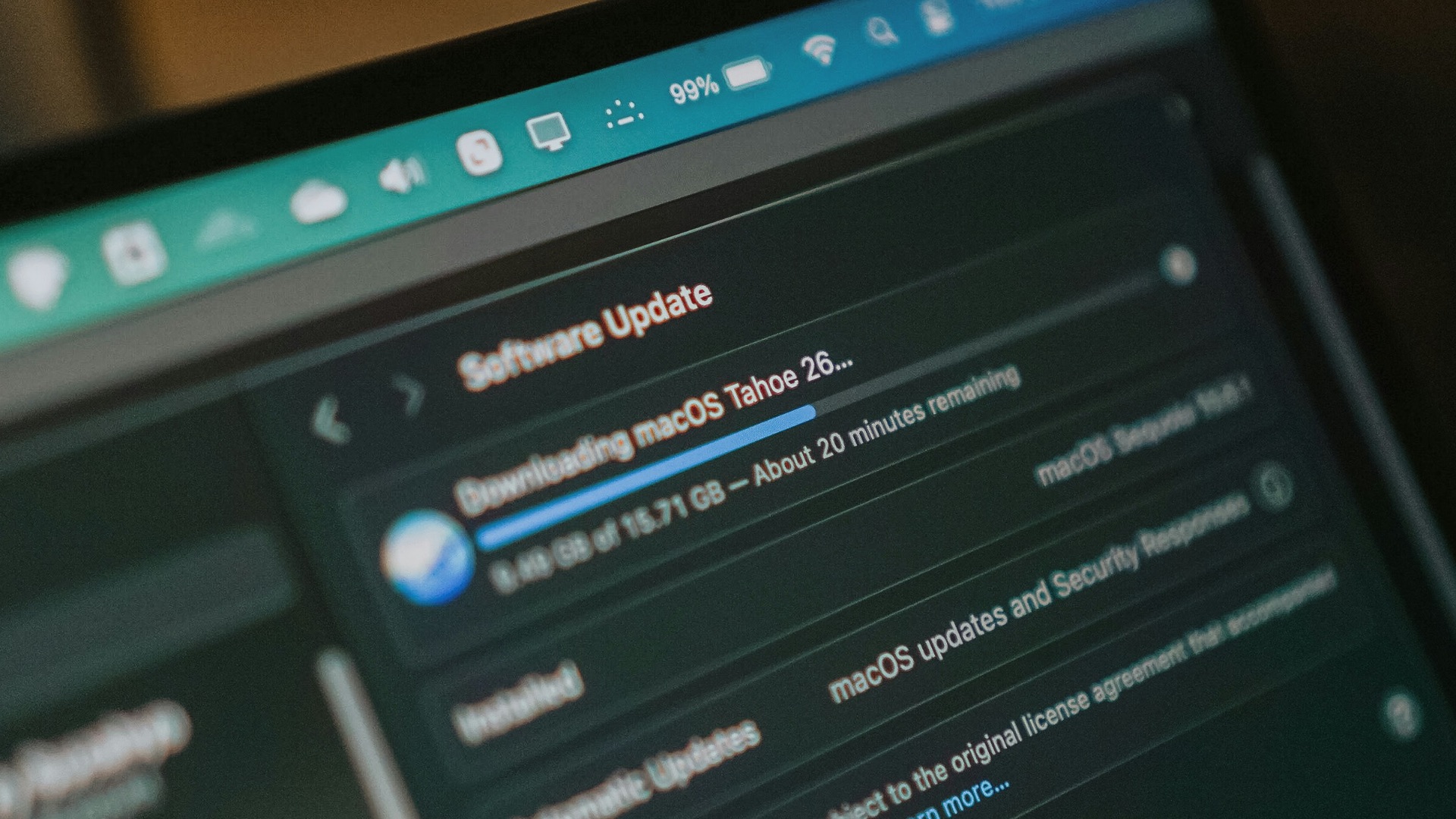
2. The Manufacturer No Longer Supports It
Most manufacturers have extended how long they support older devices, which means that if yours is no longer on the list, you're probably due for an upgrade anyway. Plus, even if it remains usable, not receiving important security updates can make you vulnerable to malicious cyberattacks. Unsupported operating systems may gradually lose compatibility with apps, accessories, and online services, too.
3. Repairs Cost Almost as Much as a Replacement
The more components you need to replace, the higher your total bill will climb. If it reaches a point where fixing the aging machine costs nearly as much as getting a replacement, you should probably throw in the towel. After all, getting a newer device can provide a fresh shell, battery, and warranty that'll guarantee a much longer expected service life.

4. Parts Have Become Rare or Expensive
If you have a device that's long been discontinued, you likely won't have much luck repairing it—its specific components may no longer be available. Unless you're fine with technicians using questionable aftermarket parts just to complete the job, your machine is likely junk.
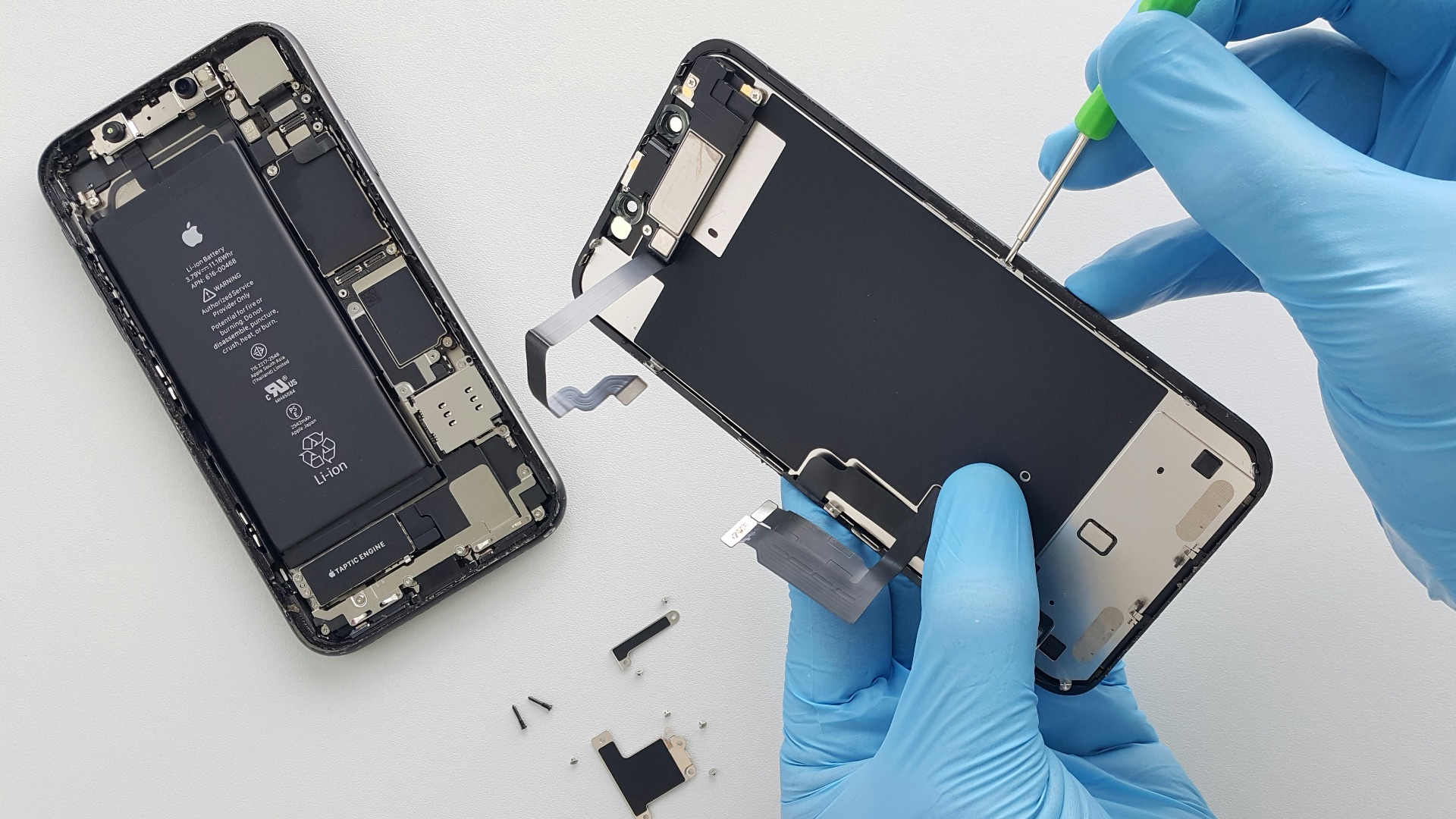
5. It Has Serious Liquid or Corrosion Damage
Dropped your phone in the toilet once upon a time? Spilled coffee on your laptop? Liquid exposure can create lasting problems, and you may still experience glitches and failures after an initial repair. If you know your machine has suffered extensive internal damage, it might be best to retire it.

6. It Can Barely Run Modern Software
Does simply opening a new browser window cause your machine to sound like an airplane taking off? Well, we're sorry to say that repairs to the hardware probably won't solve much, unless the problem lies specifically in memory issues. If you're done dealing with sluggish performance, you should put your repair money toward an actual upgrade instead.

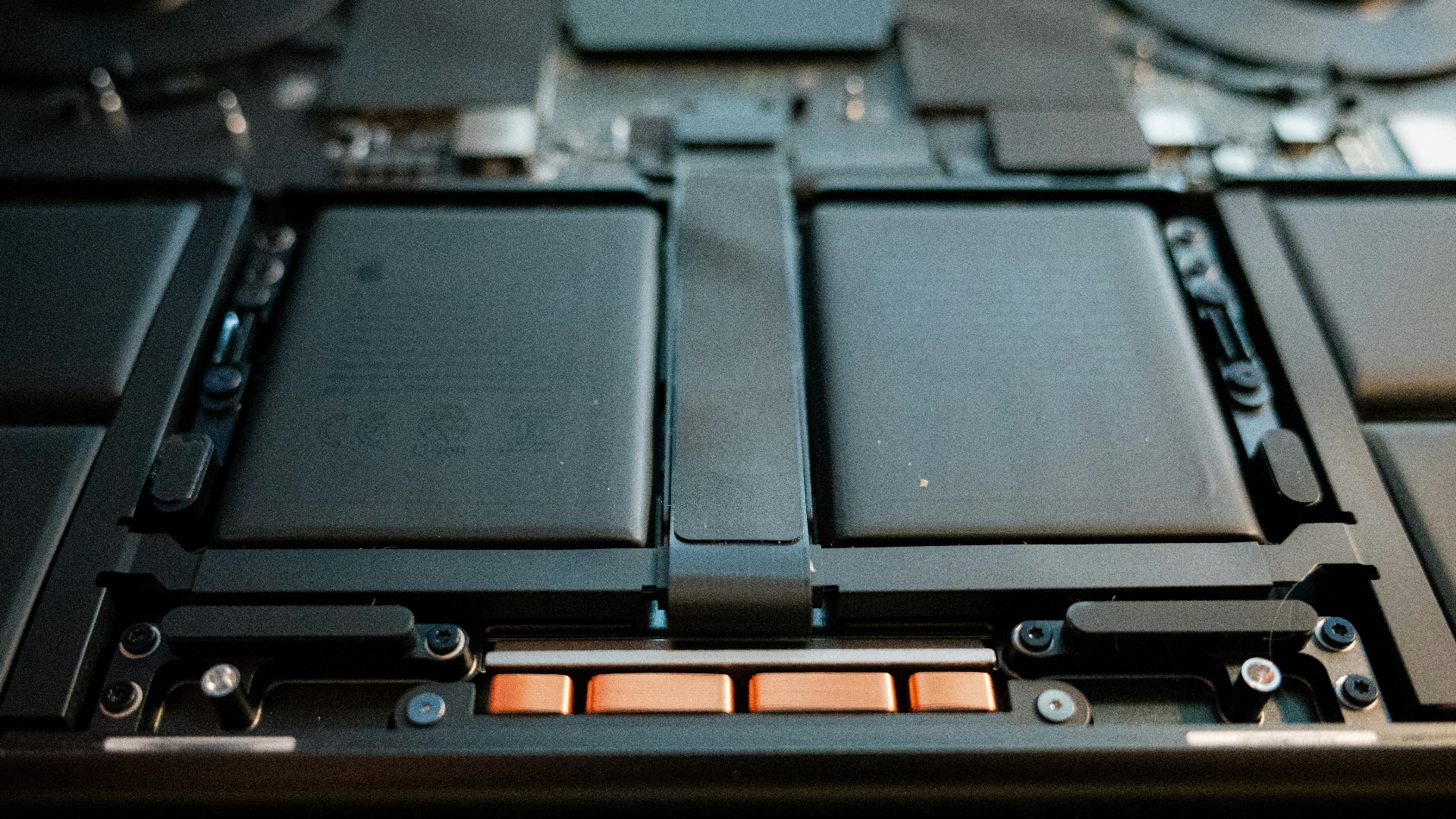
7. The Battery Is Swollen
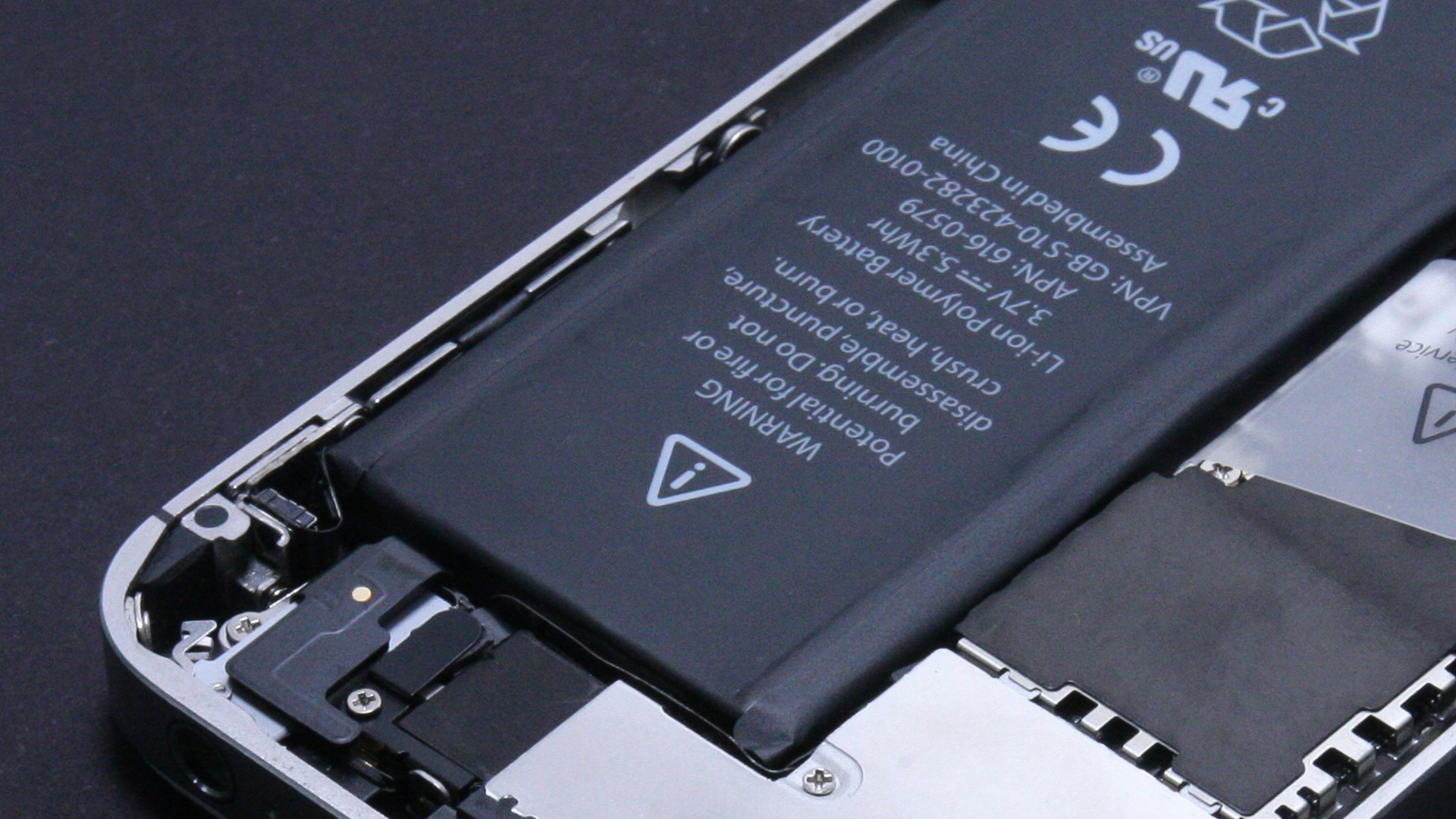
A battery that won't retain charge is one thing, but a swollen one is a completely different problem. Extreme expansion can even deform your device, which can damage other components, too. If you ever suspect this, bring your machine to a technician who can handle it safely, then get yourself a new device.
8. The Main Board Is Badly Damaged
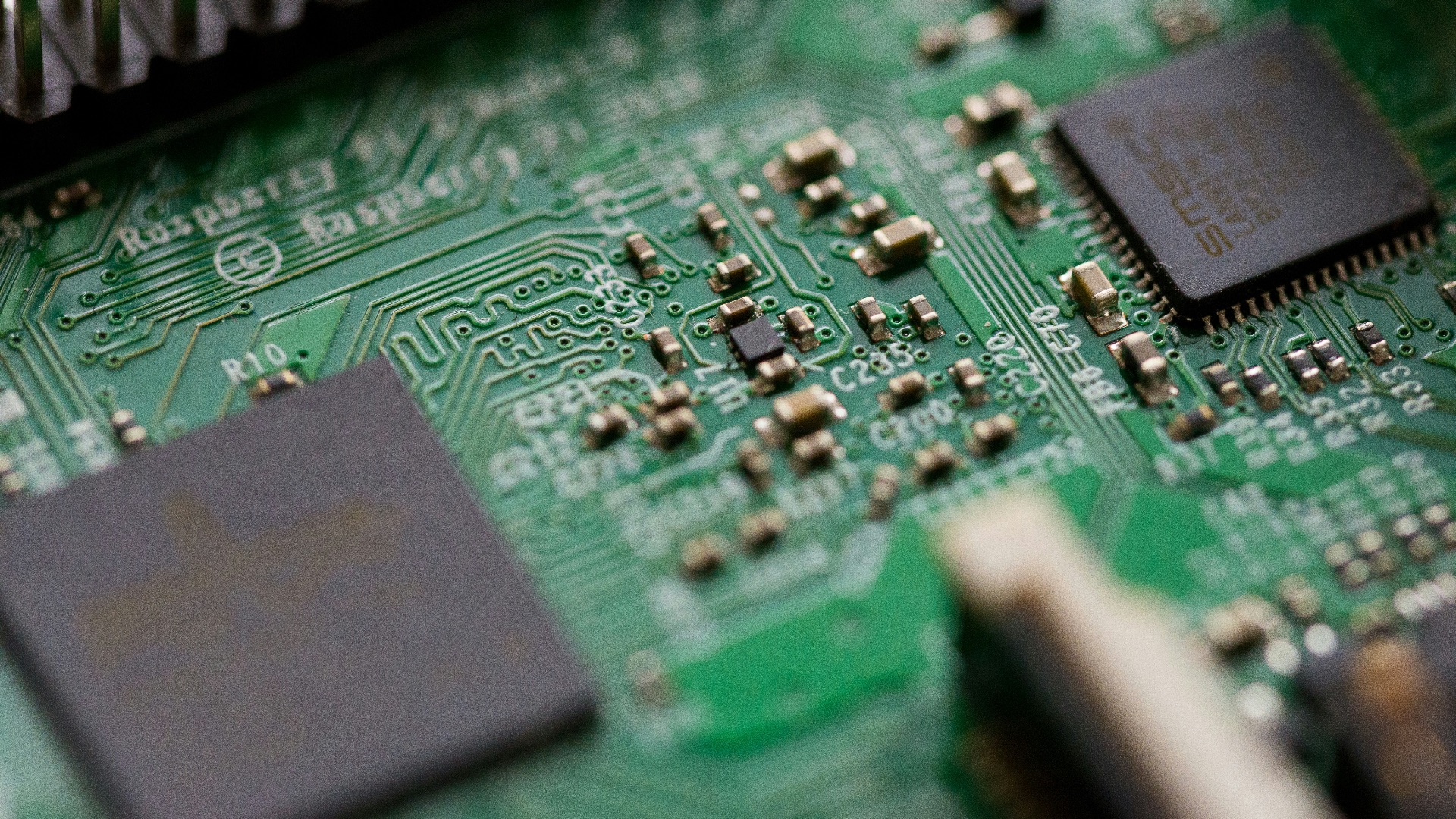
Logic board failures are extremely common, and they're also one of the most expensive problems to address, especially on devices where many components are soldered directly onto the board. On older, inexpensive devices, fixing it can easily cost more than the hardware is worth.
9. One Repair Keeps Leading to Another
Maybe you've already dealt with a repair in the past. Now, there are new failures. If you have an aging device, it's not going to get any easier for you down the road, which means you're better off just upgrading your machine. Save yourself the headache—use the repair money toward a newer device.

10. You're Keeping It Alive for No Practical Reason
Sometimes, you might have an old device that technically works, but using it requires constant compromises. You may, for example, have to constantly keep it plugged in or delete stuff to save storage space. But why put in all that effort? Unless it has sentimental or collectible value, there comes a point when you have to accept that junk is junk, and it's time for something new.