Digital Illustration: 10 Ways Drawing Tablets Are Better Than an iPad & 10 Vice Versa
Different Tools for Different Kinds of Artists
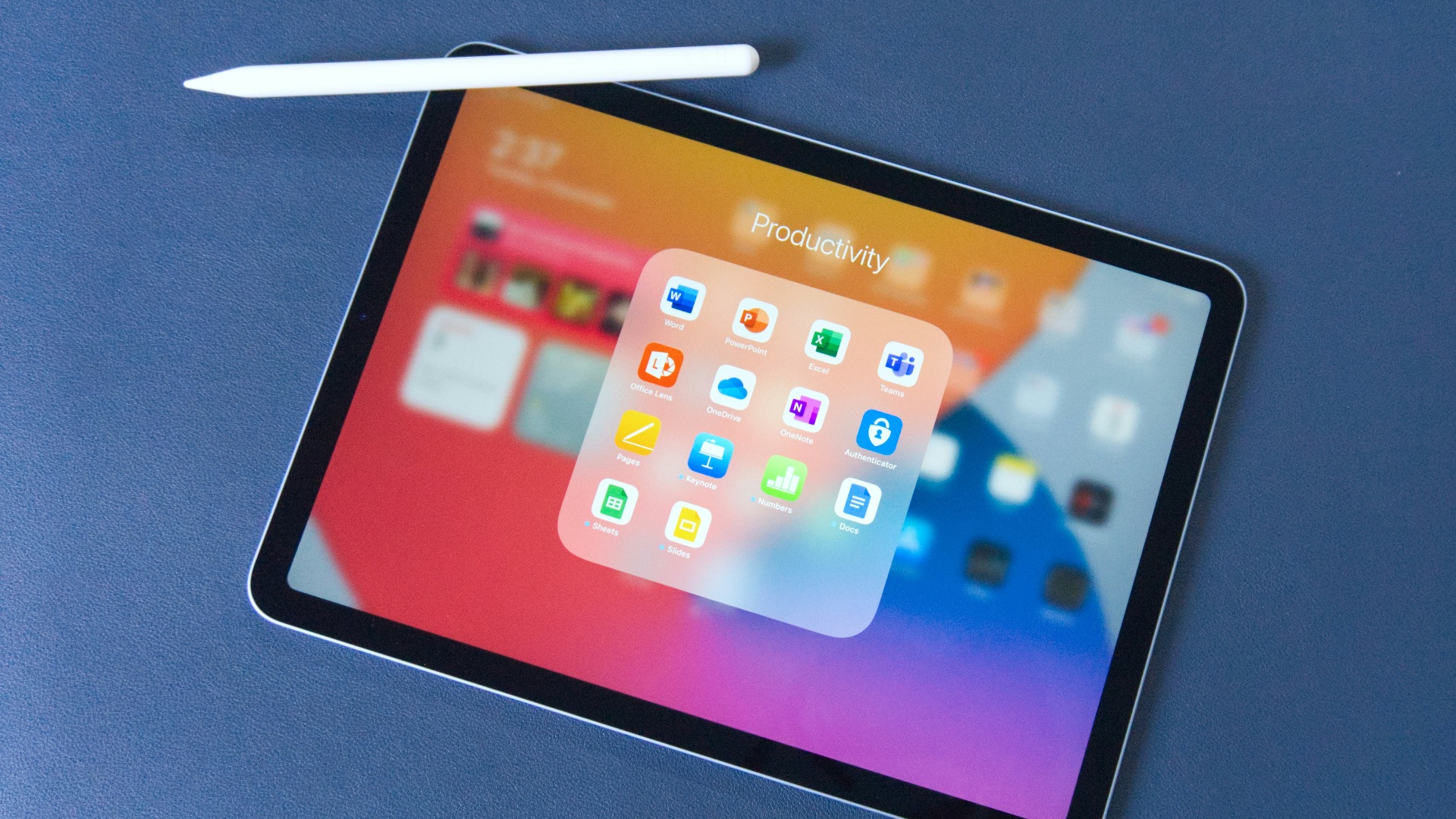
If you're an illustrator or just like drawing for fun, you've probably thought about this question a lot: Is it better to get a drawing tablet or go with an iPad and an Apple Pencil? Sure, both are capable of producing professional-looking digital art, but there are distinct differences between them: while traditional drawing tablets tend to offer deeper desktop integration, more specialized hardware, and greater control over demanding creative software, iPads make it easier to sketch and work almost anywhere. Still can't decide? Here are 10 advantages they both have over each other, so you can weigh out which perks matter most to you.
1. They Work with Full Desktop Software
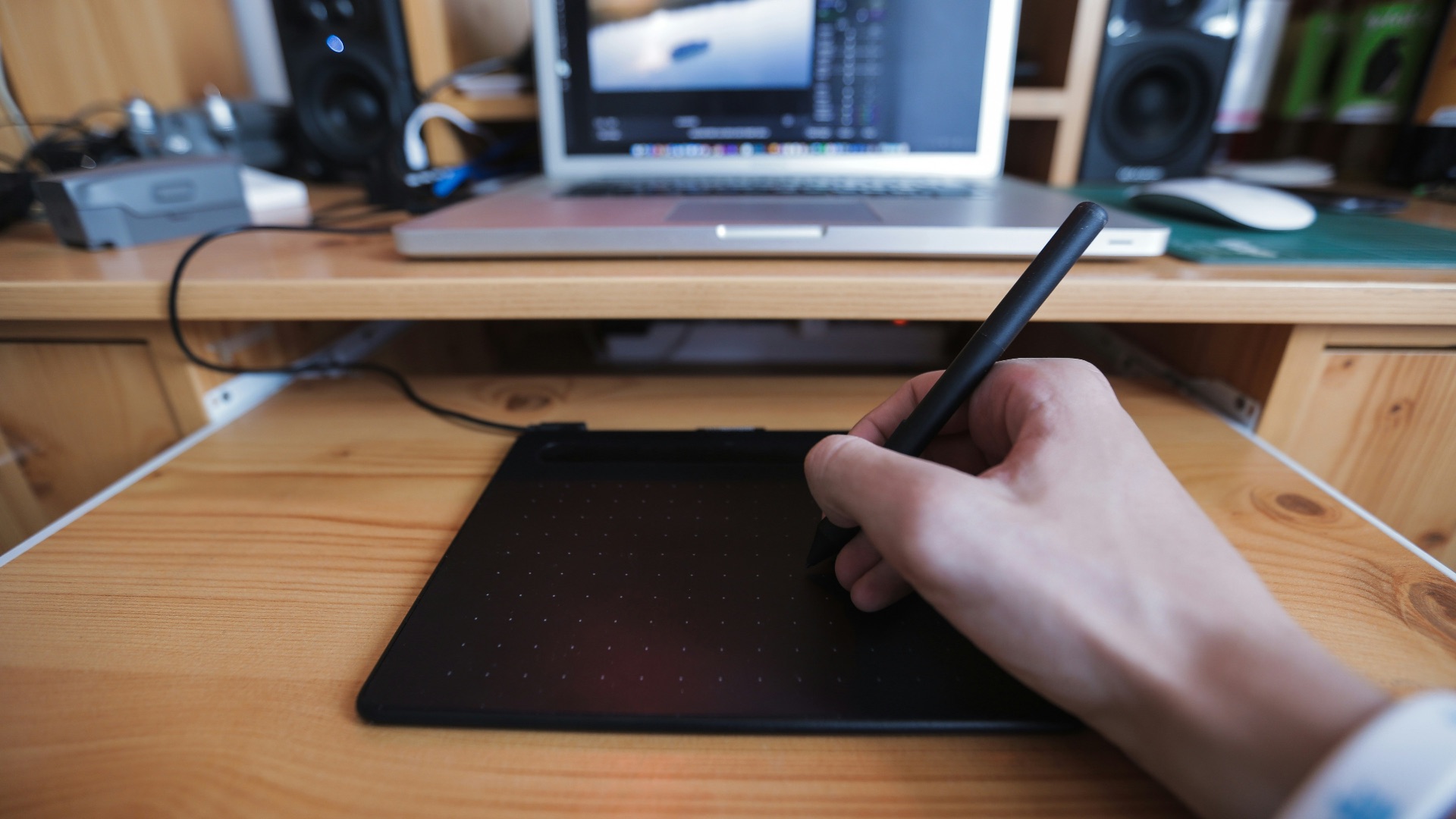
Drawing tablets connect to computers that can run complete desktop programs such as Adobe Photoshop, Illustrator, Blender, and Clip Studio Paint. These versions often include advanced tools, plug-ins, automation features, and workspace controls that may be reduced or unavailable in mobile apps. For artists handling detailed professional projects, broader software access can make a substantial difference.
2. You Get More Choices in Size
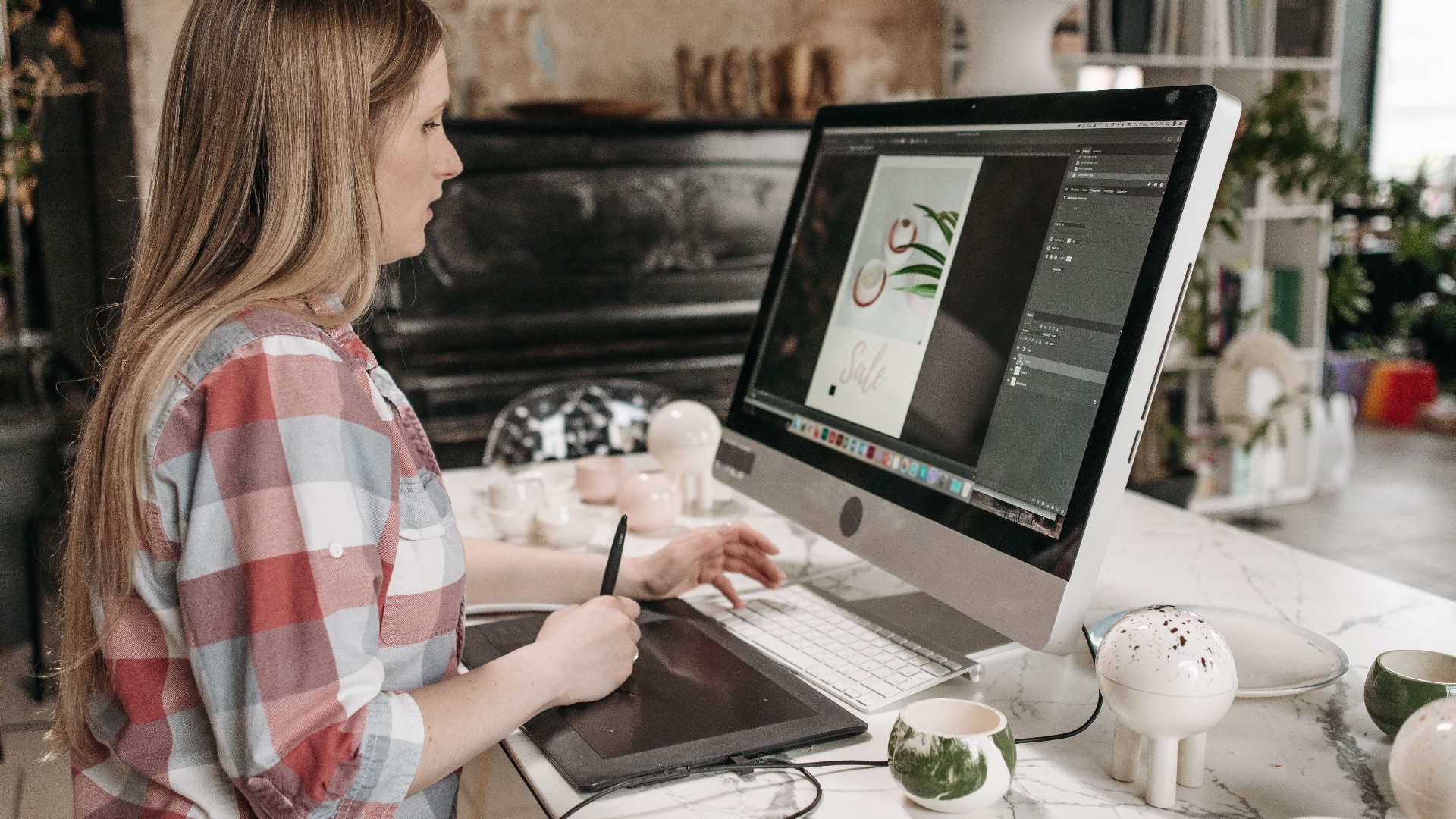
Dedicated drawing tablets come in everything from compact models to large displays designed for broad arm movements. That variety lets you choose a working area that suits your desk, drawing style, and physical comfort. An iPad offers only a limited range of screen sizes, so artists who prefer an especially spacious canvas may feel restricted.
3. Shortcut Buttons Can Speed Up Your Work
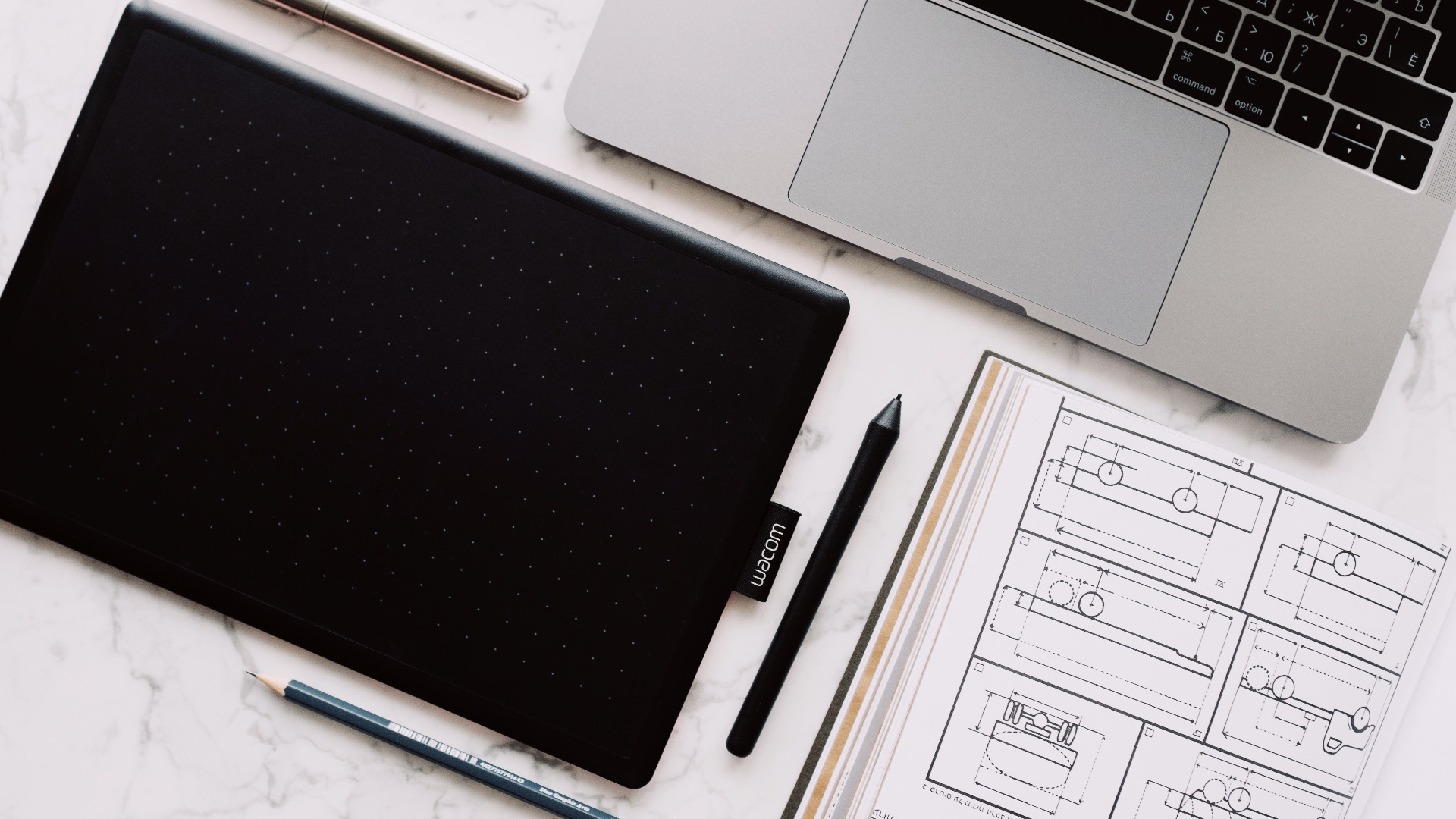
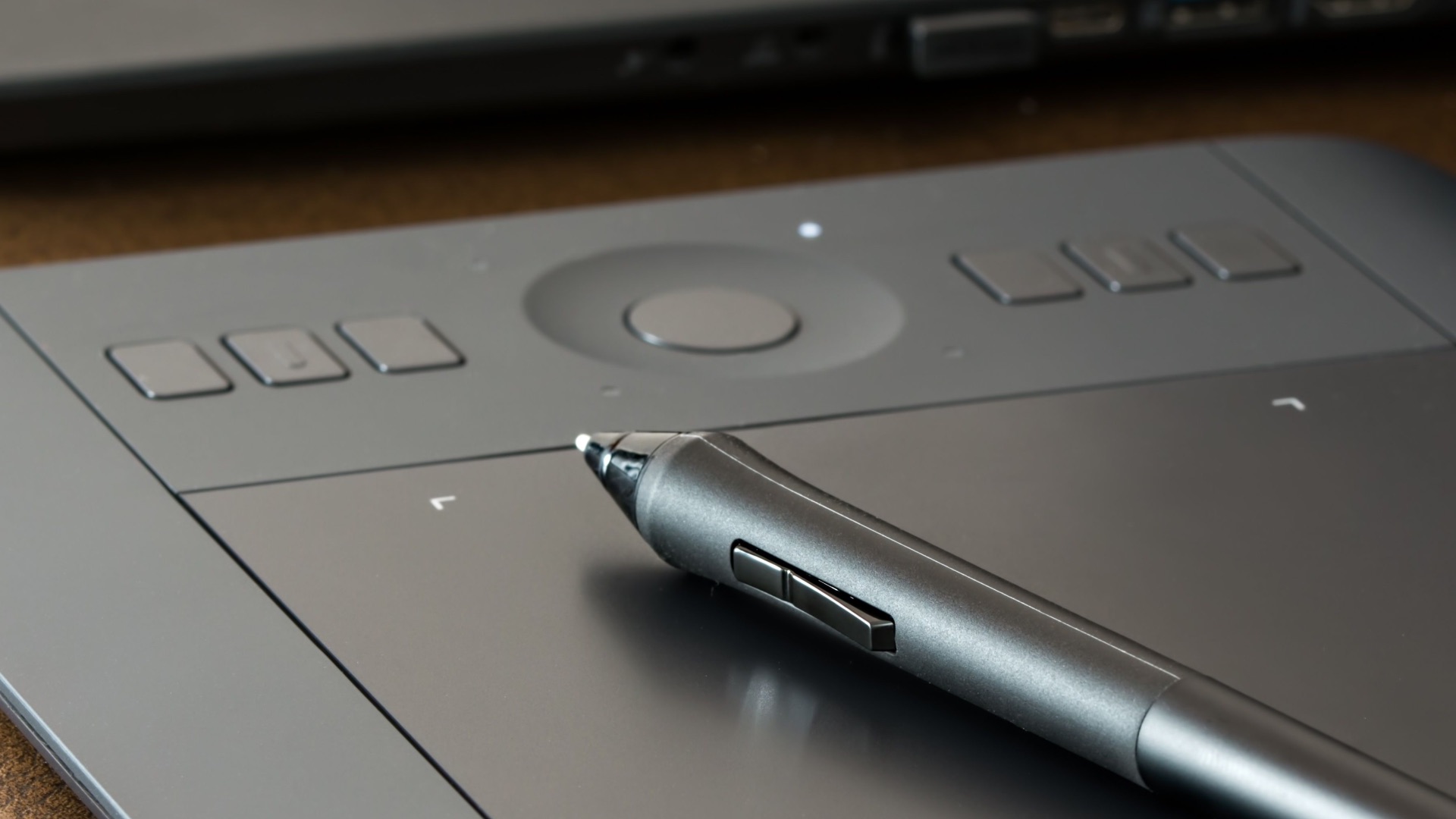
Many drawing tablets include programmable buttons, touch strips, dials, or remote controls that place common commands within easy reach. You can assign functions such as undo, zoom, brush size, or canvas rotation based on your own workflow. Once those controls become familiar, you may spend far less time opening menus or reaching for a keyboard.
4. They Handle Large Projects More Reliably
A powerful desktop computer can usually manage larger files, more layers, higher resolutions, and complex effects than a tablet-based system. The exact performance depends on the computer, but you also have more freedom to upgrade components when your workload increases. That flexibility is useful for illustrators, animators, and designers whose projects regularly push hardware limits.
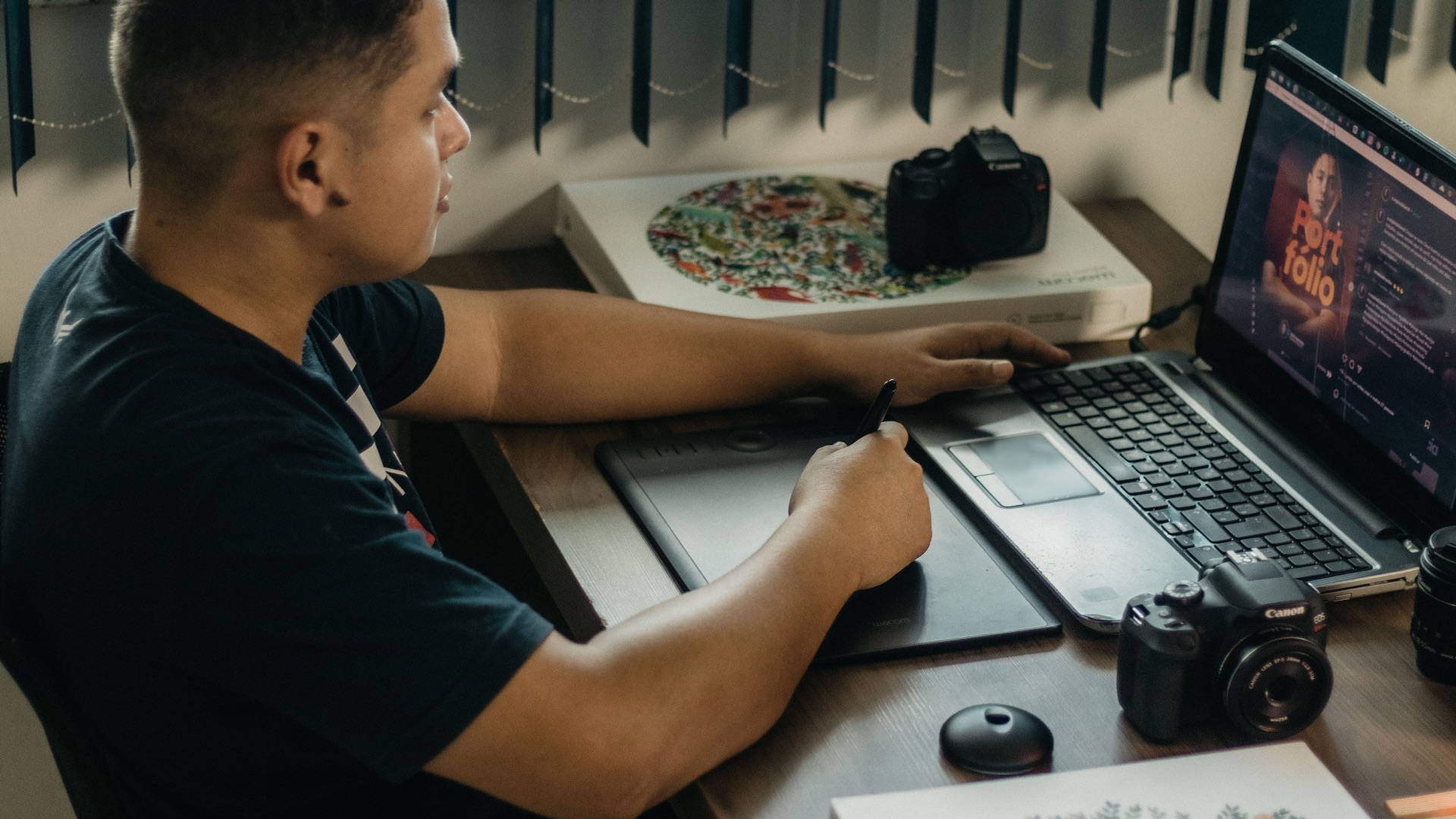
5. Pen Displays Can Feel More Purpose-Built
Screen-based drawing tablets are designed primarily for creative work, so features such as textured surfaces, adjustable stands, and customizable pen settings often receive more attention. Some artists prefer the added resistance of these screens because it gives them more control over their strokes. An iPad’s smooth glass display can feel slippery unless you add a textured screen protector.
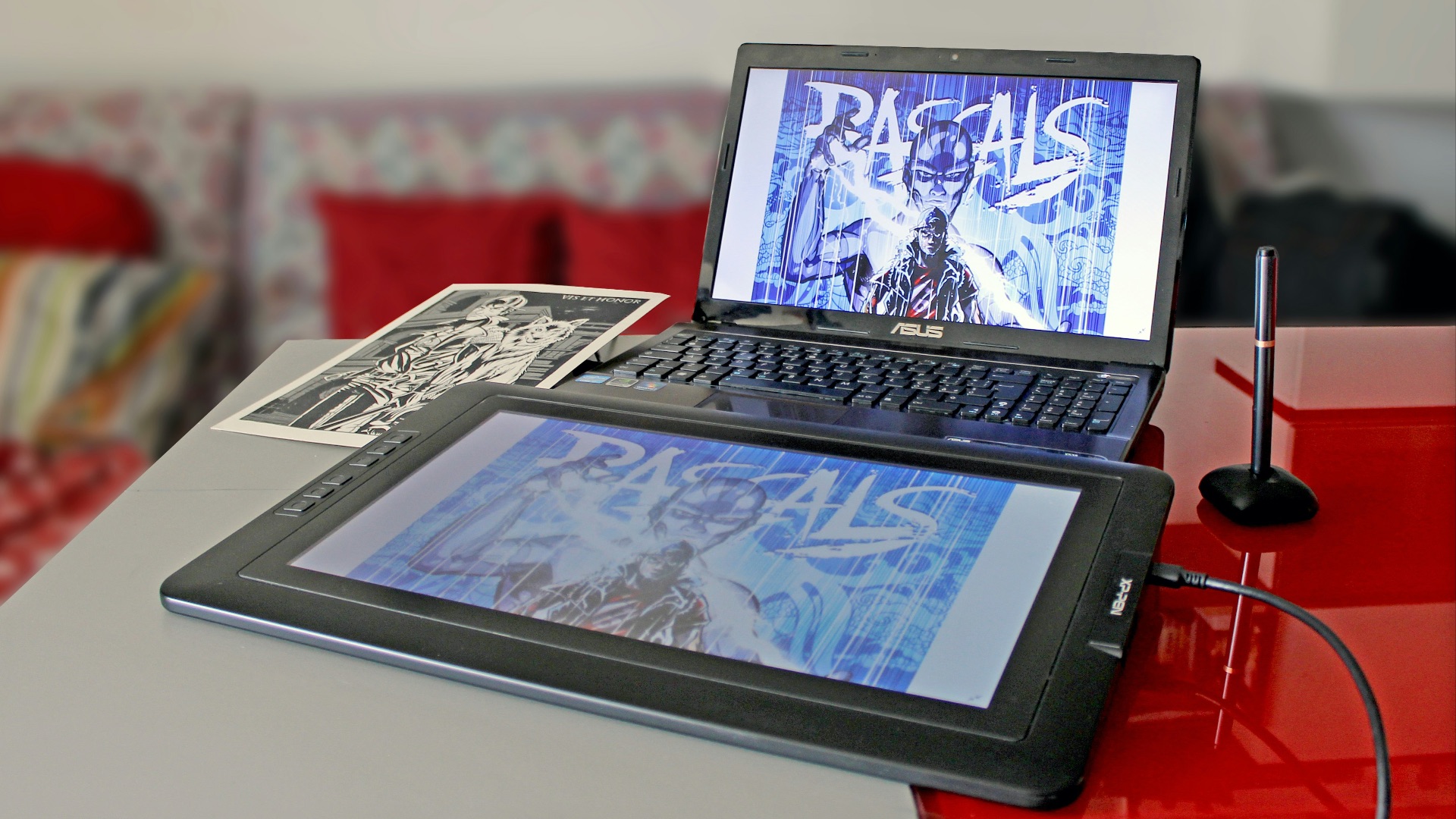
6. There Are More Ergonomic Setup Options
A drawing tablet can be positioned separately from your monitor, keyboard, and other equipment, allowing you to build a workstation around your posture. Display models can also be placed on adjustable arms or stands at different heights and angles. That freedom may help reduce neck, shoulder, or wrist discomfort during long sessions.
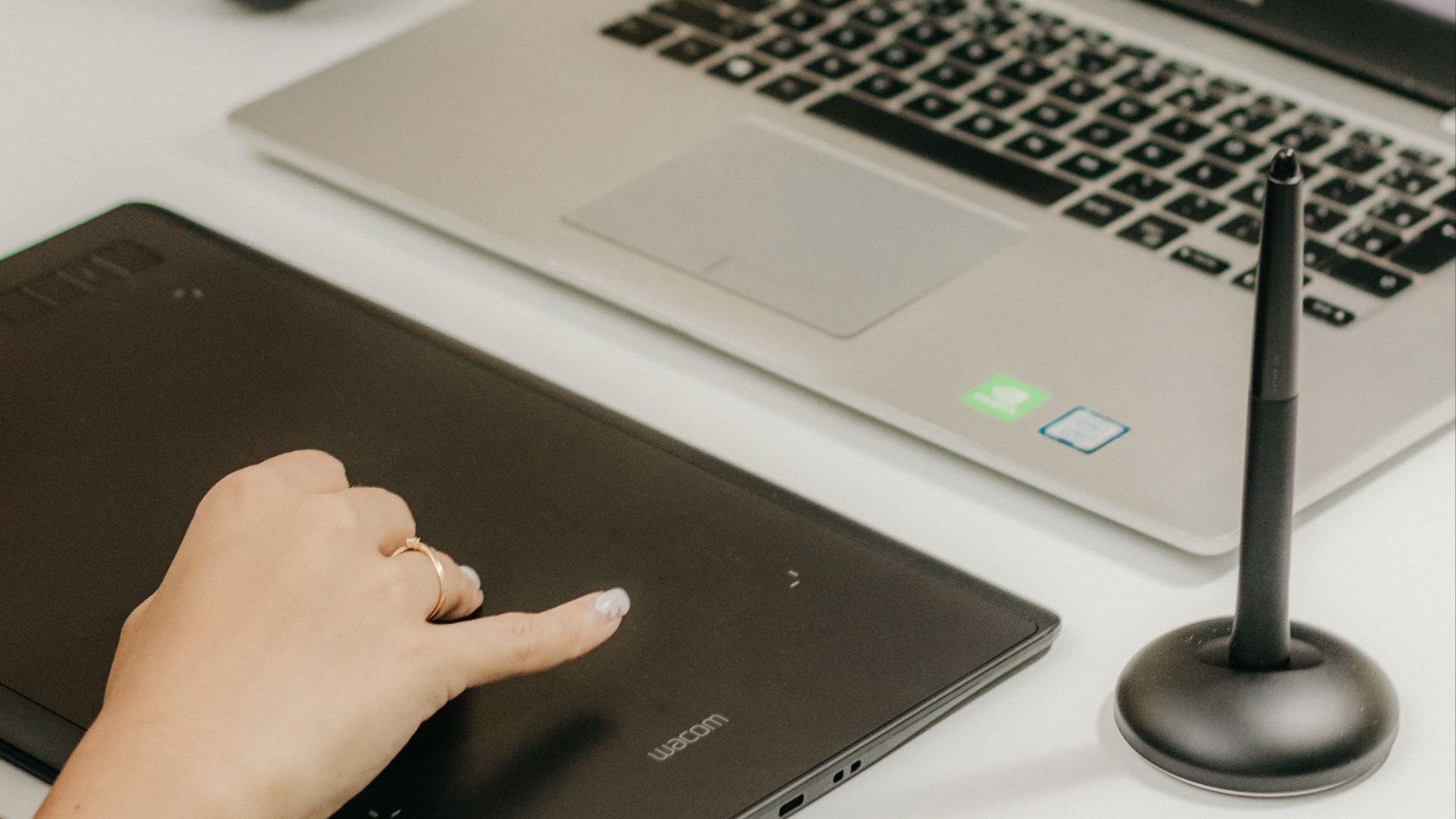
7. You Aren’t Limited by Mobile Operating Systems
Desktop operating systems generally give artists more control over file management, external drives, fonts, plug-ins, and background tasks. Moving assets between folders, applications, and storage devices can be faster when you’re working on a computer. Mobile systems have improved considerably, but certain professional workflows still involve extra steps.
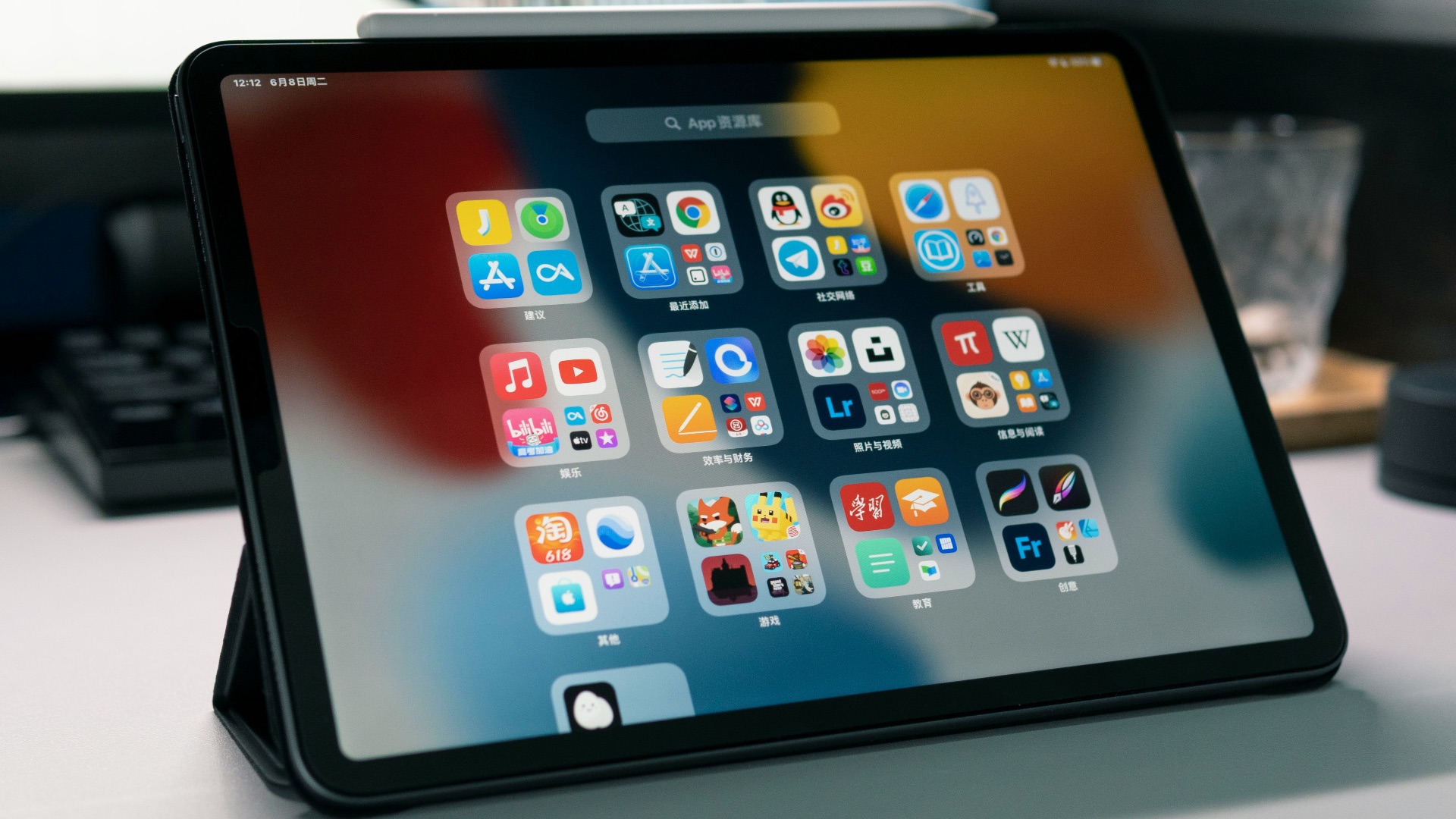
8. Replacement Pens May Be Less Inconvenient
Many drawing-tablet pens don’t require charging, particularly models that use electromagnetic resonance technology. You can pick up the stylus and begin working without checking its battery level or pairing status. Losing or damaging the pen is still frustrating, but everyday use often involves fewer charging concerns.
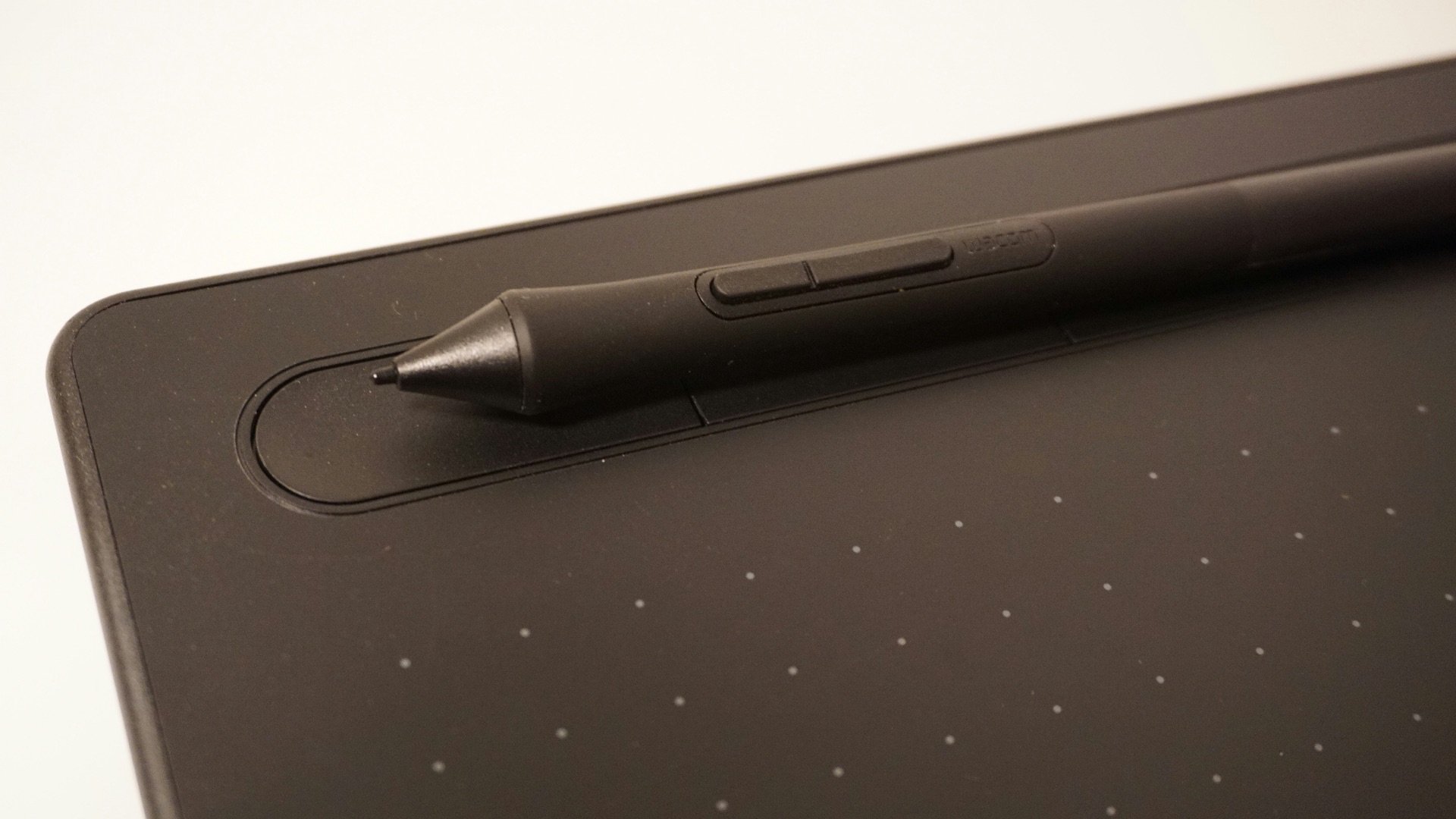
9. Entry-Level Models Can Cost Less
A basic screenless drawing tablet can be surprisingly affordable, making it a practical starting point for beginners. You can connect one to a computer you already own instead of purchasing an entirely new device. Although premium pen displays can become expensive, the category offers a wider range of low-cost options.
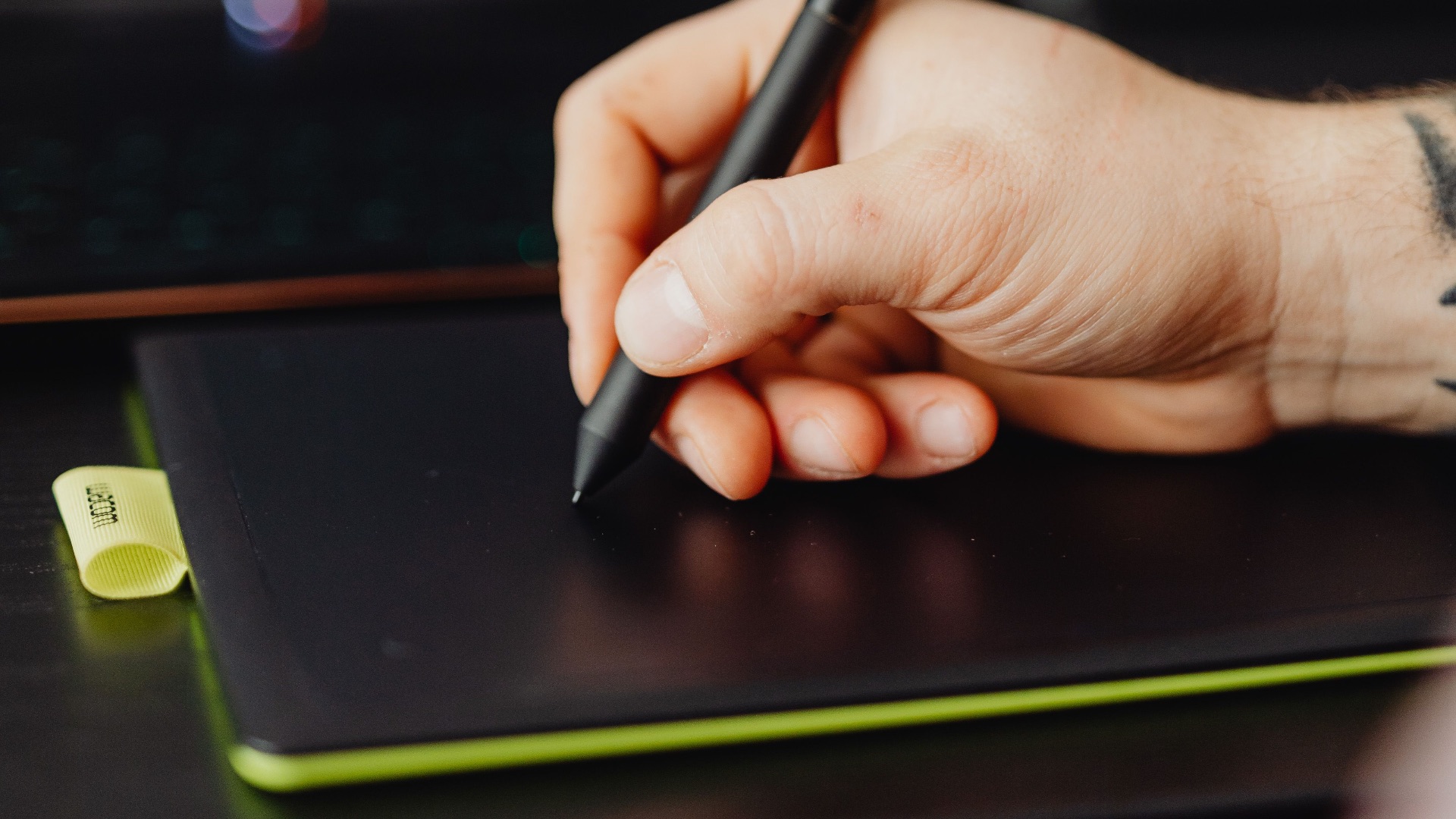
10. They Fit More Easily Into Specialized Workflows
Studios often rely on calibrated monitors, desktop shortcuts, custom brushes, file servers, and software pipelines built around computers. A drawing tablet can become part of that system without requiring artists to change how every other tool works. This makes it easier to move between illustration, animation, photo editing, 3D modeling, and production tasks.
Drawing tablets clearly have advantages when power, customization, and desktop software come first. Still, not every artist wants to stay attached to a computer, and the iPad’s simpler, more portable approach can be far more appealing in everyday use.
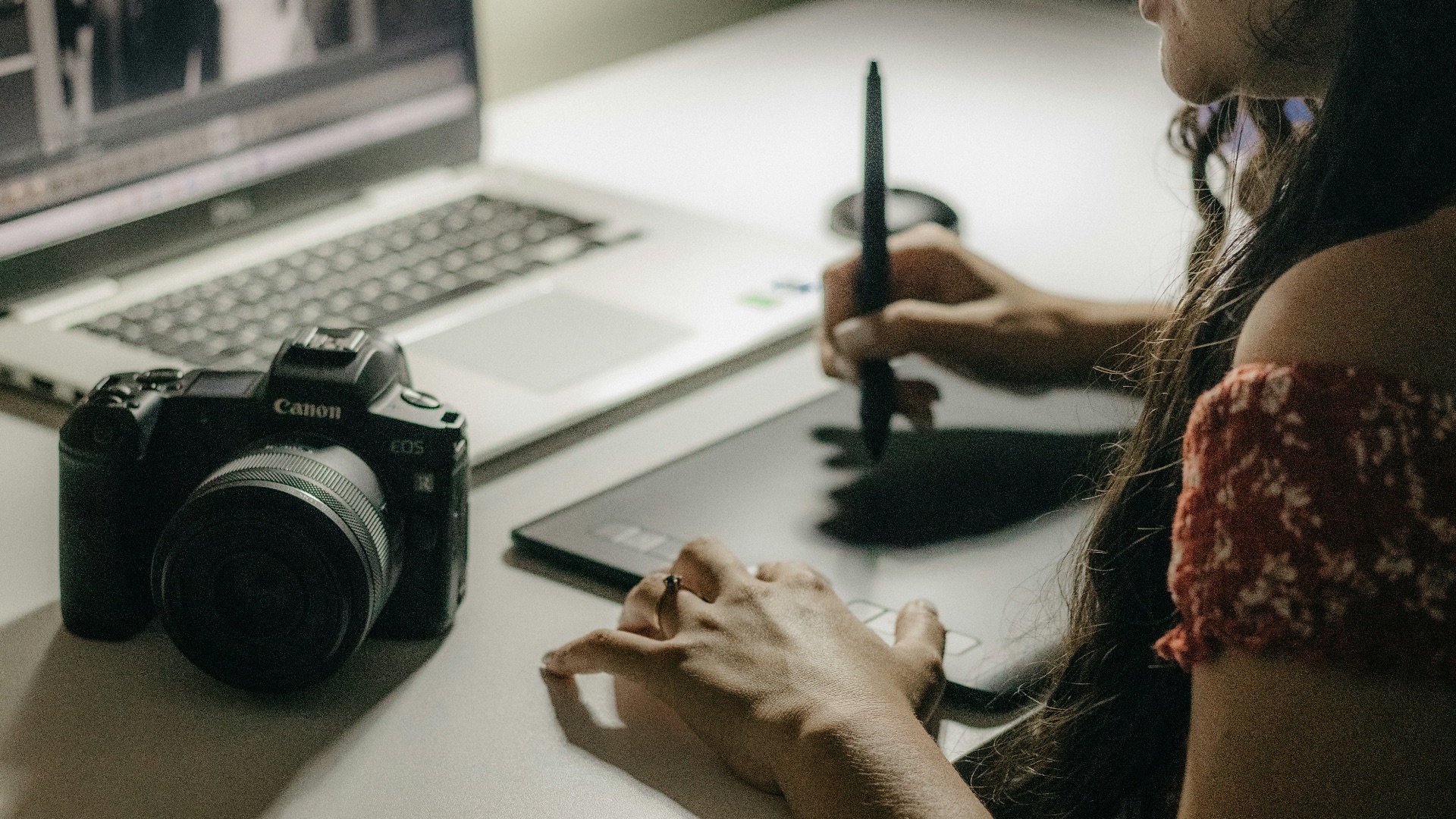
1. You Can Draw Almost Anywhere
An iPad combines the screen, software, storage, and processing hardware in one portable device. You can sketch on the couch, take it to a café, or use it while traveling without packing a computer and cables. That convenience makes spontaneous drawing much easier to fit into your day.
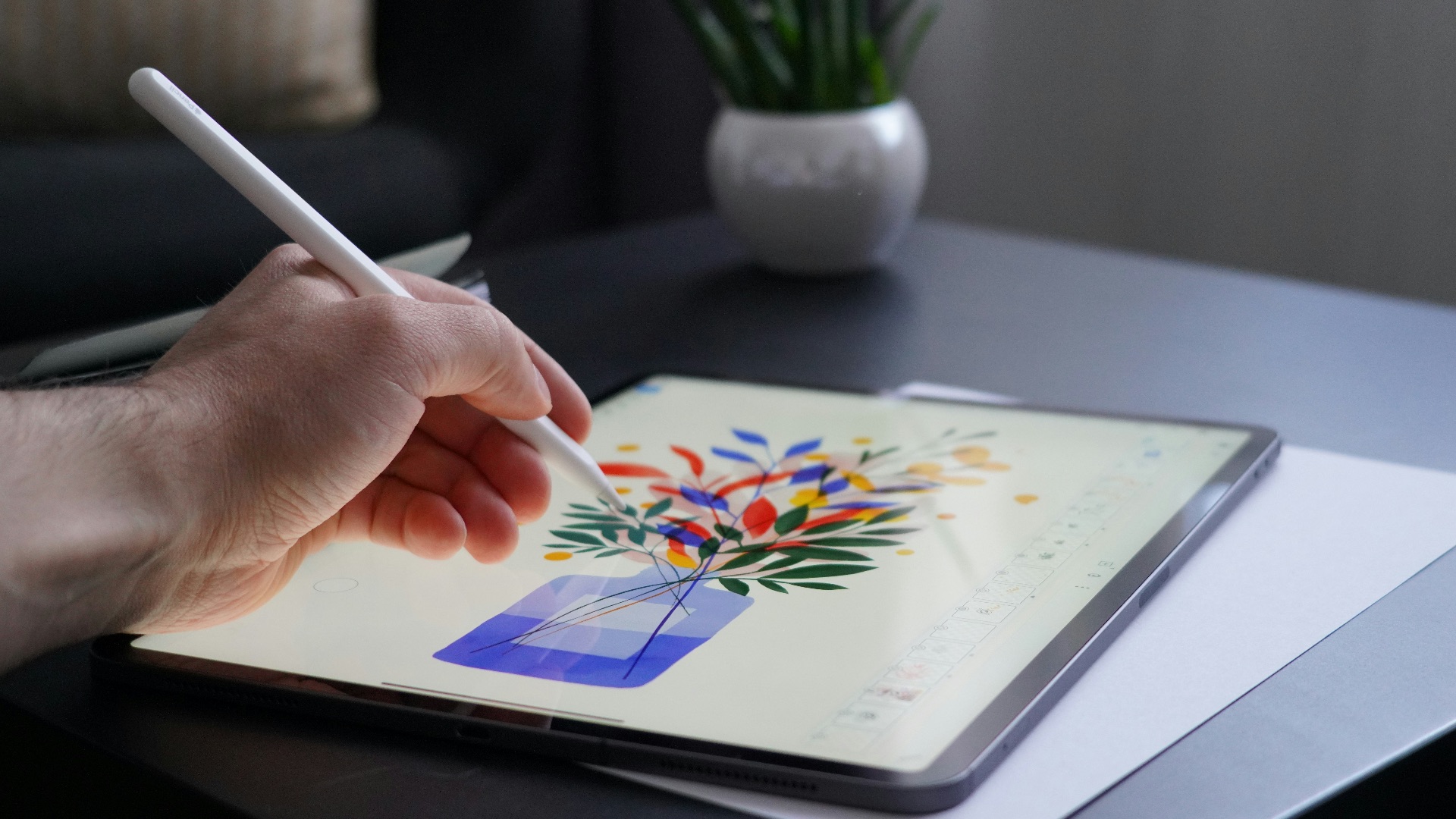
2. Drawing Feels More Natural
Drawing on an iPad can feel more natural because your lines appear directly beneath the Apple Pencil as you make them. Many traditional drawing tablets are screenless, which means you have to move the pen across one surface while watching the result appear on a separate monitor. That disconnect can take time to master, particularly if you’re accustomed to drawing on paper. With an iPad, the hand-to-eye experience is more immediate and usually easier for beginners to understand.
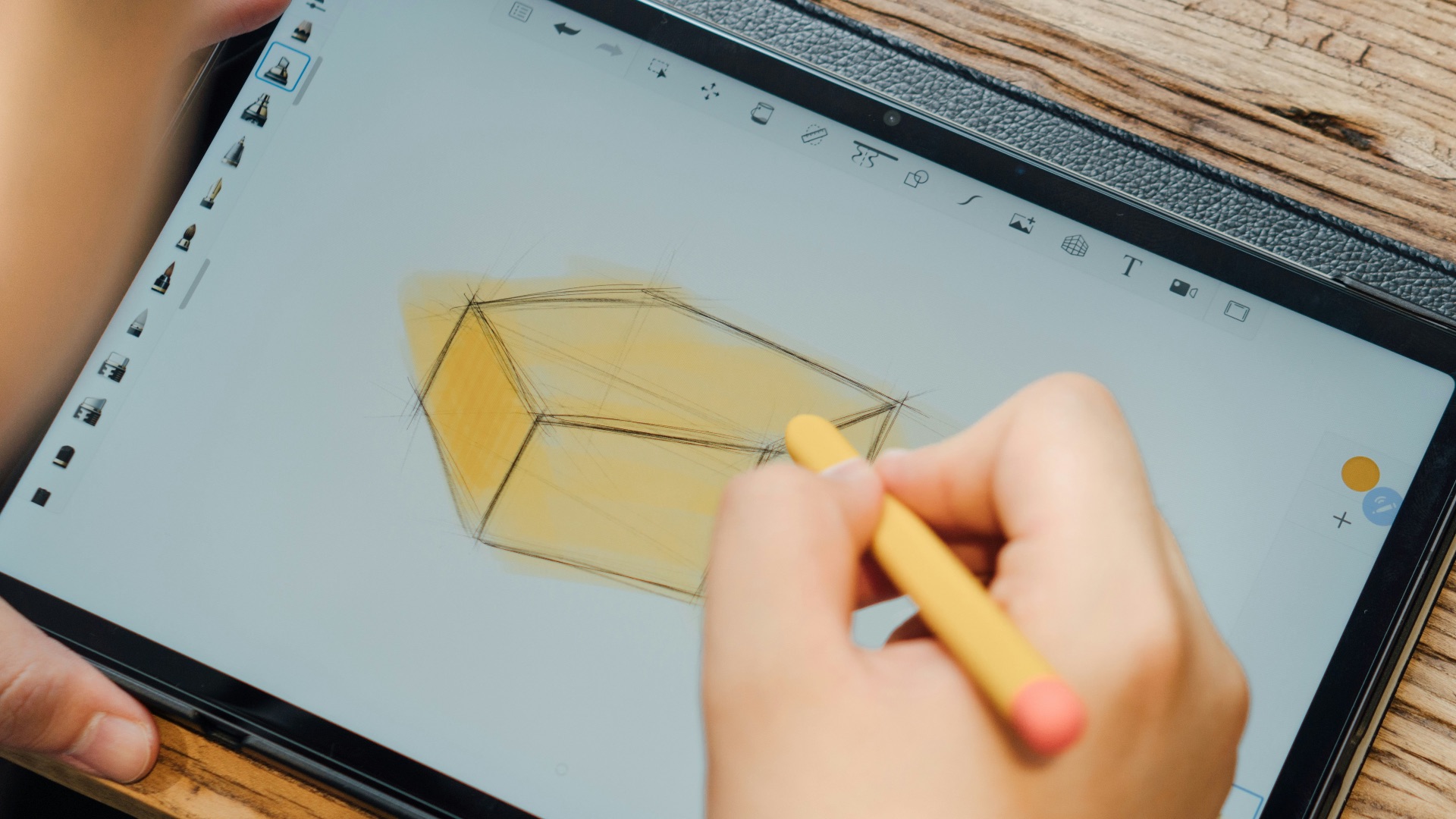
3. Touch Gestures Feel Natural
Pinching to zoom, rotating the canvas with your fingers, and moving around the page can feel immediate on an iPad. These gestures reduce the need for extra buttons and make navigation easy to learn. Artists who already use touchscreen devices every day may find the process especially intuitive.
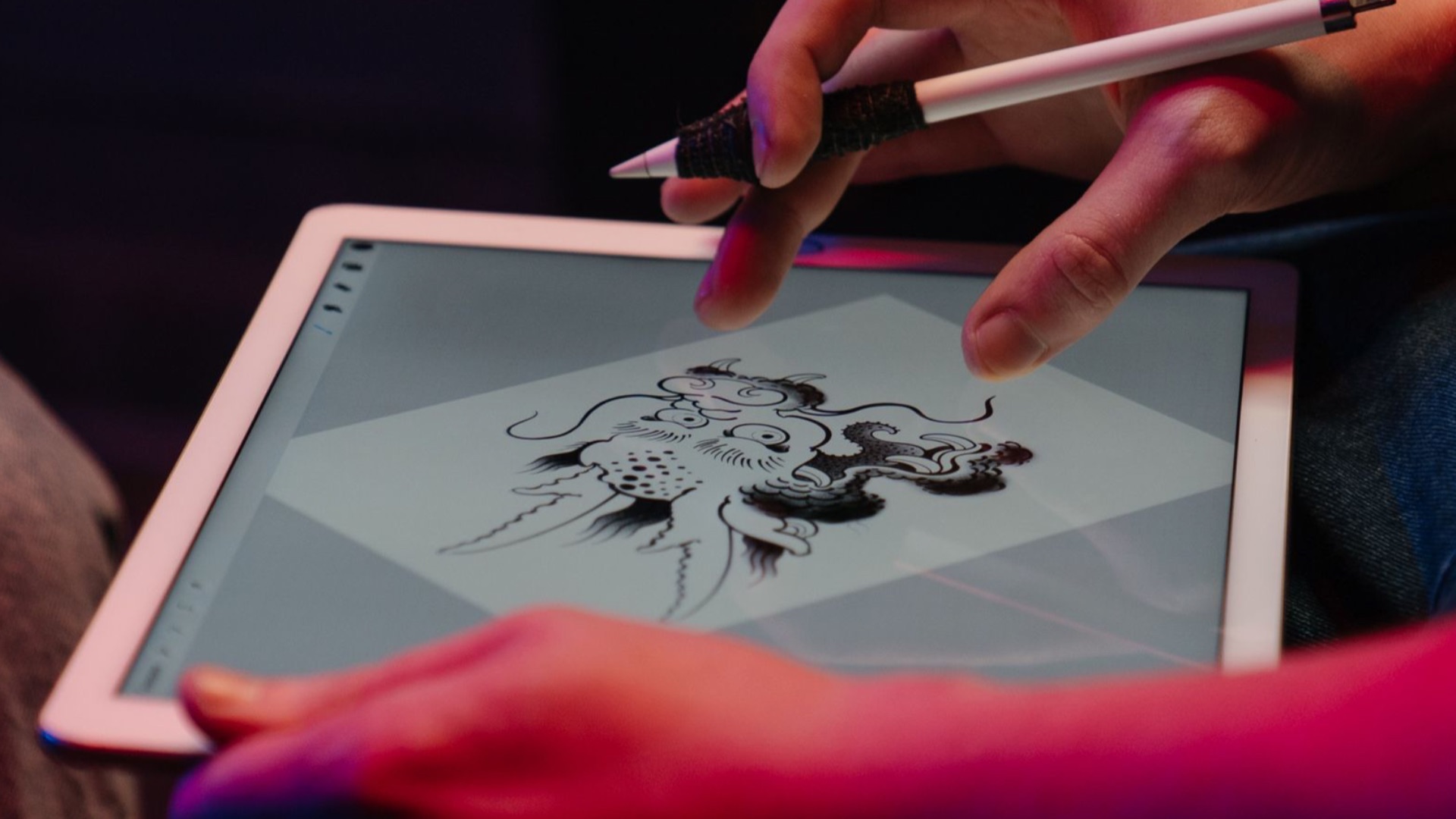
4. It’s Useful Beyond Digital Art
An iPad can handle email, reading, video calls, entertainment, note-taking, and general browsing in addition to drawing. That makes the purchase easier to justify when you need a device for several parts of your personal or professional life. A specialized drawing tablet may be excellent for art but offer little value when you step away from creative software.
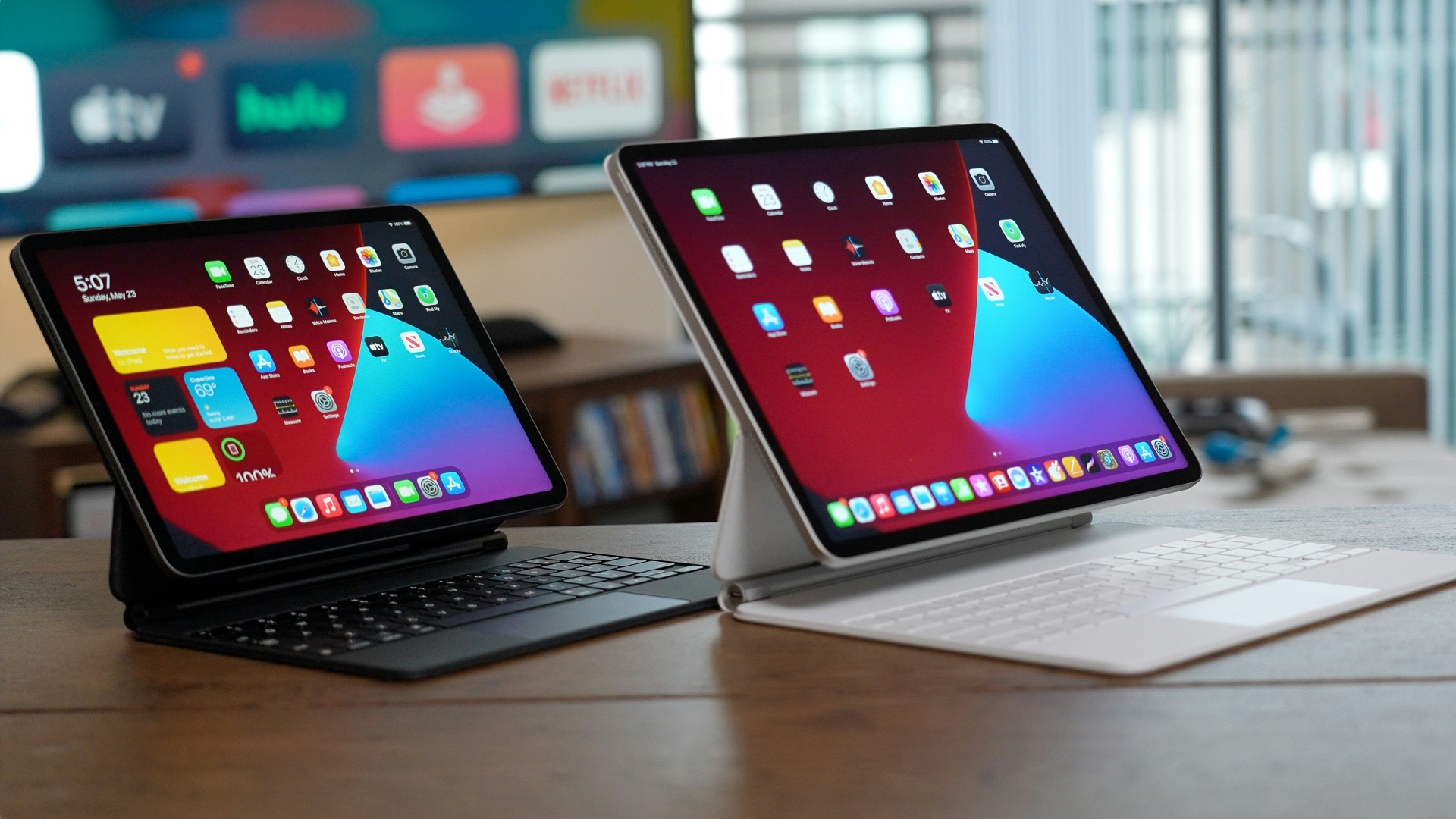
5. Popular Art Apps Are Designed Around the Device
Applications such as Procreate are built specifically for touchscreen drawing and streamlined stylus use. Their interfaces place essential tools within reach without filling the screen with complicated panels. While mobile apps may not include every desktop feature, their focused design can make everyday illustration feel more direct.
6. It Keeps Your Workspace Uncluttered
You don’t need a large desk, a separate monitor, keyboard, computer tower, and multiple connecting cables to use an iPad. A tablet, stylus, and perhaps a stand can provide everything required for a comfortable drawing session. This compact arrangement works well in small apartments, shared spaces, or temporary work areas.
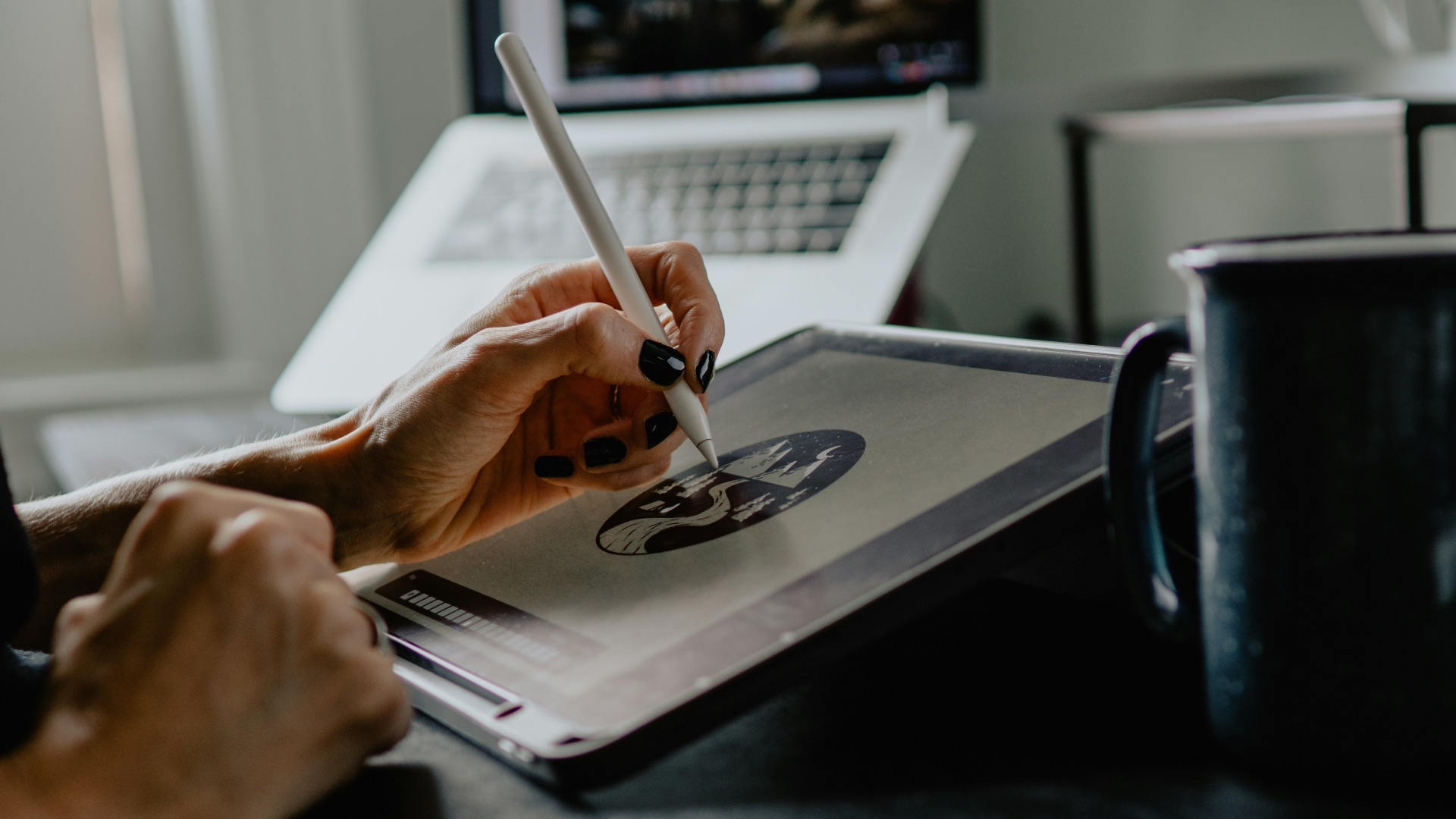
7. Sharing Your Work Is Faster
Finished artwork can be exported, posted online, messaged to a client, or added to cloud storage directly from the device. You can also photograph references, import them immediately, and keep working without transferring files from another machine. That connected workflow is convenient for artists who frequently share progress or publish on social media.
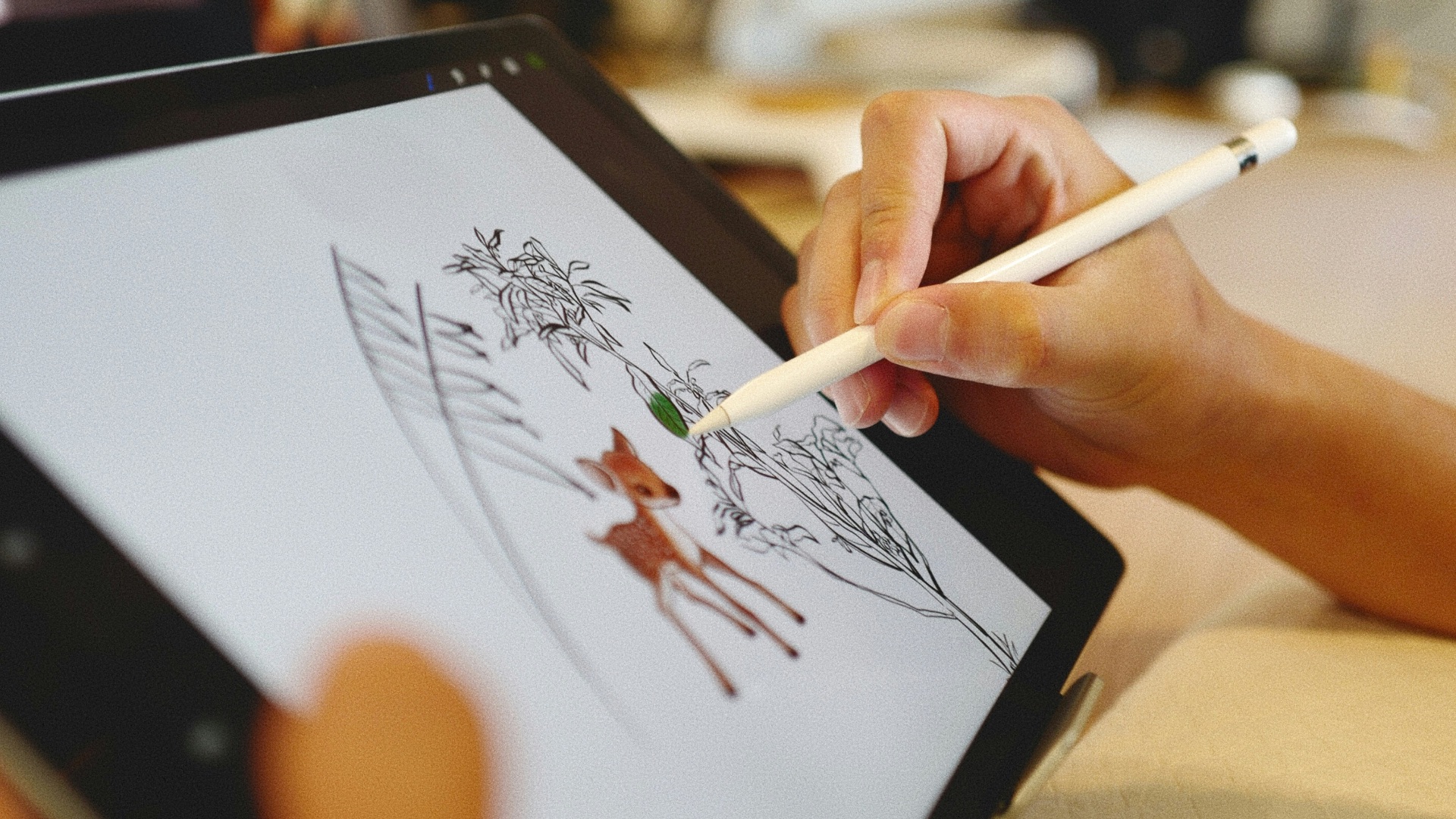
8. It’s Easier to Use for Casual Sketching
Turning on a desktop computer and opening a full creative program can feel excessive when you only want to make a quick drawing. An iPad encourages shorter, more relaxed sessions because it’s always close at hand. That accessibility may help you practice more often, even when you have only a few minutes available.
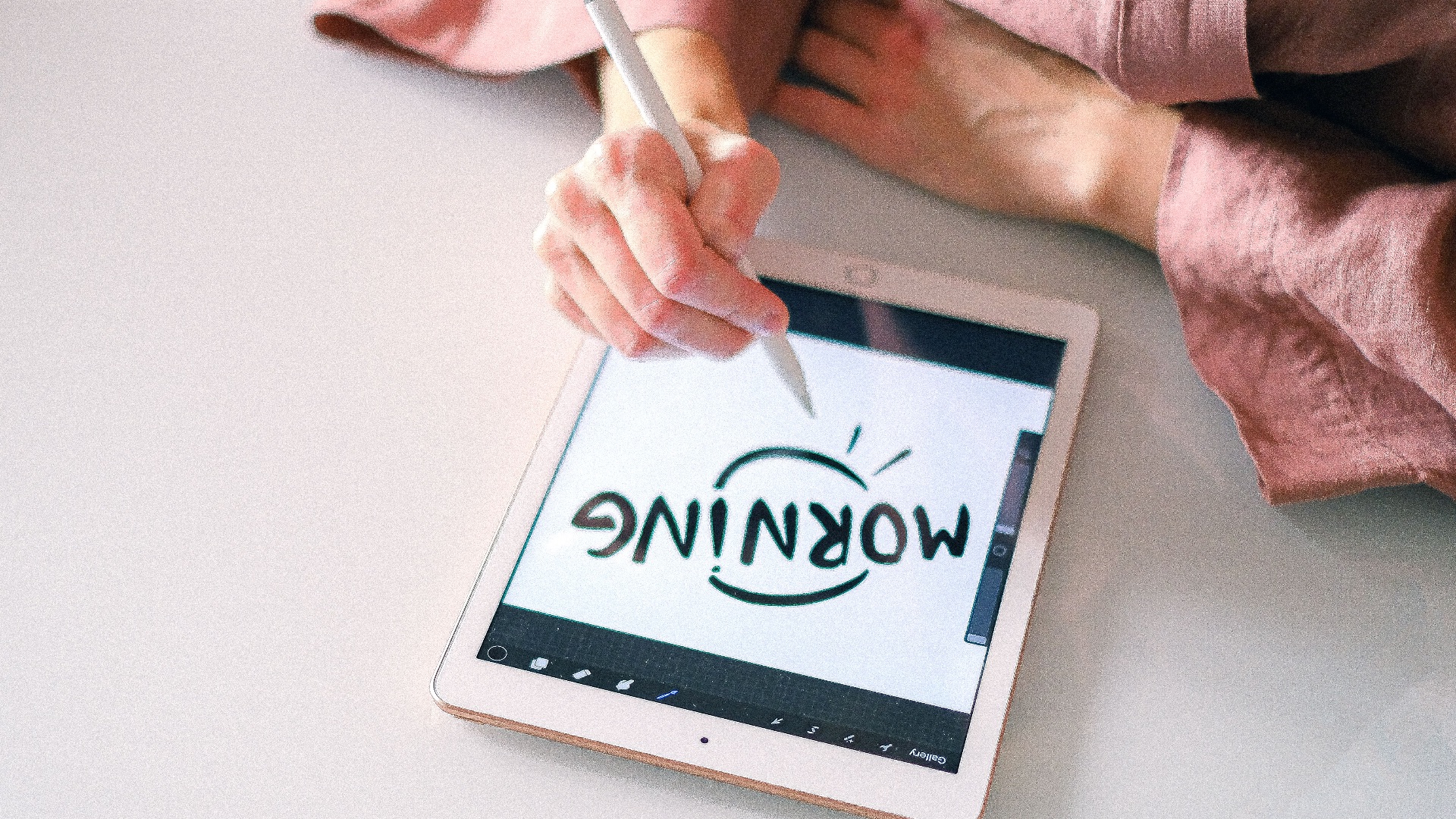
9. The Screen and Stylus Work Well Together
Modern iPads paired with a compatible Apple Pencil offer responsive input, pressure sensitivity, tilt support, and strong palm rejection. Because the hardware and operating system are developed within the same ecosystem, the experience is generally consistent across supported apps. You won’t have to compare numerous drivers, pen technologies, or connection methods before getting started.
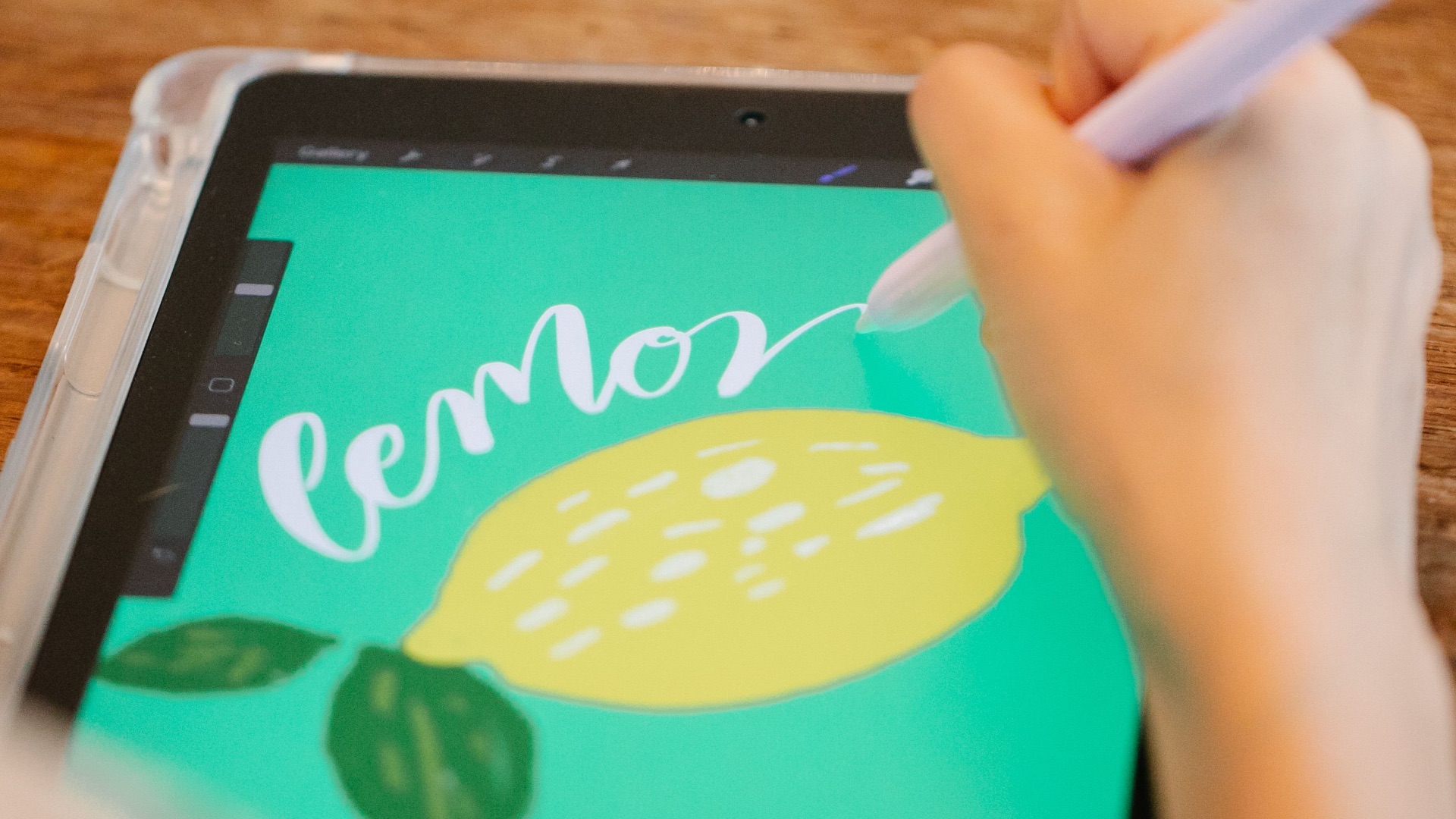
10. It Can Replace Several Portable Devices
For some artists, an iPad can serve as a sketchbook, reference library, presentation screen, scanner, notebook, and lightweight editing station. Carrying one device instead of several can simplify travel, school, client meetings, and location-based work. Although it may not replace a high-powered desktop setup, it can cover a surprisingly broad range of creative needs.