

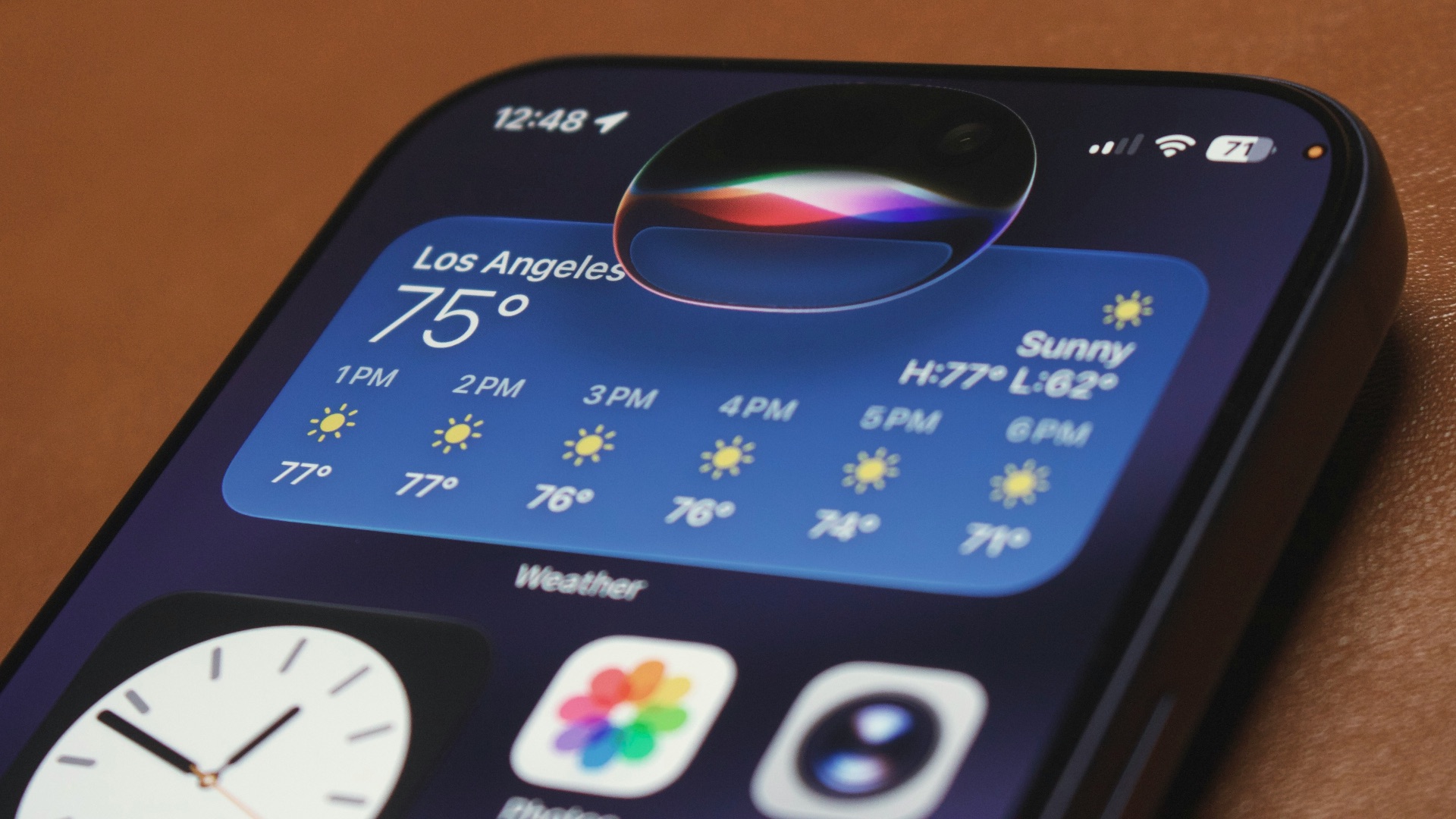
When Siri was first released, it was, for lack of better words, a huge disappointment. After all, it was advertised to be a smart and helpful voice assistant, only to fall short by a long, long mile. Of course, that was 2011, so surely the technology just needed some time to bake? Oh, boy, did it need that extra baking time.
Thankfully, the year is now 2026, and the long-awaited better Siri has finally, finally come. Yes, it's been around for ages at this point, but now you can ask it to do stuff, and it'll actually understand! With the arrival of iOS 27, the revamped Siri AI is a much more advanced assistant. In fact, it's the one we wished had come out all those years ago...
Siri Can Understand Your Personal Context
So, what can Siri AI now do? Well, whereas back then you'd struggle to get it to understand what you wanted (unless you were very specific), one of the most impressive improvements is its ability to understand information that's relevant to your personal life. Instead of searching through multiple apps yourself, you can simply ask Siri to retrieve them for you. Have years of content stored on your device? No problem—it can sift through it all.
Here's a helpful example: Imagine your friend sent you a restaurant recommendation several weeks ago. You finally have an opening in your schedule, but you can't remember the place's name for the life of you. While you could ask your friend again, you want it to be a surprise, so you ask Siri. Siri can then locate the specific message in seconds, saving you from the headache of scrolling through dozens of texts yourself.
Another trick the new Siri has up its sleeve? It can pull up relevant info when it sees you doing certain tasks as well. Let's say you're calling an airline to book your seats, but can't find your booking number in time. Don't worry—Siri can automatically shuffle through your emails and pull it up for you, so you don't even need to think about putting the agent on hold while you manually look for it. Of course, given that AI can still make mistakes, you'll still want to review important details before acting on them!
Siri Understands What's on Your Screen and Takes Action
Previously, asking Siri for help often meant explaining exactly what you were looking at or switching between different apps. Now, though, with its new on-screen awareness capabilities, Siri AI can recognize relevant content displayed on your device and act accordingly. Not sure what you're looking at? Ask questions about it! It's especially helpful when you're browsing websites, reading emails, or organizing your schedule.
Let's say you're looking at a photo. You're not quite sure where it's from. By simply pulling up Siri (swiping down or using "Hey, Siri"), you can use plain language to ask it to explain or identify something for you. Want to know when your favorite sports team is playing and have each date inserted in your calendar? Yep, Siri can do that, too. No need to copy each date into your calendar manually. That said, the actions available will still depend on the content and supported integrations!
Beyond recognizing on-screen information, Siri can now accomplish more complicated tasks across your apps. You can ask it to draft an email from scratch, revise something you've written, or help edit and share a collection of photos. Still not confident enough about your writing skills? Apple's expanded Writing Tools allow you to even request feedback on your writing or adjust its tone for a particular audience. Just think of all the time it could save you!
You Can Ask Siri About Anything Your Camera Sees
On-screen awareness is cool and all, but is that all Siri can do? What if there's something off-screen that you want to ask about? Well, that's the third new feature you should try out. Siri mode in Camera brings Apple's Visual Intelligence technology directly into the camera experience, which means you can now point your iPhone at an object and ask about it. Great for when you're exploring unfamiliar surroundings!
Of course, this feature doesn't just help identify things. For instance, if you're stumped about dinner, you could aim your camera at all the ingredients you have and ask what meals you could prepare with them. At a restaurant? Point your camera at the check—it'll bring up an option to split the bill using Apple Cash, where supported. Alternatively, you can use the search function to find visually similar items or identify unfamiliar objects ("Hey, Siri, what kind of a flower is this?"). In any case, it's worth experimenting with!
Excited about Siri's new capabilities yet? If you don't already have Siri AI and want to try it out yourself, open Settings, select Siri, and choose Try Siri AI (Beta). Remember: you need to have a compatible device running iOS 27 or later! Availability also varies by language and region. Once you're in, though, feel free to poke around and get familiar with all the cool things your assistant can now do for you.