
What to Do When Your Digital Security Has Been Compromised
Uh-oh. You just clicked on a link in a suspicious-looking email, and now you can't access your accounts. What should you do now? Before you panic, you'll want to act fast; give a hacker some more time, and they can do much more damage than compromise one account. Whether it’s your email, bank account, social media, phone, or work login, here are 20 steps you'll definitely want to take as soon as possible after you've been hacked.

1. Disconnect the Affected Device from the Internet
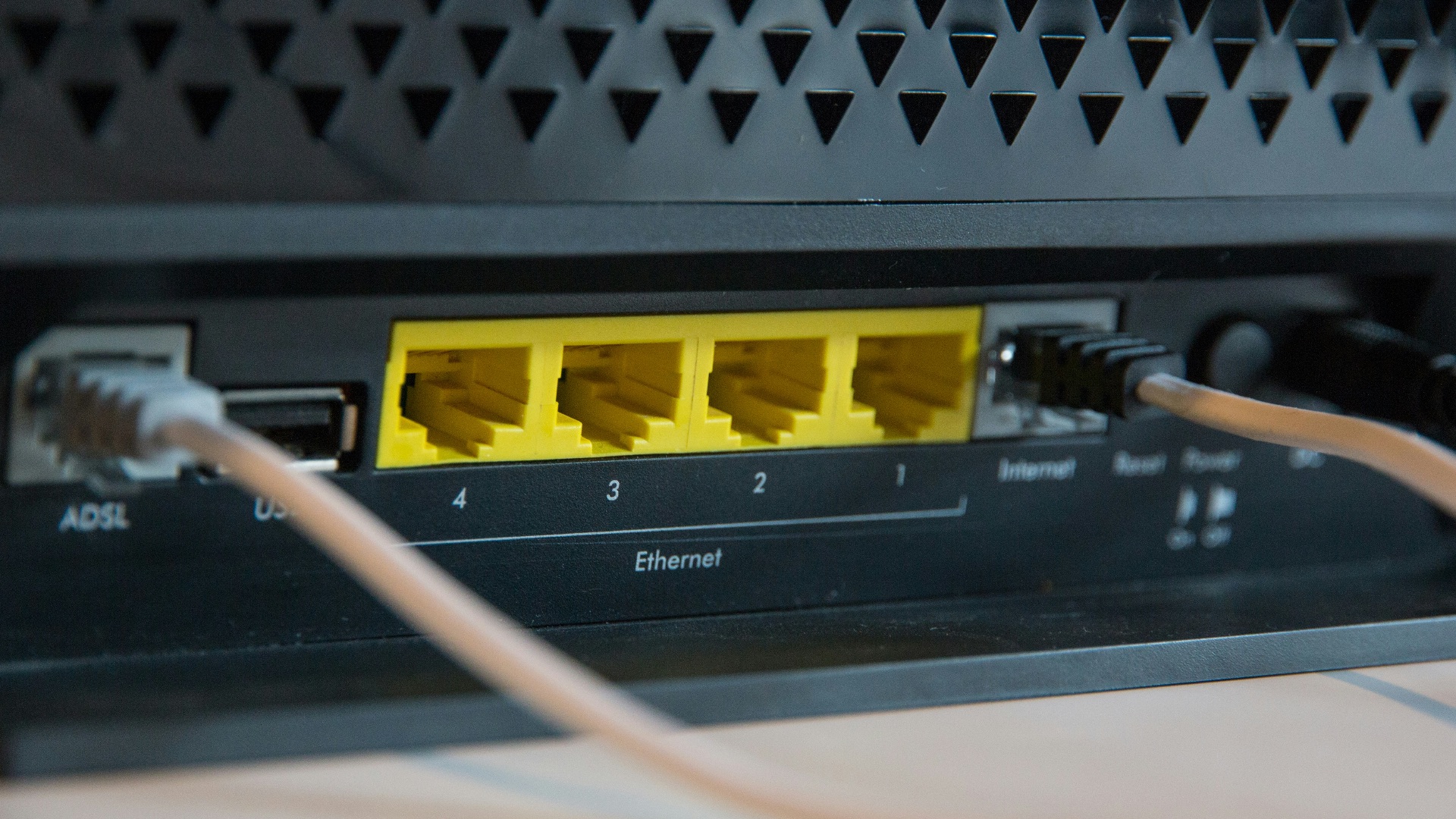
If you think your computer, phone, or tablet has been compromised, disconnect it from Wi-Fi or unplug the Ethernet cable right away. This can stop the attacker from continuing to access the device or sending more data from it. Don’t shut everything down in a rush if you may need evidence later, but cutting off the connection is a smart first move.
 Stephen Phillips - Hostreviews.co.uk on Unsplash
2. Change the Password for the Hacked Account
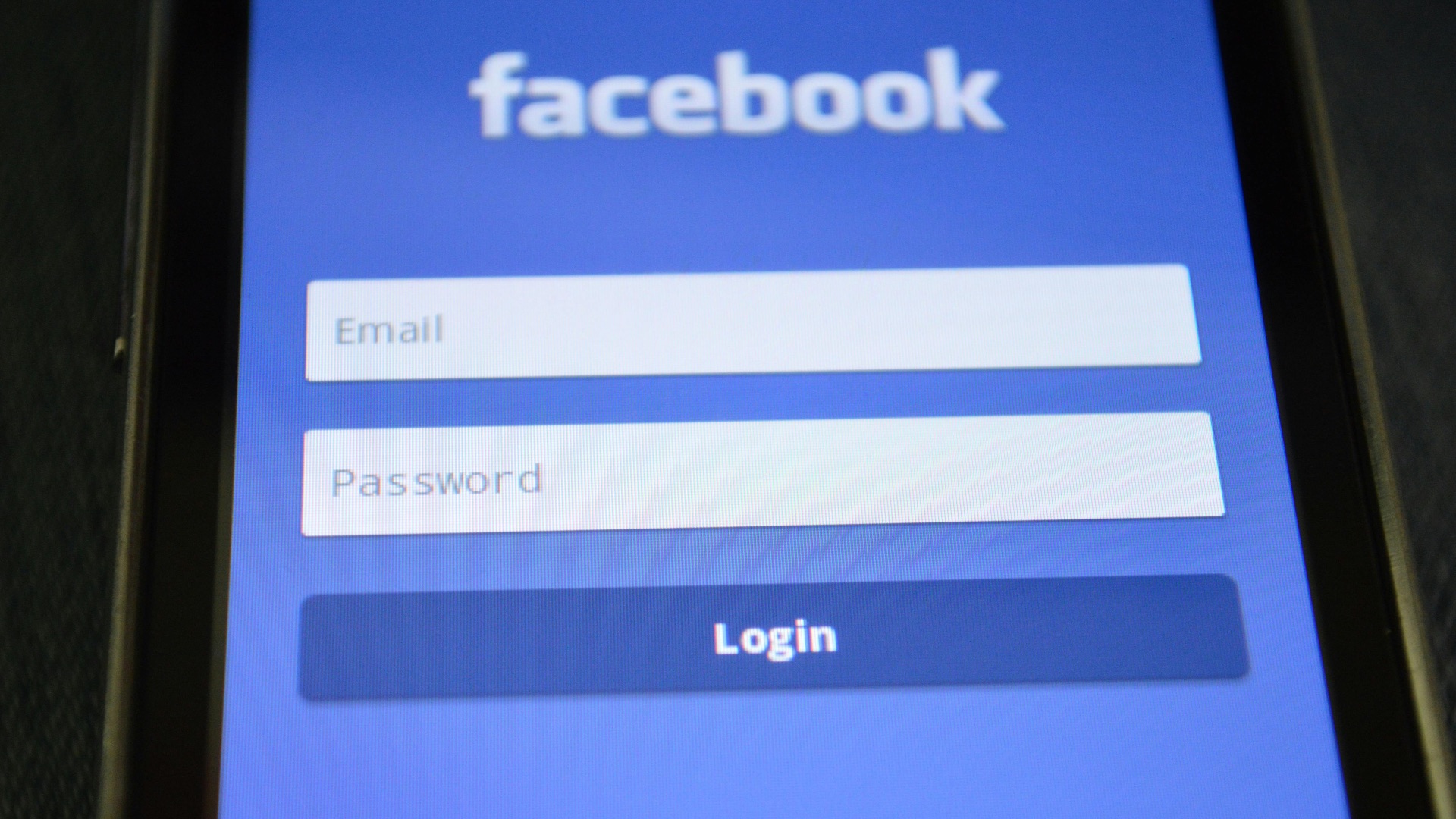
Go to the affected account from a trusted device and change the password immediately. Make it long, unique, and unrelated to anything you’ve used before, since reused passwords are one of the easiest ways attackers move from one account to another. Don’t save the new password in a browser you suspect may also be compromised.
3. Change Passwords on Any Linked Accounts
After securing the hacked account, think about what else is connected to it. Your email, banking apps, shopping accounts, cloud storage, and social media profiles may all be at risk if they share the same password or recovery email. Change those passwords too, starting with the most sensitive accounts first.
4. Turn On Two-Factor Authentication
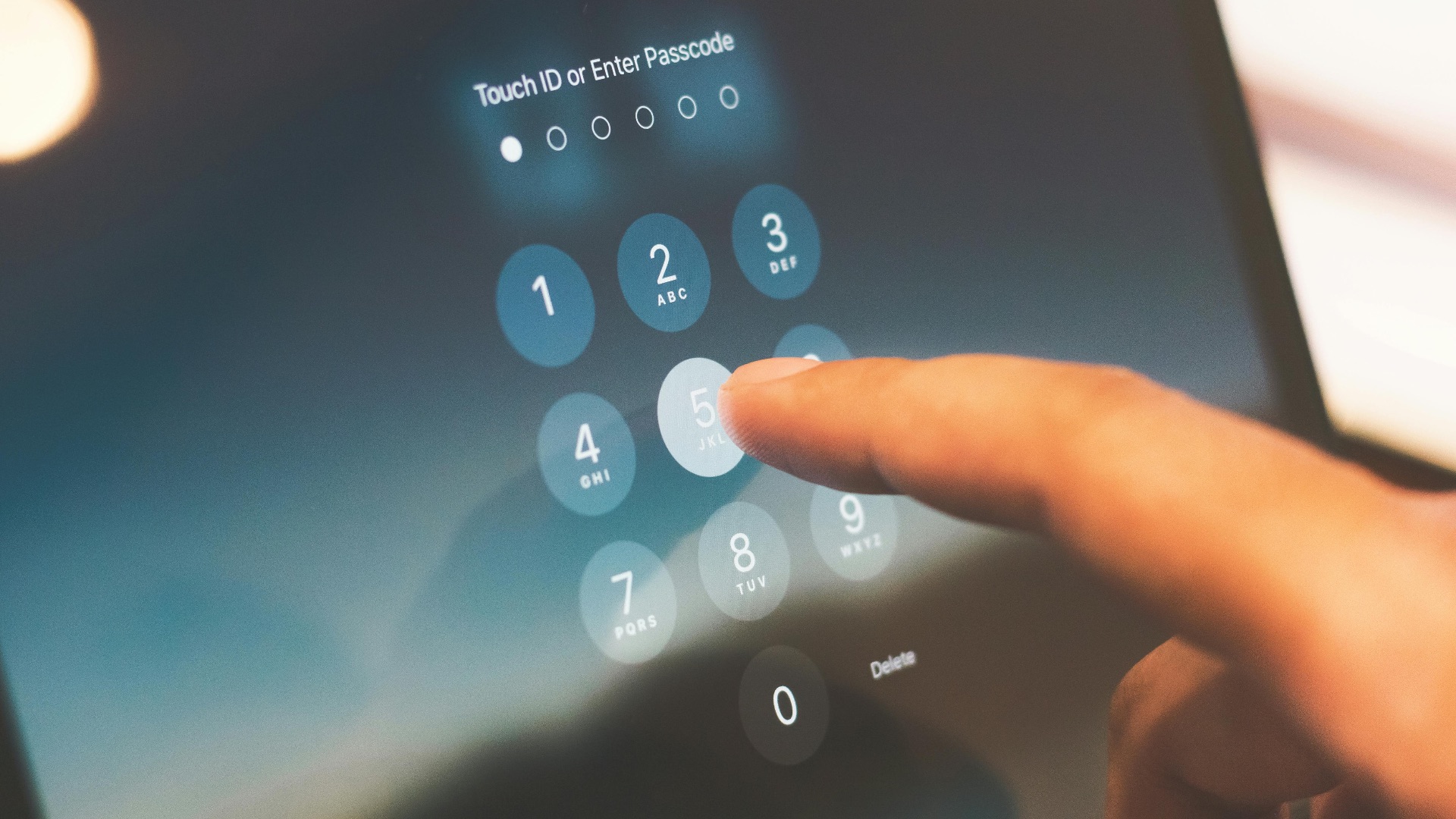
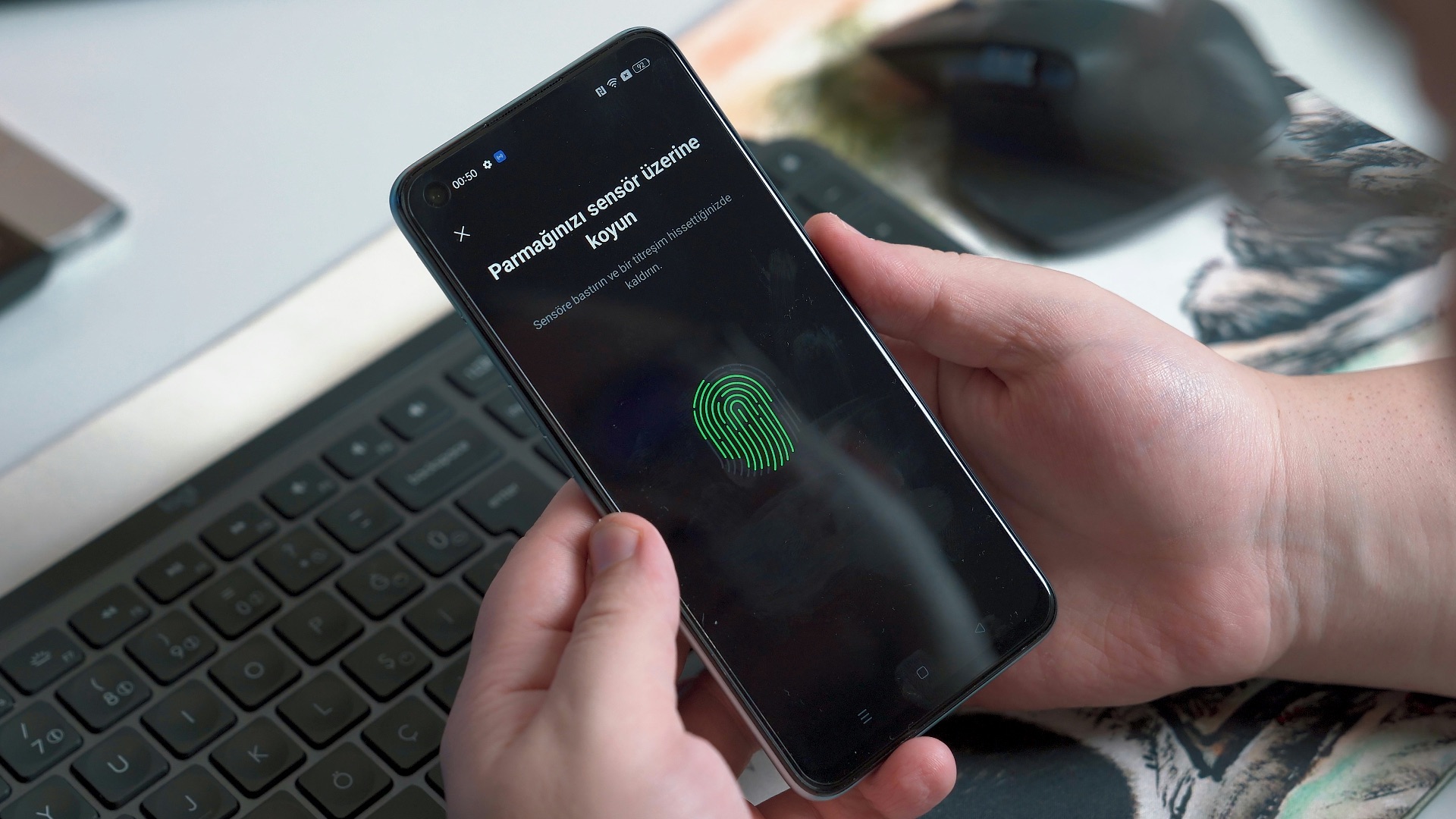
Enable two-factor authentication on every important account that offers it. An authenticator app or hardware security key is usually stronger than text-message codes, though any extra layer is better than relying on a password alone. Once it’s turned on, save your backup codes in a secure place so you don’t lock yourself out later.
5. Sign Out of All Active Sessions
Most major platforms let you see where your account is currently logged in. Look for a setting such as "devices," "active sessions," or "where you’re signed in," then log out of everything you don’t recognize. Even after you change your password, forcing old sessions to end can help remove access for anyone who still has it.
6. Check Your Account Recovery Options
Review the recovery email addresses, phone numbers, backup codes, and security questions tied to the account. Hackers often change these details so they can get back in after you regain control. Remove anything unfamiliar, update outdated information, and avoid security question answers that someone could guess from your public profiles.
7. Scan Your Device for Malware
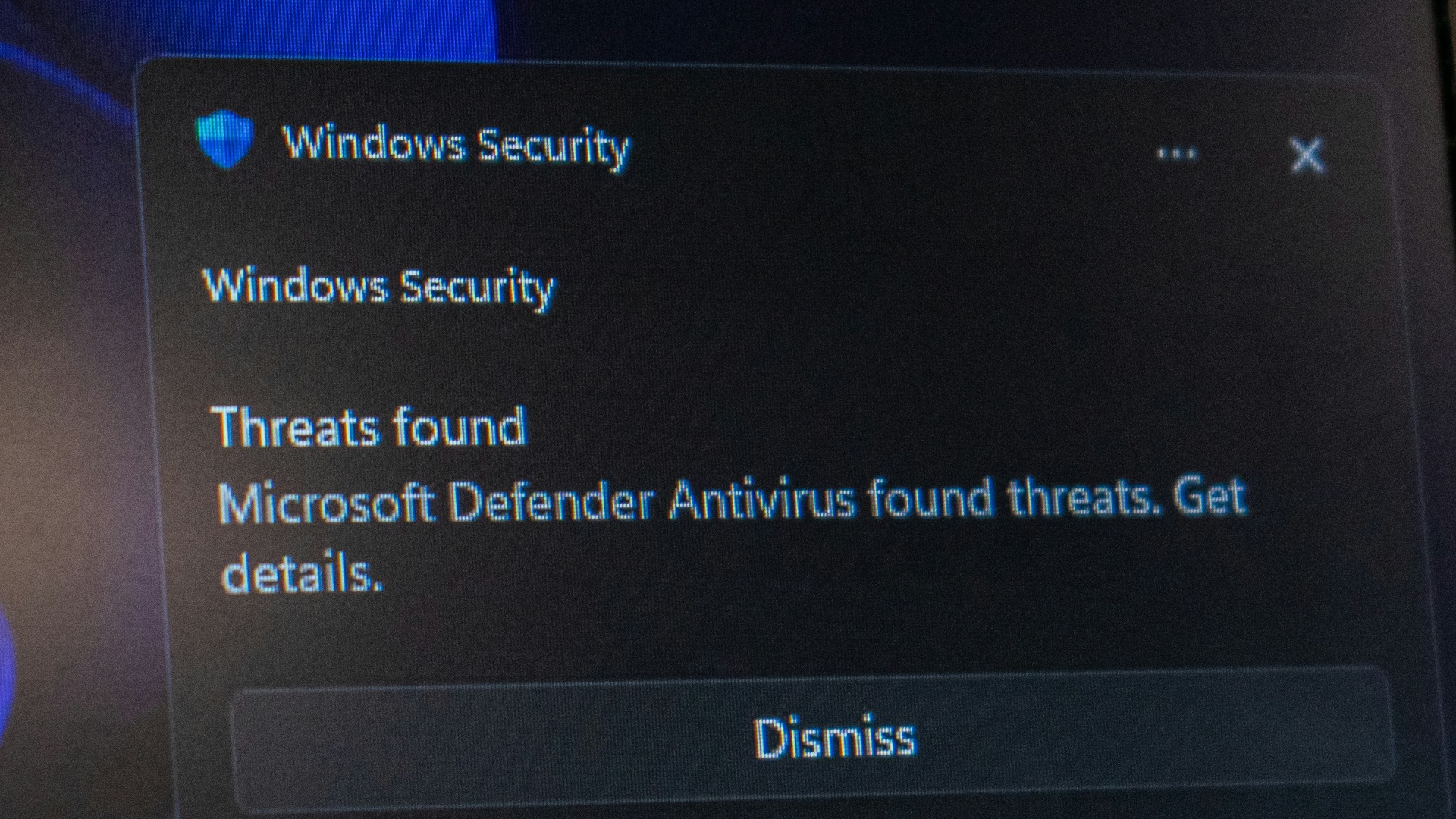
Run a full scan using trusted security software, not a random tool you found through a search result or pop-up ad. Malware can capture passwords, watch what you type, or keep giving attackers access even after you change your login details. If the scan finds anything serious, follow the removal instructions carefully and consider getting professional help.
8. Update Your Software and Operating System
Install updates for your operating system, browser, apps, and security tools as soon as possible. Many attacks succeed because old software has known weaknesses that have already been fixed in newer versions. Restart your device after updating if prompted, since some protections don’t take effect until the update fully finishes.
9. Review Recent Account Activity
Look through recent logins, sent messages, purchases, password changes, and file activity. Pay attention to unfamiliar locations, devices, payment attempts, deleted emails, or messages you didn’t send. This helps you understand what the attacker may have accessed and gives you useful details if you need to report the incident.

10. Secure Your Email Account First
Your email account deserves special attention because it’s often the key to resetting passwords everywhere else. If a hacker controls your email, they may be able to take over banking, social media, shopping, and work accounts with password reset links. Change the email password, check forwarding rules, review filters, and make sure no unknown recovery options were added.
 Stephen Phillips - Hostreviews.co.uk on Unsplash
11. Contact Your Bank or Credit Card Company
If payment information may have been exposed, contact your bank or card issuer right away. Ask them to look for suspicious transactions, freeze or replace cards if needed, and explain what protections are available. It’s better to report the concern early than to wait until a fraudulent charge becomes harder to dispute.
12. Watch for Unauthorized Transactions
Review your bank accounts, credit cards, payment apps, and online shopping accounts for anything you don’t recognize. Small test charges can matter because attackers sometimes use them before attempting a larger purchase. Keep checking over the next few weeks, since suspicious activity may not appear immediately.
13. Warn Friends, Family, or Coworkers
If the hacker used your account to send messages, links, invoices, or requests for money, tell people not to click anything that came from you during the incident. A simple warning can prevent the attack from spreading to people who trust you. Be specific about what happened so they know what to ignore or report.

14. Report the Hack to the Platform
Use the official recovery or security page for the hacked service and report the compromise. Platforms may be able to reverse changes, lock suspicious activity, restore deleted content, or help you recover access. Avoid using links sent by strangers who claim they can "recover" your account, since those are often scams too.

15. Save Evidence of What Happened
Take screenshots of suspicious logins, strange messages, unauthorized purchases, password-change alerts, and any communication from the attacker. Save dates, times, email addresses, usernames, transaction numbers, and device information when you can. These details may help with account recovery, bank disputes, workplace reporting, or law enforcement complaints.
16. Check for Email Forwarding and Hidden Rules
Hackers sometimes create email rules that forward your messages to another address or hide security alerts in folders you rarely check. Look through forwarding settings, filters, blocked addresses, delegated access, and connected apps. Delete anything unfamiliar, because changing your password won’t always remove these hidden access points.
17. Remove Suspicious Apps and Account Connections
Many services let third-party apps connect to your account, and those connections can survive a password change. Review connected apps, browser extensions, integrations, and permissions for anything you don’t recognize or no longer use. Revoke access generously, especially for tools that can read email, access files, post content, or manage payments.
18. Consider Freezing Your Credit
If your Social Security number or other sensitive personal information may have been exposed, consider placing a credit freeze with the major credit bureaus. A freeze can make it harder for someone to open new accounts in your name. It won’t stop every kind of fraud, but it’s a strong protective step when identity theft is a real concern.
19. Restore from a Clean Backup If Needed
If your device is heavily infected or you can’t fully remove malware, restoring from a clean backup may be safer than trying to patch the problem piece by piece. Use a backup from before the compromise, and scan important files before bringing them back onto the device. Don’t restore unknown apps, strange downloads, or anything that may have been part of the attack.
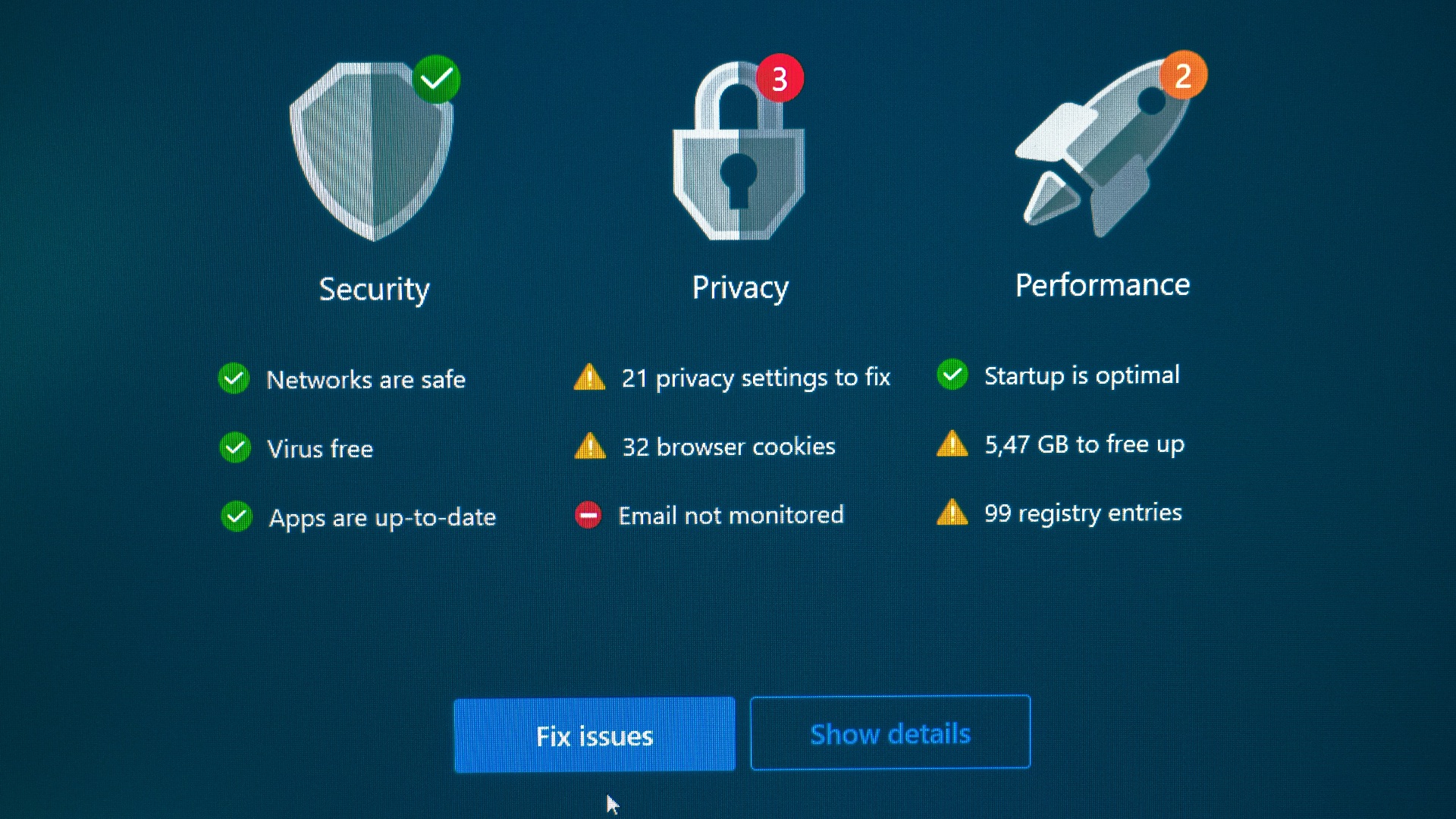
20. Keep Monitoring After You Regain Control
Even after everything looks fixed, keep watching your accounts for new signs of trouble. Attackers sometimes return later using old passwords, saved sessions, recovery options, or personal information they already collected. Check security alerts, account activity, and financial statements regularly so you can respond quickly if something resurfaces.