Useful Phone Features You Weren't Aware Of
If your first mobile was a brick Nokia, smartphones of the current era probably still have that futuristic feel to them, at least to you. It's crazy how much our phones can do nowadays—and even then, half of these features you likely never knew existed or were possible. Did you know your phone could act as your TV remote? Bet you didn't. Here are 20 things you didn't know your phone could do.
1. Scan Documents
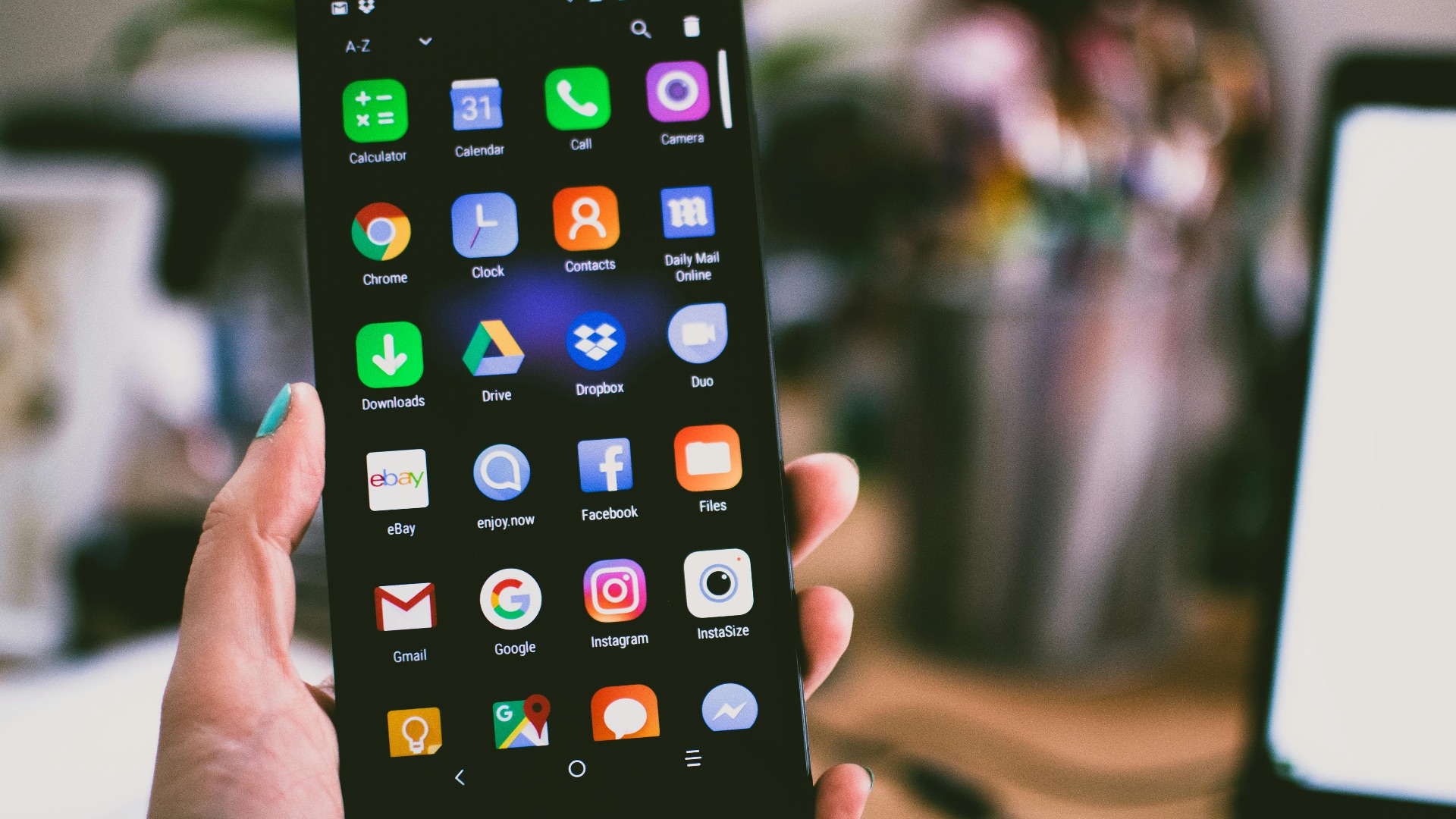
Gone are the days when you needed to use a physical scanner to create a digital copy of a document; your phone can now easily accomplish that for you by just using the camera. On iOS, simply head to the Notes app. On Android, use the Google Drive app.

2. Record a Phone Call
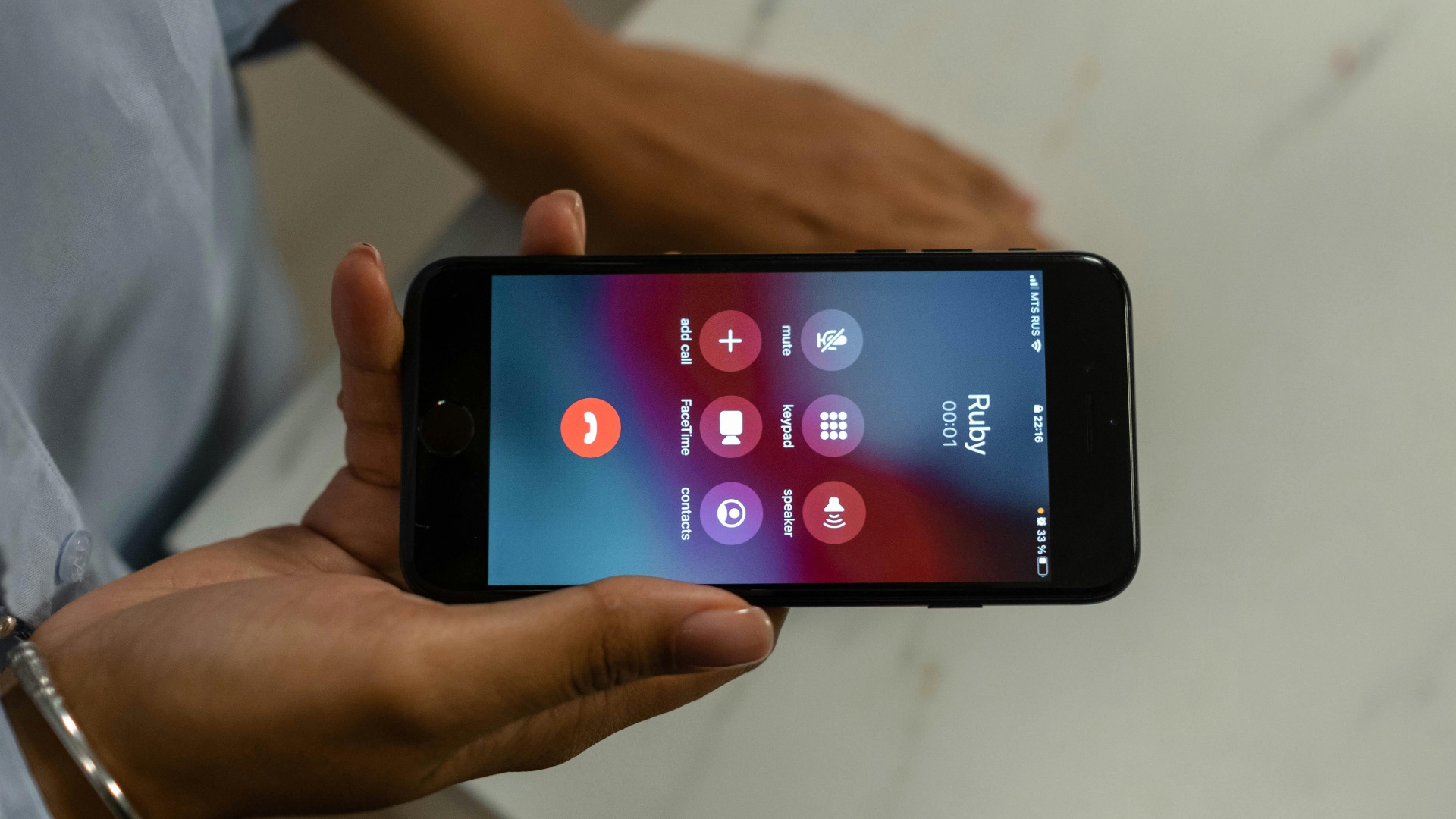
Ever wanted to record an important phone call, such as a doctor's appointment or a charge dispute with your credit card company? No fret—in both iOS and Android, there are now built-in features in the Phone app that allow you to do just this. No more having to use a second device to record!
3. Track Your Sleep Patterns
Curious about your sleep patterns or want to establish healthier habits? Your phone might be able to help. While you can download third-party apps, some devices have dedicated ones built in, such as Samsung Health and Apple Health. These apps can help you monitor how many hours of shut-eye you get, schedule a cycle that works for you, and even record your snores.

4. Lock Private Browsing
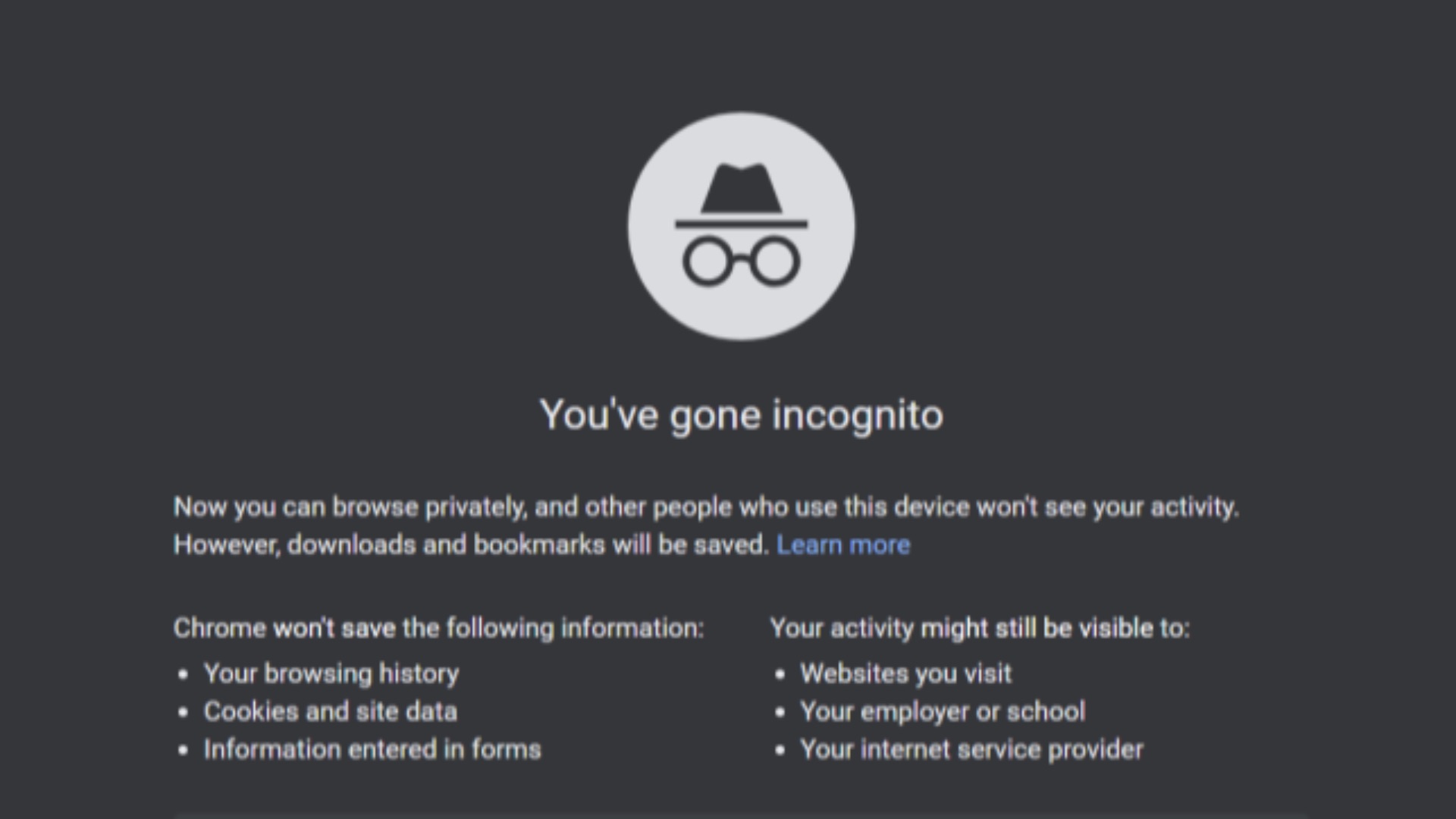
If you don't want anyone snooping at your private tabs, you can lock them—provided you're okay with being potentially interrogated. On both Safari and Chrome, simply turn the feature on in the settings, which will then require authentication to see incognito tabs.
 The Incognito Guy on Wikimedia
5. Measure Items
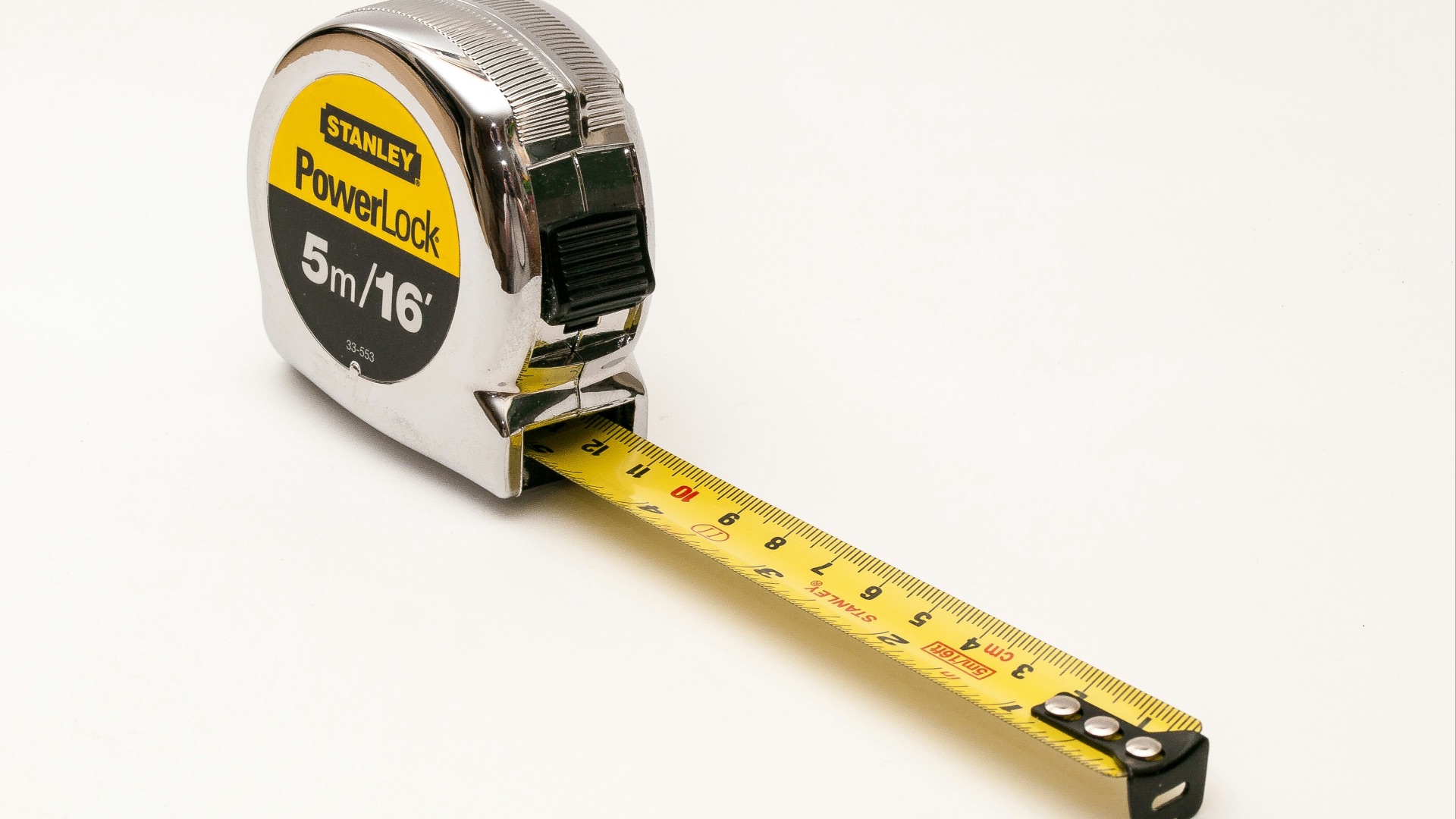
Don't have a tape measure lying around? Don't worry—your phone can use augmented reality (AR) to give a good estimate of how wide, tall, or long the items (even people!) around you are. On both Samsung and Apple devices, this feature can be accessed through their dedicated apps, Quick Measure and Measure, respectively.
6. Act as a Remote
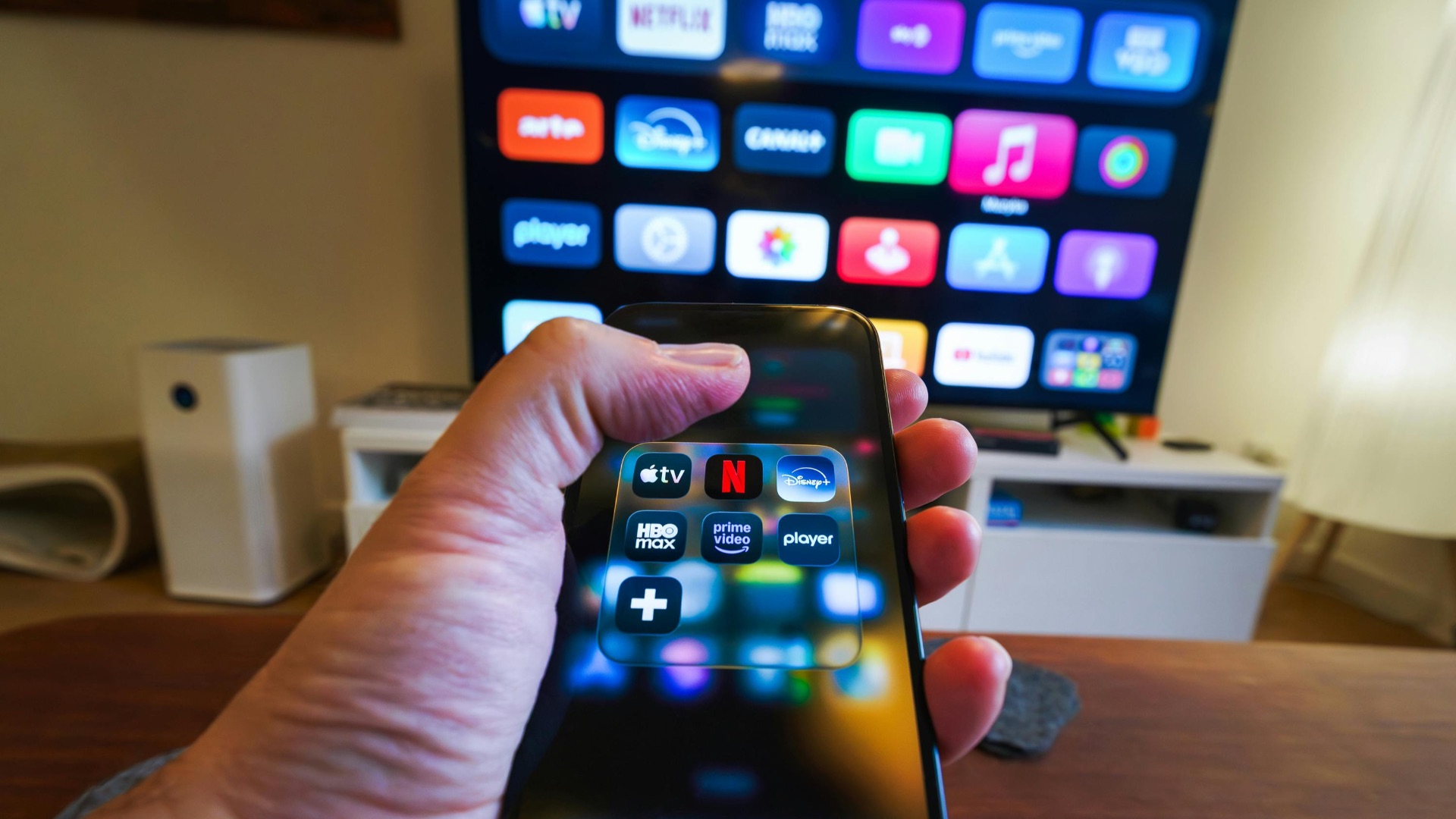
We know how much of a pain it can be to lose your remote somewhere in your couch. However, there's an easy solution you probably haven't thought of: using your phone. If you have a smart TV, there's likely an app by the manufacturer that allows your phone to act as a remote.
7. Identify Items, Animals, & Plants
Want to know the name of a plant or the breed of an animal? Take a picture! Samsung devices can use Google Lens and Circle to Search to help identify objects, items, animals, and plants. iPhone users can use the Visual Look Up feature that can be found at the bottom of photos and videos.

8. Remind You to Take Your Medication
Whether you're forgetful or need to keep track of different types of medication, your phone can help. The Health app in both Samsung and Apple devices, for example, can monitor your dosage, drugs, and frequencies, and remind you when to take them.

9. Create Customized Emojis
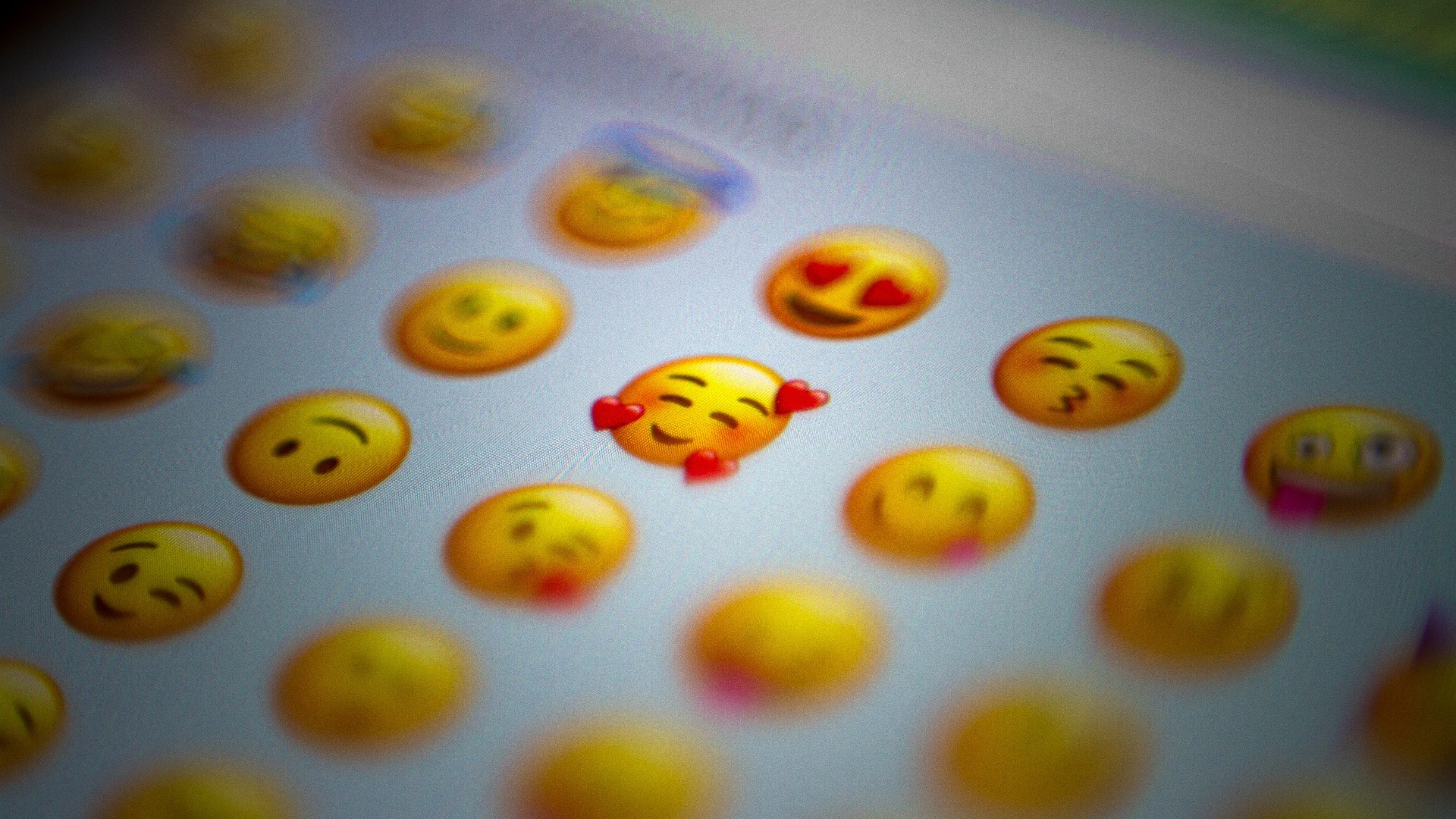
Want to create an emoji-fied avatar of yourself or make an entirely new emoji that's not available on your keyboard? With AI (artificial intelligence) and AR, phones can now do this easily. Bird wearing earphones? Rainbow cactus? A hen reading a book? Nothing is impossible, so be creative.
10. AI Writing Tools
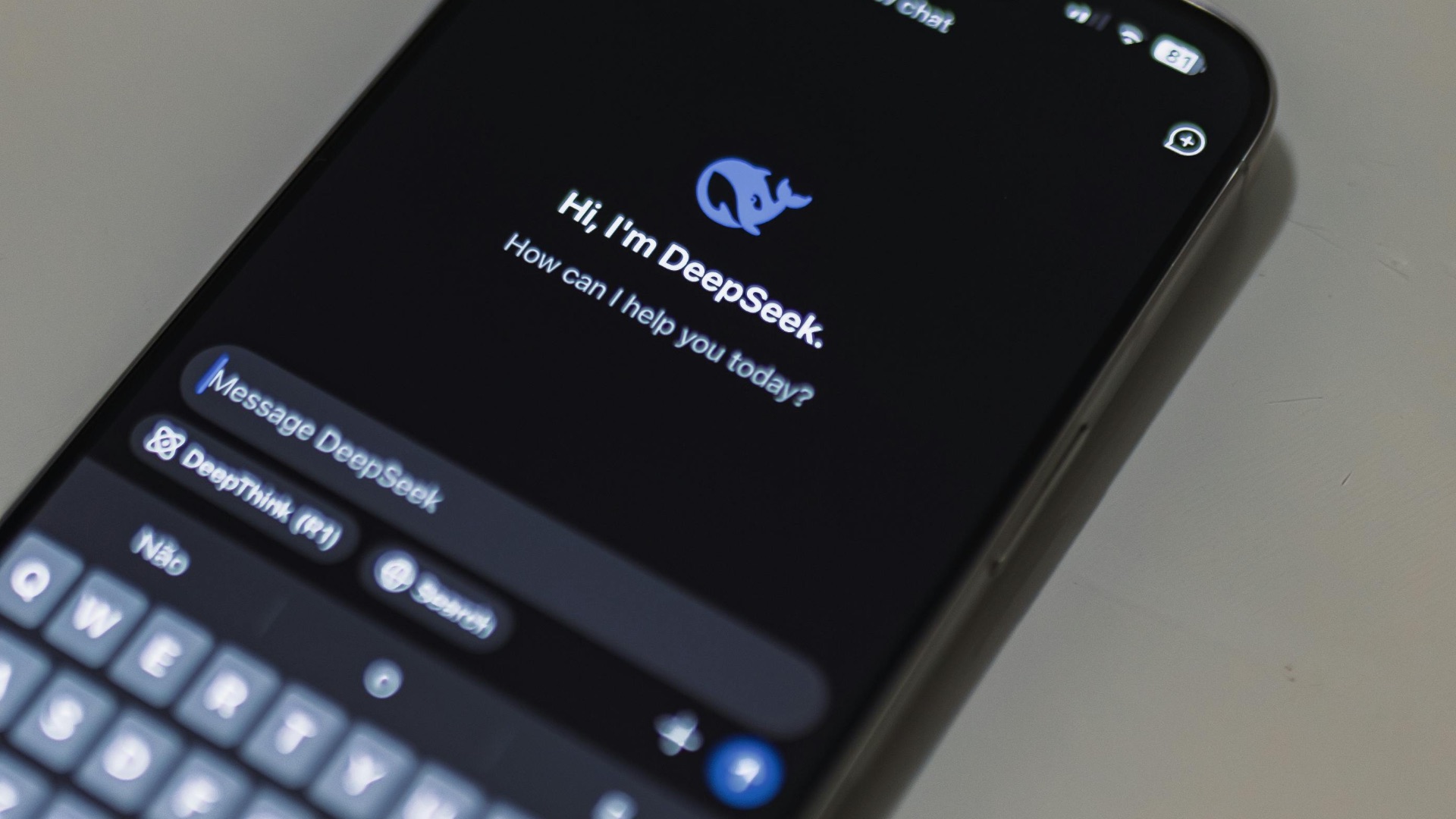
If you need help polishing up an email or softening your tone on a text to your mother-in-law, AI writing tools can come to the rescue. You have control over how much you want changed, from the vocabulary to the writing style.
11. Protect Your Hearing
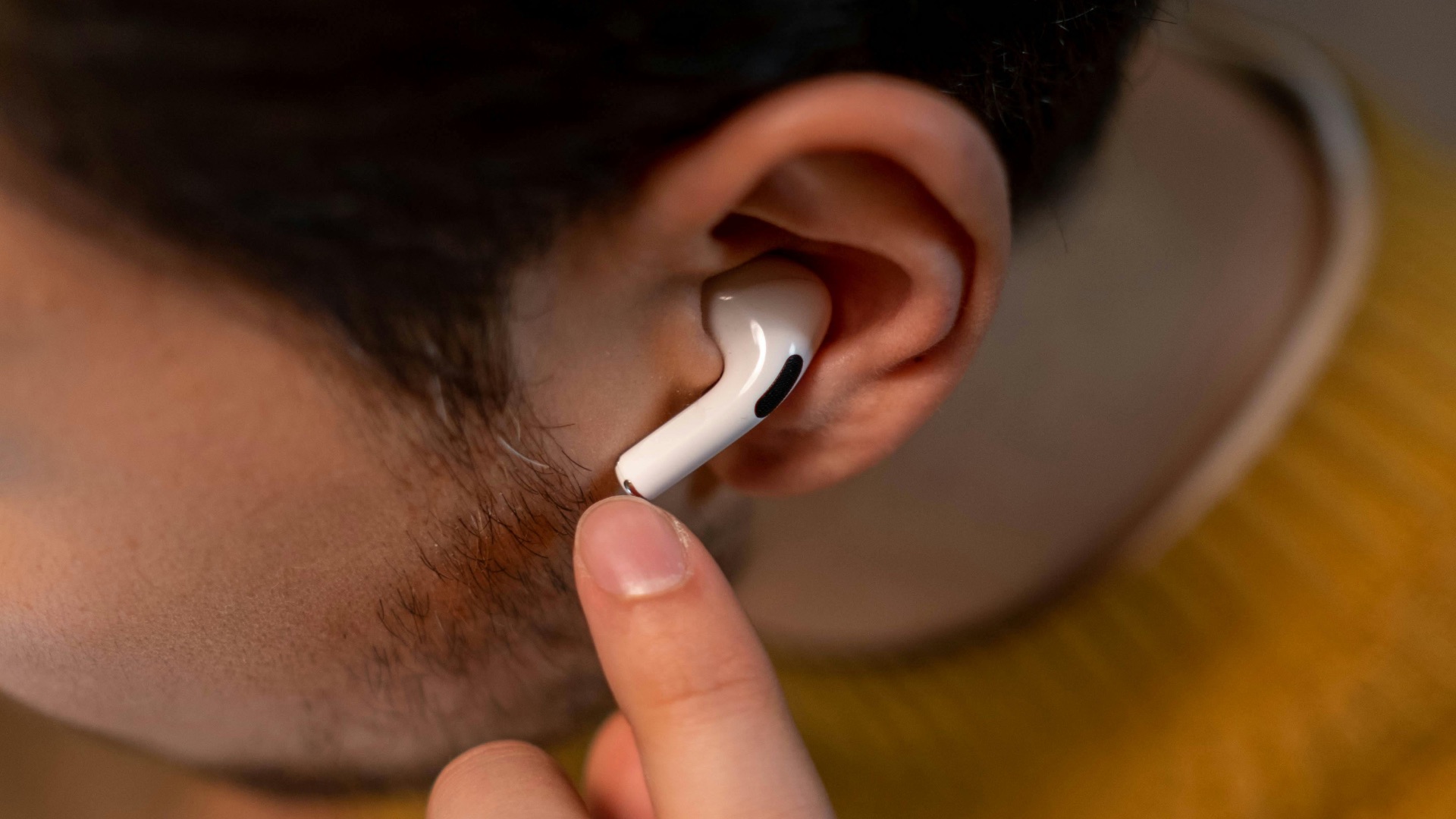
Do you tend to listen to your favorite songs on full blast? When you have earphones on, it's important to keep the volume at a safe level to protect your hearing, and your phone can help. On the other hand, if you need to boost the sounds of your surroundings, you can use your phone and a pair of earphones to act as hearing aids as well.
12. Create Shortcuts
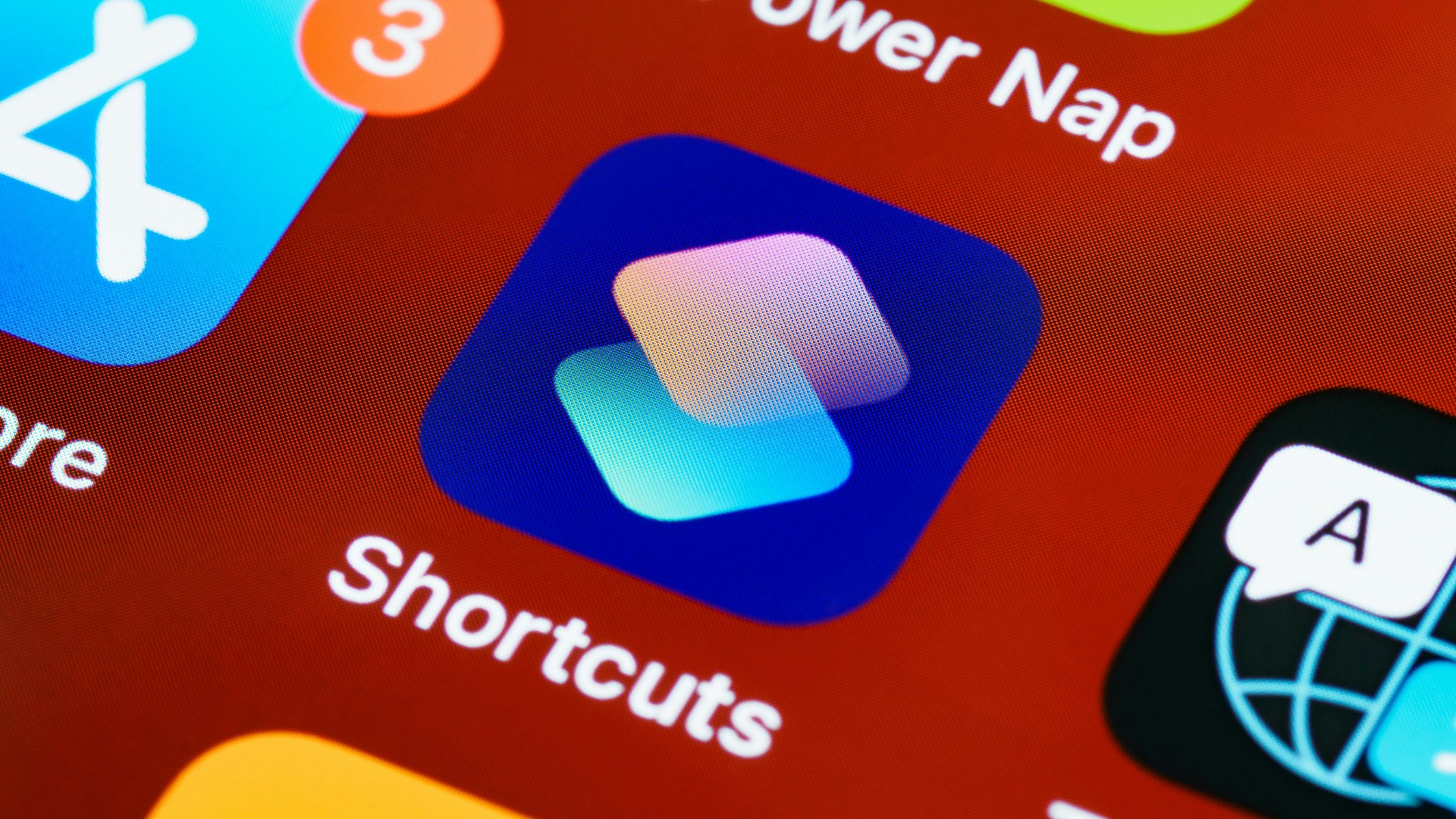
Need a reminder for when to charge your phone or when it's finished topping up? On iOS, the Shortcuts app allows you to automate different tasks, making your experience on the iPhone that much smoother, efficient, and more enjoyable.
13. Tap to Screenshot
If you don't like holding down several buttons to take a screenshot, there are better ways to do it. Samsung, for example, allows you to take screenshots by swiping with your palm. On iPhones, you can change your accessibility settings to enable double-tapping the back of the device to screenshot.
14. Edit Out Unwanted Objects & People in Photos
Got the perfect shot but not the best background? Don't worry—with AI features built in, your phone can easily remove unwanted objects, items, and people in photos, leaving just the things you want in focus. Samsung's Object Eraser, for example, can remove objects by simply tapping or circling them.
15. Copy Text from Photos
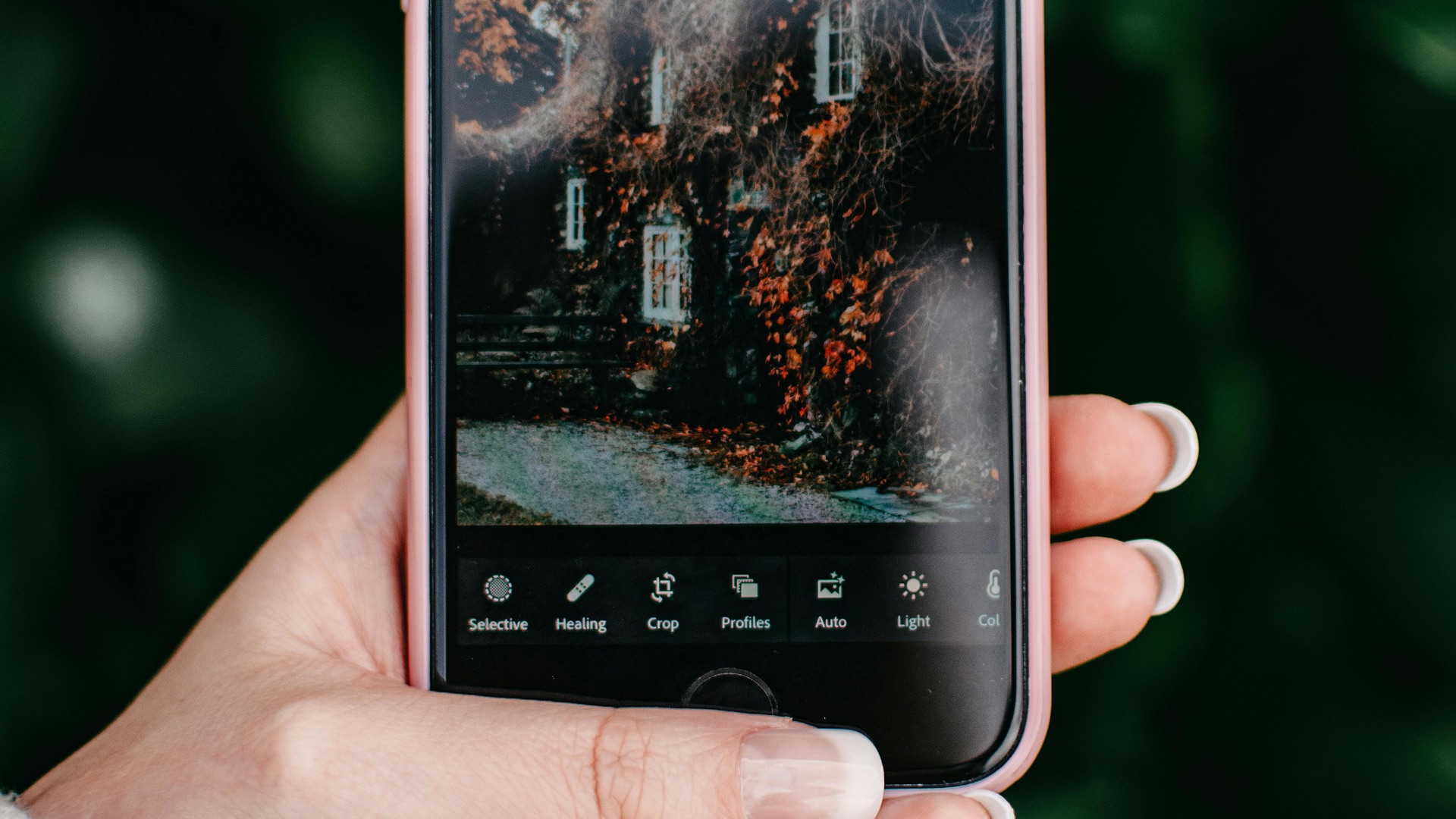
Wrote something out on a piece of paper and don't want to type it back out on your computer? Take a photo of it! After doing so, your phone can read the text from the picture, which allows you to copy and paste it where you want. Voilà!
16. Copy & Paste Between Devices
Speaking of copying and pasting text, if you're an Apple user and own several devices from the Apple ecosystem, you can easily take text from one device and paste it on another. No more having to retype the same thing a second time!
17. Look Up Laundry Symbols
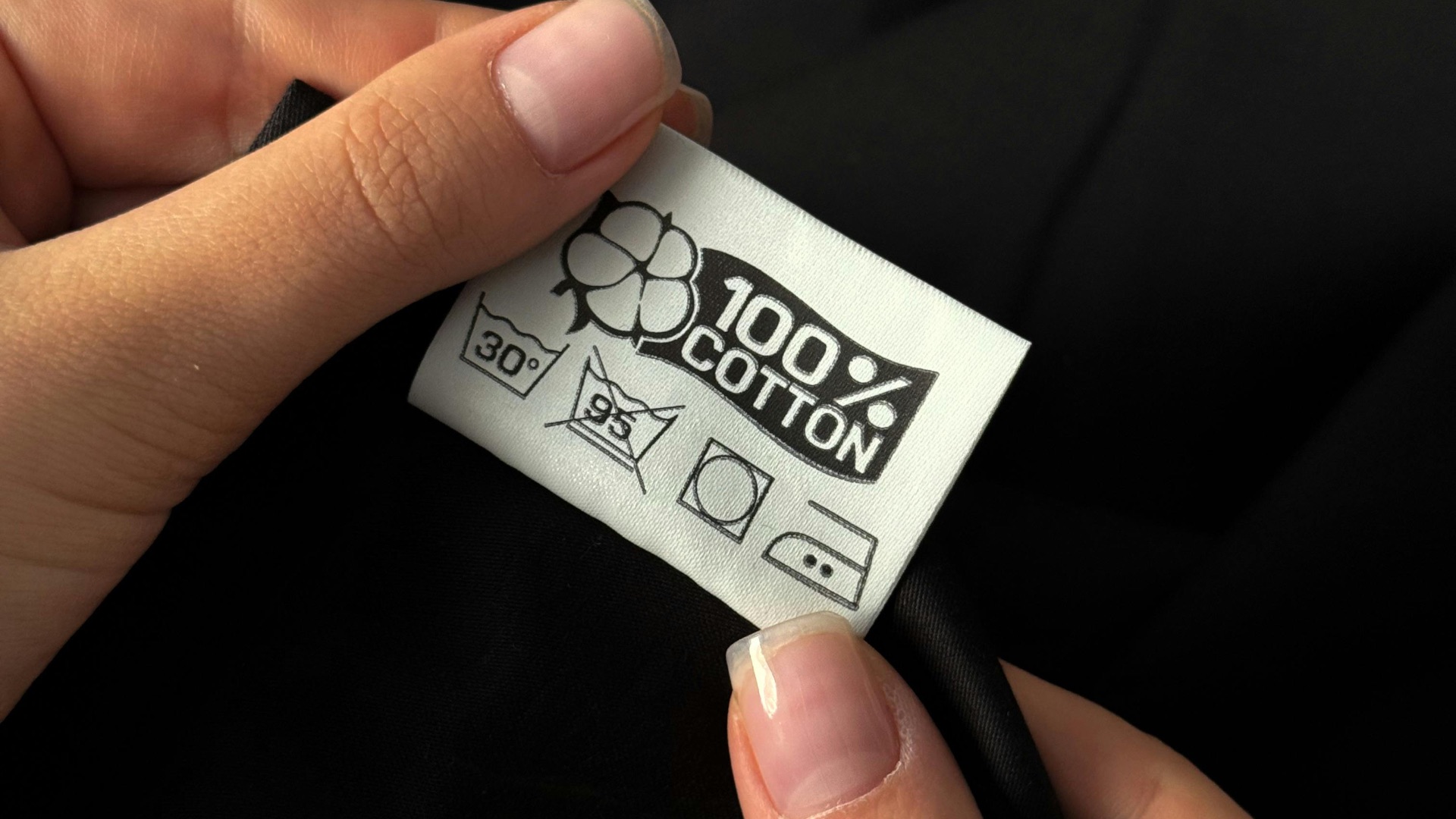
Confused about what the laundry icons mean on your clothing labels? Don't fret—on the iPhone, simply take a photo of the symbols, and your device can help you decode their meanings. This ensures you treat all your fabrics with customized care.
18. Lock Access to Everywhere But One App
If you're handing your phone to your six-year-old child, you probably don't want them to be opening other apps and potentially clicking on anything that causes damage to your wallet. On Samsung devices, you can pin an app so that it locks access to anywhere else. On iPhones, you can use Guided Access.

19. Limit Screen Time for Specific Apps
Spending too much time on TikTok, X, or Instagram? If you find your productivity has taken a hit, you can limit your screen time for specific apps. On Samsung devices, you can do this through the built-in Digital Wellbeing features. iPhone users can set screen time schedules through the Settings app.
20. Transcribe Voice Recordings
You're not just able to record calls, your phone can transcribe entire conversations as well. On iPhones, recorded calls are saved to the Notes app, which can be transcribed by tapping Transcript. Samsung users can view recordings and transcripts directly from the call details.