Do You Really Need a Second Screen?
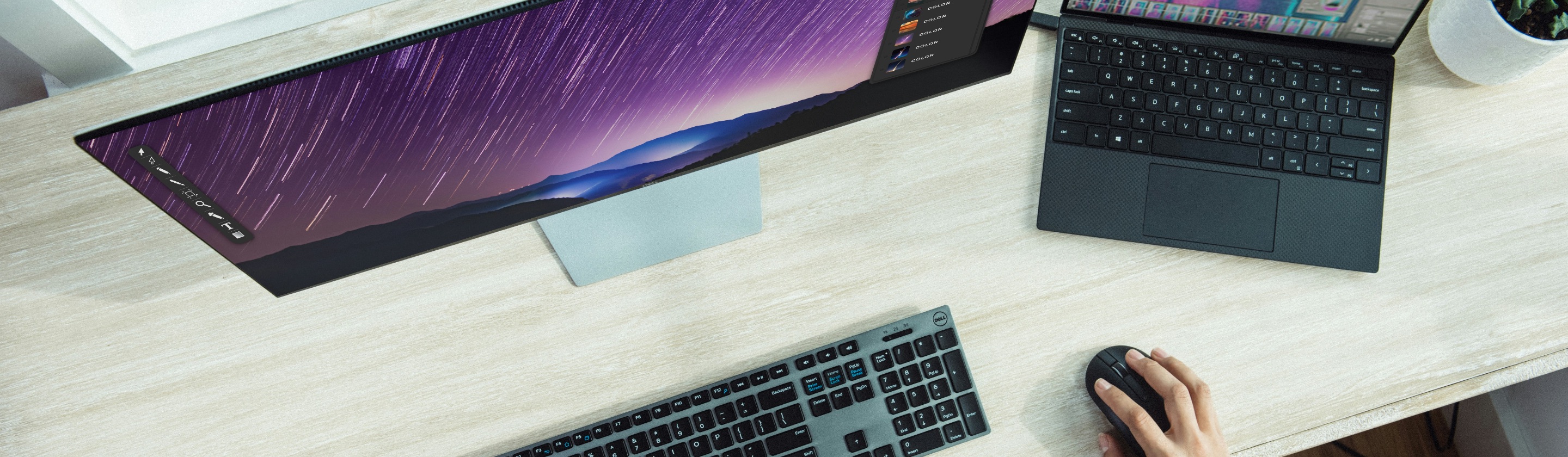
How big is your laptop? A 13-inch? A 14-inch? Unless you have the 16-inch screen that most people favor (well, except for the weight), you're probably thinking of getting a bigger monitor. But do you really need it? While have a second screen would certainly mean you're able to keep more windows and applications open, thus (hopefully) increasing your productivity, the same perks could also end up backfiring. So, before you change your setup, let's weigh the pros and cons.
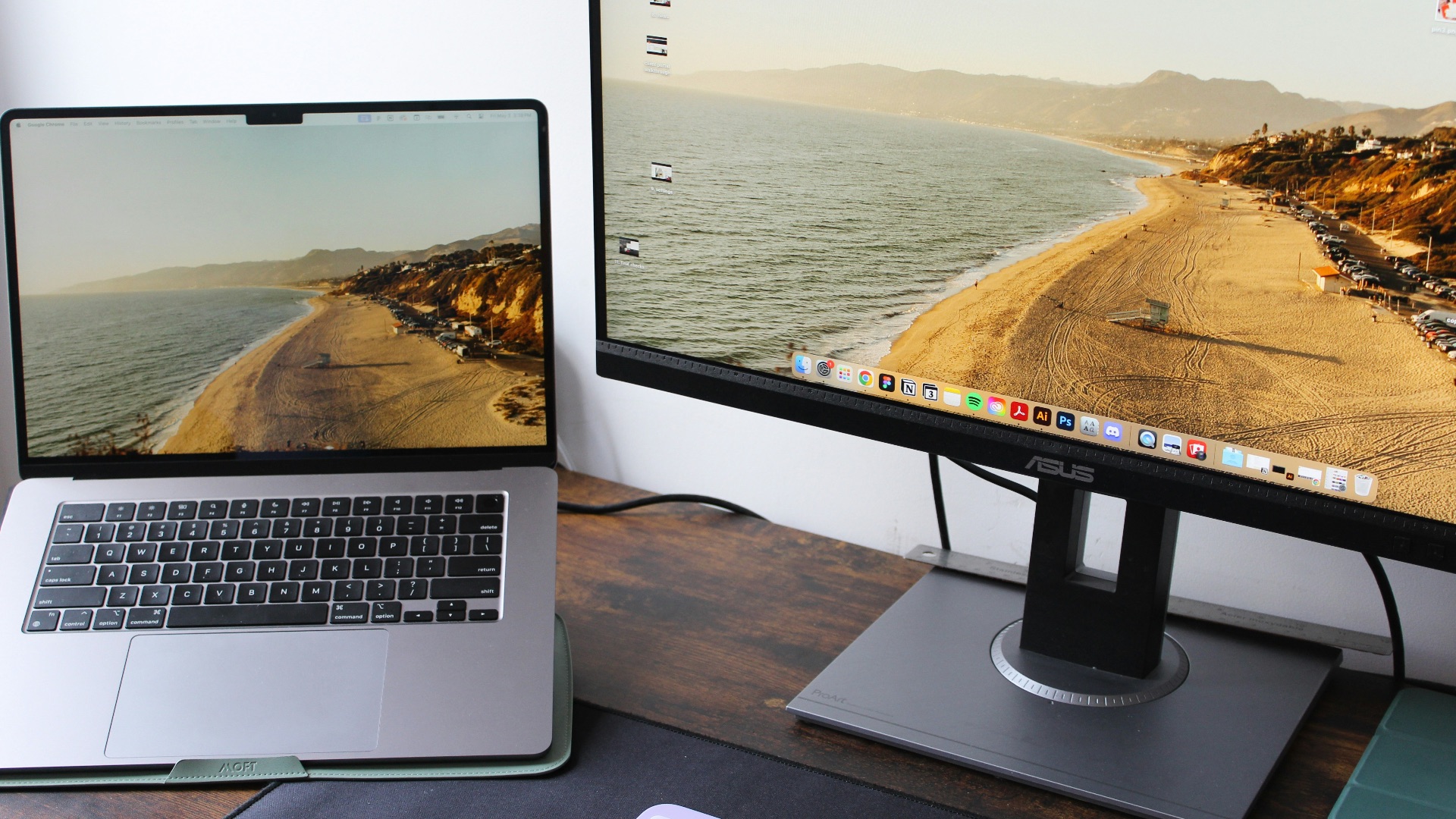
1. You’re Constantly Switching Between Windows
Does your workday involve repeatedly jumping between multiple programs? If so, it can get pretty frustrating being stuck on one screen. It might even be affecting your productivity! This is where a second monitor would come in handy—that way, you have more space for your tasks.
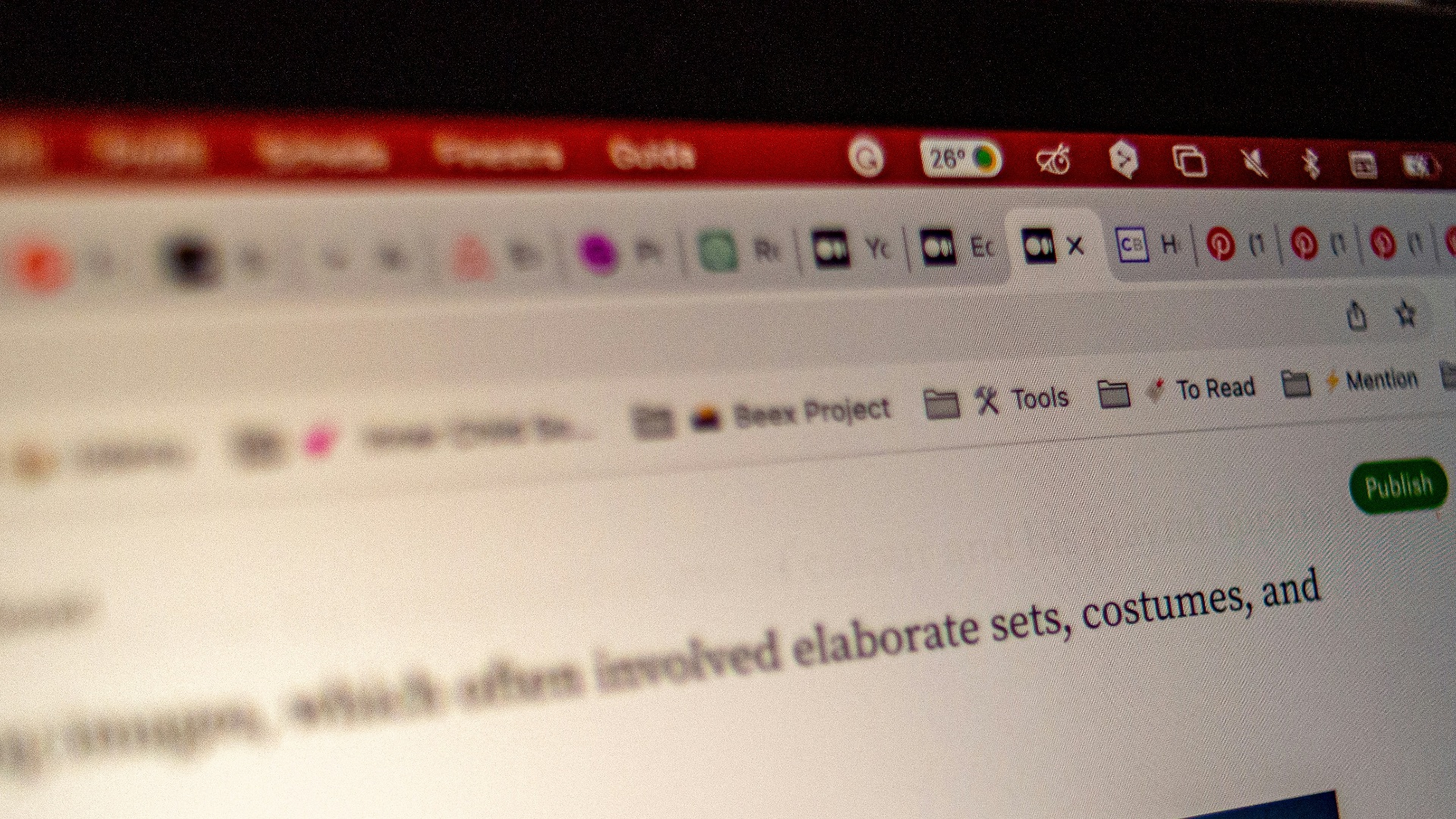 Emiliano Vittoriosi on Unsplash
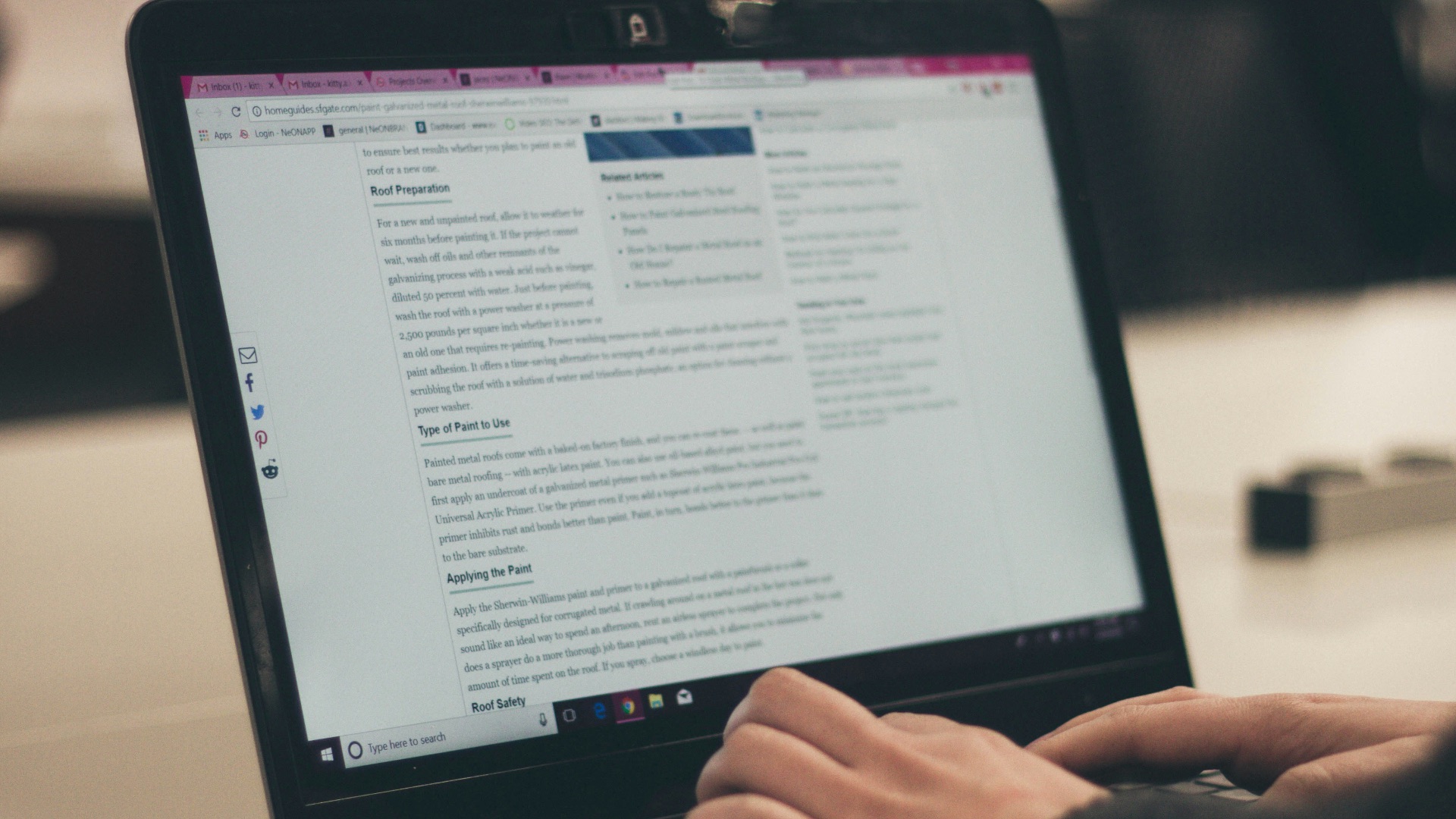
2. You Regularly Compare Documents Side by Side
A tiny 13-inch screen probably won't be enough space for you to compare documents side by side, unless you're naturally adept at scrutinizing tiny text. If you regularly need to check across multiple documents, getting a bigger screen is probably a good idea.
3. Video Calls Take Over Your Entire Workspace
Have frequent remote meetings? If your conference window occupies valuable space you need for notes and presentations, it can quickly get overwhelming and confusing. With another display, though, you can leave the meeting visible while still continuing your work elsewhere.
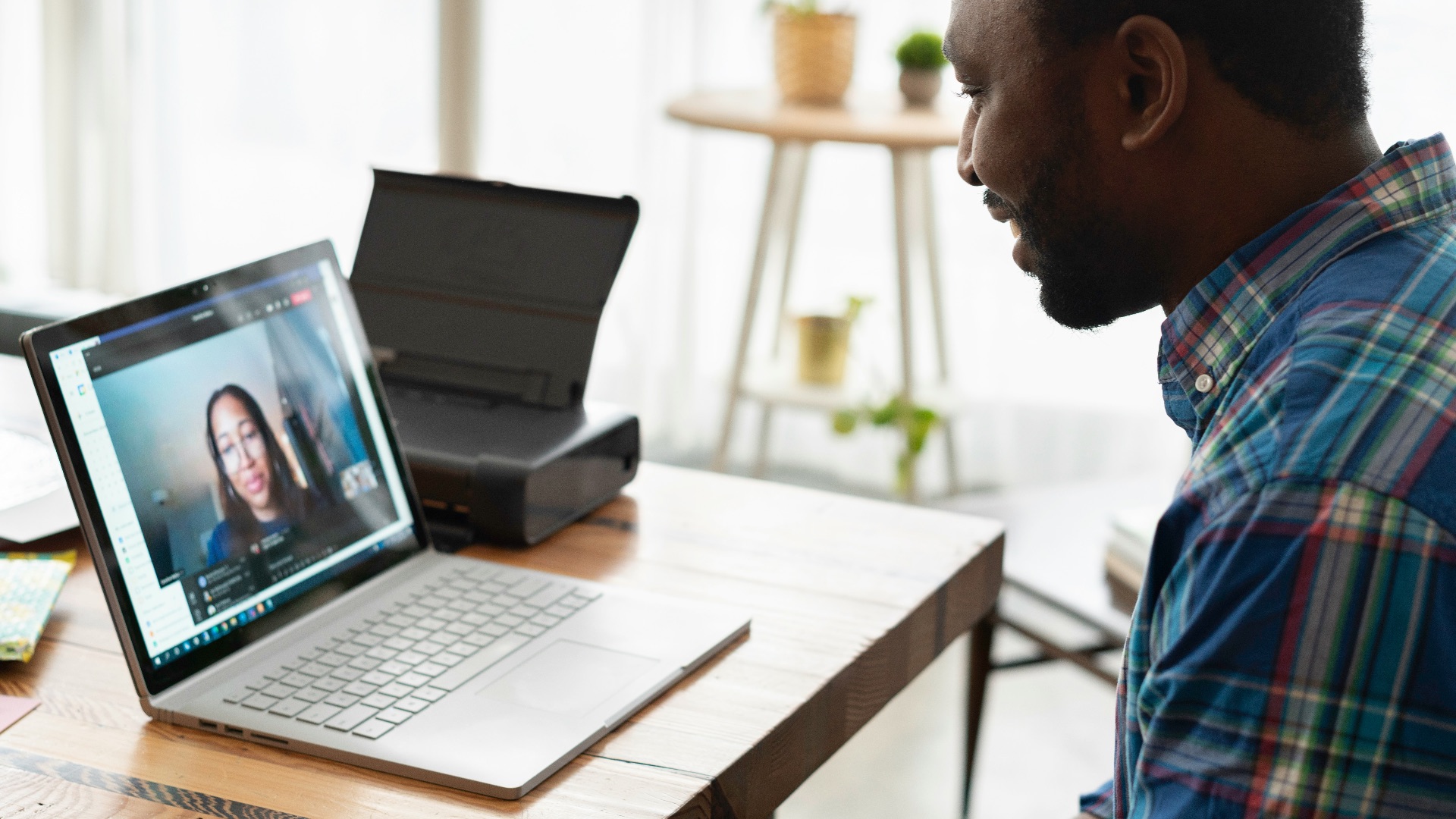 LinkedIn Sales Solutions on Unsplash
4. Your Laptop Screen Feels Cramped
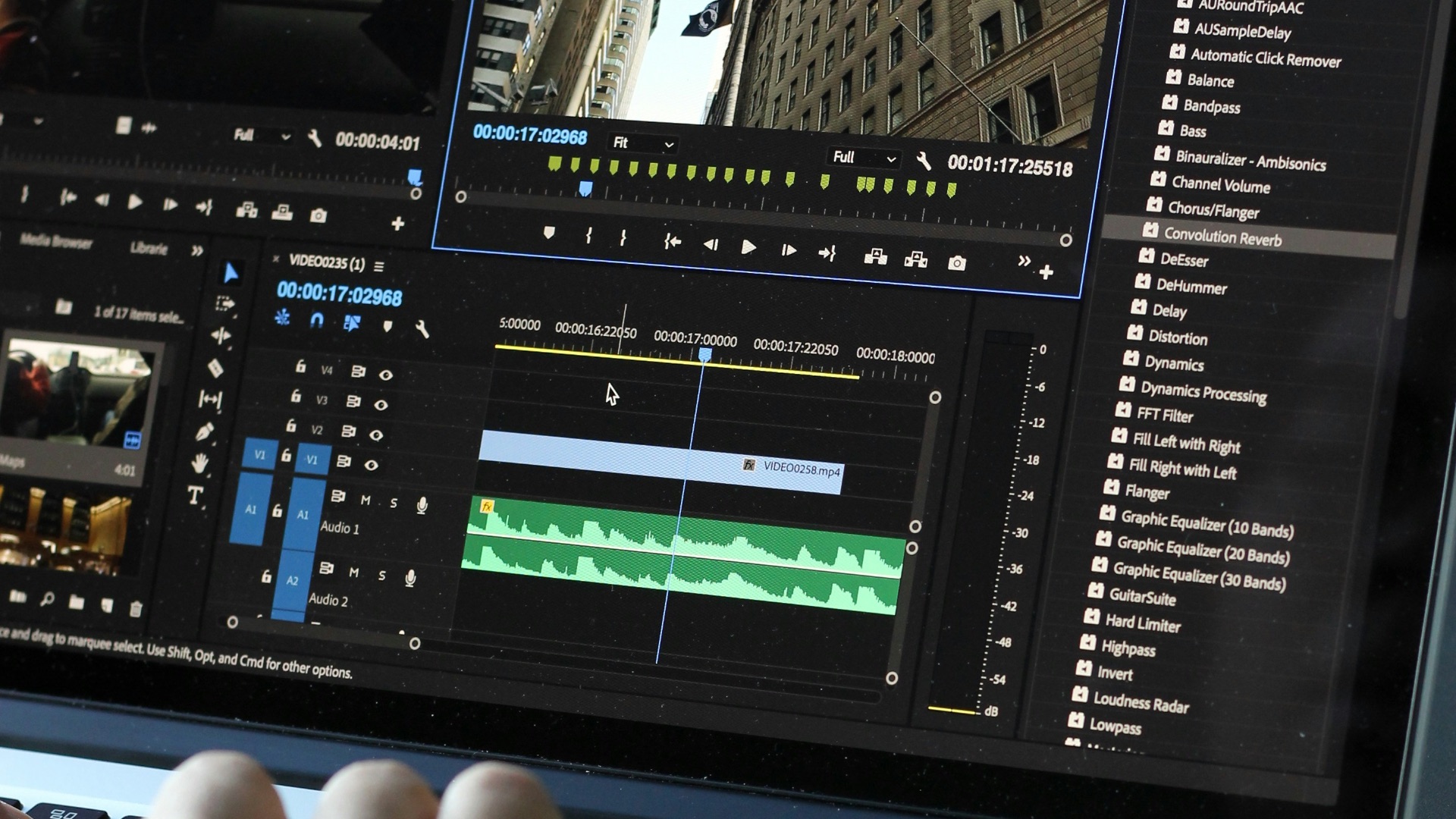
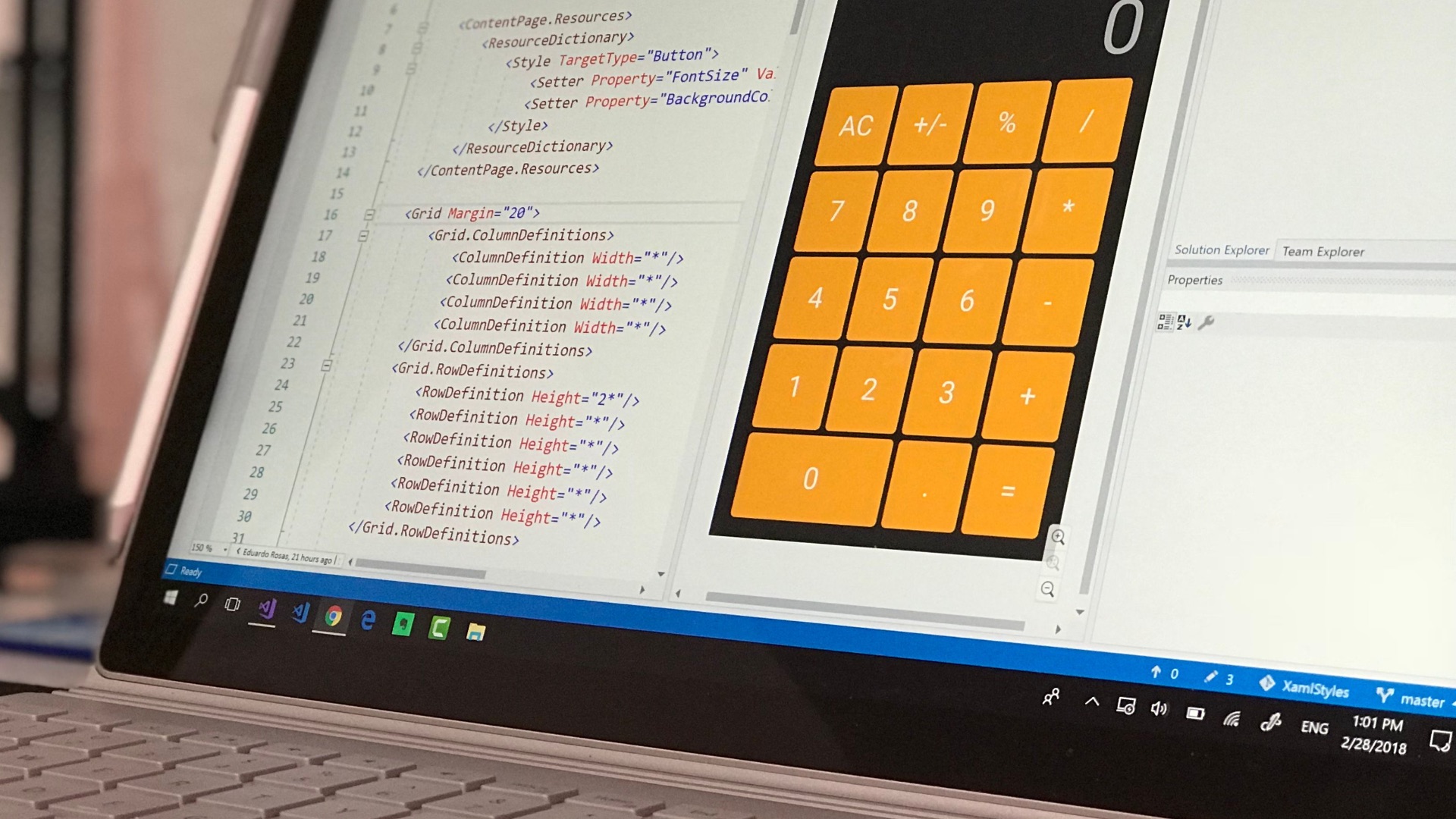
Even a powerful laptop can feel restrictive when you're working with too many applications at once. Specific programs you might need for work, such as photo editing or coding, can also take up precious screen space. That can be a clue as to whether getting another monitor might help with your workflow.
5. You Work with Large Spreadsheets
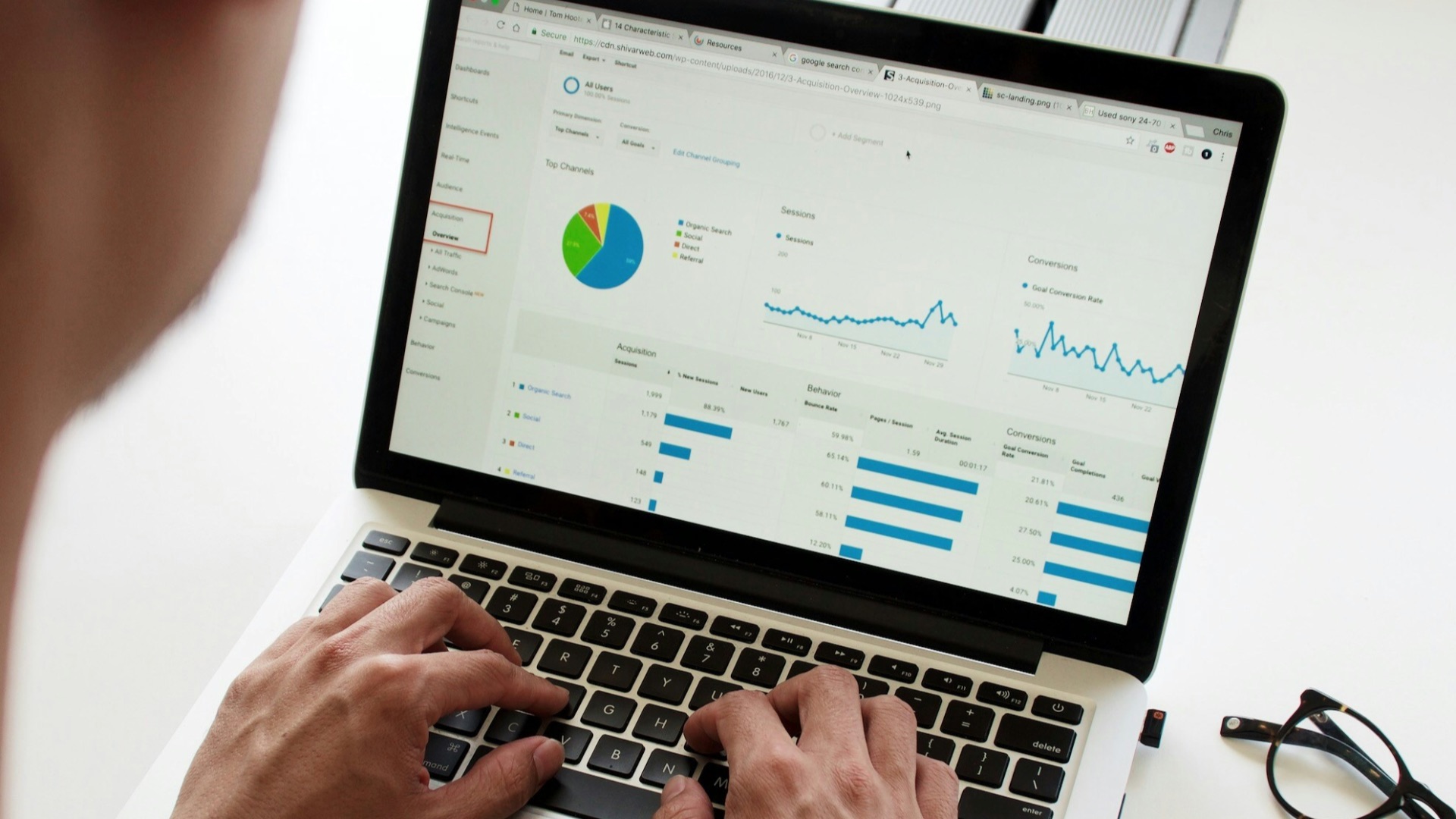
Work with large spreadsheets? On smaller laptops, it'd be a pain to squint at all those numbers! If you need extra visibility to maintain accuracy (and efficiency), you're better off getting a separate screen to boost your productivity.
6. You Frequently Copy Information Between Programs
Copy the text, pull up the other window, paste the text, minimize the window, copy the text, pull up the other... you get what we mean. Obviously, as we've mentioned, constantly shifting back and forth between applications can be incredibly time-consuming on a smaller device. Anyone who spends hours doing research, data entry, or administrative work may therefore immediately notice the difference of having a second screen.
7. Your Work Requires Constant Monitoring
Having a second monitor isn't just useful for having more programs open. In fact, if you simply need another screen to display stuff you need to constantly monitor or refer back to, that's a good enough reason, too. That way, your main display can stay focused on active work while the secondary screen provides whatever you need to glance over.
8. Your Creative Software Is Running Out of Room
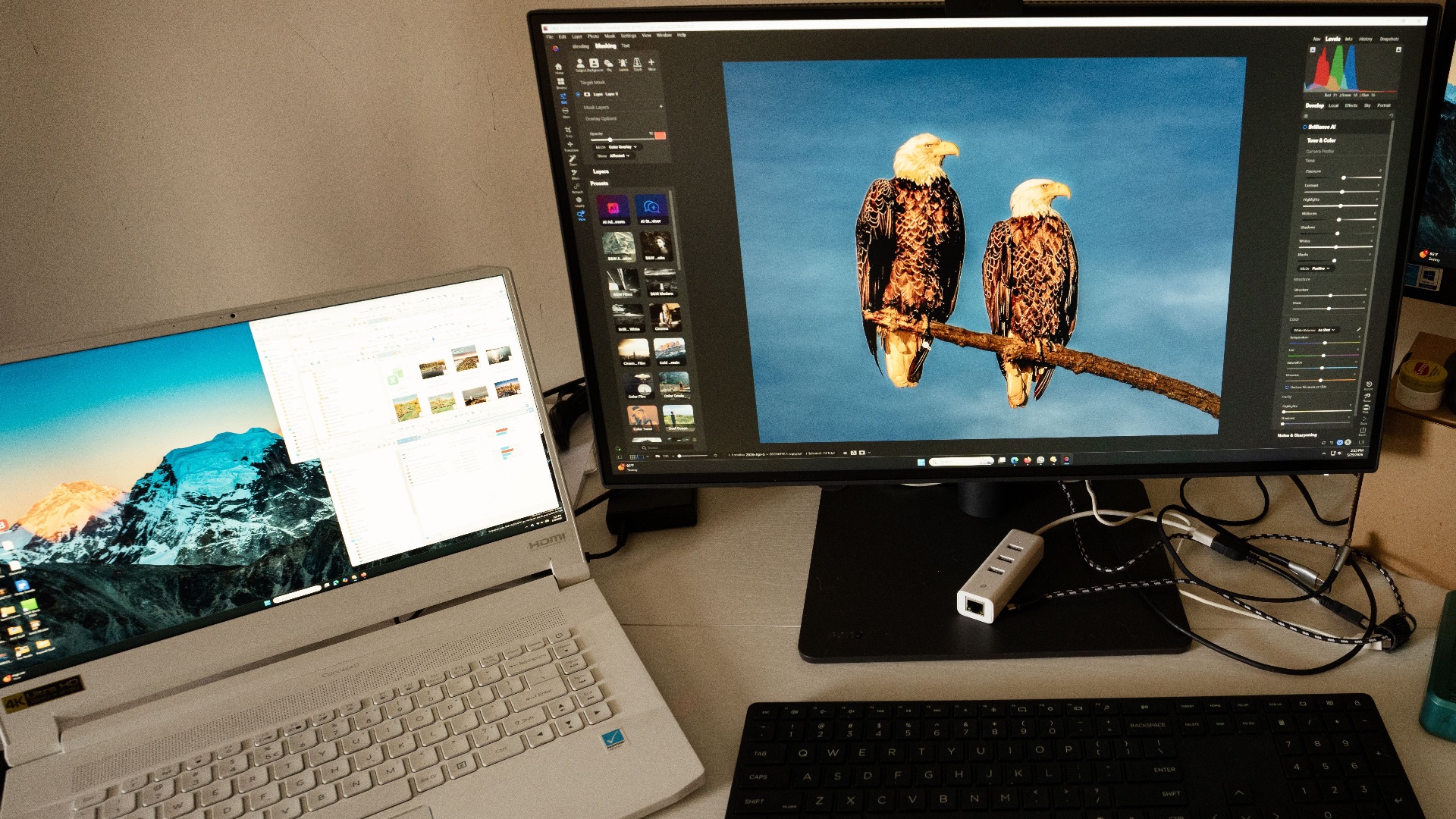
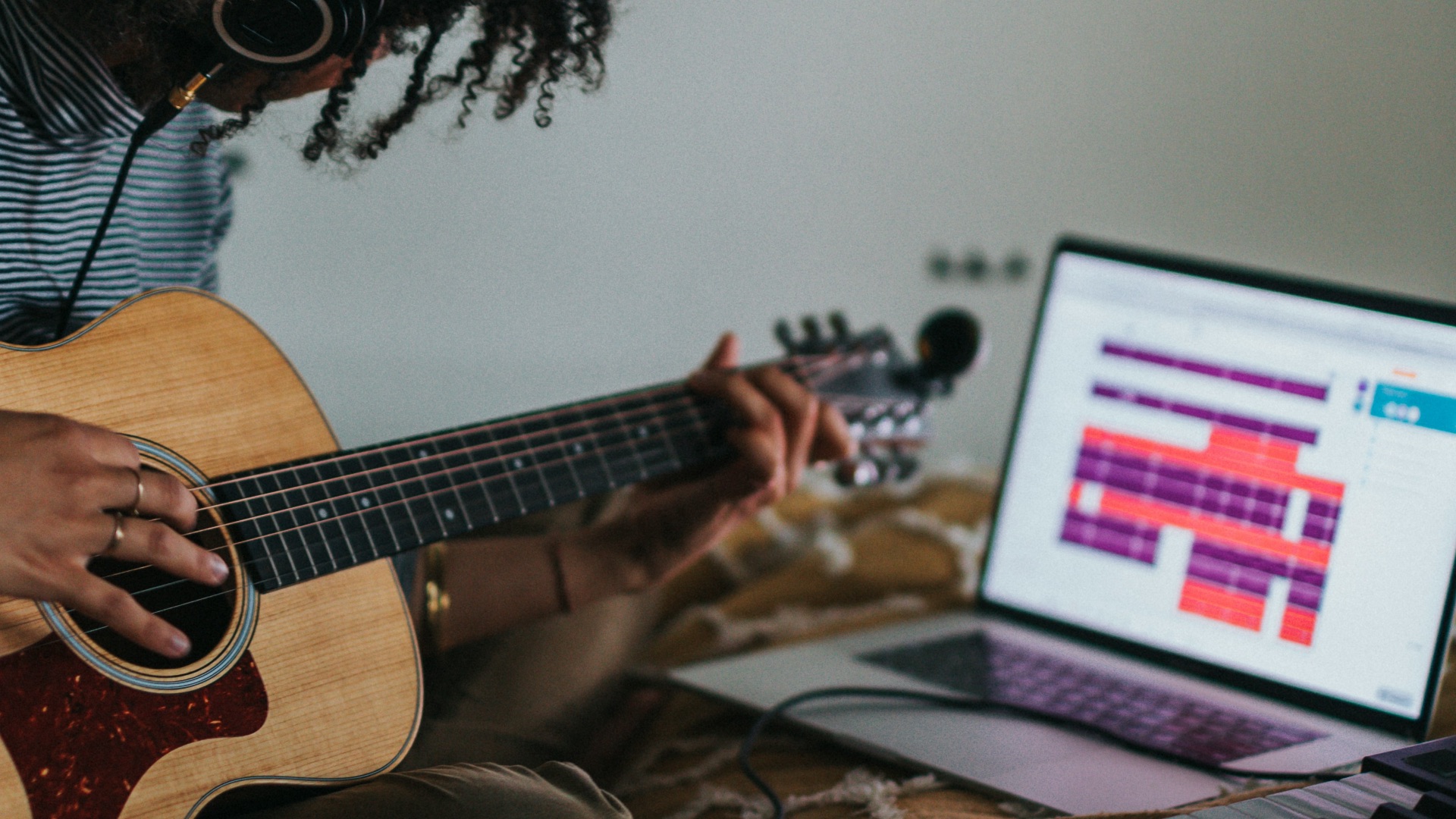
If you're a video editor, photographer, or a music producer, most of the applications you work with probably contains numerous panels and controls. Rather than making everything smaller to fit your tiny screen, you'd likely be better off with a second space to make sure all the things you need are where you need it.
9. You Keep Using Your Phone as a Makeshift Second Screen
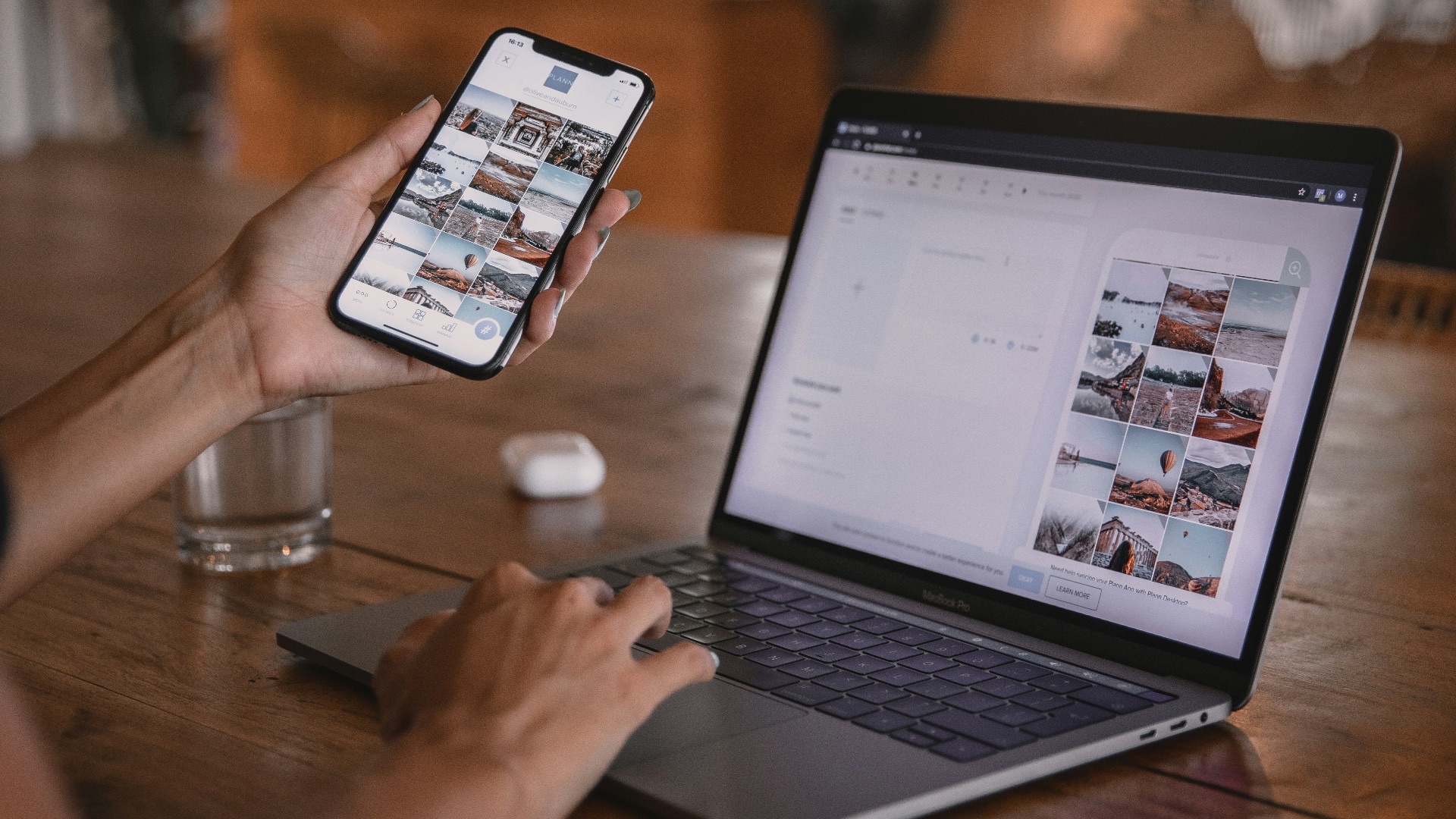
If your phone is permanently propped beside your computer to display calendars, reference images, or research, you're already demonstrating a need for another screen. Plus, your phone isn't the best option—not only is it tiny, but it can also distract you from the work you need to do.
10. You're Always Resizing Windows to Make Everything Fit
Are you constantly resizing things on your screen just so everything fits? This suggests your available screen space obviously isn't matching your workflow, and you'd fare much better with another monitor. Some applications may even automatically go into full-screen mode, which means you'll have to flip through multiple desktops.
While the signs we've covered certainly suggest it's best to get another monitor, sometimes, you may see a need just because you want it. Let's flip the script: the next 10 points will prove maybe you actually don't require a second screen.
1. You Usually Work in One Program at a Time
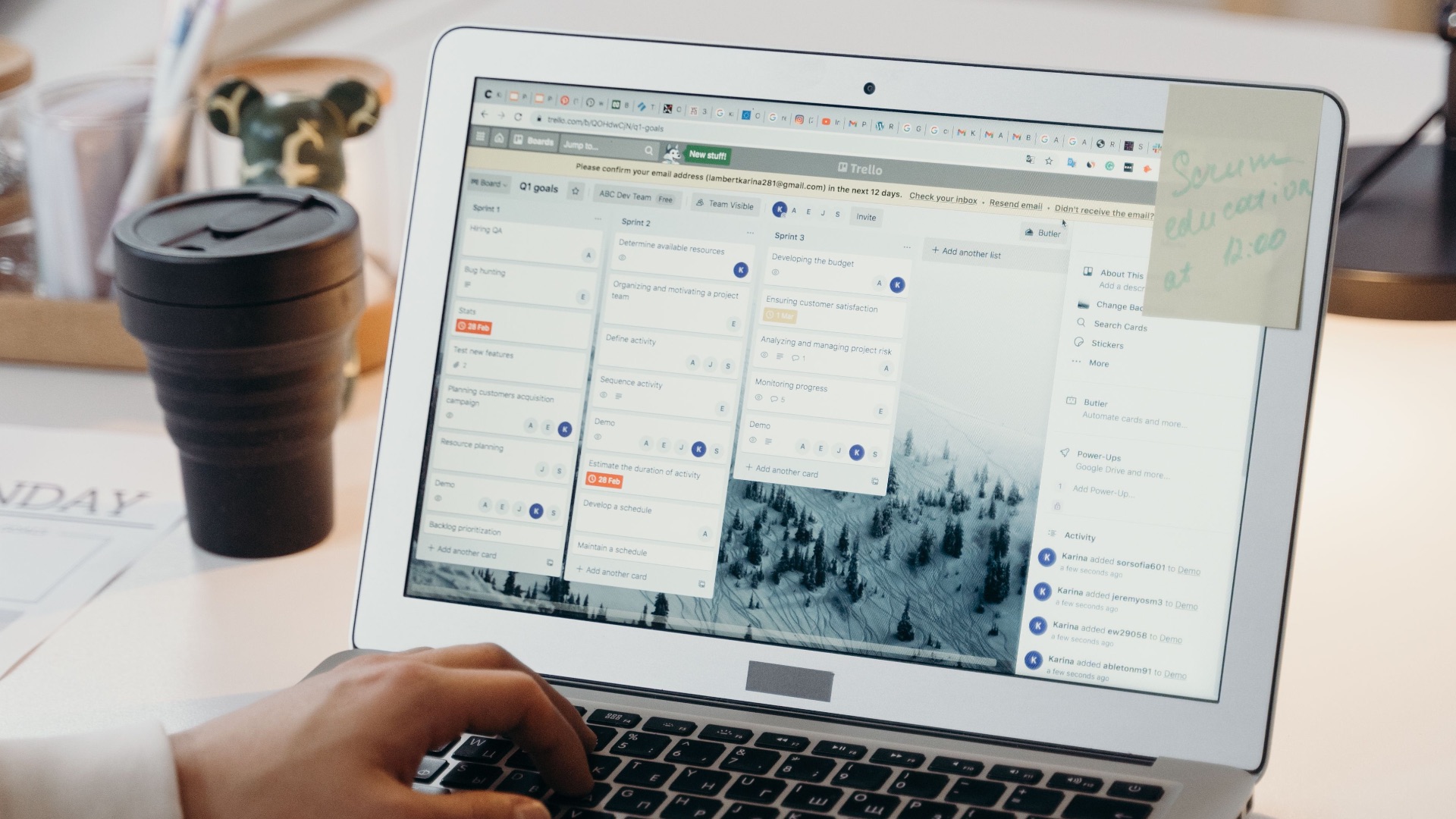
Some workflows don't require multiple applications. If you're a writer or coder who oftens spends most of your day using one specialized program, getting another display will only collect dust and take up valuable desk space.

2. Your Current Monitor Is Already Huge
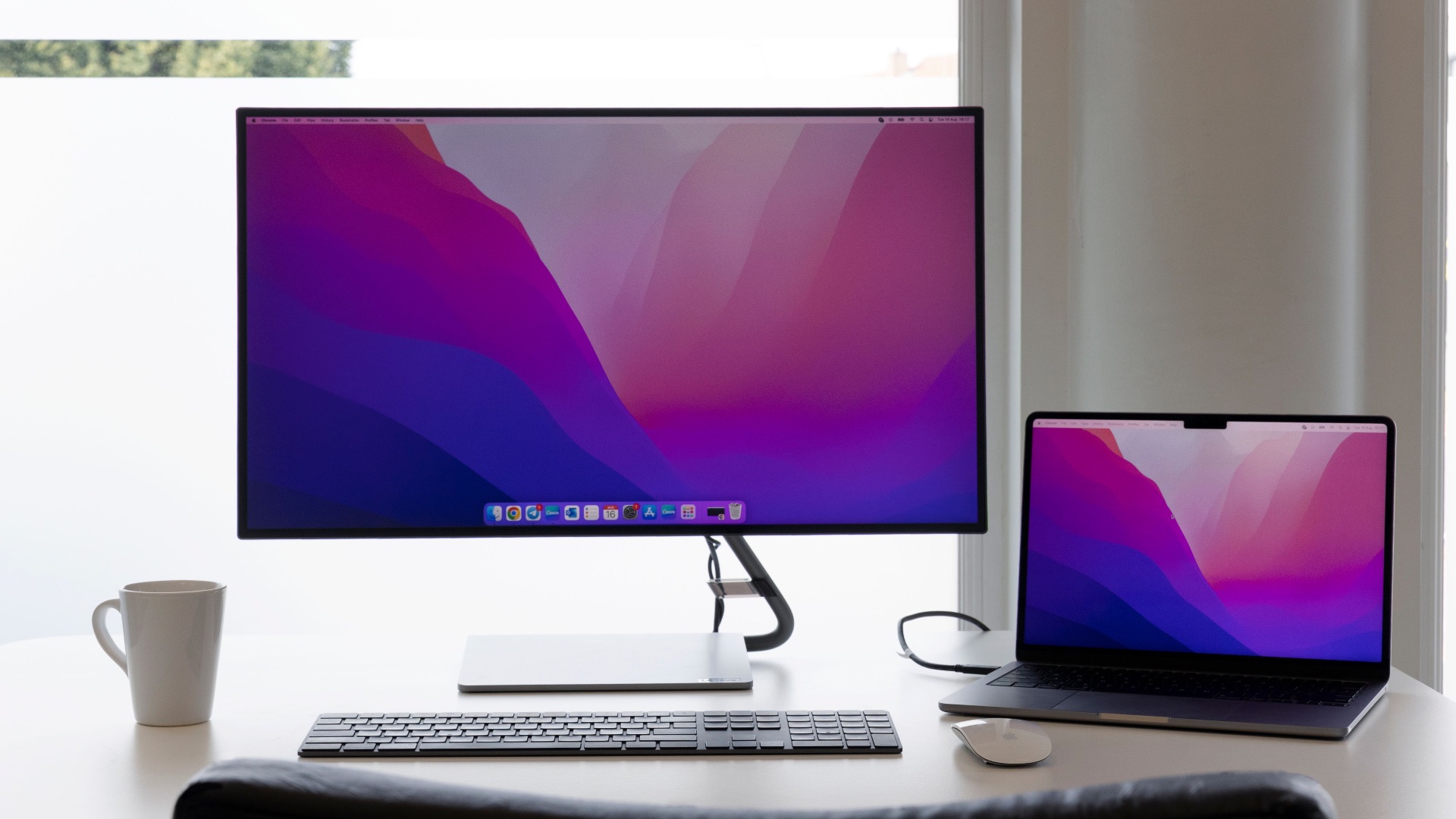
Already have a monitor? If there's already a large display sitting on your desk, you probably don't need a second huge screen. If you can comfortably view two or three applications using the monitors you have on hand, another one could offer little additional benefit.
 Vizito Visitor Management System on Pexels
3. You Get Distracted by Anything Left Open
There are plenty of perks that come with getting a second screen. And yet, more screen space means more opportunities to keep chat apps, videos, and notifications visible all day. If you're easily distracted and are most productive when everything is kept minimal, it's best to limit yourself to one display.
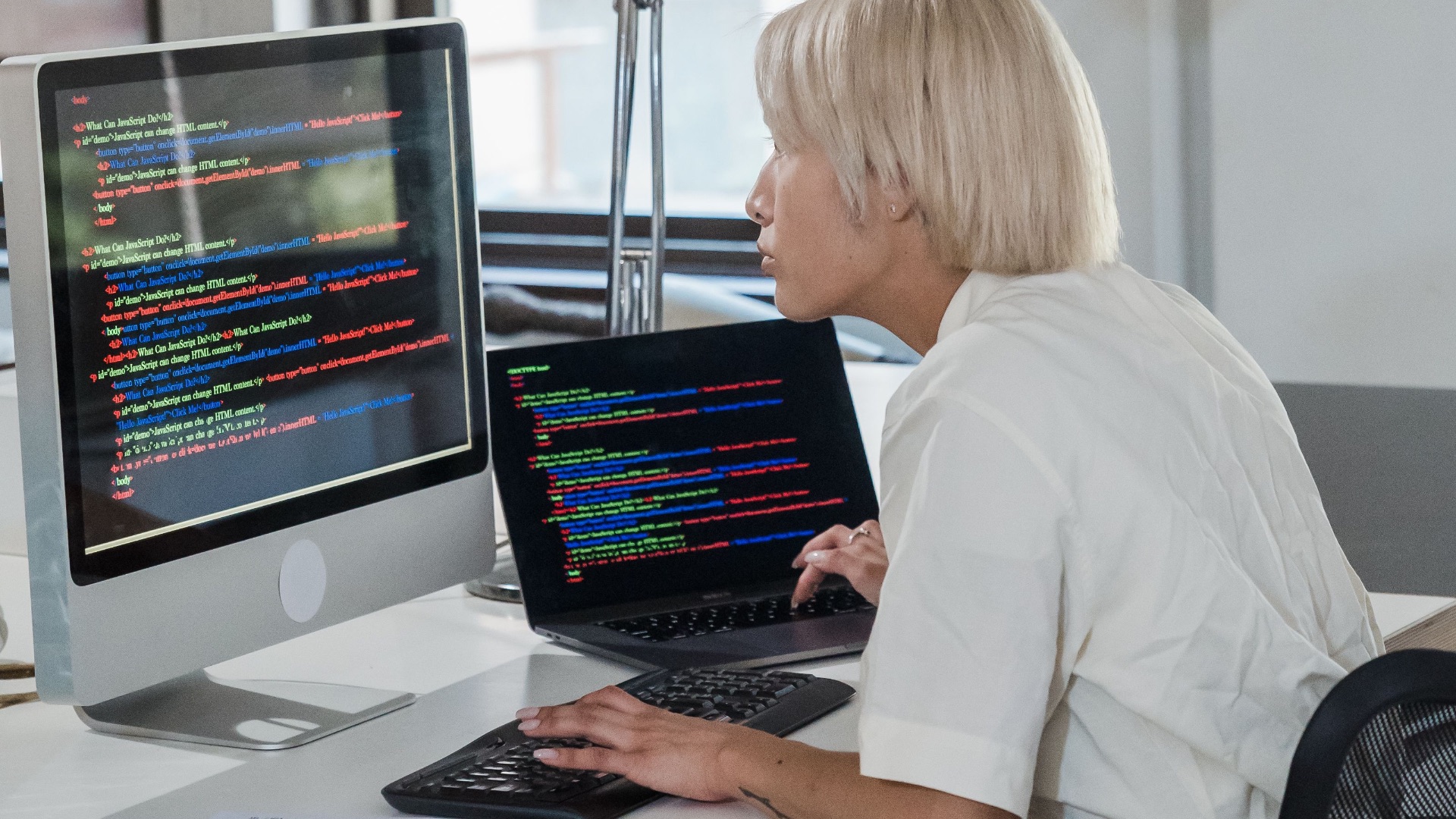
4. Your Desk Is Already Short on Space
Monitors can take up a ton of room. On a small desk, adding another display may therefore leave you less comfortable space for your essentials, which could end up disrupting your productivity. In this case, a spacious and organized single-screen setup might be preferable.
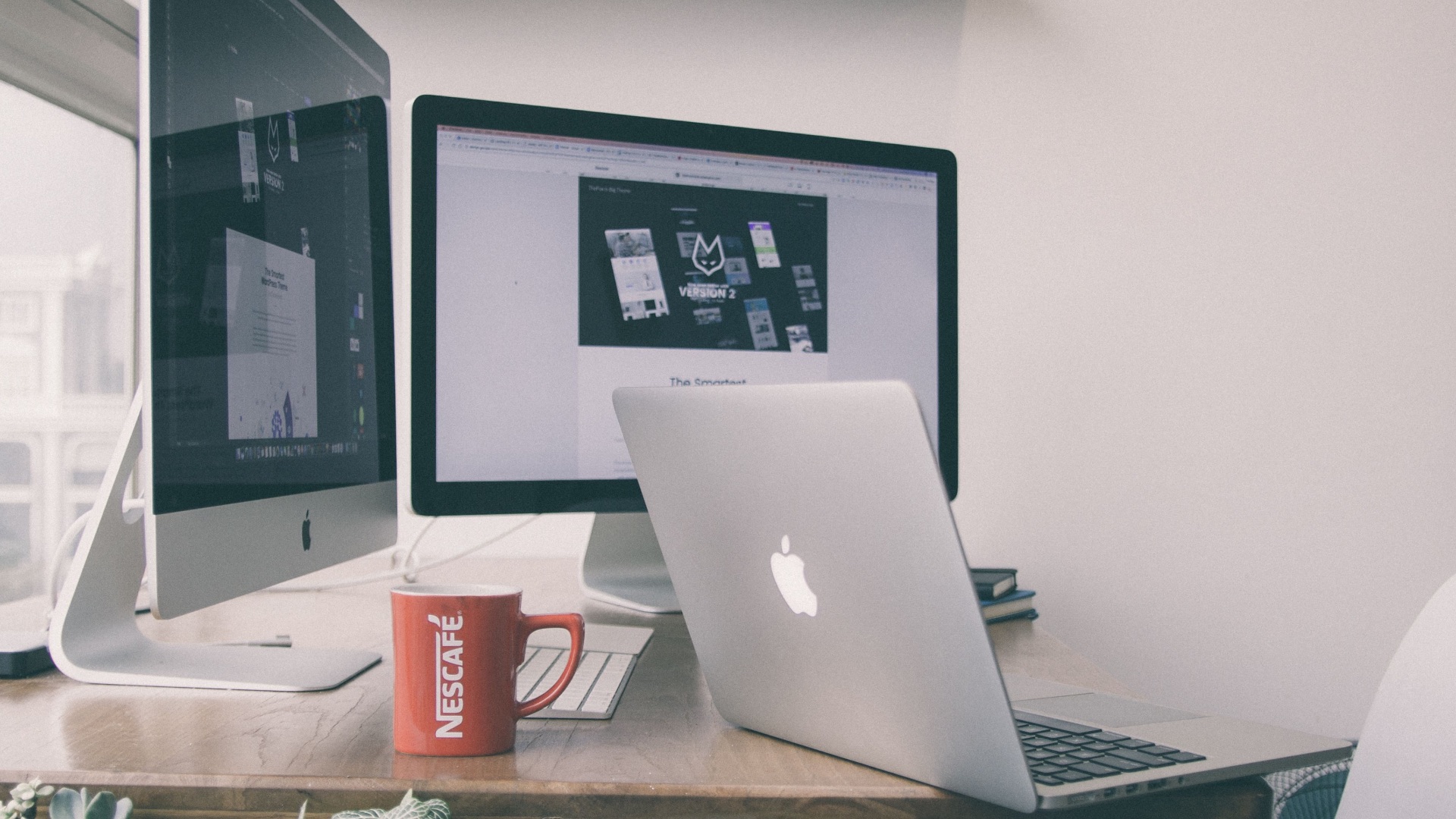
5. You Mostly Use Your Computer for Entertainment
If you're thinking of getting another monitor just to watch movies or browse social media, save your money. You don't need another screen to do the stuff you can easily manage on one device. Unless you regularly combine entertainment with another activity, you're unlikely to gain much from doubling your displays.
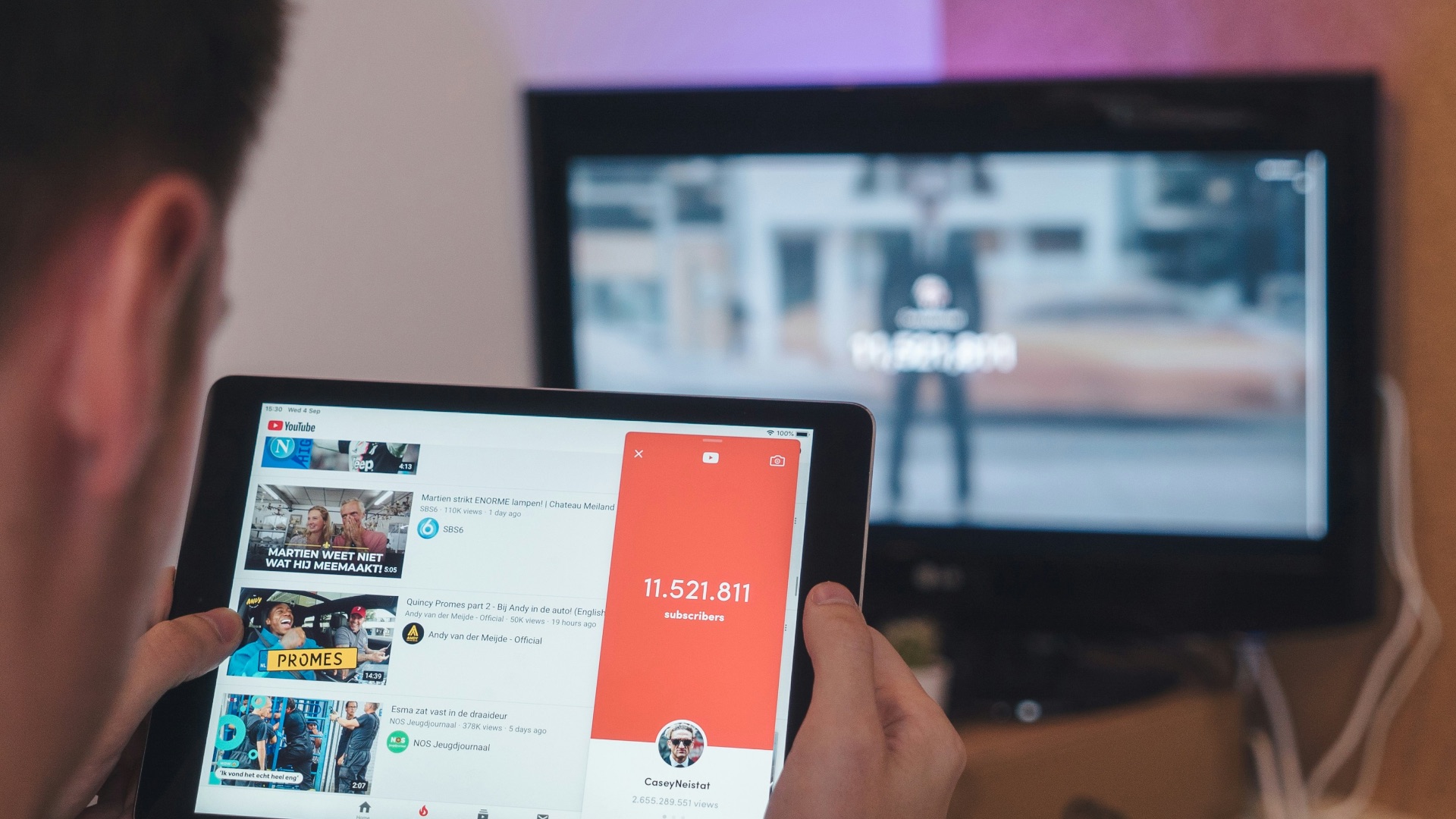
6. You Prefer Virtual Desktops
Operating systems now offer virtual desktops that let you easily organize your programs into different workspaces. If you've already developed an efficient system using those features, adding another monitor to your setup may only complicate things, not simplify them.
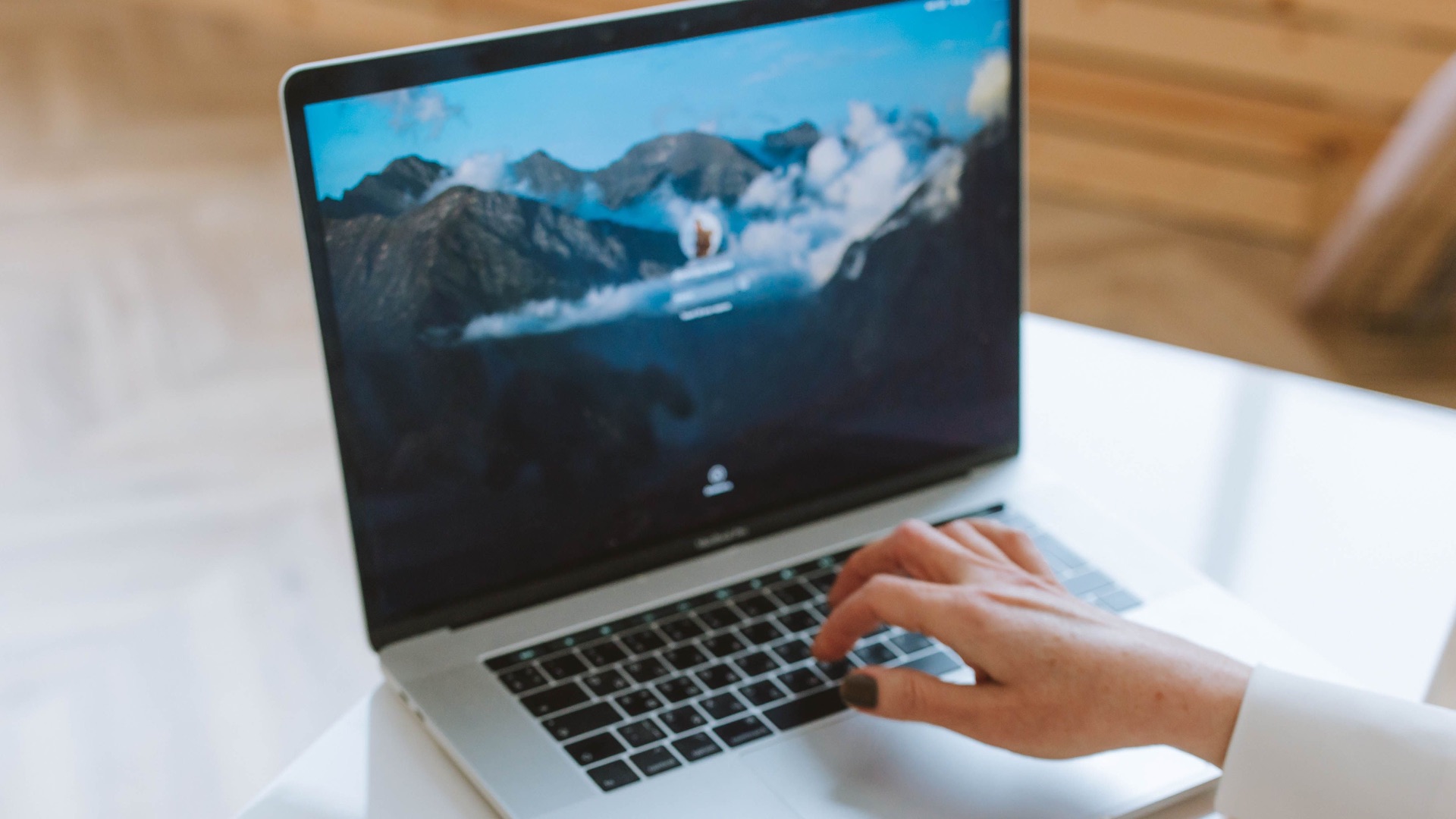
7. You Rarely Keep Multiple Windows Open
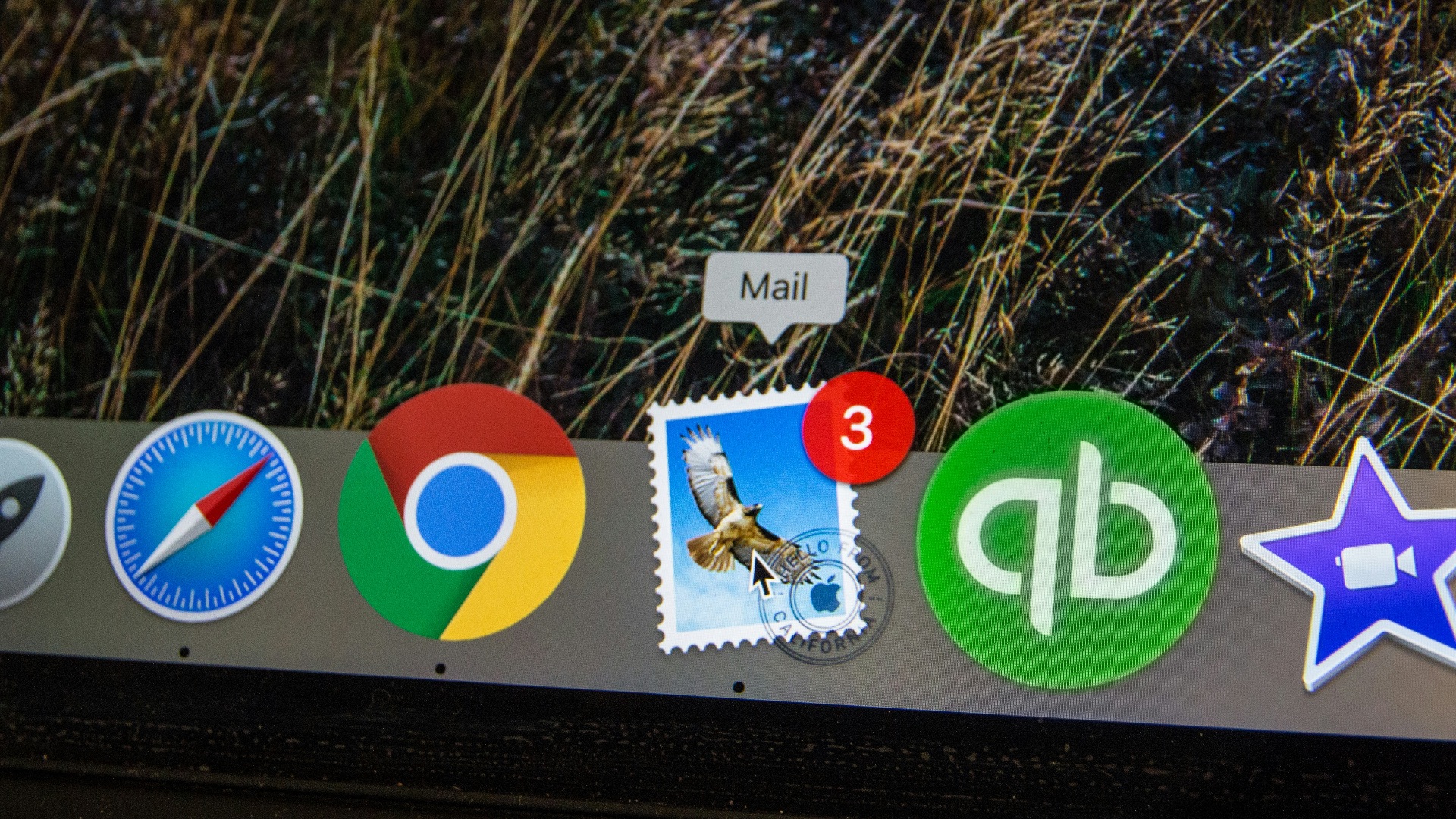
How do you naturally use your computer? If you're not the type to keep multiple tabs or windows open, and you typically close one application before moving to the next, getting an additional display probably won't address an existing problem.
 Stephen Phillips - Hostreviews.co.uk on Unsplash
8. You Move Your Setup Around Frequently
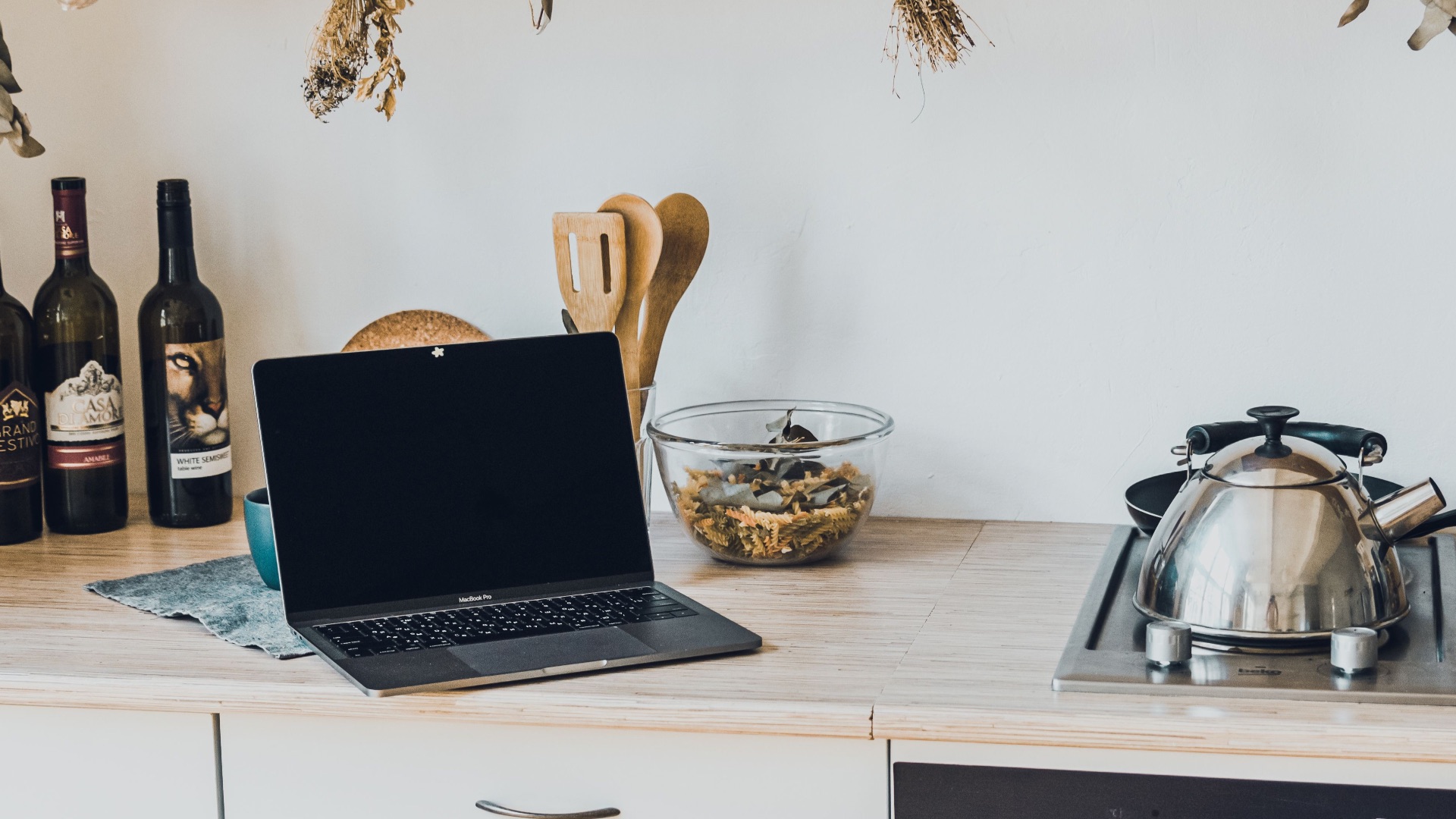
Having a second monitor might be useful if you rarely move around or work remotely, but if you're always on the go, you might want to reconsider. Portability is one of the biggest advantages of working from a laptop, and an extra display will only reduce that flexibility. If you like going from your bed to the kitchen and back to the living room, it's best to stick to one device.
 Stanislav Kondratiev on Pexels
9. You Want One Because Everyone Else Has One
Dual-monitor desks are common in offices, and seeing that setup may be tempting. But if you only want another screen because you like the look of it, you're only going to leave a hole in your wallet when you didn't need to. That money will probably be better spent somewhere else.
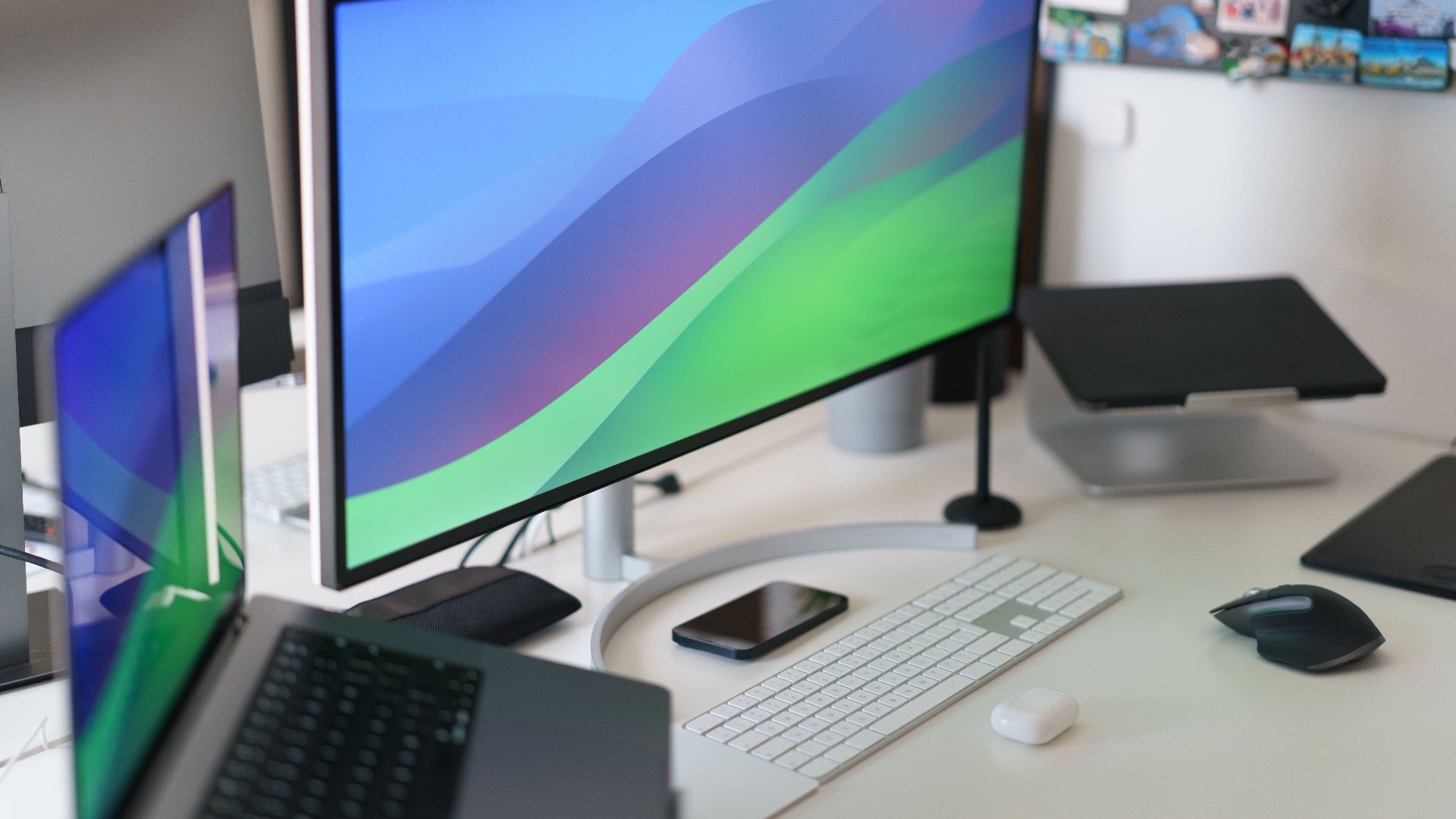
10. Your Existing Setup Never Feels Restrictive
The clearest sign that you don't need another monitor is simply that you haven't been wishing for more room. If your workspace is good as it is and you don't really have a need for another screen to fit all your applications, there's little reason to change anything. Again, don't buy something just because everyone else has it.