
The Sad Reality of Apple Intelligence
Apple Intelligence is one of Apple’s biggest software shifts in years because it brings generative AI directly into its beloved lineup of devices, and yet its rollout has been less than spectacular. From the limited functions of Writing Tools to inaccurate notification summaries, Apple's attempt at AI has left many disappointed, even if not all of it is that bad. Here are 10 things Apple Intelligence fails at—and 10 things it actually impresses people with.
1. Siri Still Doesn’t Feel Fully Transformed
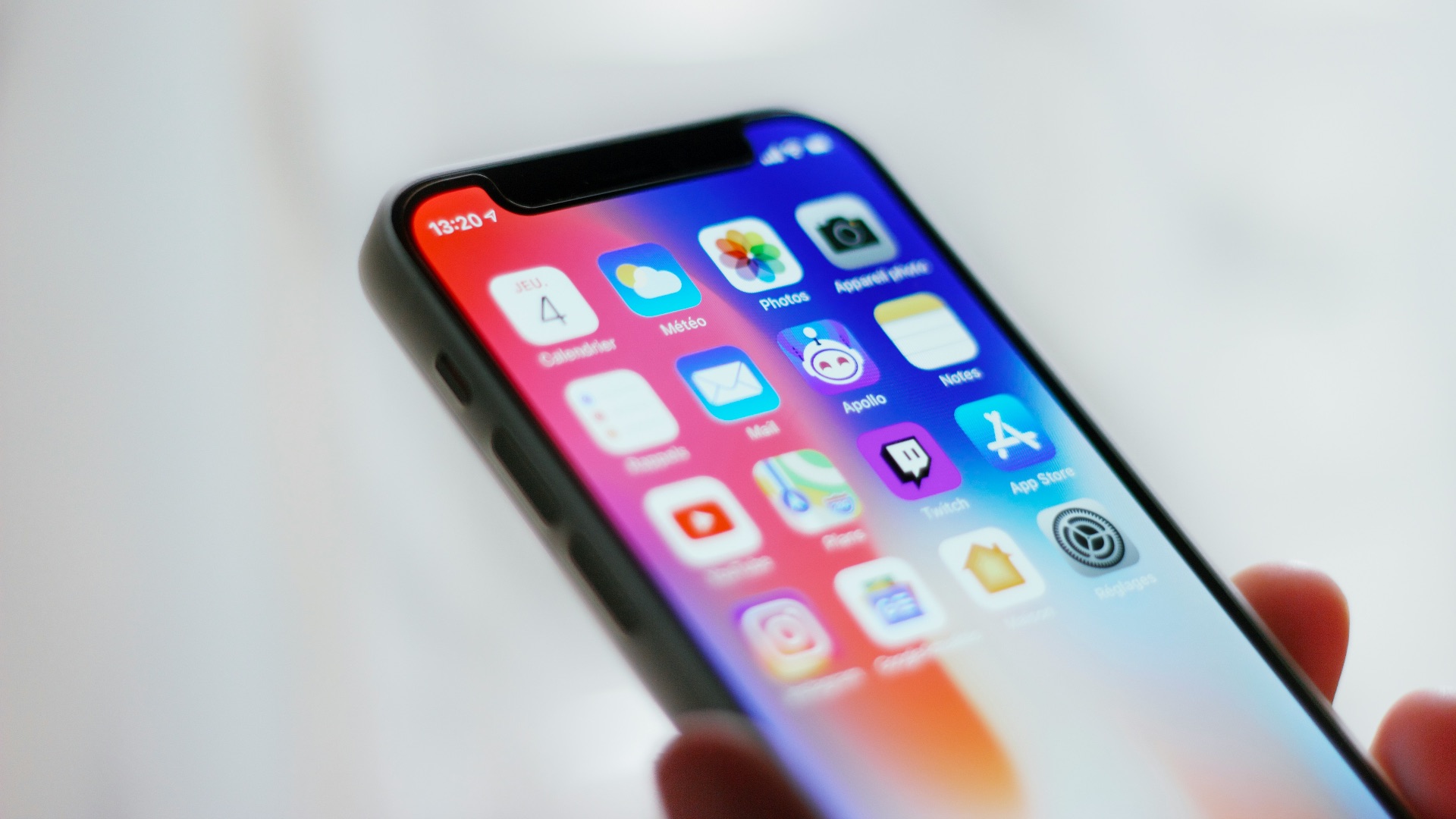
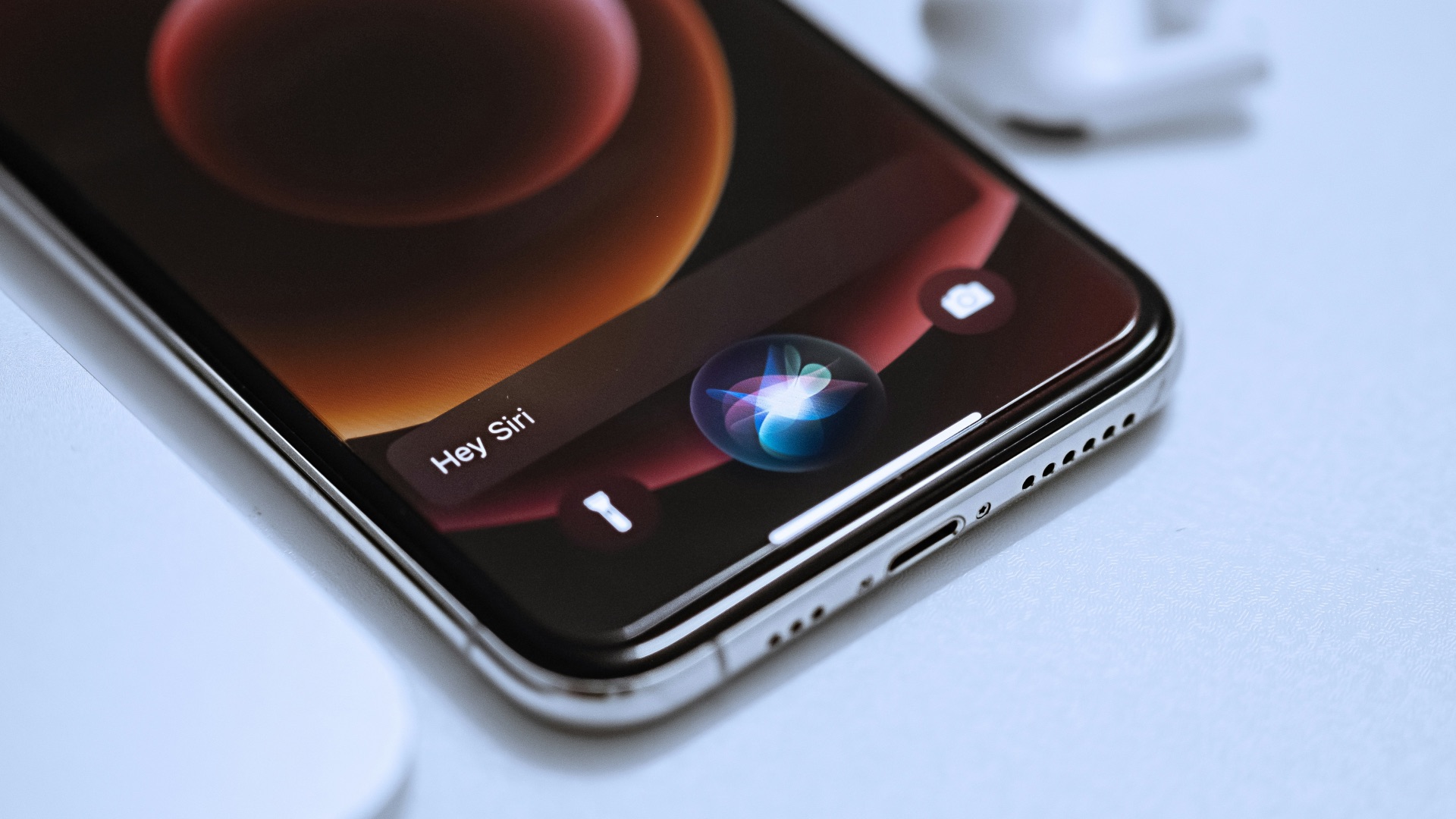
The biggest disappointment is that Siri still doesn’t feel like the dramatic AI assistant many people expected. Apple officially delayed the more personalized Siri features that were originally promoted as a major part of Apple Intelligence, which made the early rollout feel incomplete. You can still ask Siri basic questions and handle routine commands, but the assistant doesn’t consistently feel like it understands your life, your apps, and your context in a much deeper way.
2. Notification Summaries Can Misread the Moment
Notification summaries are useful in theory, but they can become a problem when they compress context too literally. A messy group chat, a sensitive news alert, or a message with emotional nuance can come out sounding oddly blunt or simply wrong. That’s frustrating because summaries are supposed to save you time, not make you open the original notification just to check whether the summary missed something important.

3. The Rollout Has Felt Too Fragmented
Apple Intelligence didn’t arrive as one complete package, and that has made it harder for regular users to understand what they actually have. Some features came earlier, others arrived later, and the more ambitious Siri capabilities were pushed back. When Apple markets a major intelligence layer but delivers it in pieces, the experience can feel less polished than the branding suggests.
4. Device Compatibility Leaves People Out
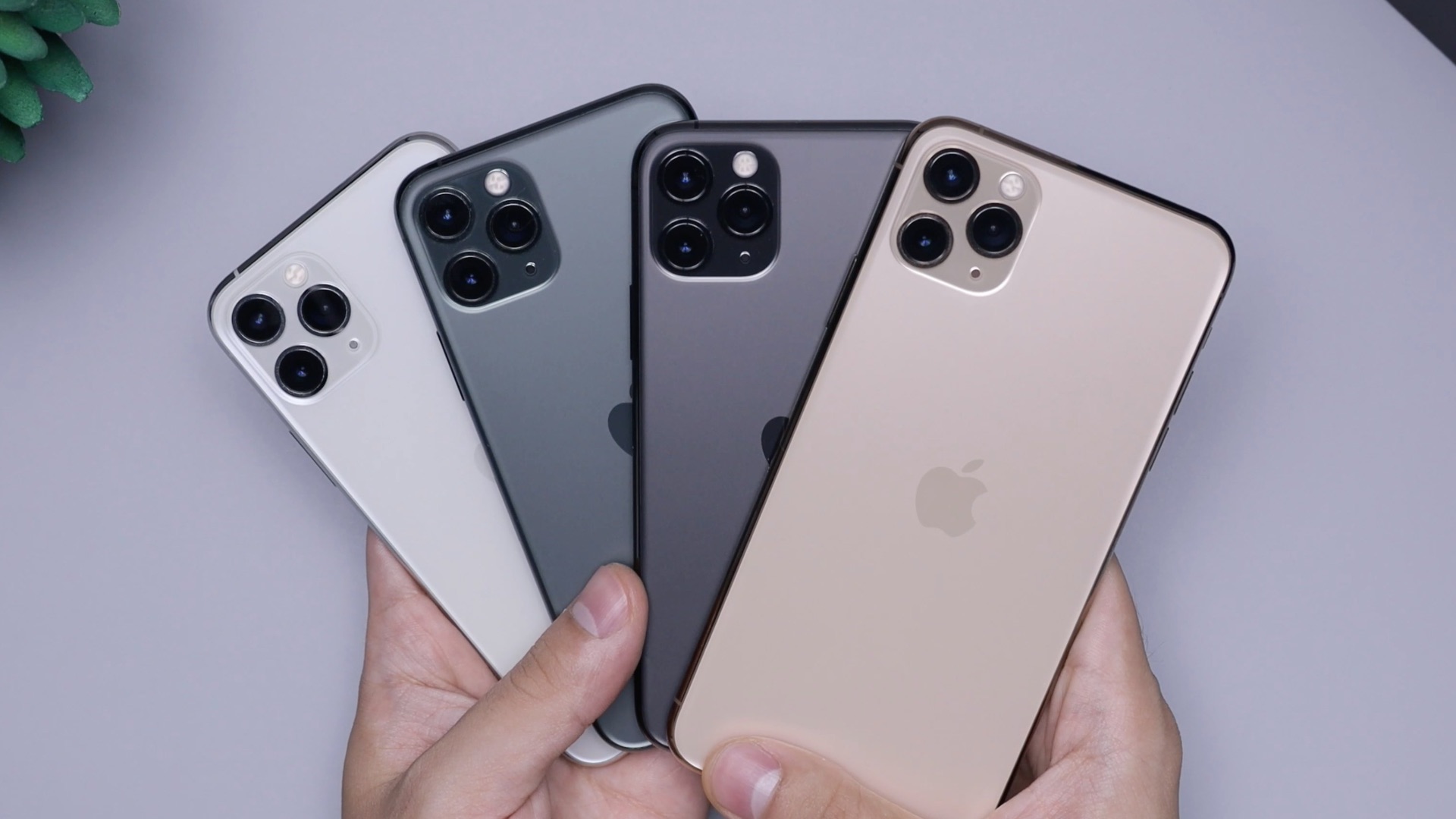
Apple Intelligence doesn’t work on every modern Apple device, which limits its reach in a way some users find disappointing. If you bought an iPhone, iPad, or Mac that still feels fast and capable, it can be irritating to learn that the AI features are reserved for newer hardware. That makes the upgrade pressure feel more obvious, especially when many of the tools are software conveniences rather than features people naturally associate with needing a brand-new device.
5. Image Playground Can Feel Too Restricted
Image Playground is fun, but it doesn’t always give people the creative control they expect from an AI image tool. Apple’s approach is intentionally limited and polished, which can be safer, but it also means the output can feel too controlled or too similar across attempts. If you’re used to more flexible image generators, Apple’s version may seem more like a playful accessory than a full creative workspace.

6. Writing Tools Aren’t Strong Enough for Serious Editing
Writing Tools can clean up text, rewrite a sentence, or summarize a passage, but they don’t always deliver the kind of careful judgment a serious edit requires. The rewritten text can sometimes sound too neutral, too generic, or a little flattened. For quick messages, that’s fine, but for work that needs voice, structure, persuasion, or personality, you’ll probably still want to revise the results yourself.

7. It Doesn’t Always Explain What It’s Doing
Apple Intelligence often tries to stay out of your way, but that can make its behavior feel unclear. When a summary changes the emphasis of a message or a tool rewrites your wording, you don’t always get a clear explanation of why it made those choices. That lack of transparency can be annoying when you’re trying to trust the output rather than simply accept it.

8. ChatGPT Integration Can Feel Like a Cop-Out
Apple’s optional ChatGPT integration gives users access to more powerful generative responses, but it also highlights the limits of Apple’s own models. When Siri or Writing Tools need to hand a request off, you’re reminded that Apple Intelligence isn’t always doing the heavy lifting by itself. The feature is useful, but the handoff can make the overall system feel less seamless than Apple’s usual software experience.

9. It Can Struggle with Messy Real-World Context
Apple Intelligence is strongest when the task is clearly defined, such as summarizing an email or rewriting a sentence. It becomes less impressive when you expect it to interpret messy, personal, multi-app situations with confidence. Until the delayed personal-context Siri features fully arrive and prove themselves, the system can feel more like a set of smart tools than a truly context-aware assistant.

10. The Hype Raised Expectations Too High
Apple positioned Apple Intelligence as a major new era for its devices, so ordinary results can feel more disappointing than they might have otherwise. Many features are useful, but not all of them feel surprising or industry-leading. The gap between the promise of a smarter Apple ecosystem and the reality of a gradual rollout is one of the main reasons some users feel underwhelmed.
Apple Intelligence is far from perfect, but that doesn’t mean it’s a complete failure. Once you move past the missing pieces and uneven early execution, there are several places where Apple’s approach works well, or at least, well enough.
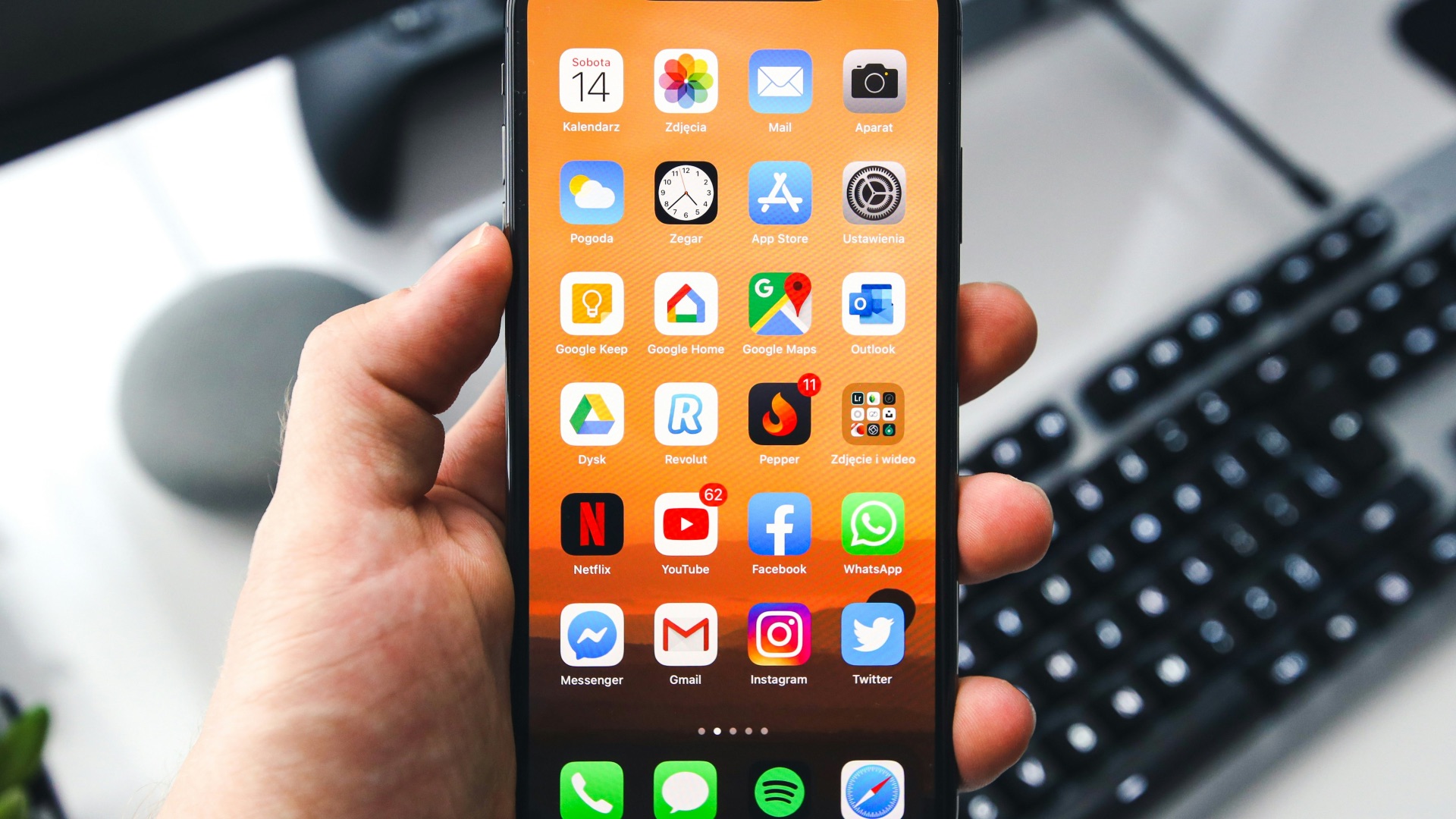 Sebastian Bednarek on Unsplash
1. Writing Tools Can Be Convenient
For all their caveats, Writing Tools still work okay because they appear inside the system instead of forcing you to open a separate app. You can rewrite, proofread, or summarize text in places where you already type, which makes the feature feel practical rather than experimental. That everyday convenience is one of Apple Intelligence’s clearest strengths, especially for people who write lots of emails, notes, and messages.

2. Live Translation Makes Conversations Easier
Live Translation is one of the more impressive Apple Intelligence features because it fits directly into communication apps. Apple has highlighted translation across Messages, FaceTime, and Phone, which makes the tool feel immediately useful for travel, work, and multilingual conversations. It’s the kind of feature that can make AI feel less like a novelty and more like something that removes everyday friction.

3. Visual Intelligence Feels Natural on iPhone
Visual Intelligence stands out because it connects the camera, screenshots, and on-screen content with useful actions. Instead of making you describe everything manually, the phone can help identify, search, summarize, or act on what you’re looking at. That feels especially suited to the iPhone because people already use the camera and screen as tools for understanding the world around them.

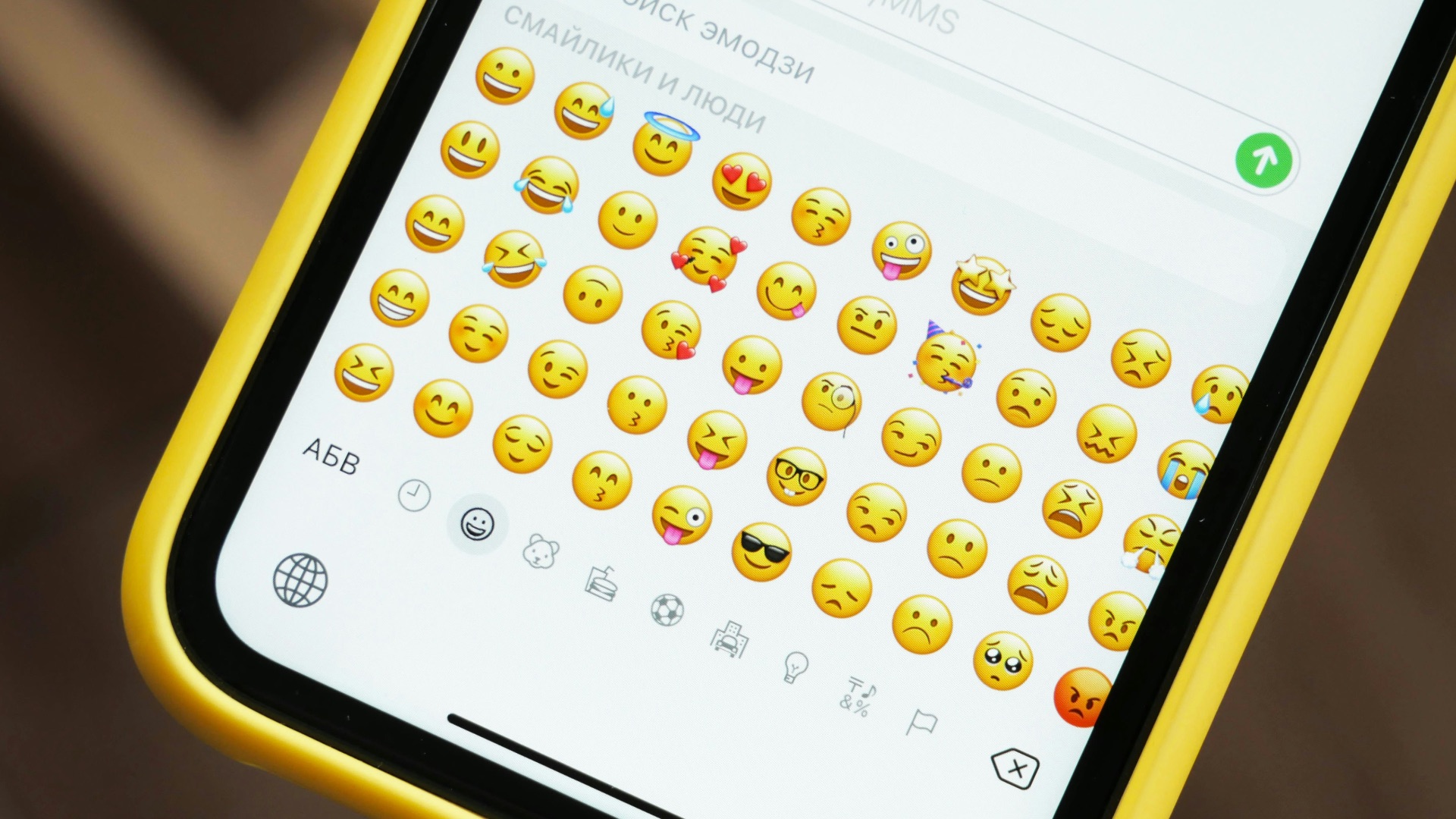
4. Genmoji Gives Messaging More Personality
Genmoji is one of Apple Intelligence’s most consumer-friendly wins because it makes AI feel playful without demanding much effort. You type what you want, and the system creates a custom emoji-style image you can use in conversation. It’s not the most serious feature, but it fits Apple’s messaging culture better than a complicated AI dashboard would.
5. Summaries Can Save Real Time
Even though summaries can make mistakes, they’re still impressive when they work well. Long emails, dense notes, and busy message threads become much easier to scan when Apple Intelligence pulls out the main idea quickly. For users who deal with a lot of text every day, that time savings can be more valuable than flashier AI tricks.

6. Privacy Is a Major Selling Point
Apple’s privacy-first positioning gives Apple Intelligence a different appeal from many cloud-heavy AI tools. Apple emphasizes on-device processing where possible and uses Private Cloud Compute for more demanding requests, which is meant to extend Apple’s privacy model to server-based AI tasks. For people who are cautious about sending personal data to AI services, that design can make the features easier to trust.

7. Shortcuts Are Becoming More Powerful
Apple Intelligence gives Shortcuts more potential by letting users build actions that feel smarter and more flexible. Apple has pointed to intelligent actions in Shortcuts as part of its expanded feature set, which matters because automation is one of the places where AI can be genuinely practical. When it works well, you can turn repetitive tasks into something faster without needing to learn a complicated new system.
8. The System Integration Is Better Than a Standalone App
One of Apple Intelligence’s best qualities is that it lives inside the operating system. You don’t have to remember to open an AI chatbot every time you want help rewriting text, finding information, or summarizing content. That integrated design makes the features feel more approachable, especially for users who wouldn’t normally seek out AI tools on their own.

9. Accessibility Features Show Real Promise
Apple’s AI-powered accessibility work is one of the most meaningful areas of improvement. Recent accessibility previews have included enhanced VoiceOver, Magnifier upgrades, natural language Voice Control, and AI-assisted ways to interpret visual or text content. Those features show how Apple Intelligence can help users do more with their devices in ways that go beyond convenience.

10. It Feels Built for Everyday Users
Apple Intelligence may not satisfy every power user, but it often succeeds at making AI feel less intimidating. The best features don’t ask you to learn prompts, manage model settings, or think about technical details. They simply appear inside familiar apps, which is exactly why many people find Apple’s approach impressive even when the overall system still has room to improve.