10 Reasons You Should Never Use AI to Enhance Your Creative Works & 10 Instances Where It Might Come in Handy
10 Reasons You Should Never Use AI to Enhance Your Creative Works & 10 Instances Where It Might Come in Handy
Is AI Friend or Foe?
Artificial intelligence is everywhere these days, and unfortunately, the creative world is no exception. Writers, artists, musicians, and designers alike are all grappling with the same big question: Should AI ever have a part in the process? Some are adamant that the answer is no; after all, AI can never express human emotion and experiences in the way only a human can. But some aren't so convinced that AI is such a bad thing. In fact, there may be instances when it can boost productivity and thinking. Let's take a look at why creatives should never let AI touch their work, and when it might actually give you the edge you need. Which side do you land on?
1. It Buries Your Unique Voice
Your creative voice is built from years of experience, failure, growth, and personal perspective, and no AI can replicate that. When you lean on AI to generate content, you risk smoothing out the very quirks and idiosyncrasies that make your work recognizable and distinct. Readers and audiences can often sense when something feels "off," and a homogenized AI output can undermine the authenticity they came to you for in the first place.
2. It Can Introduce Factual Errors
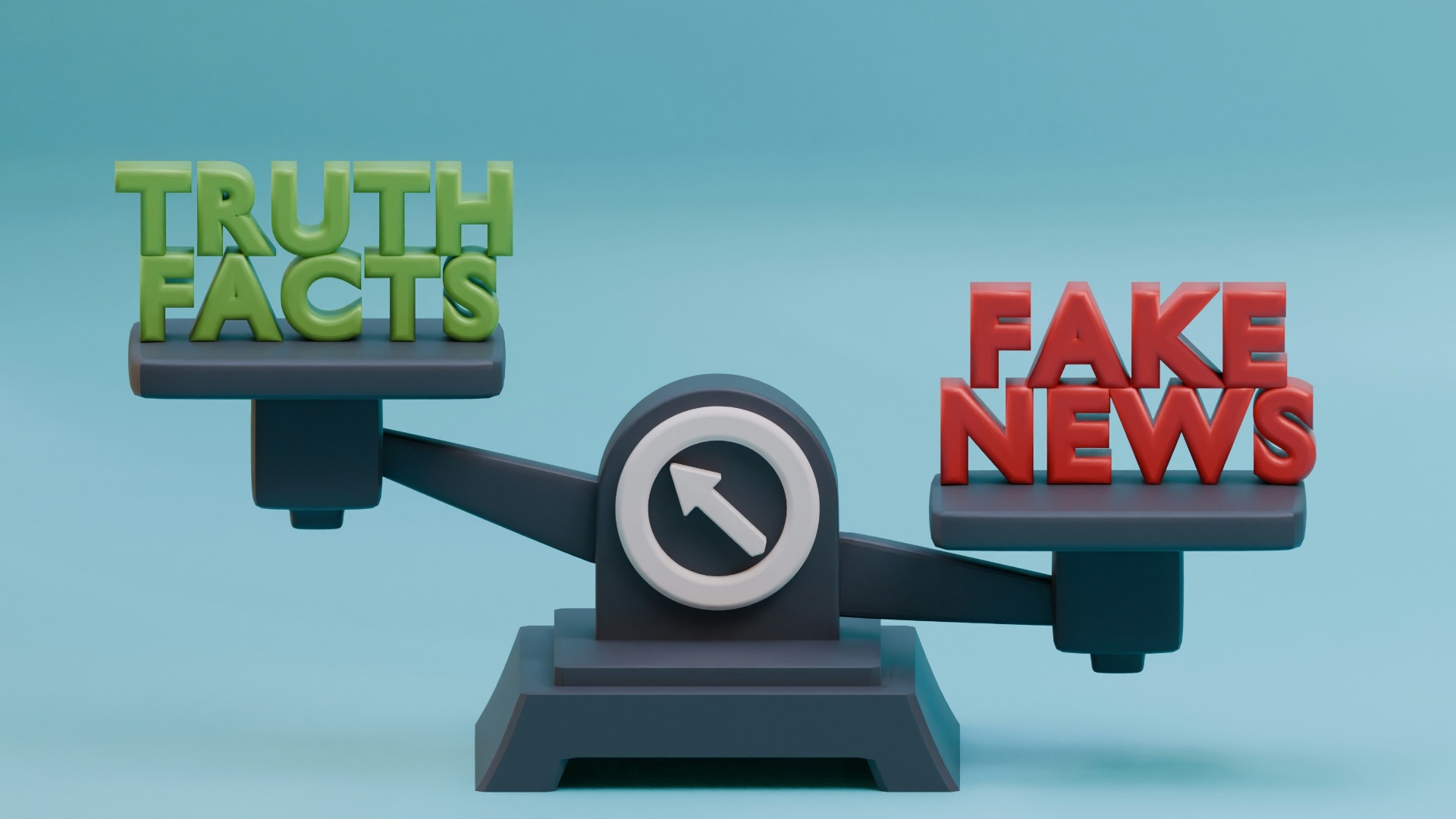
AI language models are trained on vast amounts of data, but that doesn't mean they're always accurate. These tools have a well-documented tendency to produce confident-sounding but incorrect information, which can be a serious problem if you're writing nonfiction, journalism, or anything that depends on factual integrity. Relying on AI without rigorous fact-checking puts your credibility on the line every single time.
 Hartono Creative Studio on Unsplash
3. It Stunts Your Creative Growth
Struggling through a creative block, rewriting a clunky sentence, or figuring out how to land a scene are all part of how you develop as a creator. If you outsource those challenges to AI, you're skipping the work that actually builds skill and creative instinct. Over time, consistent reliance on AI assistance can leave you less capable and less confident in your craft than you were when you started.

4. It Raises Serious Copyright Concerns
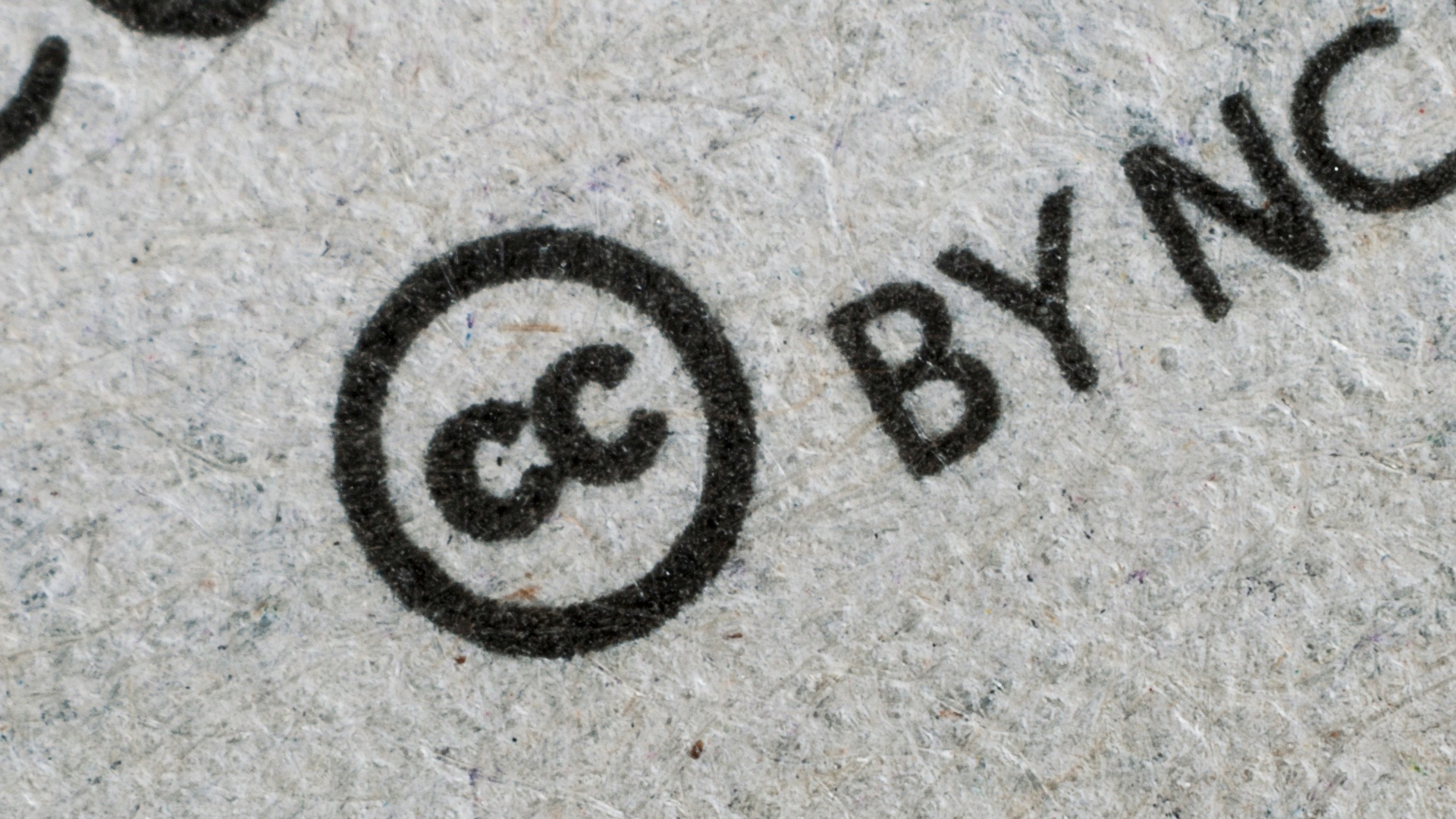
AI image generators and text tools are trained on existing works, and the legal landscape around what that means for ownership is still very much unsettled. If you use AI-generated content in your work, you could inadvertently reproduce elements of someone else's copyrighted material without knowing it. Until the law catches up with the technology, this is a real risk that could expose you or your publisher to legal liability.
5. It Lacks Emotional Depth
Great creative work connects with people on an emotional level, and that connection comes from human experience. AI can produce technically proficient prose or visually pleasing imagery, but it doesn't feel anything; it's assembling patterns based on training data, not drawing from lived experience. The result is often work that looks right on the surface but doesn't quite move people the way something crafted with genuine feeling does.
 Connor Scott McManus on Pexels
6. It Can Homogenize Your Output
Because so many creators are using the same AI tools trained on the same datasets, there's a growing risk that AI-assisted work starts to look and sound the same across the board. If you're a professional creative, standing out is a core part of your value proposition, and blending into a sea of similar AI-generated content is the last thing you want. Originality is increasingly rare, and that makes it increasingly valuable.
 Levart_Photographer on Unsplash
7. It Can Misrepresent Your Brand
For creators who've built an audience or a professional reputation, the consistency of your voice and style is essentially your brand. AI tools don't inherently understand the nuances of how you communicate or what your audience expects from you, so they can produce content that feels inconsistent or off-brand. Even small stylistic deviations can erode audience trust if they happen often enough.
8. It Encourages Shortcuts Over Craft
There's something to be said for doing the hard work of creating from scratch: it forces you to think deeply, solve problems creatively, and commit to your choices. AI makes it easy to take shortcuts, and while that might seem efficient, it often produces work that lacks the intentionality and depth that comes from a slower, more deliberate process. The shortcut might save you time in the short term, but it often costs you quality.
9. Audiences Are Getting Better at Spotting It
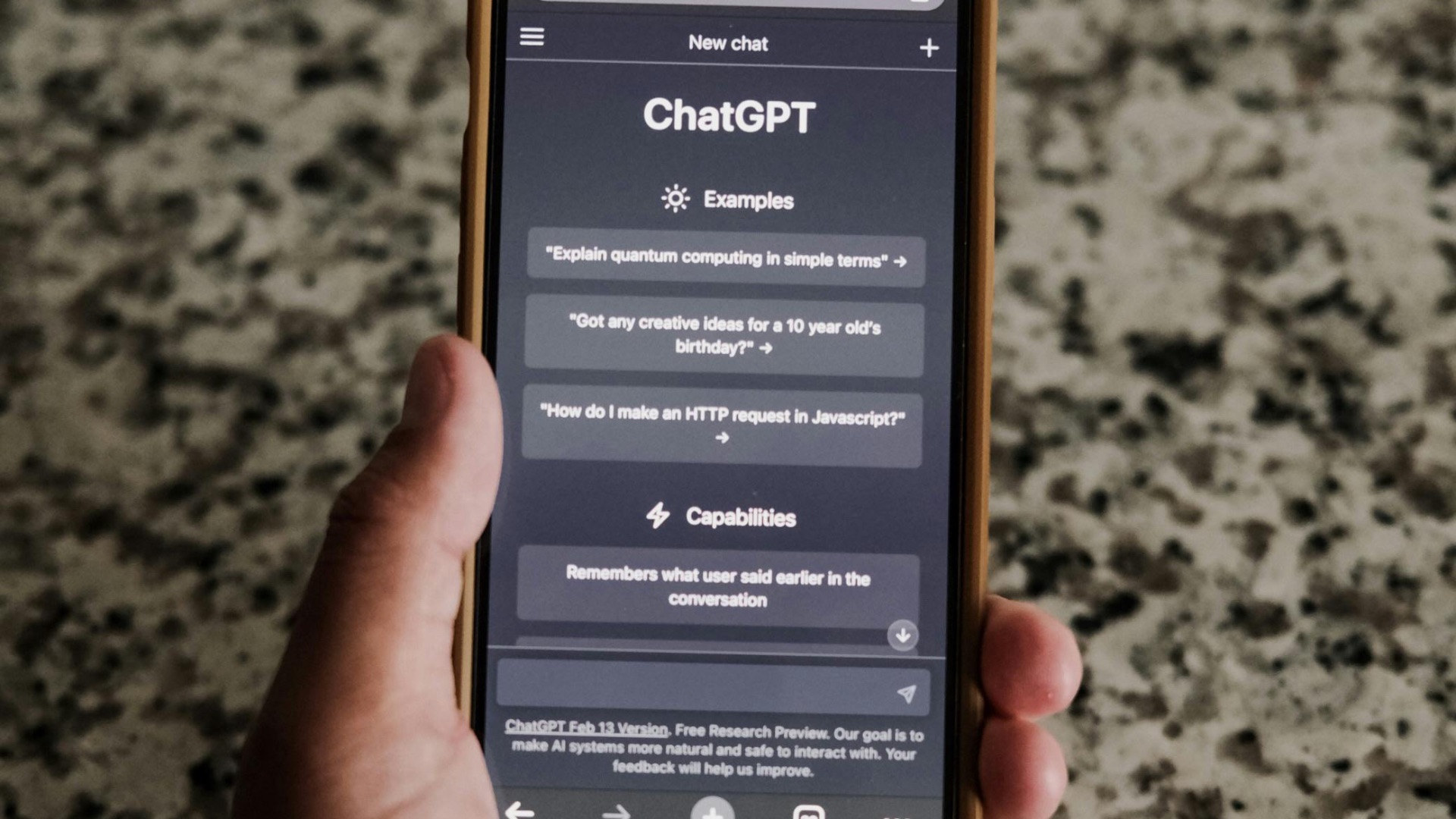
AI detection isn't just for academics and publishers anymore; everyday readers and viewers are developing a sharper eye for content that feels generated rather than crafted. If your audience suspects you're outsourcing your creative work to a machine, it can seriously damage the trust and loyalty you've spent years building. Perception matters, and in the creative world, being seen as authentic is half the battle.

10. It Can Create Ethical Gray Areas in Collaborative Work
If you're working as part of a creative team, using AI without disclosure can create problems around credit, ownership, and transparency. Many publishing houses, agencies, and creative partners now have explicit policies about AI use, and failing to disclose it can put professional relationships and contracts at risk. Being upfront about your process is always the better call, even when it's a little uncomfortable.
Now that we've covered the cases where AI might work against you, it's only fair to look at the other side of the coin. Here are 10 situations where bringing AI into your workflow can actually support and strengthen your creative output.
1. Beating Creative Block
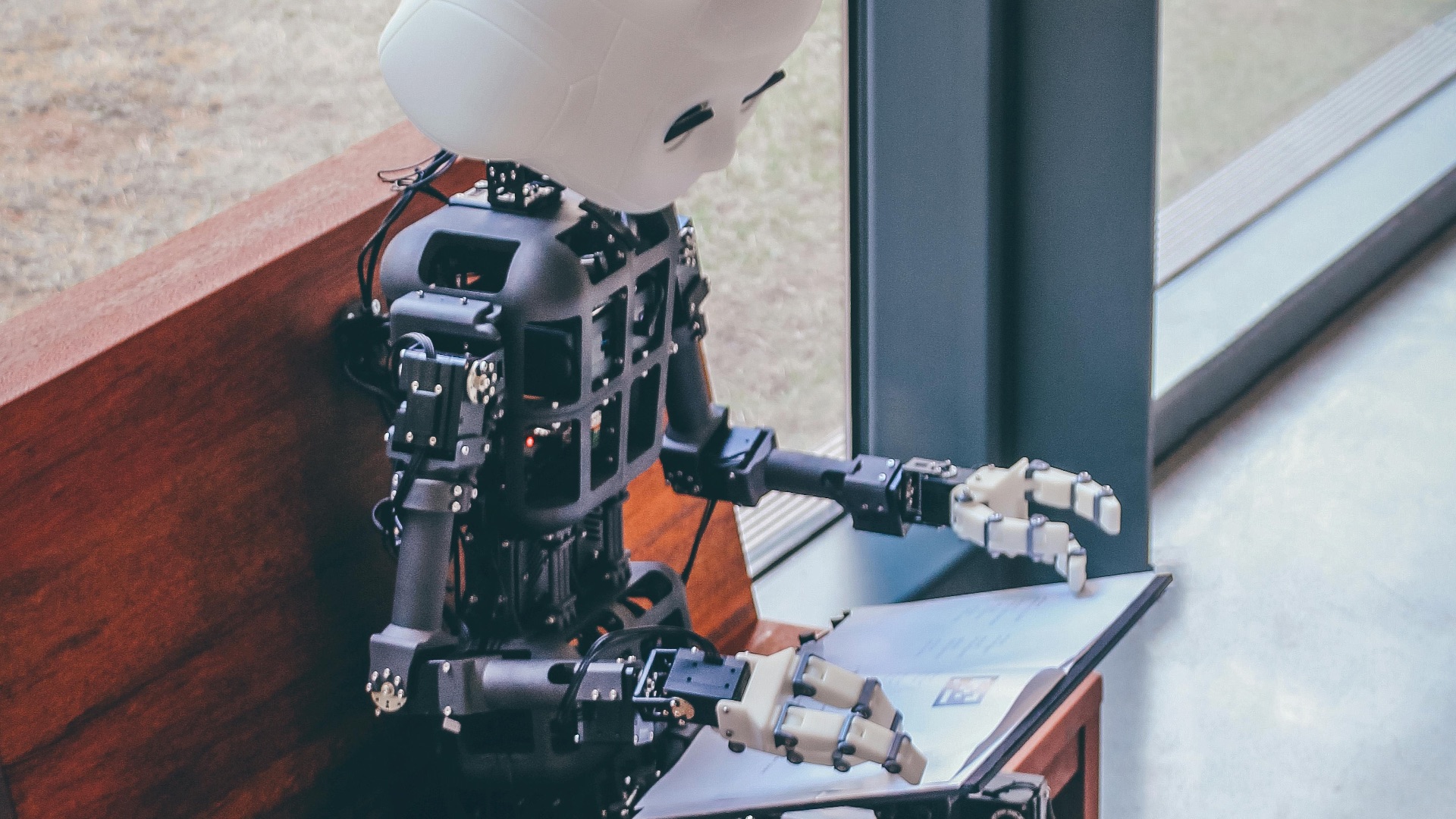
Every creator hits a wall sometimes, and staring at a blank page can be genuinely paralyzing. AI tools can serve as a low-stakes brainstorming partner, throwing out ideas, prompts, or directions that you can react to and build from. You don't have to use a single word it generates, of course; sometimes you just need something to push back against to find your own direction.

2. Speeding Up Research and Summarization
When you're working on a project that requires background research, AI can help you get up to speed quickly by summarizing complex topics, pulling together key points, or helping you identify what to dig into further. This works best as a starting point rather than a final source, since you'll still want to verify everything through credible references. Used this way, it can save you hours without compromising the quality of your work.
 Glenn Carstens-Peters on Unsplash
3. Light Editing and Proofreading Support
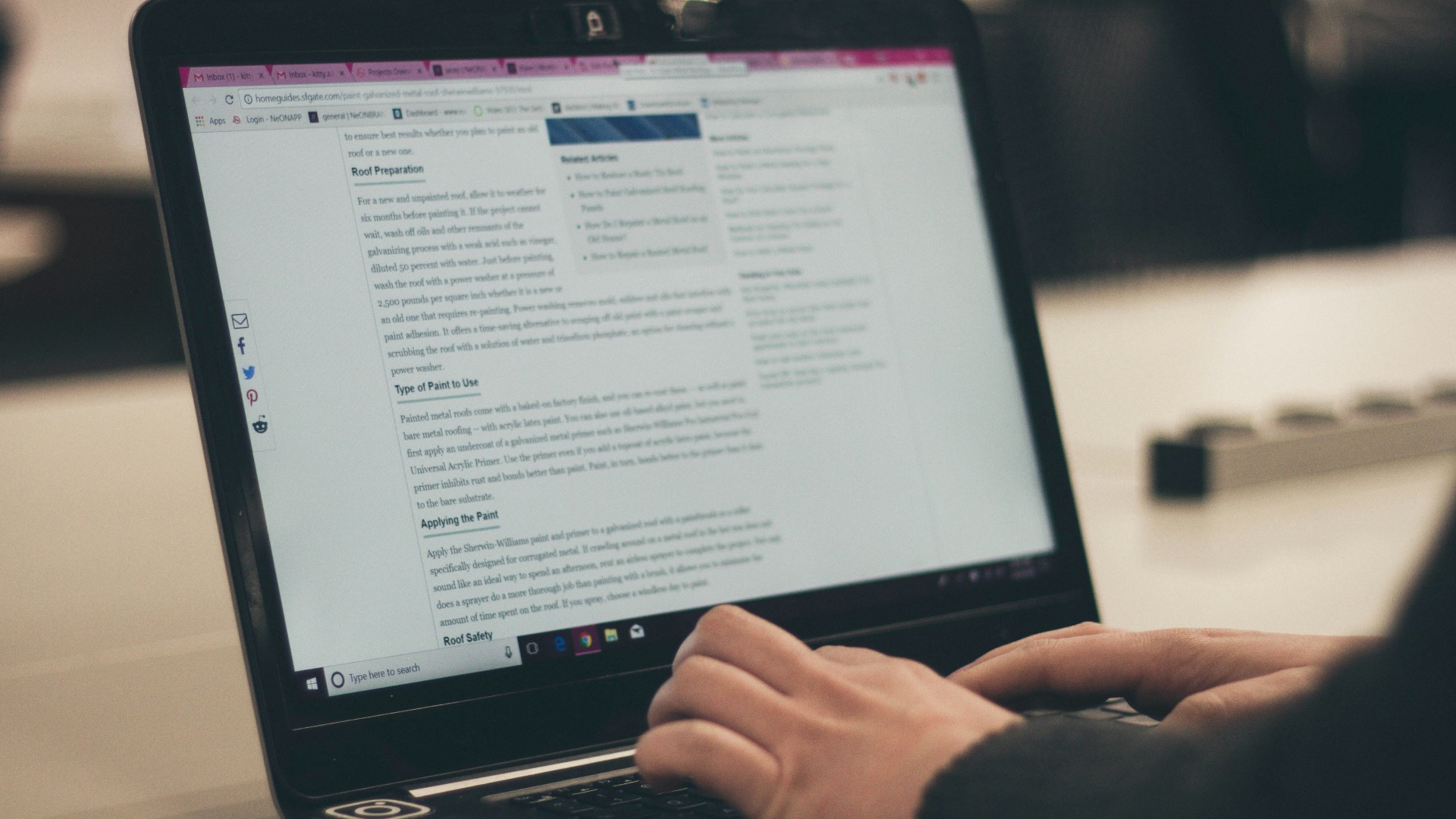
AI-powered grammar and style tools have gotten remarkably good at catching errors, suggesting clearer phrasing, and flagging inconsistencies in tone. For solo creators who don't have access to a professional editor, these tools can serve as a useful first pass before a piece goes out. It won't replace a human editor for higher-level structural feedback, but it's a solid safety net for surface-level mistakes.
4. Generating Placeholder Content
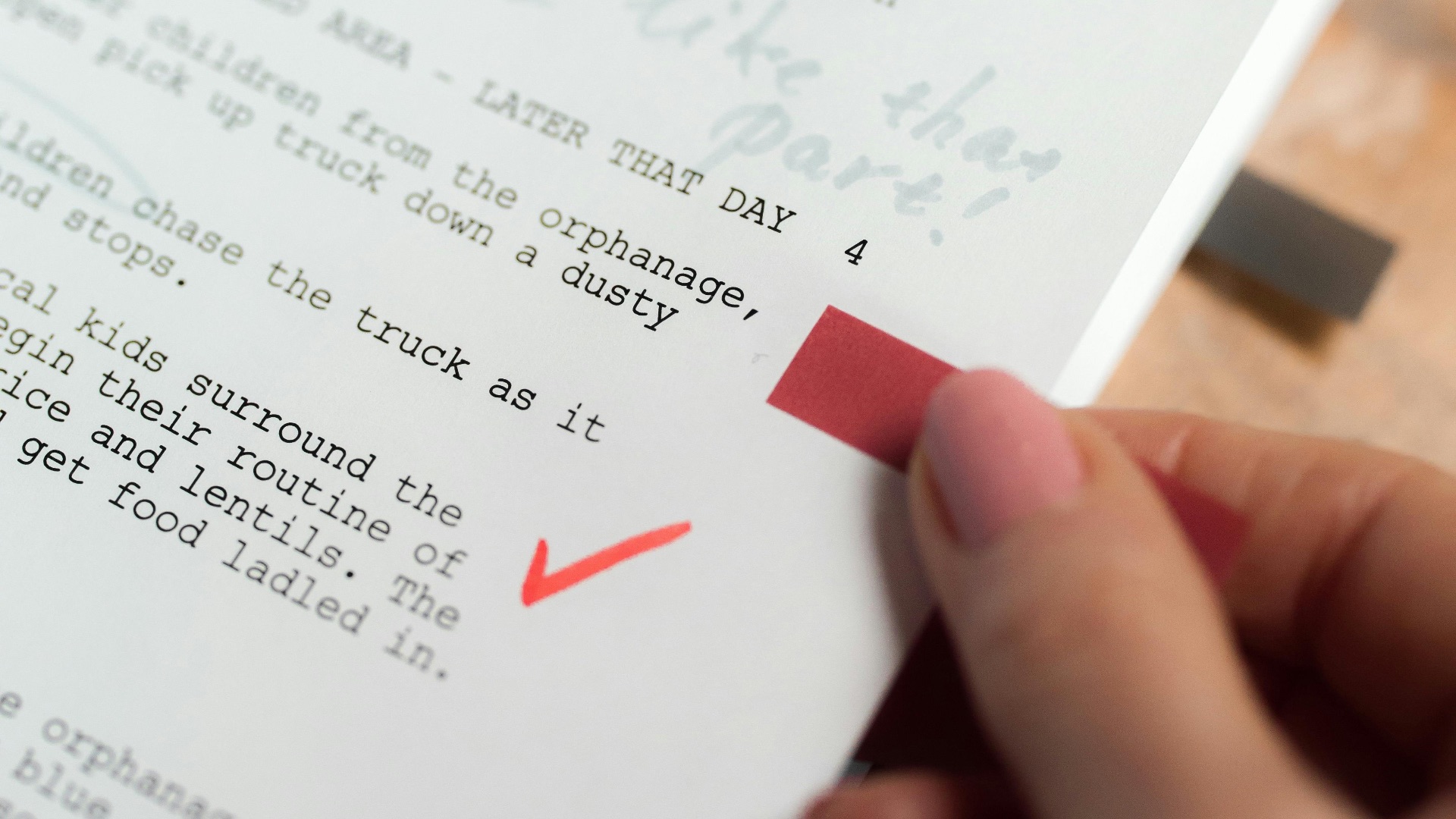
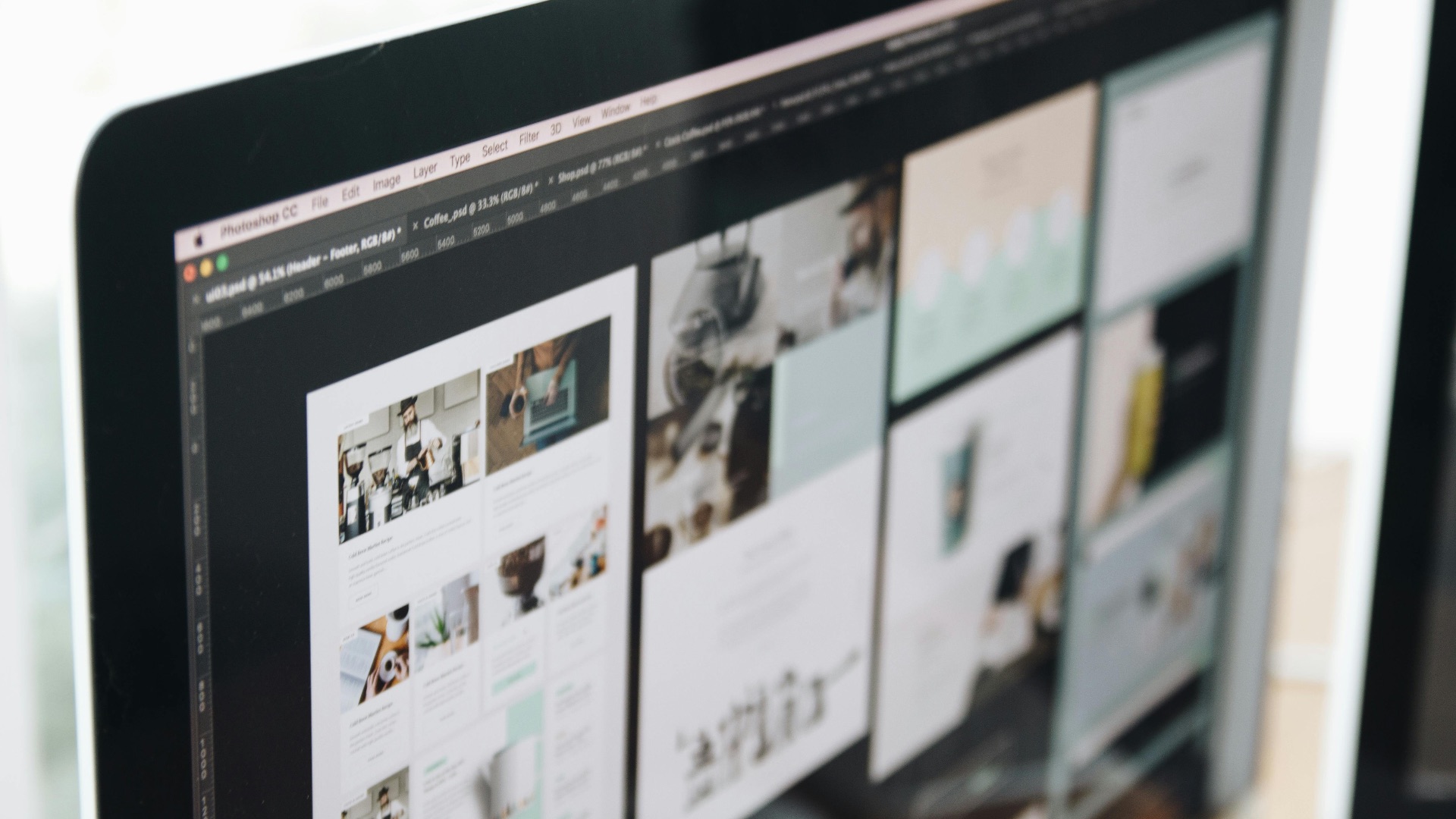
When you're designing a layout, building a website, or pitching a concept, you often need sample text or images to fill space before the real content exists. AI is perfect for this kind of placeholder work because the output just needs to be functional enough to communicate the vision. It keeps the project moving without requiring you to invest creative energy in content that will ultimately be replaced.
5. Translating or Localizing Your Work
Reaching an international audience often means making your work available in multiple languages, and professional translation can be expensive. AI translation tools have improved significantly and can provide a solid working draft that a human translator can then refine and polish. This hybrid approach keeps costs manageable while still preserving the quality and nuance your work deserves.
6. Handling Repetitive Administrative Writing
Most creative professionals spend a surprising amount of time on non-creative writing: client emails, project summaries, invoices, briefs, and meeting notes. AI can handle a lot of this administrative load efficiently, freeing up more of your mental energy for the work that actually requires your creative input. There's no artistic compromise in letting a machine draft a follow-up email so you can focus on your next project.
7. Exploring Visual Concepts Early in the Design Process
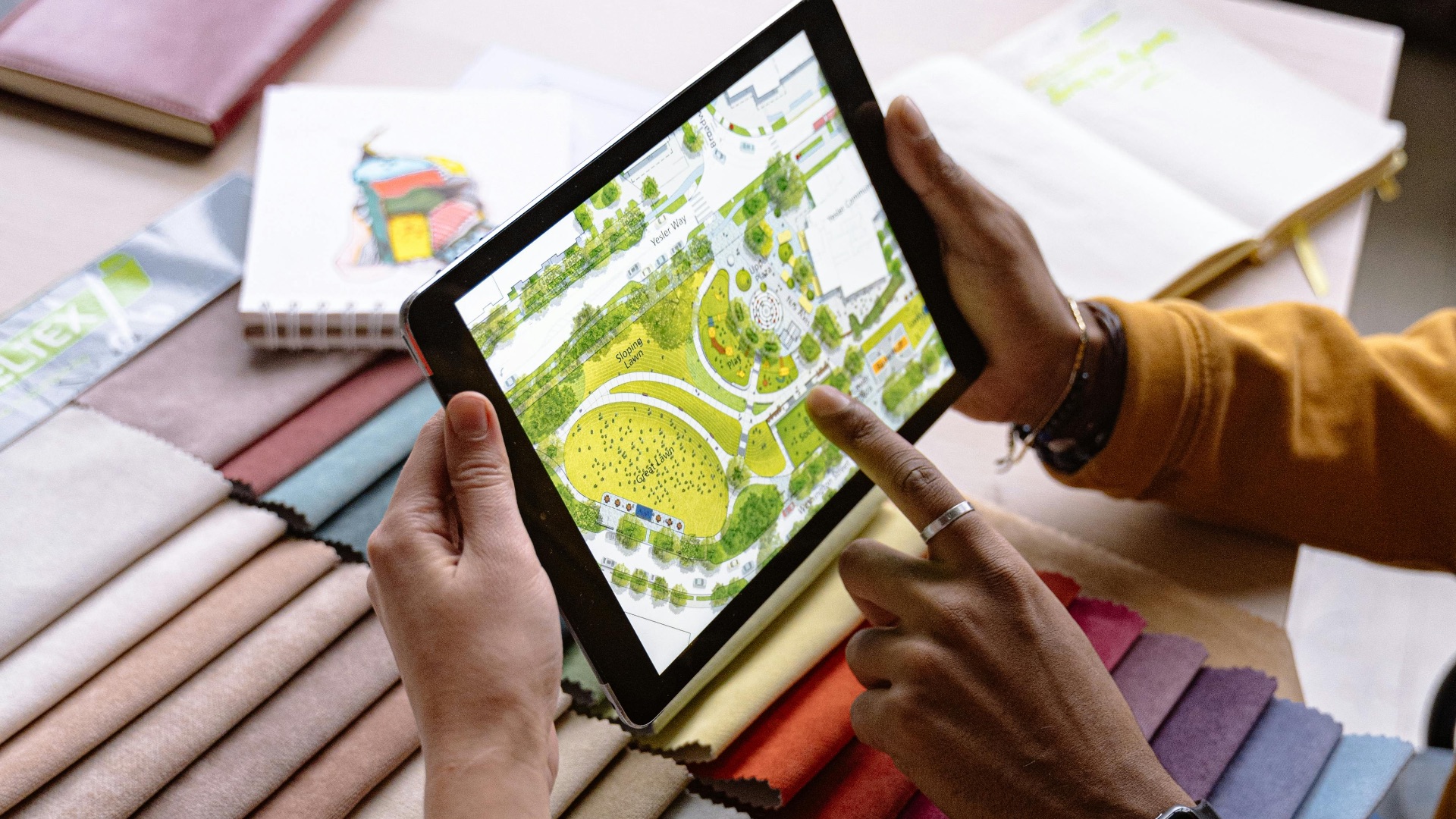
For designers and visual artists in the early stages of a project, AI image generation can be a useful tool for quickly exploring different aesthetics, color palettes, and compositional directions. These rough visual outputs can help you and your clients align on a direction before you invest significant time in polished work. Think of it as a rapid visual prototyping tool rather than a replacement for the finished product.
 Antoni Shkraba Studio on Pexels
8. Accessibility and Transcription
AI tools are exceptionally good at transcribing audio, generating captions, and producing alt text for images—all of which make creative content more accessible to wider audiences. For independent creators who can't afford dedicated accessibility services, AI-powered tools make it realistic to include these features without a major time or budget investment. Making your work more accessible is always a worthwhile goal, and AI genuinely helps lower the barrier.
9. Learning New Skills and Styles
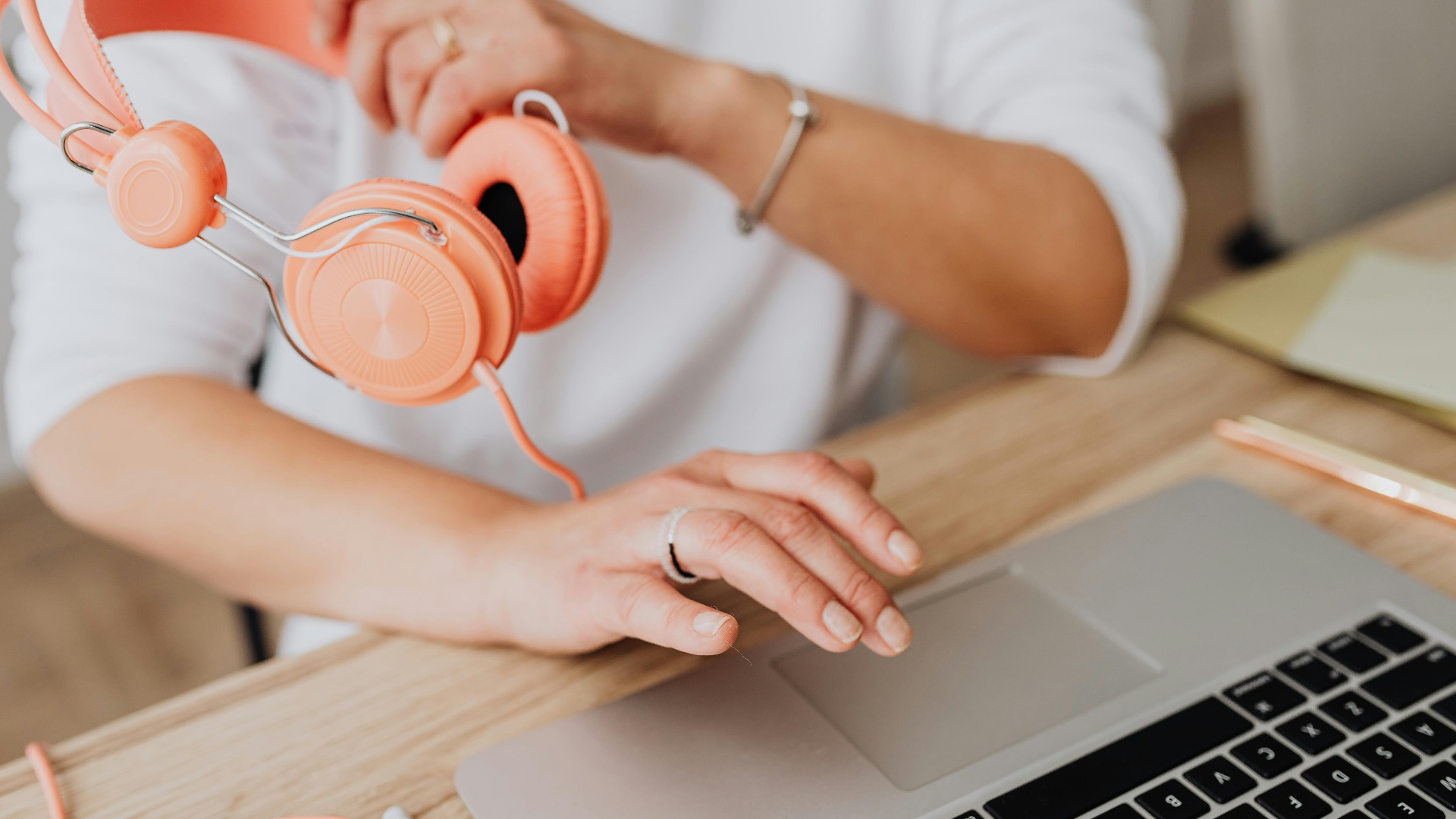
If you're trying to expand your creative range, AI tools can provide examples, feedback, and interactive guidance. They're not a substitute for dedicated practice, but they can accelerate your learning by giving you immediate feedback and showing you what's possible. Used as a learning aid rather than a crutch, AI may actually help you grow faster.
10. Scaling Content Without Sacrificing Consistency
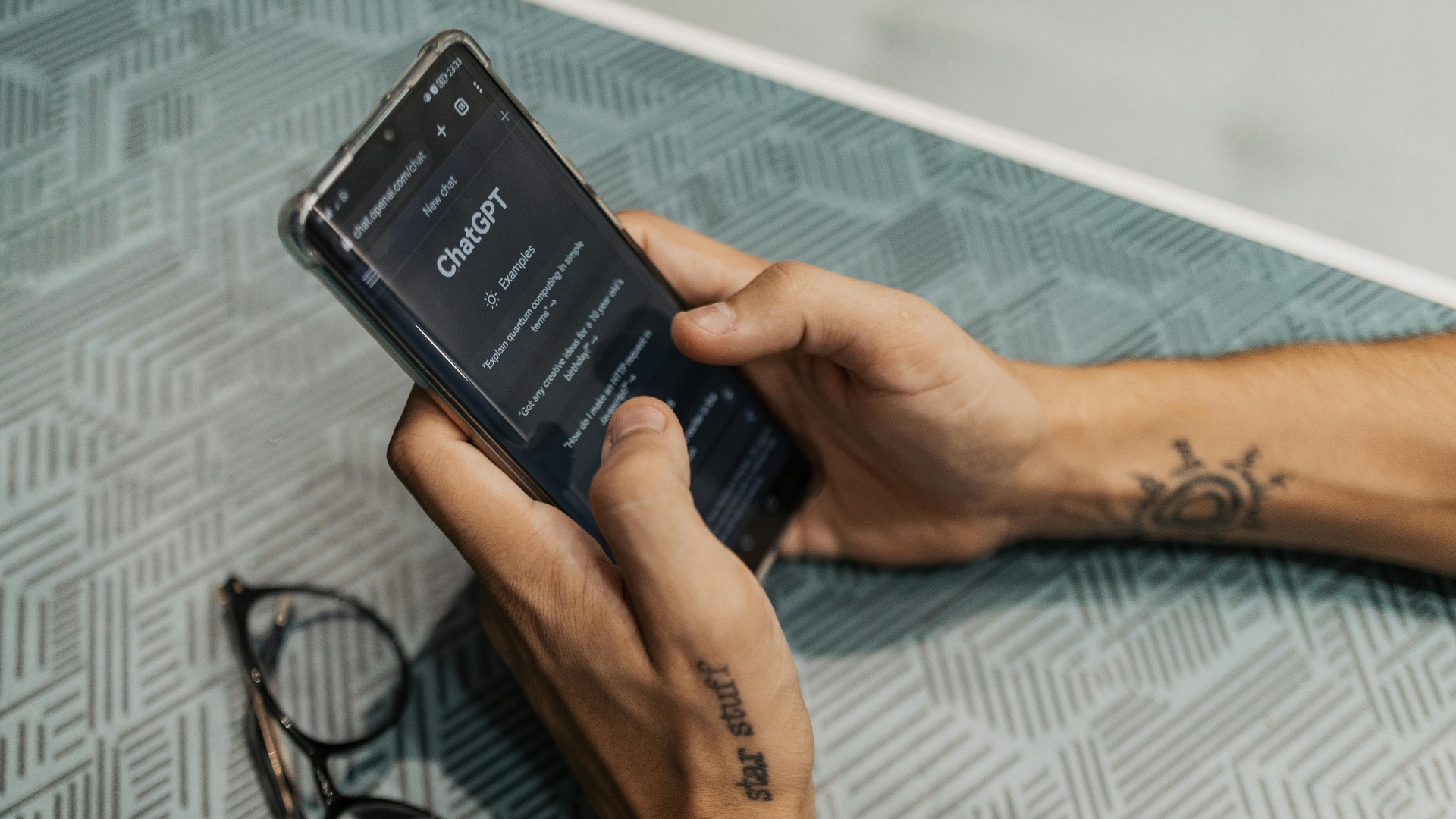
For creators or brands that need to produce high volumes of content consistently—think social media, newsletters, or product descriptions—AI can help maintain output when bandwidth is limited. The key is using it to handle the more formulaic, lower-stakes pieces while reserving your direct involvement for the work that truly needs your voice. With the right guardrails and a strong editing pass, this kind of workflow can be both efficient and effective.