Is an iPad Really Worth It for Notes?
Notetaking has come a long way from spiral notebooks and mechanical pencils, and the iPad has become one of the most popular tools for people looking to modernize how they jot things down. Yet, whether you're a student cramming for finals, a professional juggling meeting notes, or someone who just likes the idea of a tidy digital archive, the decision to buy an iPad for this purpose isn't always straightforward. It is, after all, hard to justify such a steep purchase when you could do the same with a notepad and pencil for far cheaper. So, should you get an iPad, or would you be better off keeping that cash in your pocket for something else? Let's take a look at 10 compelling reasons it's worth it, followed by 10 equally valid reasons to save your money.
1. You'll Never Run Out of Paper Again
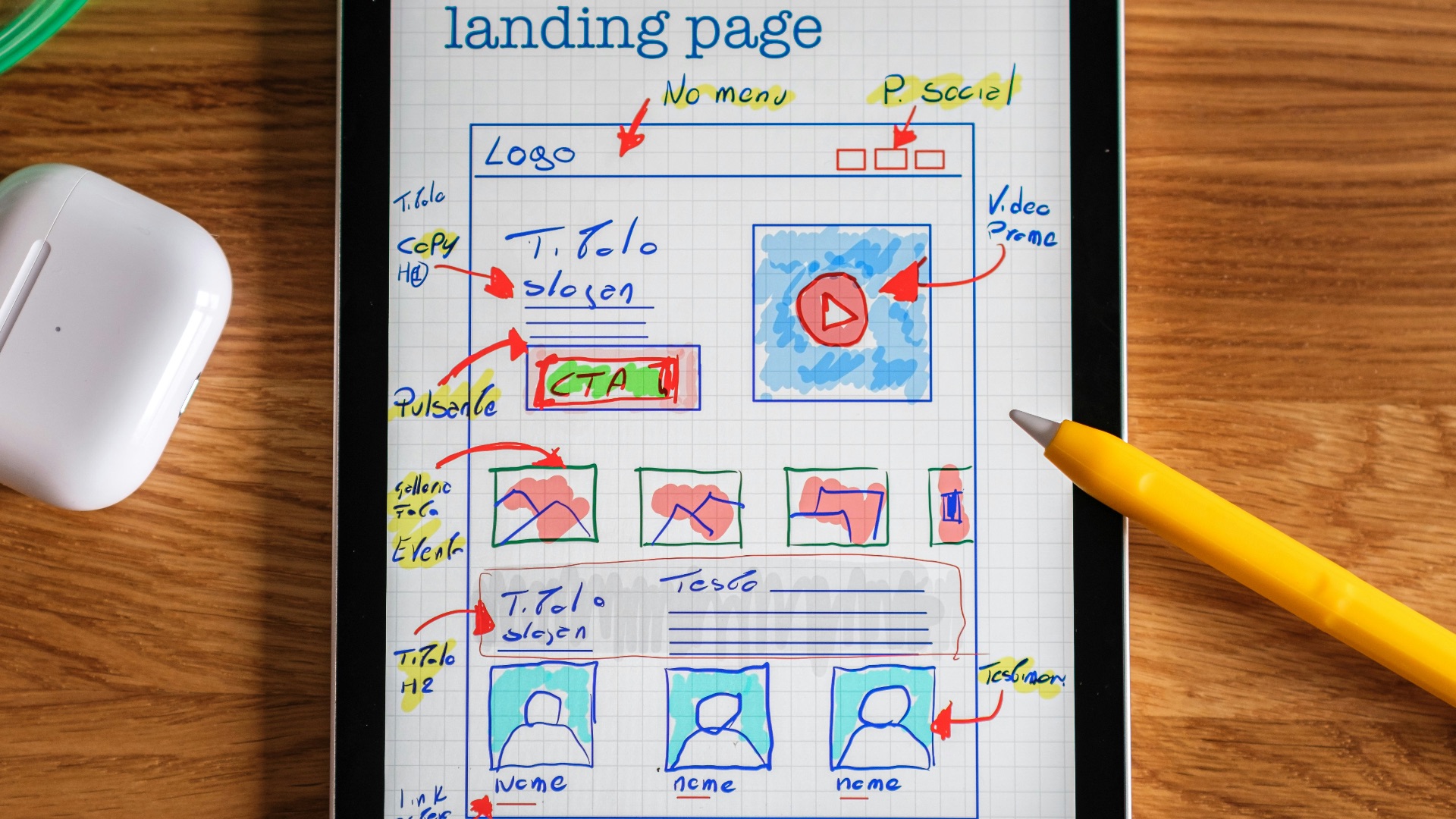
There's nothing worse than filling up a notebook halfway through a lecture and scrambling for a spare sheet. With an iPad, that problem disappears completely since your note-taking app can hold thousands of pages without adding a single ounce of weight. You can keep typing, drawing, or writing for as long as your battery lasts, which for most models is a full day of use.
2. Handwriting Recognition Makes Notes Searchable
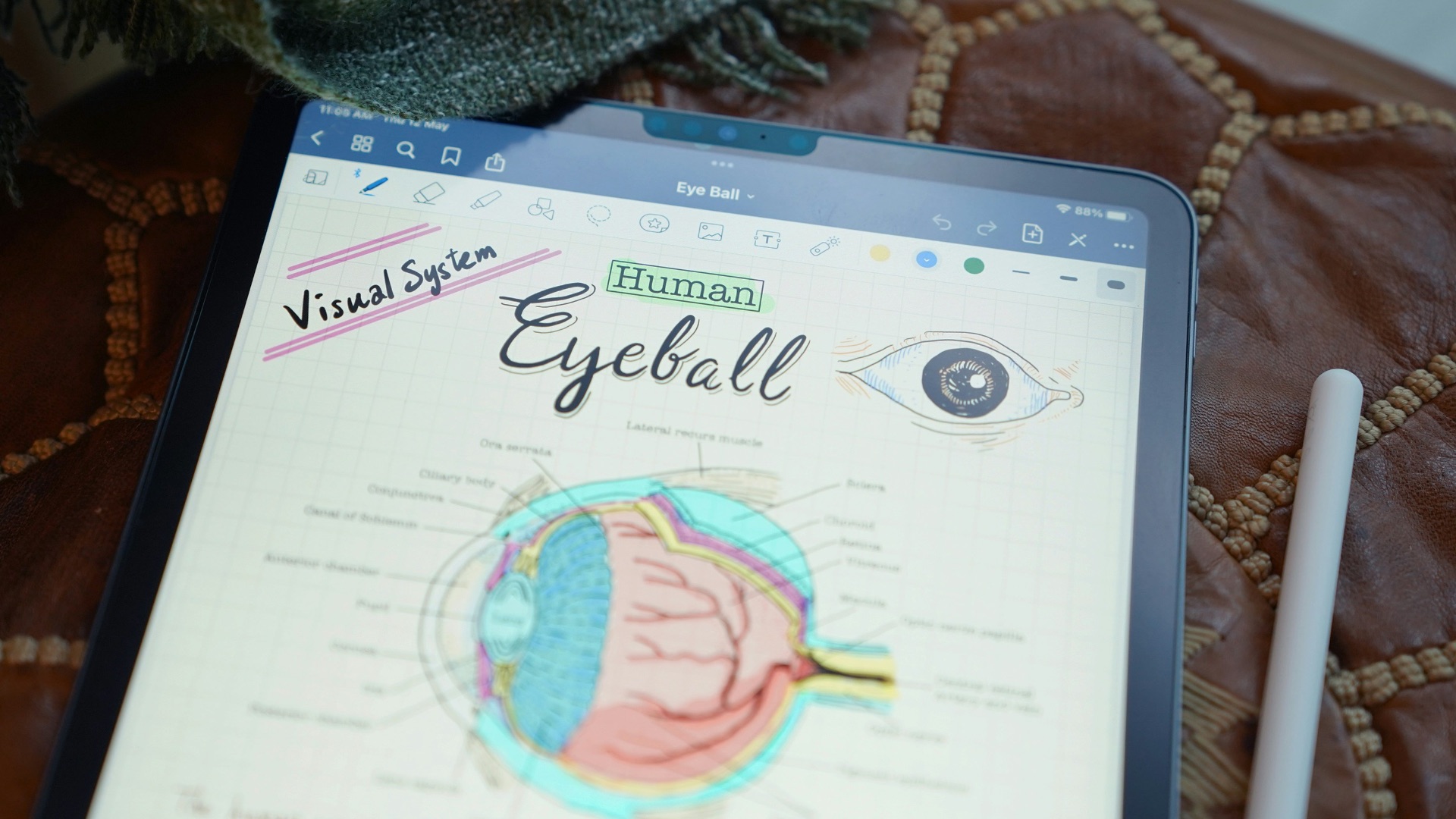
Apps like Notability and GoodNotes can convert your messy handwriting into searchable text, so you can find that one note from three weeks ago in seconds. This feature alone saves people an enormous amount of time compared to flipping through physical pages. Once you experience how fast you can locate information, going back to paper feels like a step backward.
3. You Can Organize Everything in One Place
Instead of juggling different notebooks for different subjects or projects, an iPad lets you keep everything under one digital roof. You can create folders, subfolders, and tags that make sense to you, and reorganizing them takes seconds instead of requiring a total overhaul. This kind of flexibility is hard to replicate with physical materials.
4. It Reduces the Amount of Stuff You Carry
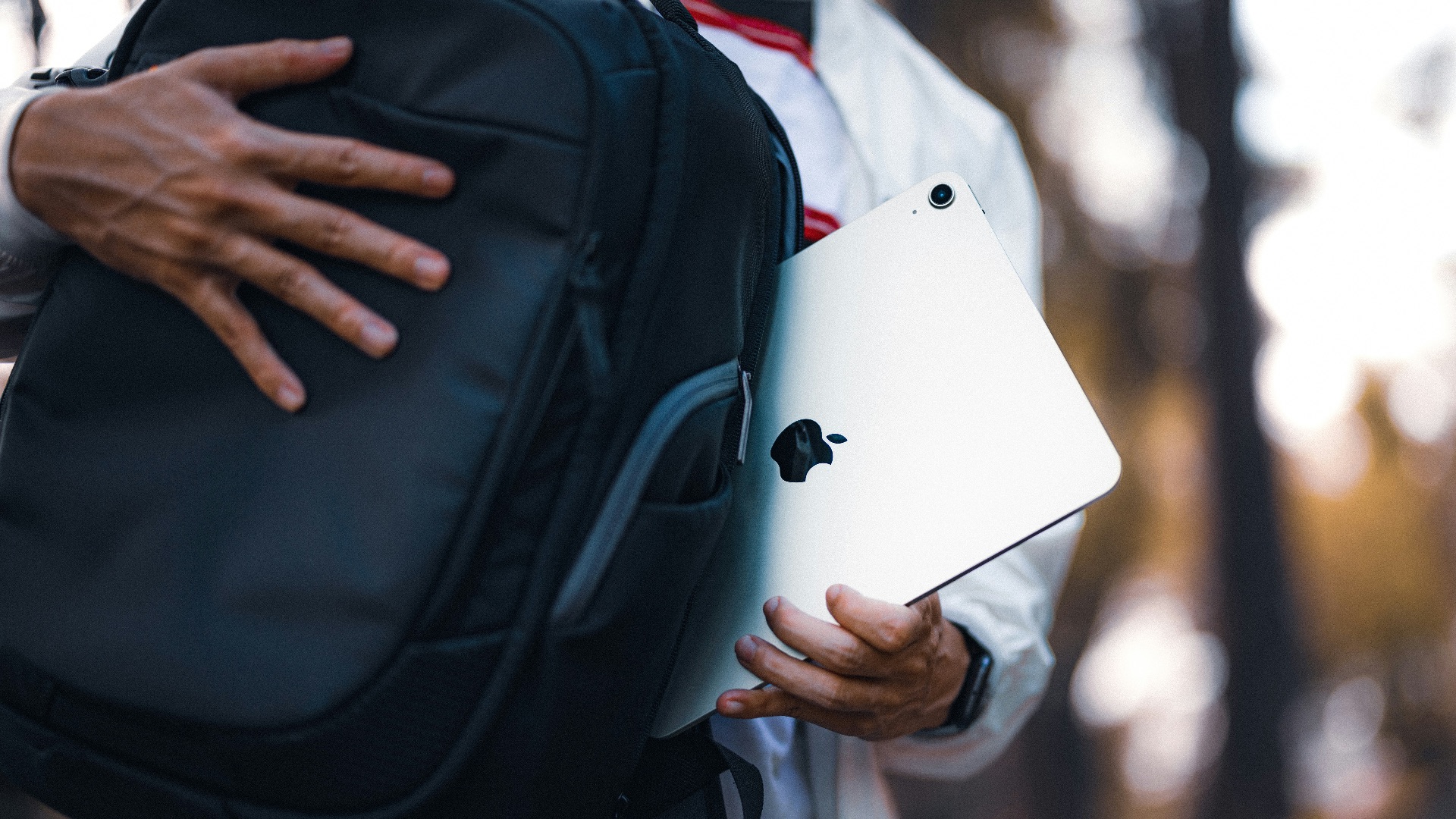
Backpacks and bags get heavy fast when they're stuffed with textbooks, binders, and notebooks. An iPad consolidates all of that into a single slim device that weighs about a pound. Your shoulders will thank you, especially if you're commuting to campus or the office on foot.
5. You Can Annotate PDFs and Documents Directly
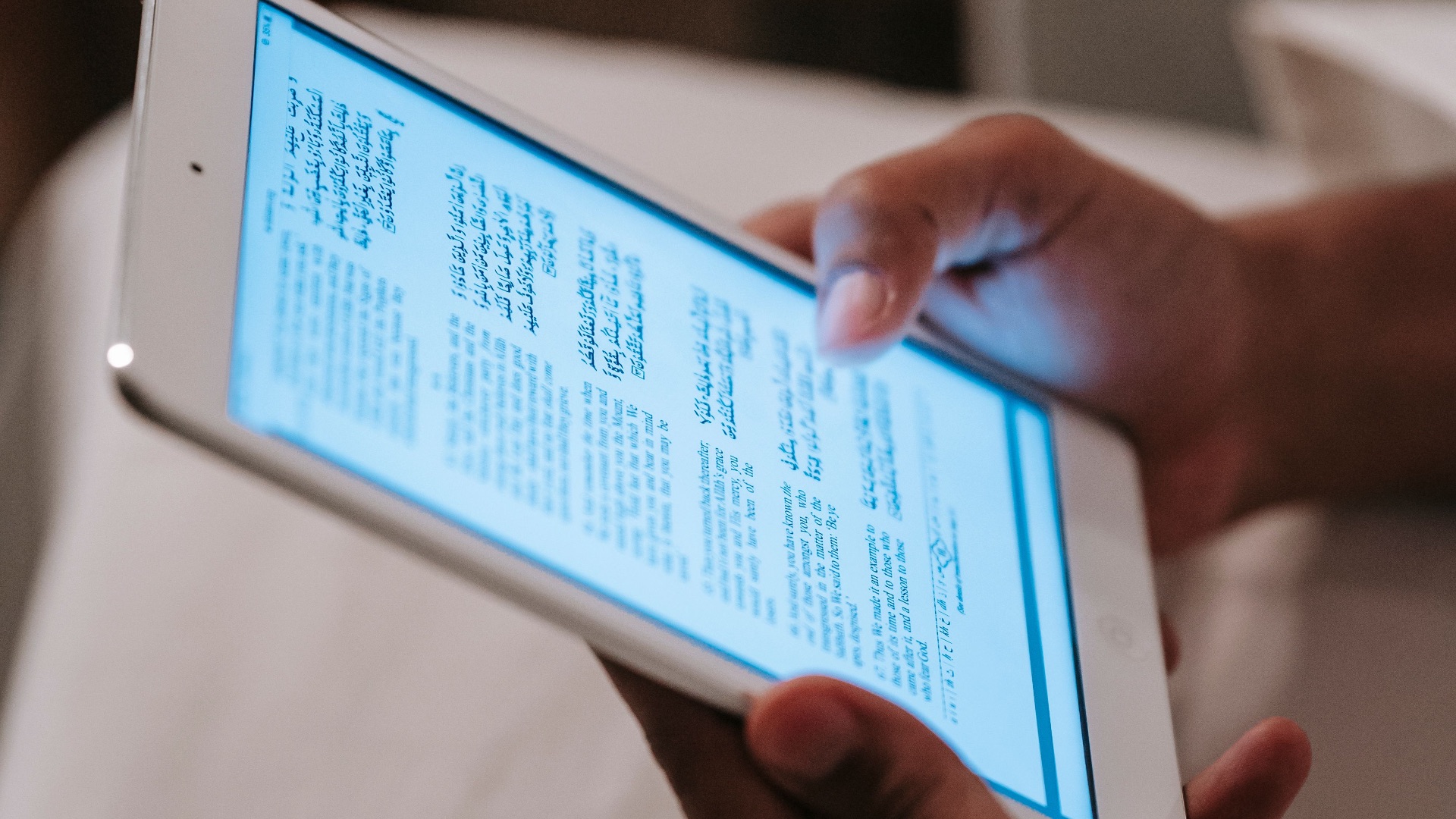
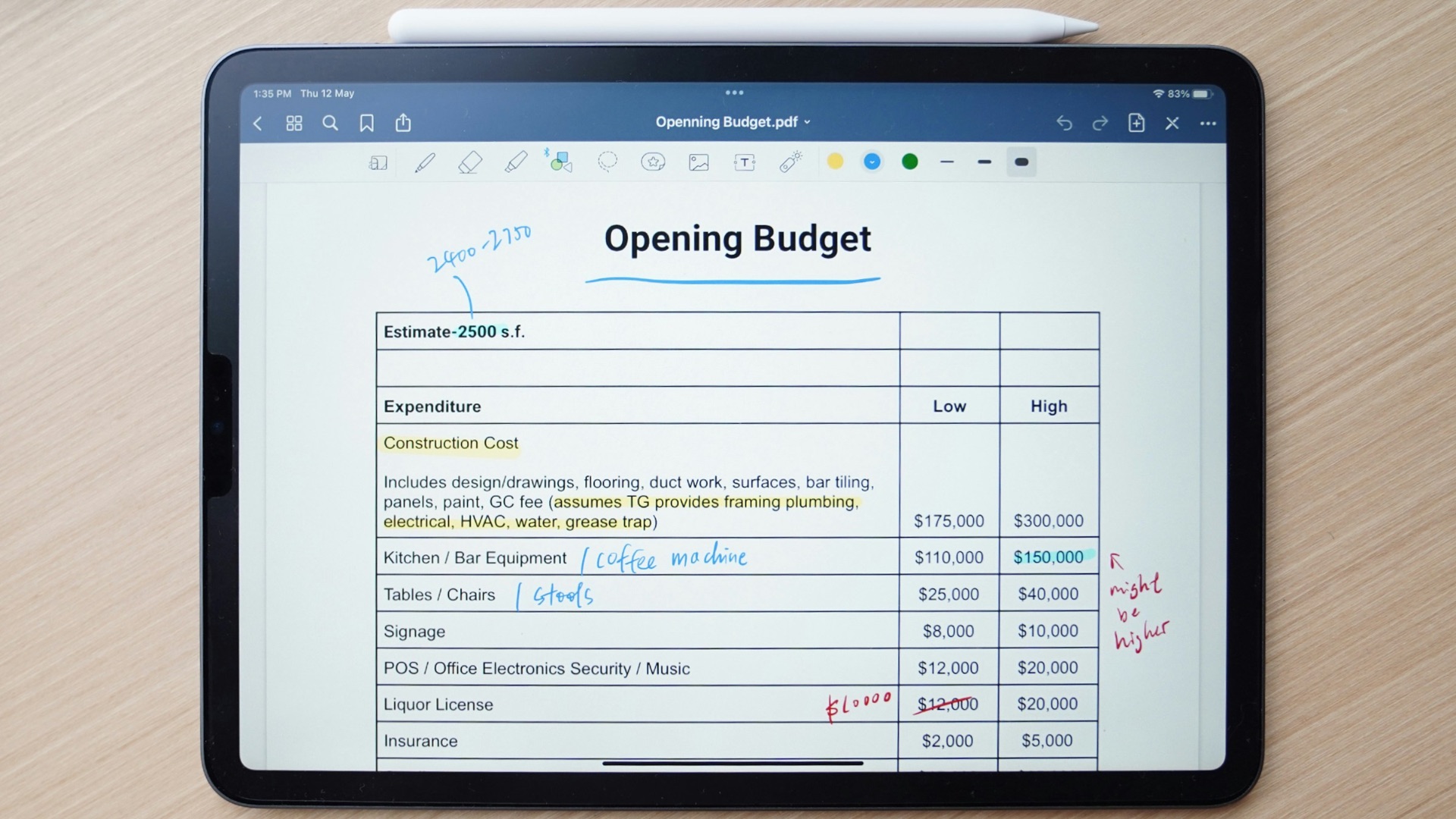
If your job or coursework involves reviewing PDFs, an iPad lets you mark them up right on the screen using the Apple Pencil. You can highlight, underline, and scribble comments in the margins just like you would on paper, but without the need to print anything. This makes reviewing contracts, research papers, or slideshows a much smoother process.
6. The Apple Pencil Feels Remarkably Close to Real Writing
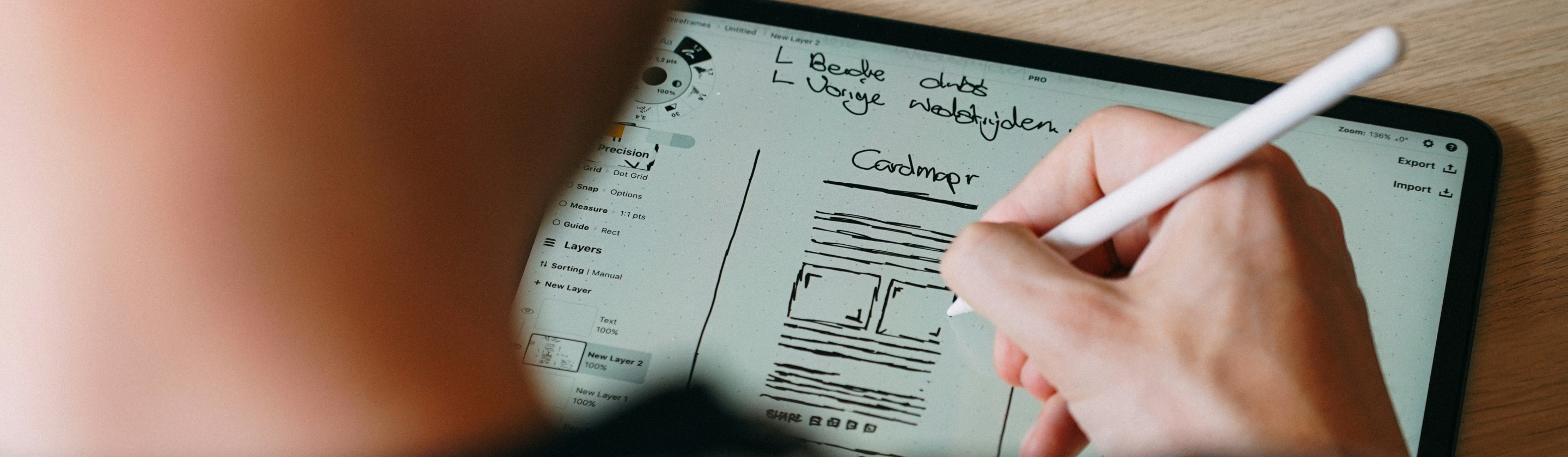
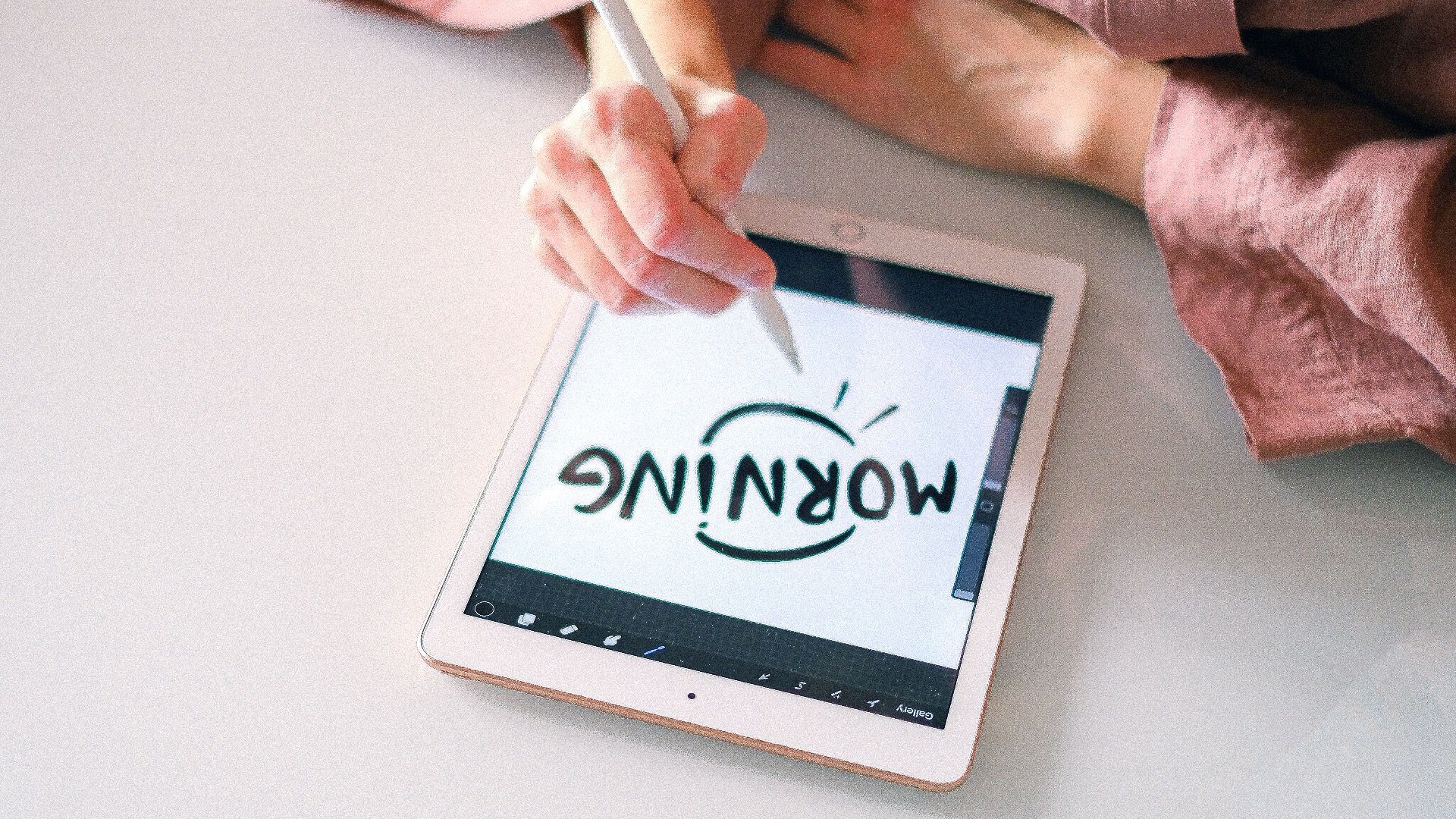
Apple has spent years refining the Pencil's responsiveness, and the latency is now so low that it genuinely mimics the sensation of writing with a pen. The tip glides smoothly across the glass, and palm rejection technology means you can rest your hand naturally while you write. Many former paper loyalists say the transition felt easier than they expected.
7. You Can Sync Notes Across All Your Devices
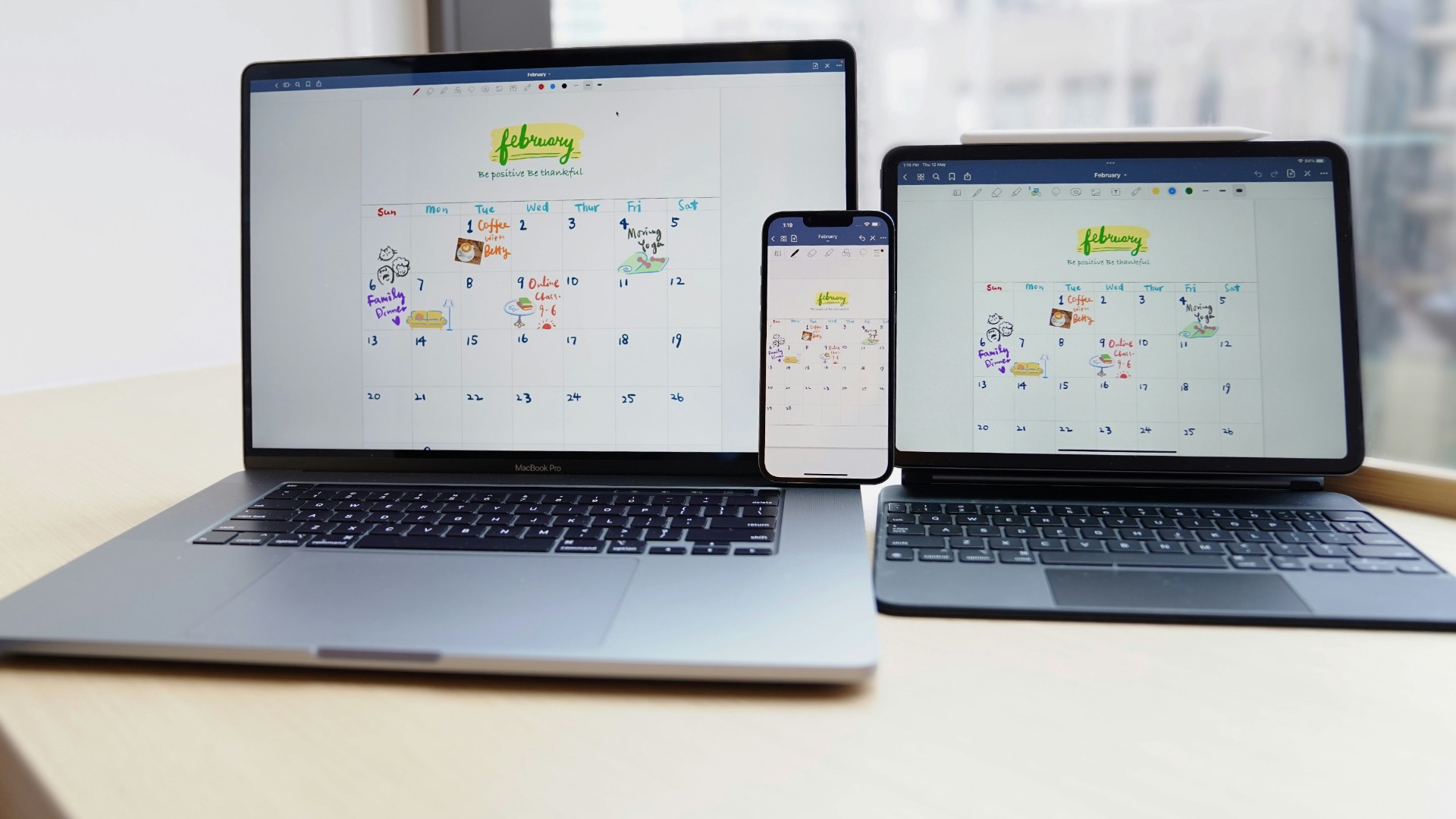
Thanks to iCloud, notes taken on your iPad show up instantly on your iPhone and Mac as well. This means you're never stuck without access to your material, whether you're commuting, waiting in line, or sitting at your desk. It also acts as a built-in backup, so a lost notebook is no longer a catastrophe.
8. Multimedia Notes Add a Whole New Dimension
Beyond text and drawings, you can embed audio recordings, images, and even links directly into your notes. This comes in handy if you want to record a lecture while simultaneously jotting down key points, then revisit both later. Paper simply can't compete with that level of layered information.

9. Templates Speed Up Repetitive Tasks
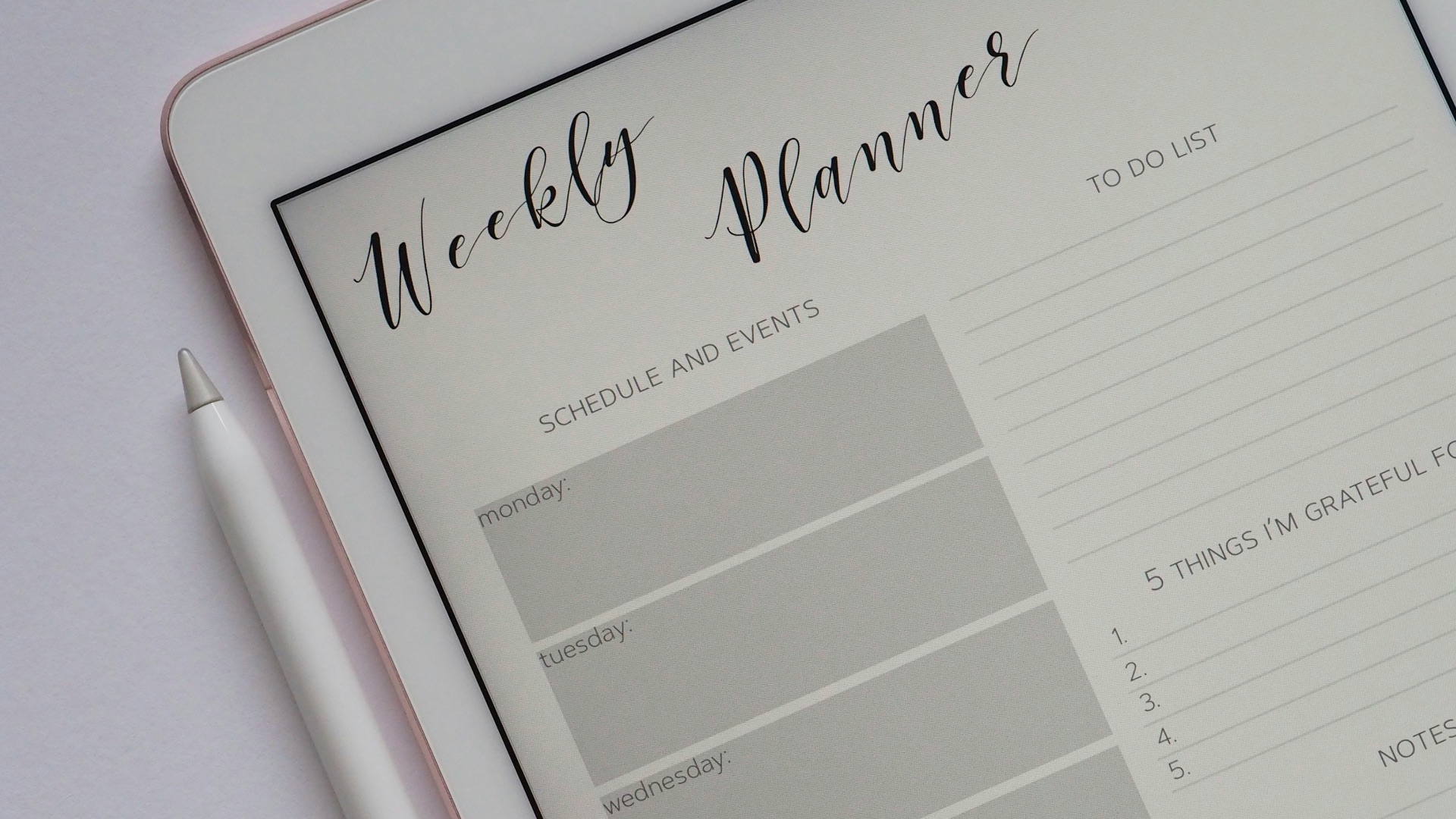
If you take the same type of notes over and over, whether it's meeting agendas or class outlines, templates can save you a significant amount of setup time. Many apps offer built-in templates, and you can also create your own custom ones. Once you have a system in place, starting a new page becomes almost effortless.
10. It's Better for the Environment
Ditching paper notebooks means you're not contributing to the demand for new paper products every semester or quarter. Over years of use, this adds up to a meaningful reduction in your personal paper consumption. For anyone trying to make more sustainable choices, this is a nice side benefit of switching to digital notes.
Of course, all of these advantages come with trade-offs, and the iPad isn't the perfect fit for everyone. Here are 10 reasons you might want to think twice before making the purchase.
1. The Upfront Cost Is Steep
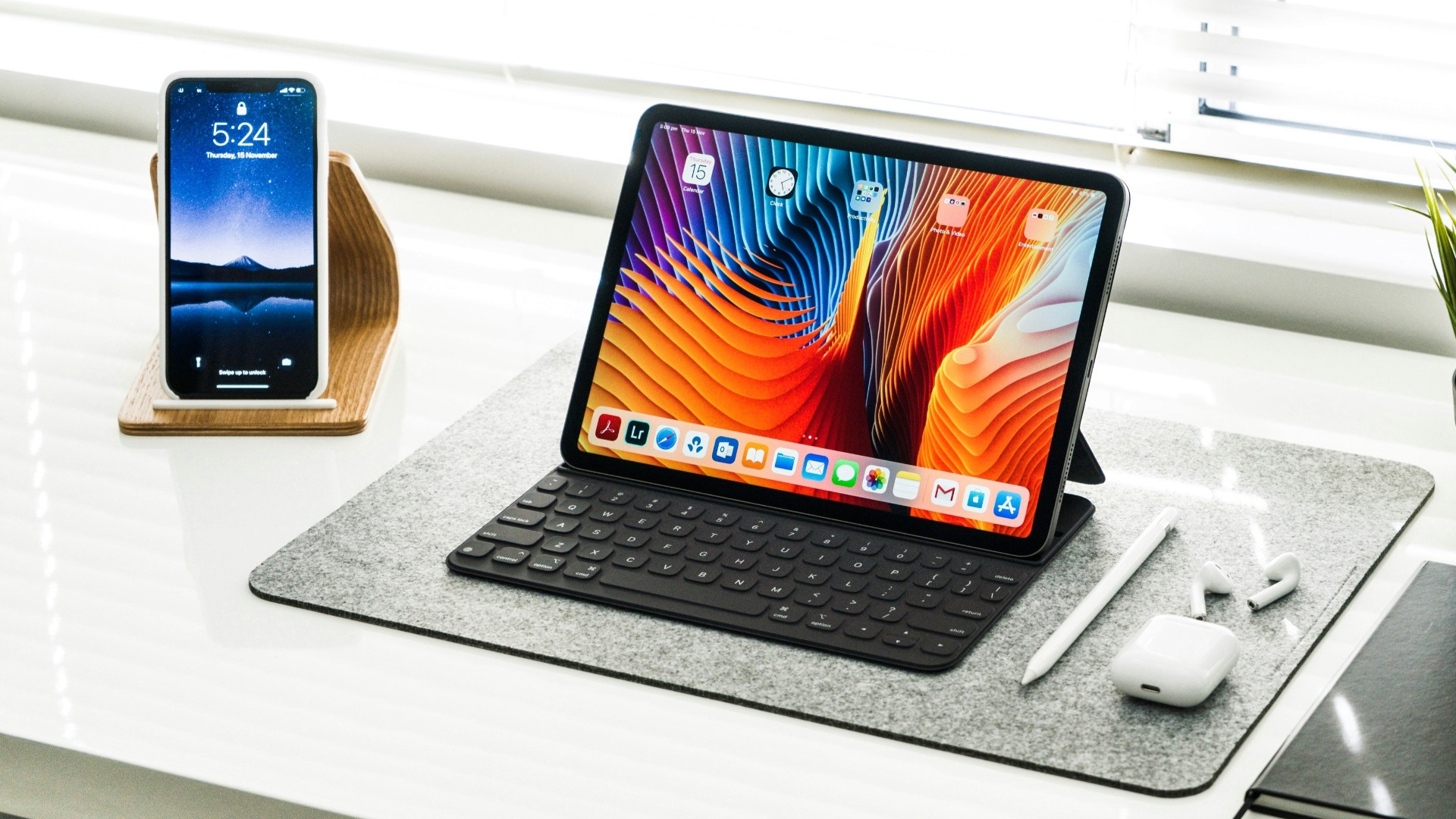
A capable iPad plus an Apple Pencil and keyboard case can easily run you $1,000 or more, especially with the recent price hike, which is a lot to spend just for taking notes. Compare that to a $5 notebook and a pen, and the value proposition starts to look shaky for casual users. If you only need to jot down the occasional grocery list, this is a tough expense to justify.
2. Screens Can Be Distracting
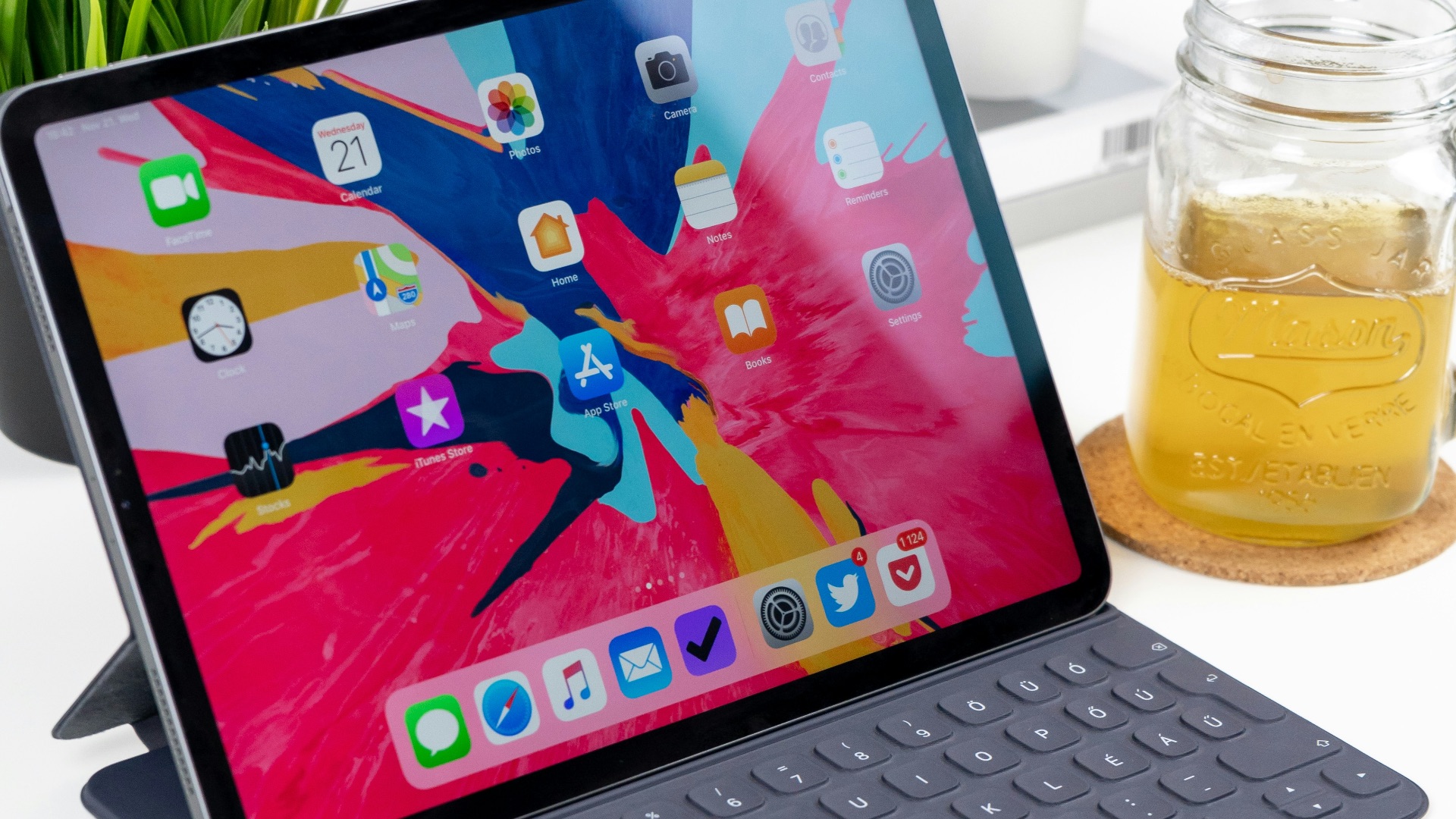
Once you're on a device that also runs email, social media, and games, staying focused during a lecture or meeting becomes a lot harder. It's tempting to check a notification or open a browser tab when you're supposed to be paying attention. Paper notebooks don't come with that kind of temptation built in.
3. Battery Life Isn't Infinite
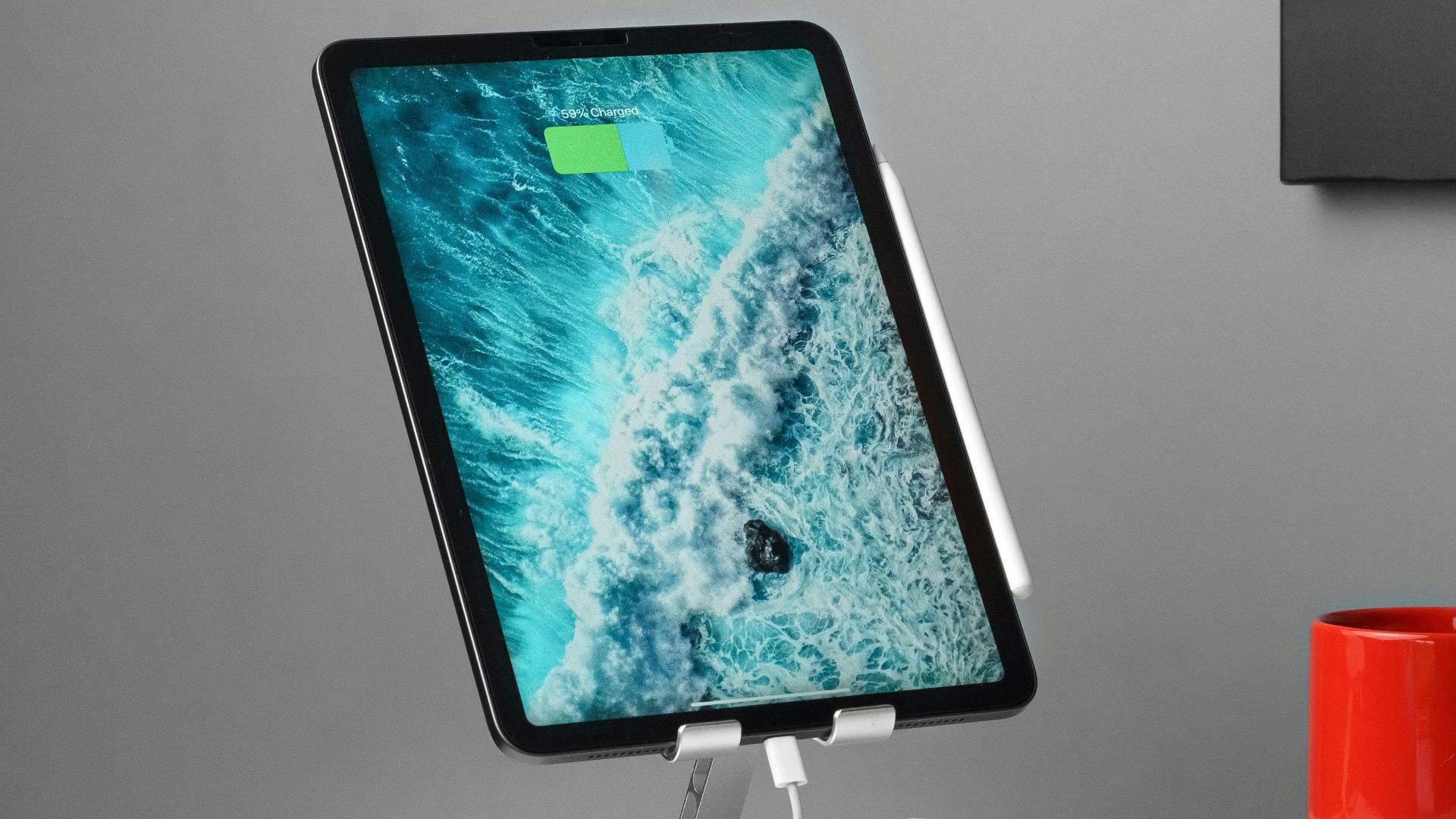
Unlike a notebook, which never needs charging, an iPad will eventually die if you forget to plug it in. Running out of battery in the middle of an important meeting or exam can leave you scrambling for a backup plan. This dependency on power is something paper users never have to worry about.
4. Handwriting on Glass Doesn't Feel Natural to Everyone
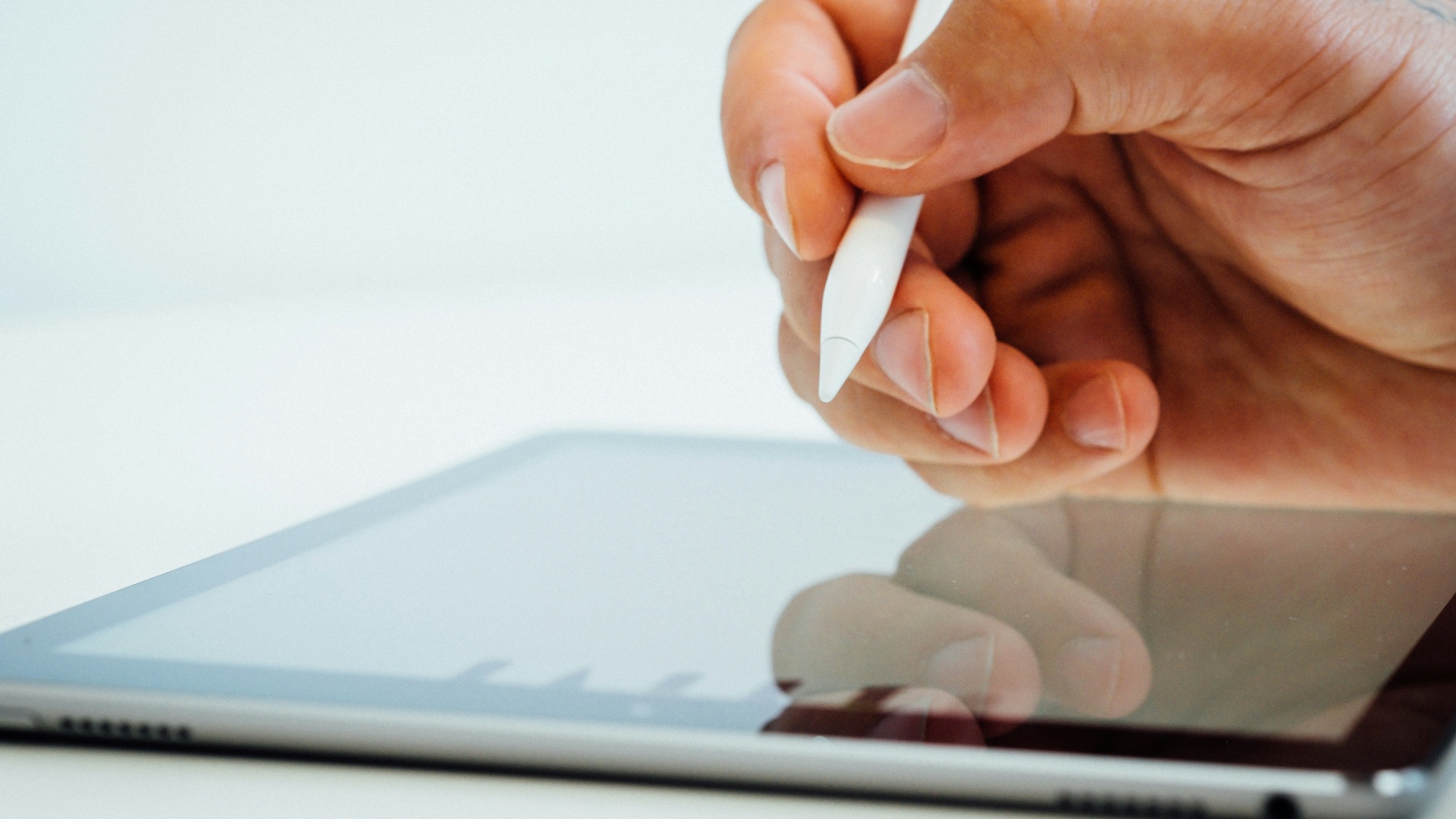
Even with the Apple Pencil's improvements, some people just don't like the sensation of writing on a smooth glass surface. The lack of friction and texture can feel off compared to pen on paper, and this preference doesn't always improve with practice. If handwriting feel matters a lot to you, this could be a dealbreaker.
5. Technical Glitches Can Interrupt Your Flow
Apps crash, syncing fails, and software updates sometimes introduce bugs at the worst possible moment. Losing a page of notes to a glitch is far more frustrating than smudging a bit of ink. These issues are rare, but they do happen, and they're simply not a risk with a physical notebook.
6. It Requires Ongoing App Purchases
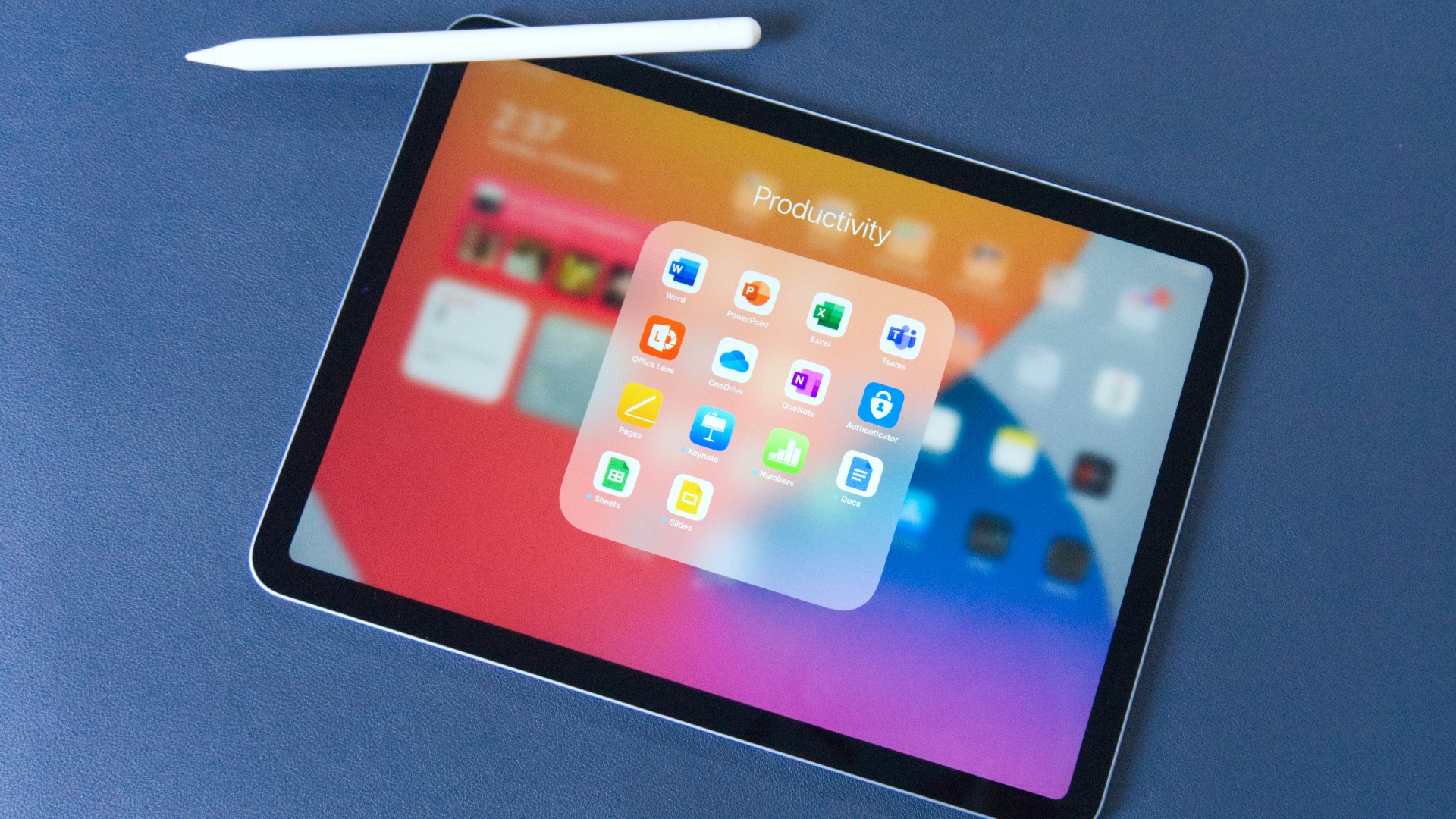
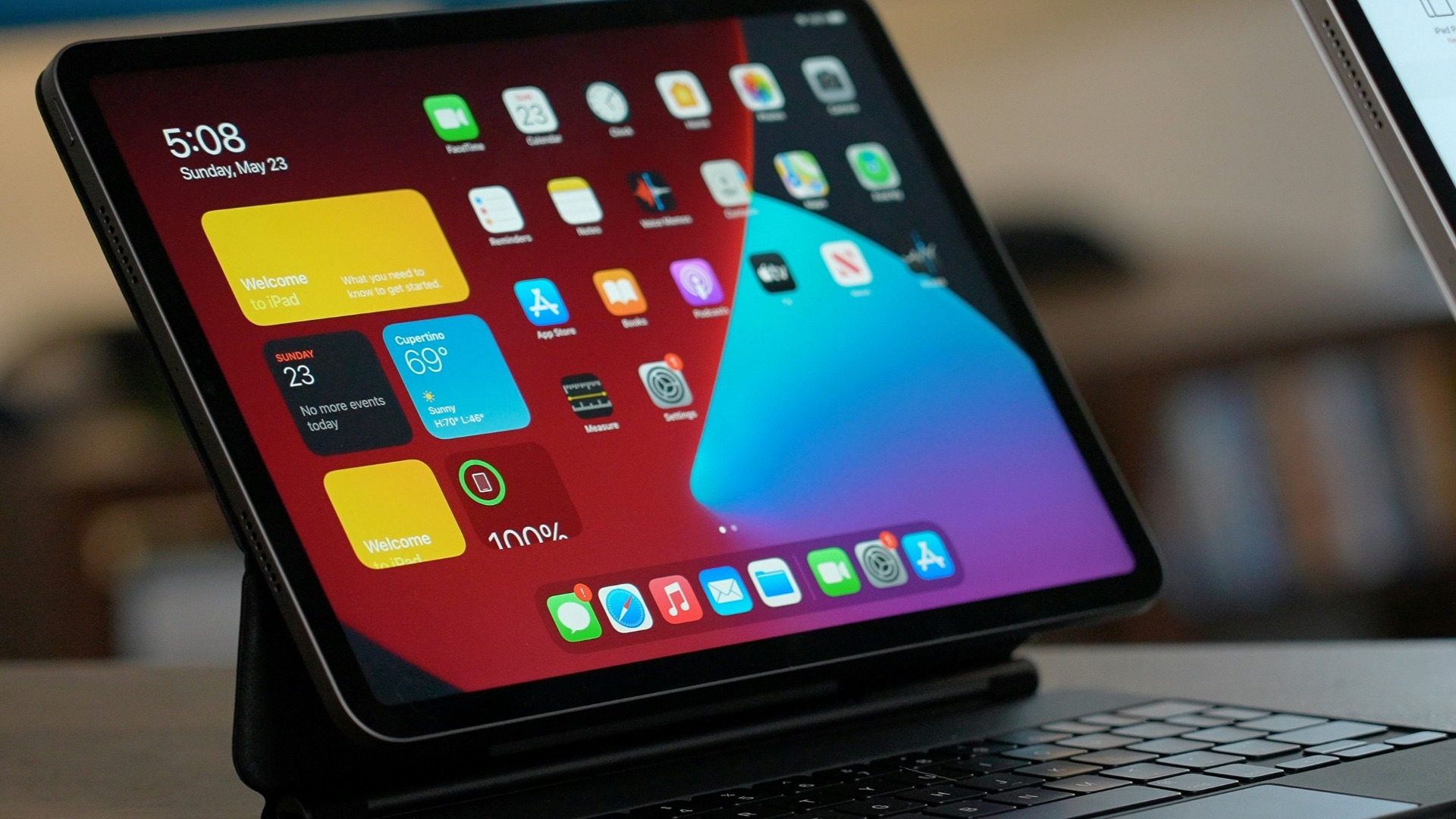
While the iPad itself is a one-time cost, many of the best notetaking apps charge subscription fees or one-time purchase prices for premium features. Over time, these costs can add up more than most people expect. A basic notebook, on the other hand, never asks you for an upgrade.
7. Screen Glare Can Make Outdoor Use Difficult
If you like to study or take notes outside, you'll quickly notice that bright sunlight makes the screen hard to see. Adjusting brightness only helps so much, and glare can still be a real annoyance on a sunny day. A notebook never has this problem, since paper works fine in any lighting condition.

8. It Adds Another Device to Keep Track Of
Owning an iPad means one more item you have to remember to bring, charge, and protect from damage. Dropping it on a hard floor could mean an expensive repair bill, whereas a dropped notebook just needs a quick dust-off. For people who already juggle a phone and laptop, this can feel like unnecessary clutter.
9. Research Suggests Handwriting on Paper Boosts Retention
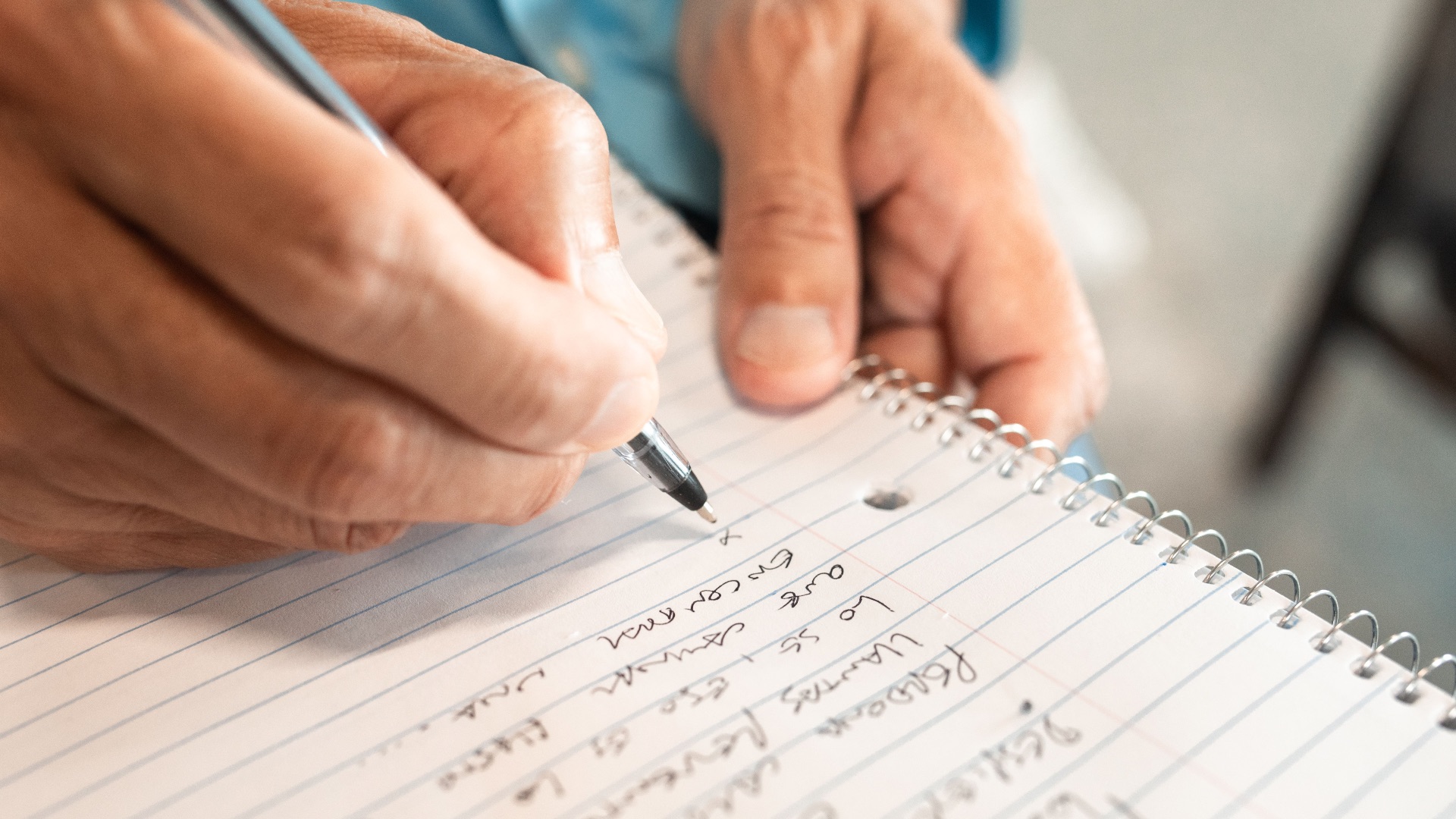
Research has indicated that writing by hand on paper may help with memory retention more than typing or writing digitally does. If your main goal is to retain information for a test or presentation, this is worth factoring into your decision. The physical act of pressing pen to paper appears to engage the brain differently than tapping a stylus on glass.
10. Older iPads Struggle to Keep Up with Modern Apps
If you're hoping to save money by buying an older or refurbished model, you might run into performance issues with newer notetaking apps. Lag, slow loading times, and limited storage can turn what should be a simple task into a frustrating experience. Investing in an outdated device could end up costing you more in aggravation than it saves in dollars.