10 Bad Password Habits That Are Putting You at Risk & 10 Tips for Making a Strong One
Your Password Habits Matter More Than You Think
Put up a finger if you're guilty of reusing the same password for multiple accounts. Put up another finger if you're guilty of using your birthday as your password. And finally, put up a third finger if you've been too lazy to change your password, so it's been the same since you first made it as a teen. How many digits are you holding up? If you're like most, probably all three. But those aren't even all the bad habits that are putting you at risk; there are plenty more. If you want to make sure your accounts don't get hacked into, read on.
1. Reusing the Same Password Across Multiple Accounts
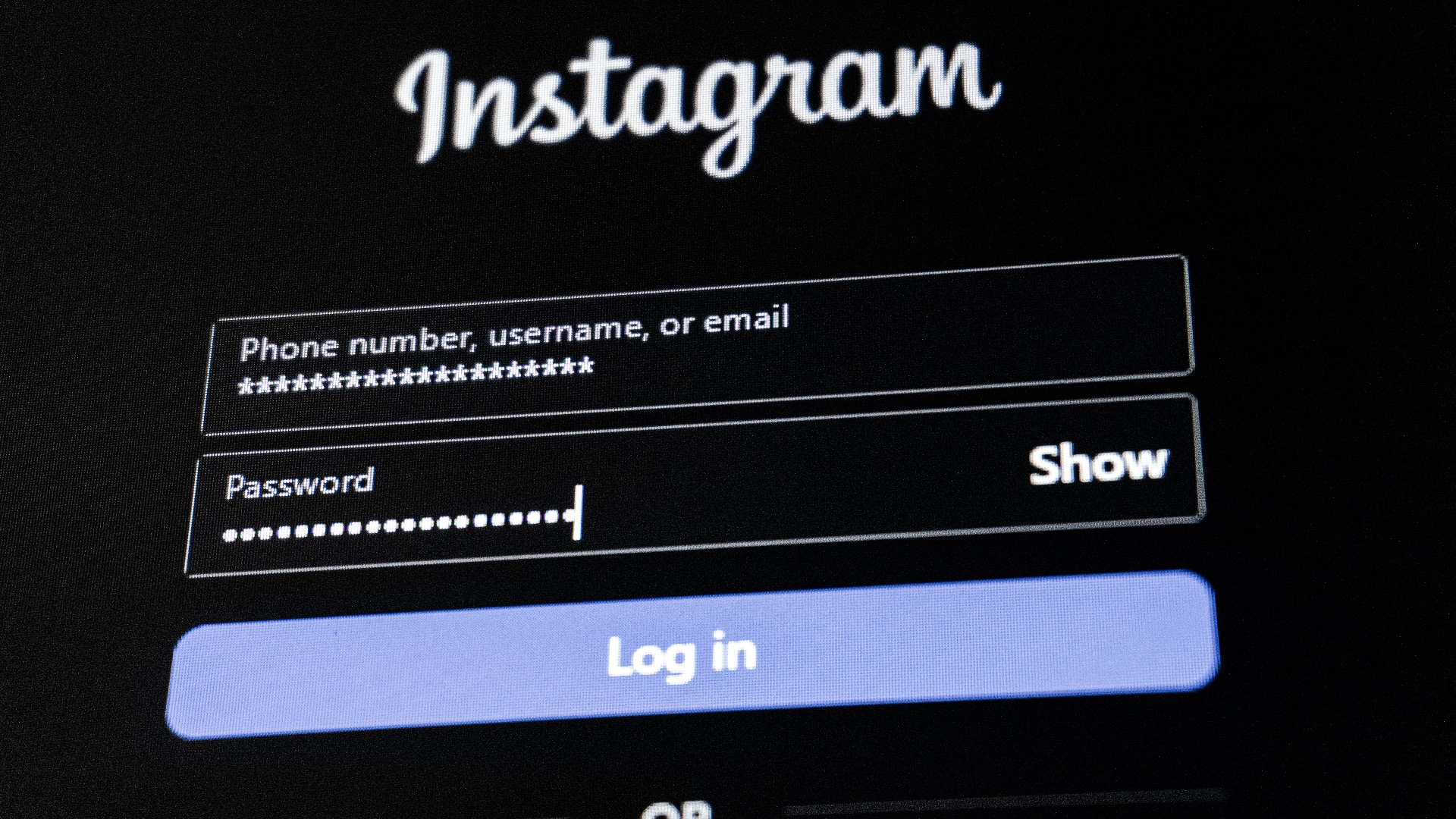
Using the same password for several accounts may feel convenient, but it creates a serious security problem. If one website suffers a data breach, attackers may try that same password on your email, banking, shopping, and social media accounts. This means one exposed password can put many parts of your digital life at risk.
2. Choosing Passwords Based on Personal Information
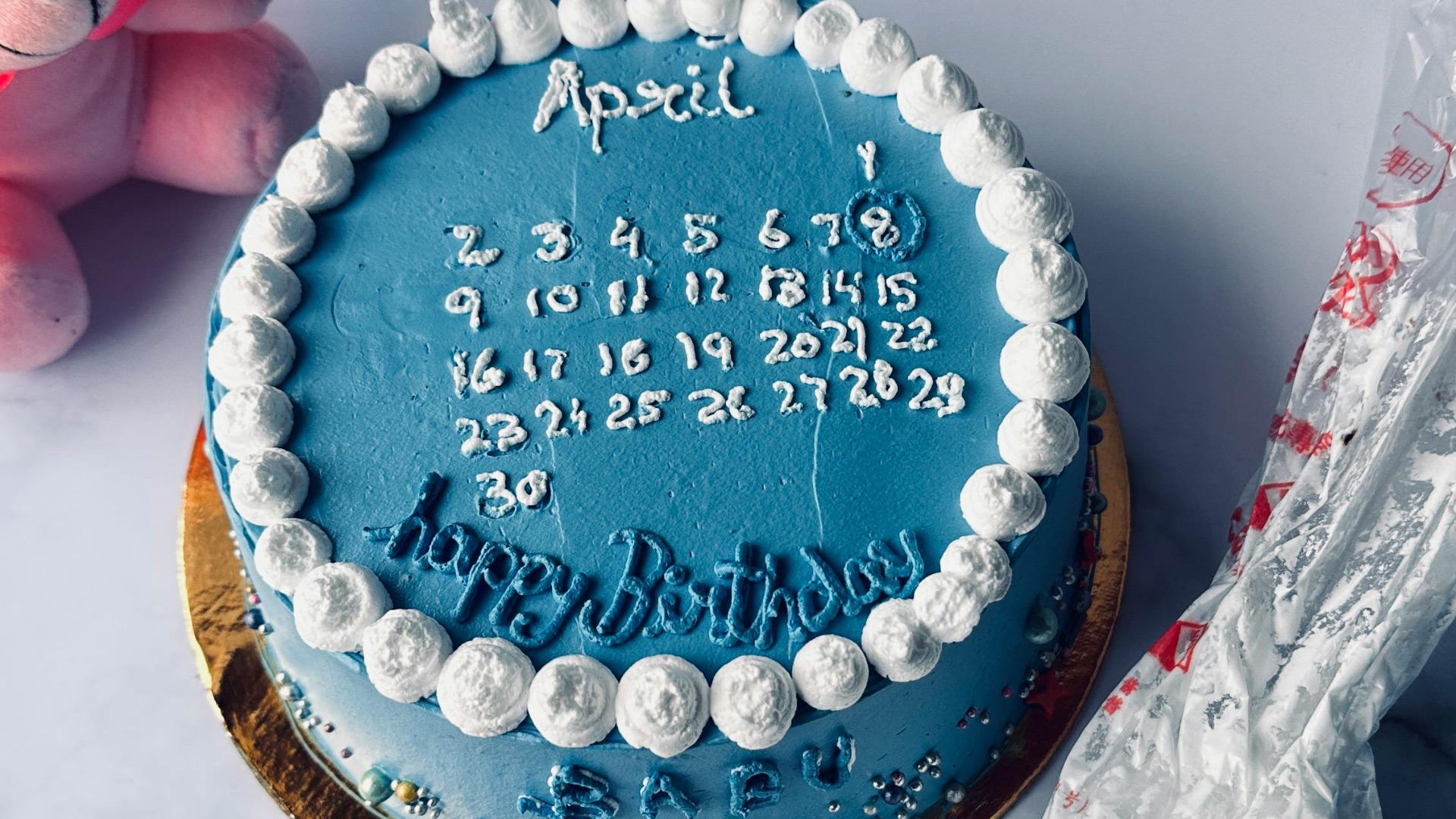
Passwords that include your name, birthday, pet’s name, hometown, or favorite team are easier to guess than you might think. A lot of this information can be found through social media, public records, or casual online posts. When your password is tied to details about your life, it gives someone a better chance of figuring it out.
3. Using Predictable Number Patterns
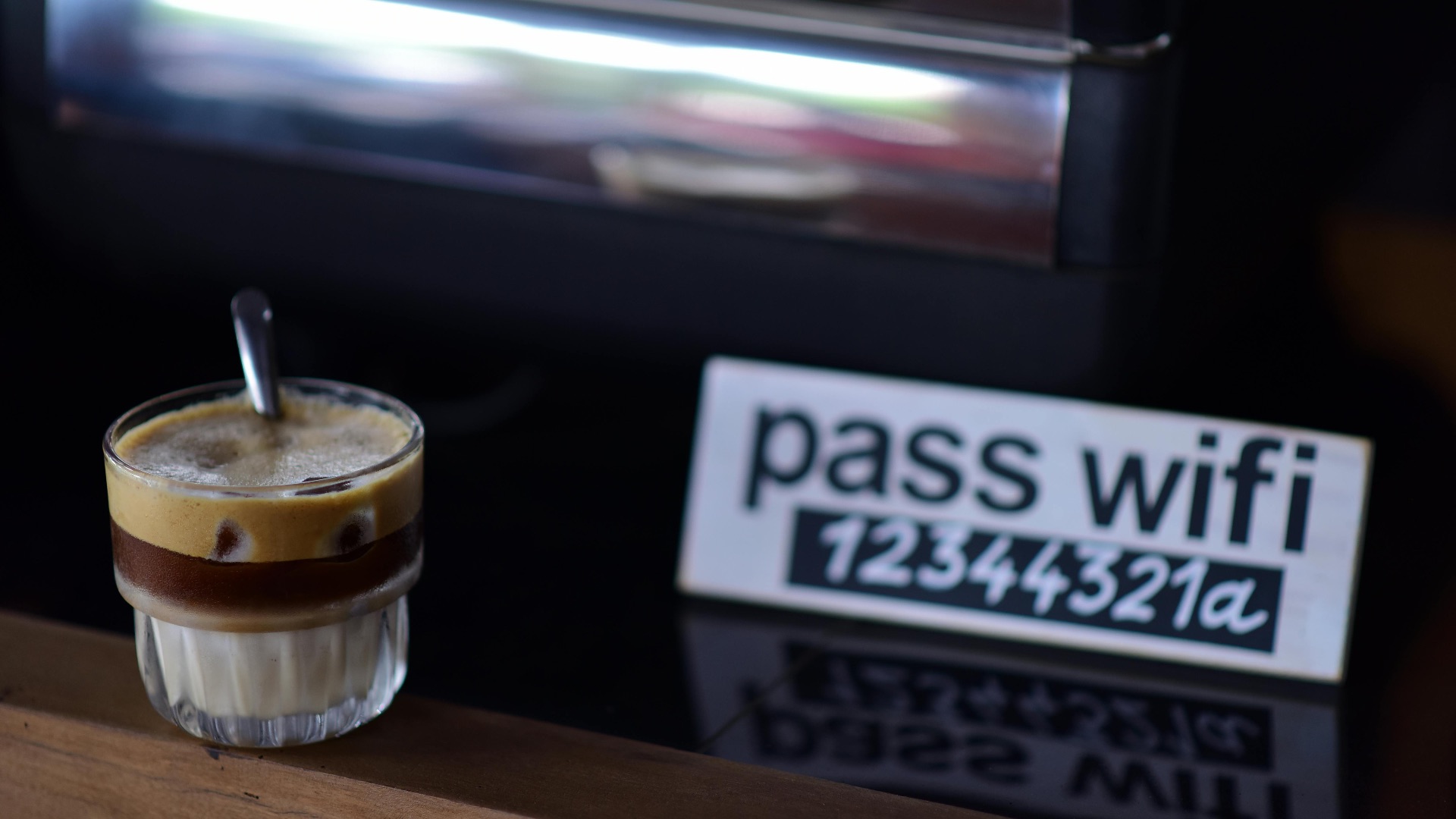
Passwords like “123456,” “111111,” or “password123” are still common, which makes them especially risky. Attackers often test these obvious patterns first because so many people continue to rely on them. A password that follows a predictable sequence doesn’t offer much protection, even if it technically meets a website’s minimum requirements.
4. Making Tiny Changes to Old Passwords
Changing “Summer2024” to “Summer2025” may seem like an update, but it’s not a meaningful improvement. If someone already knows or guesses one version of your password, a small adjustment is easy to test. Strong password security requires creating something new rather than recycling the same basic structure.
5. Saving Passwords in Unprotected Notes
Typing passwords into a notes app, document, or email draft can leave them exposed if your device or account is accessed. These places usually aren’t designed to protect sensitive login details. Even if the list feels hidden, it may still be searchable, synced, or backed up in ways you don’t fully control.
6. Sharing Passwords Through Text or Email
Sending a password by text message, email, or chat may feel harmless in the moment, especially when you trust the person receiving it. The problem is that those messages can remain stored, forwarded, screenshotted, or accessed later. Once a password has been shared that way, you lose control over where it ends up.
7. Using One Password for Work and Personal Accounts
Mixing work and personal passwords can create problems in both directions. If your personal account is compromised, it could put workplace systems at risk, and if a work-related breach occurs, your private accounts may become vulnerable too. Keeping these areas separate helps limit the damage if one password is exposed.

8. Ignoring Password Breach Alerts
When a browser, password manager, or website warns you that a password has appeared in a breach, it’s important to take that alert seriously. Delaying the update gives attackers more time to try the exposed login details elsewhere. A breached password should be changed right away, especially if you’ve used it on more than one account.
9. Relying Only on Short Passwords
A short password can be easier to crack, even if it includes a mix of letters, numbers, and symbols. Length matters because each additional character increases the number of possible combinations. When a password is too short, it may not provide enough resistance against automated guessing attempts.
10. Treating Passwords as a One-Time Task
Many people create a password once and never think about it again unless they’re forced to reset it. That habit can leave old, weak, or reused passwords active for years. Password security works best when you review your most important accounts from time to time and update anything that no longer feels safe.
Now that the risky habits are clear, let's jump into how you can make a safer one that's harder to crack.
1. Make Your Password Long Enough
A strong password should usually be at least 12 to 16 characters, and longer is often better. Length makes a password harder to crack because there are more possible combinations to test. Instead of trying to make a short password look complex, focus on building something with enough characters to hold up better.
2. Use a Mix of Character Types
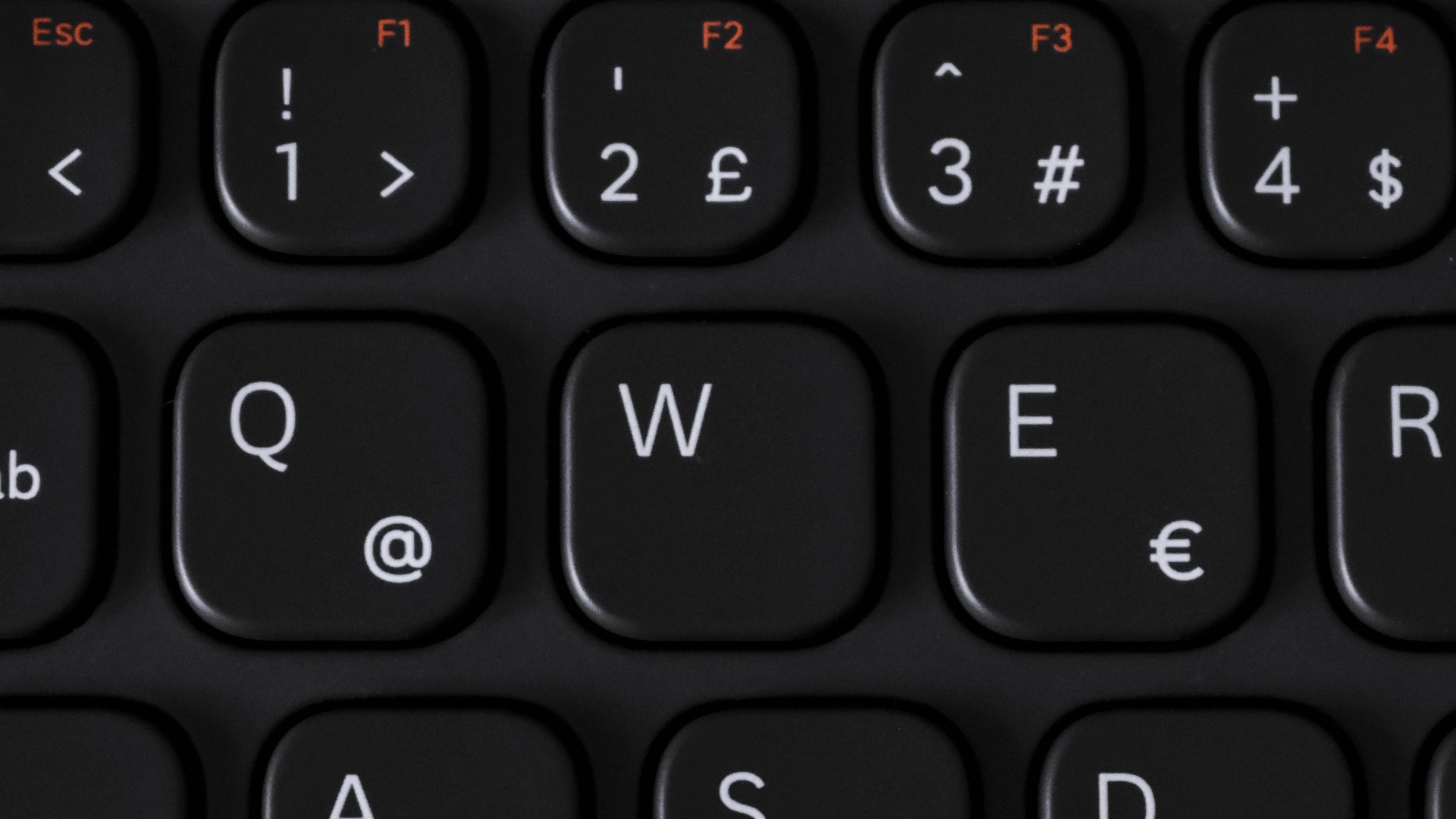
Including uppercase letters, lowercase letters, numbers, and symbols can strengthen your password when used thoughtfully. Avoid swapping every “a” for “@” or every “s” for “$,” since those substitutions are widely known. A better approach is to create a password that combines different character types less predictably.
3. Avoid Common Words and Phrases
Single dictionary words, famous phrases, and common expressions are weaker than they appear. Attackers often use lists of known words, leaked passwords, and familiar phrases when testing login combinations. Choosing something more original helps reduce the chance that your password appears in those common guessing lists.

4. Create Unique Passwords for Every Account
Each account should have its own password, especially for important services like email, banking, cloud storage, and work tools. This way, if one password is exposed, the damage is contained to that account. Unique passwords may take more effort to manage, but they’re one of the most effective ways to protect yourself online.
5. Use a Password Manager
A password manager can create, store, and fill in strong passwords so you don’t have to remember every single one. This makes it much easier to use unique passwords without resorting to repeated or simple ones. You’ll still need to protect the password manager with a strong master password, but it can greatly improve your overall security.
6. Consider Using a Passphrase
A passphrase is a longer password made from multiple words, numbers, or symbols arranged in a way that isn’t obvious. It can be easier to remember than a random string while still being much stronger than a short password. Just make sure it doesn’t use a famous quote, common saying, or personal detail someone could guess.
 Volodymyr Hryshchenko on Unsplash
7. Turn on Two-Factor Authentication
Two-factor authentication adds another step beyond your password, such as a code from an app or a physical security key. Even if someone gets your password, they may still be blocked from accessing the account. It’s especially important for your email, financial accounts, cloud storage, and any account connected to your work.

8. Update Passwords After a Breach
If you learn that a service you use has been breached, change your password for that account as soon as possible. You should also update the password anywhere else you may have reused it. Acting quickly helps reduce the chance that exposed login details can be used against you.
9. Protect the Email Account Tied to Your Logins
Your email account is often the key to resetting passwords for many other services. If someone gains access to it, they may be able to take over additional accounts by using password reset links. Use a strong, unique password for your email and enable two-factor authentication to give it extra protection.
10. Review Your Passwords Regularly
Set aside time every so often to check whether your most important passwords are strong, unique, and still secure. Look for reused passwords, old accounts you no longer need, and any alerts from your browser or password manager. A simple review can help you catch weak spots before they become bigger problems.